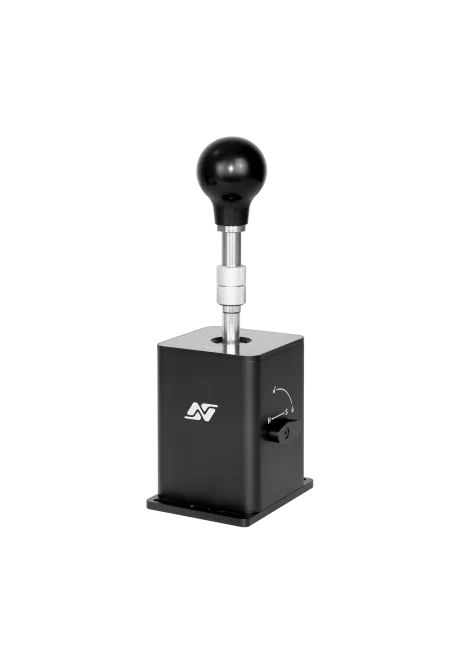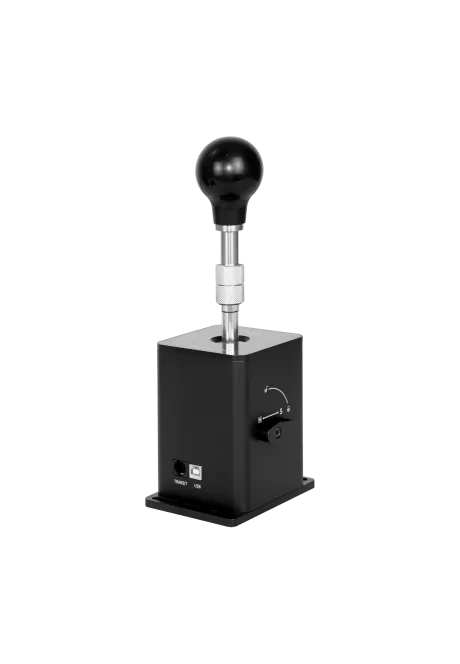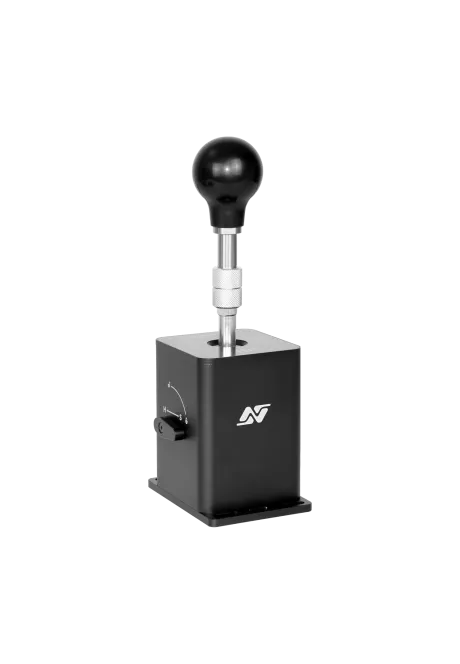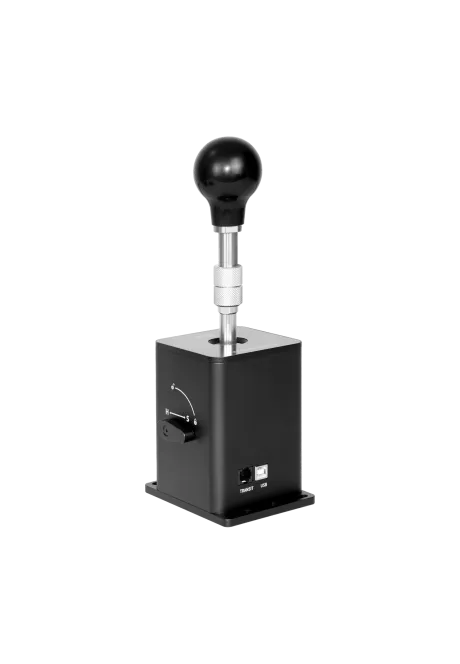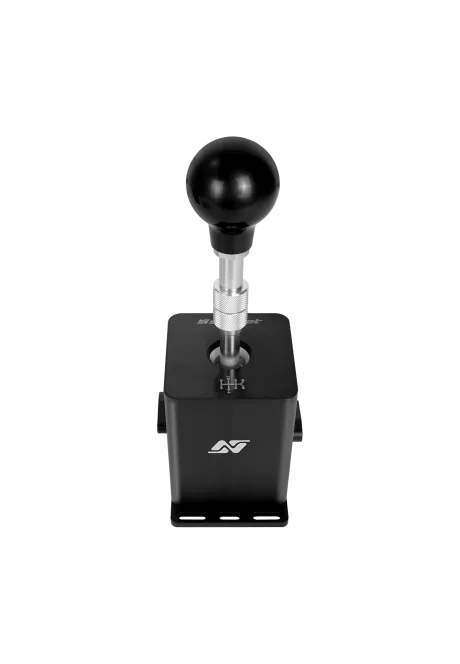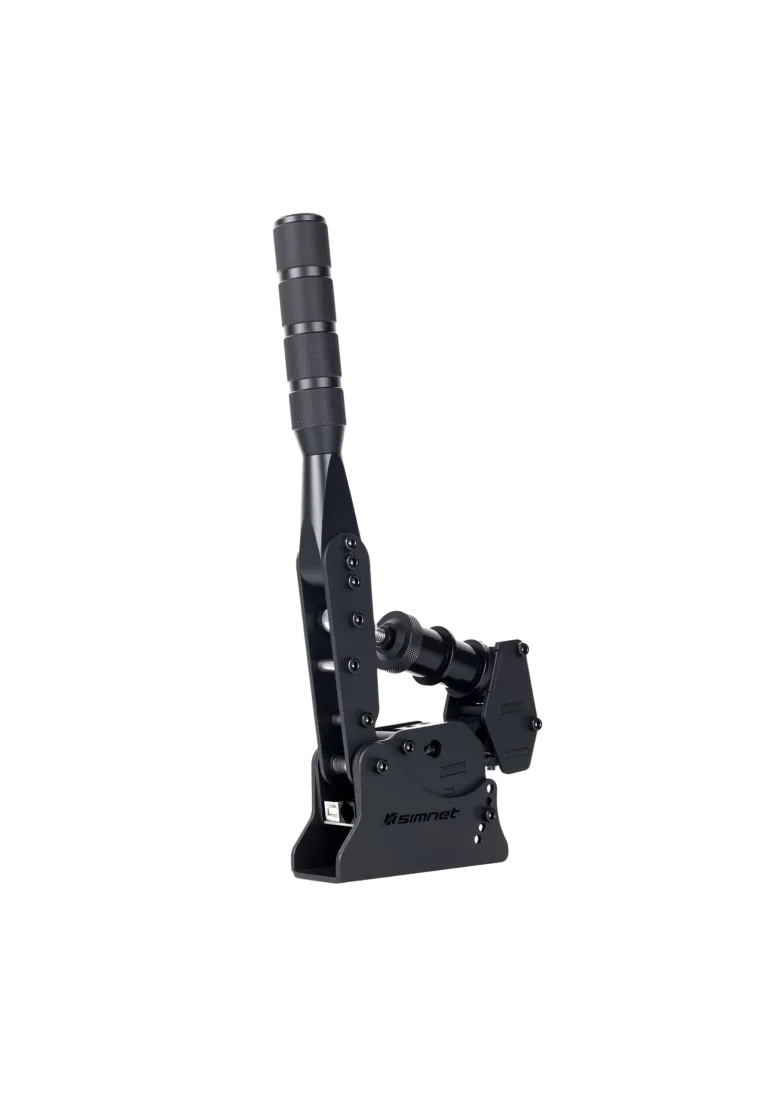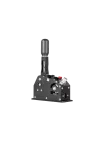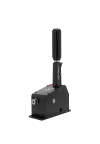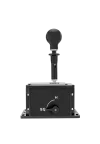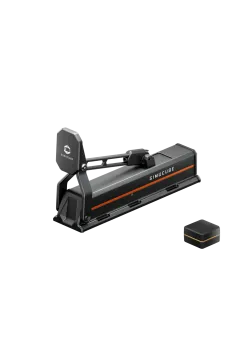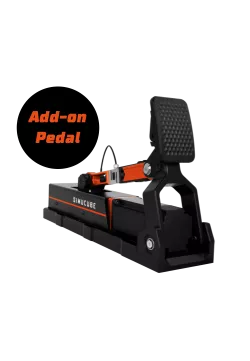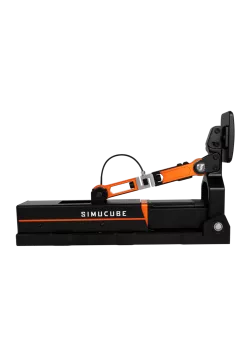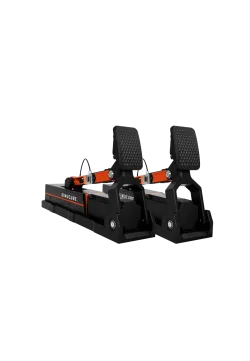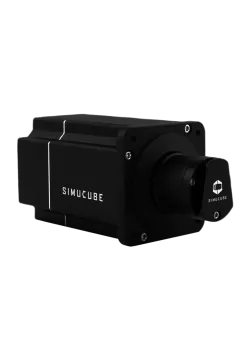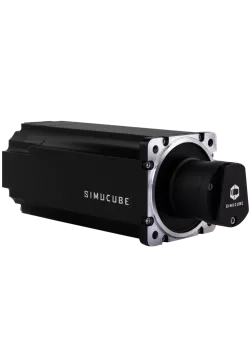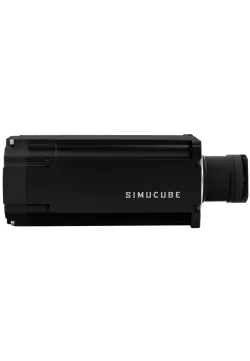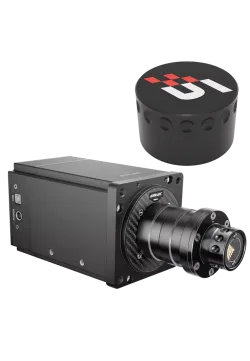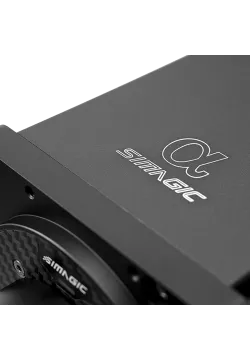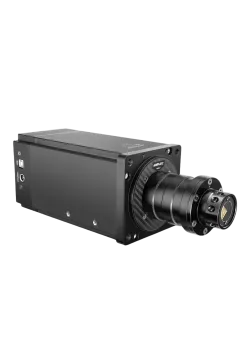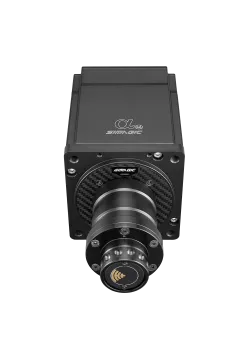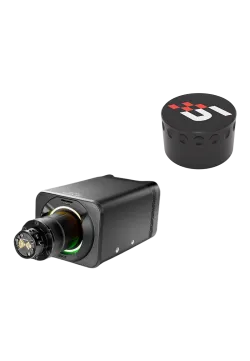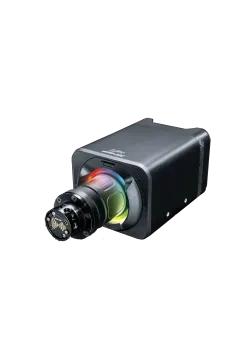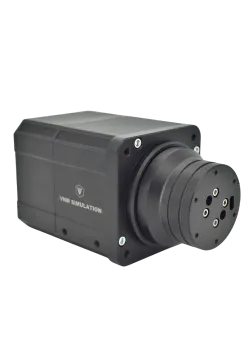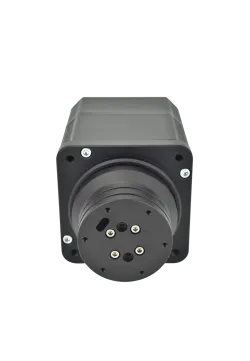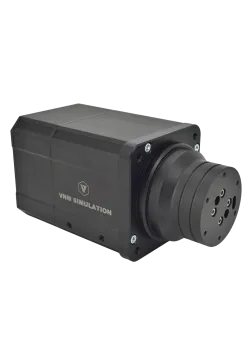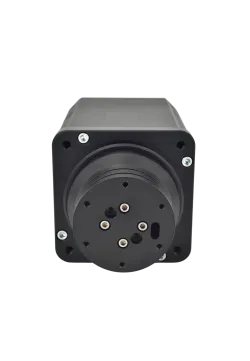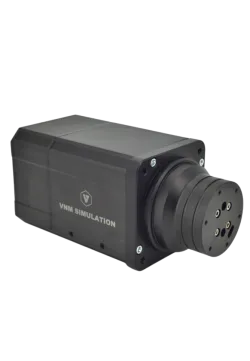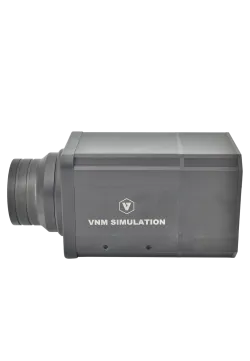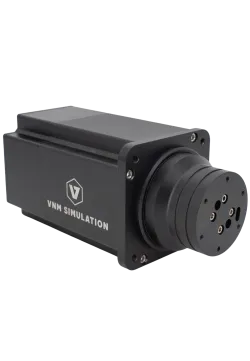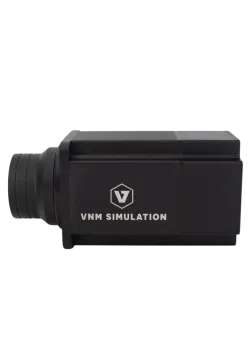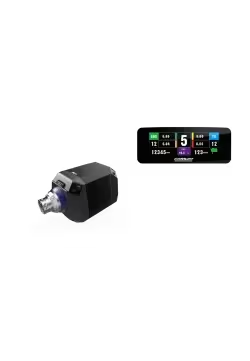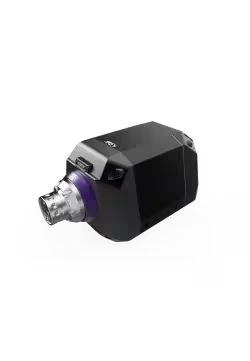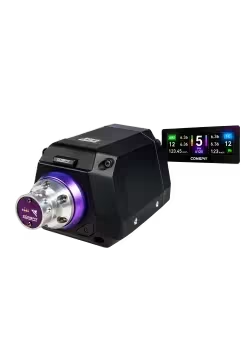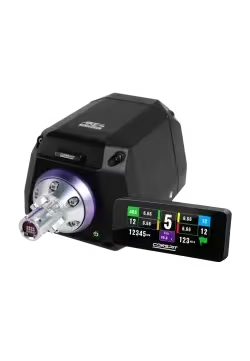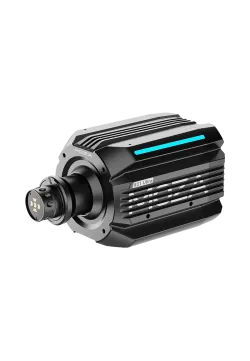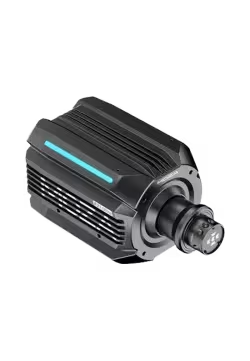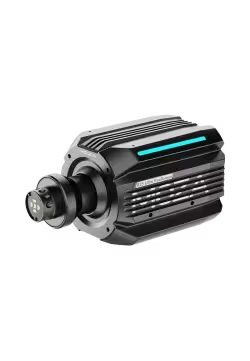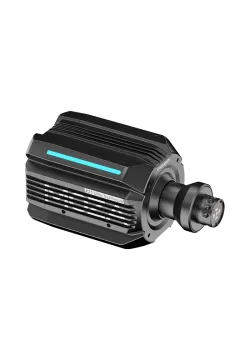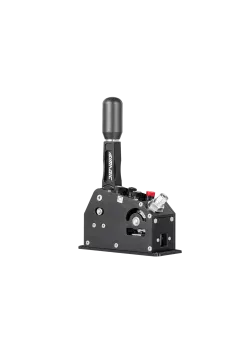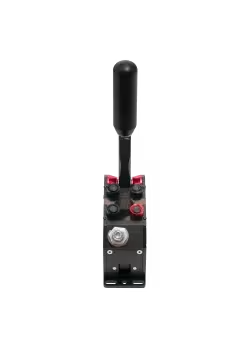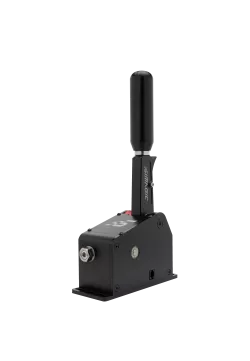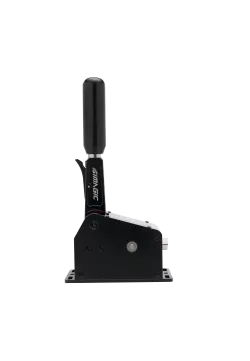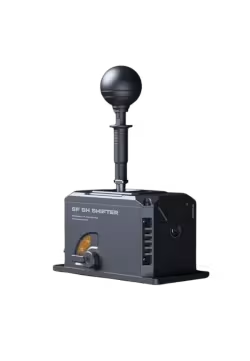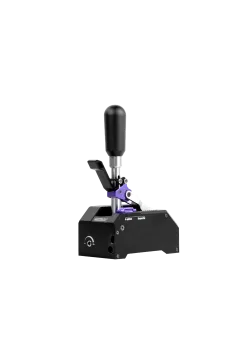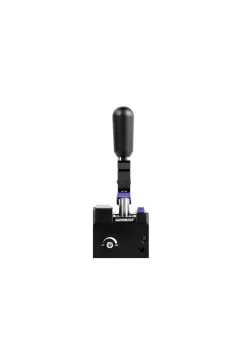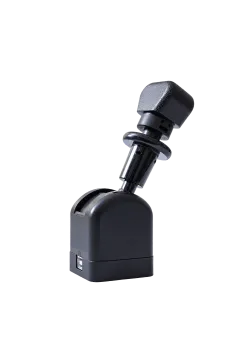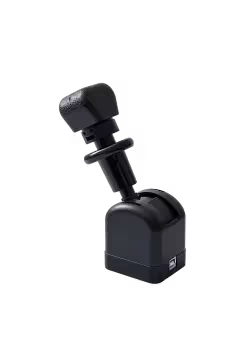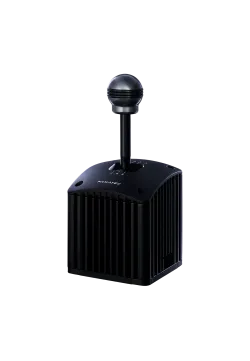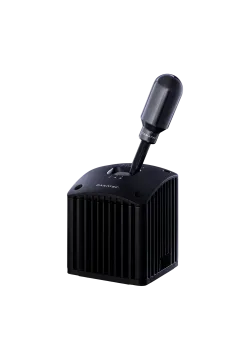
Simnet SHQ-7X Shifter H/SQ
790.83zł
941.46zł -16%Available from: 2027-01-31
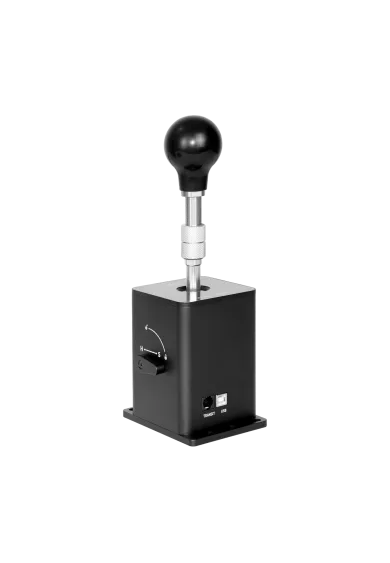
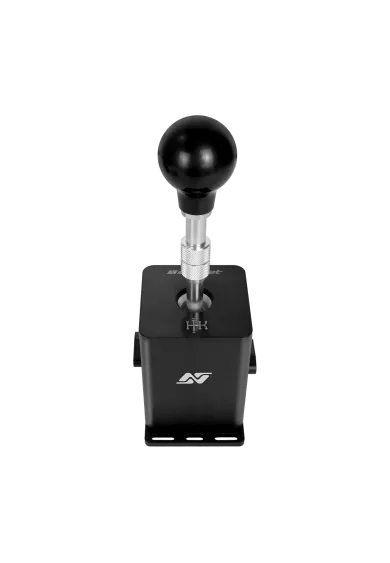
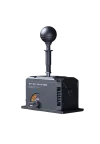
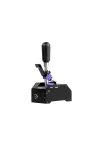
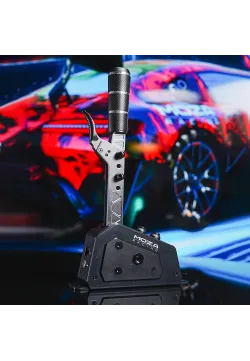
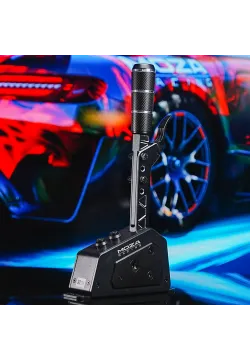
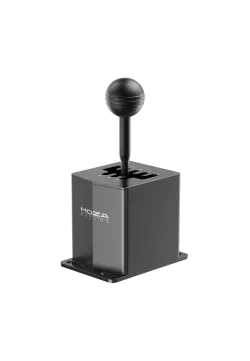
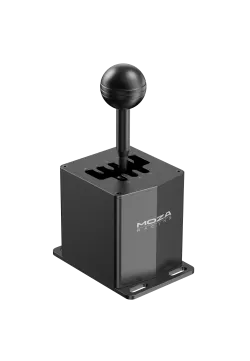
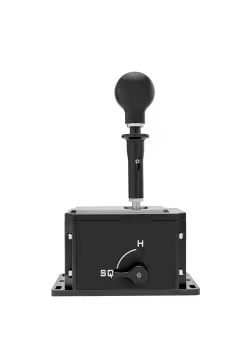
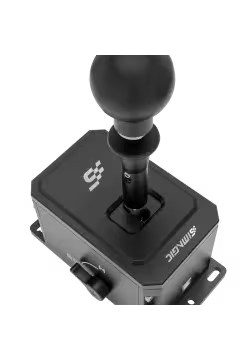
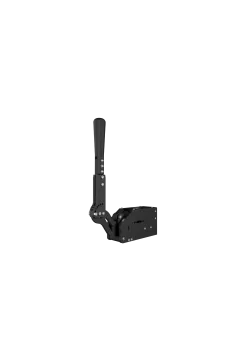
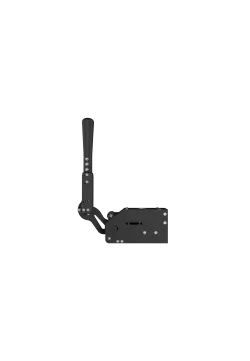
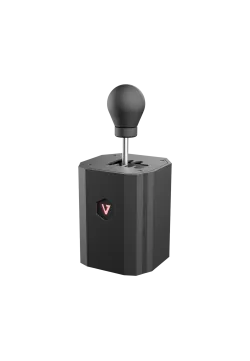
The SIMNET SHQ-7X is a dual-mode PC sim racing shifter. Use the same lever for a seven-speed H-pattern with reverse or for sequential shifting. Switch modes and adjust shift resistance by hand, with no tools required. Fourteen Hall sensors detect lever positions, and USB connects the shifter directly to your PC.
Available accessories
- Additional accessories
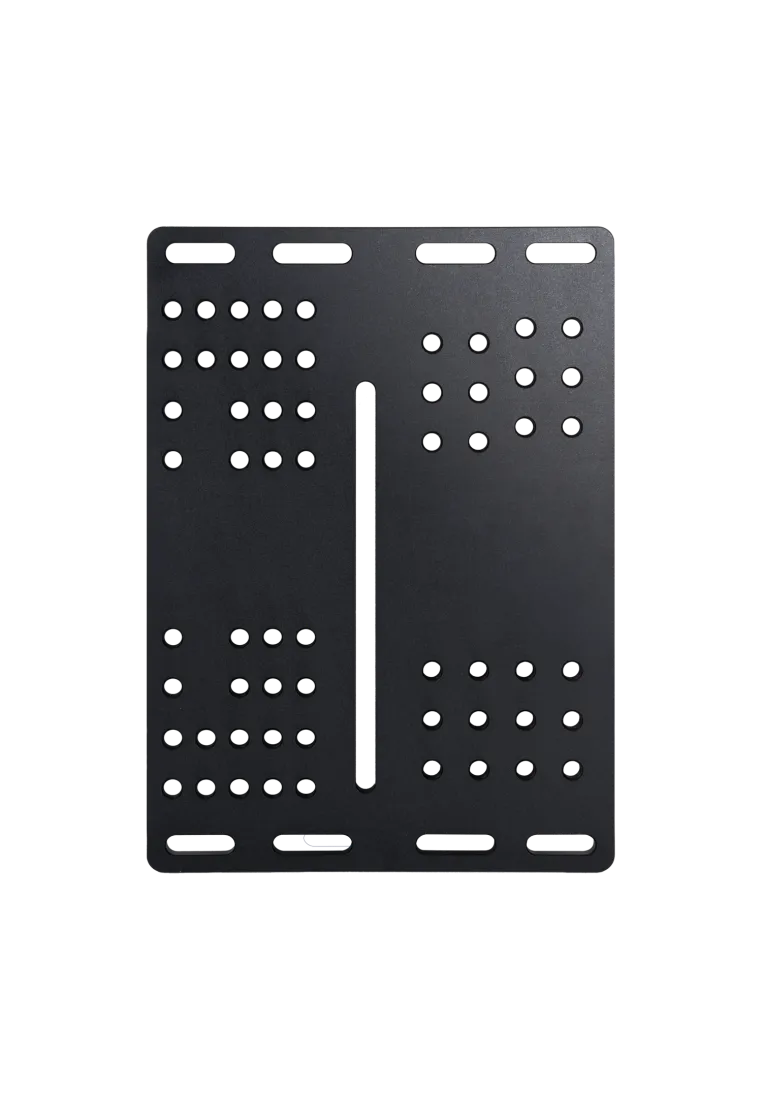
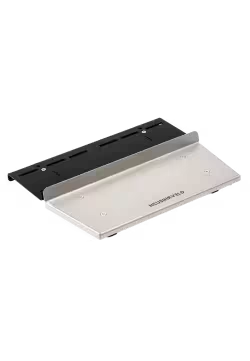
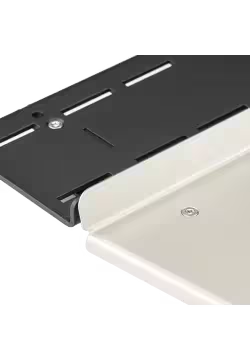
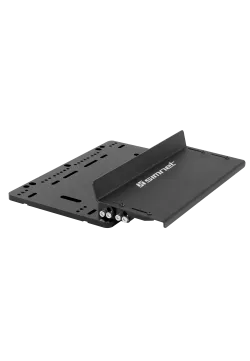
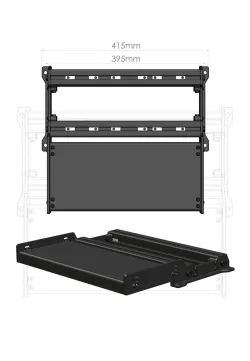
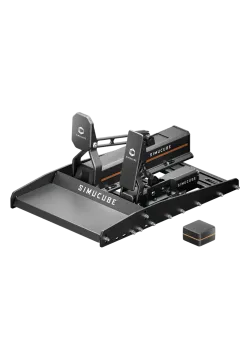
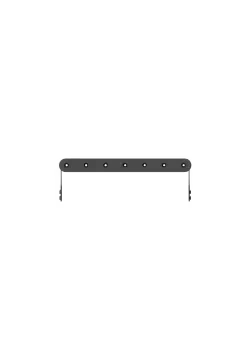
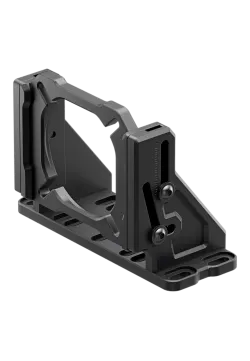
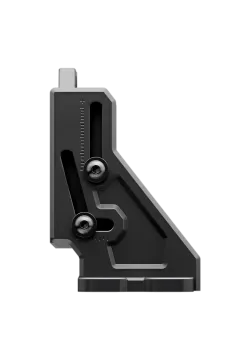
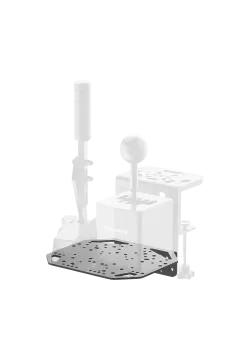
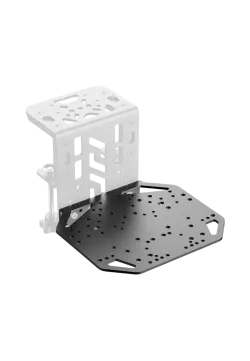
The SimNet A-PSH is a shared mounting plate for the SSQ-1 shifter and SHB-100 handbrake. Each device can be positioned independently, horizontally, vertically and through the available range of angular adjustment. Flip the plate to change between LHD and RHD layouts. This product is the mount only; the shifter and handbrake are sold separately.
Simnet A-PSH PREORDER
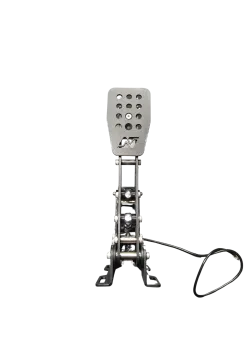
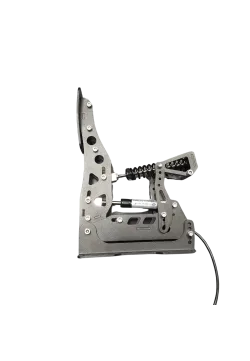
The Simnet SHB-100 is a full-metal loadcell handbrake with a 100 kg sensor and an incredibly customizable feel. You get precision bearings, adjustable lever angle, optional extensions, and a two-stage resistance system with over 10 spring and elastomer combos. With Simnet software you can fine-tune dead zone, response curve, and sensitivity to match your exact driving style.
You might also like
Moza HGP H-Shifter
Simagic Q1 Sequential Shifter
Simagic Q1S Sequential Shifter
Simagic DS-8X
Heusinkveld Magshift SQ
PXN SF SH Sequential & H Shifter
Conspit CHS Shifter
- Description
- Product Details
- Specification
- What's included
- FAQ Frequent Answers and Questions
- Reviews (0)

Locking H/S selector
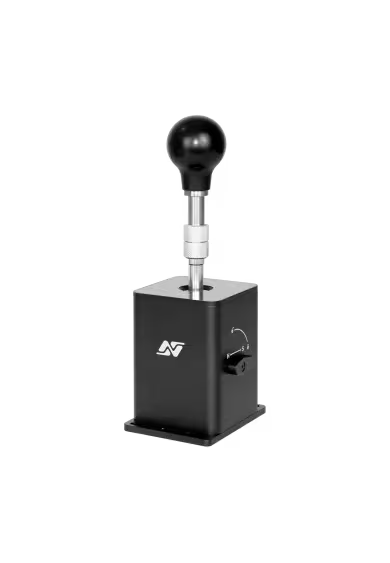
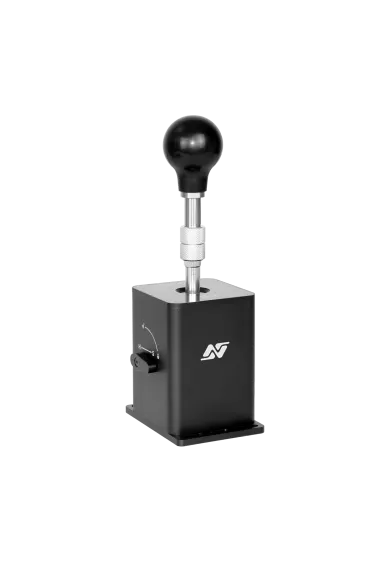
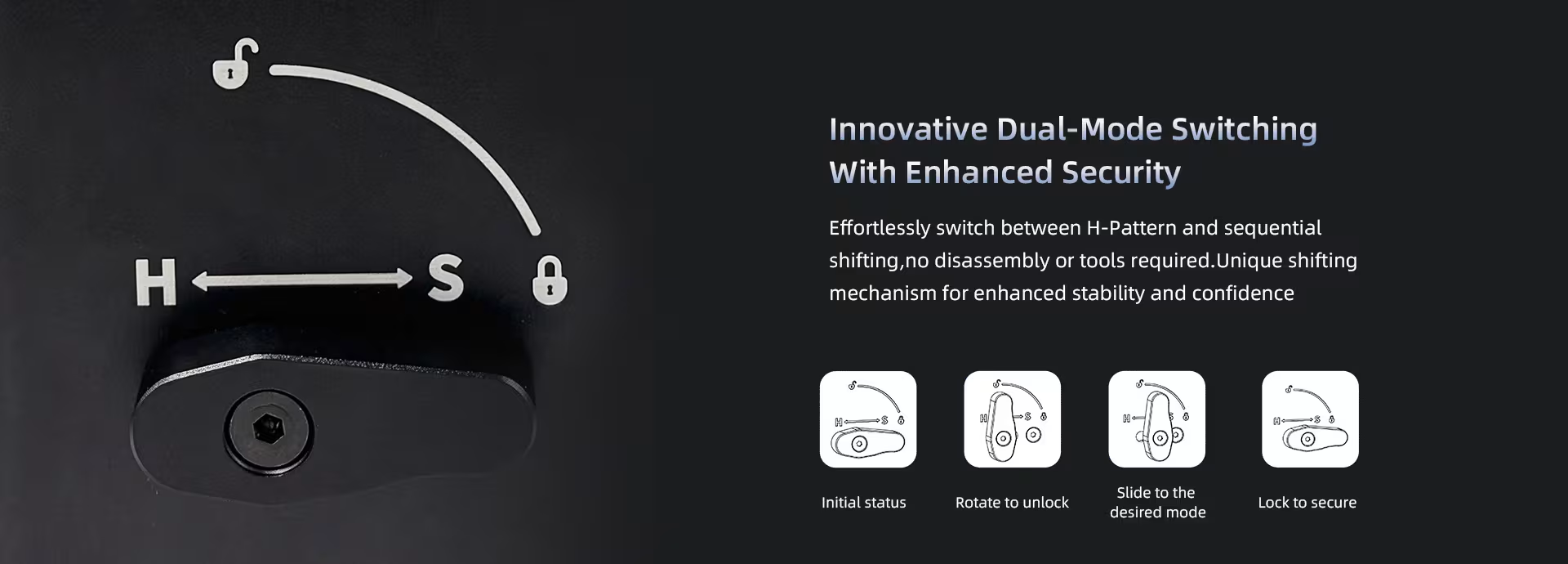
The side selector switches the mechanism between H and S. Rotate it to unlock it, slide it to the marked position for the mode you want and rotate it again to secure it. Once locked, the selector stays in the chosen position while you drive.
Hall sensors and metal construction
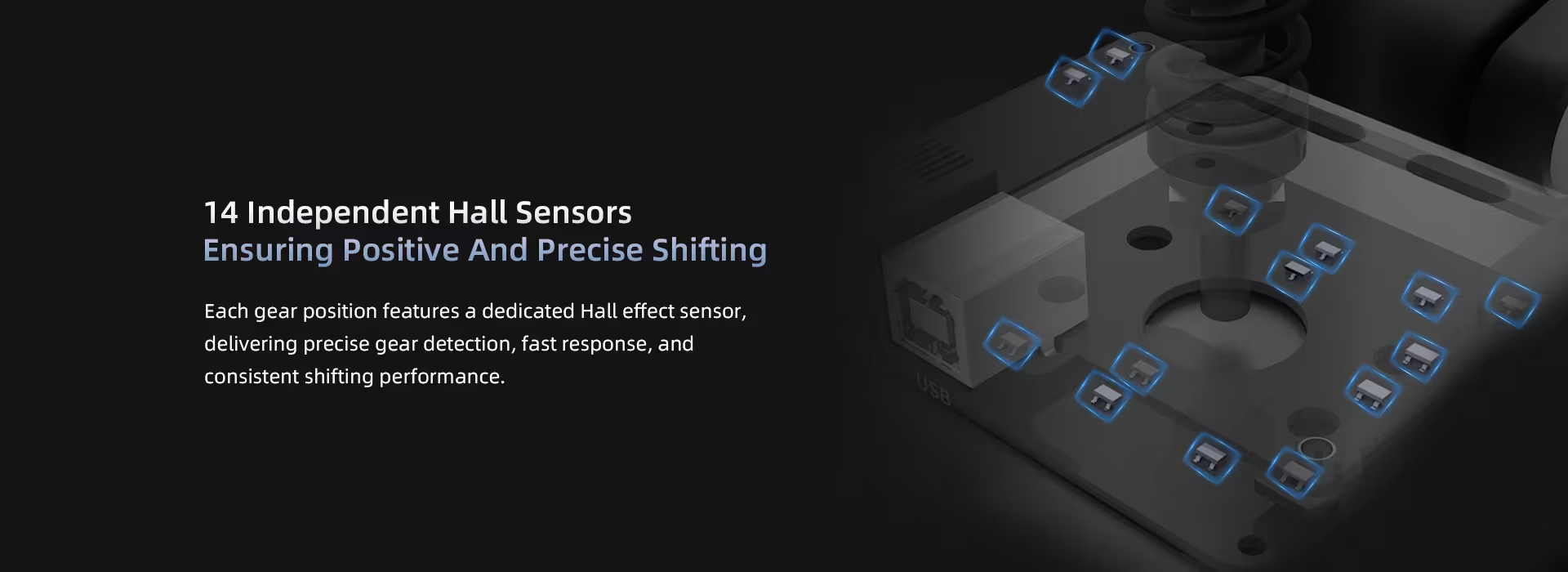
Fourteen independent Hall sensors read the lever positions. Contactless sensing lets the electronics detect when the lever reaches a gear position without a mechanical switch in its path.
The CNC-machined aluminium housing and stainless-steel components form the metal construction. The shifter itself weighs 1.5 kg.


Tool-free shift resistance adjustment
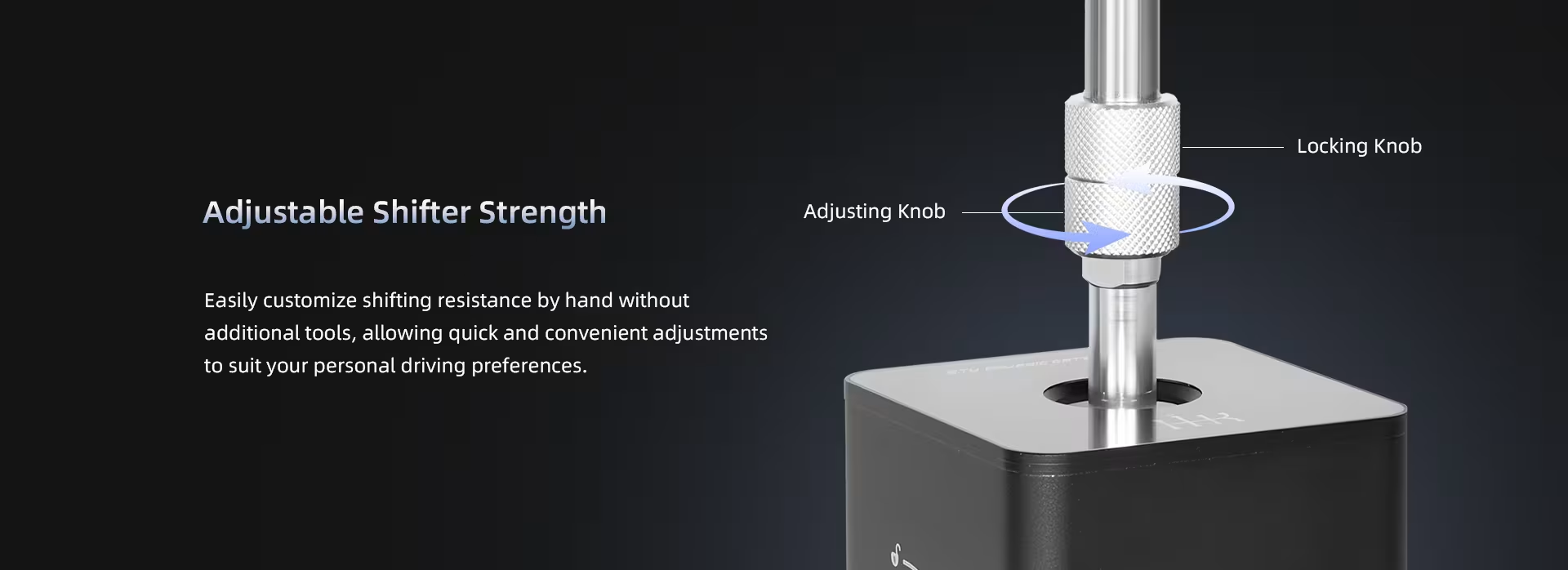
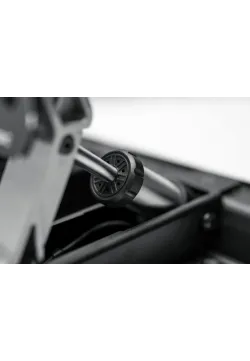
Two knurled rings on the lever control the setting. The lower ring adjusts resistance and the upper one locks it in place. Turn them by hand to find the shift effort you prefer.
Replaceable knob and optional lever extensions
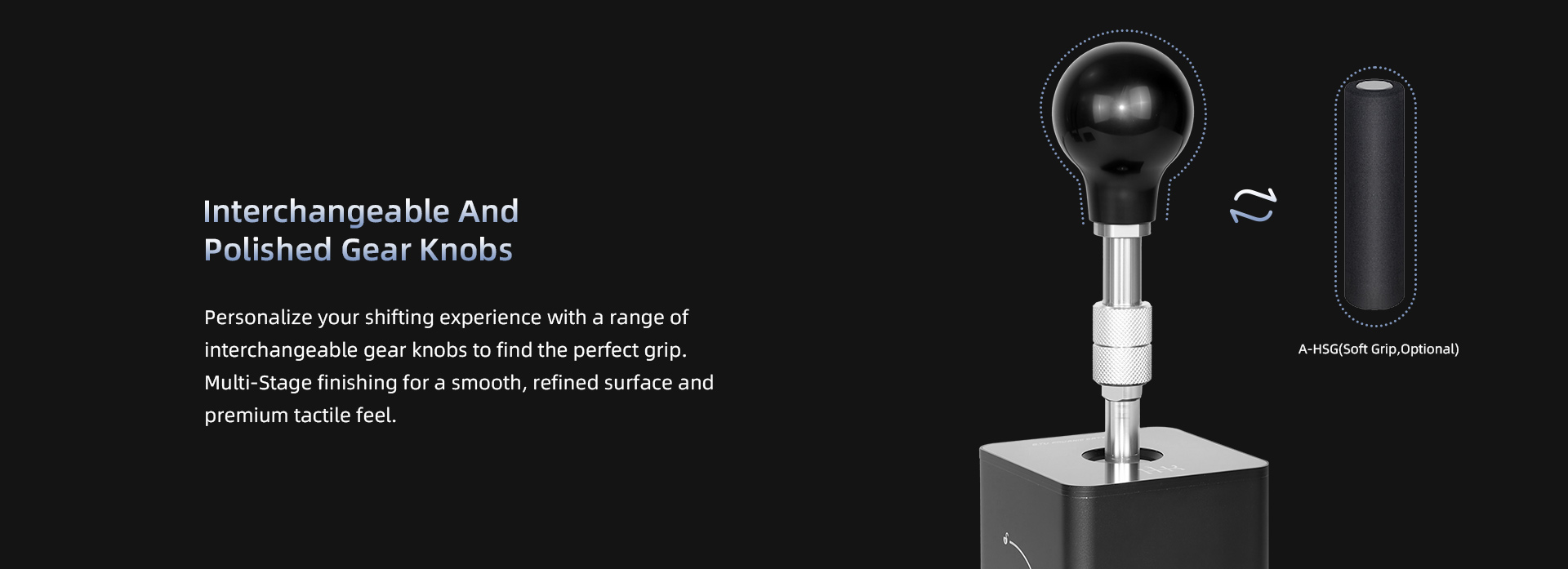
The standard round knob is 53 mm across and has a smooth, polished finish. If you prefer to hold the lever with your whole hand, you can buy the A-HSG soft grip separately. The separately available A-HLE kit changes the lever length so you can bring the grip to a comfortable position on your cockpit.


Mounting on its own or next to a handbrake
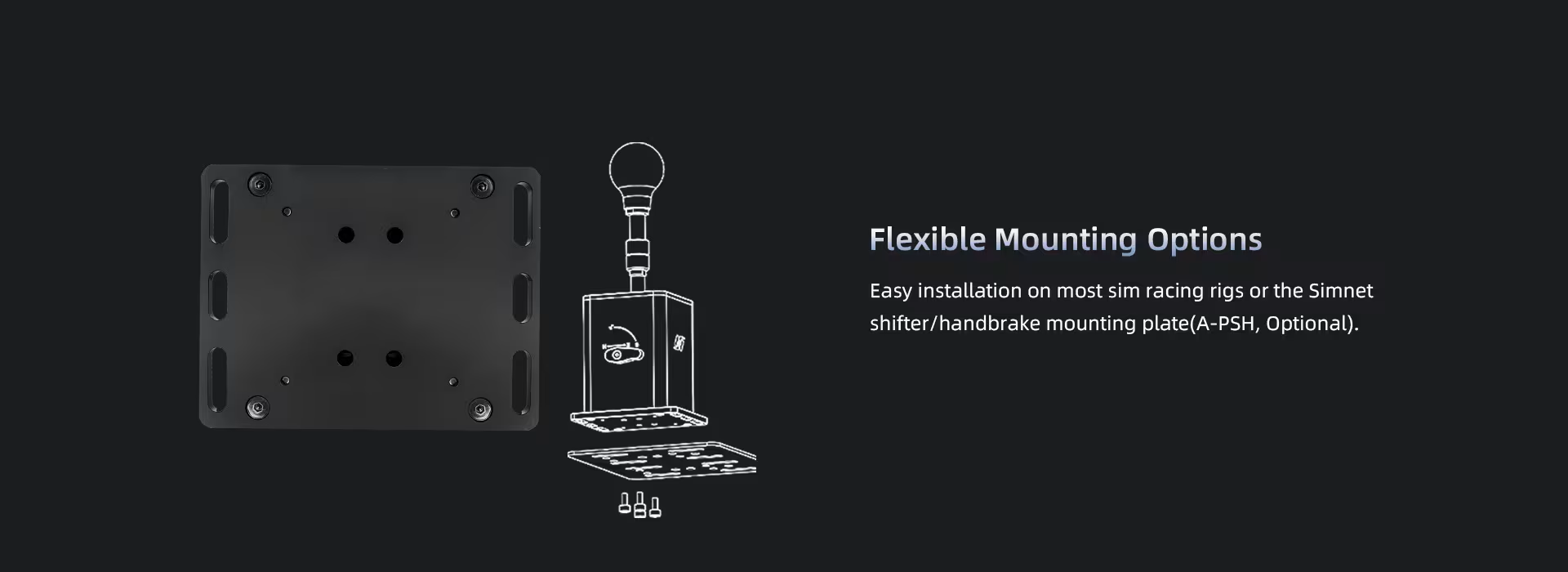
The SHQ-7X has four M6 holes on a 40 × 16 mm pattern and six slotted mounting holes underneath. Compare the dimension drawing with your cockpit plate before fitting the shifter.
If you add a SIMNET SHB-100 or SHB-100X handbrake to your cockpit, the A-PSH plate lets you mount both controls side by side. You can flip the plate to position the levers within easy reach. The handbrakes and plate are sold separately.
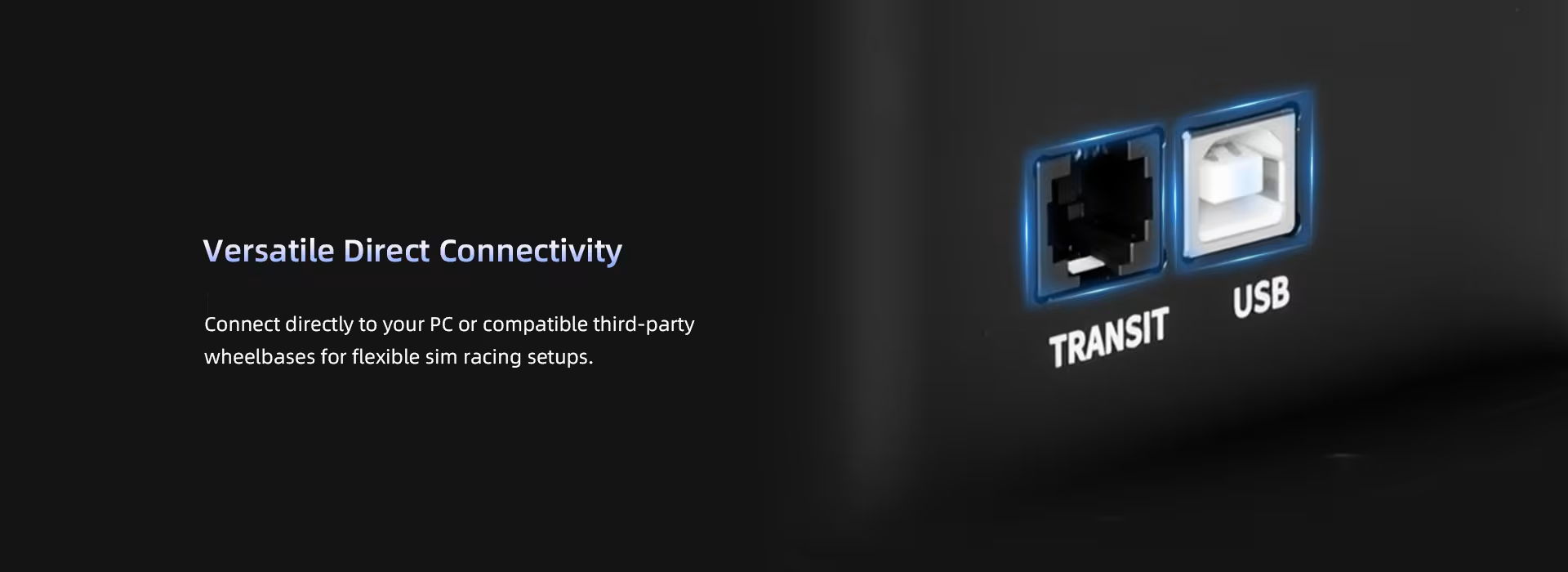
Direct USB and TRANSIT connectivity
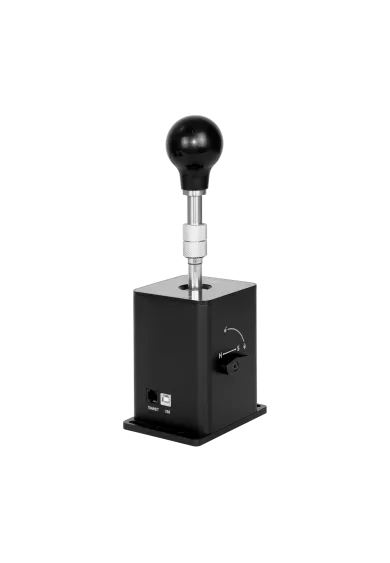
Connect the SHQ-7X directly to a PC via USB and assign the gear positions in your simulator. This connection lets you use the shifter independently of your wheel base brand.
The second port, labelled TRANSIT, connects to compatible wheel bases. Check support for your specific base if you plan to use this port.


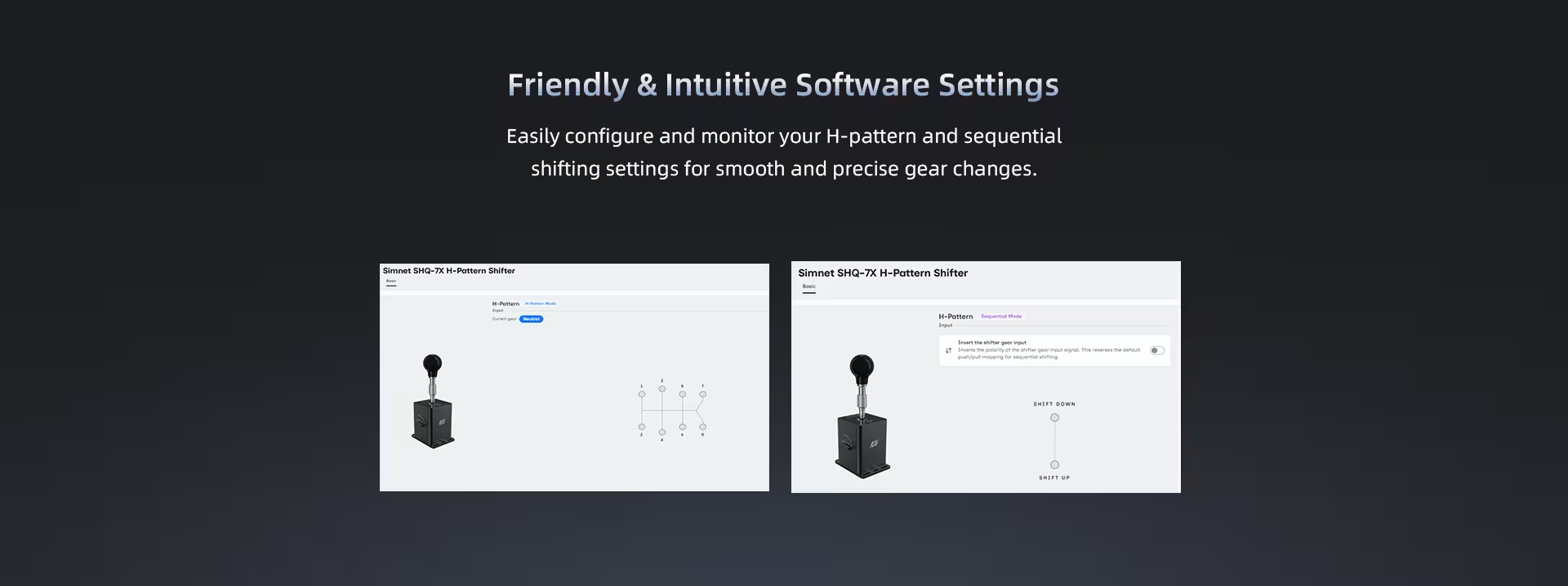
Gear display and sequential direction in software
The SIMNET software shows which gear the shifter reports in H-pattern mode. In sequential mode you can swap the upshift and downshift inputs to match the lever movement you prefer. Get the software from the SIMNET downloads page.
SIMNET SHQ-7X key features
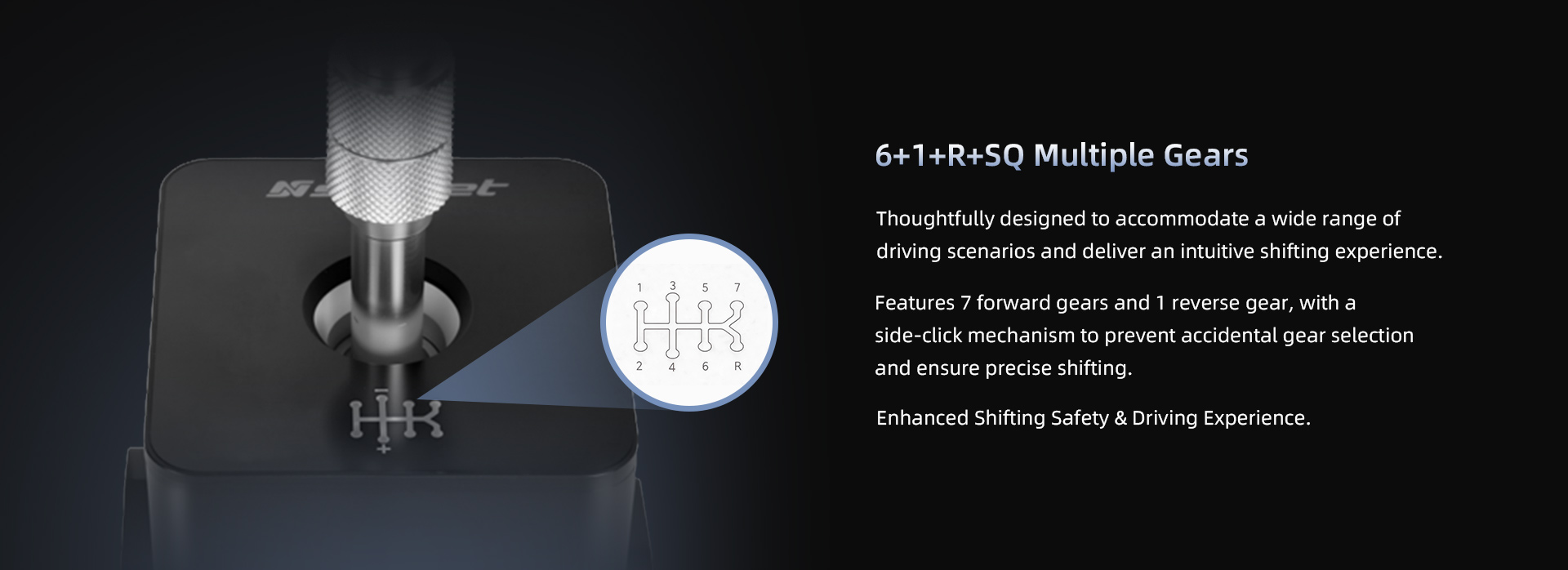
- H-pattern with seven forward gears and reverse, plus sequential SQ mode
- Side-mounted H/S selector with a mechanical lock
- 14 independent Hall sensors
- Tool-free shift resistance adjustment and a replaceable knob
- Direct USB connection to a PC and M6 bottom mounting
Benefits for the driver
Use the same lever for manual and sequential cars. Adjust the shift effort to suit your driving style. If you add a handbrake later, the separately available A-PSH plate can hold both controls.
Who this shifter is for
For PC sim racers who drive manual cars, race sequential rally cars or build a cockpit for drifting.
- Communication
- USB
- Warranty
- 12 months
- Fixing method
- Bottom
- Shifter/Handbrake mount
- Optional
- Platforms Compatibility
- PC
| Specification | Value |
|---|---|
| Brand | SIMNET |
| Model | SHQ-7X |
| SKU | Not specified |
| Shift modes | H-pattern (6+1+R) and sequential (SQ) |
| H-pattern positions | 7 forward gears and reverse |
| Position detection | 14 independent Hall sensors |
| Mode selector | Side-mounted H/S selector with a tool-free lock |
| Shift resistance | Tool-free manual adjustment |
| Construction materials | CNC-machined aluminium and stainless steel |
| Net shifter weight | 1.5 kg |
| Overall dimensions | 104.3 × 112 × 278.5 mm (W × D × H with knob) |
| Standard knob | Round and replaceable, Ø 53 mm, 71.5 mm high |
| Bottom mounting | 4 × M6 holes on a 40 × 16 mm pattern, plus 6 mounting slots |
| Mounting slots | 6.2 mm wide, 2 short (10 mm) and 4 long (15 mm), rows spaced 99.5 mm apart |
| Connections | USB Type-B for PC, TRANSIT for a compatible wheel base |
| Platform | PC via USB, wheel base connection requires a compatible model |
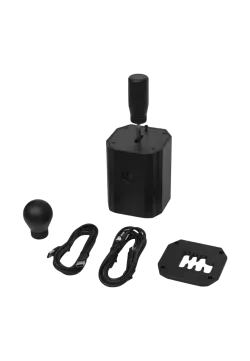
In the SHQ-7X box
- SIMNET SHQ-7X shifter
- Round gear knob
- USB Type-A to Type-B cable
- Mounting screws, hardware and tools
Accessories sold separately
- SIMNET SHB-100 and SHB-100X handbrakes
- A-PSH mounting plate
- A-HLE lever extension kit
- A-HSG soft grip
1. Which shift modes does the SIMNET SHQ-7X have?
The shifter has an H-pattern mode and a sequential SQ mode. In H-pattern mode you select a specific gear. In SQ mode you move one gear up or down with each push or pull.
2. What does the 6+1+R pattern mean?
The 6+1+R pattern gives you seven forward gears and reverse. Extra lateral resistance helps prevent accidental entry into the outer gate for seventh gear and reverse.
3. How do I switch from H-pattern to sequential?
Rotate the side selector to unlock it, slide it from H to S and lock it in the new position. Reverse the steps to return from S to H. The selector works without tools.
4. Can I change the shift resistance?
Yes. There are two knurled rings on the lever. The lower ring adjusts resistance and the upper ring locks the setting in place. You can turn both by hand.
5. What do the 14 Hall sensors do?
The Hall sensors detect the lever positions without mechanical contact. The electronics identify the selected gear from the position of the lever.
6. Do I need a SIMNET wheel base to connect the shifter to a PC?
A direct USB connection works independently of your wheel base. The TRANSIT port also supports select compatible third-party wheel bases. Check shifter support for your specific wheel base before using that connection.
7. Does the SHQ-7X work on PlayStation or Xbox?
Direct USB connection to a PC is confirmed. PlayStation and Xbox support is unconfirmed.
8. Can I reverse the shift direction in sequential mode?
Yes. In the SIMNET software you can invert which movement shifts up and which shifts down. The software also displays the current position in H-pattern mode.
9. How do I mount the shifter to a cockpit?
The bottom of the SHQ-7X has four M6 holes on a 40 × 16 mm pattern and six mounting slots. Use the A-PSH plate to mount it next to a SIMNET SHB-100 or SHB-100X handbrake. The handbrakes and plate are sold separately.
10. Can I change the knob or extend the lever?
Yes. The round knob is replaceable. The A-HSG soft grip and A-HLE extension kit both fit the SHQ-7X and are sold separately.
11. How long is the warranty for SIMNET products bought from Simline?
SIMNET products bought from Simline come with a warranty of up to 12 months within the European Union. Simline is listed for Poland in SIMNET’s official directory of authorised sellers.
12. How do I submit a warranty claim for a SIMNET product?
Simline.eu handles warranty claims for SIMNET products purchased from us. Email support@simline.eu with a description of the issue and photos or video showing the defect, then pack the equipment securely for transport.
You might also like