Shopping Cart
There are no more items in your cart
 English
  Polski
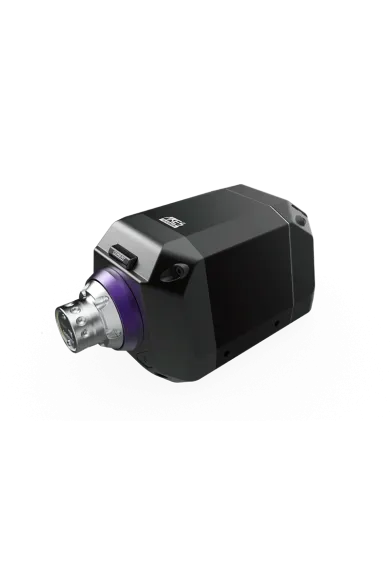
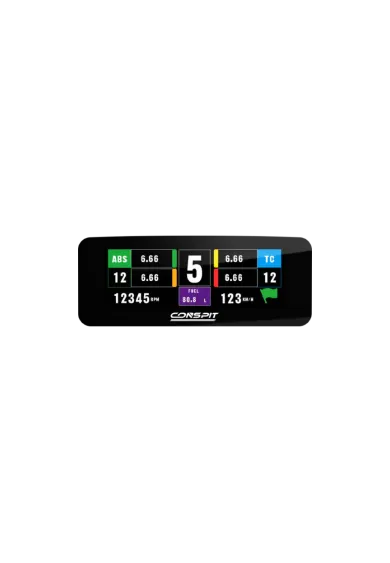
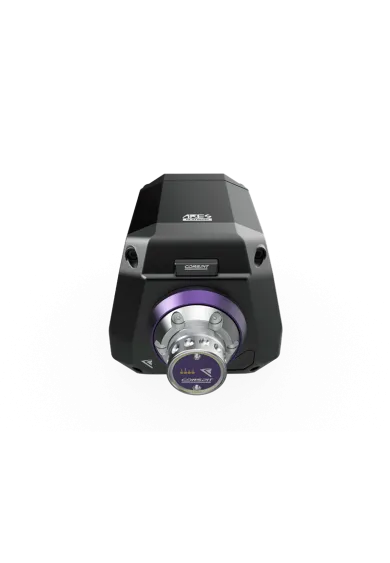
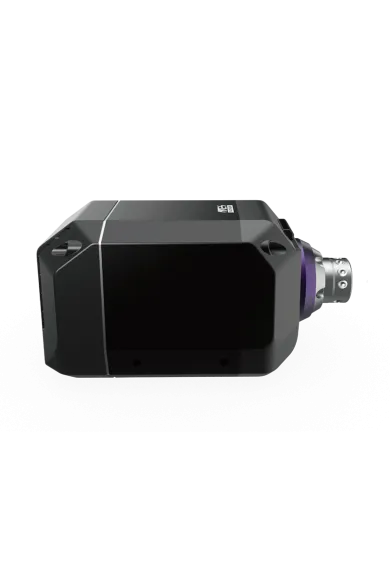
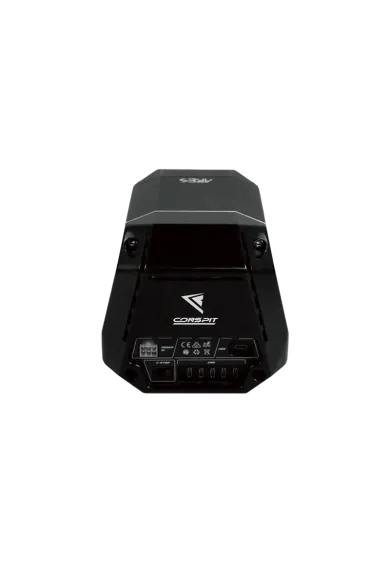
Conspit PW1
6,506.50zł

2,869.11zł
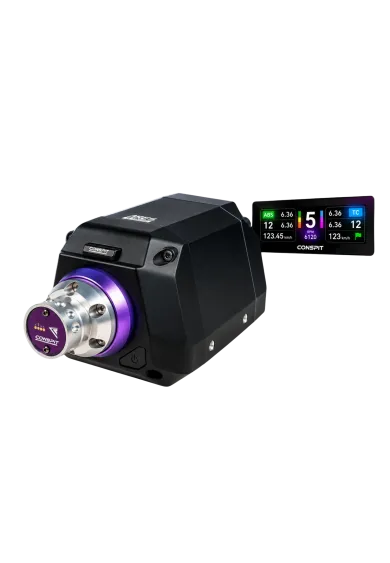
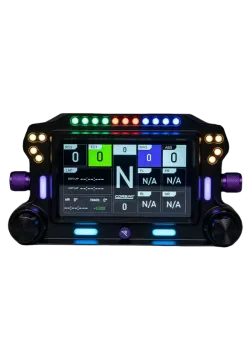
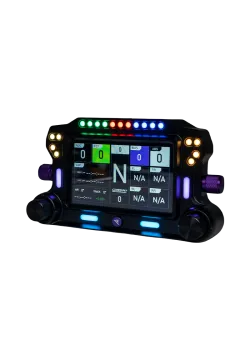
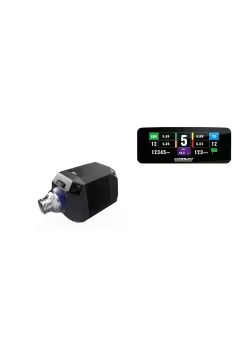
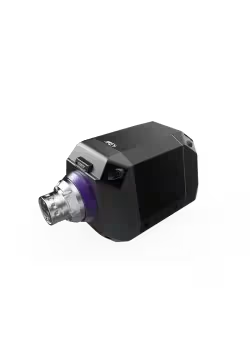
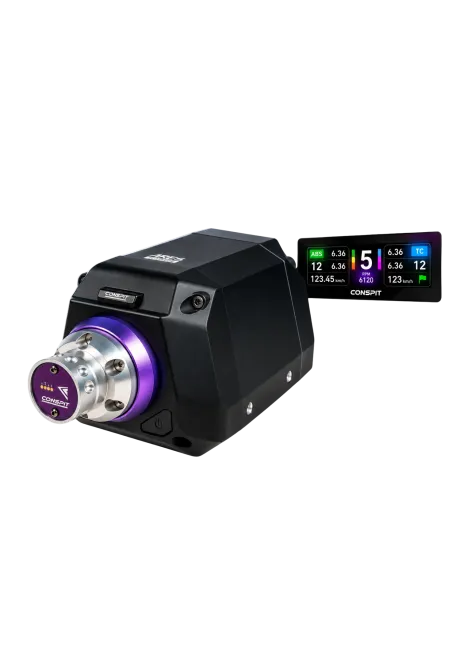
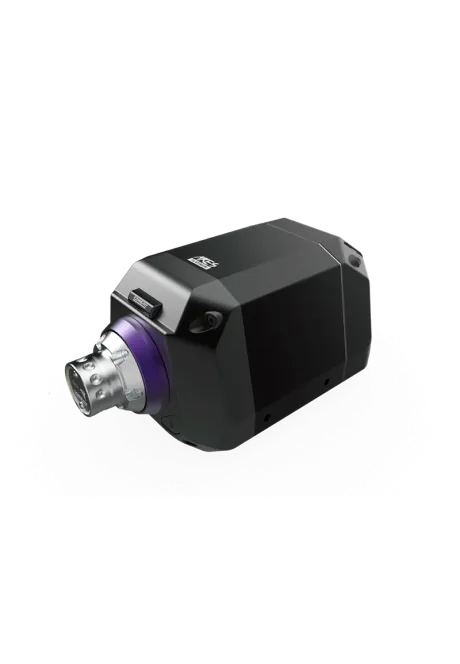
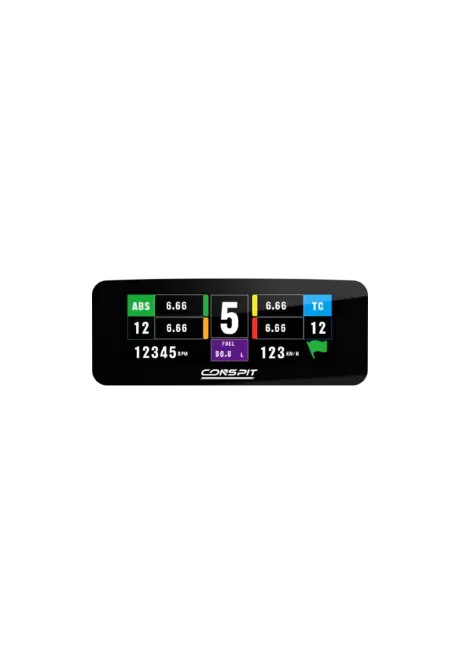
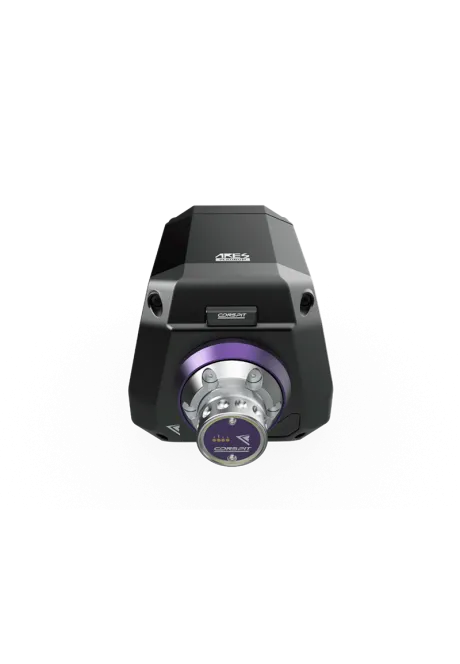
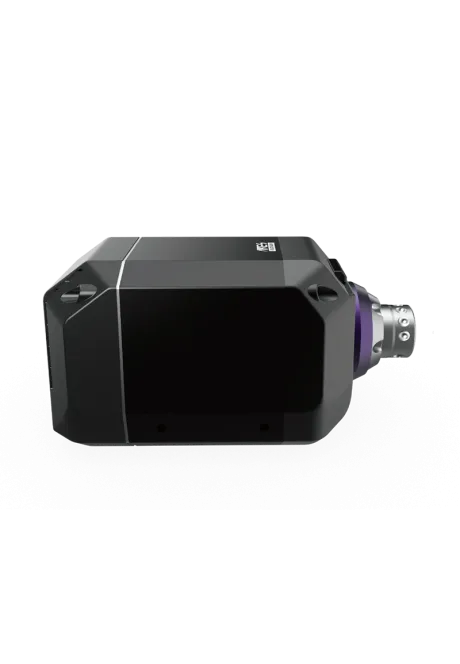
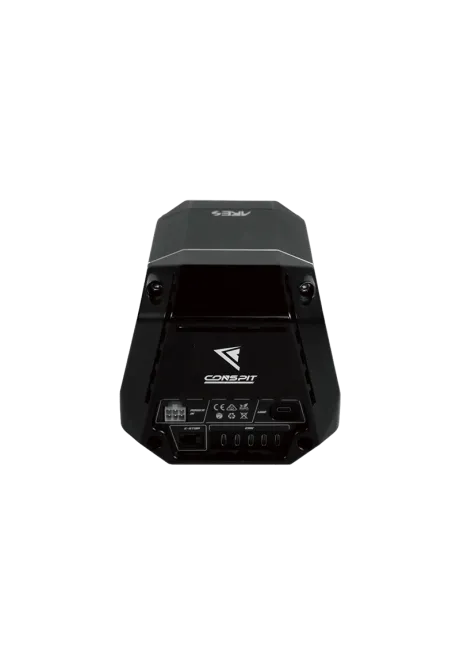
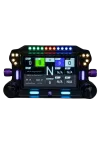
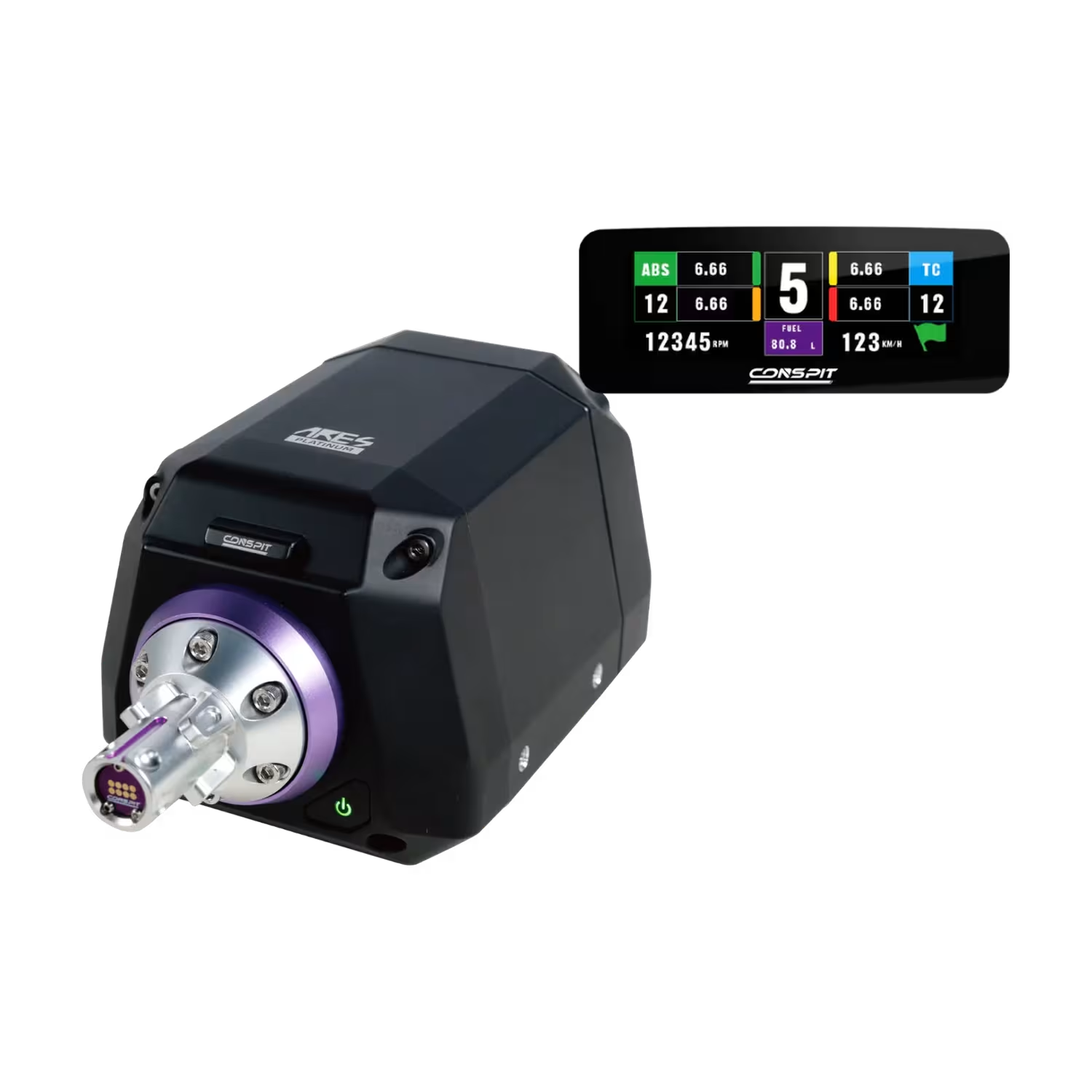
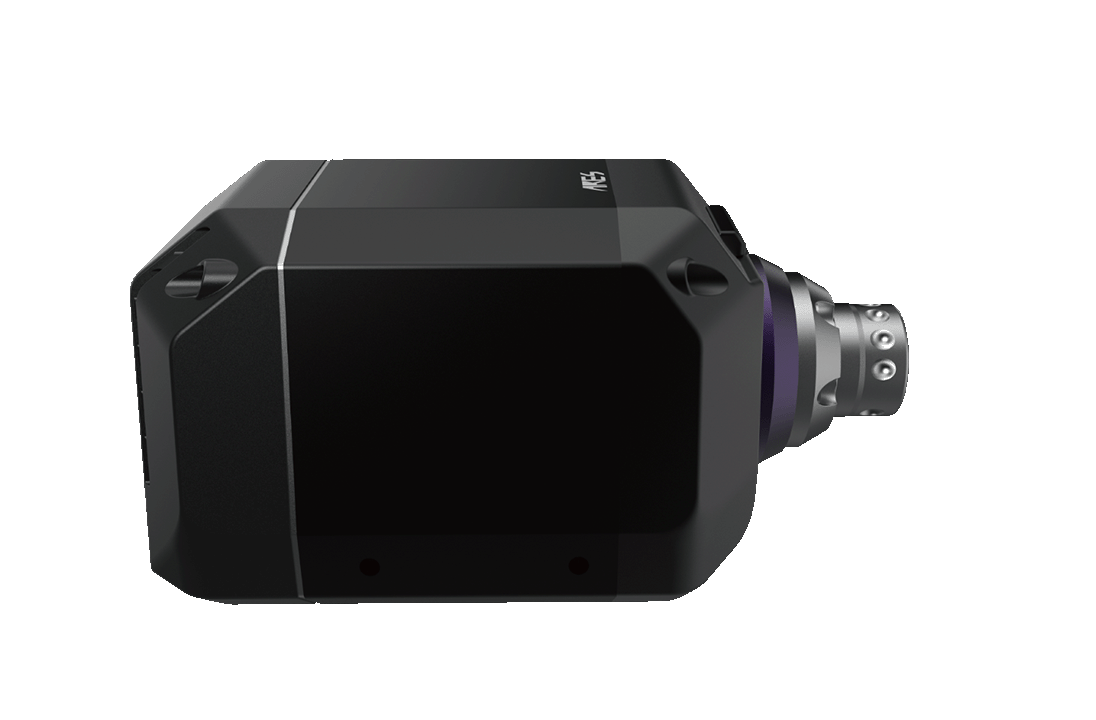
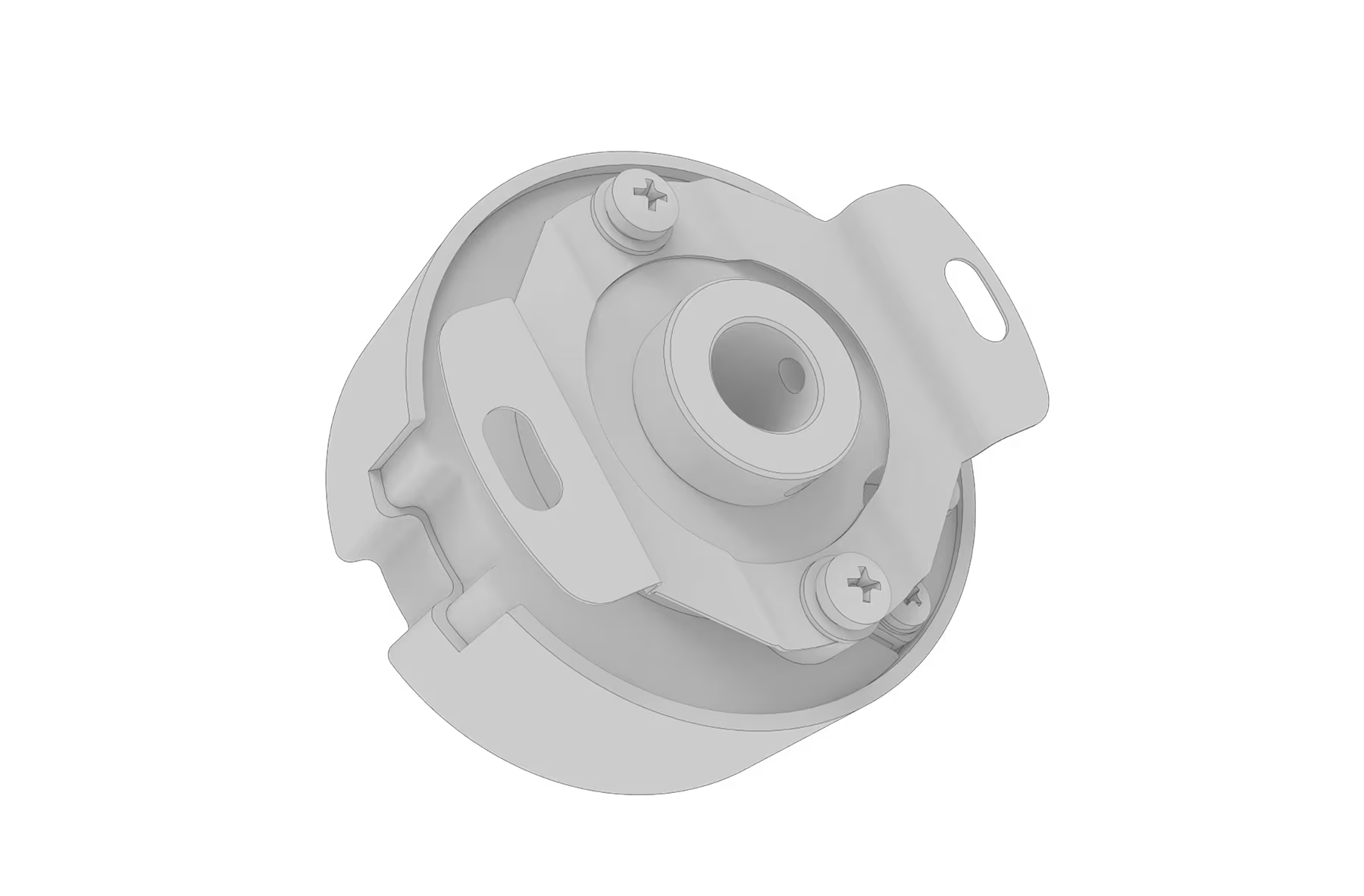
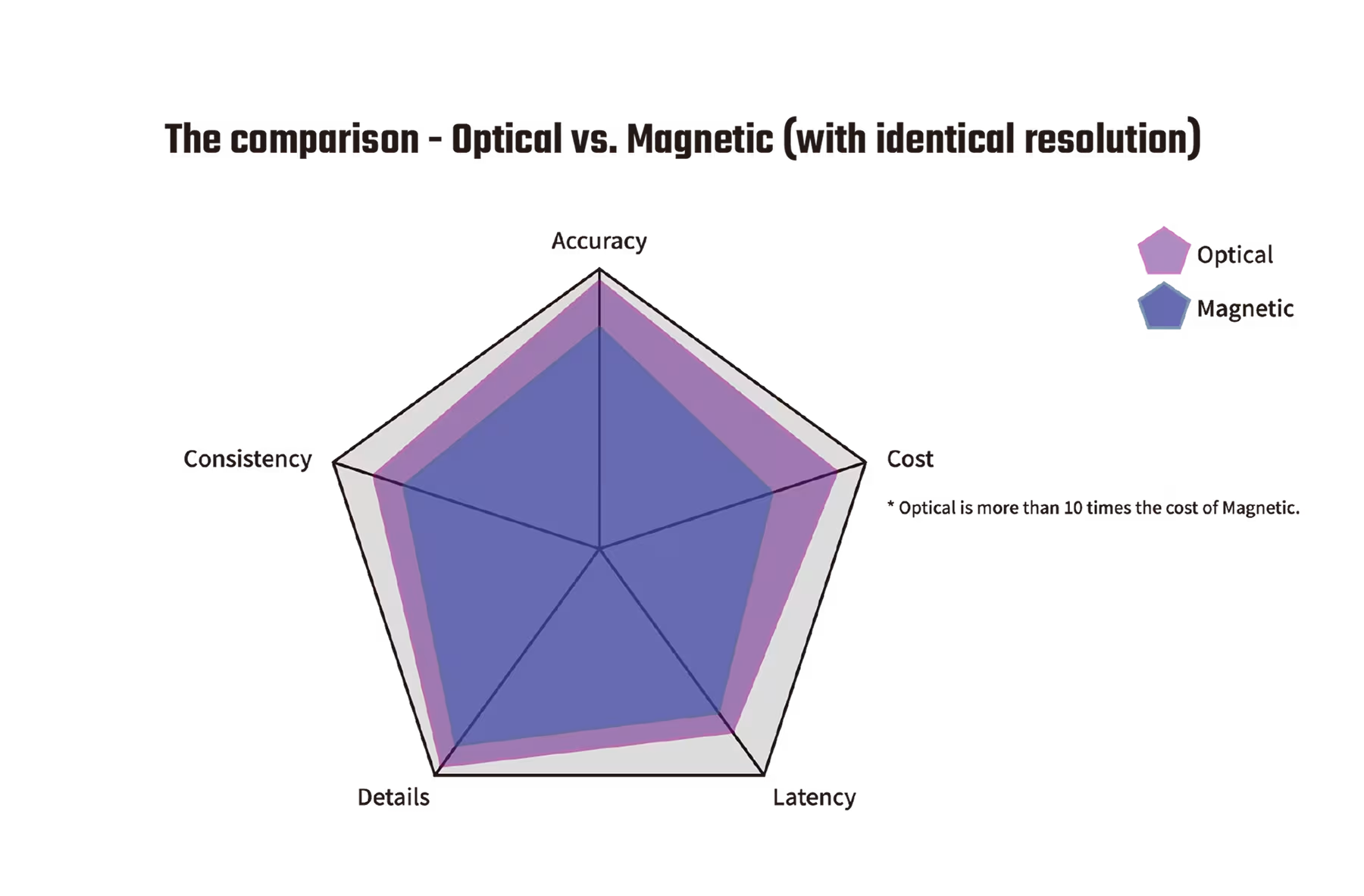
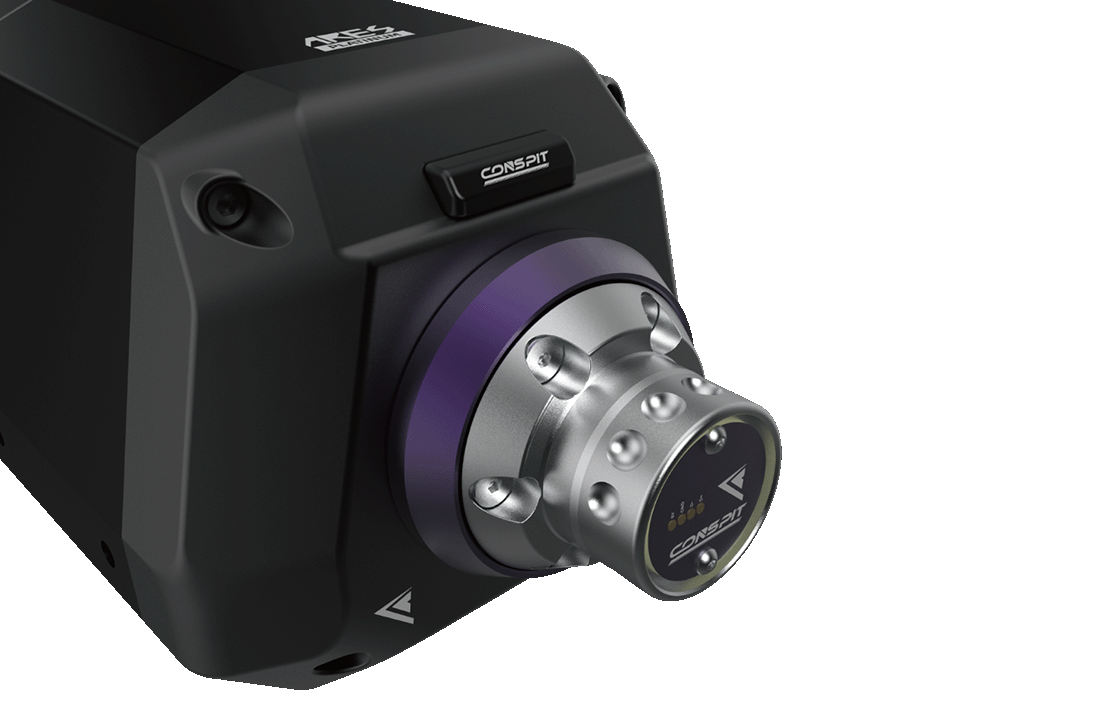
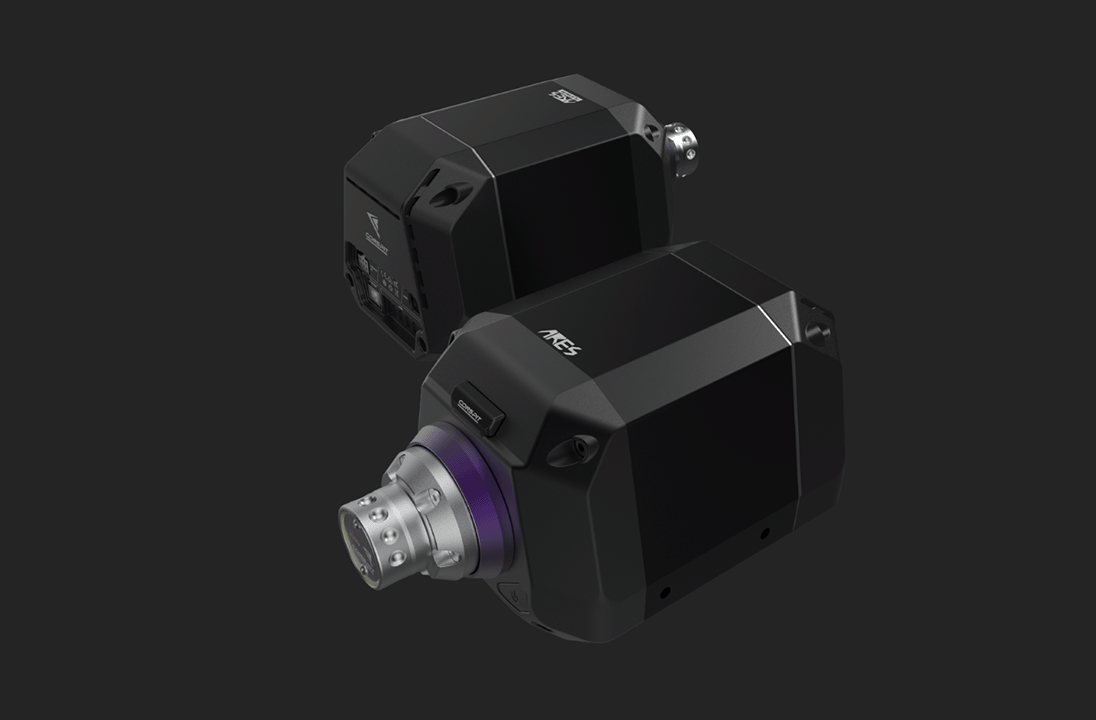
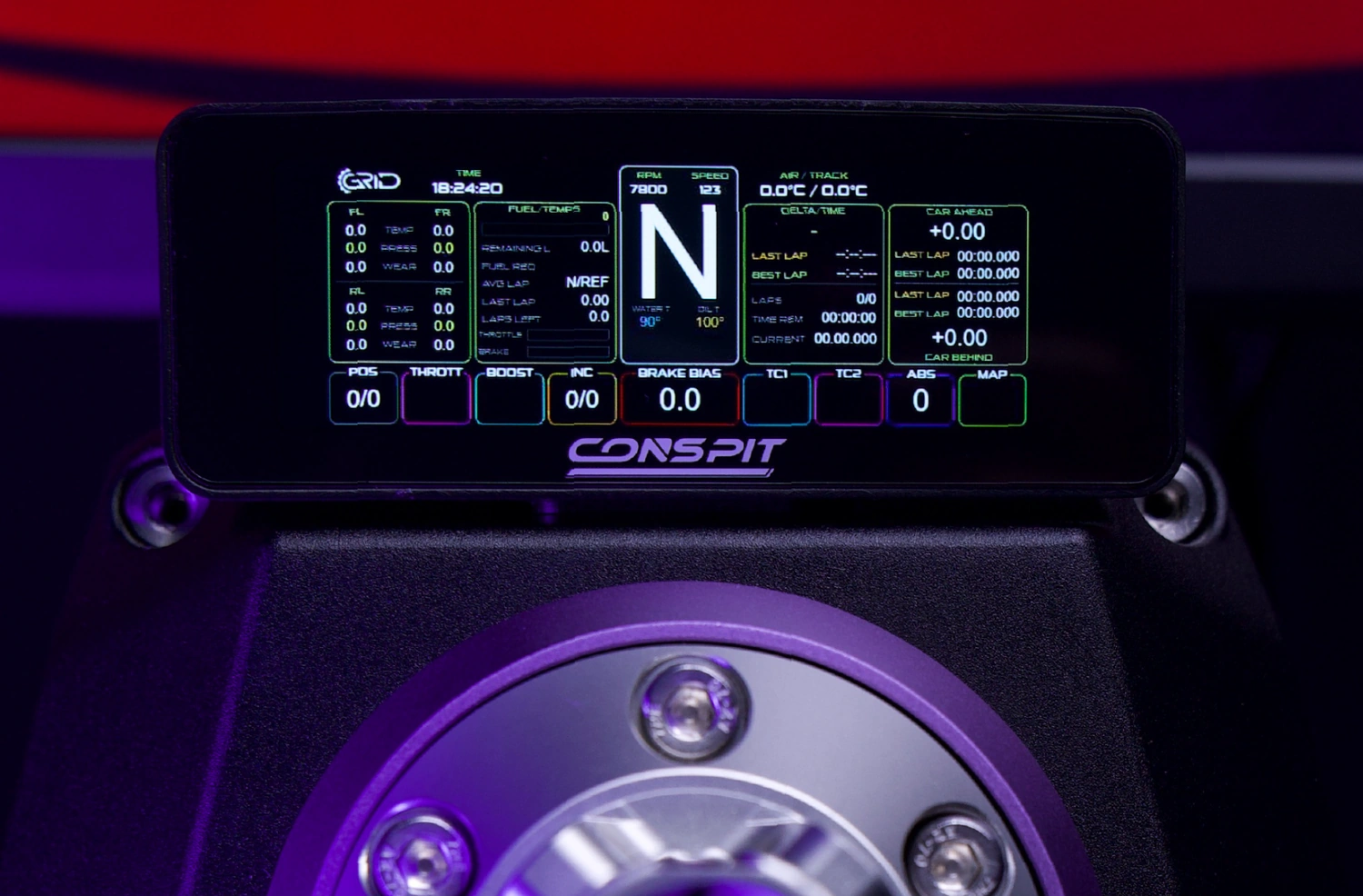
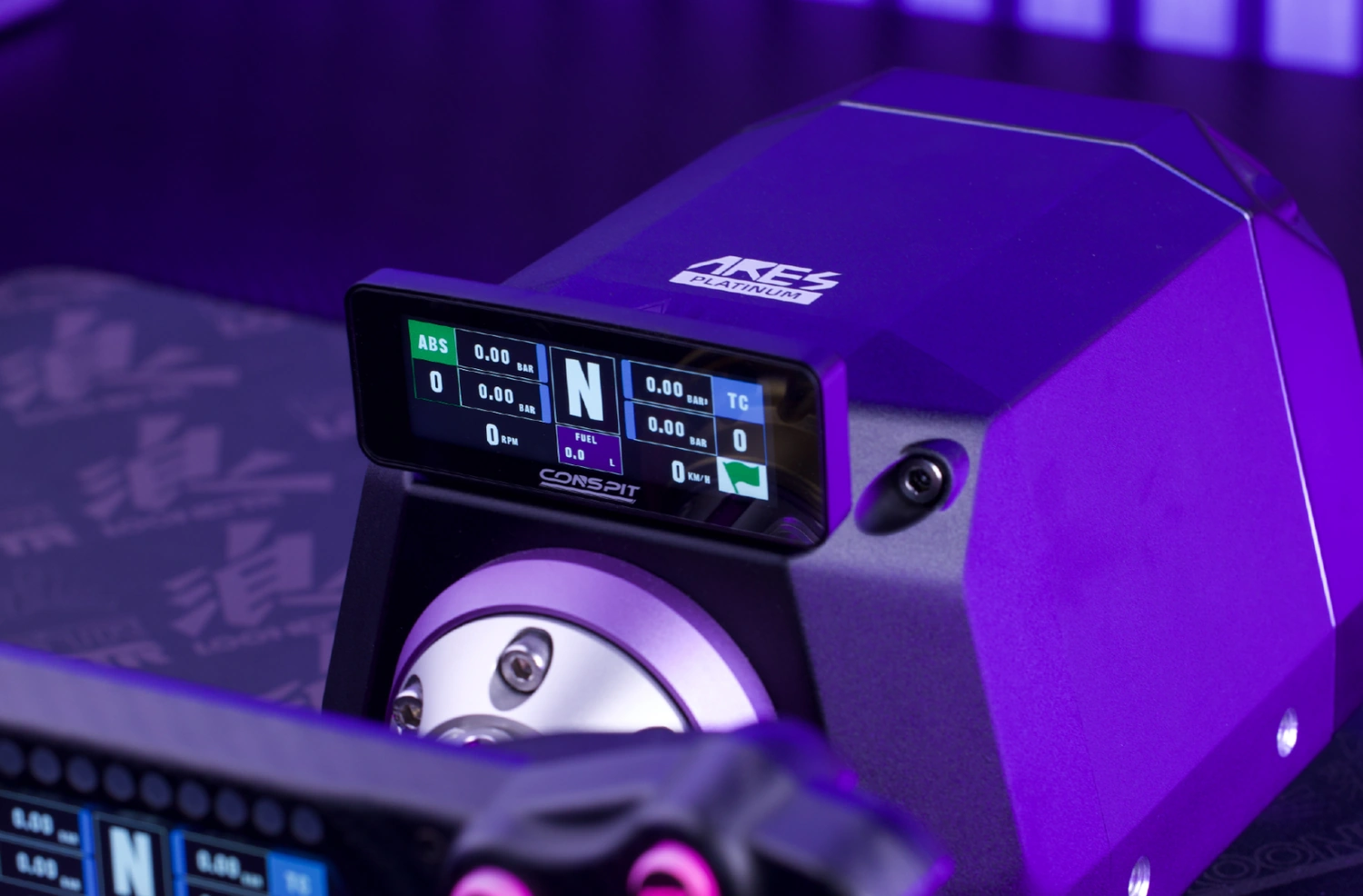
Conspit ARES Platinum 20 + Free CSD NANO combines a 20 Nm Direct Drive wheel base with a compact telemetry display. The Conspit ARES Platinum 20 uses a 23-bit optical encoder, while the included Conspit CSD NANO attaches to the front of the base through a magnetic pogo-pin connection at no extra cost.
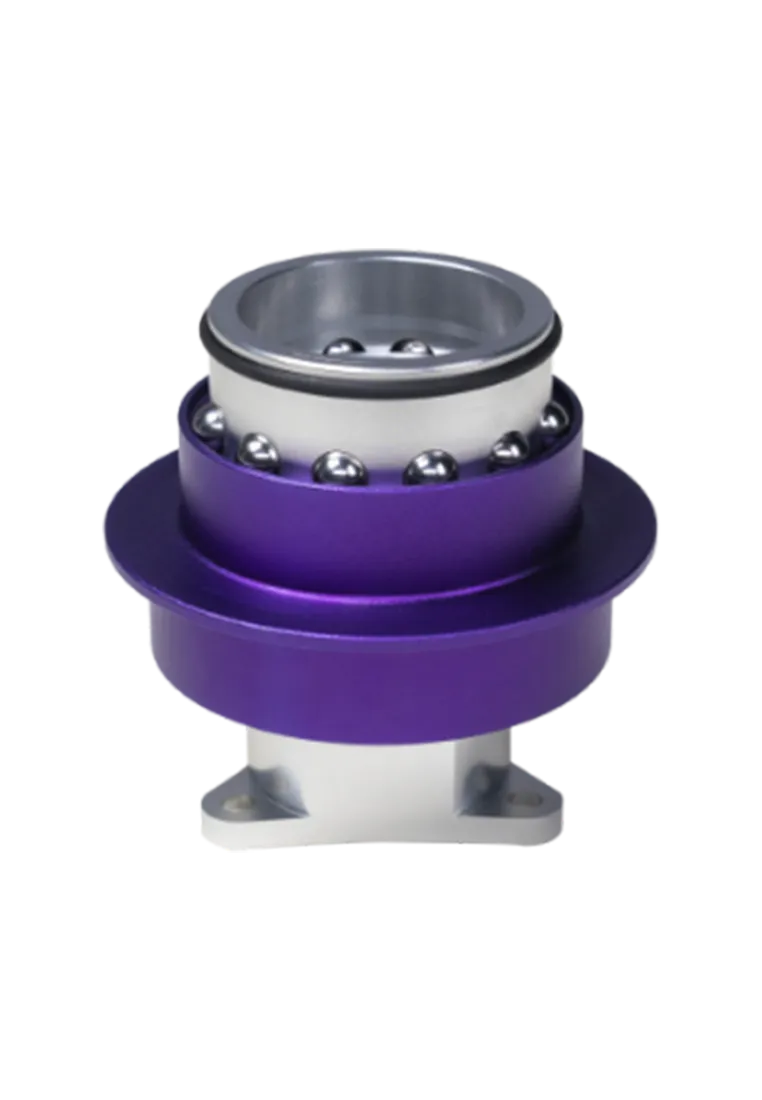
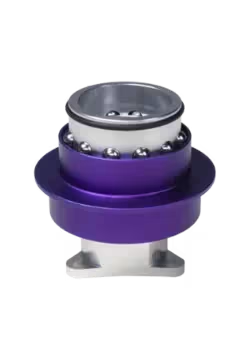
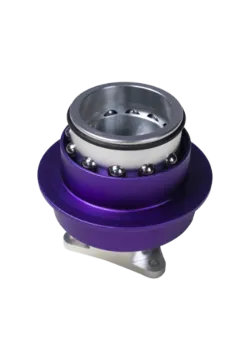
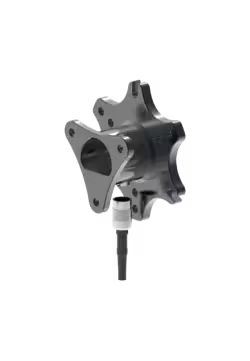
Conspit CDR Quick Release is a solid, lightweight wheel adapter that lets you change your wheel in just a few seconds. Built from 6061 aluminum, it’s ultra-tight, no-play, and keeps a perfect data connection. Works with Conspit wheelbases and standard 50–70 mm adapters.
192.15zł
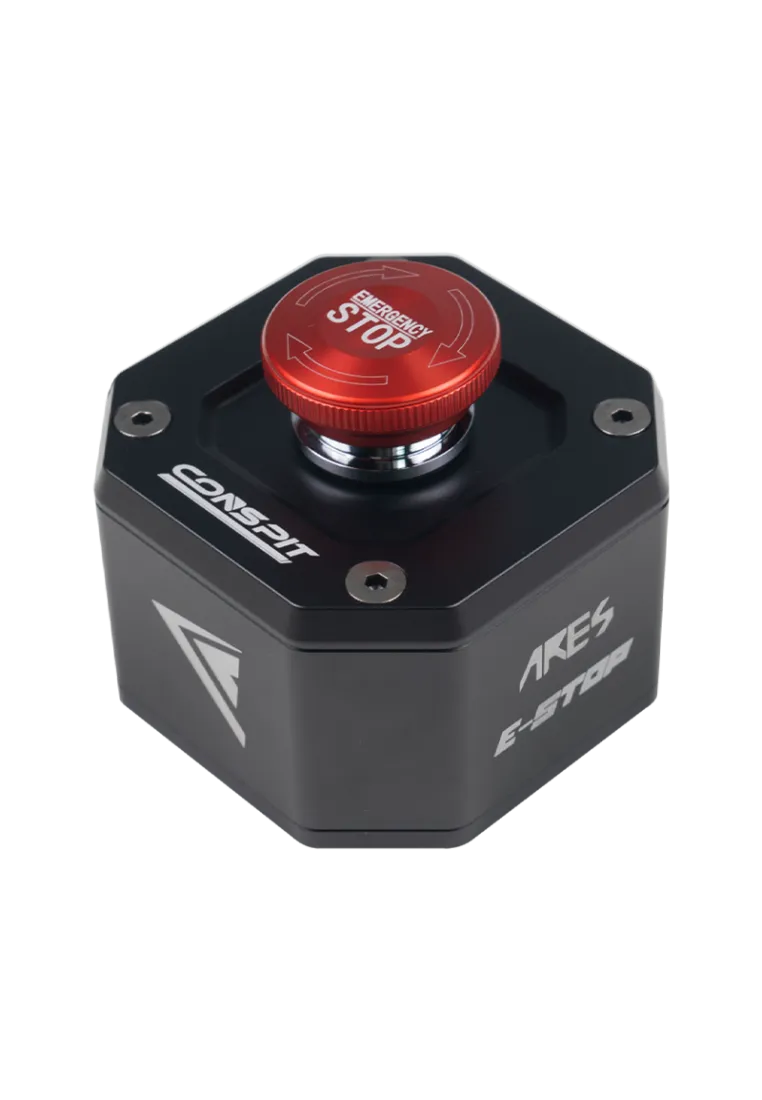
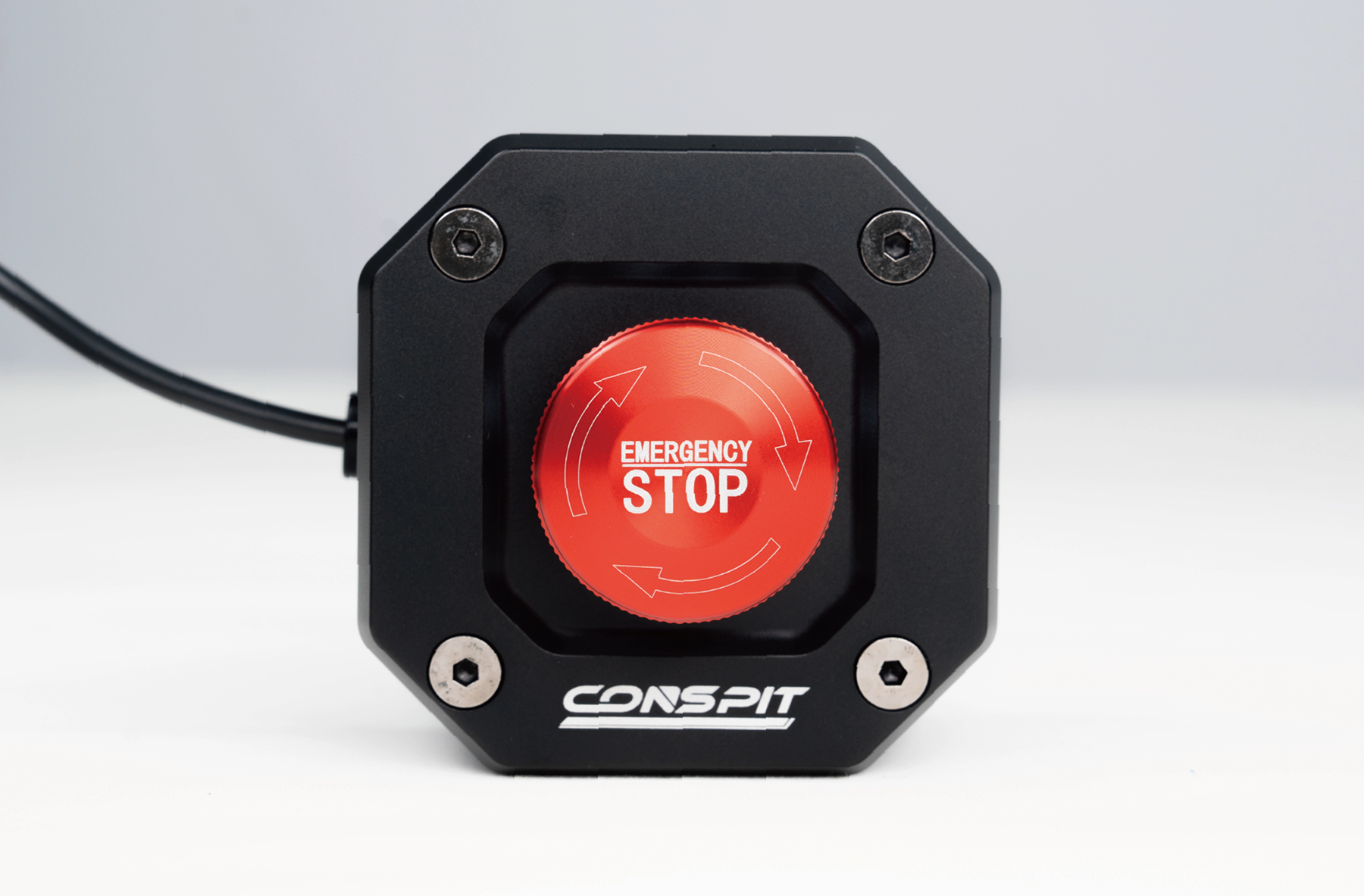
The CONSPIT CES E-STOP is a professional emergency stop button designed for ARES wheelbases. It instantly cuts off power, ensuring maximum safety during sim racing. With durable construction, quick installation, and a twist-lock mechanism, it’s perfect for home setups, training centers, and professional simulators.
190.24zł
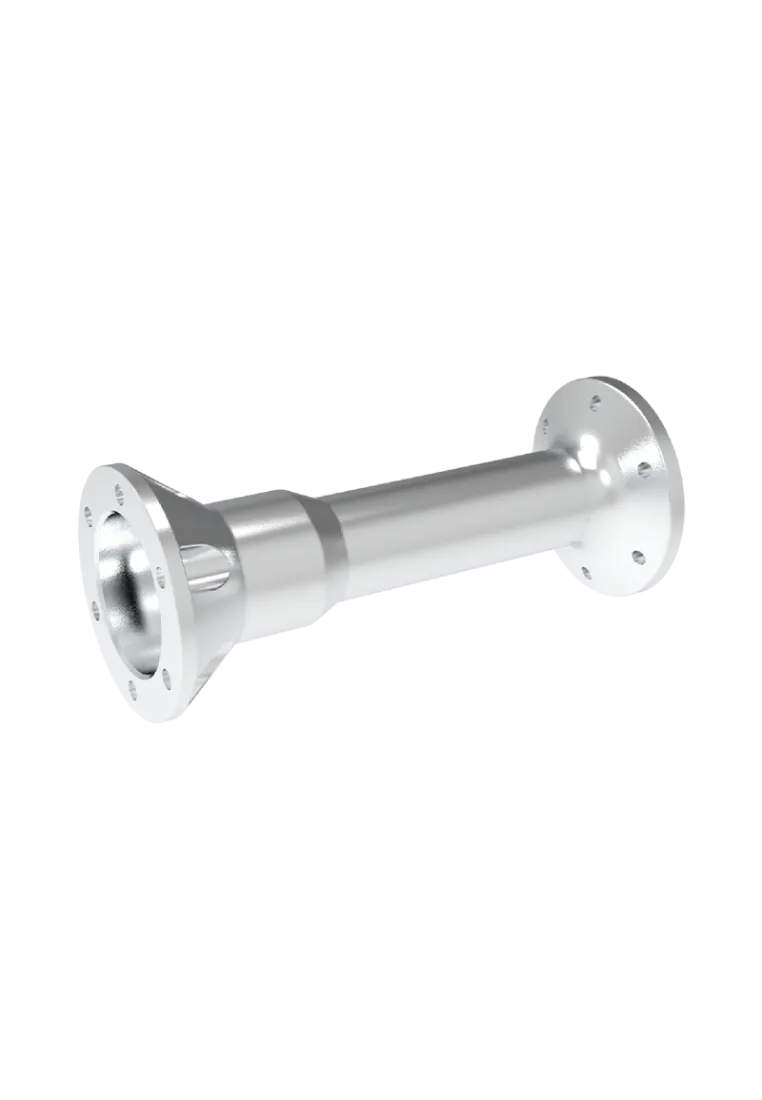
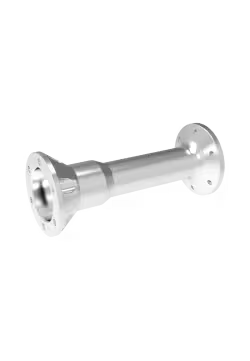
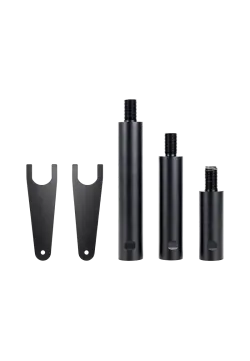
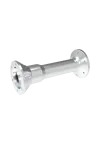
Conspit ARES 15cm Extension Rod – CNC aluminum spacer for Direct Drive bases, 6×70 mm mount. Improves cockpit ergonomics, comfort, and steering precision for sim racers.
Conspit ARES 15cm Extension Rod
411.38zł
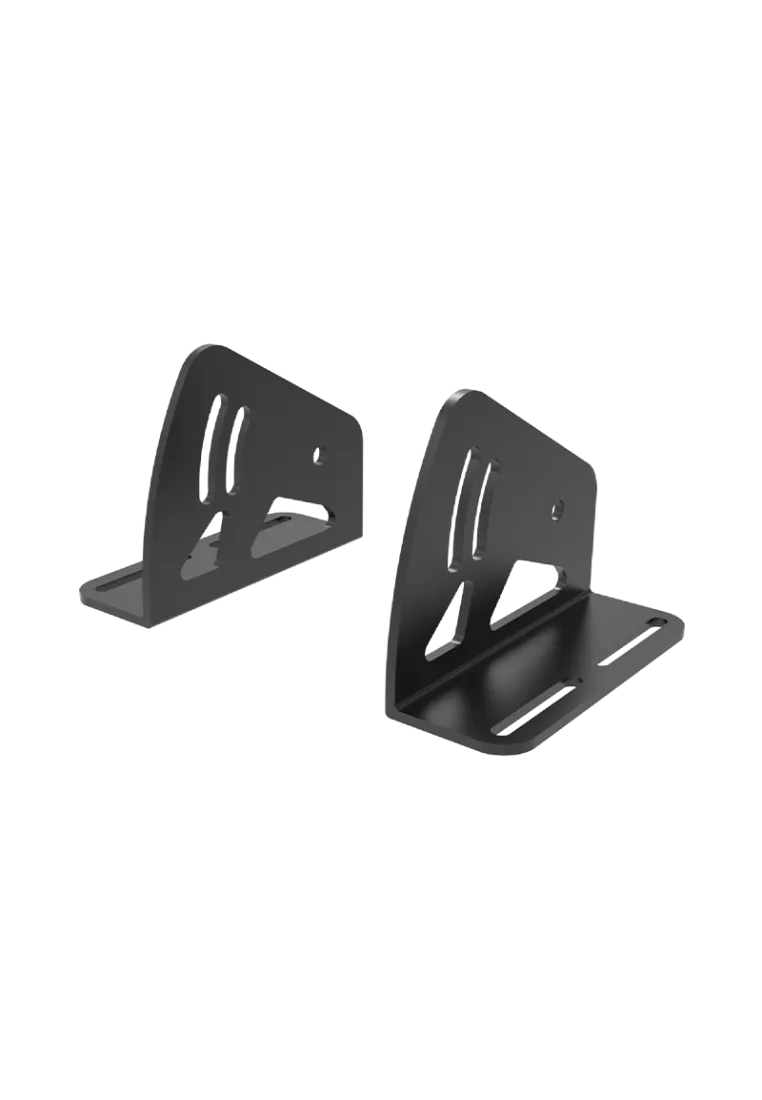
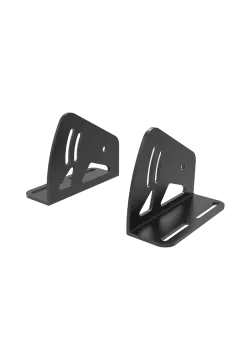
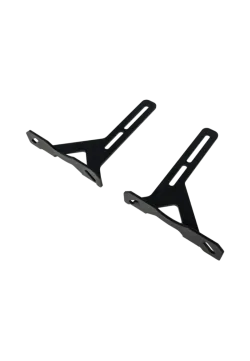
The Conspit ARES Bending Version brackets allow secure mounting of Direct Drive wheelbases on profile rigs, offering angle adjustment, high durability, and compatibility with ARES 12 and ARES 20 Platinum.
Conspit ARES WheelBase Bracket
134.96zł
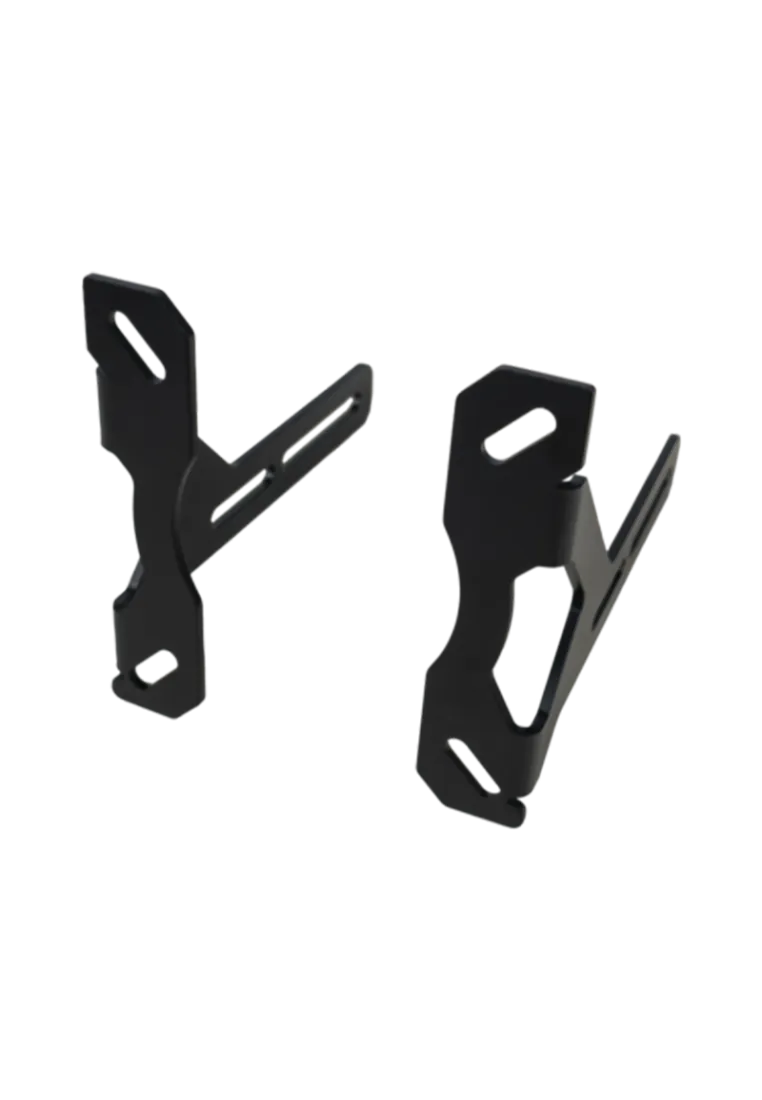
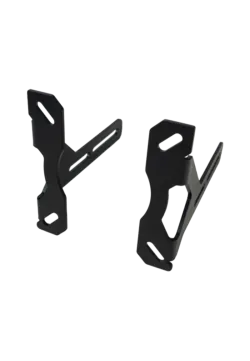
Conspit Front Mount Bracket is a strong aluminum mount made for Ares wheelbases. It keeps your base perfectly stable, even under heavy FFB. Easy to install, perfectly aligned, and tough enough to last a lifetime.
76.86zł
You might also like
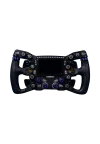
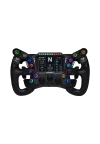
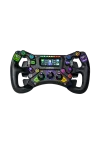
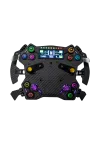

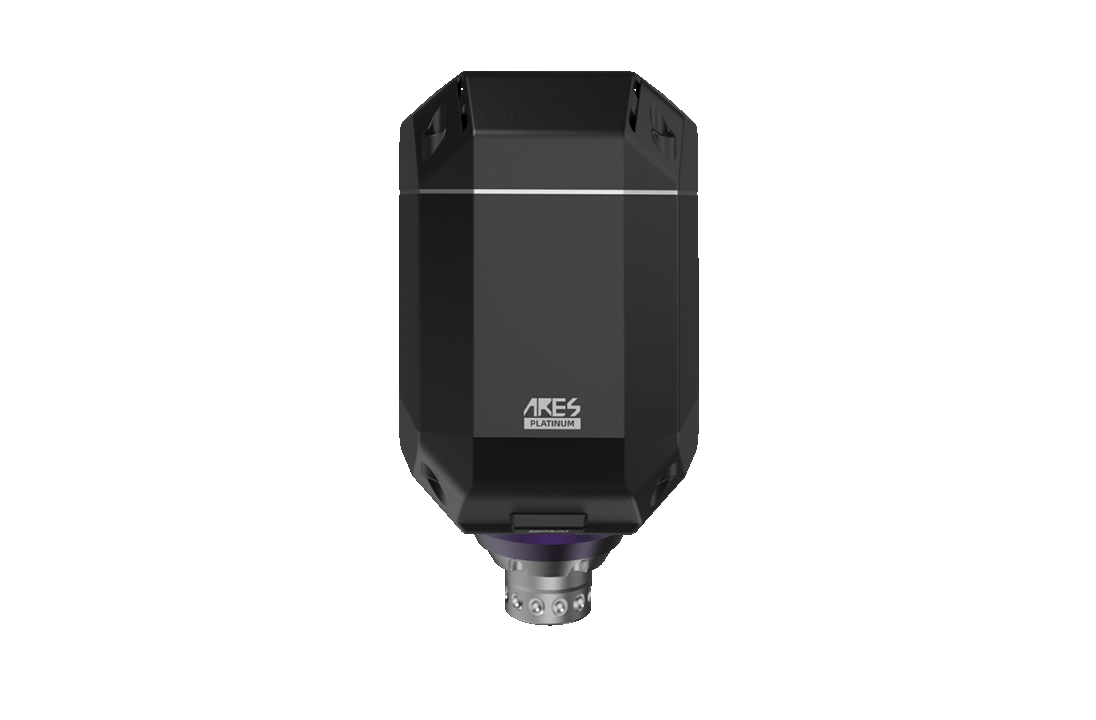
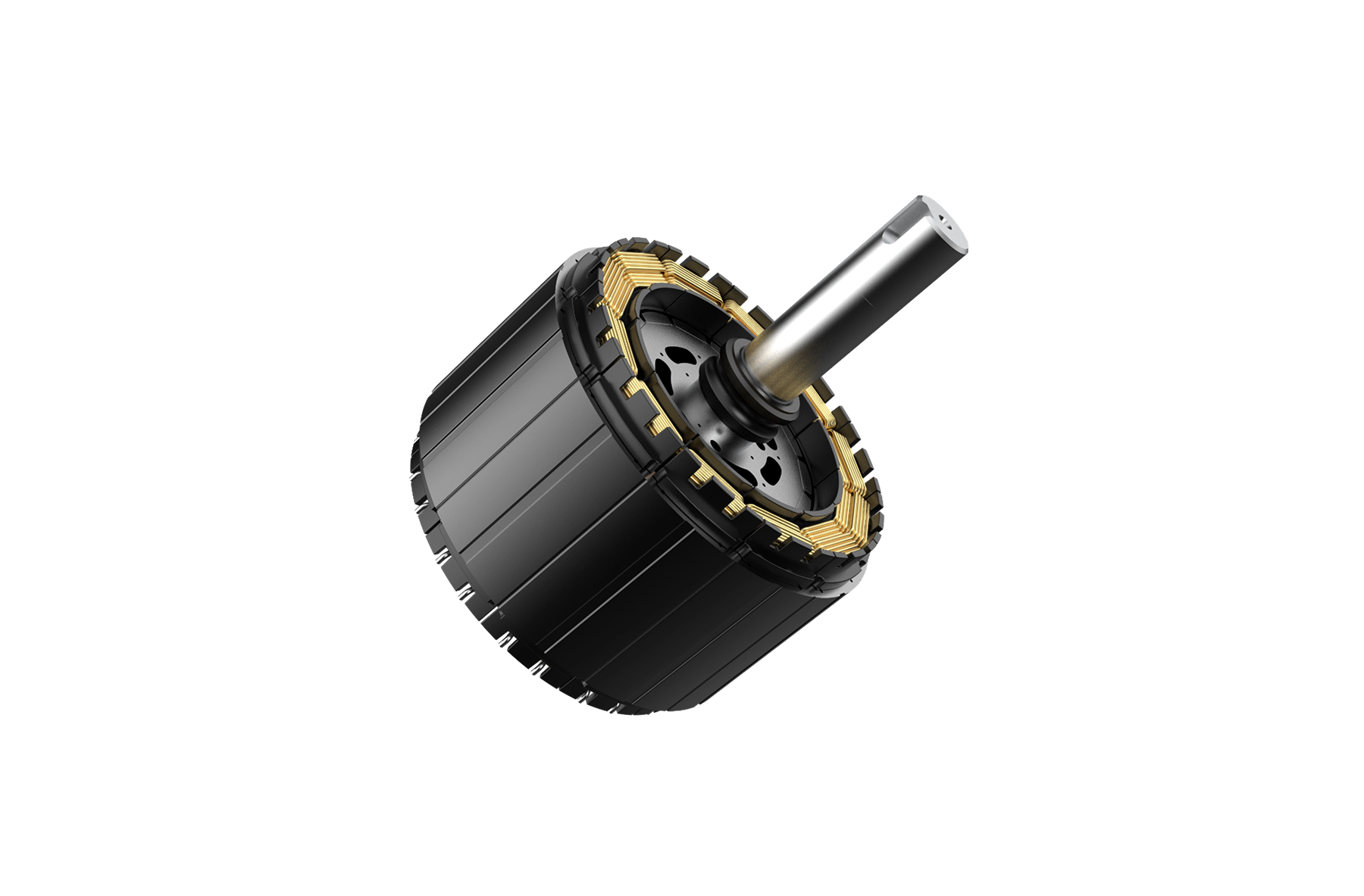
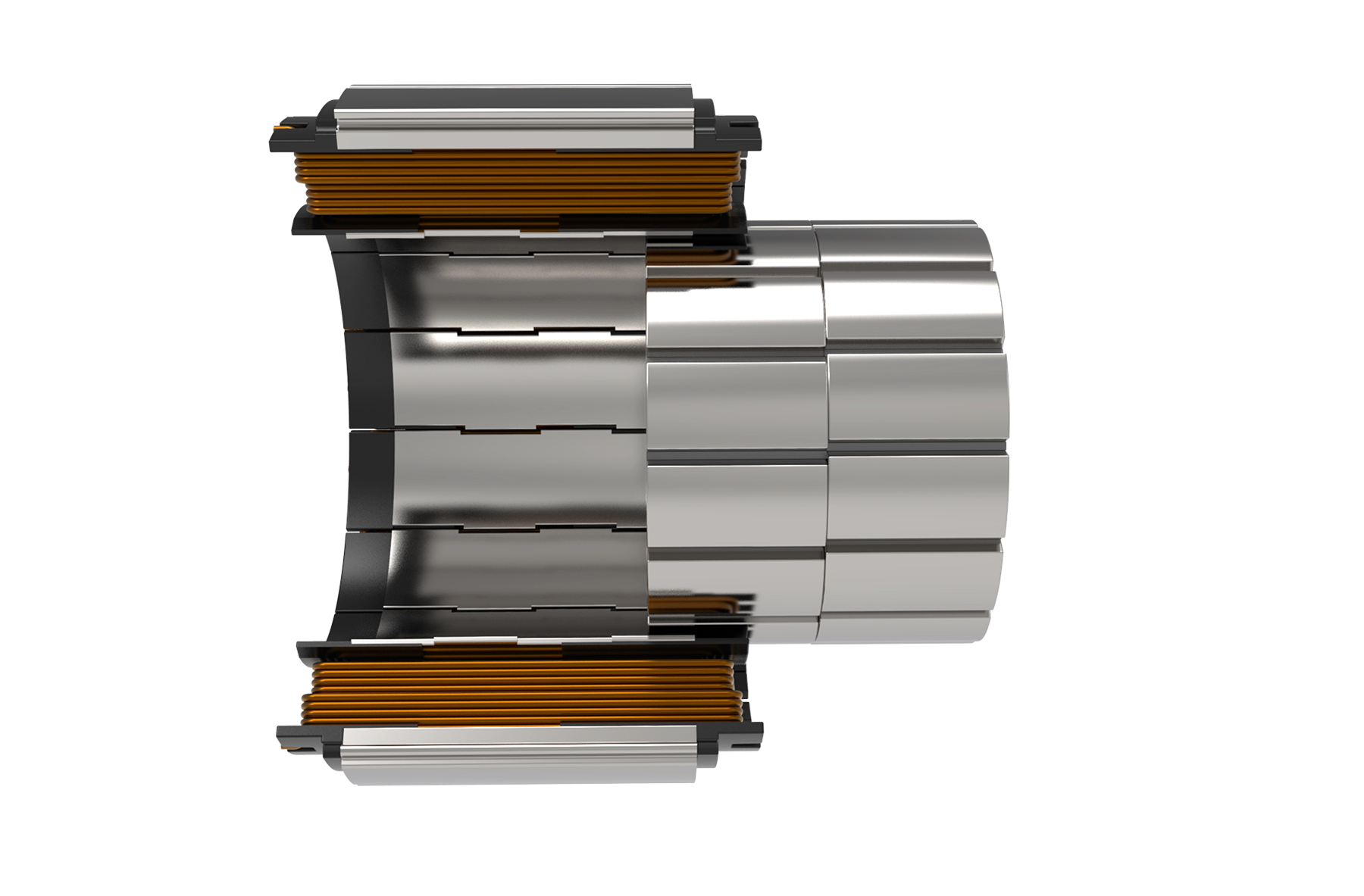
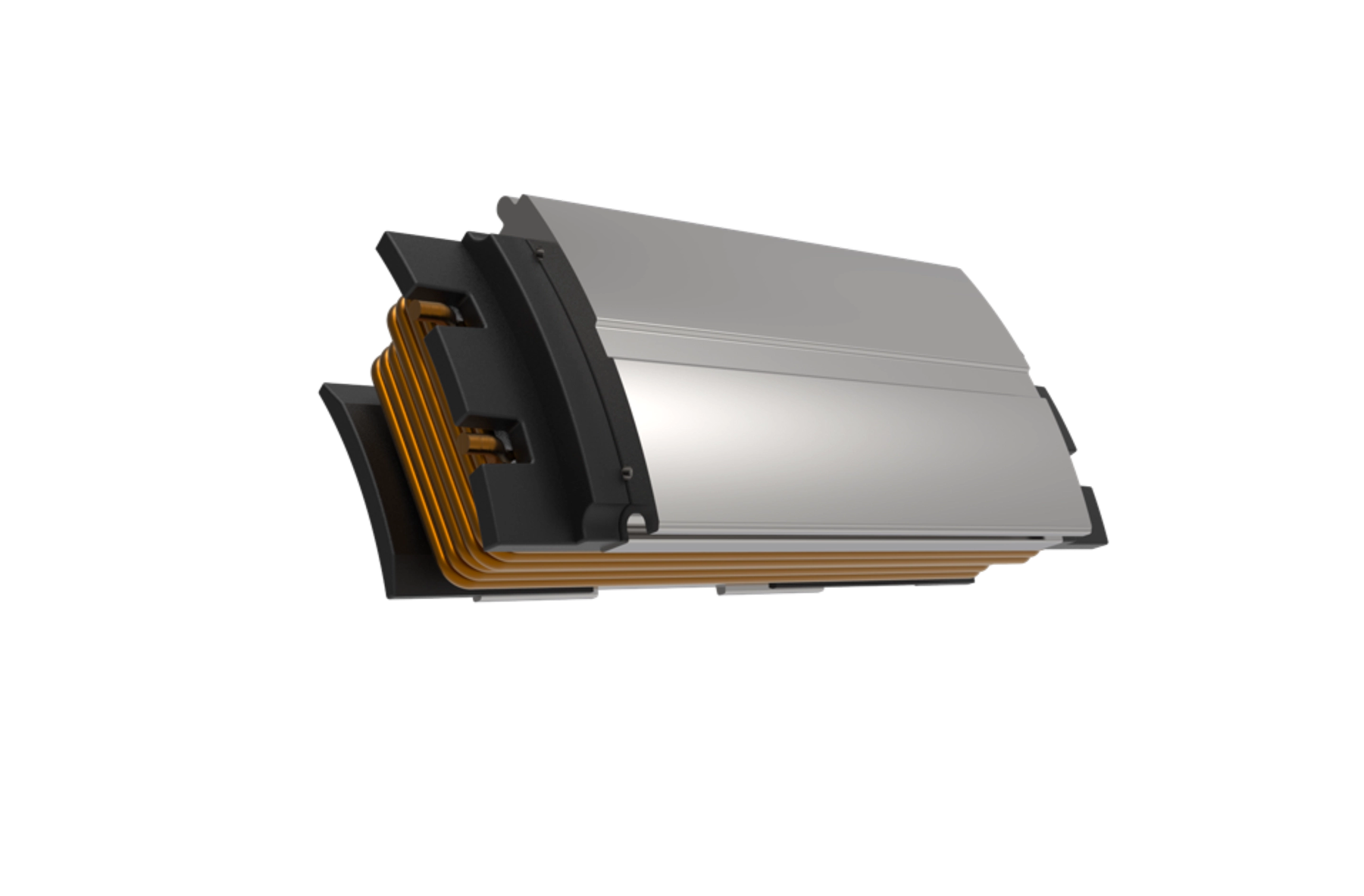
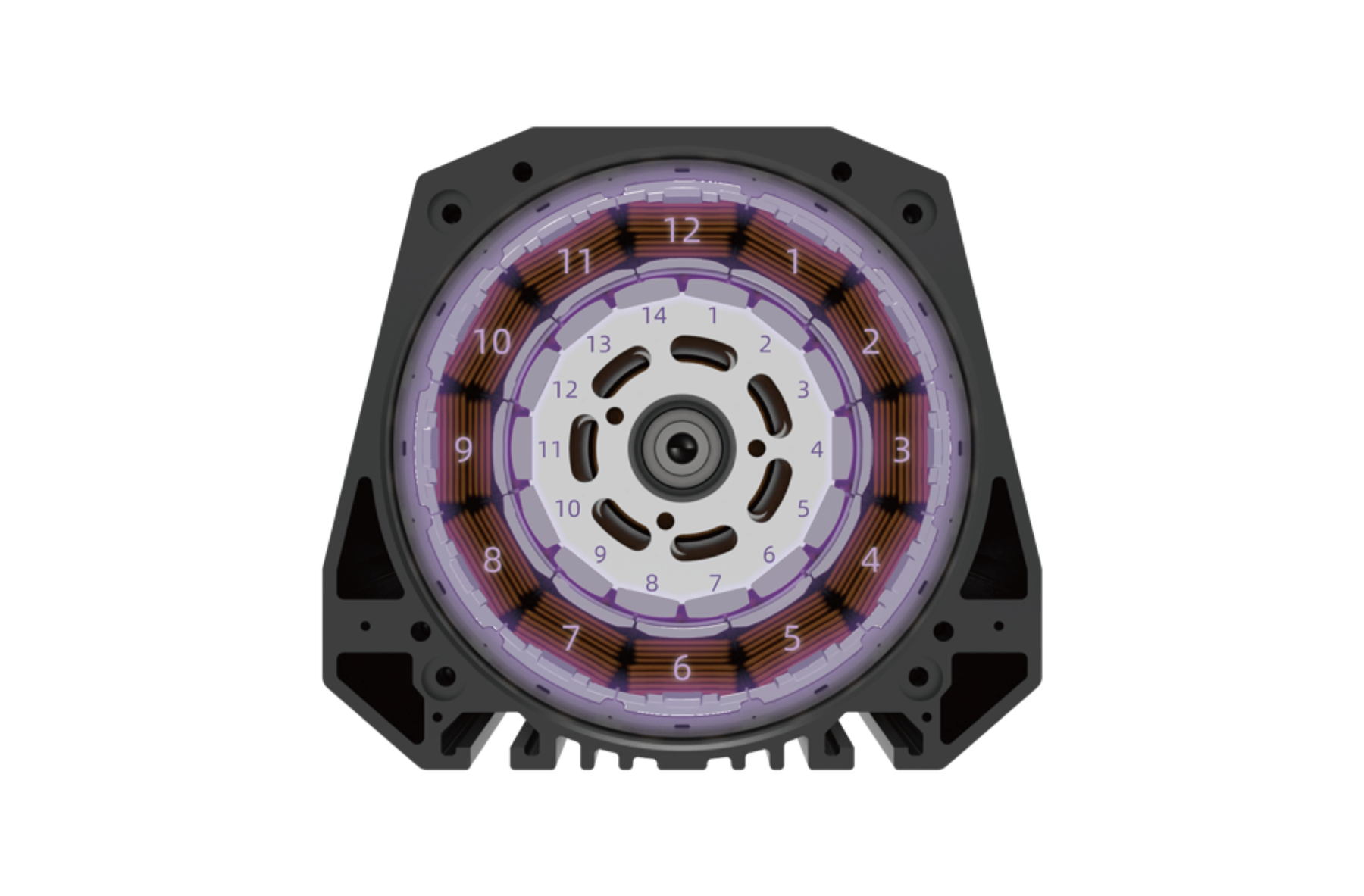
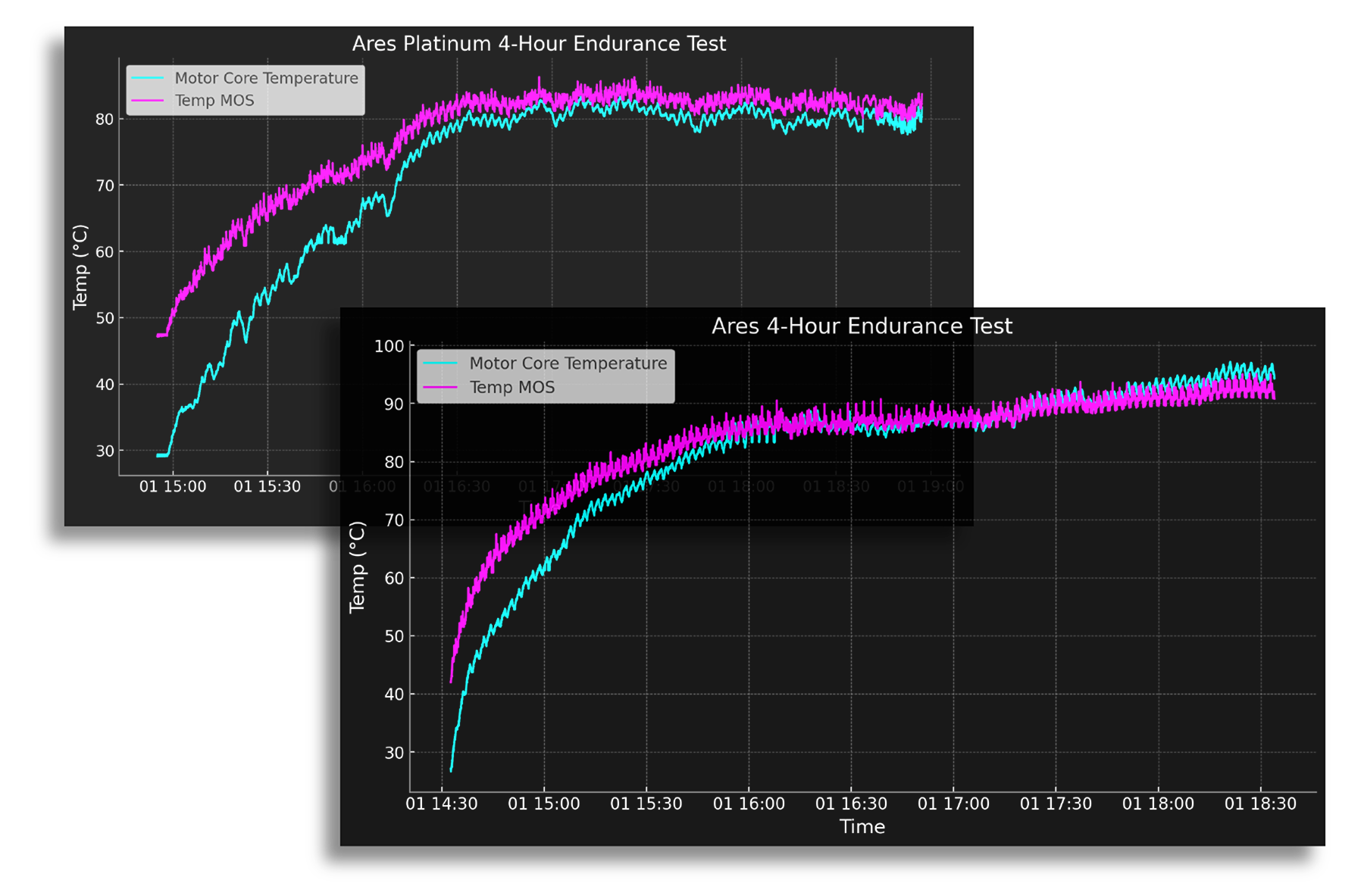
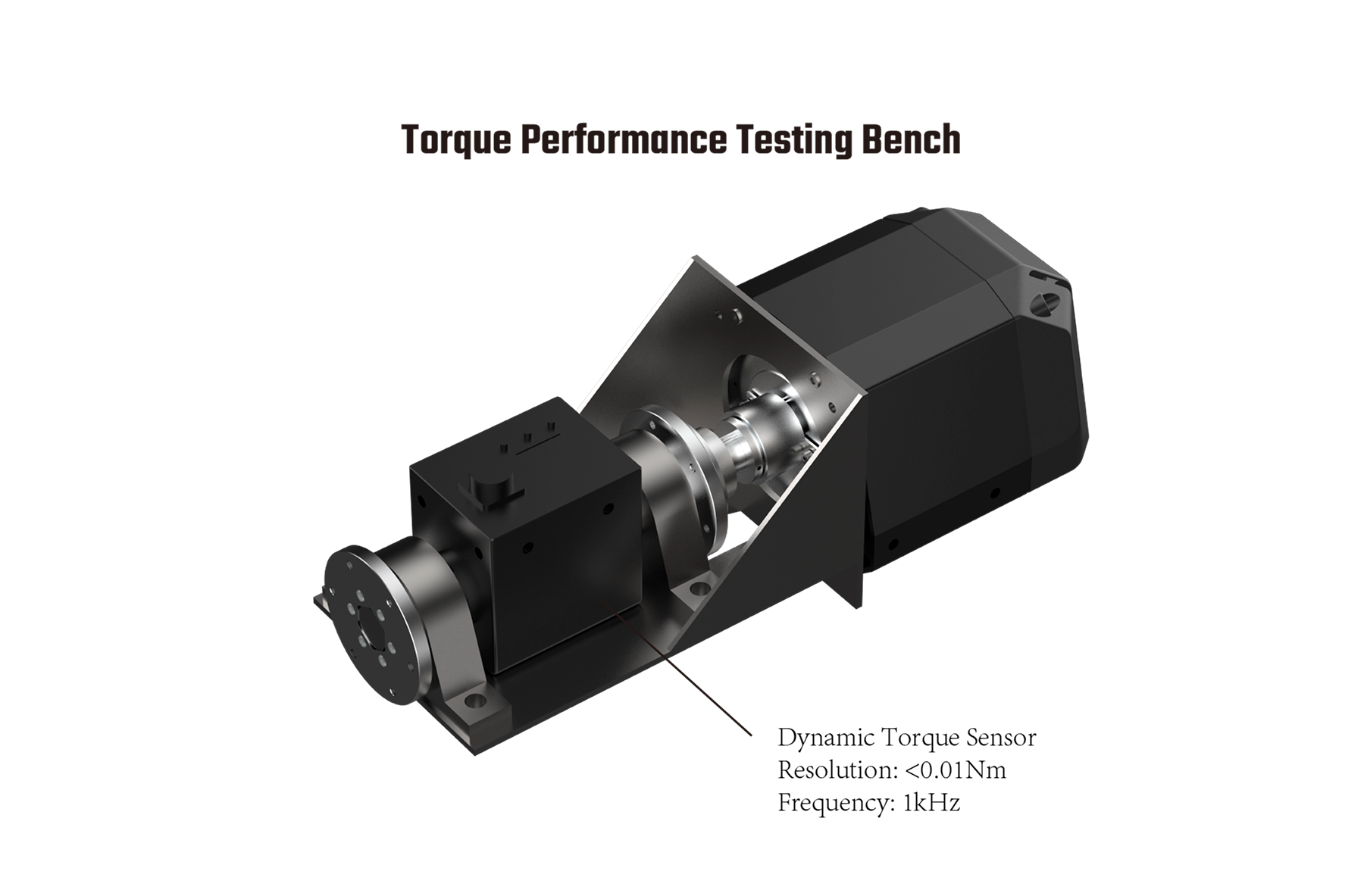
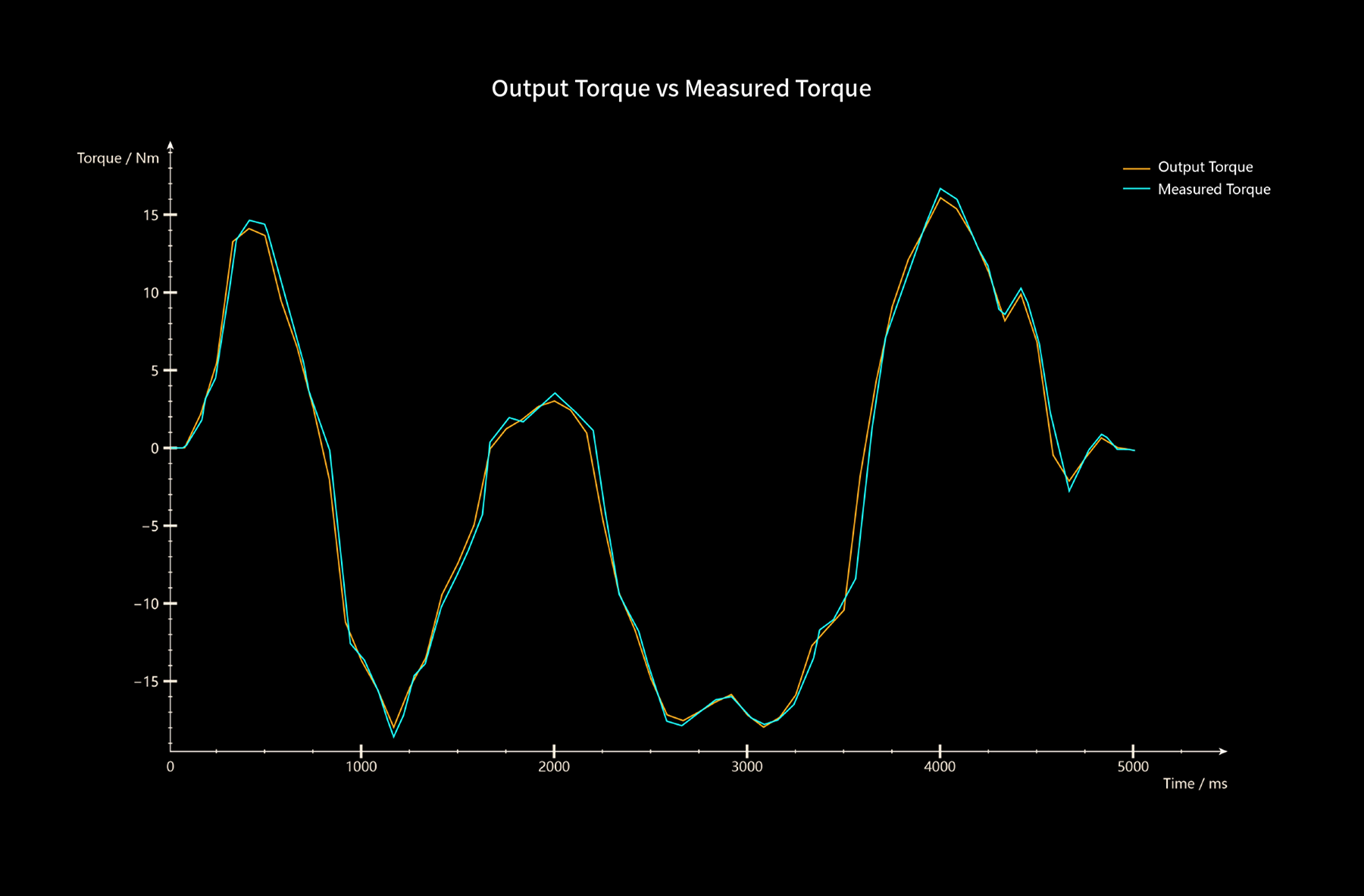
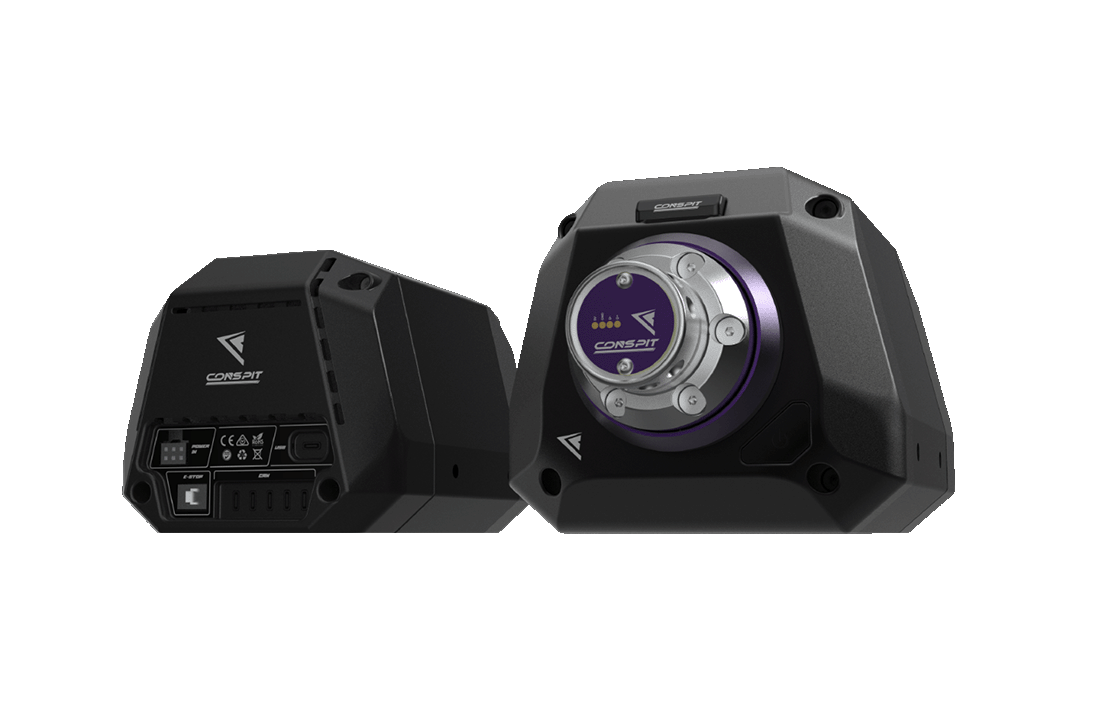
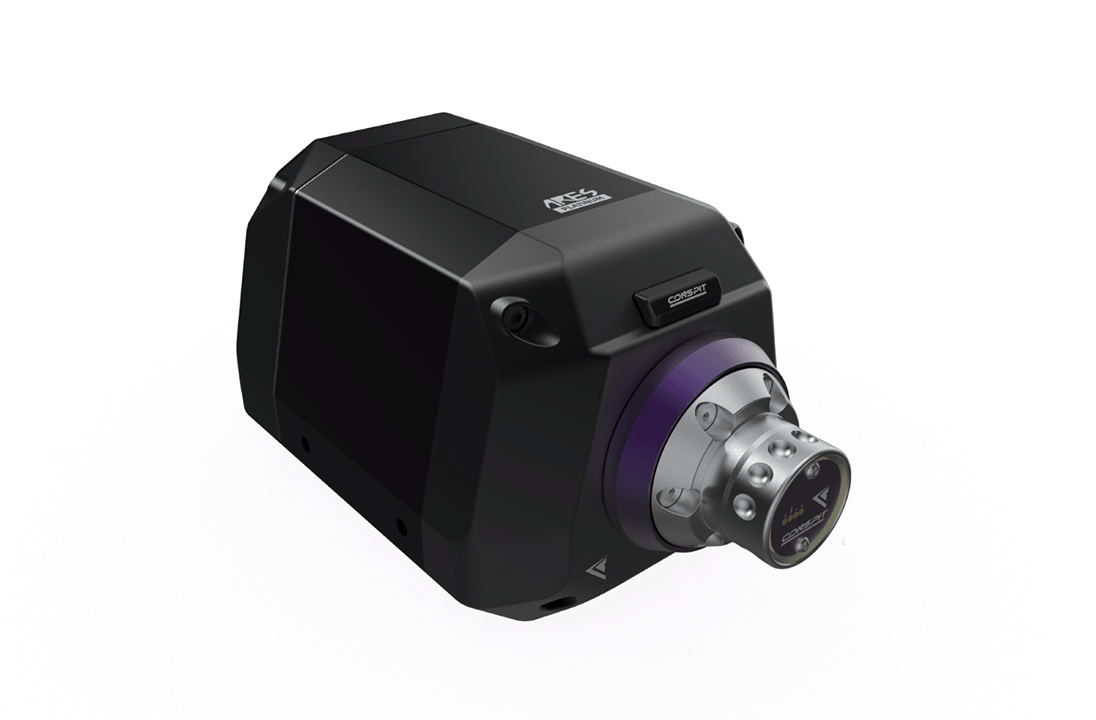
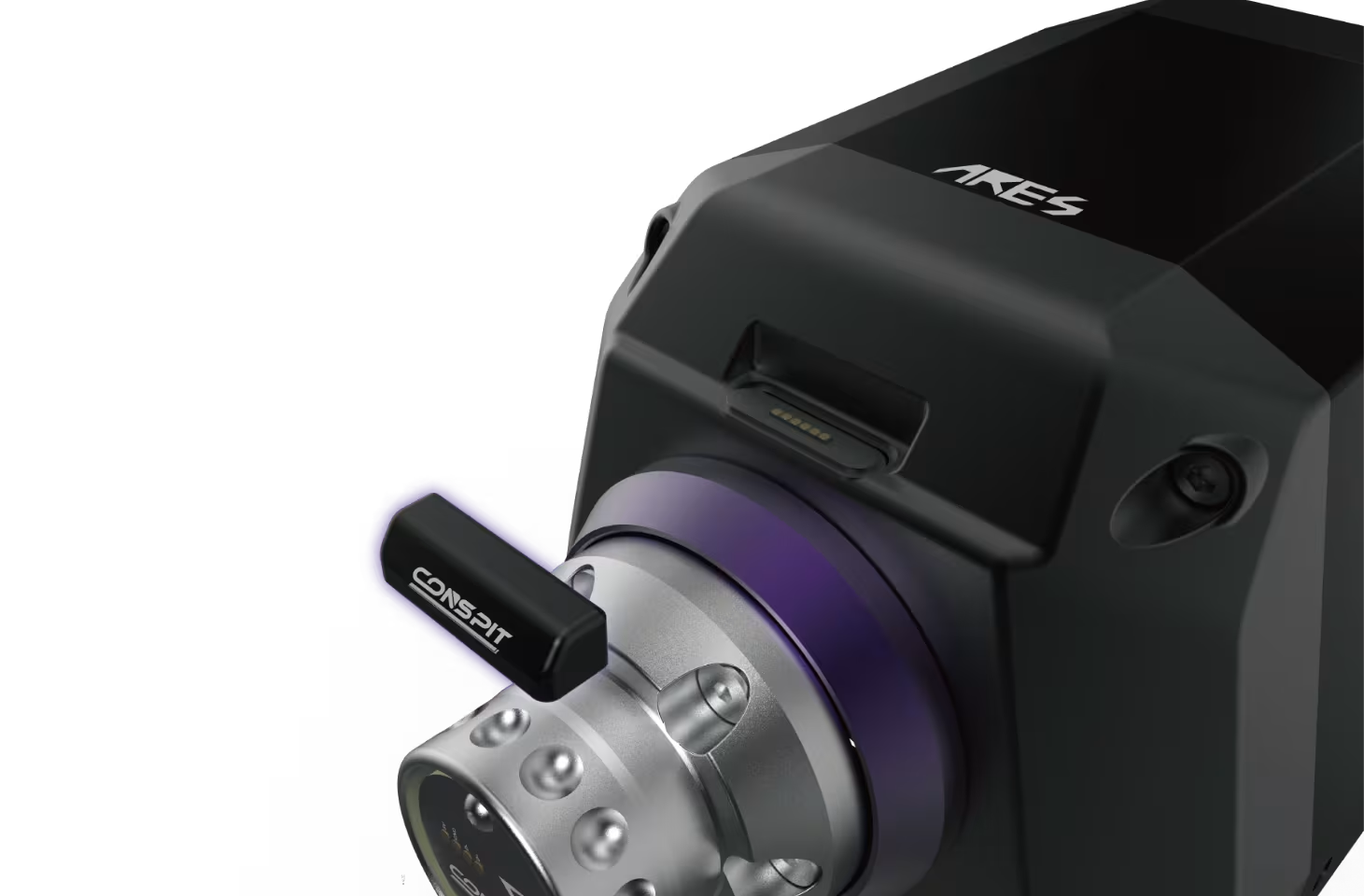
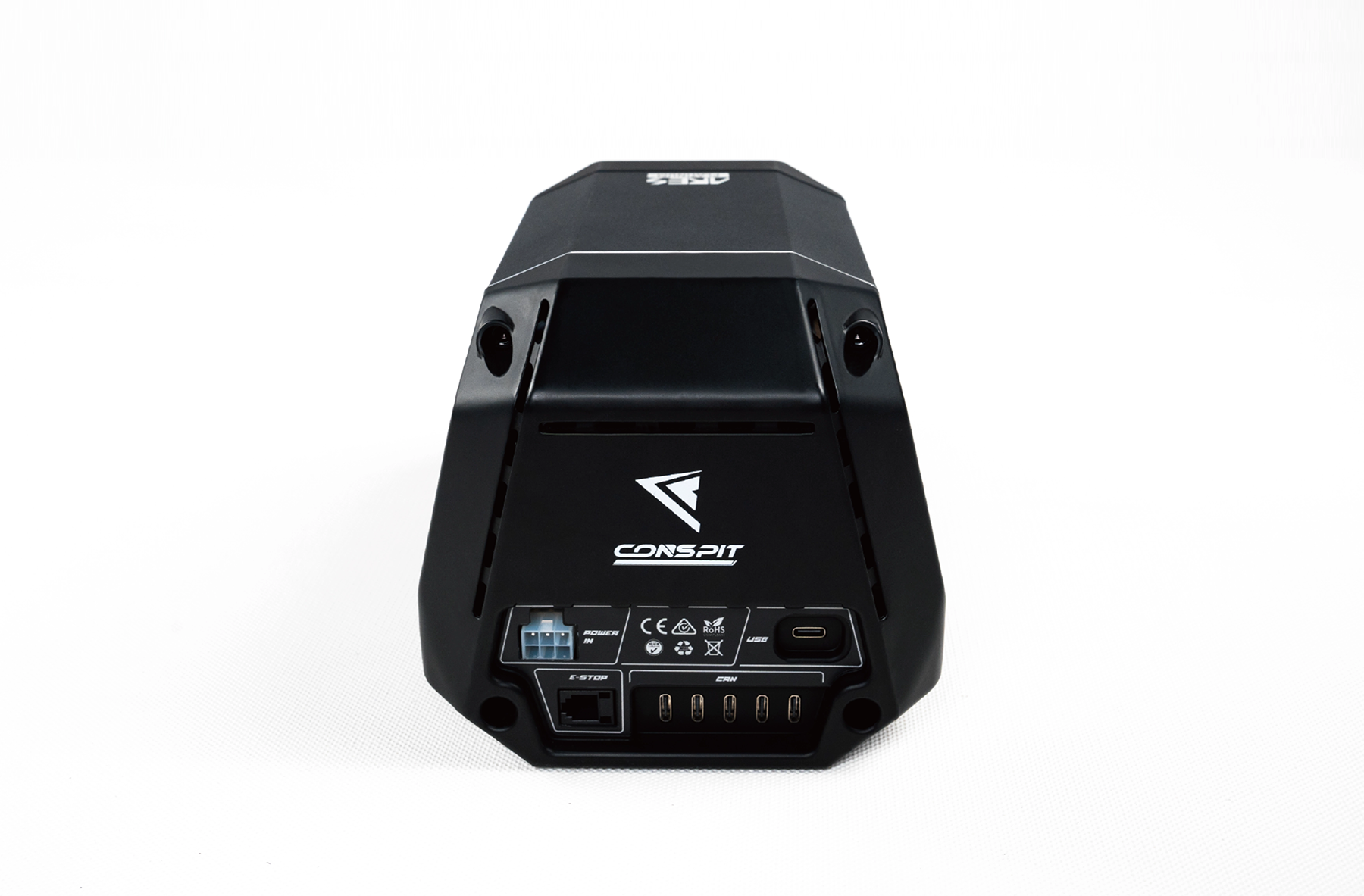
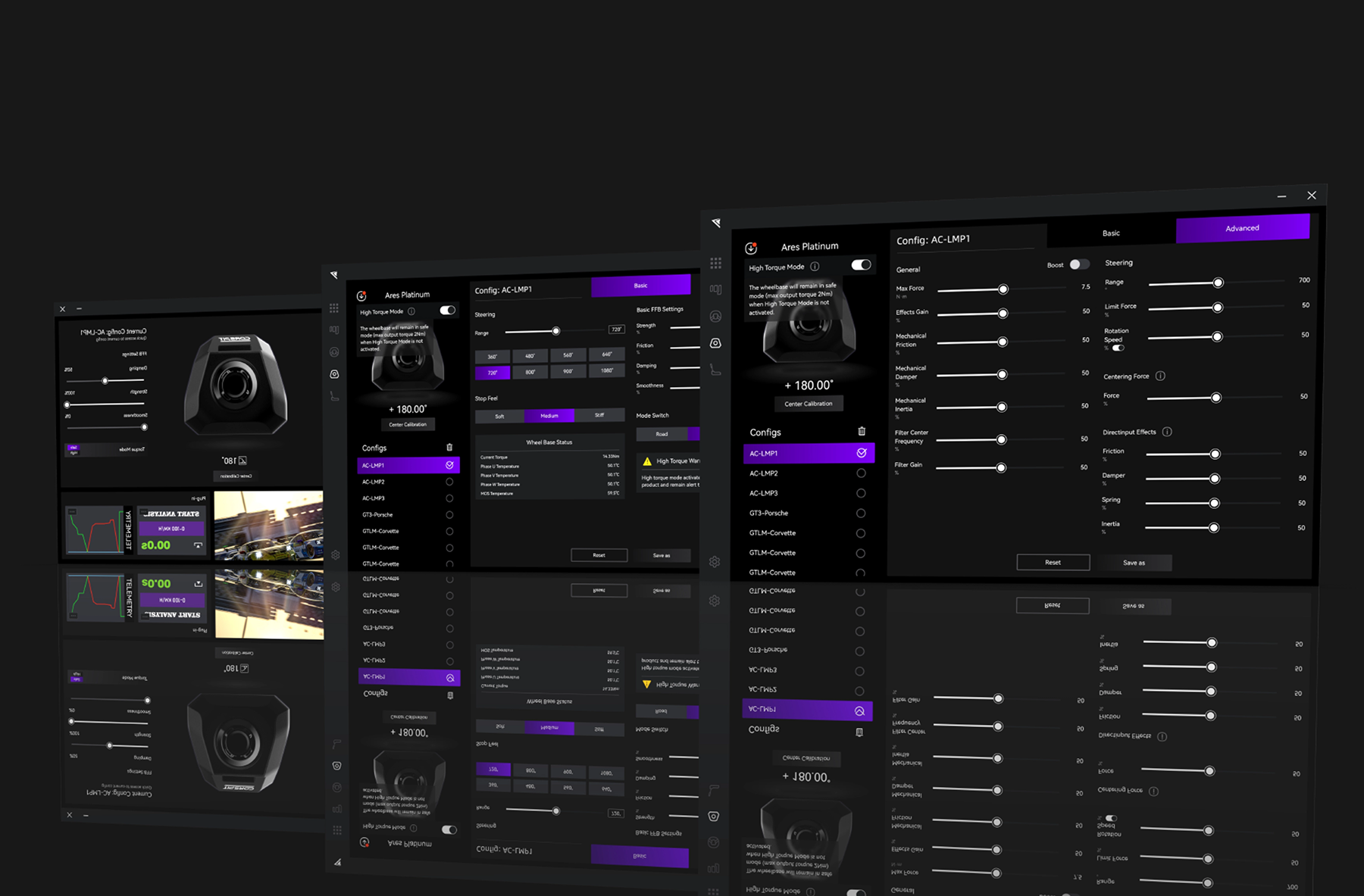
Here’s a quick bundle of all the important links for the ARES series — manuals and the Conspit Link software. Everything in one place so you don’t have to dig around. Makes setup and the first run way smoother.
| Component | Parameter | Details |
|---|---|---|
| ARES Platinum 20 | Type | Direct Drive wheel base |
| ARES Platinum 20 | Maximum torque | 20 Nm |
| ARES Platinum 20 | Maximum torque slew rate | Up to 9.5 Nm/ms |
| ARES Platinum 20 | Encoder | 23-bit optical encoder, angular precision below 0.01 degrees |
| ARES Platinum 20 | Cogging torque | Below 2.3% |
| ARES Platinum 20 | Dimensions | 134 x 150 x 287 mm |
| ARES Platinum 20 | Net weight | 7.9 kg |
| ARES Platinum 20 | Mounting points | 4 x M6 bottom, 4 x M8 side |
| ARES Platinum 20 | PC connection | USB 3.0 |
| ARES Platinum 20 | Software | Conspit Link 2.0 |
| CSD NANO | Display | 2.99-inch colour LCD |
| CSD NANO | Resolution | 800 x 268 pixels |
| CSD NANO | Dimensions | 92 x 27 x 13 mm |
| CSD NANO | Wheel-base mounting | Magnetic, pogo-pin contacts |
| CSD NANO | Universal connection | USB-C |
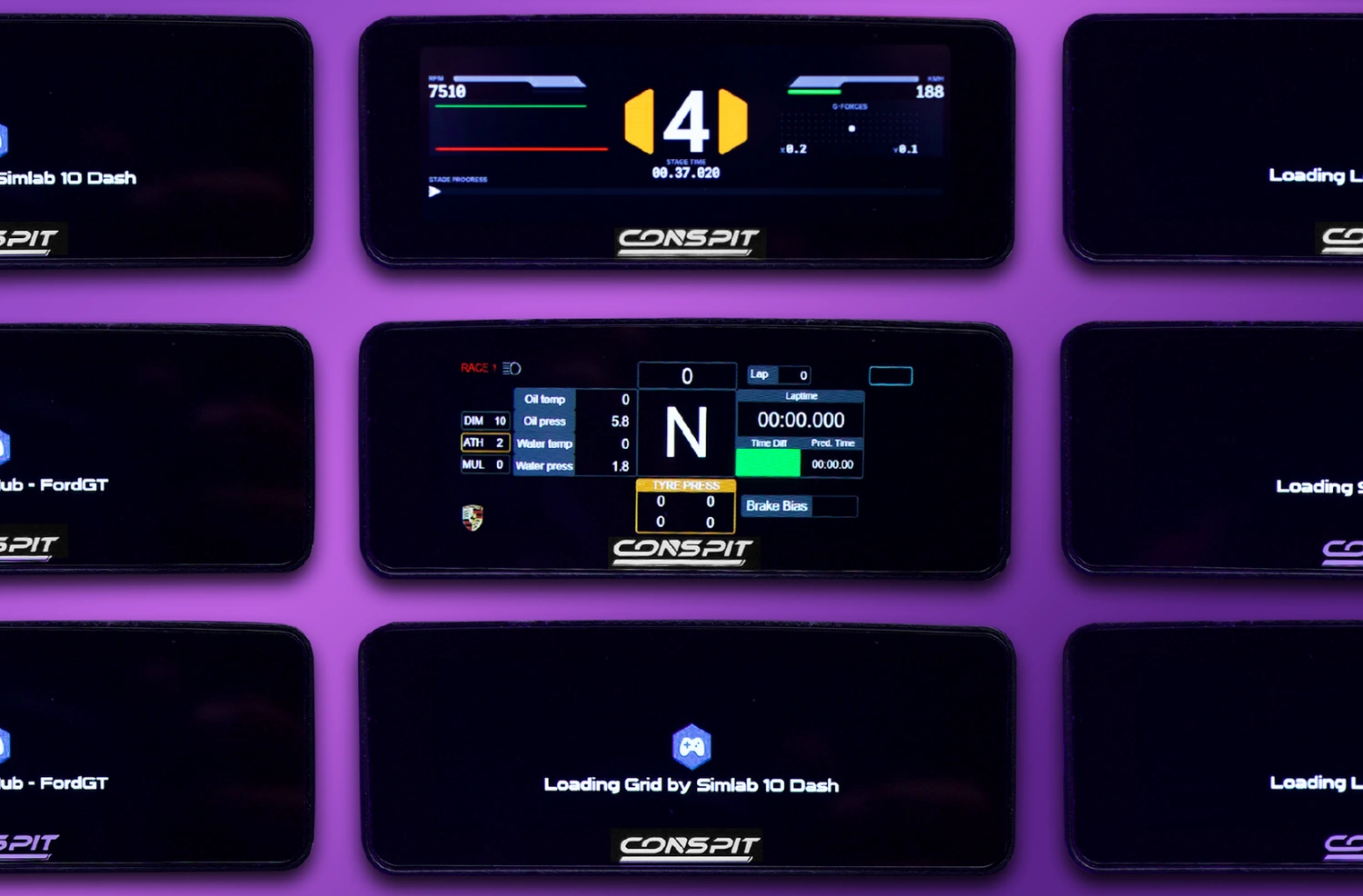
| CSD NANO | Supported environments | Conspit Link 2.0, SimHub, custom images and video files |
| Bundle | Platform | Windows PC |
| Device or use | Compatibility | Notes |
|---|---|---|
| Windows PC | Yes | Target platform for the wheel base and display. |
| Conspit Link 2.0 | Yes | Force Feedback setup and native CSD NANO layouts. |
| SimHub | Yes, for CSD NANO | Requires the official CSDNano.shdp device file. |
| Front magnetic interface on ARES Platinum 20 | Yes | CSD NANO receives power and data through pogo pins. |
| Conspit CDR quick-release system | Yes | A wheel-side CDR component is required and is not included. |
| Bottom cockpit mounting | Yes | Four M6 points. |
| Side cockpit mounting | Yes | Four M8 points; brackets must be selected separately. |
| PlayStation and Xbox consoles | No confirmed support | The manufacturer specifies Windows PC support. |
| Item | Quantity | Information |
|---|---|---|
| Conspit ARES Platinum 20 wheel base | 1 | 20 Nm Direct Drive wheel base. |
| Wheel-base power supply | 1 | Power supply for ARES Platinum 20. |
| USB 3.0 cable | 1 | Connects the wheel base to the PC. |
| Conspit CSD NANO display | 1 | Complete display included free. |
| USB Type-C cable for CSD NANO | 1 | For the display's universal connection. |
| Adhesive-backed metal mounting plate | 1 | Supports alternative CSD NANO installation. |
The steering wheel, wheel-side CDR component, wheel-base brackets, CES E-Stop, pedals and cockpit are not included.
The bundle includes the Conspit ARES Platinum 20 wheel base with its power supply and USB cable, plus a complete CSD NANO display with a USB-C cable and metal mounting plate.
Yes. CSD NANO is a complete part of this bundle and is included at no extra cost.
The wheel base delivers up to 20 Nm of torque.
It uses a 2.99-inch colour LCD with an 800 x 268-pixel resolution.
No. On the front of ARES Platinum 20, the display receives power and data through magnetic pogo-pin contacts.
Yes. Install the official CSDNano.shdp device file and configure the screen in SimHub.
No. The wheel-side CDR component must be selected separately for the steering wheel being used.
No. The CES E-Stop is an optional accessory.
ARES Platinum 20 provides four M6 points on the bottom and four M8 points on the sides. The mount must match the selected installation method.
The manufacturer specifies Windows PC support. PlayStation and Xbox compatibility has not been confirmed.
Simline.eu is an authorised CONSPIT partner in Poland and Europe. CONSPIT products are covered by warranty protection for up to 2 years within the European Union, according to CONSPIT warranty terms.
Simline.eu assists with the warranty process and manages the claim after receiving the required documentation. Once the issue has been reviewed, we provide the next instructions.
Email support@simline.eu or conspit@simline.eu. Include a description of the fault and photos or videos showing the problem. Further instructions will be provided after the claim is reviewed.
Manufacturer
Responsible person
You might also like