Shopping Cart
There are no more items in your cart
 English
  Polski
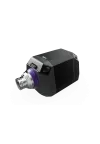
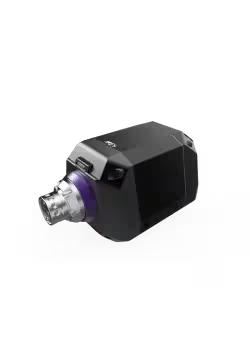
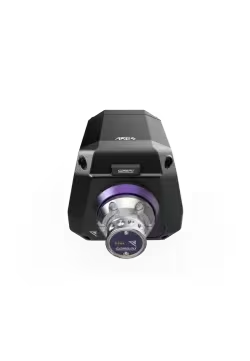
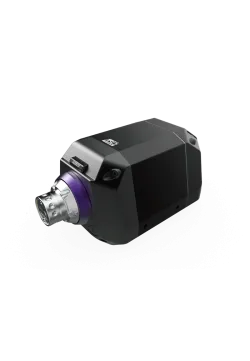
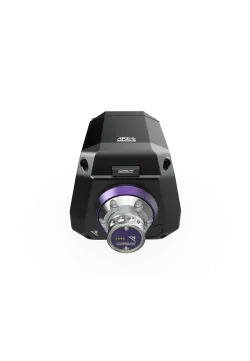
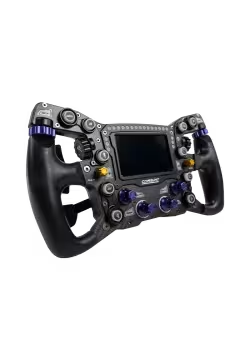
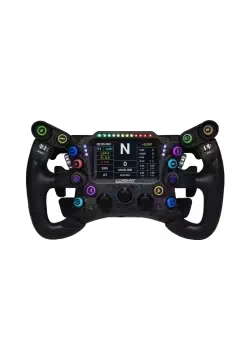
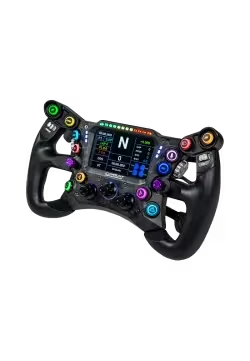
Conspit ARES 12
2,039.02zł

281.30zł
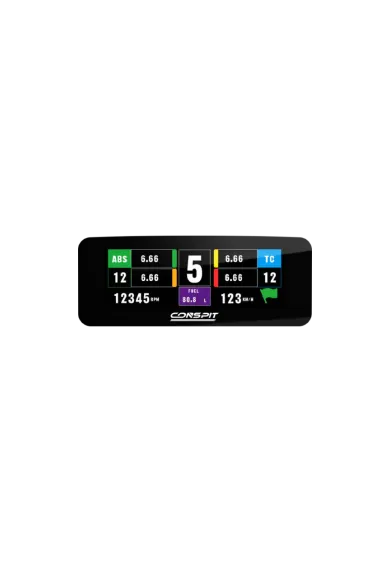
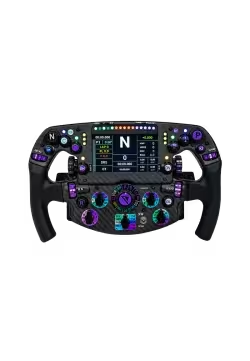
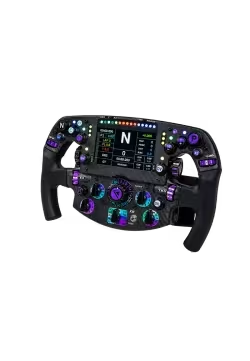
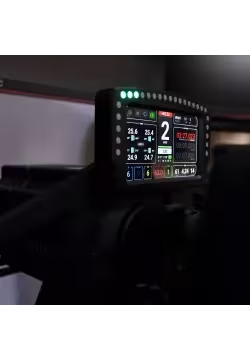
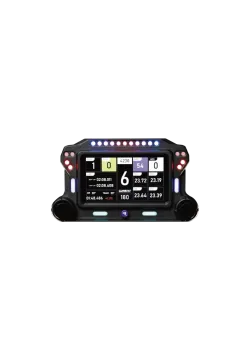
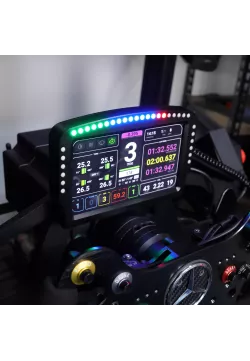
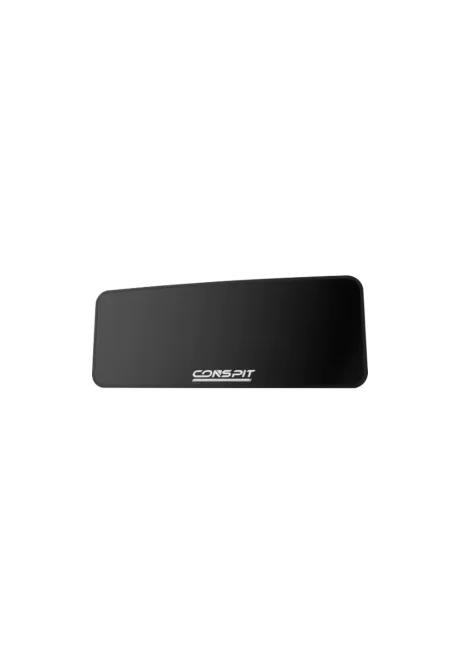
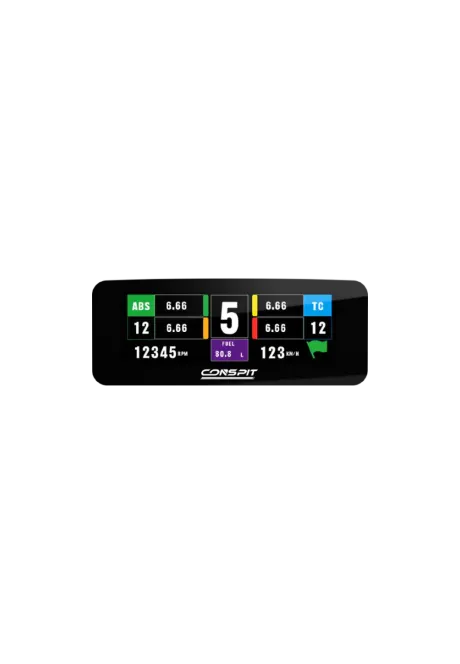
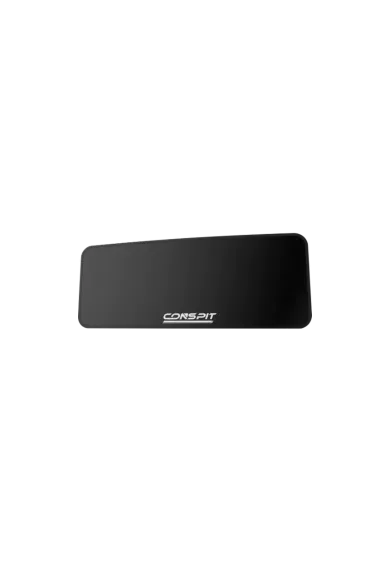
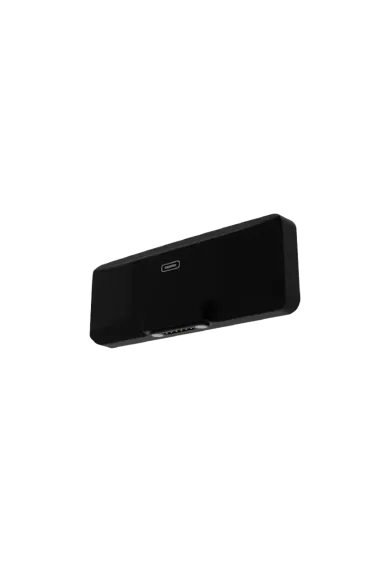
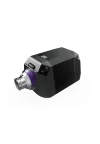
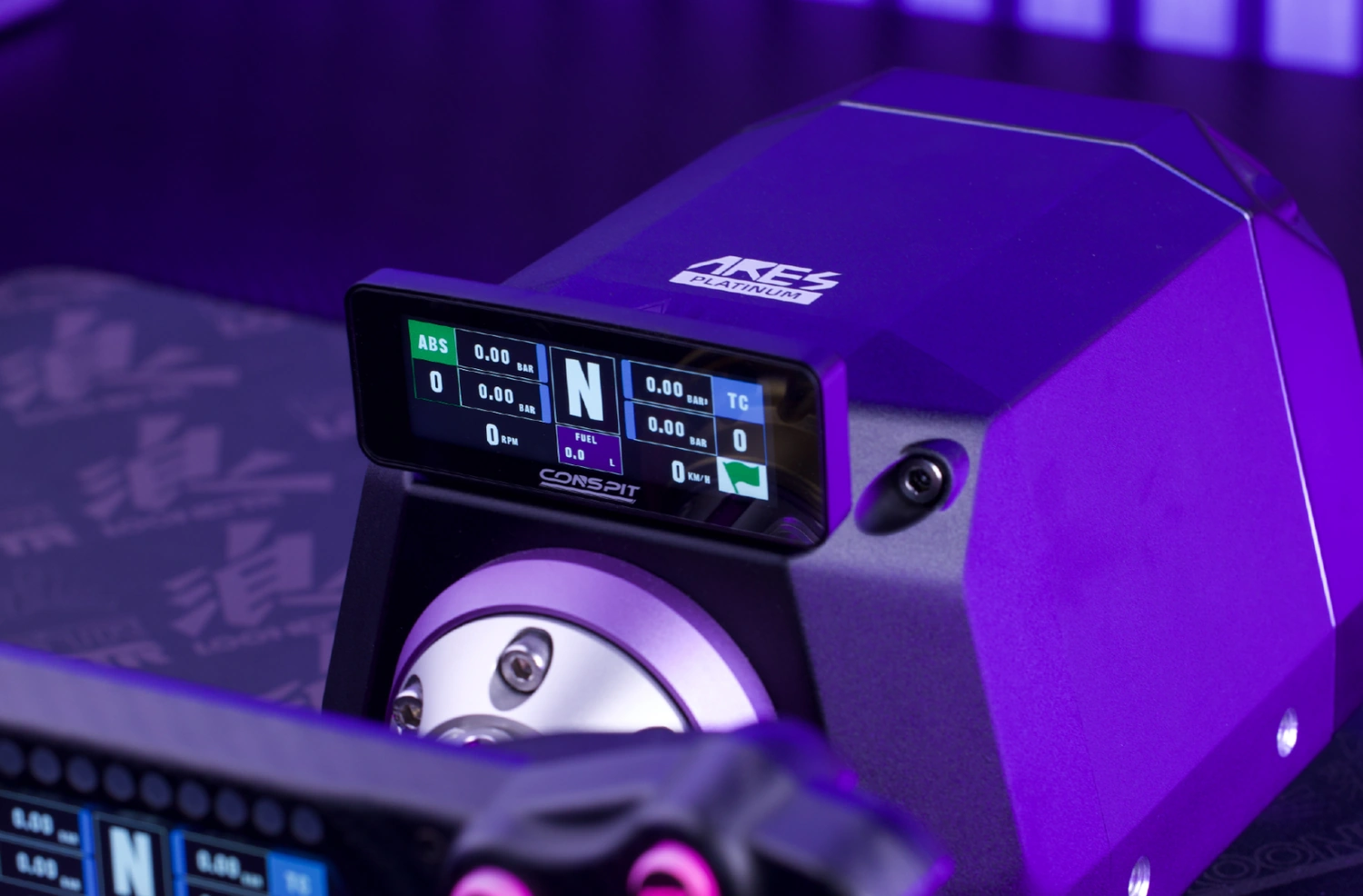
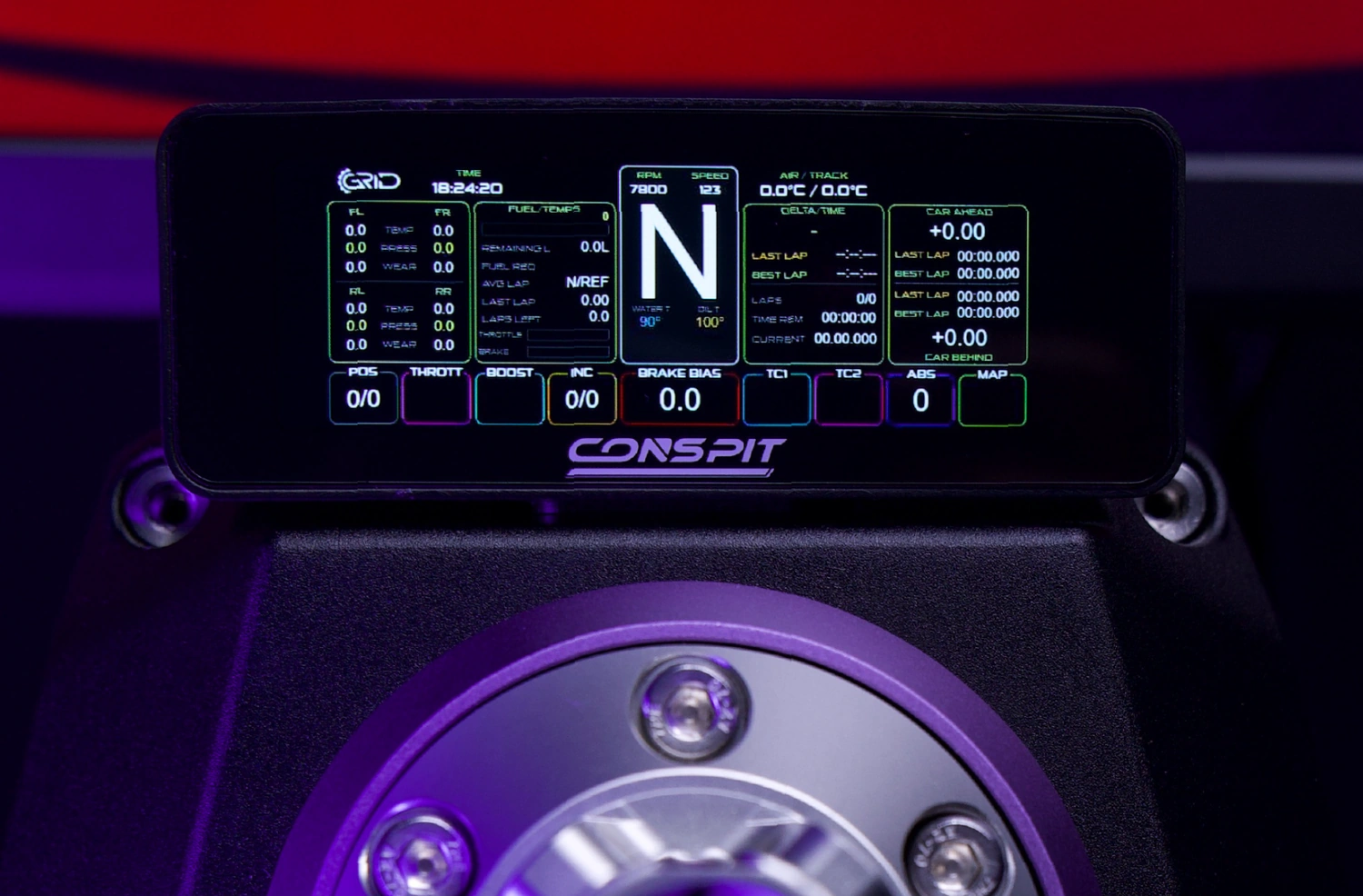
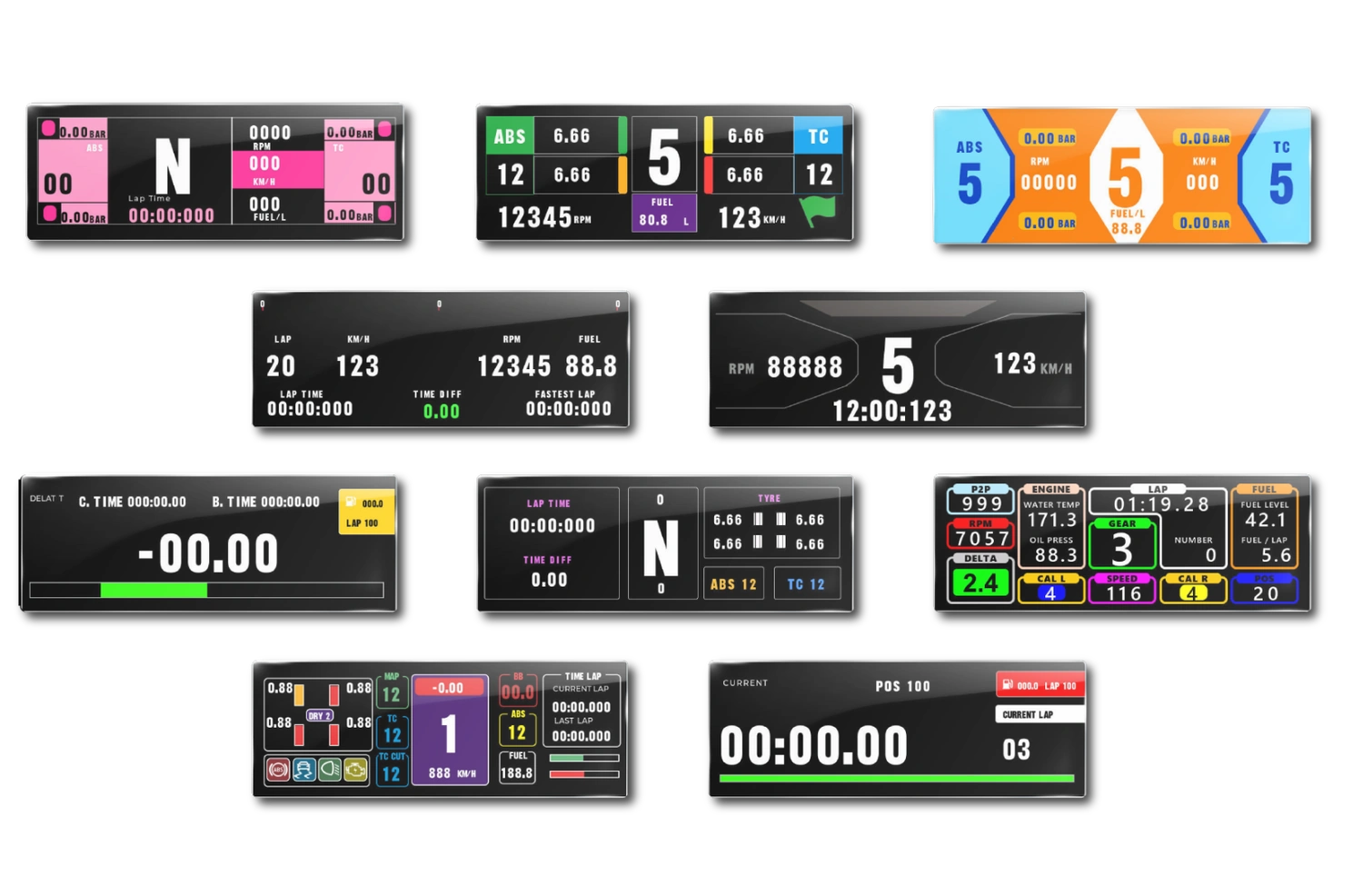
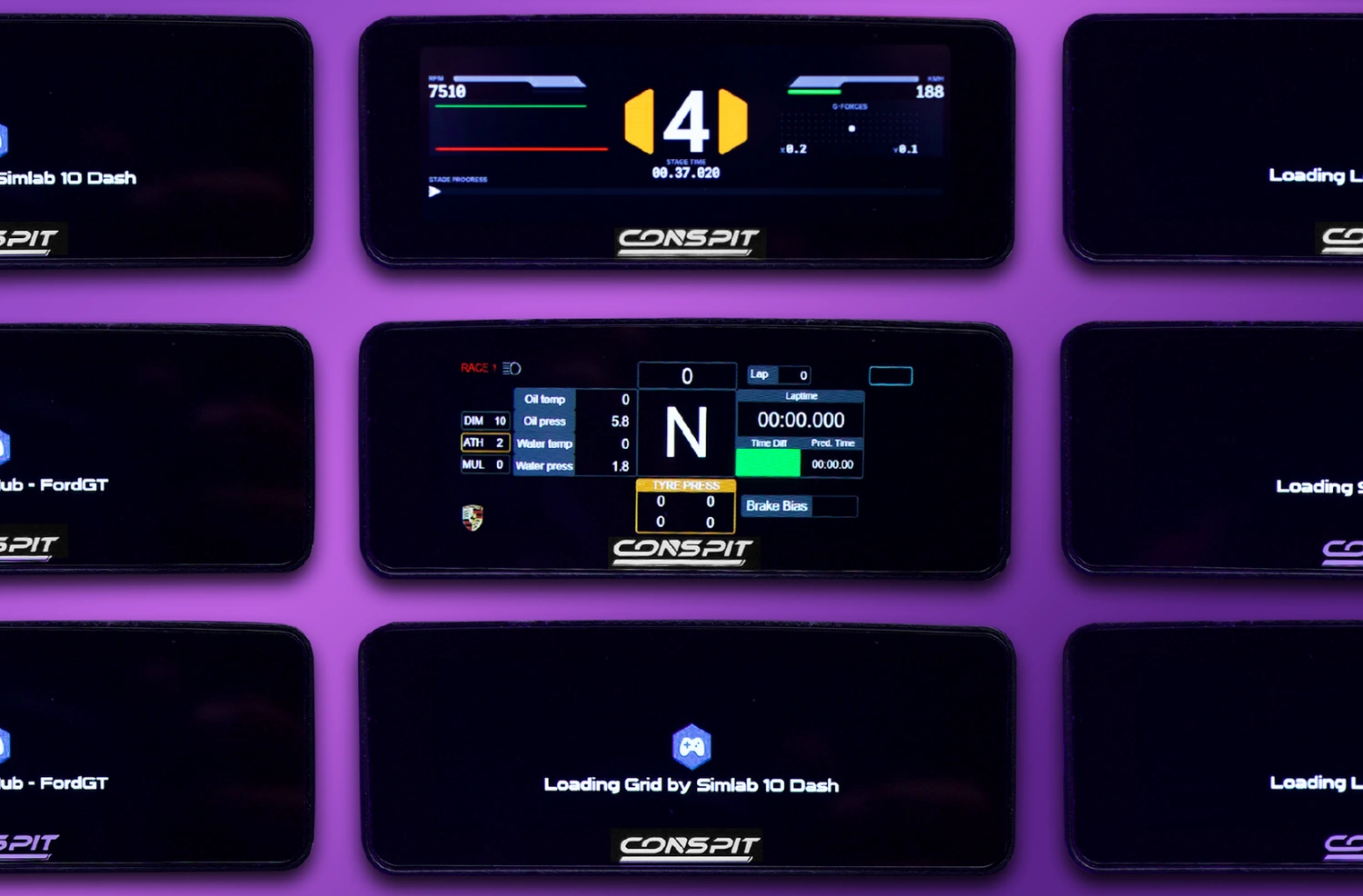
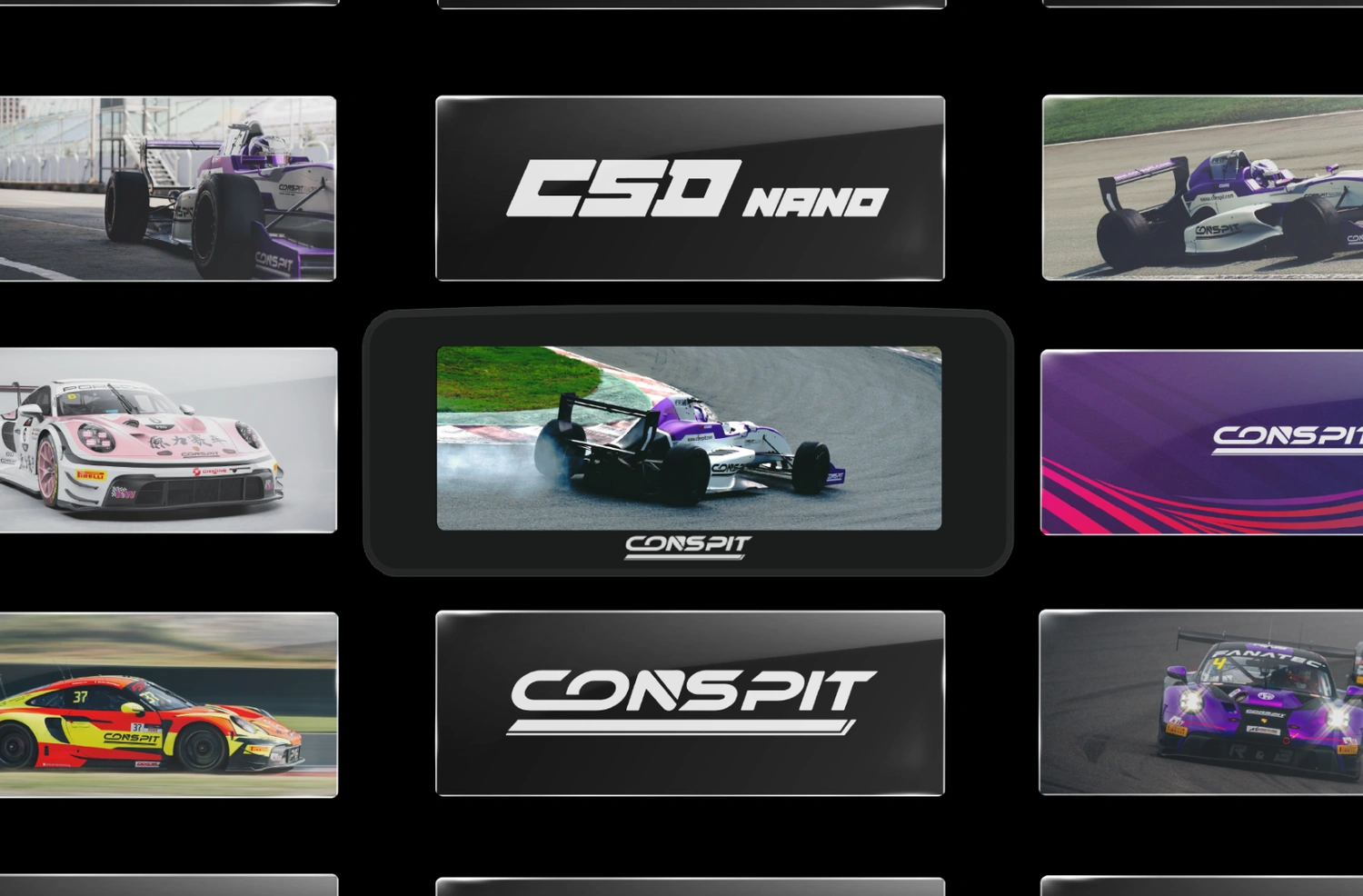
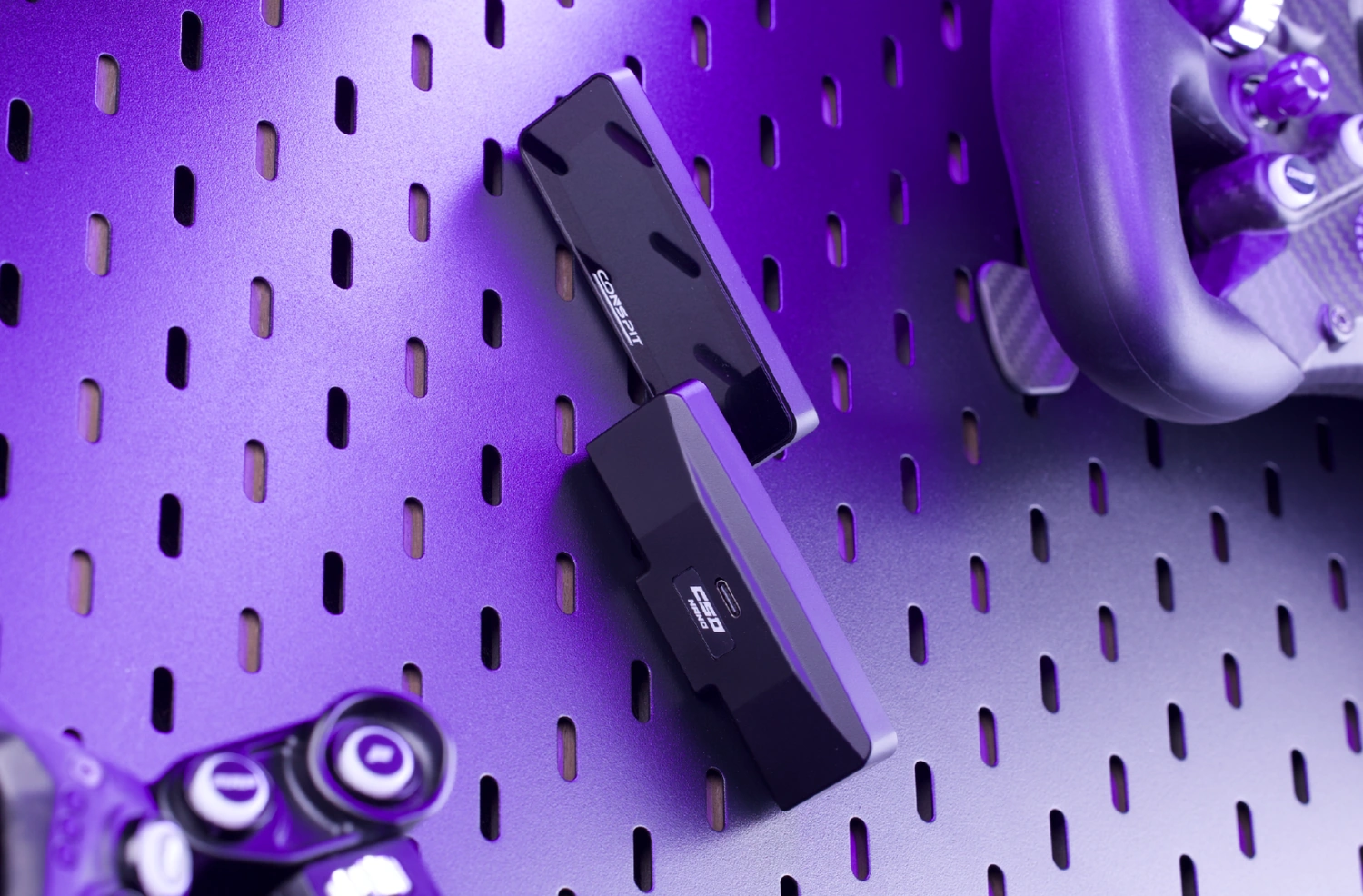
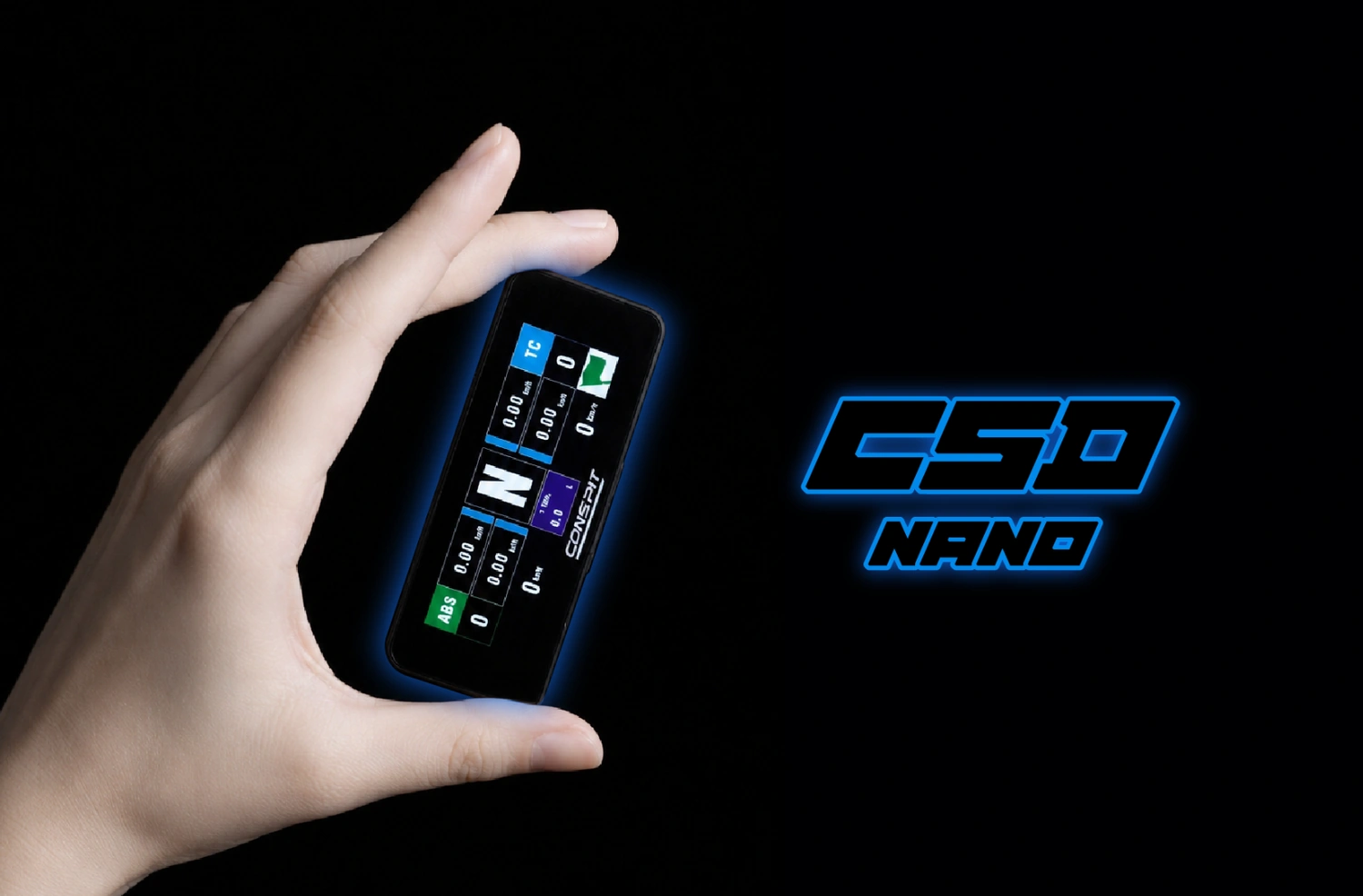
Conspit CSD Nano is a compact sim racing telemetry display with a 2.99-inch LCD panel and an 800 × 268 resolution. It can run ready-made CONSPIT layouts, SimHub dashboards, or custom images and videos. ARES wheel bases support magnetic pogo-pin mounting, while other setups can use a direct USB-C connection. Explore more sim racing dashboards available from Simline.eu.
You might also like
| Parameter | Details |
|---|---|
| Manufacturer | CONSPIT |
| Model | CSD Nano |
| Type | Compact telemetry display |
| Display | 2.99-inch LCD |
| Resolution | 800 × 268 pixels |
| Brightness adjustment | Software controlled |
| Dimensions | 92 × 27 × 13 mm |
| Front panel | Glass |
| Mounting method | Magnetic |
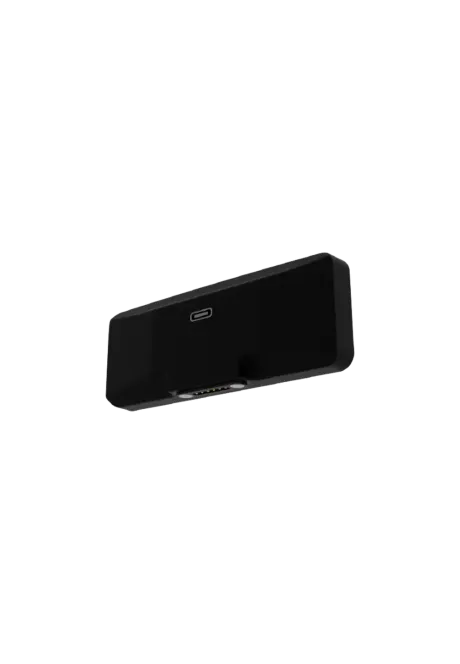
| ARES wheel-base connection | Magnetic pogo-pin connection on the front interface |
| Universal connection | USB Type-C |
| Operating modes | CONSPIT Link 2.0, SimHub, custom media |
| Native layouts | More than 10 |
| Platform | PC |
| Net weight | Not published by the manufacturer |
It shows game telemetry, SimHub dashboards, or custom images and videos on a compact 2.99-inch display.
The manufacturer identifies it as an LCD display and does not specify touch support. Configuration is handled through PC software.
The display supports native CONSPIT Link 2.0 layouts, SimHub dashboards, and custom image or video playback.
Install SimHub and add the official CSDNano.shdp device file available from the CONSPIT Download Center.
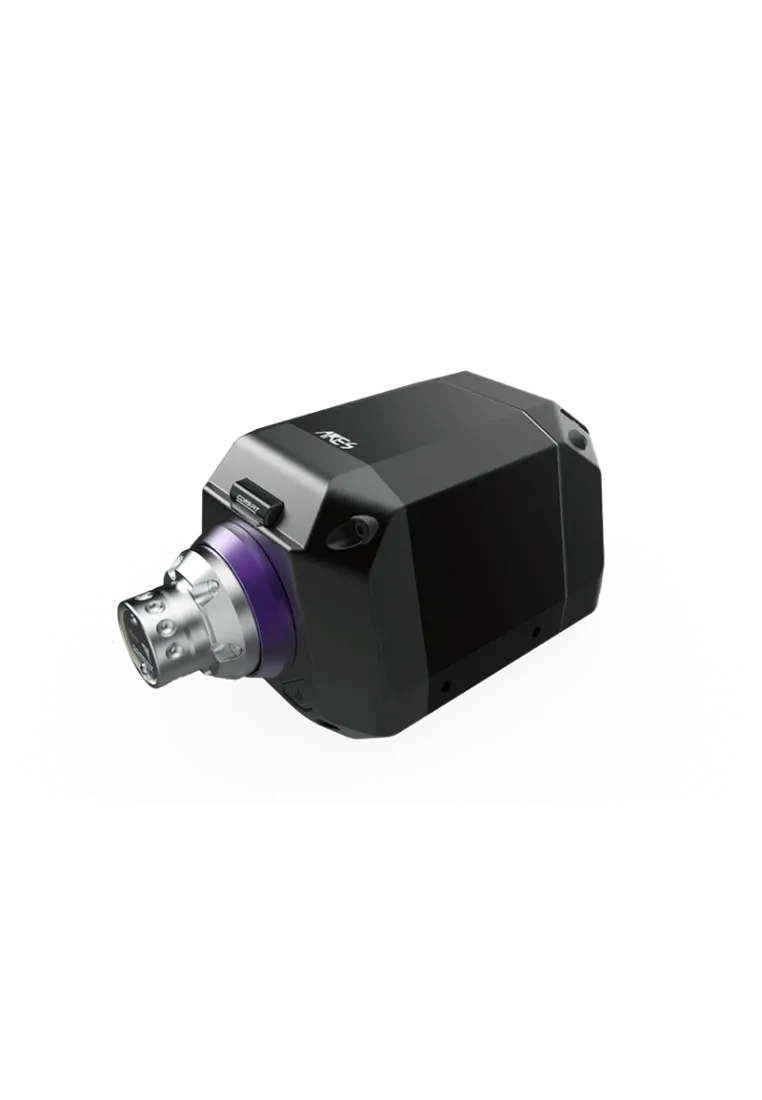
Yes. ARES 12 and ARES Platinum 20 provide a front interface for magnetic mounting and pogo-pin connection.
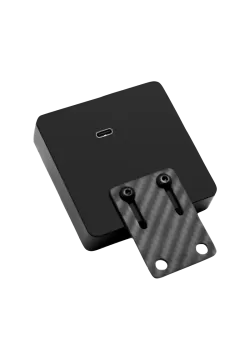
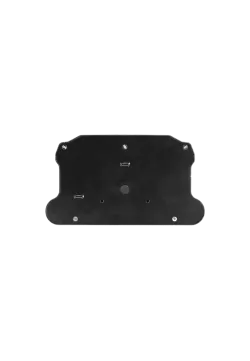
Yes, using the included adhesive-backed metal plate. In this configuration, connect the display to the PC with USB-C.
Not when the compatible front interface is used. The pogo pins provide the connection without routing a cable to the mounted display.
No. Custom media mode shows an image or video instead of live game data.
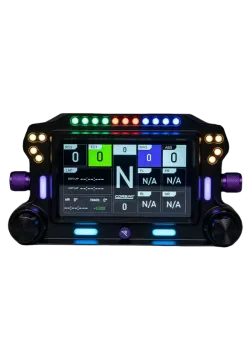
CSD Nano uses a compact 2.99-inch screen and magnetic mounting. The Conspit CSD has a 5-inch display, RGB indicators, and physical rotary controls.
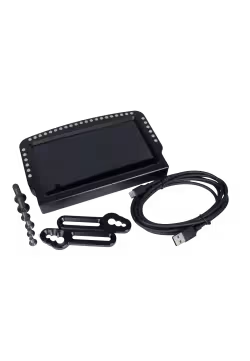
The CSD Nano display, a USB Type-C cable, and an adhesive-backed metal mounting plate.
| Device or environment | Compatibility and connection |
|---|---|
| Conspit ARES 12 | Yes, direct magnetic mounting and pogo-pin connection |
| Conspit ARES Platinum 20 | Yes, direct magnetic mounting and pogo-pin connection |
| Other wheel bases and rigs | Possible with the included adhesive plate and a USB-C cable; check the mounting surface and screen visibility |
| CONSPIT Link 2.0 | Yes, for native telemetry pages and device control |
| SimHub | Yes, after installing the official CSDNano.shdp device file |
| Windows PC | Yes |
| Consoles | No confirmed support; the product is designed for PC |
| Item | Quantity |
|---|---|
| Conspit CSD Nano display | 1 |
| USB Type-C cable | 1 |
| Adhesive-backed metal mounting plate | 1 |
Manufacturer
Responsible person
You might also like