Free shipping from PLN 200 for Poland and from EUR 350 for the entire European Union

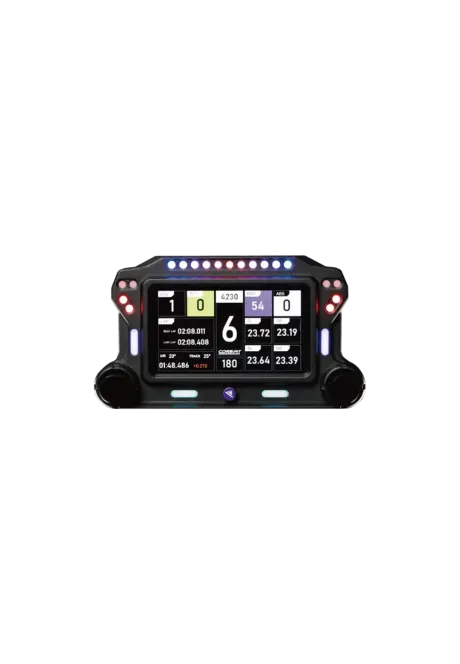
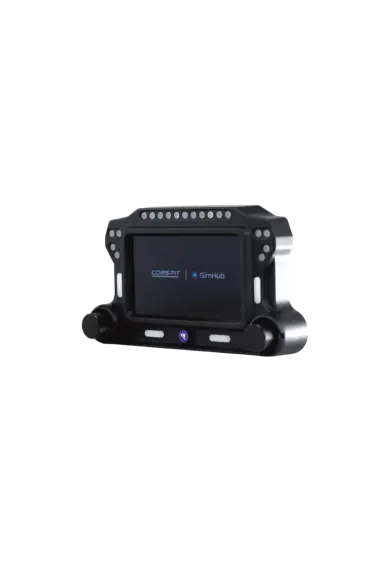
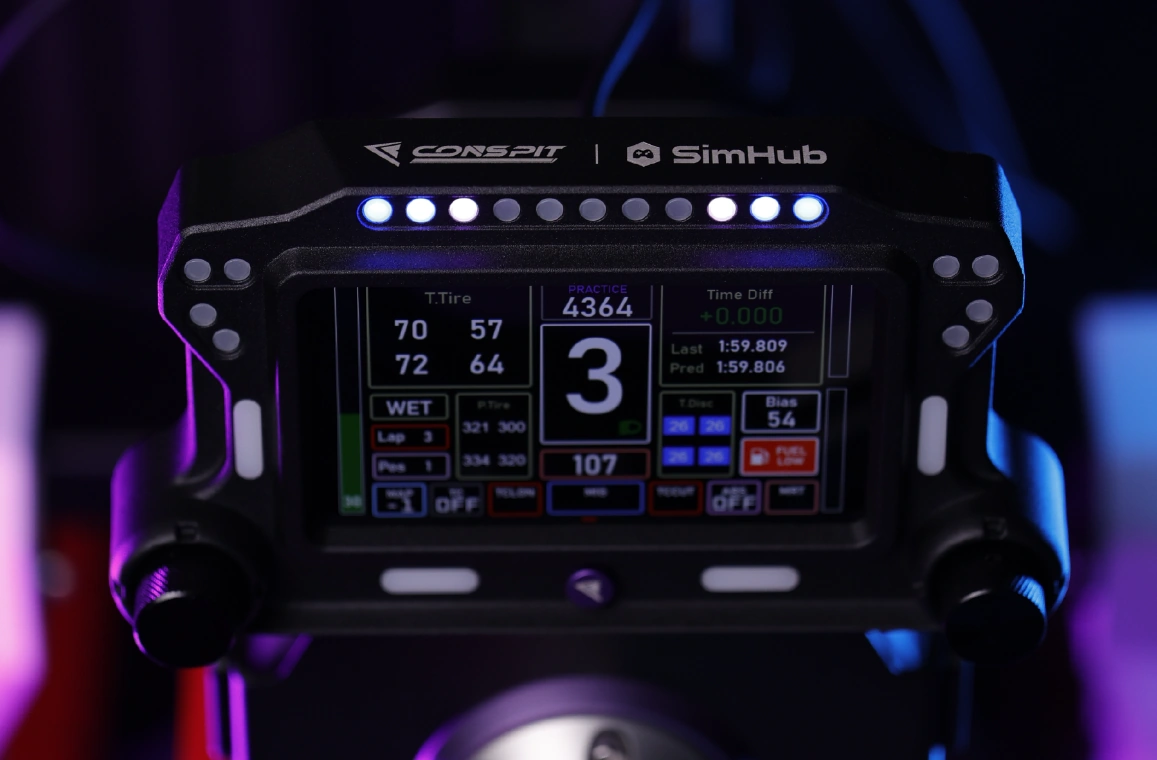
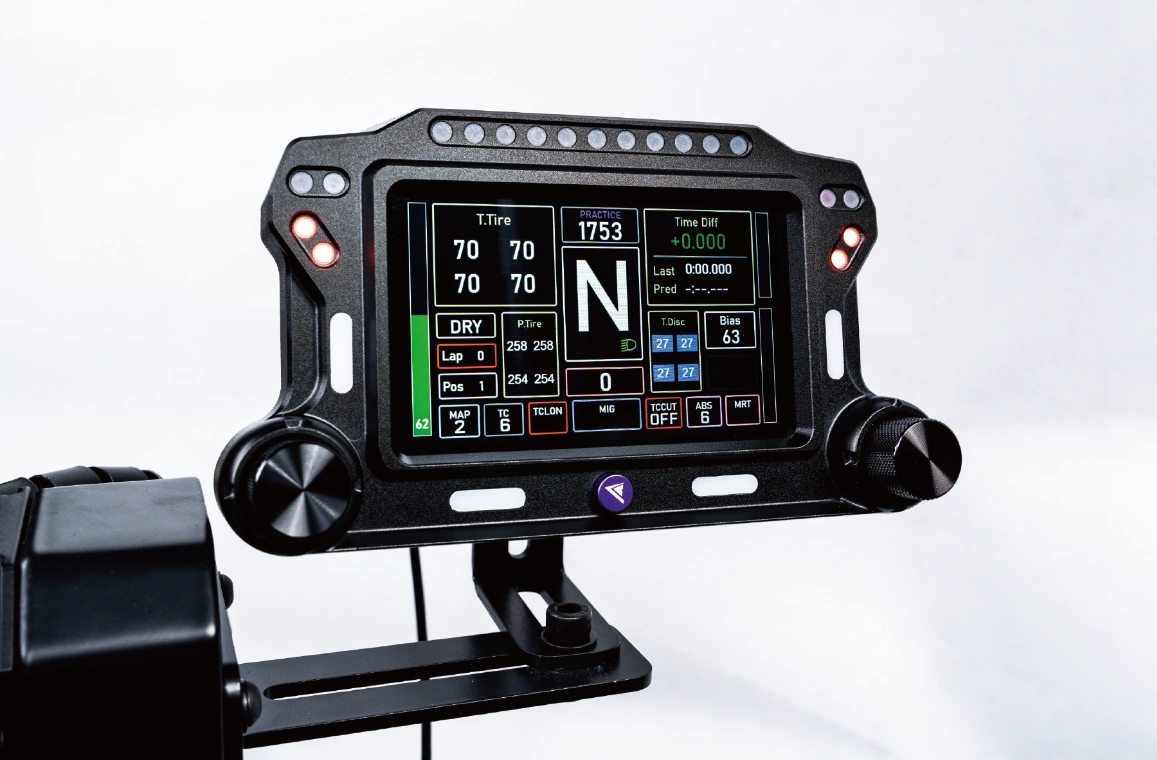
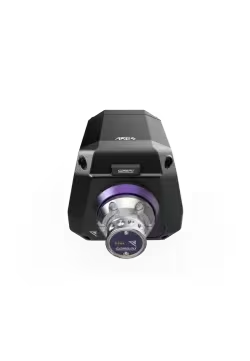
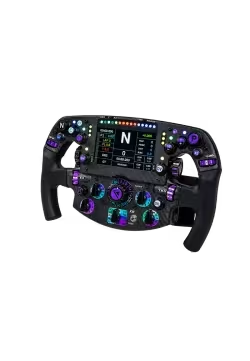
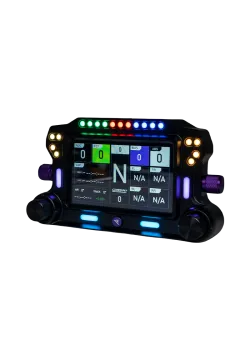
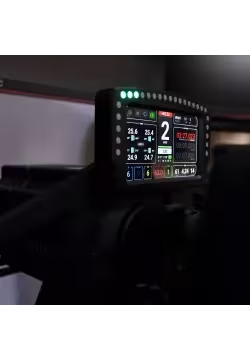
Conspit CSD Lite Dashboard front view
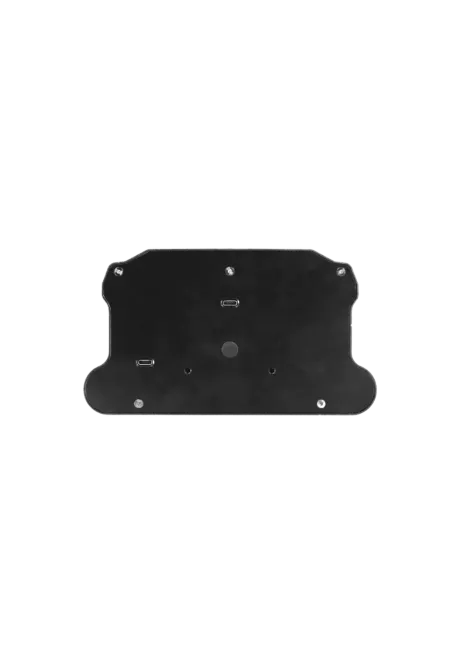
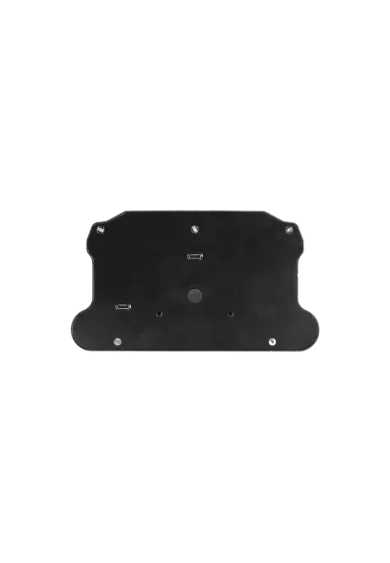
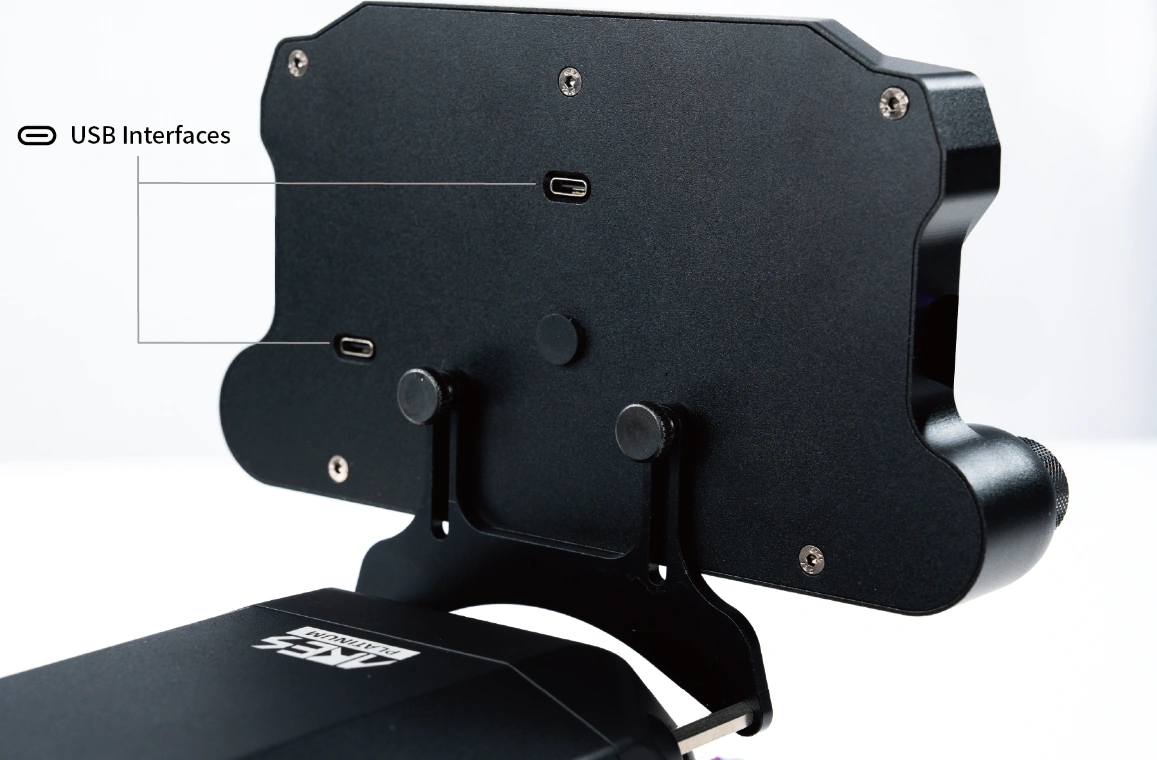
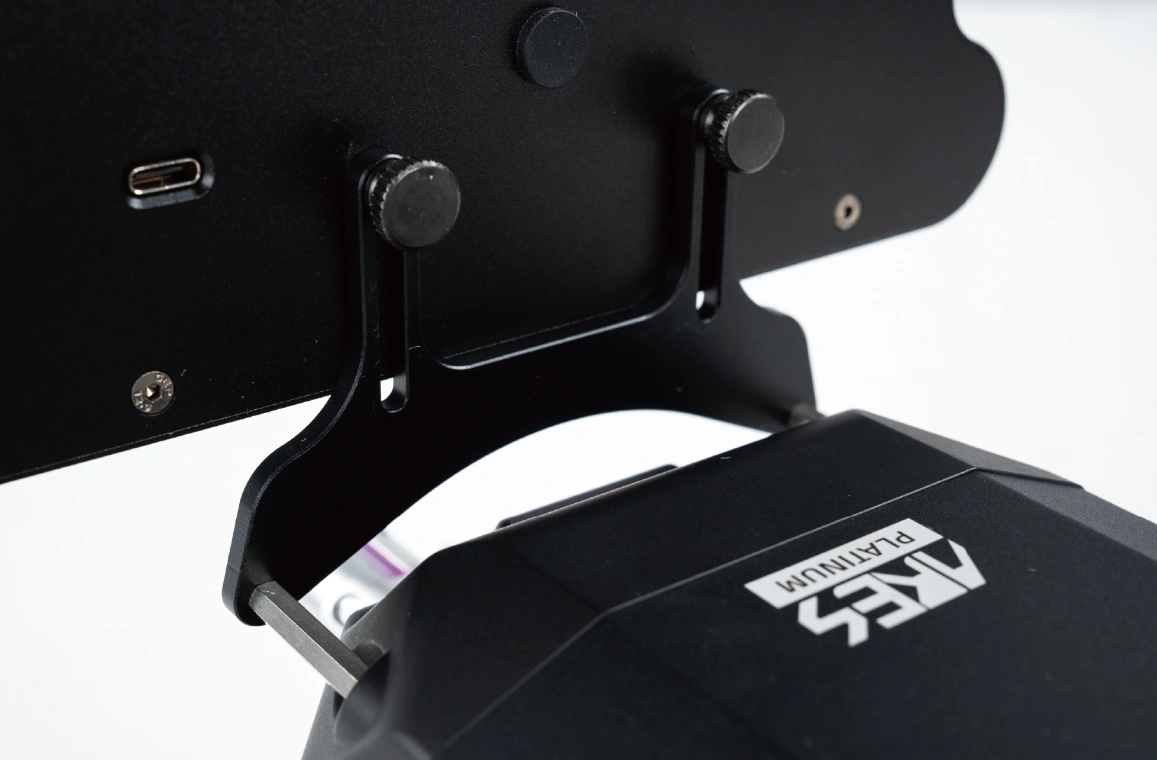
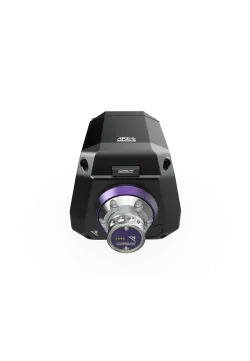
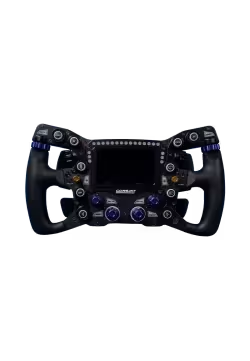
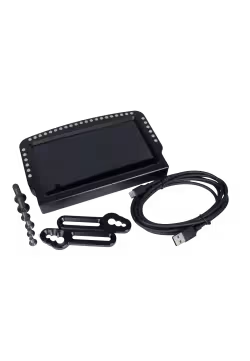
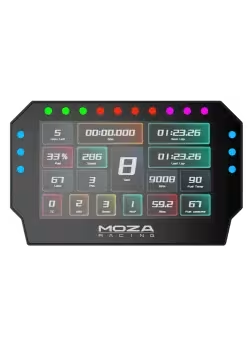
Conspit CSD Lite Dashboard rear view
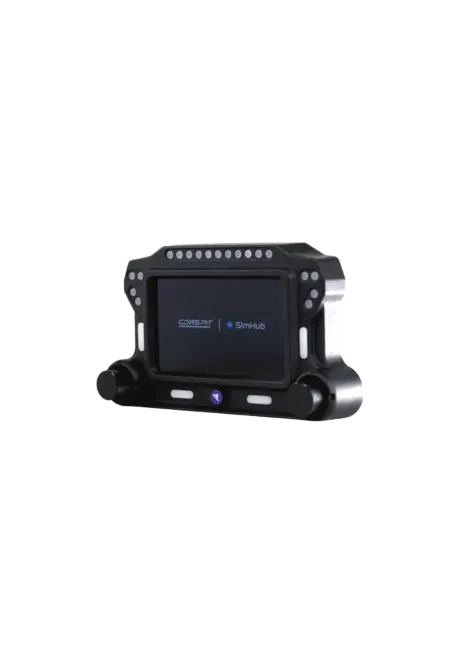
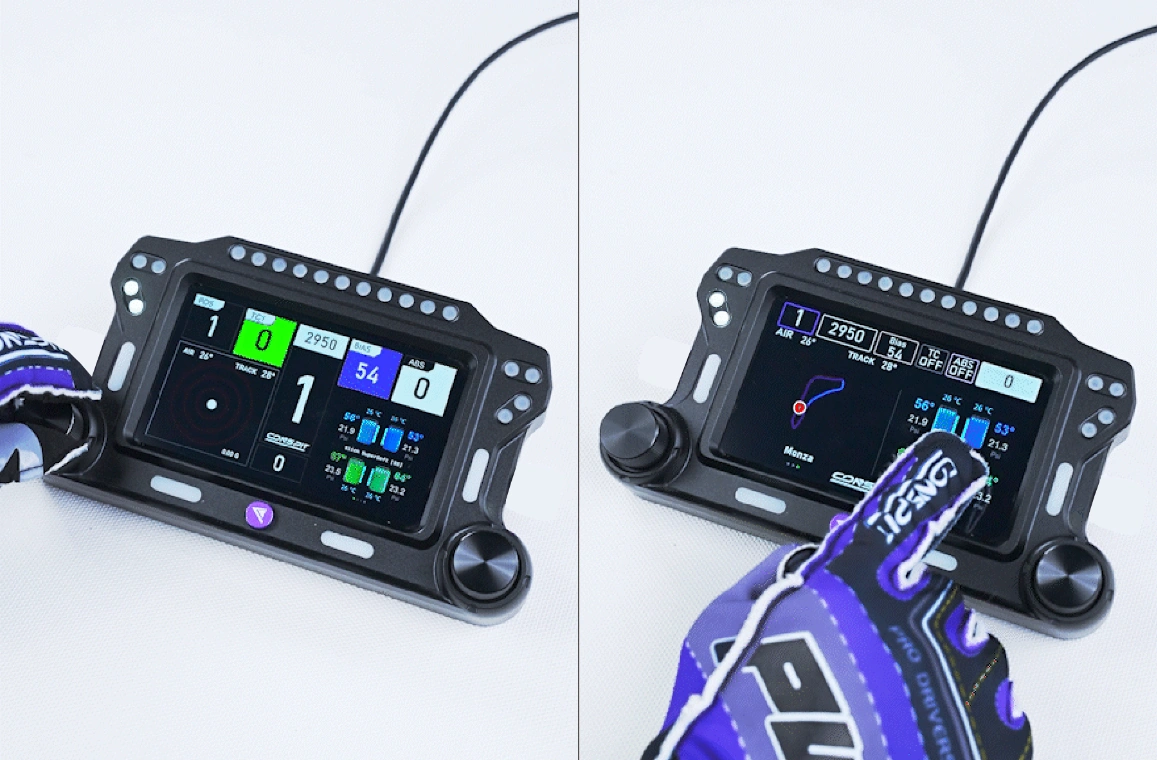
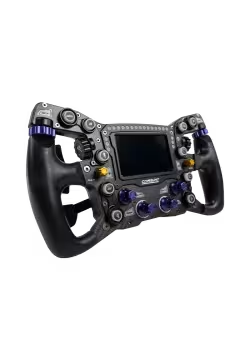
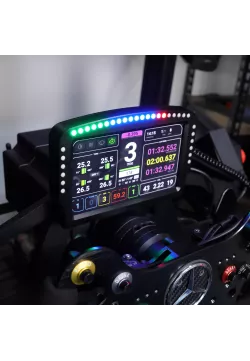
Conspit CSD Lite Dashboard front side view
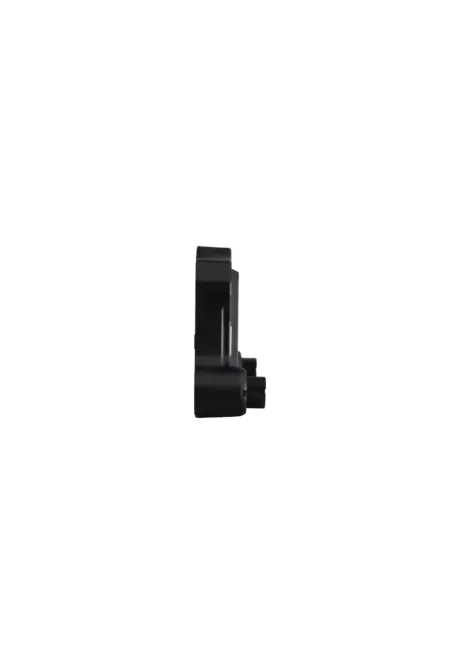
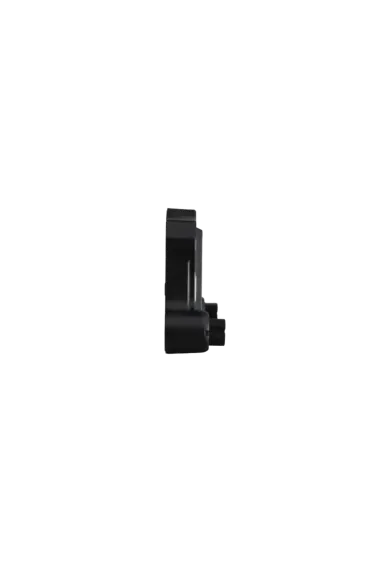
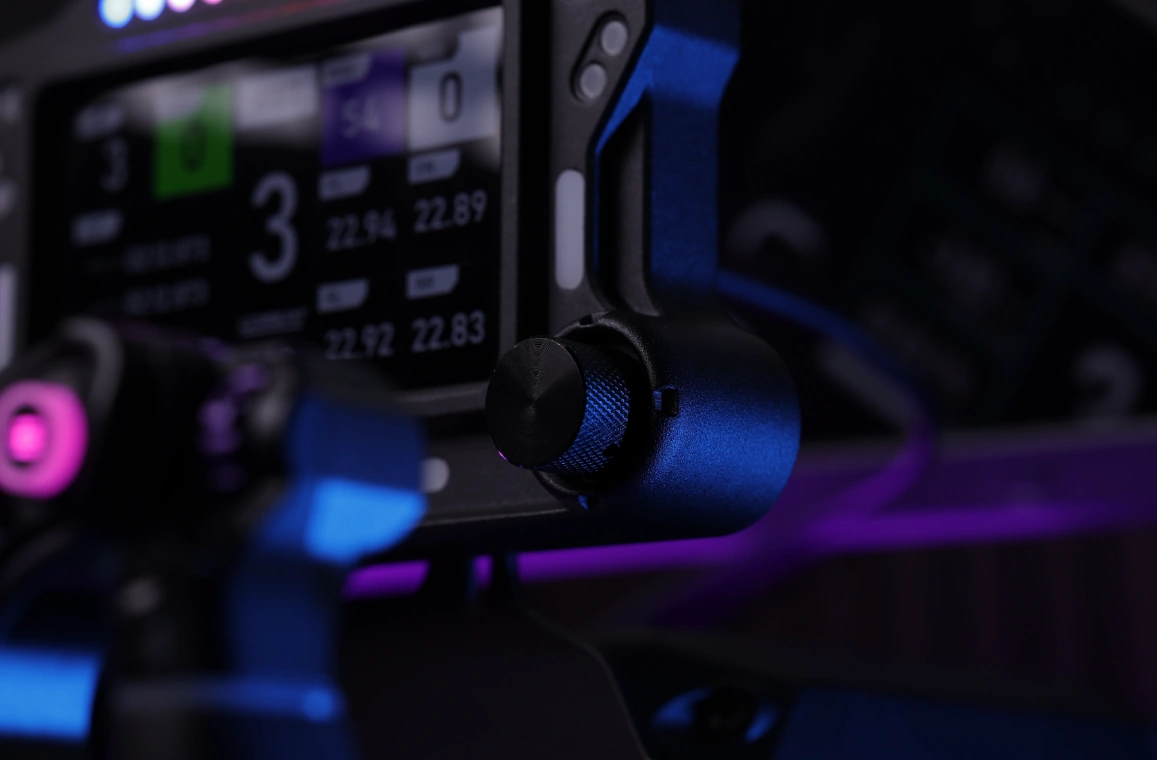
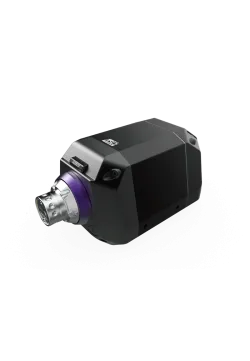
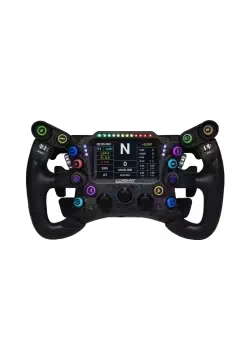
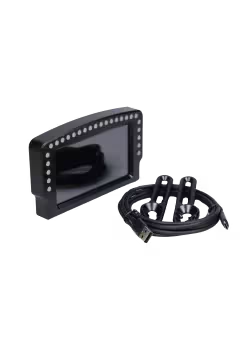
Conspit CSD Lite Dashboard side view
  • New
Conspit CSD Lite Dashboard front view
Conspit CSD Lite Dashboard rear view
Conspit CSD Lite Dashboard front side view
Conspit CSD Lite Dashboard side view

Conspit CSD Lite Dashboard

CP136
694.31zł

694.31zł

Lowest price in the last 30 days before the price reduction: 1,358.00zł
PREORDER

The Conspit CSD Lite displays telemetry on a 5-inch 854 x 480 IPS touchscreen and delivers quick alerts through 31 RGB LEDs. Two encoders, multi-touch control, ready-made LED profiles and full SimHub support make data easy to manage while driving. The unit connects directly to a PC over USB-C. Explore more sim racing dashboards available from Simline.eu.
Ask about product
Zapytanie dotyczy produktu: Conspit CSD Lite Dashboard
* - pola obowiązkowe
You will receive an 6.94zł for each item of this product to use on your next purchase.
Close
Shipping within 24 hours
Secure payments
Return within 30 days
Delivery from PLN 0

Available accessories

- Wheelbase

2,039.02zł

2,869.11zł

+ Wheel mods

273.17zł

+ Shifter's

Out of stock

1,349.59zł
None

+ Handbrakes

1,104.07zł

+ Pedals

2,072.36zł

182.93zł

2,765.00zł
 

Key data without covering the track

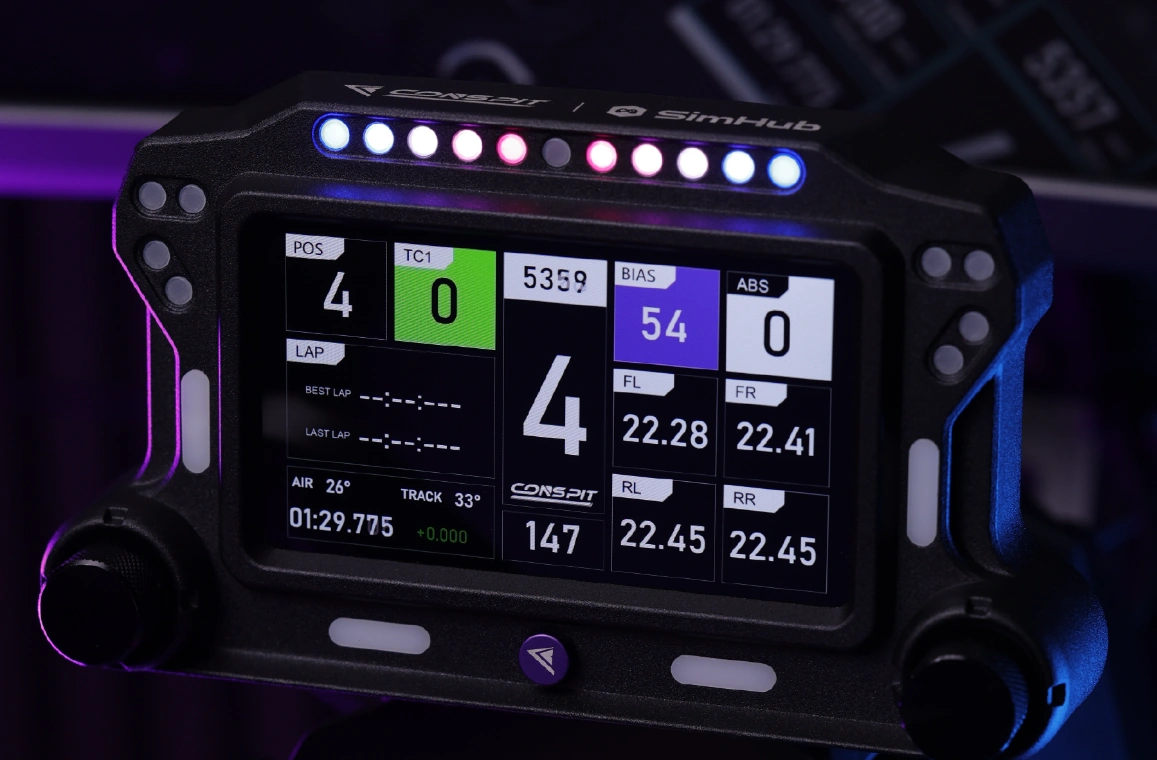
The Conspit CSD Lite moves engine speed, current gear, lap timing, flags and other telemetry to a dedicated screen positioned near the wheel. This allows the main monitor to show a cleaner cockpit and track view instead of carrying a large in-game interface.

The 5-inch format can present more than a single gear number without taking up the space of another monitor. The final data set depends on the selected dashboard, SimHub configuration and the telemetry made available by each game.

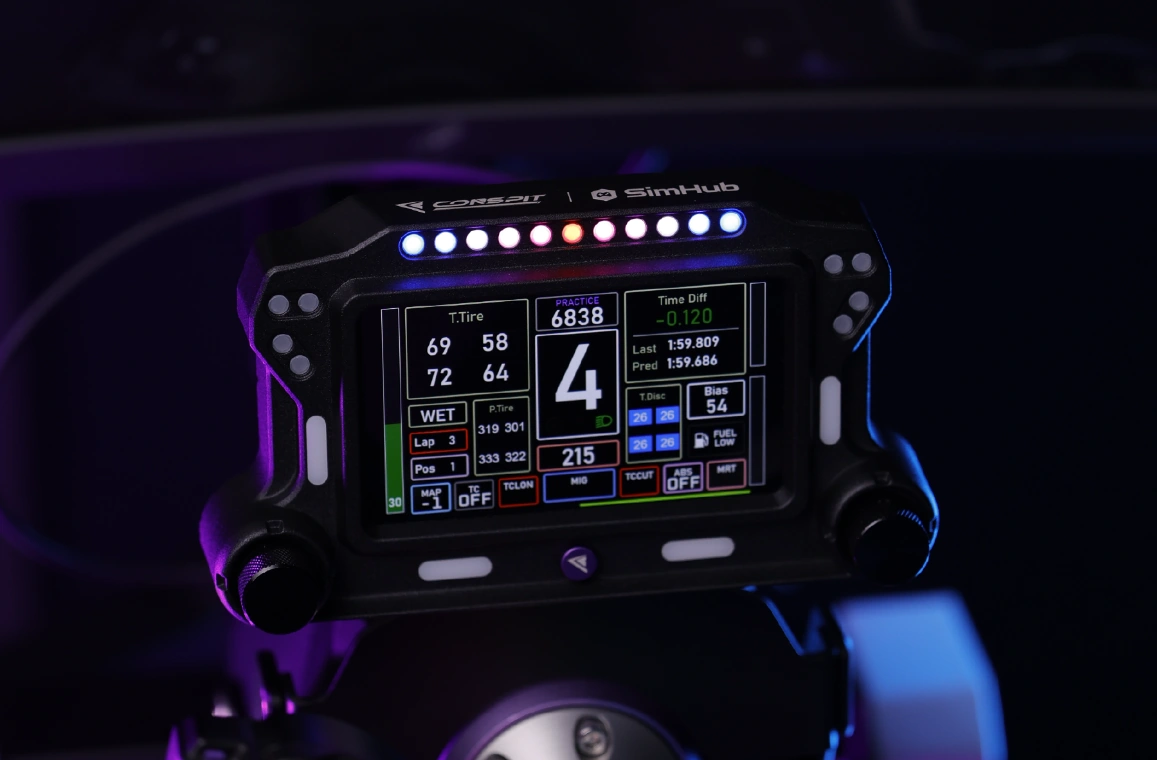
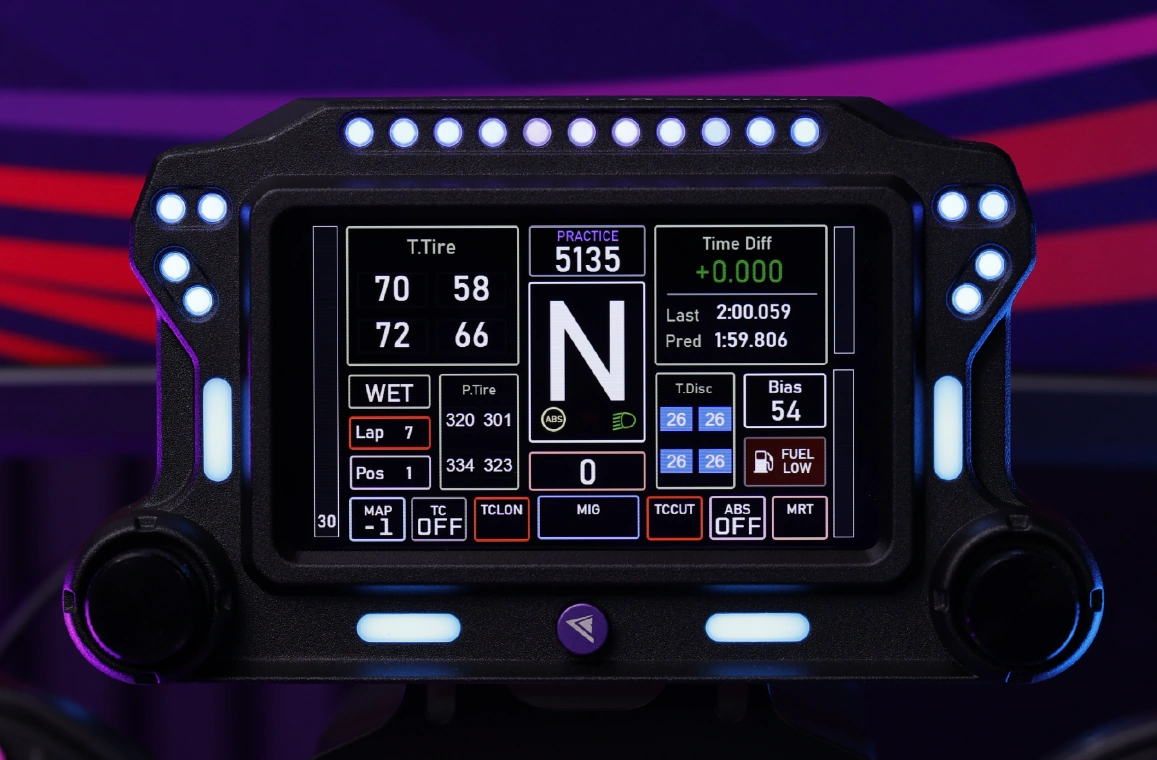
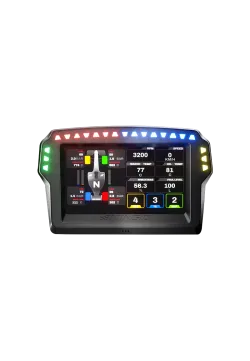
Conspit CSD Lite displaying racing data and LED alerts
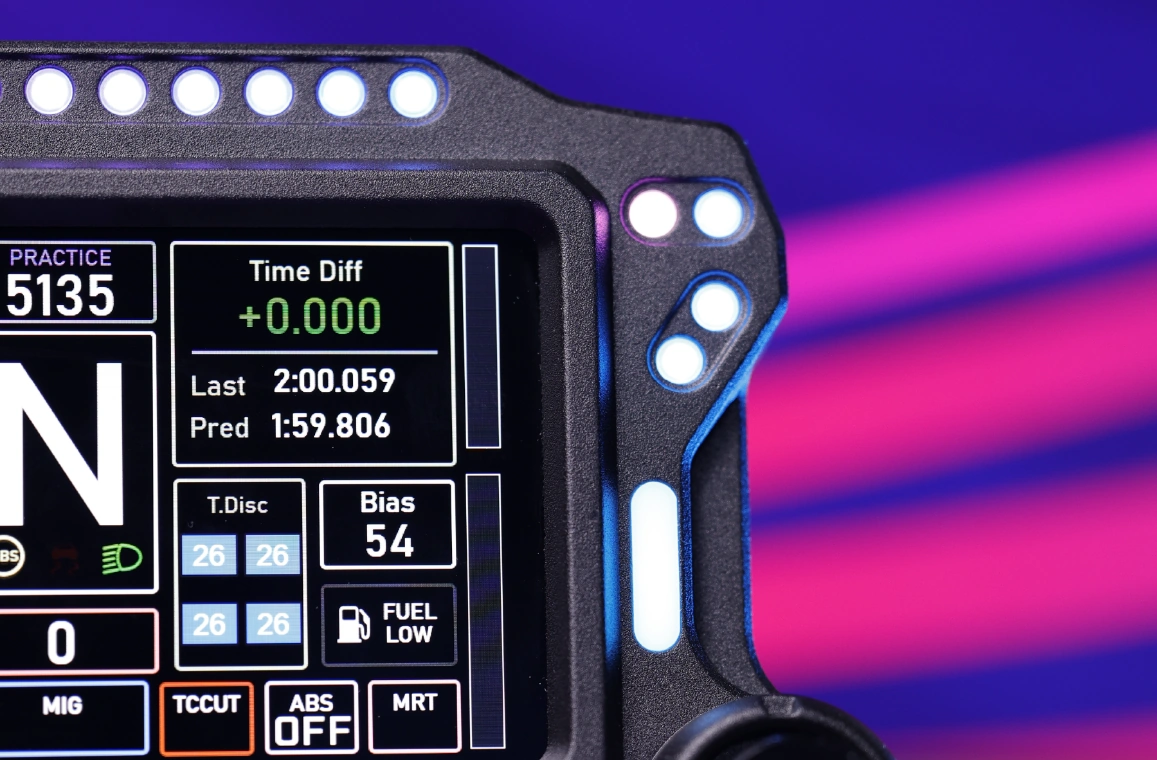
Conspit CSD Lite connected to SimHub dashboards and effects

SimHub controls the screen and indicators

The CSD Lite works with the Dashboard features in SimHub. One environment manages display pages, telemetry LEDs and control assignments. This makes it possible to keep one profile for GT cars, another for prototypes and a third for endurance racing.

Before the first session, SimHub must be installed, the device selected and telemetry support enabled for the chosen game. CONSPIT supplies ready-made starting files, so configuration does not begin with a blank screen. Page layouts and indicator behaviour can then be adjusted to suit the driver.

Five inches, 45 frames and adjustable brightness

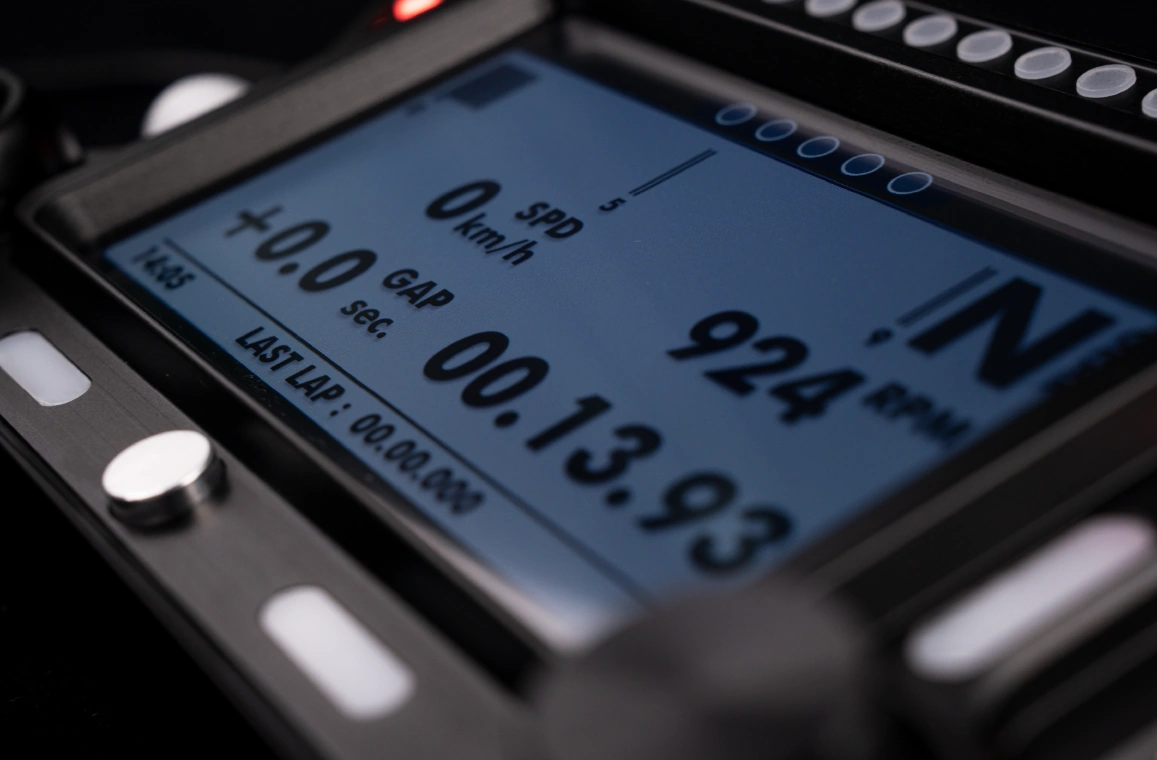
The IPS panel measures 5 inches and uses a resolution of 854 x 480 pixels. It runs at 45 frames per second, allowing RPM, gear and timing changes to update smoothly rather than appearing as a series of static values. CONSPIT specifies brightness at 350 lumens.

Brightness is adjustable, which is useful when the rig faces a window or when driving at night in a dark room. A suitable level reduces reflections on the main monitor and eye strain while keeping the important numbers readable.

Five-inch 854 x 480 IPS touchscreen on the Conspit CSD Lite
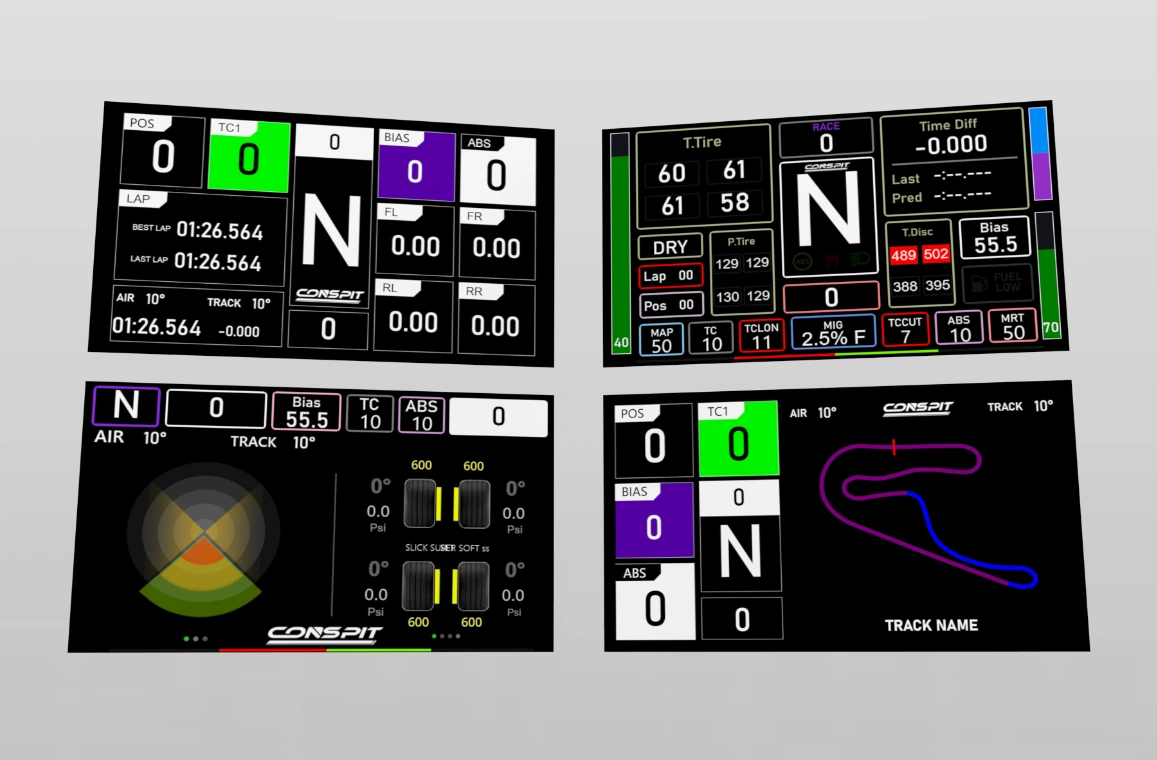
CONSPIT telemetry pages available for the CSD Lite dashboard

Ready-made pages from CONSPIT

In addition to dashboards from the SimHub library, the CSD Lite can use pages prepared by CONSPIT. Their fields are arranged for the proportions of this display, avoiding the need to resize and reposition every element after installation.

Different pages can focus on different types of driving. A sprint layout may prioritise gear and delta time, while an endurance page can add fuel, temperatures, tyre data and pit information when those values are provided by the game.

Four zones and 31 RGB LEDs

Thirty-one configurable RGB LEDs are arranged around the display in four separate zones. The upper row can act as a shift light, while the side groups can communicate flags, warnings or selected vehicle states. Their exact behaviour is configured in a SimHub profile.

A coloured signal is often easier to notice in peripheral vision than small text. This is particularly useful under braking or in traffic, when the driver's eyes should remain on the braking point and nearby cars. Not every LED has to be used for engine RPM.

Four zones containing 31 RGB LEDs around the CSD Lite screen
Ready-made CSD Lite LED profiles for RPM, flags and radar

More than 20 profiles for a quick start

The factory LED profile contains more than 20 prepared modes. They cover engine speed, flags, vehicle status, session information, radar and other supported conditions. This makes it possible to check each indicator zone without building every trigger from the beginning.

The ready-made setup can still be changed. SimHub allows colours, activation thresholds and functions to be adjusted for a particular car. Keeping decorative effects under control helps important warnings, such as a red flag or a vehicle alongside, remain obvious.

Touch control and two encoders

The CSD Lite has two encoders and a touchscreen. The main knob can change dashboard pages, while touch controls can operate auxiliary views. The panel supports multi-touch input and two-finger zoom.

Control assignments can be personalised. Frequently used actions are usually better placed on an encoder because a physical knob is easier to locate while driving. Touch input works well for operations performed while stationary or on a straight, when the driver has time to select an exact area.

Two encoders and multi-touch control on the Conspit CSD Lite
Sandblasted and anodised aluminium housing of the Conspit CSD Lite

Aluminium housing in a compact format

The housing measures 191 mm wide, 107 mm high and 43 mm deep. These dimensions make it possible to check whether the display will block the lower edge of the main monitor, controls on the wheelbase or indicators built into the steering wheel.

The body is made from aluminium alloy with a fine sandblasted and anodised finish. The metal housing protects the panel while its bracket is adjusted or the display is moved between rigs. CONSPIT does not publish a net weight for the unit.

Two ports make cable routing easier

Two data ports are located on the rear of the CSD Lite. The connection that better suits the display position and cable direction can be used. A wheelbase installation may need the lead to exit on a different side than a separate cockpit bracket.

The dashboard connects directly to the PC over USB, and the manufacturer specifies a USB Type-C cable. The cable should be secured to a fixed part of the cockpit with a small amount of slack, preventing the connector from carrying load while the bracket is adjusted.

Two rear data ports for flexible CSD Lite cable routing
Conspit CSD Lite installed on an aluminium-profile cockpit

Clear mounting points for a cockpit bracket

The rear of the CSD Lite works with an aluminium bracket providing one 1/4-inch thread and two M4 threaded holes. This creates a defined starting point for installation on an aluminium profile, dashboard support or adapter made for a specific cockpit.

CONSPIT supports installation on the GT-Lite and aluminium-profile rigs with the appropriate adapter. Before ordering a bracket, compare its pattern, cable direction and adjustment range with the intended position near the wheel.

The screen can sit directly above the wheelbase

Another common option is a bracket attached to the wheelbase. The dashboard then remains fixed above the wheel shaft while the steering wheel rotates in front of it. This keeps the display in the driver's field of view regardless of steering angle.

The adapter must match both the wheelbase mounting points and the rear bracket of the CSD Lite. The ability to place a screen above a base does not make it compatible with every model. Clearance for the quick release, cables and full wheel rotation also needs to be checked.

Conspit CSD Lite fixed above a direct-drive wheelbase
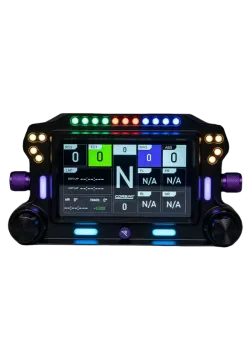
Front panel of the Conspit CSD Lite with symmetrical LED layout

A design that does not dominate the rig

The black anodised housing and symmetrical LED arrangement suit GT, Formula and aluminium-profile cockpits. With colourful effects switched off, the unit remains a simple metal module rather than another strong light source in the room.

LED colours and dashboard pages can be matched to the steering wheel or car in use, so the CSD Lite does not force one visual scheme. Correct display height still matters most, because even a well-designed dashboard is of little use if the driver has to look away from the track.

RPM Leds
Yes
Parameter Details
Manufacturer CONSPIT
Model CSD Lite
Type Simulator telemetry display
Panel 5-inch IPS touchscreen
Resolution 854 x 480 pixels
Frame rate 45 fps
Brightness 350 lumens, adjustable
Touch control Multi-touch, including two-finger zoom
Encoders 2
Indicators 31 configurable RGB LEDs in 4 zones
Ready-made LED modes More than 20
Dimensions 191 x 107 x 43 mm
Housing material Aluminium alloy with sandblasted and anodised finish
Mounting points One 1/4-inch thread and two rear M4 threads
Data ports 2 on the rear
Connection Direct USB
Cable USB Type-C
Platform PC
Software SimHub
Net weight Not published by the manufacturer

1. Which data can the Conspit CSD Lite display?

It can show gear, RPM, timing, fuel, temperatures, flags, radar and other data. Availability depends on the dashboard, game and telemetry output.

2. Is SimHub required?

Yes. CONSPIT specifies SimHub for display pages, telemetry LEDs and control functions.

3. What are the screen specifications?

It uses a 5-inch IPS touchscreen with 854 x 480 resolution, a 45 fps frame rate and adjustable 350-lumen brightness.

4. What can the 31 RGB LEDs indicate?

The four zones can show RPM, flags, vehicle status, session information, radar and other effects configured in SimHub.

5. How is the CSD Lite controlled?

It has two encoders and a multi-touch screen. The knob can change pages, while touch supports auxiliary views and two-finger zoom.

6. How does the display connect to the PC?

It uses a direct USB connection. CONSPIT specifies a USB Type-C cable, and two data ports are positioned on the rear.

7. Does the Conspit CSD Lite work on consoles?

Console support is not confirmed. The official specification lists PC and SimHub.

8. Which mounting holes are provided?

The rear bracket has one 1/4-inch thread and two M4 threads. The adapter must also match the chosen cockpit or wheelbase.

9. How does the CSD Lite differ from the full Conspit CSD?

The CSD Lite has two encoders, while the full Conspit CSD uses four. Both provide a 5-inch 854 x 480 display and 31 RGB LEDs.

10. Is a mounting adapter included with every package?

Package contents depend on the selected option. CONSPIT offers a wheelbase-adapter bundle and a separate GT-Lite cockpit adapter, so check the configuration name before ordering.

Platform or installation Compatibility and conditions
PC The platform specified by CONSPIT; direct USB connection.
SimHub Supports the dashboard, telemetry, RGB LEDs and control configuration.
Games supported by SimHub Available data and effects depend on the telemetry exposed by each title.
CONSPIT GT-Lite cockpit Supported with the dedicated GT-Lite adapter.
Aluminium-profile cockpit Installation is possible with a compatible bracket using the 1/4-inch thread or M4 mounting points.
Wheelbase Installation is possible with an adapter matching the specific wheelbase model.
Third-party cockpit Possible after checking the hole pattern, display clearance and cable routing.
Consoles No confirmed support. CONSPIT specifies PC and SimHub.
Item Details
Conspit CSD Lite Telemetry display with two encoders and 31 RGB LEDs
USB Type-C cable For direct connection between the display and PC
No reviews

Manufacturer

Responsible person

You might also like
Products from same category

Product added to wishlist
Product added to compare.