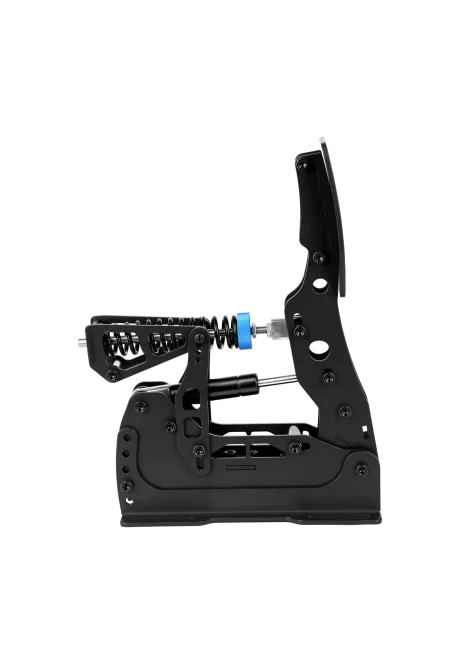
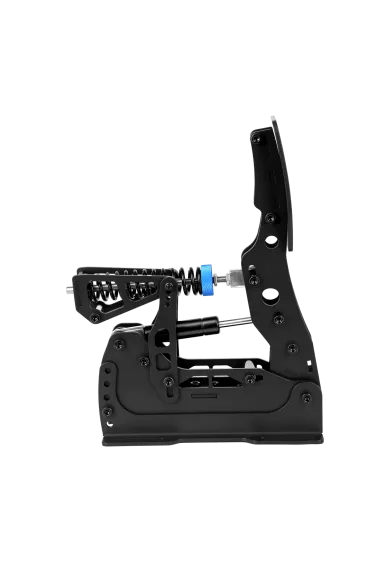
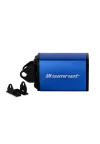
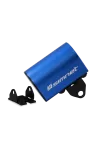
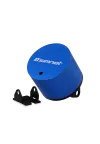
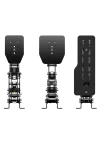
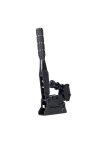
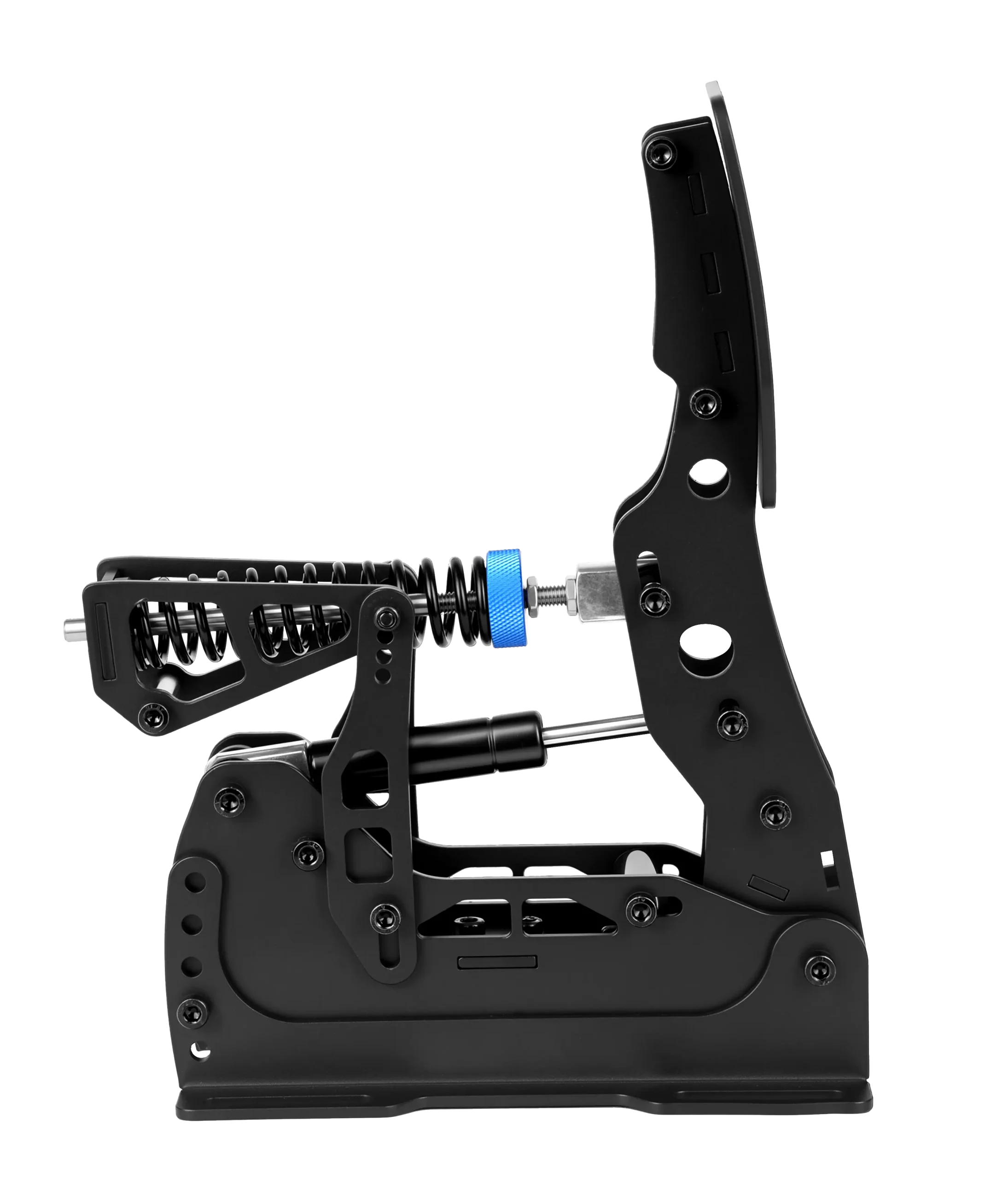
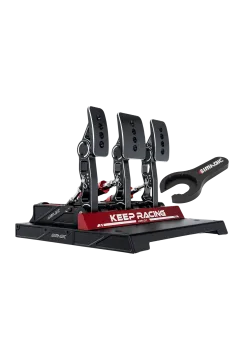
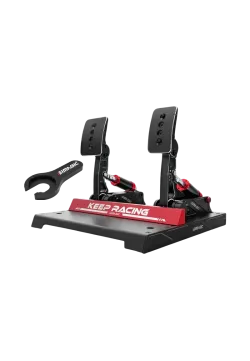
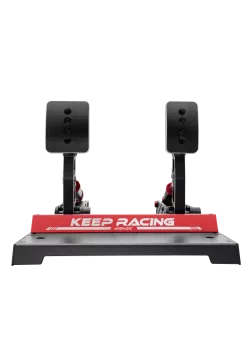
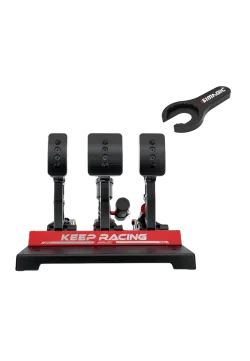
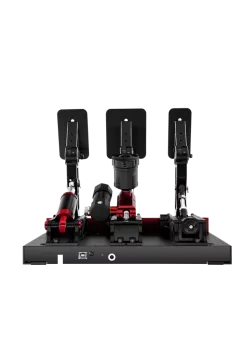
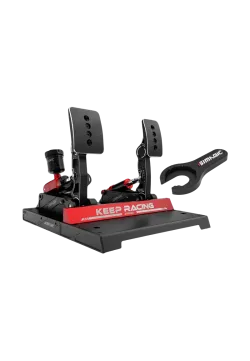
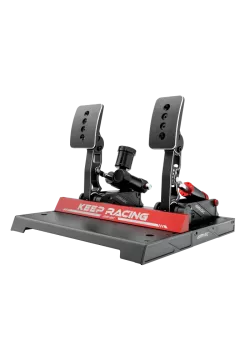
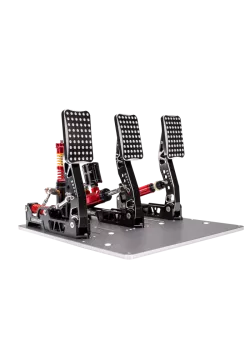
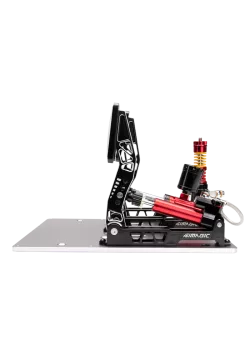
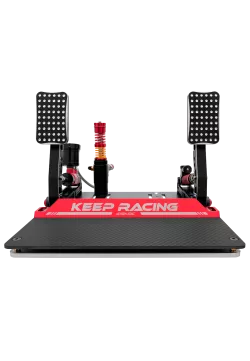
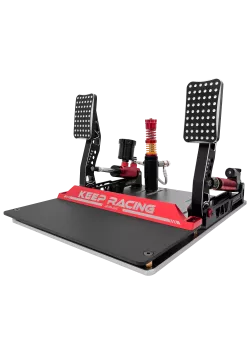
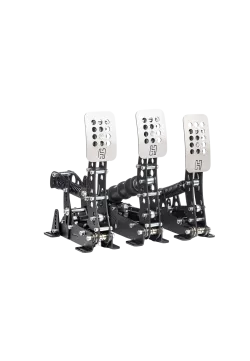
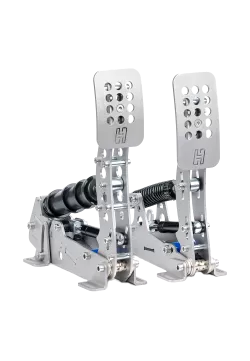
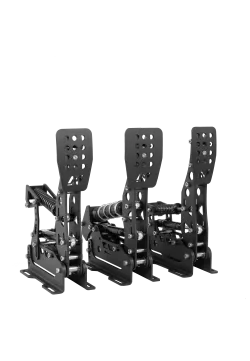
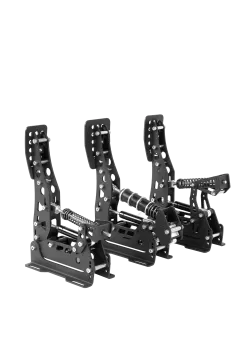
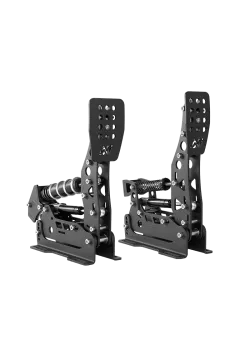
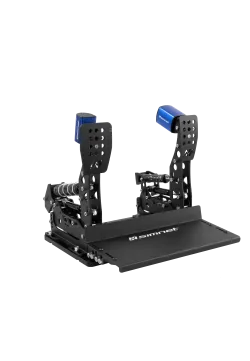
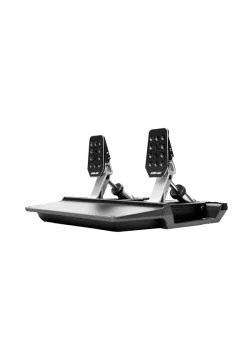
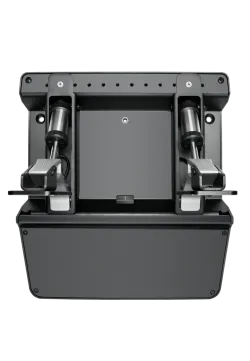
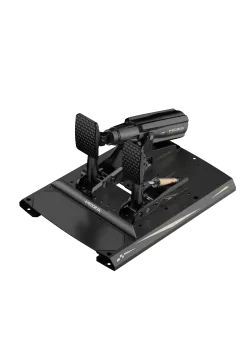
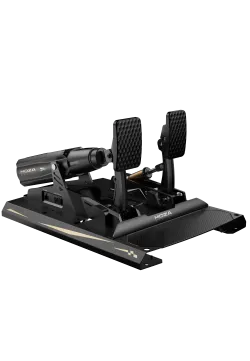
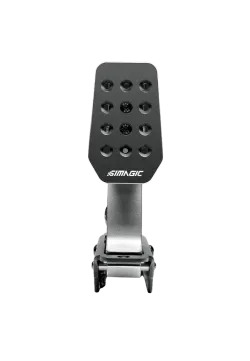
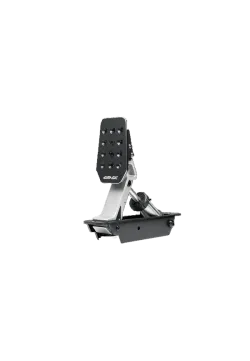
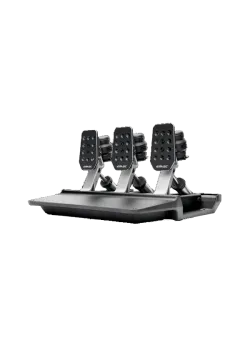
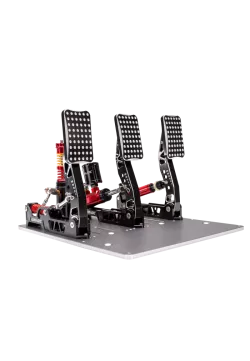
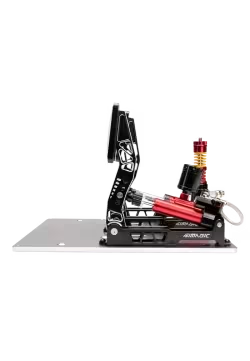
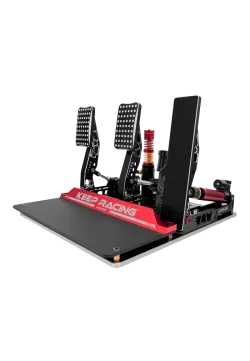
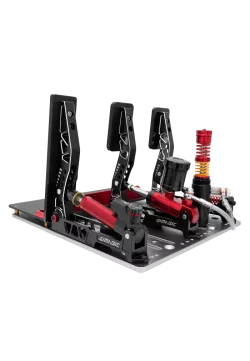
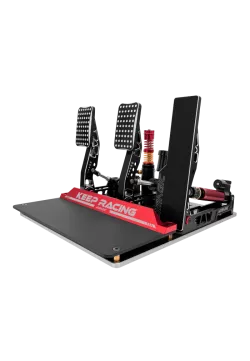
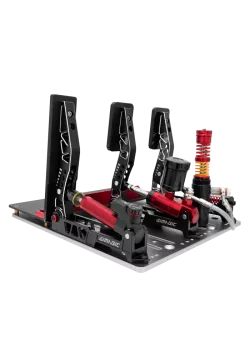
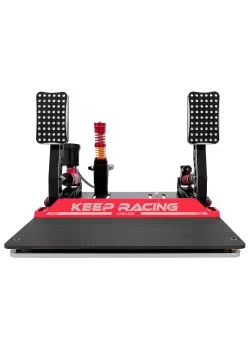
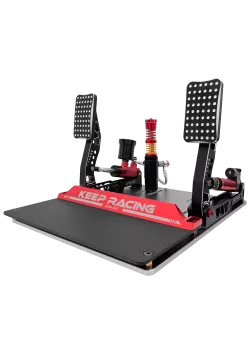
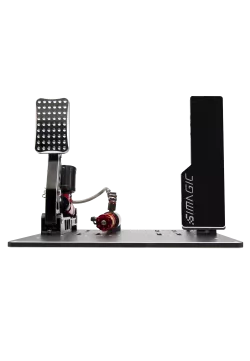
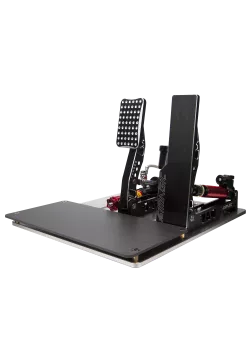
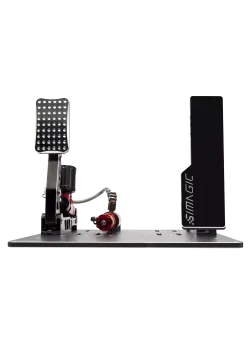
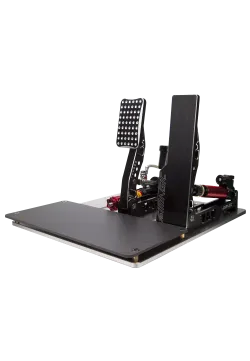
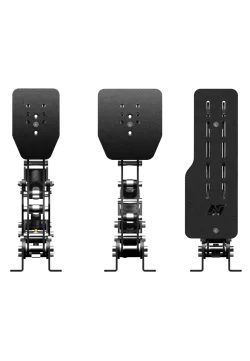
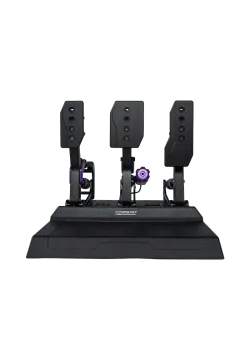
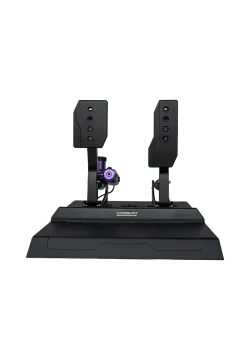
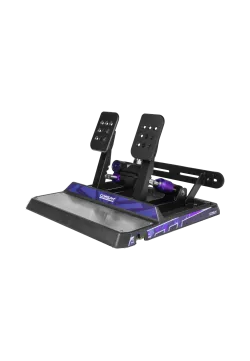
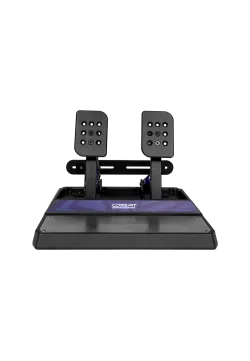
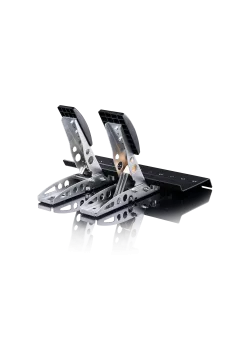
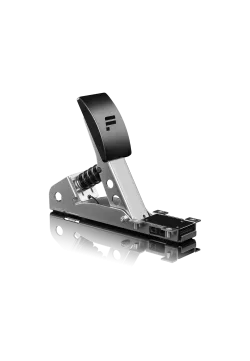
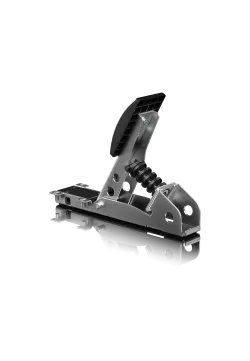
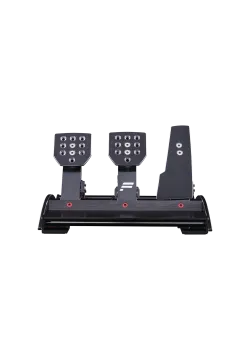
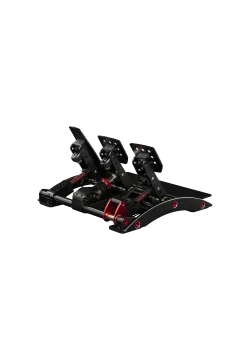
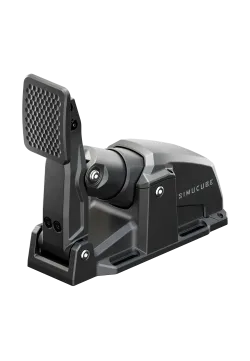
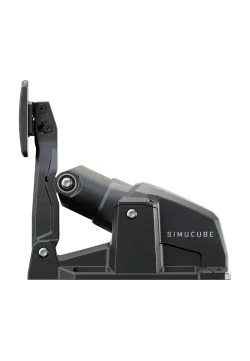
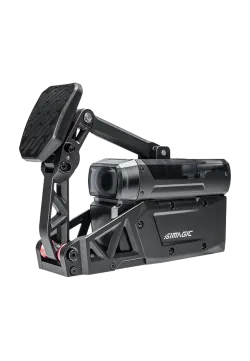
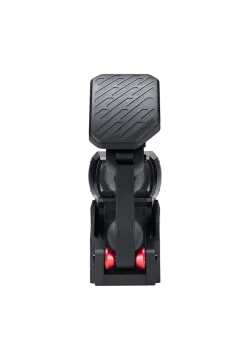
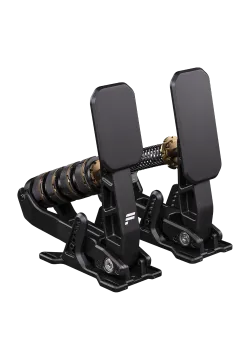
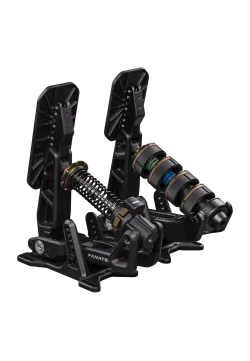
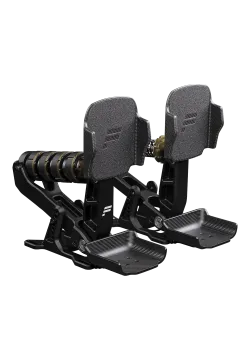
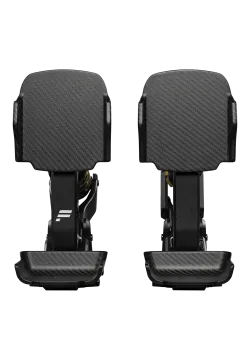
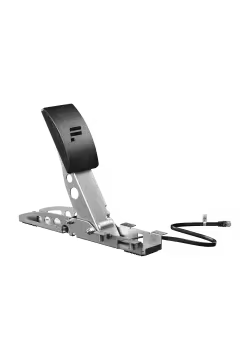
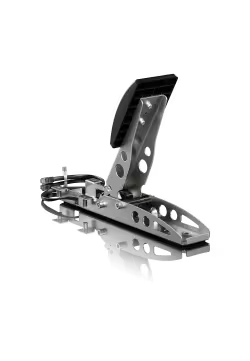
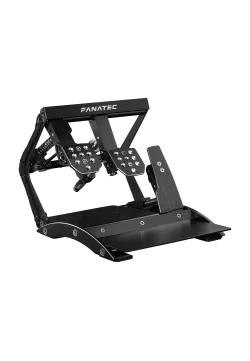
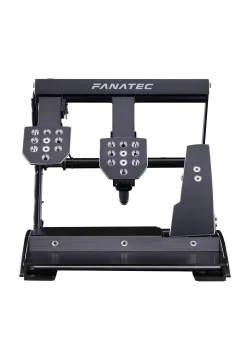
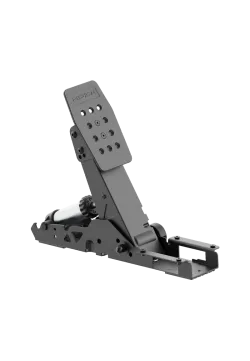
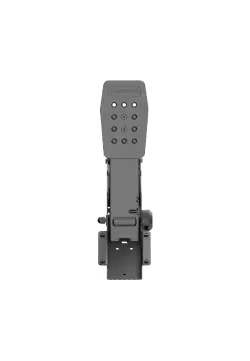
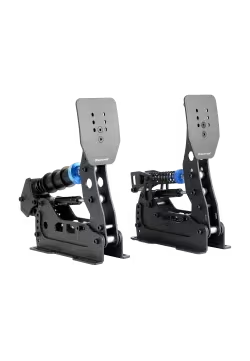
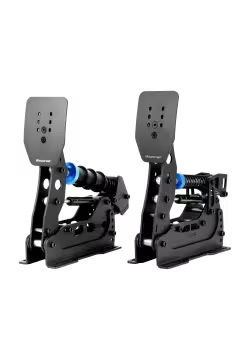
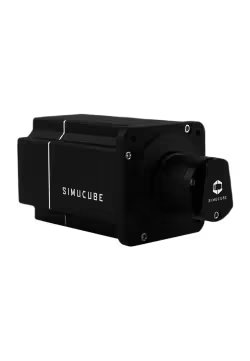
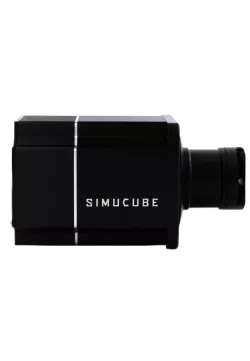
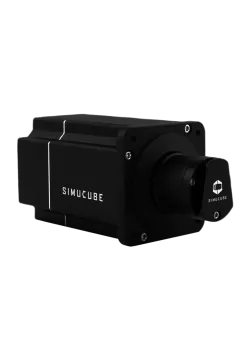
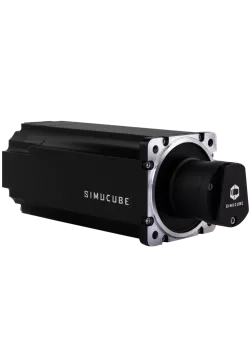
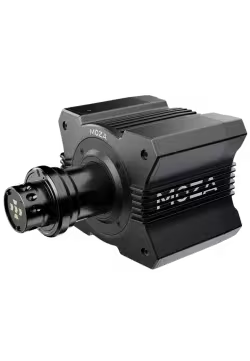
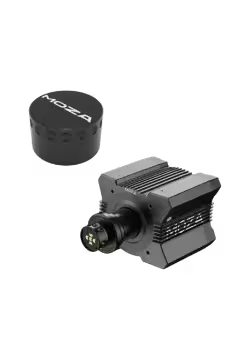
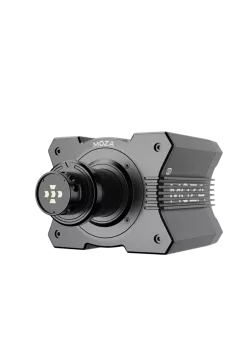
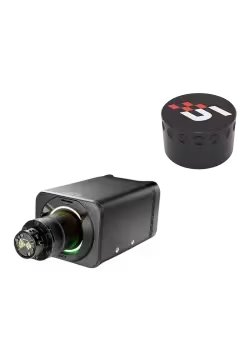
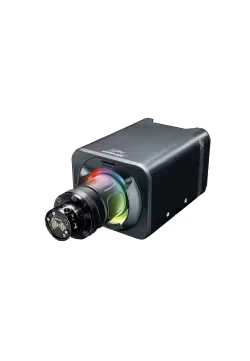
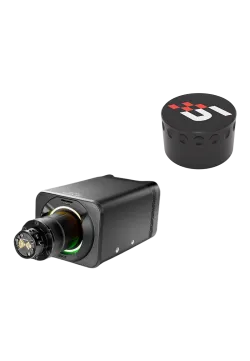
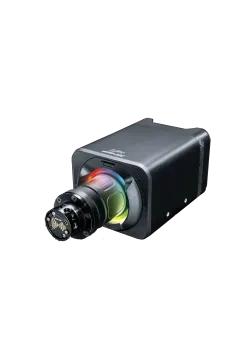
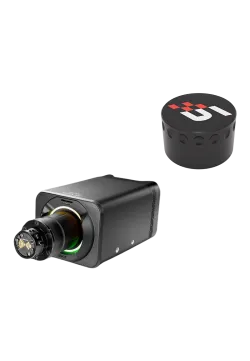
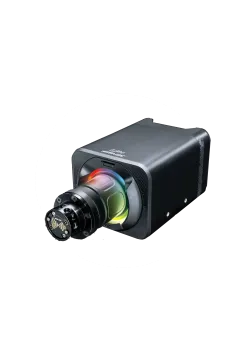
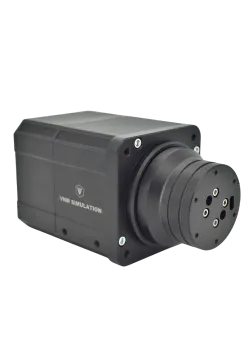
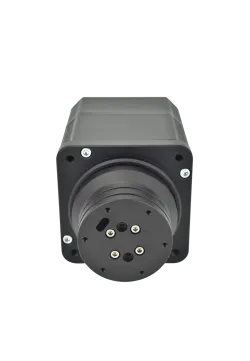
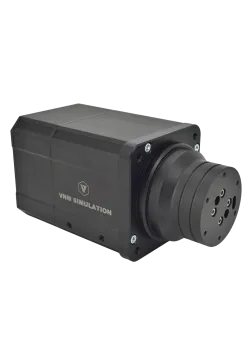
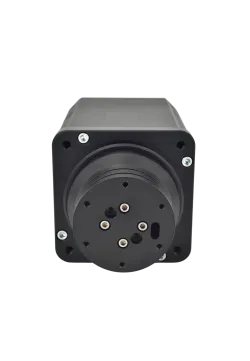
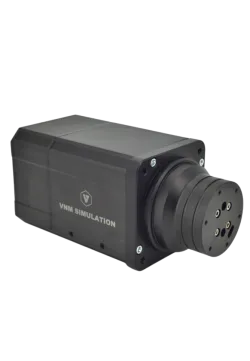
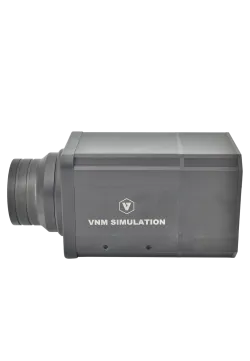
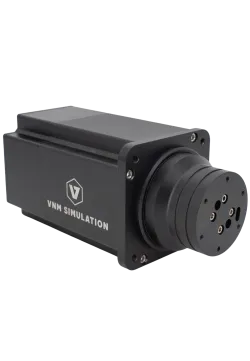
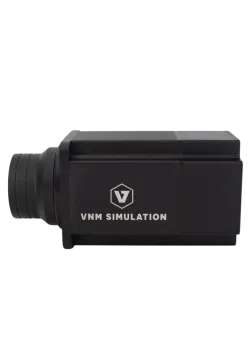
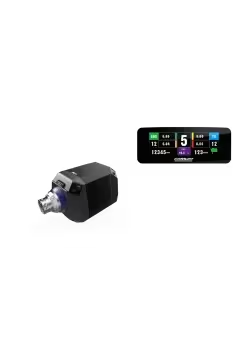
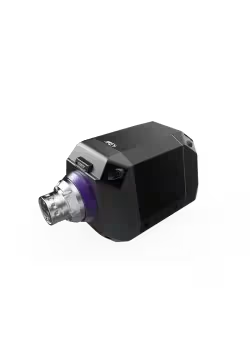
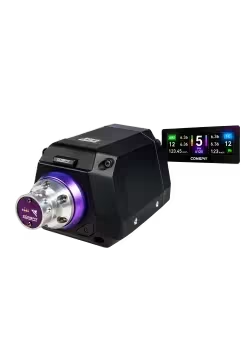
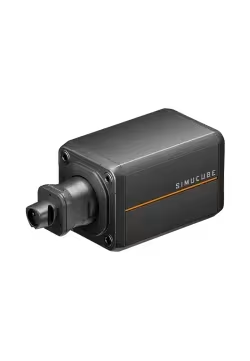
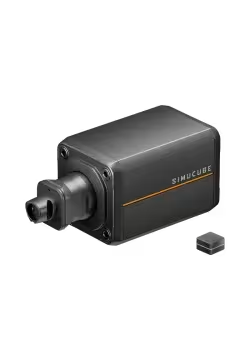
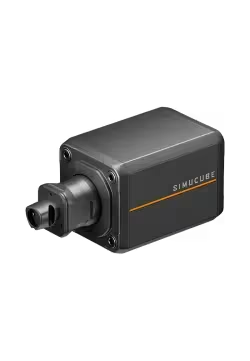
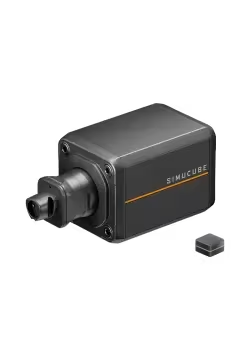
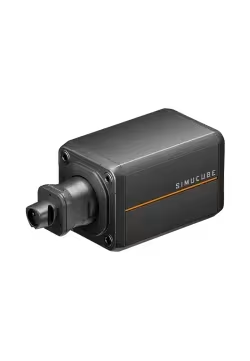
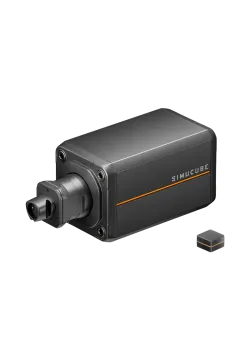
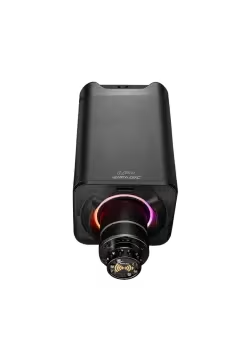
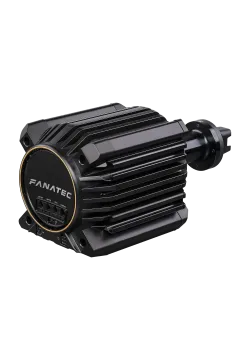
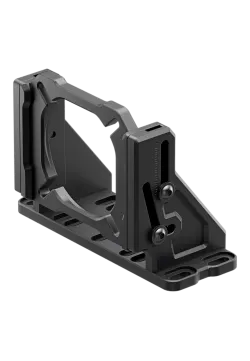
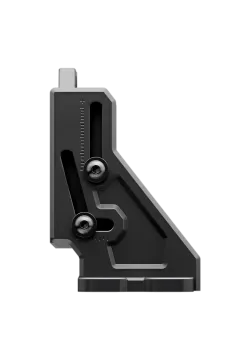
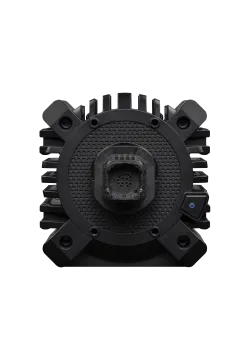
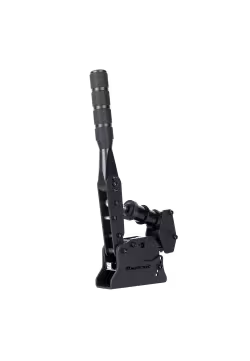
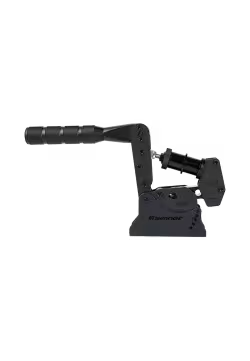
The Simnet SP EVO Clutch (SPE-Clutch) is a single pedal that adds a clutch axis to a Simnet SP EVO pedal set. Its three-stage feel and adjustable spring preload, travel, angle and faceplate height let you tailor pedal operation to your rig and driving style. It requires an SP EVO set with a compatible control box, sold separately.
You might also like
Simnet SP Pro 2P
SimNet SP Pro Baseplate
SimNet HPM-L
SimNet HPM-R
Simnet Pedal Tactile Transducer
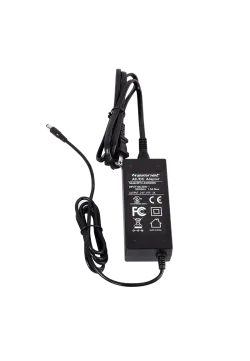
SimNet Power Supply for Haptics
SimNet SP-PRO SSK
Simnet SP Pro 1P
SimNet Fanatec cable
SimNet Springs kit
SimNet Bigger Face Plates
Simnet SHB Handbrake
SimNet A-HLE
SimNet A-HSG
Simnet SP EVO
Simnet eRJ12 Cable
- Description
- Product Details
- Specification
- FAQ Frequent Answers and Questions
- What's included
- Reviews (0)

Three-stage feel and adjustable positioning
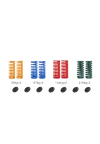
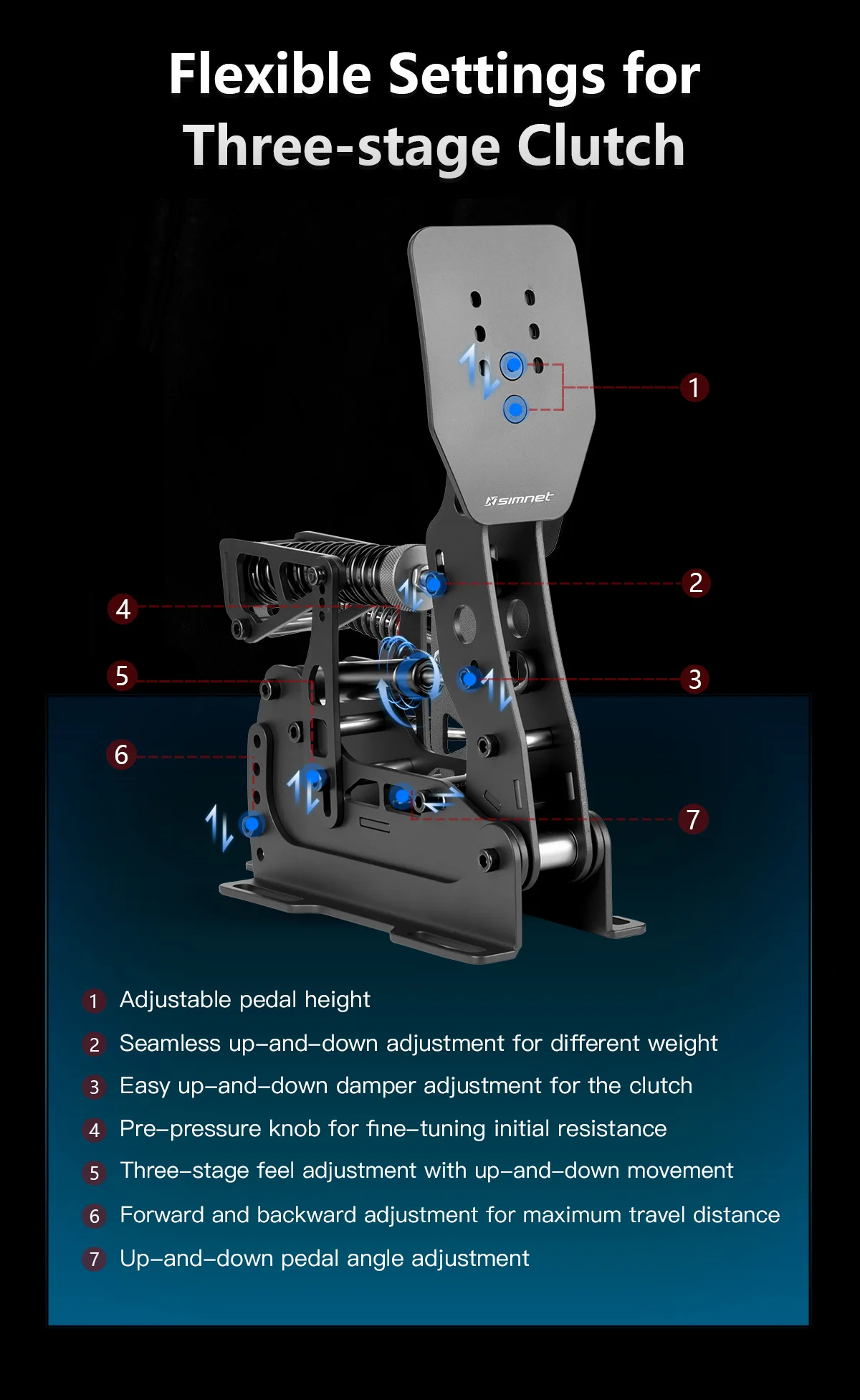
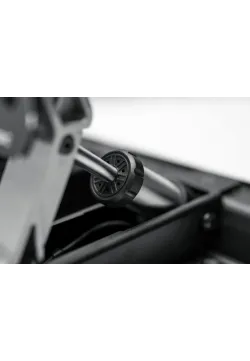
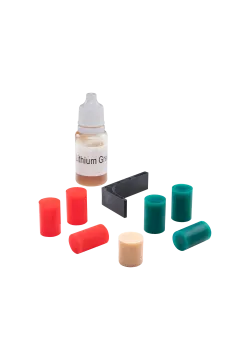
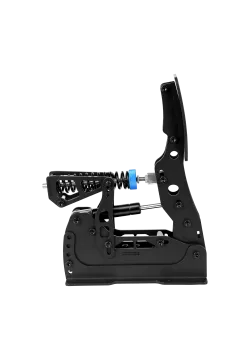
The clutch mechanism lets you tune its three-stage feel and initial spring resistance. Changing the spring mounting position and preload helps you set the force needed to press the pedal, while a separate adjustment changes how the mechanism feels through its travel.
Faceplate height, pedal angle and maximum travel can be adjusted to suit your seating position. The damper mounting position is also adjustable, letting you tailor both foot placement and the mechanical feel of the clutch.
Calibration and optional haptic feedback
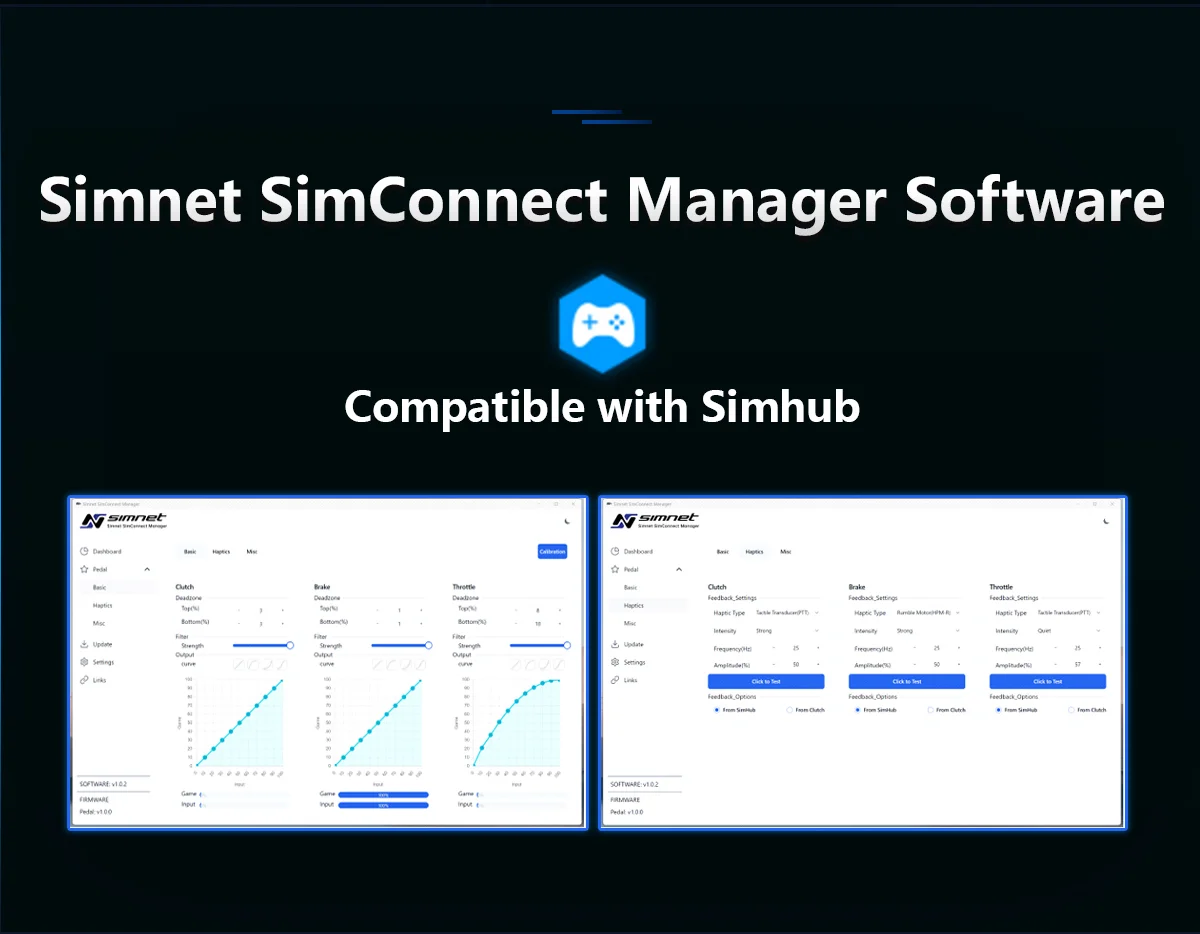
The clutch works with a compatible SP EVO control box. Simnet SimConnect Manager provides axis calibration, deadzone settings and response curve adjustments so that the signal sent to the simulator matches your chosen range of movement.
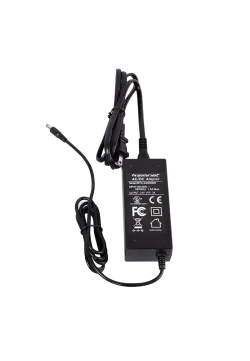
The system also supports optional haptic feedback and works with SimHub. The haptic motor, suitable mount and required power supply are separate accessories. The mechanical three-stage clutch feel works without adding a haptic motor.


A standalone pedal with mounting hardware
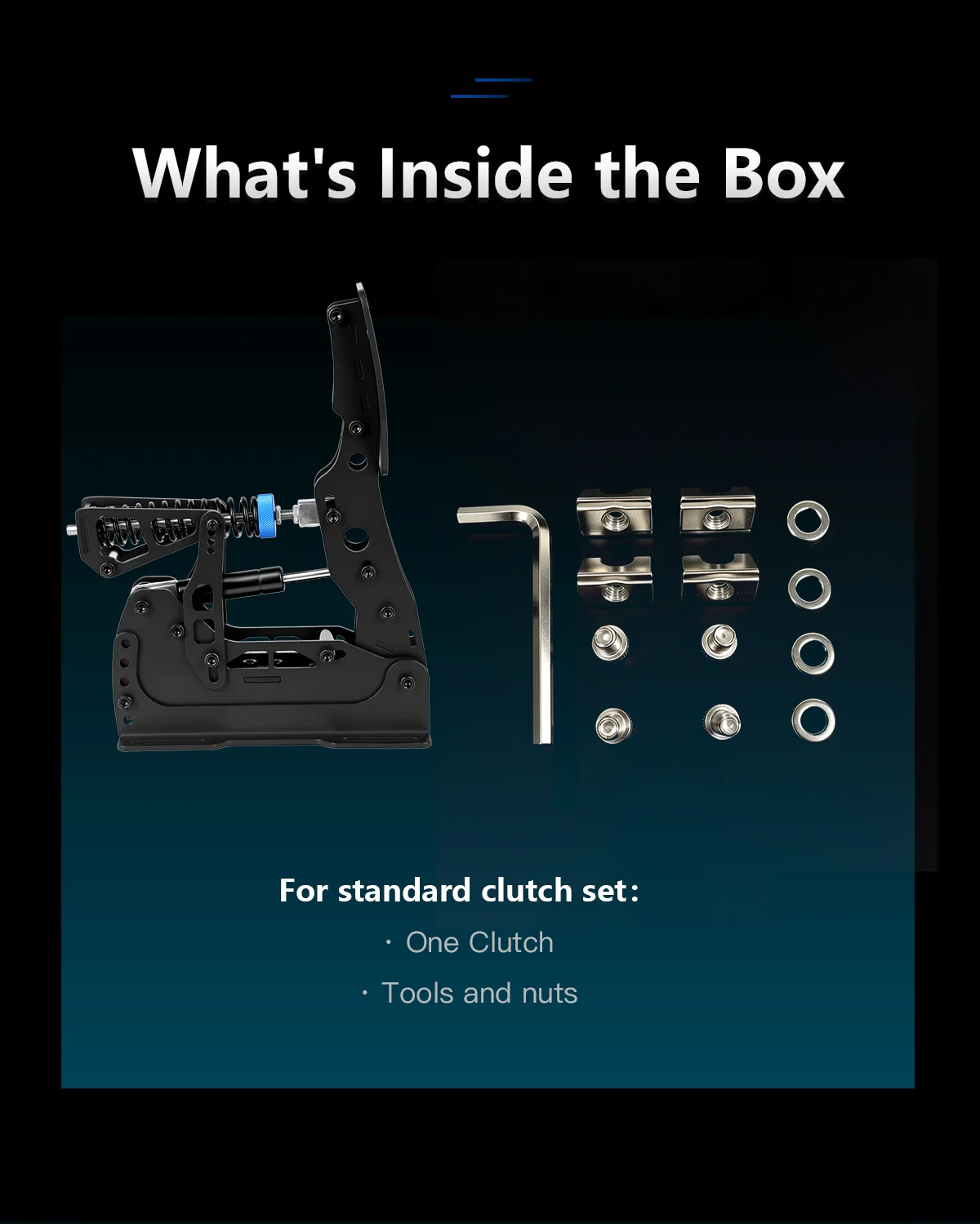
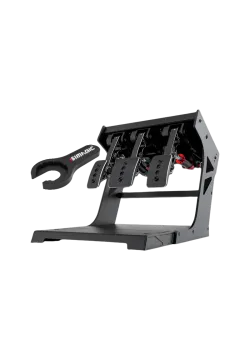
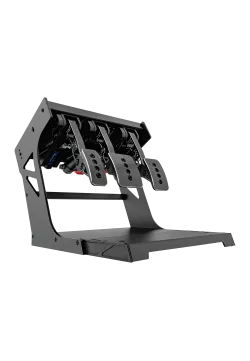
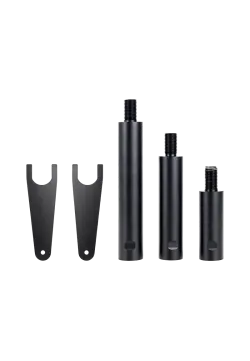
SPE-Clutch includes one clutch pedal, mounting hardware and a hex key. Connection requires a compatible SP EVO control box. The baseplate with heel support, control box and USB cable are not part of the standalone clutch package.
During installation, set the clutch spacing relative to the throttle and brake, bolt the pedal firmly in place and adjust its travel. After changing mechanical settings, check axis calibration and the clutch assignment in your game again.
- Pedals variant
- Only clutch
- Type of pedals
- Standard
- Position of pedals
- Standard
| Parameter | Value |
|---|---|
| Brand | Simnet |
| Model | SP EVO, standalone clutch |
| SKU | SPE-Clutch |
| Product type | Add-on clutch pedal for the Simnet SP EVO pedal set |
| Number of pedals supplied | 1, clutch |
| Mechanical feel | Adjustable three-stage mechanism |
| Construction | Stainless steel, components from 3 mm thick |
| Finish | Electrostatic powder coating |
| Faceplate adjustment | Height |
| Pedal adjustment | Angle, maximum travel, spring resistance, preload, three-stage feel and damper mounting position |
| System software | Simnet SimConnect Manager: calibration, deadzones and response curves |
| Connection | Clutch input on a compatible SP EVO control box |
| Required system | Simnet SP EVO with a compatible control box, sold separately |
| Haptics | System can be expanded with an optional haptic motor and required accessories |
| Mounting | Rigid simulator rig or compatible baseplate |
| Clutch net weight | 1.9 kg |
| Dimensions | Not specified |
| Clutch sensor and resolution | Not specified separately for SPE-Clutch |
1. What is the Simnet SP EVO SPE-Clutch?
The Simnet SP EVO SPE-Clutch is a standalone clutch pedal for expanding an SP EVO pedal set. It adds a separate clutch axis alongside the throttle and brake, useful for pulling away and driving cars with manual transmissions in a simulator.
2. Which pedals does SPE-Clutch work with?
SPE-Clutch is designed for the Simnet SP EVO pedal set. A compatible control box from that system is required to process the clutch signal.
3. Can the clutch connect directly to USB on its own?
SPE-Clutch connects to the Clutch input on a compatible SP EVO control box. The pedal system connects to a computer through the control box; the box and USB cable are not included with the standalone clutch.
4. What does three-stage clutch feel mean?
The three-stage mechanism changes the resistance you feel as you press the pedal, rather than providing a uniform feel throughout its travel. Mechanical adjustment lets you tune this characteristic to your preferences.
5. How can I adjust clutch resistance?
Clutch resistance can be tuned by changing the spring mounting position and its preload. A separate adjustment changes the mechanism responsible for the three-stage feel.
6. Can I adjust pedal travel and faceplate position?
The Simnet SP EVO Clutch lets you change maximum pedal travel, pedal angle and faceplate height. These settings help align your foot position with your seat and the other pedals.
7. Does SPE-Clutch have a 100 kg Load Cell sensor?
The 100 kg Load Cell specification in the SP EVO range applies to the brake. It is not the sensor specification for SPE-Clutch and should not be treated as the clutch pedal force rating.
8. Can I add haptic feedback to the clutch?
The SP EVO system supports an optional haptic motor on the clutch. This requires a suitable motor, mount and power supply, sold separately. Haptic settings are available in Simnet SimConnect Manager, and the system works with SimHub.
9. Are the baseplate and heel support included?
The baseplate and heel support are sold separately. SPE-Clutch includes the clutch pedal, mounting hardware and a hex key. Bolt the pedal securely to a suitable rig or compatible baseplate.
10. How do I set up the clutch after installation?
After mounting the clutch and connecting it to the SP EVO control box, calibrate it in Simnet SimConnect Manager. Then adjust deadzones and the response curve and assign the clutch axis in your simulator.
11. How long is the warranty for Simnet products?
As an authorised Simnet partner, Simline provides full warranty protection for up to 2 years within the European Union, in accordance with Simnet warranty terms. Simline is listed in Simnet's official directory of authorised sellers.
12. How do I submit a warranty claim for a Simnet product?
Simline.eu is an authorised Simnet partner and acts as an intermediary in the warranty process. Email support@simline.eu with a description of the fault and photos and videos showing the issue, then pack the equipment.
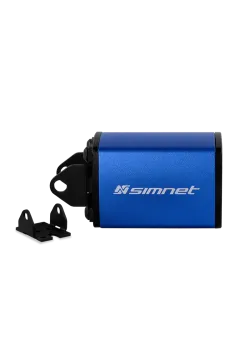
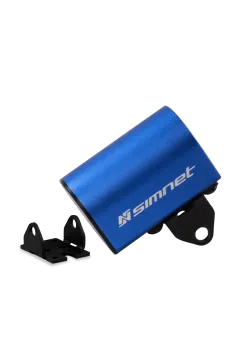
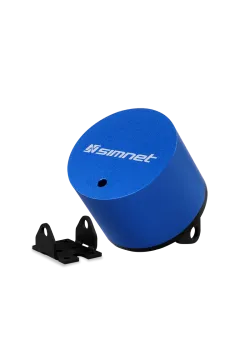
- 1 Simnet SP EVO clutch pedal (SPE-Clutch).
- Mounting hardware: bolts, profile nuts and washers.
- Hex key.
Sold separately: SP EVO pedal set with control box and USB cable, baseplate with heel support, and haptic motors with their required accessories.
You might also like