Shopping Cart
There are no more items in your cart
 English
 Polski

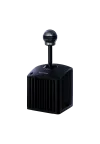
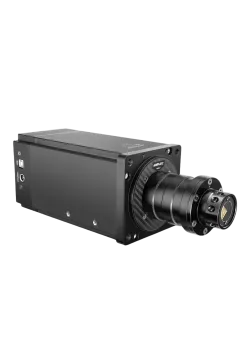
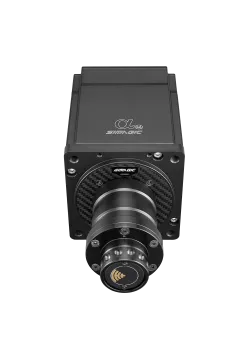
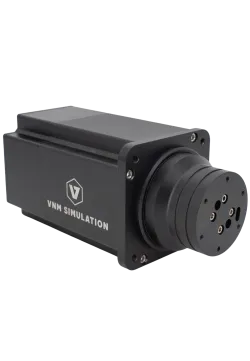
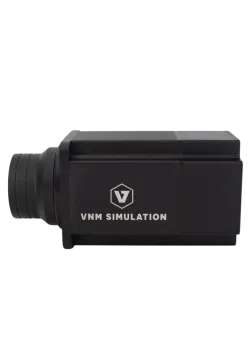
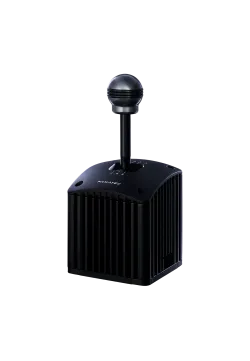
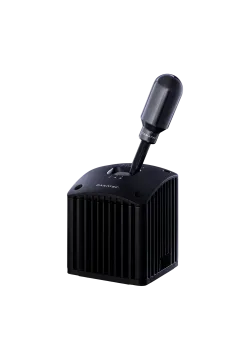
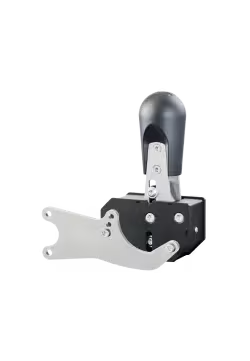
Fanatec Clubsport Shifter SQ V1.5
953.66zł

107.32zł
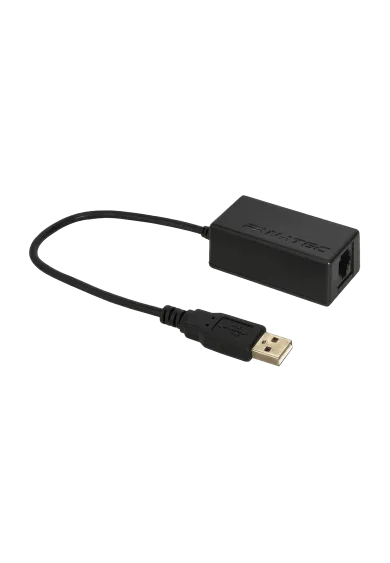
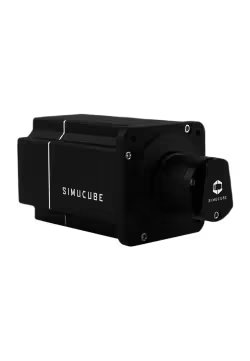
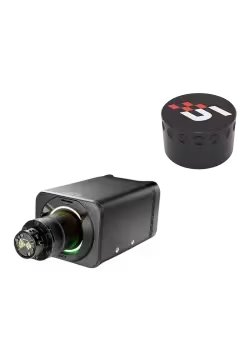
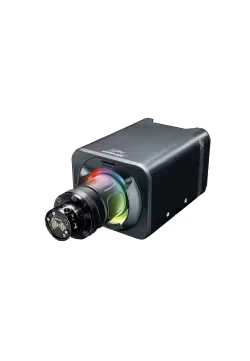
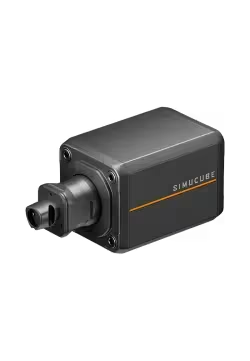
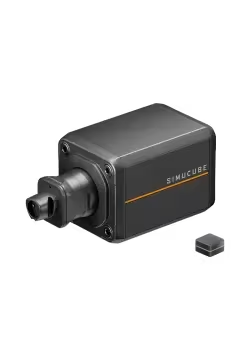
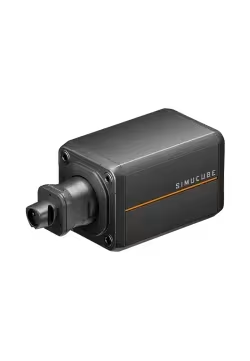
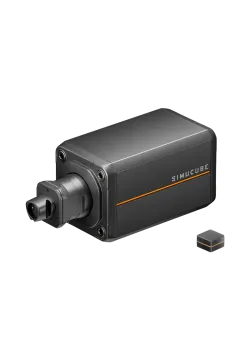
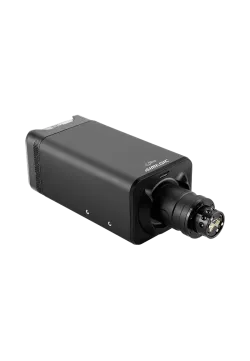
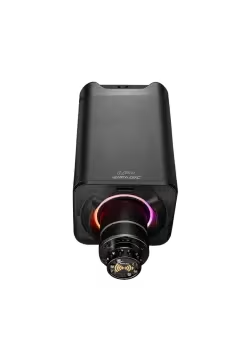
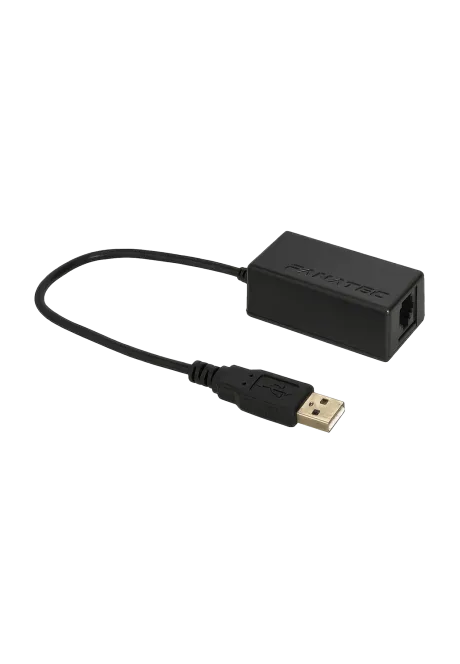
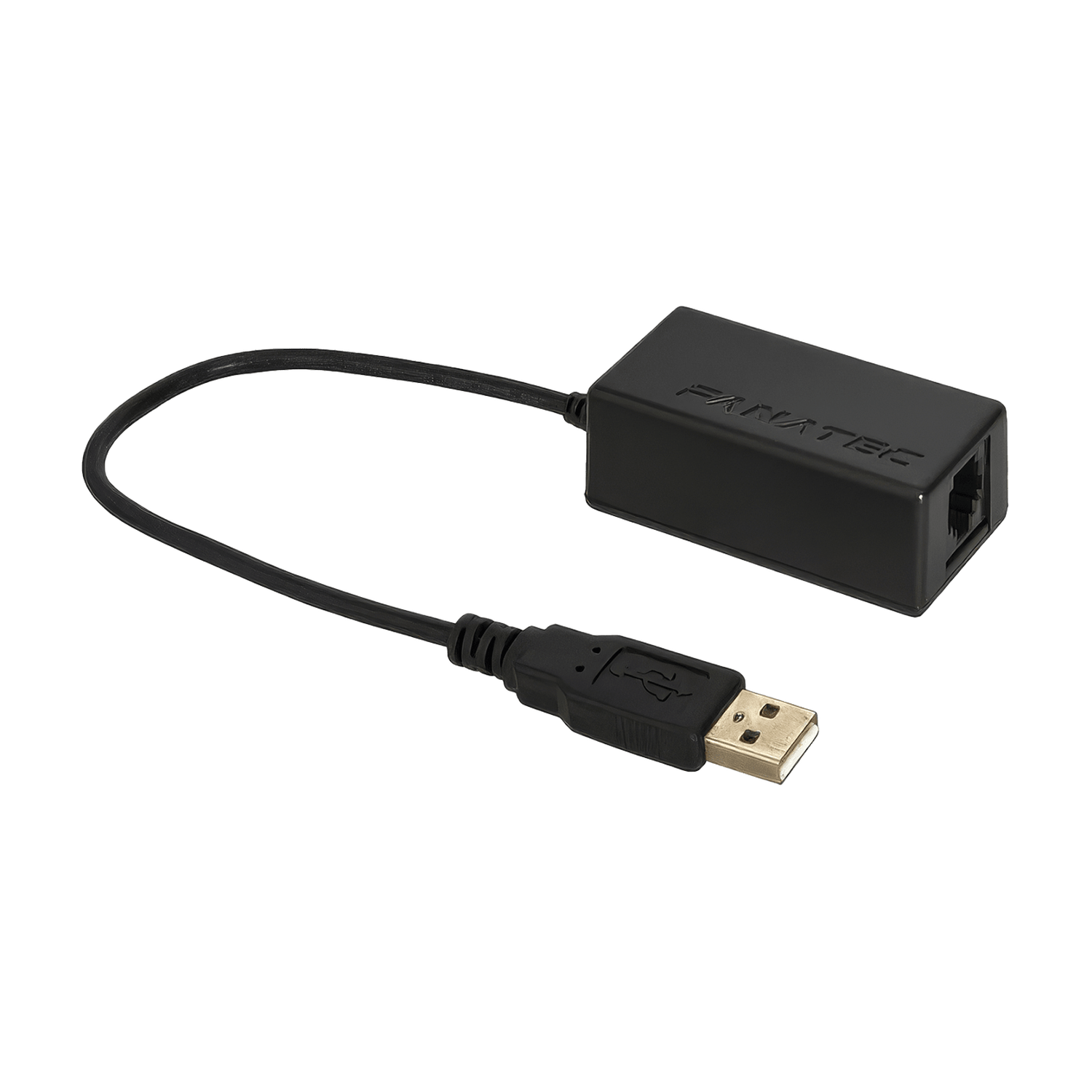
The Fanatec ClubSport USB Adapter connects a compatible Fanatec shifter, handbrake or analogue pedal set directly to your PC via USB. It lets you use these peripherals without a Fanatec wheel base, including alongside a wheel from another brand. The adapter supports one device at a time, requires the correct firmware mode for that device and needs a game that supports multiple controllers. It does not work on consoles.
You might also like
| Parameter | Value |
|---|---|
| Brand | Fanatec |
| Model | ClubSport USB Adapter |
| SKU | CS_USB |
| Product type | Adapter for connecting a compatible Fanatec peripheral directly to a PC via USB |
| Connections | RJ12 socket for a compatible device and an integrated USB cable with a USB-A plug for the PC |
| Platform | Windows PC; no console support through the adapter |
| Connected devices | One device at a time |
| Compatible shifters | ClubSport Shifter, ClubSport Shifter SQ, ClubSport Shifter SQ V1.5 |
| Shifter modes | H-pattern and sequential, depending on the connected model; 7th gear support on a compatible shifter |
| Compatible handbrakes | ClubSport Handbrake, including ClubSport Handbrake V2 |
| Compatible pedals | CSL Pedals in analogue configuration and CSL Elite Pedals without the CSL Elite Pedals Loadcell Kit |
| Firmware | Upgradeable; ClubSport Shifter mode installed by default, mode change required for pedals or a handbrake |
| Software | Fanatec App / Fanatec driver for configuration, updates and calibration |
| Game requirements | Support for multiple input devices |
| Recommended PC connection | Directly to a USB 2 port on the PC, without a hub or extension cable |
| Device / platform | Conditions of use |
|---|---|
| ClubSport Shifter / SQ / SQ V1.5 | Compatible on PC; select shifter mode and perform calibration. |
| ClubSport Handbrake / Handbrake V2 | Compatible on PC after selecting handbrake mode. |
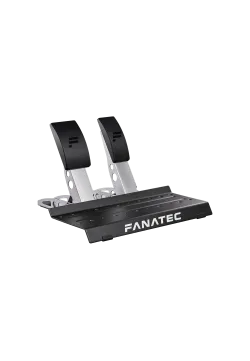
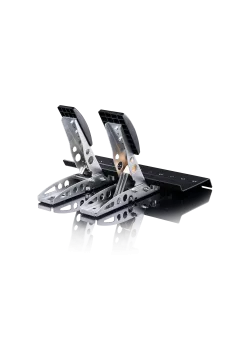
| CSL Pedals, including with Clutch Kit | Analogue configuration via RJ12; select CSL Pedals mode. |
| CSL Elite Pedals, analogue version | Compatible without the CSL Elite Pedals Loadcell Kit; select the appropriate mode. |
| Pedals with their own USB, e.g. CSL Pedals LC, CSL Elite Pedals V2, ClubSport Pedals V3 | Use their own USB connection for standalone PC use, without this adapter. |
| Another brand's racing wheel on PC | Can operate alongside a peripheral connected through the adapter if the game supports multiple controllers. |
| PlayStation and Xbox | The adapter does not support USB connection to a console. |
It connects one compatible Fanatec peripheral directly to a PC via USB. It lets you use a supported shifter, handbrake or analogue pedal set without a Fanatec wheel base.
You can use a compatible Fanatec peripheral alongside another brand's racing wheel on PC. The wheel and adapter are separate devices, so the game must support multiple controllers and allow their inputs to be assigned.
One adapter supports only one device at a time. To connect a shifter and handbrake independently via USB at the same time, you need a separate adapter for each device.
Standard CSL Pedals, including with the Clutch Kit, and analogue CSL Elite Pedals without the CSL Elite Pedals Loadcell Kit are supported. Pedals with their own USB, such as CSL Pedals LC or CSL Elite Pedals V2, should connect to the PC using their own USB port.
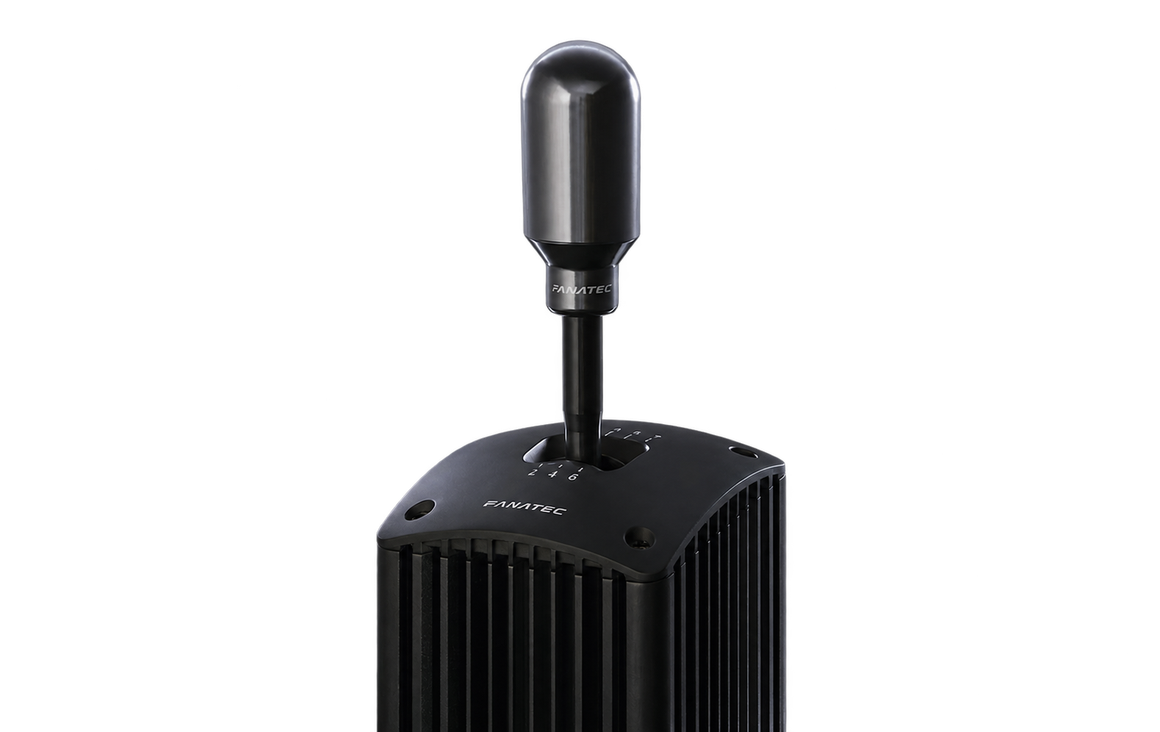
The adapter supports H-pattern and sequential modes on compatible ClubSport shifters. It also supports 7th gear on a shifter equipped with it. Available functions depend on the shifter model and game.
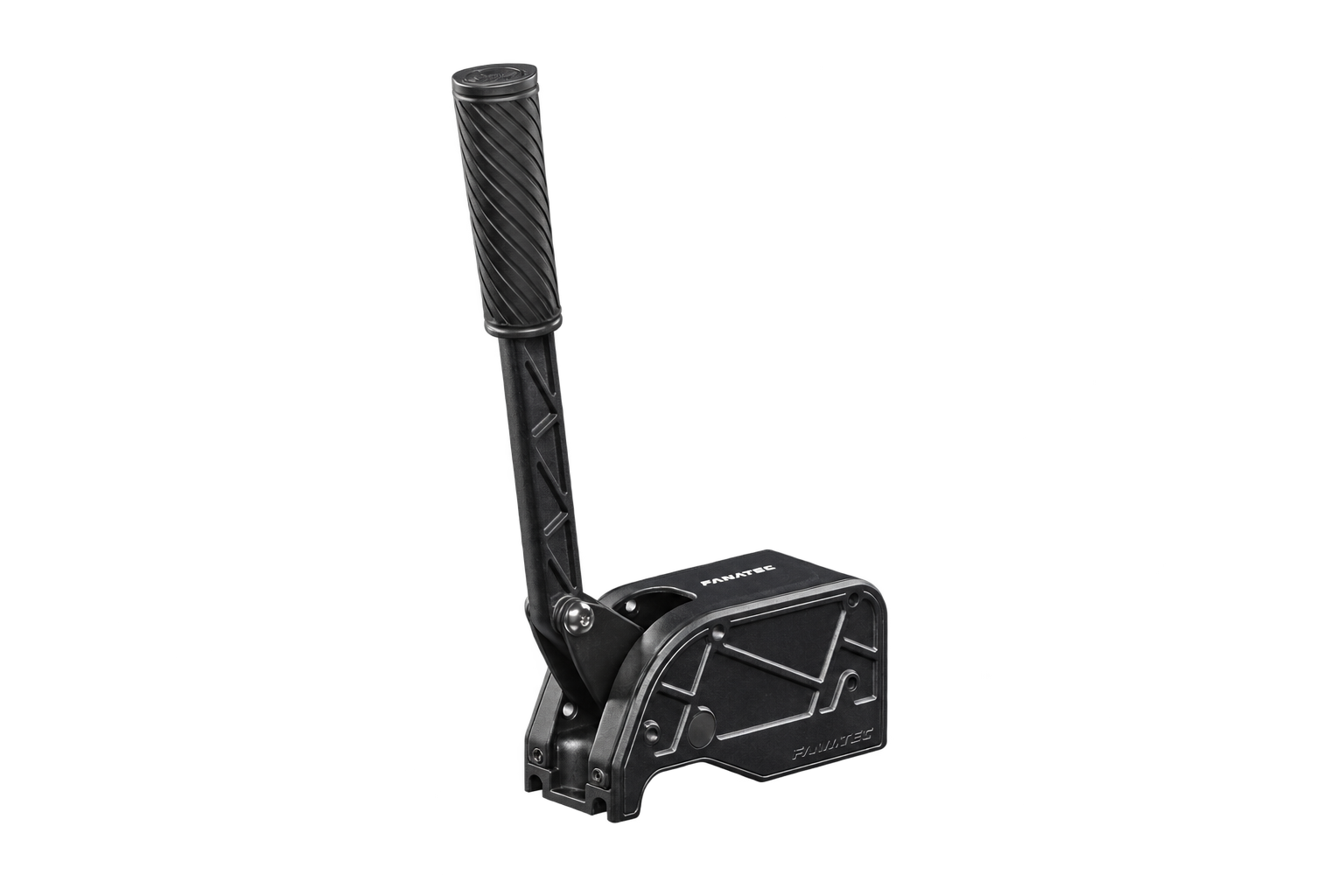
The ClubSport Handbrake V2 can operate as a standalone USB device on PC through the ClubSport USB Adapter. Select handbrake mode on the adapter and assign its axis in the game. The handbrake is sold separately.
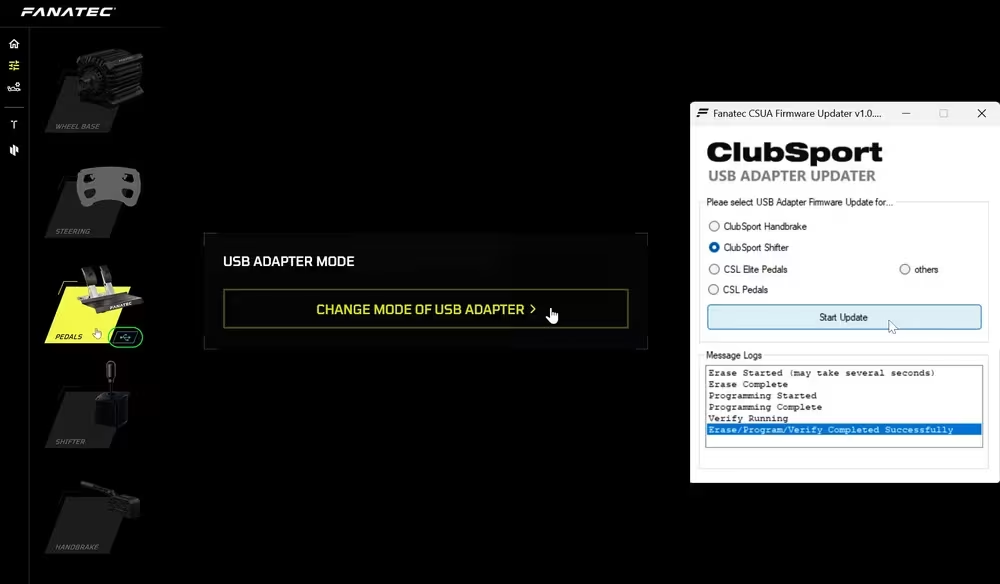
You need to select the appropriate adapter mode for pedals or a handbrake. ClubSport Shifter mode is installed by default. Change the mode and perform the update in the Fanatec App / Fanatec driver on PC.
Run shifter calibration in the Fanatec software on PC after connecting the device through the adapter. Then check gear detection and assign the functions in your game.
The game must support multiple input devices. Compatible simulators include Assetto Corsa, iRacing and rFactor 2; individual functions depend on the game and its settings.
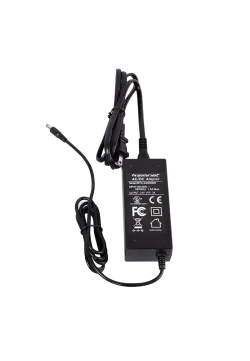
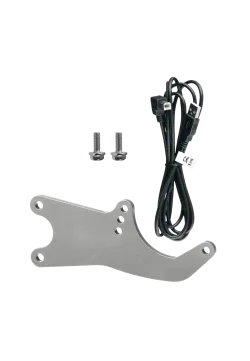
The package contains the ClubSport USB Adapter with its integrated USB cable. Use the appropriate cable for the peripheral you are connecting. Shifters, handbrakes, pedals and racing wheels are sold separately.
Simline is the largest authorised seller of Fanatec in Poland and Europe. We are also a Fanatec Certified Partner and are listed in Fanatec's official directory of authorised resellers and certified partners. As an authorised Fanatec partner, all products from this brand are covered by full warranty protection for up to 5 years within the European Union, in accordance with Fanatec warranty terms.
As an official Fanatec partner within the European Union, we handle valid warranty claims using a Door-to-Door service. Collection and return of the equipment are arranged according to the instructions provided by our support team.
Simline.eu is an authorised Fanatec partner, so we act as an intermediary in the warranty process and handle customer claims. Email support@simline.eu or fanatec@simline.eu with a description of the fault and photos or videos showing the problem, then prepare and pack the equipment.
The ClubSport USB Adapter does not work via USB on Xbox consoles. Fanatec peripheral compatibility with Xbox requires the correct connection to a supported base and an Xbox-licensed steering wheel or hub, as well as game support for the function.
The ClubSport USB Adapter does not work via USB on PlayStation. Using a compatible Fanatec peripheral on that platform requires connection to a supported PlayStation-licensed wheel base and a compatible game.
You need a compatible peripheral, the appropriate cable, a USB port on your PC, Fanatec software and a game supporting multiple input devices. Select the correct adapter mode, perform any required calibration and assign the inputs in the game.
The shifter, handbrake, pedals, racing wheel and wheel base are sold separately. Connecting a peripheral requires a cable compatible with its socket; use the cable intended for that device.
You might also like