Shopping Cart
There are no more items in your cart
 English
 Polski

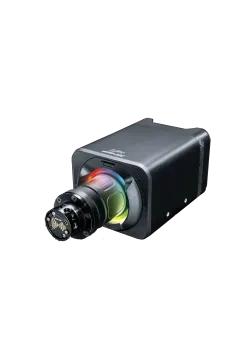
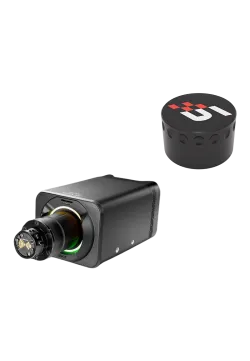
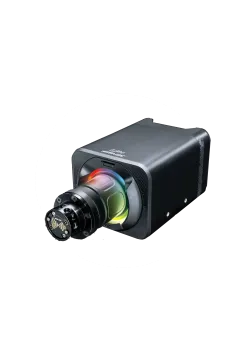
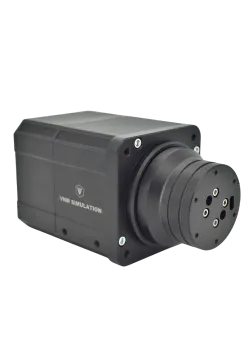
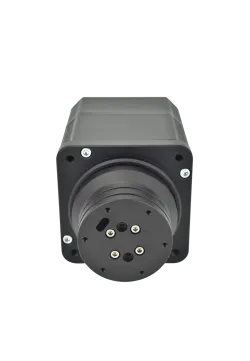
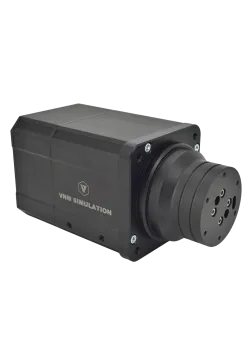
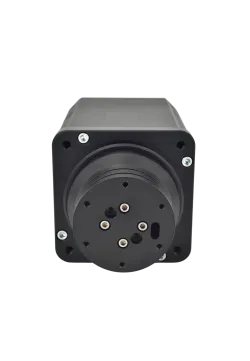
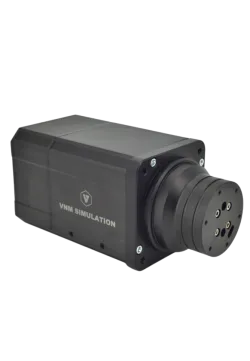
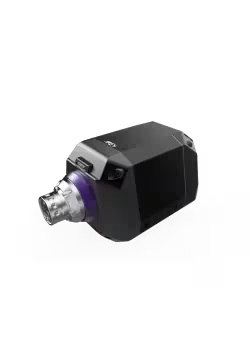
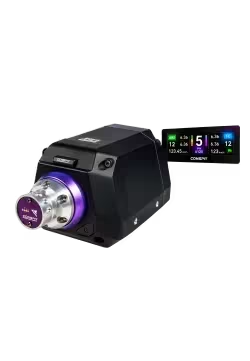
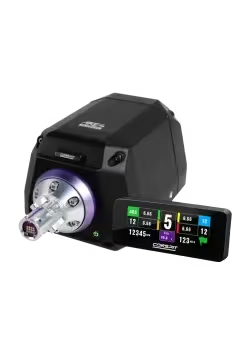
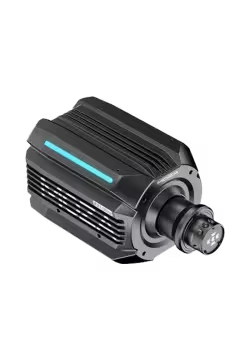
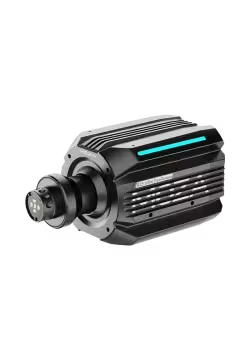
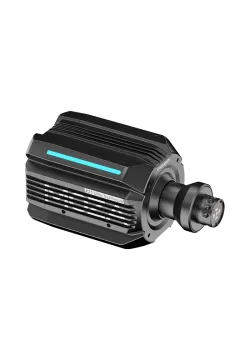
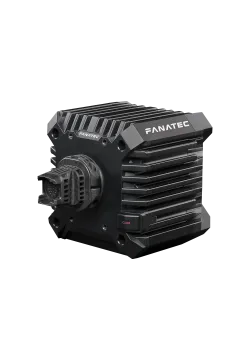
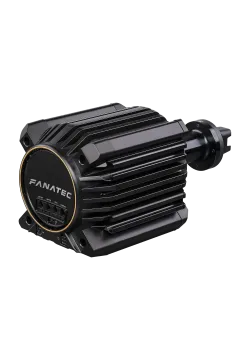
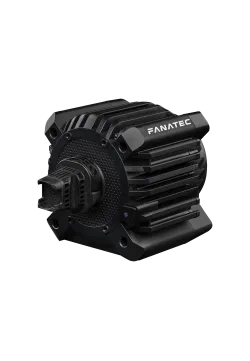
Fanatec Gran Turismo DD PRO 5NM
2,398.37zł

1,137.40zł
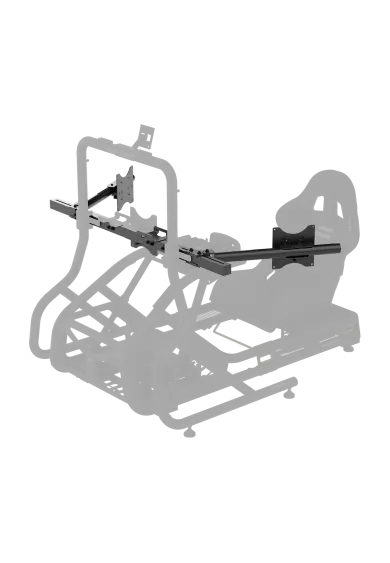
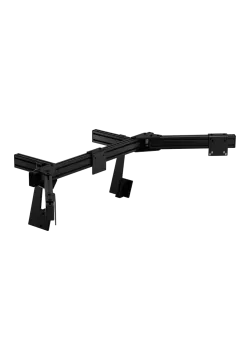
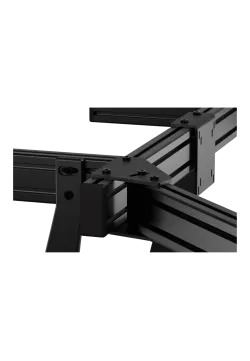
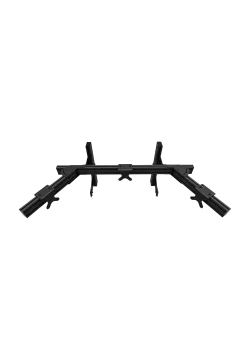
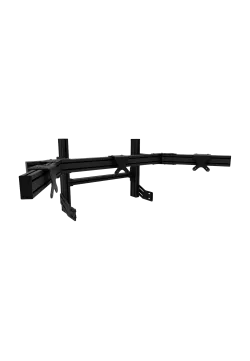
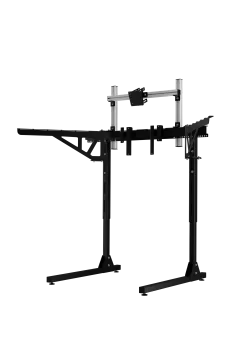
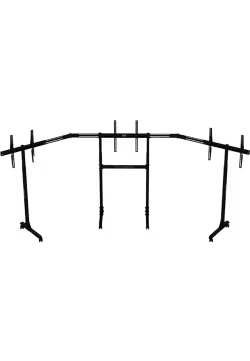
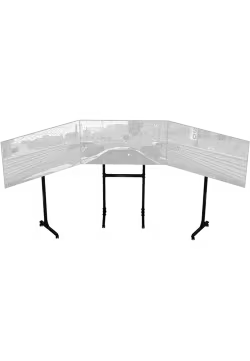
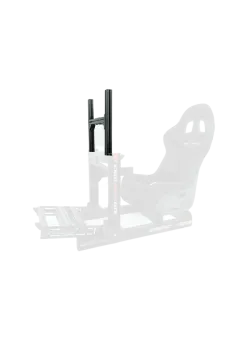
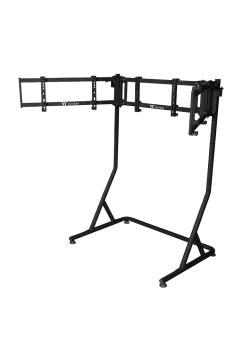
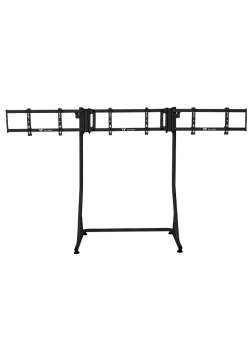
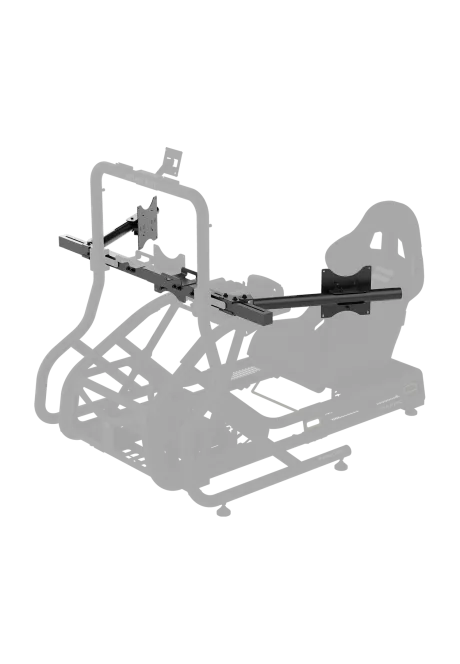
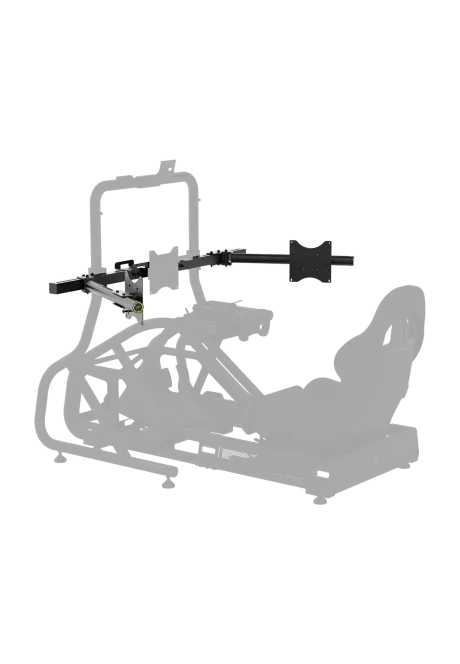
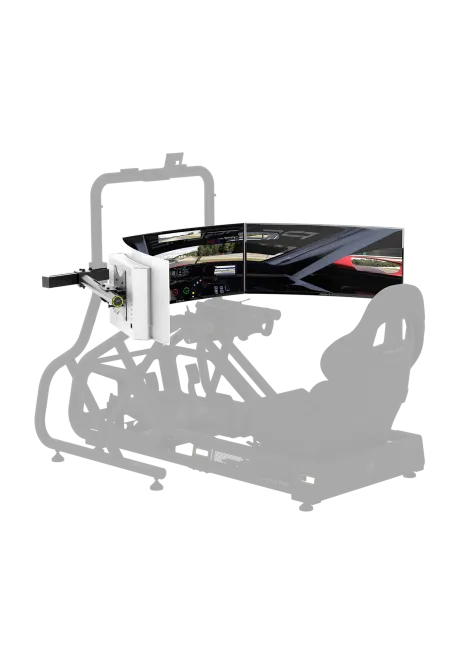
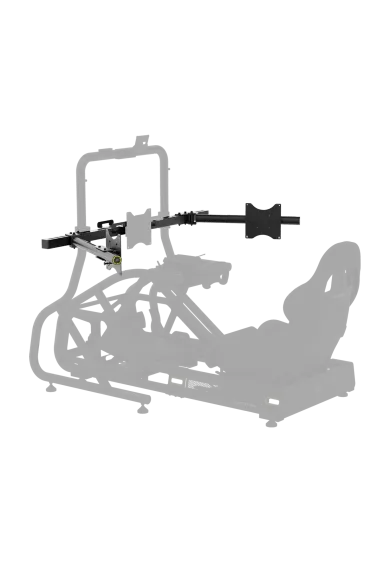
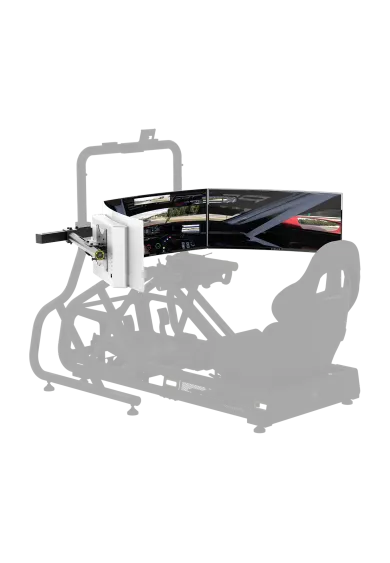
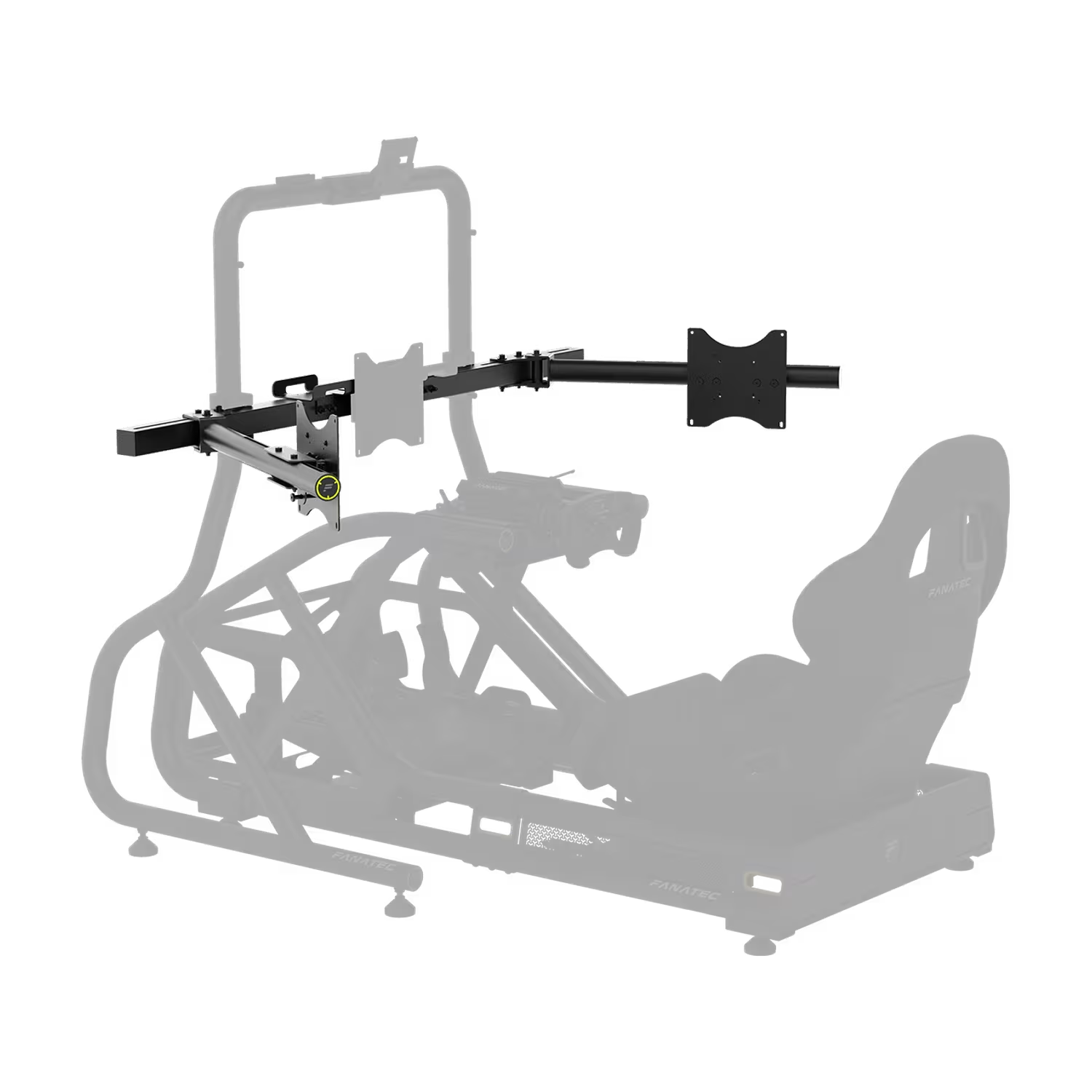
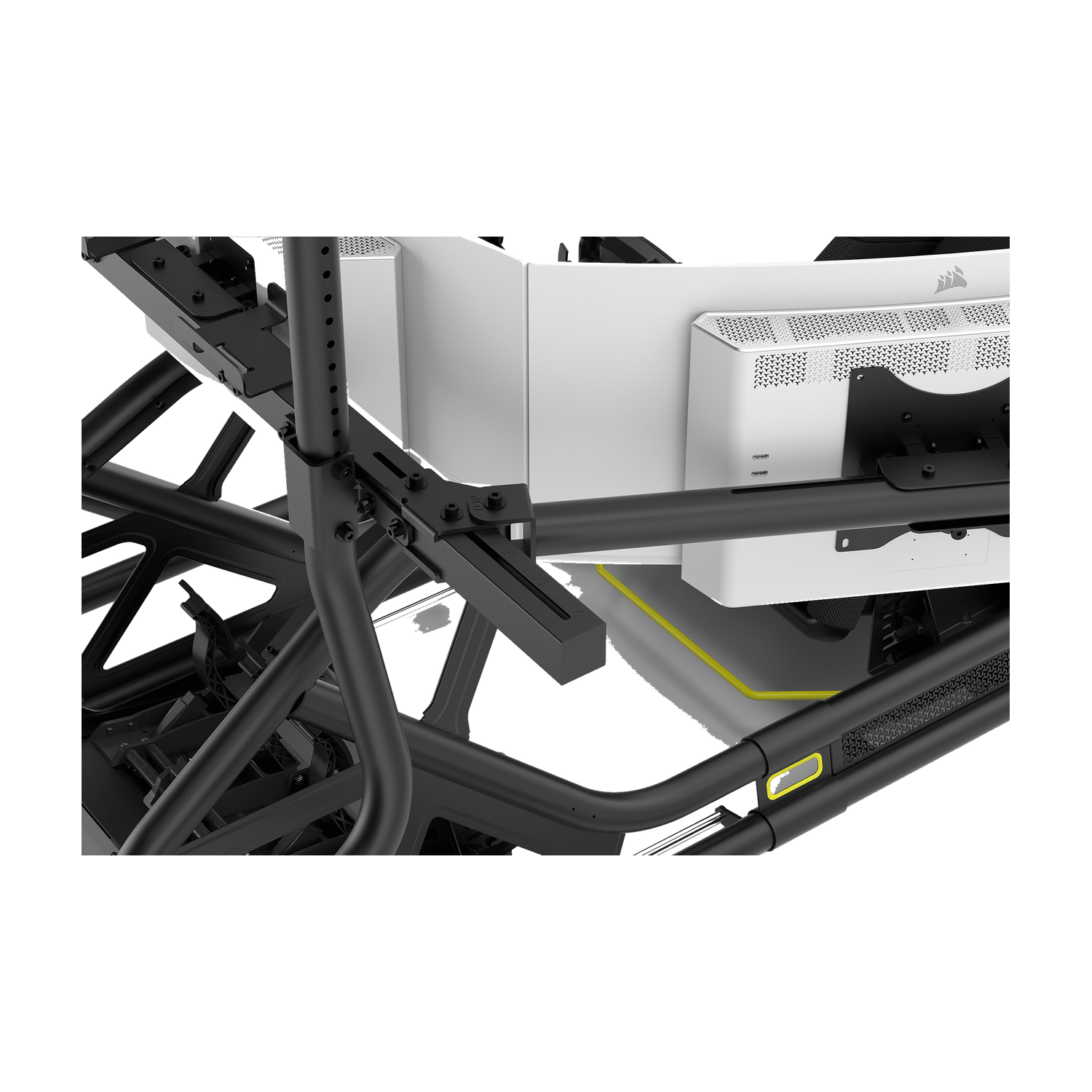
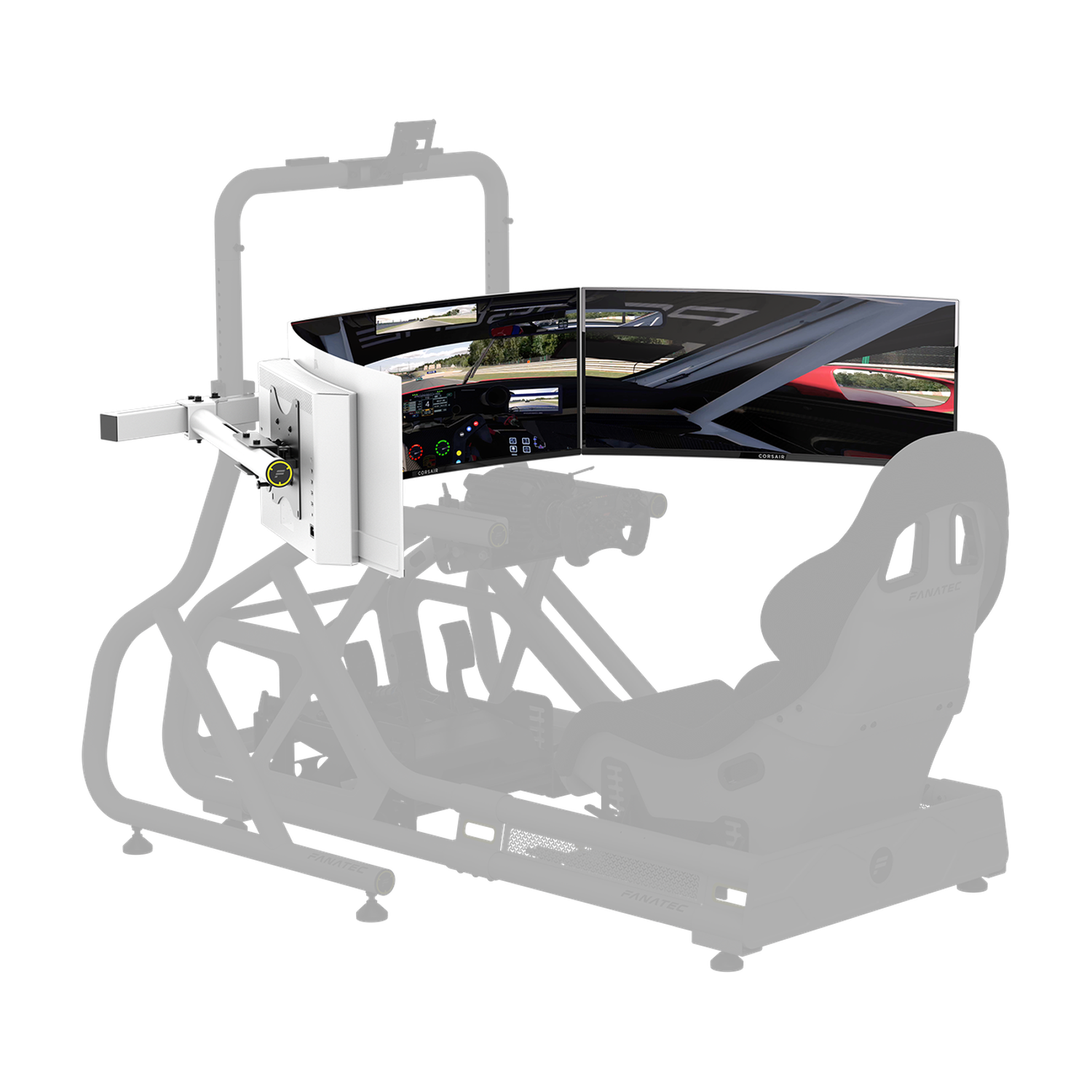
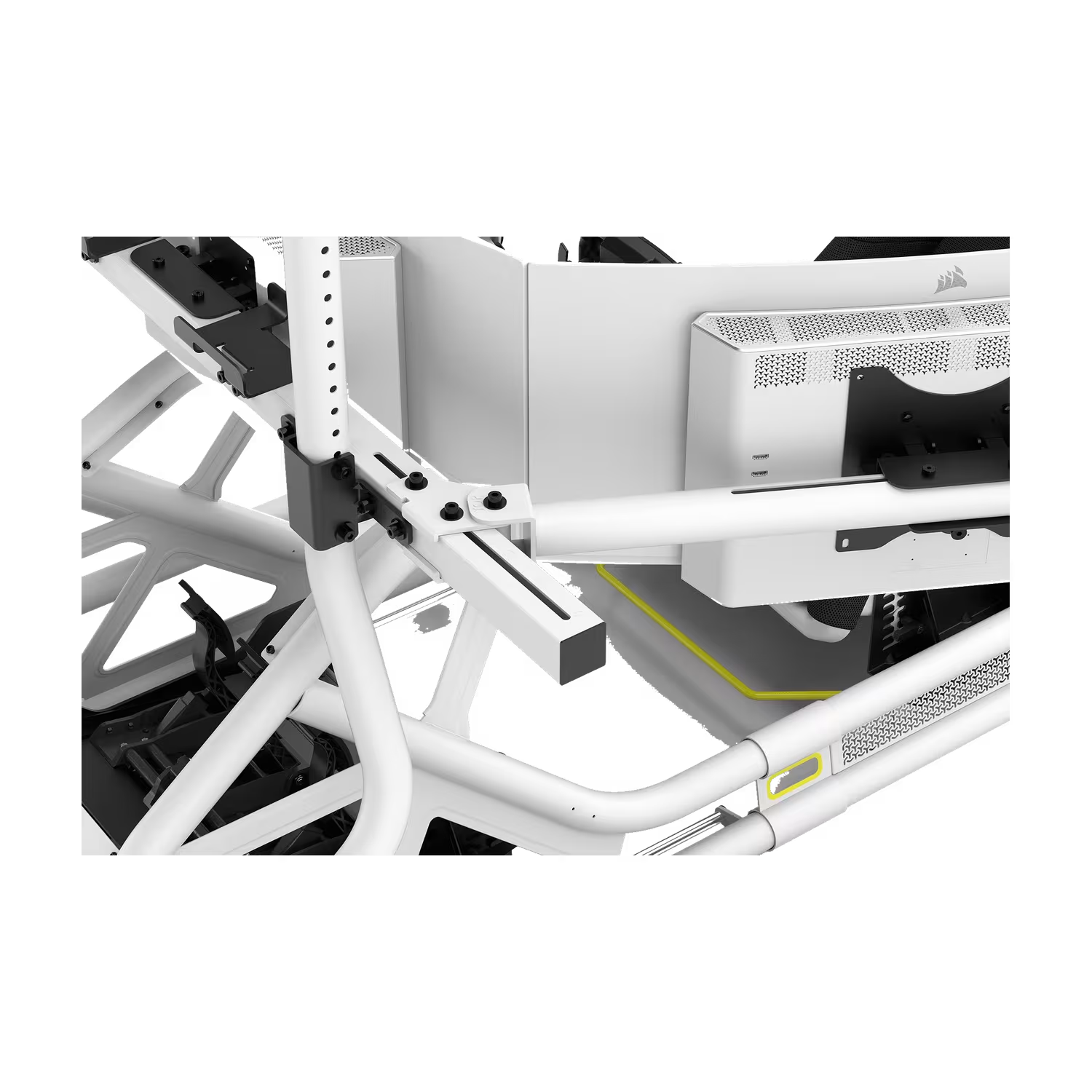
The Fanatec GT Cockpit Triple Monitor Expansion Kit upgrades the separately sold GT Cockpit Monitor Stand to three 32-55 inch screens. Side arms and fine VESA adjustments help position the monitors and align their bezels. Choose matte black or white. Each screen must weigh no more than 18 kg; for 1000R curved screens, Fanatec recommends a maximum size of 34 inches.
You might also like



| Parameter | Value |
|---|---|
| Manufacturer | Fanatec |
| Product type | Monitor stand expansion kit for a triple screen configuration |
| Colour options | Matte black / white |
| Required stand | Fanatec GT Cockpit Monitor Stand, sold separately |
| Screens after expansion | 3; two additional mounts from the expansion kit and one from the base stand |
| Screen size in a triple setup | 32-55 inches per screen |
| 1000R curved screens | Manufacturer recommends a maximum size of 34 inches |
| Maximum weight per screen | 18 kg |
| Supported VESA range | 100 x 100 to 400 x 400 mm, using the appropriate extension parts |
| Construction | Steel crossmember and side arms |
| Included crossmember | 1450 mm; replaces the 1000 mm crossmember supplied with the base stand |
| Adjustment | Side arm positioning and fine VESA adjustment for height, in-plane rotation, lateral position and tilt |
| Fine lateral VESA adjustment | Up to 11 mm, as specified in the manual |
| Assembled structure dimensions (L x W x H) | 925 x 2230 x 1380 mm according to the manufacturer; these are not the dimensions of the expansion parts alone or the packaging |
| Expansion kit net weight | Not specified |
| Cable and power supply management | Cable management materials and an additional power brick holder |
| Documentation | Manufacturer PDF manual in English, covering both the stand and the expansion kit |
| Item | Compatibility requirements |
|---|---|
| Fanatec GT Cockpit Monitor Stand | Required for use; the expansion kit is not a standalone stand |
| Monitors and TVs in a triple screen setup | 32-55 inches, VESA within the supported range and no more than 18 kg per screen |
| 1000R curved screens | Manufacturer recommends a maximum screen size of 34 inches |
| VESA patterns larger than 200 x 200 mm | Require the appropriate VESA extensions as shown in the manual, up to 400 x 400 mm |
| Other stands and frames | Compatibility is not confirmed; this is not a universal expansion kit |
| Triple screen video output | Depends on the computer, video outputs and software; the kit provides mechanical mounting |
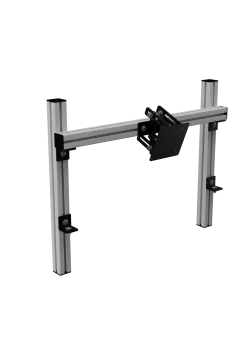
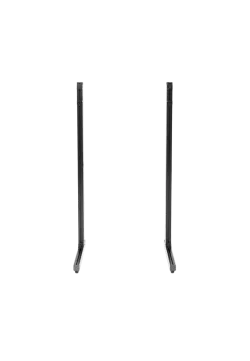
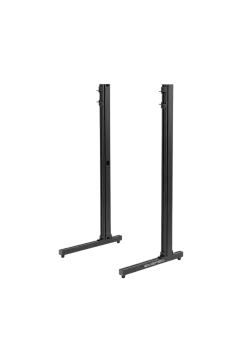
The kit contains the expansion in the selected colour. The GT Cockpit Monitor Stand, cockpit, seat, monitors and other equipment shown in the images are not included in this offer.
No. The Fanatec GT Cockpit Triple Monitor Expansion Kit requires the separately sold GT Cockpit Monitor Stand. It adds two outer monitor positions to the stand with its existing centre mount.
Fanatec specifies screens from 32 to 55 inches for a triple setup. Each screen must also meet the VESA requirements and the 18 kg weight limit. A separate size recommendation applies to 1000R panels.
For 1000R curved screens, Fanatec recommends a maximum size of 34 inches per screen. The general 55 inch limit should not be applied to these panels without that qualification.
The specified range is 100 x 100 to 400 x 400 mm. For patterns larger than 200 x 200 mm, the manual calls for the VESA extensions. Check the mounting pattern and the shape of the monitor rear housing before buying.
Each monitor must weigh no more than 18 kg. Check the weight of the screen being fitted to the VESA mount; carton or shipping weight does not describe the load on the mount.
The VESA mounts provide fine adjustment for height, in-plane rotation, lateral position and tilt. The manual specifies up to 11 mm of lateral adjustment. The side arms set the angle of the outer screens.
Yes. The manual calls for replacing the 1000 mm crossmember with the 1450 mm crossmember included in the expansion kit. The brackets, outer arms and monitor mounts are then fitted.
The variants differ in finish: matte black or white. Fanatec specifies the same screen sizes, VESA range, adjustment features and weight limit for both.
Yes. The expansion includes an additional power brick holder and cable management materials. The manual shows how to attach the holder to the crossmember.
No. This offer covers the expansion kit in the selected colour. The base stand, monitors, seat, cockpit and electronics shown in the illustrations are separate products.
Simline.eu is the largest authorised Fanatec partner in Poland and Europe. Fanatec products receive full warranty protection for up to 5 years within the European Union, in accordance with Fanatec warranty terms.
As an official Fanatec partner within the European Union, we handle valid warranty claims through Door-to-Door service. Collection and return of the equipment follow the instructions we provide.
Simline.eu is an authorised Fanatec partner, so we act as an intermediary in the warranty process and handle claims. Email support@simline.eu or fanatec@simline.eu with a fault description and photos or videos showing the problem. We will provide further instructions after reviewing the submission.
You might also like