Shopping Cart
There are no more items in your cart
 English
 Polski


Heusinkveld Ultimate+
4,092.96zł

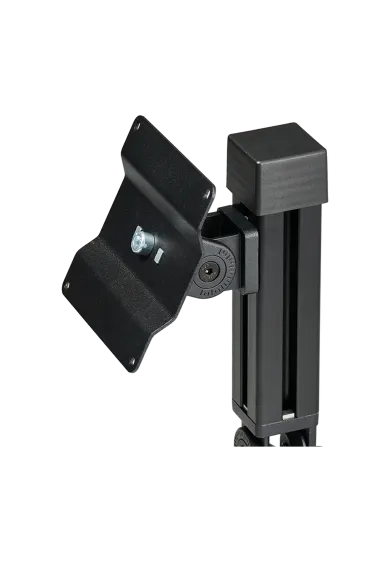
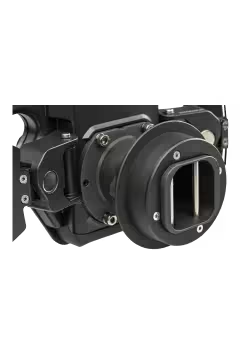
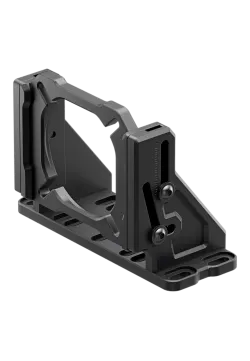
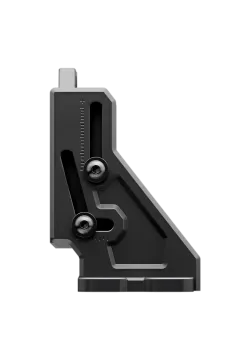
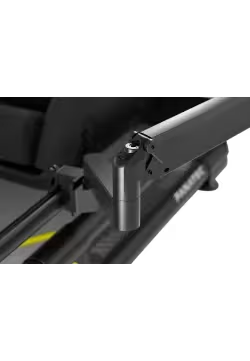
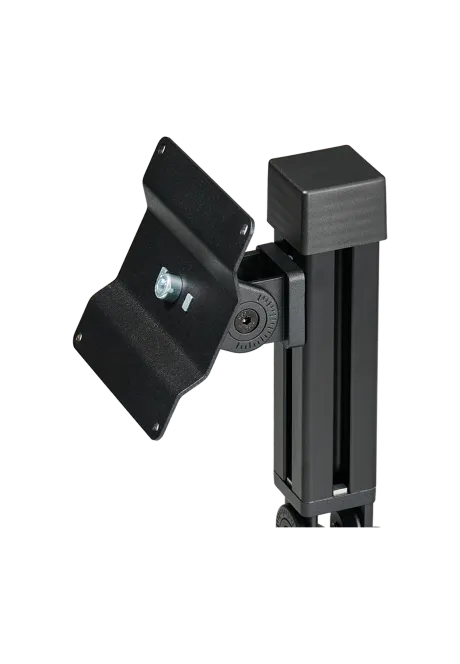
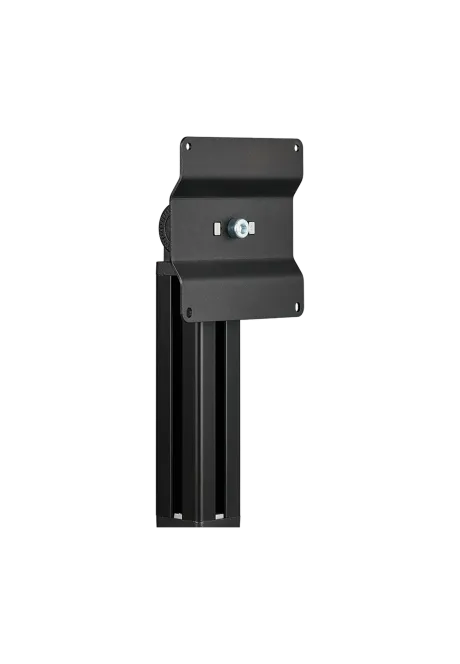
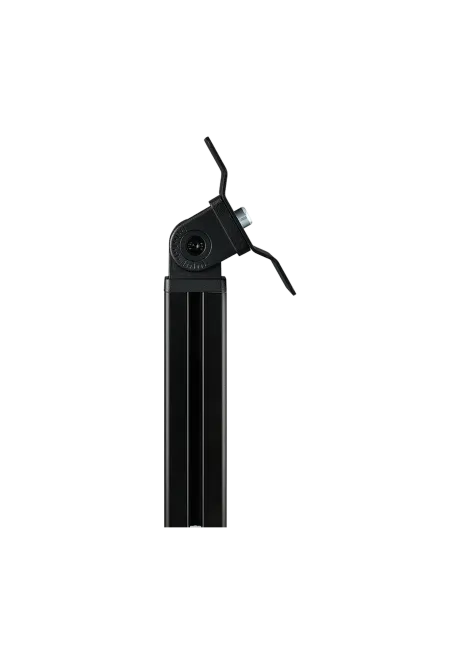
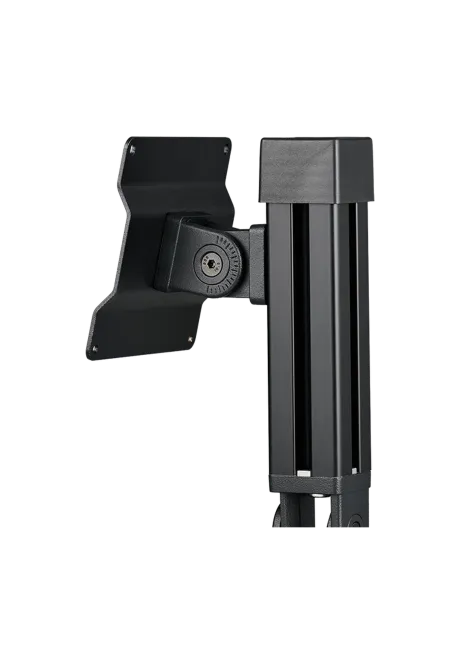
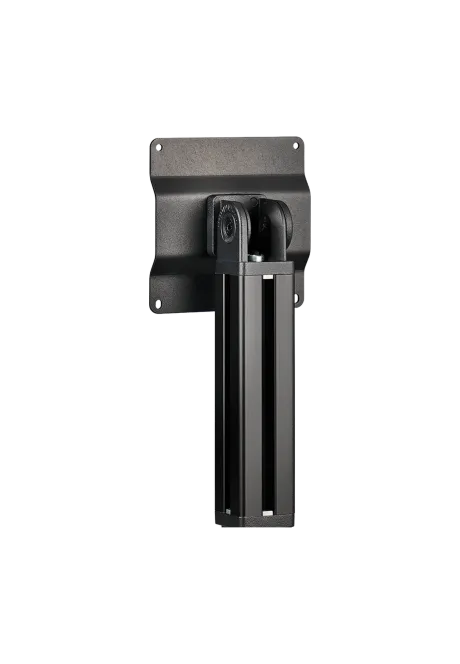
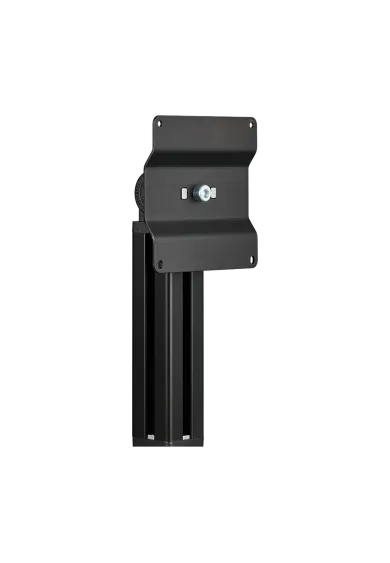
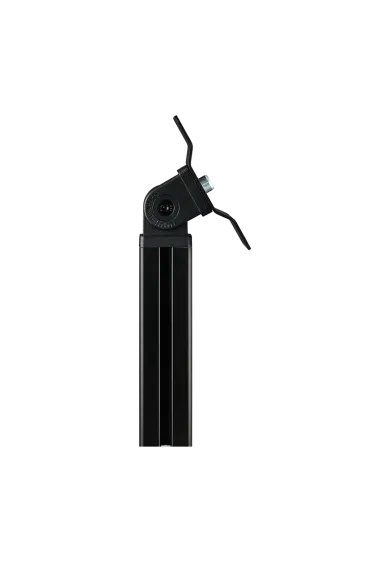
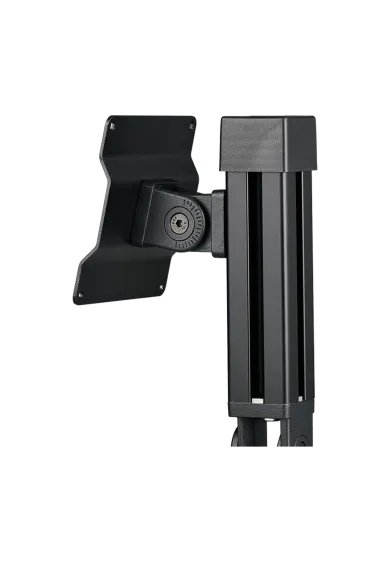
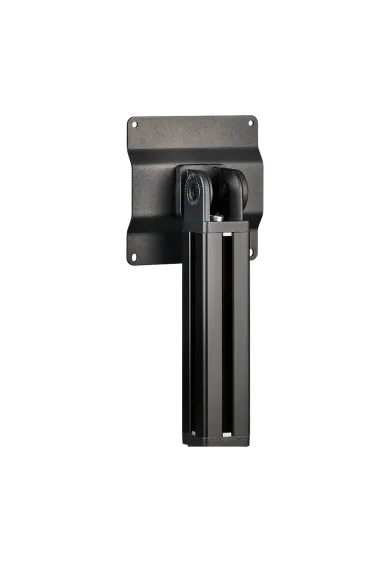
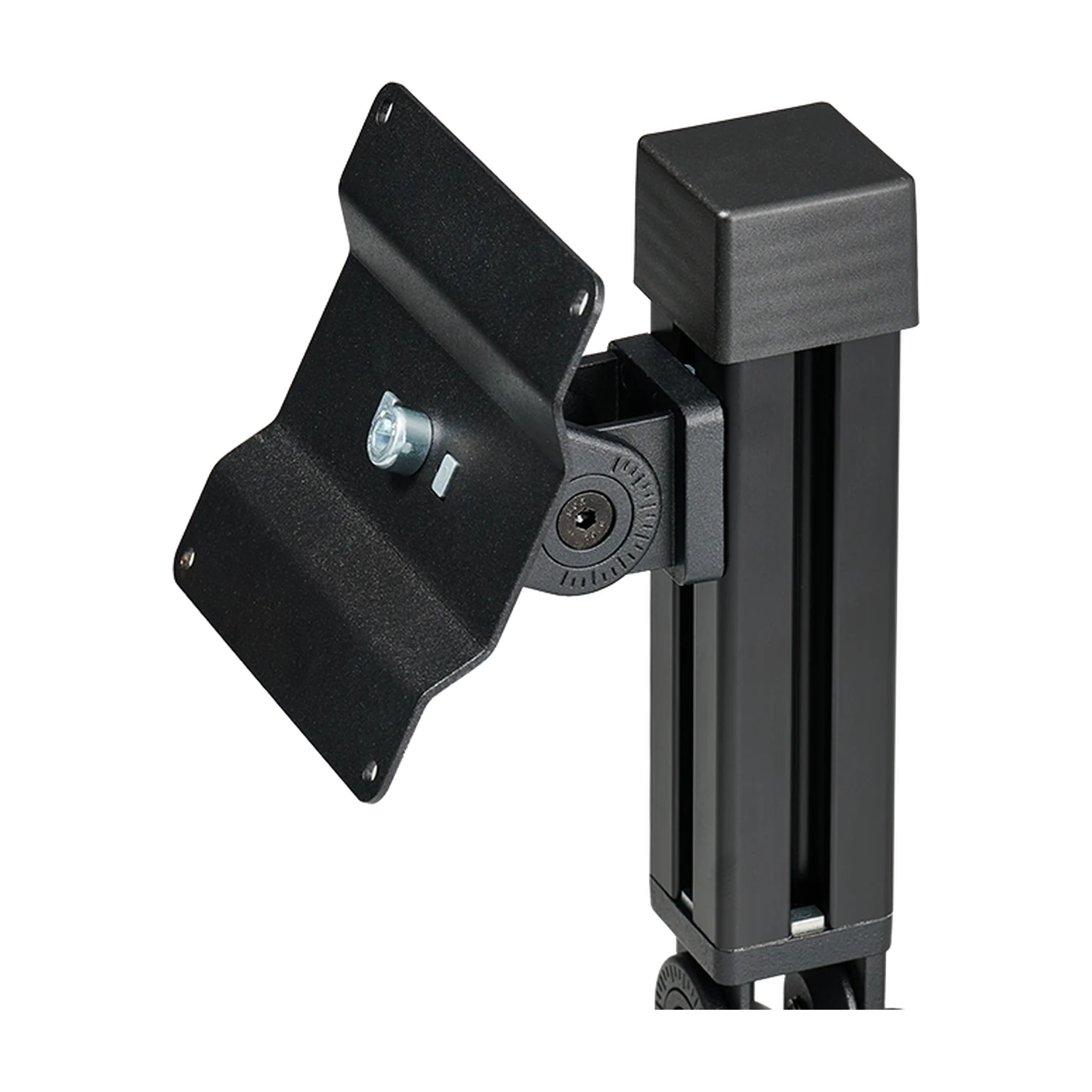
Heusinkveld DisplayDash Mount attaches the DisplayDash panel to an aluminium profile sim racing rig. A 150 mm arm, two joints and a VESA 100 x 100 mm plate let you position the panel to suit your driving position. Mount assembly hardware is included. DisplayDash is sold separately; the M4 screws for attaching the panel are supplied with the display.
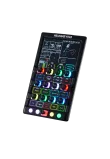
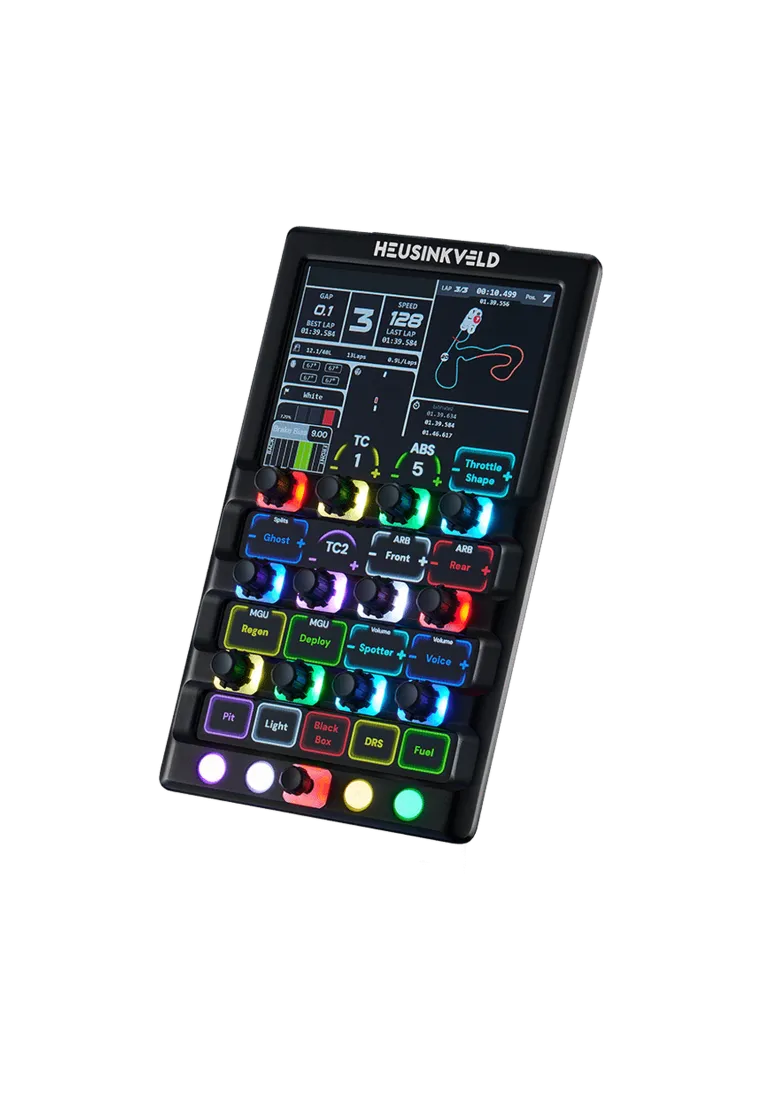
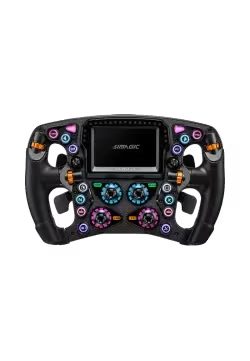
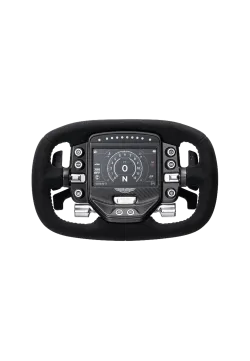
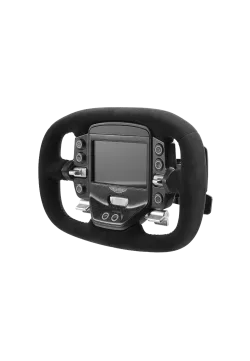
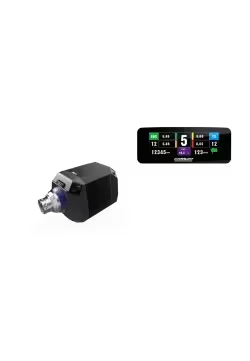
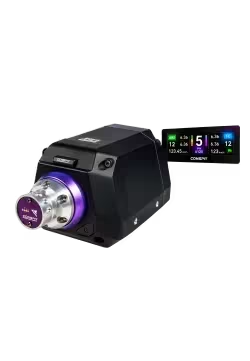
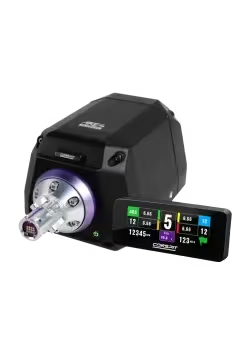
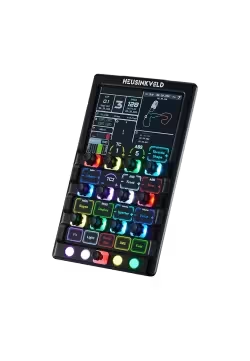
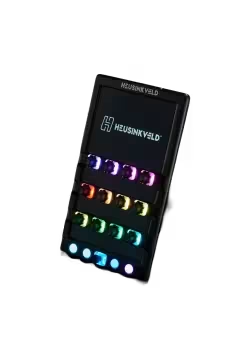
Heusinkveld DisplayDash combines a touchscreen telemetry display with physical sim racing controls for PC. Its 12 push rotaries, 4 buttons and 7-way switch provide 47 inputs, alongside 17 RGB LEDs. Configure the screen and lighting in SimHub. One USB-C cable carries data and power, while the VESA 100 x 100 mm pattern lets you choose a suitable cockpit mount.
Heusinkveld DisplayDash Out of stock
1,431.71złYou might also like


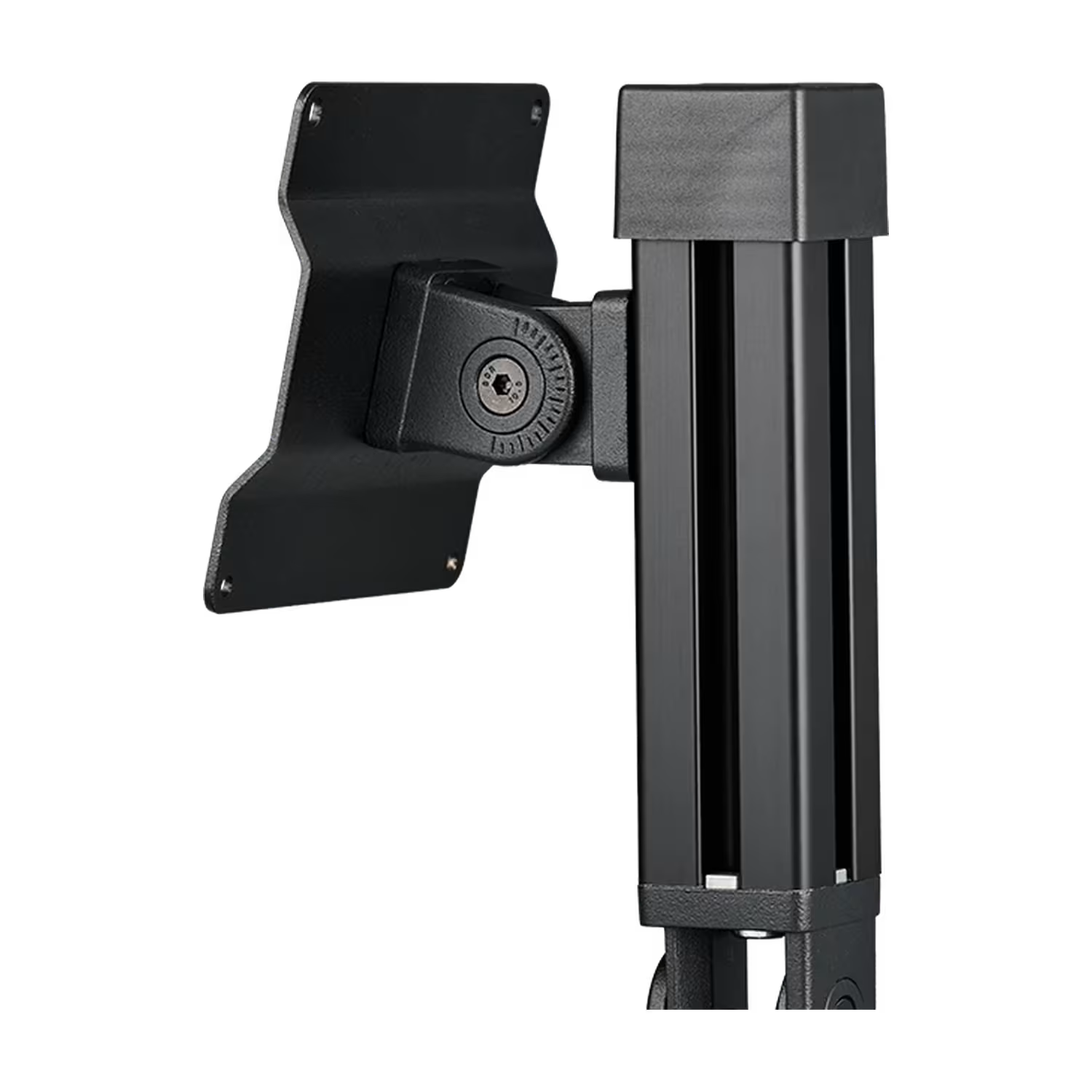
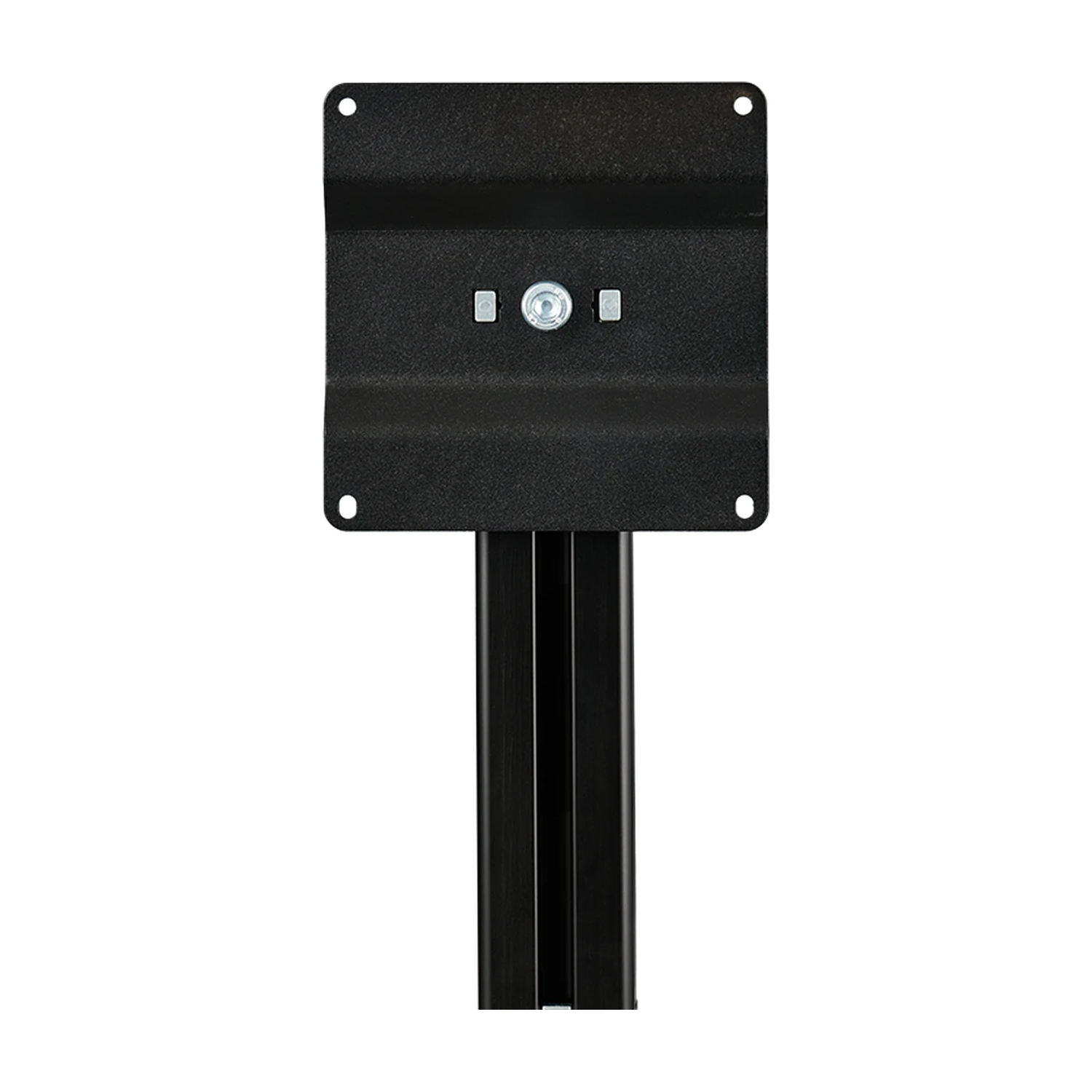
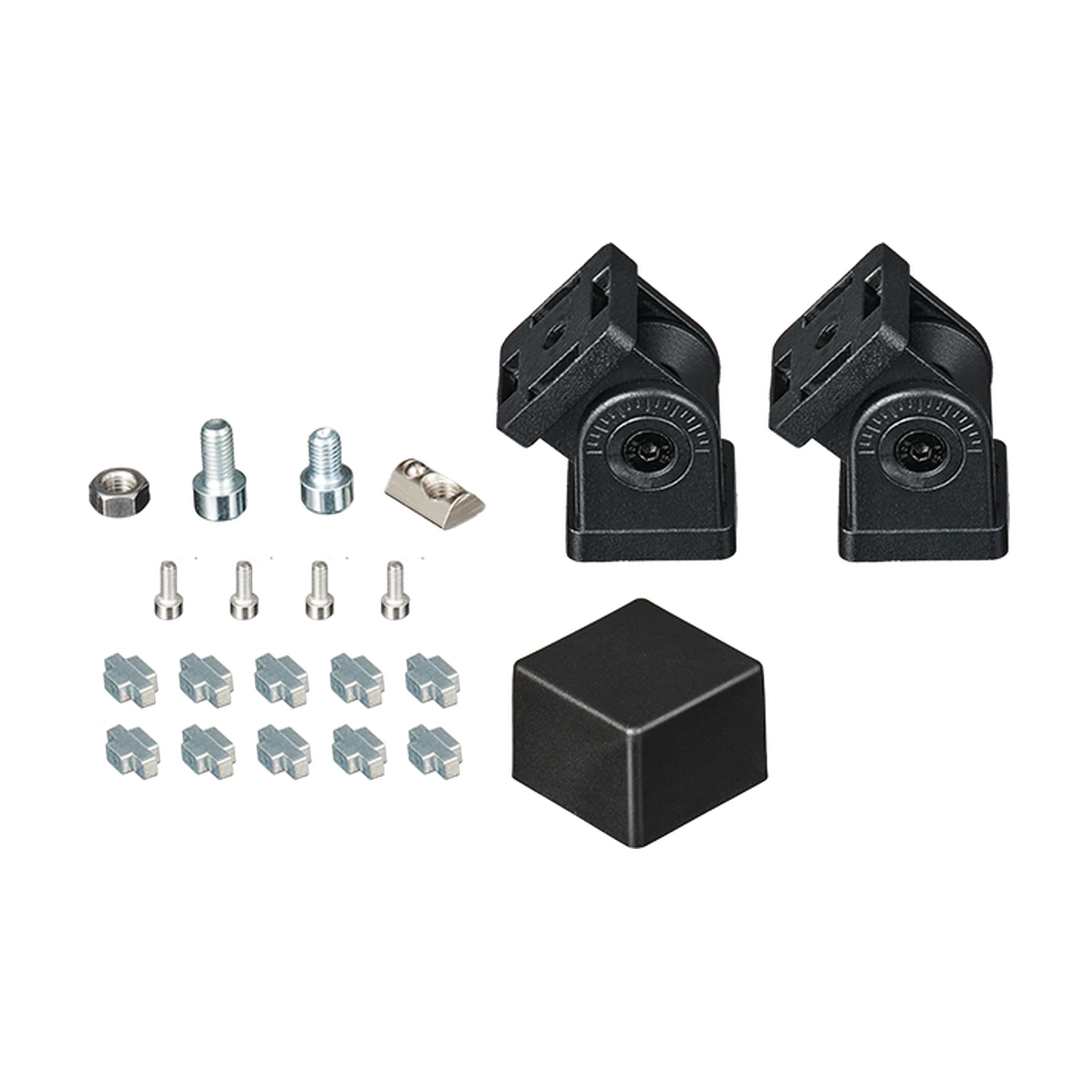
| Parameter | Details |
|---|---|
| Brand / model | Heusinkveld / DisplayDash Mount |
| Product type | Mechanical mount for the DisplayDash panel |
| Mounting location | Aluminium profile cockpit frame |
| Arm | 150 mm aluminium profile |
| Arm end threads | M8 at both ends of the profile |
| Joints | 2; adjustment of panel position and angle |
| Mounting plate | VESA 100 x 100 mm |
| Plate attachment to DisplayDash | M4 screws supplied with the DisplayDash unit |
| Insertion depth into DisplayDash housing | Do not exceed 10 mm |
| Joint adjustment | Loosen and tighten with a 5 mm Allen key, following the manufacturer schematic |
| Profile end cap | Included |
| Mount electronics / power | None; no connection to a computer is required |
| Net weight / maximum load | Not specified in the manufacturer documentation |
| Parameter | Details |
|---|---|
| Heusinkveld DisplayDash | Intended application; VESA 100 x 100 mm mounting |
| Aluminium profile cockpits | Mechanical attachment to a profile; check that the mounting hardware fits the profile slot before installation |
| Tubular cockpits and desks | Direct compatibility is not confirmed; the kit is intended for profile frames |
| Other VESA 100 x 100 mm devices | A matching hole pattern alone does not confirm load capacity or housing clearance |
| PC, games and software | The mount does not change device compatibility and requires no drivers |
The DisplayDash panel and cockpit are sold separately. The M4 screws connecting the VESA plate to DisplayDash are supplied with the display, rather than this mount.
Heusinkveld DisplayDash Mount attaches the DisplayDash panel to an aluminium profile cockpit. Two joints let you position the panel relative to the driver.
No. The kit contains the mount and its assembly hardware. The DisplayDash panel must be purchased separately.
The plate uses a VESA 100 x 100 mm pattern, matching the mounting holes on the rear of Heusinkveld DisplayDash.
The mount is intended for aluminium profile cockpits. Check that its hardware fits your profile slots and that there is enough clearance. Direct mounting to tubular frames is not confirmed.
No. 150 mm is the length of the aluminium arm itself. The final plate position also depends on both joint settings and the attachment point on the frame.
Following the manufacturer schematic, loosen the joint with a 5 mm Allen key, set the angle and tighten it again. Support the panel while adjusting it.
Use the M4 screws supplied with the DisplayDash display. The mount schematic identifies these screws as part of the display package, rather than the Mount kit.
The DisplayDash manual specifies a 10 mm thread depth. The part of the screw entering the housing must not exceed this depth. This is not a recommendation to use screws with a total length of 10 mm.
No. DisplayDash Mount is a mechanical accessory. USB connection and software setup apply to the separately purchased DisplayDash panel.
Do not assume compatibility. The mount is designed for DisplayDash and the manufacturer does not specify a maximum load. A VESA 100 x 100 mm pattern alone is not enough to confirm suitability for another device.
Heusinkveld specifies a 24-month warranty from the date of delivery, in accordance with the manufacturer warranty terms.
Simline.eu acts as an intermediary in the Heusinkveld warranty process, manages the case after receiving the documentation and provides further instructions once it has been reviewed.
Email support@simline.eu with the model, a description of the fault, photos or a video showing the issue, and proof of purchase. Simline.eu will review the submission and provide further instructions.
You might also like