Shopping Cart
There are no more items in your cart
 English
 Polski

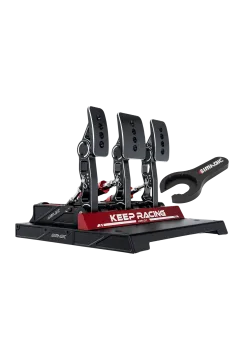
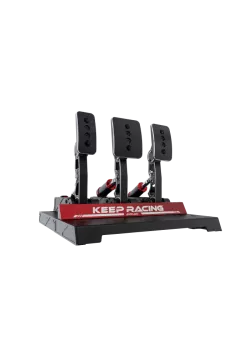
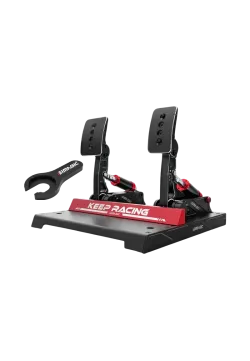
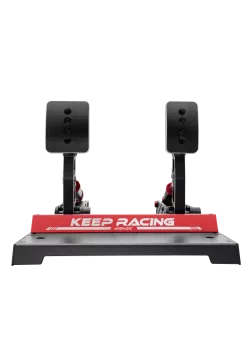
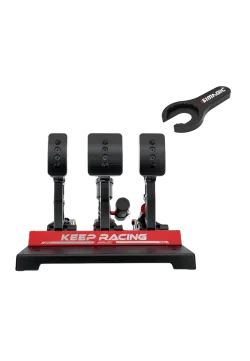
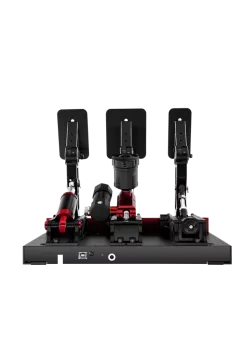
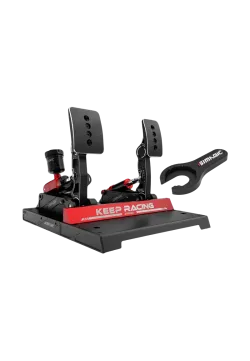
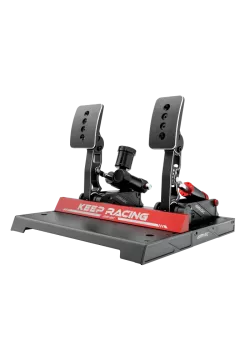
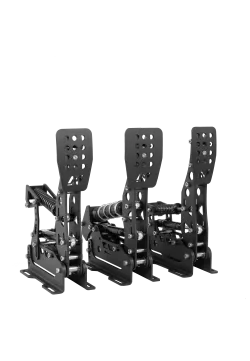
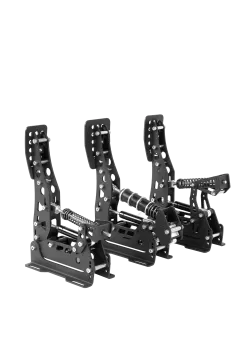
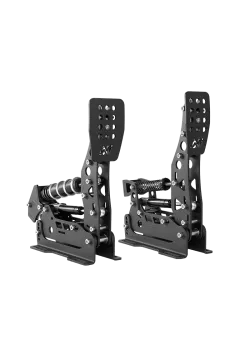
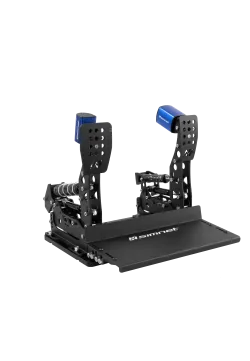
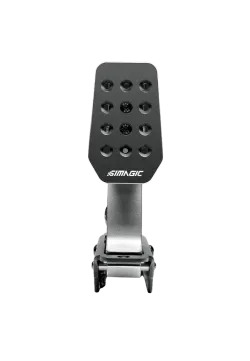
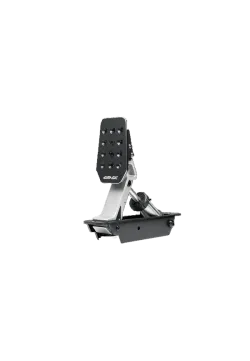
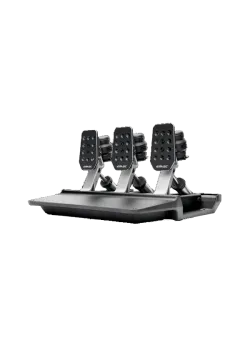
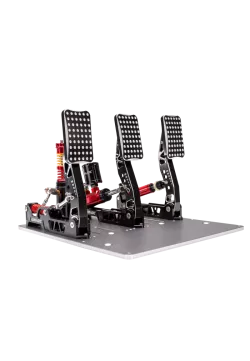
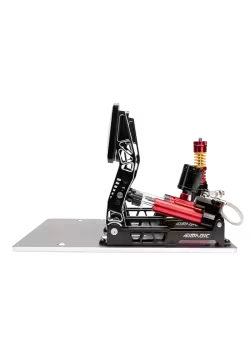
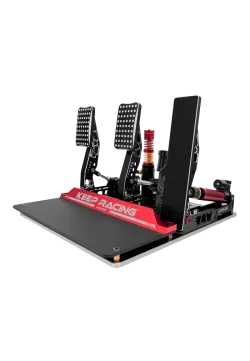
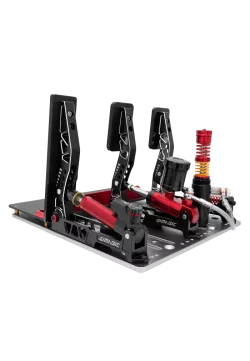
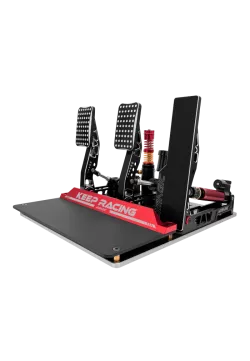
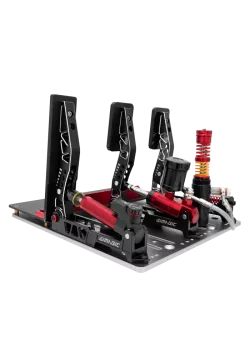
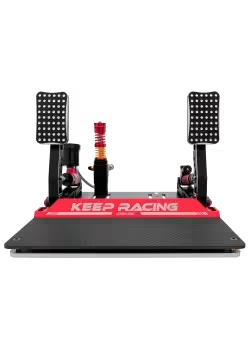
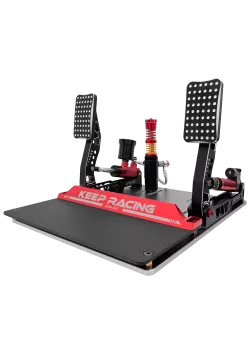
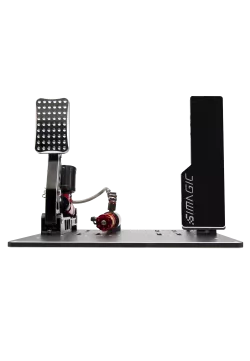
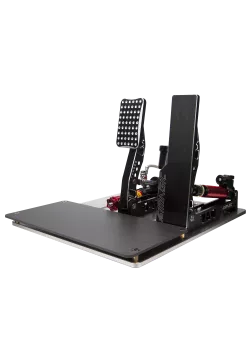
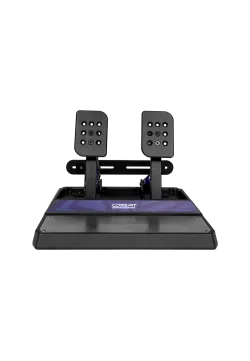
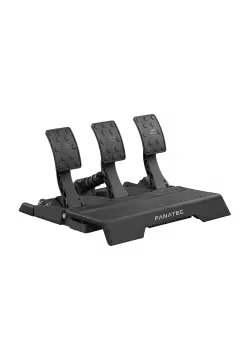
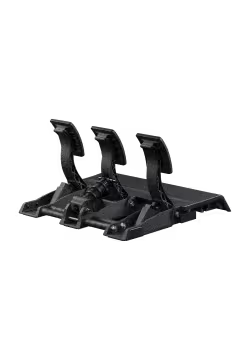
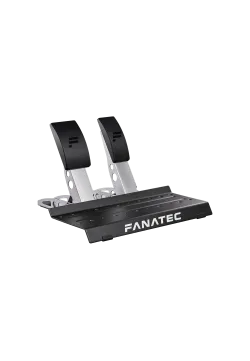
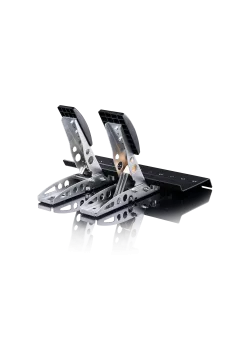
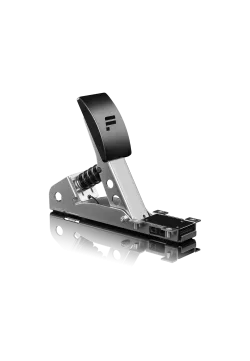
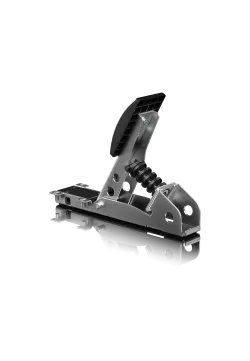
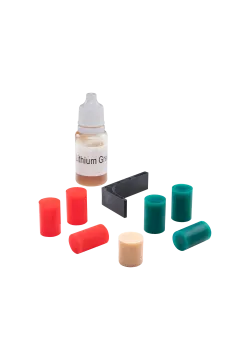
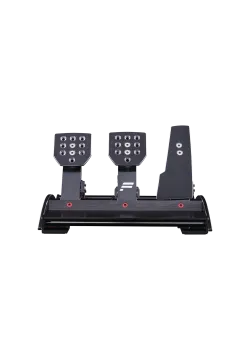
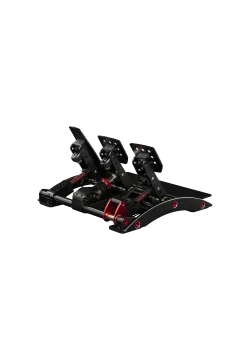
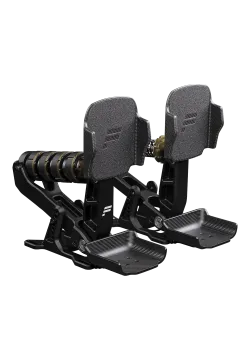
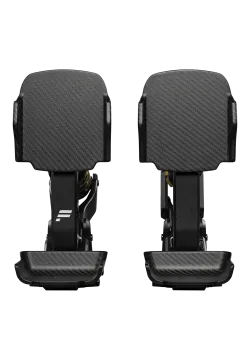
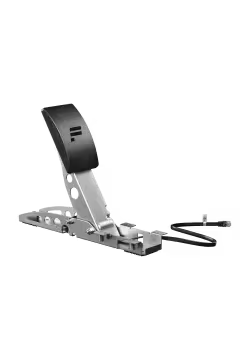
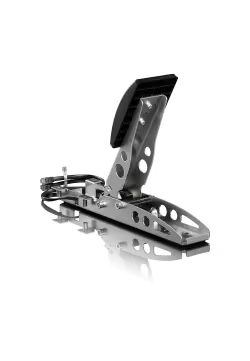
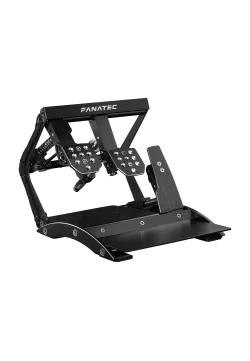
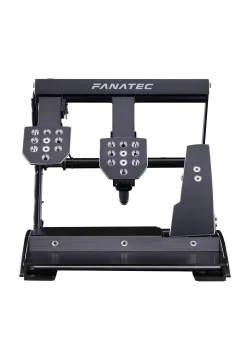
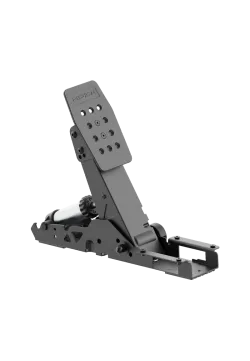
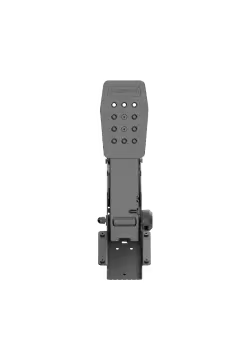
Fanatec CSL Elite Pedals V2
1,137.40zł

405.69zł
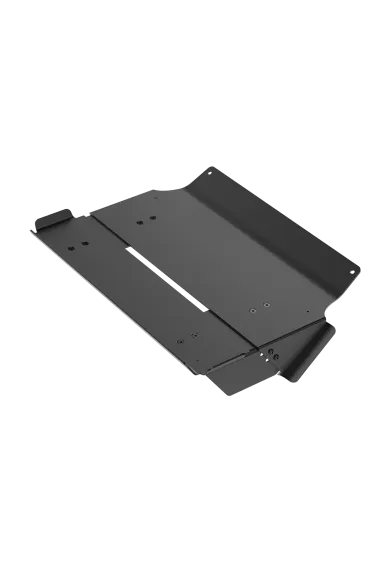
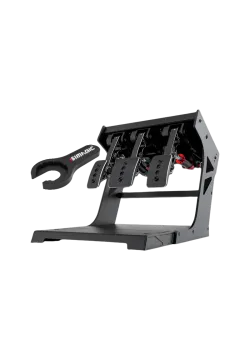
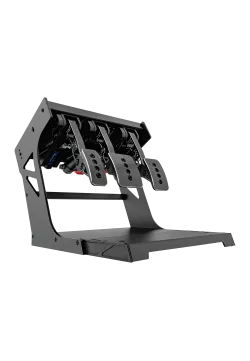
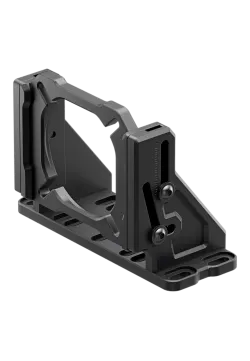
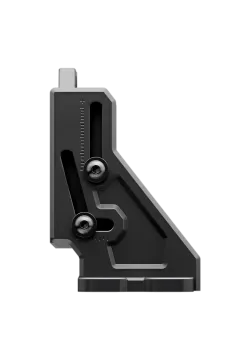
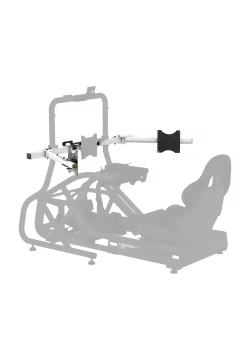
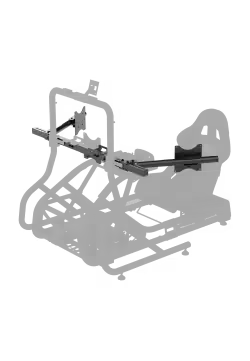
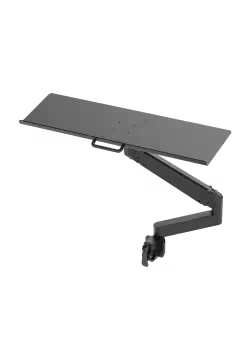
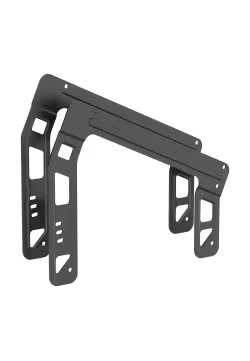
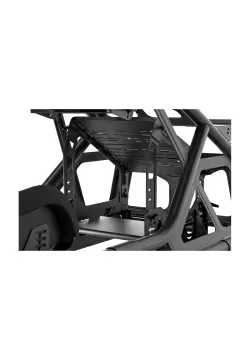
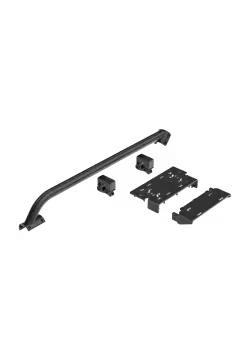
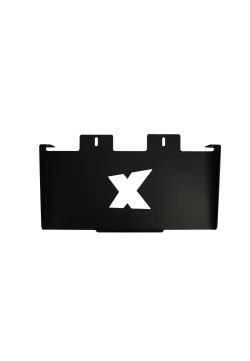
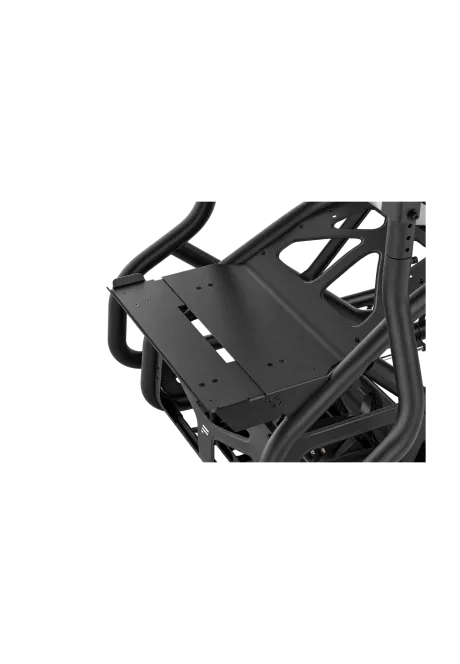
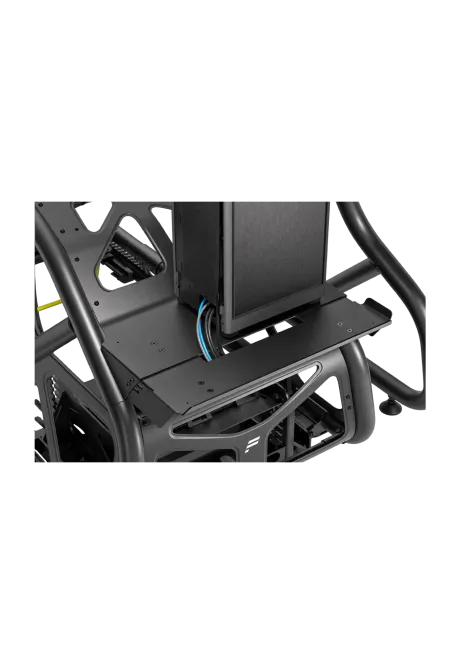
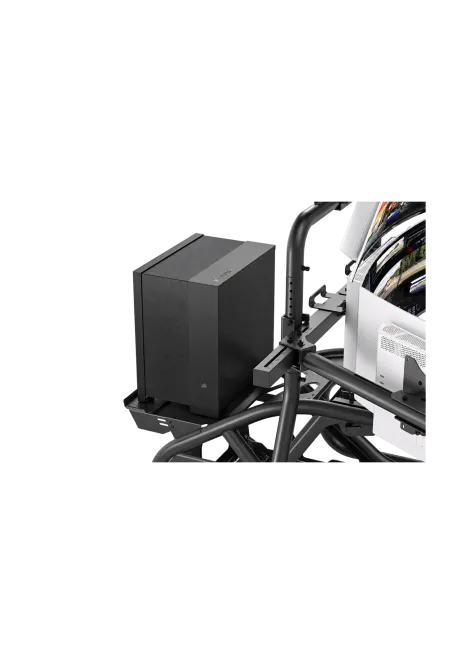
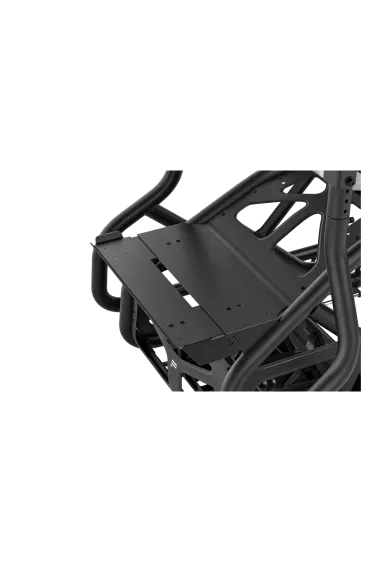
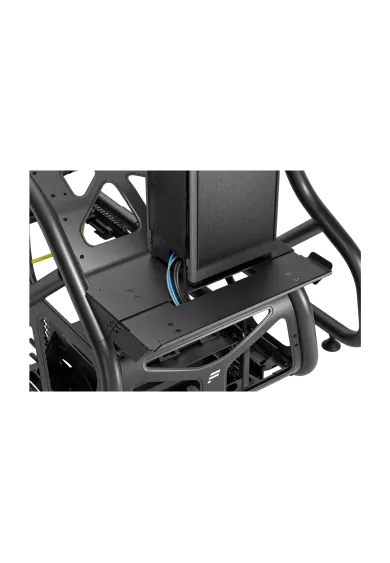
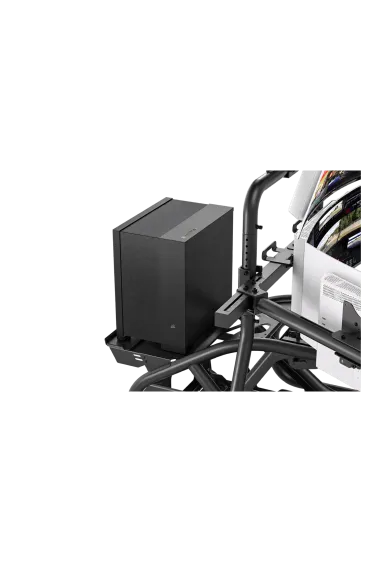
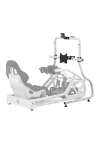
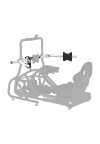
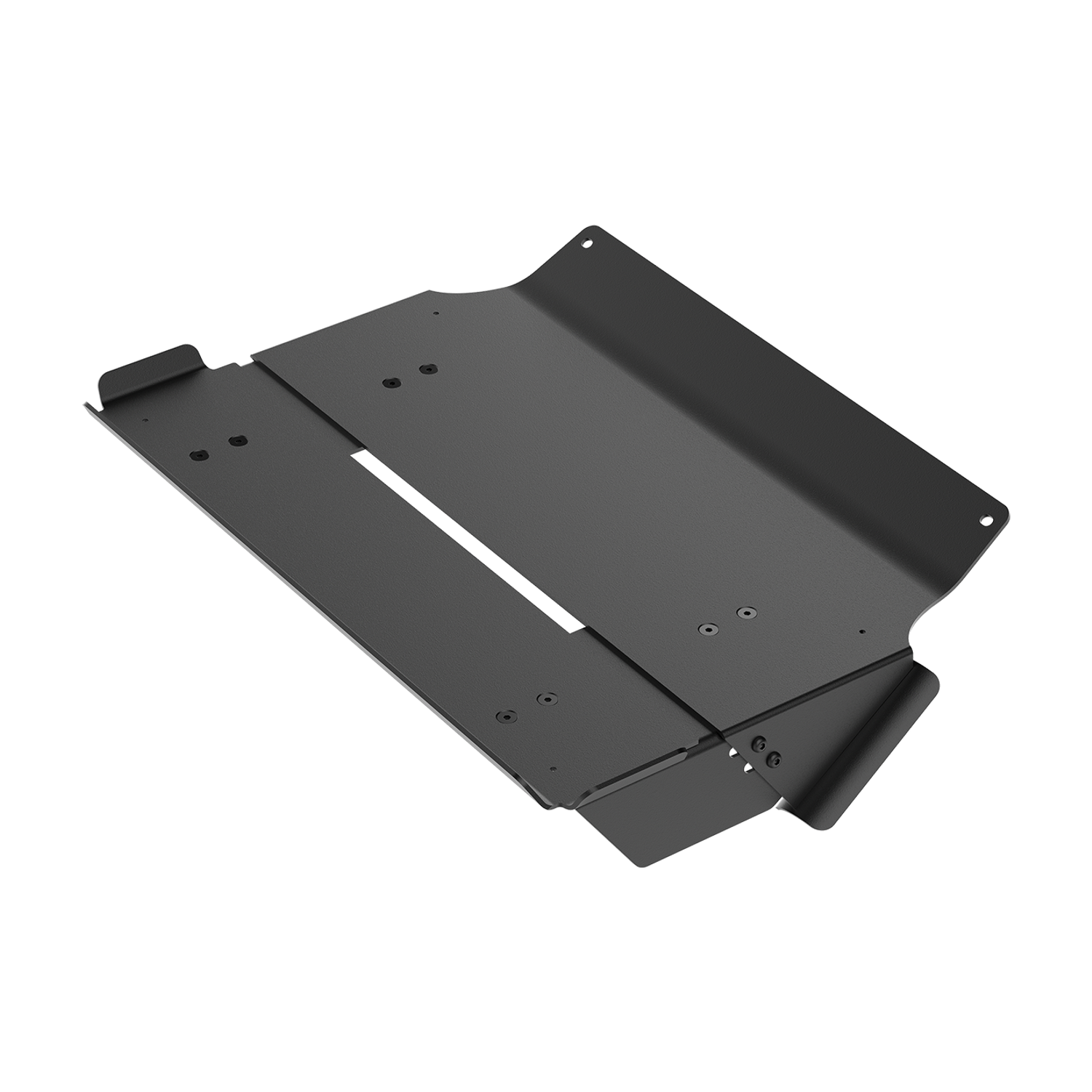
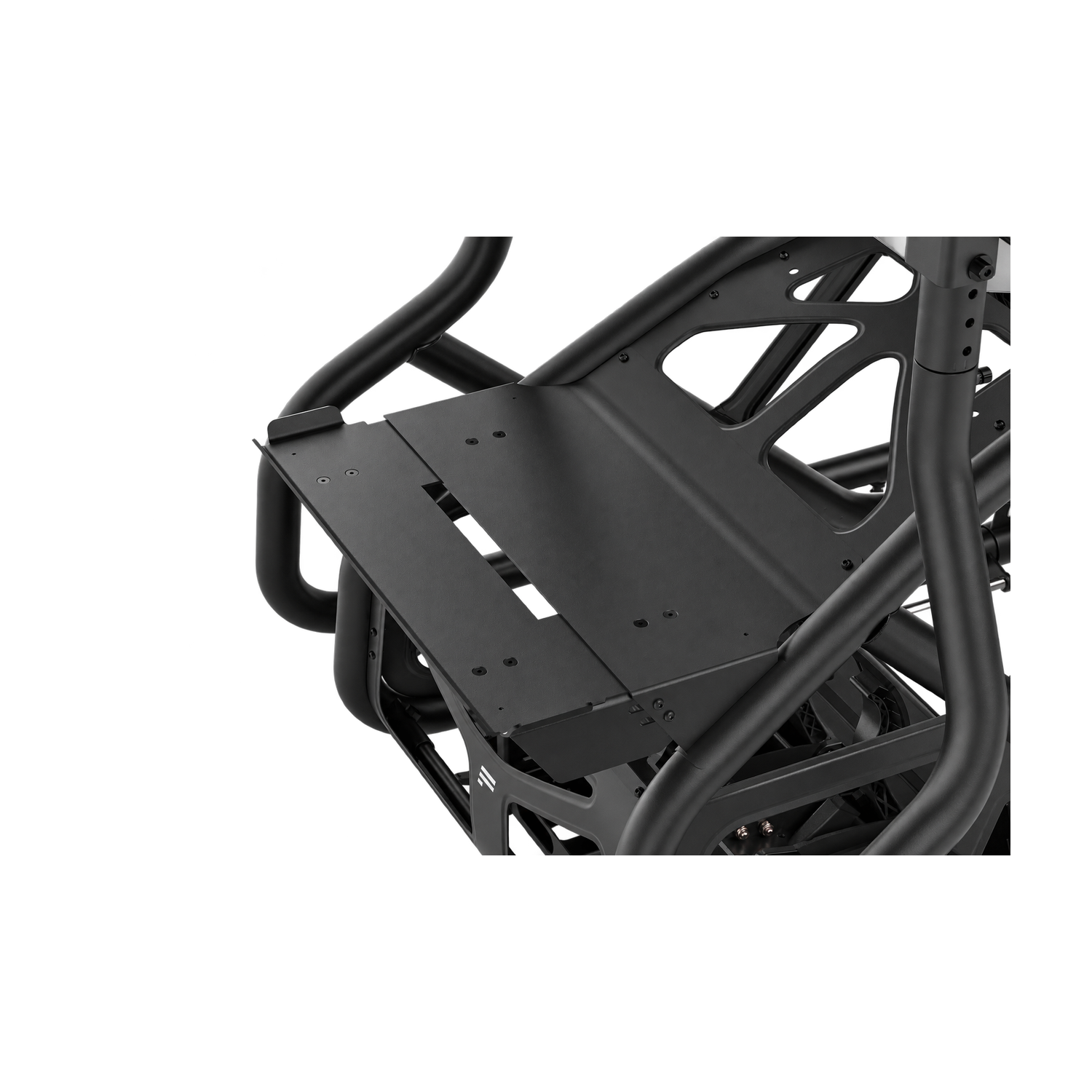
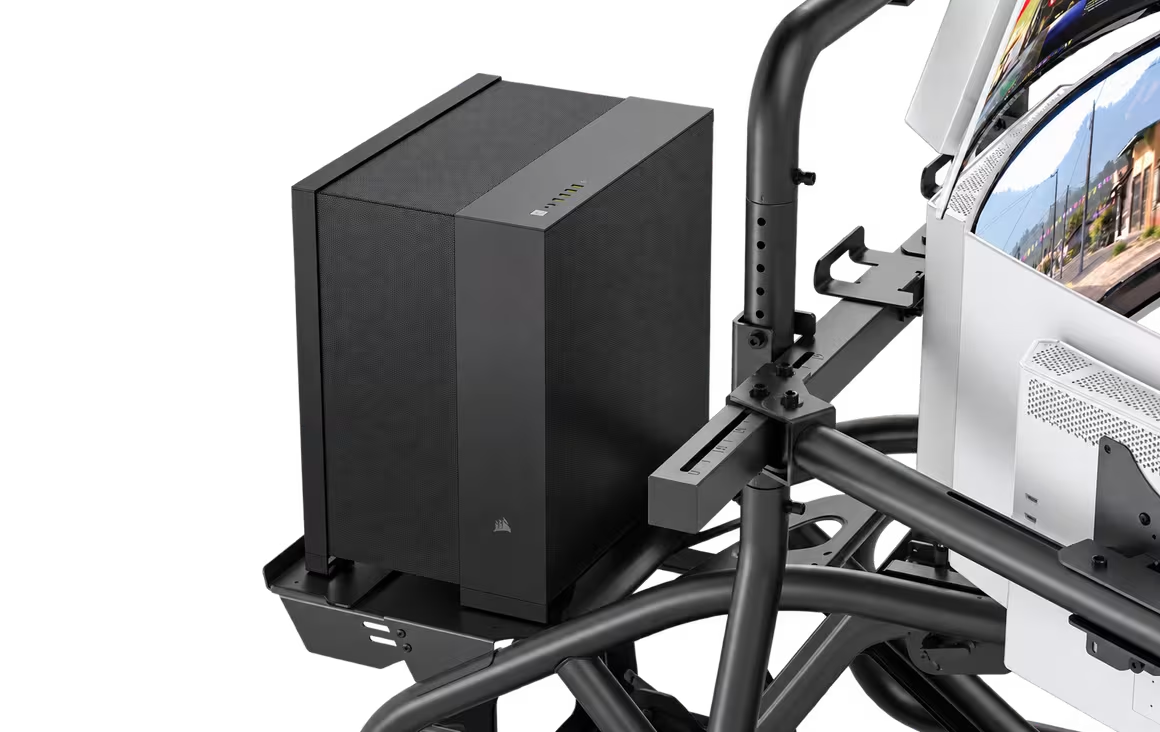
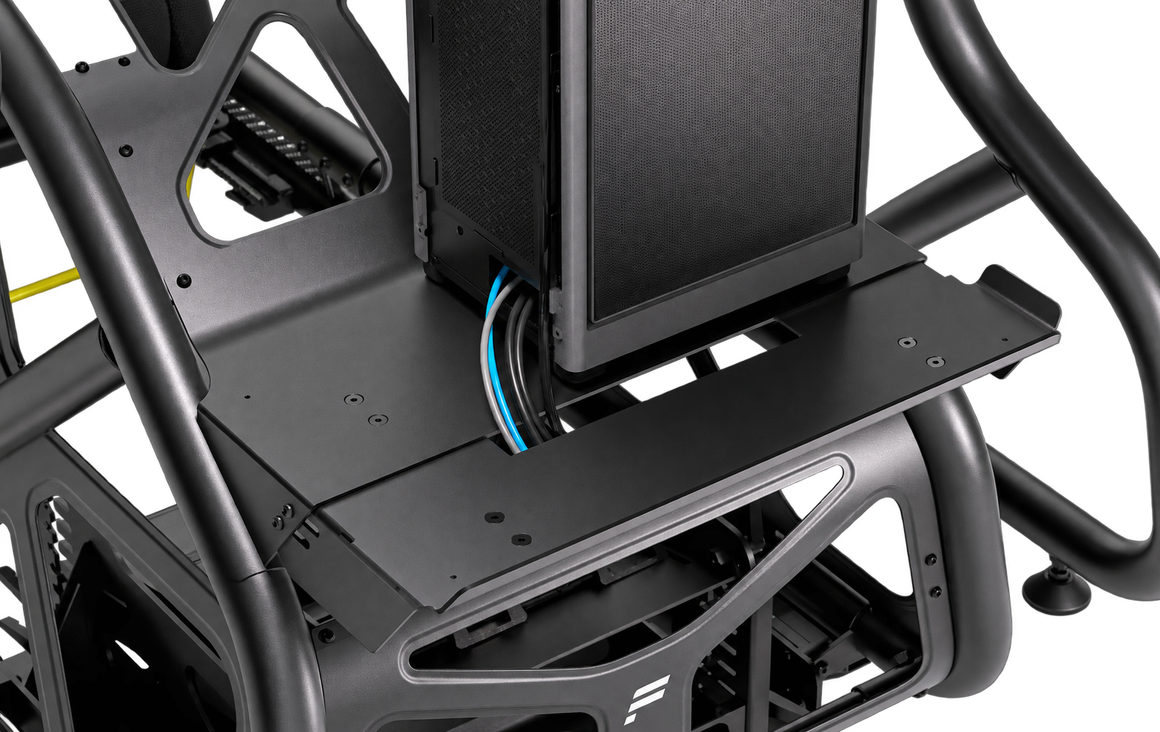
Fanatec GT Cockpit PC Tray is an adjustable steel tray for a PC or console, designed exclusively for the Fanatec ClubSport GT Cockpit. It raises your system above the floor, helps organise cables and lets you face the connections towards either side of the cockpit. The package includes the tray, tools and mounting hardware; the cockpit and PC or console are sold separately.
You might also like
| Specification | Value |
|---|---|
| Brand | Fanatec |
| Model | GT Cockpit PC Tray |
| SKU | CRD-9900001-WW |
| Product type | Adjustable cockpit tray for a PC or console |
| Material | Steel |
| Colour | Black |
| Compatible cockpit | Fanatec ClubSport GT Cockpit only |
| Usable area | 520 × 300 mm (length × width as labelled by the manufacturer) |
| Adjustment | Adjustable tray depth; tighten 8 bolts after positioning |
| Overall assembled dimensions | 560 × 385 × 140 mm (length × width × height) |
| Frame attachment | Reuses 2 existing M6 12 mm bolts in the cockpit panel; remaining mounting hardware included |
| PC or console connection orientation | Connections can face the left or right side of the cockpit |
| Maximum load | Not specified in the official product page or PC Tray guide |
| Tools and mounting hardware | Included |
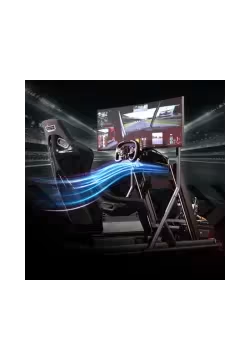
Sold separately: cockpit, seat, steering wheel and wheel base, pedals, monitor stand, keyboard holder, monitors, PC or console, and speakers. Photos showing a complete setup illustrate how the tray can be used.
| Item | Compatibility or requirement |
|---|---|
| Fanatec ClubSport GT Cockpit | Dedicated tray mounting |
| Other cockpits, including CSL Cockpit | No declared compatibility; the manufacturer specifies ClubSport GT Cockpit only |
| PC or console | The system must fit the tray; also allow room for cables and ventilation |
| Cockpit and electronics | Sold separately |
Fanatec GT Cockpit PC Tray provides a place for a PC or console on the ClubSport GT Cockpit. It raises the system above the floor and makes its connections easier to access.
Fanatec GT Cockpit PC Tray fits the Fanatec ClubSport GT Cockpit only. The manufacturer does not declare compatibility with the CSL Cockpit or other frames.
Fanatec specifies a usable area of 520 × 300 mm. The depth can be adjusted to suit the dimensions of your system. Compare your case dimensions with the available space before purchasing.
The assembled tray measures 560 mm long, 385 mm wide and 140 mm high. These are the dimensions of the accessory, rather than the complete cockpit.
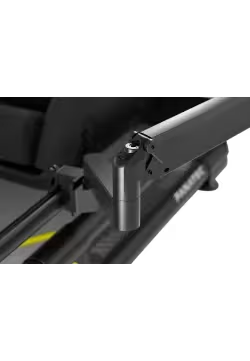
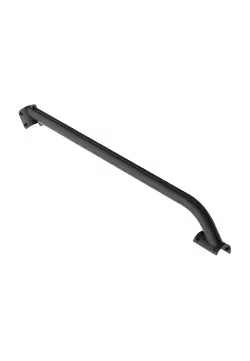
Fanatec GT Cockpit PC Tray reuses two existing M6 12 mm bolts in the ClubSport GT Cockpit panel. The brackets and front section are assembled using the mounting hardware as described in the manufacturer's guide.
Adjust the Fanatec GT Cockpit PC Tray depth by loosening the eight bolts identified in the guide: four at the sides and four on top, together with their nuts. After positioning the tray, tighten all eight bolts before placing your system on it.
Fanatec GT Cockpit PC Tray is designed for a PC or console, provided the system fits its dimensions. Position the device so that cables remain accessible and ventilation openings stay clear.
A PC or console on the Fanatec GT Cockpit PC Tray can be positioned with its connections facing the left or right side of the ClubSport GT Cockpit. This helps adapt cable routing to your setup.
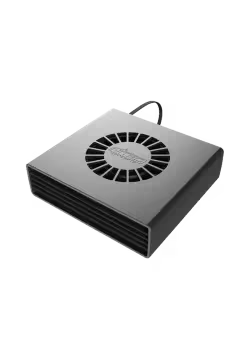
Fanatec GT Cockpit PC Tray frees floor space and makes cleaning around your system easier. Moving the device away from carpet can also help airflow at its intakes, depending on the case design and PC positioning.
The Fanatec GT Cockpit PC Tray package includes the tray, tools and mounting hardware, along with a digital Quick Start Guide. The PC or console, cockpit and other equipment shown in the photos are sold separately.
Simline is the largest authorised seller of Fanatec in Poland and Europe. We are also a Fanatec Certified Partner and are listed in Fanatec's official directory of authorised resellers and certified partners. As an authorised Fanatec partner, all products from this brand are covered by full warranty protection for up to 5 years within the European Union, in accordance with Fanatec warranty terms.
As an official Fanatec partner within the European Union, we handle valid warranty claims using a Door-to-Door service. Collection and return of the equipment are arranged according to the instructions provided by our support team.
Simline.eu is an authorised Fanatec partner, so we act as an intermediary in the warranty process and handle customer claims. Email support@simline.eu or fanatec@simline.eu with a description of the fault and photos or videos showing the problem, then prepare and pack the equipment.
You might also like