- News
- 0 likes
- 25 views
- 0 comments
- simracing, simnet, simnet sp evo, simnet sp pro, simnet pedals, sp evo pedals, sp pro pedals

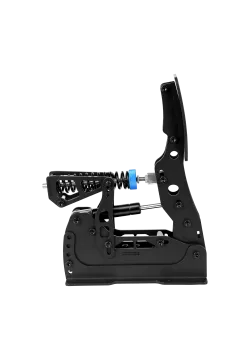
SP EVO vs SP Pro: what actually changed?
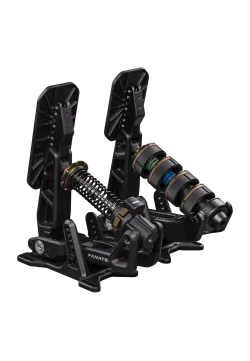
The key EVO changes concern foot contact and the range of adjustment. SP Pro already offered a Load Cell brake, adjustment, optional haptics and a Hydro-Link upgrade path. With the newer series, look closely at these details:
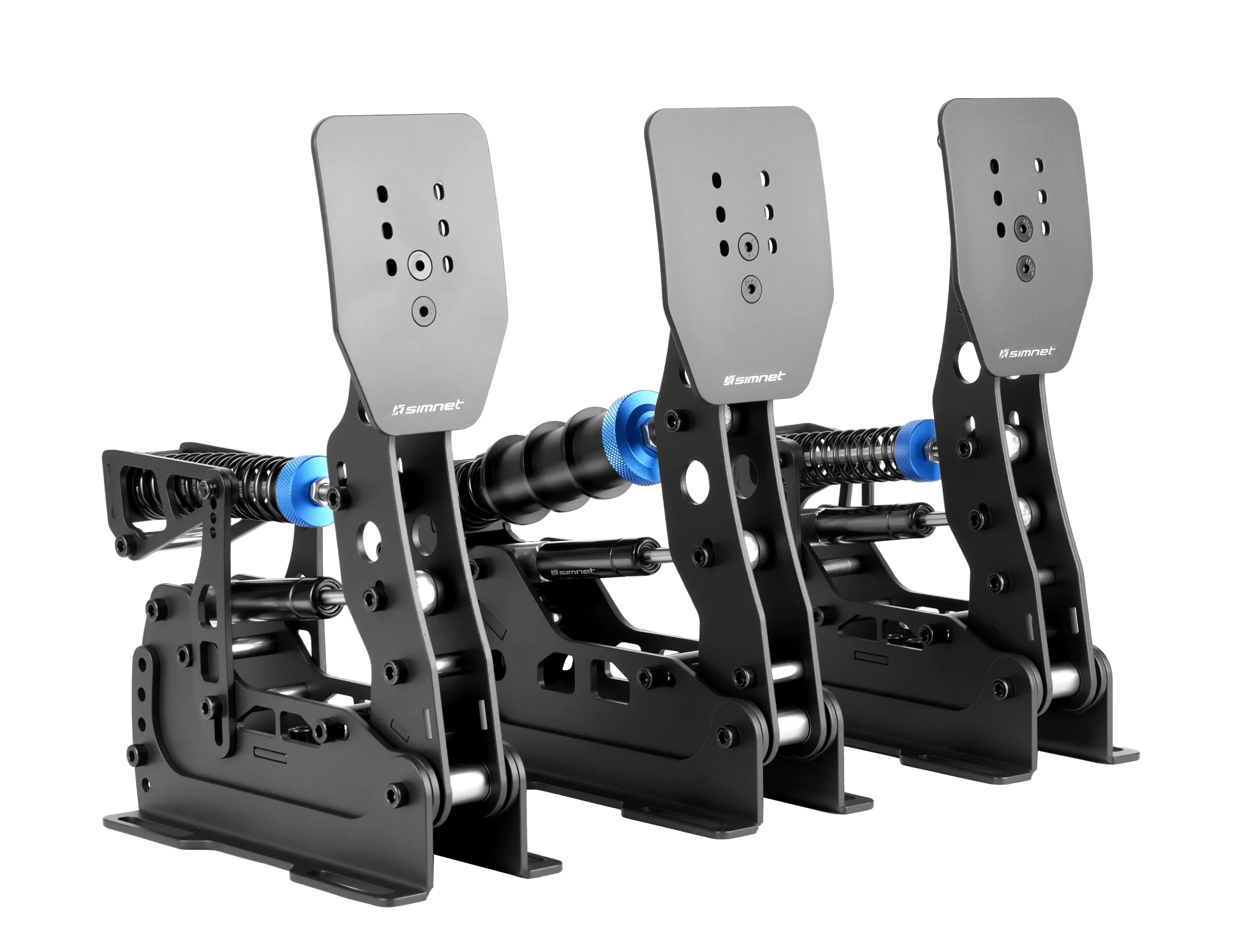
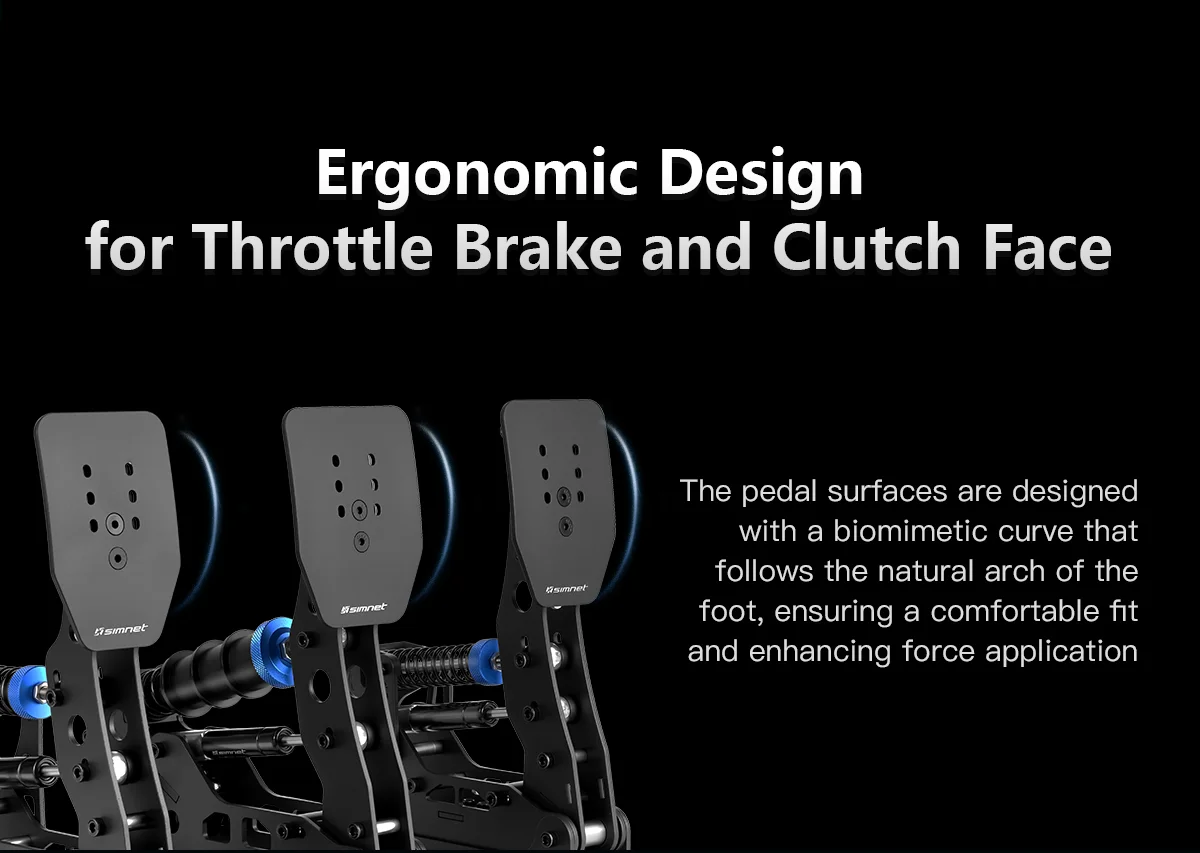
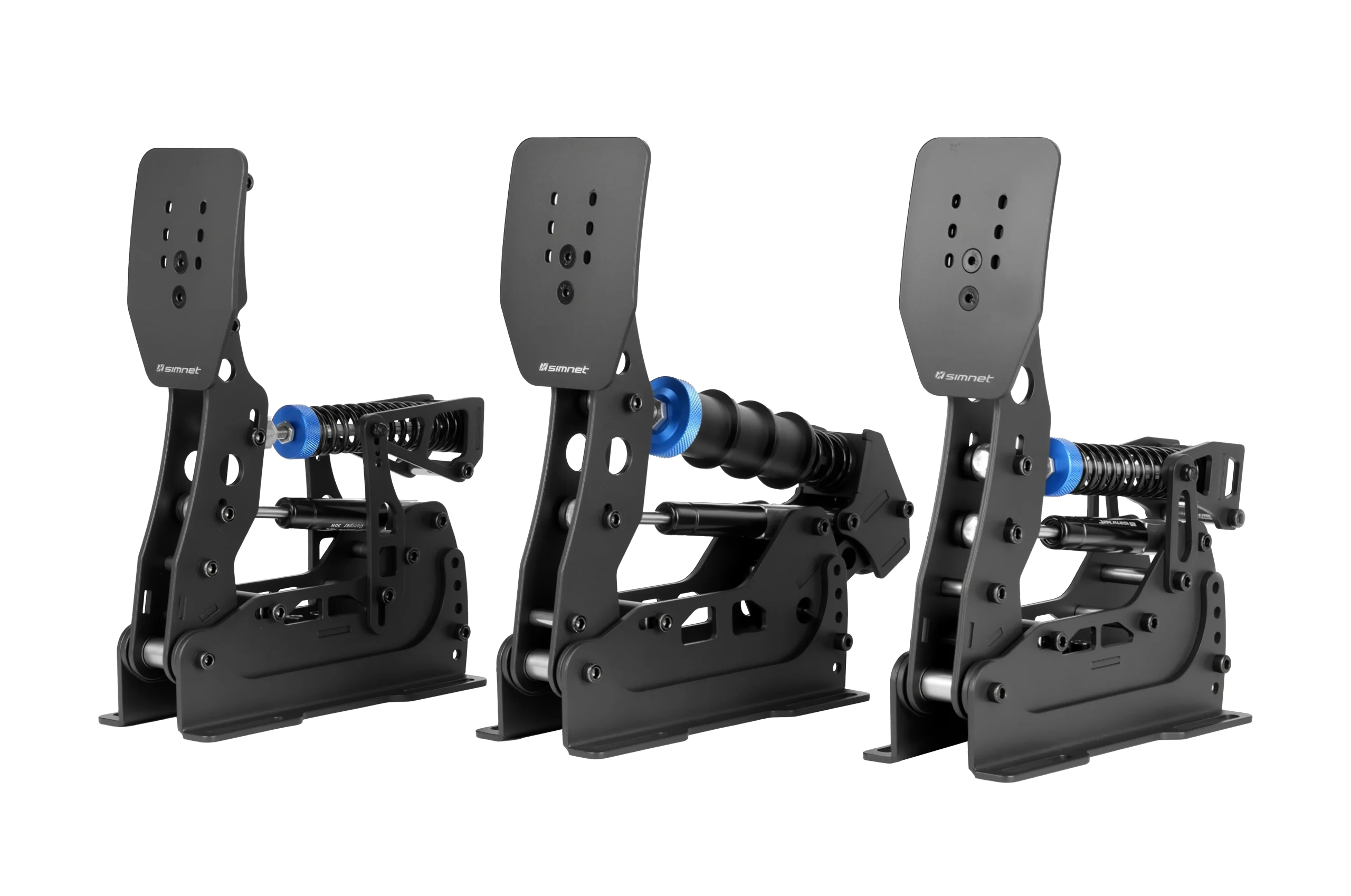
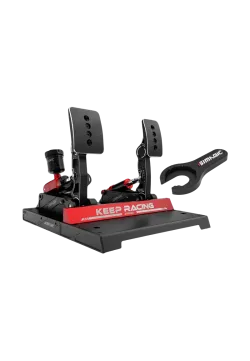
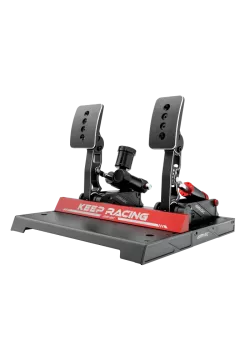
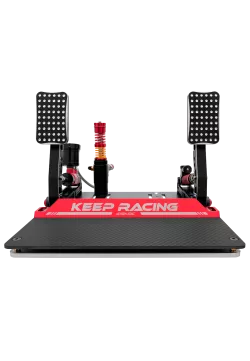
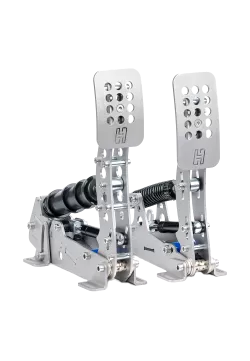
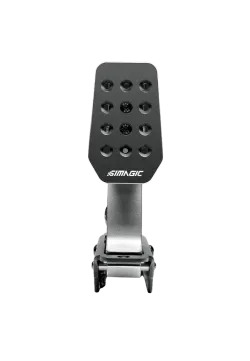
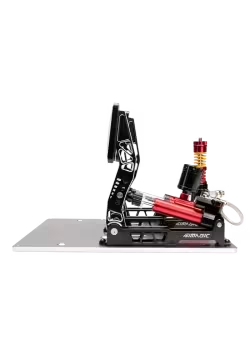
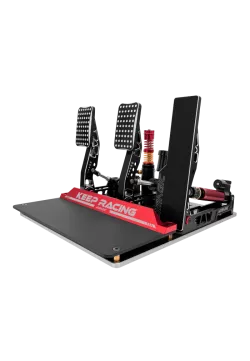
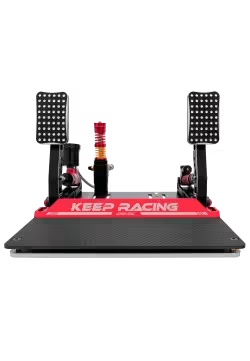
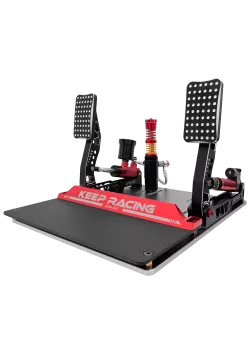
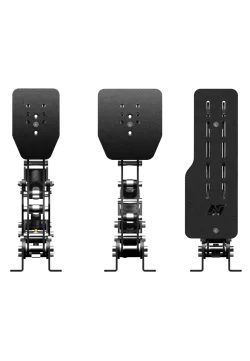
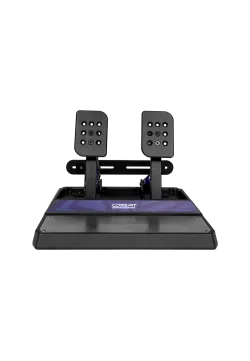
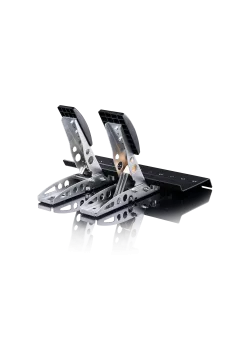
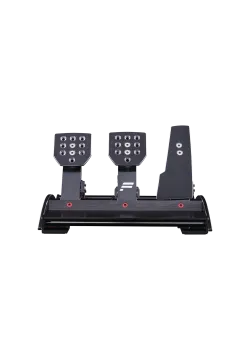
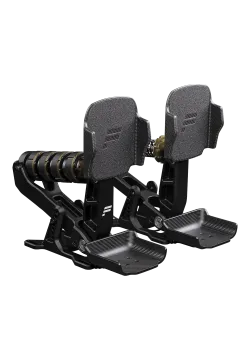
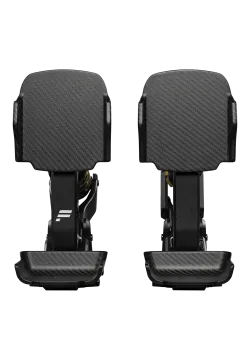
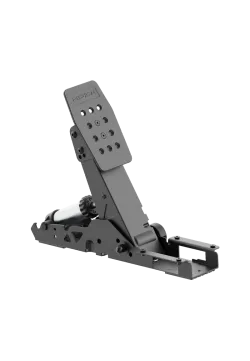
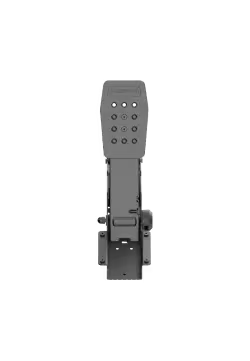
- Larger standard pedal faces: more contact area, useful if a smaller face makes you aim for one precise spot.
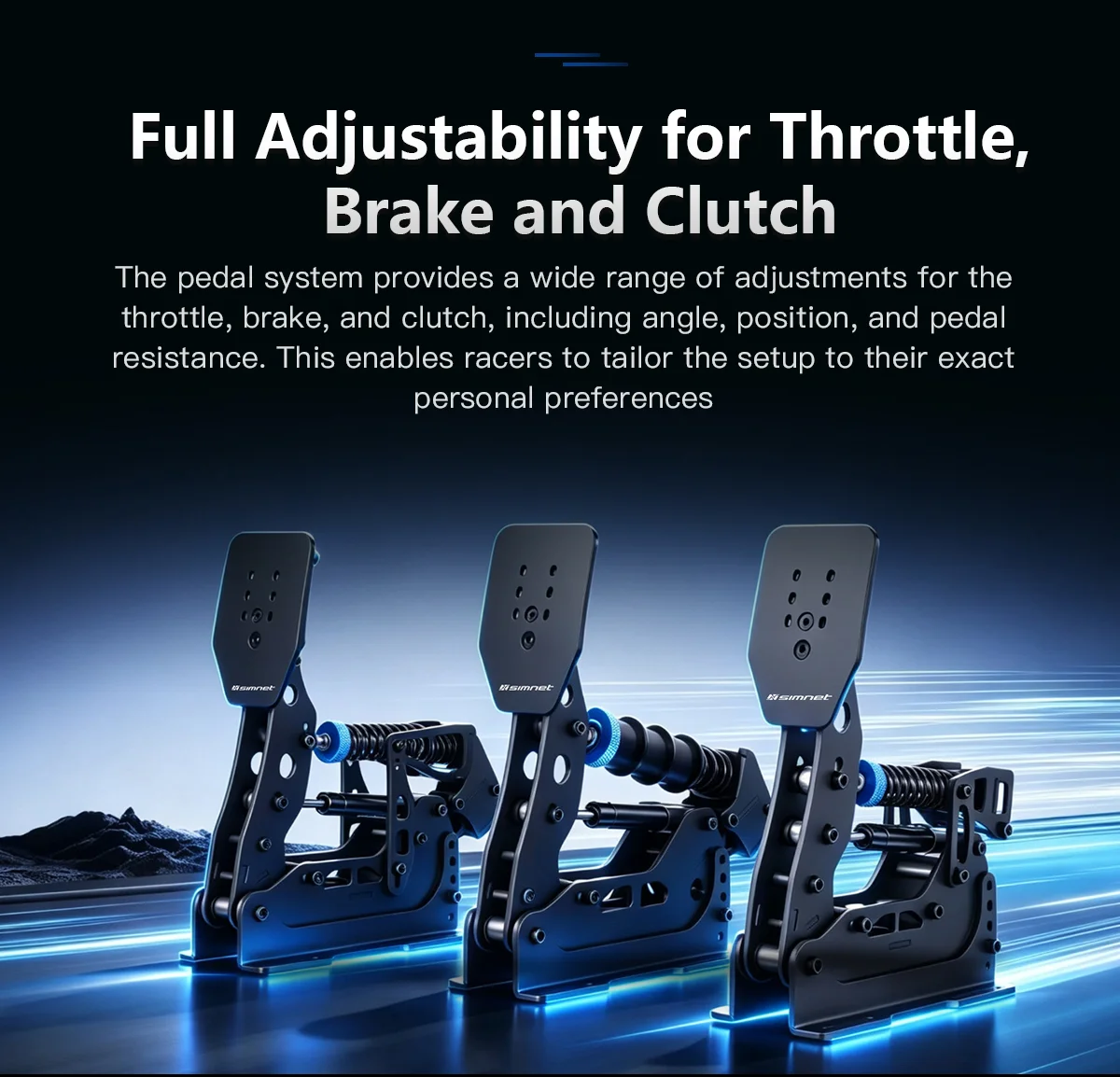
- More angle adjustment: extra freedom to suit your seat and leg position.
- Expanded travel adjustment: more scope to find the movement that fits how you use your foot.
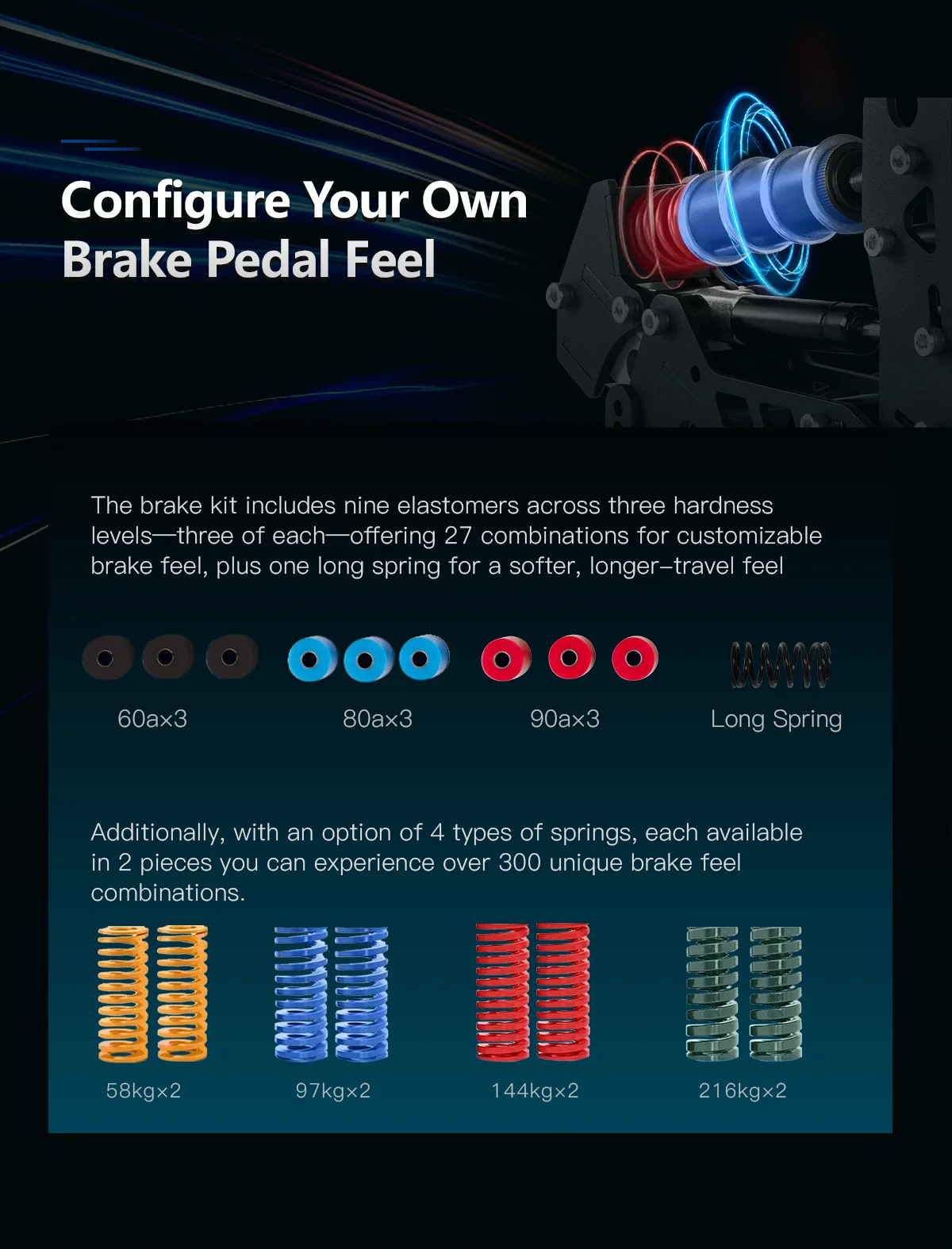
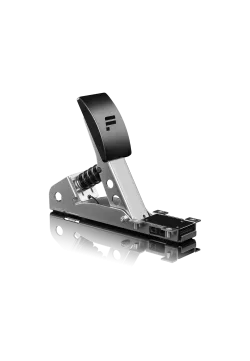
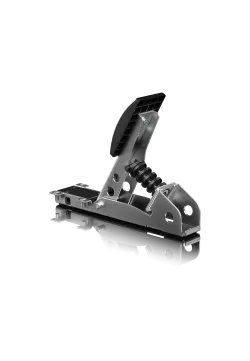
- Dedicated elastomers and a long brake spring: ways to tune resistance and initial movement in the standard configuration.
- Refined pedal face profiles: the shape of the contact surface also matters during longer sessions.
These changes are most relevant if your current pedals limit your setup or become uncomfortable over a longer drive. With SP Pro already adjusted to suit you, they may matter less.
More adjustment to suit your driving position
Extra angle and travel adjustment is useful when it helps your foot work comfortably in your own cockpit. Two rigs with the same seat can still need different pedal settings. Seat distance, pedal deck height and leg position all matter.
EVO lets you match pedal face position and movement to how you sit. In practice, you are looking for a press that does not force your ankle into an awkward angle or pull you away from the seat back under firm braking. More adjustment gives you a better chance of finding that position without compromising elsewhere.
Set the position first, then choose stiffness. A comfortable contact point is useful in a short session and throughout a longer race. Copying someone else's settings makes little sense if you sit differently and apply pressure differently.


The EVO brake: match resistance and travel to your foot
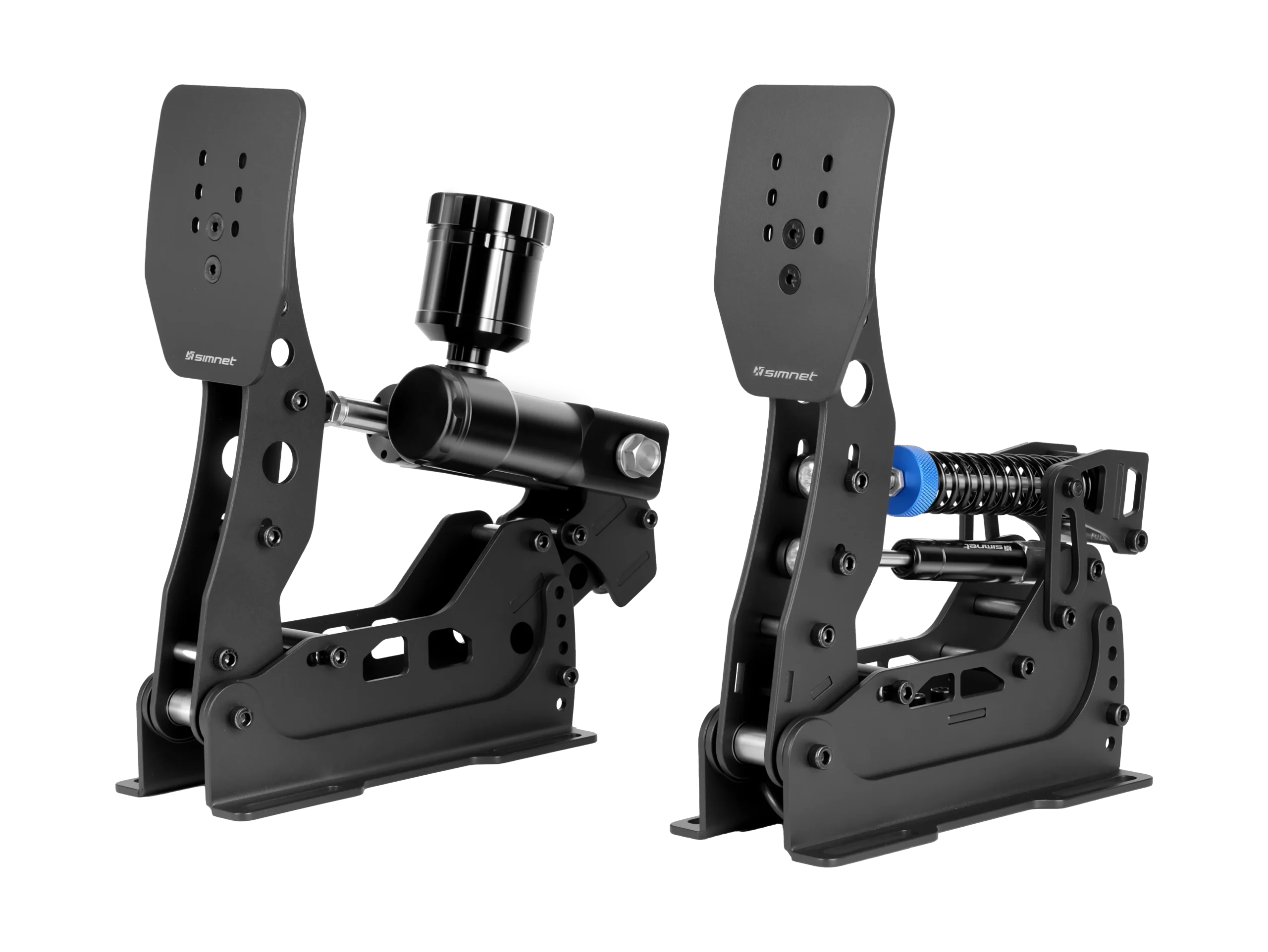
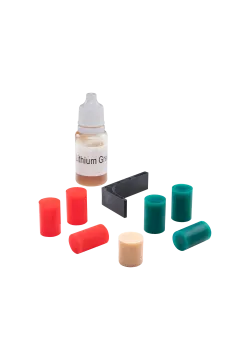
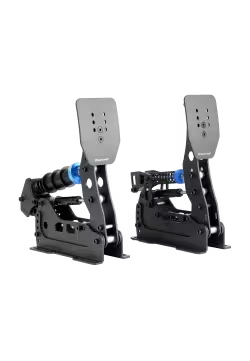
The standard EVO brake offers scope to tune the feel without choosing hydraulics. Dedicated elastomers and a long spring let you look for a response that suits your leg: a shorter, firmer press or more initial movement before resistance builds.
Braking input still comes from a Load Cell sensor with a 100 kg range. SP Pro uses this principle too: the input is based on sensor load. The 100 kg rating itself is not a new EVO advantage, and it does not specify the force your foot must apply at the pedal face to stop the car.
The practical benefit of adjustment appears when you can repeat similar pressure without tensing your whole body. Tune resistance around that movement, then recalibrate after changing components or preload. The stiffest possible brake is not necessarily the most comfortable for small releases approaching a corner.
A 2P set, with the clutch sold separately
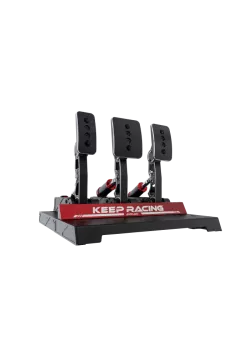
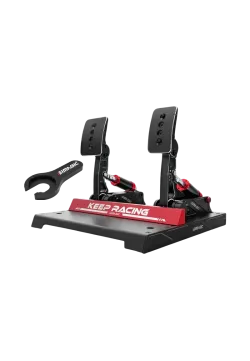
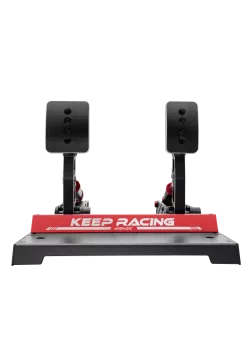
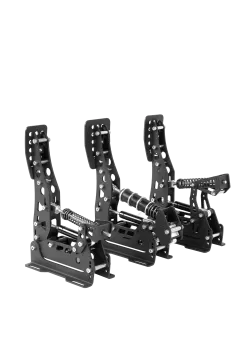
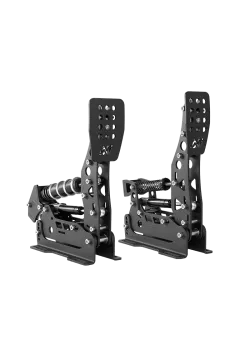
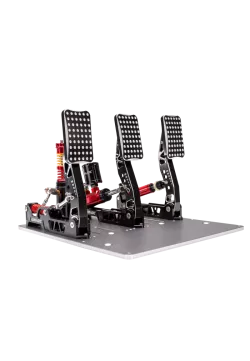
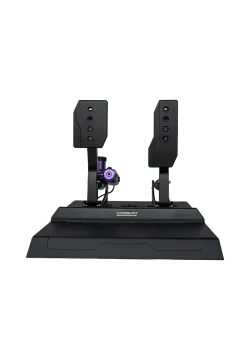
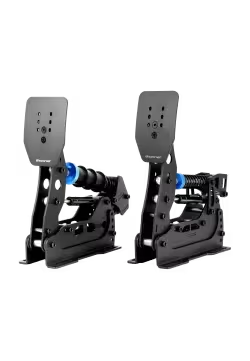
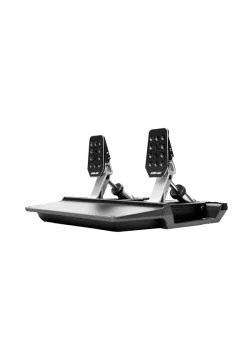
SIMNET SP EVO is a 2P set with a throttle and brake. Choose an elastomer and spring brake or the hydraulic Hydro-Link version. The clutch is sold separately. You can start with the pedals needed for paddle-shift driving and expand your rig when a foot-operated clutch becomes useful.
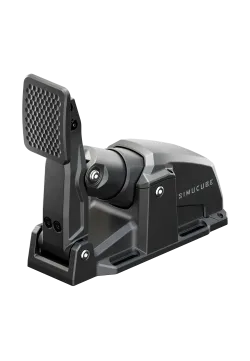
Throttle adjustment is useful on corner exit. When resistance and travel suit your foot, you can find a comfortable way to add power gradually. The aim is a range of movement that supports small corrections.
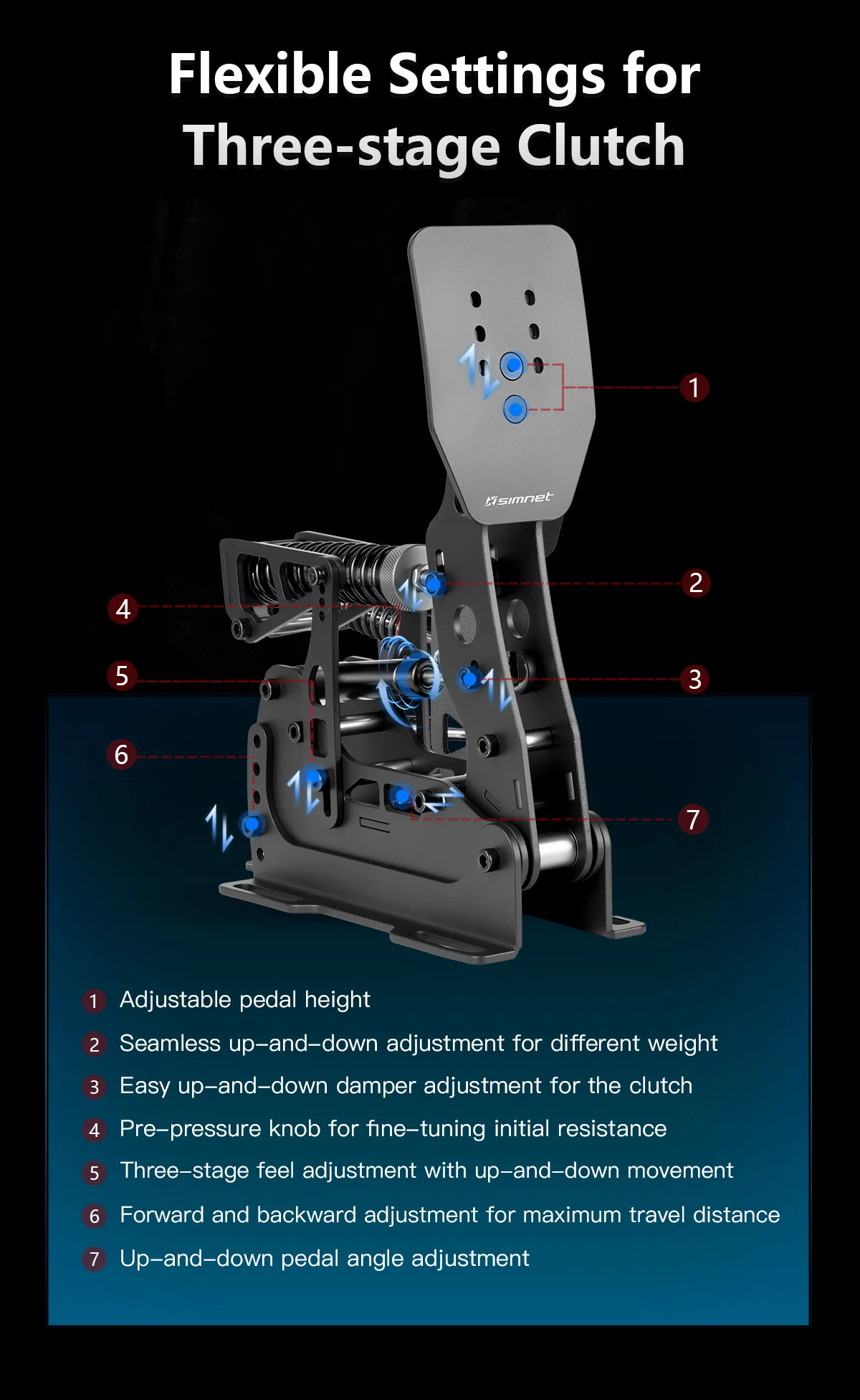
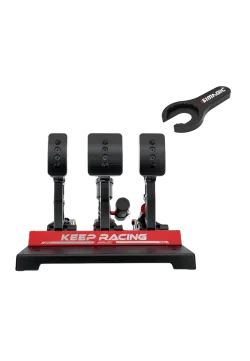
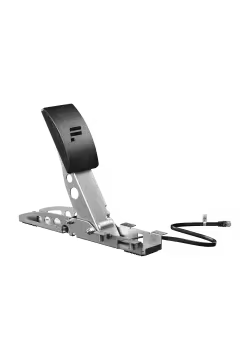
The separately sold clutch is useful for manual cars or starts requiring clutch control. You can tune its mechanical feel and configure its operation in the simulator. It is not included in either 2P set.


Haptics and software each have a specific job
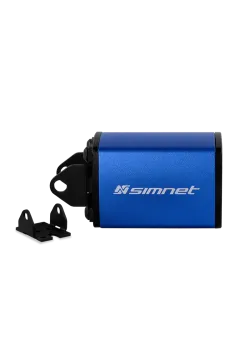
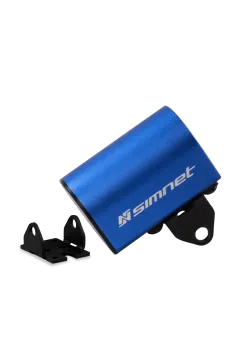
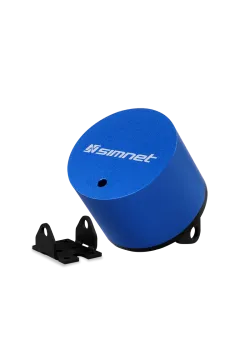
Calibration and optional haptics help tailor the set to your needs. These options are also available in the SP Pro family. An optional vibration module can signal a selected effect, such as ABS activity, when the game supplies the relevant data and the configuration supports it.
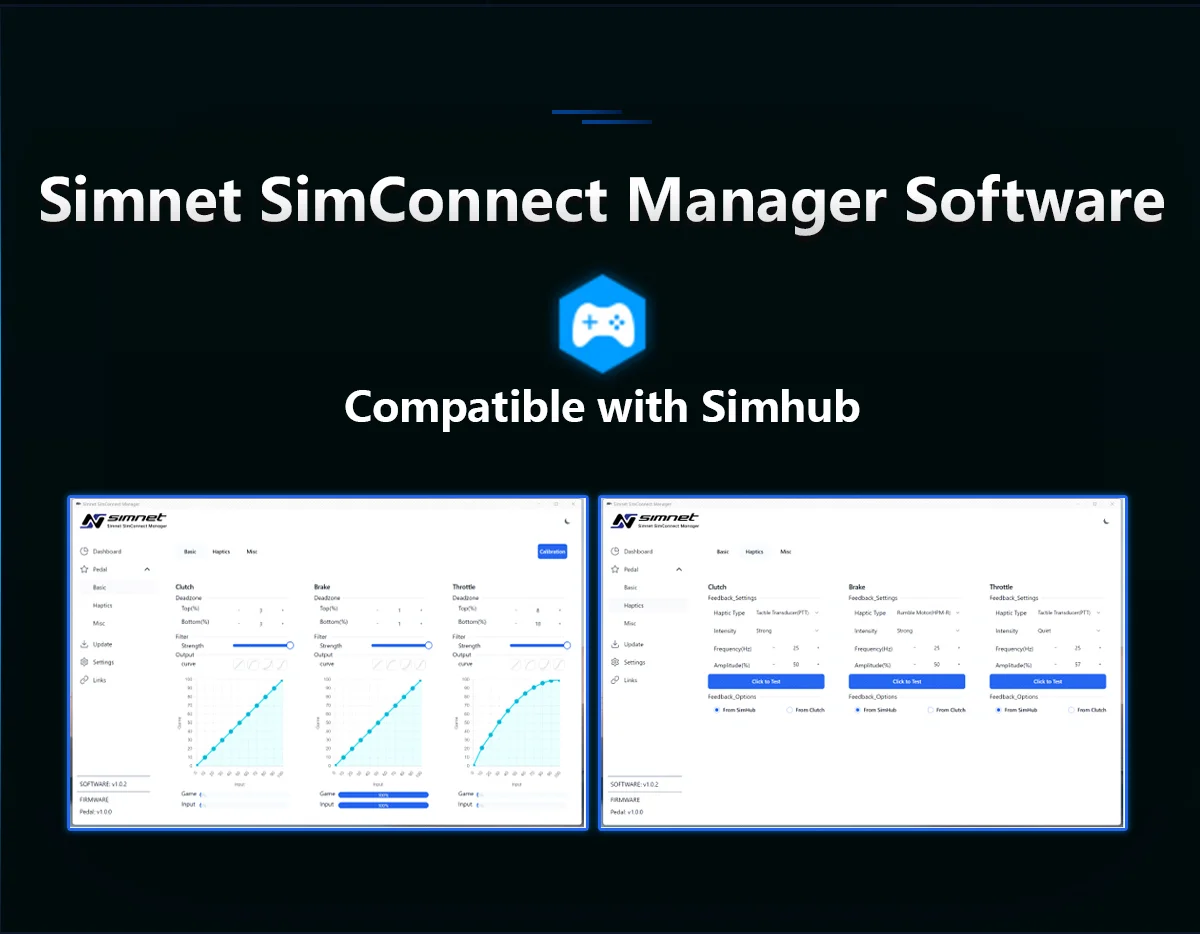
SIMNET SimConnect Manager provides calibration, dead-zone and response-curve settings. Start with a straightforward configuration and learn the mechanics. If you change both the software curve and physical resistance heavily at the same time, it becomes harder to tell what caused the new behaviour.
Add haptics for an effect you actually want. They require a compatible module, mounting, power and configuration. SimHub support does not mean every function works in every game or on a console. A carefully chosen vibration effect can be a useful extra cue without having to run everything at maximum intensity.
SP EVO with hydraulics straight out of the box
Hydro-Link can be used with both SP Pro and SP EVO. With EVO, you can choose a configuration supplied with it from new. If you want a hydraulic brake from the start, you can order the appropriate pedal configuration without planning a later conversion of a standard set.
That is a convenient option when building a new rig. The hydraulic force-transfer system, together with springs and elastomers, lets you tune resistance buildup. Under braking and while easing off into a corner, the aim is to find support underfoot that suits your habits. The precise feel still depends on setup, including with a set purchased with hydraulics.
Already own SP Pro and only want Hydro-Link? You can upgrade your existing pedals. Consider EVO for its pedal faces and adjustment range. When buying new, the hydraulic option lets you choose your intended configuration from the outset. Check the selected brake type, because standard EVO configurations are available too.


Choose mounting and equipment to suit your cockpit
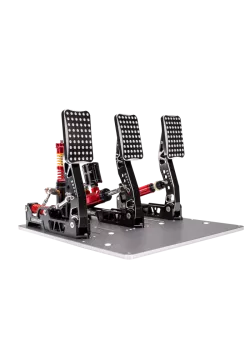
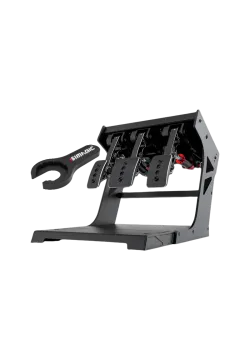
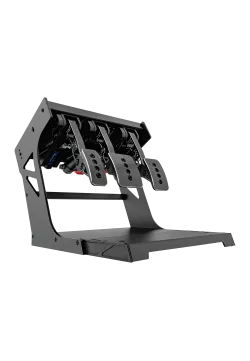
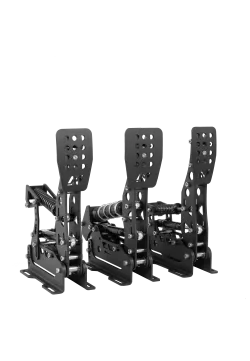
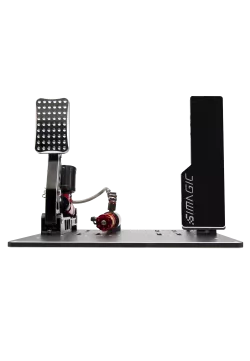
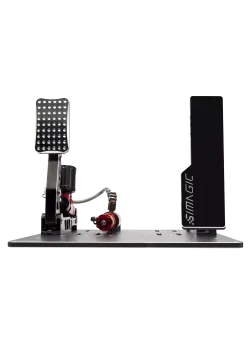
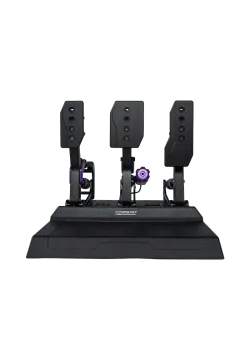
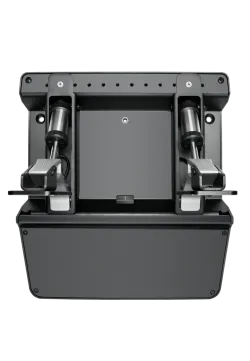
A comfortable pedal setup starts with stable mounting. Separate modules let you choose spacing within the mounting options of your rig. You can mount the pedals individually or use a shared baseplate and heel support if you choose that configuration.
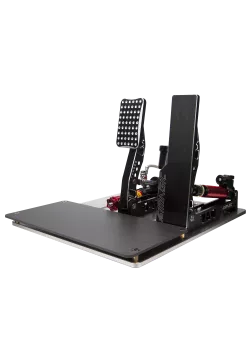
A baseplate and heel support can help you find a comfortable position, but they are not compulsory for every cockpit. Check what your existing pedal deck provides before ordering additional components. A flexing platform or moving seat makes pressure harder to repeat with either pedal generation.
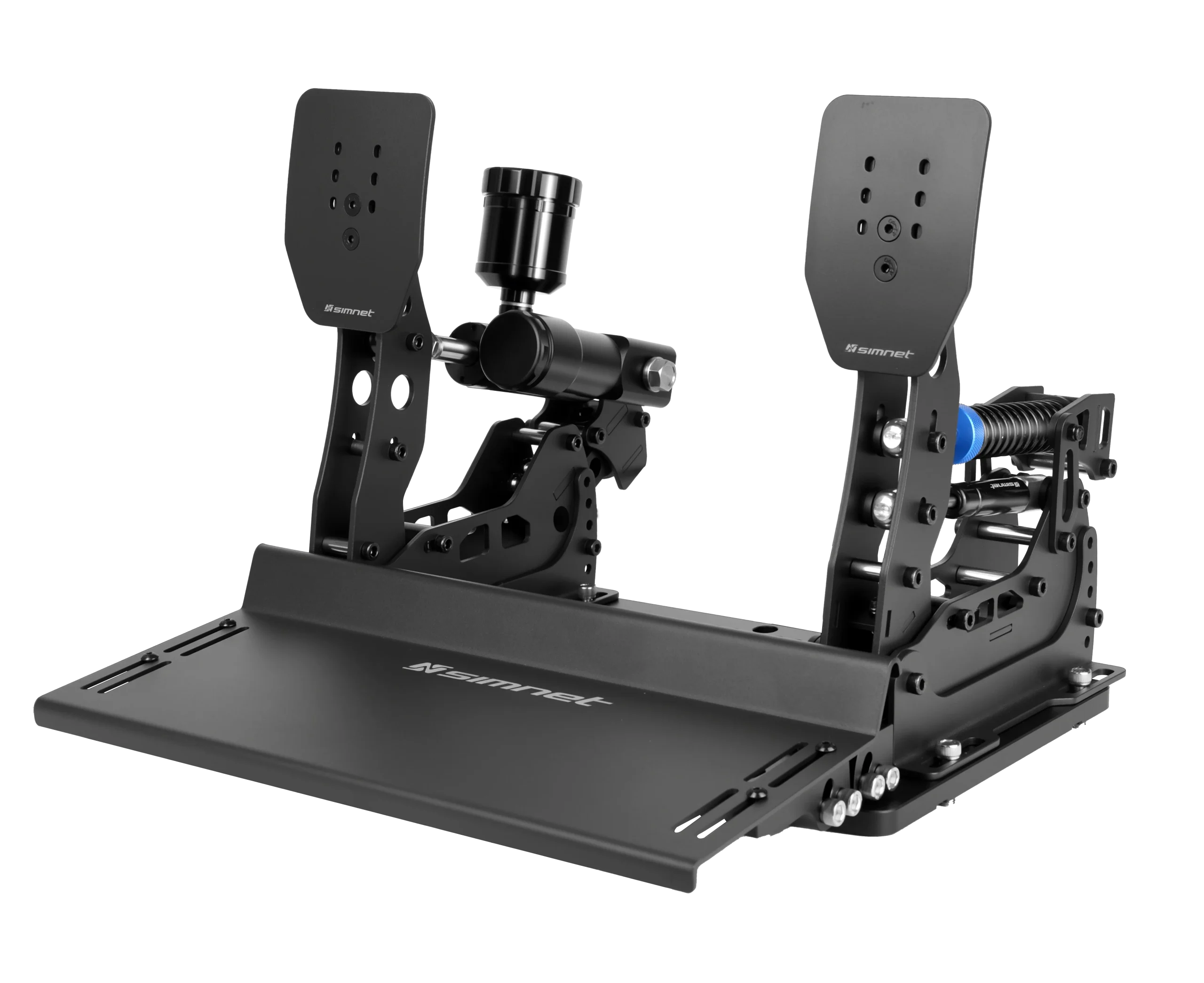
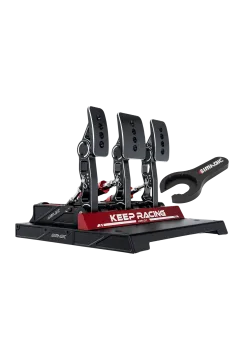
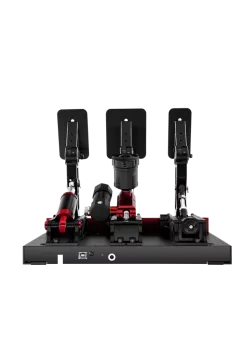
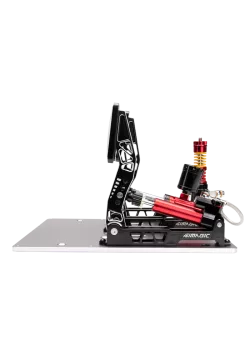
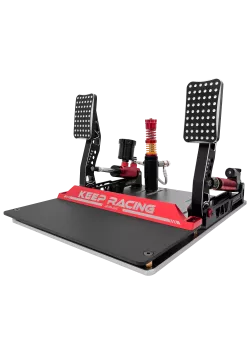
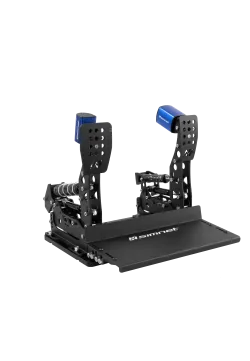
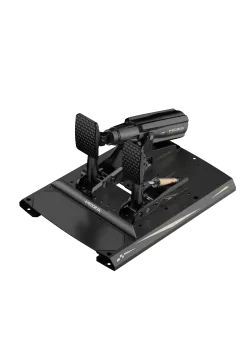
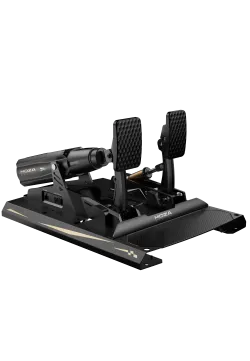
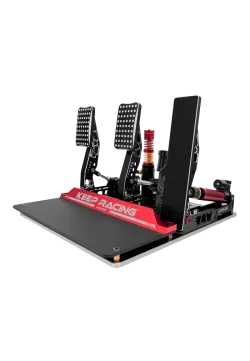
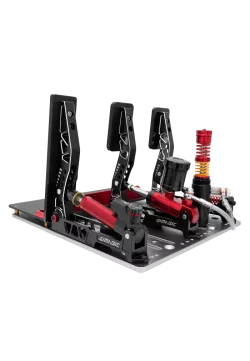
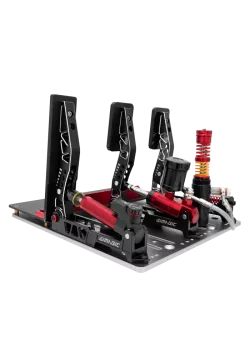
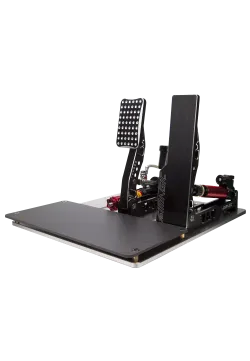
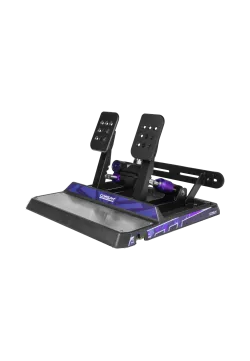
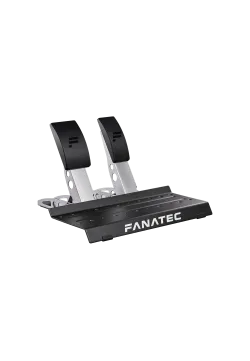
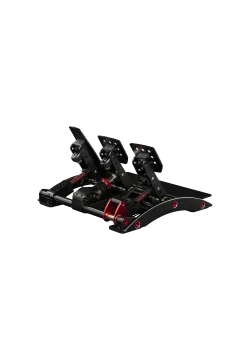
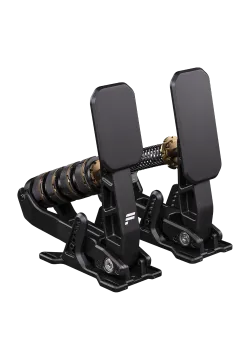
The photo shows an optional baseplate with a two-pedal Hydro-Link set. It is one example of a configuration. Choose the brake type for your 2P set, then select the baseplate, clutch and other accessories separately to suit your rig.
When should you choose SP EVO over SP Pro?
Consider EVO if larger pedal faces and more setup freedom matter to you. When buying a new set, you get those refinements from the start. Their value lies in everyday use: a comfortable contact area, a position matched to your seat and pedal movement that suits your habits.
If SP Pro lacks a specific adjustment you need, or its faces are too small for you, there is a clear reason to compare the models. If your current set already fits, you can keep using and upgrading it. Load Cell braking, haptics and Hydro-Link are available beyond the EVO series.
For a new rig, choose one of the two 2P sets: elastomer or hydraulic Hydro-Link. A clutch can be purchased separately. EVO supplied with hydraulics is a convenient route if that is the setup you want. The standard version offers an adjustable spring and elastomer brake. Assess both according to how they suit your driving.
Explore the SIMNET SP EVO configurations. To upgrade an existing SP Pro set, see the separate Hydro-Link Pro Kit.

What do you gain with SP EVO?
- Larger standard pedal faces with refined profiles.
- Expanded pedal angle and travel adjustment.
- Dedicated elastomers and a long spring for the standard brake.
- Two 2P sets: elastomer or hydraulic Hydro-Link.
- A clutch available as a separately sold accessory.
Practical benefits
You have more scope to find a comfortable contact point and match pedal movement to your cockpit. Choose the brake type for your 2P set and buy a clutch separately only if you need one. If you want hydraulics from the start, you can order EVO in that configuration.
Who is it for?
Drivers buying a new set, and SP Pro owners who want more adjustment. If Hydro-Link alone is your goal, SP Pro can be upgraded too. Look to ergonomics and setup for the EVO differences, with hydraulics out of the box as a convenient purchasing option.
SIMNET SP EVO FAQ
Which SIMNET SP EVO versions are available?
There are two 2P sets, each with a throttle and brake: the elastomer and spring version, and the hydraulic Hydro-Link version. The clutch is sold separately.
Does Hydro-Link also fit SP Pro?
Yes. Hydro-Link can be used with SP Pro and SP EVO. EVO offers the choice of a hydraulic configuration from new; an existing SP Pro set can be upgraded with the separate module.
Is a clutch included in the set?
No. Both SIMNET SP EVO versions include a throttle and brake. A separate clutch pedal is available as an optional accessory to expand the set.
Do I need a shared baseplate?
No, provided your rig allows the individual pedals to be mounted correctly. A shared baseplate and heel support are optional. Check the selected configuration and your cockpit's mounting options.
Does SP EVO work on a console?
Compatibility depends on the complete setup, including the exact wheelbase, platform and correct cable. Optional Enhanced RJ12 cables support selected bases: eRJ12-F for Fanatec or eRJ12-T for Thrustmaster. SP EVO eRJ12 cables do not fit SP Pro. On PC, the standard connection is USB through the SIMNET controller.

Comments (0)