Shopping Cart
There are no more items in your cart
 English
  Polski
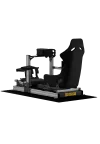
RECART GTRs EVO
1,687.80zł

143.90zł
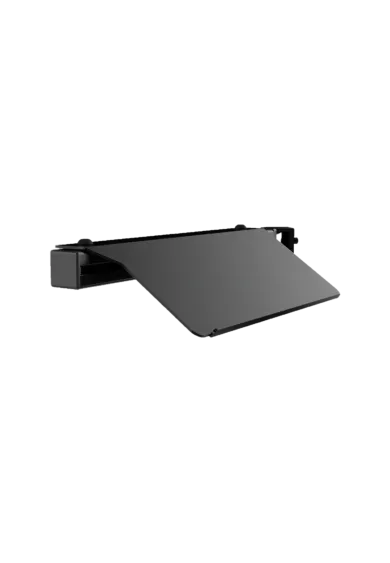
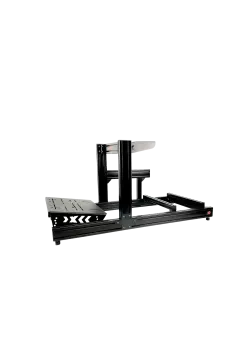
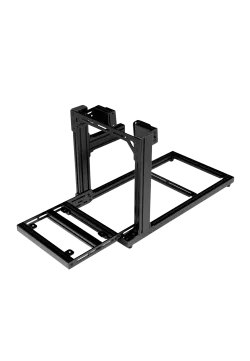
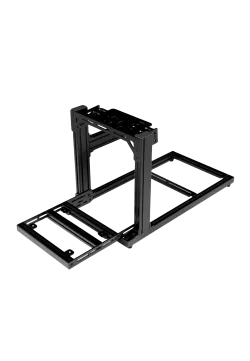
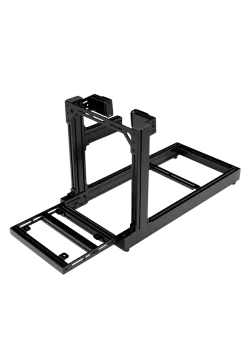
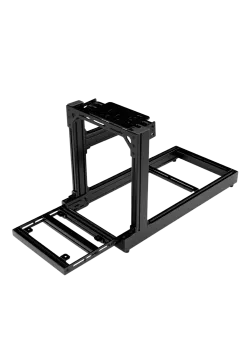
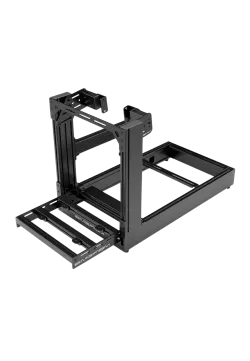
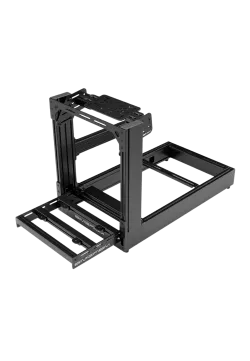
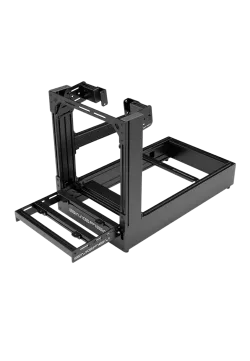
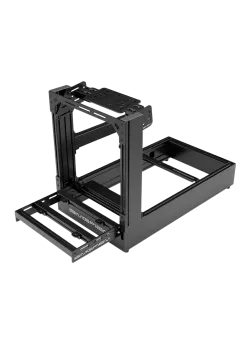
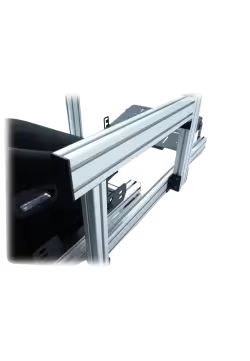
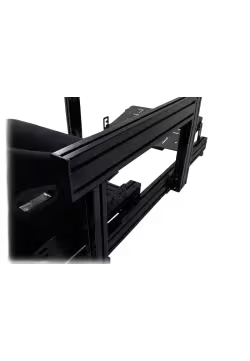
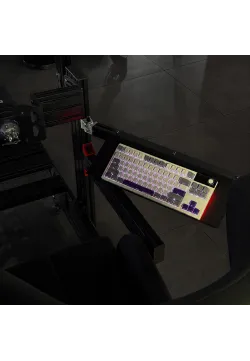
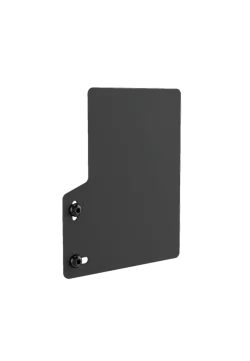
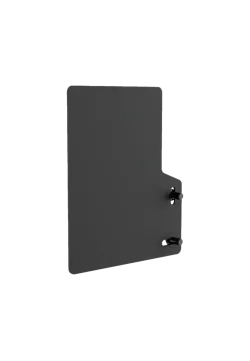
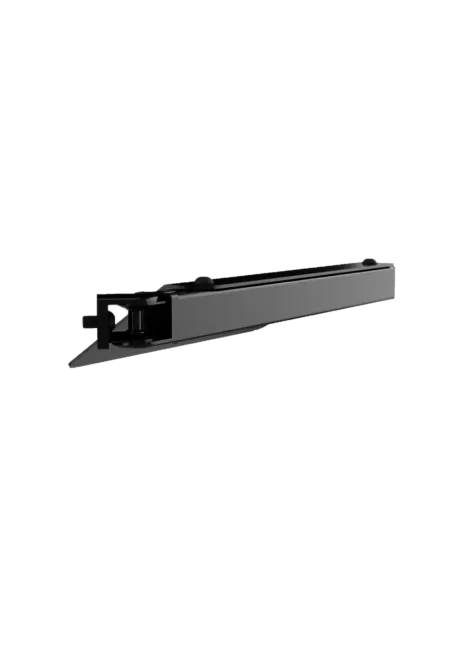
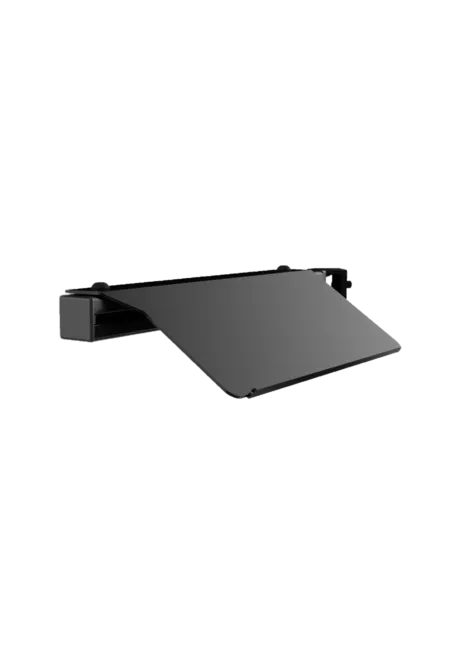
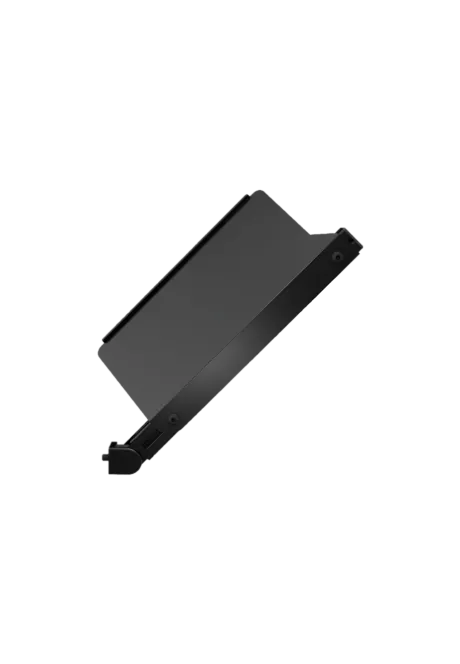
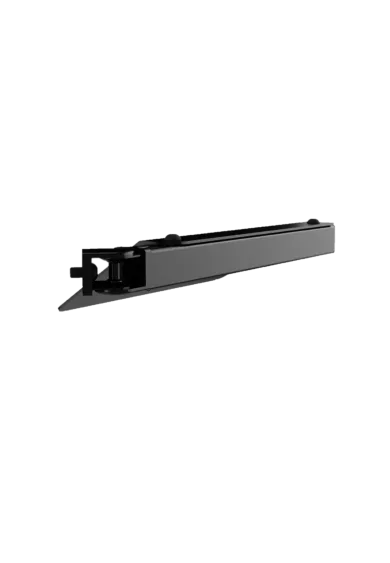
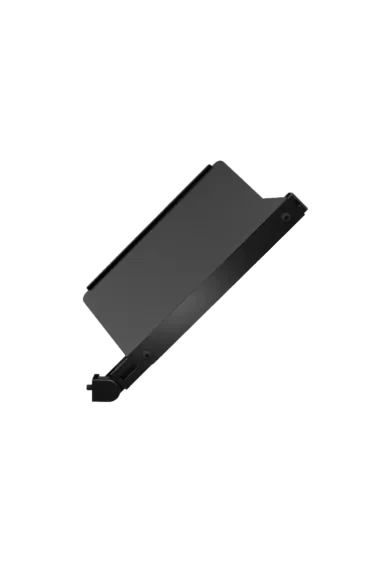
Simgasm Keyboard Swivel Mount brings your keyboard close for setup changes, chat or everyday desktop use, then swings it away to restore a clear driving position. Its 40 x 40 mm aluminium profile and steel tray form a stable workspace compatible with SIMGASM cockpits and freestanding Apex monitor stands. Black and white variants will be available together on the same product page, making the finish easy to match with your rig.
You might also like
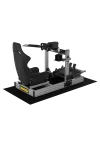
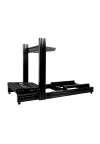
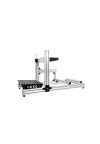
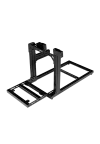
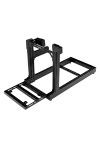
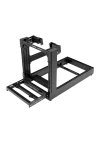
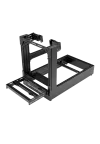
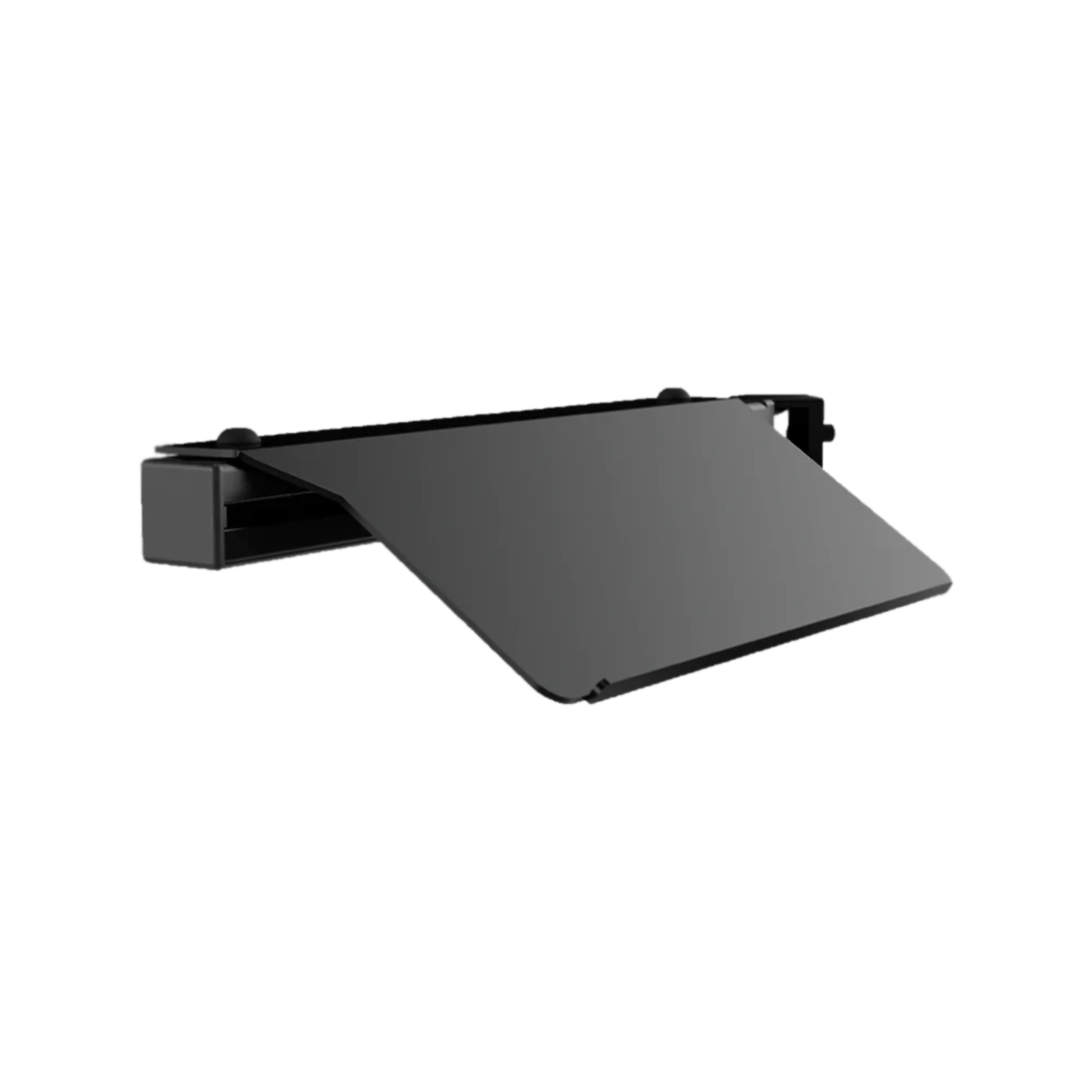
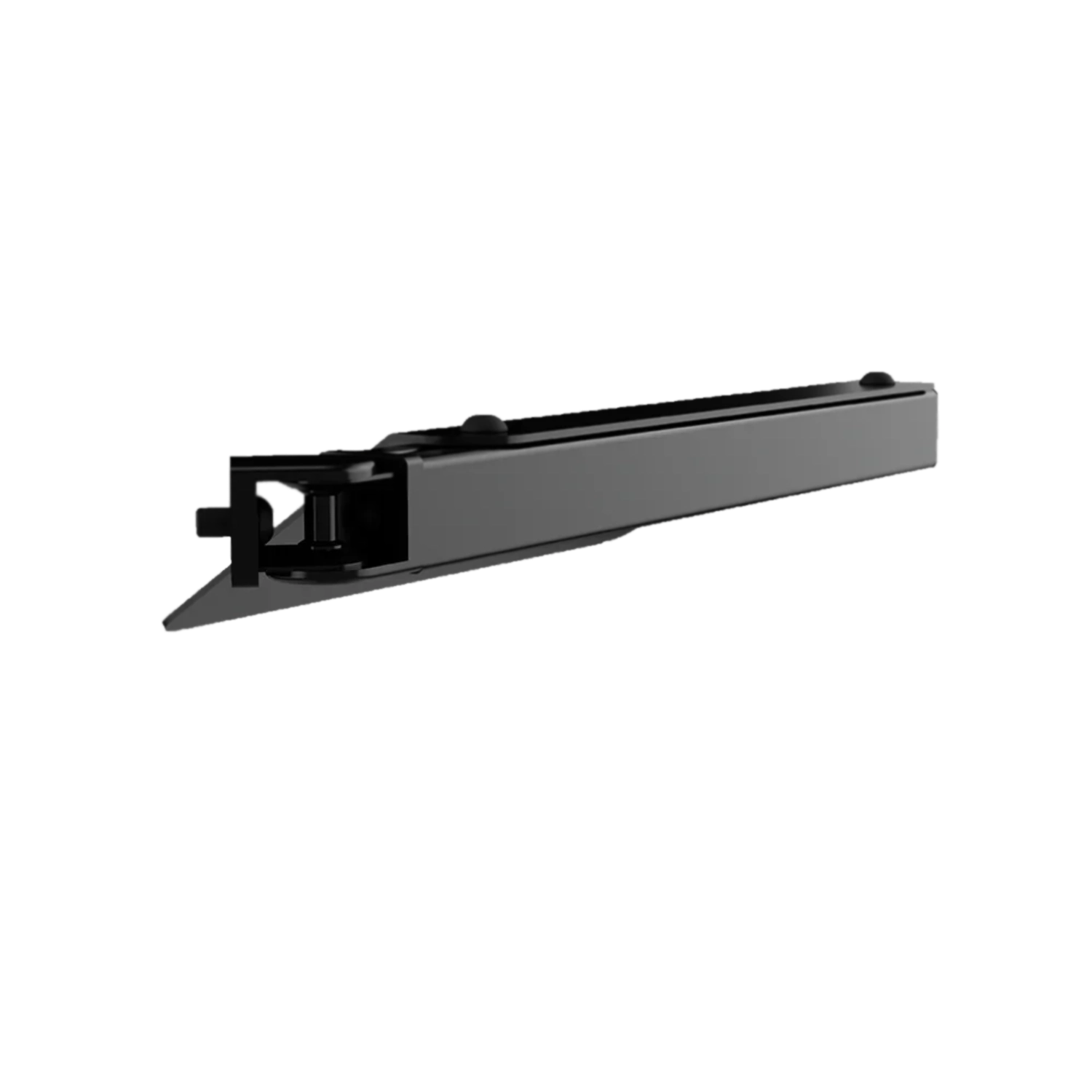
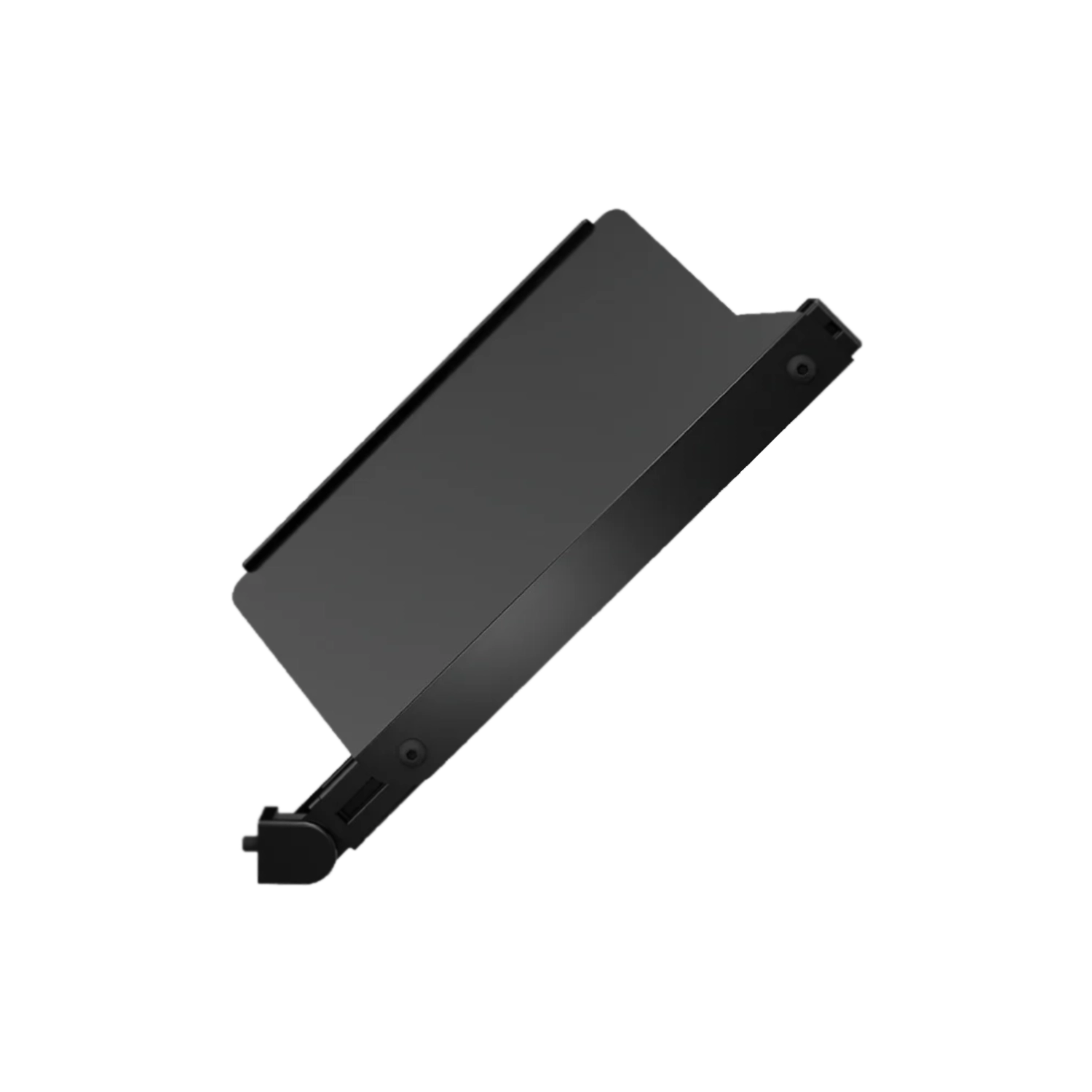
A keyboard is essential when you are changing simulator settings, joining a server or replying in chat, but it should not occupy valuable space once the driving begins. The Simgasm Keyboard Swivel Mount brings the tray within comfortable reach while you need it and lets you move the entire platform aside before the next stint.
That simple movement removes the need for a separate desk beside the cockpit and keeps an important control device in one consistent place. It is particularly useful for rigs that also support telemetry, streaming or general computer tasks, because the driver can deal with software without repeatedly leaving the seat.
The swivel action helps maintain a comfortable entry path around the cockpit. Once the setup work is finished, the tray can move away from the wheel and driver, leaving more room for steering, reaching side controls and getting in or out of the seat. It is a compact accessory, yet it can make the whole simulator feel more organised and easier to use every day.
Placement can follow the layout of your controls. A left-side installation may be especially practical when a shifter and handbrake already occupy the right side. Whichever position you choose, keep the keyboard within a natural reach and leave a small cable service loop so the arm can rotate without pulling the connector.
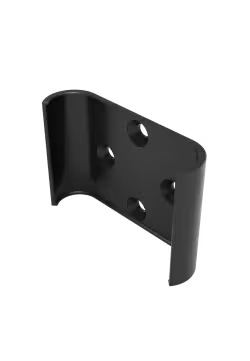
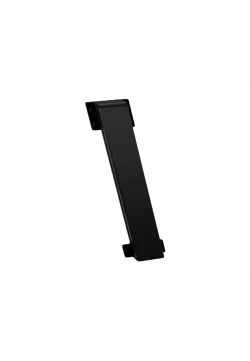
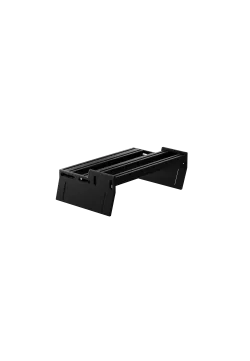
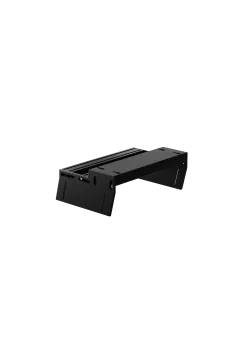
The mount combines a 40 x 40 mm aluminium profile with a steel keyboard tray. This gives the keyboard a more dependable platform than a temporary table beside the rig and visually fits the profile-based construction used across the SIMGASM ecosystem. A durable finish is intended to handle regular repositioning while keeping the accessory looking coherent with the rest of the simulator.
SIMGASM does not publish the tray's working dimensions or maximum load, so buyers should compare their own keyboard with the available space around the seat before ordering. The listed 420 x 200 x 60 mm measurement refers to the package rather than the usable tray. This distinction avoids assigning an unsupported capacity or keyboard format to the product.
| Product specifications | |
|---|---|
| Product type | Swivel mount with a keyboard tray |
| Mechanism | Swivel arm for bringing the keyboard closer or moving it aside |
| Arm material | Aluminium profile |
| Tray material | Steel |
| Profile section | 40 x 40 mm |
| Package dimensions | 420 x 200 x 60 mm |
| Colour variants | Black and white on one product page |
| Black variant SKU | KBM |
| White variant SKU | To be added before publication |
| Maximum load | Not published by the manufacturer |
| Maximum keyboard size | Not published by the manufacturer |
| Primary compatibility | SIMGASM cockpits and freestanding SIMGASM Apex monitor stands |
| Compatible products | How it is used | Important note |
|---|---|---|
| SIMGASM cockpits | ||
| Hobby Black, Hobby Blue, Hobby Green, Hobby White, Hobby Silver | Attach it to an available cockpit profile on the left or right side of the driving position. | Check clearance around the seat, shifter and handbrake before tightening the mount. |
| Club Black, Club Silver, Club White | The mount creates a side workspace that swings toward the driver when required. | Set the tray near elbow height and leave cable slack for the full range of movement. |
| Sport Black, Sport Silver, Sport White | It keeps menus and desktop controls accessible without asking the driver to leave the seat. | Choose the swing direction before locking the hardware in place. |
| Pro Black, Pro Silver, Pro White | It works as a permanent side platform that moves in only during computer use. | Account for the seat position, side brackets and every existing accessory. |
| Freestanding Apex monitor stands | ||
| Apex Monitor Stand | The keyboard can sit on the display structure instead of mounting directly to the cockpit. | Confirm seated reach and preserve a clear swing path. |
| Apex Dual Monitor Stand | Stand mounting keeps the tray independent from cockpit adjustments. | Route the keyboard cable away from the stand base and foot traffic. |
| Apex Triple Monitor Stand | The tray creates a practical control point for configuring a wide three-screen setup. | Allow for the position and adjustment range of both side monitor arms. |
| Apex Quad Monitor Stand | The keyboard remains close to the multi-monitor station and swings away after setup. | Check clearance around the lower and upper displays as well as their cables. |
It creates a stable keyboard position beside a cockpit or Apex stand. The tray moves closer for computer use and swings aside before driving.
The arm rotates the tray around its mounting point, placing the keyboard within reach or moving it out of the driver's working area.
SIMGASM states compatibility with its cockpits. In practice, choose an accessible profile section and verify that the tray clears every side-mounted accessory.
Yes. The manufacturer supports freestanding SIMGASM Apex stands, including single, dual, triple and quad monitor versions.
Black and white variants are planned on the same product page. KBM is the official black SKU, while the white variant SKU must be completed before publication.
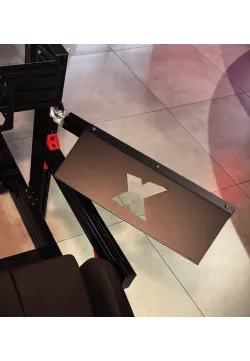
The manufacturer does not list a keyboard in the product specification. Product images illustrate use, so the keyboard should be treated as additional equipment.
SIMGASM does not publish the working tray dimensions or maximum load. Check the dimensions of your keyboard and the space available around the seat before ordering.
Placement depends on the available profile and cockpit layout. Choose the side where it avoids the shifter, handbrake and your preferred entry path.
Leave a small service loop for free swivel movement, then secure the remaining cable away from the pedals, seat and monitor stand base.
The arm uses a 40 x 40 mm aluminium profile and the keyboard platform is steel. The published package dimensions are 420 x 200 x 60 mm.
You might also like