Shopping Cart
There are no more items in your cart
 English
  Polski
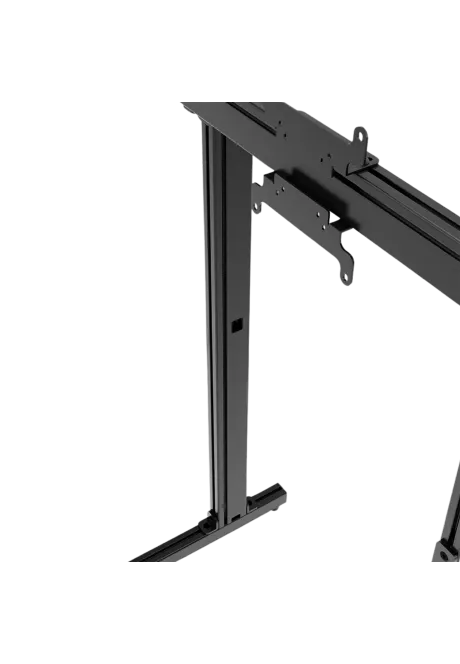
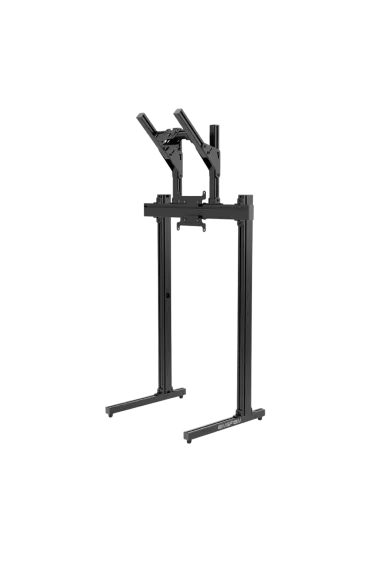
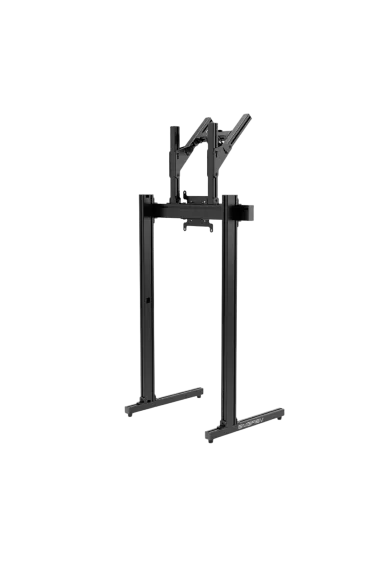
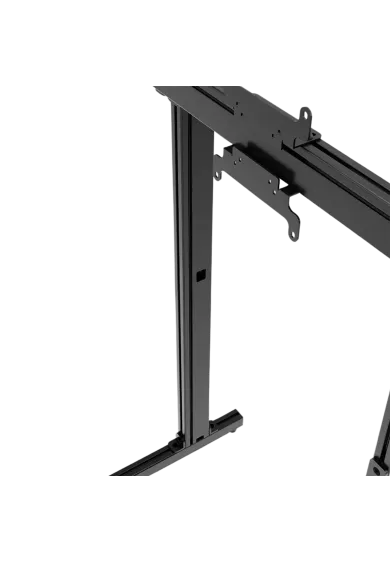
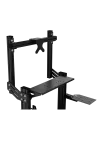
RECART TV mount MS-GTR MS-GTRx
410.57zł

1,137.40zł
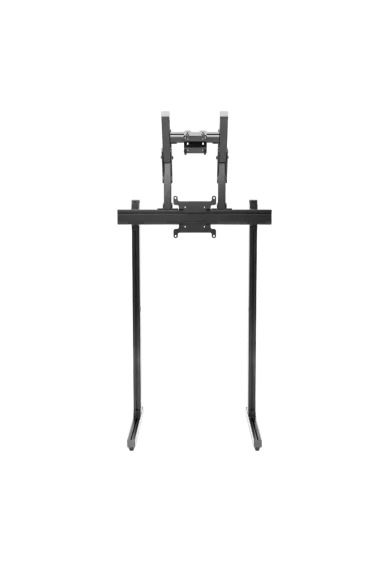
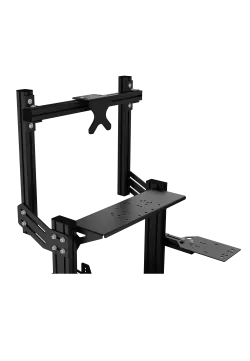
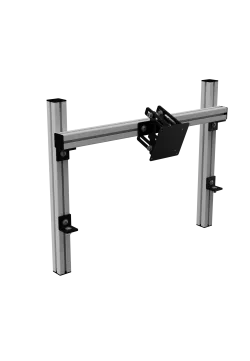
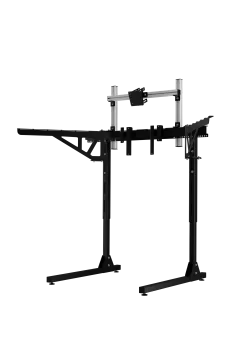
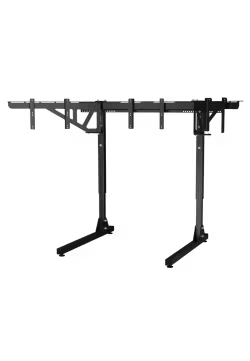
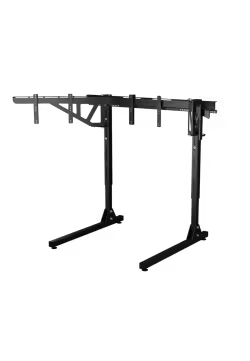
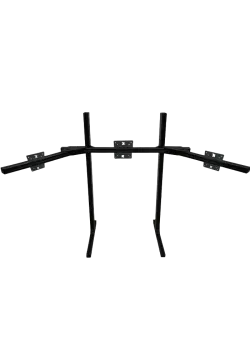
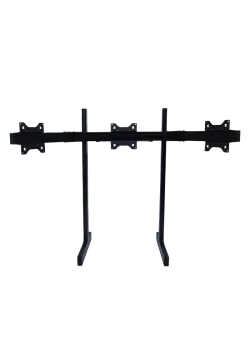
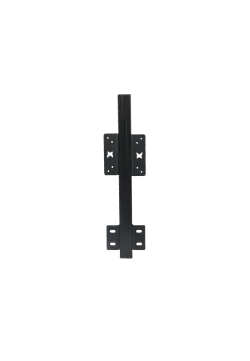
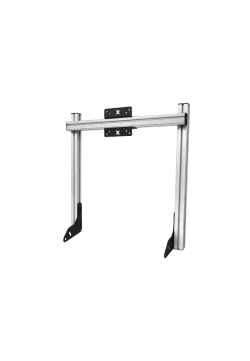
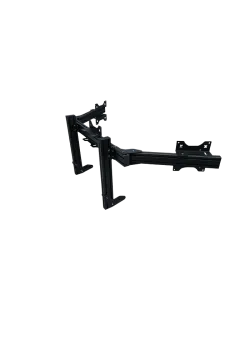
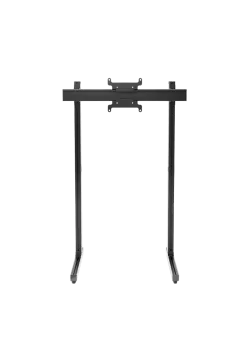
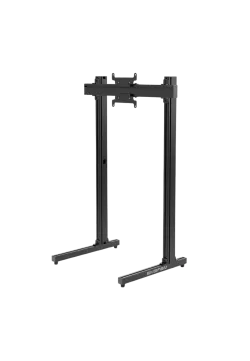
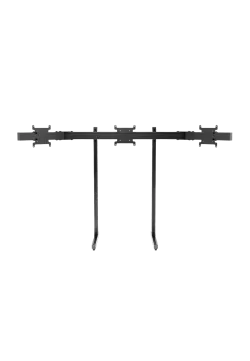
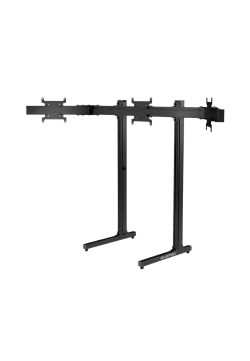
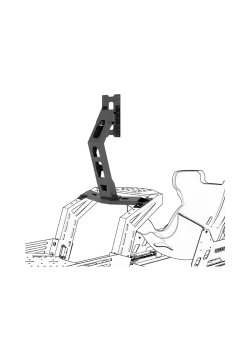
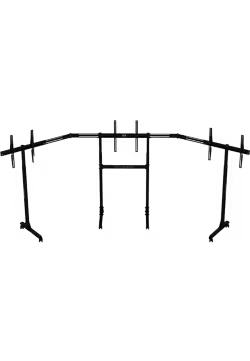
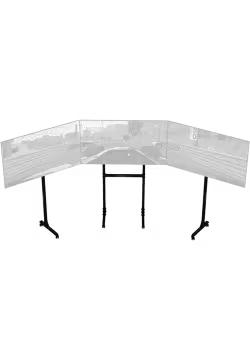
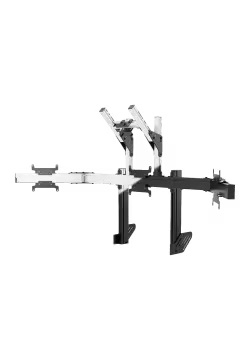
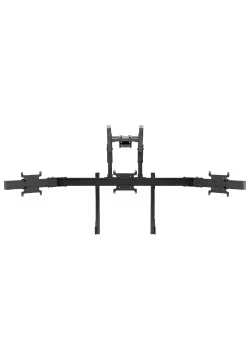
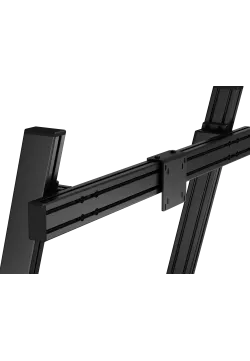
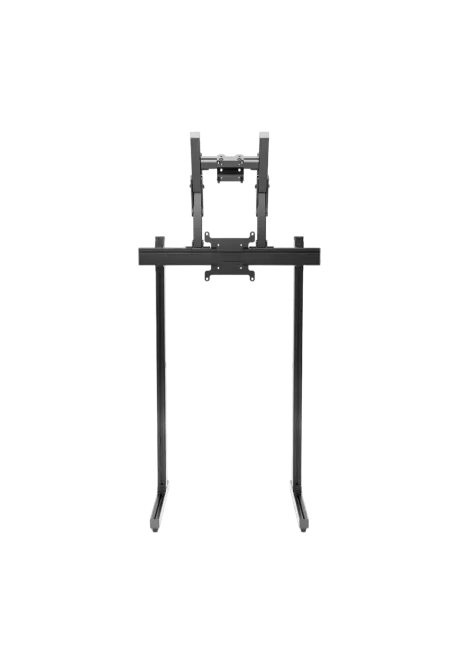
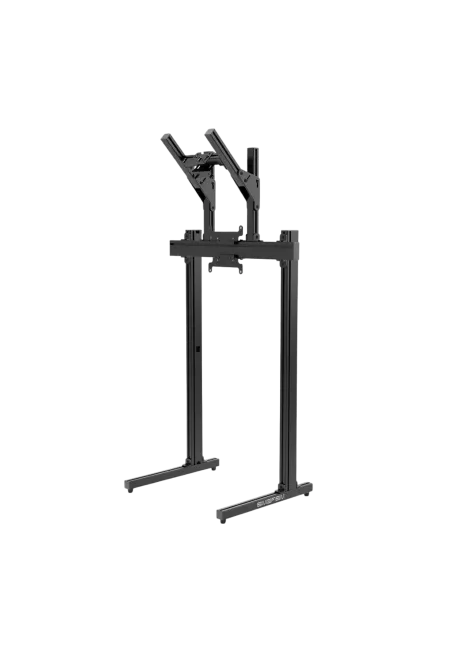
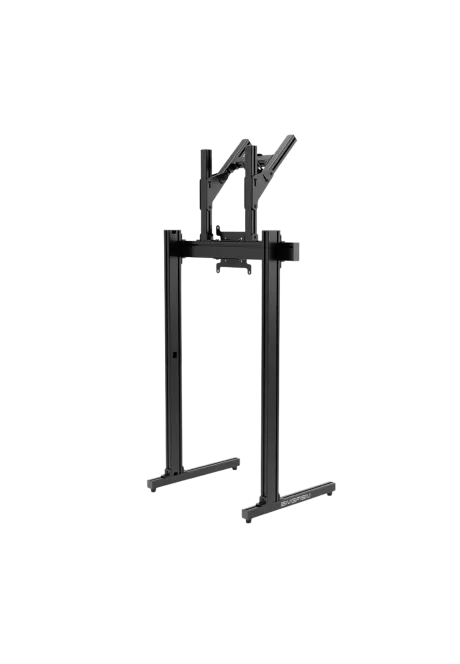
Simgasm Apex Dual Monitor Stand creates a freestanding layout with one main display and a second screen mounted above it. Its 40 x 80 mm aluminium profiles, steel mounting parts and adjustable height, width and upper-screen position simplify accurate alignment. It supports VESA 75 x 75, 100 x 100 and 200 x 200 mm. Choose black MSAS2-BLK or white MSAS2-WIT as a combination on the same product page. Displays are sold separately.
You might also like
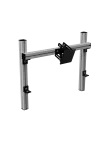
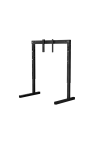





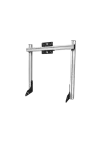


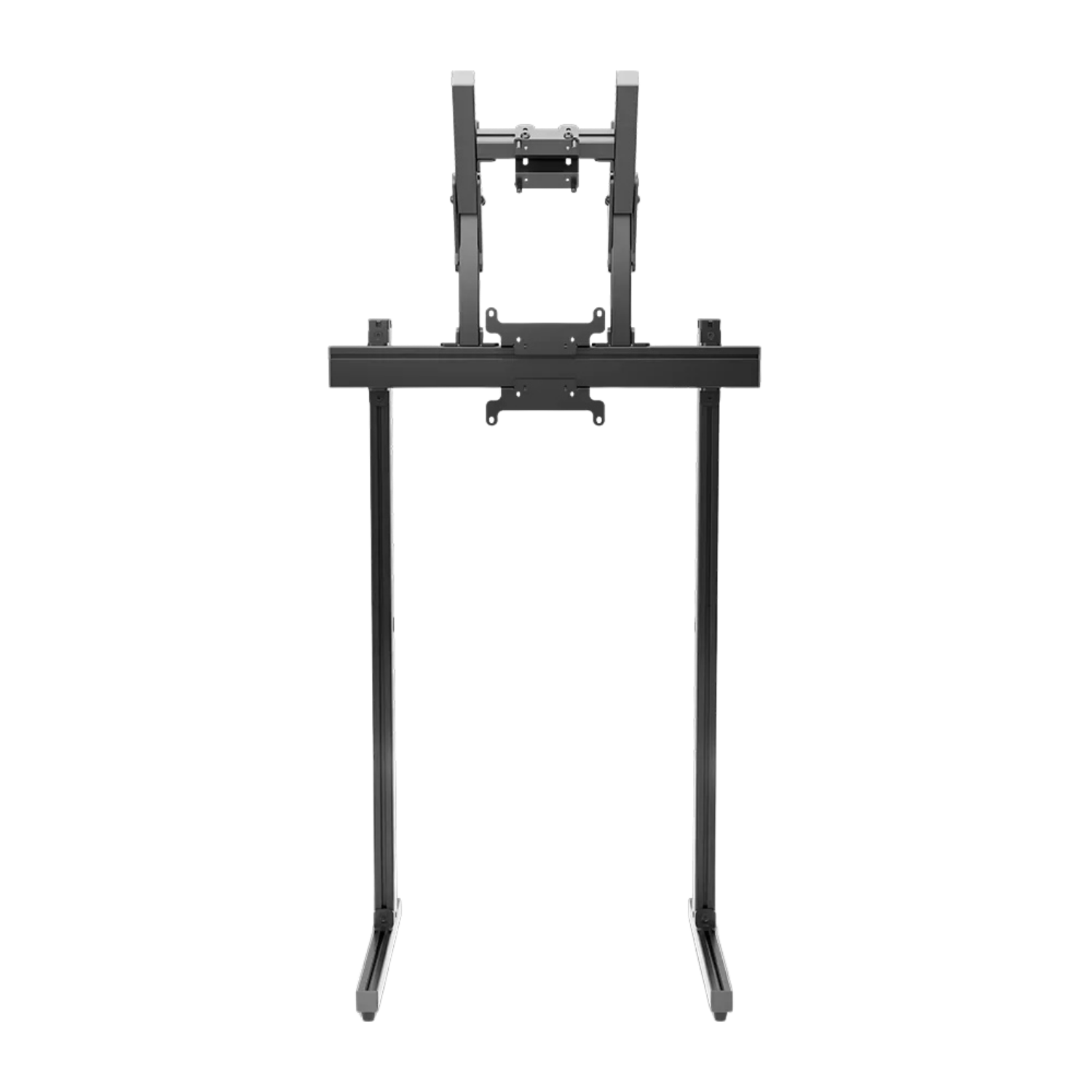
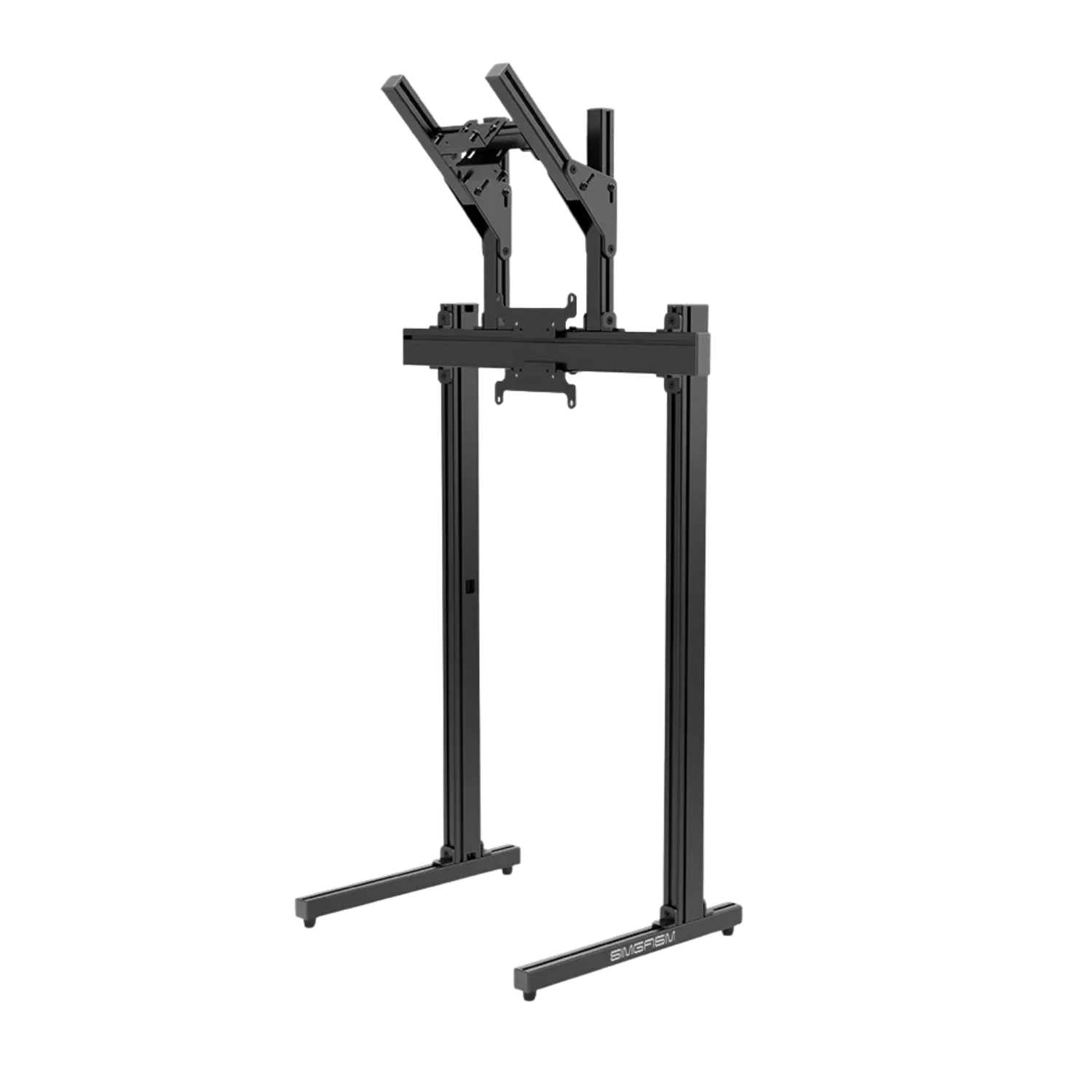
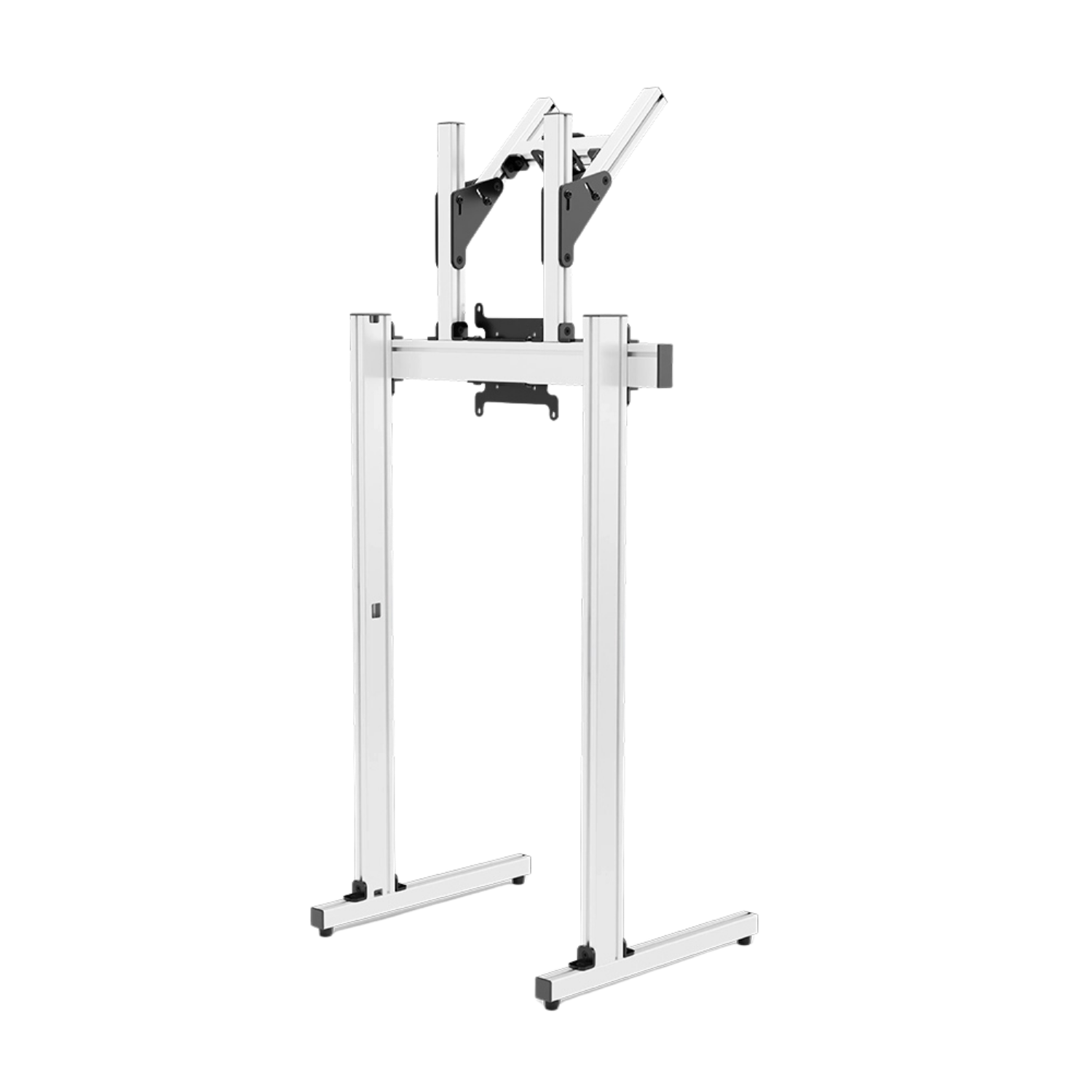
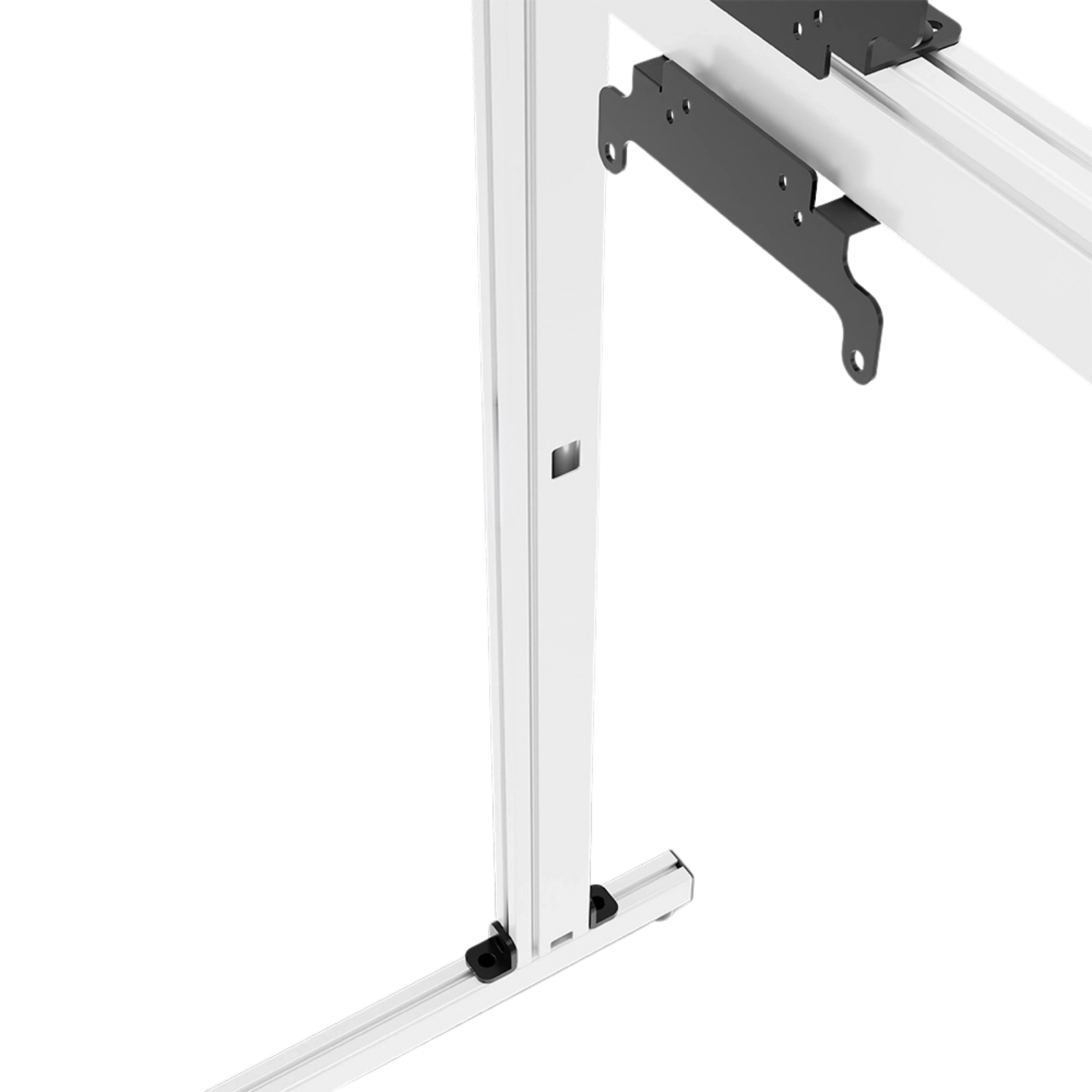
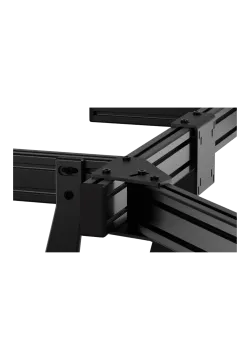
The aluminium-profile structure allows its height and width to be matched to the workspace and display housings. The upper position adjusts separately, helping reduce the visible gap between panels and keeping both screens within a practical viewing axis.
Initial assembly should leave the adjustable joints slightly loose. Set the main screen first, align the upper display, check cable and connector clearance, then tighten the frame only after the complete arrangement has been reviewed from the normal seat or working position.
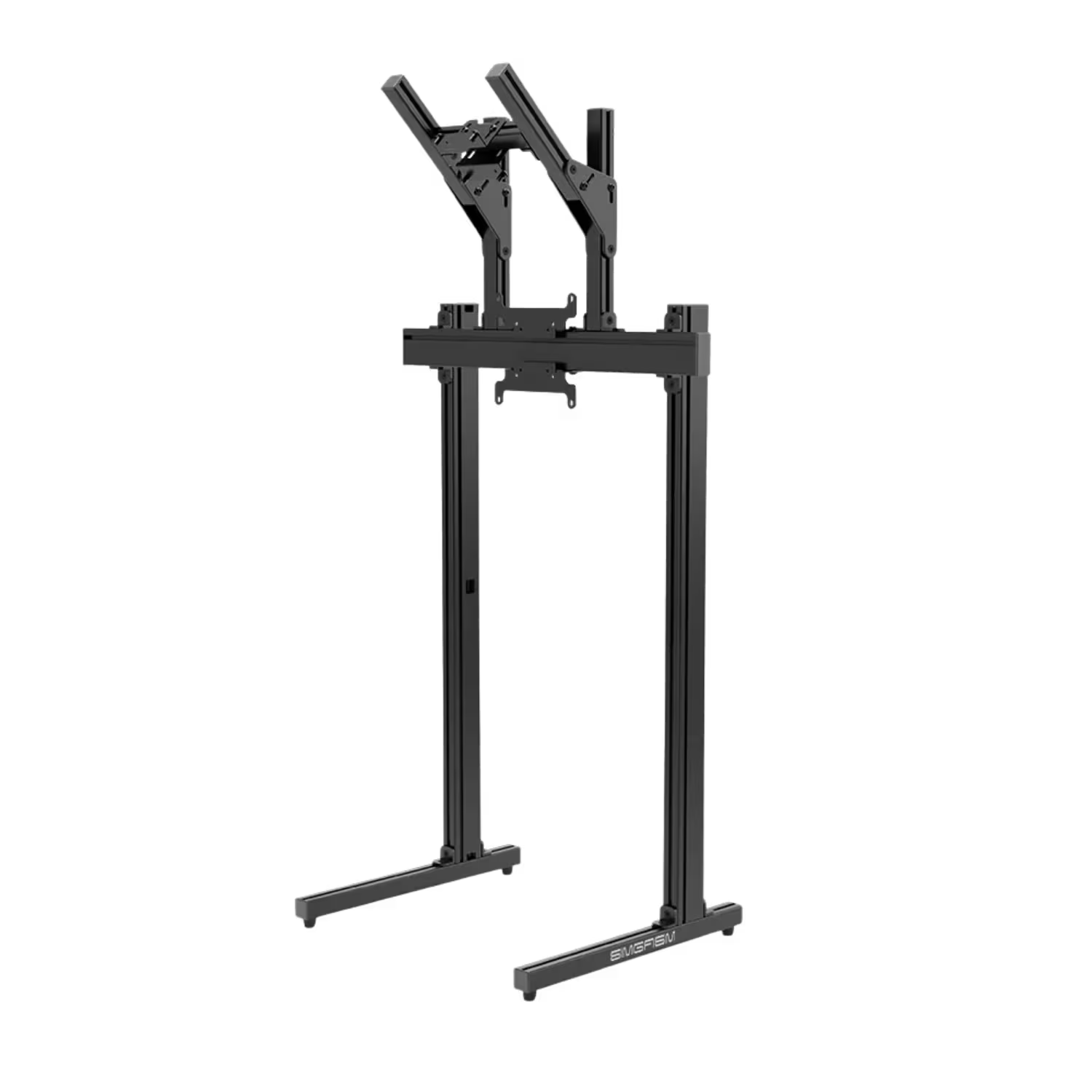
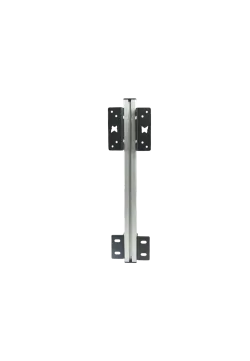
Simgasm Apex Dual Monitor Stand is offered as black MSAS2-BLK and white MSAS2-WIT combinations. Black sits quietly behind dark display housings and suits a low-distraction racing setup. White makes the profile geometry more visible and works well in a bright room, studio or presentation environment.
Both finishes share the same mechanical specification: 40 x 80 mm aluminium profiles, steel mounting components, the same adjustment range and a complete weight of 20.70 kg. Colour selection changes the appearance, not the supported mounting patterns or construction.
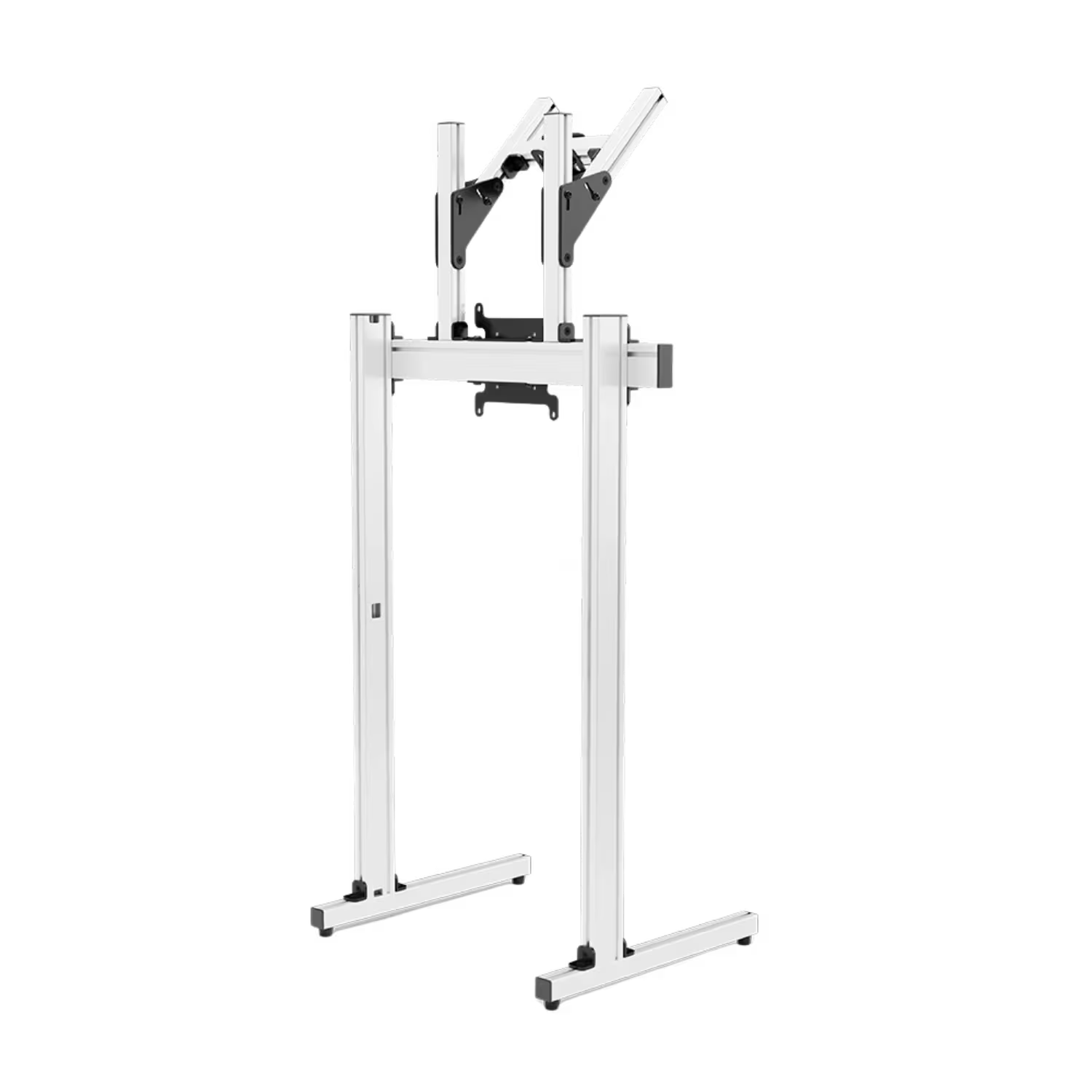
Simgasm Apex Dual Monitor Stand is offered as black MSAS2-BLK and white MSAS2-WIT combinations. Black sits quietly behind dark display housings and suits a low-distraction racing setup. White makes the profile geometry more visible and works well in a bright room, studio or presentation environment.
Both finishes share the same mechanical specification: 40 x 80 mm aluminium profiles, steel mounting components, the same adjustment range and a complete weight of 20.70 kg. Colour selection changes the appearance, not the supported mounting patterns or construction.
Simgasm Apex Dual Monitor Stand is listed with VESA 75 x 75, 100 x 100 and 200 x 200 mm support. Before assembly, check each display's rear hole pattern, connector locations, housing shape and cable space. Screen diagonal alone does not establish mechanical compatibility.
No maximum display diagonal or per-screen load is published. There is also a detail worth confirming: the complete bundle lists 200 x 200 mm support, while the included upper module is named as a VESA 75/100 unit. A 200 x 200 mm upper display may therefore require confirmation of the current plate or a suitable adapter before purchase.
| Technical specification - Simgasm Apex Dual Monitor Stand | |
|---|---|
| Construction | |
| Product type | Freestanding dual monitor stand with main and upper display positions |
| Main material | Aluminium |
| Mounting components | Steel parts for increased joint rigidity |
| Profile size | 40 x 80 mm |
| Complete weight | 20.70 kg |
| Displays and adjustment | |
| Number of displays | Up to 2 |
| Listed VESA patterns | 75 x 75 mm, 100 x 100 mm, 200 x 200 mm |
| Adjustment | Height, width and upper-monitor position |
| Maximum display diagonal | Not stated on the verified product page |
| Maximum display weight | Not stated on the verified product page |
| Variants and packaging | |
| Black variant | MSAS2-BLK |
| White variant | MSAS2-WIT |
| Number of boxes | 2 |
| Main-stand box | 850 x 260 x 110 mm |
| Upper-module box | 450 x 220 x 90 mm |
| Compatibility - Simgasm Apex Dual Monitor Stand | ||
|---|---|---|
| Standard or setup | Compatibility status | Important note |
| VESA 75 x 75 mm | Confirmed on the complete product page | Check each display separately and use screws suitable for its threaded inserts. |
| VESA 100 x 100 mm | Confirmed on the complete product page | Check recessed VESA areas and connector access after fitting the plate. |
| VESA 200 x 200 mm | Listed for the complete stand | The upper module is named as VESA 75/100. Confirm the current plate or required adapter for a 200 x 200 mm upper display. |
| Other VESA pattern | No direct-fit confirmation | An adapter may be required and must suit the display, stand plate and screen weight. |
| Sim racing cockpits | Spatial compatibility | The stand does not bolt to the chassis. It needs level flooring and space for its own base. |
| Motion systems | Possible as an independent structure | Allow safe clearance for the cockpit's complete movement range and cables. |
| Desk or workstation | Supported use | Check base clearance, desk height and access to both displays. |
| Heavy or very large displays | Requires confirmation | No display-weight limit or maximum diagonal is published. Confirm both mounting positions before installation. |
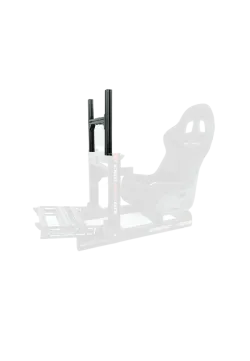
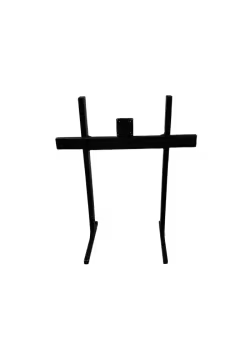
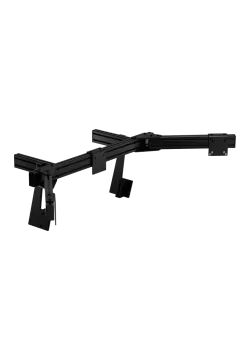
One display occupies the main position and the second mounts above it. The bundle combines an Apex freestanding unit with a separate upper-monitor module.
No. It has its own floor base, allowing the screens to be positioned independently of the seat, steering and pedal geometry.
The complete product page lists VESA 75 x 75, 100 x 100 and 200 x 200 mm. Check both displays separately because equal diagonal sizes do not guarantee matching mounting holes.
This should be confirmed before purchase. The bundle page lists 200 x 200 mm, but the included upper component is named as a VESA 75/100 module.
No maximum diagonal is published. VESA pattern, screen weight, housing dimensions, mounting-hole position and cable clearance all need to be considered.
The verified page does not state a load limit for either screen position. Confirm compatibility before fitting especially heavy monitors or televisions.
MSAS2-BLK and MSAS2-WIT share the same mechanical specification and differ in finish. Both are selected as combinations on one product page.
Stand height, width and upper-screen position are adjustable. Review alignment with both monitors fitted before completing the final tightening sequence.
Yes, when adequate clearance is provided. The stand remains stationary, so the full cockpit travel, seat, monitor housings and cables must not enter its structure.
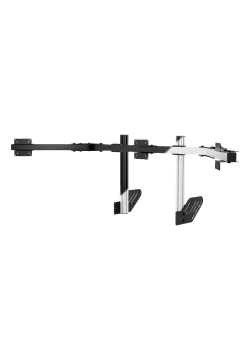
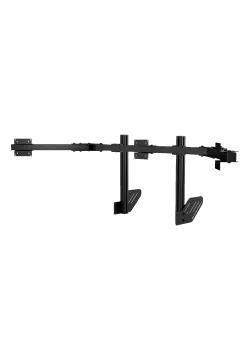
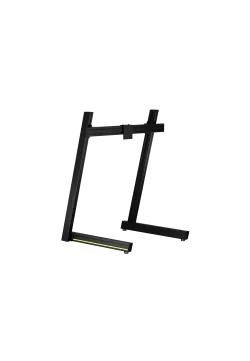
Browse TV and monitor stands. A single-screen option is the Simgasm Apex Monitor Stand, while wider layouts are covered by the Simgasm Apex Triple Monitor Stand.
You might also like