Shopping Cart
There are no more items in your cart
 English
  Polski
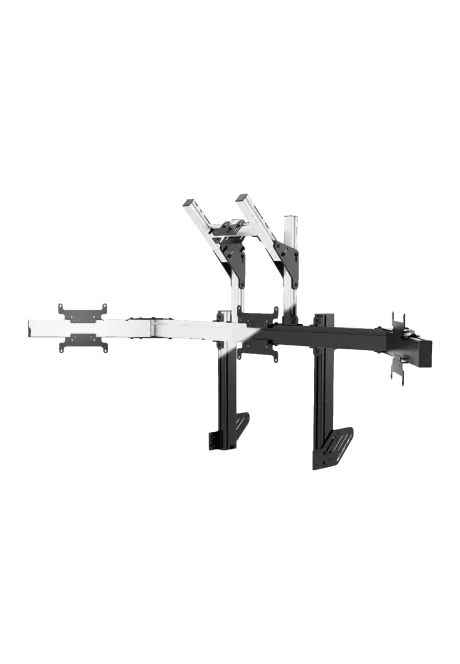
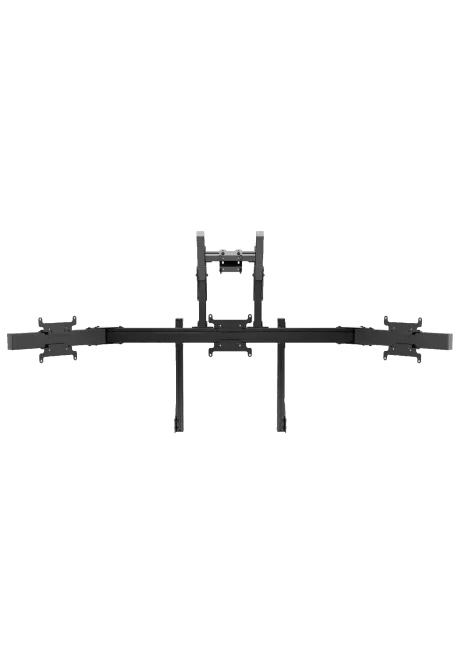
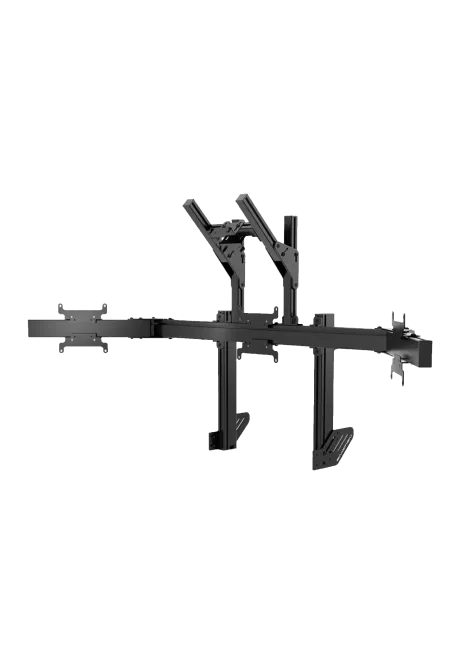
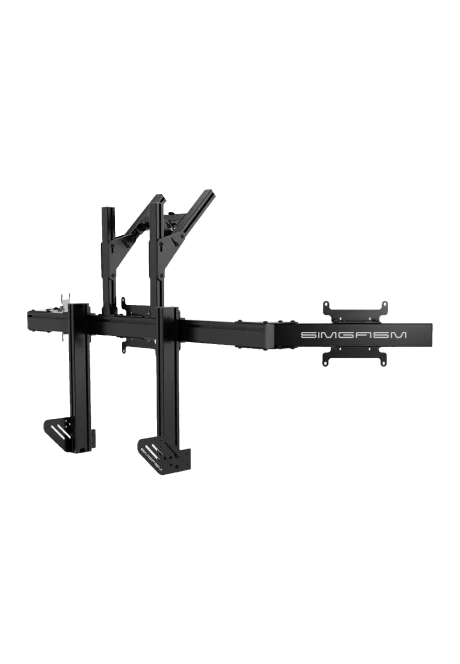

RECART TV mount MS-GTR MS-GTRx
410.57zł

1,503.25zł
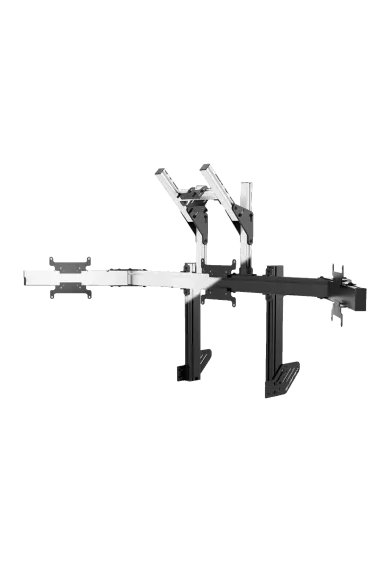
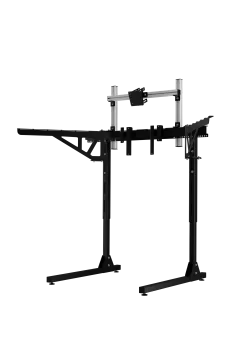
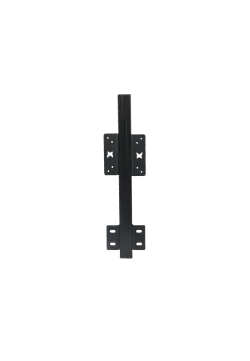
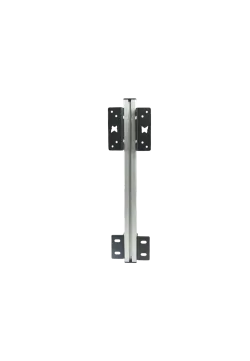
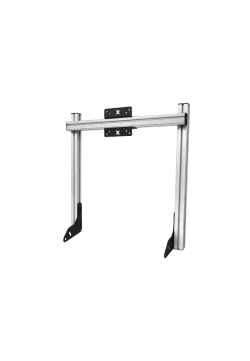
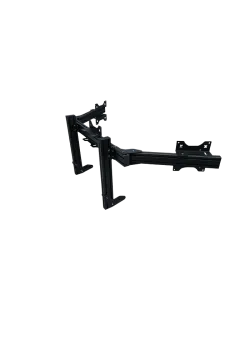
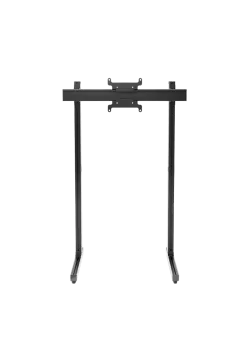
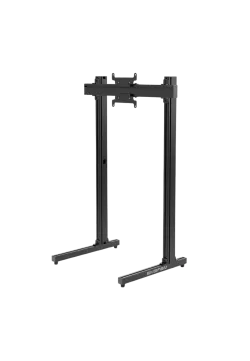
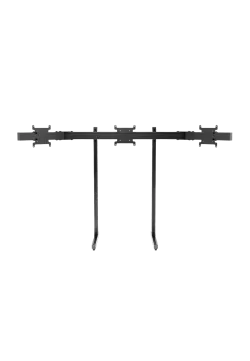
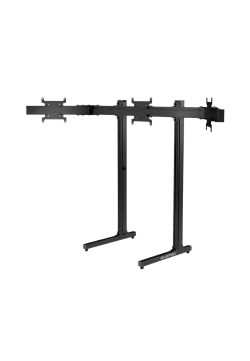
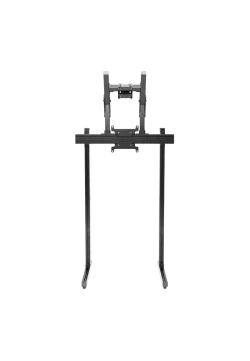
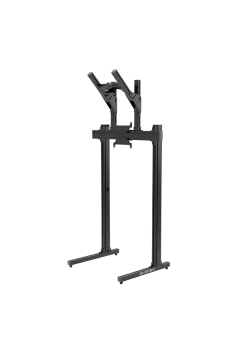
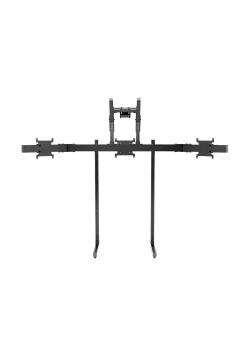
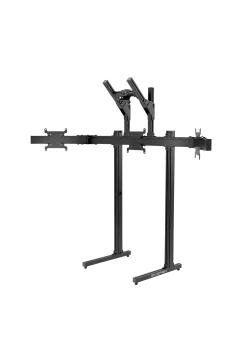
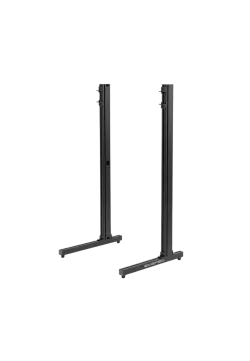
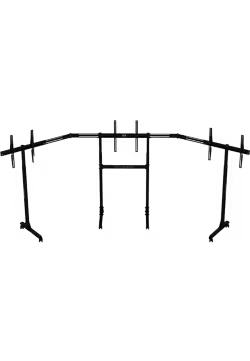
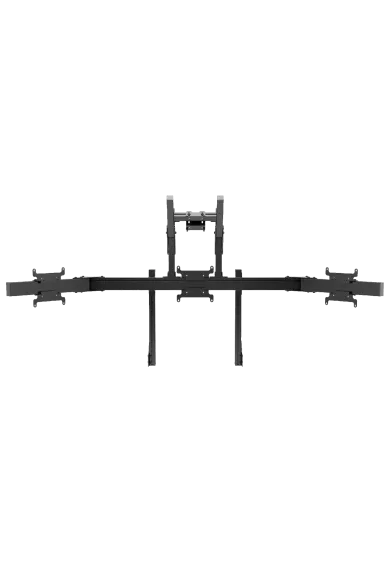
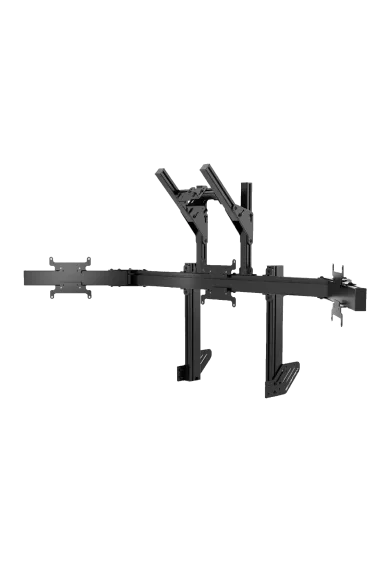
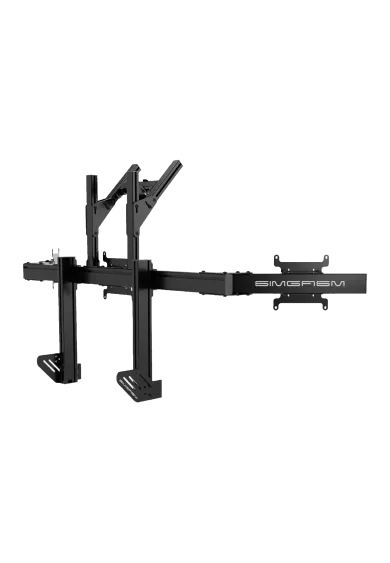
Simgasm Apex Integrated Quad Monitor Stand combines three lower racing displays with an upper screen for telemetry, timing or broadcast tools. Its 40 x 80 mm profile structure supports VESA up to 200 x 200 mm below and 100 x 100 mm at the upper position. Black and white are offered as variants on one product page. Adjustment simplifies screen positioning. It is a practical sim racing solution. The image is easier to align with the seat.
You might also like














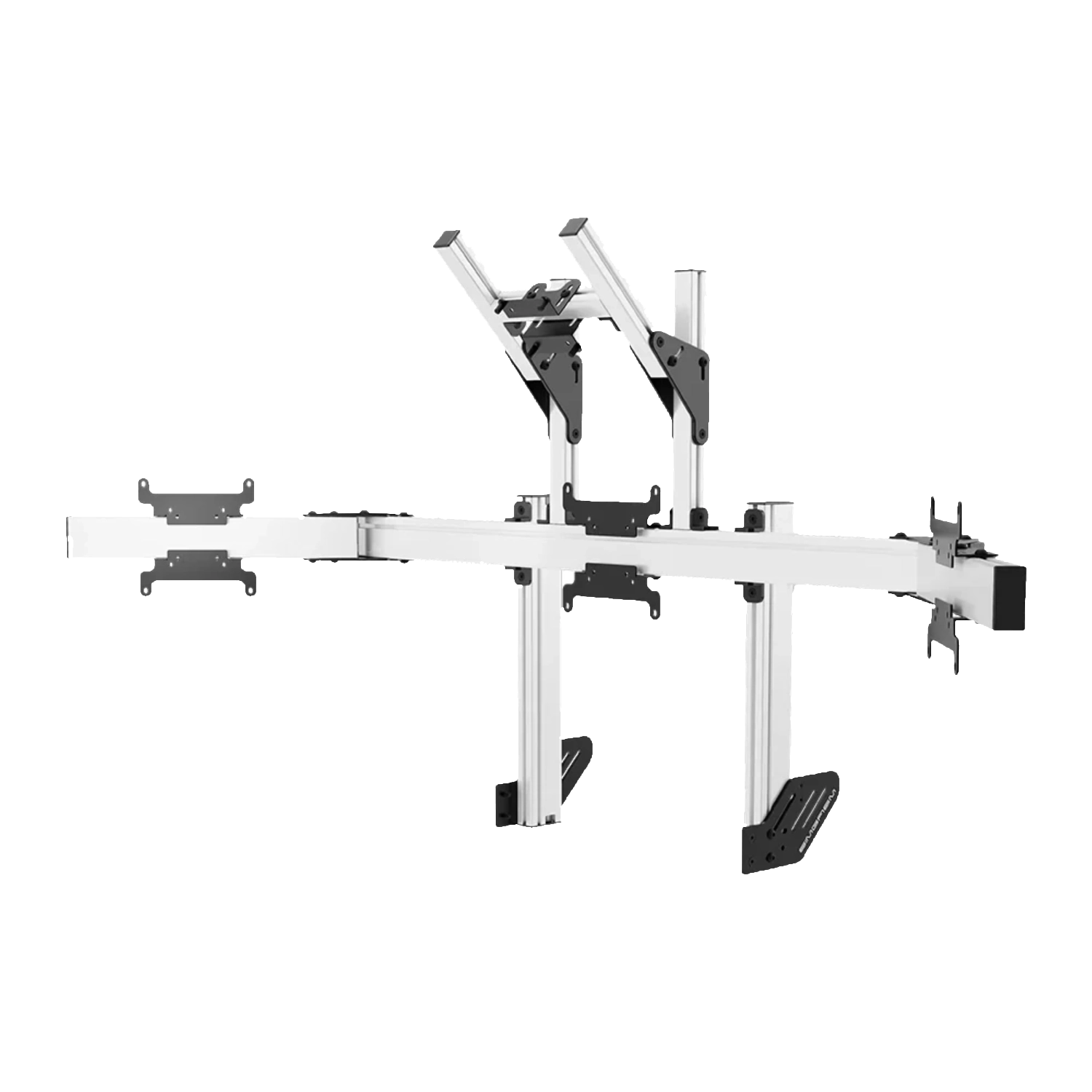
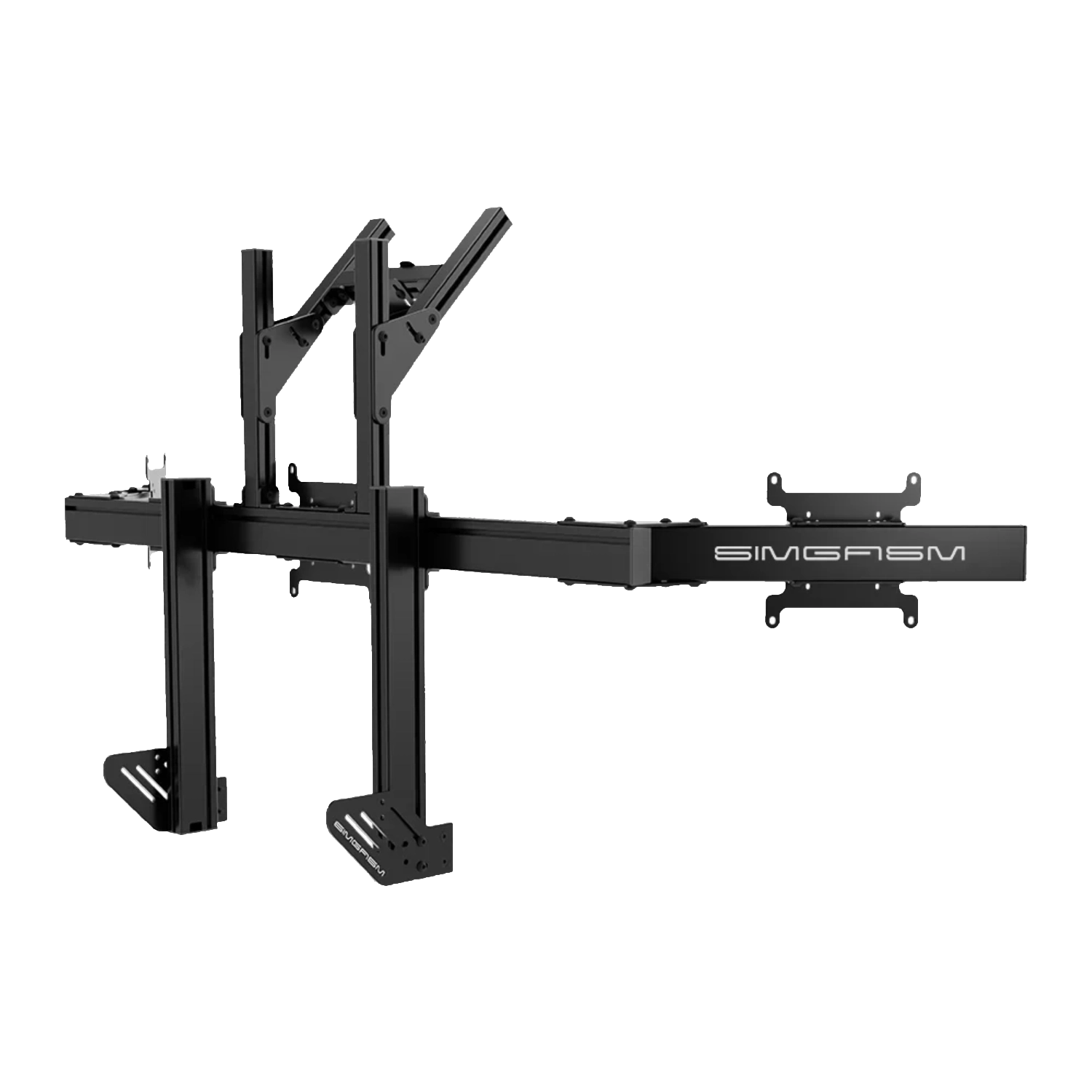
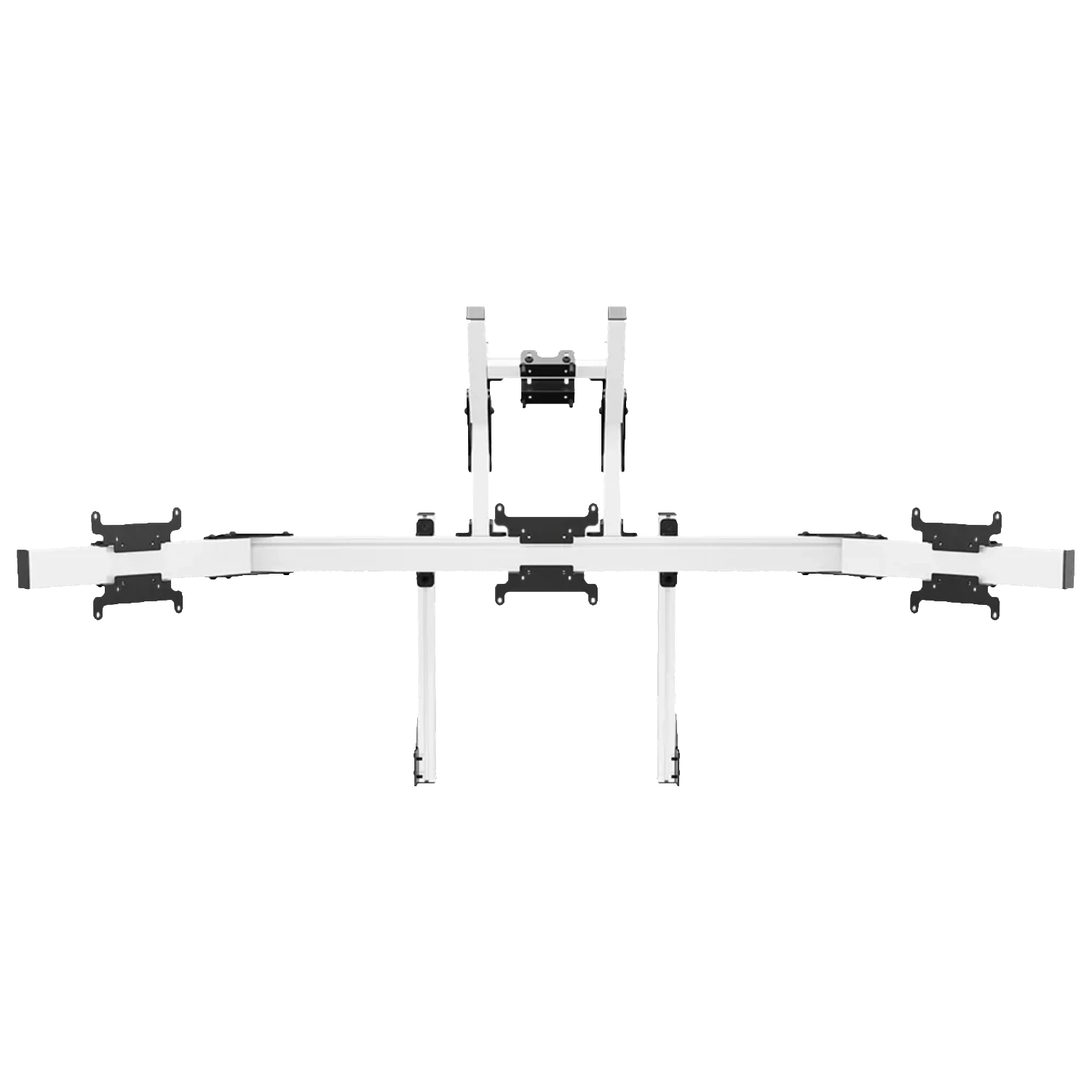
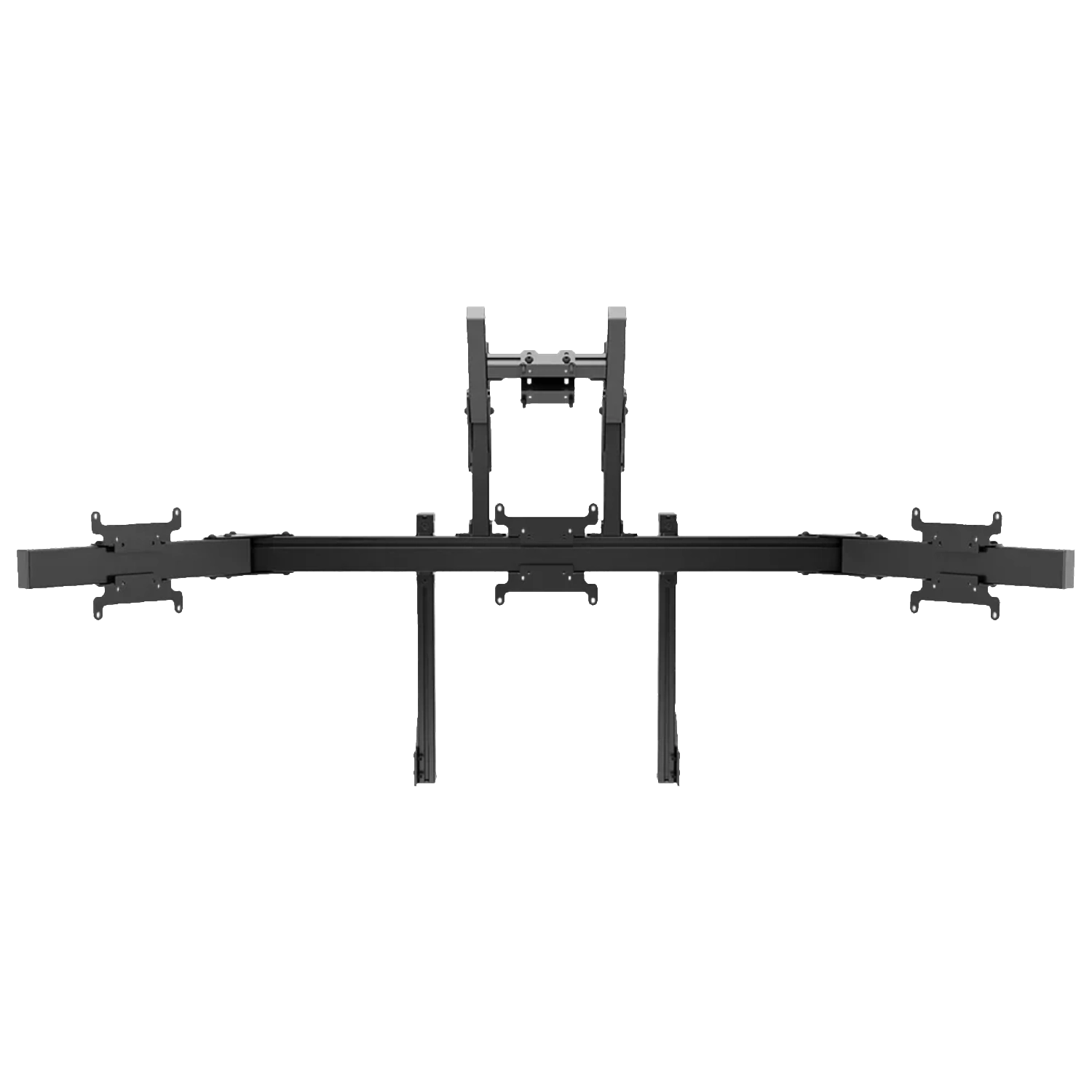
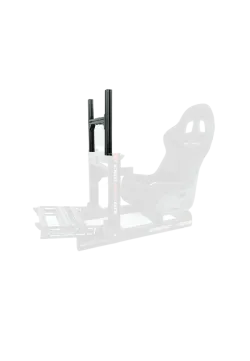
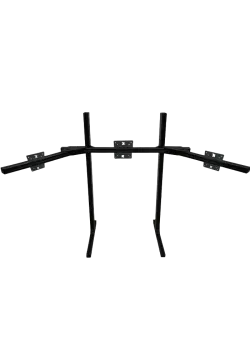
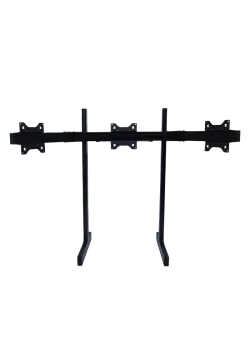
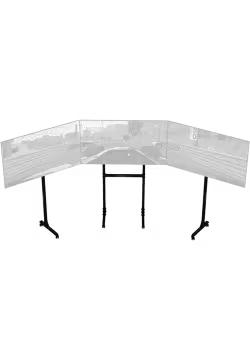
This system combines a three-screen racing panorama with a fourth display above the centre panel. The lower row carries the track view, while the upper screen can handle telemetry, timing, dashboards, communications or streaming tools.
The fourth monitor should not simply duplicate the three lower panels. Its value appears when it carries information used regularly but not required inside the track view. This division can organise an advanced rig for league racing, training, data review or broadcasting without covering cockpit details rendered by the simulator.
This configuration suits a user who can assign a clear role to each display level. Without that division the fourth screen may remain underused, while a planned layout separates driving from analysis, communications or companion tools.
Everything mounts to the cockpit, so the expanded layout does not need a separate floor stand behind the rig. Height, width, side-arm angle and upper-screen position can be adjusted to organise all four viewing surfaces.
Expanding upwards preserves the width of a normal triple-screen arrangement, which helps when the rig sits close to a wall or other furniture. The upper display increases total height, so check the ceiling, shelves, lighting and the practical path for lifting the monitor into place before assembly.
The upper panel should support the panorama rather than dominate it through size or brightness. A separate colour profile and moderate luminance can reduce distraction, particularly during night racing or in a darkened room.
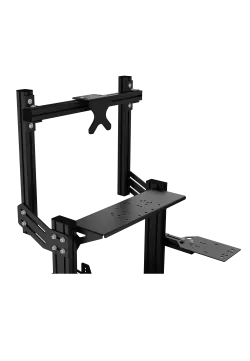
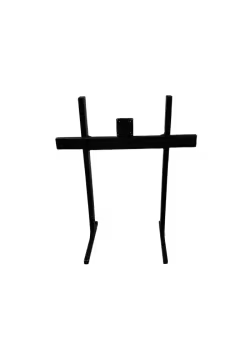
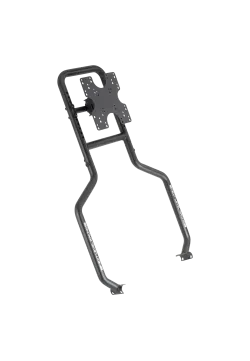
The three lower positions use 40 x 80 mm Apex profiles and support VESA patterns up to 200 x 200 mm. The upper bracket comes from the Core range and is limited to VESA 75 x 75 or 100 x 100 mm.
The lower row and upper screen have different jobs and do not need to be identical models. The three racing panels benefit from closely matched geometry and image behaviour. The top monitor can prioritise application readability, but it must fit the Core module VESA pattern and remain suitable for the connection above the centre screen.
Black and white variants match different cockpit styles without changing compatibility. The technical decision must still be based on VESA, monitor weight, available mounting space and the connection to the rig.
With four displays, diagonal size alone is not enough. Add the total weight, check bezel width, rear ports, cable lengths and cockpit connection, then configure the simulator field of view around the final geometry.
Plan cables for all four displays before fully tightening the profiles. Separate power and signal routes make later service or screen replacement easier. Once assembled, check the level of the lower row, both side-arm angles, upper-panel height and unrestricted access to every port.
For future expansion, compare Simgasm Apex Integrated Triple Monitor Stand, Simgasm Apex Monitor Stand Side Arms, Simgasm Core Top Monitor Stand. The wider range is available under monitor stands, with other products listed on the Simgasm brand page.
| Simgasm Apex Integrated Quad Monitor Stand - specifications | |
|---|---|
| Variants | |
| Colour | black or white, selected on one product page |
| Black SKU | MSAI4-BLK |
| White SKU | MSAI4-WIT |
| Construction | |
| Aluminium profile | 40 x 80 mm |
| Mounting components | steel |
| VESA standard | three lower displays: 75 x 75, 100 x 100, 200 x 200 mm; upper display: 75 x 75, 100 x 100 mm |
| Set weight | 35.40 kg |
| Package | |
| Contents | Apex base, Apex side arms and Core top-monitor module |
| Number of boxes | 3 |
| Box dimensions | 850 x 160 x 120 mm, 630 x 150 x 130 mm and 450 x 220 x 90 mm |
| Simgasm Apex Integrated Quad Monitor Stand - compatibility | |
|---|---|
| Compatibility and important notes | |
| Colour | Black and white variants share the same technical layout; the selection changes finish and SKU. |
| Three lower displays | VESA 75 x 75, 100 x 100 or 200 x 200 mm. |
| Upper display | VESA 75 x 75 or 100 x 100 mm, following the Core module. |
| Cockpit | Requires a compatible rigid connection and a check of the combined four-screen load. |
| Important note | Do not select a 200 x 200 mm upper screen from the Apex product name alone; the top bracket does not support that pattern. |
It combines three lower racing displays with a fourth screen above the centre panel.
Yes. Create black SKU MSAI4-BLK and white SKU MSAI4-WIT as colour combinations on one product page. Their technical specification is the same.
The confirmed range is three lower displays: 75 x 75, 100 x 100, 200 x 200 mm; upper display: 75 x 75, 100 x 100 mm. Apex systems using a Core upper module have a separate, smaller VESA range at the top position.
No. Also check weight, casing dimensions, port locations, cable clearance and the permitted load of the complete connection.
There is no single published value that can safely cover every configuration. Full monitor geometry and weight remain part of the compatibility check.
No. This product is part of an integrated system and requires a compatible cockpit or base-module connection.
It saves floor space and keeps screen position tied to the rig. Cockpit vibration may also reach the display, which matters on stronger haptic or motion setups.
Apex base, Apex side arms and Core top-monitor module. The number of shipping boxes is listed in the specification table.
Yes. The Apex range is modular, but expansion should use compatible parts from the correct family and connection generation, with total load checked.
See the monitor stands category and the Simgasm brand page for related options.
You might also like