Shopping Cart
There are no more items in your cart
 English
  Polski
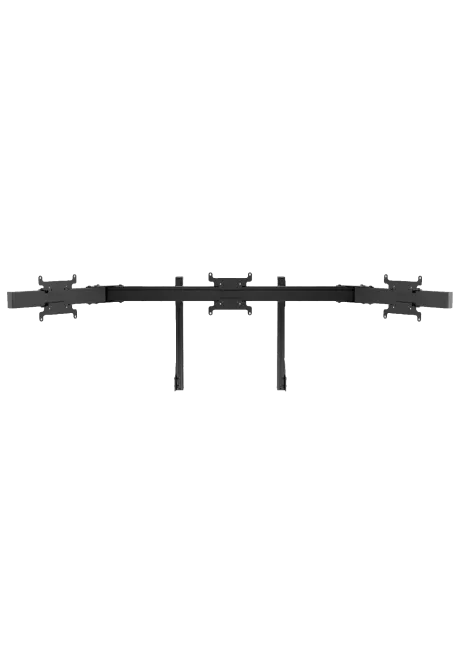
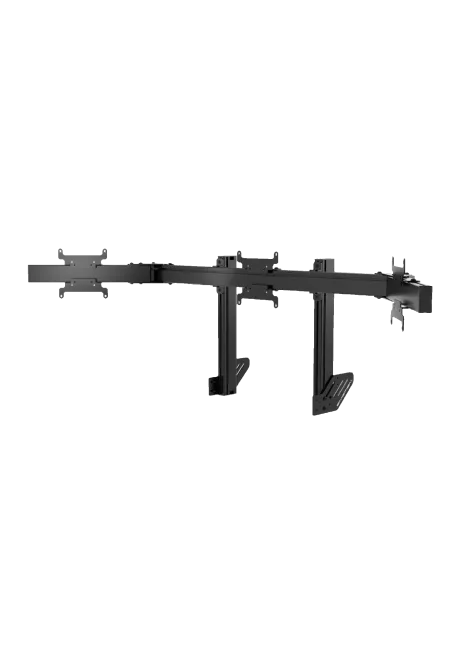
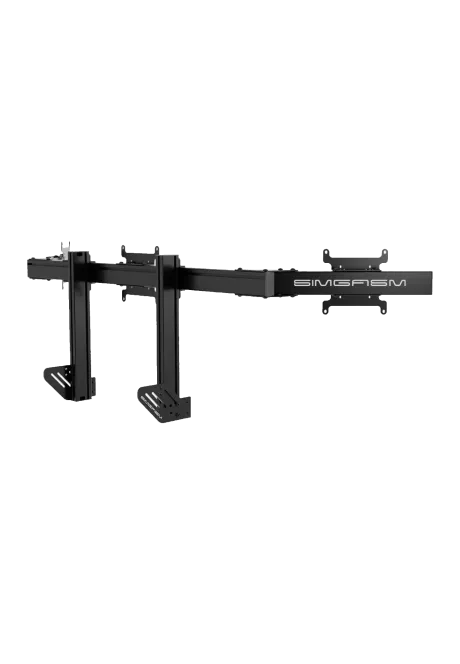
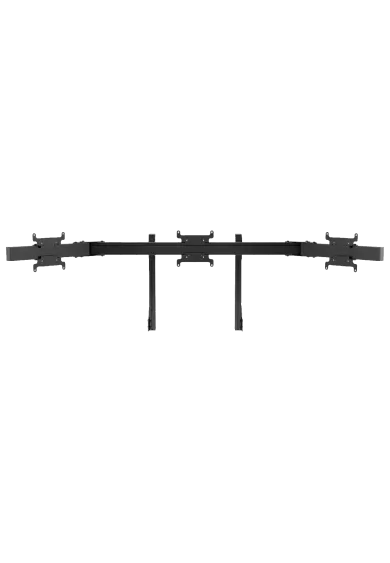
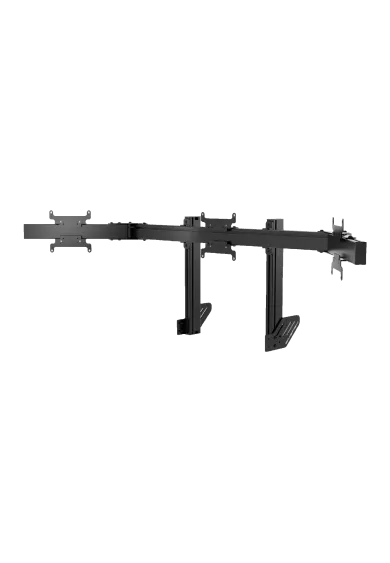
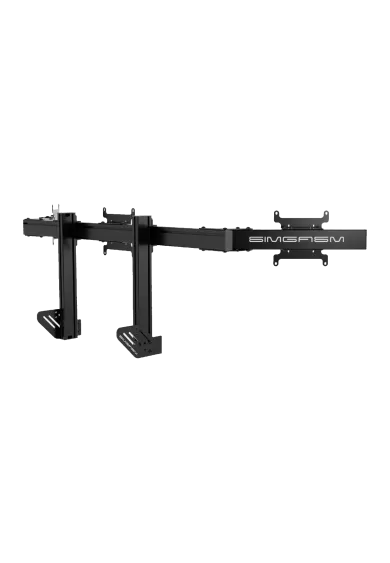
RECART TV mount MS-GTR MS-GTRx
410.57zł

1,137.40zł
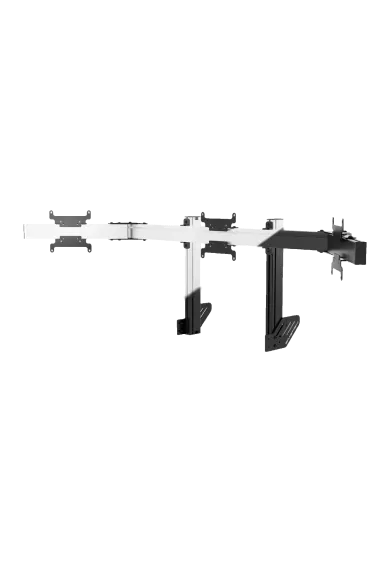
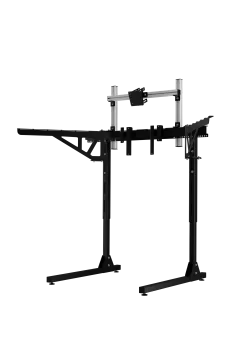
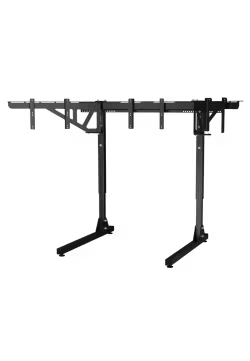
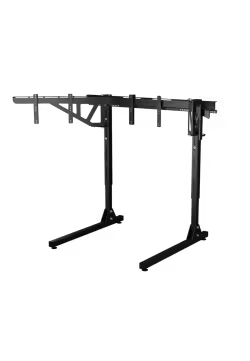
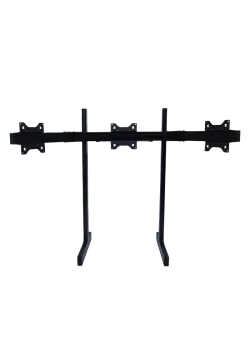
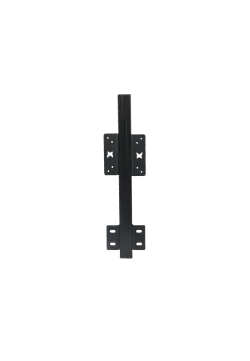
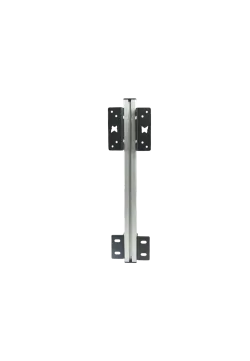
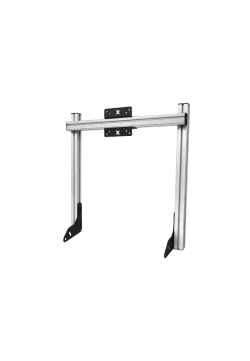
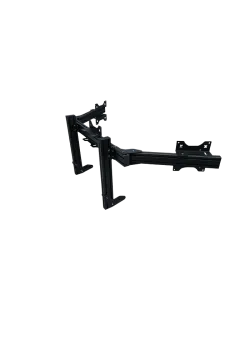
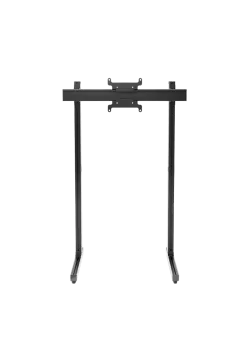
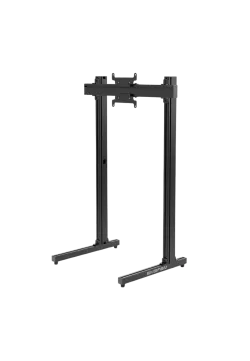
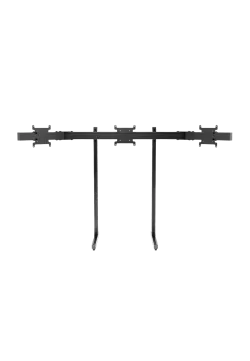
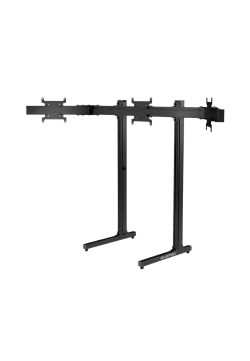
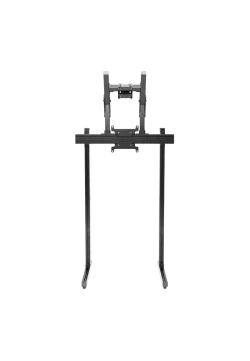
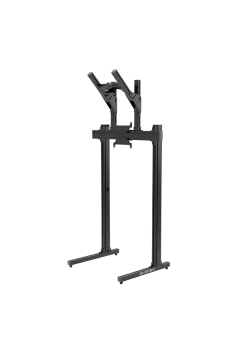
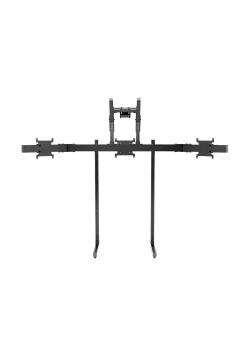
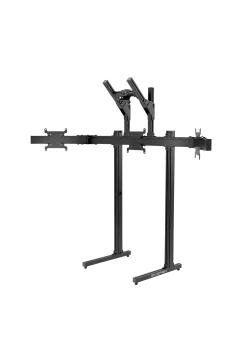
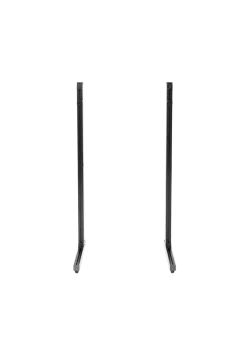
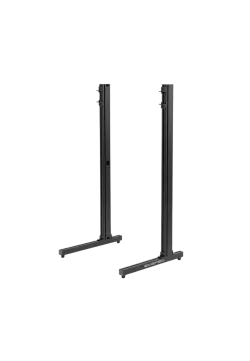
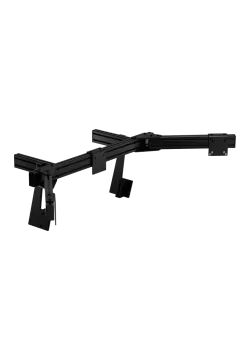
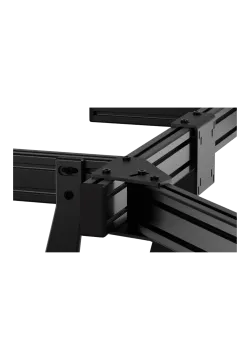
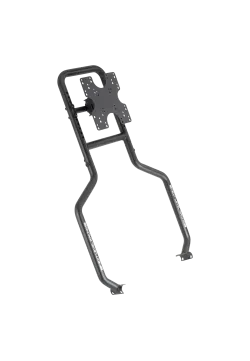
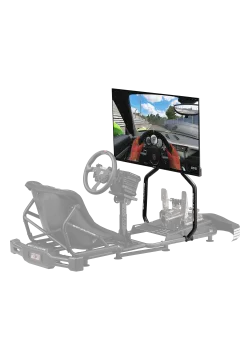
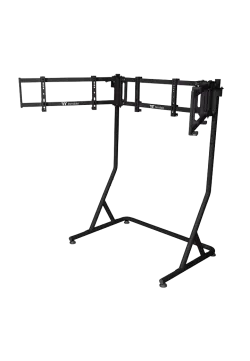
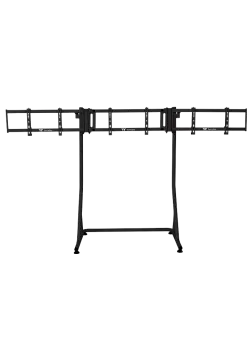
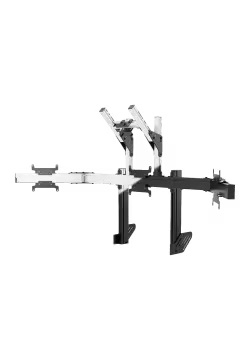
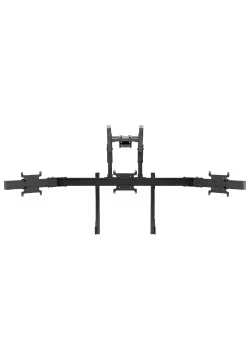
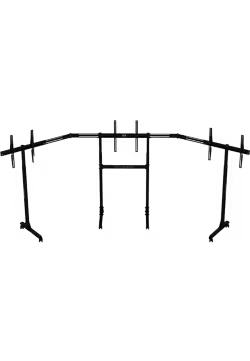
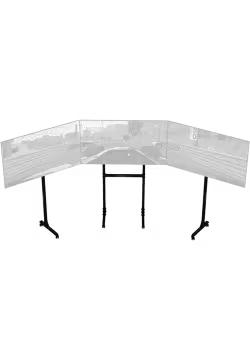
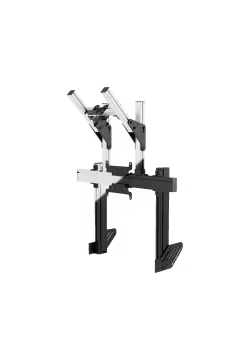
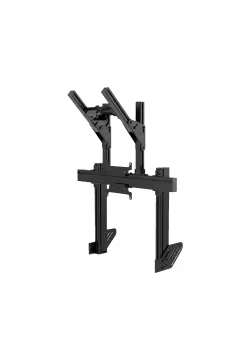
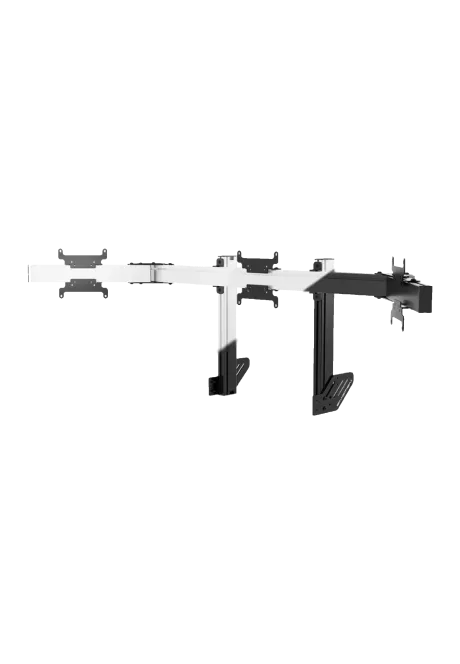
Simgasm Apex Integrated Triple Monitor Stand creates a three-screen panorama attached to the cockpit, avoiding separate stand feet behind the rig. Its 40 x 80 mm profile structure supports VESA 75 x 75, 100 x 100, 200 x 200 mm. Black and white are offered as variants on one product page. Two colours are available. Adjustment simplifies screen positioning. It is a practical sim racing solution. The image is easier to align with the seat.
You might also like






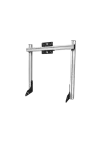






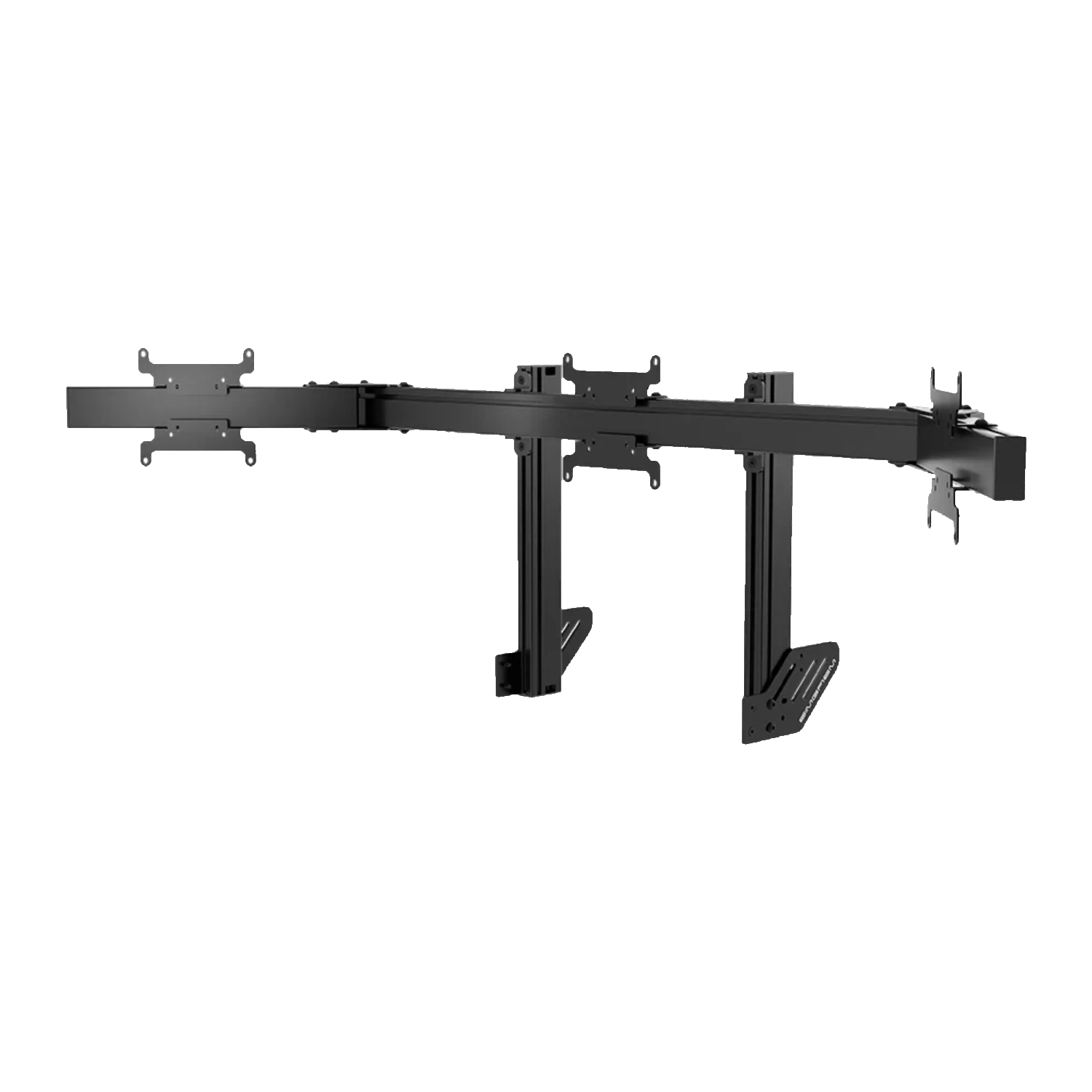
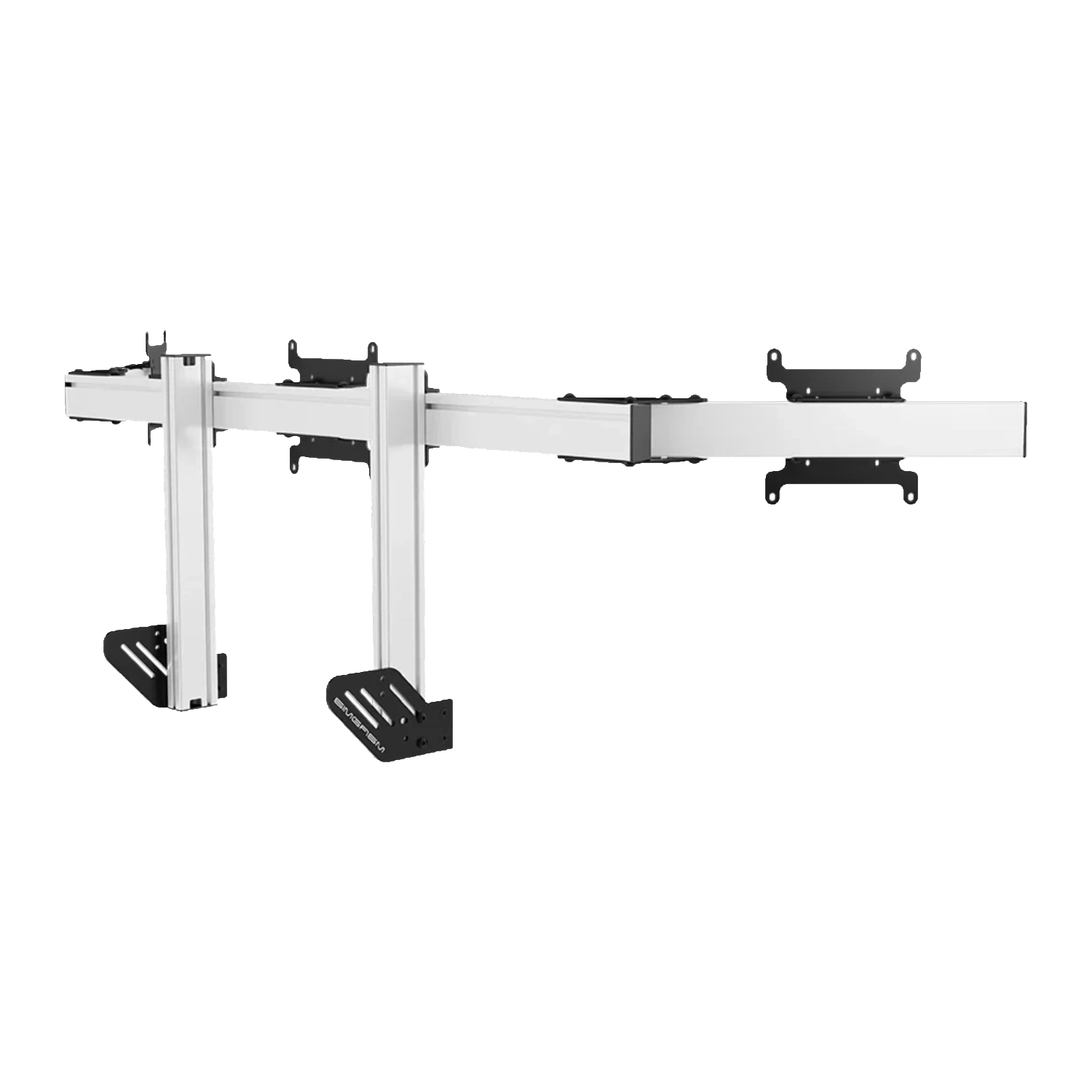
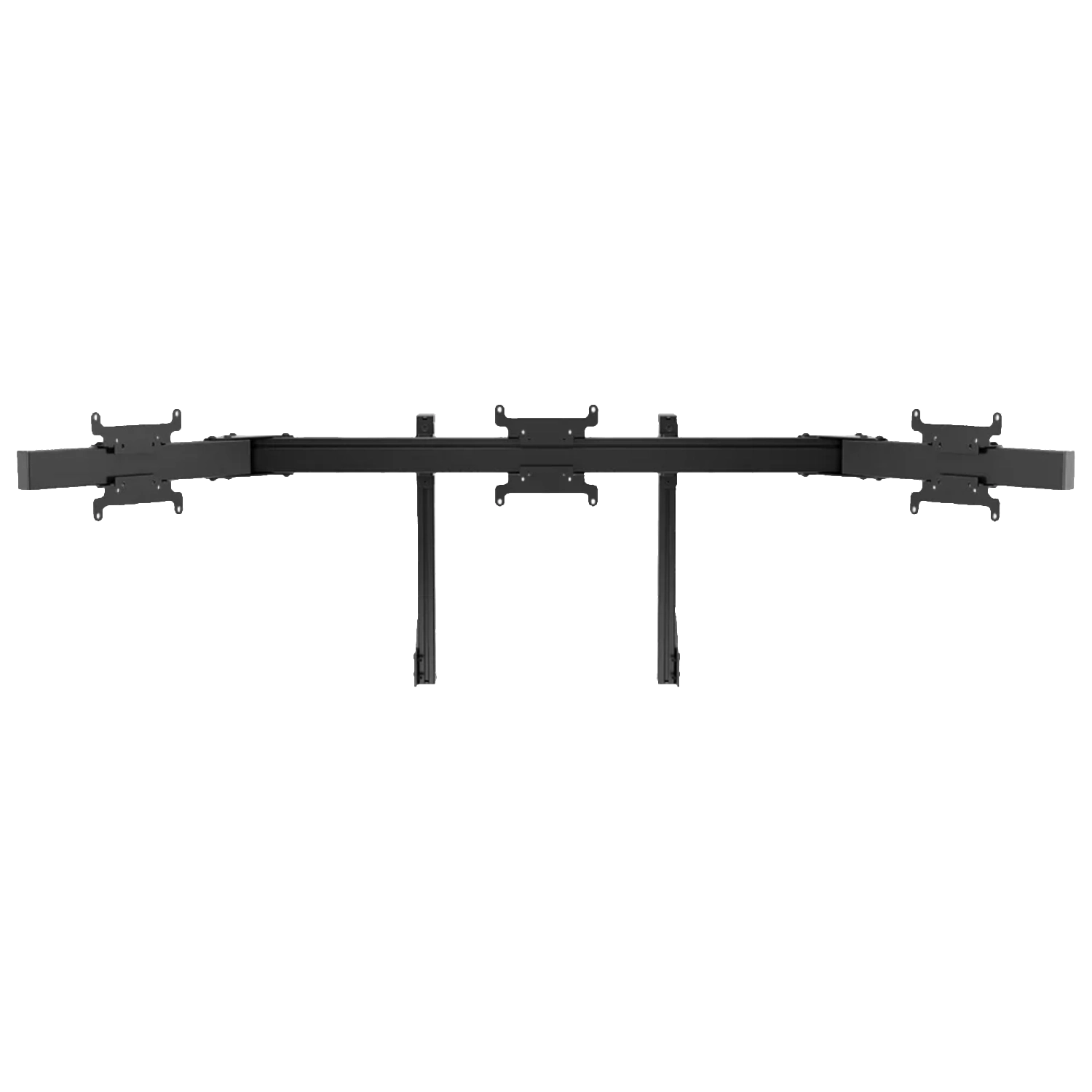
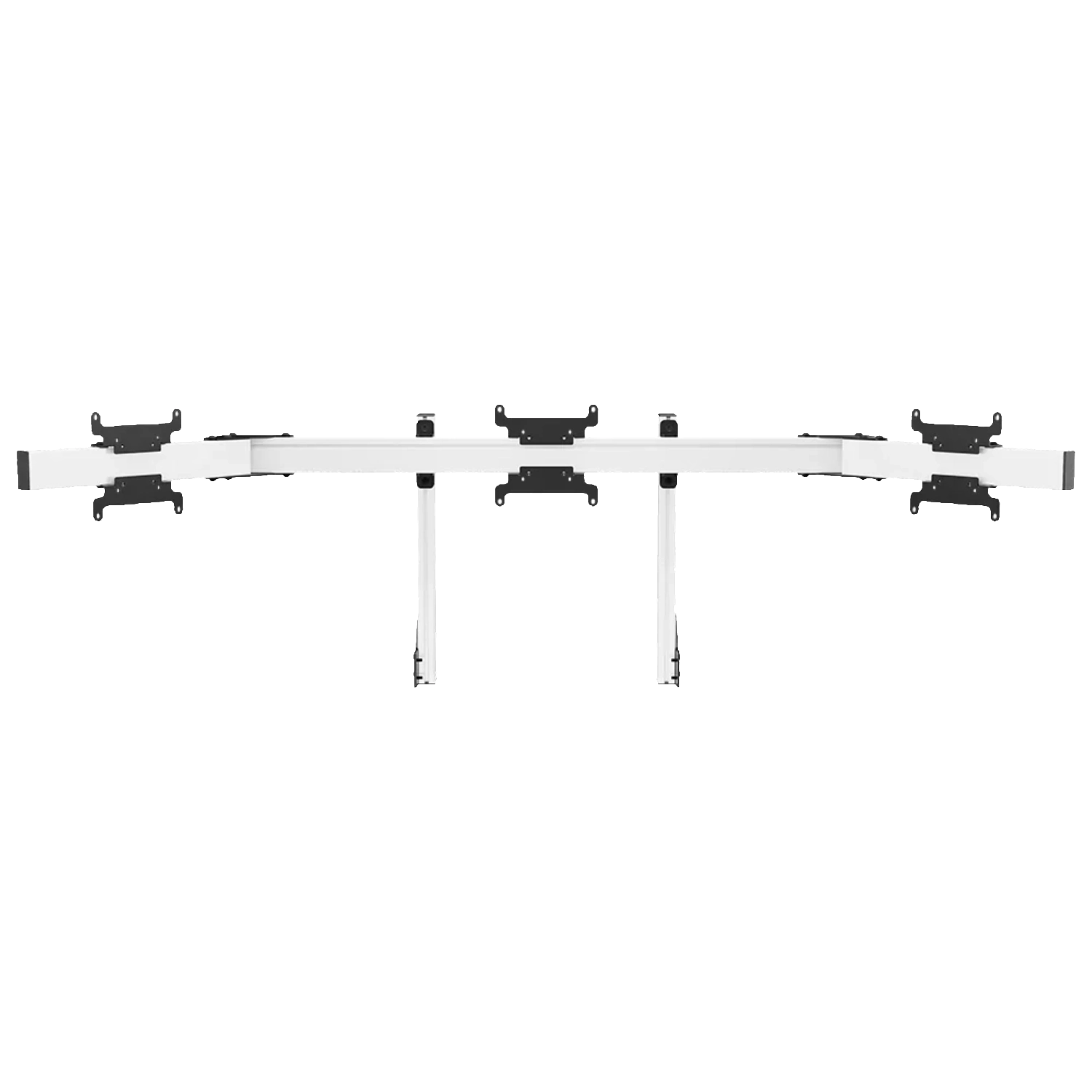
Three monitors extend the racing view to both sides and make nearby cars easier to judge without repeatedly changing the camera. The integrated frame uses the cockpit as its base, leaving the floor free from separate monitor-stand feet.
The main change from a single display is the ability to build a continuous image that includes both side areas. A driver relies less on camera changes or a virtual mirror, although presentation still depends on the simulator. Three screens work best when their geometry is calculated around the actual eye distance and seat position.
A well-built panorama is not only a visual feature of the rig. Its purpose is to deliver useful information in the side areas, so arm angles and viewing distance should follow the driver's position and the geometry settings of the selected simulator.
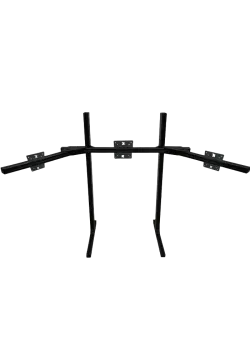
Adjustable side arms bring the outer panels towards the driver's natural peripheral view. Correct angles help create a continuous perspective across bezels and improve awareness of mirrors, rivals and track references.
Outer panels should not be positioned only to make the frame look symmetrical from outside the cockpit. The view from the seat matters more: horizon level, bezel height and image transition between screens. After physical alignment, enter the real dimensions and angles in the simulator when the software provides those controls.
Adjustment is easier with a test image or the game already running. This reveals horizon-height differences, uneven gaps and areas where the virtual cockpit geometry fails to continue naturally from one panel to another.
The 40 x 80 mm profiles are intended for a more substantial display system than the Core range. All three positions support VESA 75 x 75, 100 x 100 and 200 x 200 mm for a wider choice of monitors and selected televisions.
The wider VESA range supports displays beyond the most common computer-monitor patterns, but it is not an unlimited approval. A large rear housing may cover adjustment bolts, while a power or video port placed close to the centre can interfere with the mounting plate.
Profile colour can be selected independently of the monitor model. Black remains discreet in a dark room, while white can emphasise the shape of the setup. Correct and even tightening of every connection remains essential in both versions.
A convincing panorama depends on equal panel height, similar casing geometry and the correct in-game field of view. Confirm the cockpit connection and leave enough rear clearance for display ports and cables.
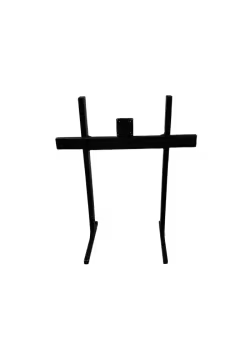
Assembly is easier in stages: secure the centre cross-member, install the middle display, then add the side arms and outer monitors. This helps preserve level alignment and avoids loading partly tightened joints. Leave a small amount of cable slack for later arm-angle corrections.
For future expansion, compare Simgasm Apex Integrated Monitor Stand, Simgasm Apex Monitor Stand Side Arms, Simgasm Apex Integrated Quad Monitor Stand. The wider range is available under monitor stands, with other products listed on the Simgasm brand page.
| Simgasm Apex Integrated Triple Monitor Stand - specifications | |
|---|---|
| Variants | |
| Colour | black or white, selected on one product page |
| Black SKU | MSAI3-BLK |
| White SKU | MSAI3-WIT |
| Construction | |
| Aluminium profile | 40 x 80 mm |
| Mounting components | steel |
| VESA standard | 75 x 75, 100 x 100, 200 x 200 mm |
| Set weight | 30.40 kg |
| Package | |
| Contents | Apex integrated main support and a pair of Apex side arms |
| Number of boxes | 2 |
| Box dimensions | 850 x 160 x 120 mm and 630 x 150 x 130 mm |
| Simgasm Apex Integrated Triple Monitor Stand - compatibility | |
|---|---|
| Compatibility and important notes | |
| Colour | Black and white variants share the same technical layout; the selection changes finish and SKU. |
| Three displays | Each position requires VESA 75 x 75, 100 x 100, 200 x 200 mm plus suitable weight and casing geometry. |
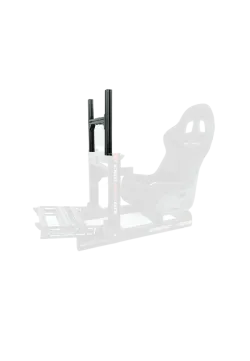
| Cockpit | As an integrated stand, it needs a compatible cockpit-profile connection. |
| Alignment | Set arm angles and height around display width and eye distance. |
| Important note | There is no single published maximum diagonal. Weight, bezels, ports and cockpit space also determine compatibility. |
It builds a cockpit-mounted three-screen panorama.
Yes. Create black SKU MSAI3-BLK and white SKU MSAI3-WIT as colour combinations on one product page. Their technical specification is the same.
The confirmed range is 75 x 75, 100 x 100, 200 x 200 mm. Apex systems using a Core upper module have a separate, smaller VESA range at the top position.
No. Also check weight, casing dimensions, port locations, cable clearance and the permitted load of the complete connection.
There is no single published value that can safely cover every configuration. Full monitor geometry and weight remain part of the compatibility check.
No. This product is part of an integrated system and requires a compatible cockpit or base-module connection.
It saves floor space and keeps screen position tied to the rig. Cockpit vibration may also reach the display, which matters on stronger haptic or motion setups.
Apex integrated main support and a pair of Apex side arms. The number of shipping boxes is listed in the specification table.
Yes. The Apex range is modular, but expansion should use compatible parts from the correct family and connection generation, with total load checked.
See the monitor stands category and the Simgasm brand page for related options.
You might also like