Shopping Cart
There are no more items in your cart
 English
  Polski
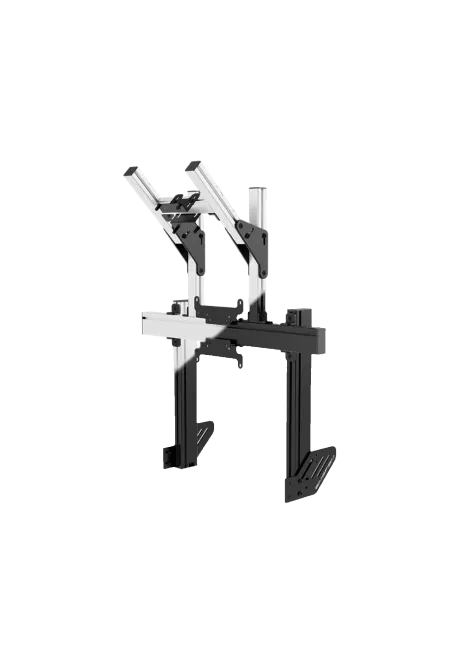
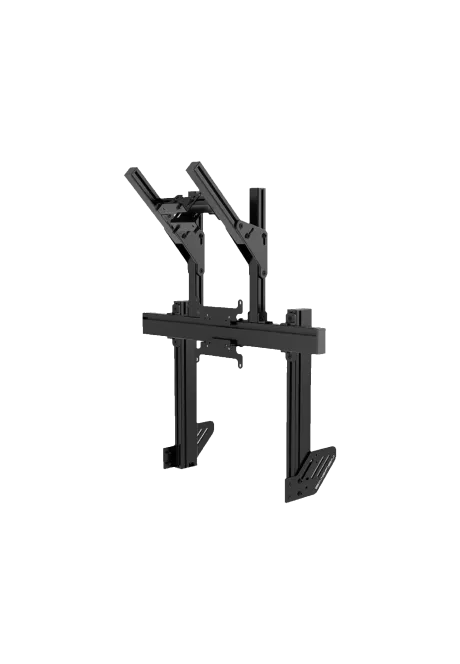
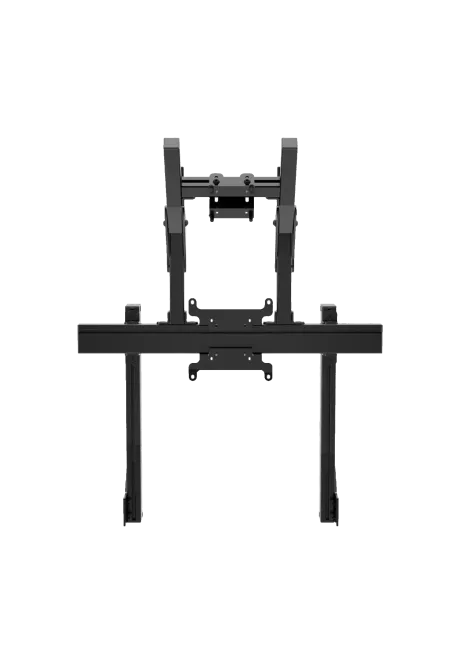
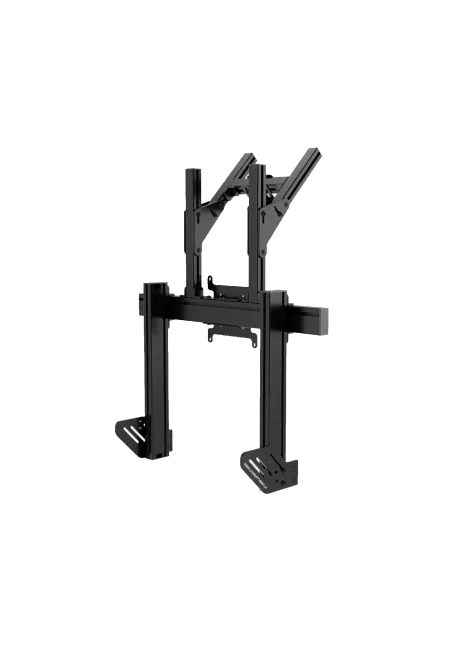
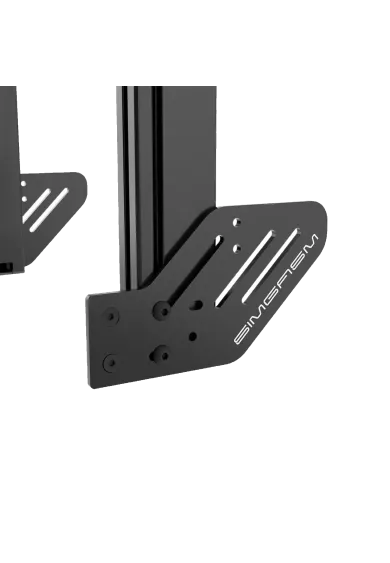

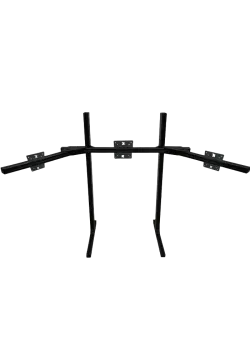
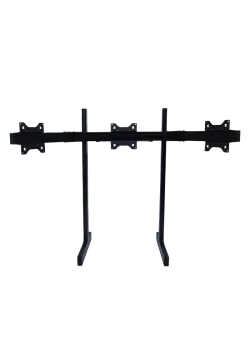
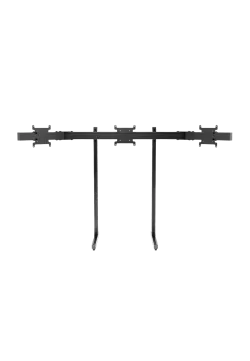
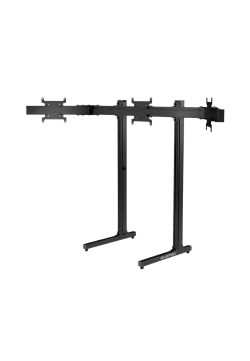
RECART TV mount MS-GTR MS-GTRx
410.57zł

974.80zł
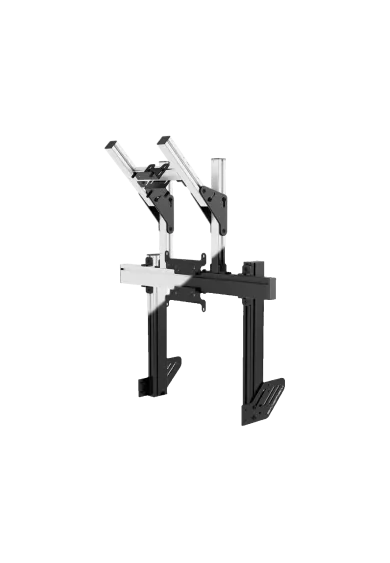
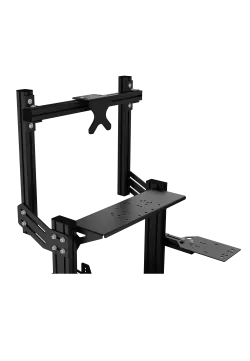
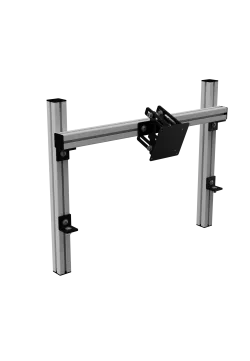
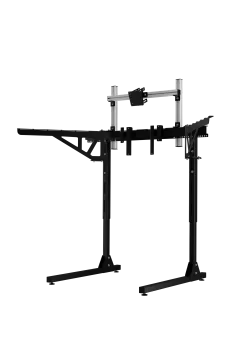
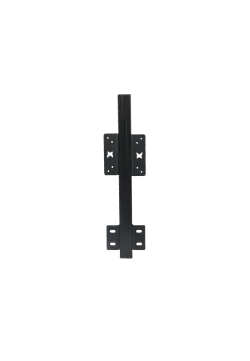
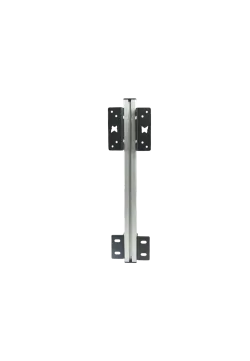
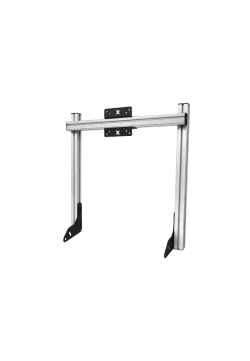
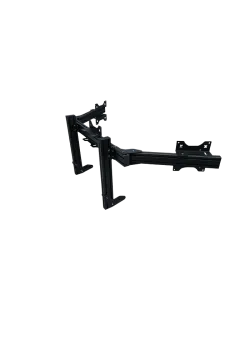
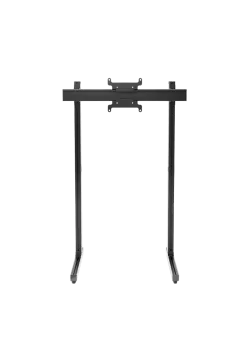
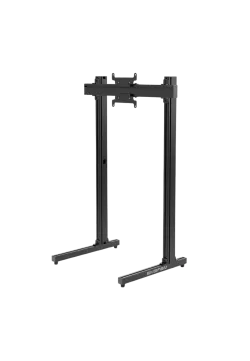
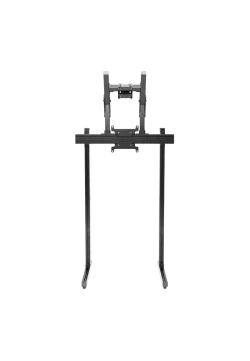
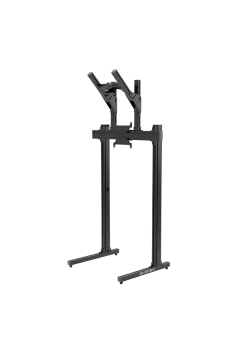
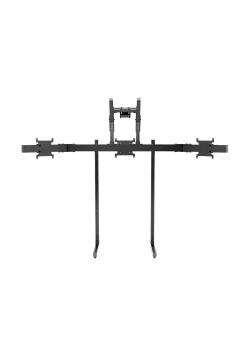
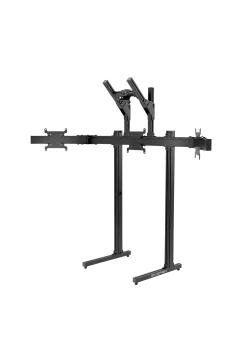
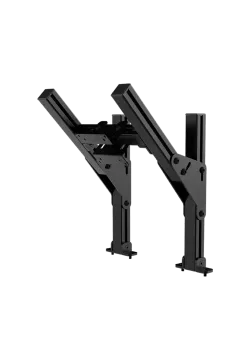
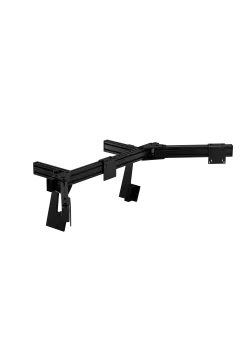
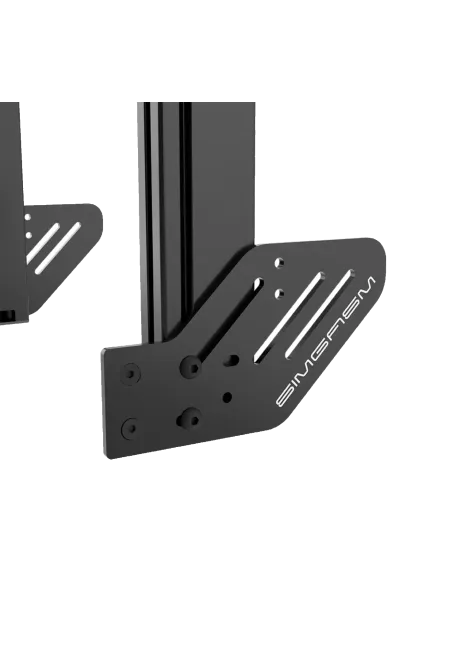
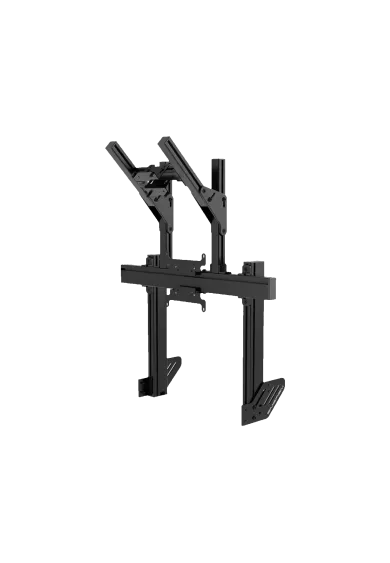
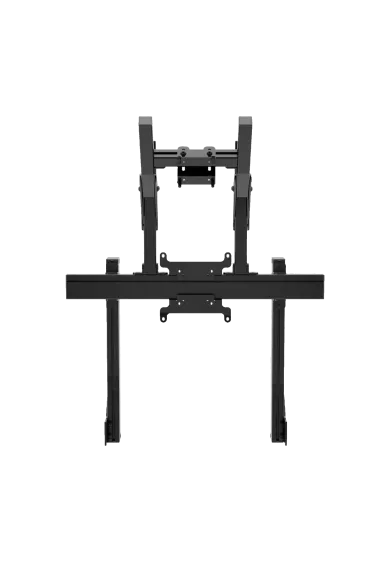
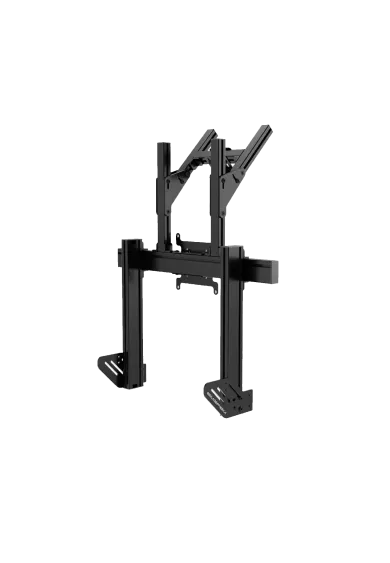
Simgasm Apex Integrated Dual Monitor Stand places the main display below a second screen, adding space for telemetry and applications without widening the cockpit. Its 40 x 80 mm profile structure supports VESA up to 200 x 200 mm for the main display and 100 x 100 mm above. Black and white are offered as variants on one product page. Two colours are available. It is a practical sim racing solution. The layout remains clear in daily use.
You might also like














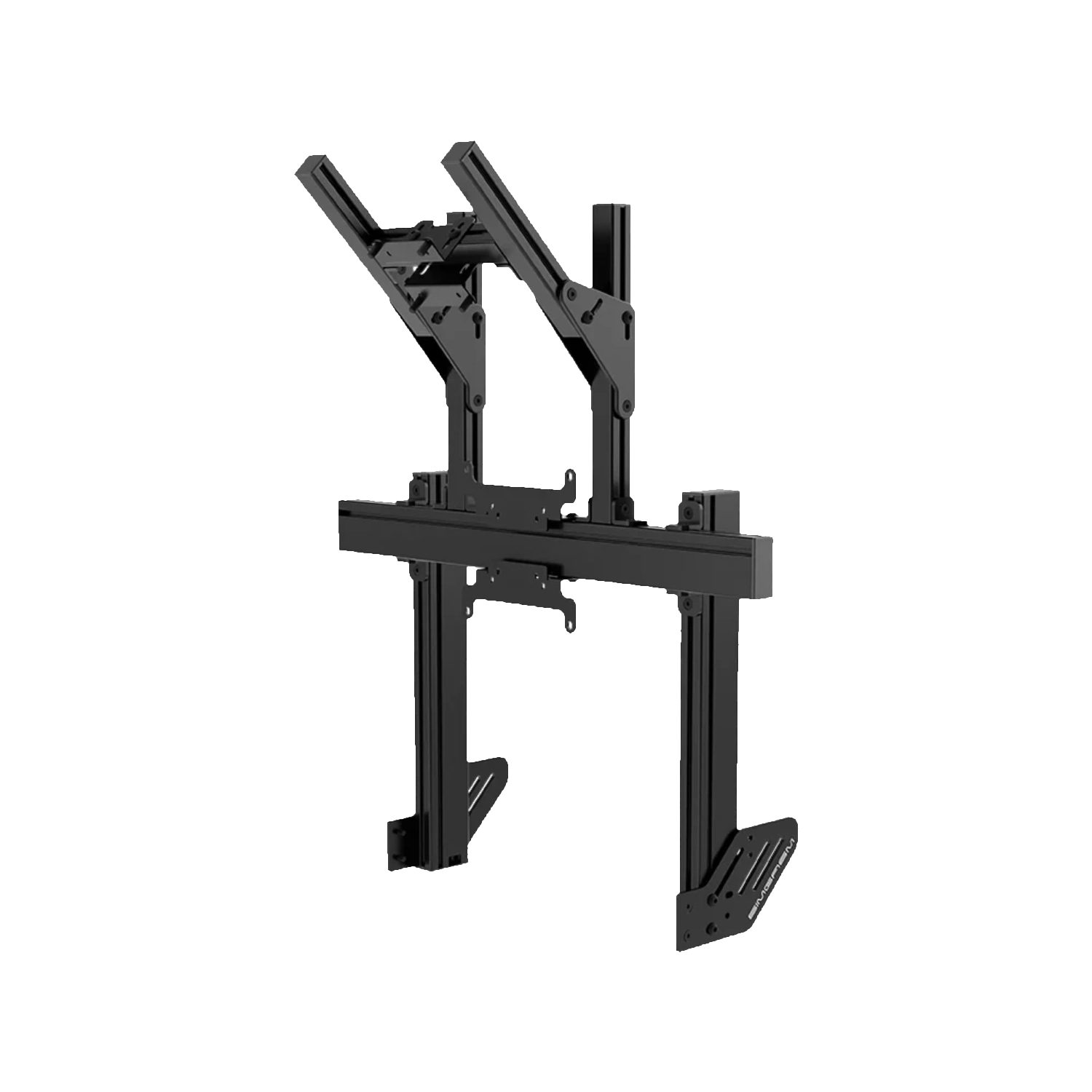
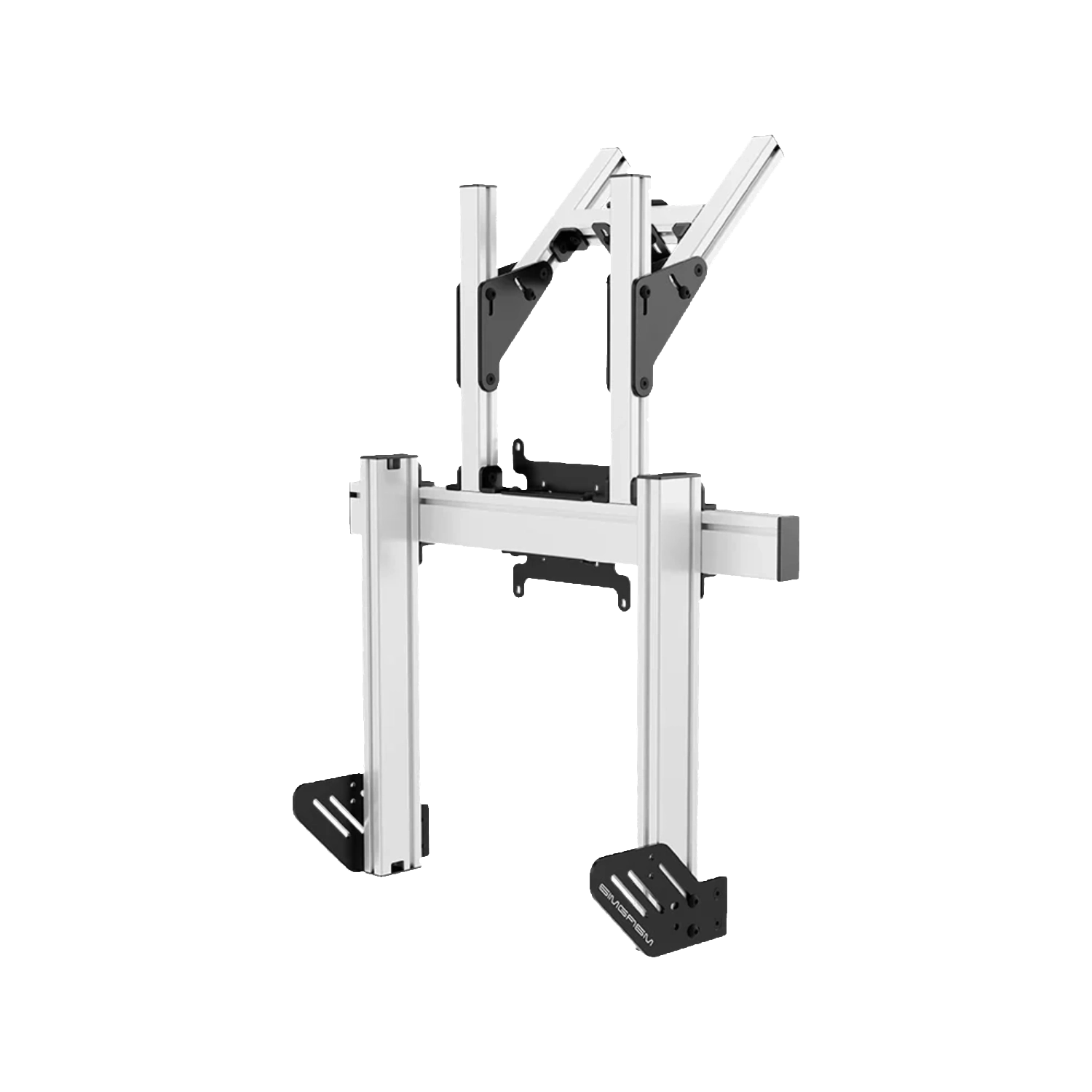
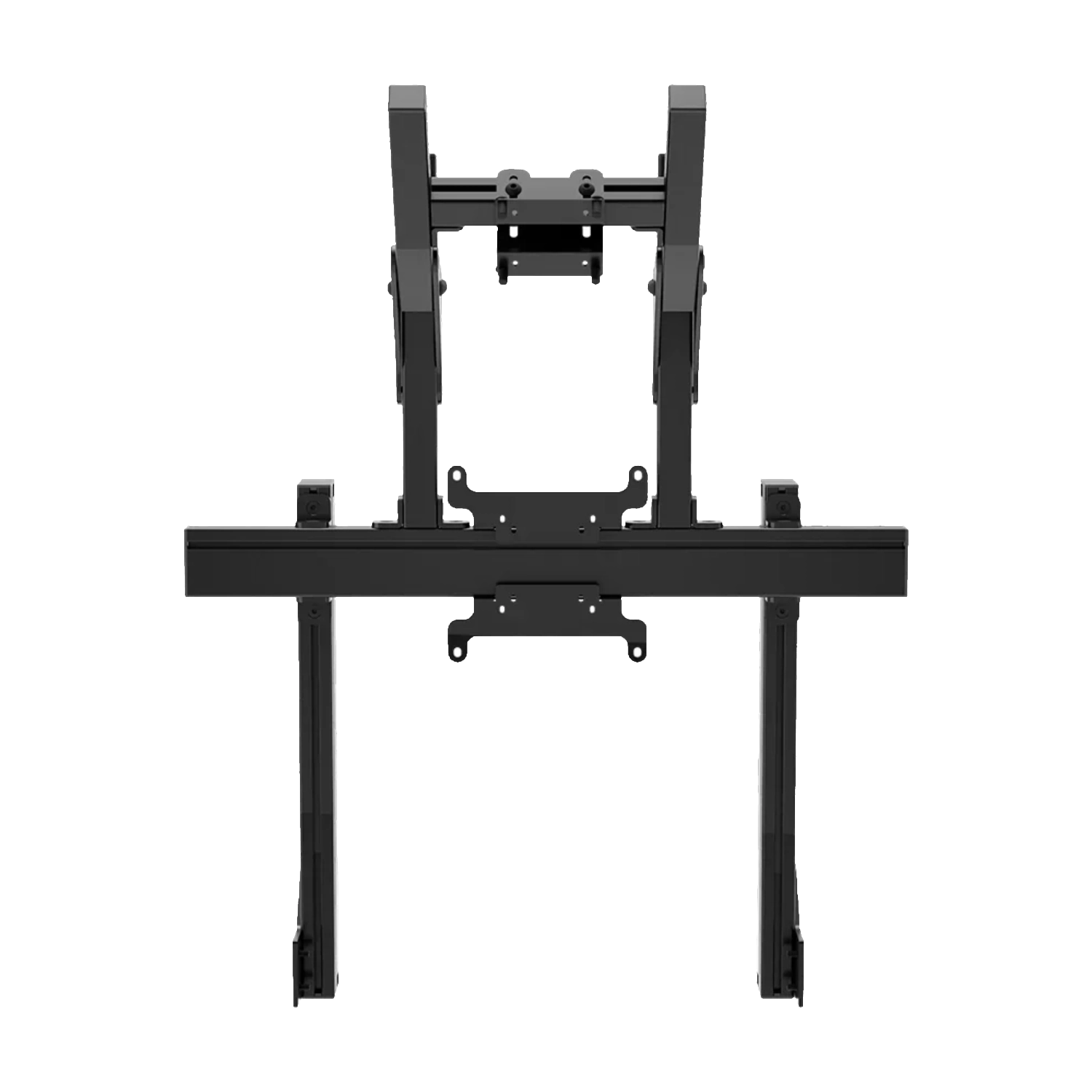
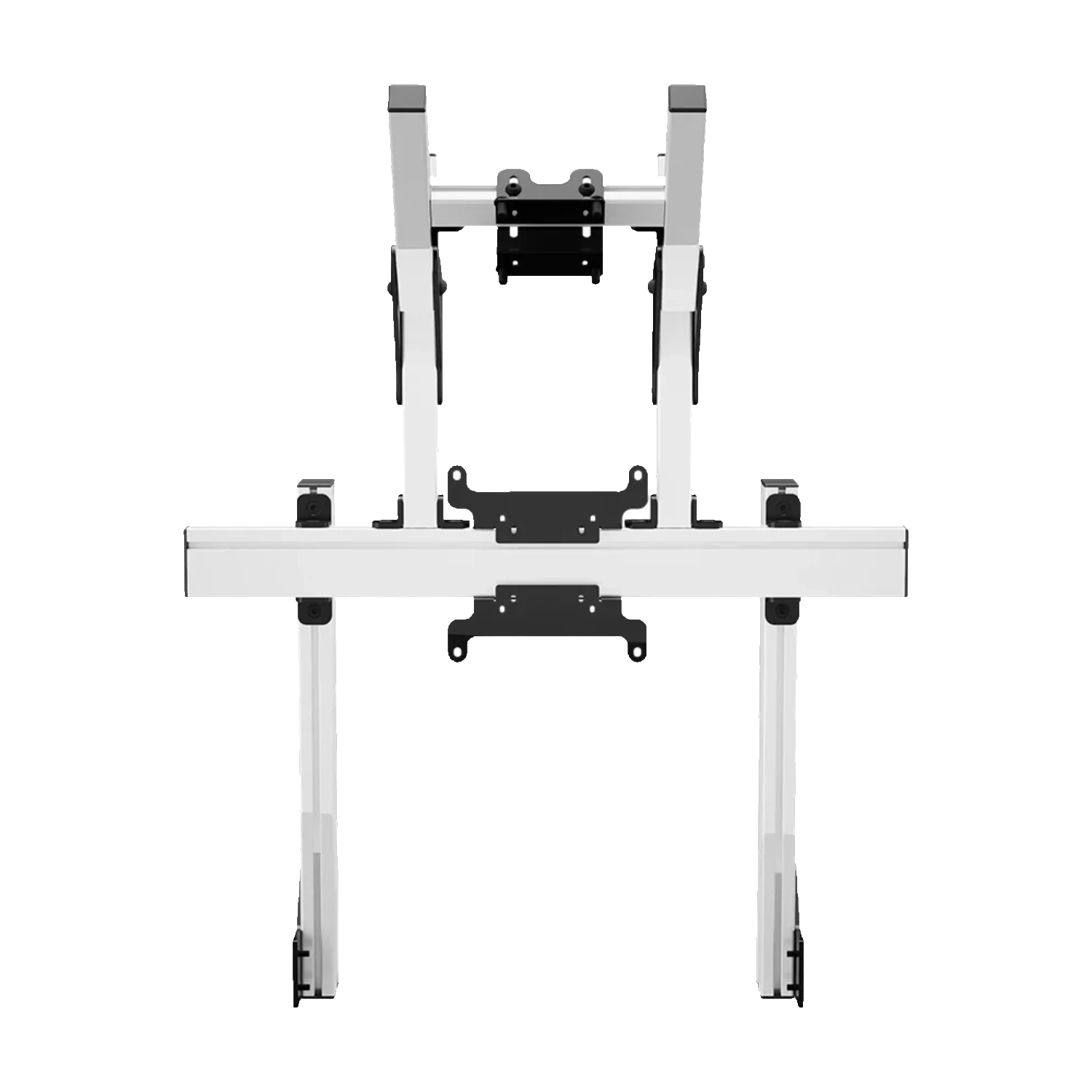
This integrated stand places the main display at eye level and a second screen above it. It uses vertical space rather than the width required by side monitors, which keeps the cockpit footprint controlled.
A vertical configuration is especially useful where wide side arms would take up too much room. The second monitor adds working space but does not turn the main display into a panorama. It suits a driver who wants to keep racing on one central panel while moving supporting data into a separate area above it.
Unlike a side-by-side configuration, both panels remain on the driver's centre line. This uses narrow rooms efficiently and adds another screen without rebuilding the cockpit sides or reducing the walkway beside the rig.
The lower screen remains dedicated to driving, while the upper display can show telemetry, timing, maps, stream controls or supporting applications. Useful information stays visible without occupying the centre of the racing view.
The upper display works best with a consistent role instead of a changing collection of windows. It can become a telemetry dashboard, results board, stream preview or control space for companion applications. Information is easier to find, while the main screen remains focused on driving and close racing.
Set upper-monitor height after opening the application intended for that display. Small telemetry values may require a different distance and angle from a normal desktop image, so adjustment should follow the real use case.
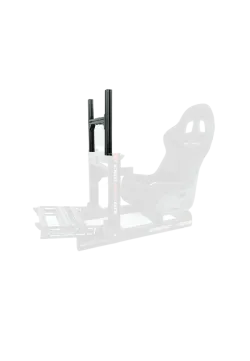
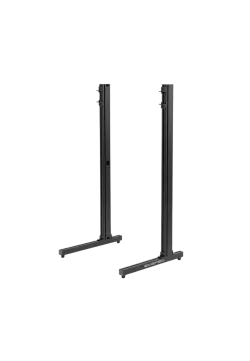
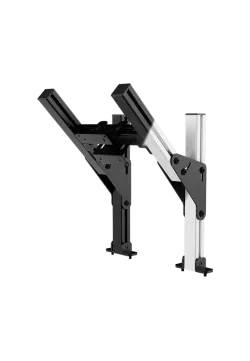
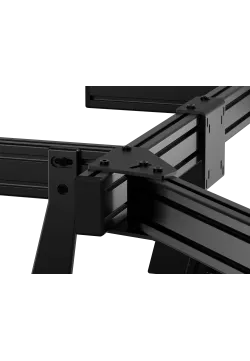
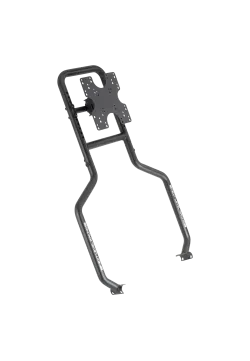
The main frame uses the 40 x 80 mm Apex structure. The upper position is supplied by a lighter Core module, so the two mounting points do not share the same VESA range and must be checked separately.
Combining two profile families has a practical consequence: the lower Apex position offers the broader VESA range, while the Core upper module is intended for common computer monitors. Select each screen for its exact location. A 200 x 200 mm pattern below does not increase the capacity of the bracket above.
Both colour variants share the same functional layout. Black creates a quiet background behind the displays, while white makes the structure more visible and can suit a light cockpit or deliberately contrasting build.
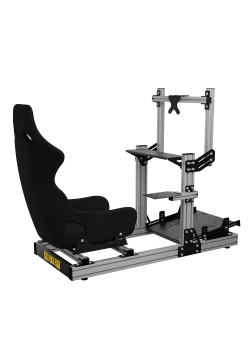
Because the stand attaches to the cockpit, the screen system moves with the rig when its position changes. Check the cockpit connection, both display weights, VESA patterns and cable clearance before assembly.
Leave clearance between monitor casings so they do not press against each other or block rear ports. The upper panel should not force the driver to lift their head repeatedly. Correct height keeps information within a short glance, and cables can follow the profiles without loose loops above the wheel.
For future expansion, compare Simgasm Apex Integrated Monitor Stand, Simgasm Apex Integrated Triple Monitor Stand, Simgasm Apex Integrated Quad Monitor Stand. The wider range is available under monitor stands, with other products listed on the Simgasm brand page.
| Simgasm Apex Integrated Dual Monitor Stand - specifications | |
|---|---|
| Variants | |
| Colour | black or white, selected on one product page |
| Black SKU | MSAI2-BLK |
| White SKU | MSAI2-WIT |
| Construction | |
| Aluminium profile | 40 x 80 mm |
| Mounting components | steel |
| VESA standard | main display: 75 x 75, 100 x 100, 200 x 200 mm; upper display: 75 x 75, 100 x 100 mm |
| Set weight | 15.10 kg |
| Package | |
| Contents | Apex integrated single-monitor support and Core top-monitor module |
| Number of boxes | 2 |
| Box dimensions | 850 x 160 x 120 mm and 450 x 220 x 90 mm |
| Simgasm Apex Integrated Dual Monitor Stand - compatibility | |
|---|---|
| Compatibility and important notes | |
| Colour | Black and white variants share the same technical layout; the selection changes finish and SKU. |
| Main display | VESA 75 x 75, 100 x 100 or 200 x 200 mm. |
| Upper display | VESA 75 x 75 or 100 x 100 mm because the upper position uses a Core module. |
| Layout | Two vertically arranged screens, not two side-by-side displays. |
| Cockpit | Requires compatible cockpit-profile mounting points and a total-load check. |
| Important note | The Apex 200 x 200 mm reference does not apply to the included upper bracket. |
It creates a vertical system with a main screen and an upper display for supporting information.
Yes. Create black SKU MSAI2-BLK and white SKU MSAI2-WIT as colour combinations on one product page. Their technical specification is the same.
The confirmed range is main display: 75 x 75, 100 x 100, 200 x 200 mm; upper display: 75 x 75, 100 x 100 mm. Apex systems using a Core upper module have a separate, smaller VESA range at the top position.
No. Also check weight, casing dimensions, port locations, cable clearance and the permitted load of the complete connection.
There is no single published value that can safely cover every configuration. Full monitor geometry and weight remain part of the compatibility check.
No. This product is part of an integrated system and requires a compatible cockpit or base-module connection.
It saves floor space and keeps screen position tied to the rig. Cockpit vibration may also reach the display, which matters on stronger haptic or motion setups.
Apex integrated single-monitor support and Core top-monitor module. The number of shipping boxes is listed in the specification table.
Yes. The Apex range is modular, but expansion should use compatible parts from the correct family and connection generation, with total load checked.
See the monitor stands category and the Simgasm brand page for related options.
You might also like