Shopping Cart
There are no more items in your cart
 English
  Polski
RECART TV mount MS-GTR MS-GTRx
410.57zł

1,300.00zł
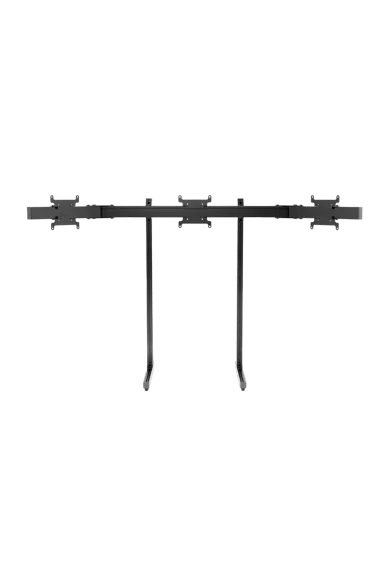
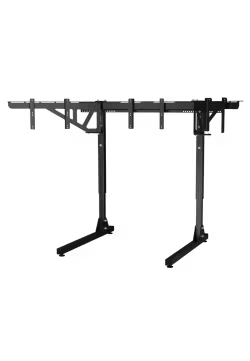
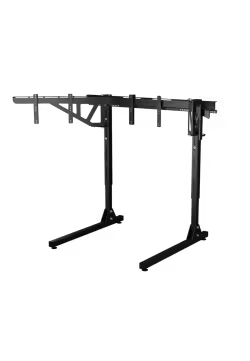
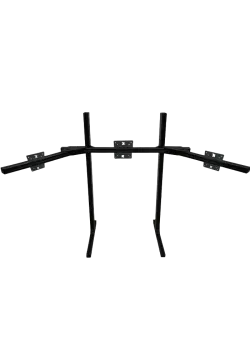
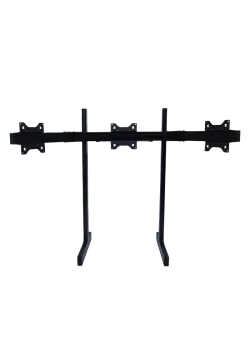
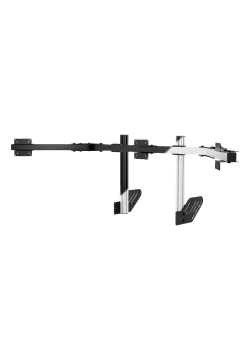
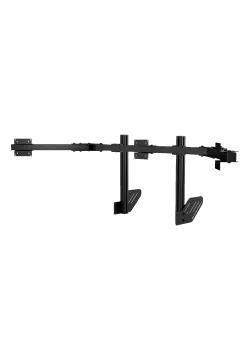
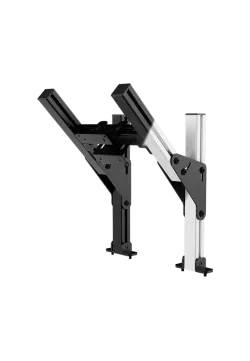
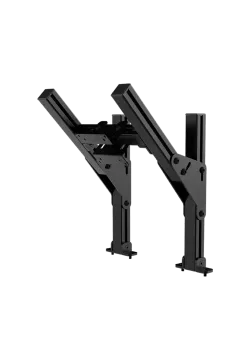
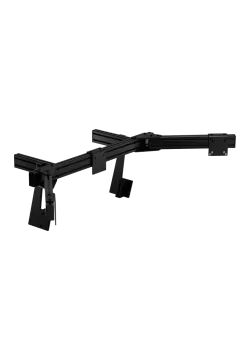
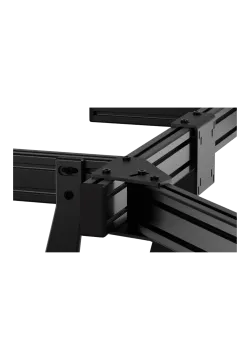
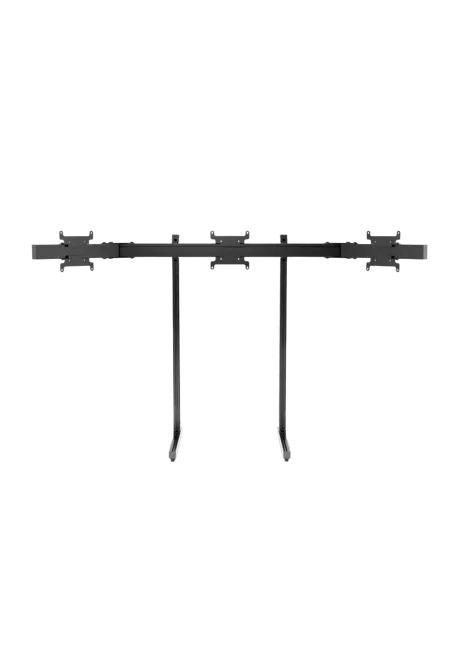
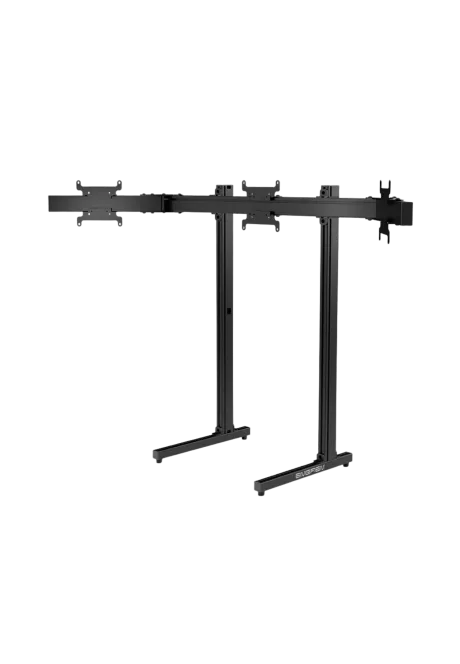
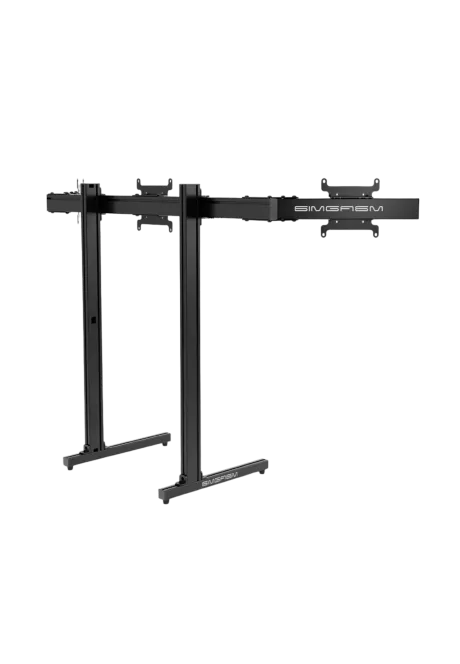
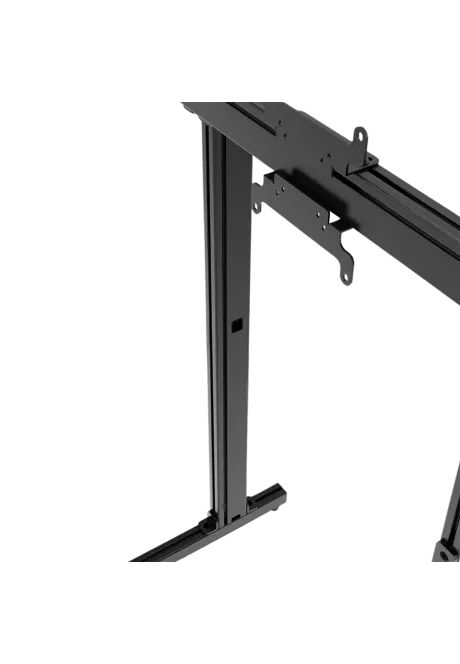
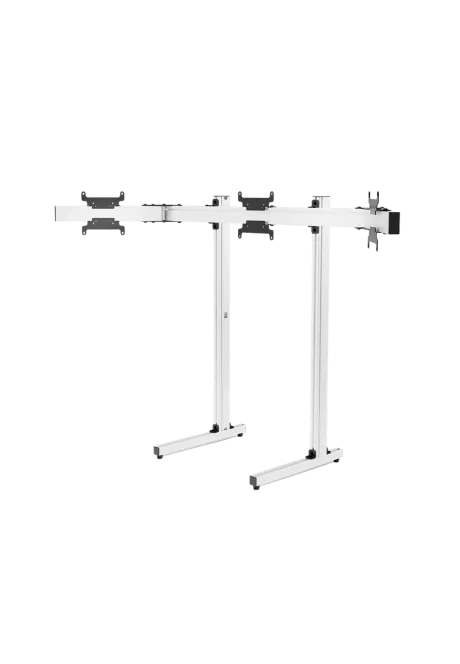
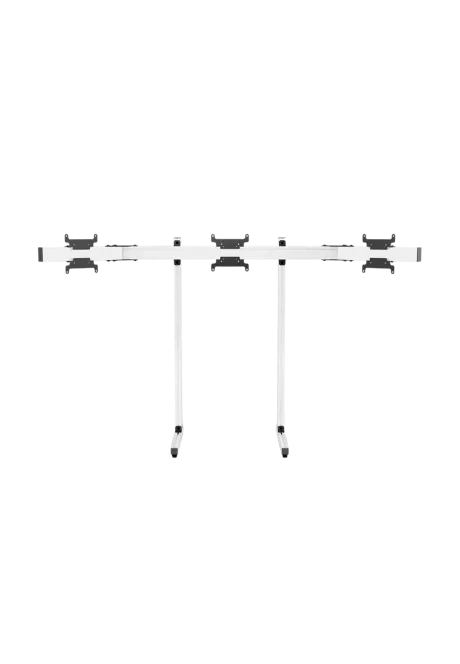
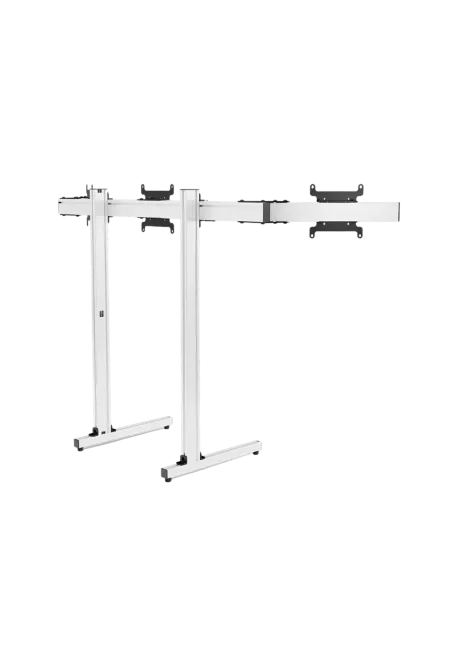
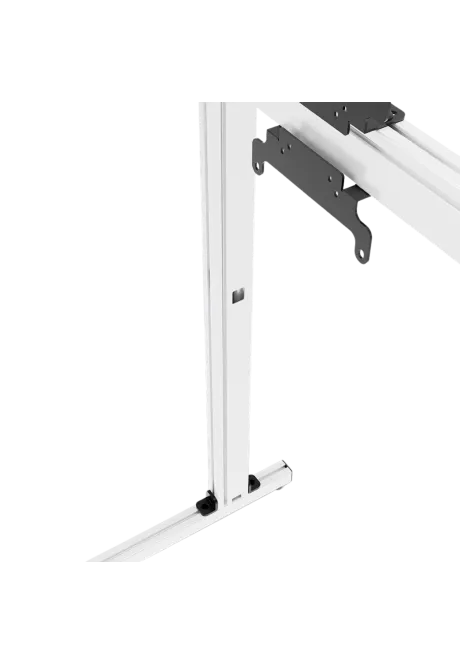
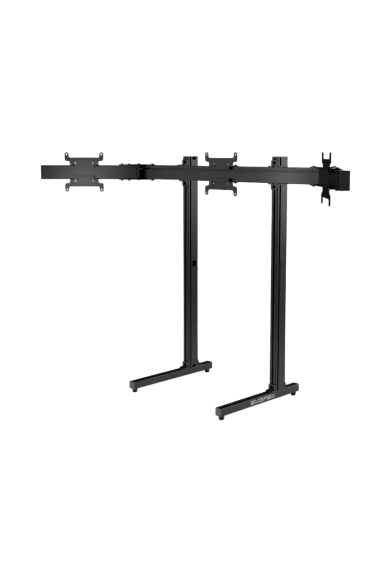
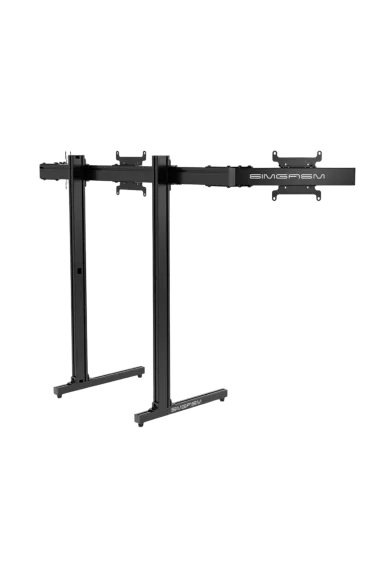
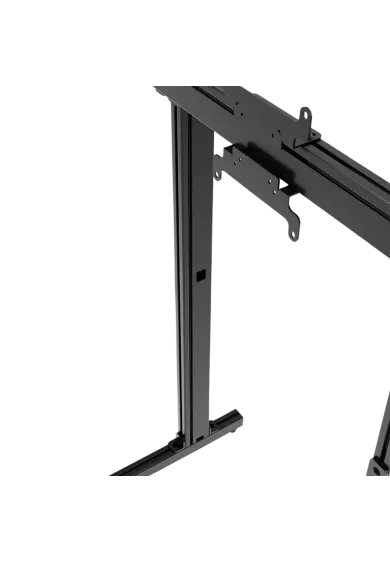
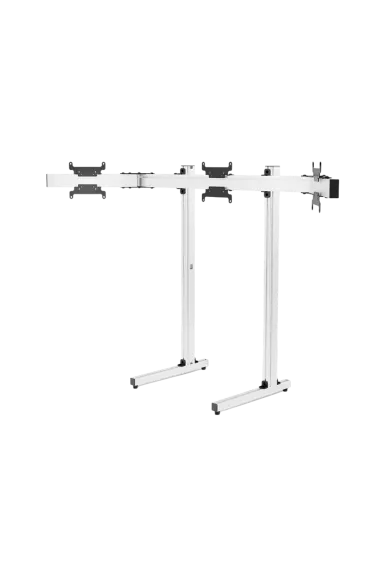
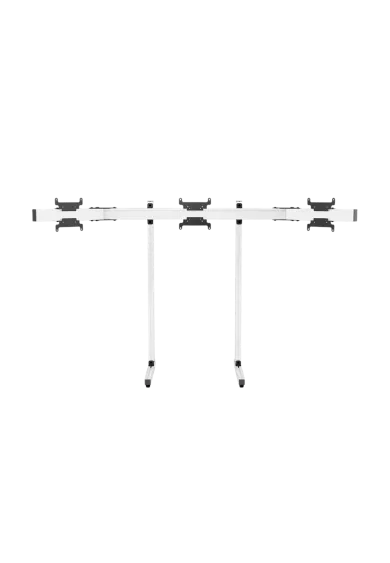
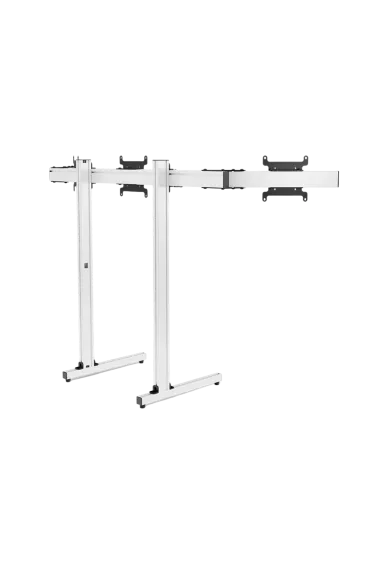
Simgasm Apex Triple Monitor Stand creates a wide viewing layout without attaching three displays to a cockpit or desk. Its 40 x 80 mm aluminium profiles, steel mounting parts and adjustable side arms form a stable 36 kg structure. Choose black MSAS3-BLK or white SG-MSAS3-WIT on the same product page. The stand supports VESA 75 x 75, 100 x 100 and 200 x 200 mm, with adjustable height, width and side-arm angles for precise alignment.

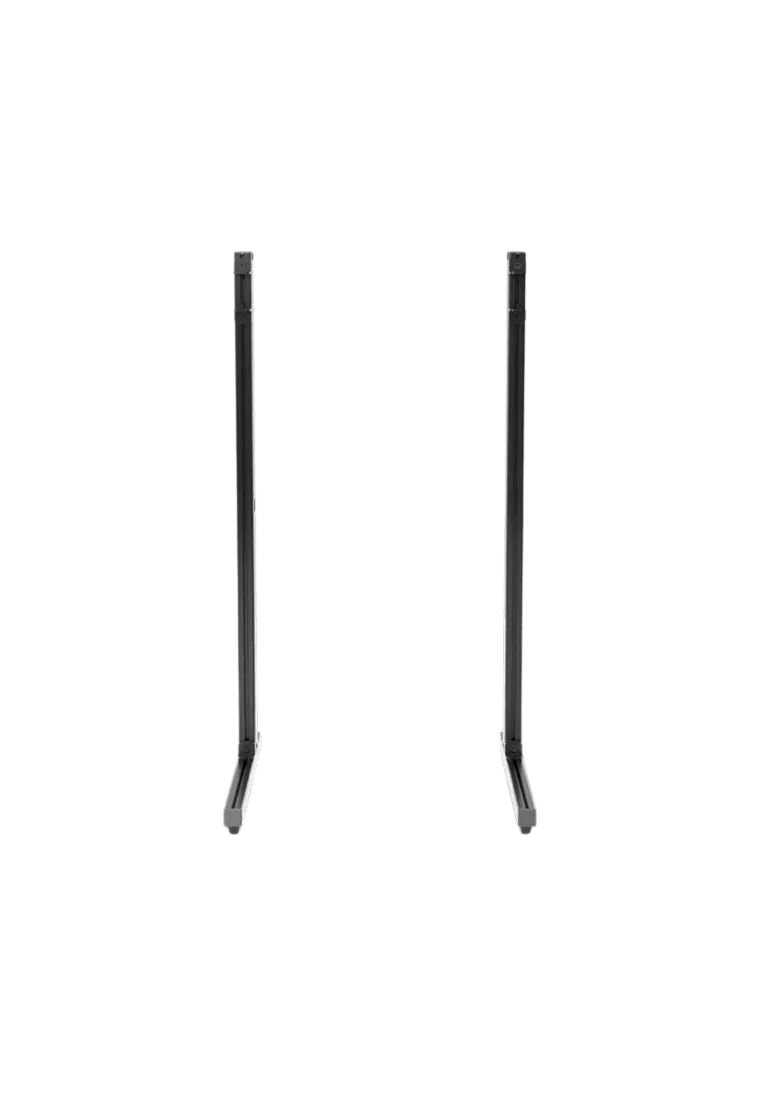
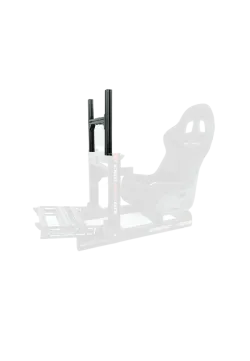
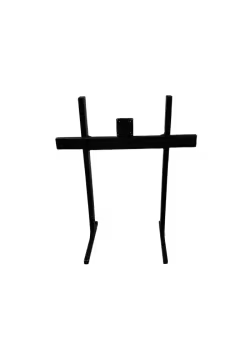
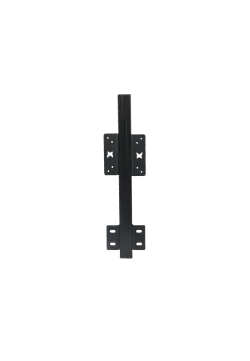
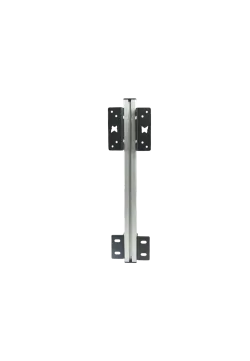
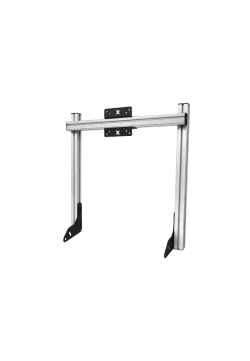
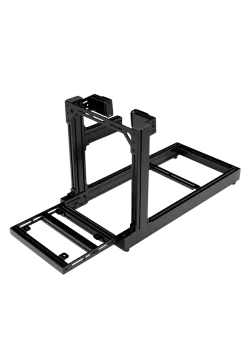
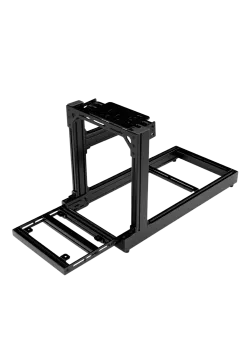
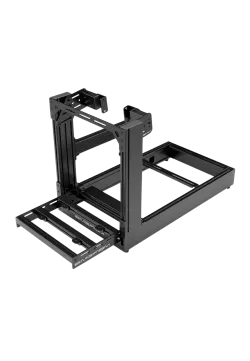
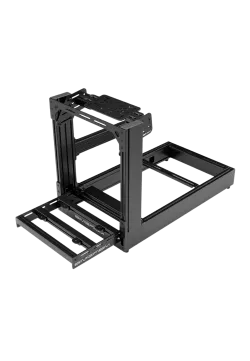
Simgasm Apex Monitor Stand Legs reinforce the lower section of a compatible freestanding Apex display frame. Their 40 x 80 mm aluminium profiles help reduce movement and improve rigidity in wider or heavier multi-monitor layouts. The 13.1 kg kit ships in one 670 x 220 x 110 mm box. Select black MSALS-BLK or white MSALS-WIT on the same product page. This is a reinforcement accessory for an existing stand, not a complete monitor support.
Simgasm Apex Monitor Stand Legs PREORDER
771.55złYou might also like
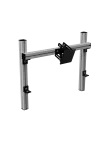
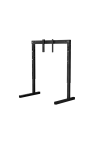





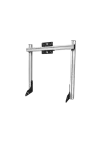
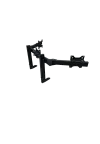
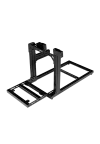
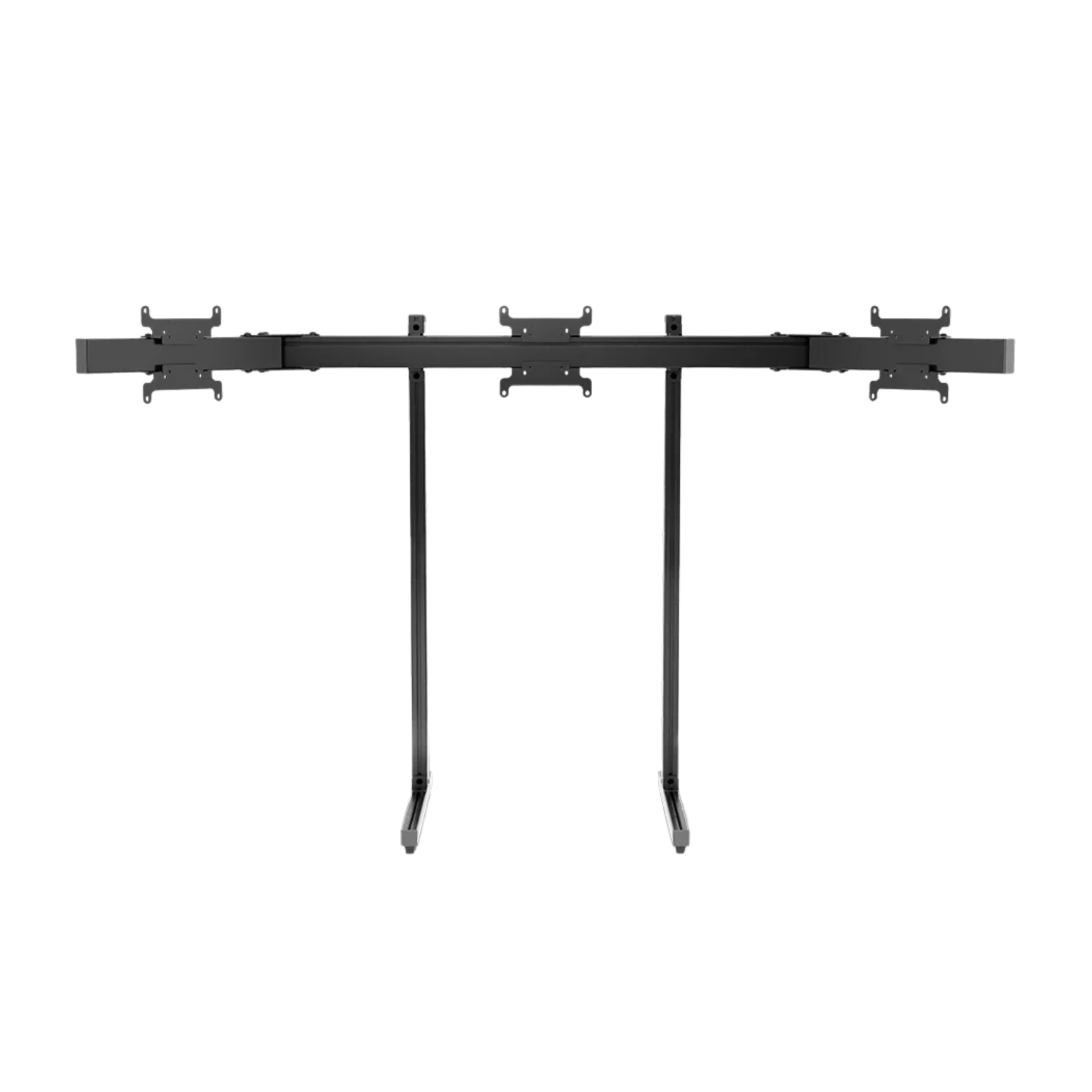
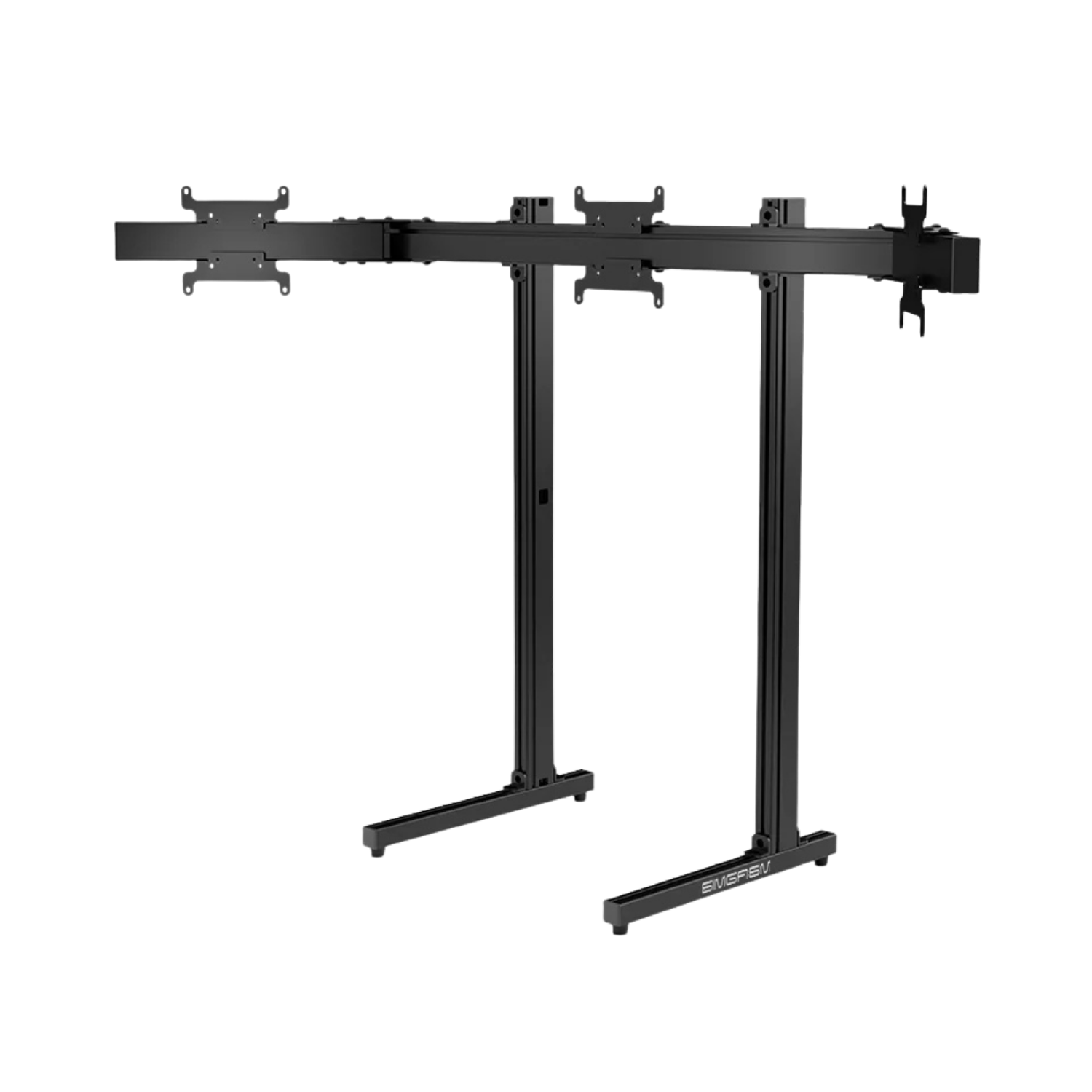
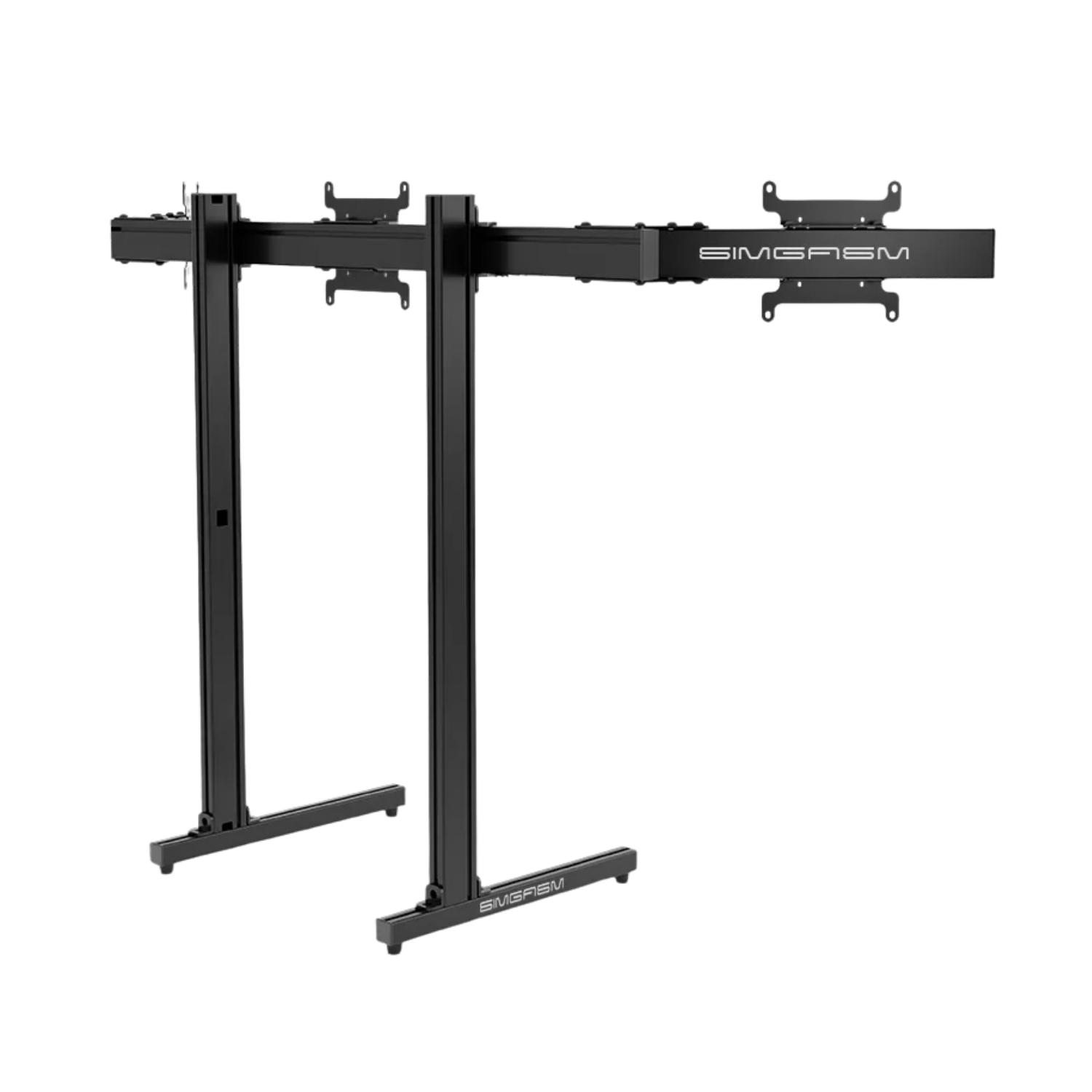
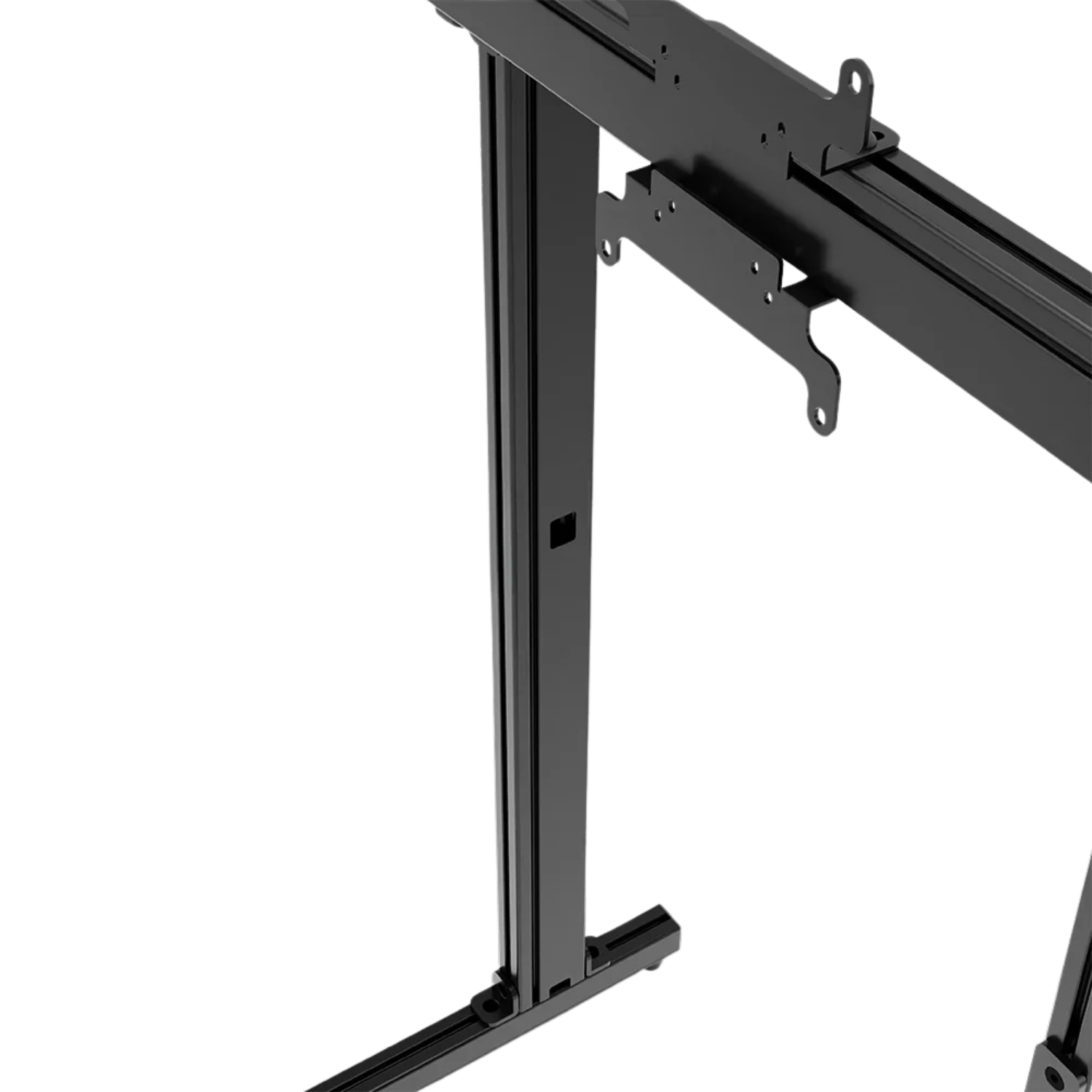
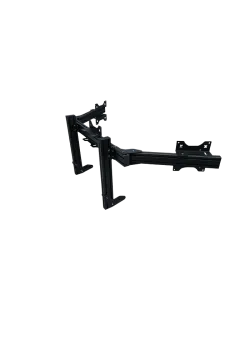
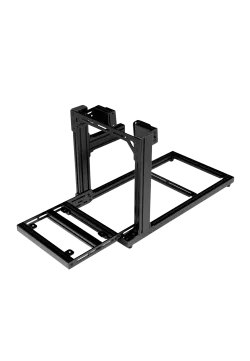
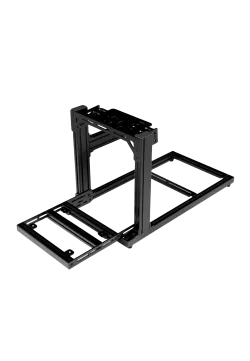
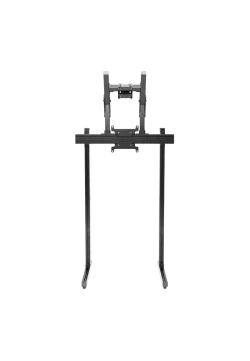
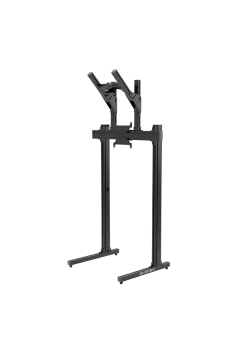
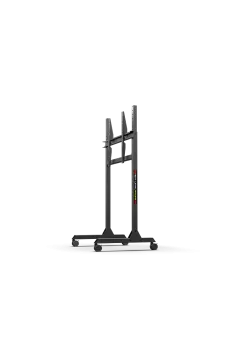
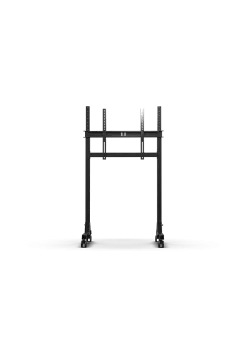
Simgasm Apex Triple Monitor Stand carries one centre display and two side screens on a structure of its own. Because it does not bolt to a desk or cockpit, viewing distance can be adjusted without changing the seat, wheelbase or pedal geometry.
This floor-standing arrangement suits racing simulators, workstations, trading desks and control environments. Installation still requires level flooring and enough room for the base, side arms and display housings. Alternative display supports can be compared under TV and monitor stands.
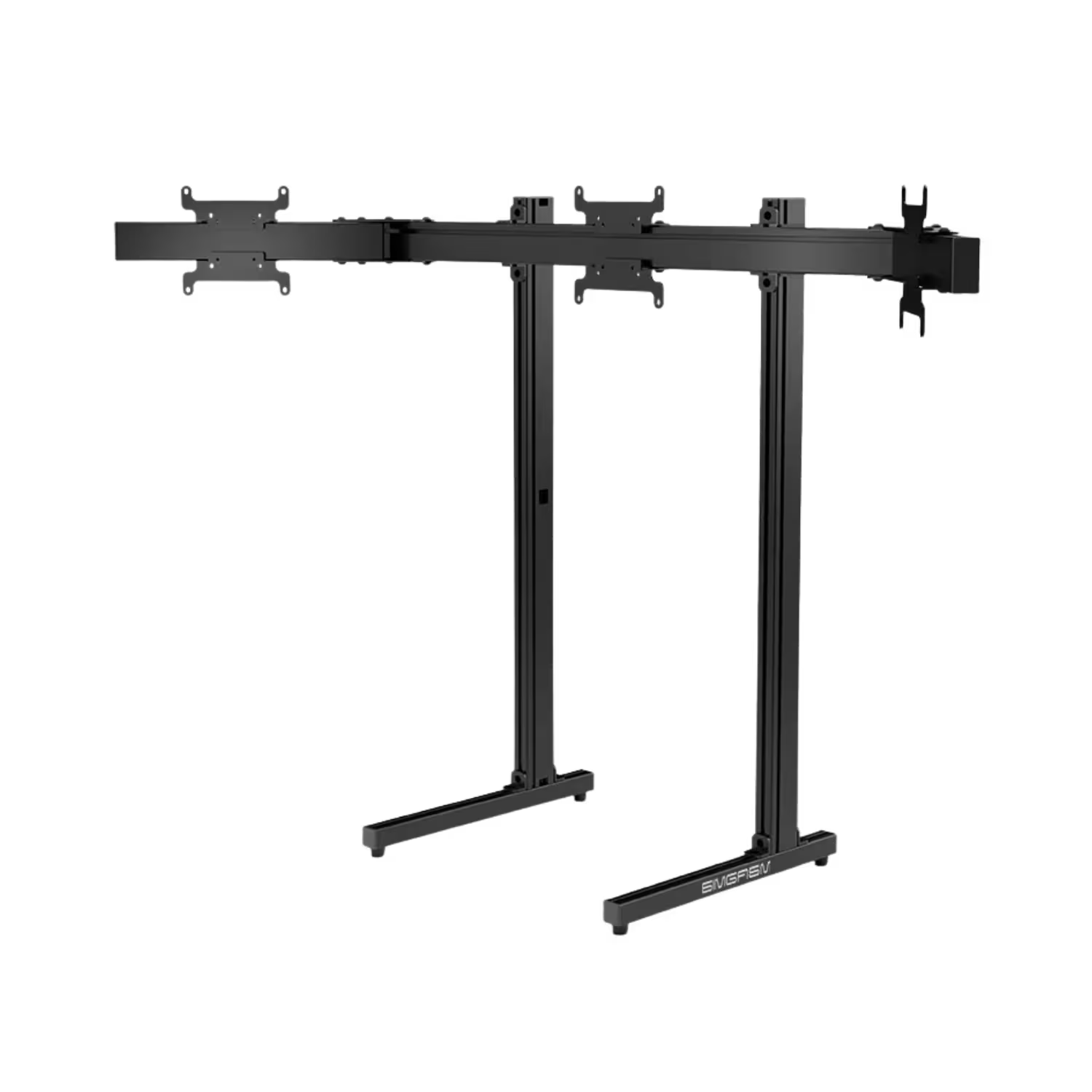
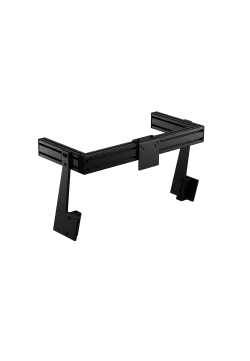
Apex provides adjustment for screen height, total installation width and the angle of both side arms. The outer displays can therefore wrap towards the driver while their inner edges are positioned close to the centre panel. Housing dimensions, VESA location and available room define the final geometry.
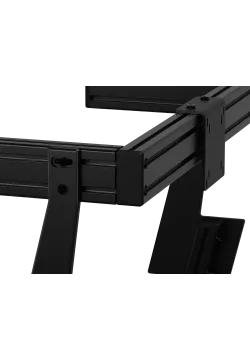
The assembly guide keeps adjustable joints hand-tight during the alignment stage. Final tightening follows only after height, arm angle and screen position have been checked together. A suitable chassis can be selected from the sim racing cockpits category.
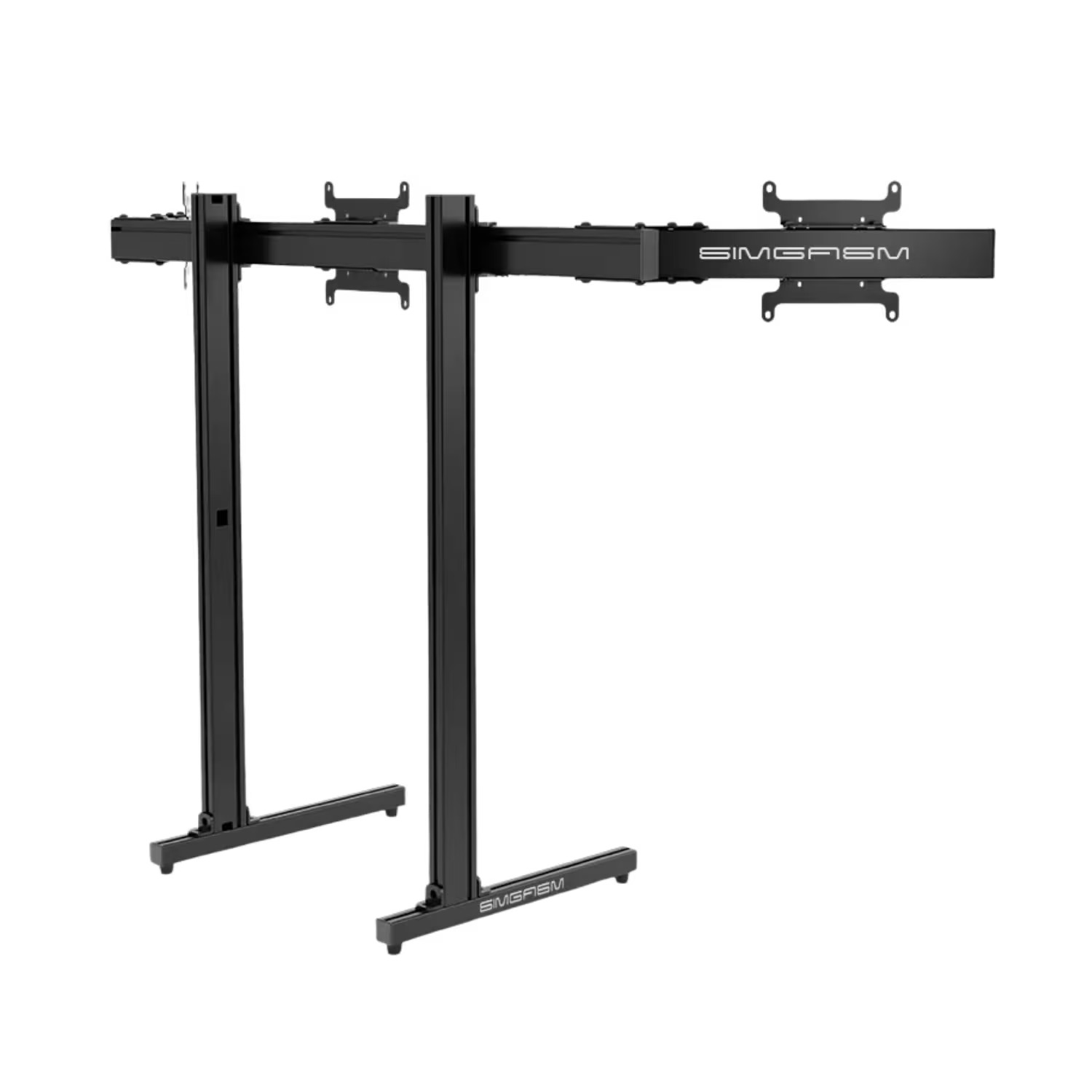
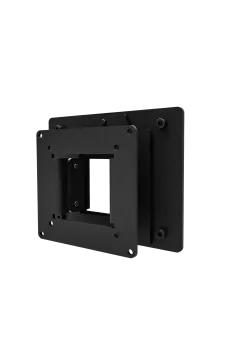
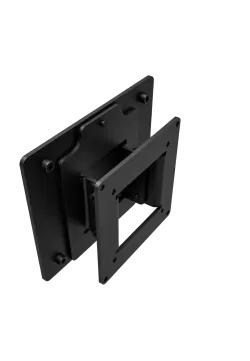
Each display position supports VESA 75 x 75, 100 x 100 and 200 x 200 mm. Check the rear housing of all three monitors before assembly. Similar diagonal sizes do not guarantee matching bolt patterns, mounting heights or connector clearance.
For a centre monitor wider than approximately 97 cm or 43 inches, the manual shows a different long connecting-nut position. This is an assembly instruction, not a published maximum screen size. SIMGASM also does not state a display-weight limit, so heavier monitor combinations require confirmation before installation.
Both combinations use 40 x 80 mm aluminium profiles and steel mounting hardware, with a complete weight of 36 kg. Black MSAS3-BLK and white SG-MSAS3-WIT share the same mechanical specification and differ in finish. Each kit joins the centre stand to a matching pair of side arms.
The parts arrive in two boxes measuring 850 x 260 x 110 mm and 630 x 150 x 130 mm. Assembly proceeds from the base towards the VESA brackets, with final alignment and tightening completed after the monitors reach their intended positions. More components are listed on the SIMGASM brand page.
| Technical specification - Simgasm Apex Triple Monitor Stand | |
|---|---|
| Construction | |
| Product type | Freestanding triple monitor stand |
| Black variant | MSAS3-BLK |
| White variant | SG-MSAS3-WIT |
| Colour | Black or white, depending on the selected combination |
| Main material | Aluminium |
| Mounting hardware | Steel parts for increased joint rigidity |
| Profile size | 40 x 80 mm |
| Complete weight | 36 kg |
| Displays and adjustment | |
| Number of displays | Up to 3 |
| VESA patterns | 75 x 75 mm, 100 x 100 mm, 200 x 200 mm |
| Height adjustment | Yes |
| Width adjustment | Yes |
| Side-arm angle adjustment | Yes |
| Maximum display size | Not stated on the verified product page |
| Maximum display weight | Not stated on the verified product page |
| Centre-screen assembly note | Above approximately 97 cm or 43 inches wide, the guide shows an alternative long connecting-nut position |
| Kit and packaging | |
| Kit modules | Apex single-monitor floor stand and matching two-side-arm kit |
| Number of boxes | 2 |
| Centre-stand box | 850 x 260 x 110 mm |
| Side-arm box | 630 x 150 x 130 mm |
| Assembly sequence | Base to VESA brackets, followed by final alignment and tightening after display positioning |
| Simgasm Apex Triple Monitor Stand - compatibility | ||
|---|---|---|
| Standard or setup | Compatible products and uses | Important note |
| VESA 75 x 75 mm | Up to three monitors with four mounting holes in a 75 x 75 mm pattern. | For this pattern, the guide recommends attaching the VESA plate to the display before fitting it to the profile. |
| VESA 100 x 100 mm | Monitors with a 100 x 100 mm rear pattern. | Check every screen separately. Similar diagonal sizes do not guarantee identical VESA layouts. |
| VESA 200 x 200 mm | Larger monitors and selected displays using a 200 x 200 mm pattern. | Confirm each display's weight before installation because no stand load limit is published. |
| Centre display above approximately 97 cm wide | A centre screen wider than approximately 97 cm or 43 inches when VESA and weight remain suitable. | The guide uses a different long connecting-nut position. This is not a confirmed maximum diagonal size. |
| SIMGASM Hobby cockpits | Hobby Black, Hobby Blue, Hobby Green, Hobby White and Hobby Silver. | The stand does not use Hobby profiles. Allow room for its base and the complete three-screen width. |
| SIMGASM Club cockpits | Club Black, Club Silver and Club White. | Compatibility comes from the separate floor structure. The monitors are not bolted to the Club frame. |
| SIMGASM Sport cockpits | Sport Black, Sport Silver and Sport White. | The floor stand keeps screen positioning separate from the Sport chassis and a future motion upgrade. |
| SIMGASM Pro cockpits | Pro Black, Pro Silver and Pro White. | Apex does not need to attach to Pro profiles. Keep safe clearance around a moving chassis when motion is used. |
| Other cockpits, desks and workstations | Setups with level flooring and enough room for the base, side arms and three display housings. | Spatial compatibility does not confirm VESA load capacity. Display weights must be checked separately. |
```
It is a floor-standing frame for one centre display and two side monitors. The same product page contains black MSAS3-BLK and white SG-MSAS3-WIT combinations.
No. Apex rests on its own floor base, allowing screen position to be adjusted separately from the seat, steering and pedal geometry.
Confirmed patterns are 75 x 75, 100 x 100 and 200 x 200 mm. Check the rear mounting holes of all three monitors individually.
SIMGASM does not make this a requirement, although matching size, resolution, housing height and VESA placement simplify physical and visual alignment.
The verified page does not state a maximum diagonal. The manual only changes the connector position for a centre screen wider than approximately 97 cm or 43 inches.
No maximum weight per monitor or for the three-screen set is listed. Confirm this value before fitting particularly heavy displays.
Display height, complete layout width and both side-arm angles are adjustable, allowing the outer screens to wrap towards the viewing position.
Yes. Black MSAS3-BLK and white SG-MSAS3-WIT combine the centre stand with the matching Apex side-arm set. Each complete kit is packed in two boxes.
Keep adjustable joints hand-tight initially, set the height, width and arm angles, then complete final tightening only after checking all three screen positions.
It can sit beside SIMGASM Hobby, Club, Sport and Pro models or other frames when the floor and available space are suitable. Current options are listed under sim racing cockpits.
```
You might also like