Shopping Cart
There are no more items in your cart
 English
  Polski
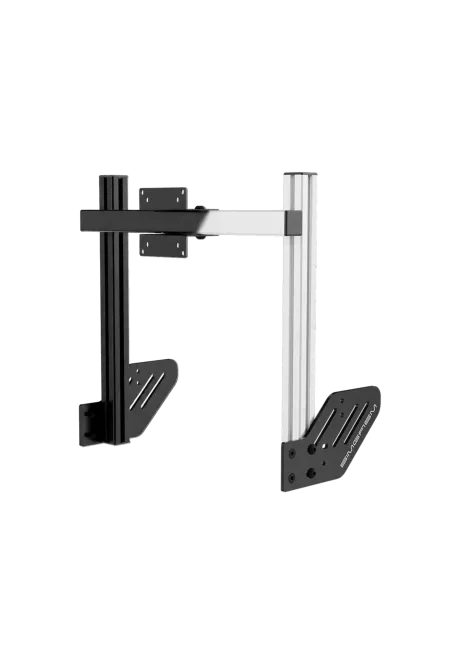
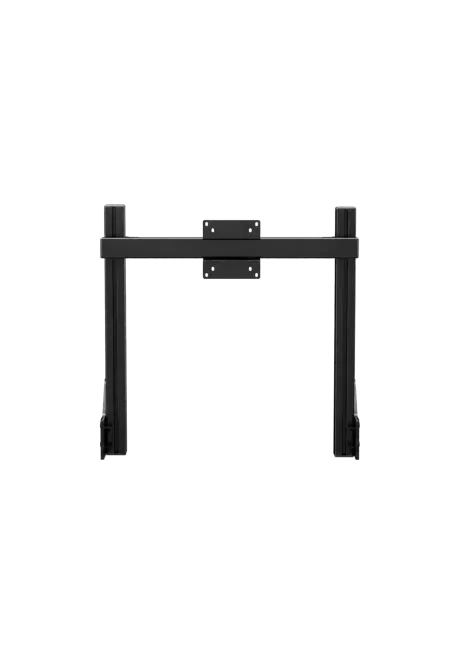
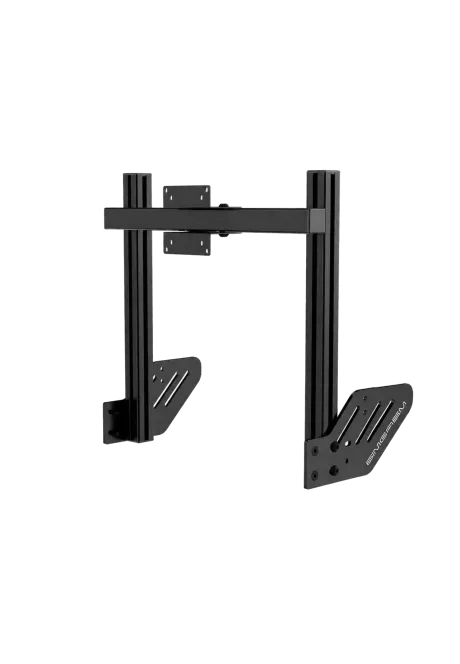
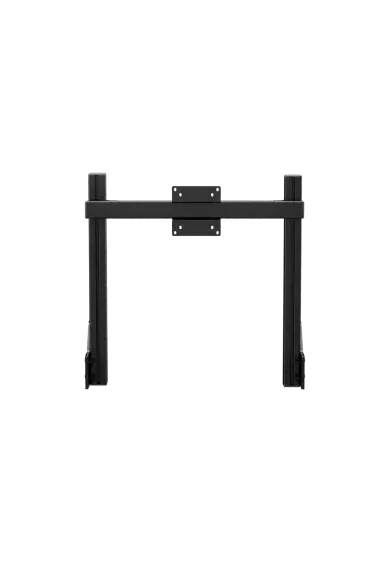
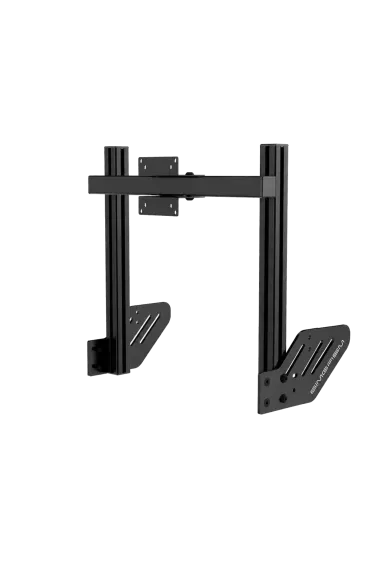
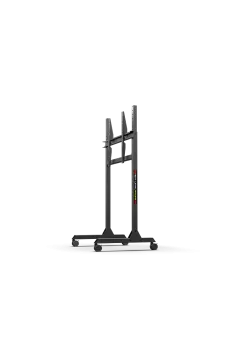
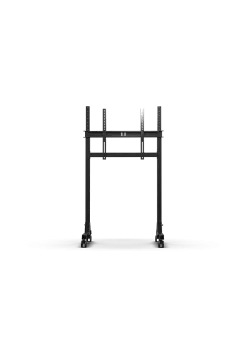
RECART TV mount MS-GTR MS-GTRx
410.57zł

486.99zł
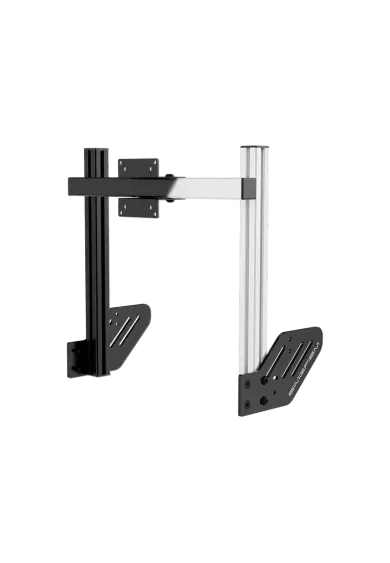
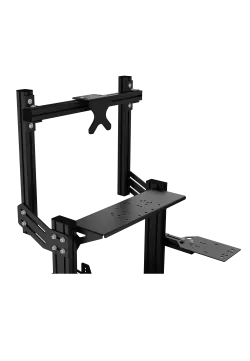
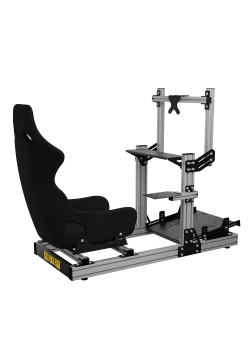
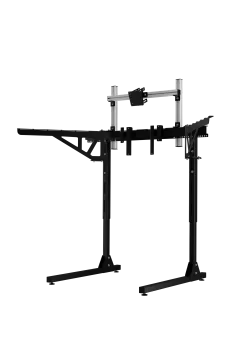
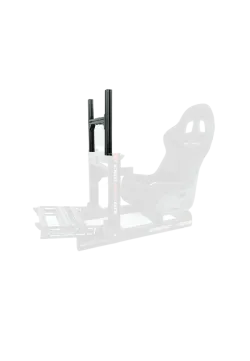
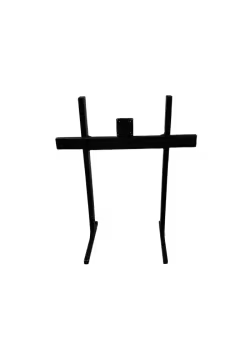
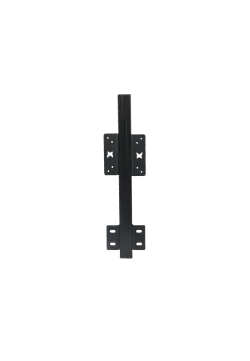
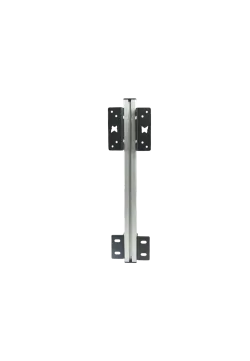
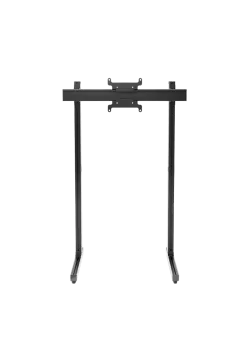
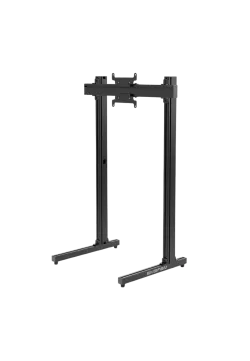
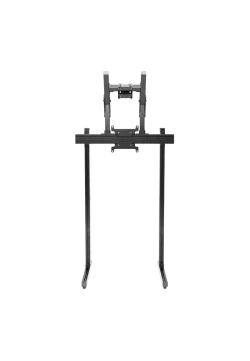
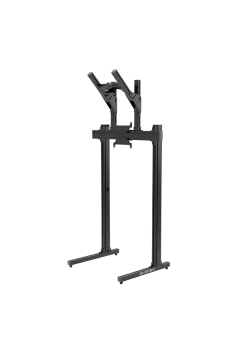
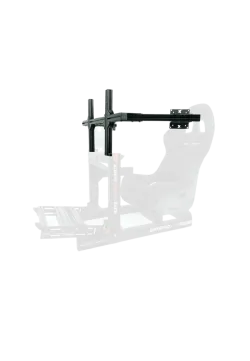
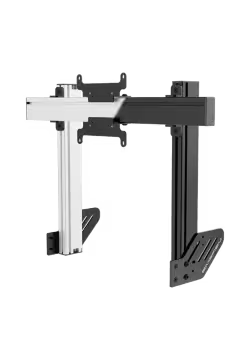
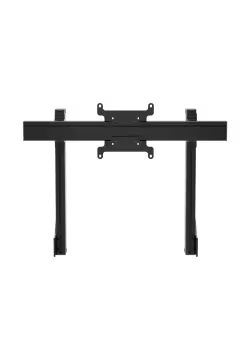
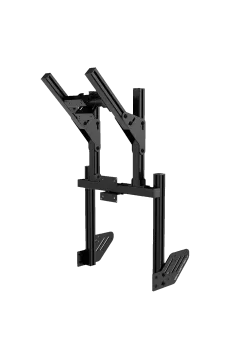
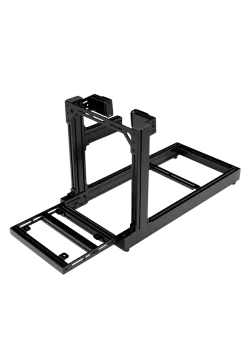
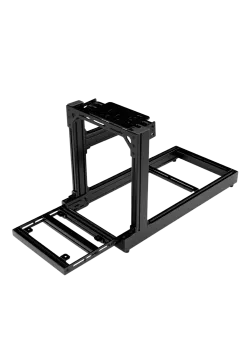
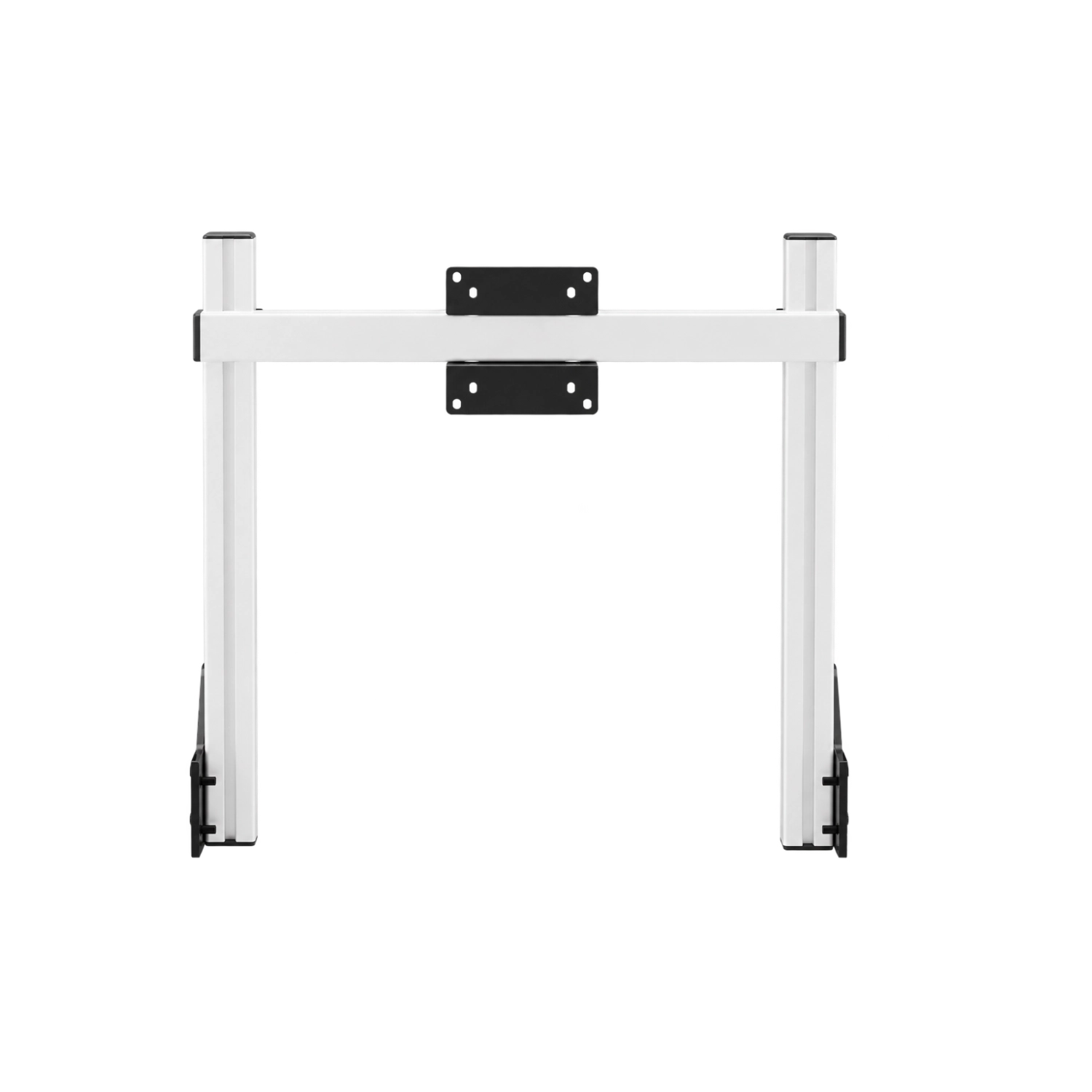
Simgasm Core Integrated Monitor Stand attaches one screen directly to the cockpit, clearing the floor and bringing the image closer to the wheel. Its 40 x 40 mm profile structure supports VESA 75 x 75, 100 x 100 mm. Black and white are offered as variants on one product page. Adjustment simplifies screen positioning. Installation remains organised. The profile structure helps preserve alignment. Check the monitor weight before ordering.
You might also like













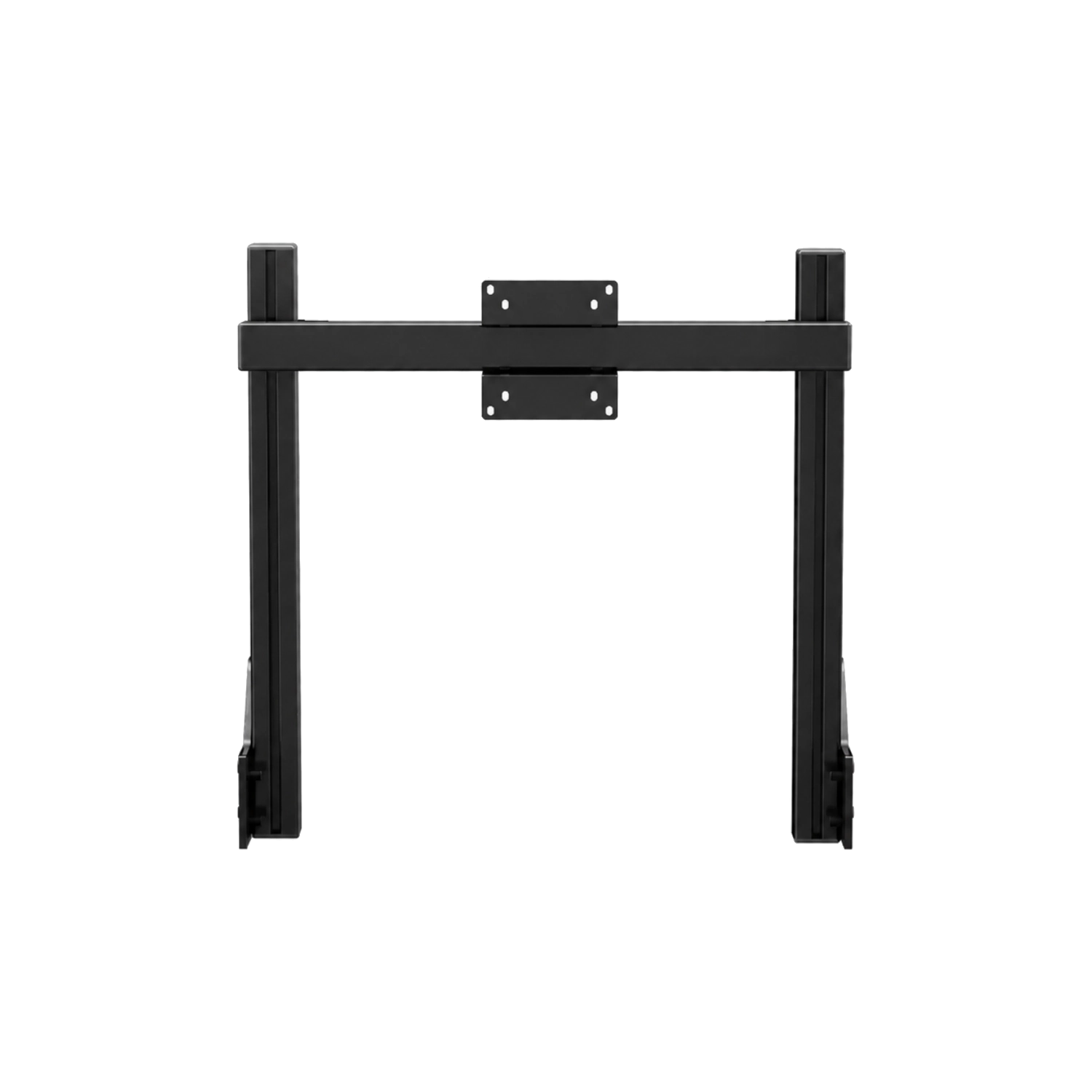
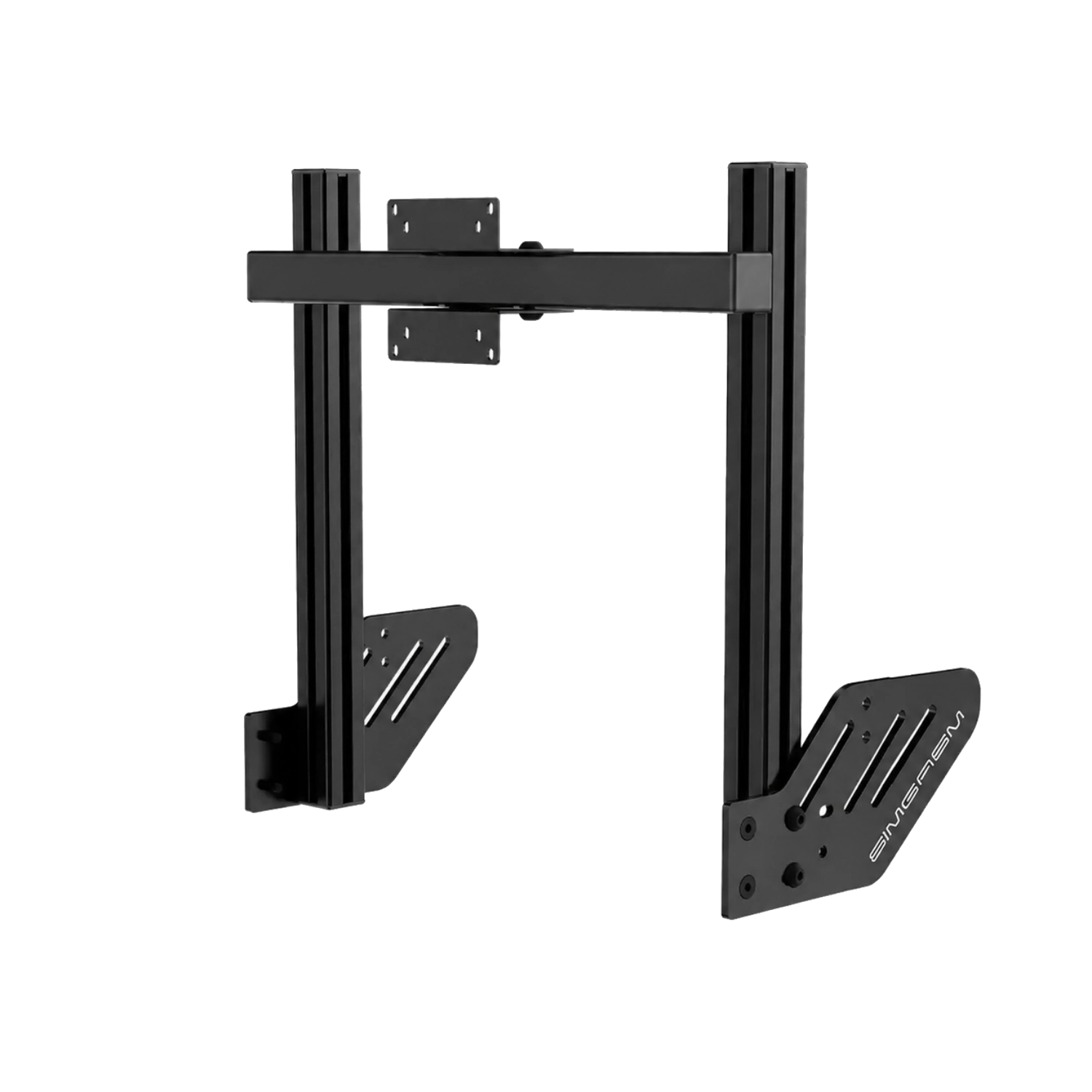
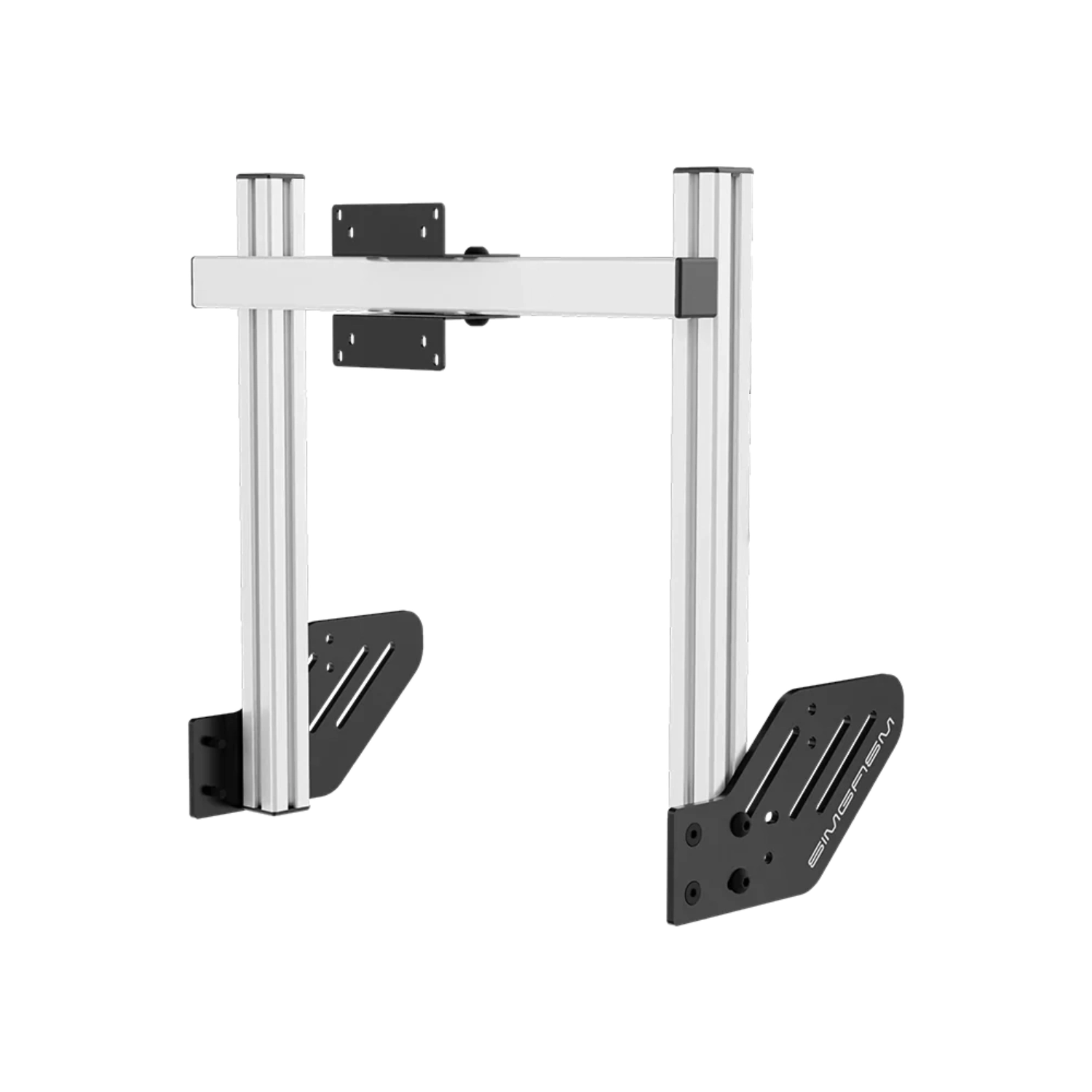
The Core single stand replaces an improvised desk or separate floor support. It connects to the cockpit, allowing the monitor to sit closer to the wheel while leaving the area behind the rig uncluttered.
This is a sensible choice for a driver improving ergonomics without immediately moving to several screens. The monitor can sit closer to the wheel, occupying more of the visual field at the same diagonal size. Correct distance also supports a more natural in-game field of view when the simulator accepts accurate measurements.
In practice, fewer separate parts occupy the room and the area around the cockpit is easier to keep organised. A single display remains simple to operate, while its position can be refined more accurately than with an improvised desk placement.
Height and position adjustment place the centre of the image around the driver's eye line. Once aligned, the display remains part of the rig and does not need to be measured again before every session.
Connecting the display to the cockpit helps preserve an established position. If seat height or wheel-deck angle changes, the monitor can be adjusted again along the profiles. Integrated mounting does not isolate vibration, so rigs with additional haptic equipment should be observed and the connections checked periodically.
Evaluate the final position while seated in the cockpit. Image centre, eye distance and clearance above the wheel base influence comfort more than the appearance of the structure when viewed from outside the rig.
The 40 x 40 mm profiles create a compact structure weighing 5.5 kg. Its bracket supports VESA 75 x 75 and 100 x 100 mm, standards commonly found on monitors selected for sim racing.
The compact structure suits common computer monitors using VESA 75 x 75 or 100 x 100 mm. Diagonal size cannot confirm installation by itself. Displays with the same nominal size can differ in weight, casing depth and port placement, all of which affect access during assembly.
Choosing black or white does not change stand function, but it helps match the cockpit profiles, seat and surrounding accessories. Both variants use the same geometry and confirmed mounting specification.
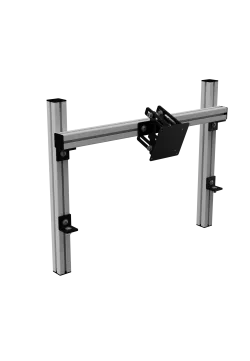
The modular Core family lets a user begin sensibly with one display. Compatible side arms or an upper module can be added later as needs change, without redesigning the entire space around the cockpit.
A single monitor makes it easier to refine the basic cockpit geometry. Start with the seat and wheel, set image height and distance next, then route the cables. If a panorama or dedicated data screen becomes useful later, the Core system retains an upgrade path through compatible modules.
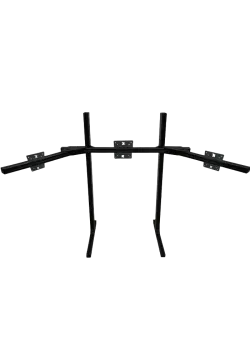
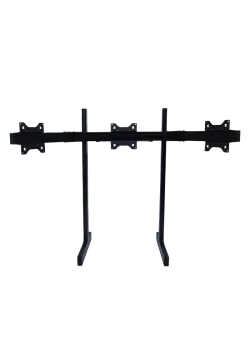
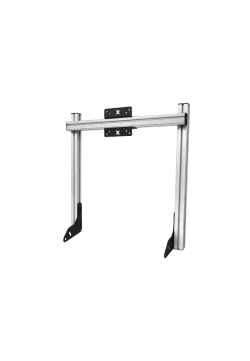
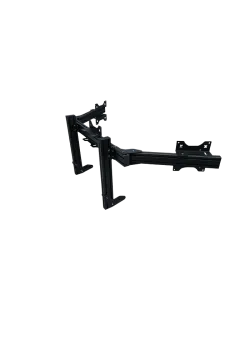
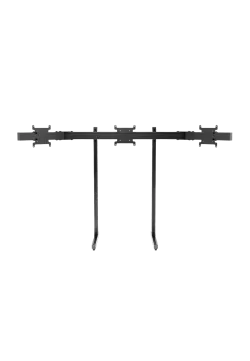
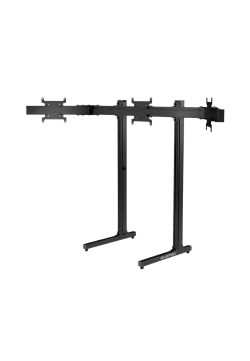
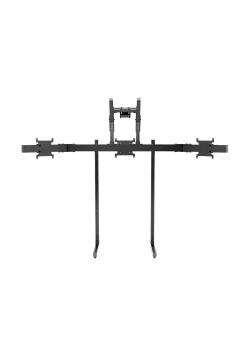
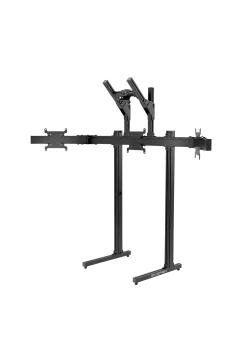
For future expansion, compare Simgasm Core Monitor Stand Side Arms, Simgasm Core Integrated Dual Monitor Stand, Simgasm Core Integrated Triple Monitor Stand. The wider range is available under monitor stands, with other products listed on the Simgasm brand page.
| Simgasm Core Integrated Monitor Stand - specifications | |
|---|---|
| Variants | |
| Colour | black or white, selected on one product page |
| Black SKU | MSCI1-BLK |
| White SKU | MSCI1-WIT |
| Construction | |
| Aluminium profile | 40 x 40 mm |
| Mounting components | steel |
| VESA standard | 75 x 75, 100 x 100 mm |
| Set weight | 5.50 kg |
| Package | |
| Contents | Core integrated single-monitor structure with VESA bracket and mounting hardware |
| Number of boxes | 1 |
| Box dimensions | 530 x 170 x 100 mm |
| Simgasm Core Integrated Monitor Stand - compatibility | |
|---|---|
| Compatibility and important notes | |
| Colour | Black and white variants share the same technical layout; the selection changes finish and SKU. |
| Display | Requires VESA 75 x 75, 100 x 100 mm; weight, casing and connector clearance must also be checked. |
| Cockpit | Compatible profile mounting points are required. An aluminium rig description alone does not confirm fit. |
| Expansion | The system can grow within the Core family using compatible side arms or an upper module. |
| Important note | Maximum diagonal and load are not published. Verify the exact display before ordering. |
It mounts one display directly to the cockpit and lets the screen follow the driver's position.
Yes. Create black SKU MSCI1-BLK and white SKU MSCI1-WIT as colour combinations on one product page. Their technical specification is the same.
The confirmed range is 75 x 75, 100 x 100 mm. Apex systems using a Core upper module have a separate, smaller VESA range at the top position.
No. Also check weight, casing dimensions, port locations, cable clearance and the permitted load of the complete connection.
There is no single published value that can safely cover every configuration. Full monitor geometry and weight remain part of the compatibility check.
No. This product is part of an integrated system and requires a compatible cockpit or base-module connection.
It saves floor space and keeps screen position tied to the rig. Cockpit vibration may also reach the display, which matters on stronger haptic or motion setups.
Core integrated single-monitor structure with VESA bracket and mounting hardware. The number of shipping boxes is listed in the specification table.
Yes. The Core range is modular, but expansion should use compatible parts from the correct family and connection generation, with total load checked.
See the monitor stands category and the Simgasm brand page for related options.
You might also like