Shopping Cart
There are no more items in your cart
 English
  Polski



RECART TV mount MS-GTR MS-GTRx
410.57zł

771.54zł
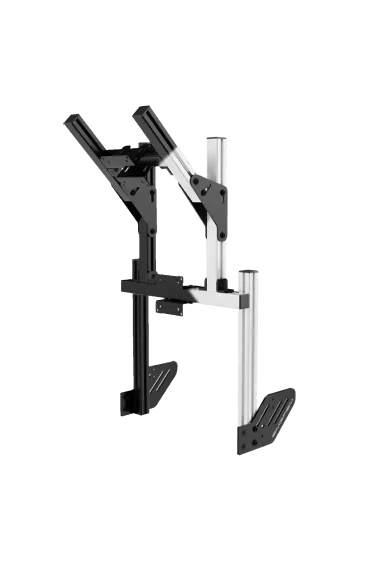
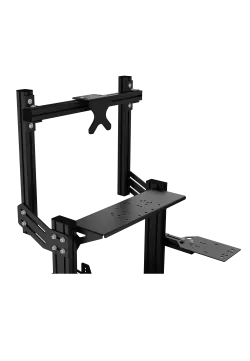
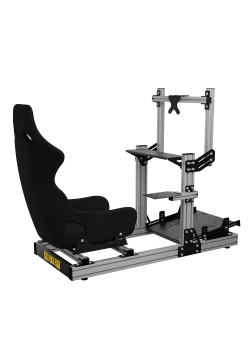
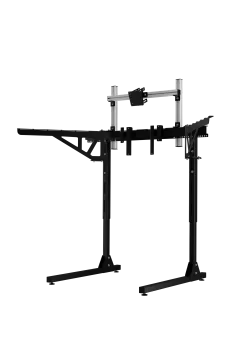
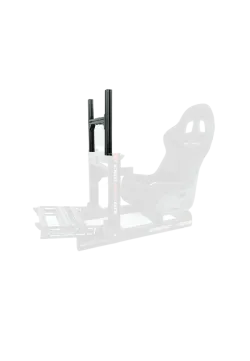
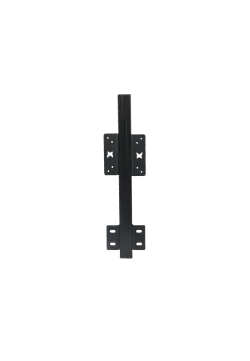
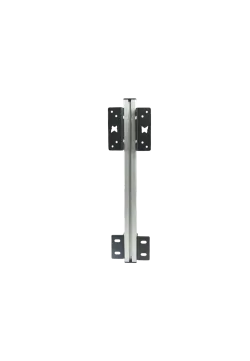
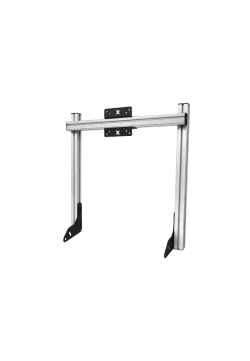
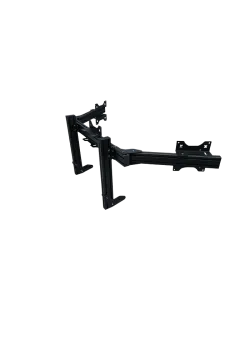
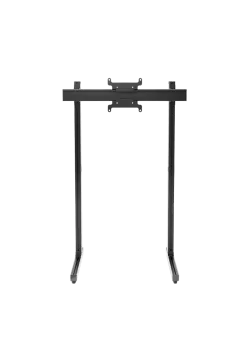
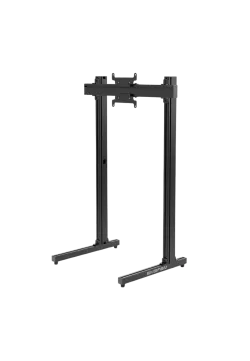
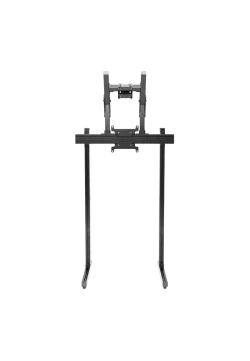
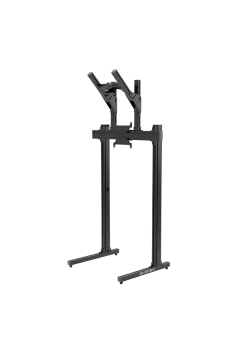
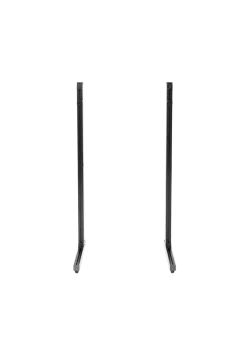
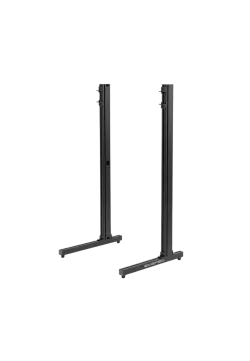
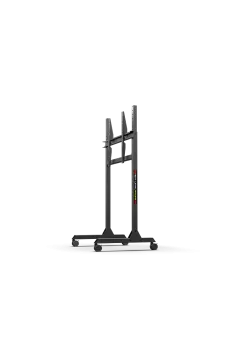
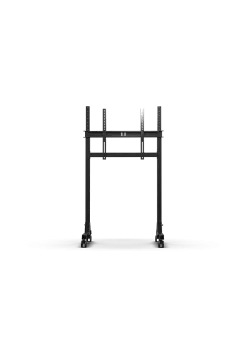
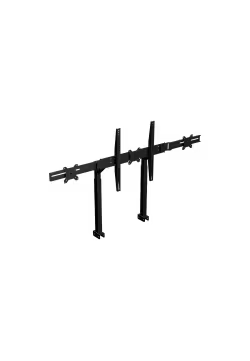
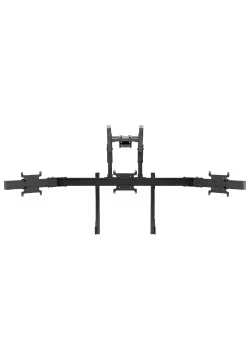
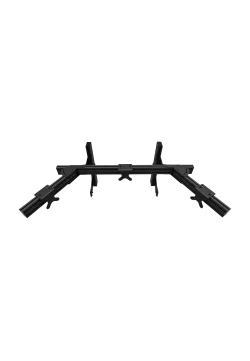
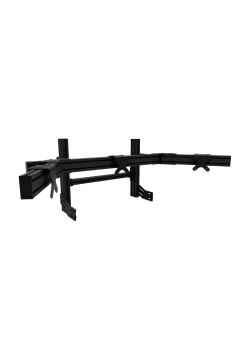
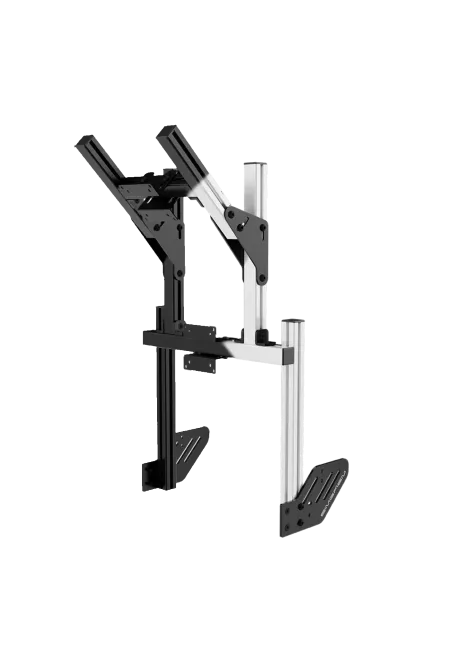
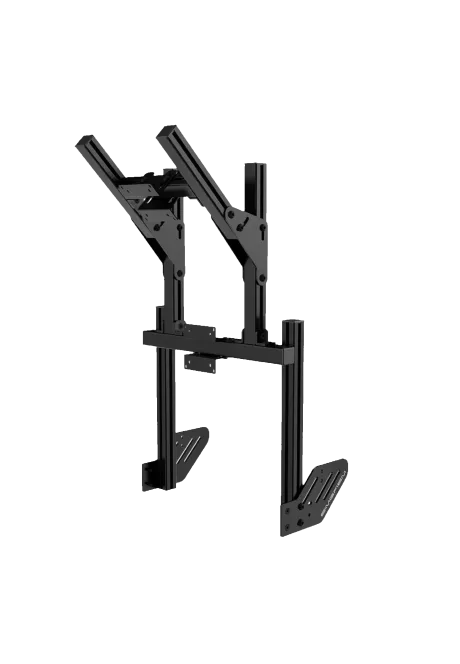
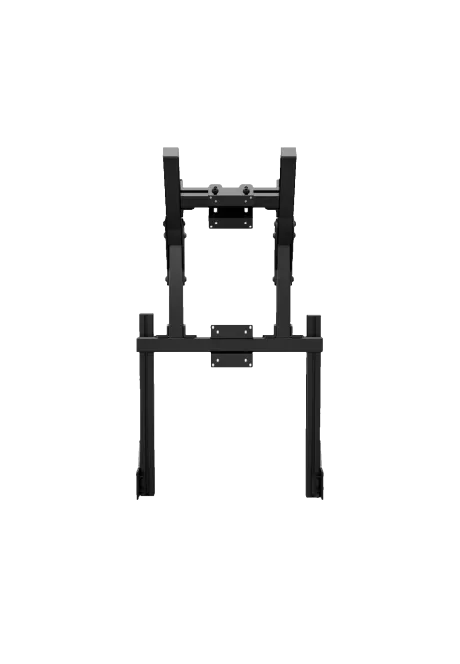
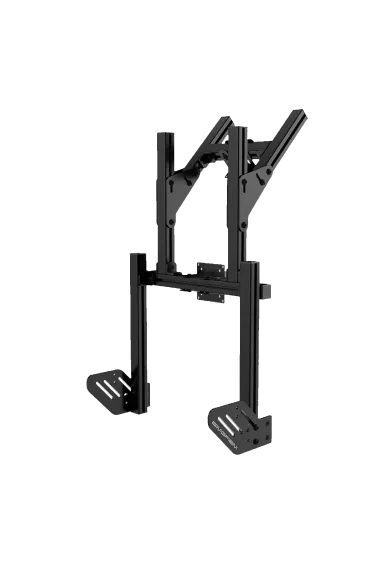
Simgasm Core Integrated Dual Monitor Stand places the main display below a second screen, adding space for telemetry and applications without widening the cockpit. Its 40 x 40 mm profile structure supports VESA 75 x 75 and 100 x 100 mm at every position. Black and white are offered as variants on one product page. Adjustment simplifies screen positioning. It is a practical sim racing solution. The image is easier to align with the seat.
You might also like














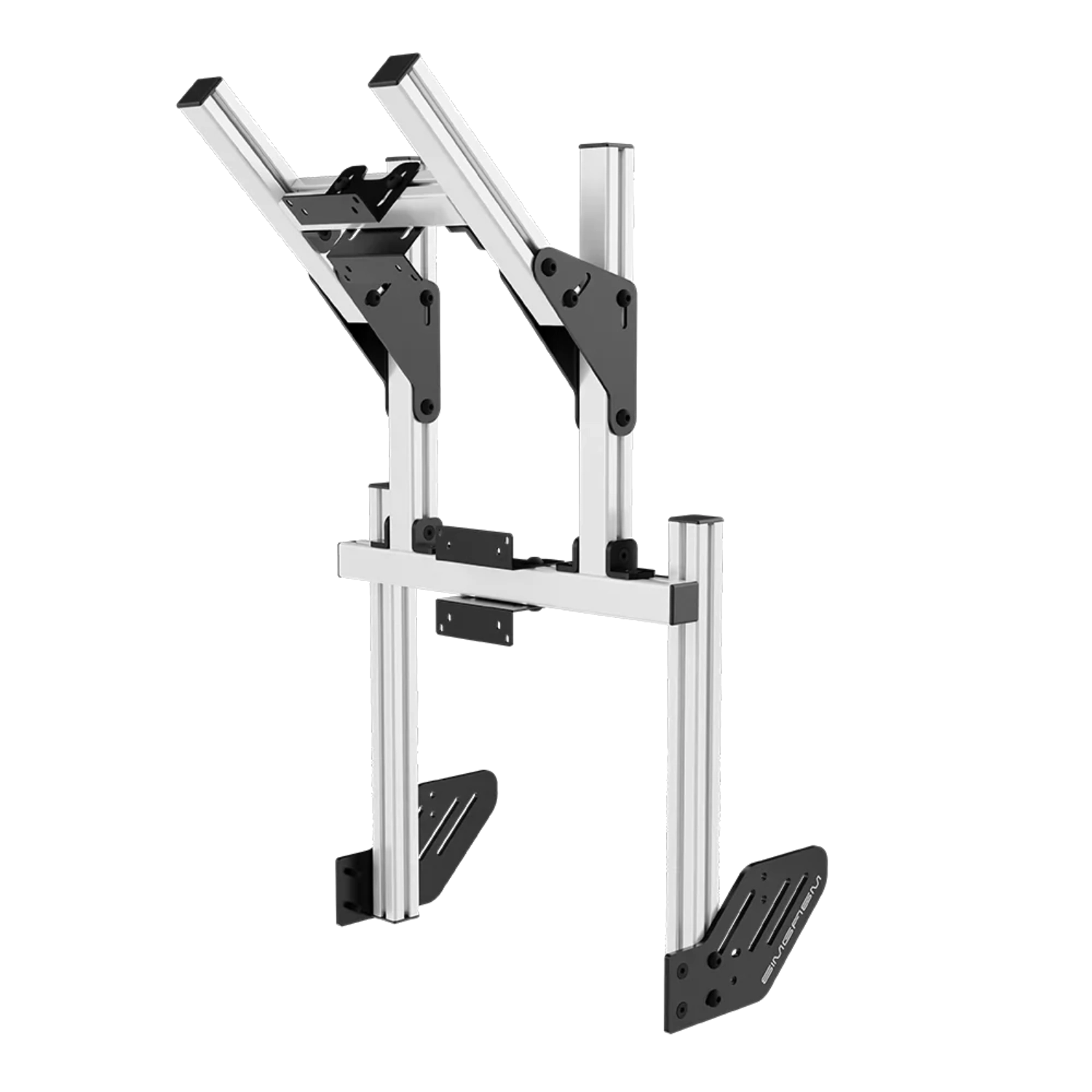
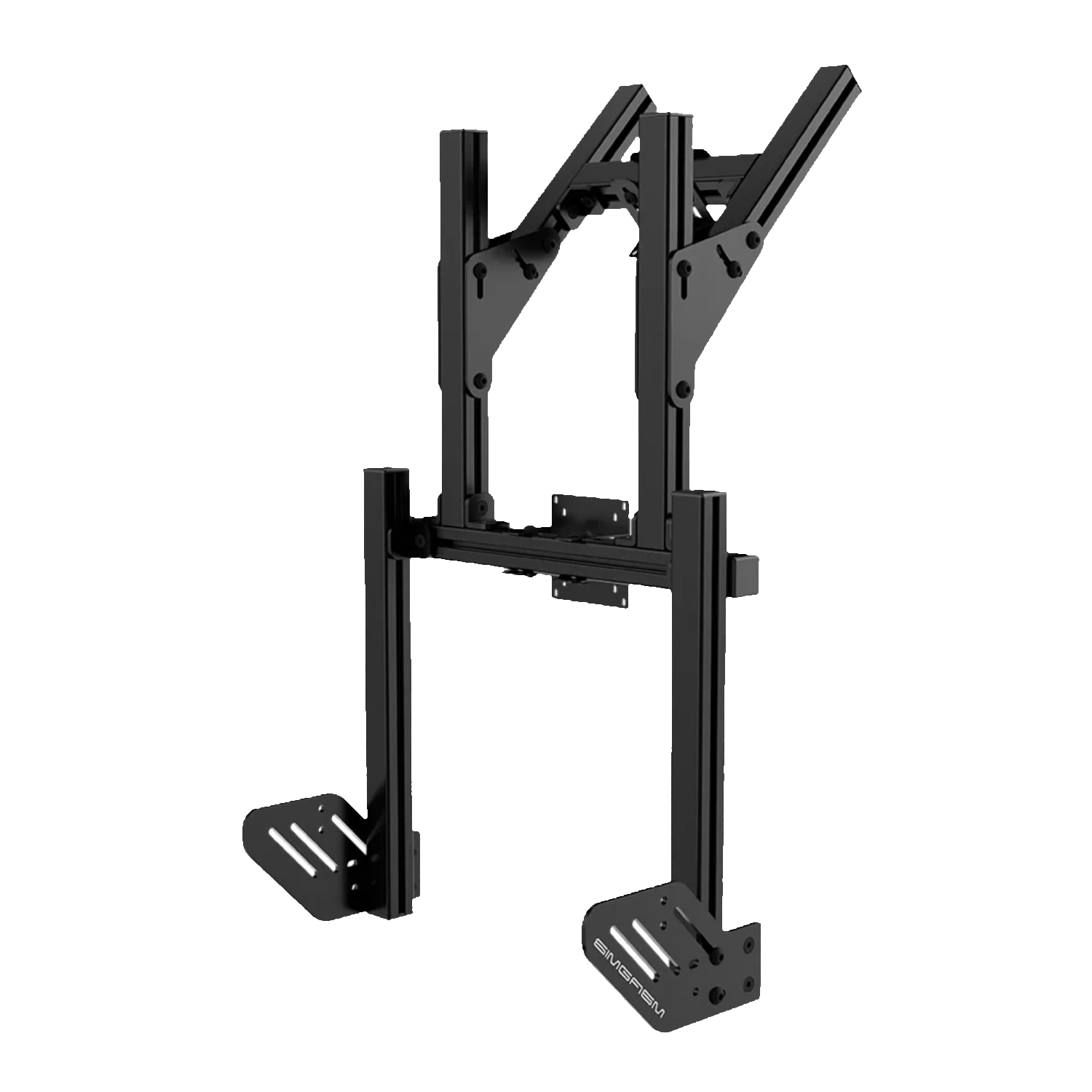
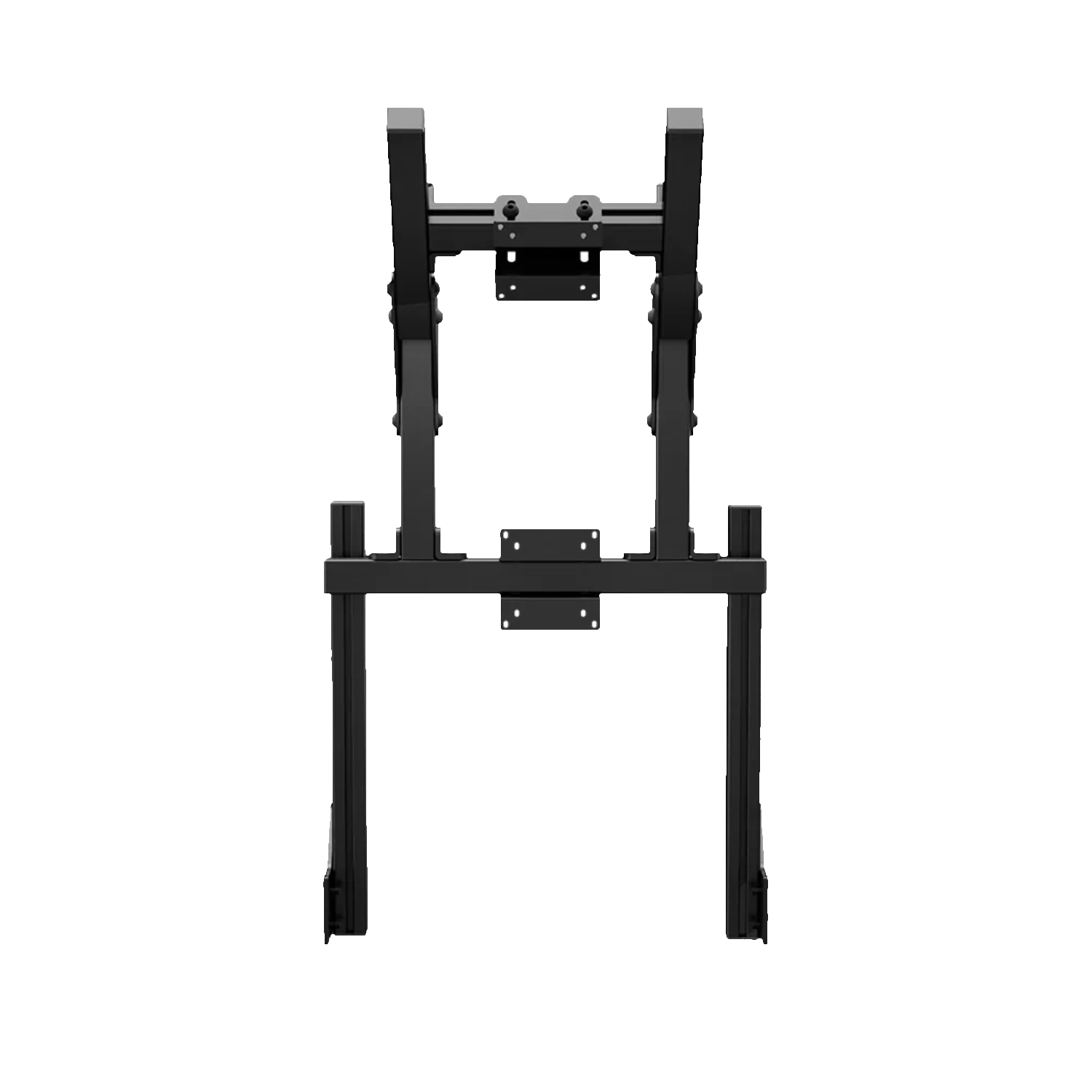
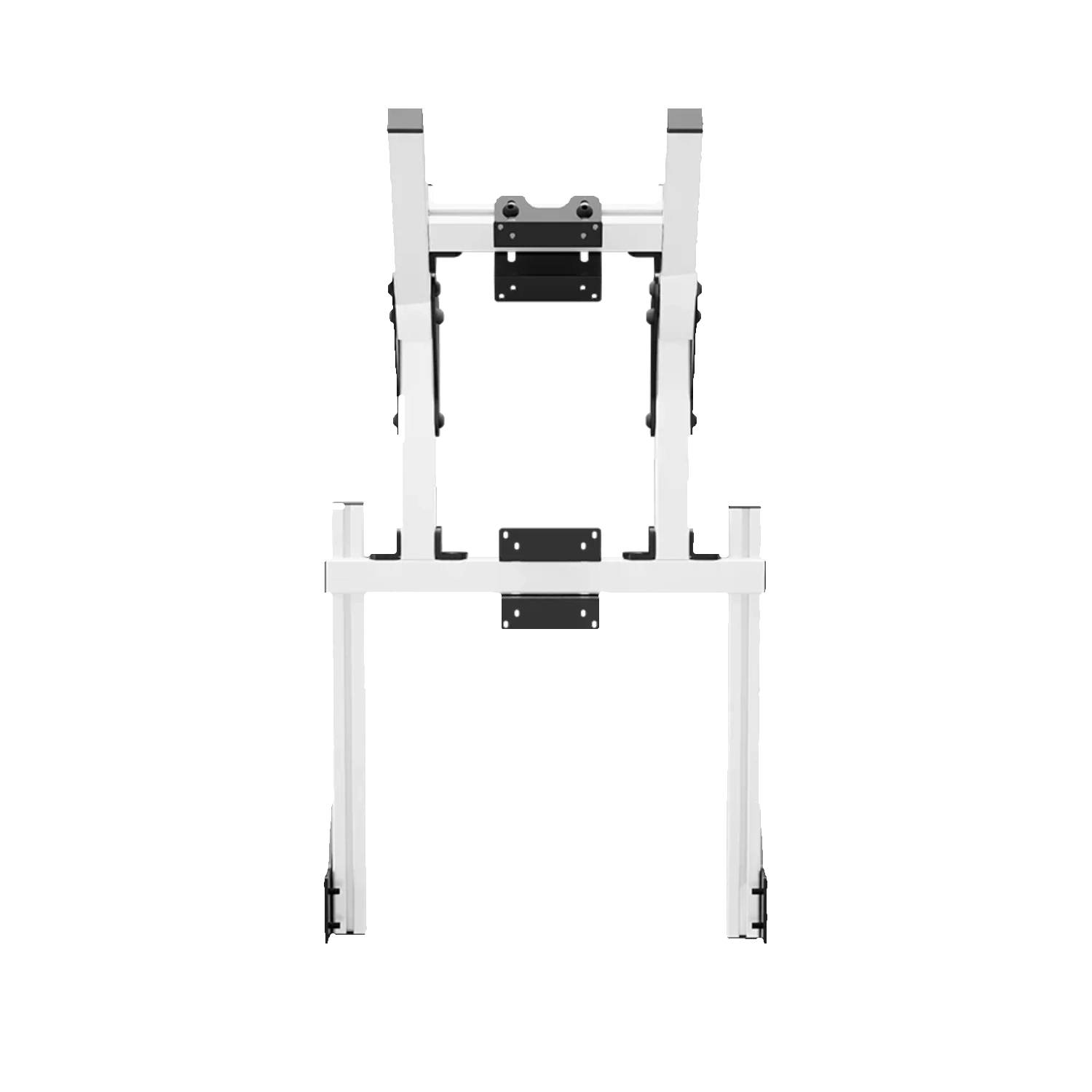
The Core dual stand uses a vertical layout, with the main screen in front of the driver and a second display above it. It adds working space without widening the cockpit with side arms.
This layout suits a cockpit used for more than driving, including lap analysis, communications or broadcasting. The second panel does not add width beside the rig, so more information can remain visible in a narrow room while the main monitor stays directly in front of the driver.
Unlike a side-by-side configuration, both panels remain on the driver's centre line. This uses narrow rooms efficiently and adds another screen without rebuilding the cockpit sides or reducing the walkway beside the rig.
The upper panel can remain dedicated to telemetry, standings, maps, communications or streaming tools. Supporting windows no longer have to cover the simulator image on the centre display.
The upper screen should support the main display rather than demand attention through every corner. Place information there that is checked periodically. Larger figures and a simple application layout are often easier to read than many small windows, especially when the panel sits higher and slightly farther away.
Set upper-monitor height after opening the application intended for that display. Small telemetry values may require a different distance and angle from a normal desktop image, so adjustment should follow the real use case.
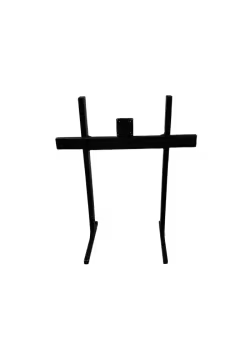
Both modules use 40 x 40 mm profiles and accept VESA 75 x 75 or 100 x 100 mm. Black and white variants change the finish while keeping the same weight, packaging and adjustment concept.
A shared VESA standard at both positions simplifies selection of common computer monitors, but any two models will not necessarily work well together. Different bezel thickness, casing depth and button location can prevent close alignment or leave too little room for cables.
Both colour variants share the same functional layout. Black creates a quiet background behind the displays, while white makes the structure more visible and can suit a light cockpit or deliberately contrasting build.
Set the lower display height and upper monitor position around the seat and wheel. Before ordering, confirm the cockpit-profile connection, individual display weights and cable space between the two panels.
Position the lower monitor around the wheel and eye line first, then adjust the upper panel. Driving ergonomics remain the priority. Once height is set, confirm that all ports remain accessible and the complete arrangement fits the available space above the cockpit.
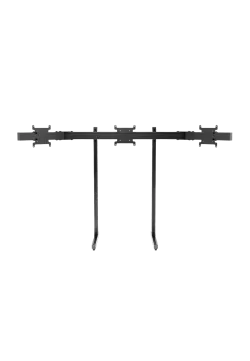
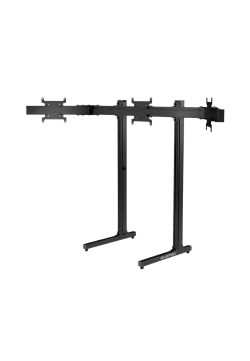
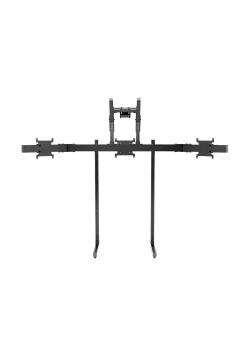
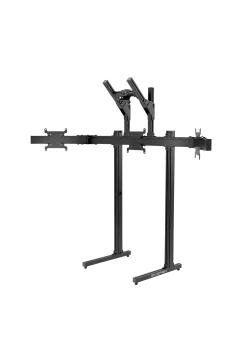
For future expansion, compare Simgasm Core Integrated Monitor Stand, Simgasm Core Top Monitor Stand, Simgasm Core Integrated Triple Monitor Stand. The wider range is available under monitor stands, with other products listed on the Simgasm brand page.
| Simgasm Core Integrated Dual Monitor Stand - specifications | |
|---|---|
| Variants | |
| Colour | black or white, selected on one product page |
| Black SKU | MSCI2-BLK |
| White SKU | MSCI2-WIT |
| Construction | |
| Aluminium profile | 40 x 40 mm |
| Mounting components | steel |
| VESA standard | 75 x 75 and 100 x 100 mm at every position |
| Set weight | 10.50 kg |
| Package | |
| Contents | Core integrated main support and Core upper-monitor module |
| Number of boxes | 2 |
| Box dimensions | 530 x 170 x 100 mm and 450 x 220 x 90 mm |
| Simgasm Core Integrated Dual Monitor Stand - compatibility | |
|---|---|
| Compatibility and important notes | |
| Colour | Black and white variants share the same technical layout; the selection changes finish and SKU. |
| Both displays | VESA 75 x 75 or 100 x 100 mm. |
| Layout | One centre display with an upper monitor, not a side-by-side arrangement. |
| Cockpit | Requires compatible mounting points and sufficient connection rigidity. |
| Important note | No maximum diagonal or load is published. Check the weight and dimensions of both displays. |
It creates a vertical system with a main screen and an upper display for supporting information.
Yes. Create black SKU MSCI2-BLK and white SKU MSCI2-WIT as colour combinations on one product page. Their technical specification is the same.
The confirmed range is 75 x 75 and 100 x 100 mm at every position. Apex systems using a Core upper module have a separate, smaller VESA range at the top position.
No. Also check weight, casing dimensions, port locations, cable clearance and the permitted load of the complete connection.
There is no single published value that can safely cover every configuration. Full monitor geometry and weight remain part of the compatibility check.
No. This product is part of an integrated system and requires a compatible cockpit or base-module connection.
It saves floor space and keeps screen position tied to the rig. Cockpit vibration may also reach the display, which matters on stronger haptic or motion setups.
Core integrated main support and Core upper-monitor module. The number of shipping boxes is listed in the specification table.
Yes. The Core range is modular, but expansion should use compatible parts from the correct family and connection generation, with total load checked.
See the monitor stands category and the Simgasm brand page for related options.
You might also like