Shopping Cart
There are no more items in your cart
 English
  Polski
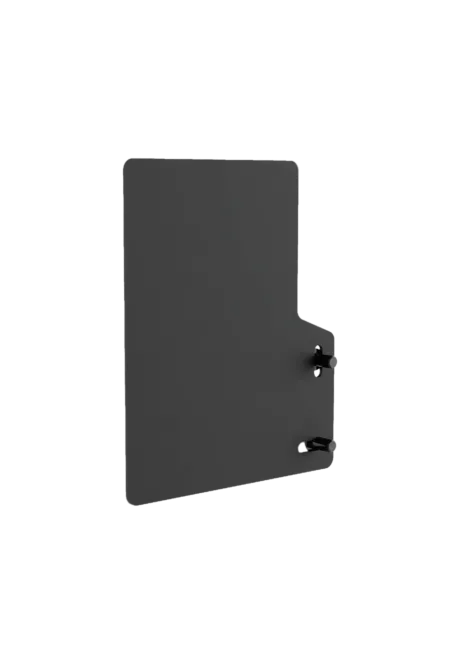
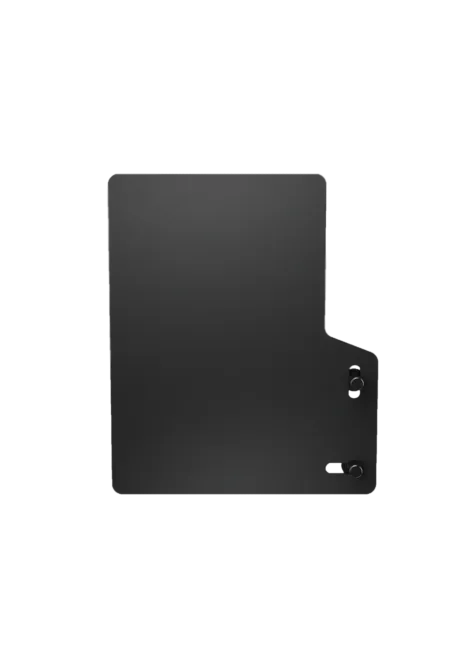
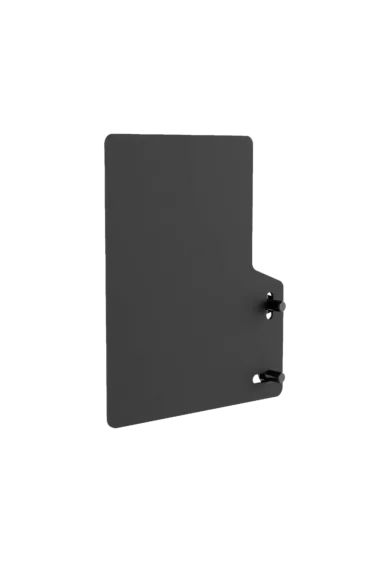
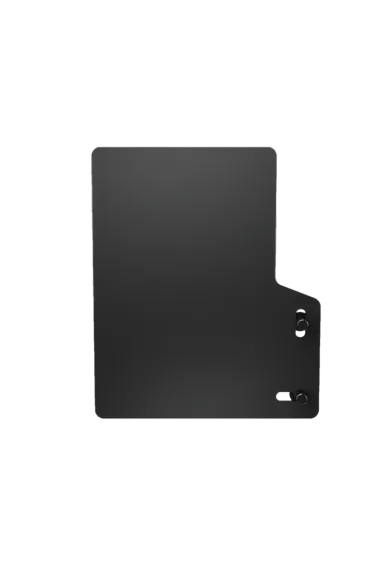
Simgasm Hobby Black
1,056.10zł

107.32zł
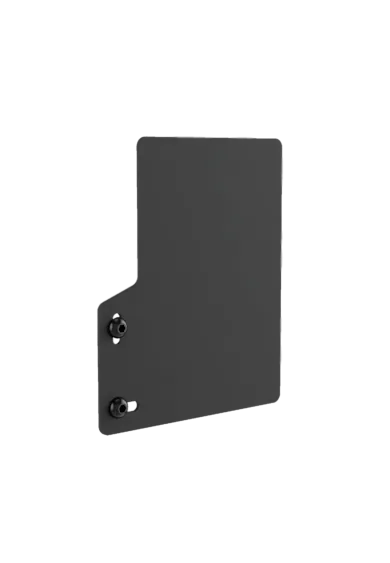
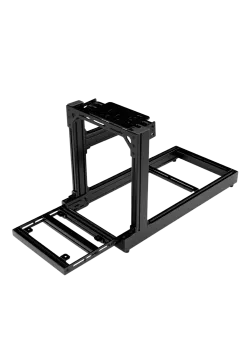
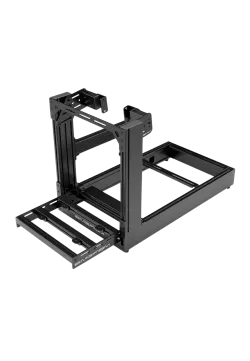
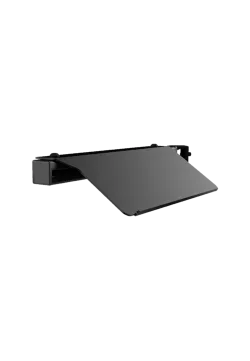
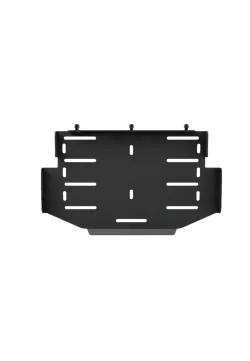
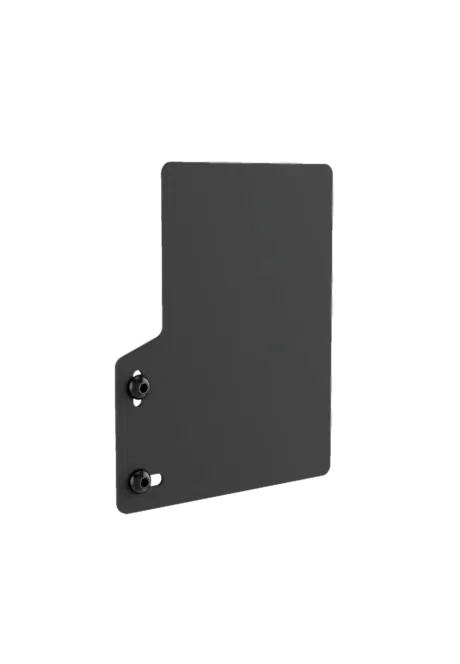
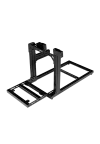
SIMGASM Mouse Tray - Black creates a stable place for computer control directly from the cockpit seat. Its steel construction keeps the mouse within comfortable reach when launching a simulator, changing settings or navigating menus. A durable black coating matches the rest of the rig, while compatibility with every SIMGASM simulator makes it suitable for both new builds and existing setups.
You might also like
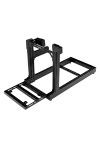
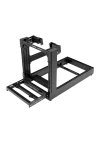
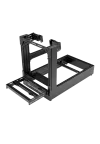


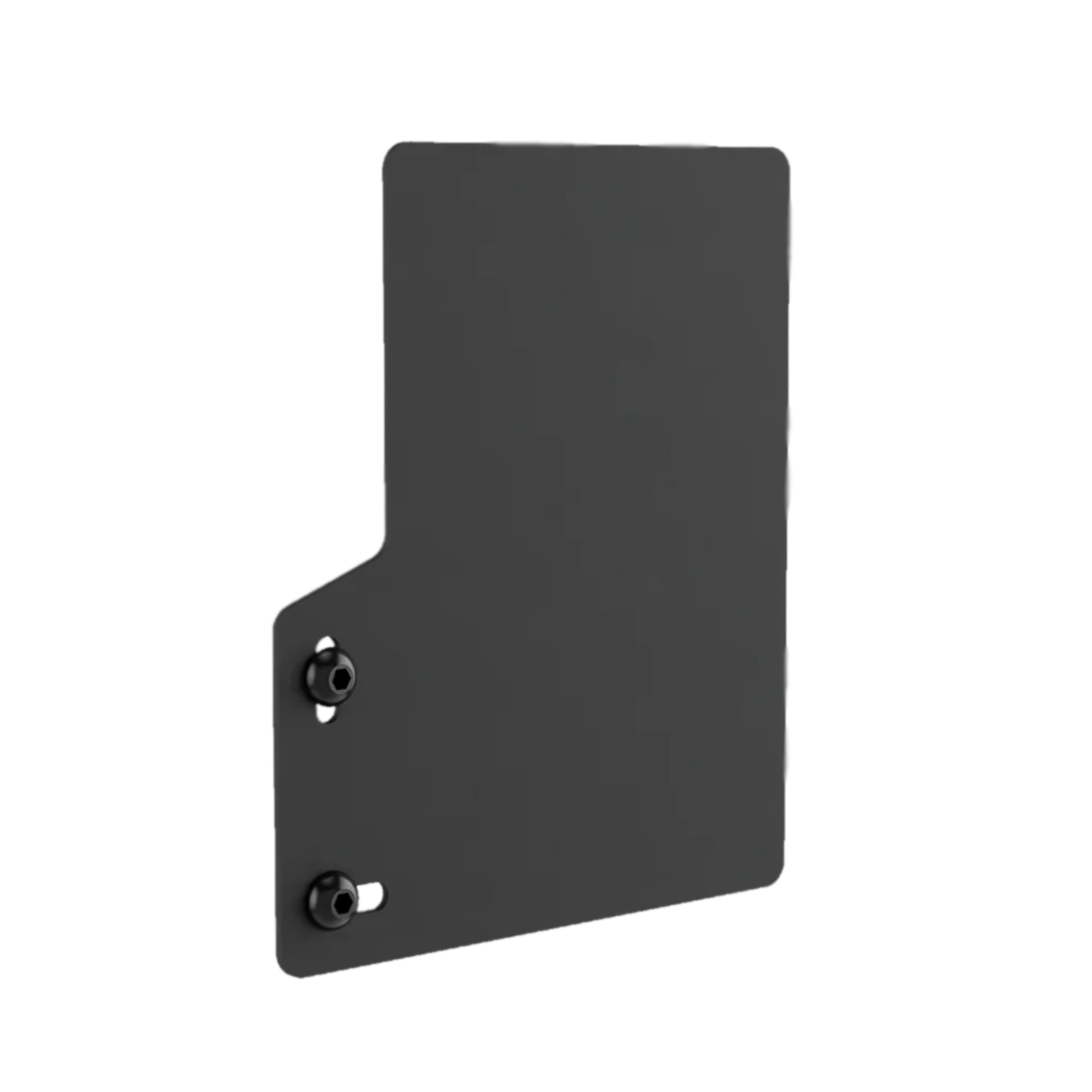
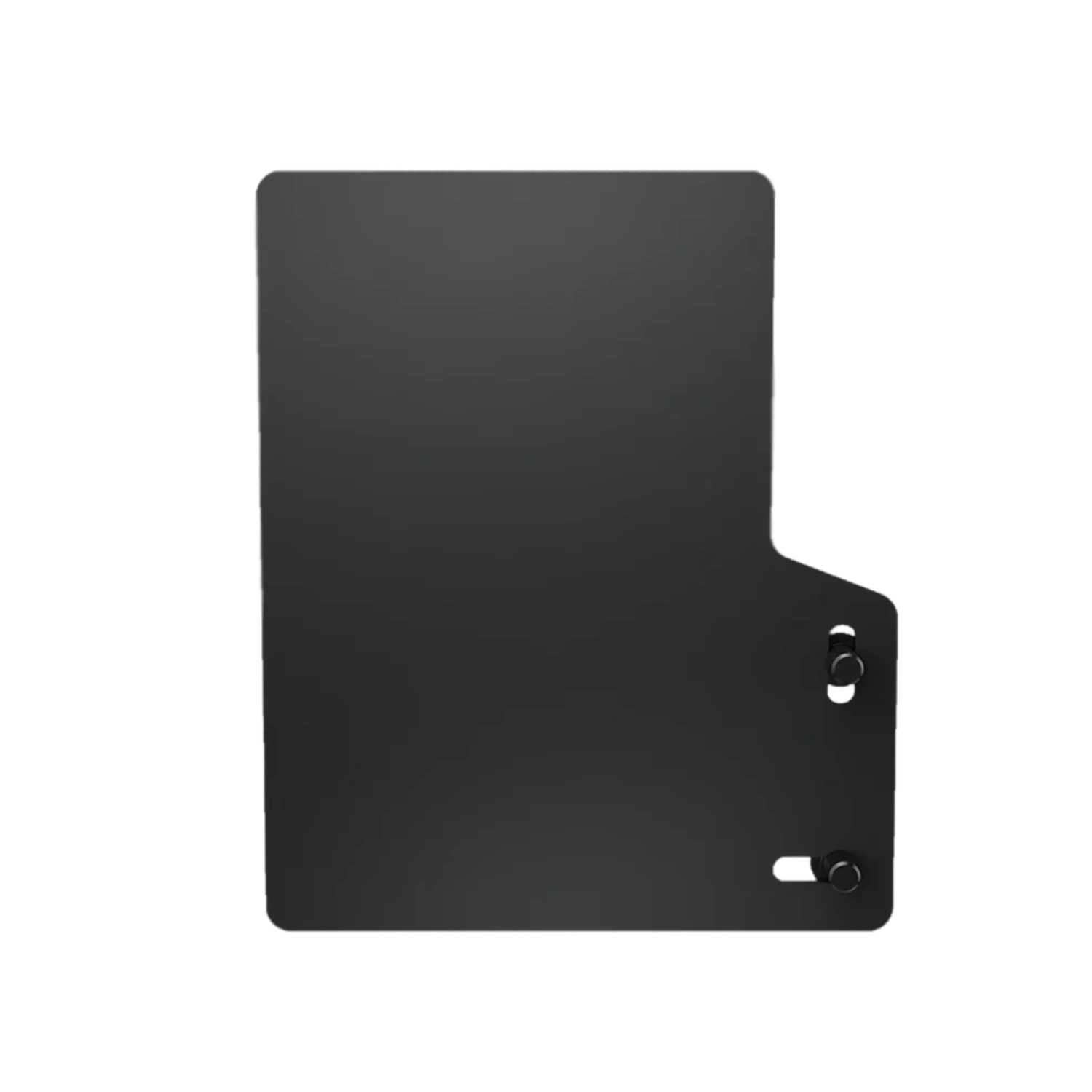
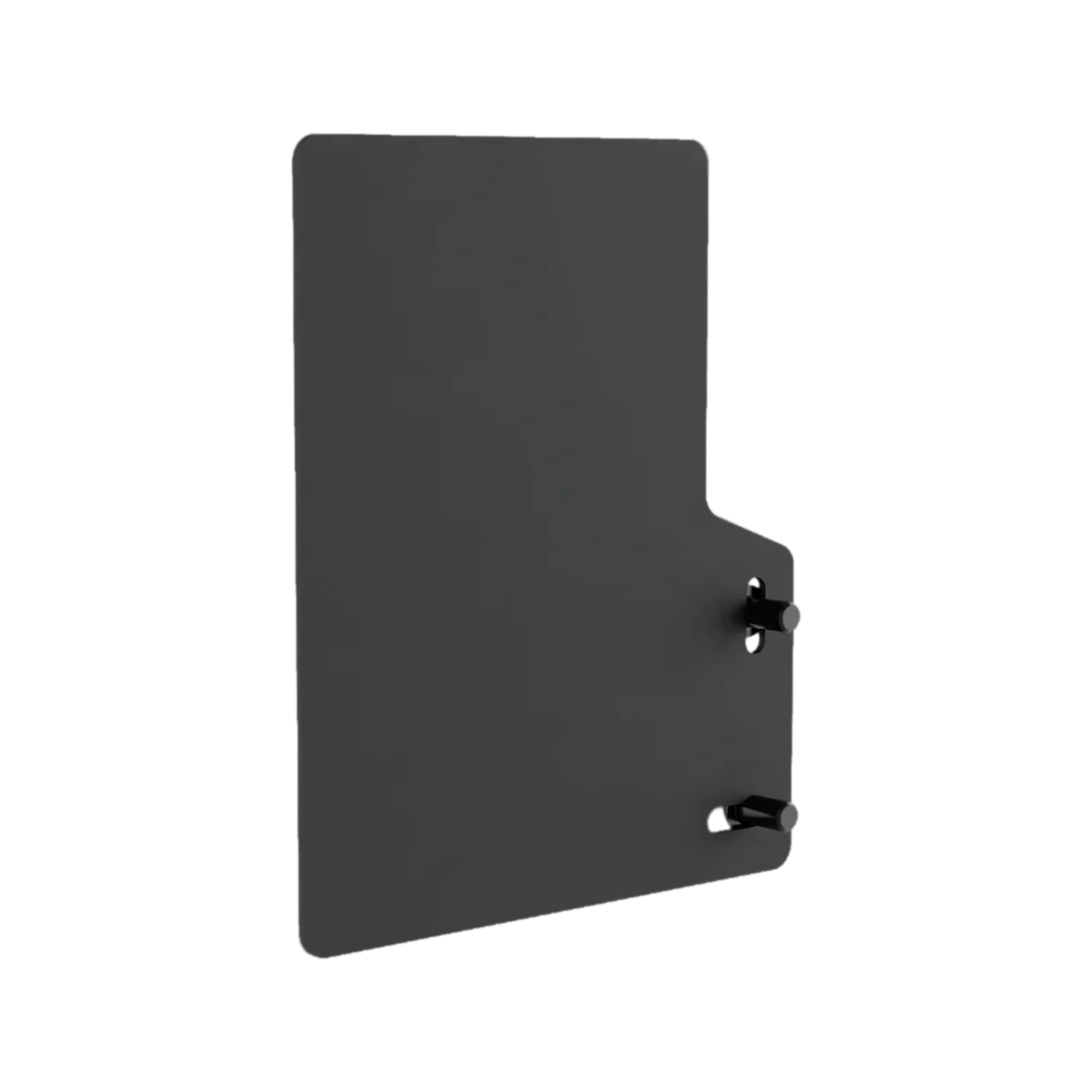
Even a small setup change becomes disruptive when the mouse is left on the floor or on a separate desk. The SIMGASM Mouse Tray moves it closer to the seat and provides a permanent place for menu navigation, launchers, telemetry and background applications. There is no need to slide the seat away or lean outside the cockpit whenever a session needs attention. Pointer control remains available before the start and during a quick return to the virtual garage.
A dedicated surface also makes the setup easier to keep organised. The mouse no longer competes with a keyboard, phone or control panel, and it returns to the same location after every drive. It is a modest addition, yet it removes friction from tasks repeated throughout each session. Further options for extending a cockpit are available on the SIMGASM brand page.
Steel construction gives the tray a firmer and more predictable base than an improvised platform beside the rig. The stable surface supports controlled mouse movement while choosing a car, adjusting a strategy or configuring connected hardware. Correctly tightened mounting helps limit unwanted movement, but the final position should also allow the hand and forearm to rest without an awkward angle.
Its black coating helps the shelf blend into a coherent simulator and protects the steel during ordinary use. A soft, slightly damp cloth is the safest choice for routine cleaning; abrasive materials and aggressive chemicals should be avoided. If a particular mouse sensor needs a different surface, or the driver prefers more friction, a suitably sized mouse mat can be placed on top without projecting into the driver's movement area.
Mouse access from the driving position shortens the transition between racing and configuration. It is useful when selecting a server, changing button assignments, opening wheelbase software, reviewing telemetry or operating communication tools. Instead of building a second workstation beside the simulator, essential computer control can remain inside the cockpit. This becomes especially practical in setups with several displays, supporting applications or settings that change regularly.
The tray does not impose one workflow. It can handle a few quick inputs before joining the track or remain in regular use during practice, streaming and lap analysis. Keeping it close reduces unnecessary movement, but it should never obstruct a shifter, handbrake or the path into the rig. Before final tightening, sit in the seat, turn the wheel through its full range and confirm that the tray edge remains clear of the elbow's natural movement.
| Parameter | Value |
|---|---|
| Construction | |
| Product type | Mouse tray for a simulator cockpit |
| Manufacturer SKU / shop SKU | MT / SG-MT |
| Material | Steel |
| Colour | Black |
| Finish | Durable black coating |
| Logistics | |
| Box dimensions | 230 × 230 × 30 mm |
| Weight listed by Sim-Shop | 3 kg; the manufacturer does not state the tray's separate net weight |
| Use and compatibility | |
| Intended use | Mouse control from the driving position |
| Compatible structures | All SIMGASM simulators according to the manufacturer |
| Not published | |
| Unavailable parameters | Usable surface dimensions, net weight, maximum load and exact positioning range |
```
It provides a permanent mouse-control surface beside the cockpit, allowing menu and application navigation without leaving the seat.
Yes. SIMGASM declares compatibility with its complete simulator range, including Hobby, Club, Sport and Pro families.
The tray is made from steel and finished with a durable black coating that matches cockpit hardware.
The manufacturer only publishes box dimensions of 230 × 230 × 30 mm. These should not be presented as confirmed usable-surface dimensions.
Sim-Shop lists 3 kg, but SIMGASM does not provide a separate net product weight. The shop value may be a logistics measurement.
Not necessarily. This depends on the sensor and preferred glide. A correctly sized mat may improve feel and protect the coated surface.
Placement depends on the attachment points of the specific cockpit and its side equipment. Check comfort and clearances before tightening.
No maximum load is published. The product should be used for its intended purpose as a mouse tray rather than a general hardware platform.
Use a soft, slightly damp cloth for normal cleaning. Avoid abrasive materials and aggressive chemical products.
The manufacturer's SKU is MT, while the Sim-Shop product page uses SG-MT.
You might also like