Free shipping from PLN 200 for Poland and from EUR 350 for the entire European Union

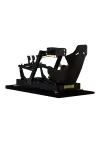
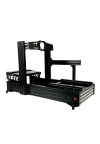
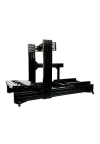
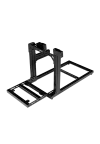
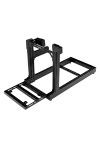
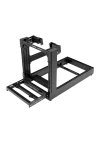
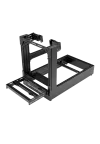
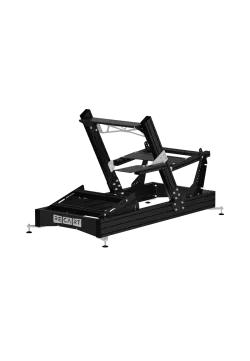
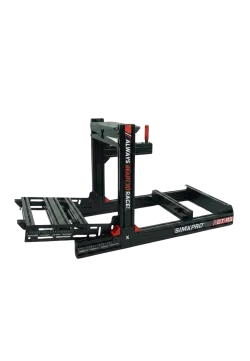
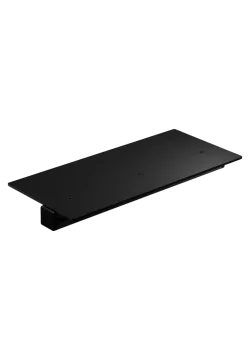
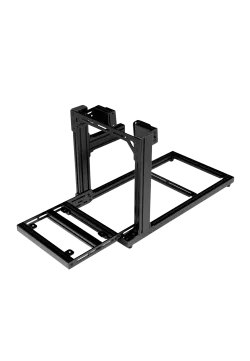
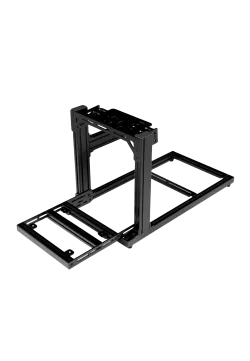
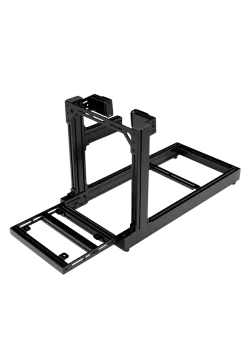
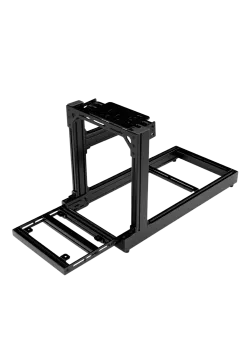
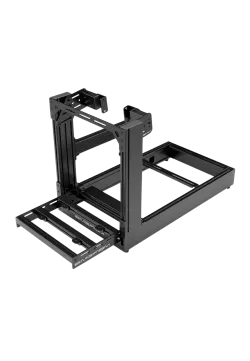
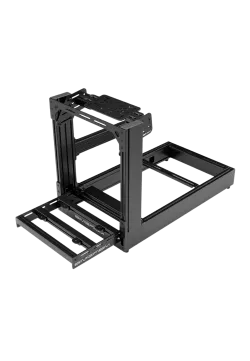
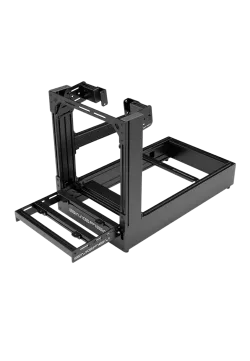
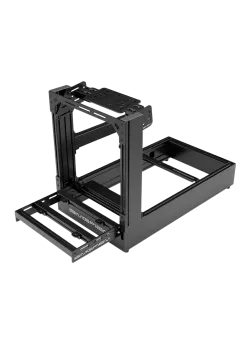
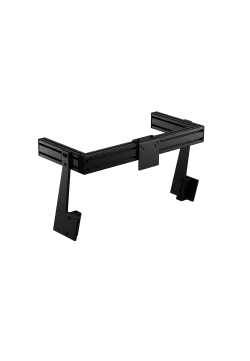
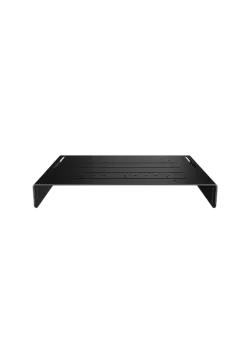
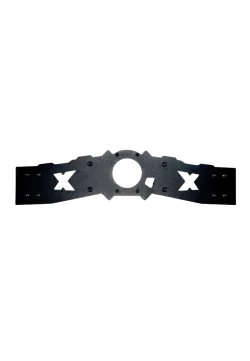
SimXPro Keyboard Tray with Regulation
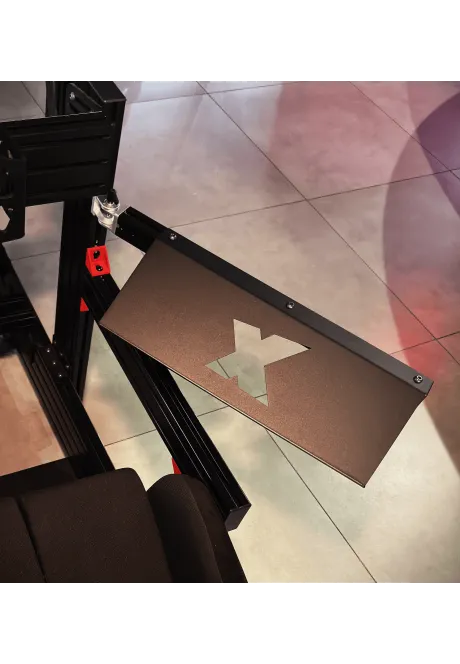
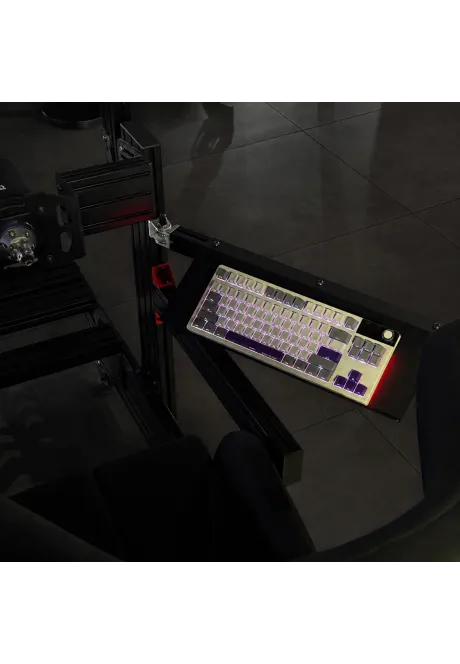
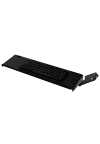
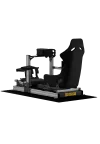
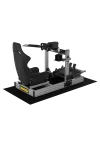
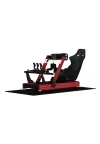
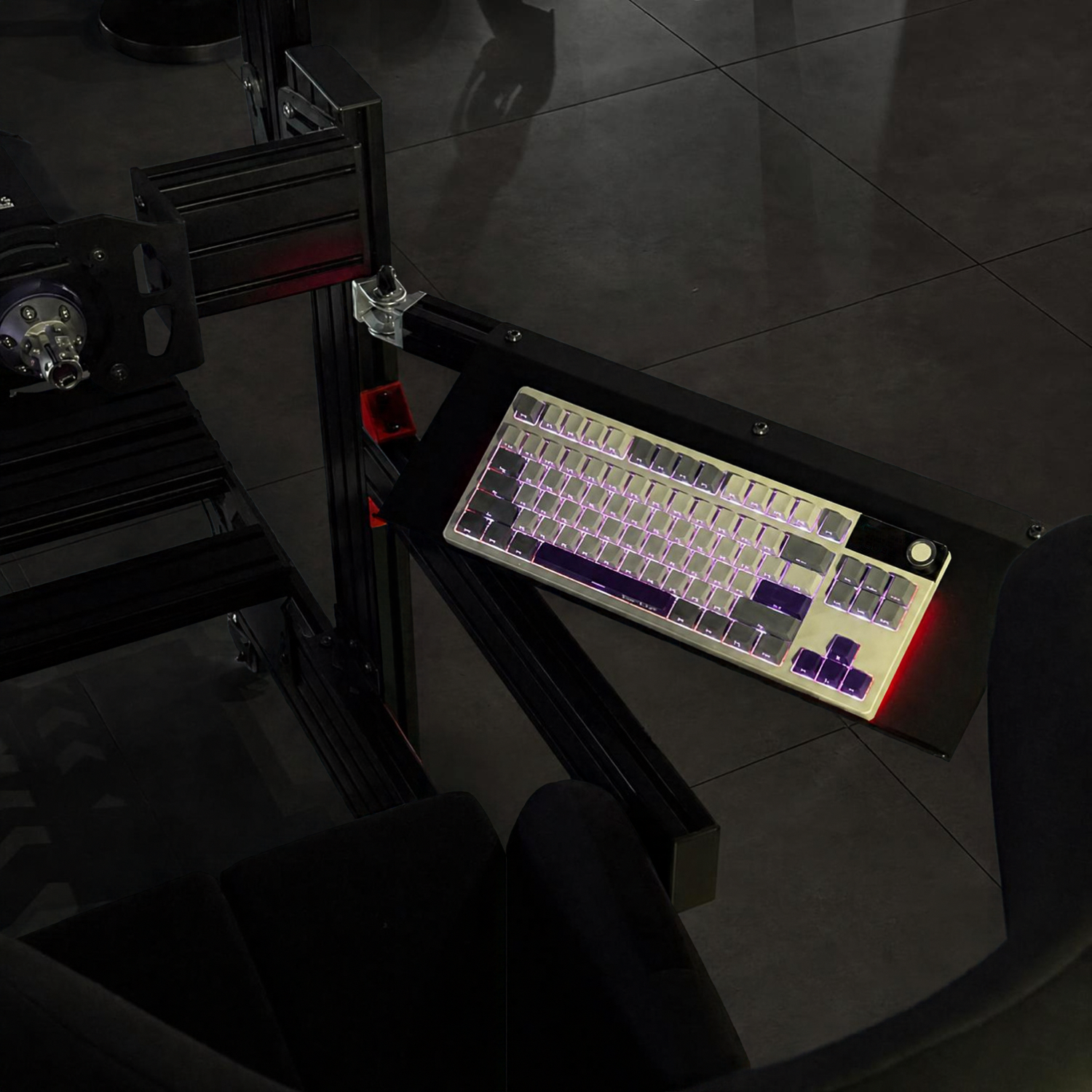
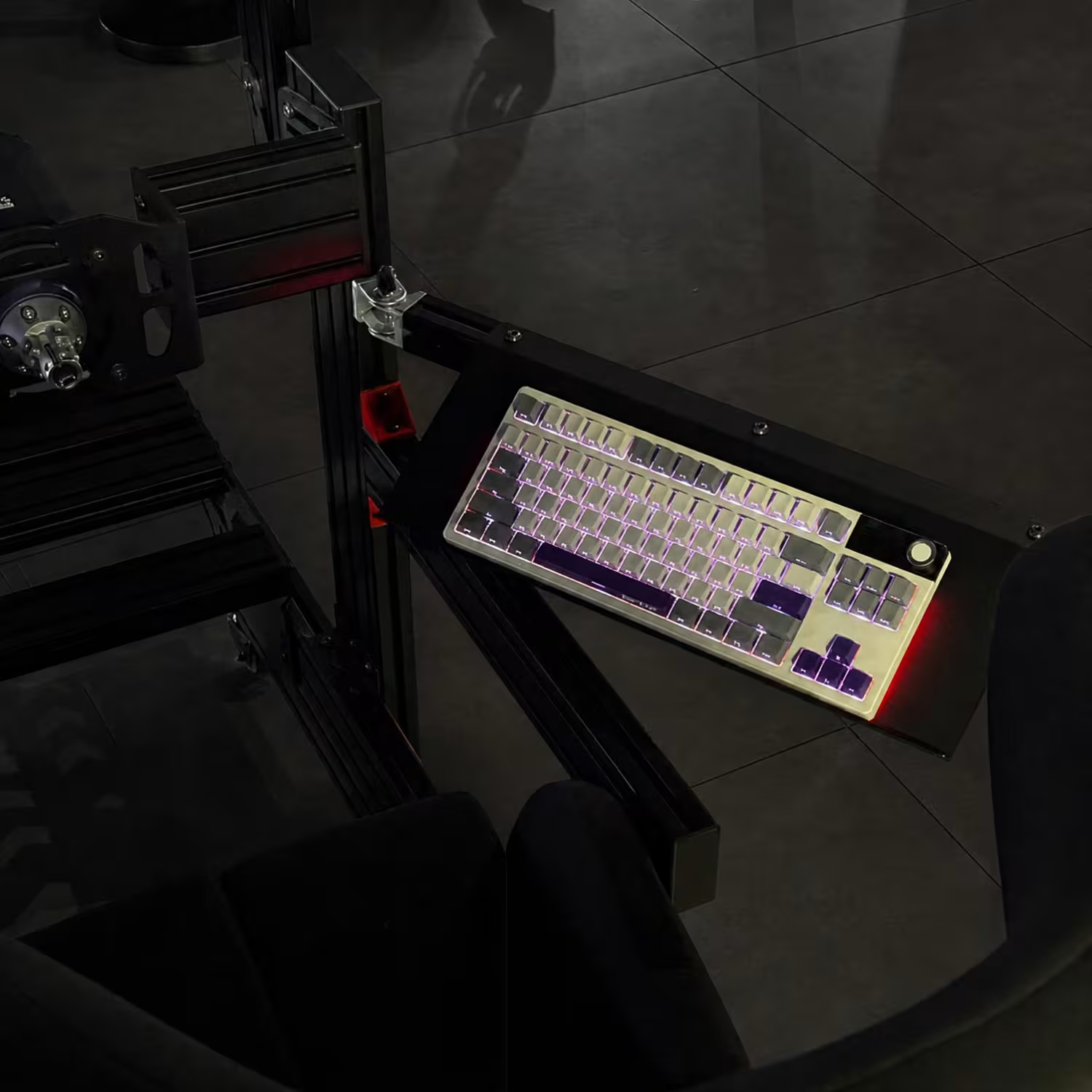
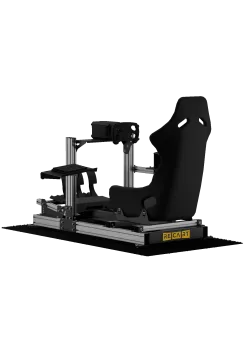
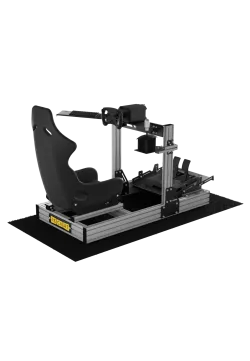
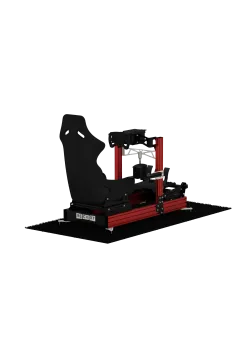
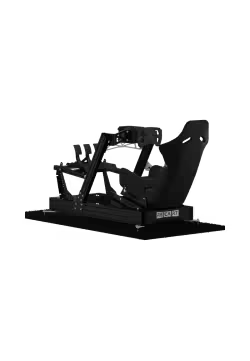
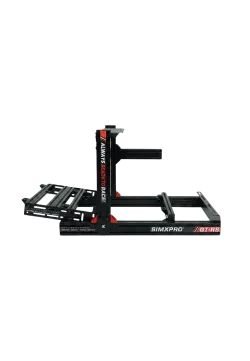
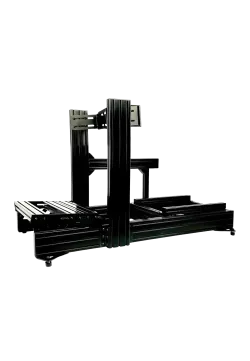
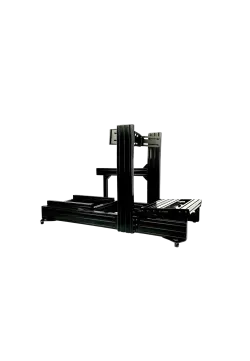
SimXPro Keyboard Tray with Regulation mounted on simrig with example keyboard
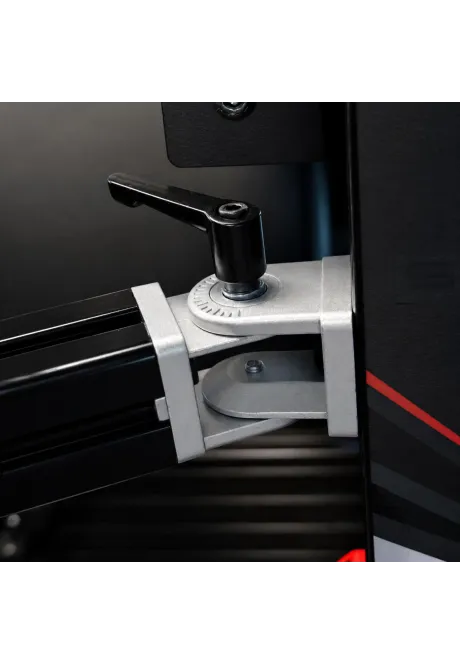
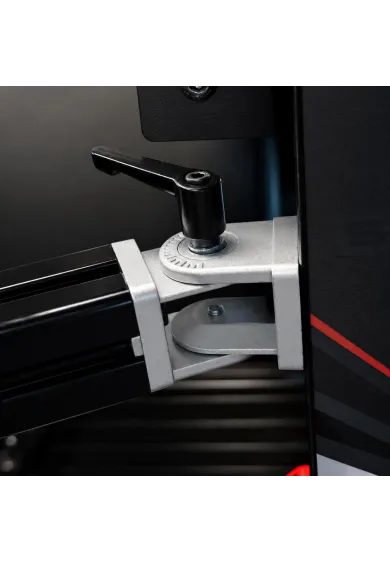
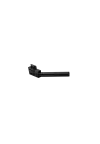
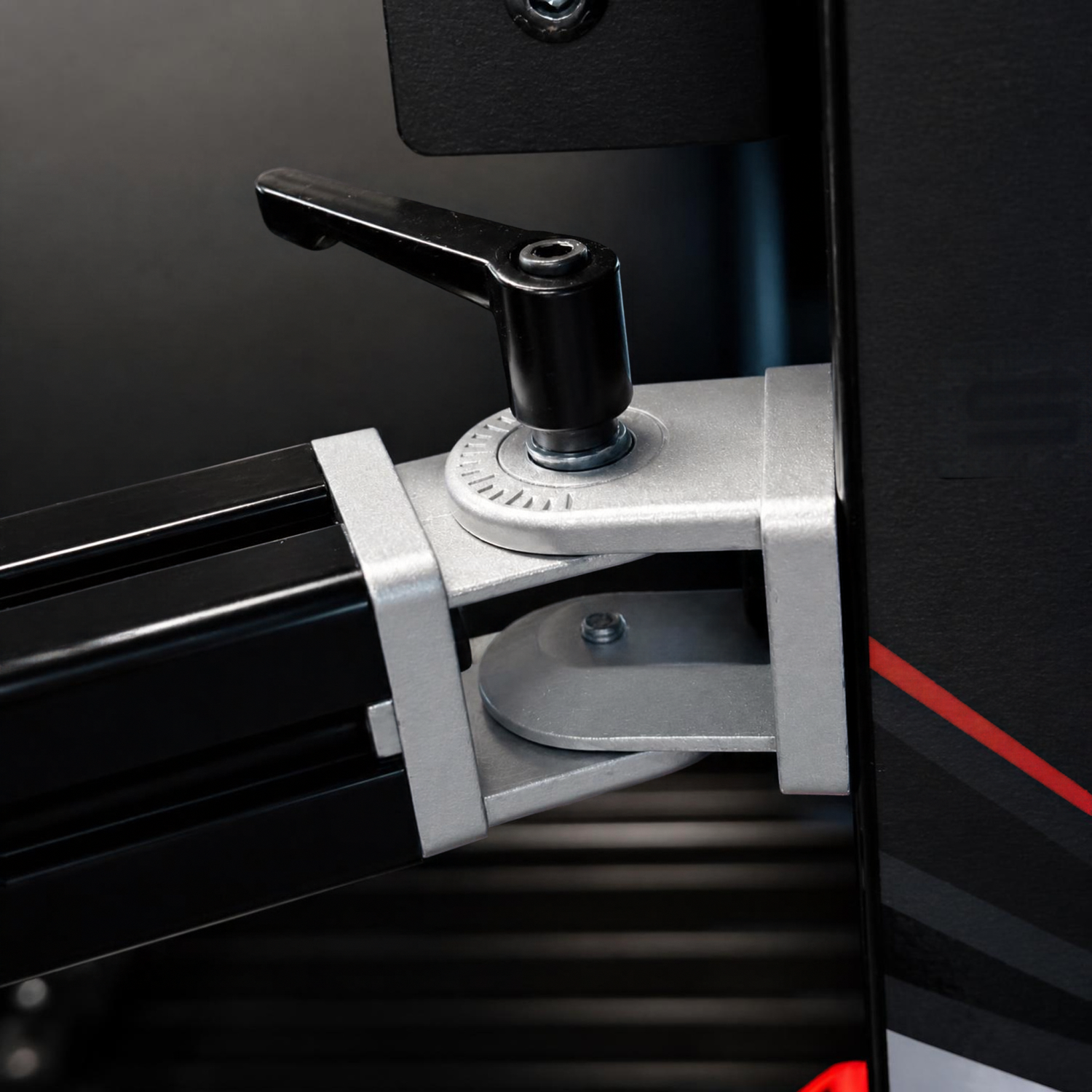
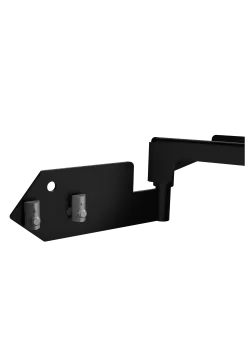
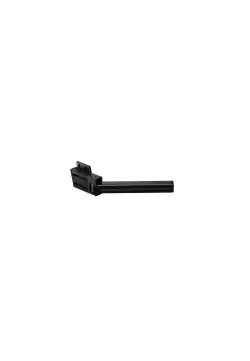
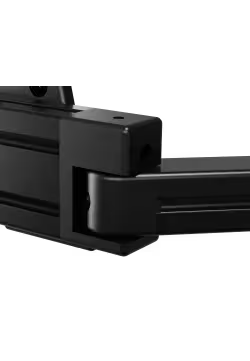
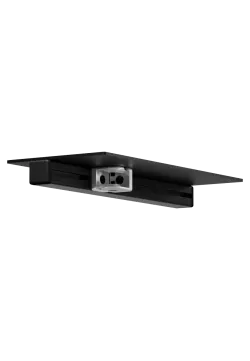
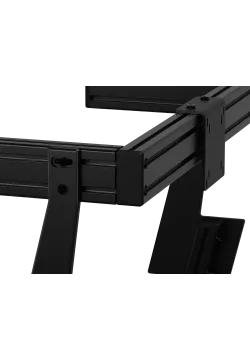
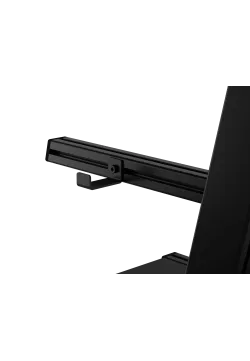
SimXPro Keyboard Tray with Regulation hinge lever view
  • New
SimXPro Keyboard Tray with Regulation
SimXPro Keyboard Tray with Regulation mounted on simrig with example keyboard
SimXPro Keyboard Tray with Regulation hinge lever view

SimXPro Keyboard Tray with Regulation

SC-1239
324.39zł

324.39zł

PREORDER

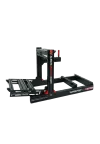
The SimXPro Adjustable Keyboard Holder is a shelf that attaches to a simrig or monitor stand using a single lever hinge. It allows you to bring the keyboard closer to your seat while gaming, typing, or using applications, and then slide it aside after use. The steel shelf, hinge, and 40x40 profile create an adjustable arm for a simrig or monitor stand based on aluminum profiles. The simrig and electronics are not included.


Ask about product
Zapytanie dotyczy produktu: SimXPro Keyboard Tray with Regulation
* - pola obowiązkowe
You will receive an 3.24zł for each item of this product to use on your next purchase.
Close
Shipping within 24 hours
Secure payments
Return within 30 days
Delivery from PLN 0
 

Place the keyboard where it is actually needed

The adjustable SimXPro mount moves the keyboard from a desk or the driver's lap directly into the cockpit. Swing the tray towards the seat when changing game settings, writing a message, controlling telemetry software or preparing the car before a session. Once the task is complete, the arm can be moved aside, leaving the cockpit entrance and the area around the wheel easier to access.

This layout is useful whenever the rig serves more than the driving itself. The keyboard remains available during updates, device configuration and everyday computer control without occupying a fixed position in front of the driver. The usable travel depends on the mounting point, neighbouring accessories and the free space around the seat, so the hinge location should be planned before every fastener is fully tightened.

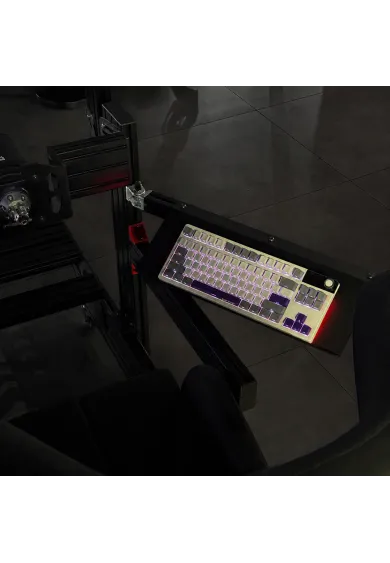
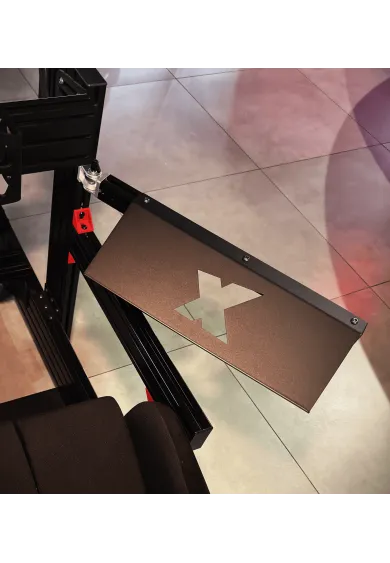
SimXPro adjustable keyboard tray pulled towards the sim racing seat
` | Keyboard on the swing-away SimXPro tray mounted to an aluminium-profile cockpit

Single-pivot movement with tool-free position locking

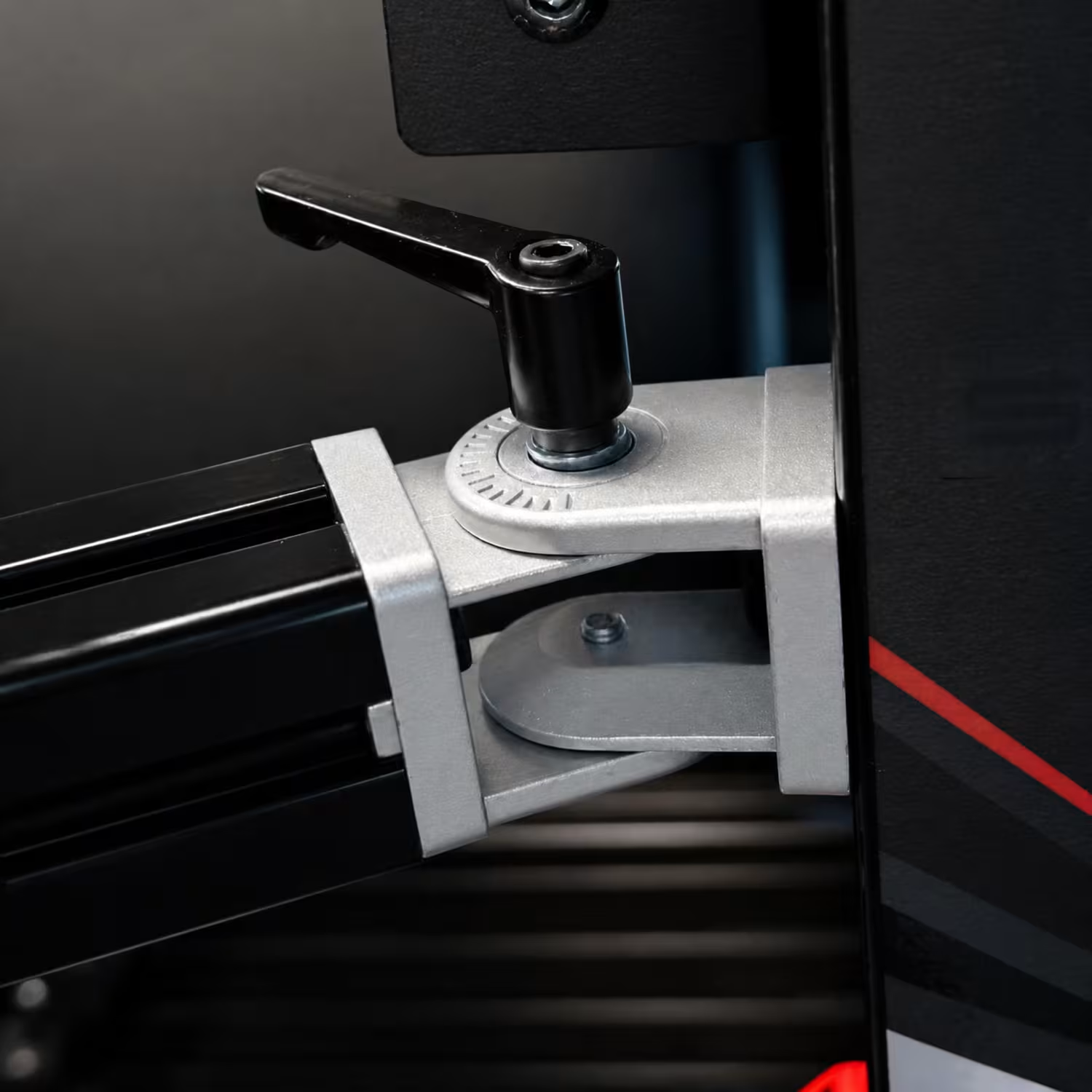
The key component is the SimXPro adjustable elbow hinge with lever, reference 279. It forms a single pivot between the cockpit frame and the profile supporting the tray. The component description states an adjustment range of up to 180 degrees, allowing the keyboard arm to move towards the user or away from the main control area.

An integrated handle locks the chosen position without requiring a hex key for every adjustment. Before driving, confirm that the joint is firmly clamped and that the tray does not move under the keyboard's weight or normal hand pressure. The lever is not an automatic latch: release the clamping force before repositioning the arm, then secure the joint again once the tray reaches the desired position.
Steel tray supported by a 40 × 40 mm profile arm

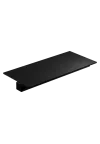
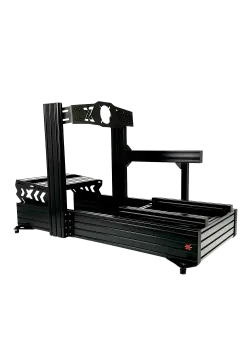
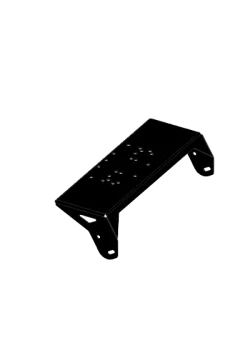
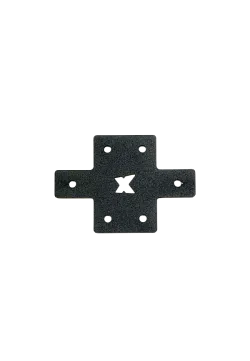
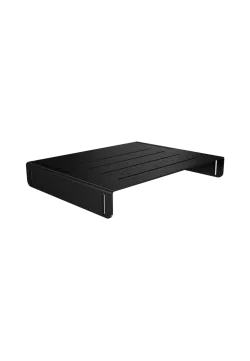
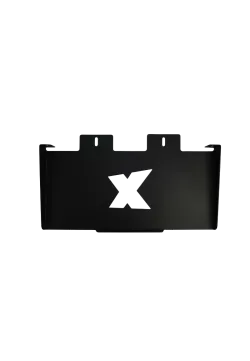
The working surface is the black SimXPro Keyboard Tray 298. It is made from powder-coated steel, while its folded edges stiffen the plate and define the device area. The X-shaped centre cut-out visible in the supplied photographs gives the part a recognizable appearance, but it should not be treated as a keyboard-retention system.

The tray is fastened to a black 40 × 40 mm aluminium profile identified as BLK40X580M820. This profile forms the arm running from the hinge towards the user. Its T-slots provide adjustable fastening positions, and a 4040 end cap closes the exposed profile end. No overall dimensions or maximum load are published for the assembled product, so the arm should not be used as a platform for a desktop PC or other heavy equipment.

Close-up of the locking lever and single hinge on the SimXPro keyboard arm
SimXPro adjustable keyboard tray pulled towards the sim racing seat

Place the keyboard where it is actually needed

The adjustable SimXPro mount moves the keyboard from a desk or the driver's lap directly into the cockpit. Swing the tray towards the seat when changing game settings, writing a message, controlling telemetry software or preparing the car before a session. Once the task is complete, the arm can be moved aside, leaving the cockpit entrance and the area around the wheel easier to access.

This layout is useful whenever the rig serves more than the driving itself. The keyboard remains available during updates, device configuration and everyday computer control without occupying a fixed position in front of the driver. The usable travel depends on the mounting point, neighbouring accessories and the free space around the seat, so the hinge location should be planned before every fastener is fully tightened.

` | Keyboard on the swing-away SimXPro tray mounted to an aluminium-profile cockpit

Single-pivot movement with tool-free position locking

The key component is the SimXPro adjustable elbow hinge with lever, reference 279. It forms a single pivot between the cockpit frame and the profile supporting the tray. The component description states an adjustment range of up to 180 degrees, allowing the keyboard arm to move towards the user or away from the main control area.

An integrated handle locks the chosen position without requiring a hex key for every adjustment. Before driving, confirm that the joint is firmly clamped and that the tray does not move under the keyboard's weight or normal hand pressure. The lever is not an automatic latch: release the clamping force before repositioning the arm, then secure the joint again once the tray reaches the desired position.

 | Close-up of the locking lever and single hinge on the SimXPro keyboard arm

Steel tray supported by a 40 × 40 mm profile arm

The working surface is the black SimXPro Keyboard Tray 298. It is made from powder-coated steel, while its folded edges stiffen the plate and define the device area. The X-shaped centre cut-out visible in the supplied photographs gives the part a recognizable appearance, but it should not be treated as a keyboard-retention system.

The tray is fastened to a black 40 × 40 mm aluminium profile identified as BLK40X580M820. This profile forms the arm running from the hinge towards the user. Its T-slots provide adjustable fastening positions, and a 4040 end cap closes the exposed profile end. No overall dimensions or maximum load are published for the assembled product, so the arm should not be used as a platform for a desktop PC or other heavy equipment.

How to assemble the adjustable keyboard tray

First slide an M8 T-nut into the cockpit profile slot and fasten the hinge to it with an M8 × 12 socket-head bolt. Attach the black 40 × 40 mm profile to the other side of the hinge using an M8 × 20 socket-head bolt.

Position the keyboard tray on the profile and secure it with three M8 T-nuts and three M8 × 12 button-head bolts. Fit the 4040 end cap to the free end of the profile, then check every joint and the locking lever before use.

1. How does the SimXPro adjustable keyboard mount work?

The arm rotates on a single hinge, allowing the tray to move towards the seat or swing aside before being secured with the lever.

2. What is the hinge adjustment range?

The SimXPro 279 component description states up to 180°. The cockpit, seat and neighbouring accessories may reduce the usable travel.

3. Is a tool required to change the position?

The lever handles routine position locking. Tools are still required for the initial installation and periodic fastener checks.

4. Which cockpits can use the mount?

It is prepared for Series 40 T-slot profiles. The exact rig must provide an accessible mounting point and room for the arm to rotate.

5. Does it mount directly to a tubular cockpit?

No. The bundle does not contain a tube clamp, so a separately selected adapter would be required.

6. Is the keyboard included?

No. The keyboard in the photographs demonstrates the tray's purpose and is not part of the adjustable mount.

7. Can the tray support a desktop PC?

This is not recommended without a confirmed load rating for the complete arm. The product is described for keyboards and light accessories.

8. What materials are used?

The tray is powder-coated steel, the arm is a 40 × 40 mm aluminium profile, and hinge 279 is described as zinc die-cast.

9. Are the listed codes SKUs for the finished product?

No. They identify individual components. The complete bundle requires its own SKU, which was not supplied.

10. What should be checked after installation?

Check every M8 connection, lever operation, tray stability with the keyboard and clearance from the seat, wheel and cockpit entrance.

No reviews

You might also like
Products from same category
Product added to wishlist
Product added to compare.