Shopping Cart
There are no more items in your cart
 English
  Polski
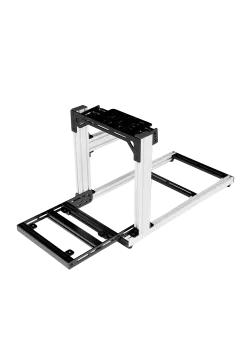
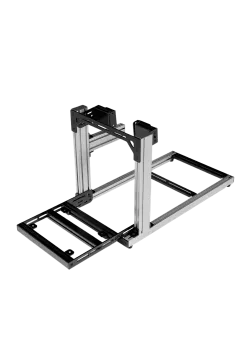
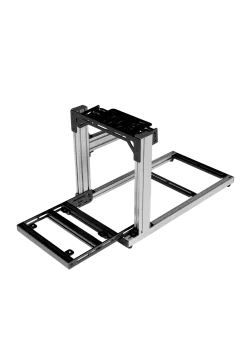
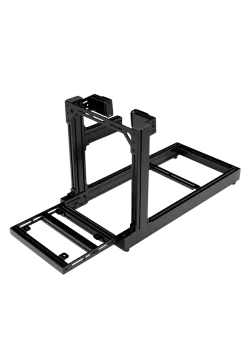
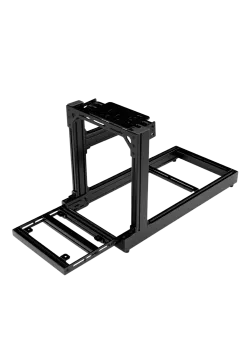
Simgasm Hobby Black
1,056.10zł

143.90zł
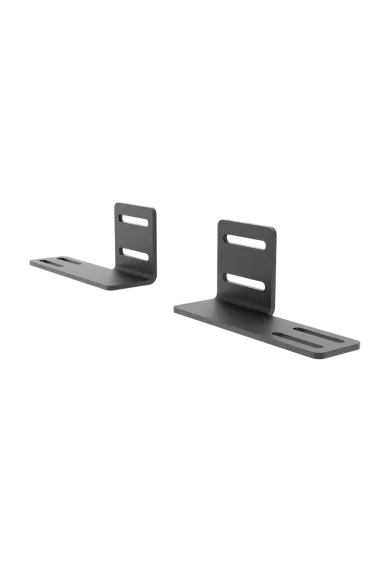
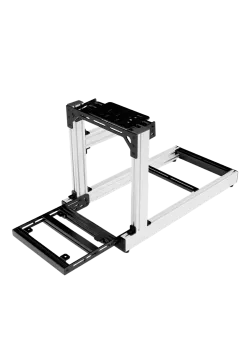
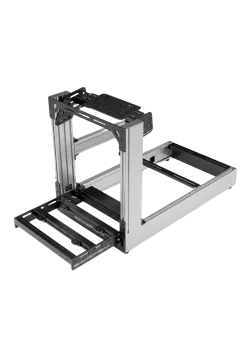
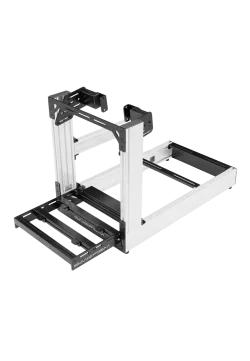
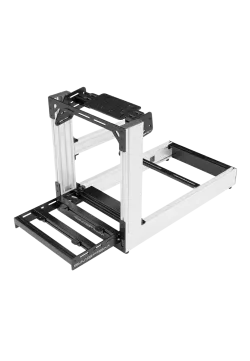
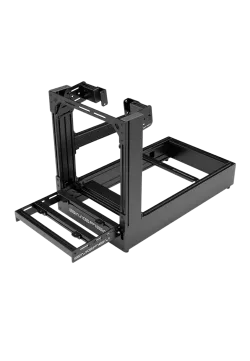
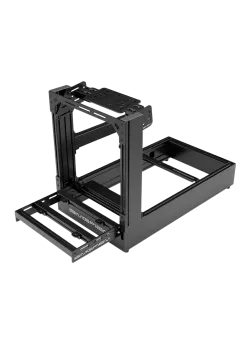
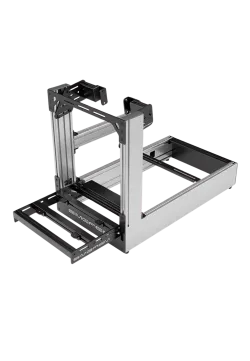
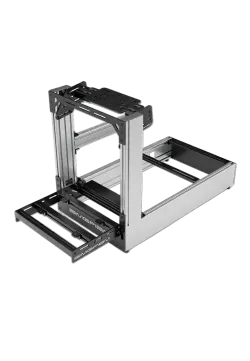
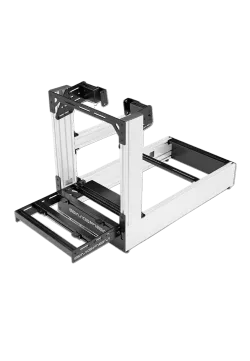
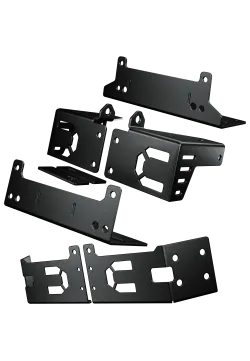
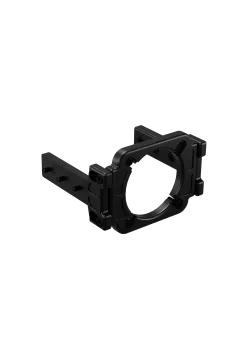
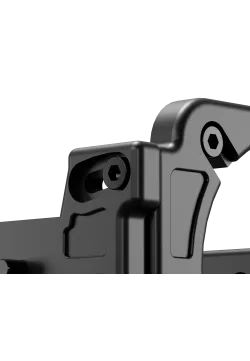
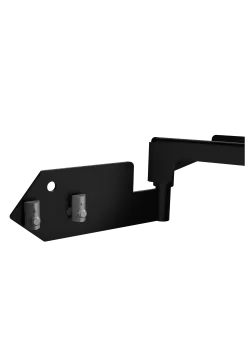
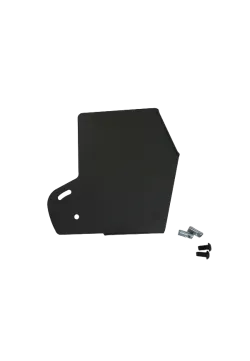
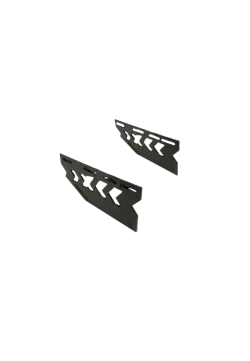
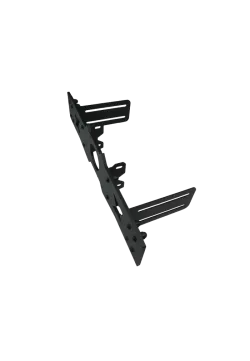
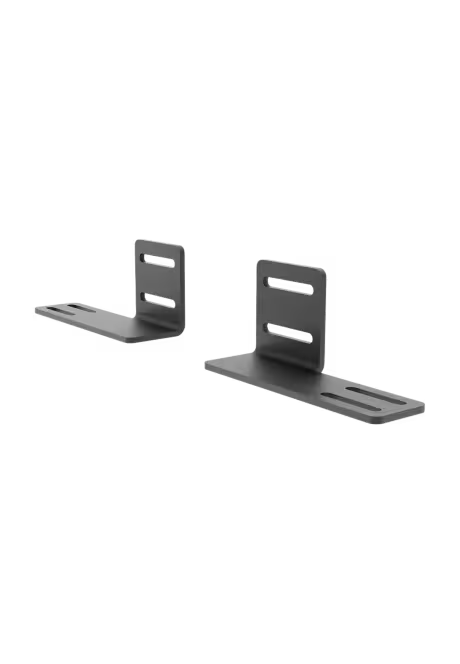
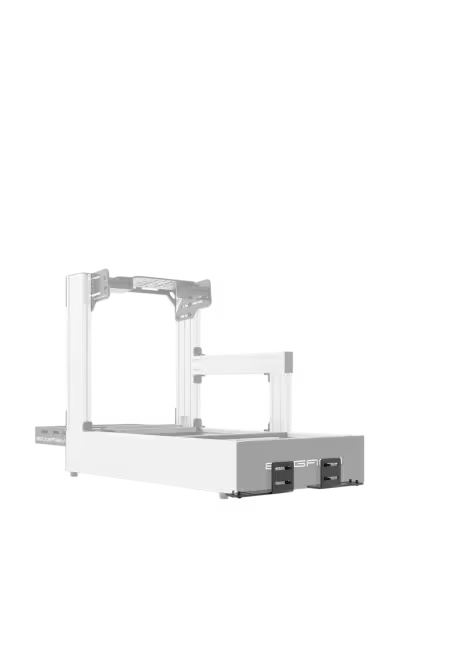
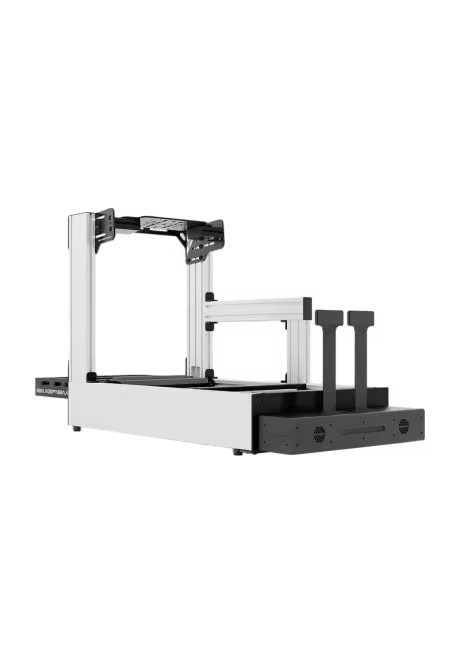
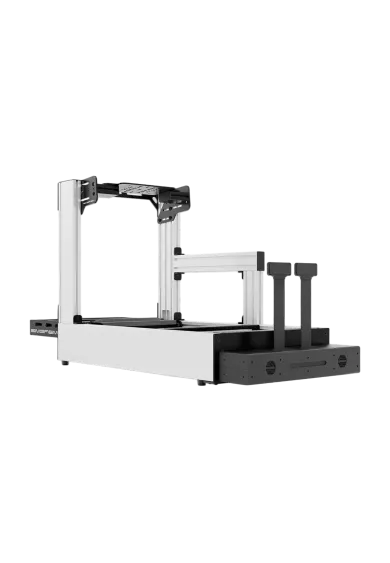
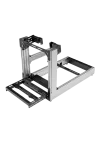
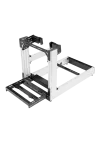
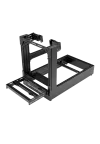
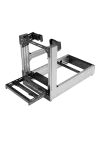
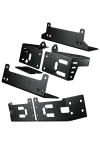
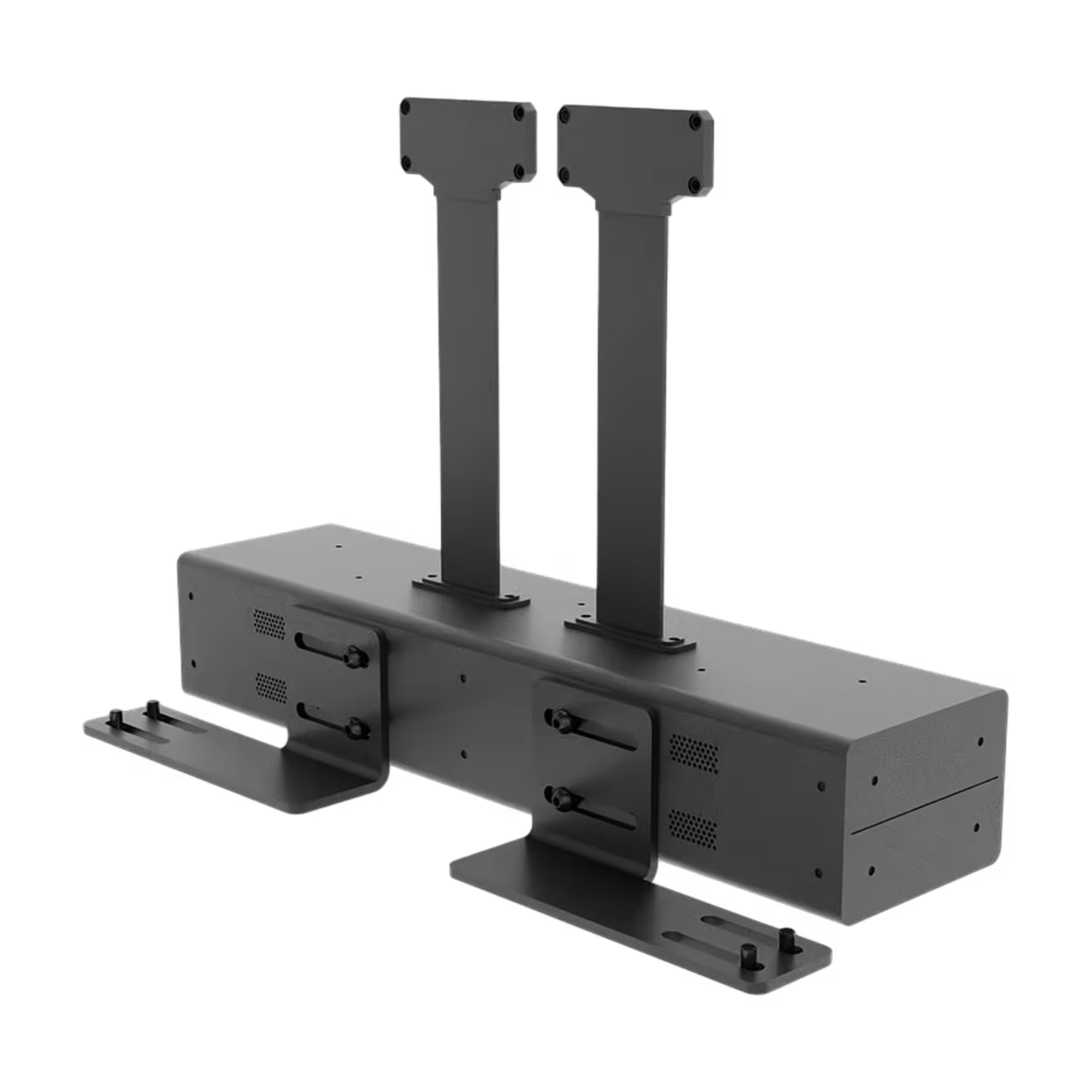
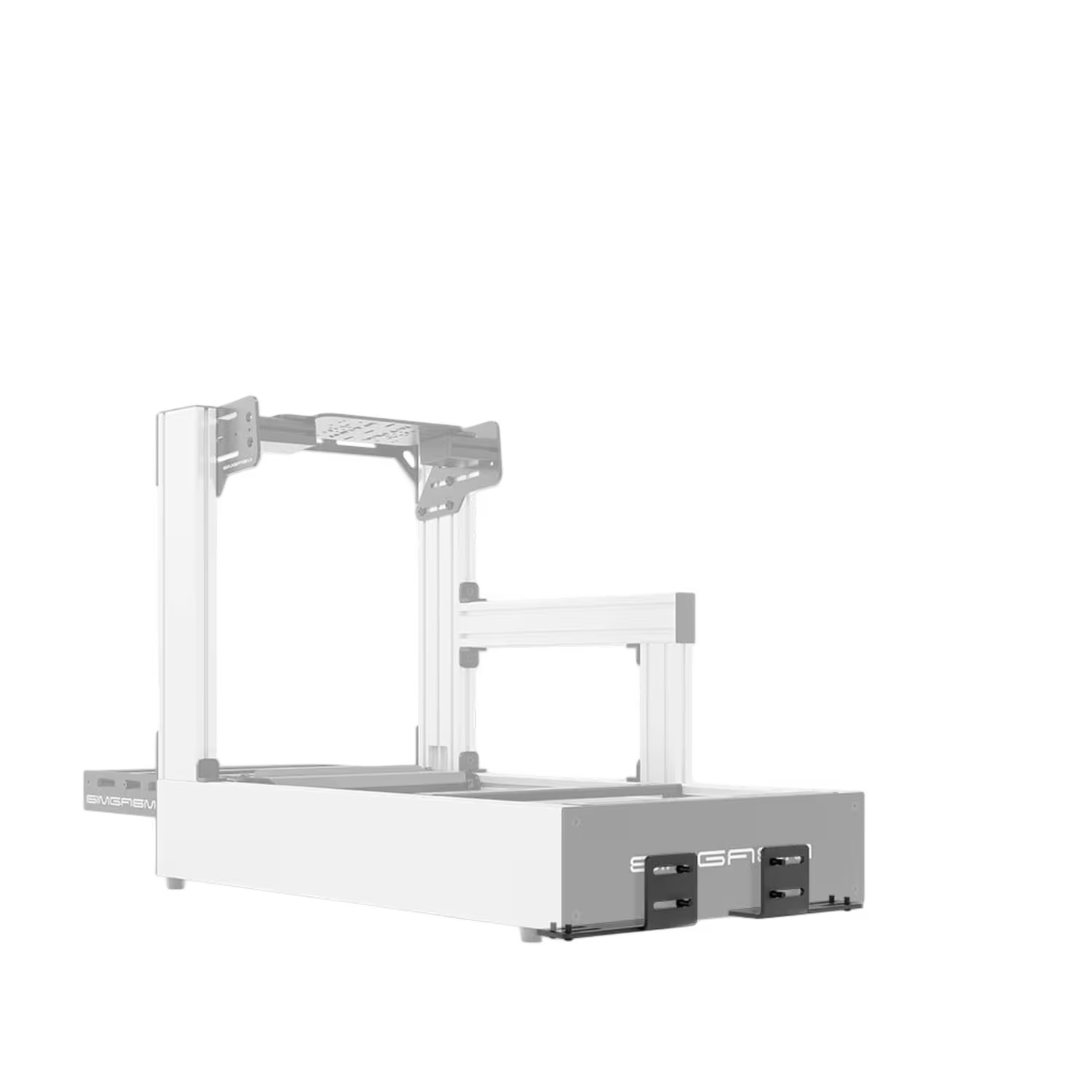
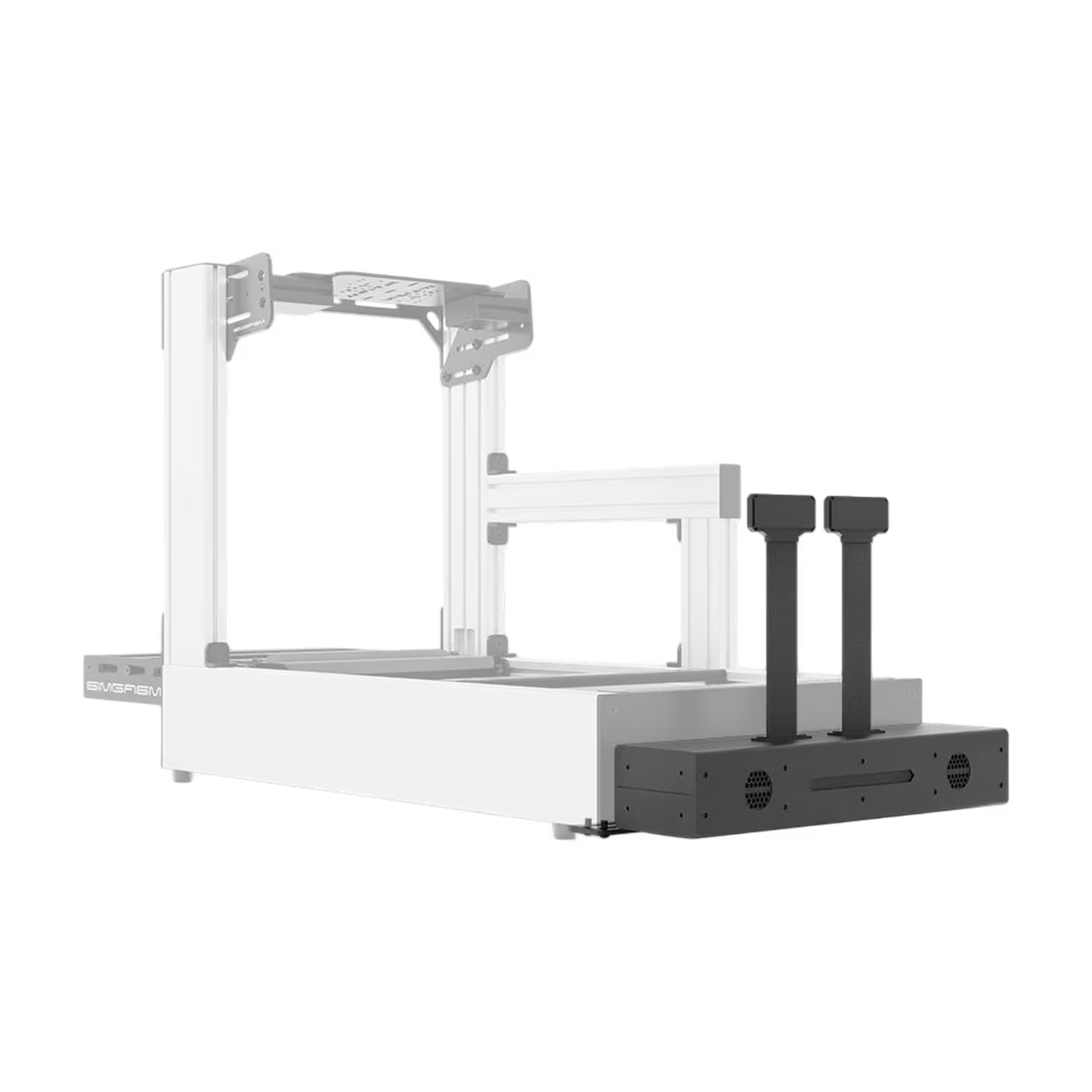
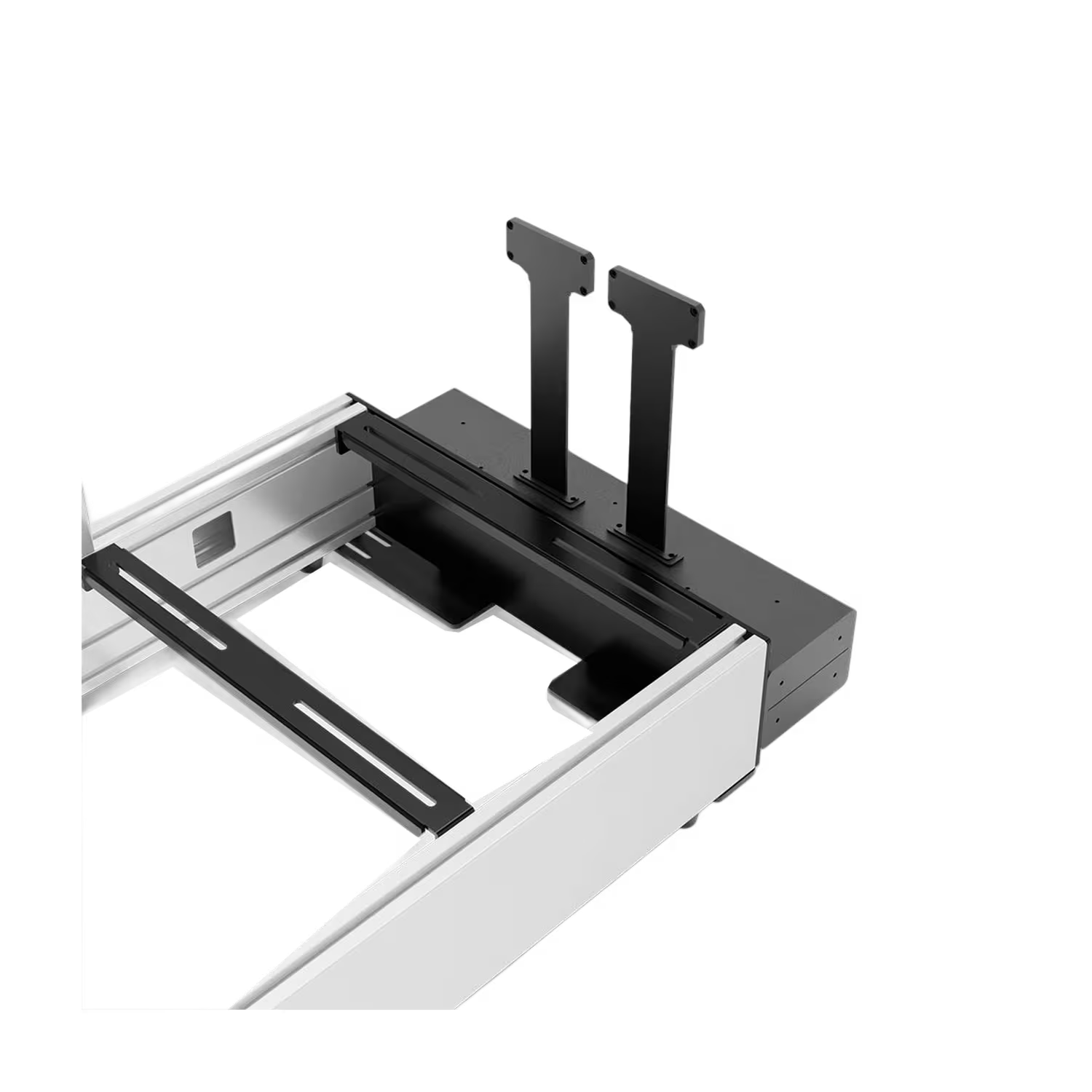
The Simgasm Qubic QS-BT1 Mounting Bracket Set includes two 6 mm steel brackets for Hobby, Club, Sport and Pro cockpits. It supports an internal mounting width of 420 or 500 mm. Slotted holes allow alignment during installation. The set contains one left and one right bracket. The tensioner, harness, seat and cockpit are sold separately.
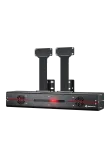
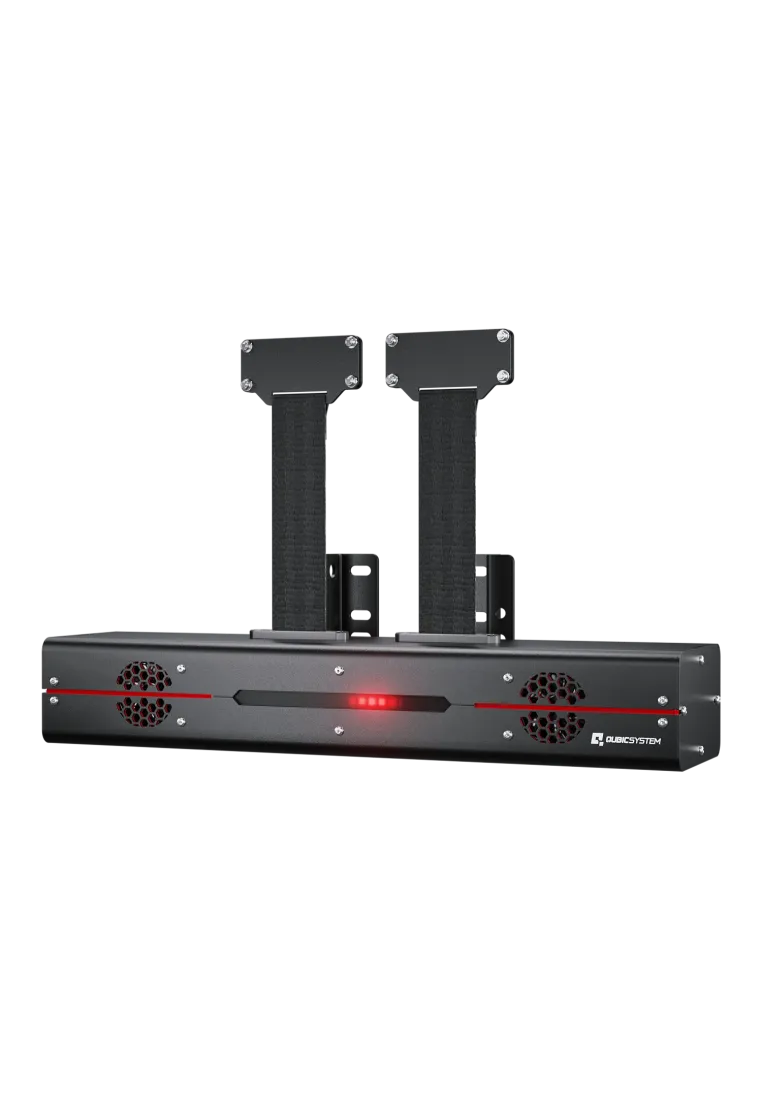
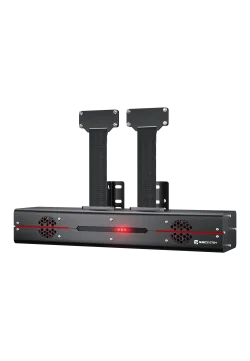
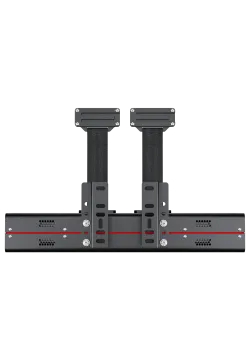
Qubic System QS-BT1 is a dual-channel Direct Drive belt tensioner that turns telemetry into pressure felt across the driver's shoulders. Each channel delivers up to 200 N, allowing the system to communicate braking, cornering, gear shifts, engine vibration and loss of grip. It works as a standalone device or alongside a motion platform, supports racing and flight simulators, and connects directly to a Windows PC through USB.
6,008.13zł
You might also like
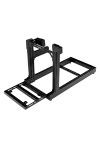
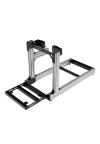
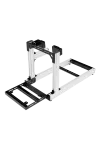
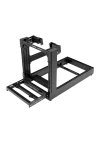
| Parameter | Details |
|---|---|
| Manufacturer | SIMGASM |
| Product type | Belt tensioner mounting bracket set |
| Intended tensioner | Qubic System QS-BT1 |
| Number of brackets | 2: left and right, with mirrored geometry |
| Material | Carbon steel |
| Steel thickness | 6 mm |
| Internal mounting width | 420 mm or 500 mm; not a claimed continuous adjustment range |
| Compatible Simgasm cockpit ranges | Hobby, Club, Sport and Pro |
| Installation alignment | Slotted mounting points |
| Bracket colour | Black |
| Hardware or frame | Compatibility and conditions |
|---|---|
| Qubic System QS-BT1 | Dedicated tensioner mounting solution for a compatible cockpit |
| Simgasm Hobby | Compatibility confirmed by Simgasm |
| Simgasm Club | Compatibility confirmed by Simgasm |
| Simgasm Sport | Compatibility confirmed by Simgasm |
| Simgasm Pro | Compatibility confirmed by Simgasm |
| Third-party aluminium-profile cockpits | Check the 420 or 500 mm internal mounting width, attachment points and clearance. No specific model list is published |
| Other belt tensioners | Not confirmed; this set is designed for the QS-BT1 |
The Qubic System QS-BT1 tensioner, harness, seat and cockpit are not included. Screws, T-slot nuts and tools are not listed in the manufacturer's published contents for this set.
No. This product is the mounting bracket set only. The QS-BT1 tensioner is purchased separately.
Two: one left and one right. Their mirrored shapes form a pair for mounting the tensioner.
6 mm carbon steel. The brackets are black; SIMGASM does not specify the coating process.
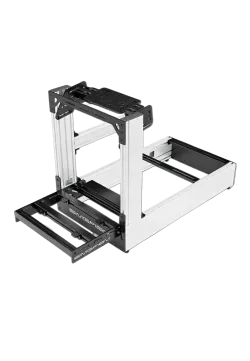
Simgasm confirms its Hobby, Club, Sport and Pro aluminium-profile cockpit ranges.
An internal mounting width of 420 mm or 500 mm. This is not the overall outside width of the cockpit.
SIMGASM specifies two values: 420 and 500 mm. It does not confirm a continuous adjustment range between them.
Compare dimensions, attachment points and installation clearance first. A 420 or 500 mm internal width alone does not confirm a complete fit.
They allow bracket alignment during installation, before the mounting hardware is fully tightened.
That compatibility is not confirmed. This set is designed for the Qubic System QS-BT1.
The published contents list only the left and right brackets. Confirm any additional hardware before purchasing.
Simline.eu is an authorised Simgasm partner. Products from this brand are covered by full warranty protection for up to 2 years within the European Union, in accordance with Simgasm warranty terms.
Simline.eu acts as an intermediary in the warranty process and handles the case after receiving the documentation. Once the issue has been reviewed, we provide further instructions.
Email support@simline.eu or simgasm@simline.eu with a description of the fault, photos or a video showing the issue and proof of purchase. We will provide further instructions after reviewing the claim.
You might also like