Shopping Cart
There are no more items in your cart
 English
  Polski
RECART TV mount MS-GTR MS-GTRx
410.57zł

649.59zł
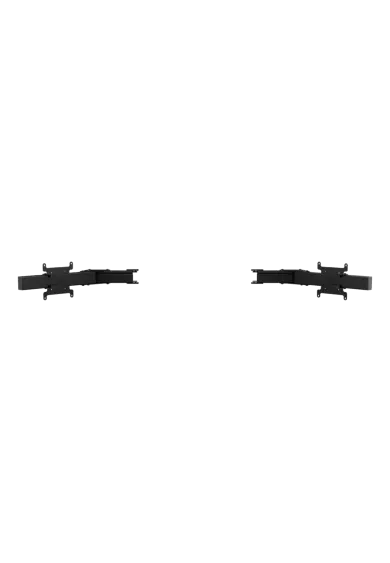
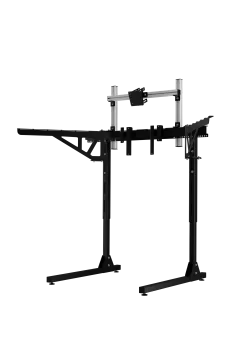
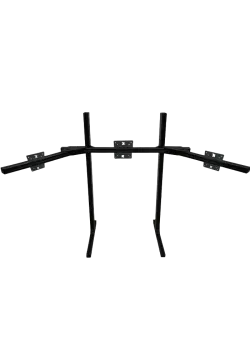
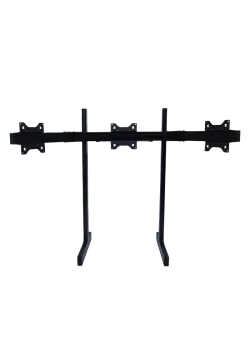
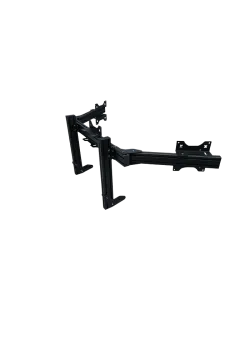
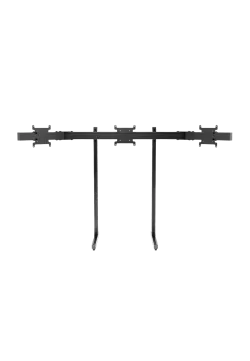
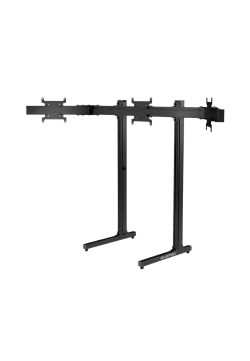
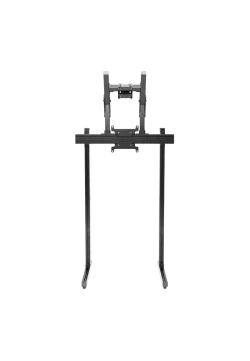
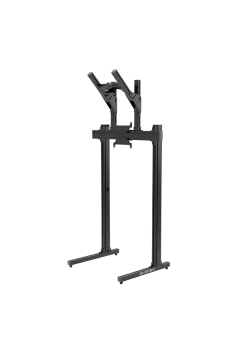
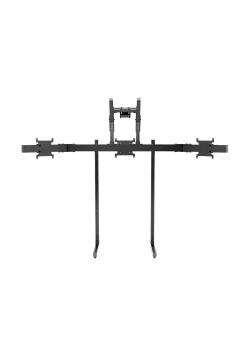
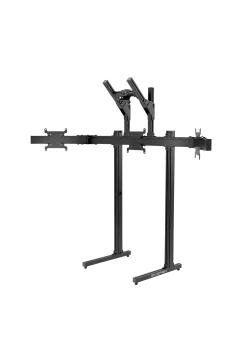
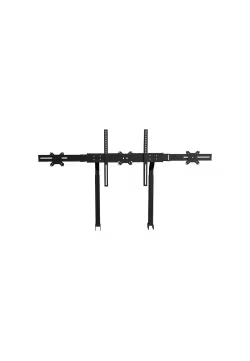
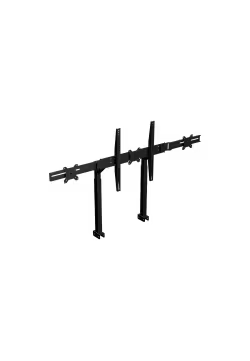
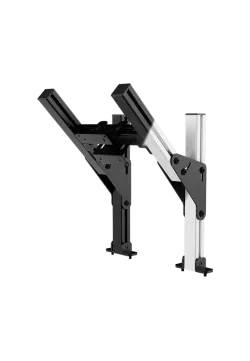
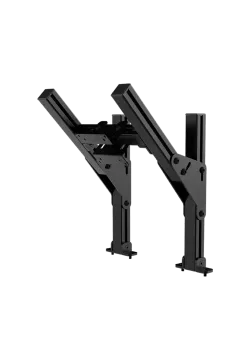
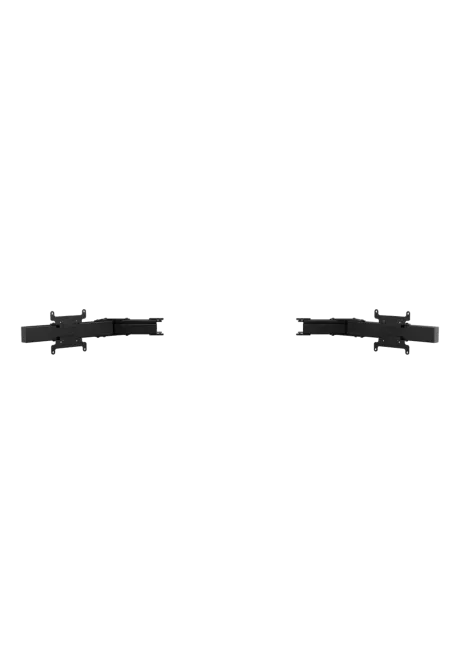
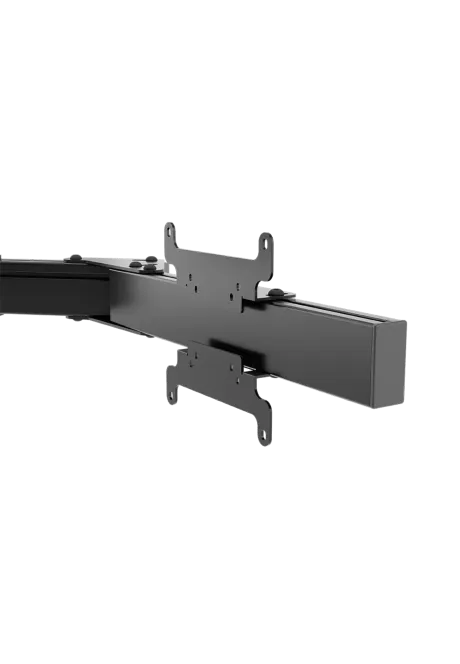
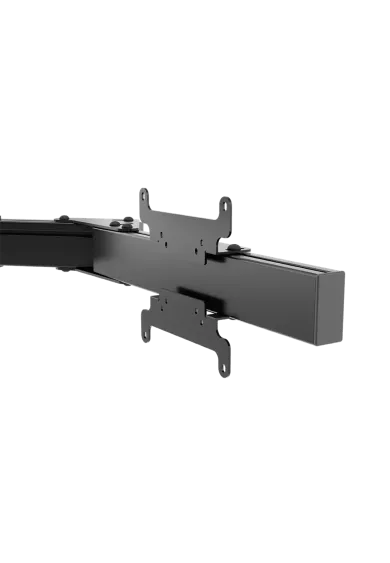
Simgasm Apex Monitor Stand Side Arms expands a compatible Apex stand from one screen to three with adjustable mounting positions on both sides. Its 40 x 80 mm profile structure supports VESA 75 x 75, 100 x 100, 200 x 200 mm. Black and white are offered as variants on one product page. Two colours are available. Adjustment simplifies screen positioning. Check the monitor weight before ordering. The image is easier to align with the seat.

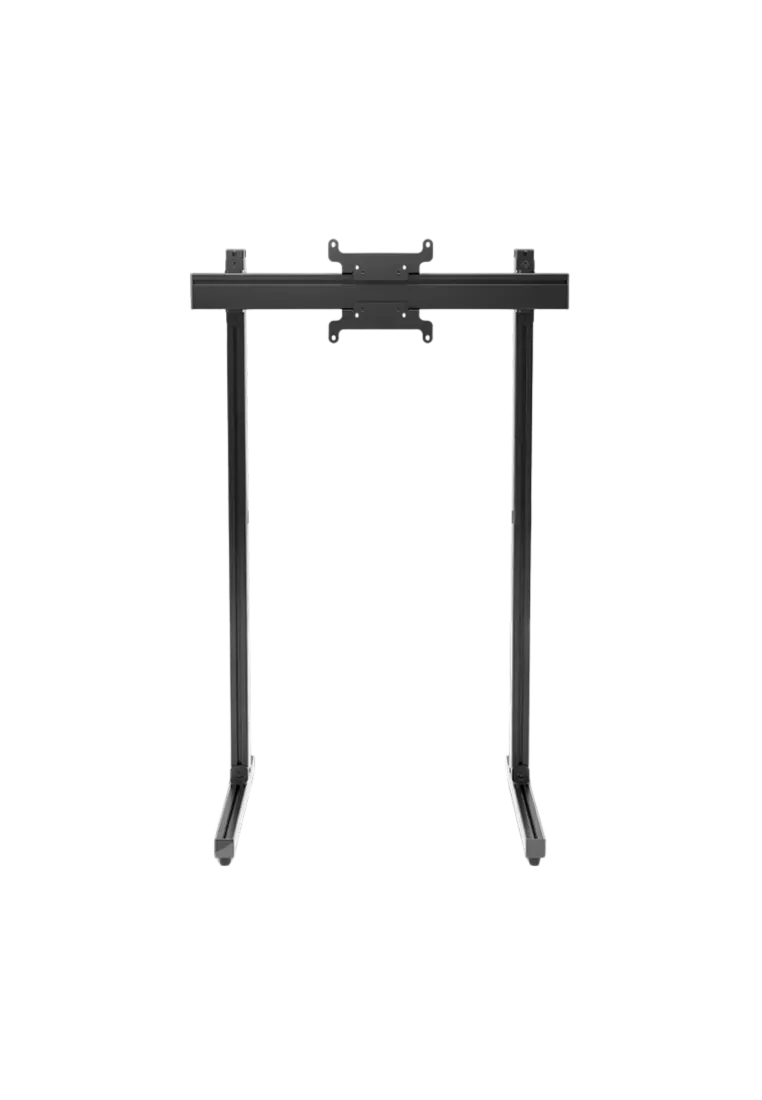
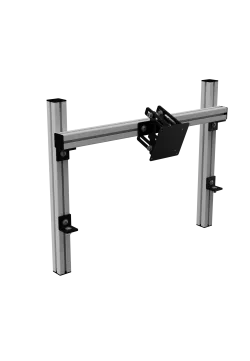
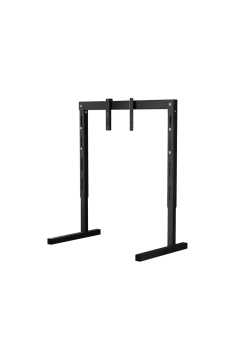
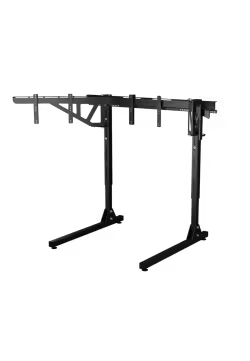
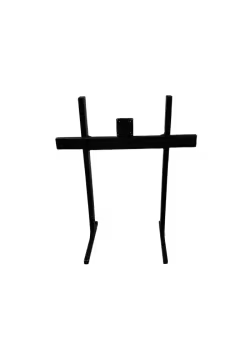
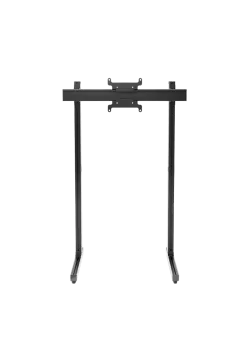
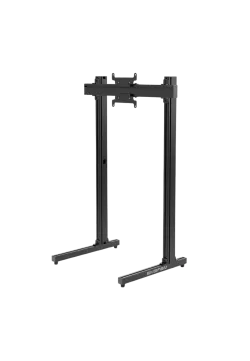
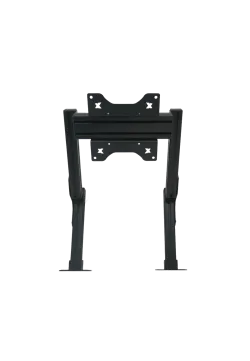
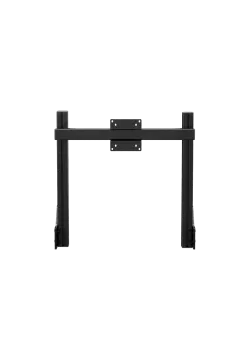
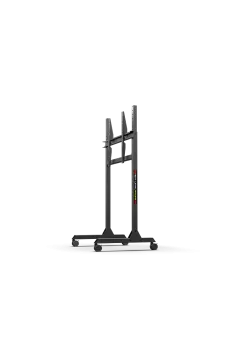
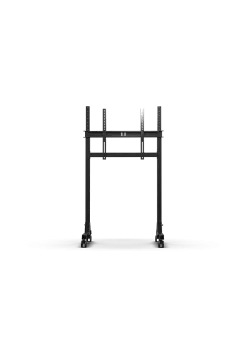
SIMGASM Apex is a black freestanding single-monitor stand that does not attach to the cockpit or desk. Its 40 x 80 mm aluminium structure with steel mounting parts weighs 15.7 kg and provides adjustable screen height and position. It supports VESA 75 x 75, 100 x 100 and 200 x 200 mm. The 83 x 61 x 129 cm structure can sit beside a sim racing cockpit or workstation while keeping the display position independent from the cockpit frame.
Simgasm Apex Monitor Stand PREORDER
852.85zł
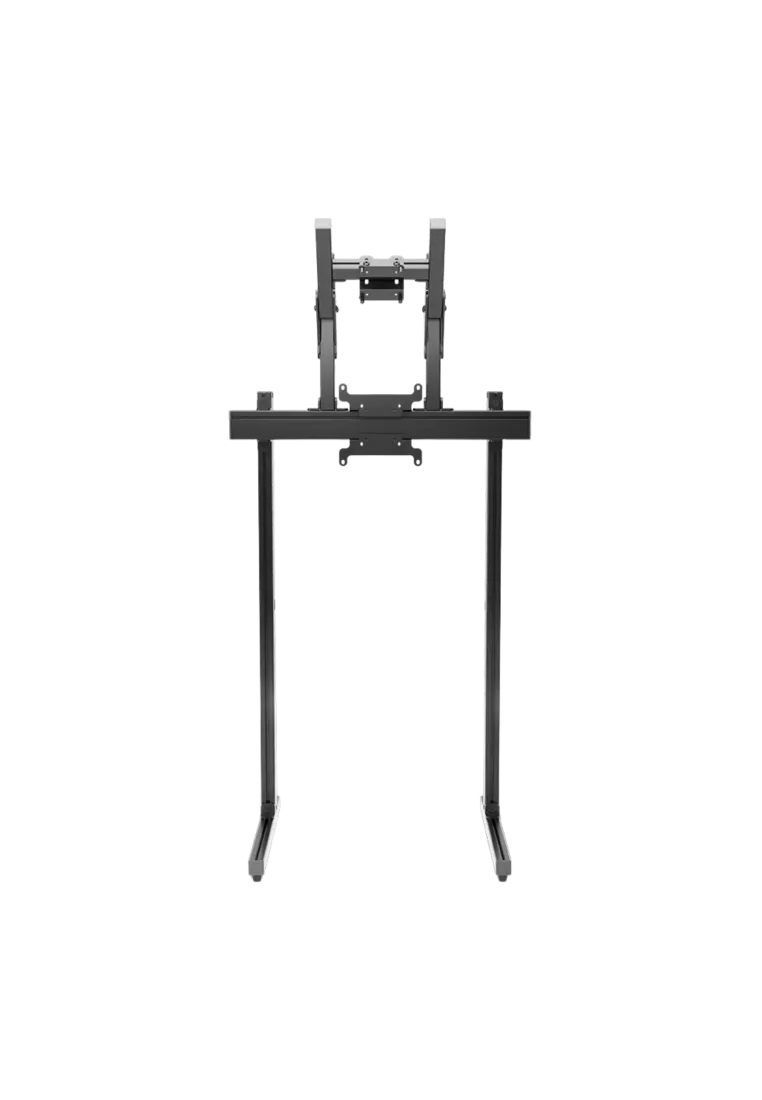
Simgasm Apex Dual Monitor Stand creates a freestanding layout with one main display and a second screen mounted above it. Its 40 x 80 mm aluminium profiles, steel mounting parts and adjustable height, width and upper-screen position simplify accurate alignment. It supports VESA 75 x 75, 100 x 100 and 200 x 200 mm. Choose black MSAS2-BLK or white MSAS2-WIT as a combination on the same product page. Displays are sold separately.
Simgasm Apex Dual Monitor Stand
1,137.40zł
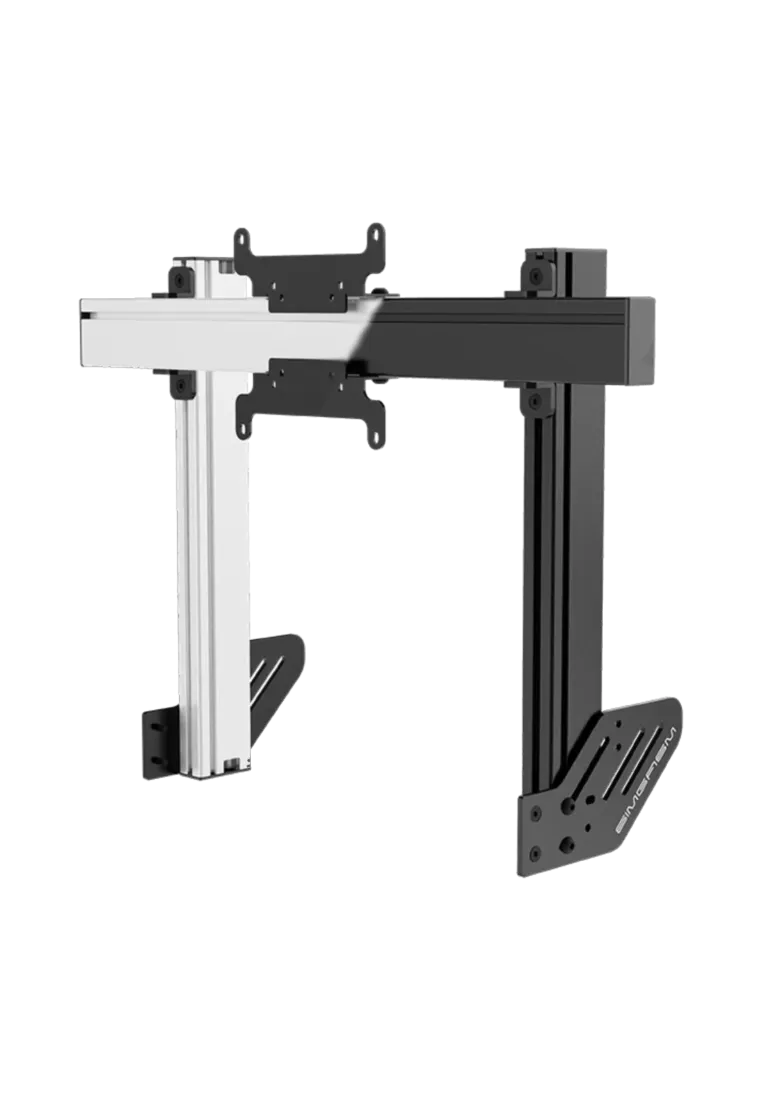
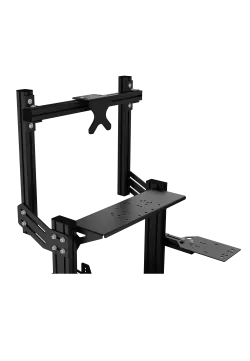
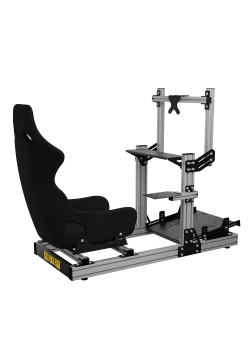
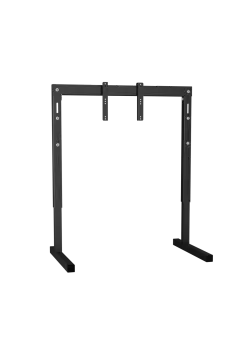
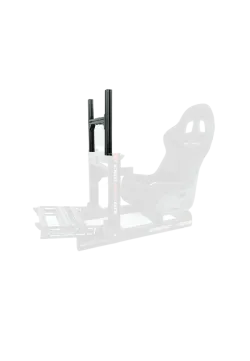
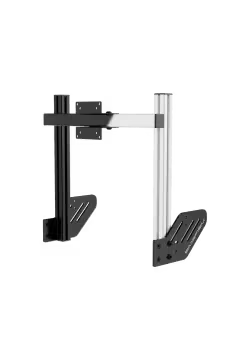
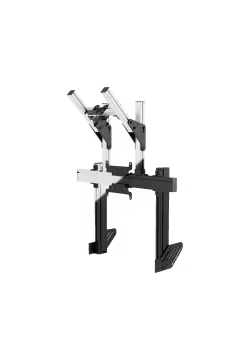
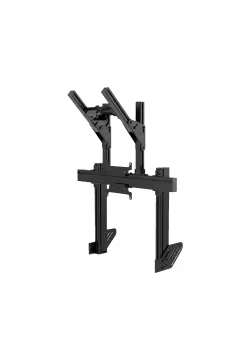
Simgasm Apex Integrated Monitor Stand attaches one screen directly to the cockpit, clearing the floor and bringing the image closer to the wheel. Its 40 x 80 mm profile structure supports VESA 75 x 75, 100 x 100, 200 x 200 mm. Black and white are offered as variants on one product page. Two colours are available. It is a practical sim racing solution. The profile structure helps preserve alignment. The layout remains clear in daily use.
Simgasm Apex Integrated Monitor Stand
617.07zł
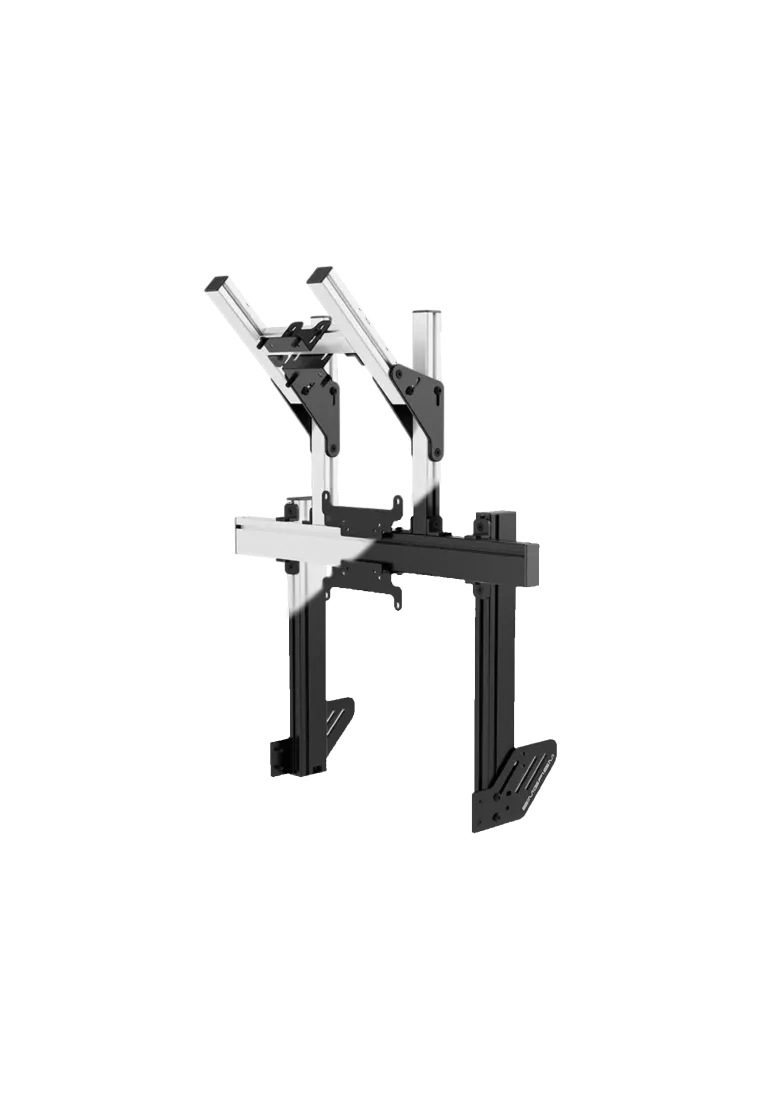
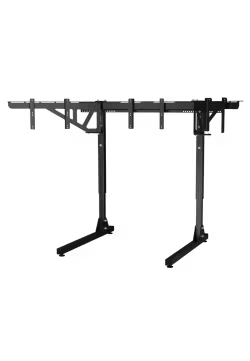
Simgasm Apex Integrated Dual Monitor Stand places the main display below a second screen, adding space for telemetry and applications without widening the cockpit. Its 40 x 80 mm profile structure supports VESA up to 200 x 200 mm for the main display and 100 x 100 mm above. Black and white are offered as variants on one product page. Two colours are available. It is a practical sim racing solution. The layout remains clear in daily use.
Simgasm Apex Integrated Dual Monitor Stand
974.80złYou might also like













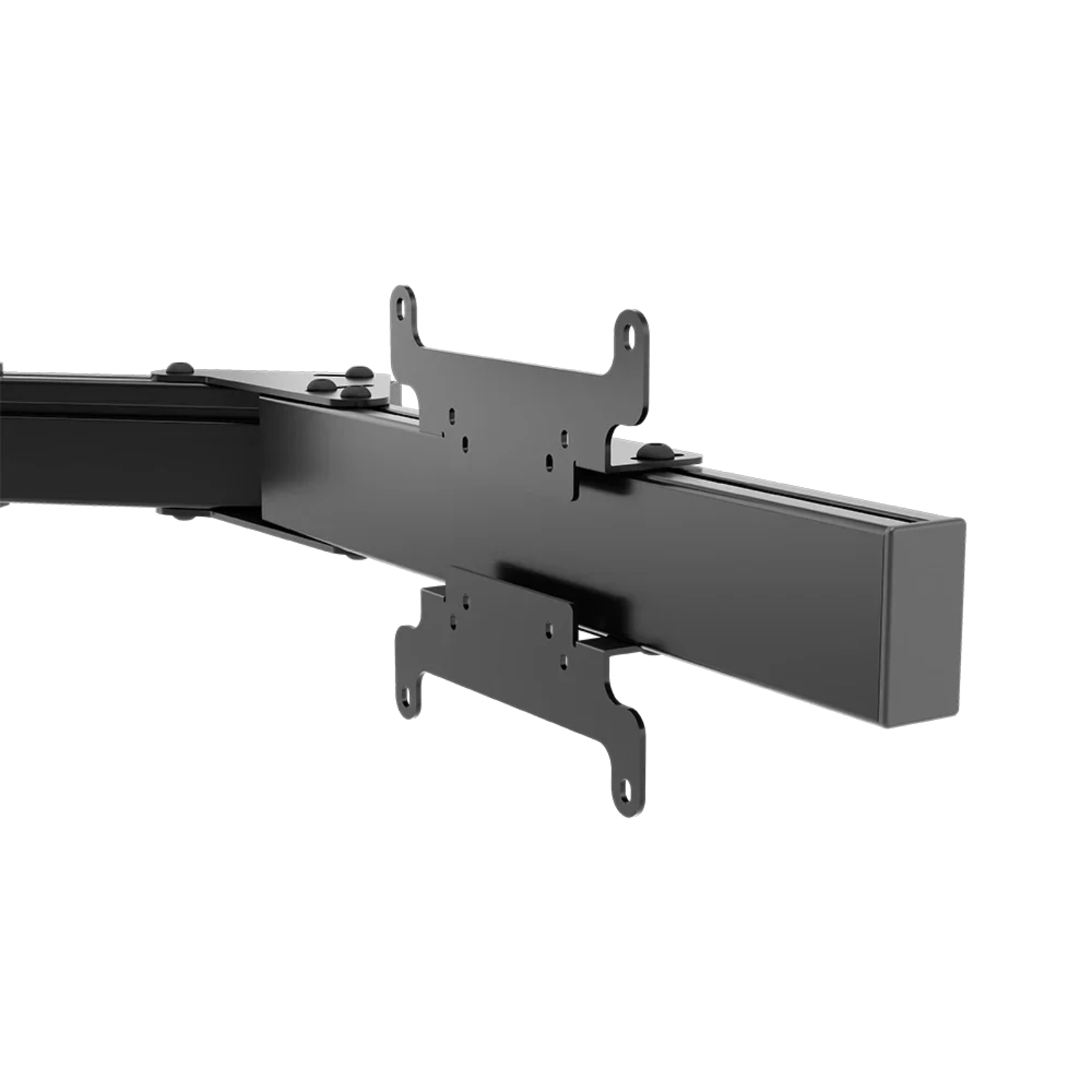
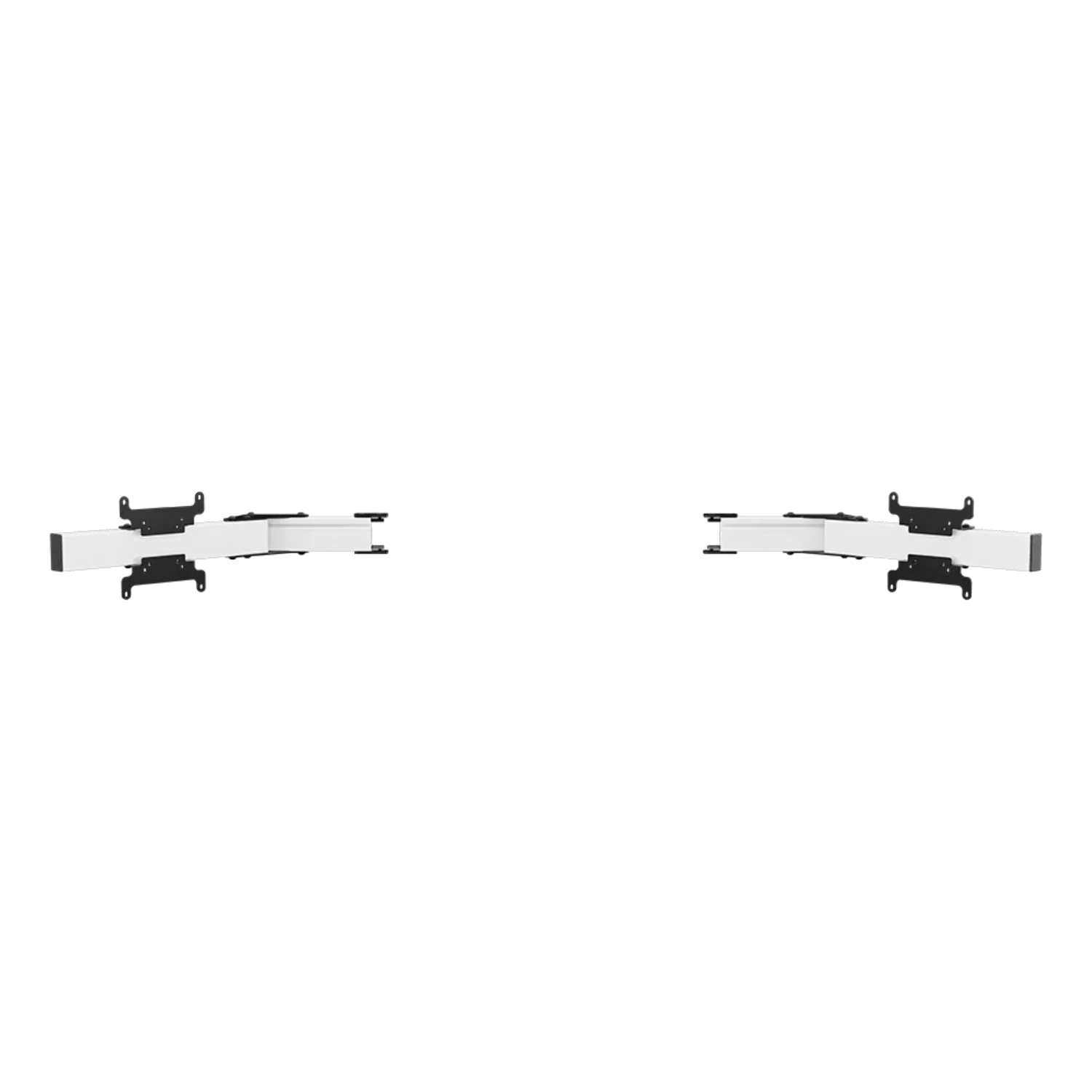
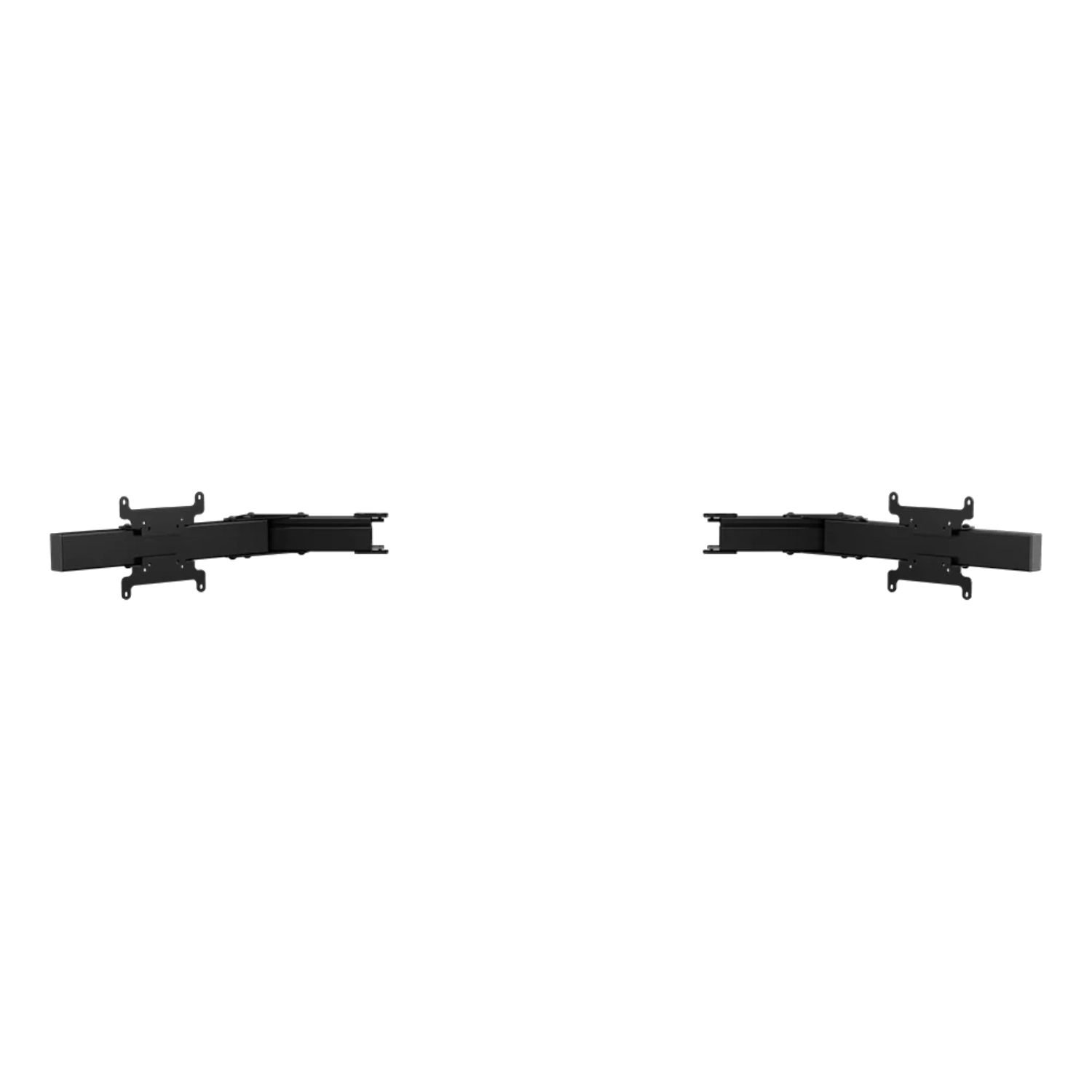
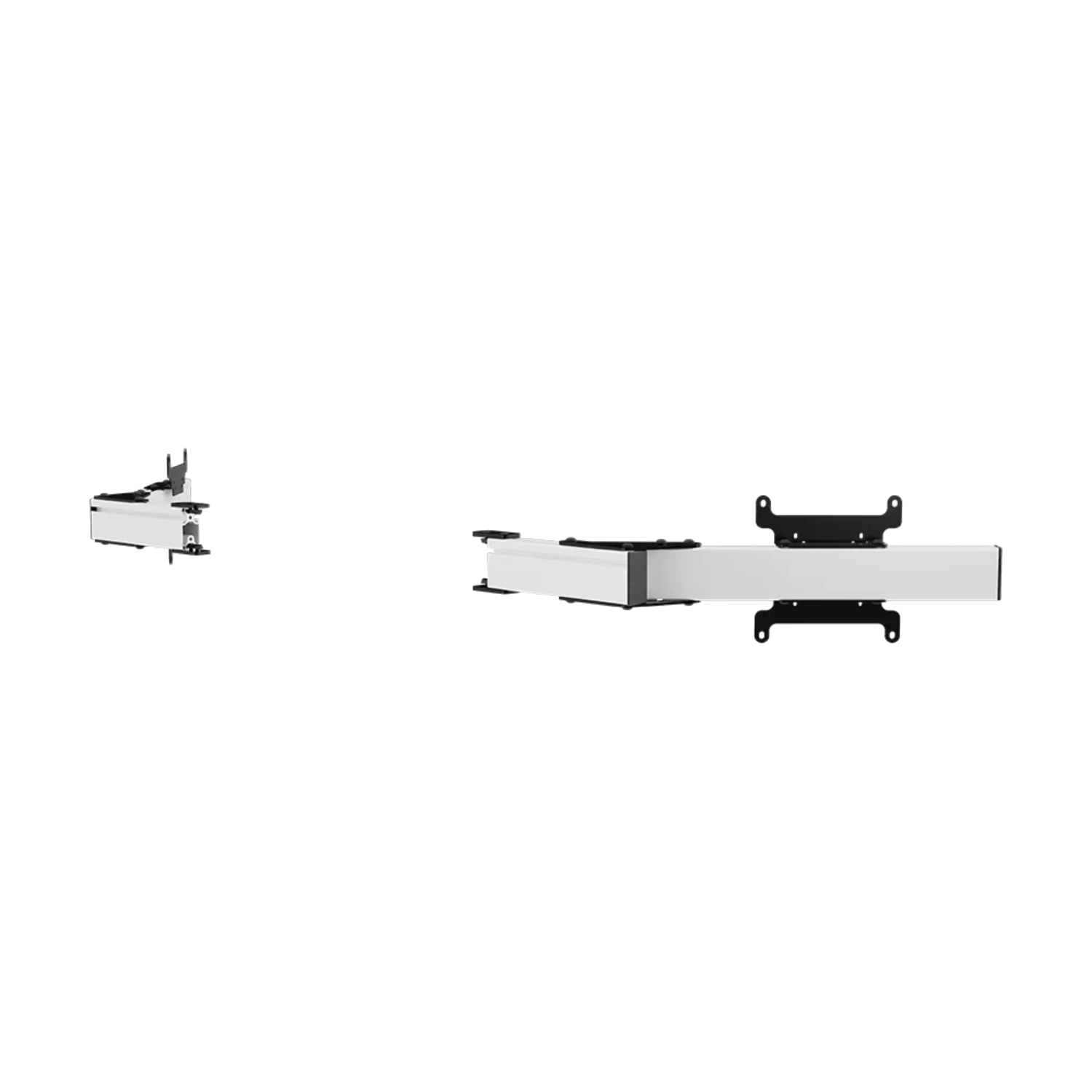
These arms suit a driver who started with one screen and now wants a wider field of view. They reuse the existing Apex support and add two side mounting positions, so the monitor system can grow without replacing its main structure.
This upgrade path makes sense when the centre monitor is already positioned correctly and the driver wants more vision to both sides without replacing the main support. Two outer screens can improve awareness of nearby cars, mirrors and corner references. The actual result still depends on configuring the correct field of view inside the simulator.
The buyer receives an upgrade for an existing system rather than a second independent stand. This matters for both cost and space because the arms reuse the centre structure already aligned with the wheel and seat.
Adjustable arm angles help bring the outer displays around the driving position and reduce visible gaps. Width adjustment also makes it easier to align different monitor housings into one continuous sightline.
The arms provide adjustment, but accurate calibration remains important. Begin by levelling all panels, bring their edges together and only then set the angle of the outer screens. This order reduces repeated corrections and helps maintain a similar viewing distance across the complete panorama.
Adjust both sides alternately in small steps. Completing one arm before touching the other can make symmetry harder to preserve and may move the centre display away from the driver's exact centre line.
The 40 x 80 mm aluminium profiles provide a firm base for side screens, while steel mounting parts support the VESA plates. Black blends into a dark rig, while white gives the same structure a lighter visual character.
The larger profile section is useful in a wide layout because each side display sits at the end of an extended arm. It does not automatically approve every heavy monitor. Display weight, centre of gravity, joint tightening and proper support of the main Apex structure all remain part of a safe installation.
Black and white variants differ in appearance, not purpose. Matching the arms and base colour usually creates the cleanest visual result, although mechanical compatibility always depends on the system connection rather than the finish.
This is an expansion module, not a complete stand. Confirm the connection with your Apex stand, the VESA pattern, monitor weight, casing shape and connector clearance before ordering.
Before assembly, check that the rear monitor housing clears the VESA plate and that cables can move without sharp bends as the arm angle changes. Recheck the joints after the first sessions. This helps preserve the selected side-screen position while keeping later adjustments straightforward.
For future expansion, compare Simgasm Apex Integrated Monitor Stand, Simgasm Apex Integrated Triple Monitor Stand, Simgasm Apex Integrated Quad Monitor Stand. The wider range is available under monitor stands, with other products listed on the Simgasm brand page.
| Simgasm Apex Monitor Stand Side Arms - specifications | |
|---|---|
| Variants | |
| Colour | black or white, selected on one product page |
| Black SKU | MSAA-BLK |
| White SKU | MSAA-WIT |
| Construction | |
| Aluminium profile | 40 x 80 mm |
| Mounting components | steel |
| VESA standard | 75 x 75, 100 x 100, 200 x 200 mm |
| Set weight | 20.30 kg |
| Package | |
| Contents | pair of side arms with VESA brackets and mounting hardware |
| Number of boxes | 1 |
| Box dimensions | 630 x 150 x 130 mm |
| Simgasm Apex Monitor Stand Side Arms - compatibility | |
|---|---|
| Compatibility and important notes | |
| Colour | Black and white variants share the same technical layout; the selection changes finish and SKU. |
| Stand base | A compatible Apex system base is required; these arms do not form a standalone stand. |
| Displays | Both side monitors must match VESA 75 x 75, 100 x 100, 200 x 200 mm and remain suitable in weight and casing geometry. |
| Important note | Do not assume compatibility with Core or another bracket generation from profile width alone. Confirm the connection first. |
It expands a compatible Apex monitor stand from one display to three.
Yes. Create black SKU MSAA-BLK and white SKU MSAA-WIT as colour combinations on one product page. Their technical specification is the same.
The confirmed range is 75 x 75, 100 x 100, 200 x 200 mm. Apex systems using a Core upper module have a separate, smaller VESA range at the top position.
No. Also check weight, casing dimensions, port locations, cable clearance and the permitted load of the complete connection.
There is no single published value that can safely cover every configuration. Full monitor geometry and weight remain part of the compatibility check.
No. It is a system module and requires a compatible stand base or cross-member.
It saves floor space and keeps screen position tied to the rig. Cockpit vibration may also reach the display, which matters on stronger haptic or motion setups.
Pair of side arms with VESA brackets and mounting hardware. The number of shipping boxes is listed in the specification table.
Yes. The Apex range is modular, but expansion should use compatible parts from the correct family and connection generation, with total load checked.
See the monitor stands category and the Simgasm brand page for related options.
You might also like