Free shipping from PLN 200 for Poland and from EUR 350 for the entire European Union

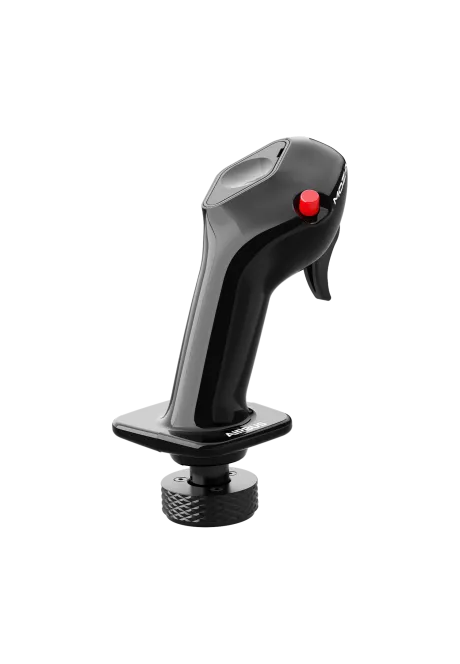
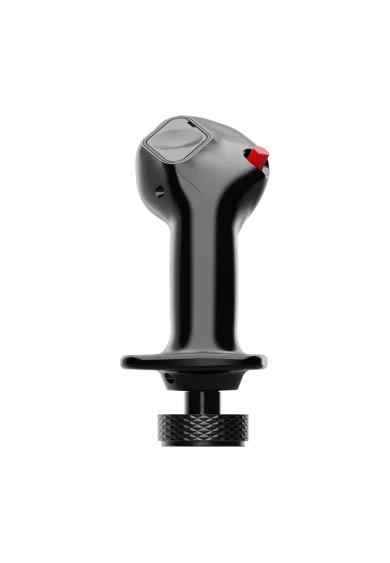
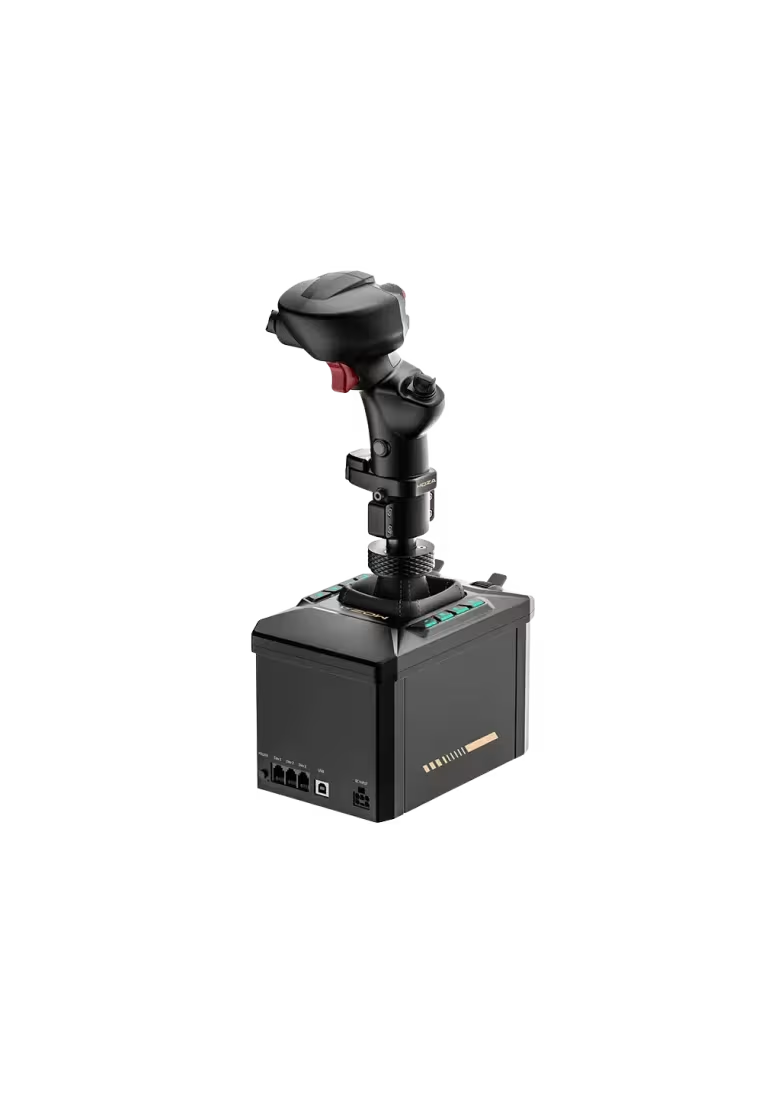
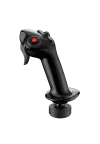
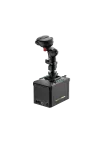
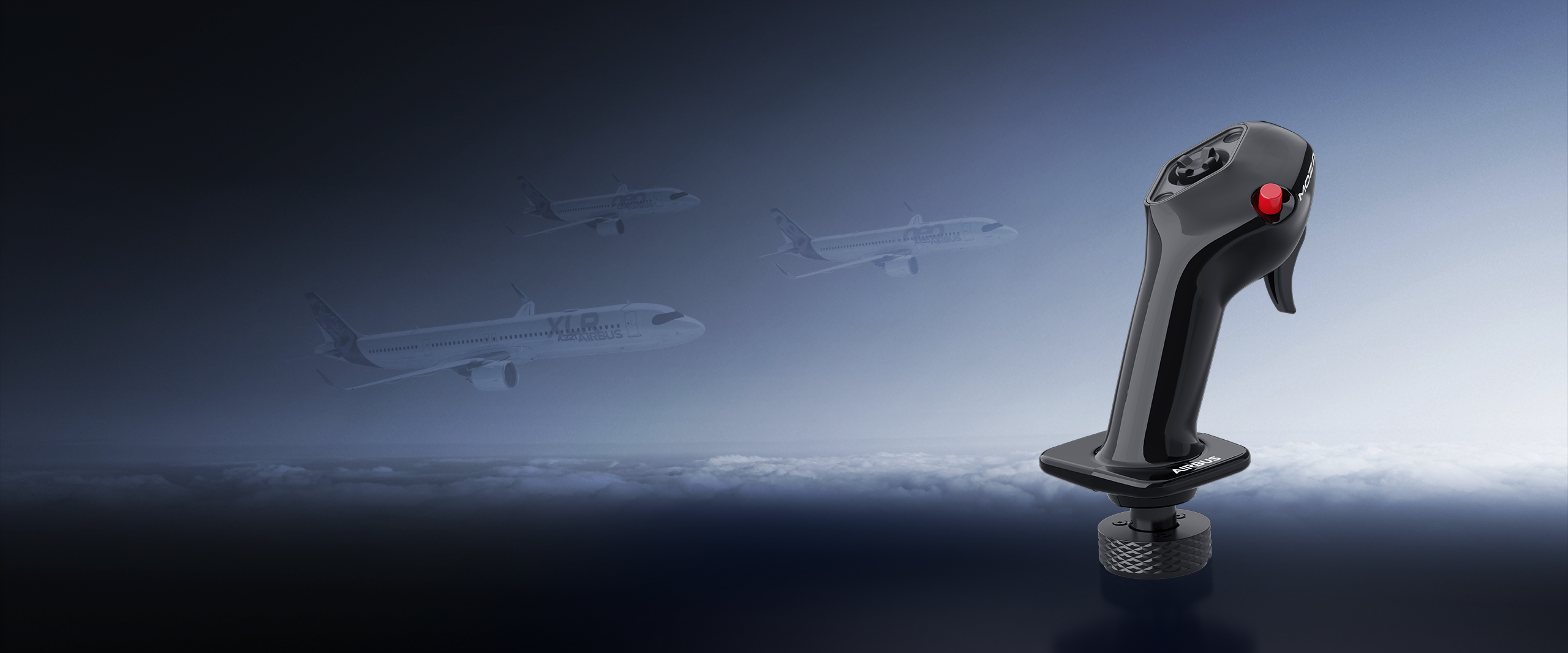
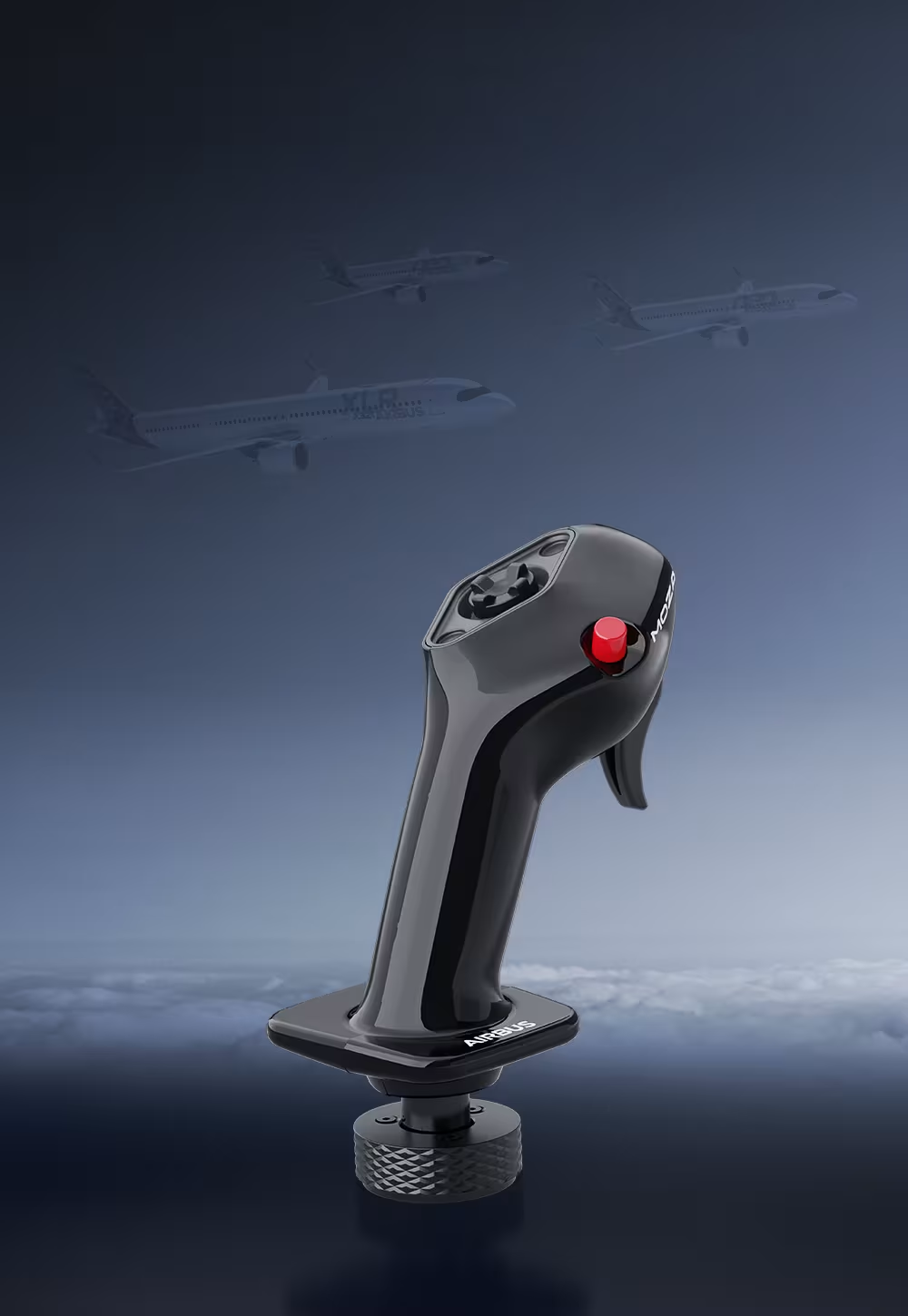
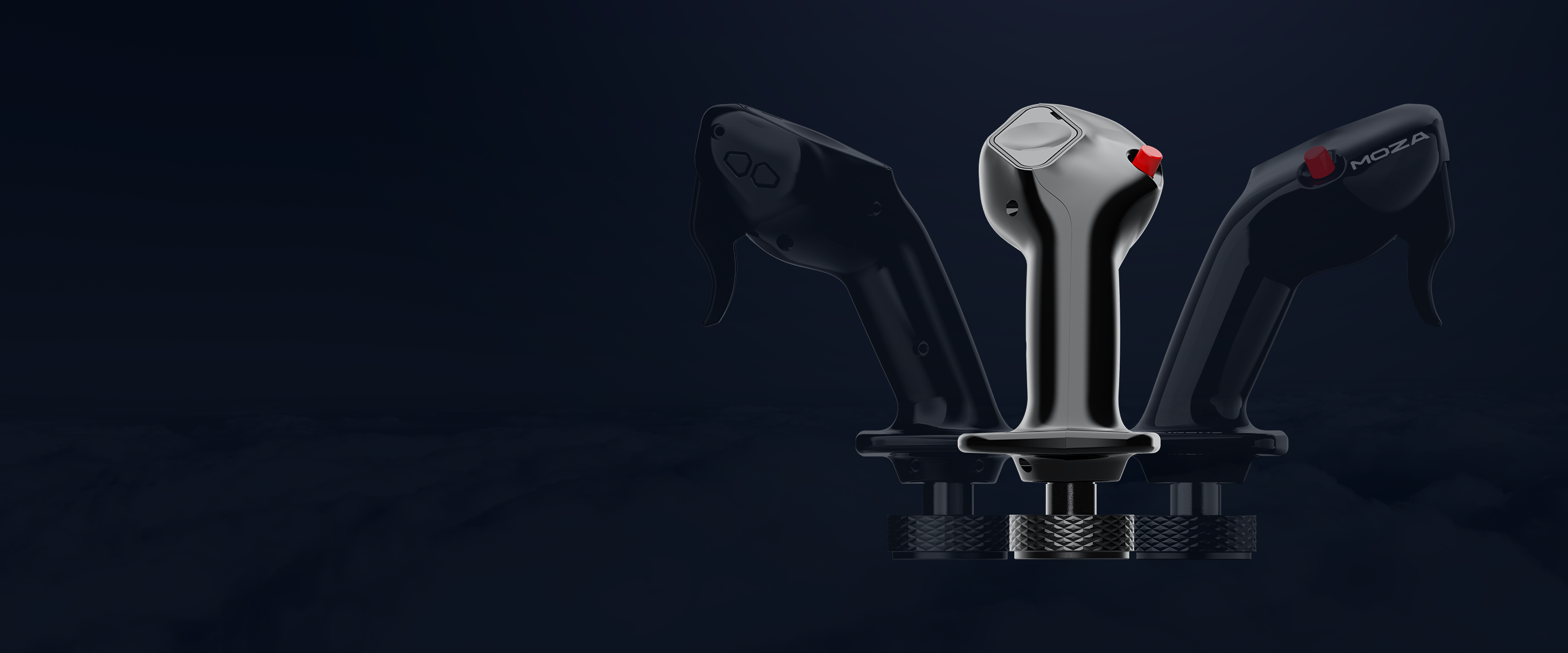
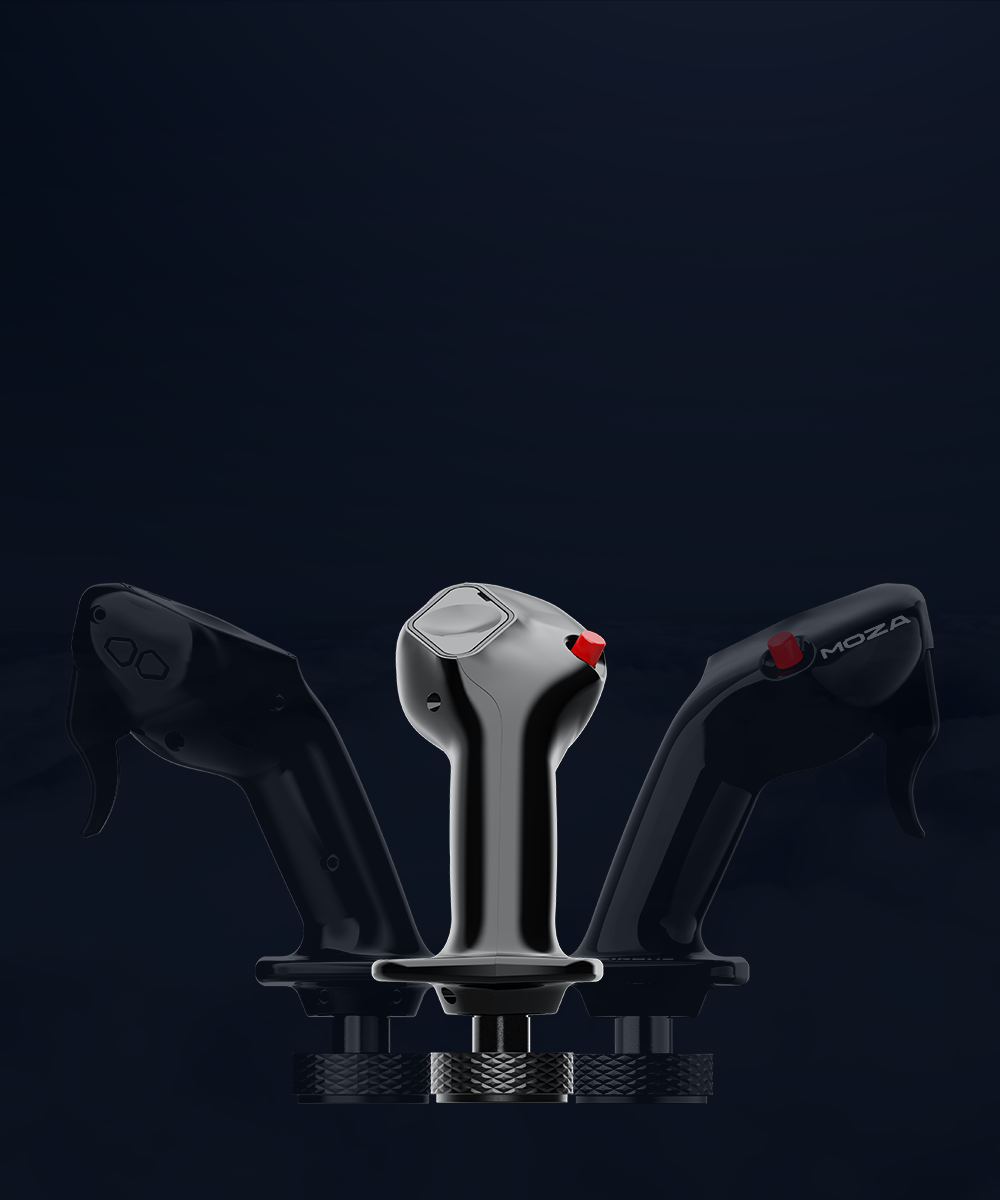
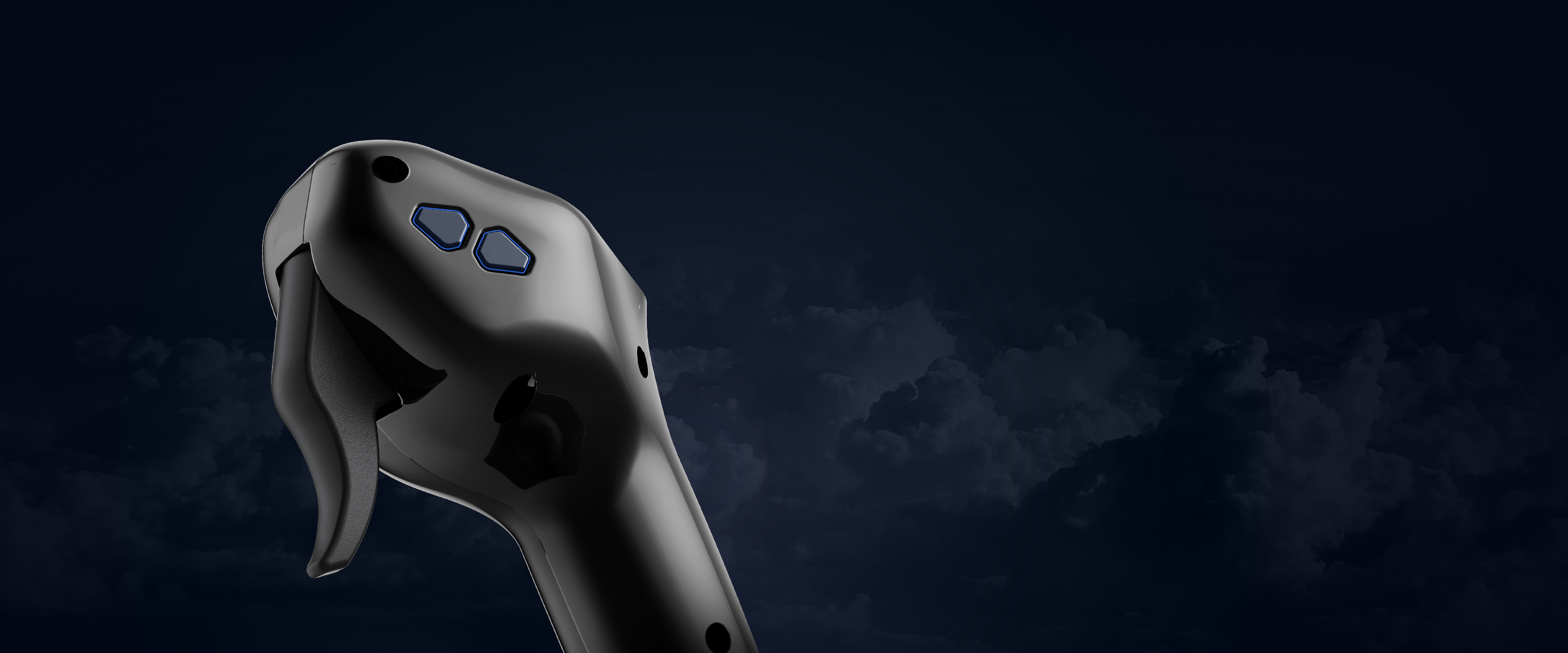
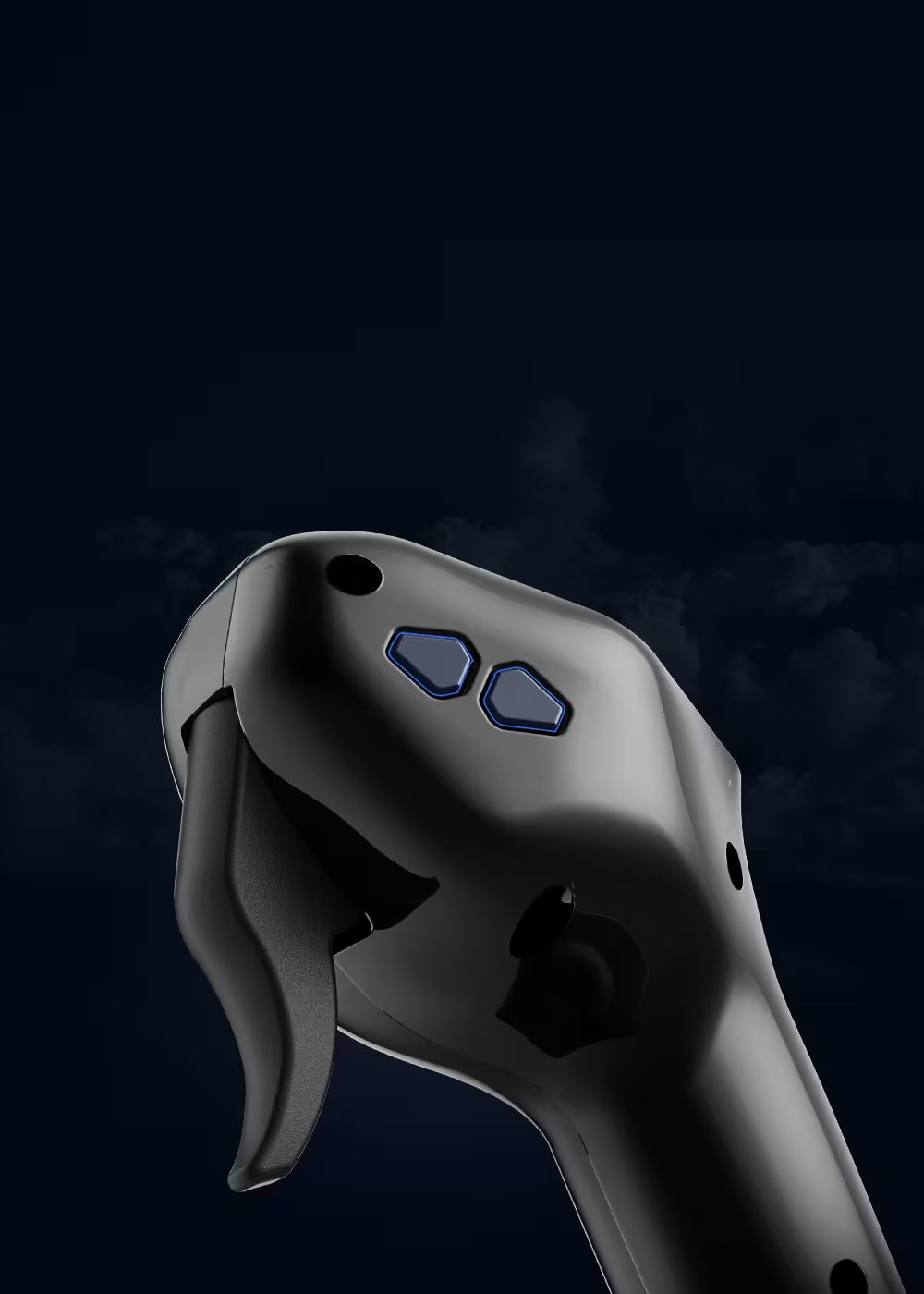
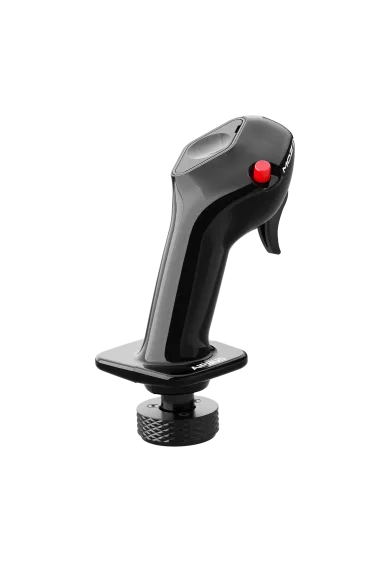
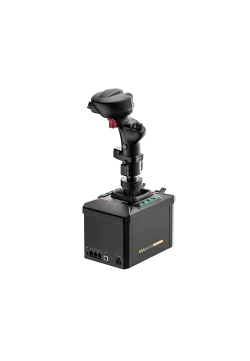
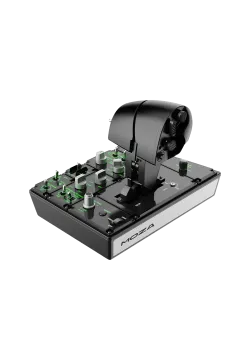
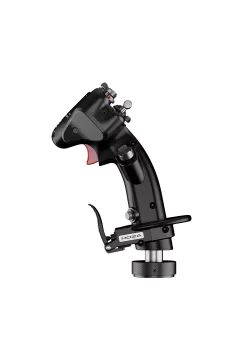
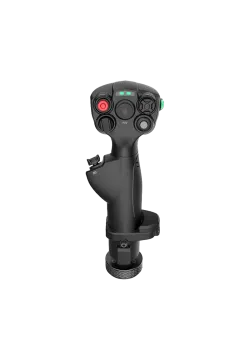
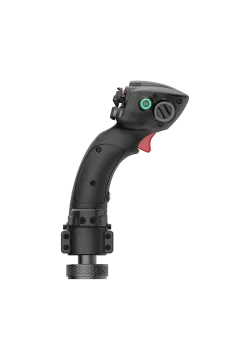
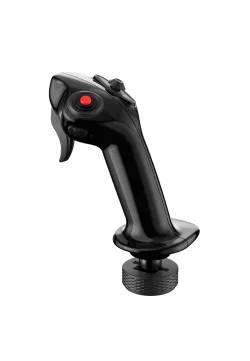
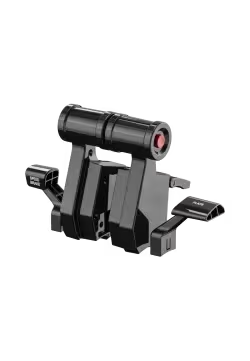
Moza Airbus MA3F front right side view
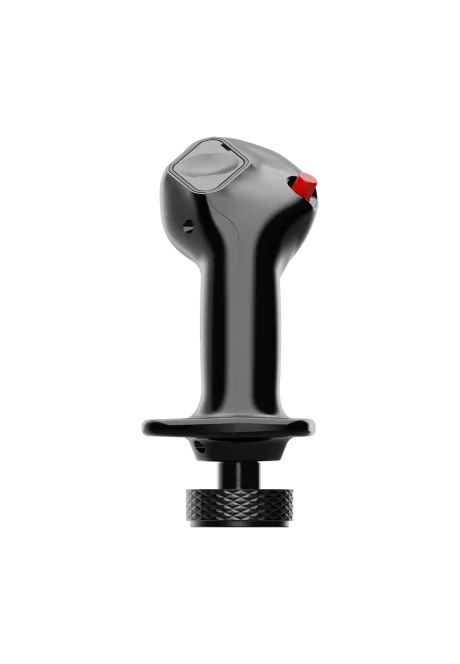
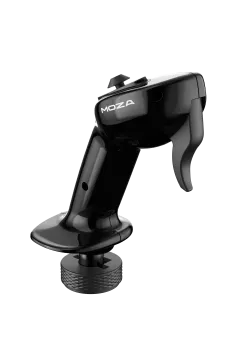
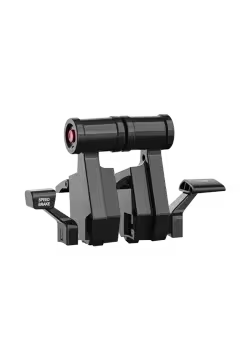
Moza Airbus MA3F front view
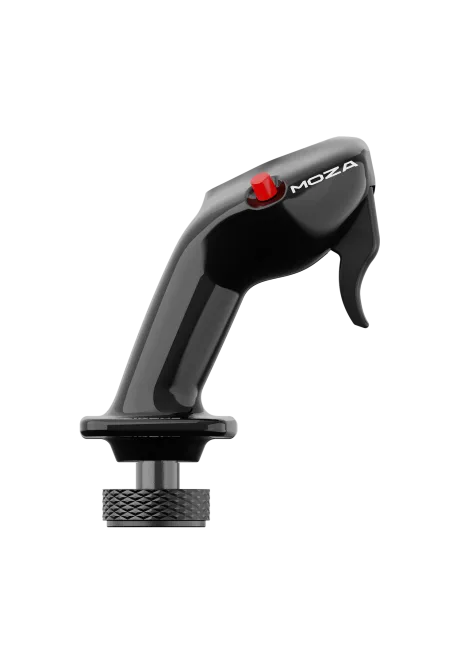
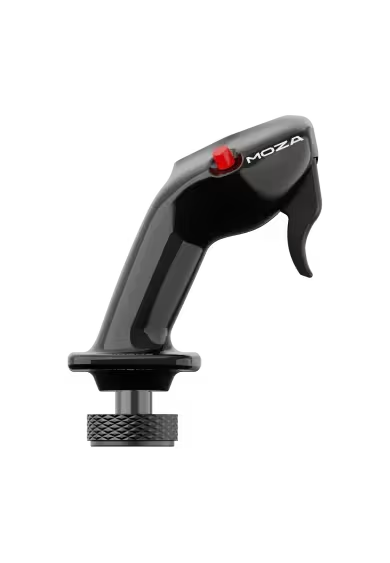
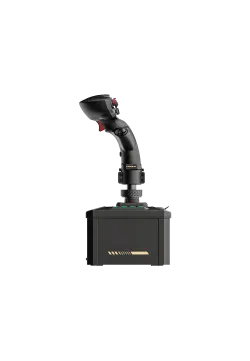
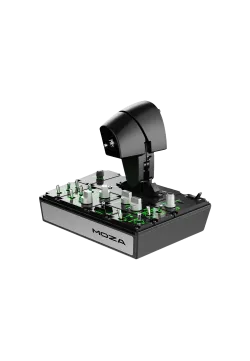
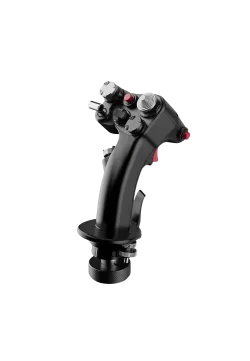
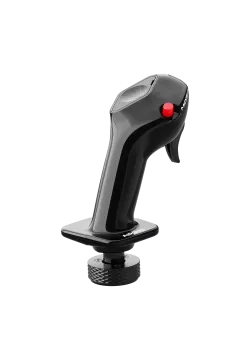
Moza Airbus MA3F right side view
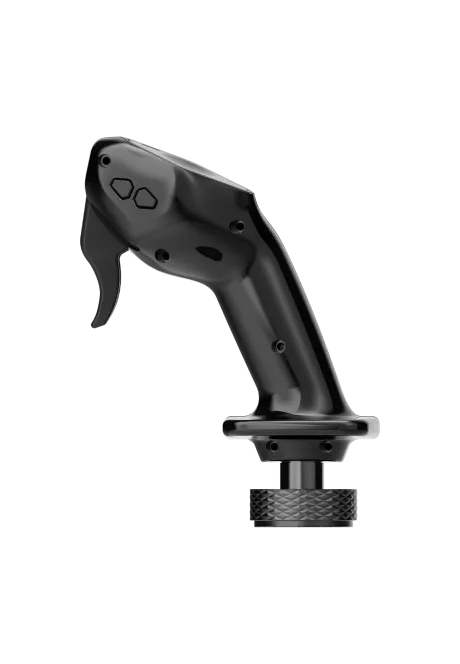
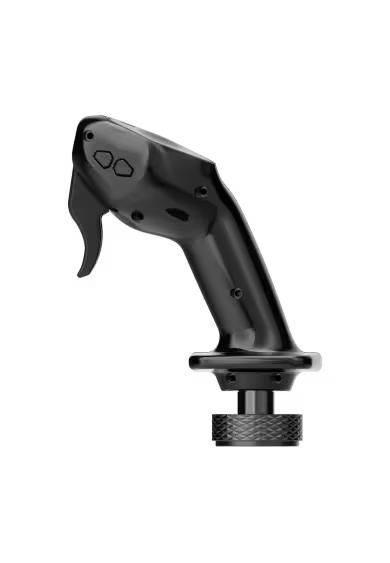
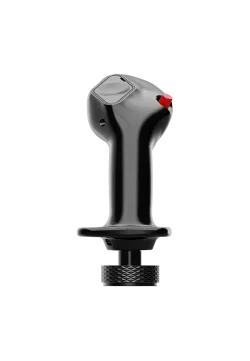
Moza Airbus MA3F left side view
  • New
Moza Airbus MA3F front right side view
Moza Airbus MA3F front view
Moza Airbus MA3F right side view
Moza Airbus MA3F left side view

Moza Airbus MA3F

AS034
308.13zł

308.13zł

PREORDER

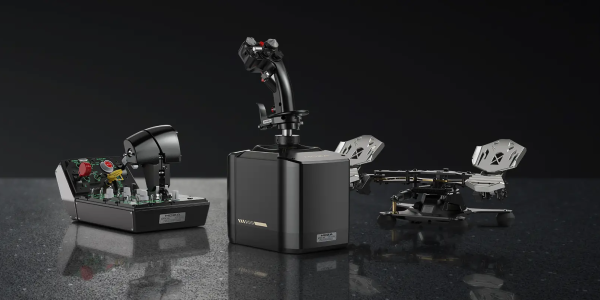
The MOZA MA3F Airbus Sidestick is an officially licensed, left-hand flight stick grip inspired by the Airbus captain's station. Five physical controls provide nine mappable button inputs, while the five-way hat-switch cap can be replaced with a magnetic cover. Weighing 232 g, the grip connects to MOZA AB6 and AB9 bases through a 5-pin aviation connector. Configuration is handled through MOZA Cockpit on PC. The flight base is sold separately.
Ask about product
Zapytanie dotyczy produktu: Moza Airbus MA3F
* - pola obowiązkowe
You will receive an 3.08zł for each item of this product to use on your next purchase.
Close
Shipping within 24 hours
Secure payments
Return within 30 days
Delivery from PLN 0

Available accessories

- Joystick Base

MOZA AB9 FFB Base

MOZA AB9 FFB Base

1,828.46zł
MOZA AB6 Flight

MOZA AB6 Flight

1,386.99zł

+ Switchpanels

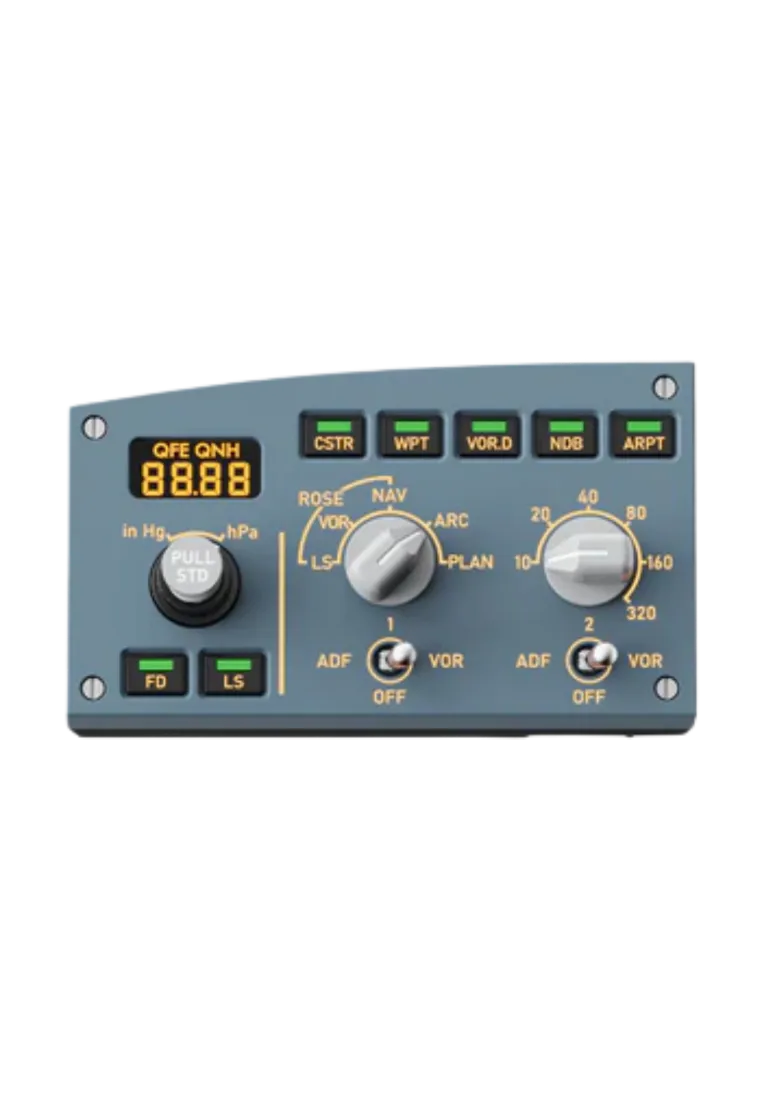
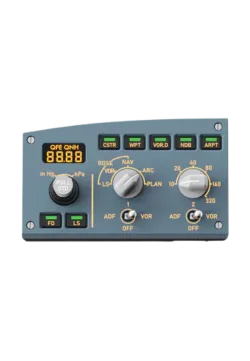
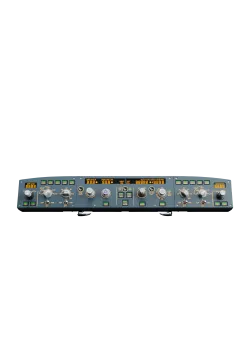
Moza MA3F EFCM

Moza MA3F EFCM

381.30zł
Moza MA3F FCD

Moza MA3F FCD

730.89zł
 
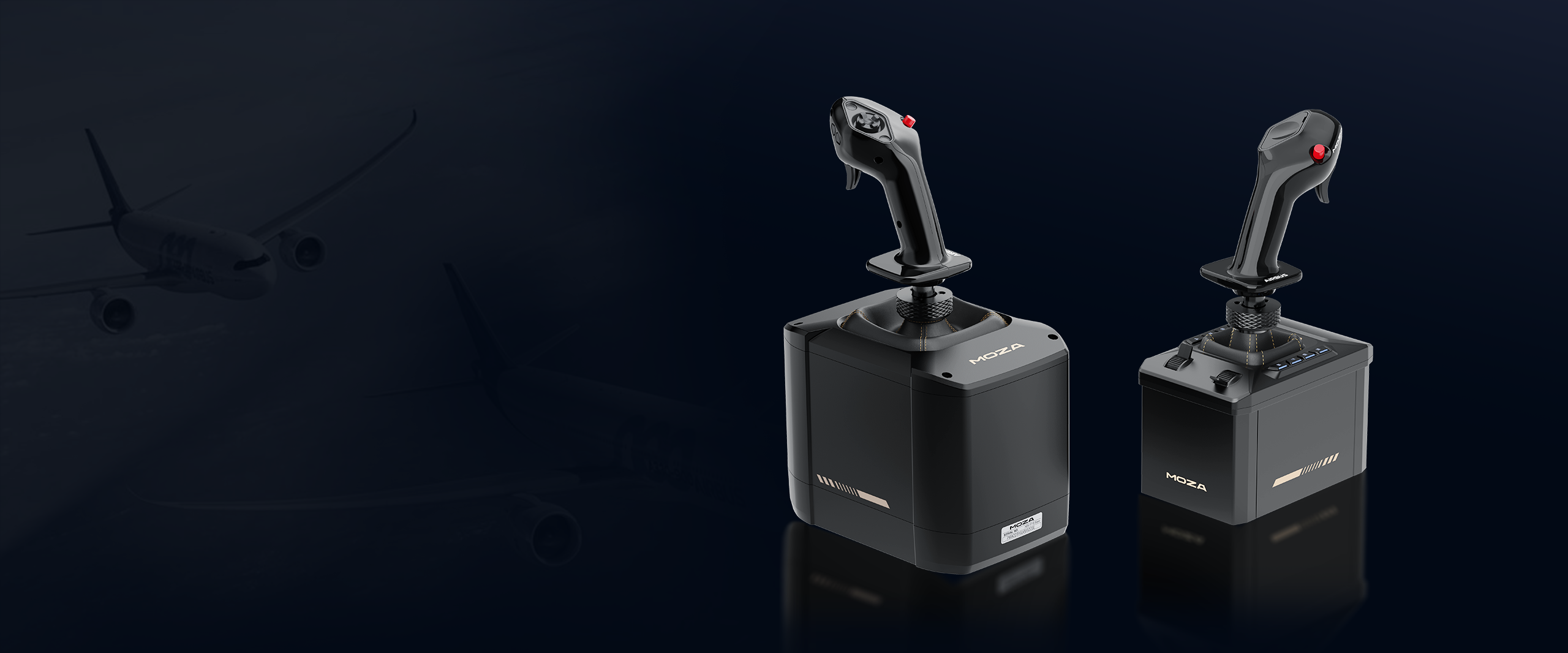
Moza Airbus MA3F airbus license

MOZA Flight x AIRBUS

A320 FAMILY GRIP OFFICIALY LICENSED BY AIRBUS
Moza Airbus MA3F airbus license

MOZA Flight x AIRBUS

A320 FAMILY GRIP OFFICIALY LICENSED BY AIRBUS
Moza Airbus MA3F authentic feeling

Official Airbus licensed product

Feel authentic airbus grip like captain from A320 included A318, A319, A321, A330 and A340
Moza Airbus MA3F authentic feeling

Official Airbus licensed product

Feel authentic airbus grip like captain from A320 included A318, A319, A321, A330 and A340
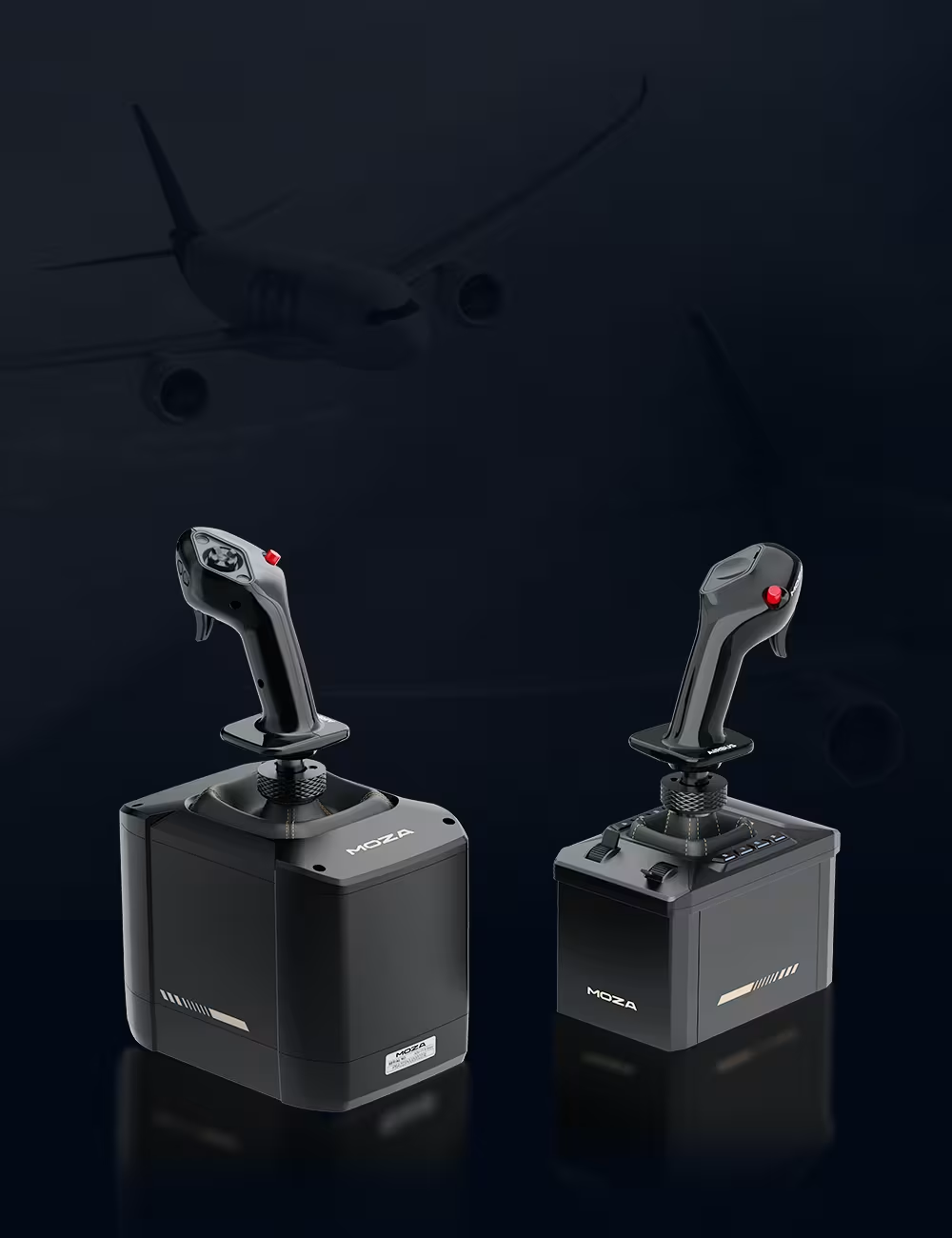
Moza Airbus MA3F left seat option

Captain grip for the left seat

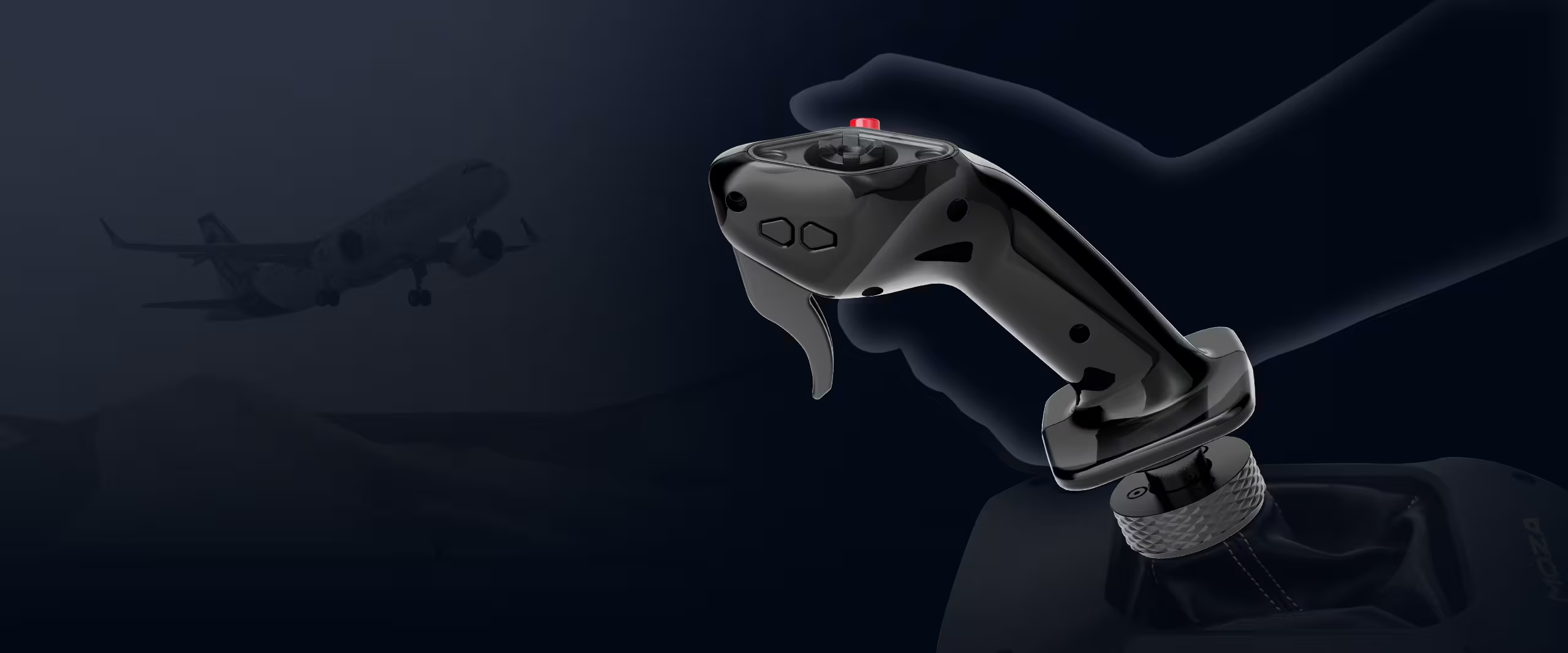
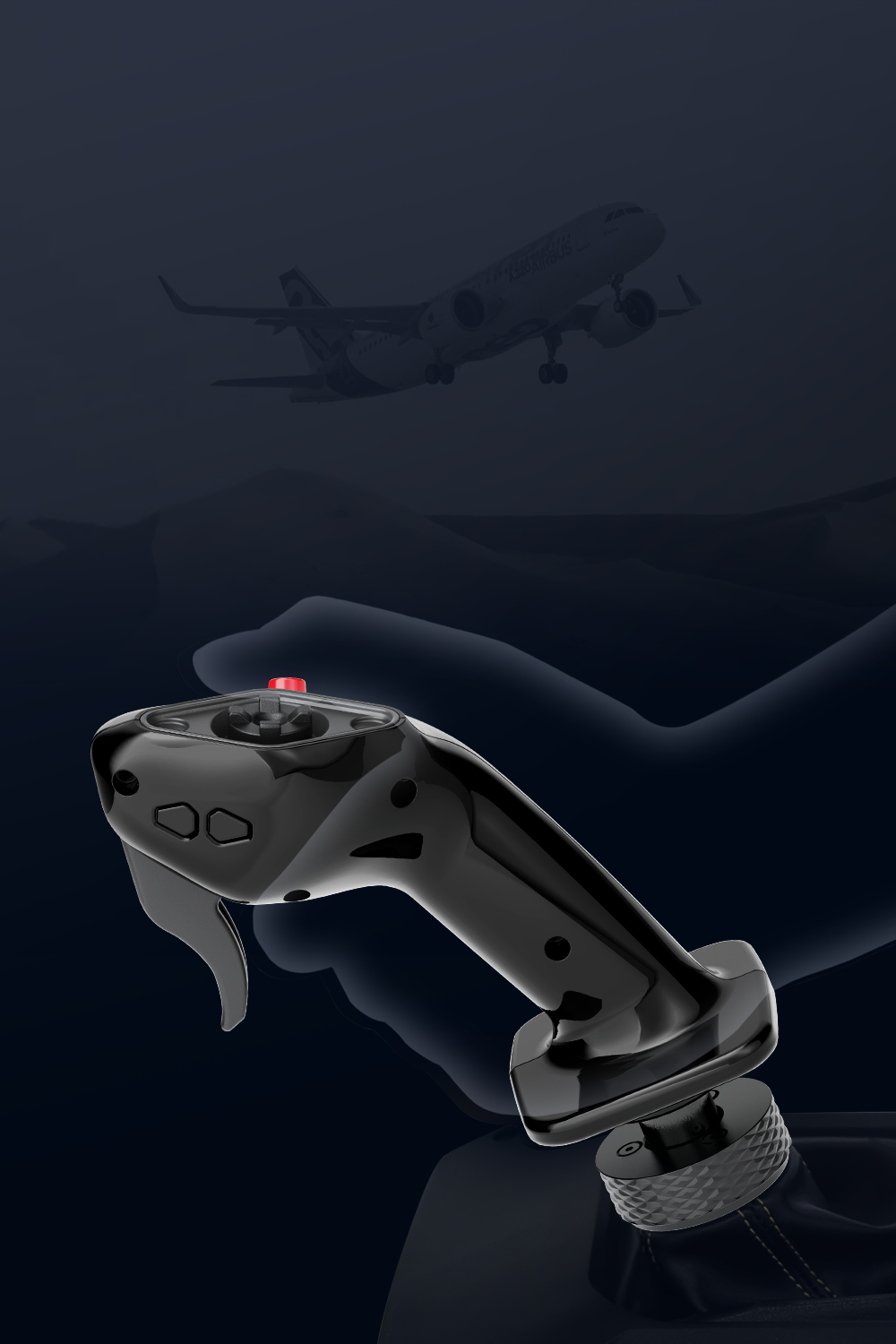
The MOZA MA3F takes its shape from the sidestick at the Airbus captain's station. Its body, hand contours and button positions form a grip designed for left-hand operation. Official Airbus licensing ties its design to the aircraft cockpit rather than a symmetrical, general-purpose joystick.

It suits a flight setup with the stick positioned on the left. MA3F is a grip that mounts on a compatible flight base, not a complete joystick on its own.

Moza Airbus MMoza Airbus MA3F left seat optionA3F leworęczny joystick kapitana

Captain grip for the left seat

The MOZA MA3F takes its shape from the sidestick at the Airbus captain's station. Its body, hand contours and button positions form a grip designed for left-hand operation. Official Airbus licensing ties its design to the aircraft cockpit rather than a symmetrical, general-purpose joystick.

It suits a flight setup with the stick positioned on the left. MA3F is a grip that mounts on a compatible flight base, not a complete joystick on its own.

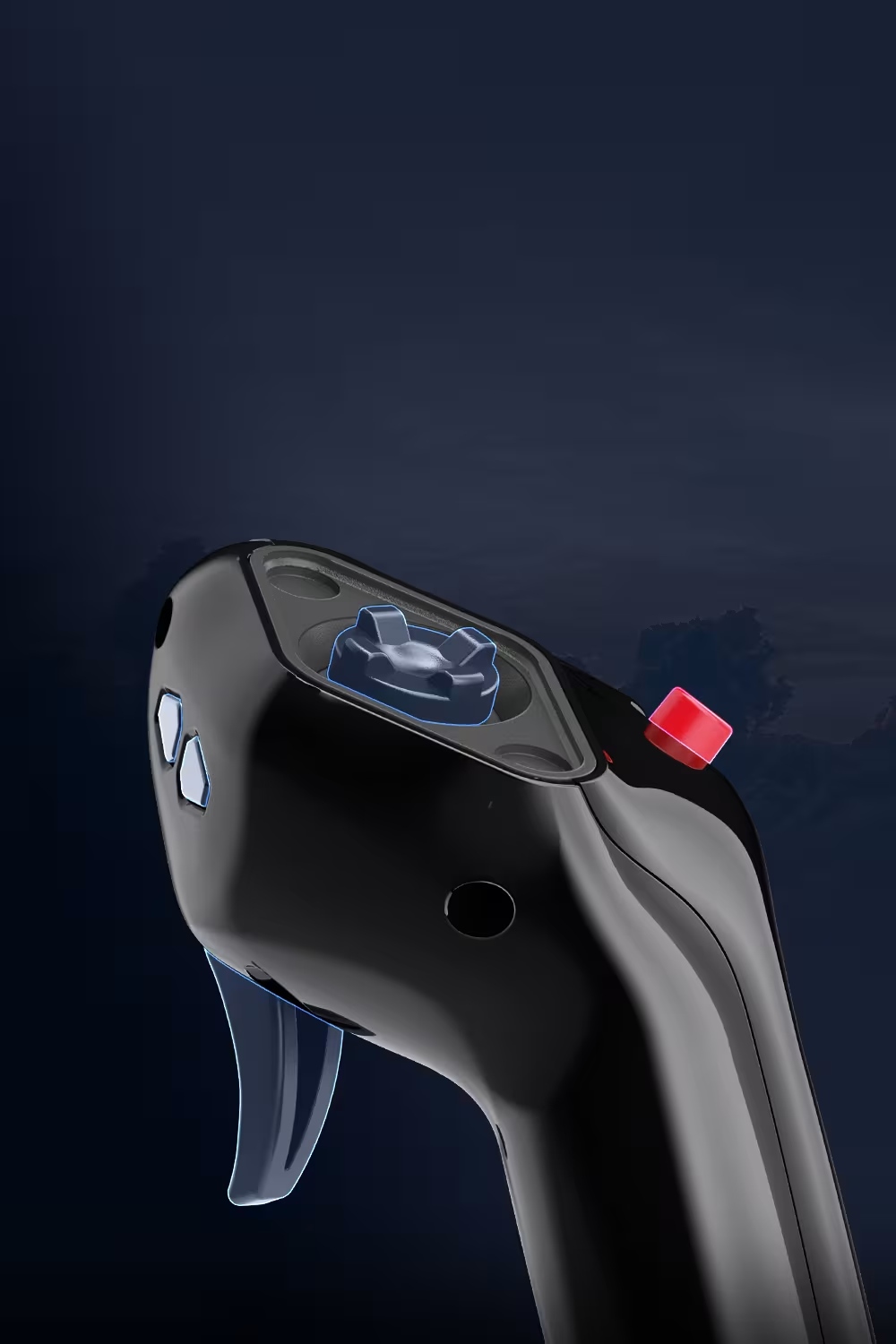
Moza Airbus MA3F removable dpad

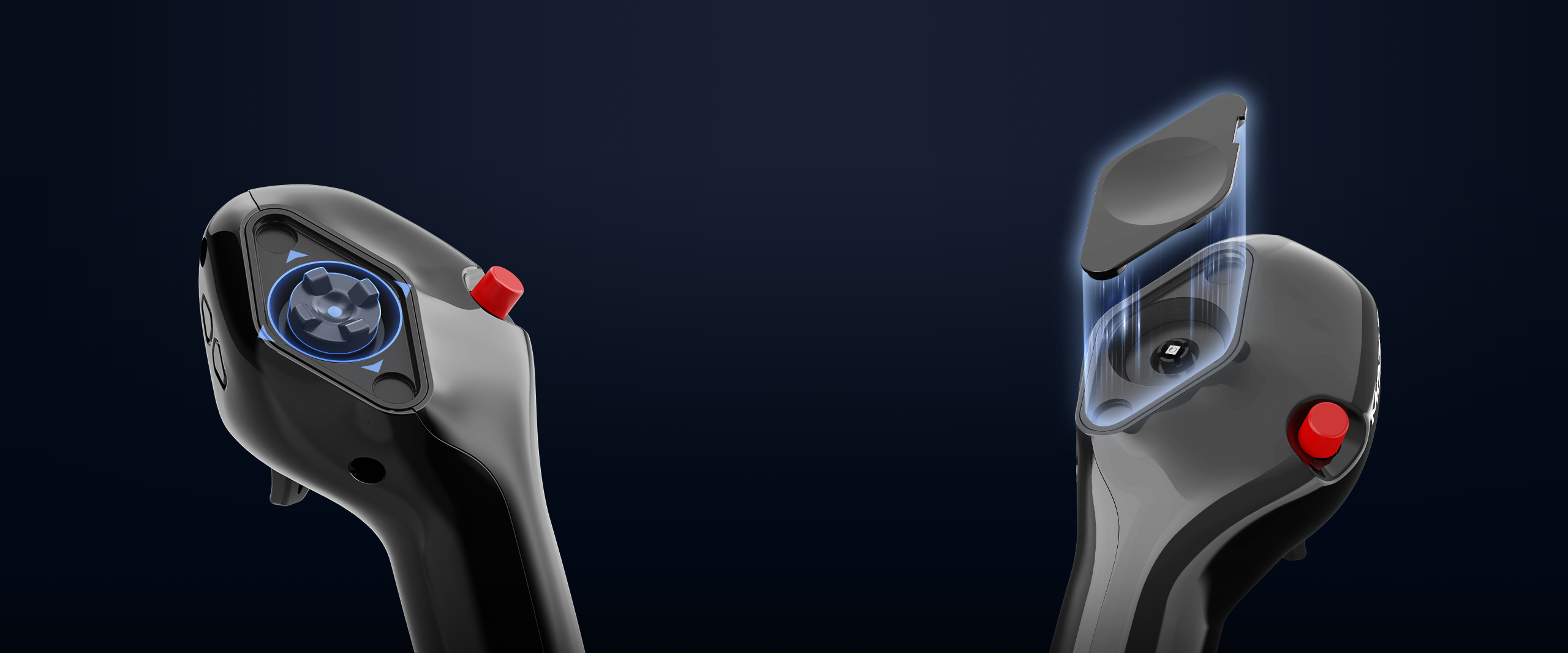
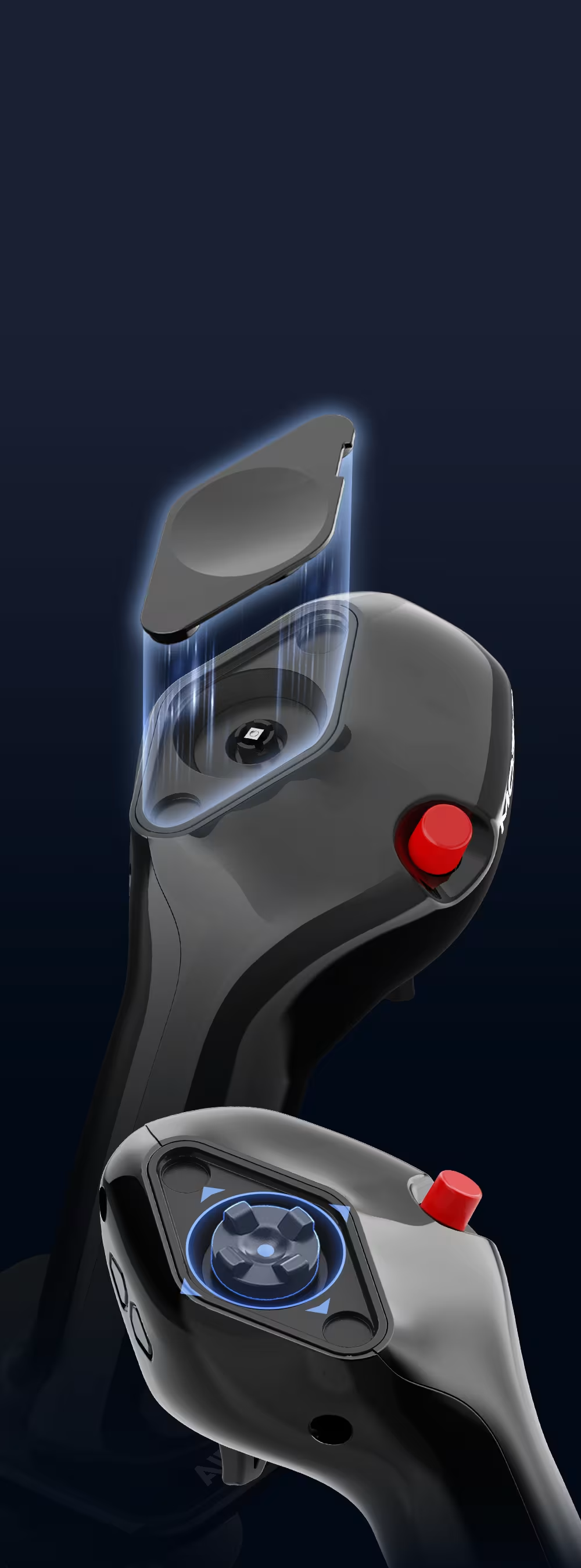
A removable hat cap with a magnetic cover

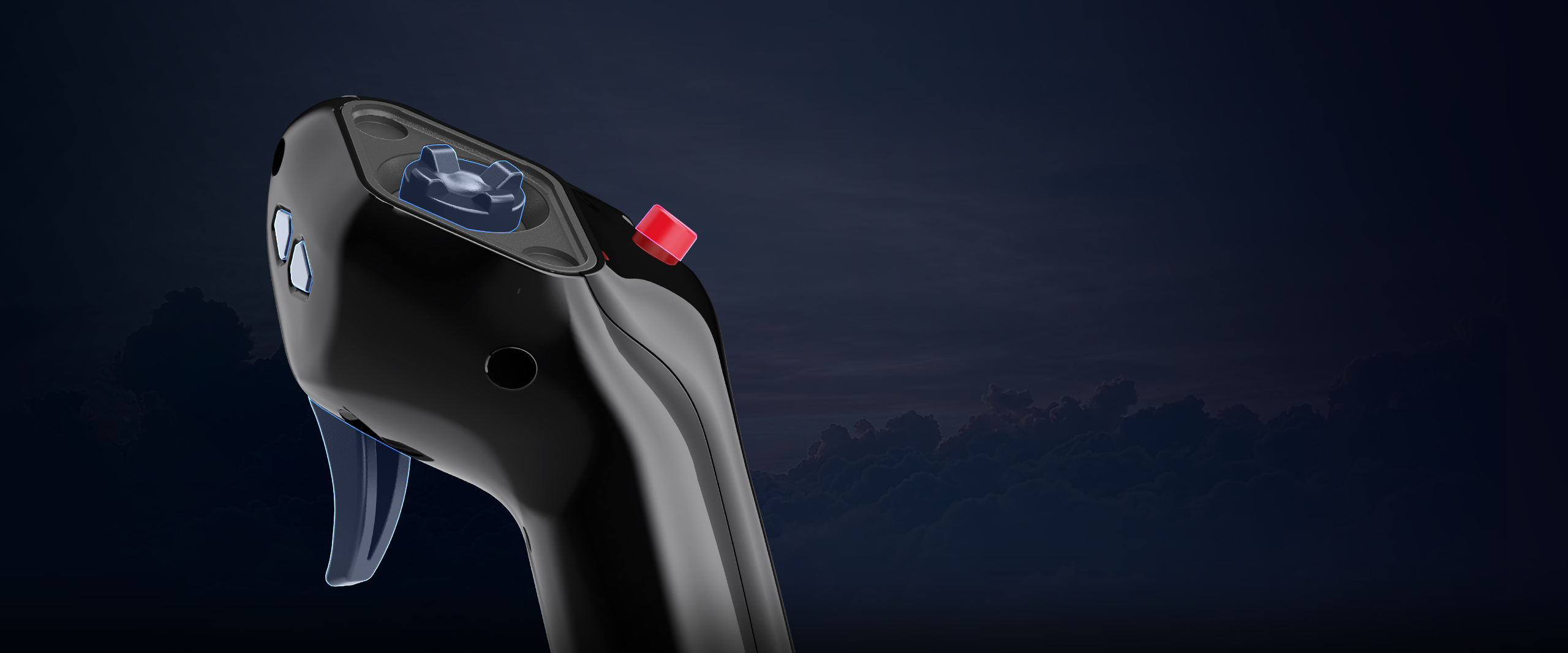
A five-way hat switch sits at the top of the grip. Its cap can be removed with the supplied tool and replaced with the magnetic cover. This offers a choice between convenient access to extra inputs and an appearance closer to the classic Airbus sidestick.

Both the cover and removal tool are included, so no additional accessories are needed for this change.

Moza Airbus MA3F removable dpad

A removable hat cap with a magnetic cover

A five-way hat switch sits at the top of the grip. Its cap can be removed with the supplied tool and replaced with the magnetic cover. This offers a choice between convenient access to extra inputs and an appearance closer to the classic Airbus sidestick.

Both the cover and removal tool are included, so no additional accessories are needed for this change.

Moza Airbus MA3F side buttons

Two side buttons for custom assignments

Two buttons on the left side of the grip provide additional commands without moving your hand to the keyboard. Their assignments can be chosen to suit the aircraft and the way you fly.

Mappings do not have to remain the same across every profile. The side buttons can handle the commands needed for a particular simulator setup.

Moza Airbus MA3F side buttons

Two side buttons for custom assignments

Two buttons on the left side of the grip provide additional commands without moving your hand to the keyboard. Their assignments can be chosen to suit the aircraft and the way you fly.

Mappings do not have to remain the same across every profile. The side buttons can handle the commands needed for a particular simulator setup.

Moza Airbus MA3F stiff grip

A lightweight grip with a rigid body

The grip weighs 232 g. Its composite body combines low weight with rigidity and wear resistance, while the materials list includes aluminium alloy, ABS and polycarbonate.

MOZA reports that the grip passed a static load test of up to 30 kg at MOZA Lab. This describes a structural test, not the force feedback output of the base.

Moza Airbus MA3F stiff grip

A lightweight grip with a rigid body

The grip weighs 232 g. Its composite body combines low weight with rigidity and wear resistance, while the materials list includes aluminium alloy, ABS and polycarbonate.

MOZA reports that the grip passed a static load test of up to 30 kg at MOZA Lab. This describes a structural test, not the force feedback output of the base.

Moza Airbus MA3F physical controls

Nine inputs from five physical controls

MA3F has five physical controls providing nine button inputs in total. The multi-directional hat switch allows several commands to be assigned in one place, which is why the input count is higher than the number of separate controls on the body.

Mappings can be adapted to the aircraft and simulator profile. This places additional functions within reach without adding a separate button panel to the grip.

Moza Airbus MA3F physical controls

Nine inputs from five physical controls

MA3F has five physical controls providing nine button inputs in total. The multi-directional hat switch allows several commands to be assigned in one place, which is why the input count is higher than the number of separate controls on the body.

Mappings can be adapted to the aircraft and simulator profile. This places additional functions within reach without adding a separate button panel to the grip.

Moza Airbus MA3F for ab6 and ab9

Connection to MOZA AB6 and AB9 bases

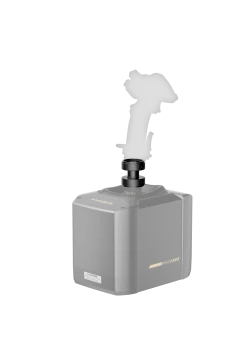
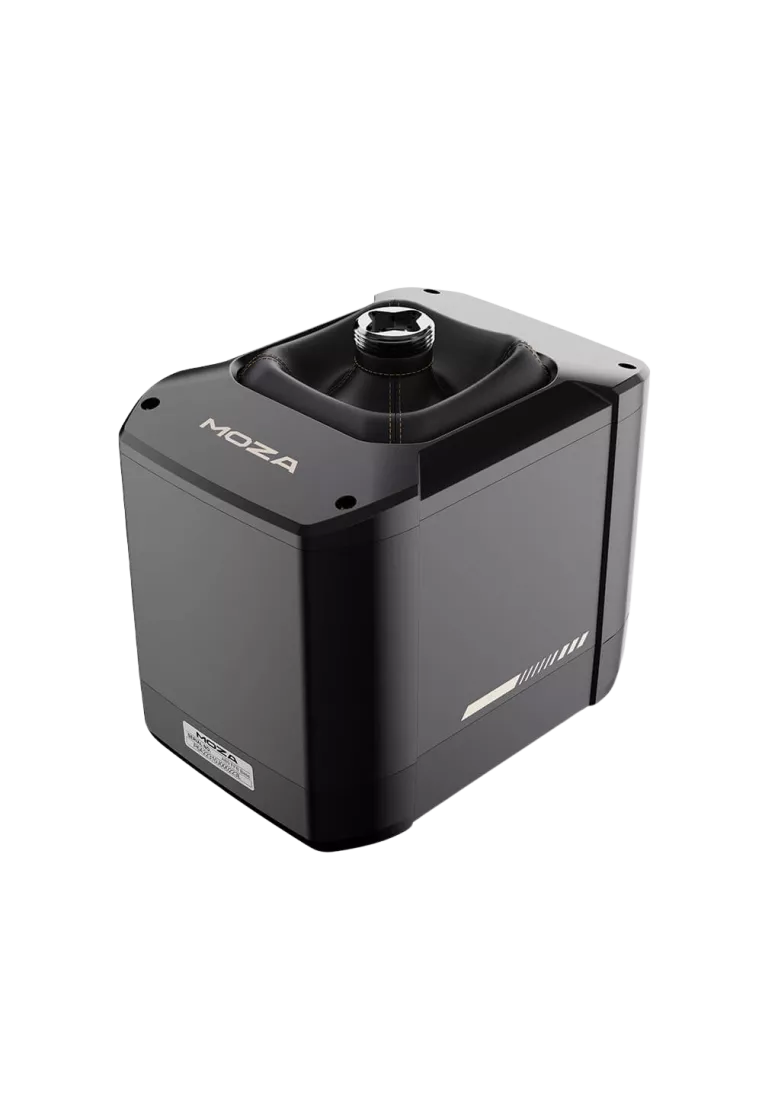
A 5-pin aviation connector links MA3F to a compatible base. MOZA confirms support for AB6 and the AB9 FFB Base. The base handles stick movement and force generation, while MA3F adds the left-hand grip and its controls.

The grip and base are separate products. The connector type alone does not confirm compatibility with other bases.

Moza Airbus MA3F for ab6 and ab9

Connection to MOZA AB6 and AB9 bases

A 5-pin aviation connector links MA3F to a compatible base. MOZA confirms support for AB6 and the AB9 FFB Base. The base handles stick movement and force generation, while MA3F adds the left-hand grip and its controls.

The grip and base are separate products. The connector type alone does not confirm compatibility with other bases.

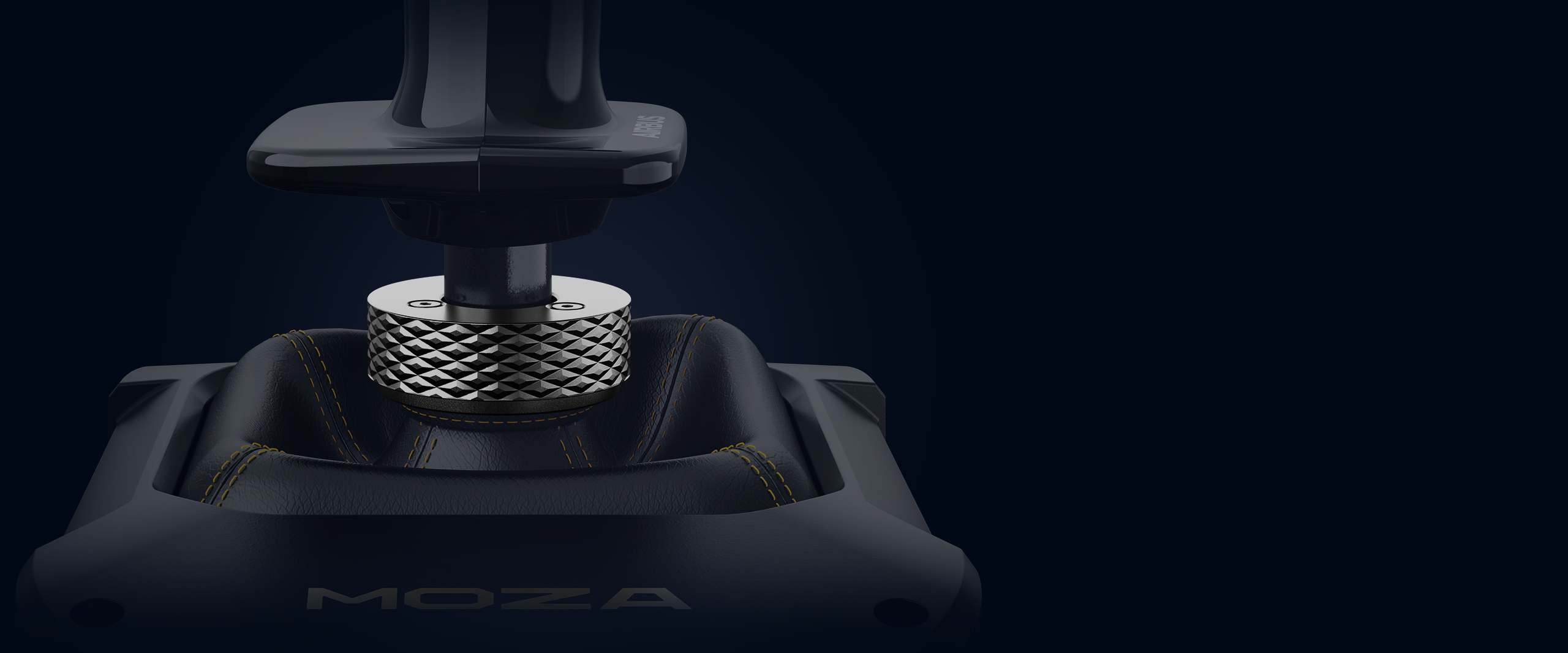
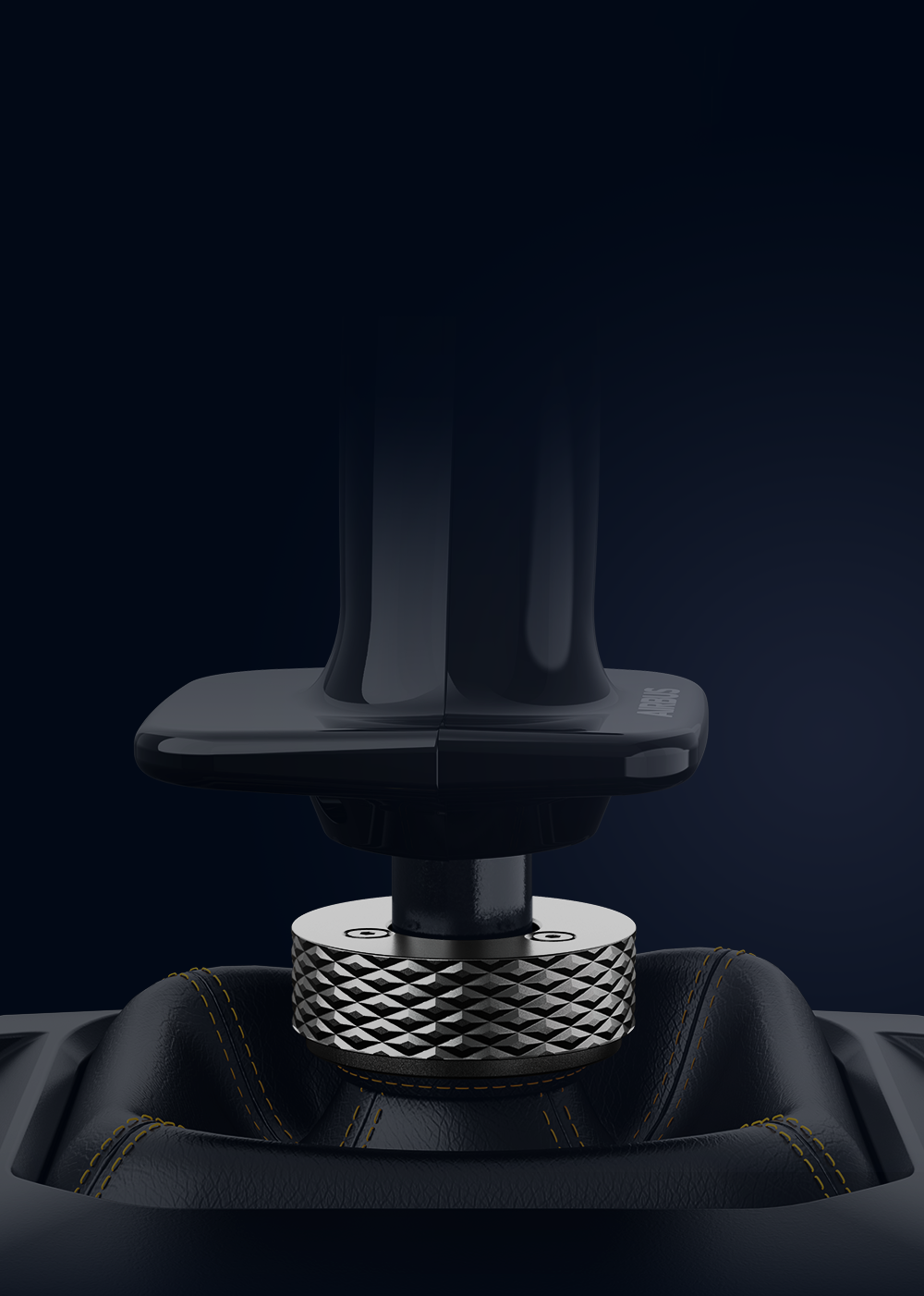
Moza Airbus MA3F aluminum joystick lock

An aluminium locking system at the base

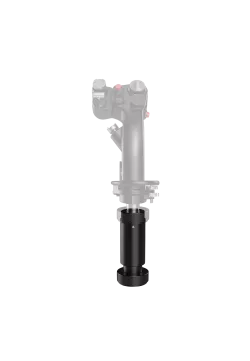
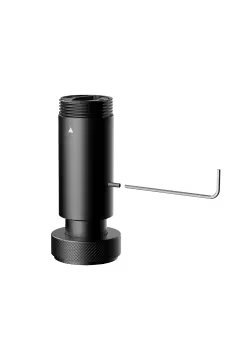
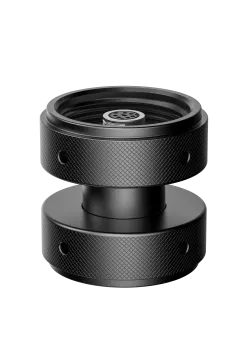
An aluminium alloy ring and top-mounted locking screw secure the grip to the base. They help reduce play and unwanted movement at the connection, so control inputs move the stick assembly rather than a loose grip mounting.

A locking wrench is supplied. Follow the grip and base instructions when fitting the components.

Moza Airbus MA3F aluminum joystick lock

An aluminium locking system at the base

An aluminium alloy ring and top-mounted locking screw secure the grip to the base. They help reduce play and unwanted movement at the connection, so control inputs move the stick assembly rather than a loose grip mounting.

A locking wrench is supplied. Follow the grip and base instructions when fitting the components.

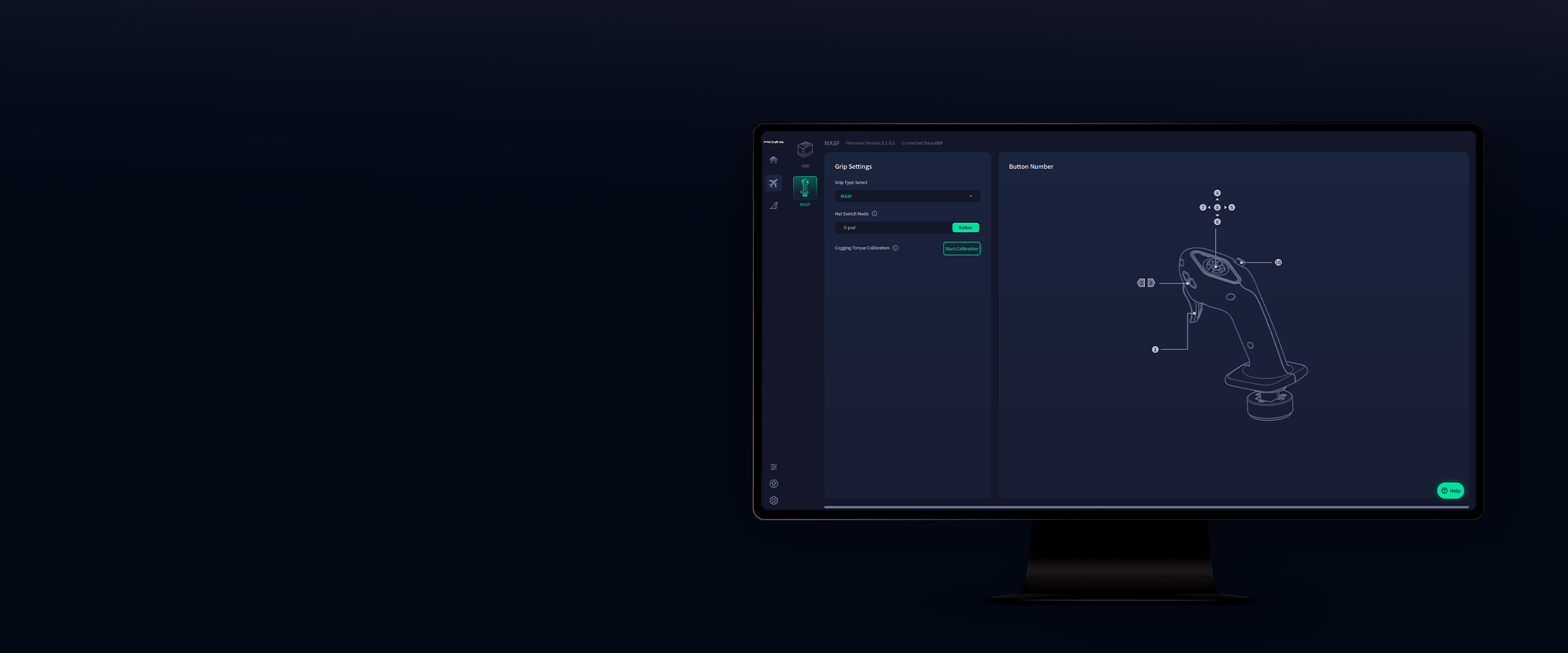
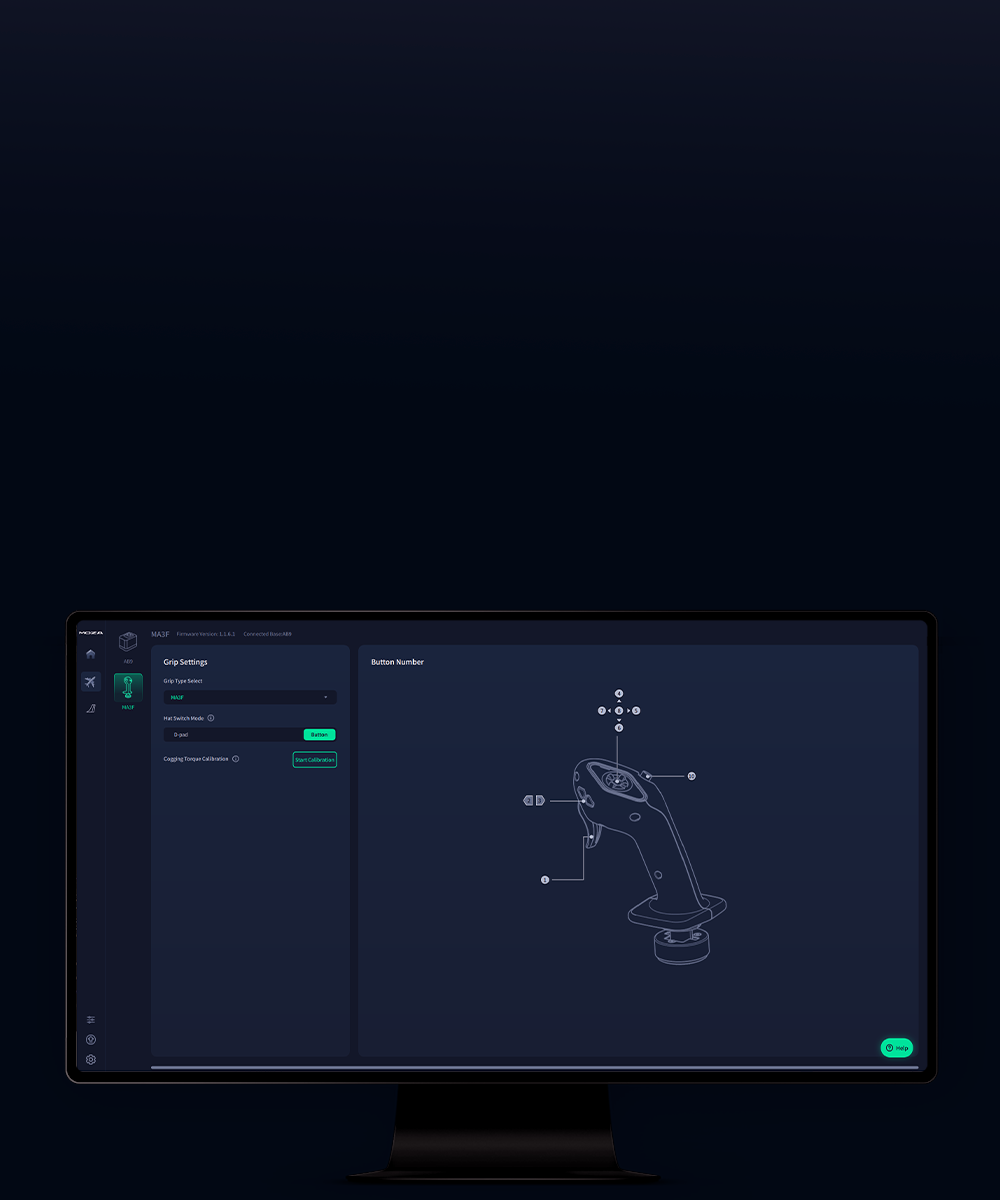
Moza Airbus MA3F moza cockpit software

Button mapping and profiles in MOZA Cockpit

Once fitted to a compatible base, MA3F works with MOZA Cockpit. The software provides device status information, button mapping and profile management for flight simulators.

Profiles make it easier to retain different assignments for different aircraft. The grip's settings can therefore match the flight setup and software being used.

Moza Airbus MA3F moza software cockpit

Button mapping and profiles in MOZA Cockpit

Once fitted to a compatible base, MA3F works with MOZA Cockpit. The software provides device status information, button mapping and profile management for flight simulators.

Profiles make it easier to retain different assignments for different aircraft. The grip's settings can therefore match the flight setup and software being used.

Check our flightsim offer
Communication
Moza Wireless
Warranty
24 months
6973137271688
Parameter Details
SKU AS034
Product type Flight stick grip, without a base
Licence Official Airbus licence
Grip version Left-hand, inspired by the captain's sidestick
Dimensions 77 × 133 × 173 mm
Weight 232 g
Materials Die-cast aluminium alloy, ABS and polycarbonate (PC)
Physical controls 5
Mappable button inputs 9
Hat switch Five-way, with a removable cap and magnetic cover
Side buttons 2 mappable buttons on the left side of the grip
Connector 5-pin aviation connector
Rated voltage 3.3 V
Rated current 100 mA
Mounting On a compatible flight base, secured with an aluminium locking ring and top-mounted locking screw
Compatible bases MOZA AB6 and MOZA AB9, sold separately
Platform PC, through a compatible base
Software MOZA Cockpit
Component Compatibility and requirements
MOZA AB6 The grip mounts on the MOZA AB6 base; the base is not included with MA3F
MOZA AB9 The grip mounts on the separately sold MOZA AB9 FFB Base
PC Operates through a compatible flight base; the grip is not a standalone USB joystick
MOZA Cockpit Device status, button mapping and simulator profiles when connected through a compatible base
Other bases Confirmed compatibility covers AB6 and AB9. A 5-pin connector alone does not establish support for another base

1. Is the MOZA MA3F a left-hand grip?

Yes. MA3F is an officially licensed Airbus left-hand sidestick inspired by the grip used at the captain's station.

2. Is a flight base included?

No. The package contains the MA3F grip and its accessories. A separately purchased, compatible flight base is required. The grip does not connect directly to a computer through USB.

3. Which bases support the MA3F?

MOZA confirms support for AB6 and AB9 bases. The grip uses a 5-pin aviation connector. Compatibility with other bases should not be assumed from the pin count alone.

4. Does the grip have nine separate buttons?

No. Five physical controls provide nine button inputs in total. The five-way hat switch handles several inputs while remaining a single physical control.

5. Can the five-way hat-switch cap be removed?

Yes. Use the included tool to remove the cap and replace it with the magnetic cover. This gives the top of the grip an appearance closer to a classic Airbus sidestick.

6. What are the two side buttons used for?

The buttons on the left side of the grip can be assigned to simulator functions. Their mappings can be tailored to the aircraft and control profile in use.

7. How is the grip secured to the base?

An aluminium alloy locking ring and a top-mounted locking screw secure the connection. They help reduce play and unwanted movement between the grip and the base. A locking wrench is included.

8. Does the grip generate force feedback on its own?

No. Forces are generated by the compatible FFB base on which MA3F is mounted. The grip provides the handhold and physical controls, but does not replace the base mechanism.

9. Which software is used to configure MA3F?

MOZA Cockpit on PC. Once connected through a compatible base, the software lets you check device status, map buttons and manage simulator profiles.

10. What are the grip's dimensions and weight?

MOZA lists dimensions of 77 × 133 × 173 mm and a weight of 232 g. These figures refer to the grip, not a complete setup with a base.

11. How long is the warranty for MOZA products?

Simline is the largest authorised seller of MOZA in Poland and Europe. As an authorised MOZA partner, all products from this brand are covered by full warranty protection for up to 2 years within the European Union, in accordance with MOZA warranty terms.

12. How do I submit a warranty claim for a MOZA product?

Simline.eu is an authorised MOZA seller, so we act as an intermediary in the warranty process and handle submissions. Please email support@simline.eu or moza@simline.eu with photos and videos showing the defect and a description of the issue, and pack the equipment.

  • MOZA MA3F Airbus Sidestick grip, 1 piece
  • Magnetic hat-switch cover
  • Hat-switch removal tool
  • Locking wrench
  • User manual

The flight base is not included and is sold separately.

No reviews

Manufacturer

  • Moza EU
  • Room 1903-1904, Building 3, Nanshan Zhiyuan Chongwen Park, No. 3370 Liuxian Avenue, Nanshan District,
  • 3370 Shenzhen
  • China
  • support@mozaracing.com
  • +49518589638

Responsible person

  • Gudsen Technology EU GmbH
  • Birkenstrasse 23
  • 40233 Düsseldorf
  • Germany
  • support@gudsen.com
  • +48687537215

You might also like
Products from same category
Product added to wishlist
Product added to compare.