Free shipping from PLN 200 for Poland and from EUR 350 for the entire European Union

Moza MA3F EFCM simline.eu
  • New
Moza MA3F EFCM simline.eu

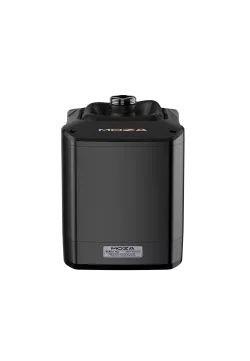
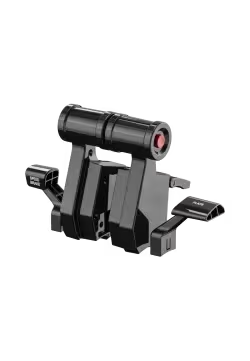
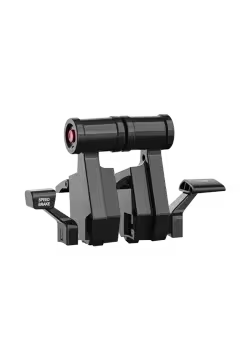
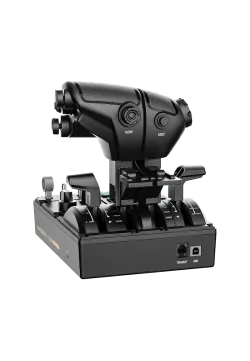
Moza MA3F EFCM

381.30zł

381.30zł

PREORDER IS COMING

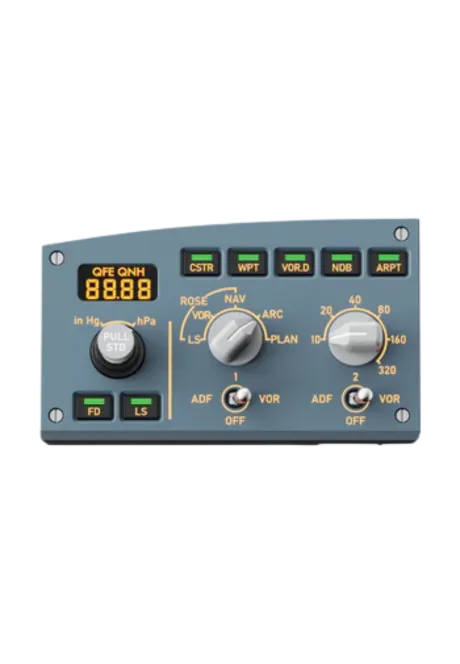
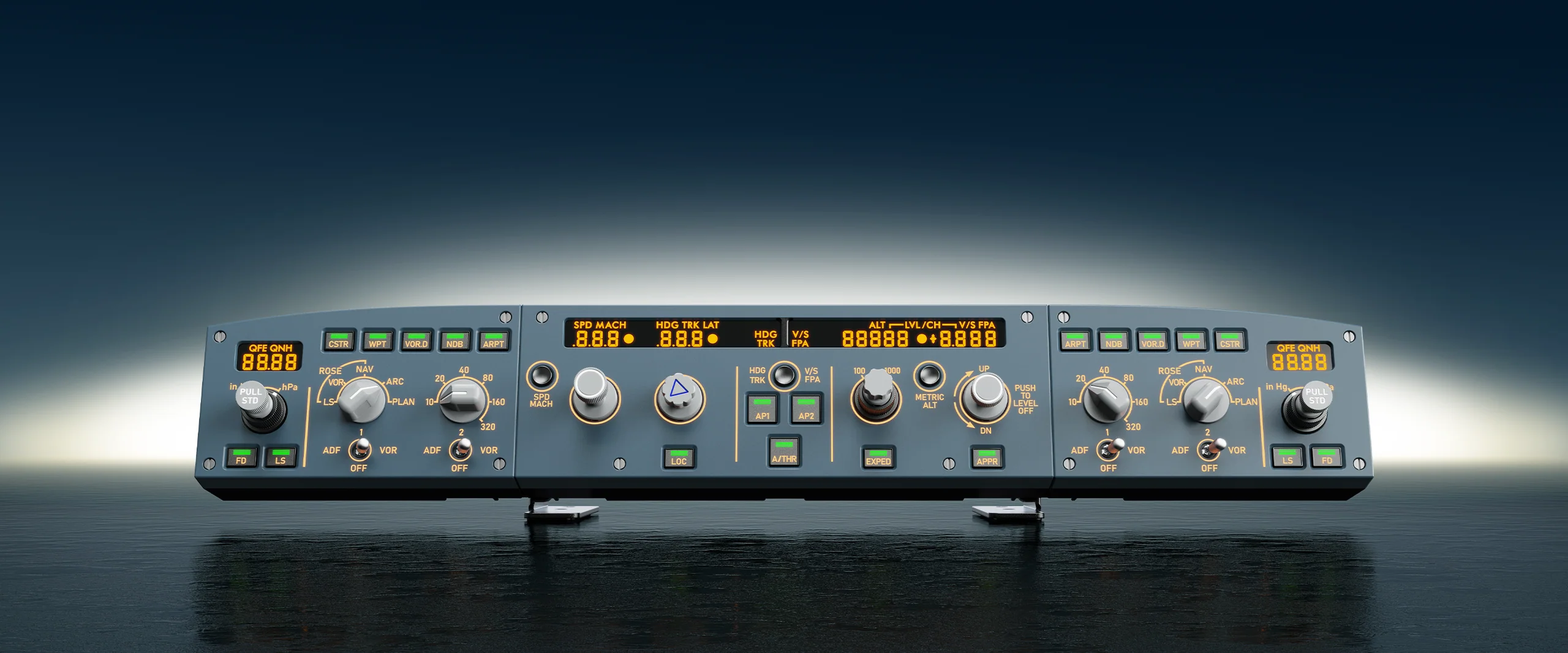
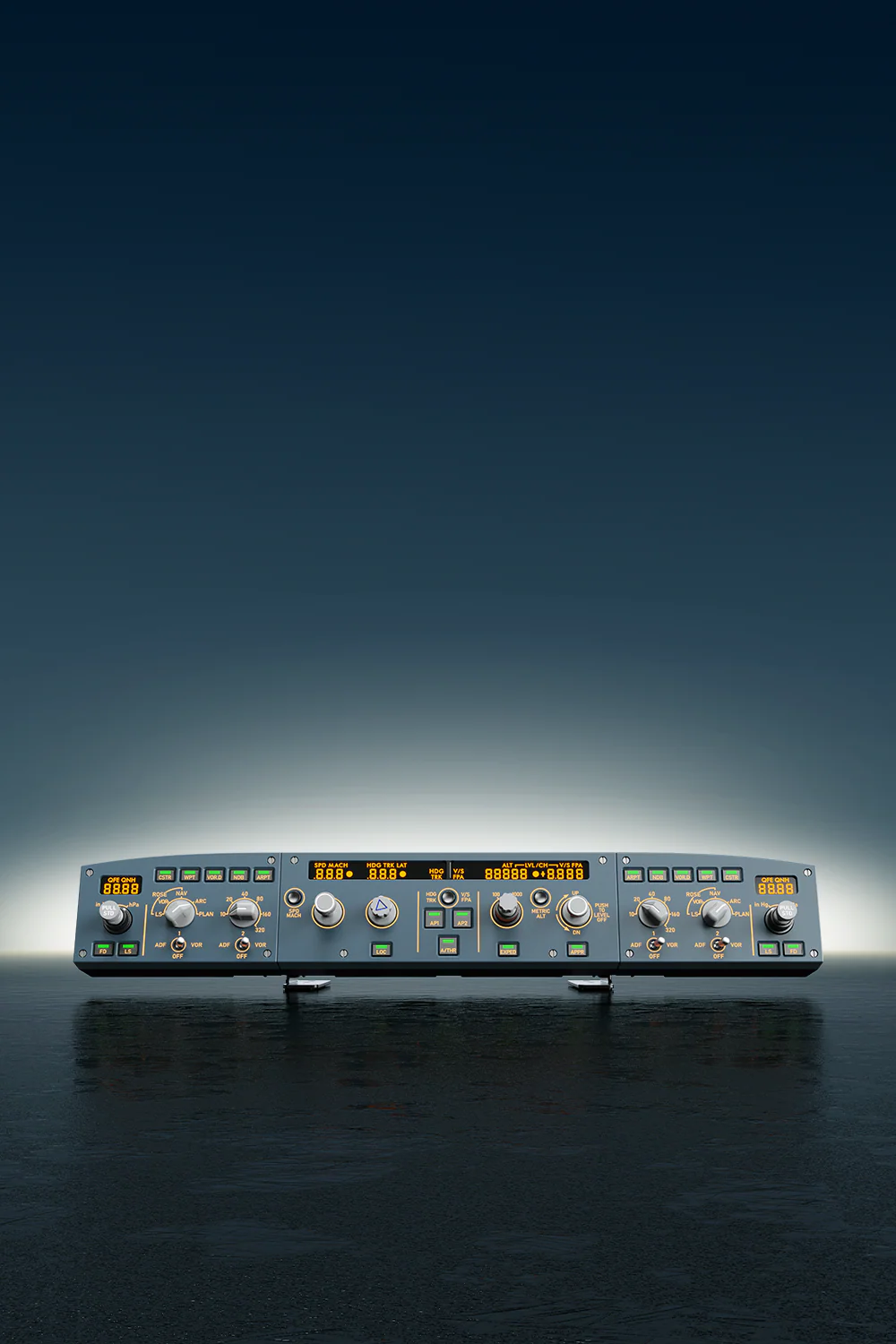
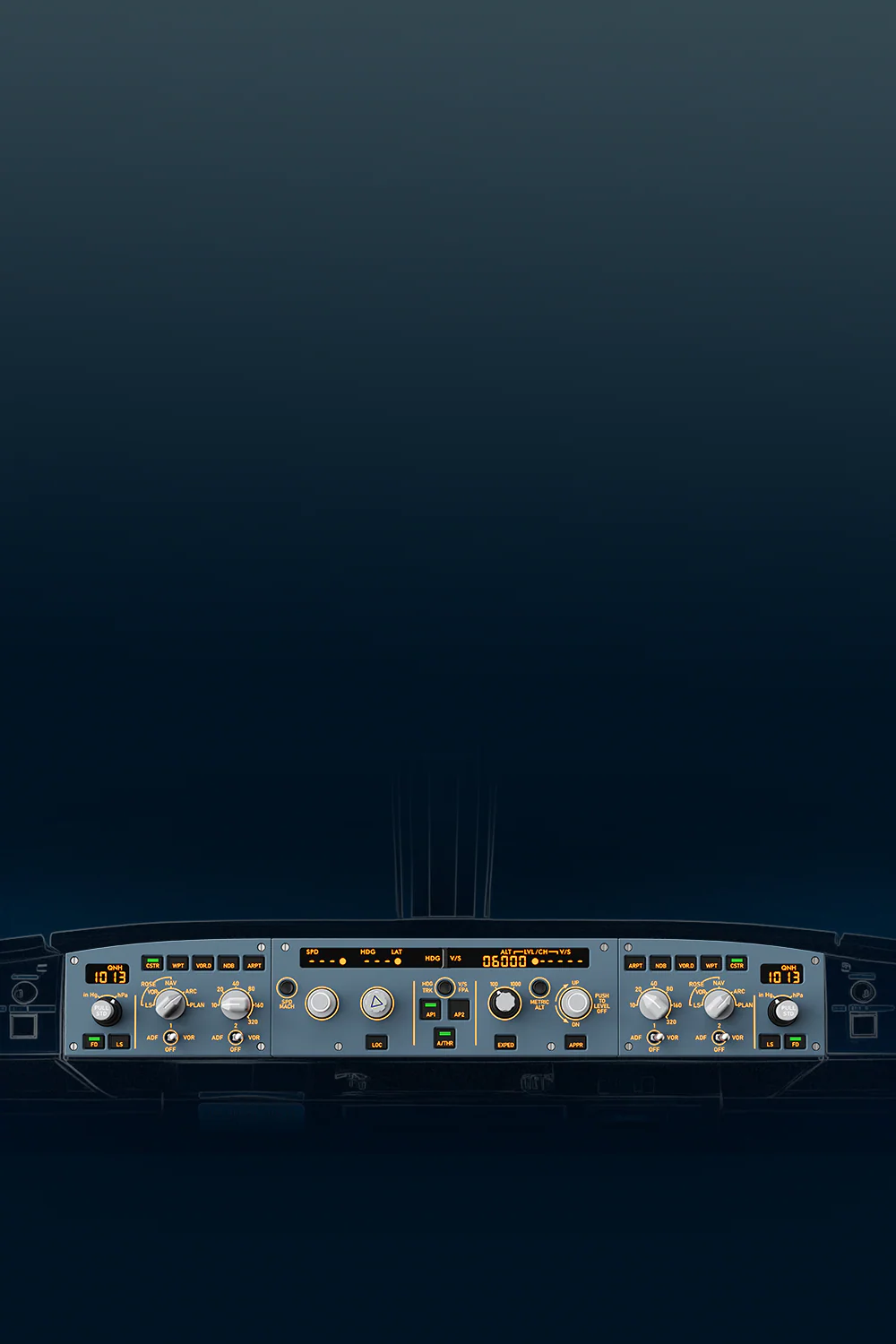
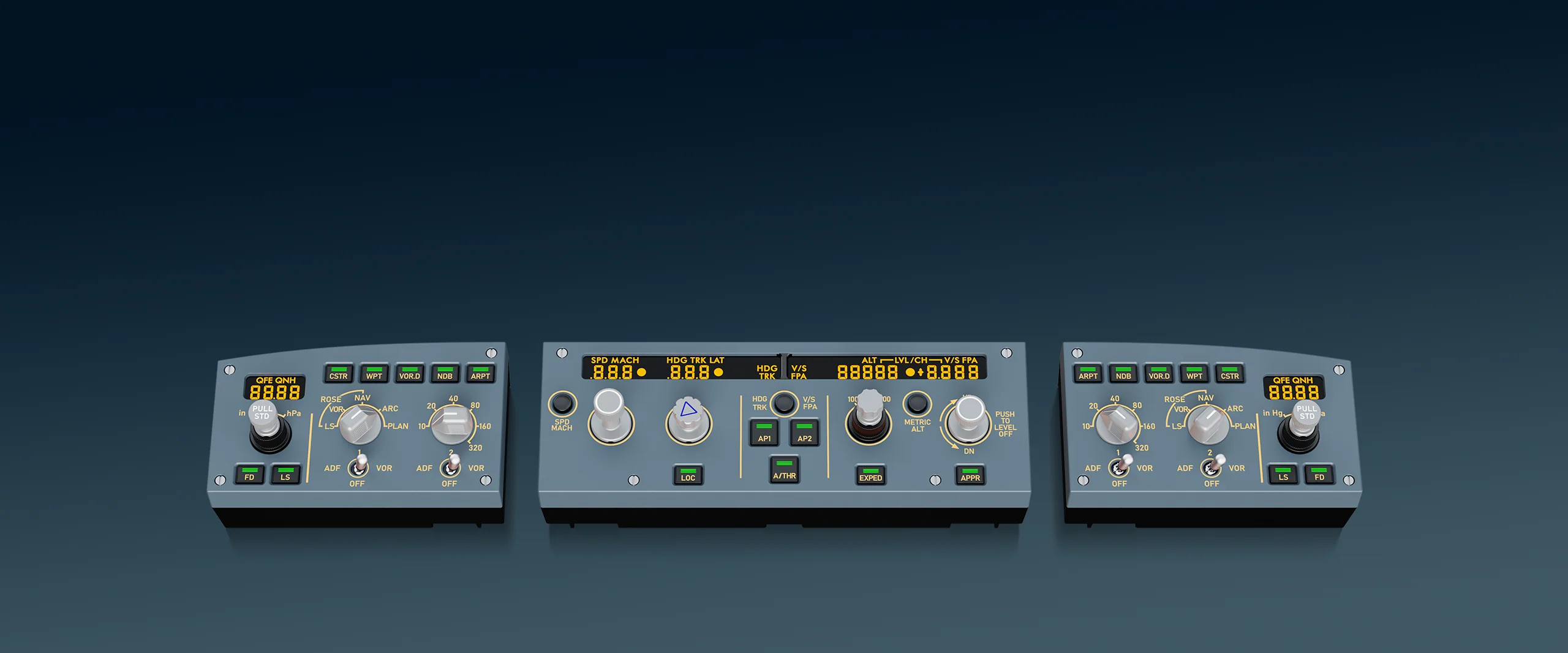
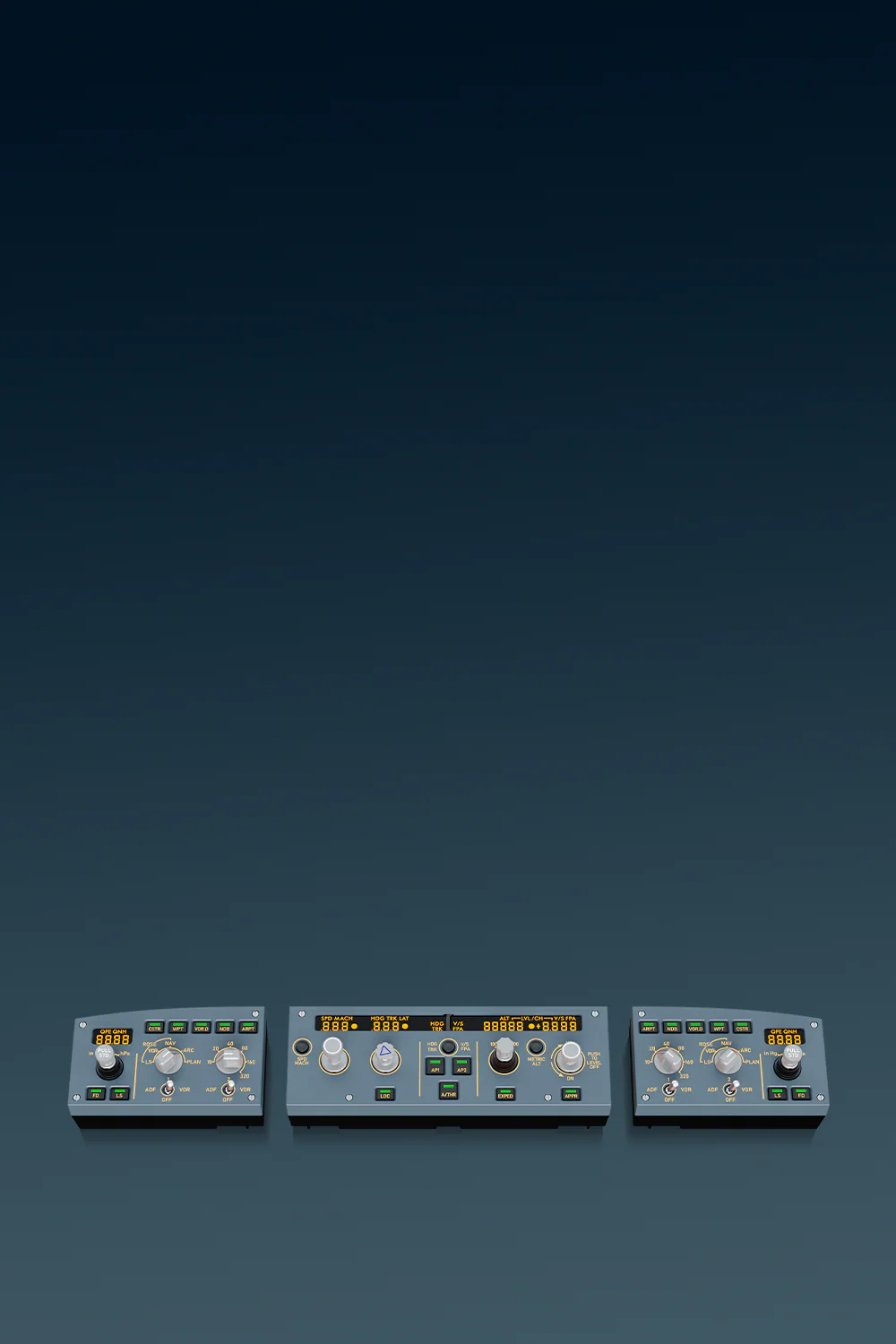
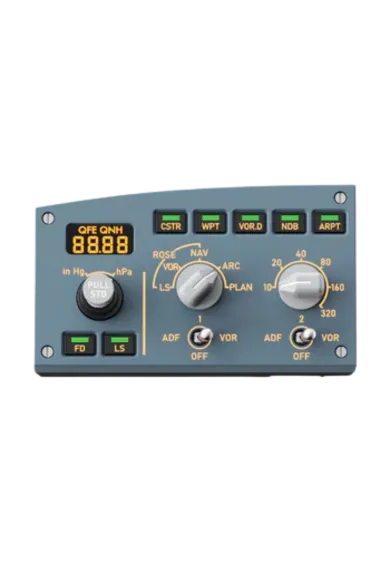
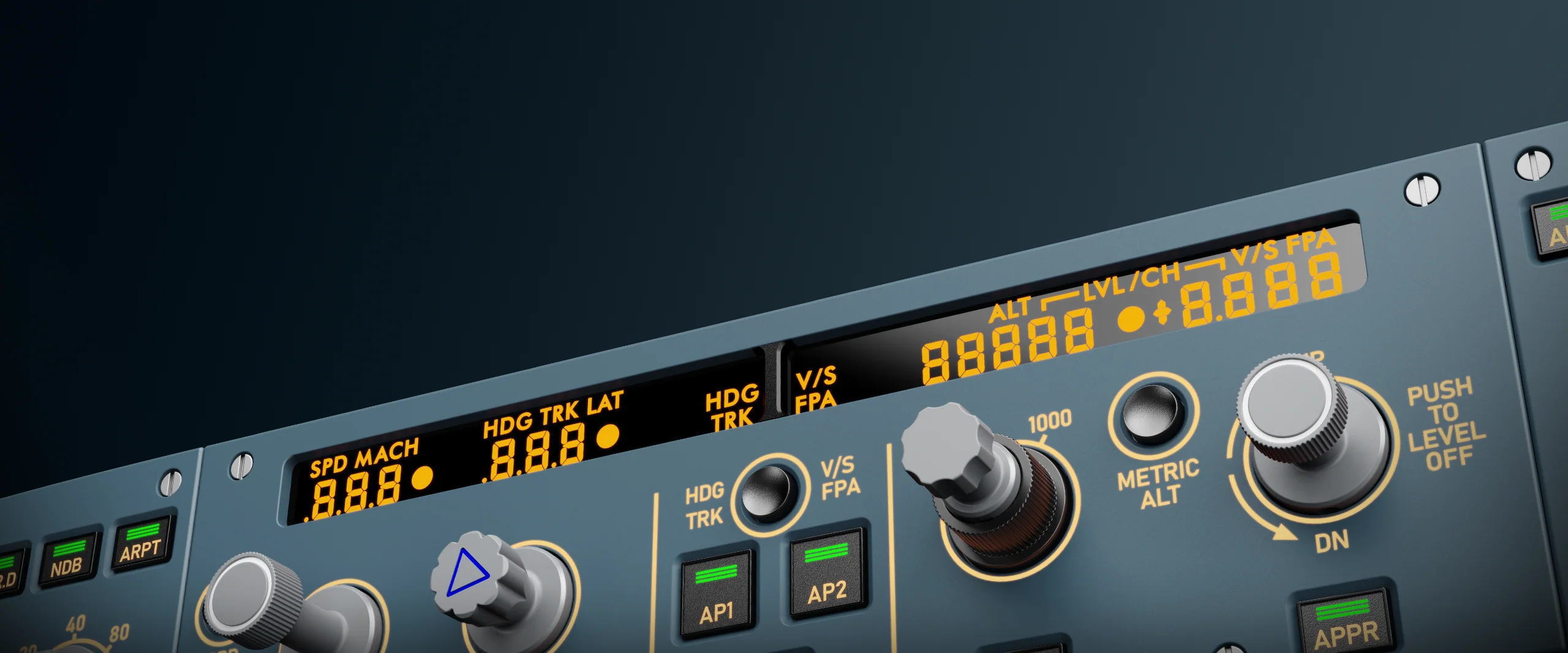
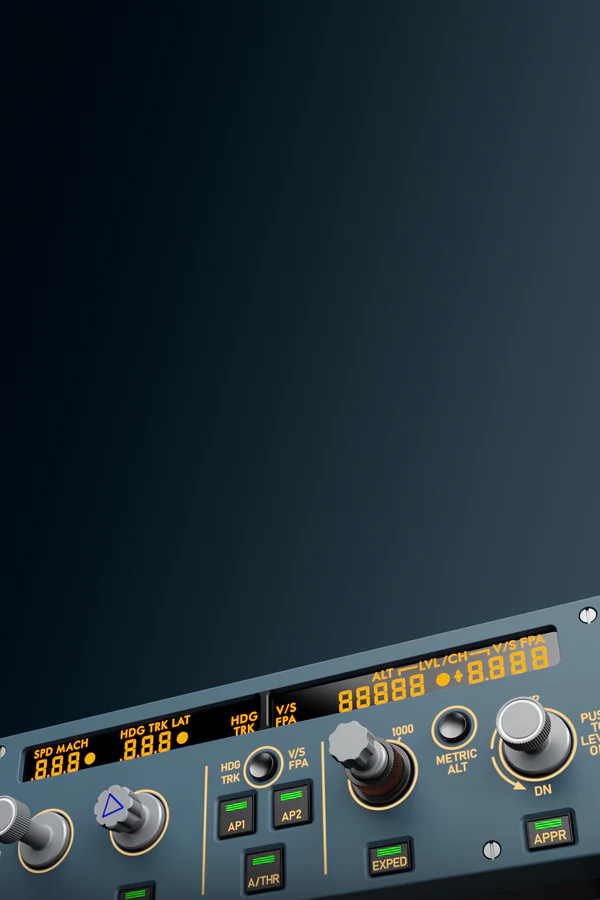
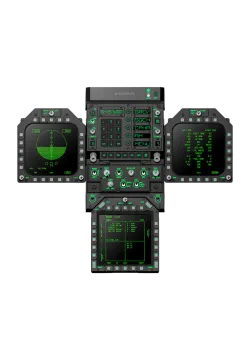
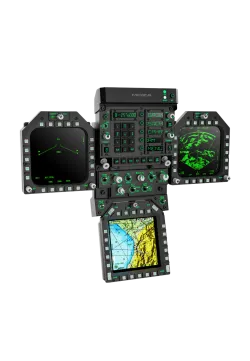
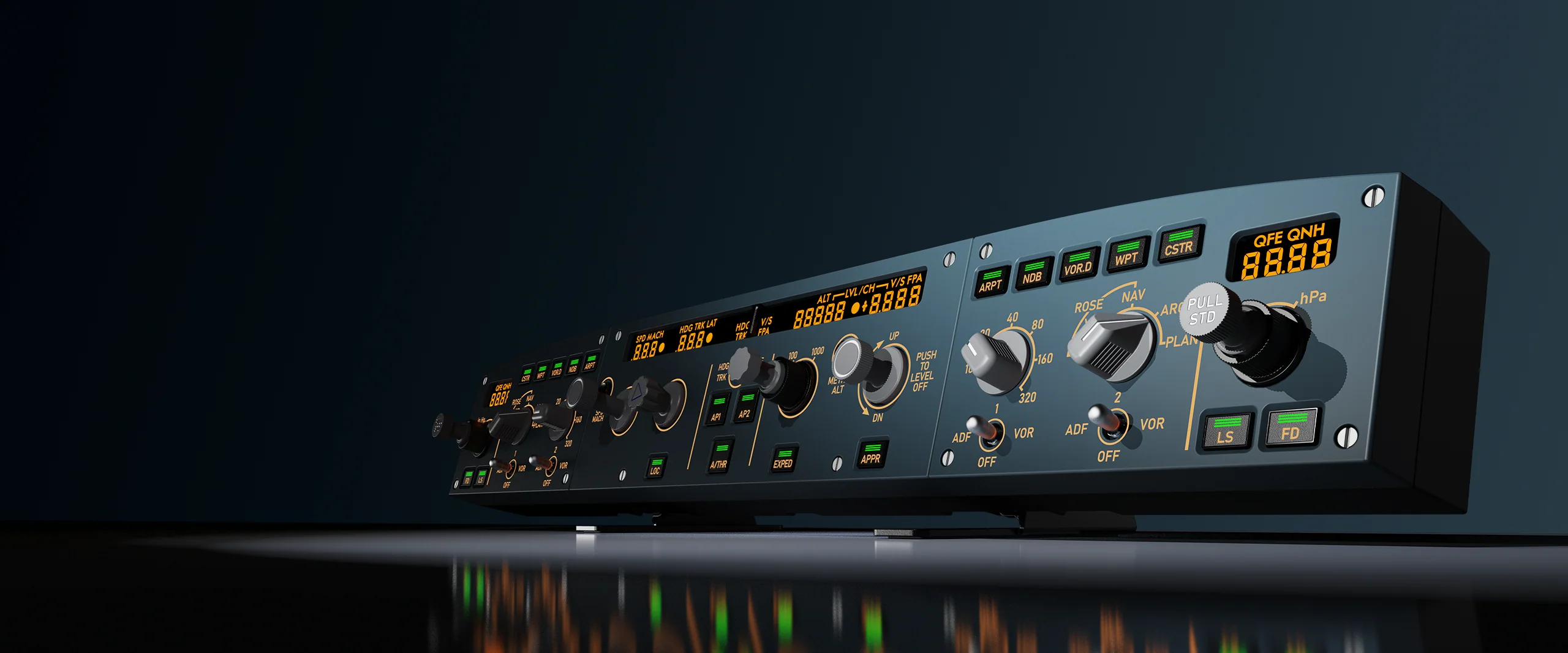
MOZA Flight MA3F EFCM is an Airbus-style autopilot and EFIS panel for flight simulators. Push-pull knobs, tactile buttons, segment displays and adjustable backlighting make speed, heading, altitude, flight modes and navigation easier to manage in MSFS and X-Plane. Less mouse clicking, more direct control and a smoother workflow with ATC.

Choose Module
  • LEFT SIDE EFIS MODULE
  • RIGHT EFIS MODULE
  • CENTRAL FLIGHT CONTROL UNIT
  • MA3F EFCM BUNDLE


Ask about product
Zapytanie dotyczy produktu: Moza MA3F EFCM
* - pola obowiązkowe
You will receive an 3.81zł for each item of this product to use on your next purchase.
Close
Shipping within 24 hours
Secure payments
Return within 30 days
Delivery from PLN 0
 
Control Panel Moza MA3F - widok od przodu, baner produktowy
REPLICA OF A320 AUTOPILOT PANEL

MOZA MA3F Electronic Flight Control Modules

Control Panel Moza MA3F - widok na przód, główne zdjęcie opisu
REPLICA OF A320 AUTOPILOT PANEL

MOZA MA3F Electronic Flight Control Modules

Replica from real plane

Display like in a320

Realistic push-pull knobs

Adjustable lighting

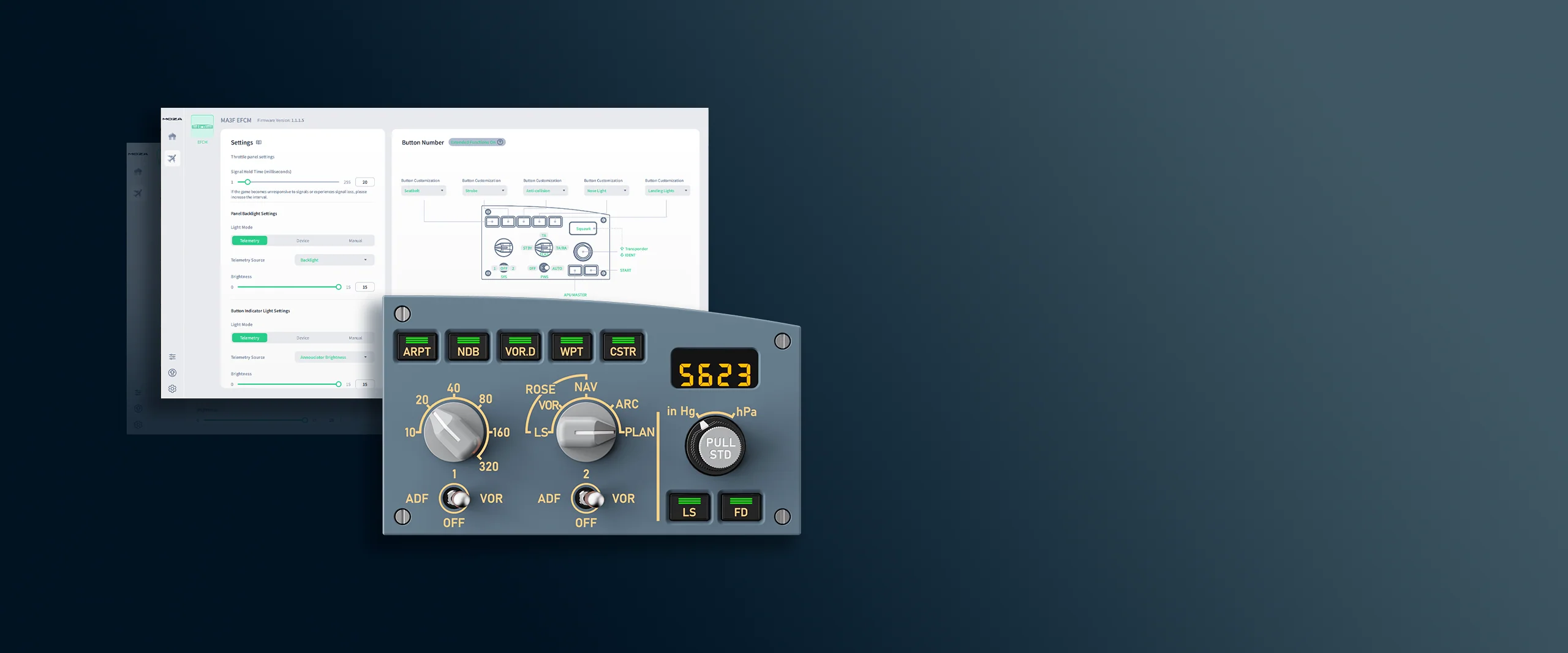
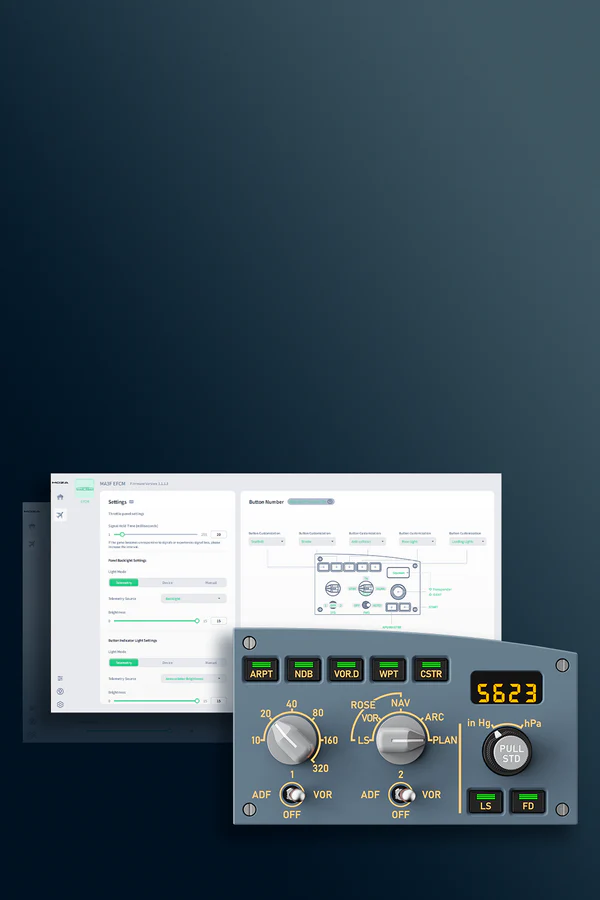
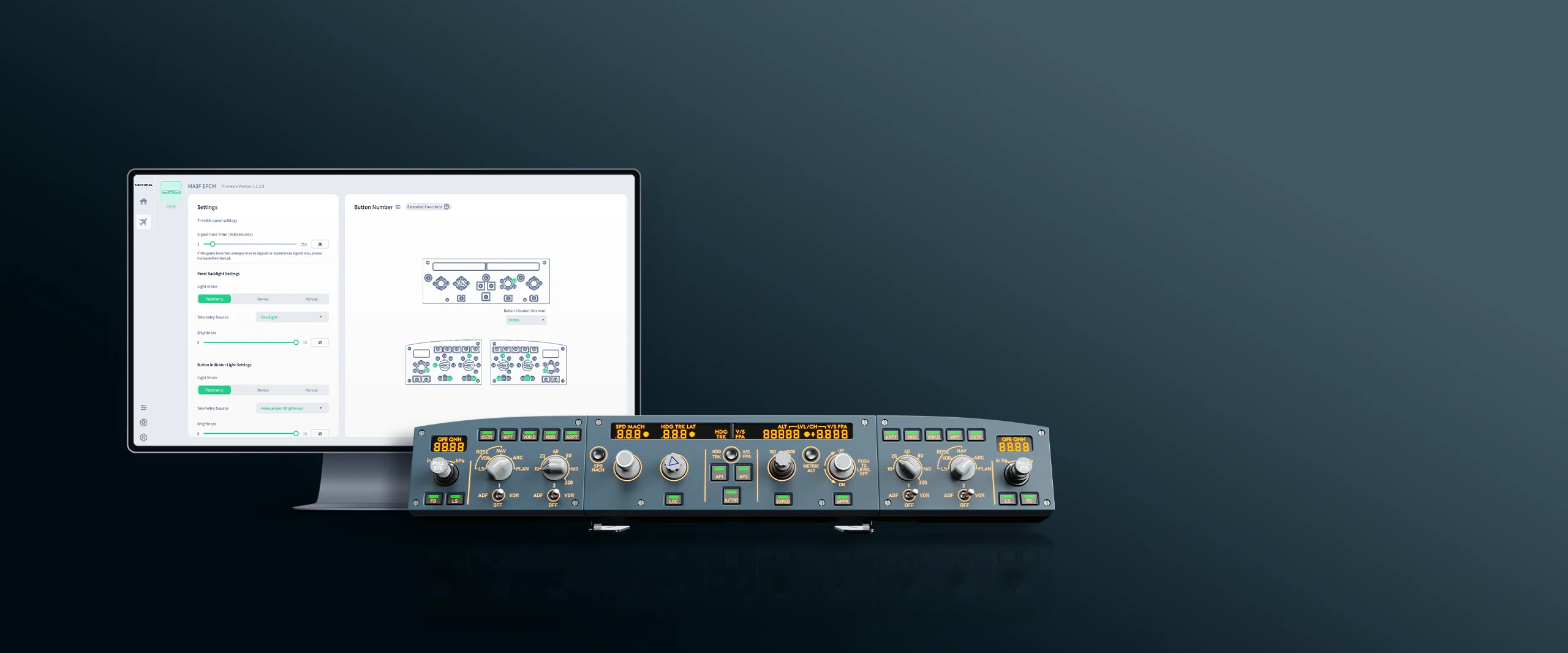
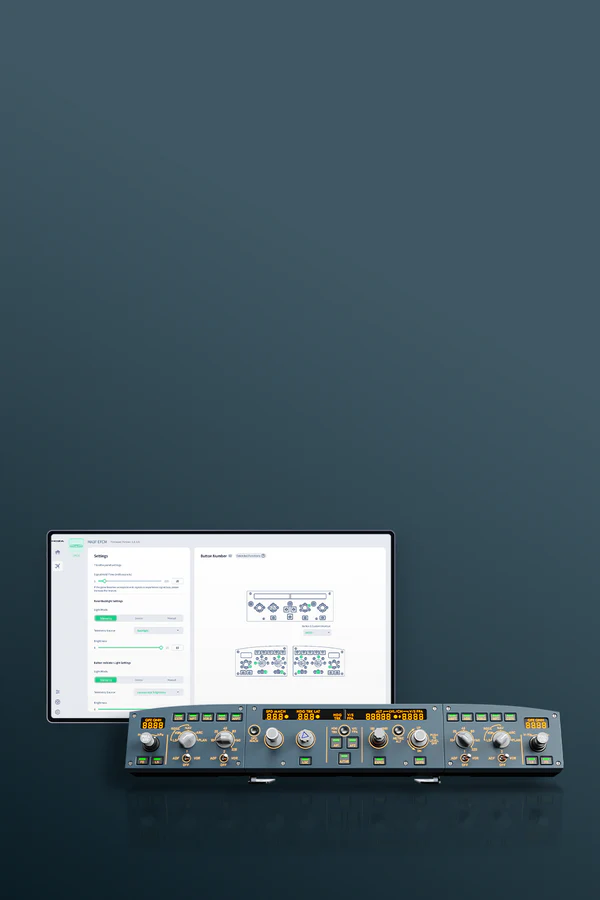
Configurable in Moza Cockpit

Plug&Play

Replica from real plane

Display like in a320

Realistic push-pull knobs

Adjustable lighting

Configurable in Moza Cockpit

Plug&Play

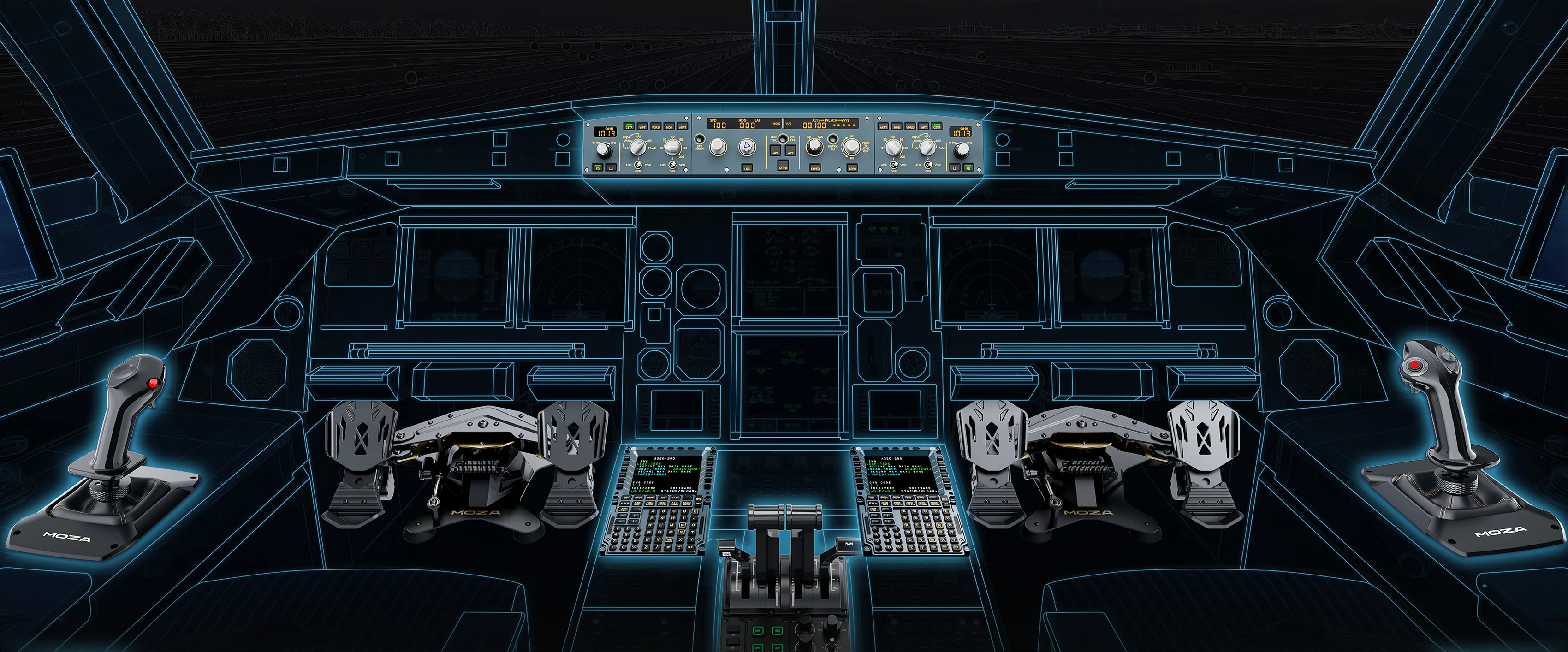
Control Panel Moza MA3F - visualization of cockpit with MA3F
A318/A319/A320/A321, A330

BUILD A320 COCKPIT IN HOME

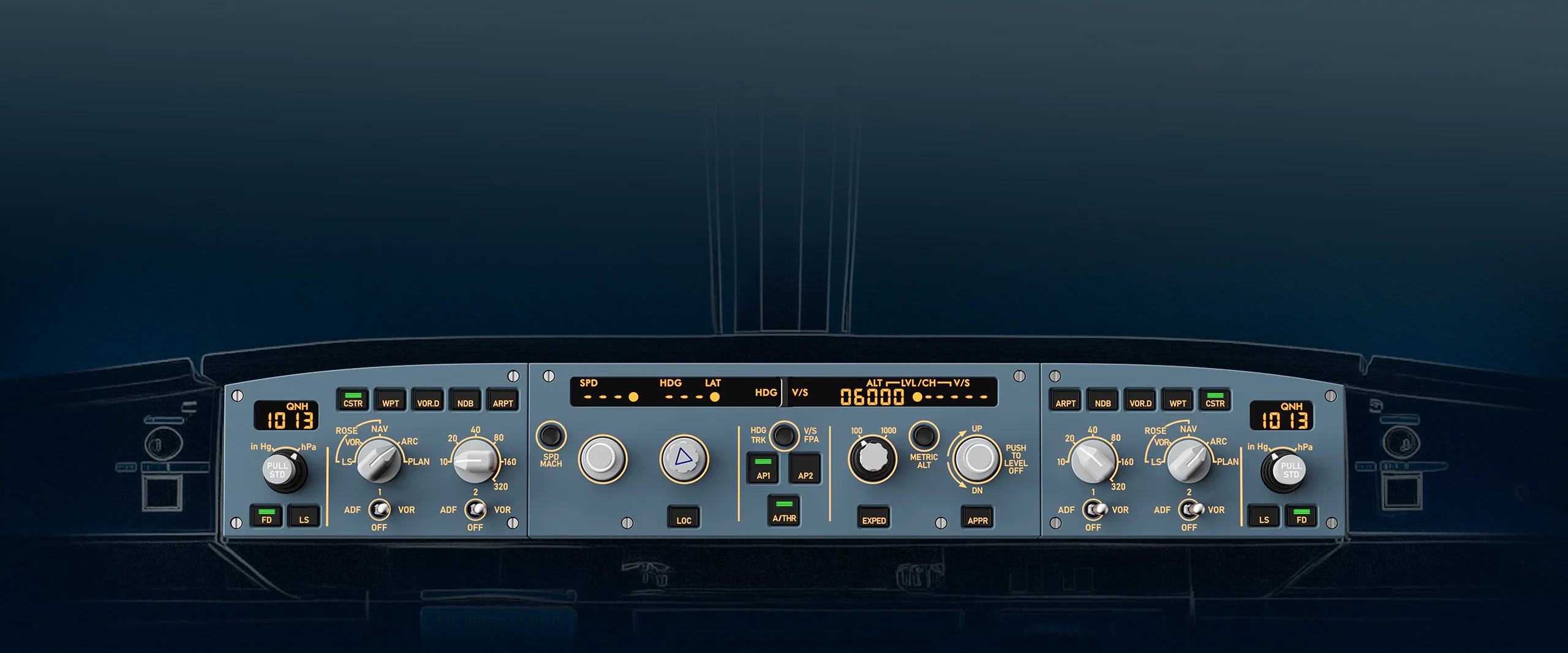
Control Panel Moza MA3F - autopilot panel control

Autopilot panel for the A320 cockpit

The MA3F EFCM provides convenient control of key autopilot functions and flight data display systems. It allows for faster changes to speed, heading, altitude, vertical speed, approach modes, and navigation settings. In practice, it provides a much more natural flight control experience than operating the monitor alone.
Control Panel Moza MA3F - easy use of airbus autopilot simulation

Autopilot panel for the A320 cockpit

The MA3F EFCM provides convenient control of key autopilot functions and flight data display systems. It allows for faster changes to speed, heading, altitude, vertical speed, approach modes, and navigation settings. In practice, it provides a much more natural flight control experience than operating the monitor alone.
Control Panel Moza MA3F - push-pull knobs zoom

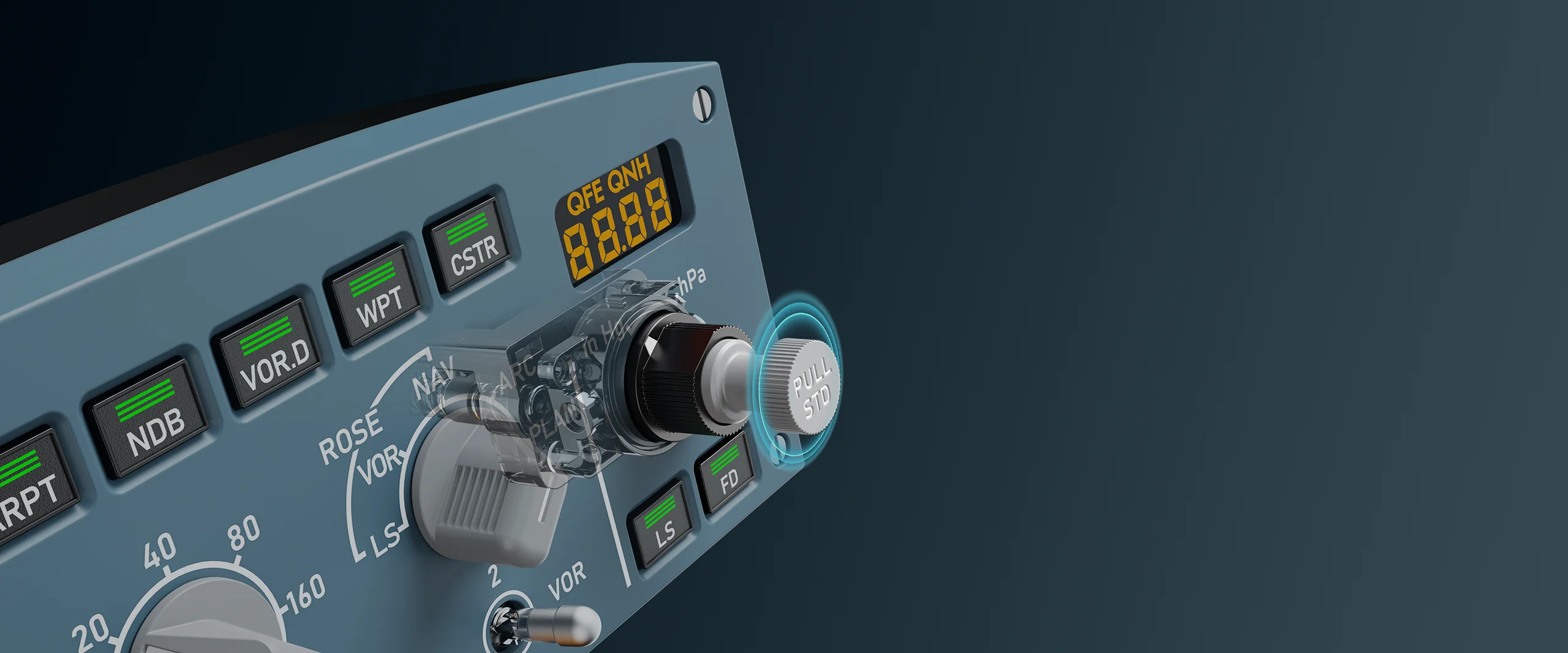
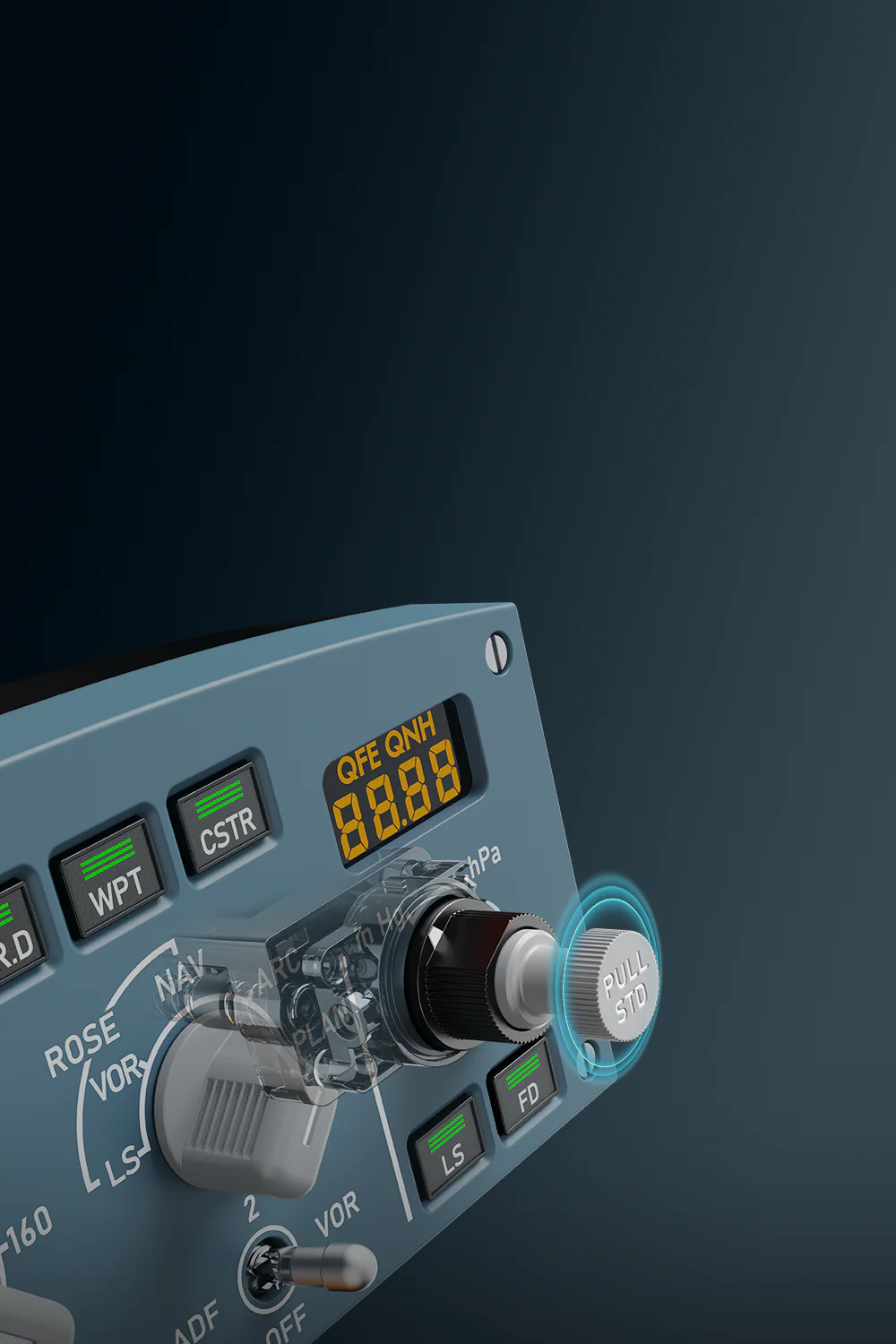
Realistic push-pull knobs

One of the most important features of the MA3F EFCM is the push-pull mechanism, familiar from the A320 autopilot. The knobs aren't just for changing values—they can also be pushed and pulled, allowing for more convenient use of managed and select modes. It's a small thing on paper, but it makes a big difference in flight. Is the controller providing new flight parameters? A quick change during communication.
Control Panel Moza MA3F - zoom of ma3x knobs

Realistic push-pull knobs

One of the most important features of the MA3F EFCM is the push-pull mechanism, familiar from the A320 autopilot. The knobs aren't just for changing values—they can also be pushed and pulled, allowing for more convenient use of managed and select modes. It's a small thing on paper, but it makes a big difference in flight. Is the controller providing new flight parameters? A quick change during communication.
Control Panel Moza MA3F - panel illumination

Adjustable panel illumination

The MOZA MA3F EFCM allows you to adjust the backlighting of the screen, characters, and buttons to suit your flight conditions. For night flights, you can dim the panel, or in brighter rooms, adjust it to remain readable. This creates a more cohesive cockpit, especially if you're also using other MOZA Flight devices.
Control Panel Moza MA3F - adjustable lighting

Adjustable panel illumination

The MOZA MA3F EFCM allows you to adjust the backlighting of the screen, characters, and buttons to suit your flight conditions. For night flights, you can dim the panel, or in brighter rooms, adjust it to remain readable. This creates a more cohesive cockpit, especially if you're also using other MOZA Flight devices.
Control Panel Moza MA3F - 3 independent modules or all combined
Want to buy the rest of the set later? No problem.

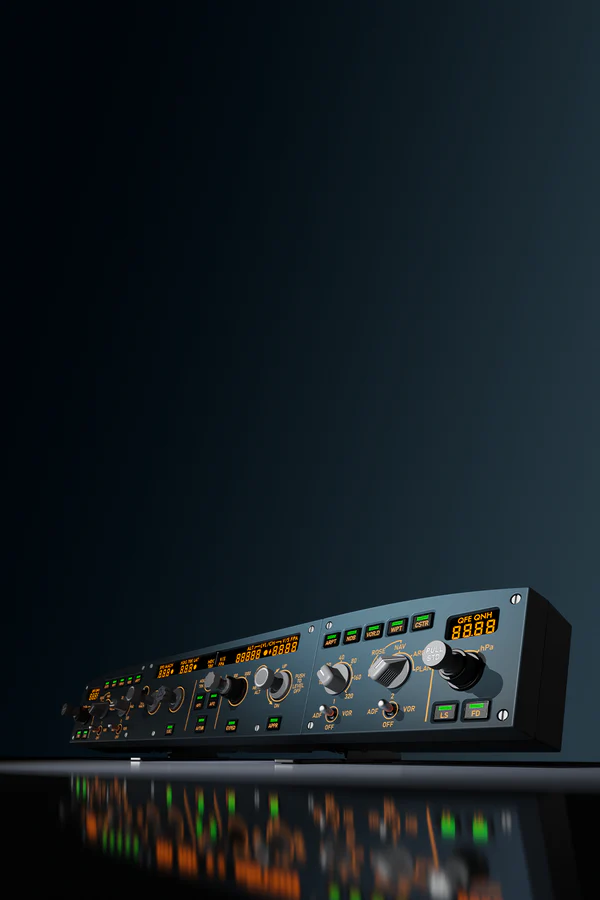
One product, four variants to choose from

The MA3F EFCM allows you to build your station exactly how you need it. You can start with just the FCU panel, choose a left or right EFIS, or simply choose a complete three-module kit. This makes it suitable for both simpler desktop setups and more complex flight cockpits.
Control Panel Moza MA3F - few variant available
Want to buy the rest of the set later? No problem.

One product, four variants to choose from

The MA3F EFCM allows you to build your station exactly how you need it. You can start with just the FCU panel, choose a left or right EFIS, or simply choose a complete three-module kit. This makes it suitable for both simpler desktop setups and more complex flight cockpits.
Control Panel Moza MA3F - make your own config

Side panels for increased immersion

The layout, proportions, and user interface have been designed to mimic working with a real FCU and EFIS. This makes the workstation immediately look more like a liner's cockpit than a simple set of accessories on a desk. Assign them as needed.
Control Panel Moza MA3F - side panels increase immersion

Side panels for increased immersion

The layout, proportions, and user interface have been designed to mimic working with a real FCU and EFIS. This makes the workstation immediately look more like a liner's cockpit than a simple set of accessories on a desk. Assign them as needed.
Control Panel Moza MA3F - extended features mode

Extended Features Mode

The MA3F EFCM can operate beyond just a standard autopilot panel. In extended function mode, selected elements can be assigned to additional aircraft systems, such as the transponder, weather radar, TCAS, APU, lights, or warnings. This is useful when you want to reduce the number of clicks in the cockpit and have more functions on the physical panel.
Control Panel Moza MA3F - extend product features with moza cockpit

Extended Features Mode

The MA3F EFCM can operate beyond just a standard autopilot panel. In extended function mode, selected elements can be assigned to additional aircraft systems, such as the transponder, weather radar, TCAS, APU, lights, or warnings. This is useful when you want to reduce the number of clicks in the cockpit and have more functions on the physical panel.
Control Panel Moza MA3F - installation, connection and parameters

Installation, connection and parameters

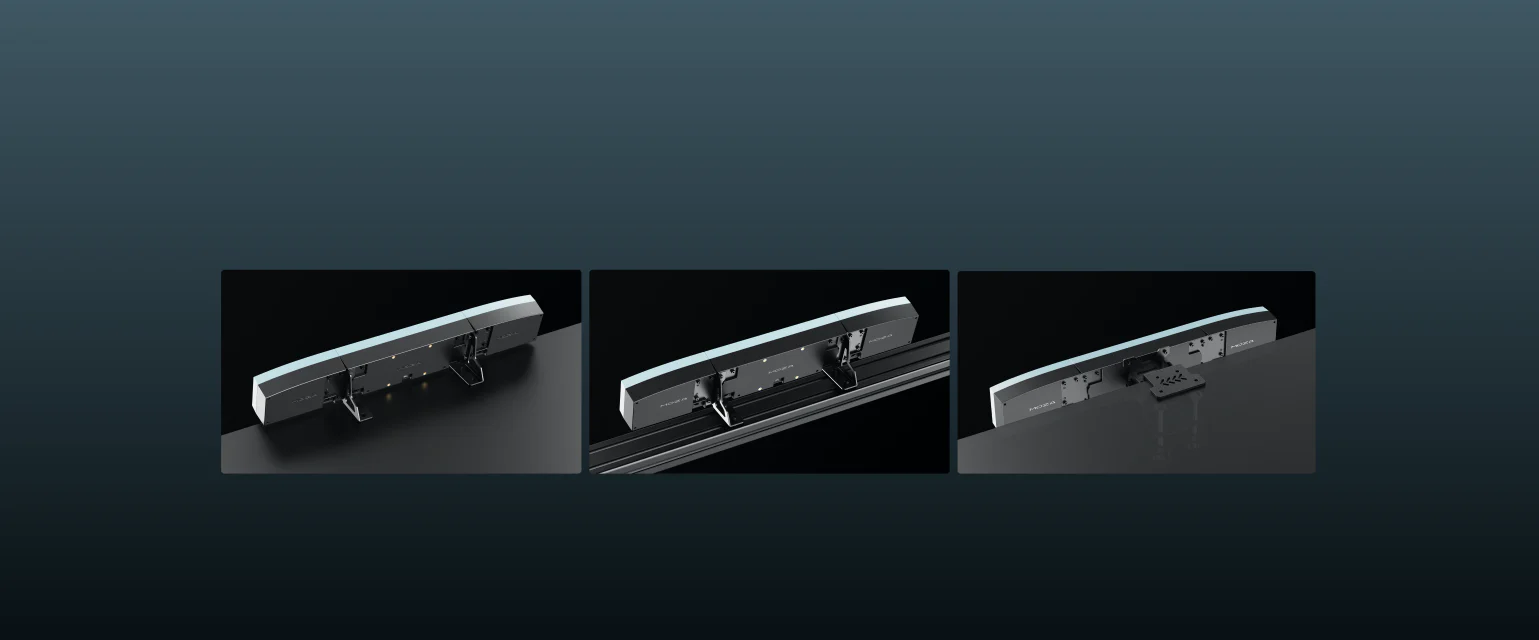
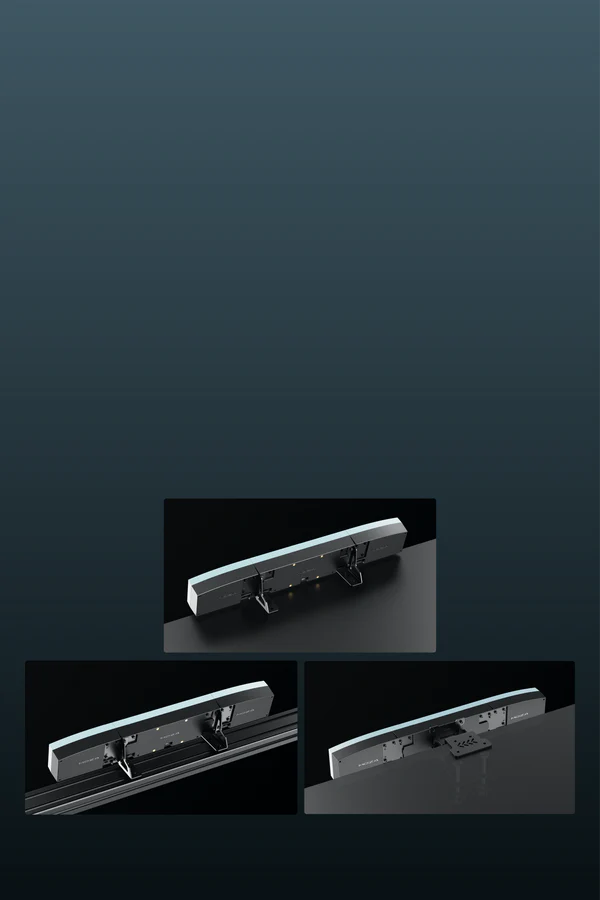
The panel can be placed on the included desk stand or mounted in a cockpit using a 75 x 75 mm VESA mount or an aluminum profile structure. The main unit measures 260 x 89.5 x 81.4 mm, while the side modules measure 155 x 89.5 x 81 mm. The housing is made of ABS + PC, and it connects via USB-C 3.0 and RJ11, with easy configuration via the MOZA Cockpit software.
Control Panel Moza MA3F - mount options

Installation, connection and parameters

The panel can be placed on the included desk stand or mounted in a cockpit using a 75 x 75 mm VESA mount or an aluminum profile structure. The main unit measures 260 x 89.5 x 81.4 mm, while the side modules measure 155 x 89.5 x 81 mm. The housing is made of ABS + PC, and it connects via USB-C 3.0 and RJ11, with easy configuration via the MOZA Cockpit software.

Wide Aircraft and Simulator Compatibility

The MOZA Flight MA3F EFCM is made for Airbus-style flying in Microsoft Flight Simulator and X-Plane. It works well with default A320 and A330 aircraft, while also fitting neatly into setups built around popular high-fidelity add-ons from developers such as Fenix, FlyByWire, iniBuilds, ToLiss and FlightFactor.

Microsoft Flight Simulator 2020 / 2024 X-Plane 11 / 12
Fenix A320 / A321 / A319 ToLiss A320 / A321 / A319
FlyByWire A32X
iniBuilds A320 / A330

More aircraft compatibility may be added over time through future MOZA Cockpit updates.

Wide Aircraft and Simulator Compatibility

The MOZA Flight MA3F EFCM is designed for popular flight simulators and Airbus aircraft available in Microsoft Flight Simulator and X-Plane. It fits well with default A320 and A330 aircraft, as well as more advanced add-ons used by many virtual airline pilots.

Using a physical panel helps reduce mouse clicking in the cockpit and makes it quicker to adjust autopilot settings, heading, altitude and flight modes. It is especially useful during IFR flights, approaches and online ATC sessions.

MSFS 2020 / 2024

  • Fenix A320 / A321 / A319
  • FlyByWire A32X
  • iniBuilds A320 / A330

X-Plane 11 / 12

  • ToLiss A320 / A321 / A319

More aircraft compatibility may be added over time through future MOZA Cockpit updates.

No reviews

Manufacturer

  • Moza EU
  • Room 1903-1904, Building 3, Nanshan Zhiyuan Chongwen Park, No. 3370 Liuxian Avenue, Nanshan District,
  • 3370 Shenzhen
  • China
  • support@mozaracing.com
  • +49518589638

Responsible person

  • Gudsen Technology EU GmbH
  • Birkenstrasse 23
  • 40233 Düsseldorf
  • Germany
  • support@gudsen.com
  • +48687537215

You might also like
Products from same category

Product added to wishlist
Product added to compare.