Free shipping from PLN 200 for Poland and from EUR 350 for the entire European Union

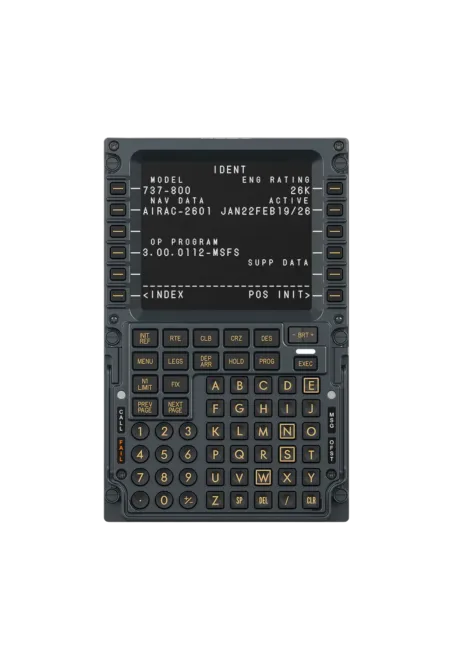
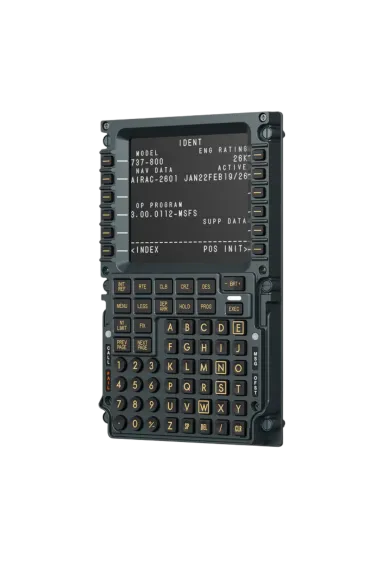
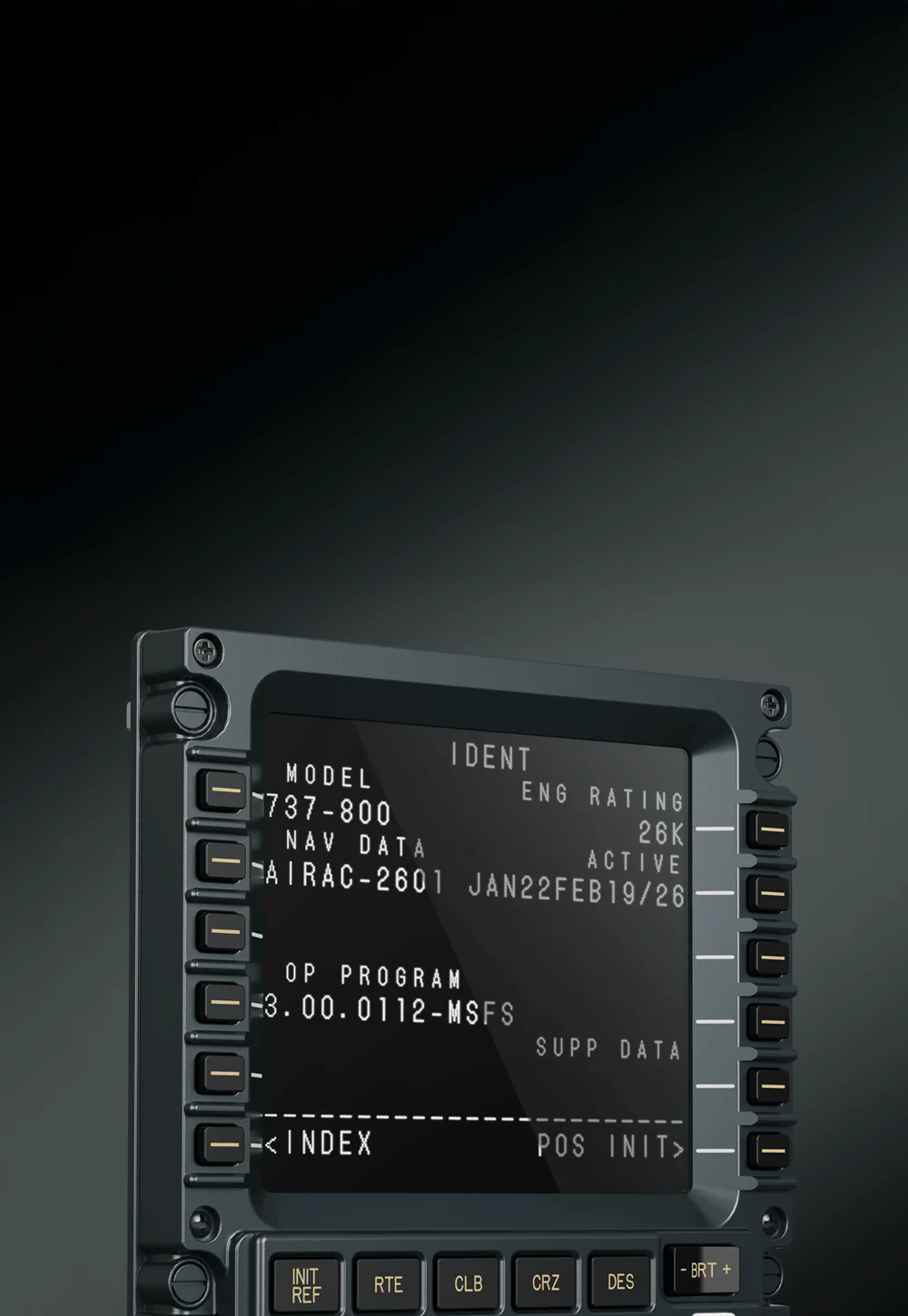
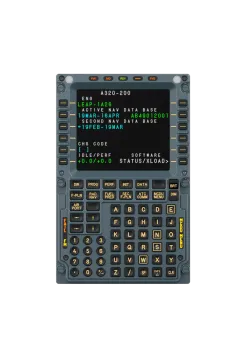
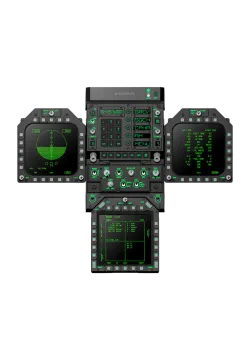
Moza MB7F FCD front view
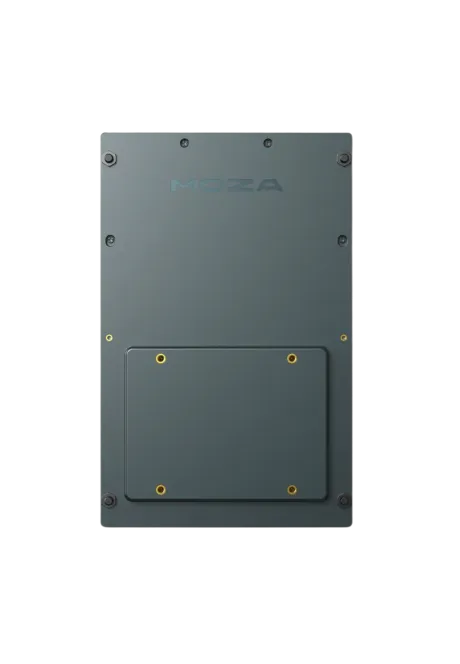
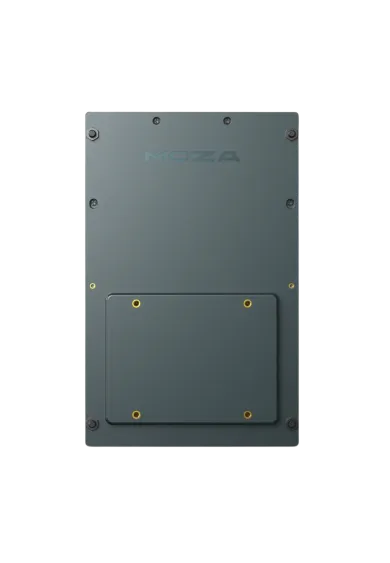
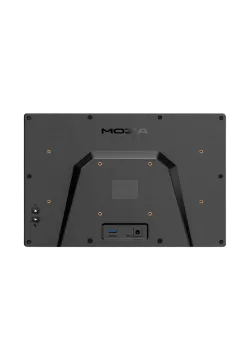
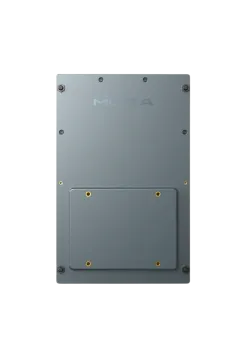
Moza MB7F FCD rear view
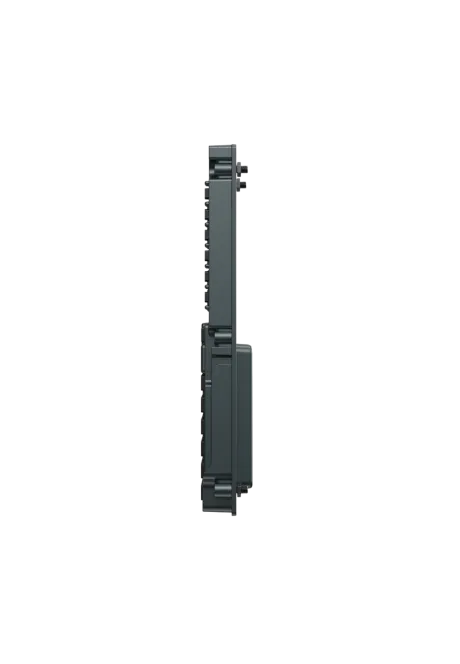
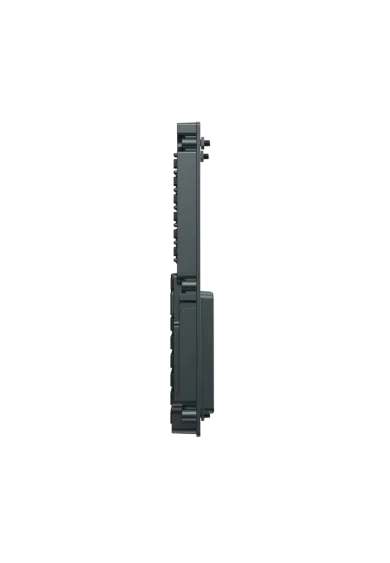
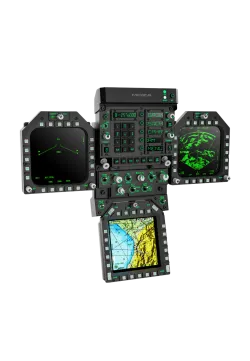
Moza MB7F FCD side view right side
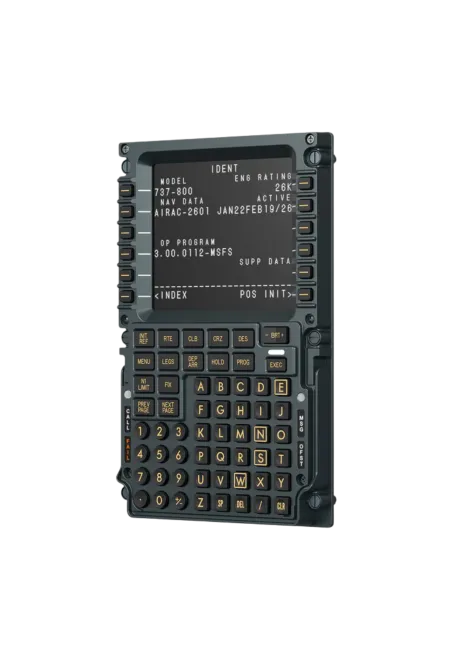
Moza MB7F FCD front view right side
  • New
Moza MB7F FCD front view
Moza MB7F FCD rear view
Moza MB7F FCD side view right side
Moza MB7F FCD front view right side

Moza MB7F FCD

731.71zł

731.71zł

PREORDER IS COMING

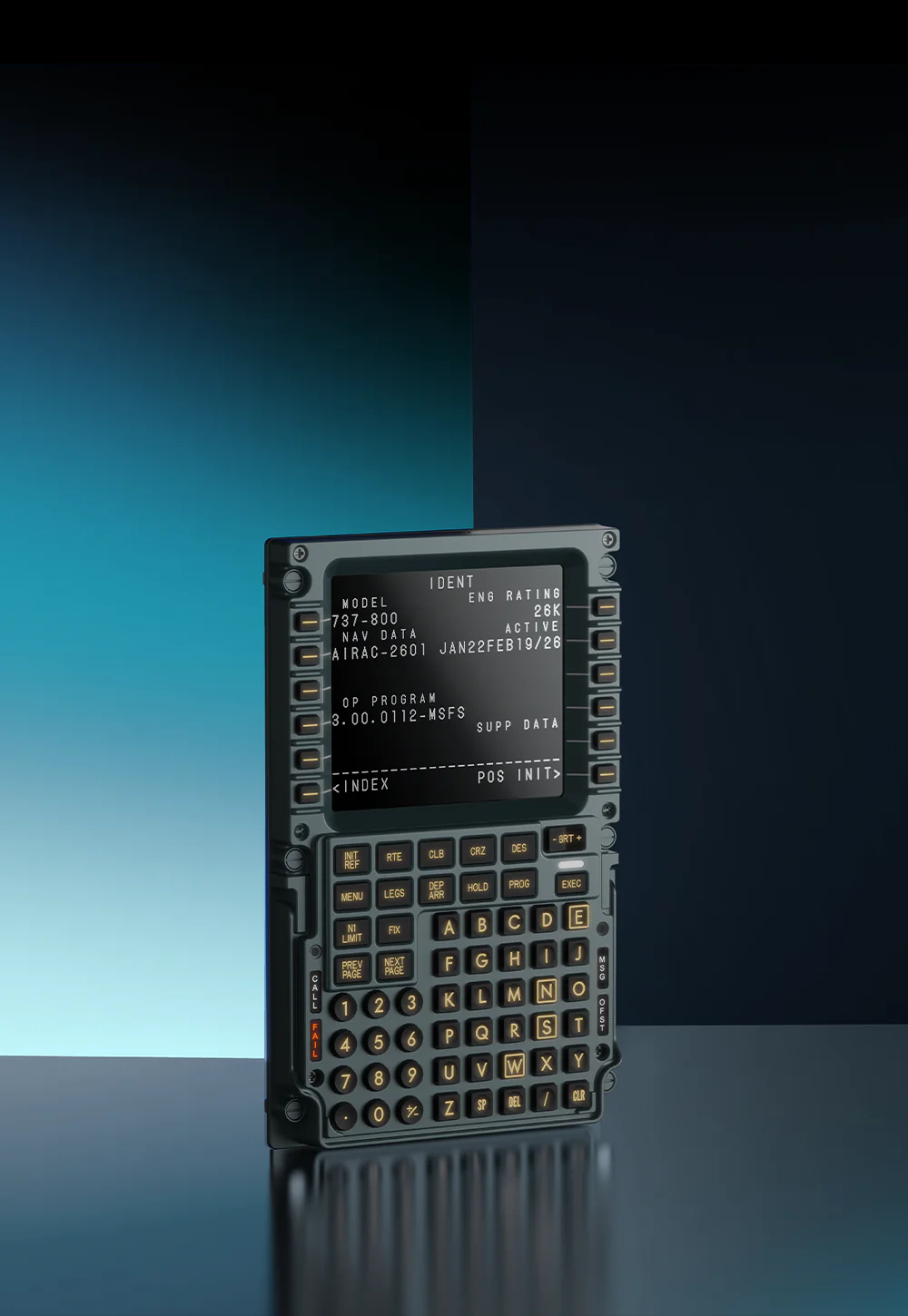
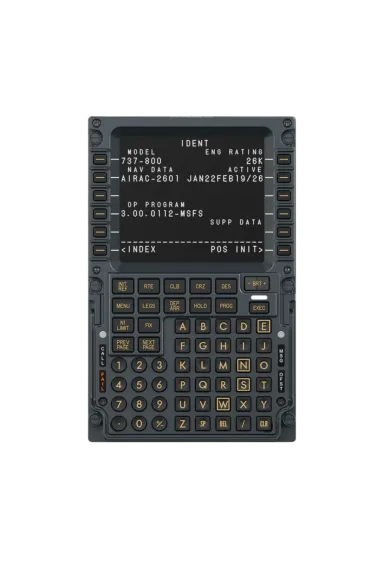
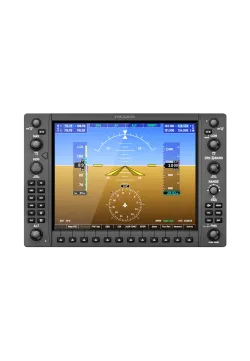
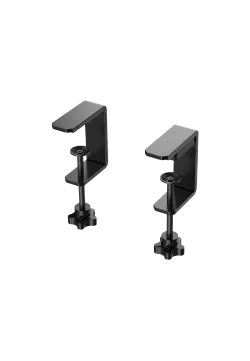
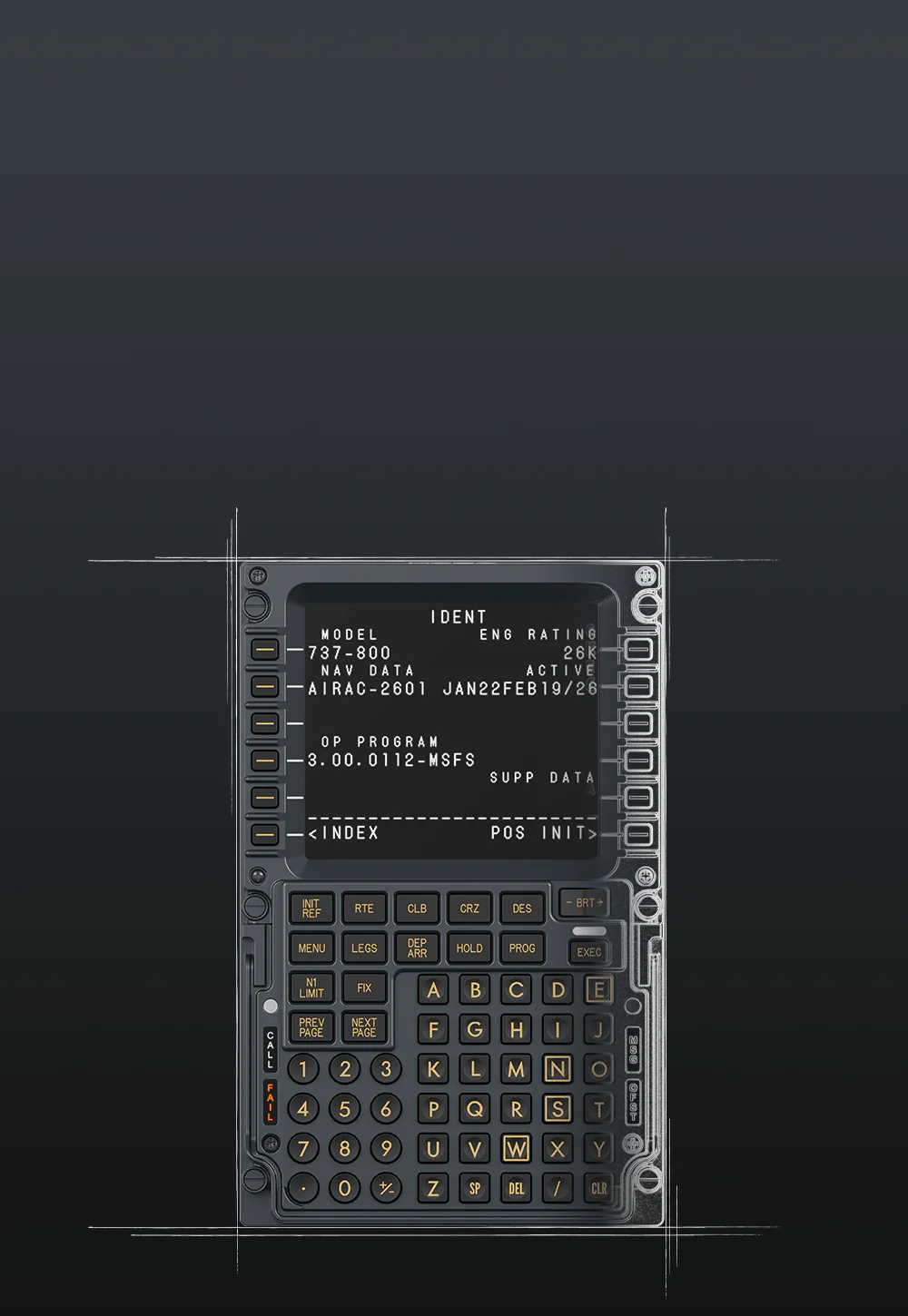
MOZA MB7F FCD is a physical FMC panel made for Boeing 737-style cockpits. Its 5.1-inch IPS screen, metal front and firm tactile keys make entering flight data, managing routes and working through procedures more convenient. It works with the PMDG 737 in MSFS 2024 and the Zibo 737 in X-Plane 12. Support for MSFS 2020 and X-Plane 11 is planned through a MOZA Cockpit update. A USB-C cable and desktop stand are included.


Ask about product
Zapytanie dotyczy produktu: Moza MB7F FCD
* - pola obowiązkowe
You will receive an 7.32zł for each item of this product to use on your next purchase.
Close
Shipping within 24 hours
Secure payments
Return within 30 days
Delivery from PLN 0
 
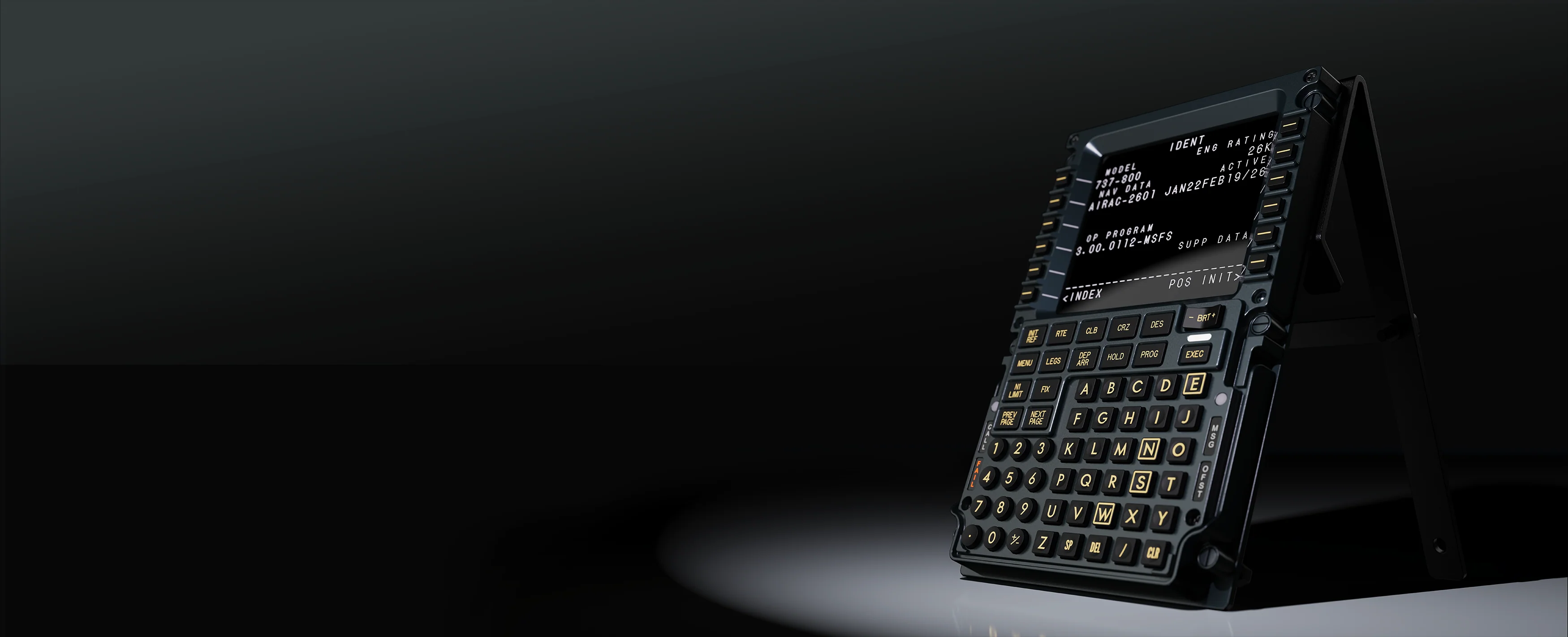
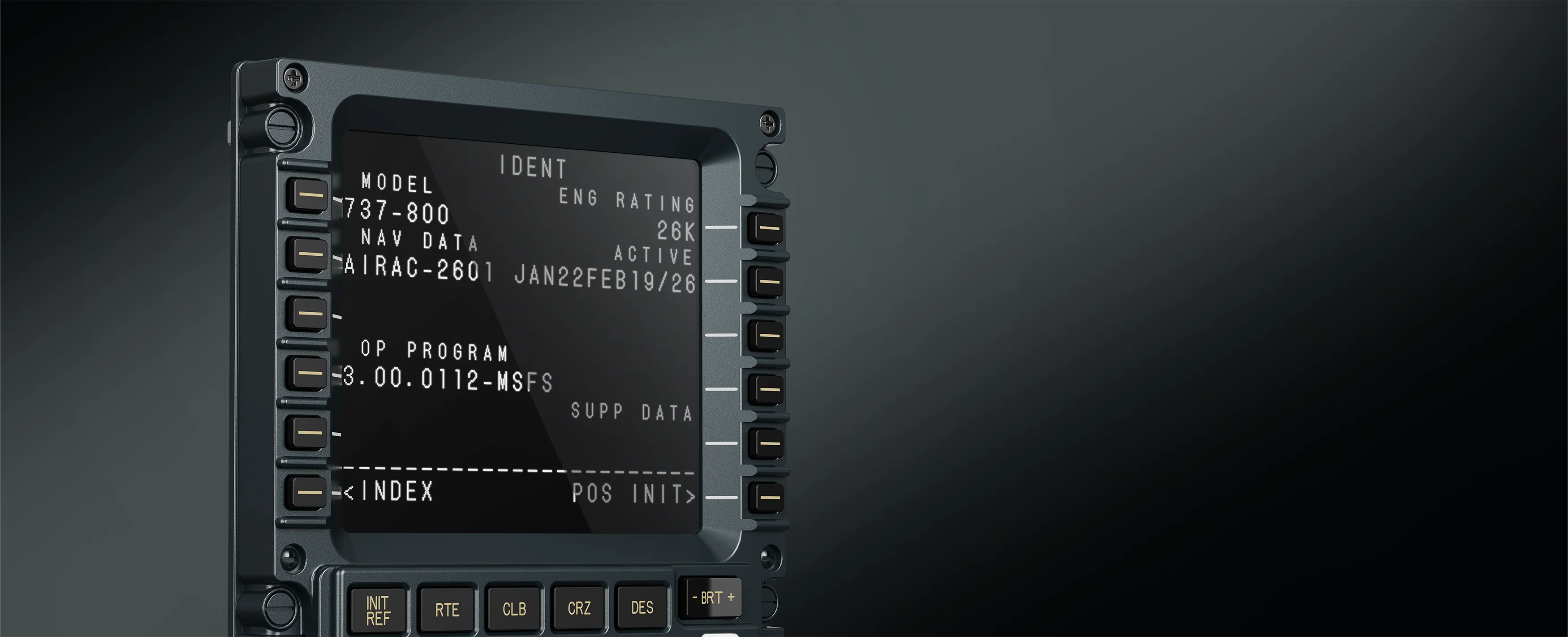
Flight Computer Display MOZA MB7F - main product banner
FMC Flight Computer Replica from a Boeing 737

MOZA MB7F FCD ON-BOARD COMPUTER

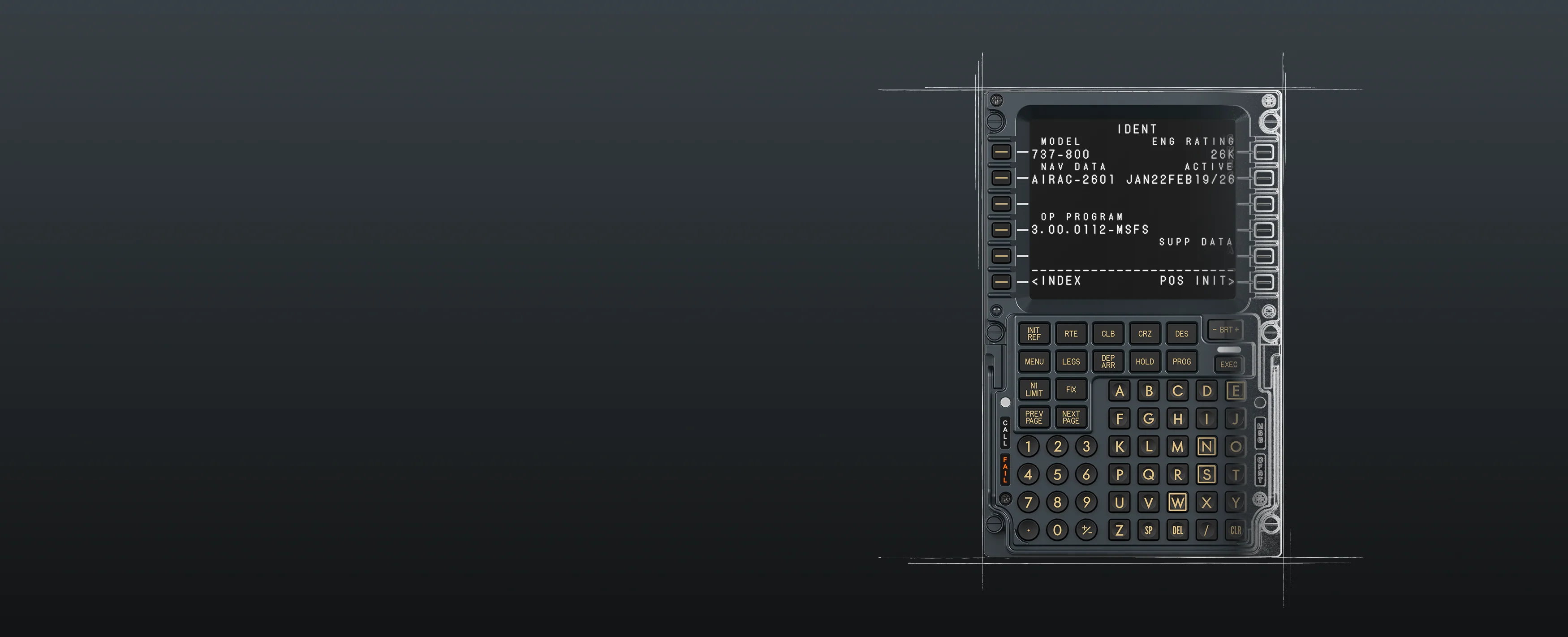
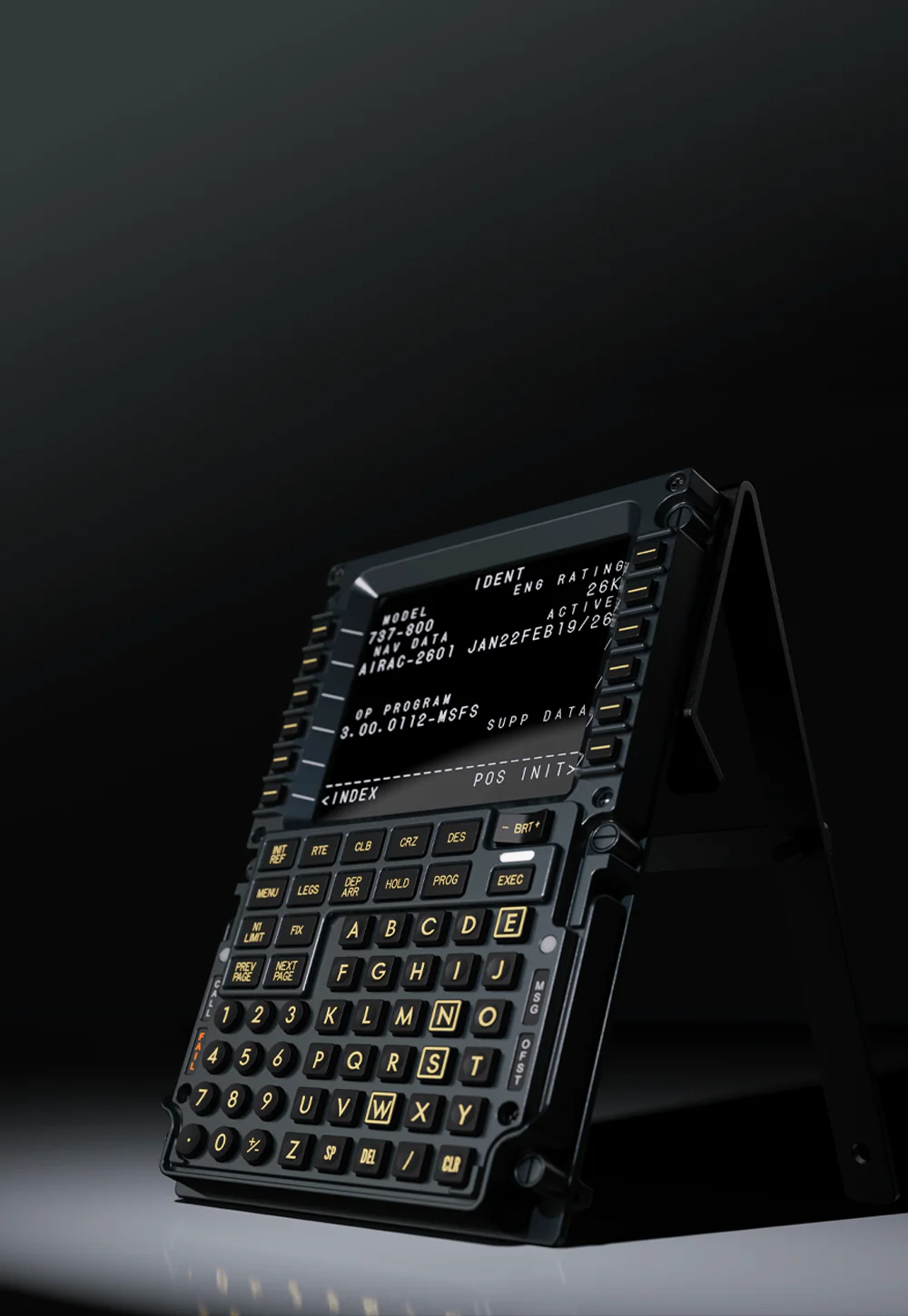
The MOZA MB7F FCD is a Flight Computer Display designed for Boeing 737-style cockpits. Instead of operating the flight computer with a mouse on the simulator screen, you get a separate panel with a display, keyboard, and physical buttons. This makes working with routes, procedures, and flight data more convenient, more organized, and closer to operating a real cockpit. The manufacturer describes it as a panel with a 5.1-inch IPS screen, a metal front, adjustable backlighting, and integration with MOZA Cockpit.
Flight Computer Display MOZA MB7F - product front view
FMC Flight Computer Replica from a Boeing 737

MOZA MB7F FCD ON-BOARD COMPUTER

The MOZA MB7F FCD is a Flight Computer Display designed for Boeing 737-style cockpits. Instead of operating the flight computer with a mouse on the simulator screen, you get a separate panel with a display, keyboard, and physical buttons. This makes working with routes, procedures, and flight data more convenient, more organized, and closer to operating a real cockpit. The manufacturer describes it as a panel with a 5.1-inch IPS screen, a metal front, adjustable backlighting, and integration with MOZA Cockpit.

A replica of a real flight computer

Compatibility with MSFS and XPLANE

High-quality 5.1-inch display

Metal front panel of the housing

Satisfying buttons like those on a BOEING 737

Freely adjustable backlight

Extended Features Mode

Many mounting options

A replica of a real flight computer

Compatibility with MSFS and XPLANE

High-quality 5.1-inch display

Metal front panel of the housing

Satisfying buttons like those on a BOEING 737

Freely adjustable backlight

Extended Features Mode

Many mounting options

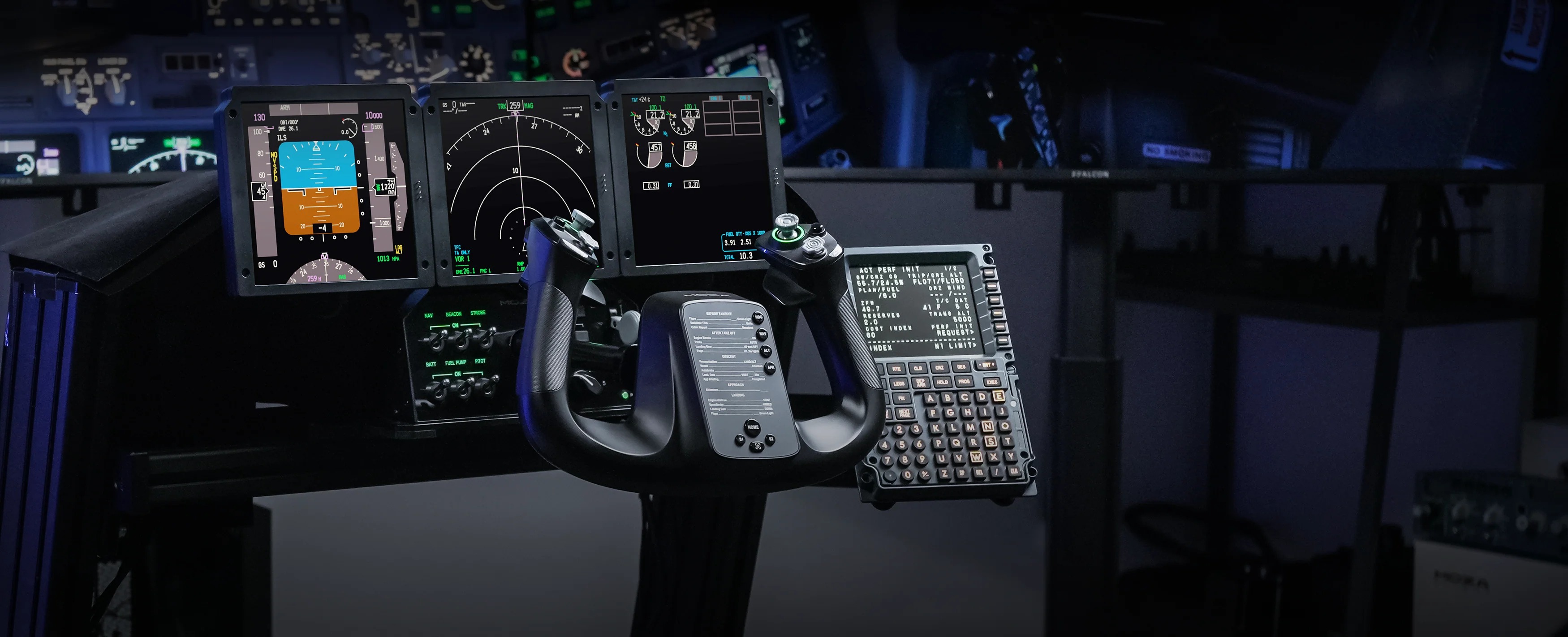
Flight Computer Display MOZA MB7F - example of cockpit using MB7F FMC
DO YOU FLY A ZIBO B737 OR PMDG B737? THIS IS THE EQUIPMENT FOR YOU.

BUILD YOUR OWN B737 COCKPIT

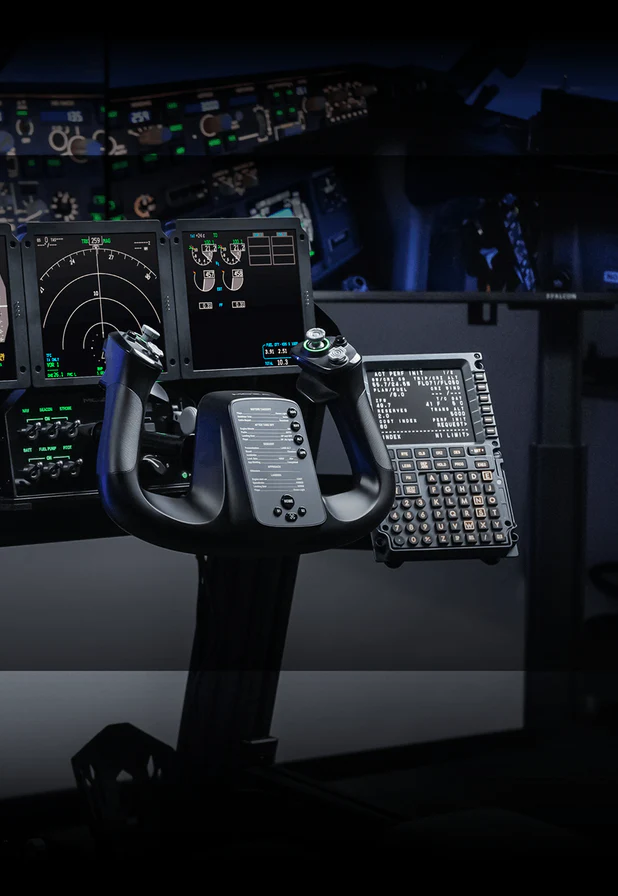
Flight Computer Display MOZA MB7F - example of product sim cockpit
DO YOU FLY A ZIBO B737 OR PMDG B737? THIS IS THE EQUIPMENT FOR YOU.

BUILD YOUR OWN B737 COCKPIT

Flight Computer Display MOZA MB7F - what is used for
MOZA MB7F Flight Computer Display

FMC panel for Boeing 737 operation

The MB7F FCD is best suited for those flying the Boeing 737 in Microsoft Flight Simulator or X-Plane. The panel allows for more convenient operation of the flight computer, data entry, route management, and faster transitions between selected flight preparation stages. In practice, this means less clicking in the virtual cockpit and more work on the physical equipment right at your fingertips.
Flight Computer Display MOZA MB7F - why do You need MB7F FCD
MOZA MB7F Flight Computer Display

FMC panel for Boeing 737 operation

The MB7F FCD is best suited for those flying the Boeing 737 in Microsoft Flight Simulator or X-Plane. The panel allows for more convenient operation of the flight computer, data entry, route management, and faster transitions between selected flight preparation stages. In practice, this means less clicking in the virtual cockpit and more work on the physical equipment right at your fingertips.
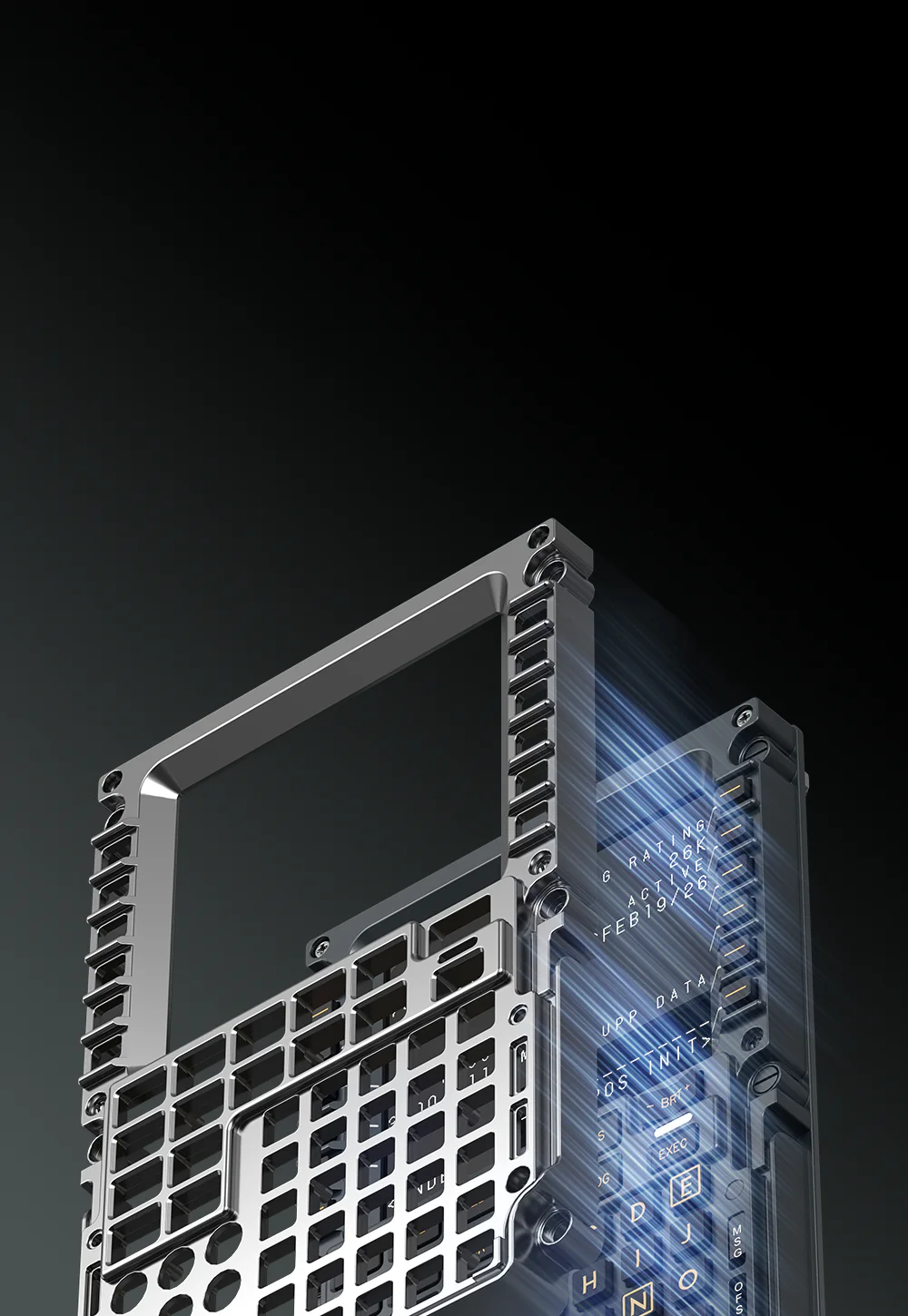
Flight Computer Display MOZA MB7F - metal and solid front

Metal front and a more solid feel

The front panel is made of die-cast aluminum alloy, and the housing also uses ABS and PC materials. Compared to typical plastic controllers, this gives it a more professional feel for everyday use. According to the manufacturer's specifications, the panel measures 277.9 x 145.5 x 32 mm and weighs 646 g, ensuring it remains stable on a desk while still easily fitting into a ready-made dashboard.
Flight Computer Display MOZA MB7F - rigid and solid frontplate

Metal front and a more solid feel

The front panel is made of die-cast aluminum alloy, and the housing also uses ABS and PC materials. Compared to typical plastic controllers, this gives it a more professional feel for everyday use. According to the manufacturer's specifications, the panel measures 277.9 x 145.5 x 32 mm and weighs 646 g, ensuring it remains stable on a desk while still easily fitting into a ready-made dashboard.
Flight Computer Display MOZA MB7F - satisfying clicking
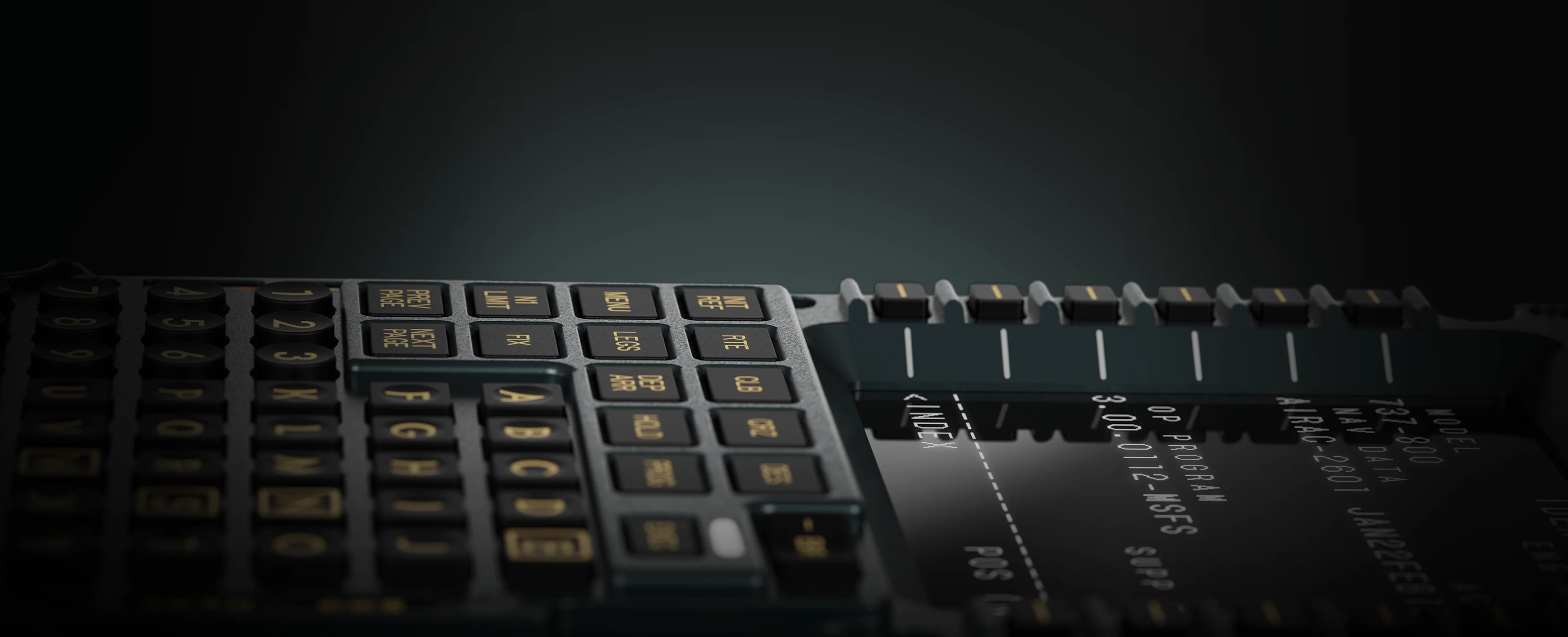
Satisfying and addictive *CLICK*

Tactile buttons with a firmer click

The buttons on the MA3F FCD have a distinct, firmer feel. The MB7F FCD has buttons designed for a distinct, firm press. The manufacturer describes them as switches with a stronger actuation force, with firmer silicone overlays. For the user, this means a more reliable click and a reduced risk of accidental pressing. During longer flights, data entry, and frequent use of the flight computer, this difference is truly noticeable. A click is better suited to working with a flight panel than a soft computer keyboard. Each press is more precise, making it easier to enter data without constantly checking if the command has been accepted. On longer flights, this makes a significant difference in comfort.
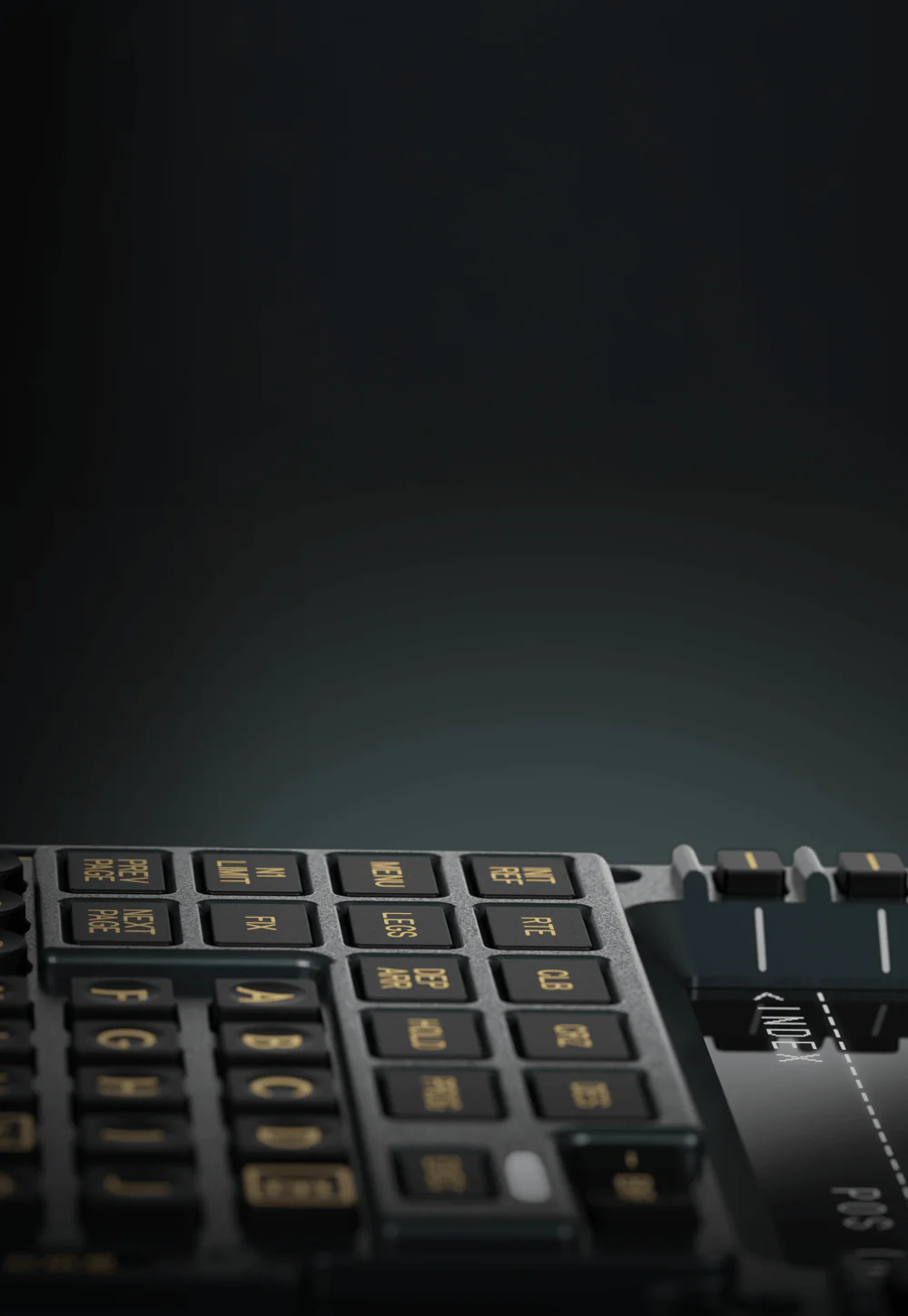
Flight Computer Display MOZA MB7F - high quality realistic buttons
Satisfying and addictive *CLICK*

Tactile buttons with a firmer click

The buttons on the MA3F FCD have a distinct, firmer feel. The MB7F FCD has buttons designed for a distinct, firm press. The manufacturer describes them as switches with a stronger actuation force, with firmer silicone overlays. For the user, this means a more reliable click and a reduced risk of accidental pressing. During longer flights, data entry, and frequent use of the flight computer, this difference is truly noticeable. A click is better suited to working with a flight panel than a soft computer keyboard. Each press is more precise, making it easier to enter data without constantly checking if the command has been accepted. On longer flights, this makes a significant difference in comfort.
Flight Computer Display MOZA MB7F - adjustable panel illumination

Adjustable panel illumination

The panel allows you to adjust the backlighting to suit the conditions at your station. You can adjust the screen brightness, character backlighting, and status lights. It's easier to set a lower light for night flights, and it's easier to read in brighter environments. MOZA also indicates whether the backlighting is synchronized with telemetry via MOZA Cockpit, helping maintain a consistent look throughout the entire setup.
Flight Computer Display MOZA MB7F - panel illumination view

Adjustable panel illumination

The panel allows you to adjust the backlighting to suit the conditions at your station. You can adjust the screen brightness, character backlighting, and status lights. It's easier to set a lower light for night flights, and it's easier to read in brighter environments. MOZA also indicates whether the backlighting is synchronized with telemetry via MOZA Cockpit, helping maintain a consistent look throughout the entire setup.
Flight Computer Display MOZA MB7F - checklists compatibility
BEFORE TAKEOFF CHECKLIST COMPLETE!

Checklists and note pages

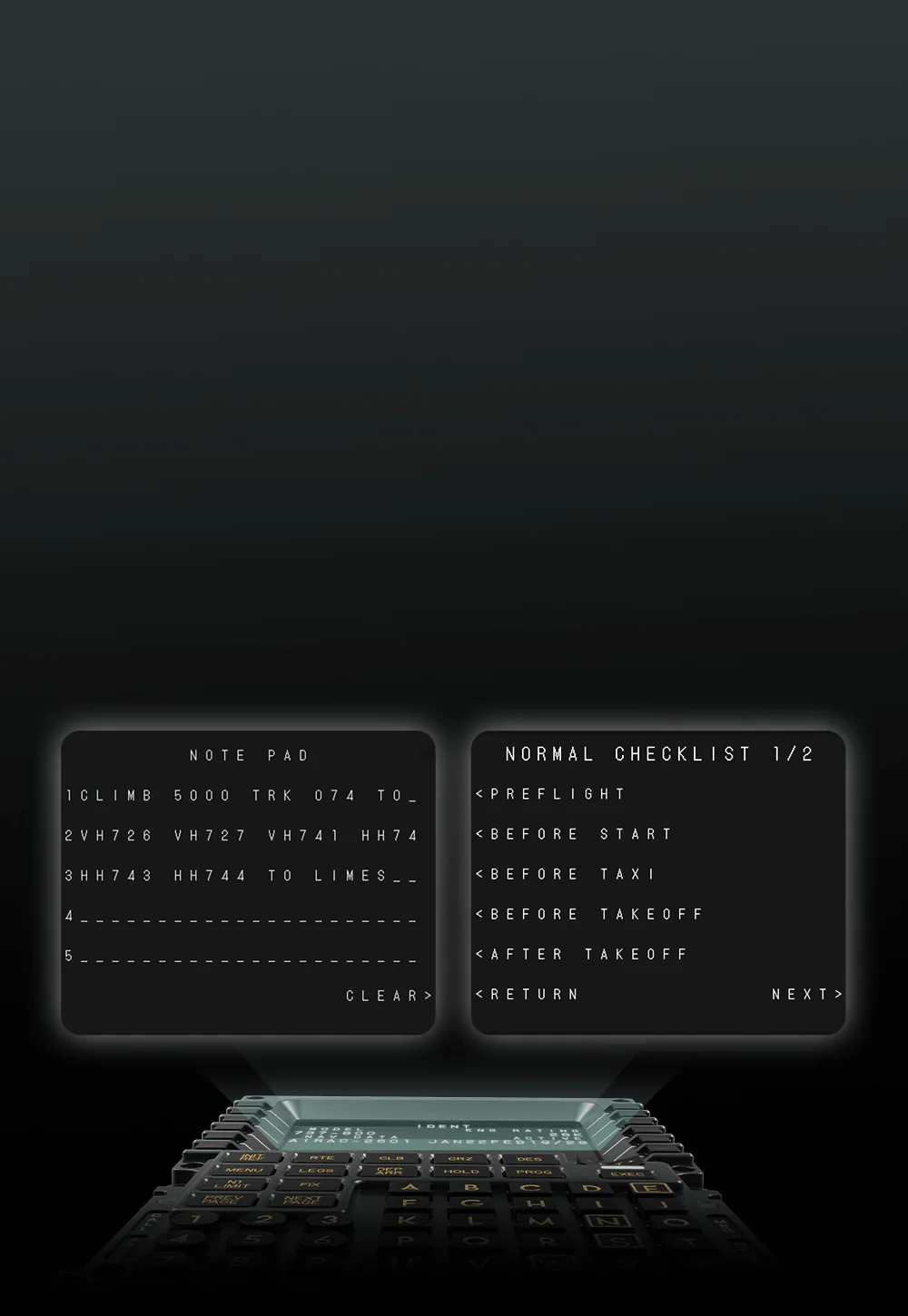
The MOZA MB7F FCD isn't just a data entry panel. The manufacturer has added a built-in checklist and three whiteboard pages that can be used for notes, frequencies, procedure shortcuts, or information needed during flight. This is especially useful for IFR, VATSIM, IVAO, and longer routes, where it's easy to miss something when everything is written outside the cockpit.
Flight Computer Display MOZA MB7F - checklist use example
BEFORE TAKEOFF CHECKLIST COMPLETE!

Checklists and note pages

The MOZA MB7F FCD isn't just a data entry panel. The manufacturer has added a built-in checklist and three whiteboard pages that can be used for notes, frequencies, procedure shortcuts, or information needed during flight. This is especially useful for IFR, VATSIM, IVAO, and longer routes, where it's easy to miss something when everything is written outside the cockpit.
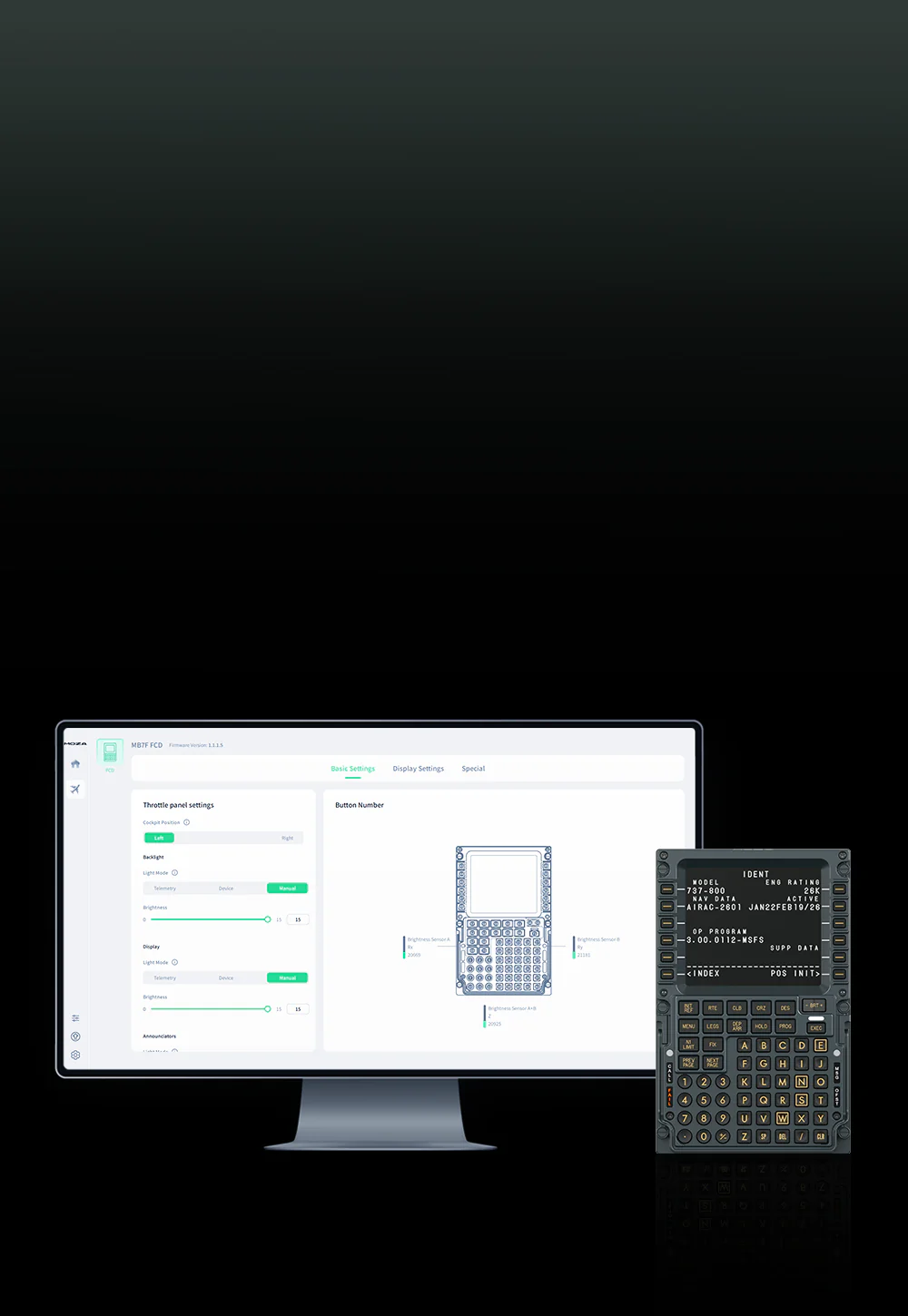
Flight Computer Display MOZA MB7F - manufacturer software

Integration with MOZA Cockpit

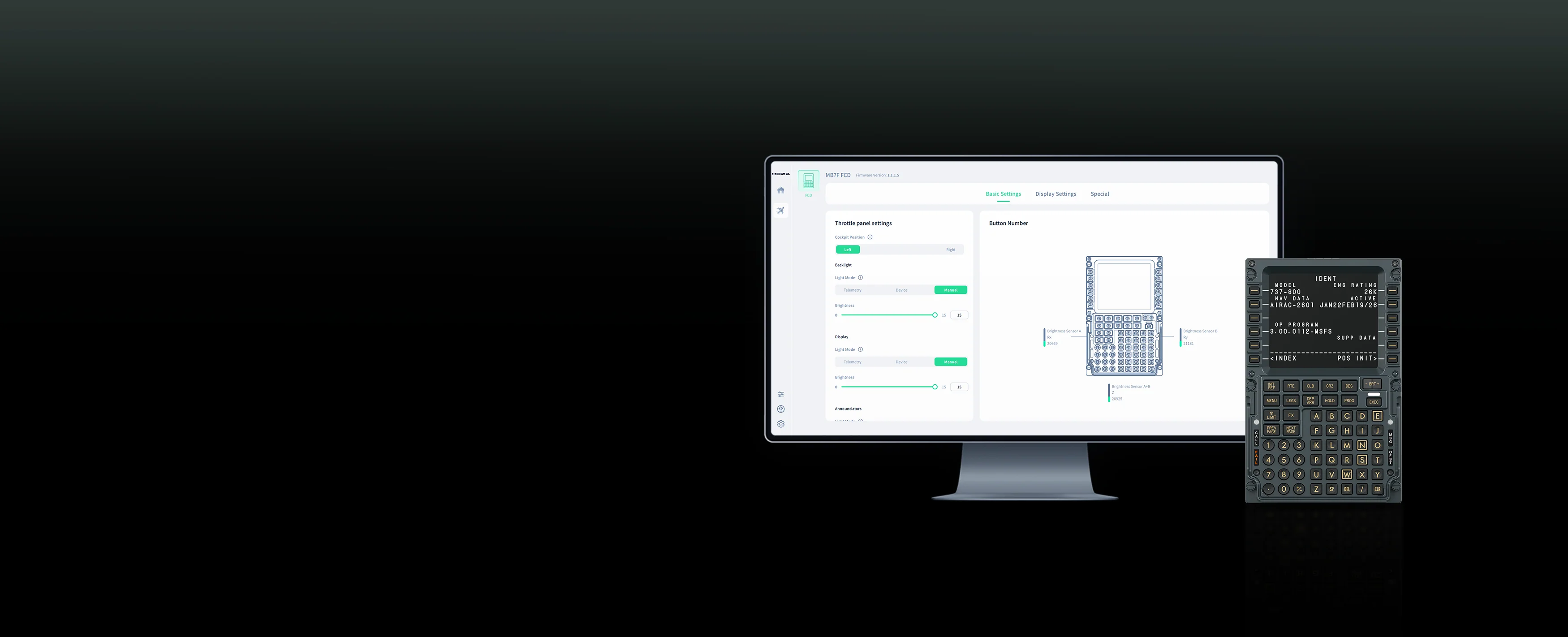
The MB7F FCD works with MOZA Cockpit software, which connects the panel to the simulator's telemetry and simplifies configuration. The panel is designed for PC and supports Microsoft Flight Simulator 2020/2024 and X-Plane 11/12.
Flight Computer Display MOZA MB7F - moza cockpit compatibility

Integration with MOZA Cockpit

The MB7F FCD works with MOZA Cockpit software, which connects the panel to the simulator's telemetry and simplifies configuration. The panel is designed for PC and supports Microsoft Flight Simulator 2020/2024 and X-Plane 11/12.
Flight Computer Display MOZA MB7F - installation, connection and kit contents

Installation, connection and kit contents

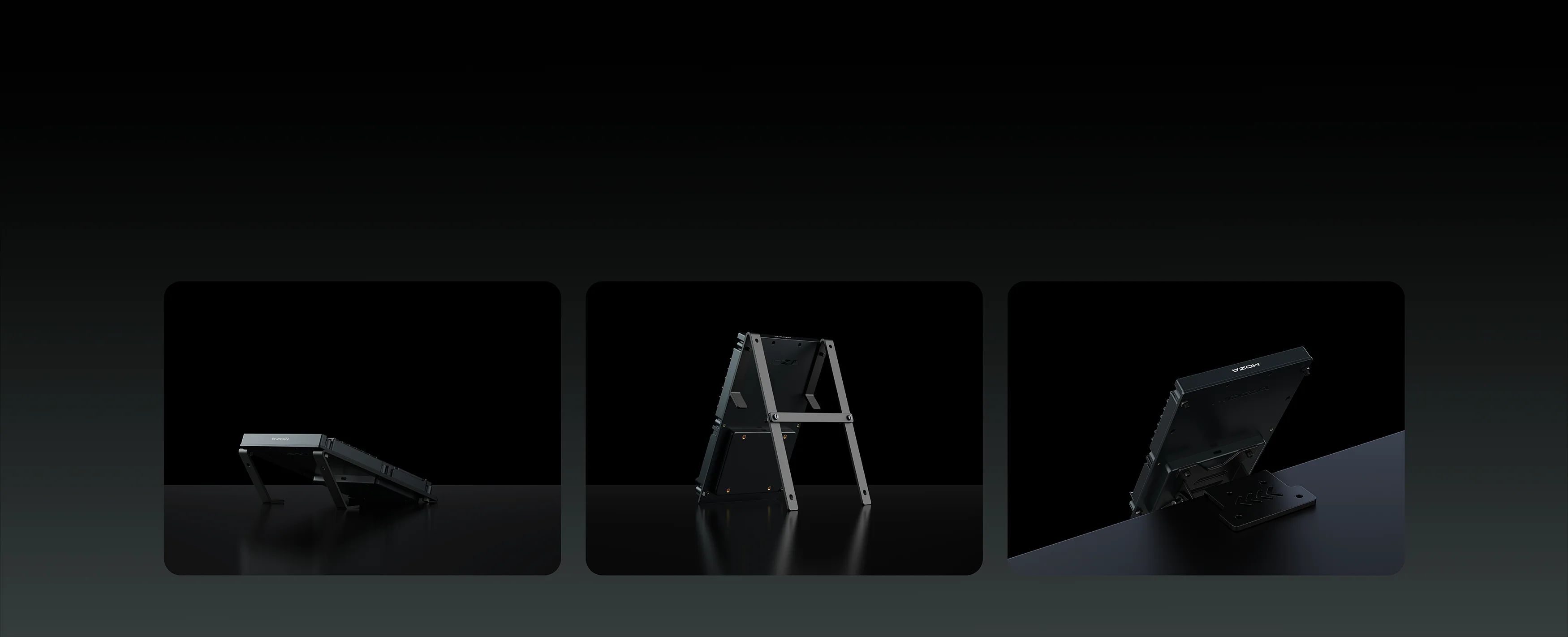
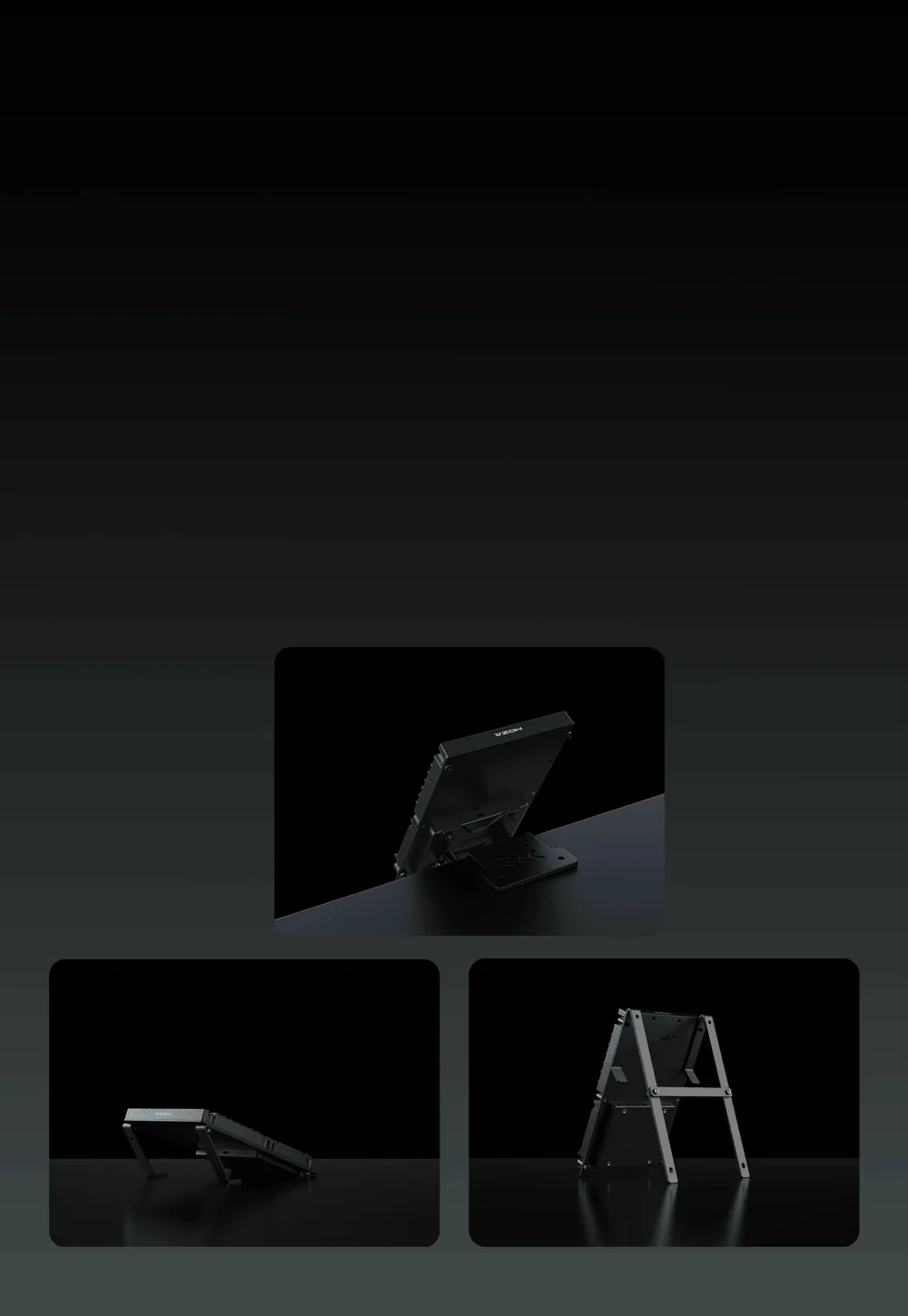
The MOZA MB7F Flight Computer Display can be placed on the included desktop stand or mounted in a cockpit using the VESA 75 x 75 mm standard. It connects to a computer via USB Type-C 2.0, operates at 5V and draws 900mA. The package includes the MOZA MB7F Flight Computer Display, a 1.5m USB Type-C cable, and a desktop stand.
Flight Computer Display MOZA MB7F - how to connect and install

Installation, connection and kit contents

The MOZA MB7F Flight Computer Display can be placed on the included desktop stand or mounted in a cockpit using the VESA 75 x 75 mm standard. It connects to a computer via USB Type-C 2.0, operates at 5V and draws 900mA. The package includes the MOZA MB7F Flight Computer Display, a 1.5m USB Type-C cable, and a desktop stand.

Wide Compatibility with Boeing 737 Aircraft and Flight Simulators

The MOZA MB7F FCD is designed for pilots flying the Boeing 737 in Microsoft Flight Simulator and X-Plane. It fits naturally into airliner-style cockpit setups, providing quick access to flight computer functions, route information, and navigation data without repeatedly clicking through the virtual cockpit.

Microsoft Flight Simulator 2020 / 2024 X-Plane 11 / 12
PMDG 737-600 / 700 / 800 / 900 Zibo 737

Support for additional aircraft may be introduced through future MOZA Cockpit software updates.

Wide Compatibility with Boeing 737 Aircraft and Flight Simulators

The MOZA MB7F FCD is designed for pilots flying the Boeing 737 in Microsoft Flight Simulator and X-Plane. It fits naturally into airliner-style cockpit setups where quick access to the flight computer, route information, and navigation data matters.

In practice, it reduces the need to click through the virtual cockpit by moving FMC operation to a physical panel. It is a convenient choice for PMDG 737 users in MSFS and Zibo 737 pilots in X-Plane.

MSFS 2020 / 2024

  • PMDG 737-600 / 700 / 800 / 900

X-Plane 11 / 12

  • Zibo 737

Support for additional aircraft may be introduced through future MOZA Cockpit software updates.

No reviews

Manufacturer

  • Moza EU
  • Room 1903-1904, Building 3, Nanshan Zhiyuan Chongwen Park, No. 3370 Liuxian Avenue, Nanshan District,
  • 3370 Shenzhen
  • China
  • support@mozaracing.com
  • +49518589638

Responsible person

  • Gudsen Technology EU GmbH
  • Birkenstrasse 23
  • 40233 Düsseldorf
  • Germany
  • support@gudsen.com
  • +48687537215

You might also like
Products from same category

Product added to wishlist
Product added to compare.