Free shipping from PLN 200 for Poland and from EUR 350 for the entire European Union

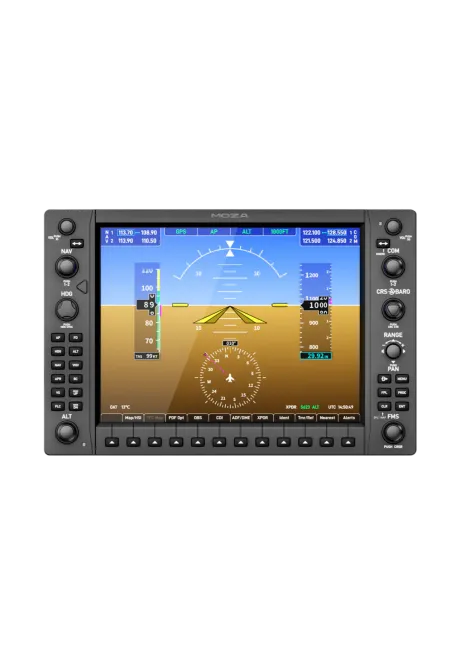
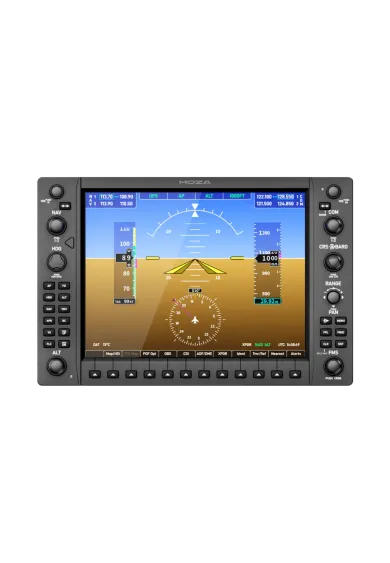
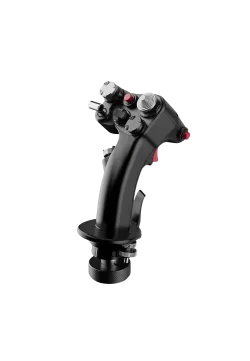
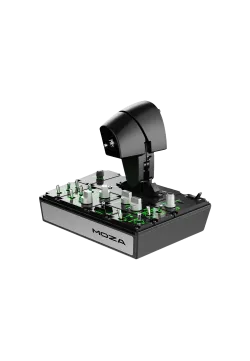
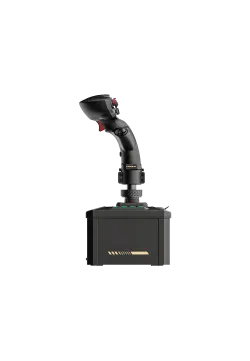
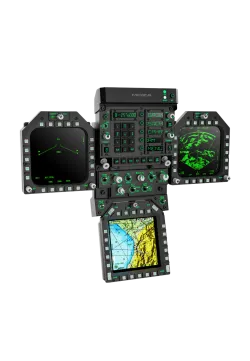
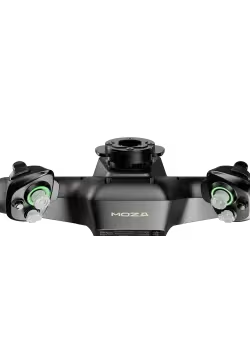
Moza MGX1000 front view
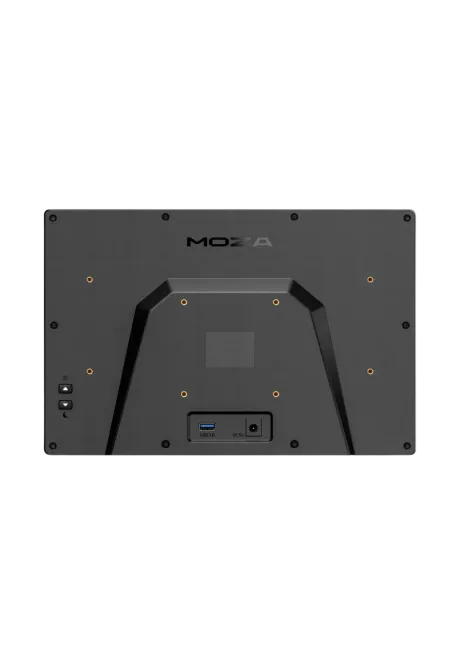
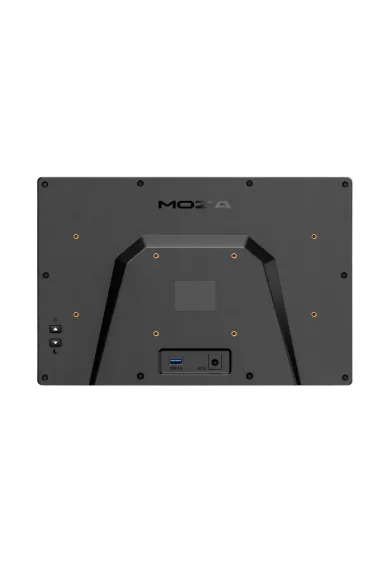
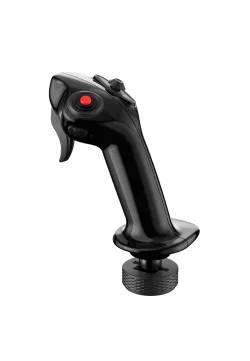
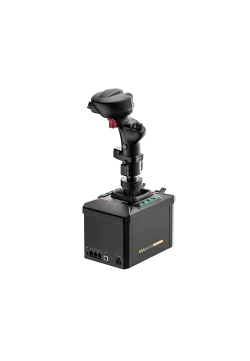
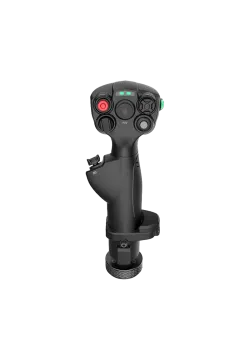
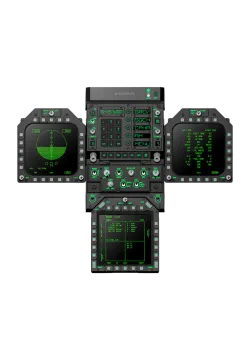
Moza MGX1000 rear view
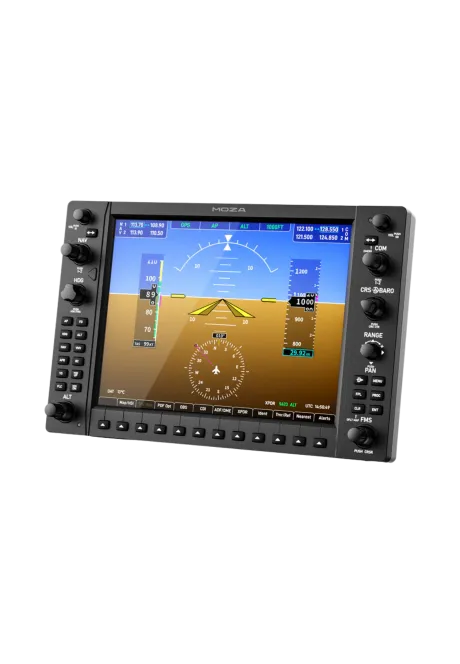
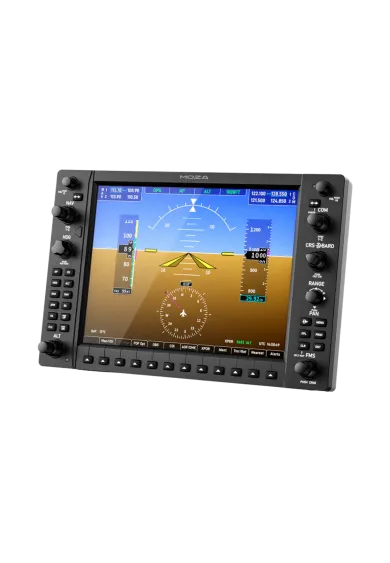
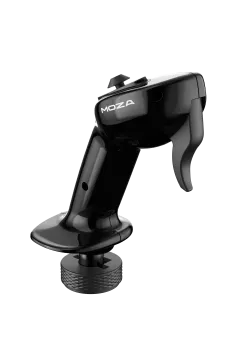
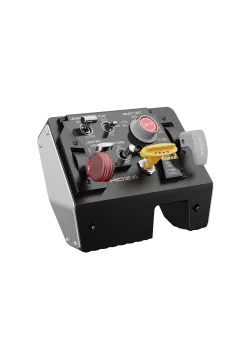
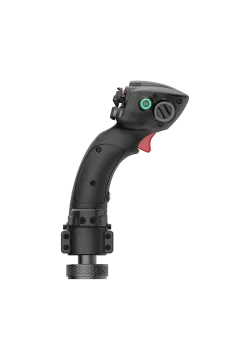
Moza MGX1000 front view right side
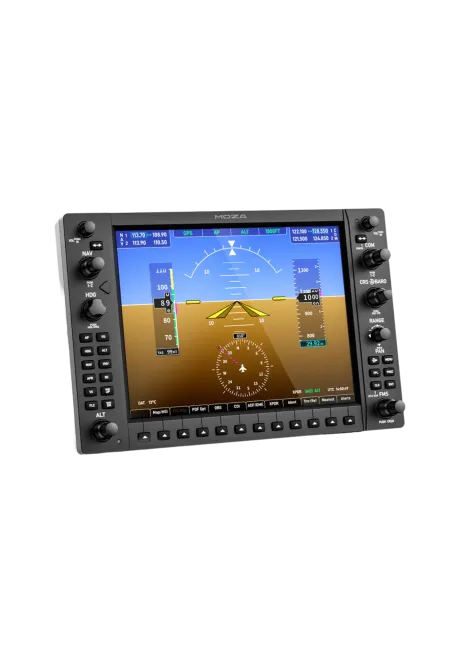
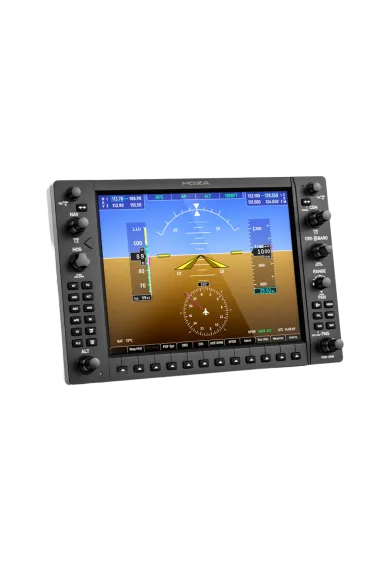
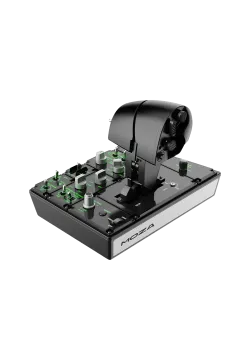
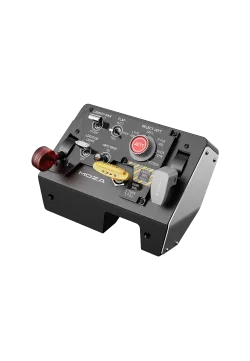
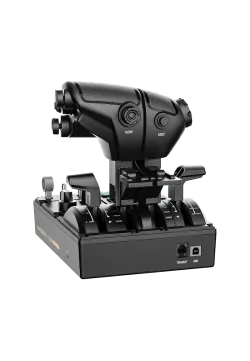
Moza MGX1000 front view left side
  • New
Moza MGX1000 front view
Moza MGX1000 rear view
Moza MGX1000 front view right side
Moza MGX1000 front view left side

Moza MGX1000

1,626.02zł

1,626.02zł

PREORDER

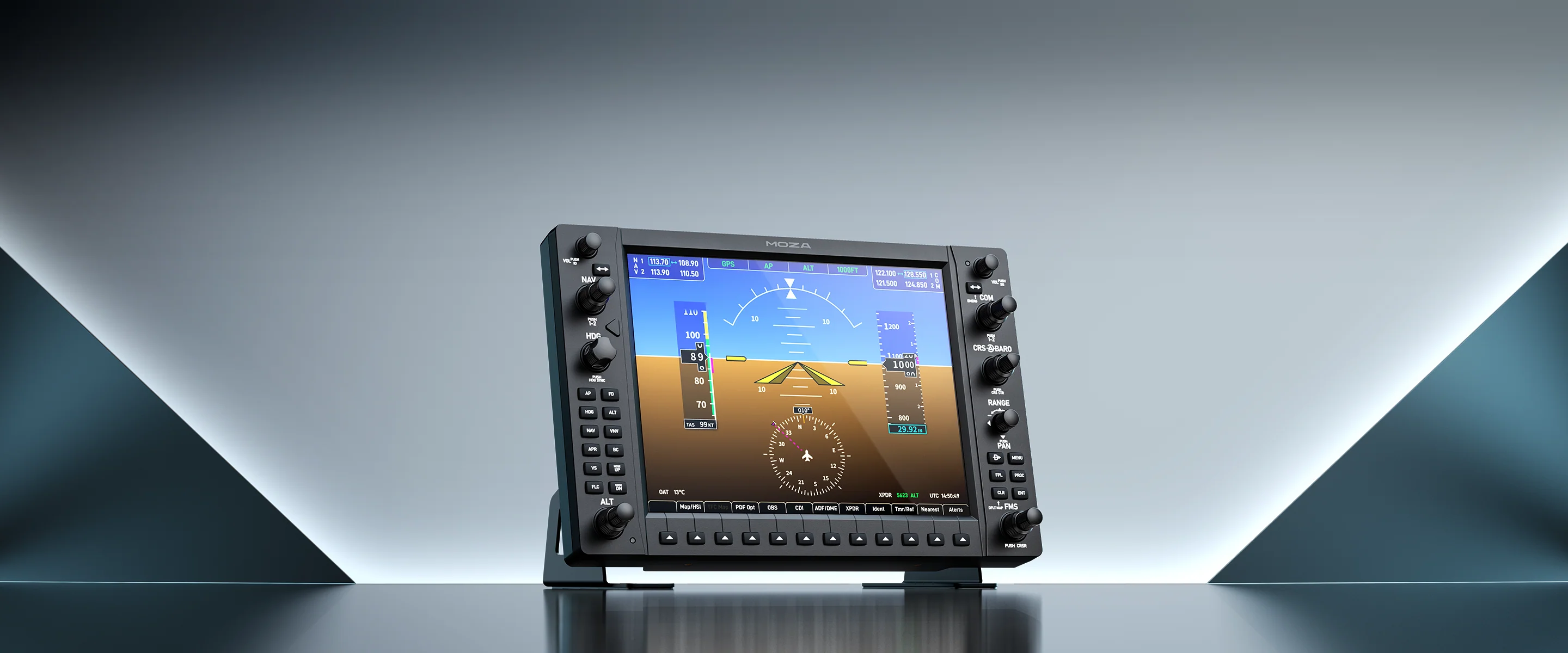
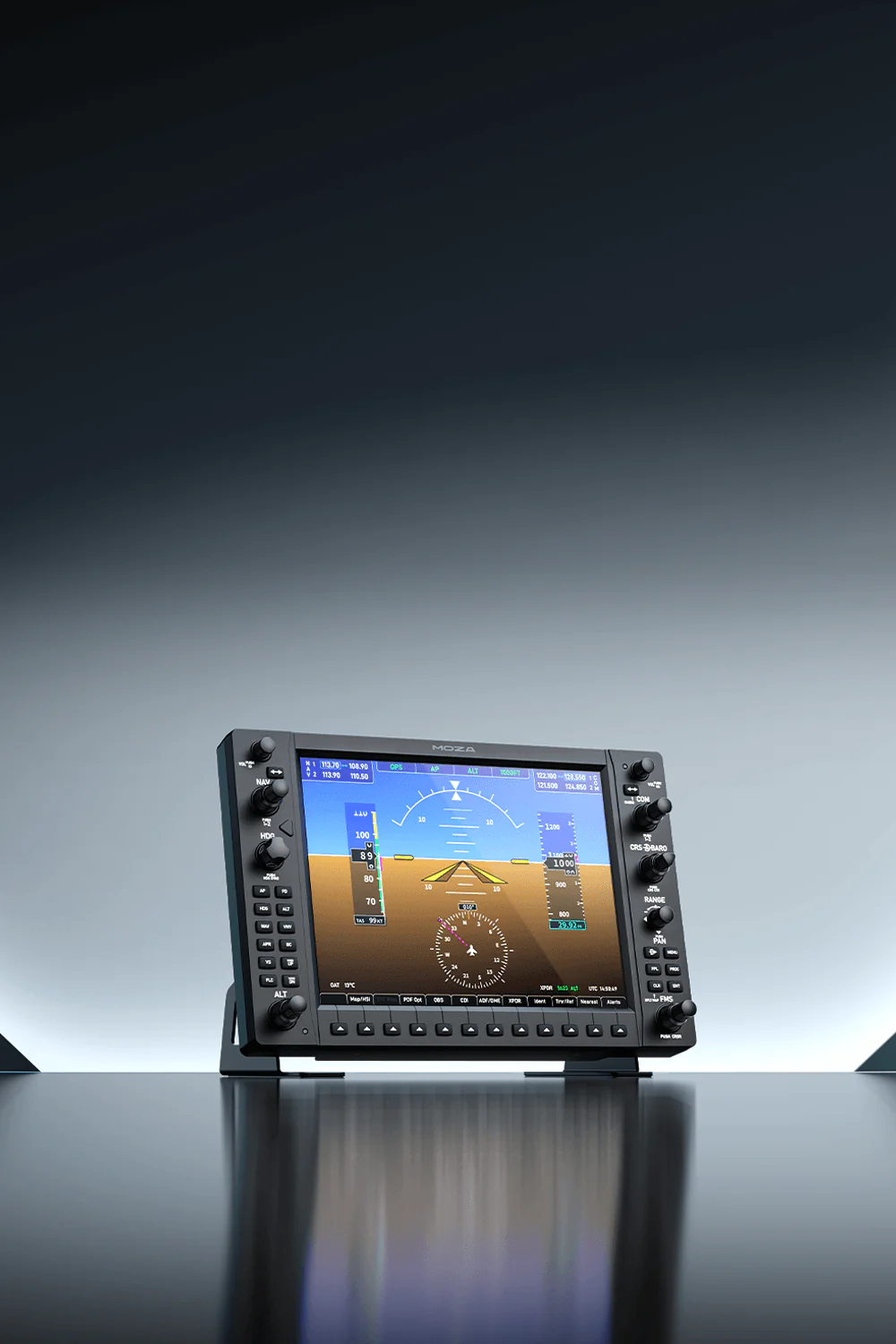
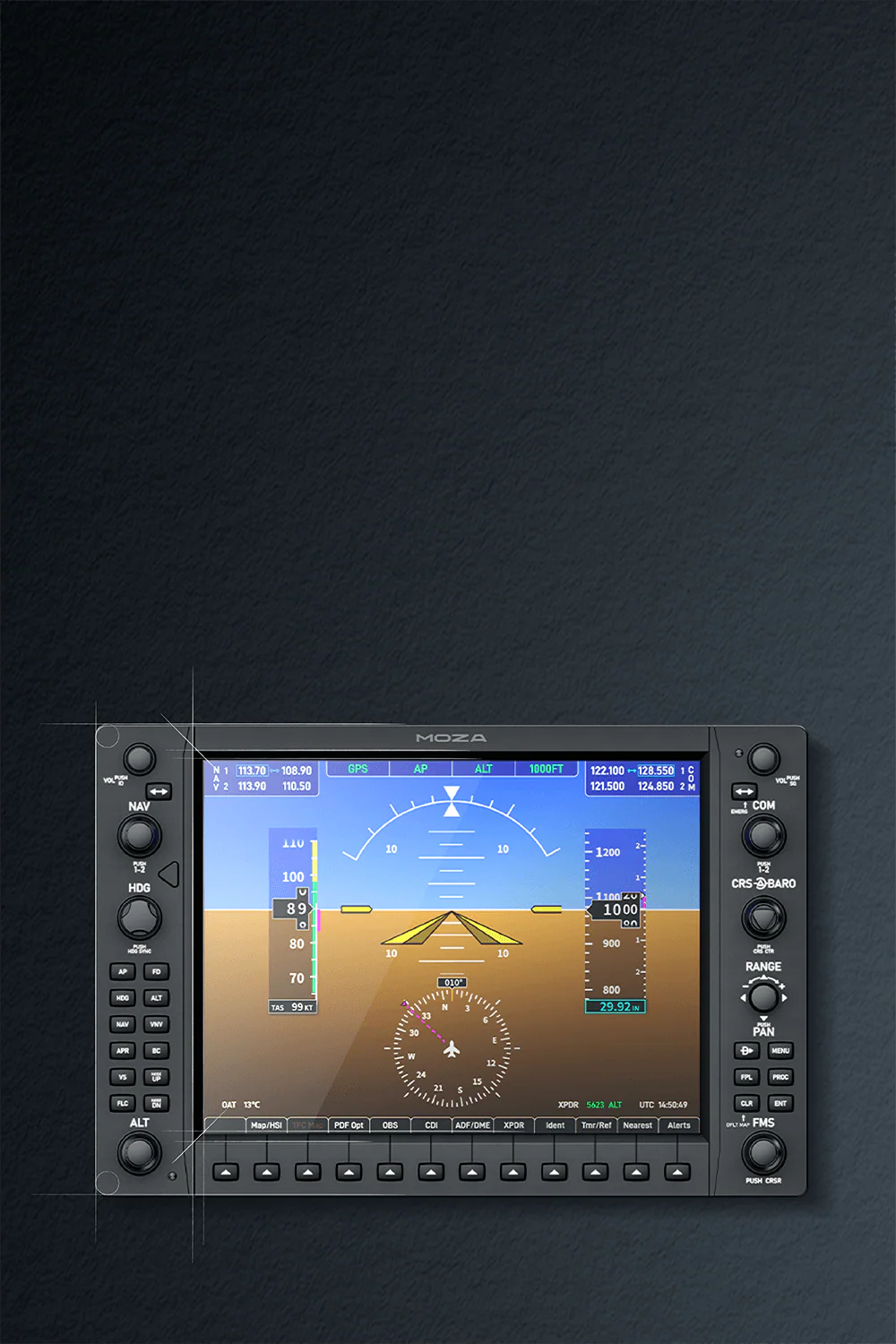
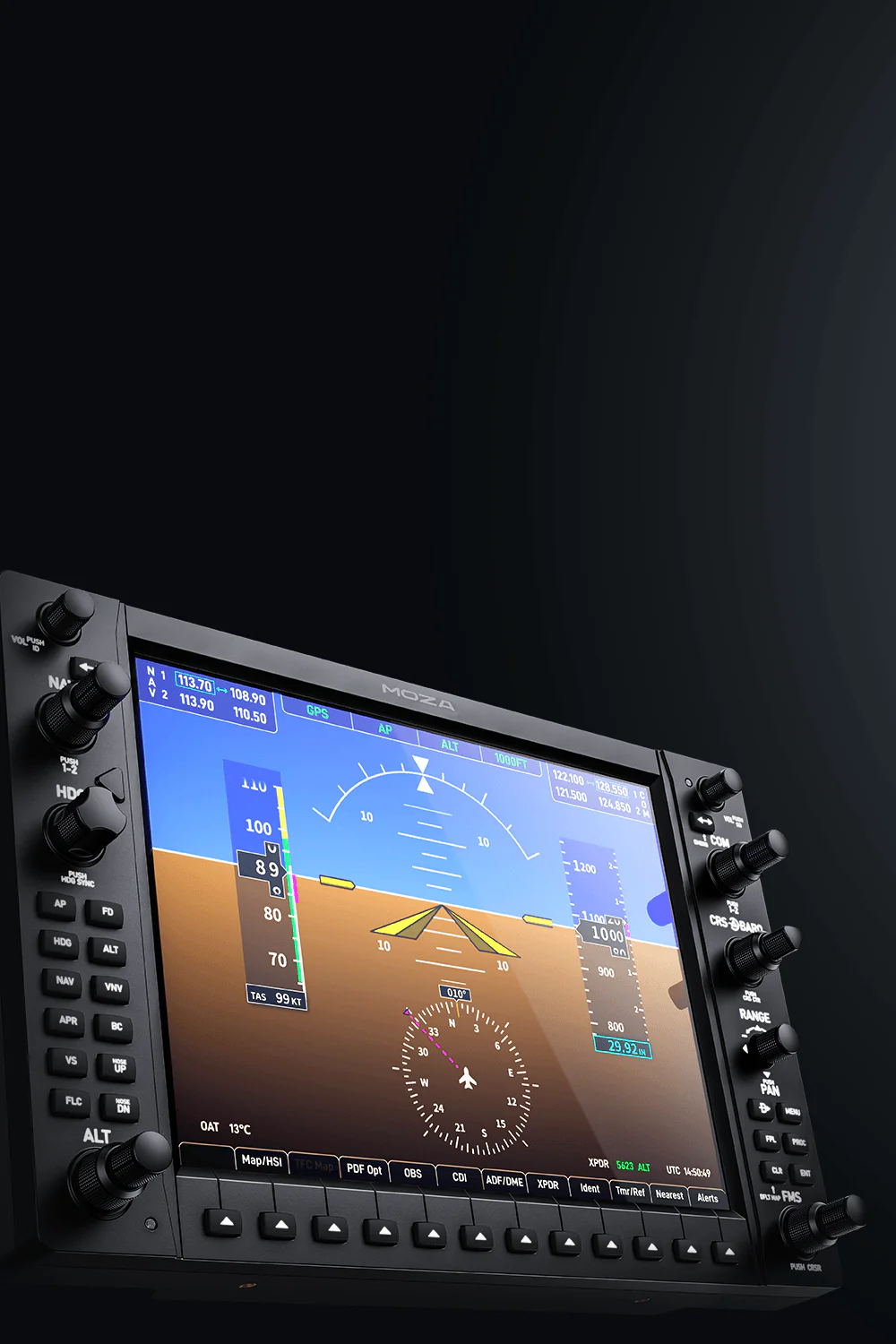
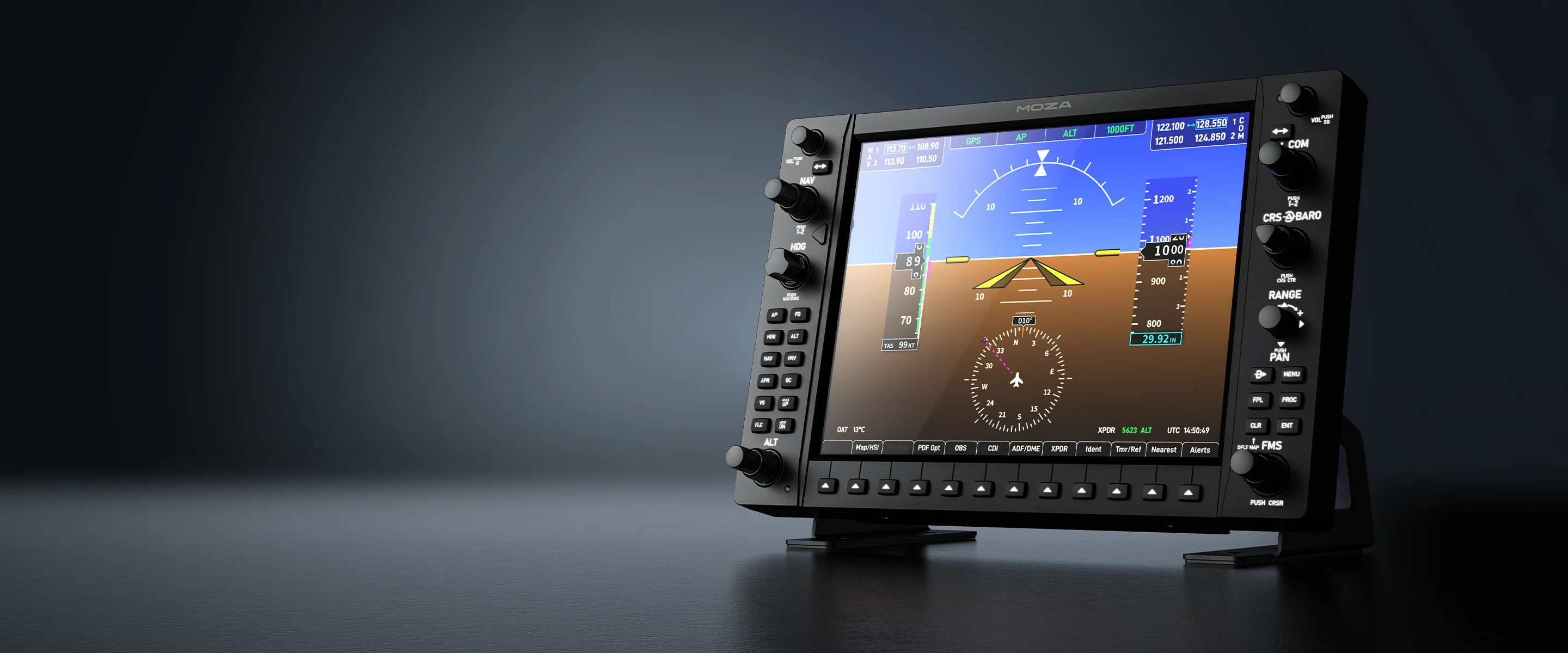
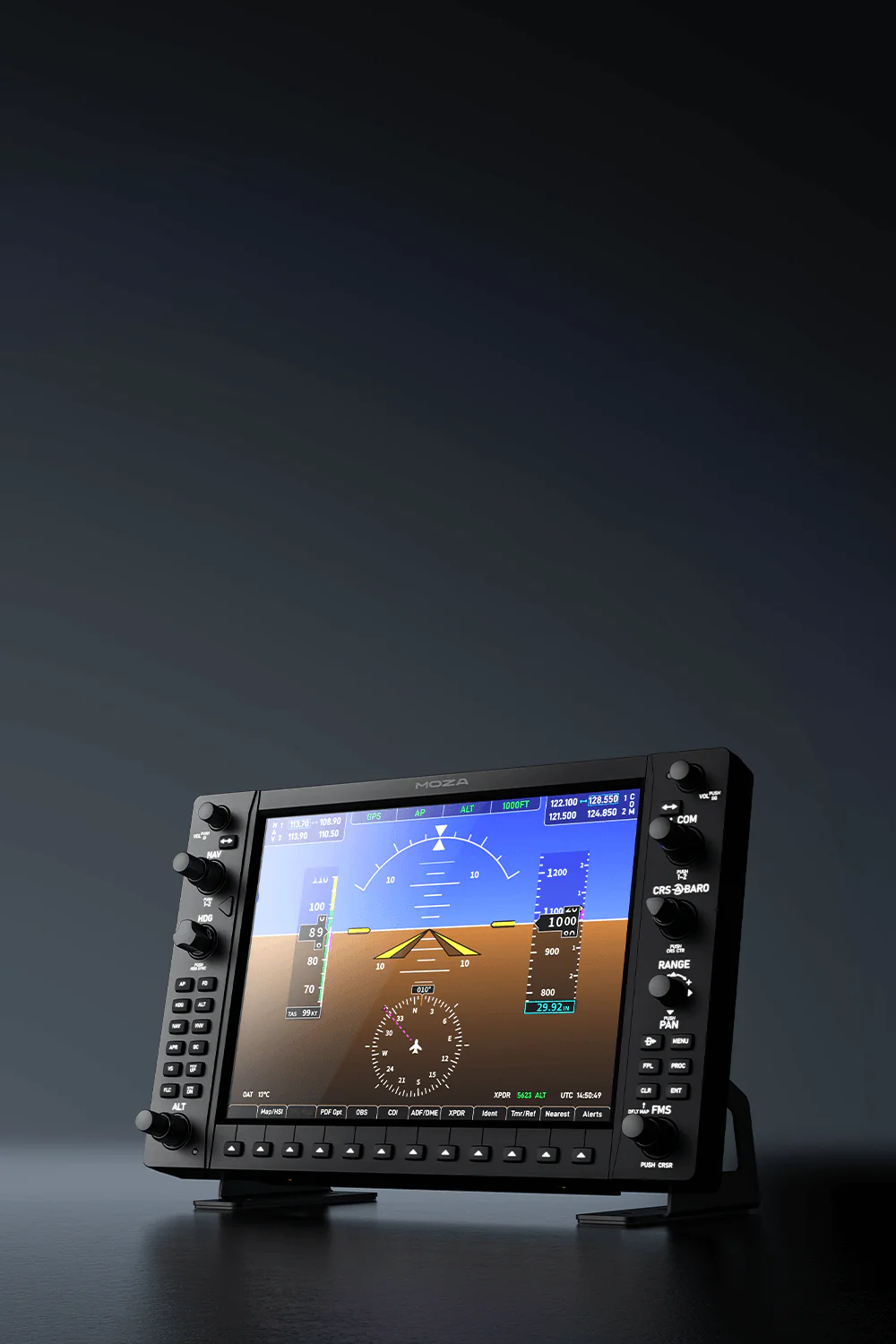
MOZA MGX1000 Instrument Panel is a MOZA navigation panel for pilots who want a proper G1000 flight sim panel, not another screen to click with a mouse. Built for MSFS 2024 and X-Plane 12 setups, it brings a 10.4” IPS display, real knobs, buttons, an ALPS joystick, DisplayLink connection and VESA mounting, making COM/NAV, maps, autopilot work and IFR/VFR flying feel much closer to a real cockpit at home, without cluttering your desk.


Ask about product
Zapytanie dotyczy produktu: Moza MGX1000
* - pola obowiązkowe
You will receive an 16.26zł for each item of this product to use on your next purchase.
Close
Shipping within 24 hours
Secure payments
Return within 30 days
Delivery from PLN 0
 
Instrument Panel Moza MGX1000 - product banner
GARMIN G1000 Aviation Navigation Replica

MOZA MGX1000 NAVIGATION SWITCH PANEL

Instrument Panel Moza MGX1000 - narrow product banner
GARMIN G1000 Aviation Navigation Replica

MOZA MGX1000 NAVIGATION SWITCH PANEL

Authentic Feeling of G1000

High Resolution Display

Easy Connection

Satisfying Clicking

Adjustable backlight

Many Mounting Options

Authentic Feeling of G1000

High Resolution Display

Easy Connection

Satisfying Clicking

Adjustable backlight

Many Mounting Options

Instrument Panel Moza MGX1000 - everything under hands

A total game changer for IFR/VFR flights and autopilot operation.

The MOZA MGX1000 is a flight panel for those who want to build a realistic simulator cockpit and operate their Garmin G1000 navigation system as intended. Instead of operating the avionics with a mouse, you have physical knobs, buttons, and a screen right in front of you, instantly transforming the way you use the simulator. For example, practicing ILS approaches? All the buttons, knobs, and data are at your fingertips.
Instrument Panel Moza MGX1000 - all the functions under your hands

A total game changer for IFR/VFR flights and autopilot operation.

The MOZA MGX1000 is a flight panel for those who want to build a realistic simulator cockpit and operate their Garmin G1000 navigation system as intended. Instead of operating the avionics with a mouse, you have physical knobs, buttons, and a screen right in front of you, instantly transforming the way you use the simulator. For example, practicing ILS approaches? All the buttons, knobs, and data are at your fingertips.
Instrument Panel Moza MGX1000 - garmin navigation systems simulation
Garmin G3000 Simulation also supported

Designed for Garmin G1000 avionics

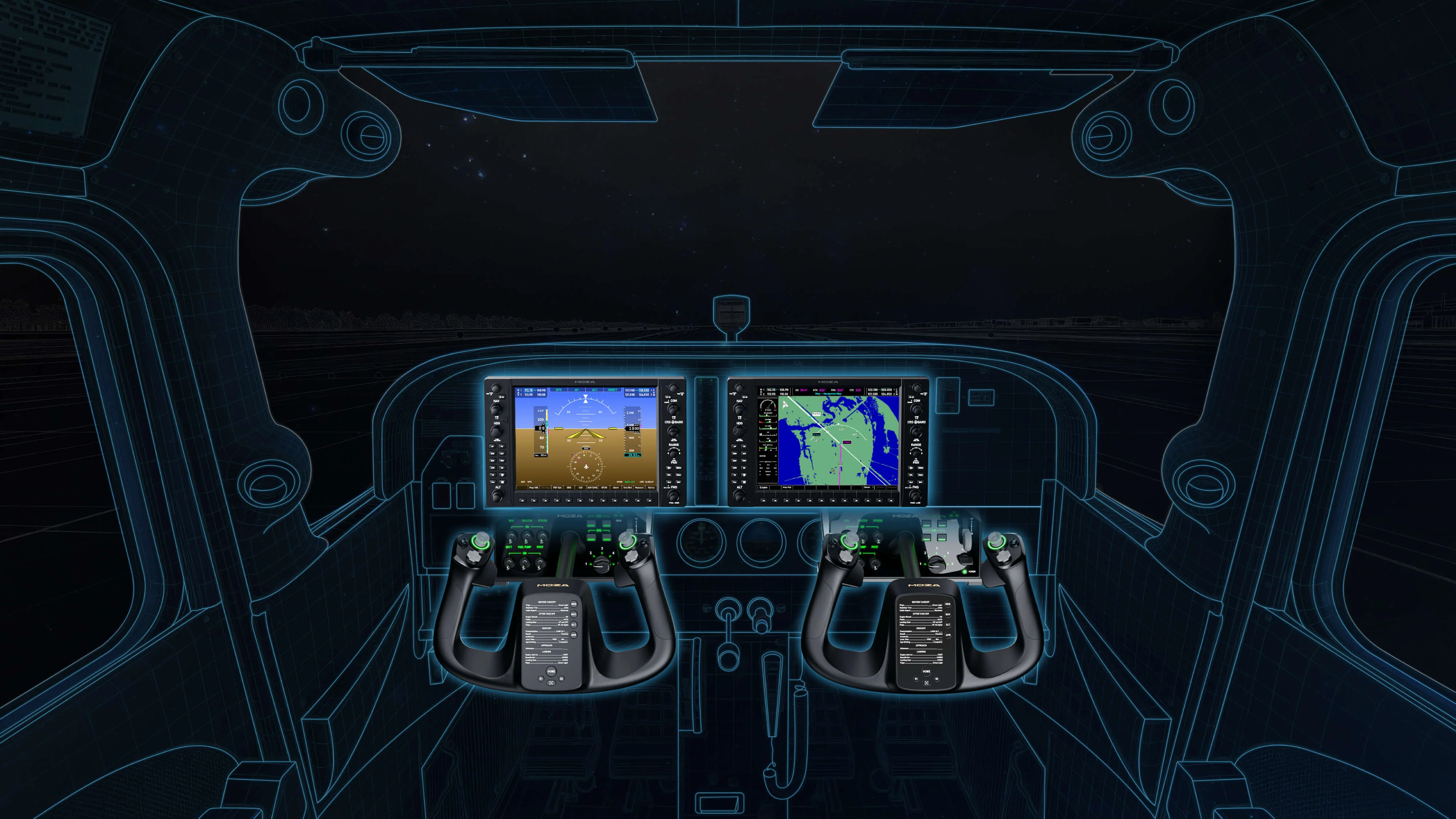
This panel is best suited for aircraft using G1000-style avionics. It allows you to conveniently operate the autopilot, flight parameters, map, navigation, radio settings (COM), navigation frequency settings (NAV), and basic system functions without taking your eyes off the console.
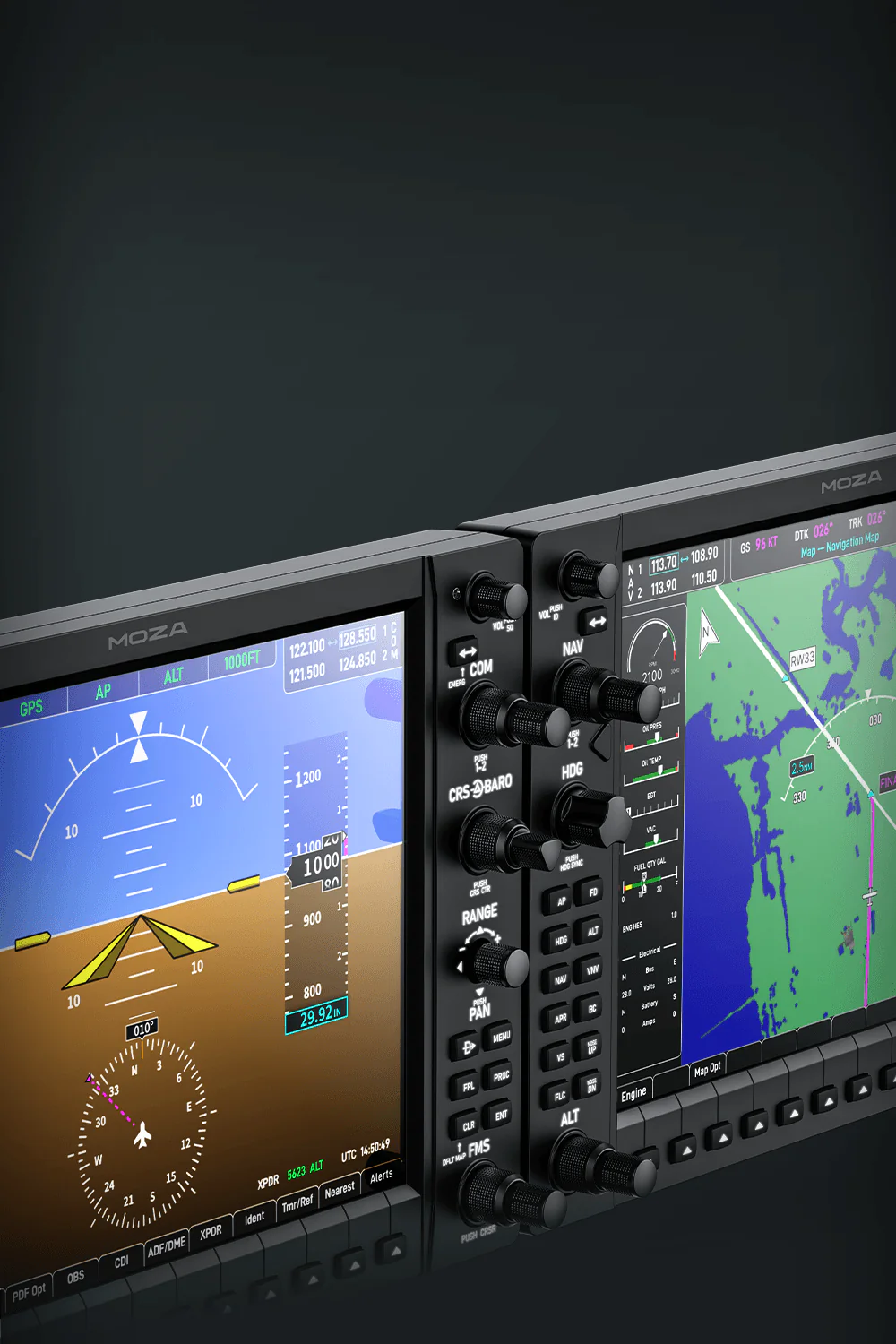
Instrument Panel Moza MGX1000 - encoders and switches zoom

More natural operation than a mouse and keyboard

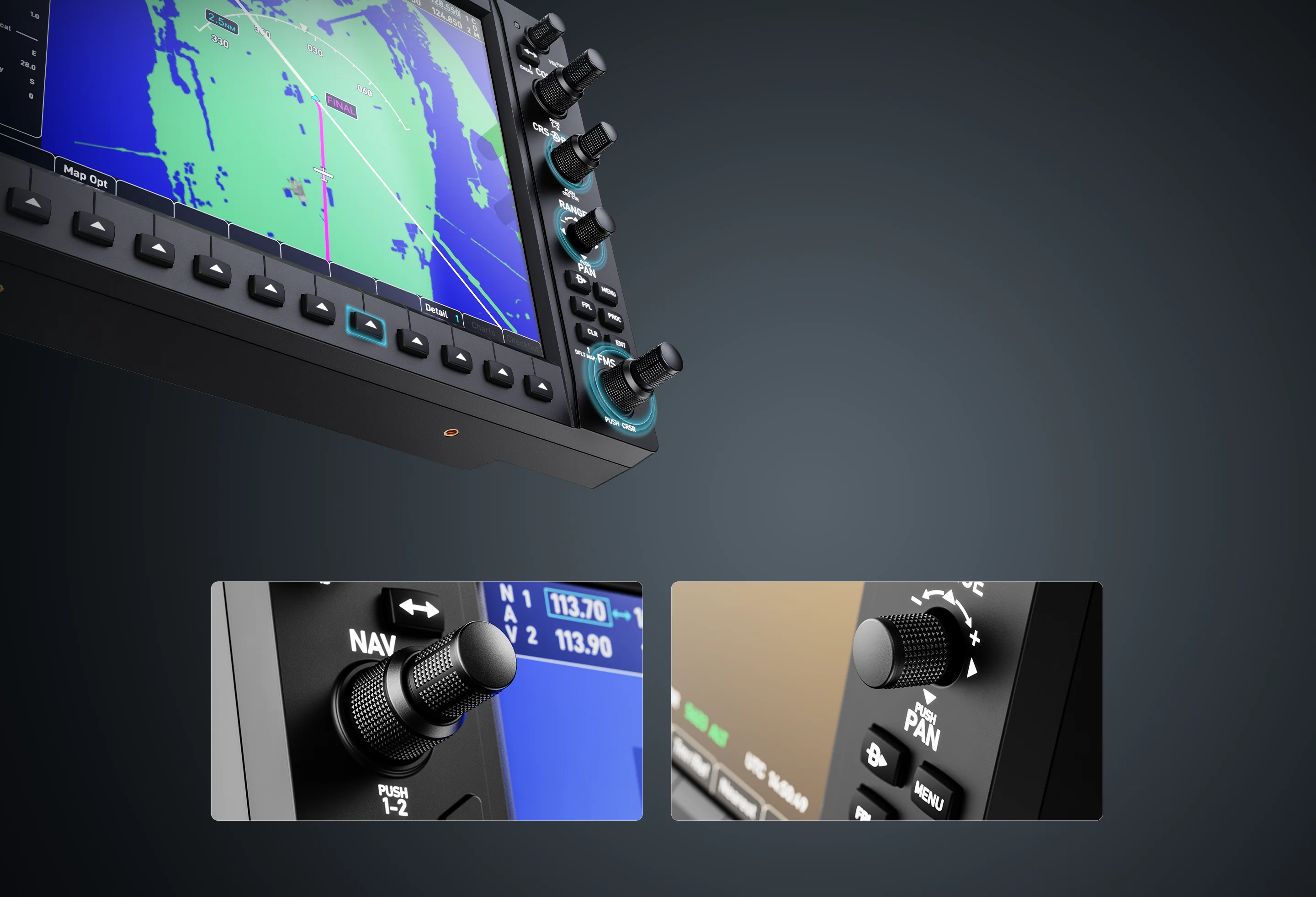
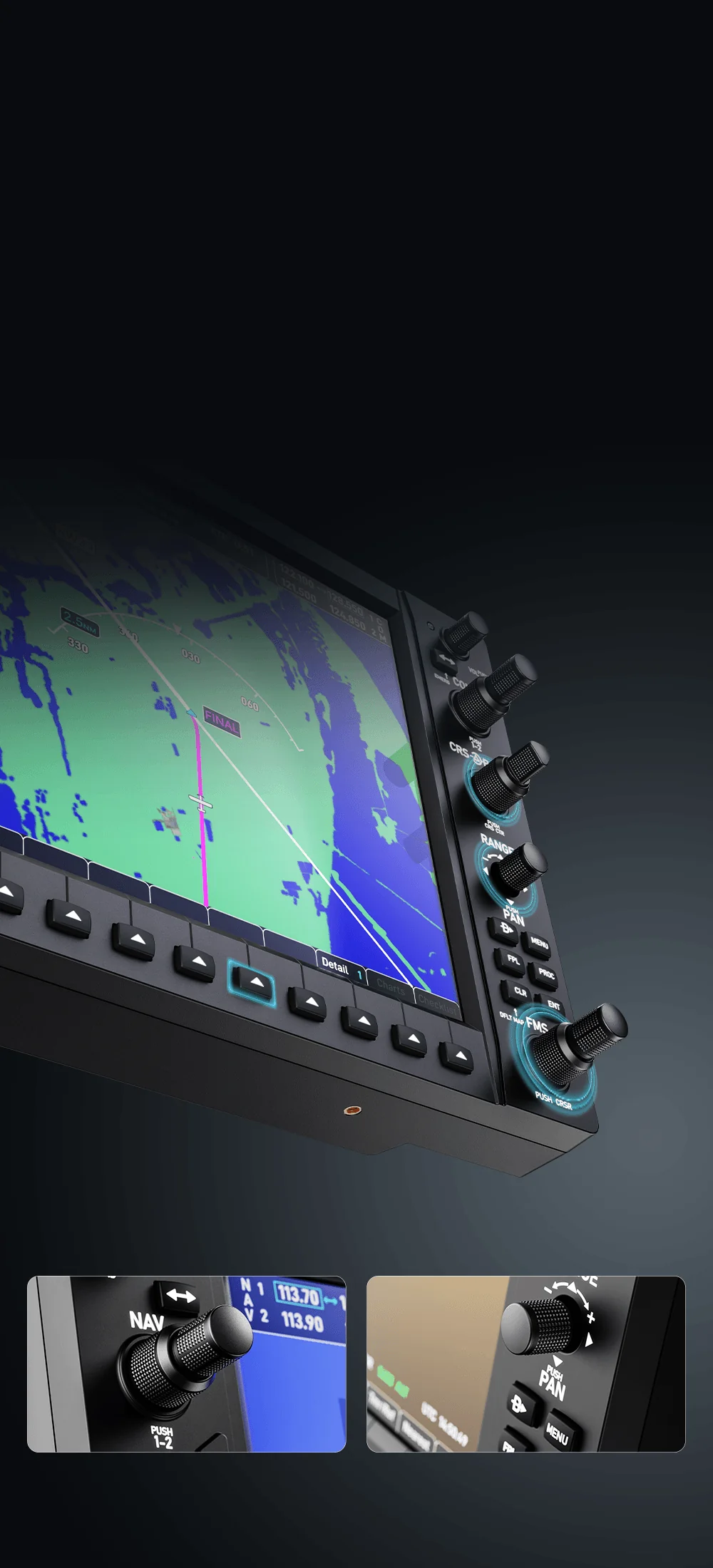
The biggest difference comes during flight. The MGX1000 is equipped with a set of physical controls, including encoders, buttons, and a 7-way ALPS joystick. These make it easier to change settings, scroll through options, pan the map, and adjust values ​​during flight. Instead of searching for small items on the monitor and clicking with the cursor, you use physical buttons and knobs. This provides better control, faster response, and a much more cockpit-like feel. Does the Vatsim/Ivao/SayIntentions controller provide changes? No searching, everything is right at your fingertips.
Instrument Panel Moza MGX1000 - buttons and knobs zoom

More natural operation than a mouse and keyboard

The biggest difference comes during flight. The MGX1000 is equipped with a set of physical controls, including encoders, buttons, and a 7-way ALPS joystick. These make it easier to change settings, scroll through options, pan the map, and adjust values ​​during flight. Instead of searching for small items on the monitor and clicking with the cursor, you use physical buttons and knobs. This provides better control, faster response, and a much more cockpit-like feel. Does the Vatsim/Ivao/SayIntentions controller provide changes? No searching, everything is right at your fingertips.
Instrument Panel Moza MGX1000 - display zoom

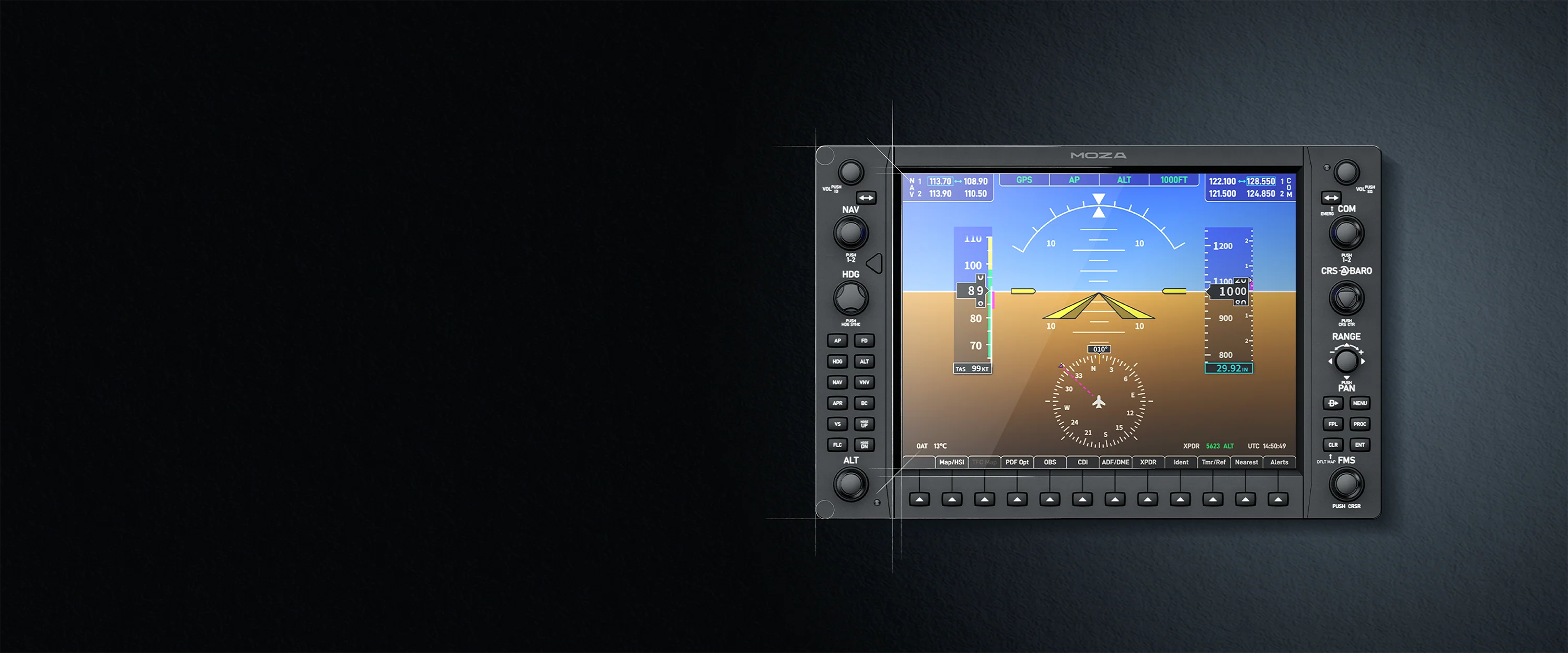
Large 10.4” IPS screen

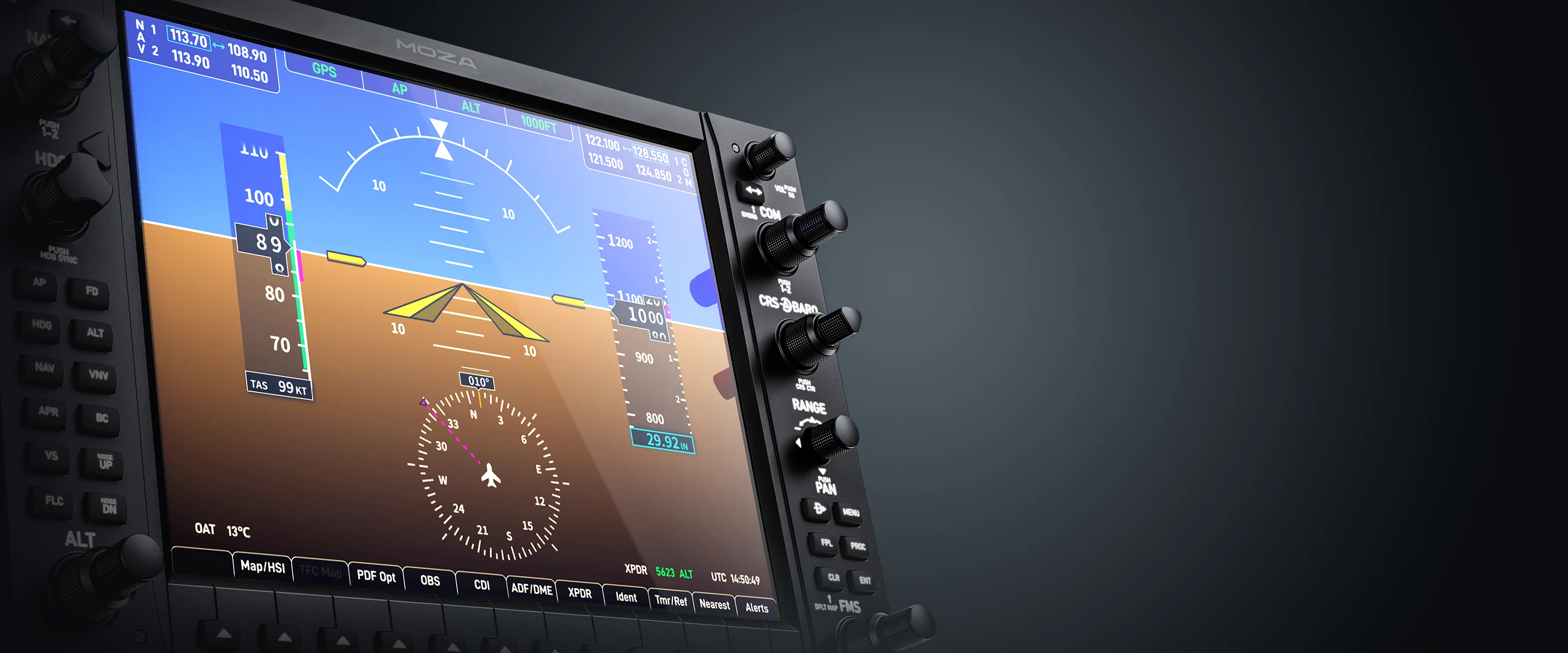
The MOZA MGX1000 features a 10.4-inch IPS display with a resolution of 1024 x 768 pixels and a brightness of up to 500 nits. This allows for clear visibility of flight data, maps, and avionics, making the panel look like a real Garmin G1000 cockpit, rather than just a simple add-on display.
Instrument Panel Moza MGX1000 - example of working display

Large 10.4” IPS screen

The MOZA MGX1000 features a 10.4-inch IPS display with a resolution of 1024 x 768 pixels and a brightness of up to 500 nits. This allows for clear visibility of flight data, maps, and avionics, making the panel look like a real Garmin G1000 cockpit, rather than just a simple add-on display.
Instrument Panel Moza MGX1000 - rear ports
Think you'll run out of HDMI ports? There's a better solution.

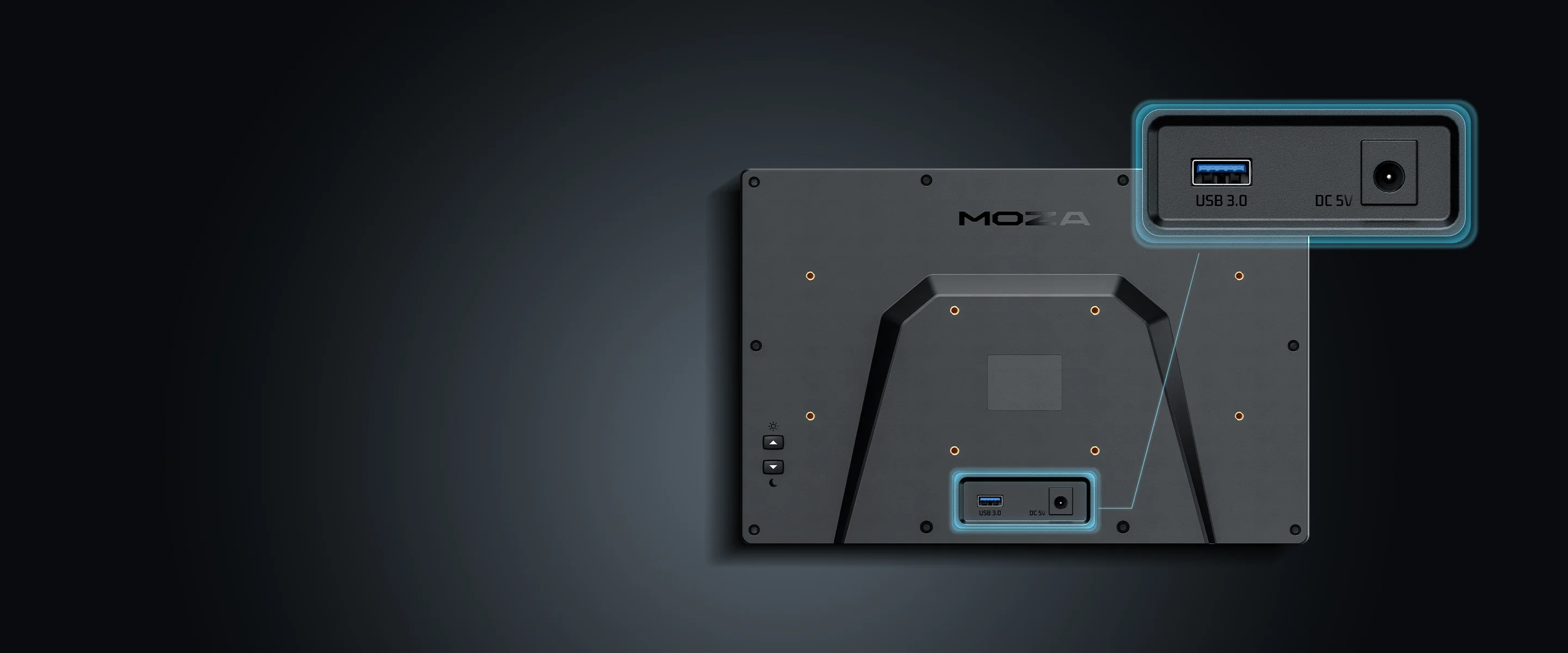
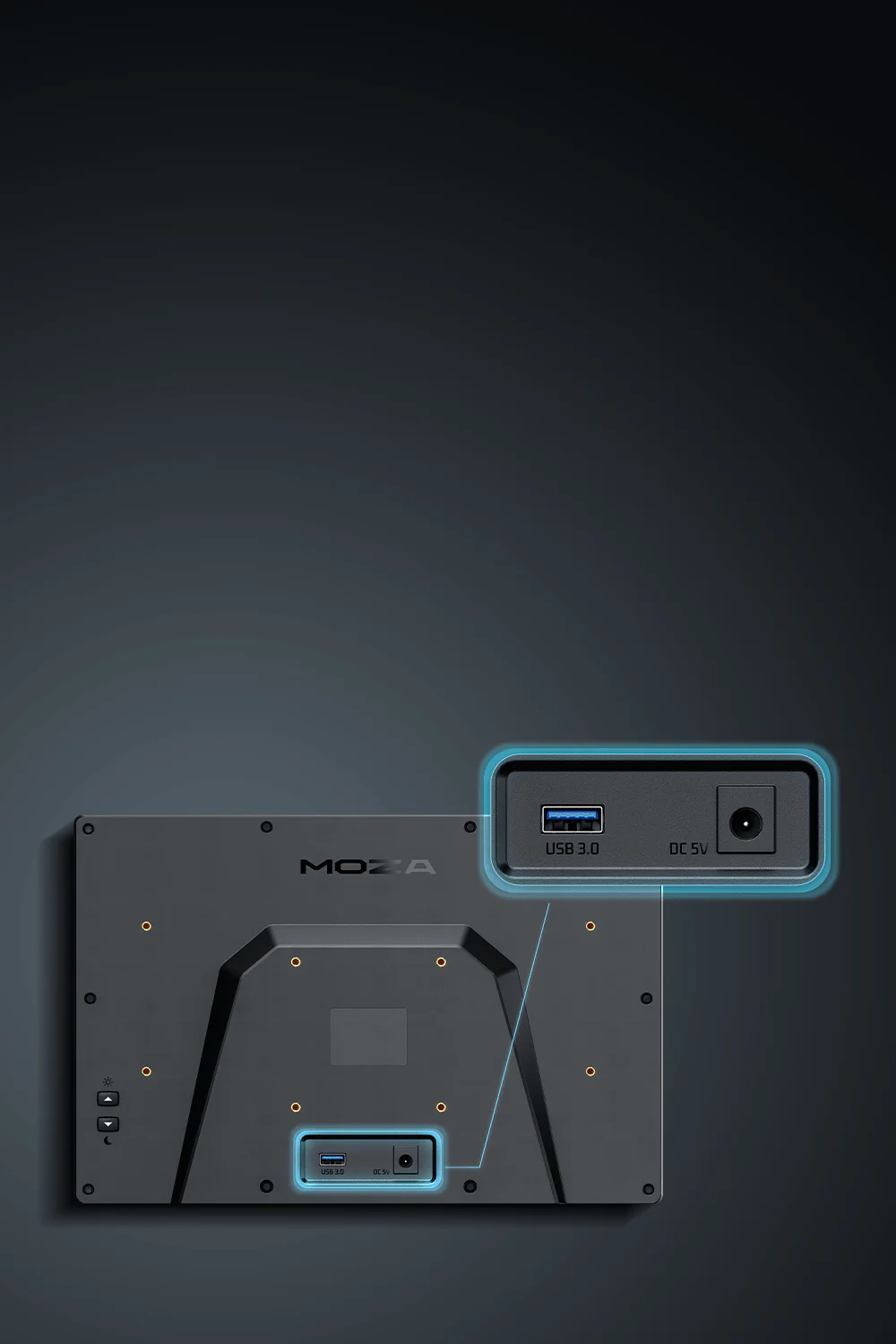
Image transmitted via DisplayLink

The MOZA MGX1000 uses DisplayLink technology, so it doesn't require a separate HDMI cable. This is a significant advantage in complex workstations, where there are often no available ports on the computer or graphics card. In practice, it's easier to connect the entire cockpit and keep cables tidy.
Instrument Panel Moza MGX1000 - rear view for cable ports
Think you'll run out of HDMI ports? There's a better solution.

Image transmitted via DisplayLink

The Moza MGX1000 uses DisplayLink technology, so it doesn't require a separate HDMI cable. This is a significant advantage in complex workstations, where there are often no available ports on the computer or graphics card. In practice, it's easier to connect the entire cockpit and keep cables tidy.
Instrument Panel Moza MGX1000 - adjustable backlight

Adjustable backlight

The panel allows you to adjust the screen brightness, text backlighting, and button backlighting. This is especially useful when flying at night or in a station with dim lighting. Night flight in MSFS or X-Plane? The brightness is perfectly adjusted to your needs. The cockpit looks more cohesive, and operation remains comfortable regardless of the conditions.
Instrument Panel Moza MGX1000 - regulate backlight and brightness

Adjustable backlight

The panel allows you to adjust the screen brightness, text backlighting, and button backlighting. This is especially useful when flying at night or in a station with dim lighting. Night flight in MSFS or X-Plane? The brightness is perfectly adjusted to your needs. The cockpit looks more cohesive, and operation remains comfortable regardless of the conditions.
Instrument Panel Moza MGX1000 - moza cockpit software

Configuration in MOZA Cockpit

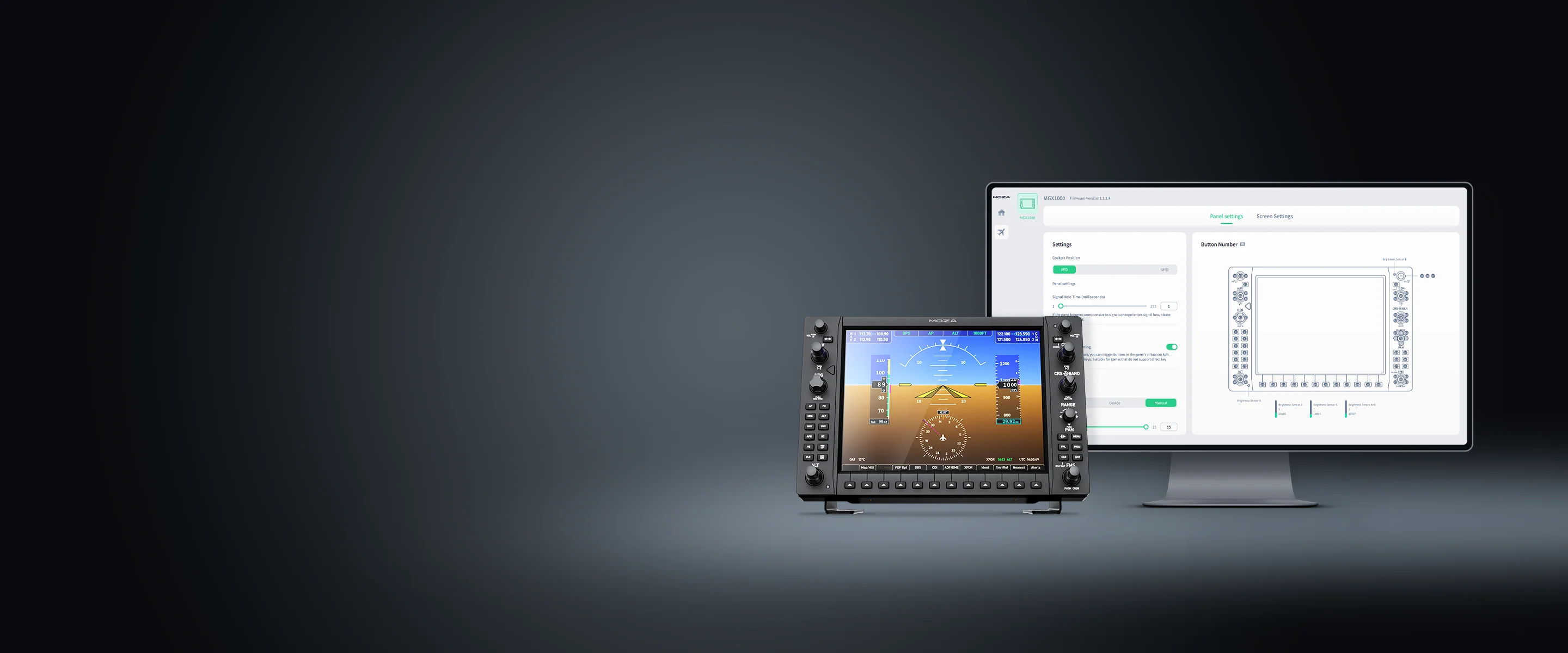
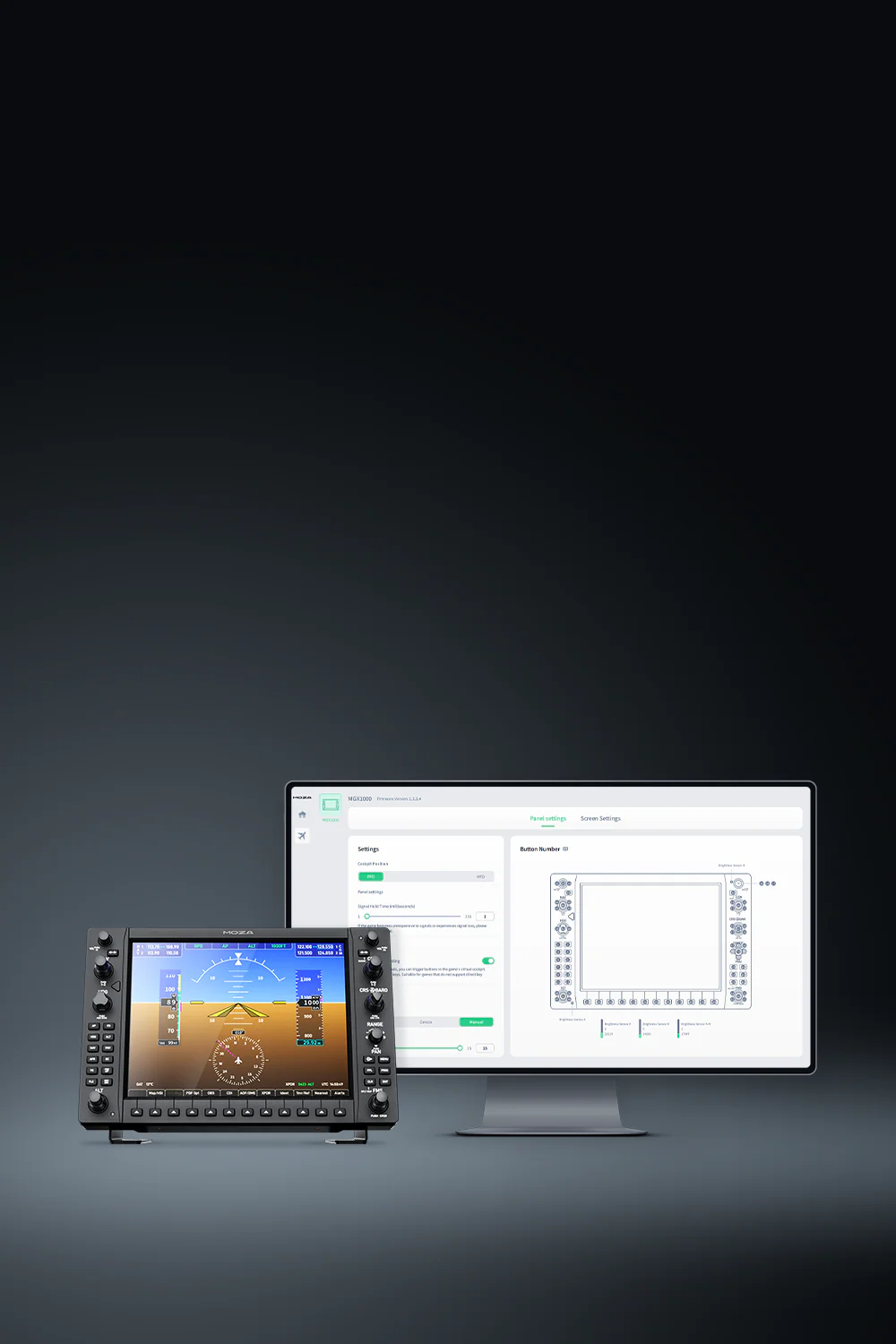
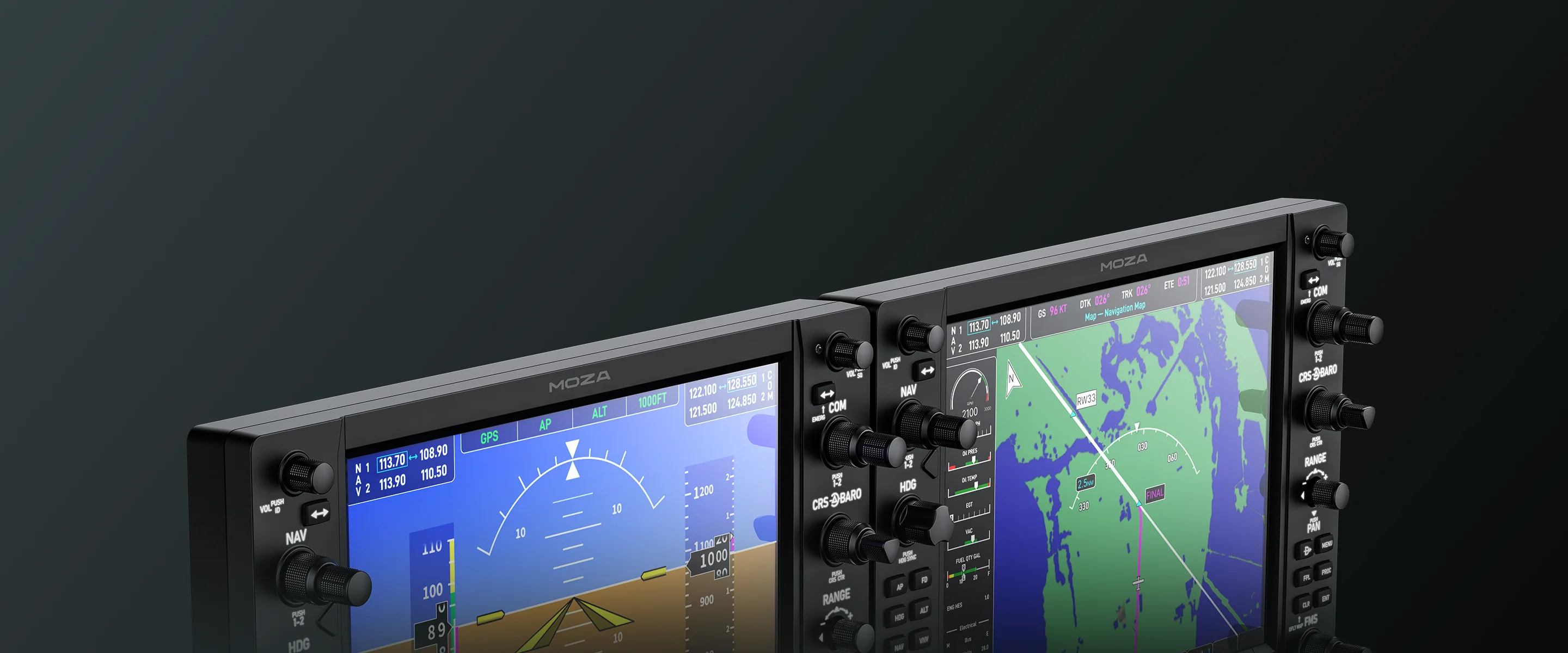
The panel works with MOZA Cockpit software. You can configure it as a PFD, the main flight display, or as an MFD, the map and systems display. With two panels, you can create a layout very similar to a real G1000 avionics cockpit.
Instrument Panel Moza MGX1000 - moza configuration software

Configuration in MOZA Cockpit

The panel works with MOZA Cockpit software. You can configure it as a PFD, the main flight display, or as an MFD, the map and systems display. With two panels, you can create a layout very similar to a real G1000 avionics cockpit.
Instrument Panel Moza MGX1000 - ideal for flight sim fans

For fans of flight sim and cockpit construction

The MOZA MGX1000 is a good choice for those flying Microsoft Flight Simulator, X-Plane, and other popular simulators that support G1000-style avionics configurations. It's perfect for both gamers seeking greater realism and those building a complete training facility.
Instrument Panel Moza MGX1000 - instrument panel for flight simmers

For fans of flight sim and cockpit construction

The MOZA MGX1000 is a good choice for those flying Microsoft Flight Simulator, X-Plane, and other popular simulators that support G1000-style avionics configurations. It's perfect for both gamers seeking greater realism and those building a complete training facility.
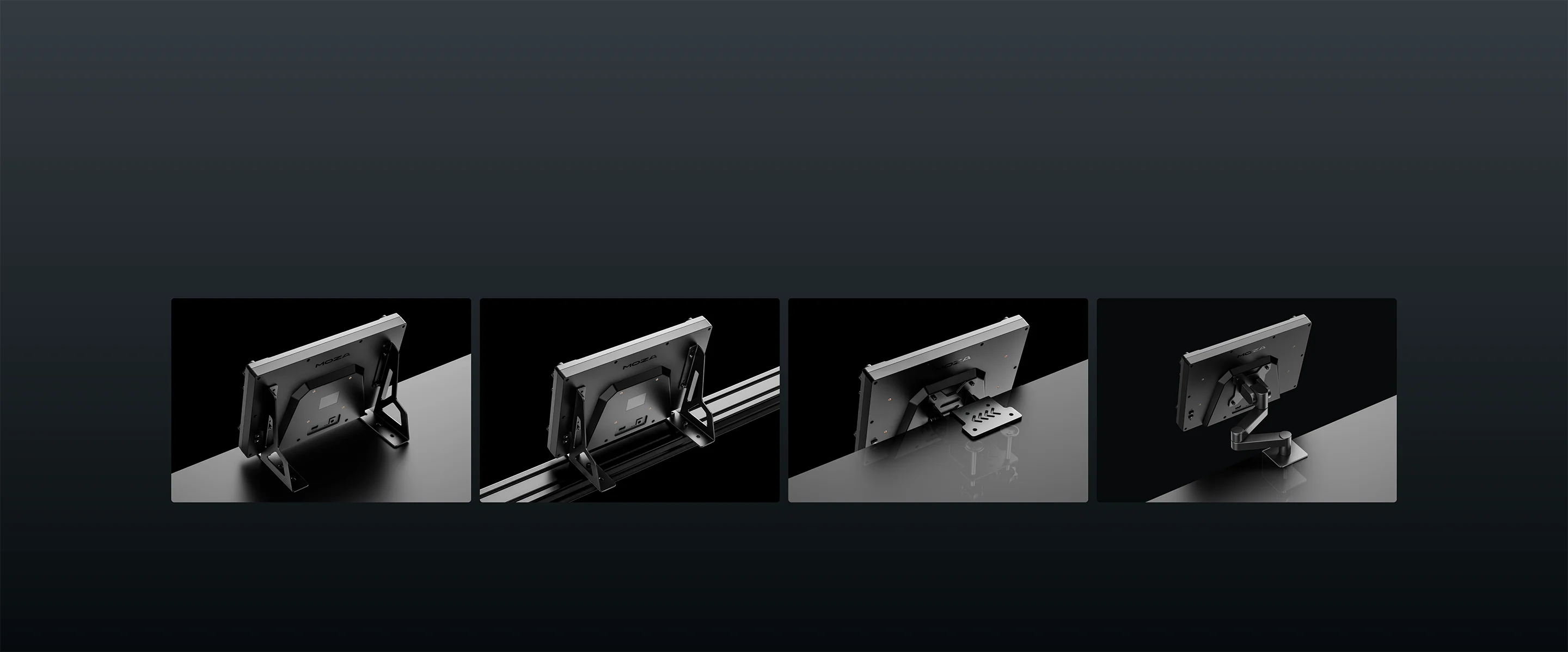
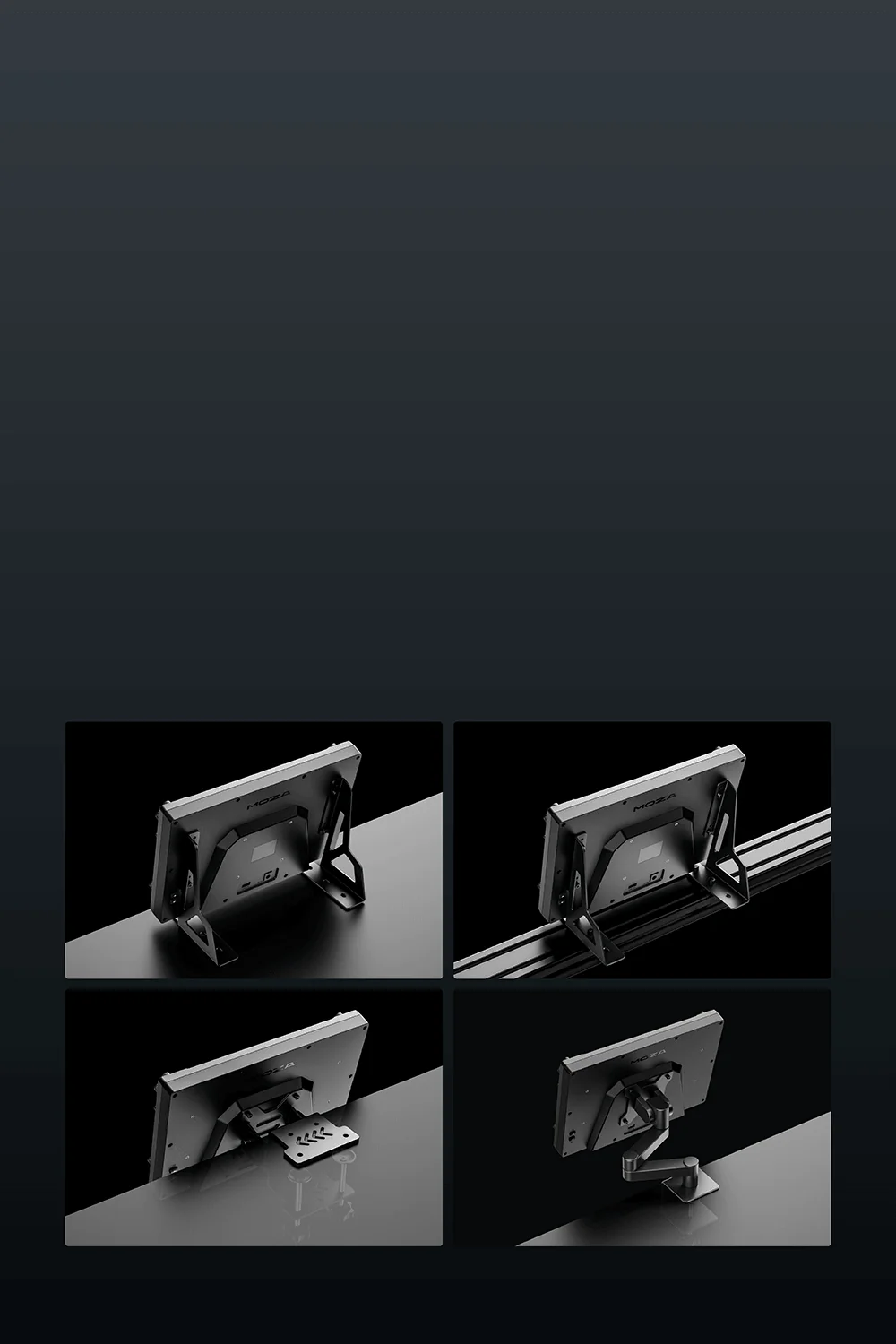
Instrument Panel Moza MGX1000 - mount like you want

Assembly and kit contents

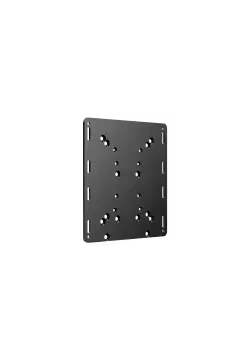
The panel can be placed on the included desk stand or mounted in a dashboard, using the VESA 75 x 75 mm standard or bottom mounting points. The enclosure measures 304 x 201 x 66.8 mm, weighs 1.17 kg, and is made of ABS + PC. The package includes the MOZA MGX1000 panel, a 1.5 m USB 3.0 Type-A cable, a desk stand, and a power supply.
Instrument Panel Moza MGX1000 - lot of mount configurations

Assembly and kit contents

The panel can be placed on the included desk stand or mounted in a dashboard, using the VESA 75 x 75 mm standard or bottom mounting points. The enclosure measures 304 x 201 x 66.8 mm, weighs 1.17 kg, and is made of ABS + PC. The package includes the MOZA MGX1000 panel, a 1.5 m USB 3.0 Type-A cable, a desk stand, and a power supply.

Wide Aircraft and Simulator Compatibility

The MOZA MGX1000 works with a wide range of G1000-equipped aircraft in Microsoft Flight Simulator 2024 and X-Plane 12. It is a great match for both default aircraft included in the simulators and well-known third-party add-ons, including models such as the COWS DA40 and the Daher Kodiak 100 by SWS. With flexible button mapping and adaptable screen display options, the panel can be set up to suit your aircraft, your cockpit layout and the way you prefer to fly.

Microsoft Flight Simulator 2024 X-Plane 12
Cessna 172 Skyhawk G1000 Beechcraft Baron G58 Lancair Evolution N844X
Beechcraft Bonanza G36 Cessna 208B Grand Caravan Van’s Aircraft RV-10
Diamond DA40 NG Cessna 408 SkyCourier BETA Technologies Alia-250
Diamond DA40 / DA42 COWS Grumman Albatross G111 Cessna 172 SP
Cirrus SR22 Asobo Daher Kodiak 100 SWS Cirrus Vision SF50
Cessna 400 Corvalis TT Pilatus PC-6 Cirrus SR22
Diamond DA62

Support for MSFS 2020 and X-Plane 11 is planned for future MOZA Cockpit updates.

Wide Aircraft and Simulator Compatibility

The MOZA MGX1000 works with a wide range of G1000-equipped aircraft in Microsoft Flight Simulator 2024 and X-Plane 12. It is a great match for both default aircraft included in the simulators and well-known third-party add-ons, including models such as the COWS DA40 and the Daher Kodiak 100 by SWS.

With flexible button mapping and adaptable screen display options, the panel can be set up to suit your aircraft, your cockpit layout and the way you prefer to fly.

MSFS 2024

  • Cessna 172 Skyhawk G1000
  • Beechcraft Baron G58
  • Beechcraft Bonanza G36
  • Cessna 208B Grand Caravan
  • Diamond DA40 NG
  • Cessna 408 SkyCourier
  • Diamond DA40 / DA42 COWS
  • Grumman Albatross G111
  • Cirrus SR22 Asobo
  • Daher Kodiak 100 SWS
  • Cessna 400 Corvalis TT
  • Pilatus PC-6
  • Diamond DA62

X-Plane 12

  • Lancair Evolution N844X
  • Van’s Aircraft RV-10
  • BETA Technologies Alia-250
  • Cessna 172 SP
  • Cirrus Vision SF50
  • Cirrus SR22

MSFS 2020 and X-Plane 11 support is expected to arrive in future MOZA Cockpit updates.

No reviews

Manufacturer

  • Moza EU
  • Room 1903-1904, Building 3, Nanshan Zhiyuan Chongwen Park, No. 3370 Liuxian Avenue, Nanshan District,
  • 3370 Shenzhen
  • China
  • support@mozaracing.com
  • +49518589638

Responsible person

  • Gudsen Technology EU GmbH
  • Birkenstrasse 23
  • 40233 Düsseldorf
  • Germany
  • support@gudsen.com
  • +48687537215

You might also like
Products from same category

Product added to wishlist
Product added to compare.