Shopping Cart
There are no more items in your cart
 English
  Polski

1,080.49zł
Available from: 2026-10-31
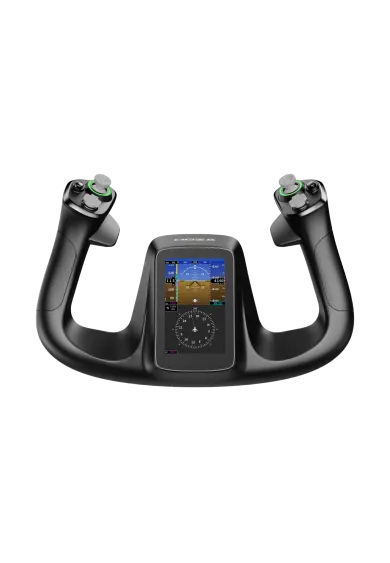
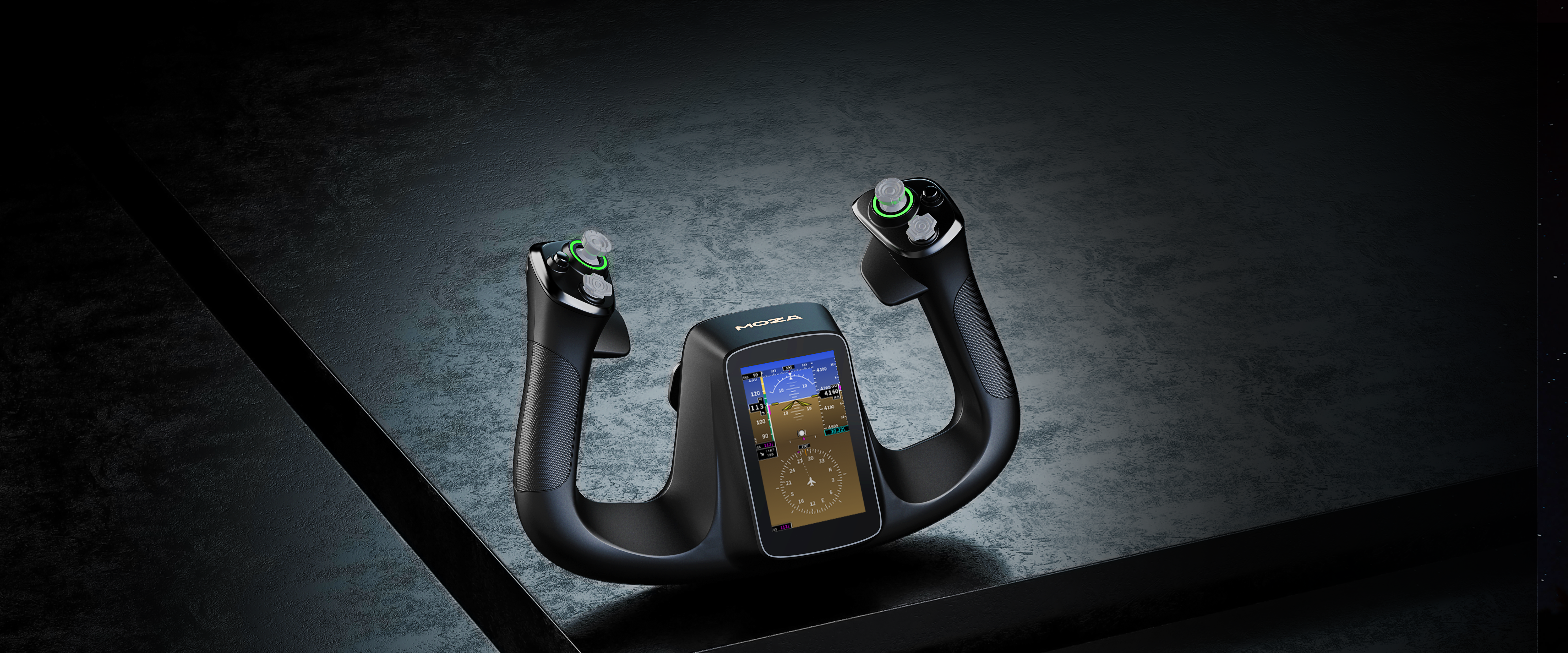
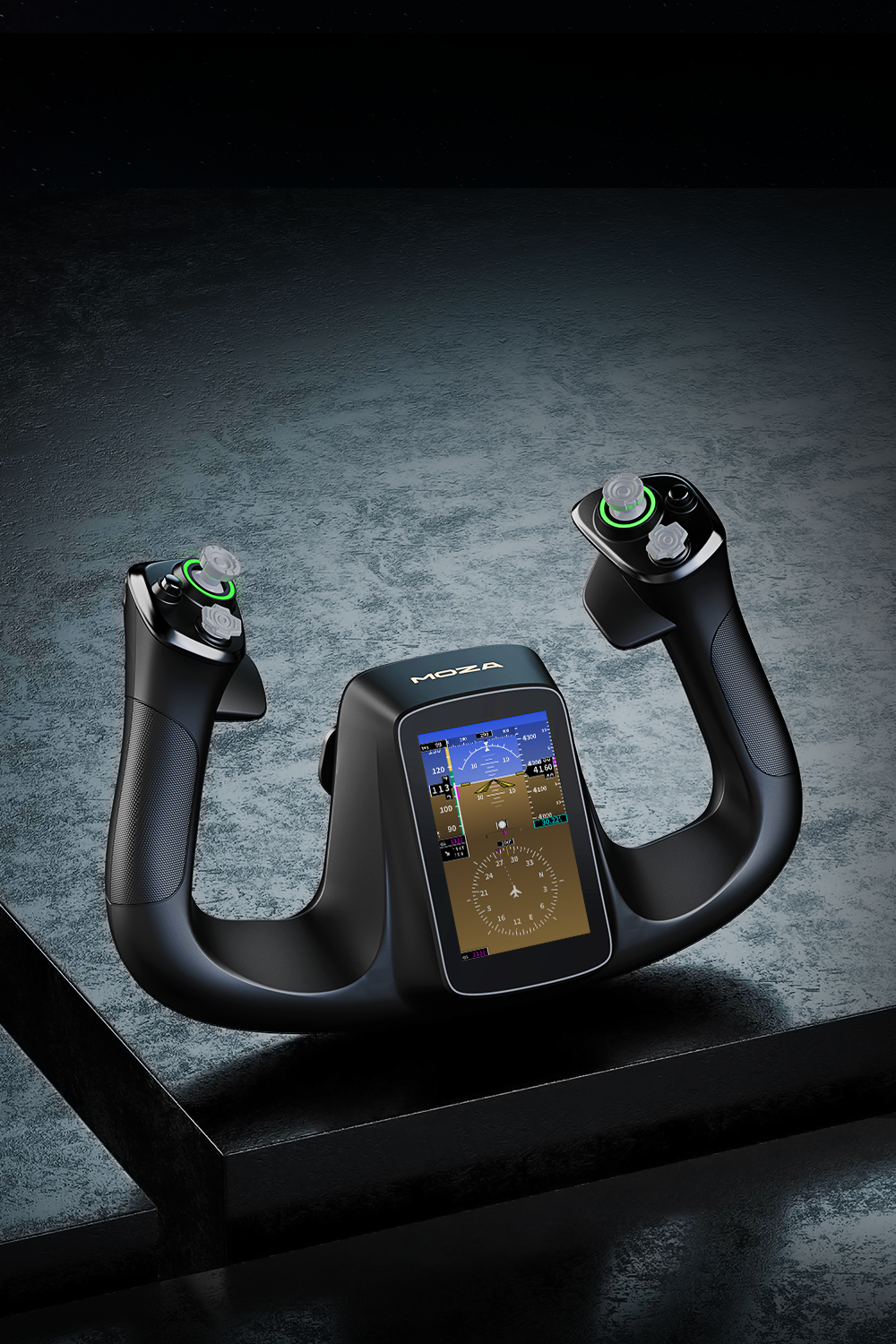
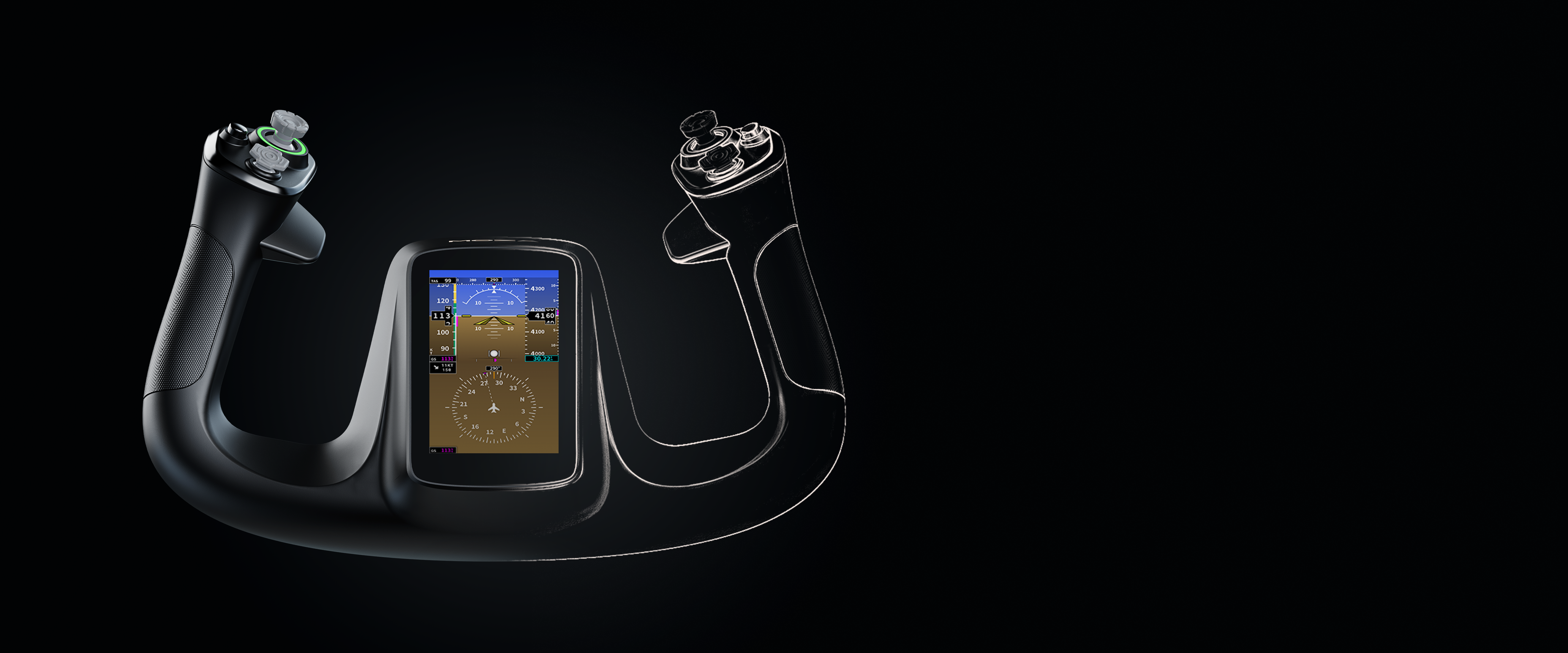
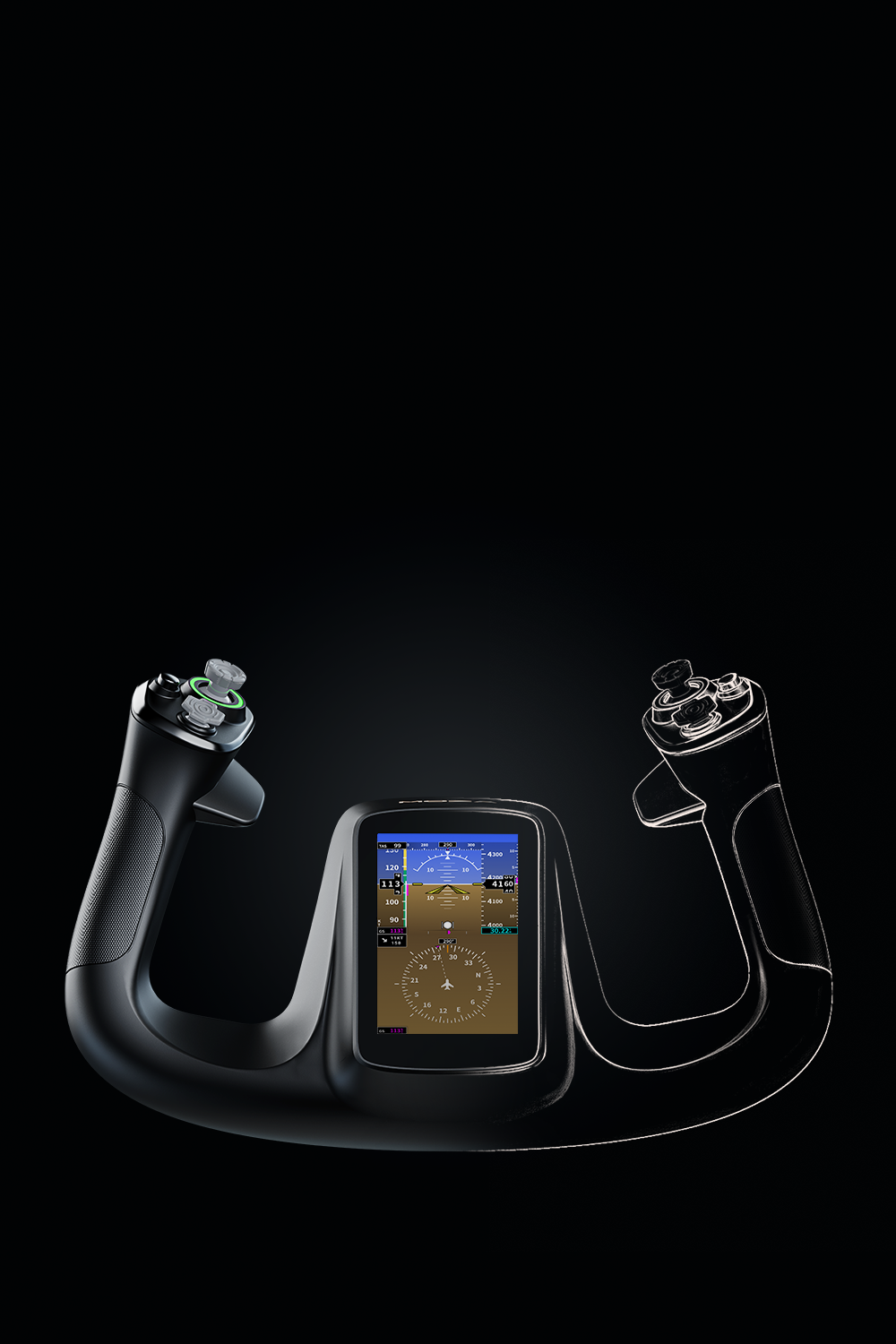
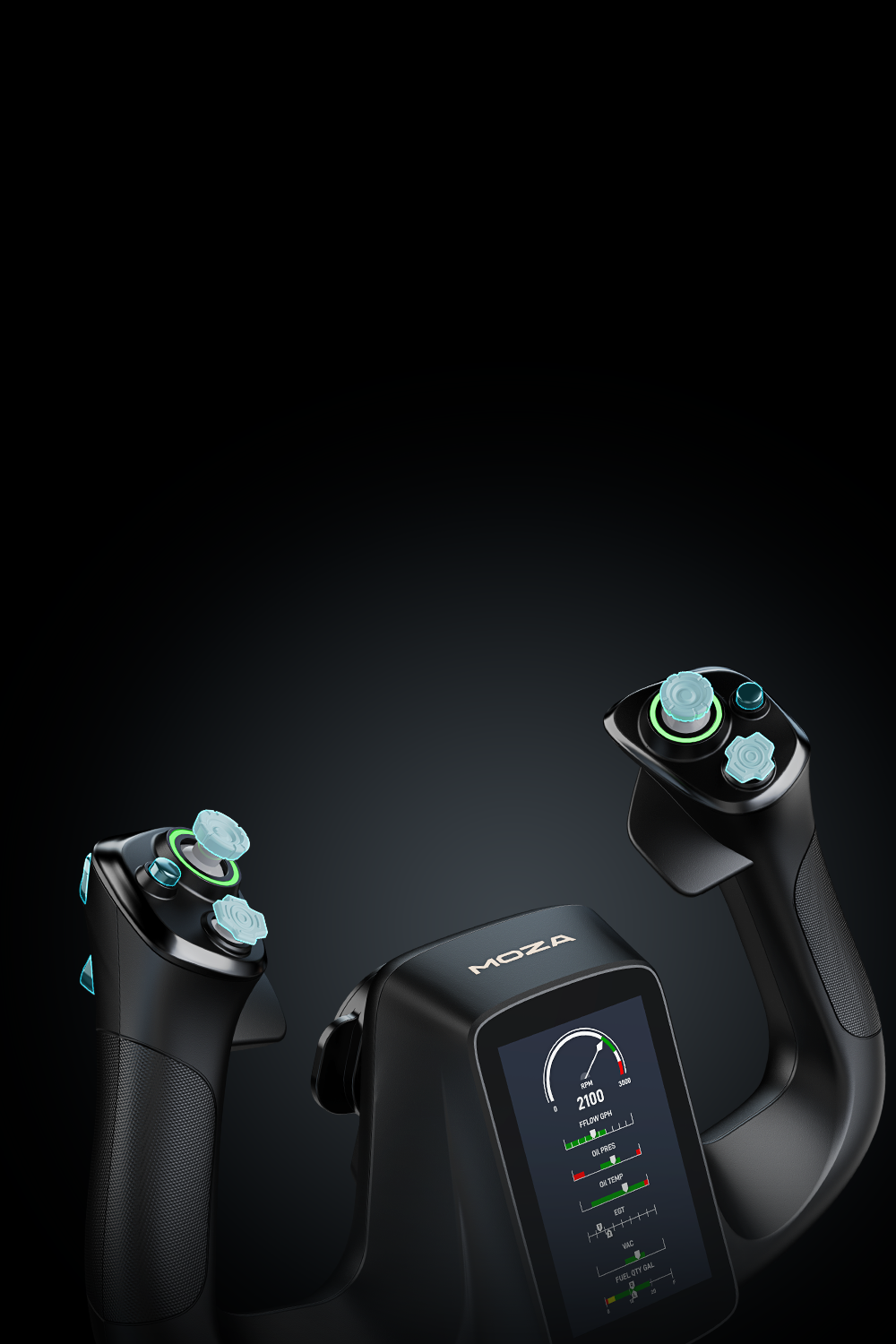
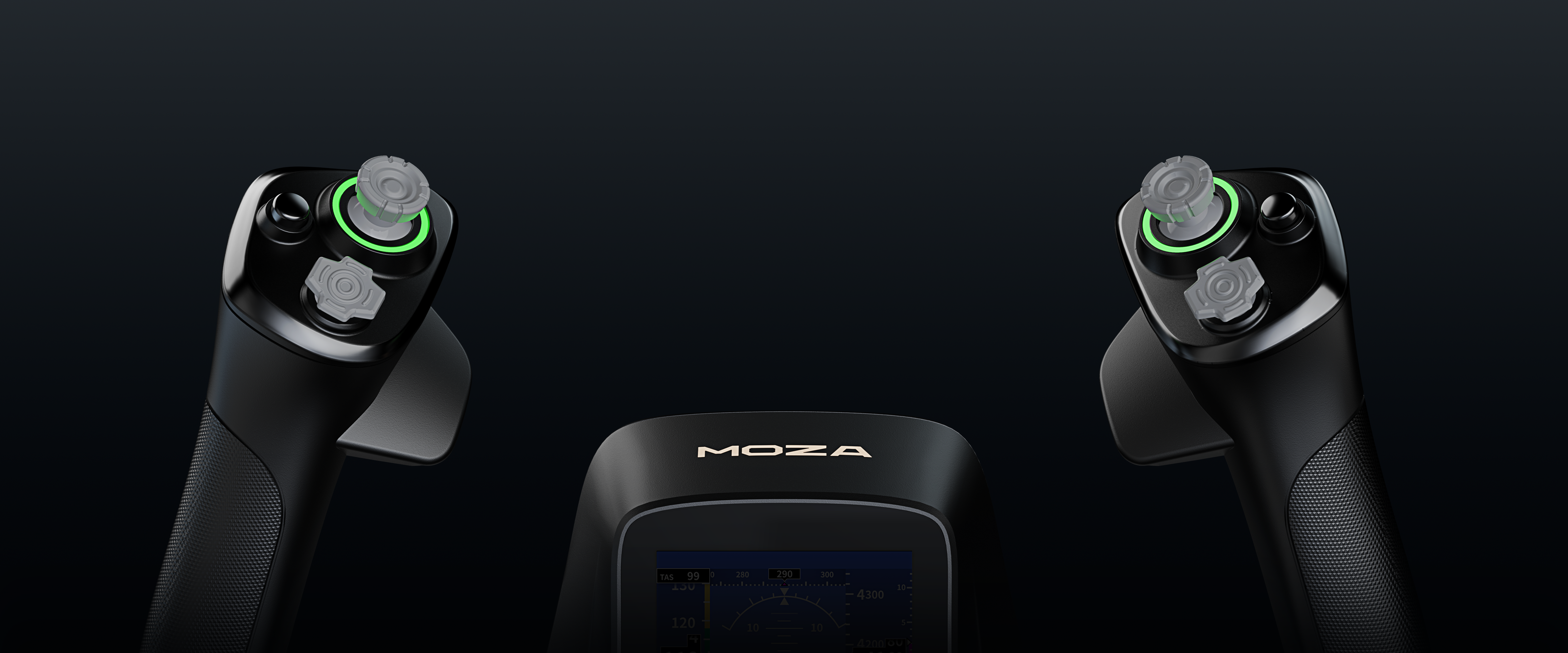
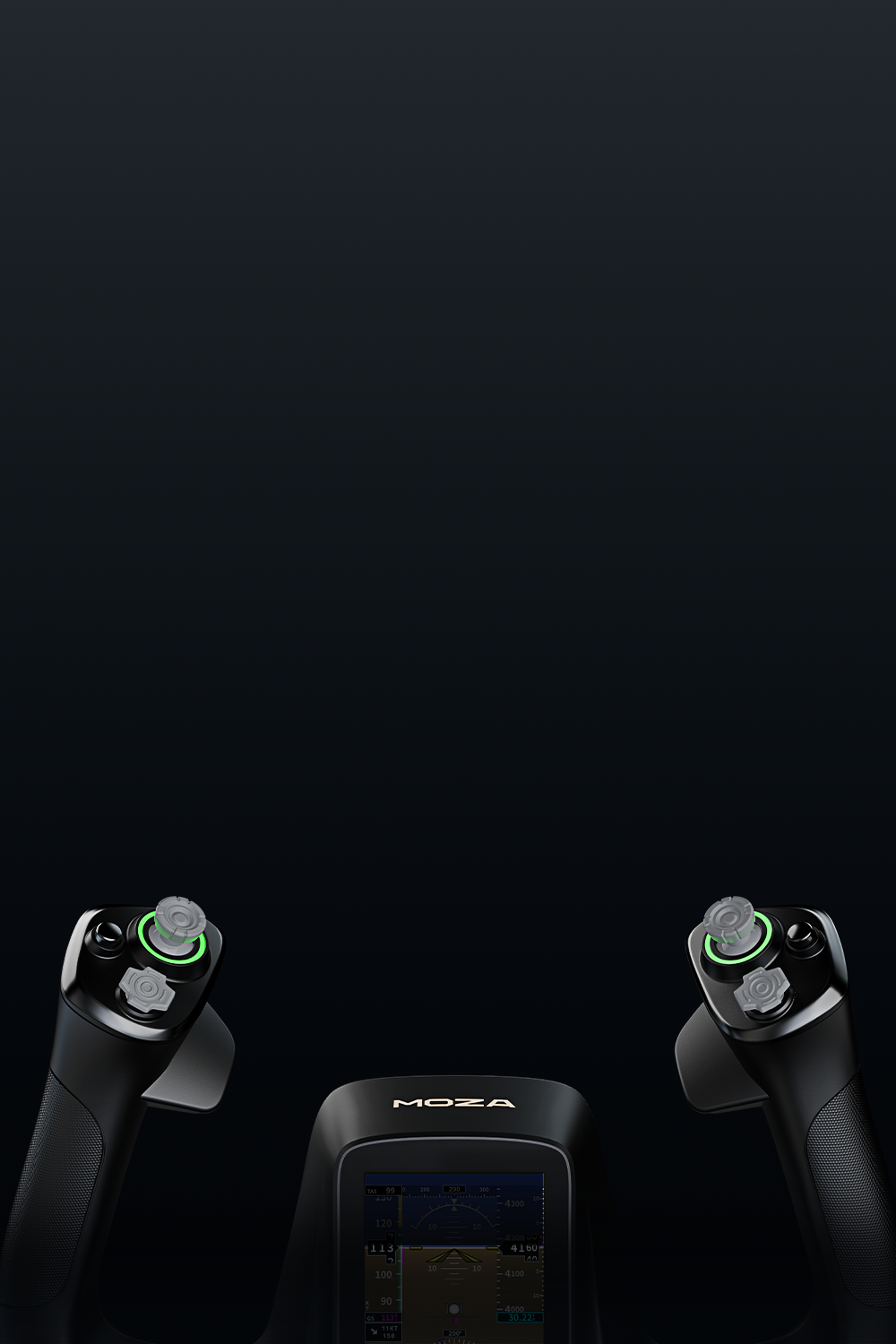
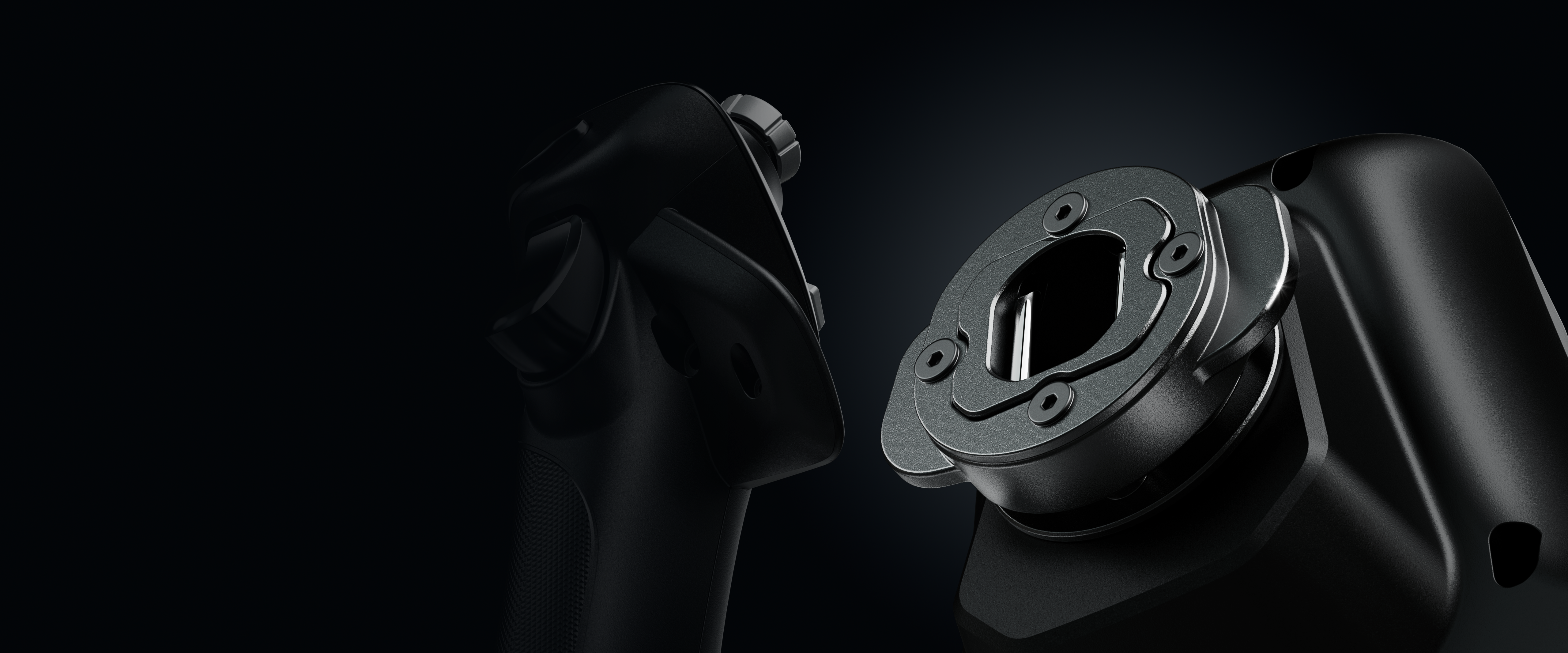
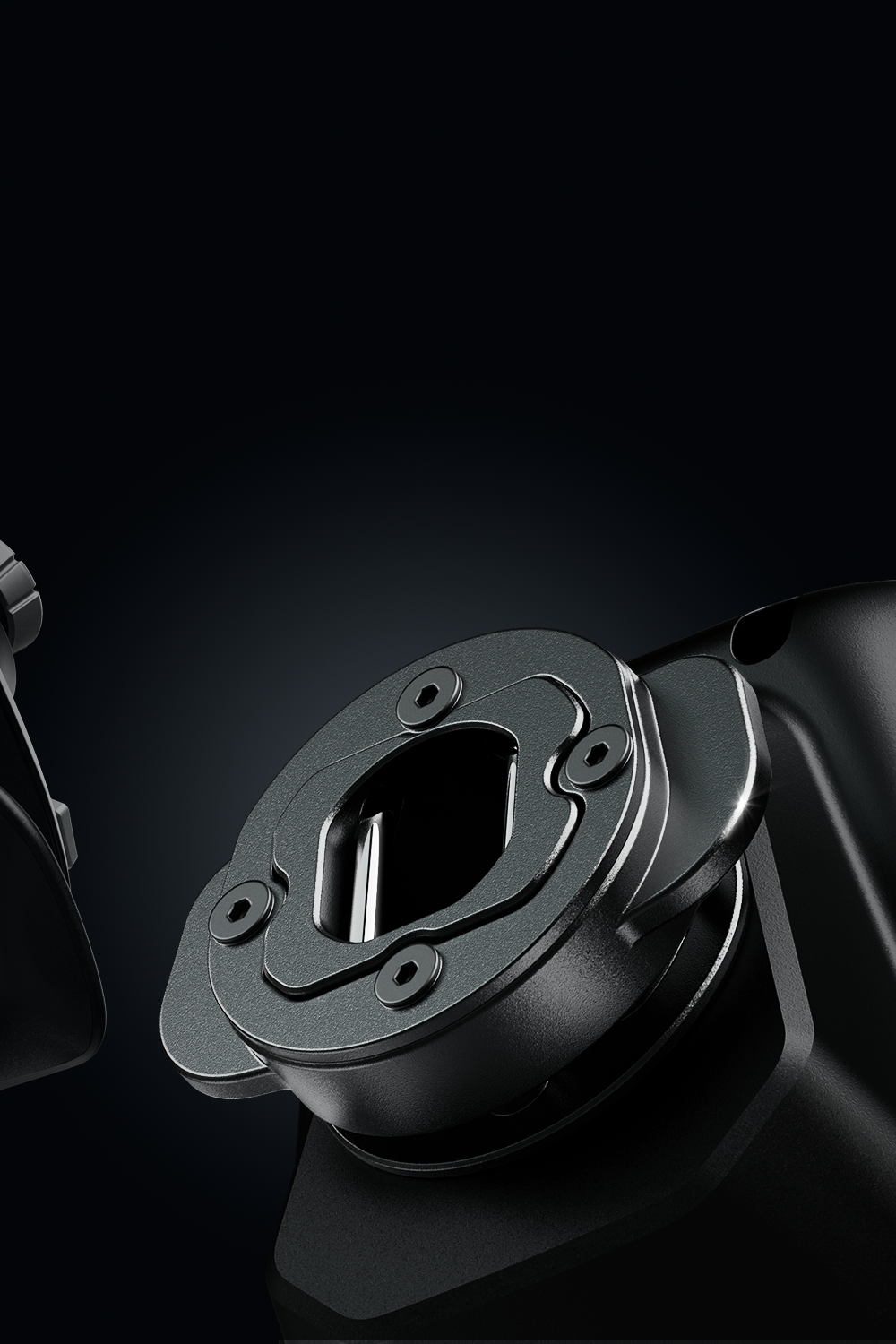
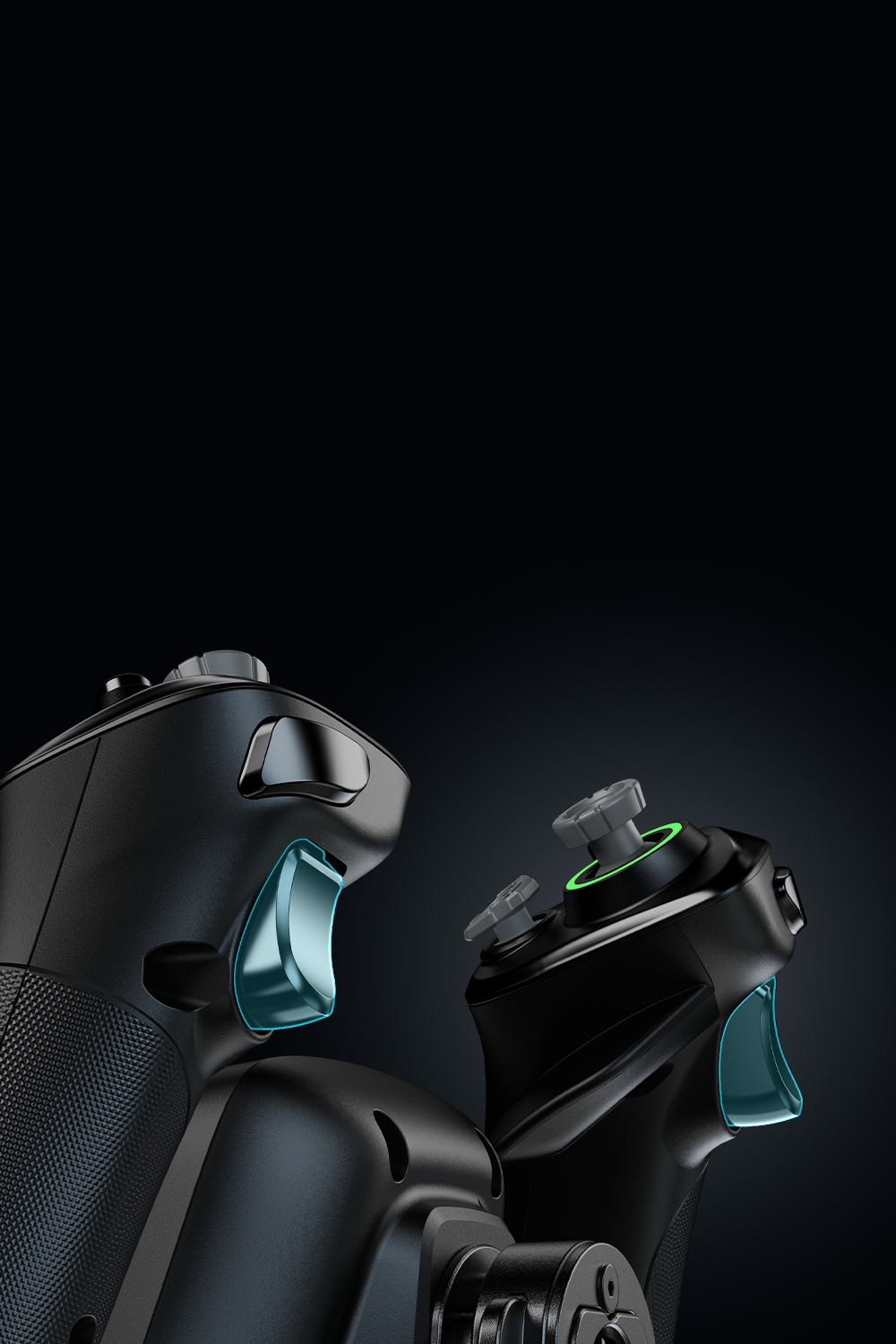
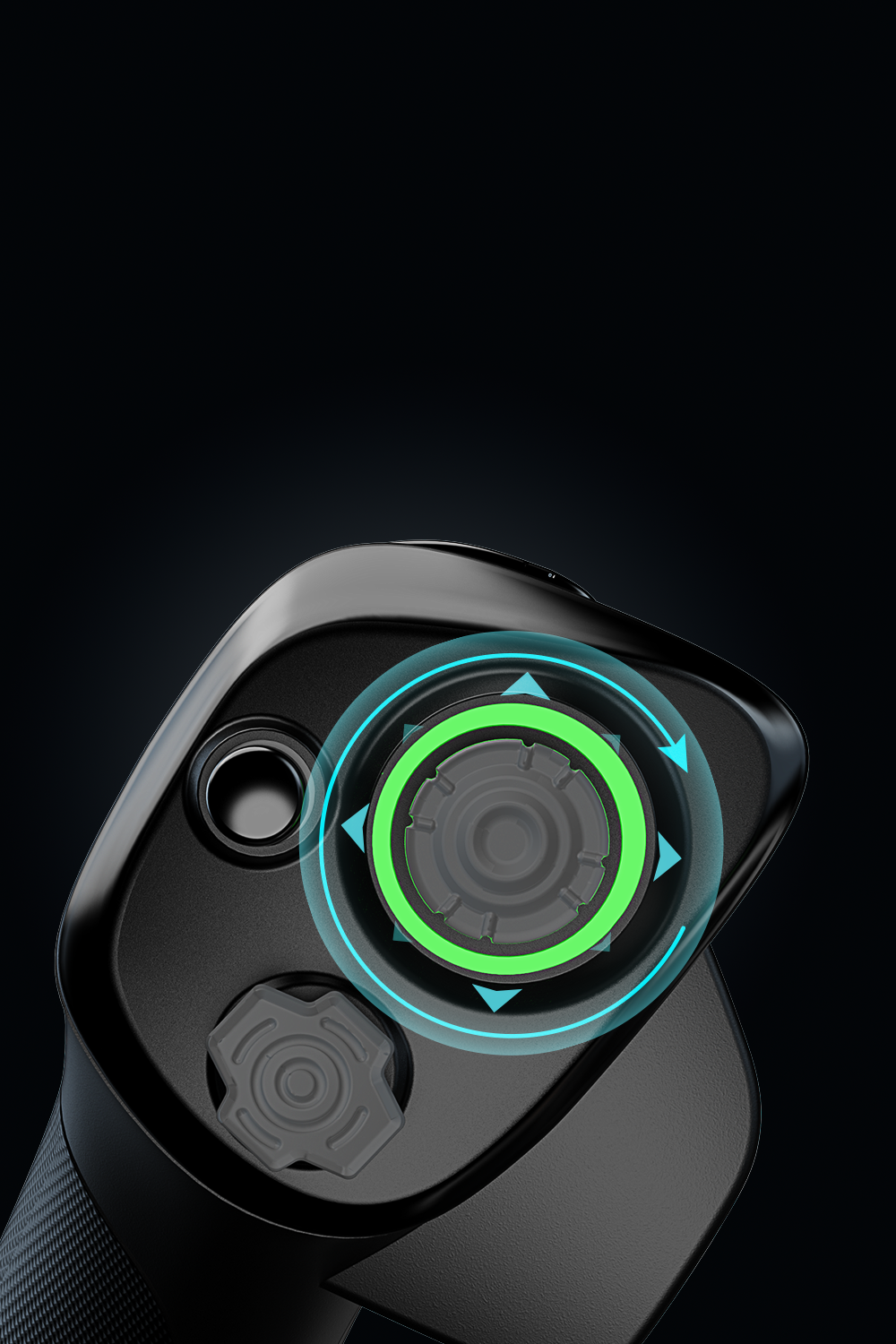
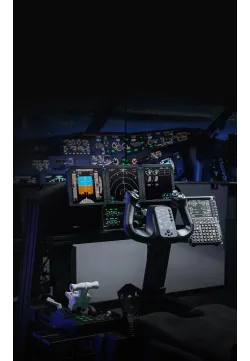
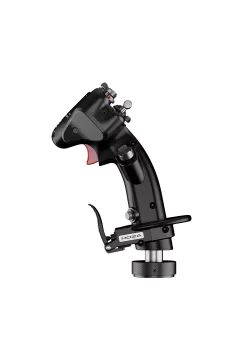
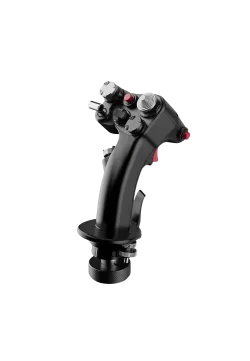
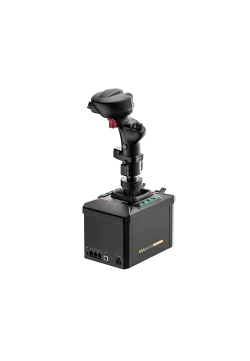
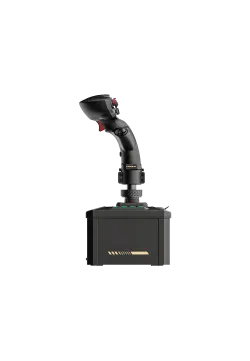
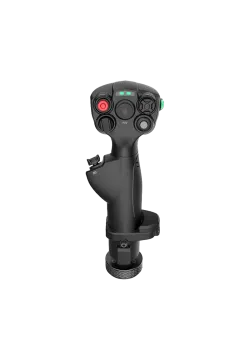
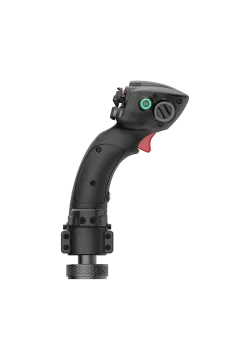
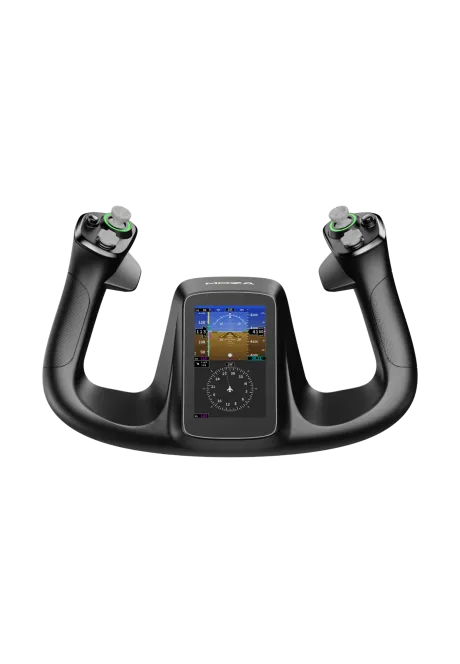
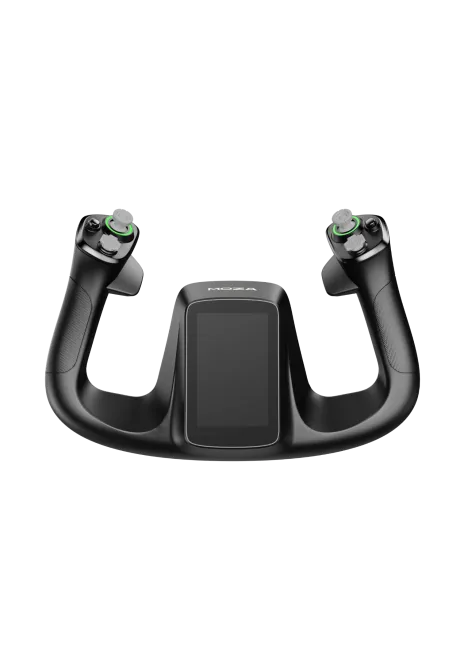
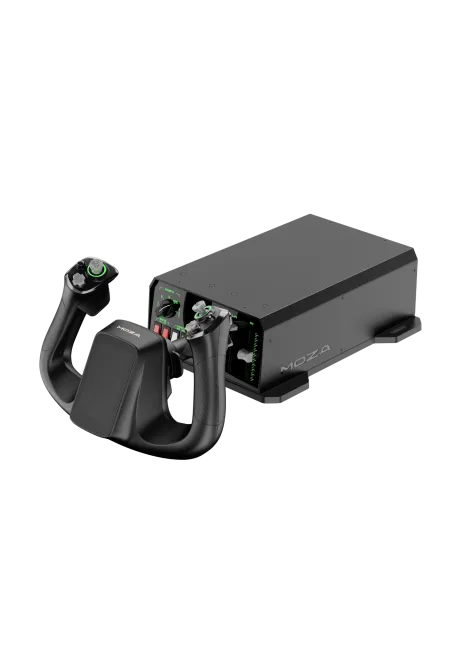
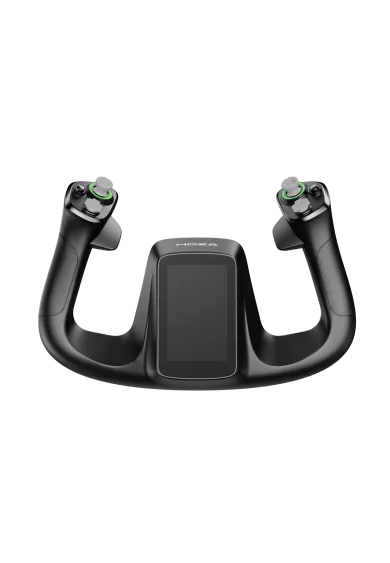
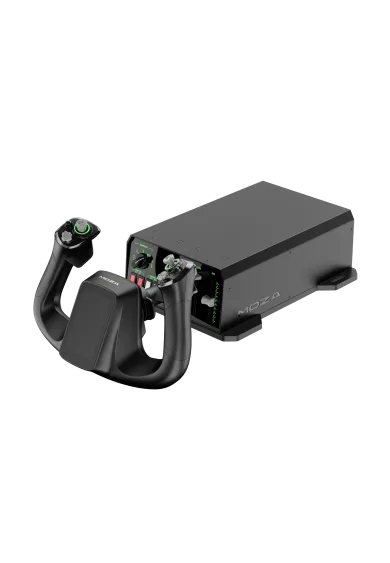
MOZA MFY Pro combines an aircraft yoke with a 4.3-inch touchscreen, 26 programmable inputs and two contactless Hall thumbsticks. Its aluminium quick release fits AY90 and AY210 bases. Expand the cockpit with the MOZA MGX1000, MOZA AY210 or MOZA AY90. Yoke wheelbase sold separately.
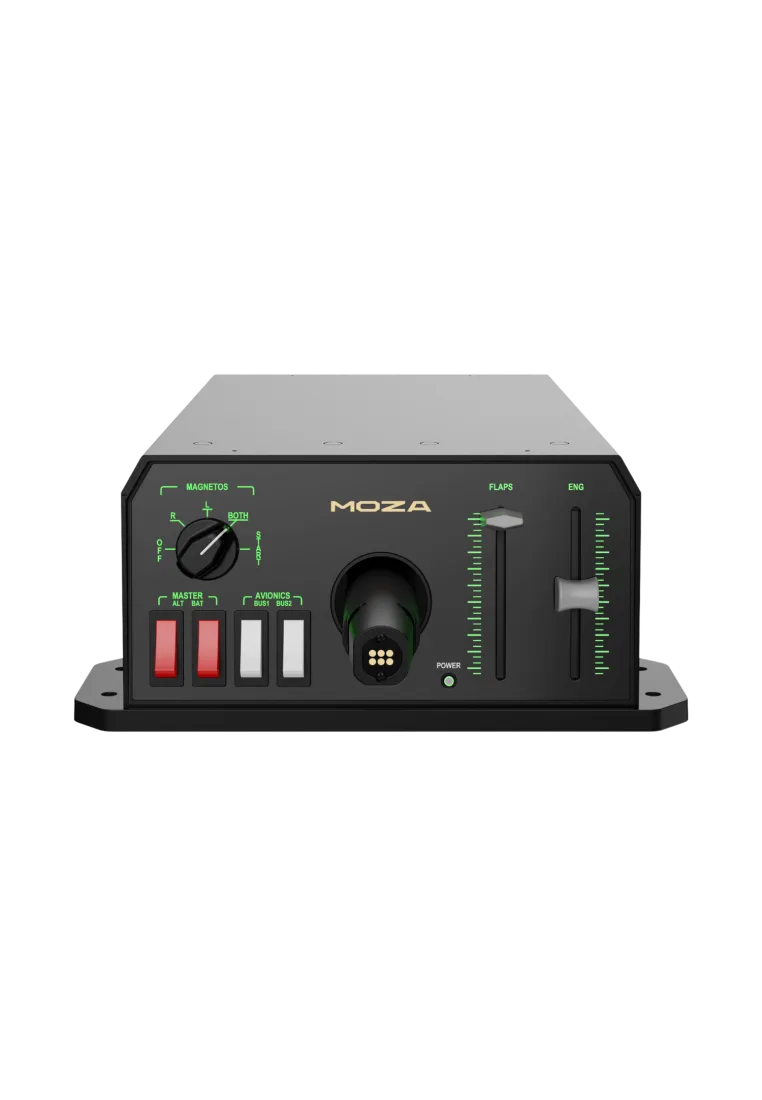
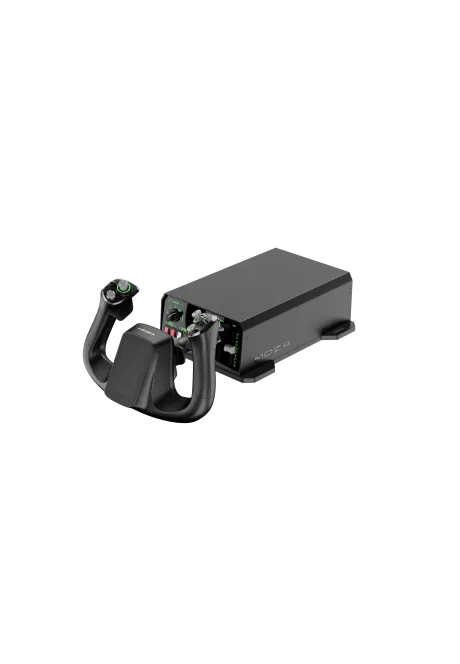
MOZA AY90 Force Feedback Yoke Base is a compact flight yoke base with 90 N pitch force, 4.2 Nm roll torque and 95 mm travel. Its Force Feedback can reproduce trim load, stalls, turbulence and touchdown. Combine AY90 with MOZA MFY or MFY PRO. Add the MOZA MGX1000 for instruments, or compare it with the stronger MOZA AY210 MFY Yoke Bundle. MFY or MFY PRO yoke are selling separately.
Moza AY90 Yoke PREORDER
1,462.60zł
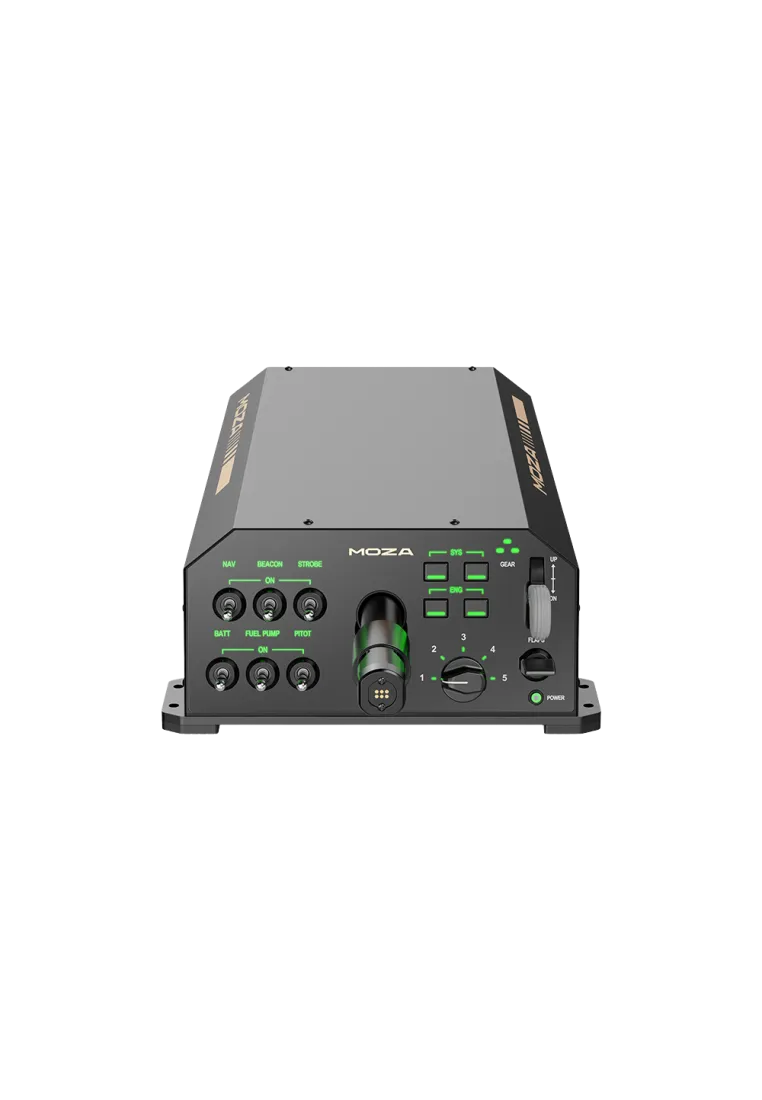
MOZA AY210 is a professional-grade YOKE base with a realistic 160 mm pitch range and HALL sensors. Perfect for serious flight sim users seeking precision, durability, and compatibility with MSFS, X-Plane, and more.
2,682.11zł
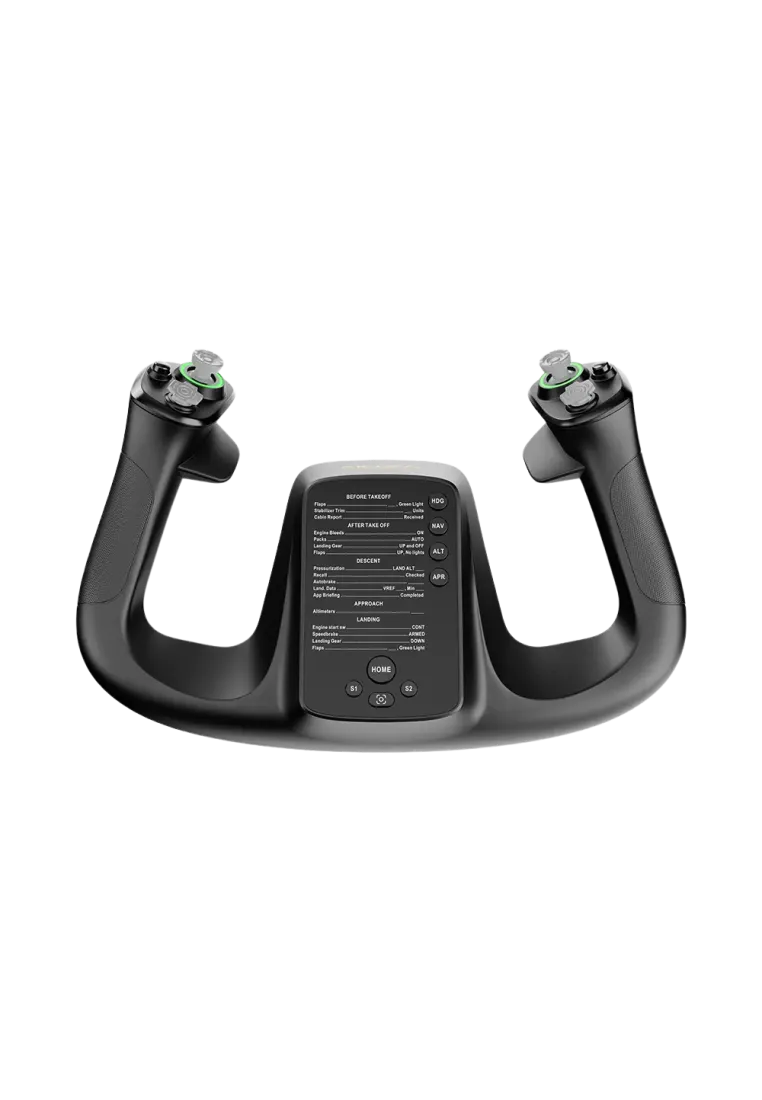
The MOZA MFY Yoke is an ergonomically designed flight control system inspired by real commercial aircraft yokes, ensuring a realistic flight simulation experience. Constructed from fiberglass-reinforced PA66, it offers exceptional durability and can withstand up to 30kg of force. The yoke supports up to 34 configurable inputs, customizable RGB lighting, and features a quick-release mechanism for easy attachment and detachment.
486.99zł
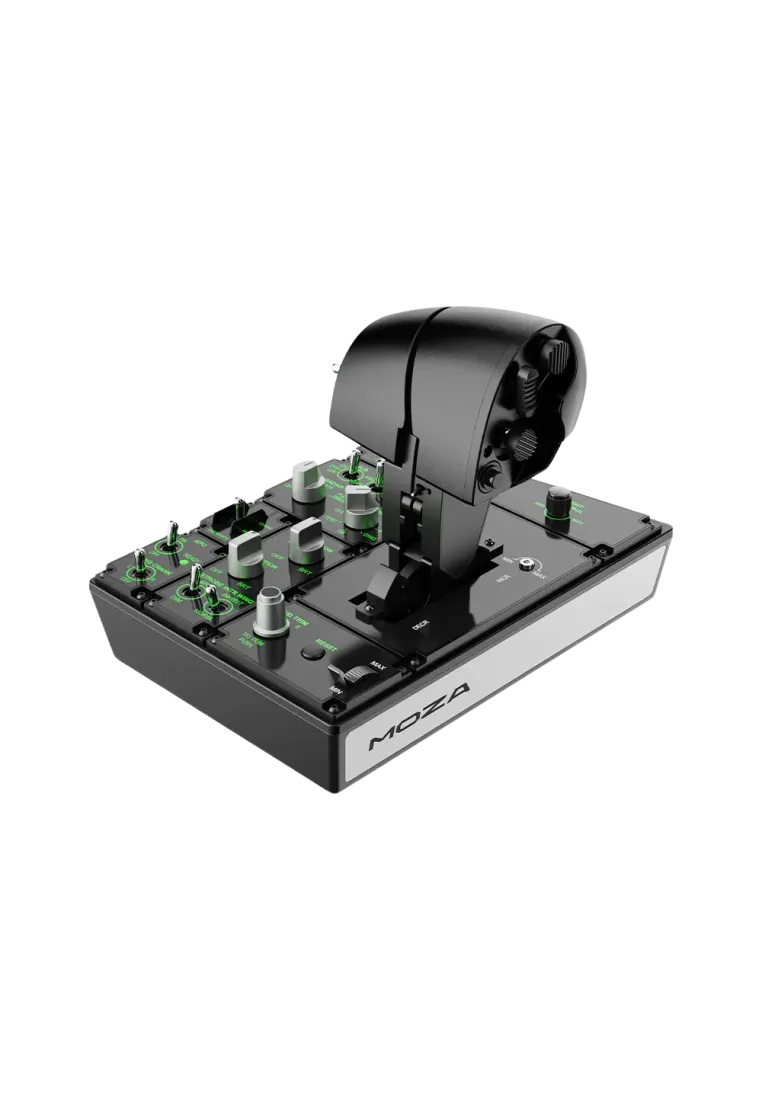
The MOZA MTP Throttle is a high-precision flight simulation controller with a durable aluminum grip, 27 programmable switches, and an adjustable detent system for precise throttle control. It features a 15-bit magnetic encoder, Hall-effect joystick, and vibration feedback for added realism. Fully customizable via MOZA Cockpit software, it integrates seamlessly with flight setups. PC compatible.
1,113.01zł
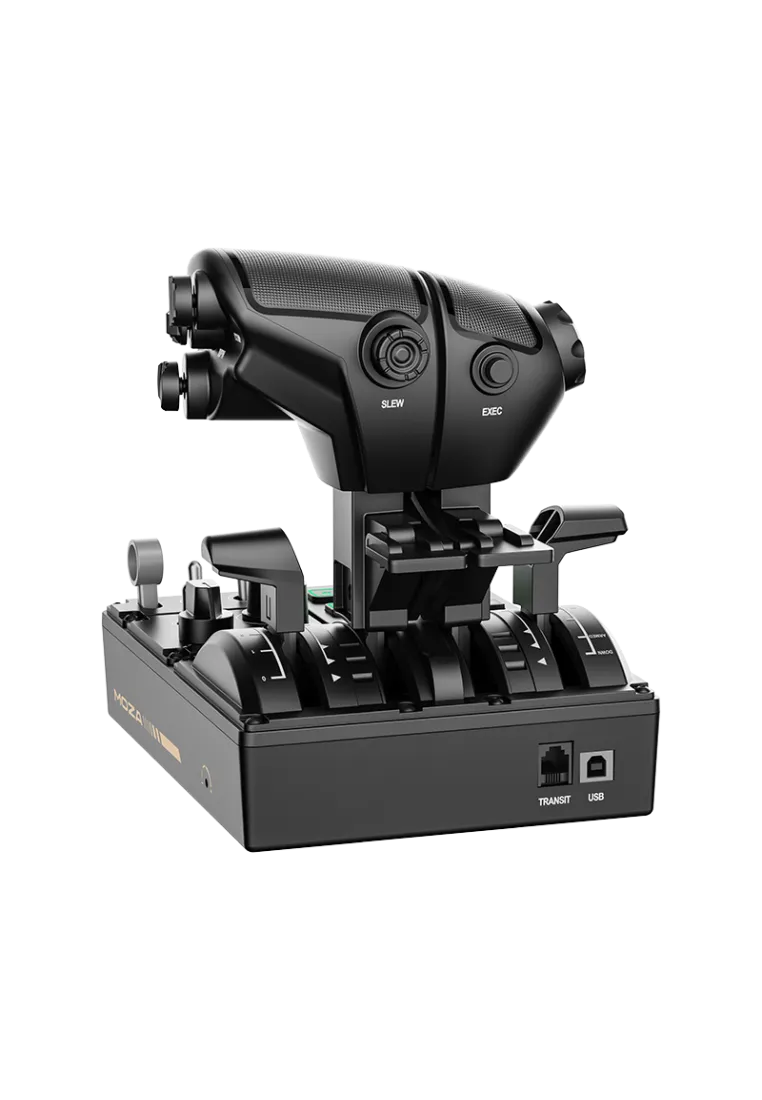
MOZA MTQ is a throttle system you simply have to feel for yourself. Modular design with swappable flight modules – fighter jet, Airbus, Boeing, you name it. Everything moves smoothly with realistic clicks, resistance, and detents, just like in a real cockpit. For desk mounting, add the MOZA Universal Mounting Plate and MOZA Flight Clamp to your cart. For aluminum profile rigs, simply mount it using T-nuts and the MOZA Universal Mounting Plate.
763.41zł
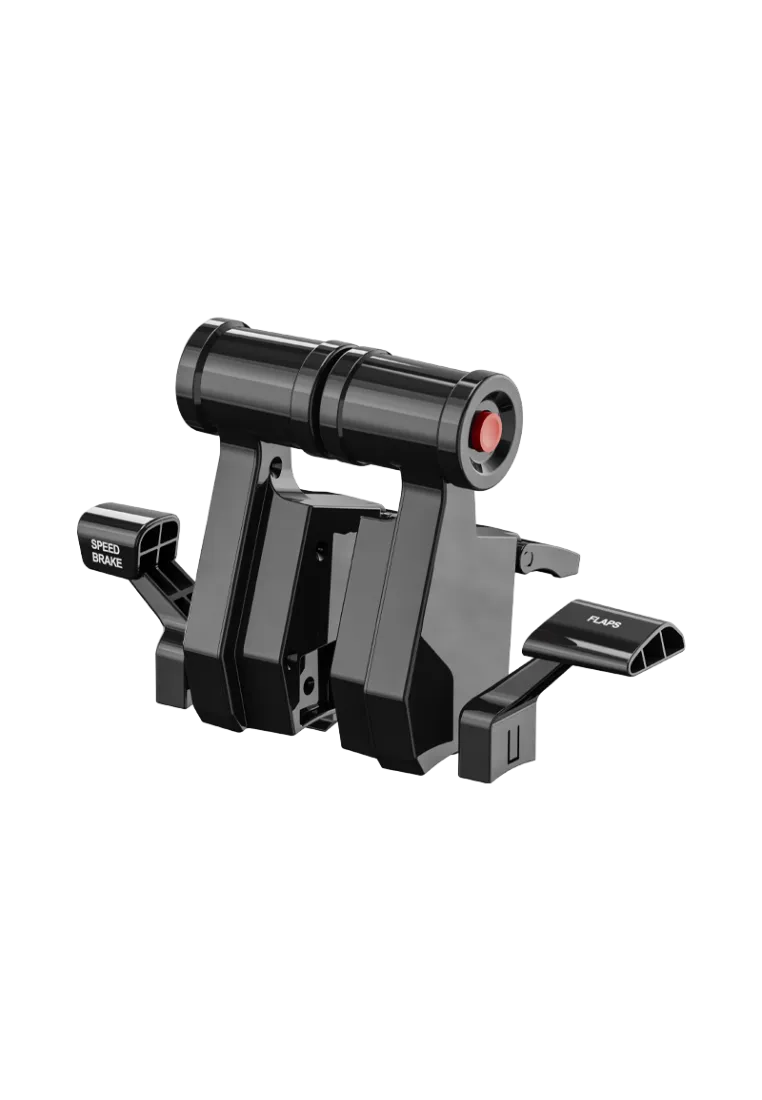
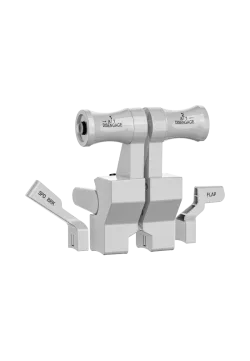
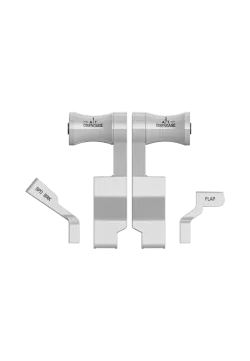
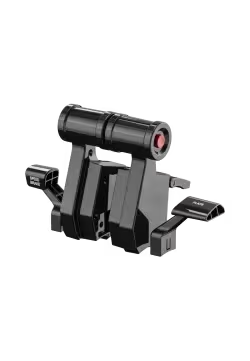
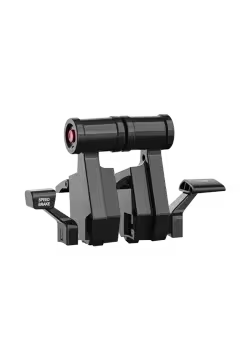
The MOZA Flight TQA brings Airbus-style detents, a solid mechanical feel, and proper reverse-thrust behavior to your MTQ setup. With separate speed brake and flaps levers and an effortless mount, it’s a simple but very effective upgrade for A320/A330 flying.
153.66zł
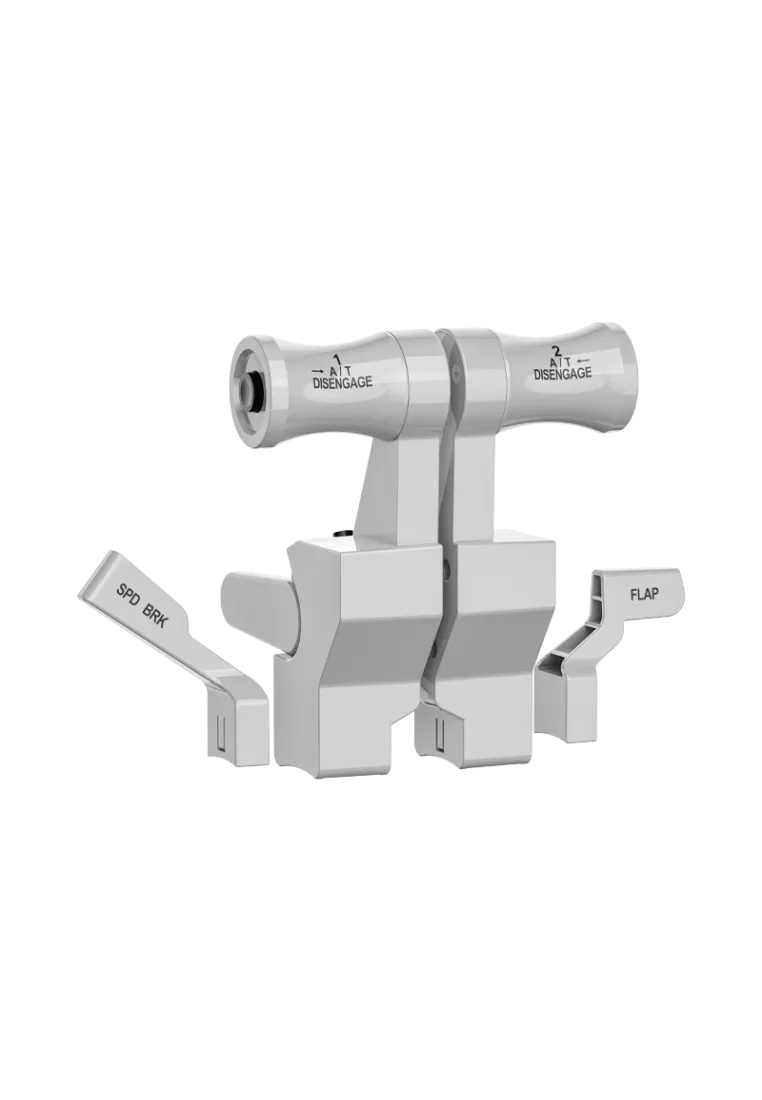
The MOZA Flight TQB adds authentic Boeing-style throttle behavior to the MTQ, with extended travel, proper reverse thrust, a physical TO/GA button, and separate SPD BRK/FLAP levers. Great upgrade for 737/747/777/787 flying
153.66zł
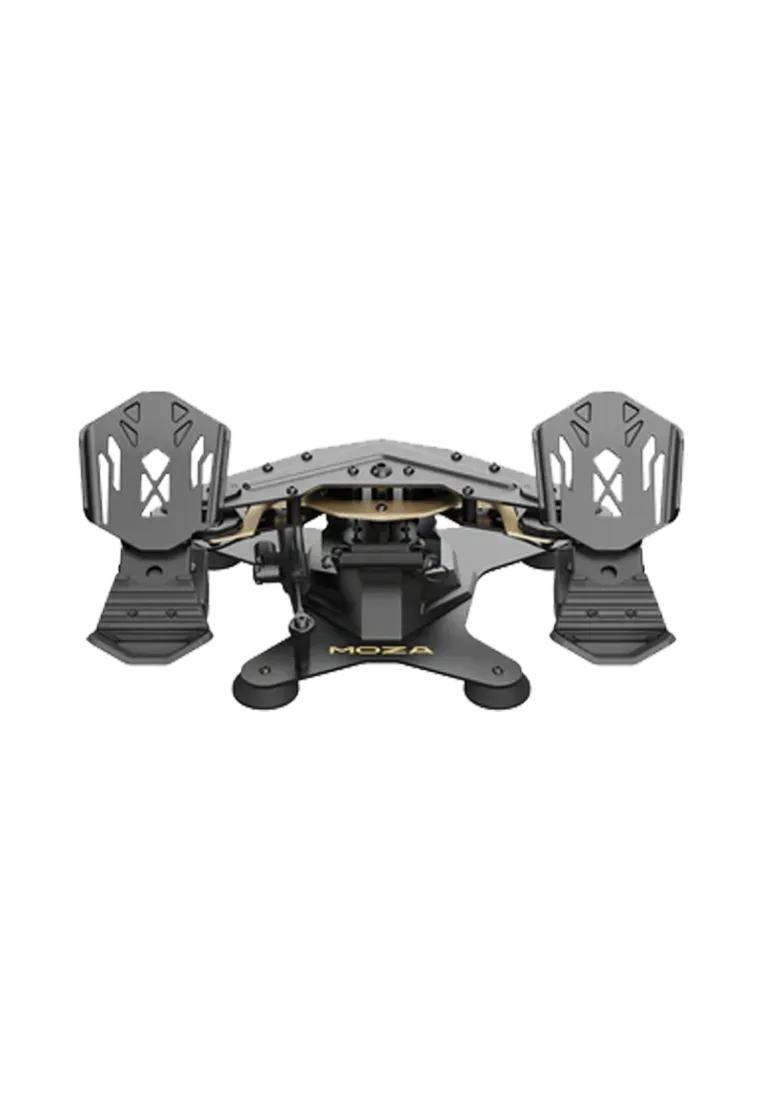
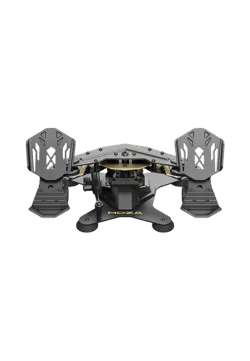
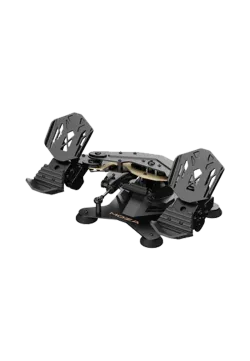
The MOZA Flight MRP Rudder Pedals are a cornerstone of professional flight simulation, engineered for pilots who demand ultimate precision. MRP pedals redefine rudder and toe-brake control, offering a mechanical feel that mirrors a real aircraft cockpit. Whether you are engaging in dogfights in DCS or performing crosswind landings in MSFS, the MOZA MRP provides the stability and consistency needed for elite-level flying.
1,275.61zł
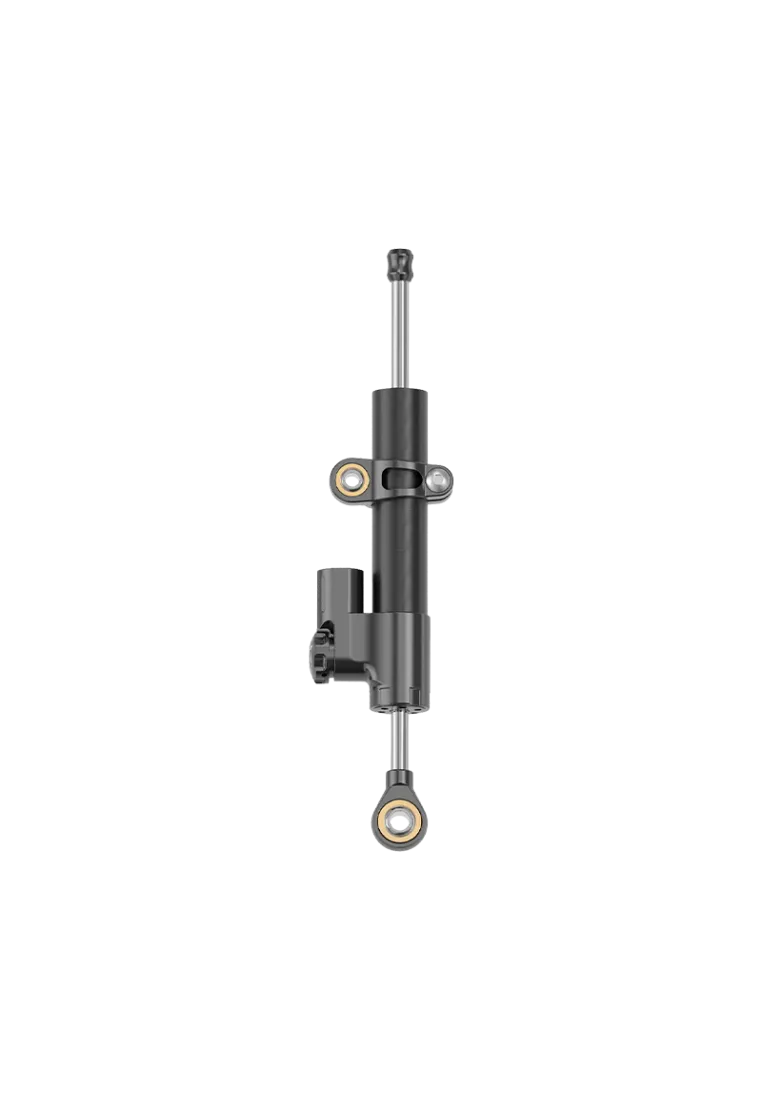
The MOZA Flight MRP Adjustable Damper is an essential upgrade for pilots seeking the ultimate level of immersion. This high-precision hydraulic module allows for a total transformation of the MRP rudder pedals' feel. By adding this kit, your pedals transition from a simple spring-based mechanism to a professional control system, delivering the "weighted" and dampened resistance found in real-world aircraft cockpits.
MOZA Flight MRP Adjustable Damper
243.09zł
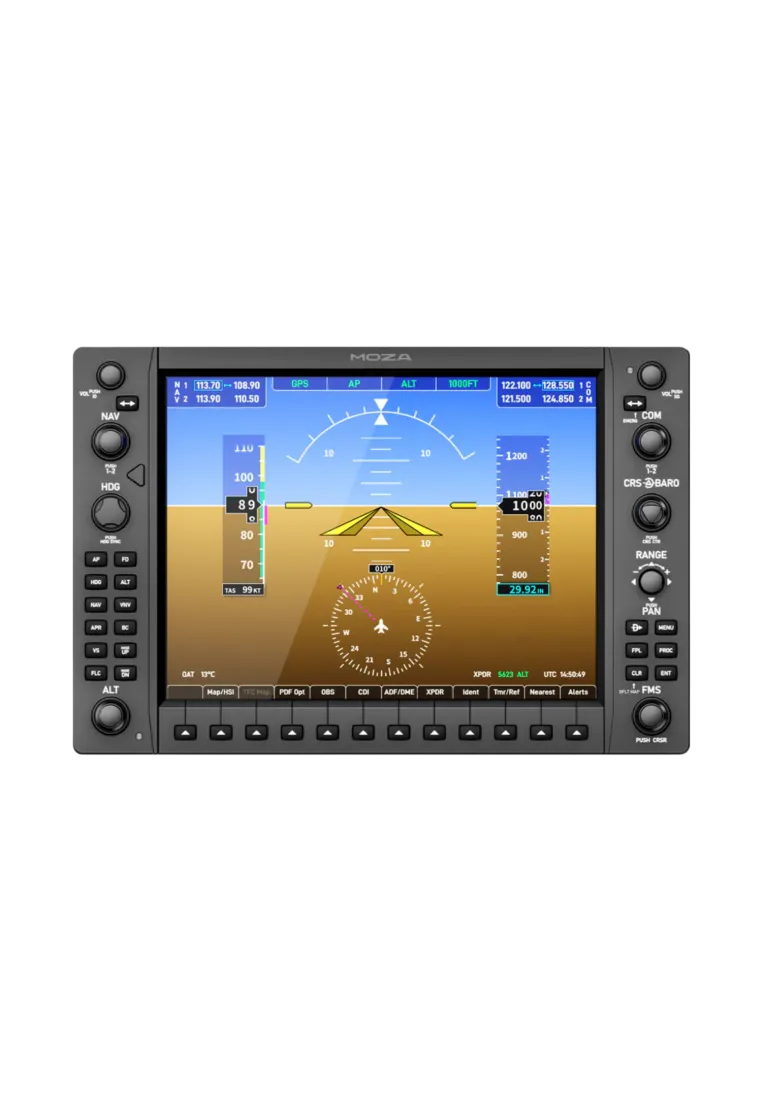
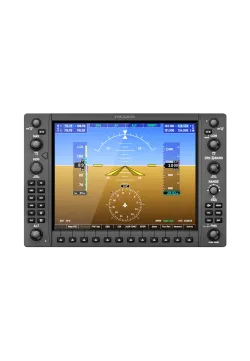
MOZA MGX1000 Instrument Panel is a MOZA navigation panel for pilots who want a proper G1000 flight sim panel, not another screen to click with a mouse. Built for MSFS 2024 and X-Plane 12 setups, it brings a 10.4” IPS display, real knobs, buttons, an ALPS joystick, DisplayLink connection and VESA mounting, making COM/NAV, maps, autopilot work and IFR/VFR flying feel much closer to a real cockpit at home, without cluttering your desk.
1,641.46zł
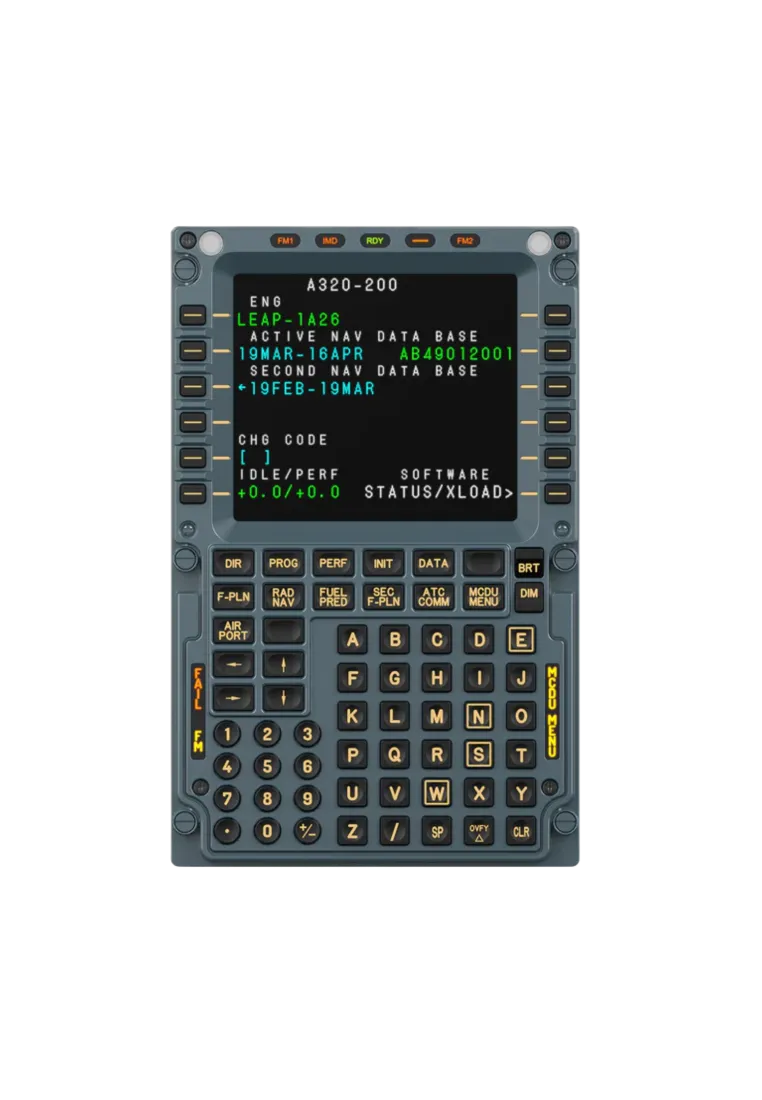
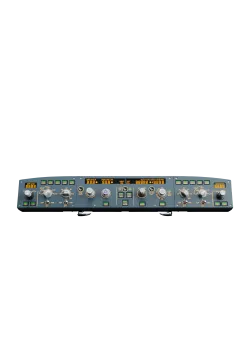
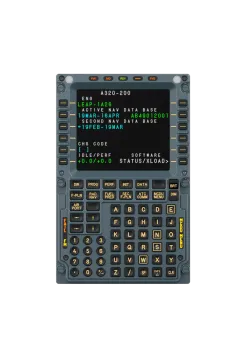
MOZA MA3F FCD is an Airbus-style MCDU panel for MSFS and X-Plane. It makes flight plan entry, route changes, checklists and nav data easier to manage without constant cockpit clicking. The IPS screen, tactile keys and adjustable backlight pair well with MOZA MA3F EFCM, MOZA MA3X Side Stick and MOZA TQA, creating a cleaner A320/A330 setup for IFR, online flying and longer routes.
730.89zł
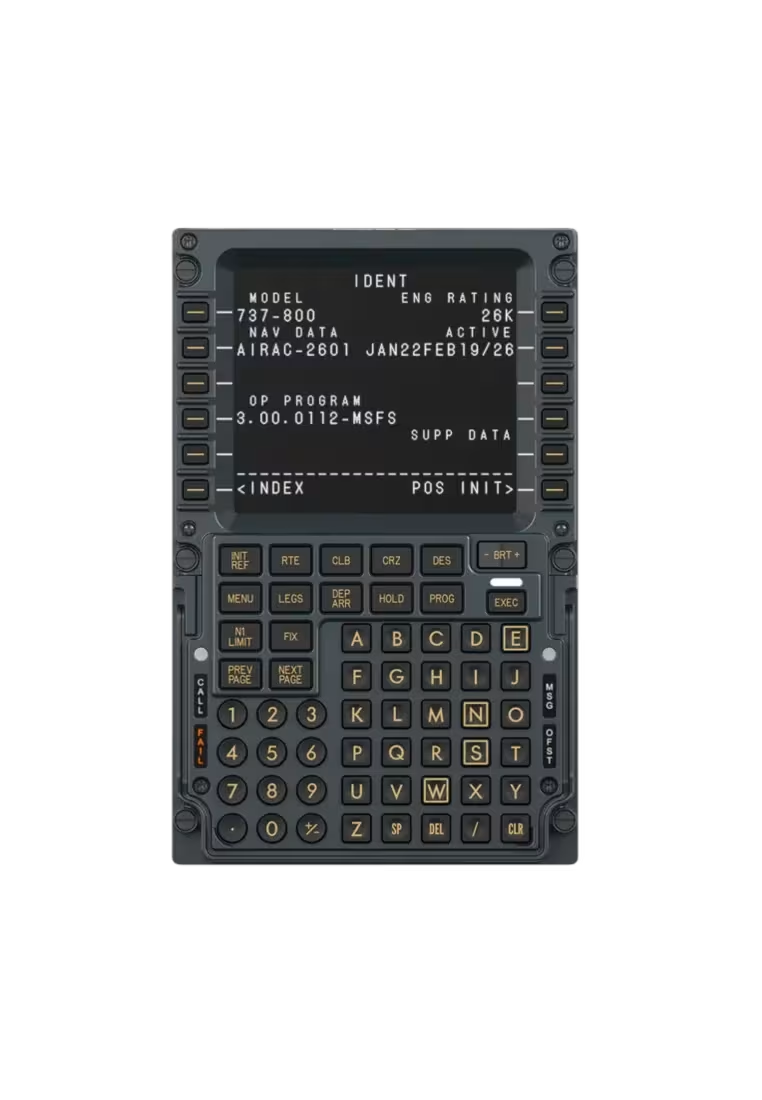
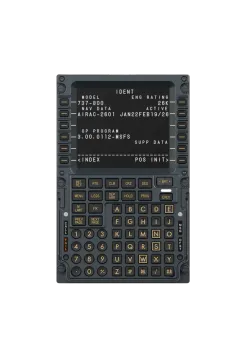
MOZA MB7F FCD is a physical FMC panel made for Boeing 737-style cockpits. Its 5.1-inch IPS screen, metal front and firm tactile keys make entering flight data, managing routes and working through procedures more convenient. It works with the PMDG 737 in MSFS 2024 and the Zibo 737 in X-Plane 12. Support for MSFS 2020 and X-Plane 11 is planned through a MOZA Cockpit update. A USB-C cable and desktop stand are included.
730.89zł
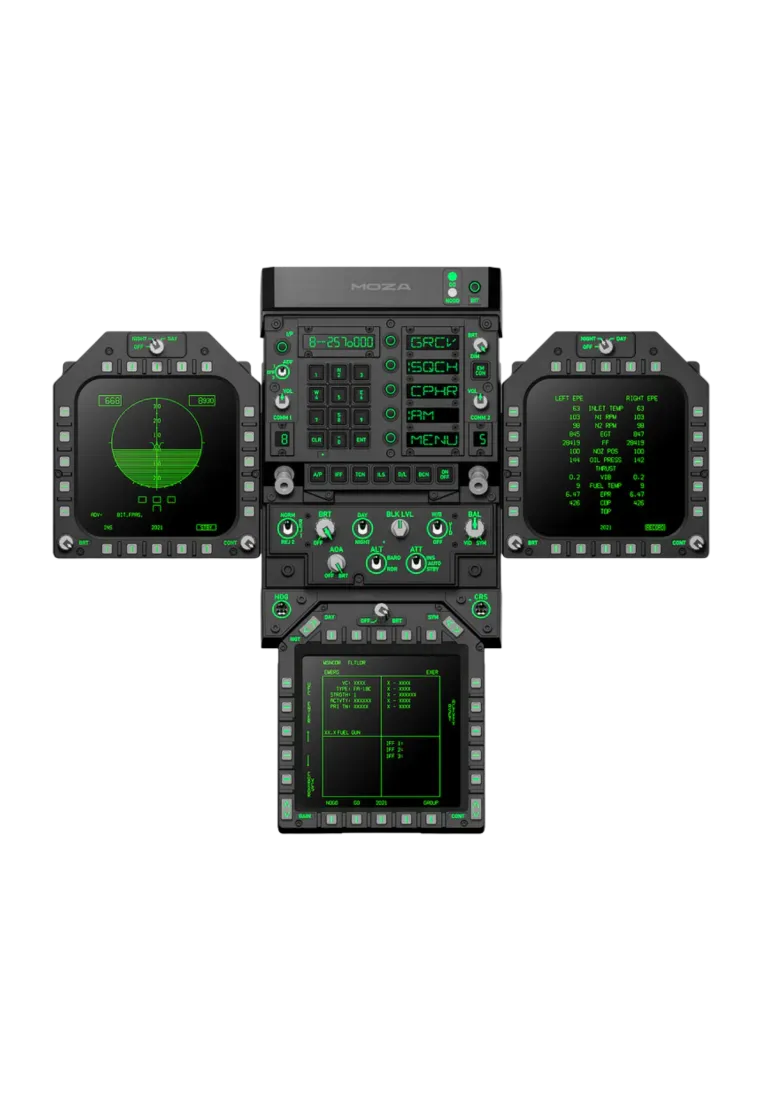
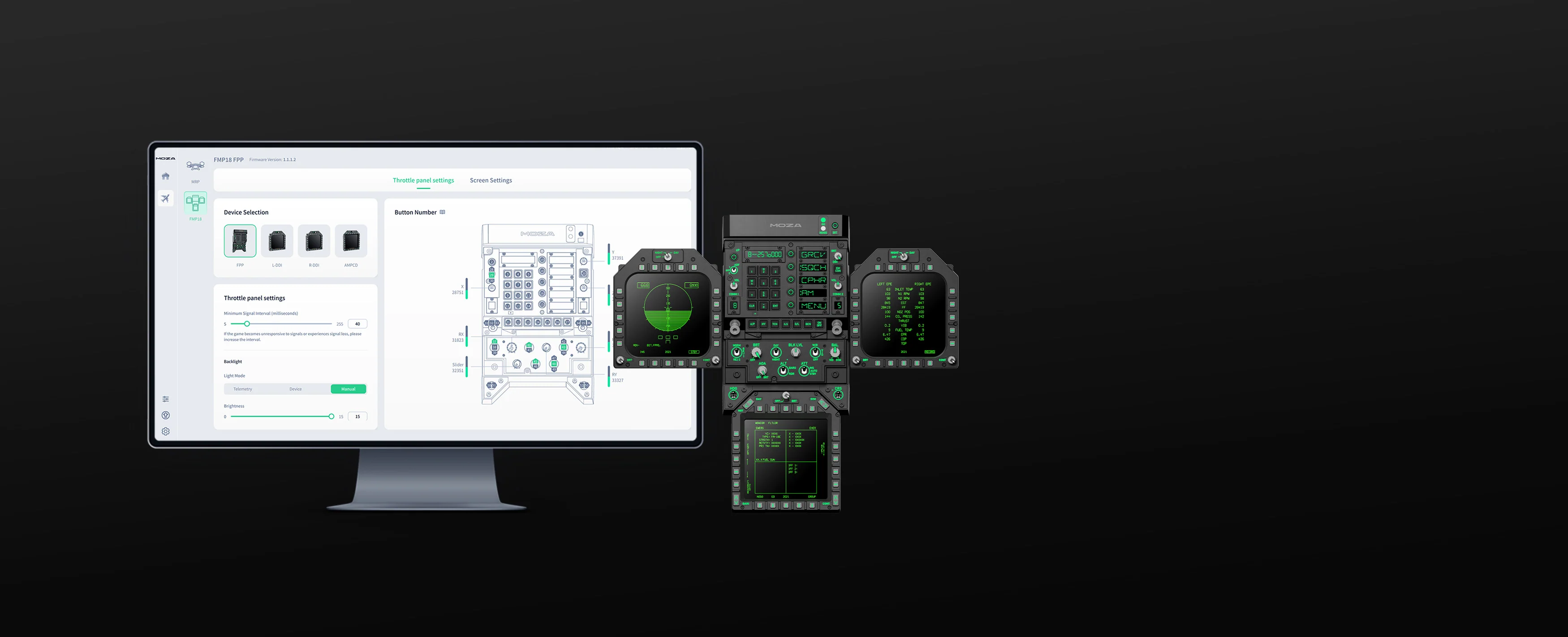
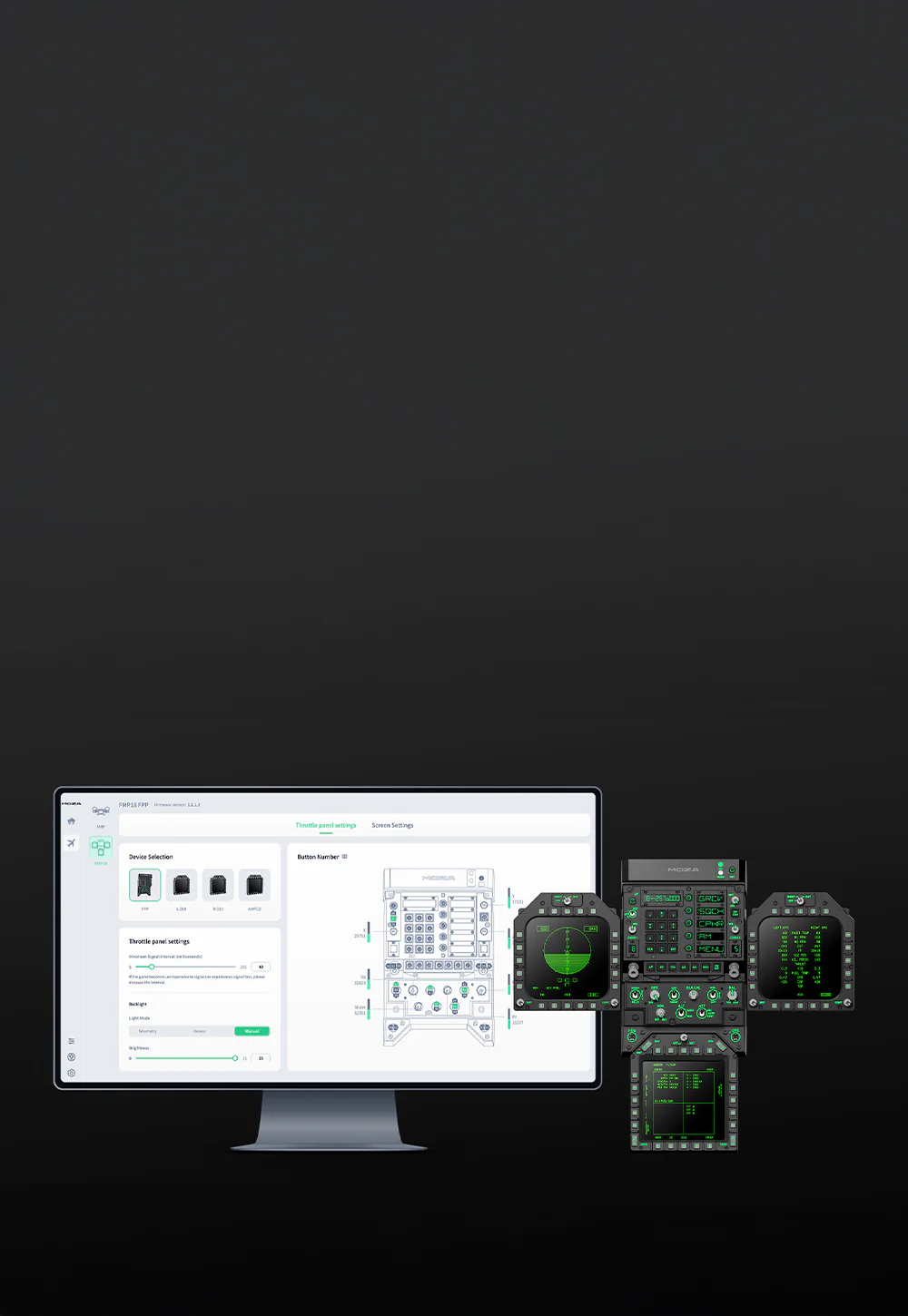
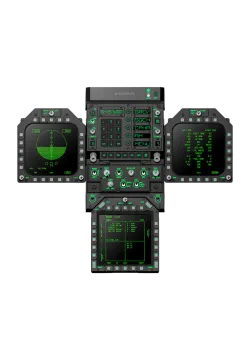
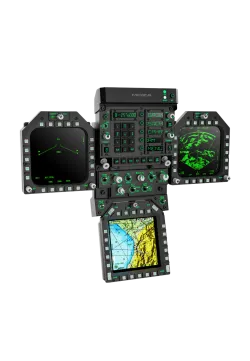
The MOZA FMP18 Panel Bundle is a modular flight cockpit panel with three square 7.1-inch displays, physical controls, magnetic bezels and adjustable lighting. MOZA Cockpit keeps configuration straightforward and reduces mouse use. Ideal combined with MOZA MTP throttle and MOZA MTLP panel to create F/A-18C HORNET simulation cockpit at home.
3,113.01zł
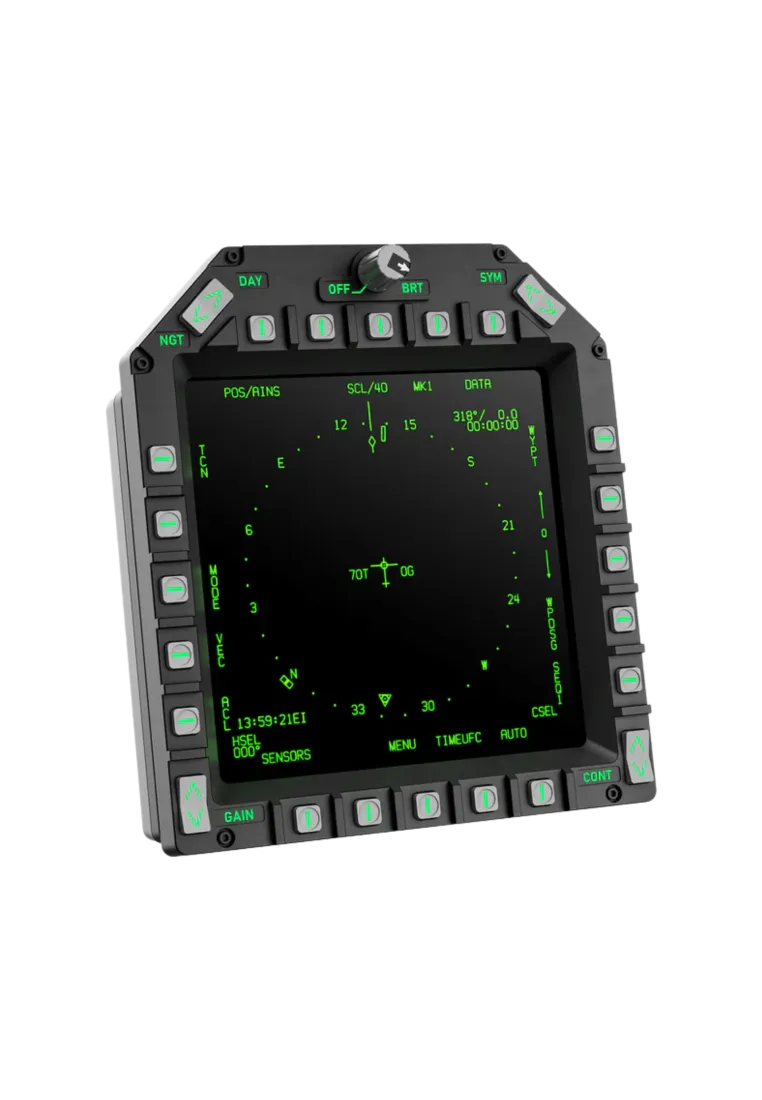
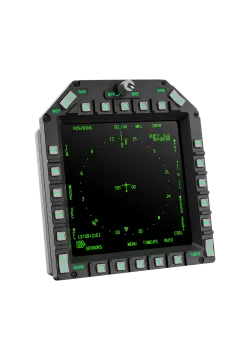
The MOZA AMPCD Display Panel is a square 7.1" panel designed for realistic military and civilian cockpits. It works well as a central display in F/A-18 and F-16 cockpits, and thanks to its magnetic frame and modular design, it can also be used as a base for buttons and controls in the style of a Boeing 737 or Airbus A320.
Moza AMPCD Display Panel PREORDER
730.89zł
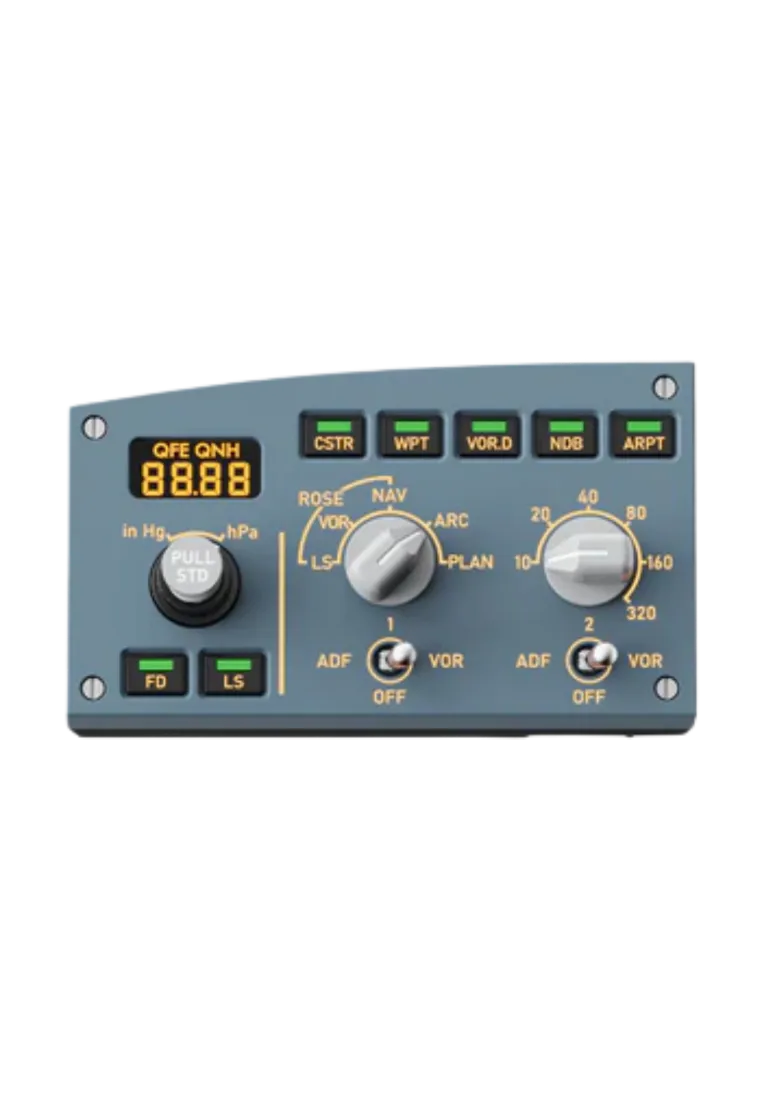
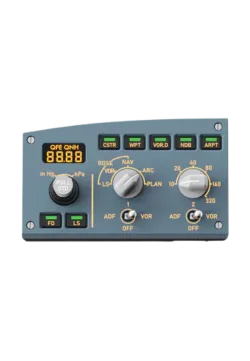
MOZA Flight MA3F EFCM is an Airbus-style autopilot and EFIS panel for flight simulators. Push-pull knobs, tactile buttons, segment displays and adjustable backlighting make speed, heading, altitude, flight modes and navigation easier to manage in MSFS and X-Plane. Less mouse clicking, more direct control and a smoother workflow with ATC.
381.30zł
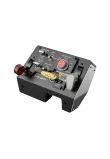
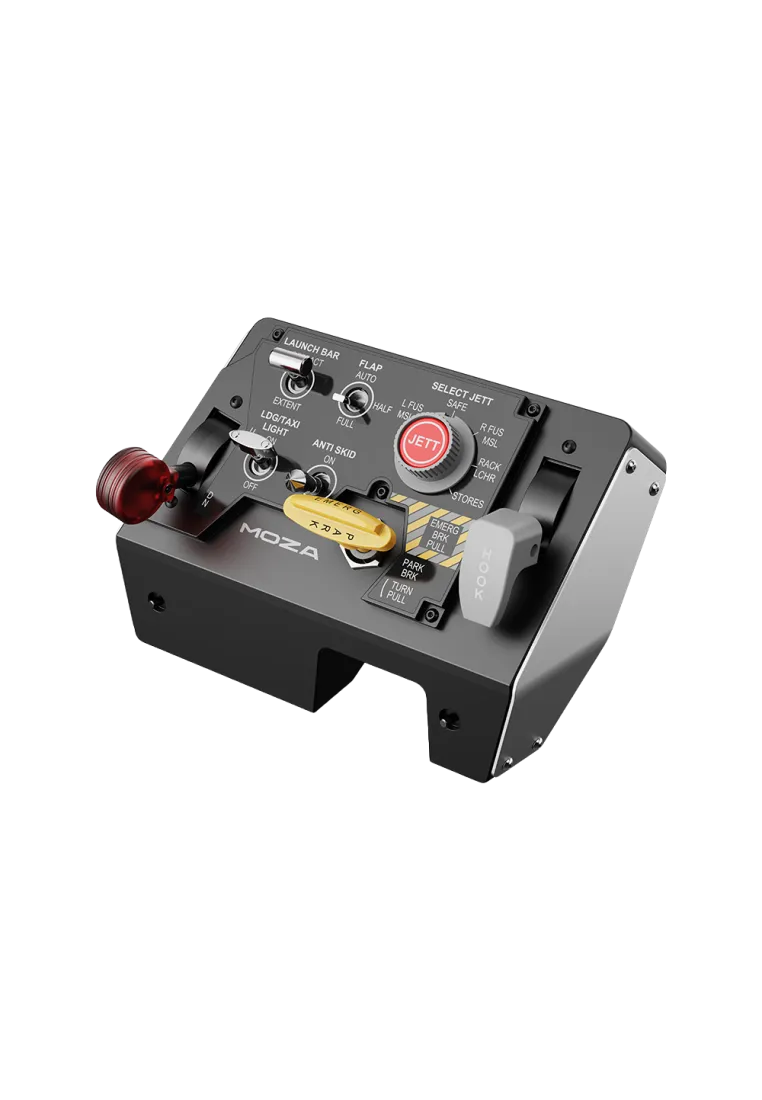
The MOZA MTLP Panel is a high-fidelity landing panel inspired by the F/A-18, featuring 25 programmable switch signals for precise aircraft control. It includes a parking brake lever, Hall sensors, and telemetry-driven lighting for enhanced realism. Modular design ensures seamless integration with the MOZA MTP Throttle Panel. PC compatible.
552.03zł
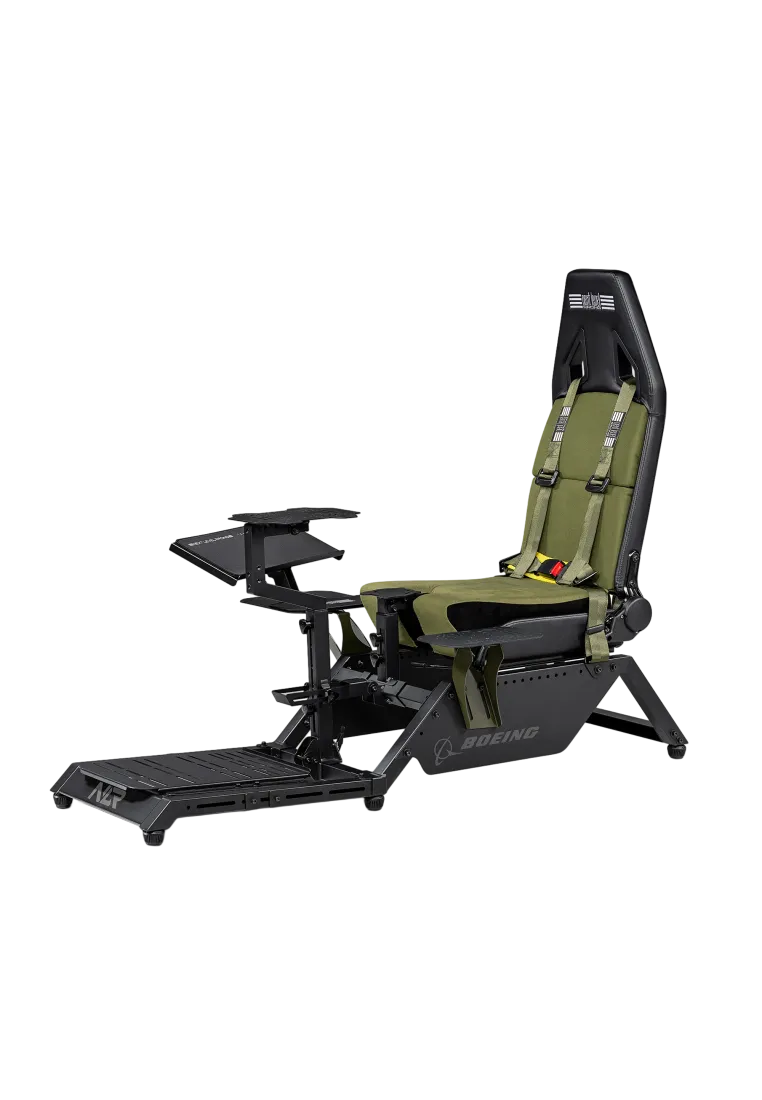
The Next Level Racing Cockpit Boeing Flight Simulator Military is the result of a landmark collaboration with Boeing, engineered for virtual pilots who demand total immersion. This military edition is more than just a seat—it's a high-performance flight environment. Featuring an extra-wide frame and reinforced chassis, it provides the rock-solid stability required for aggressive maneuvers, high-end rudder pedals, and professional HOTAS setups.
Next Level Racing Cockpit Boeing Flight Simulator Military
2,763.41złYou might also like
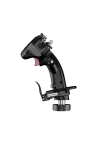
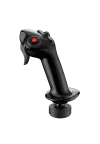
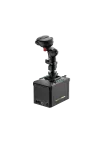
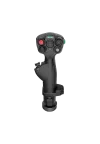
| Technical specification – MOZA MFY Pro Yoke Handle | |
|---|---|
| Display and inputs | |
| Display | 4.3-inch colour touchscreen |
| Resolution | 480 × 800 px |
| Programmable inputs | 26 |
| Eight-way hats | 2 |
| Thumbsticks | 2, Hall-effect sensors |
| LB/RB buttons | 2 |
| Triggers | 2, configurable as axes or buttons |
| Lighting | 16.7-million-colour RGB |
| Construction | |
| Body material | Carbon-fibre-reinforced composite |
| Quick-release material | Aluminium alloy |
| Button-cap material | ABS |
| Specified structural load | Up to 30 kg |
| Dimensions | 142.5 × 202 × 313 mm |
| Weight | Approx. 1.2 kg |
| Compatibility | |
| Compatible bases | MOZA AY90 and MOZA AY210 |
| Software | MOZA Cockpit |
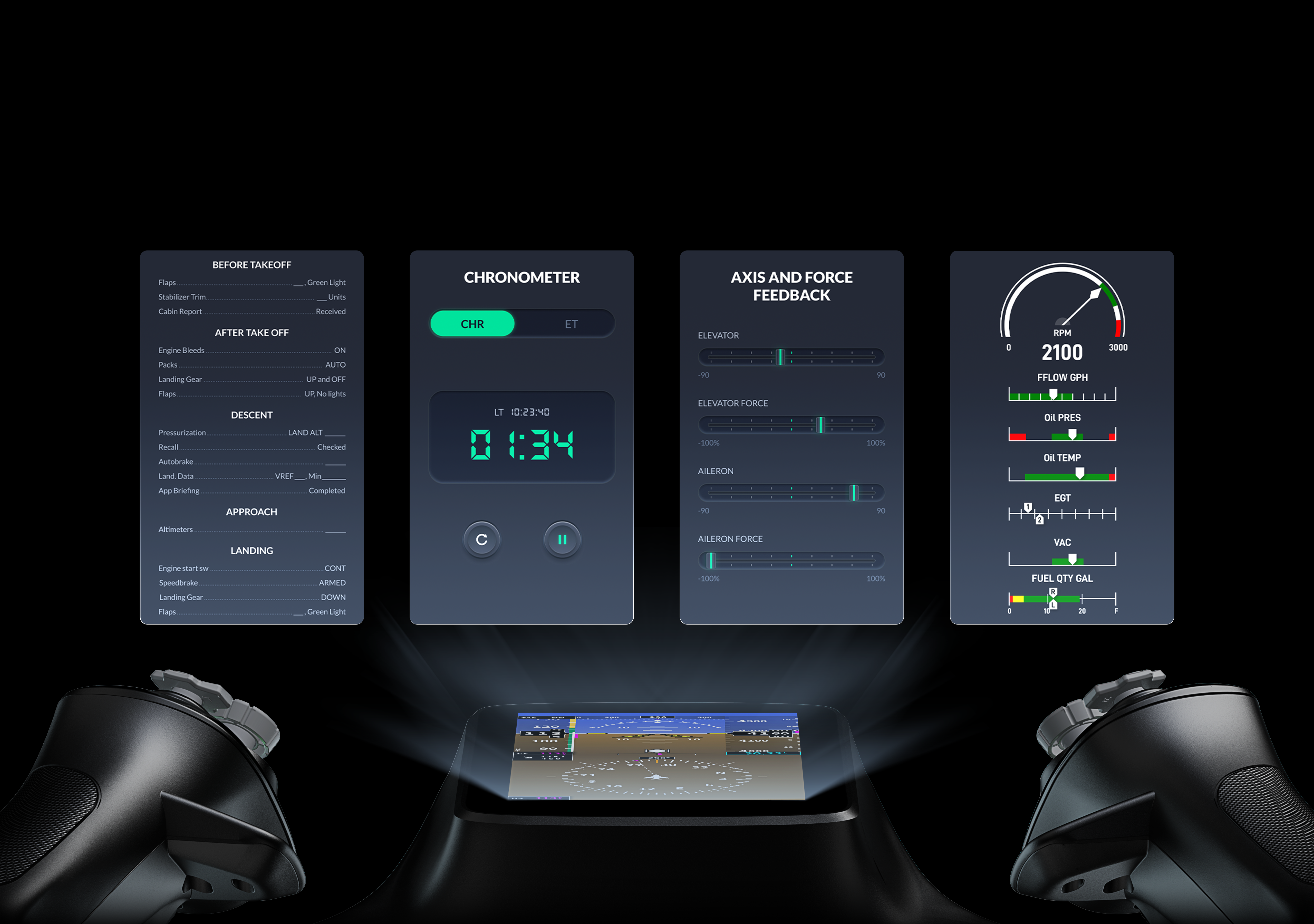
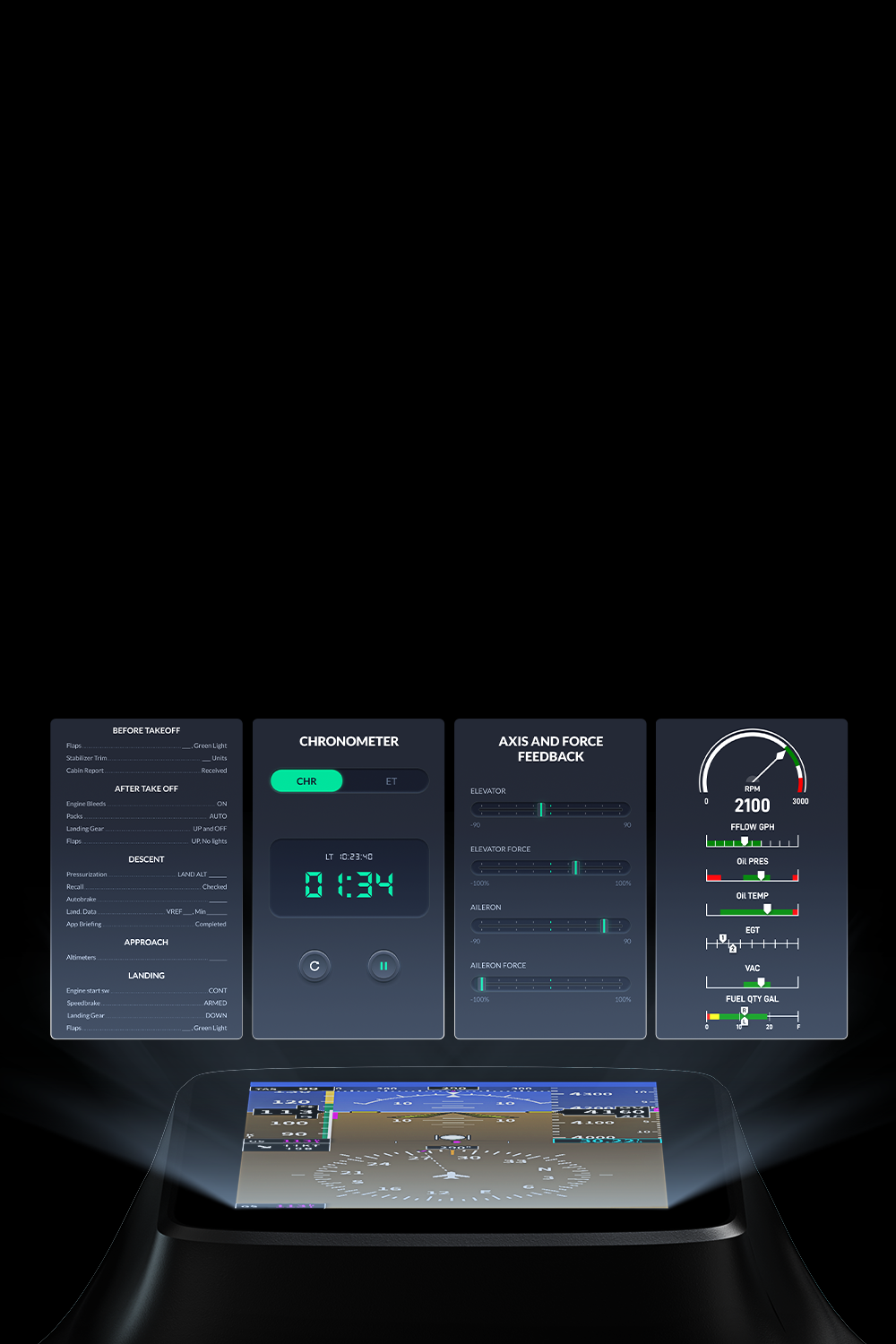
| Display pages | PFD, checklists, flight clock and axis display, depending on integration |
| Planned features | Expanded interface and checklist customisation in future firmware |
| In the box | MOZA MFY Pro Yoke Handle, manual |
It is a yoke handle with a touchscreen and physical flight controls. It works with compatible MOZA yoke bases and places selected data and shortcuts directly in front of the pilot.
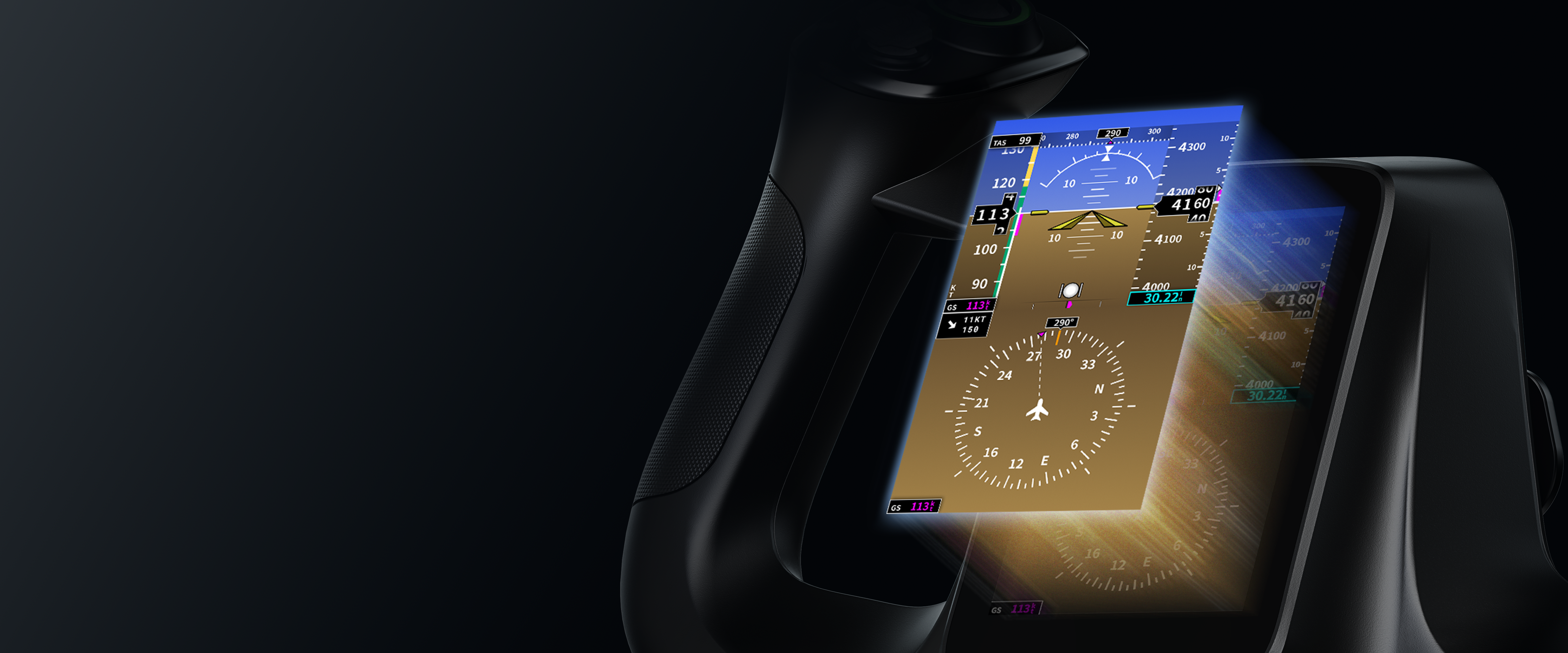
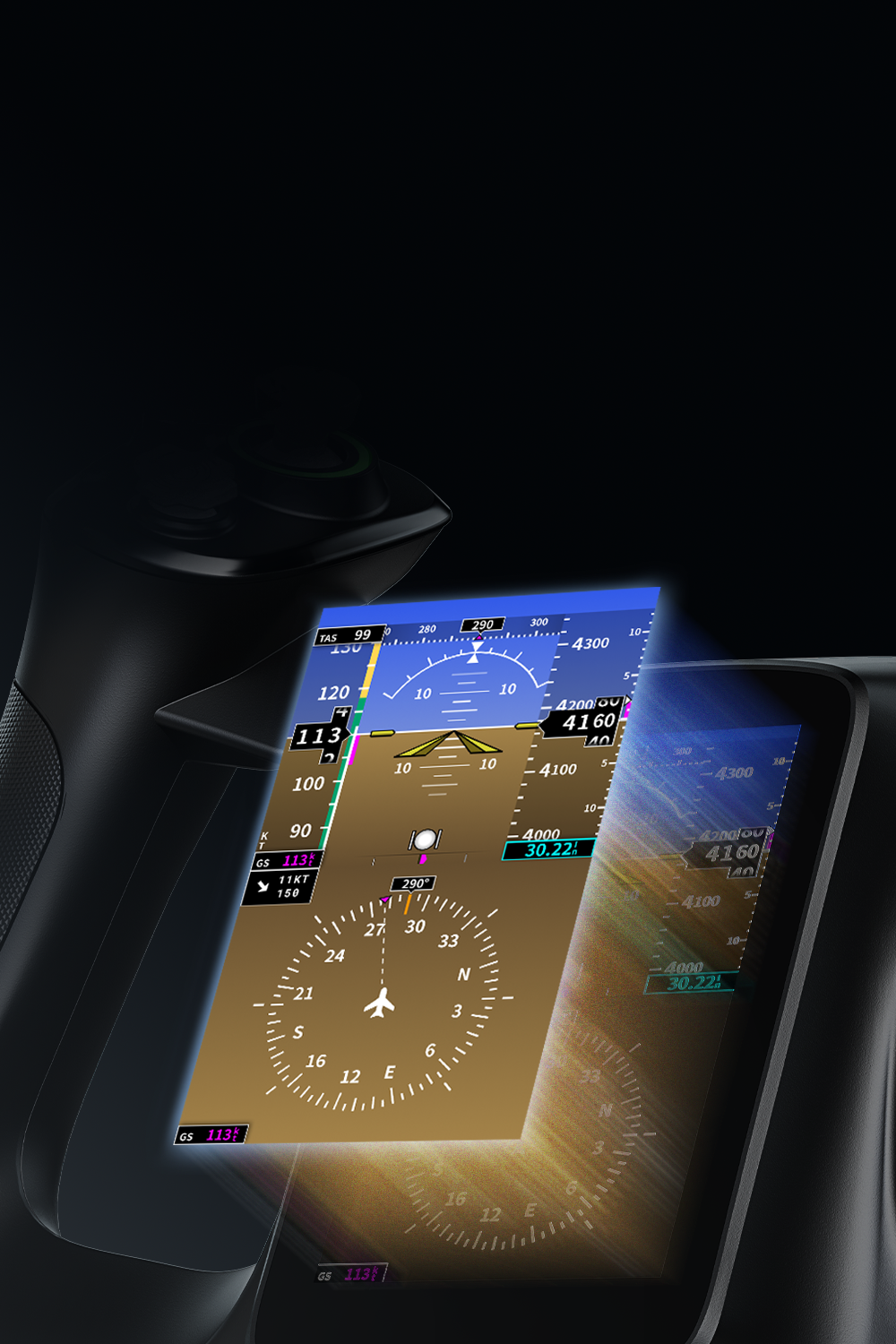
The yoke has a 4.3-inch colour touchscreen with a resolution of 480 × 800 pixels.
Planned pages include essential PFD data, checklists, a flight clock and axis readouts. Availability depends on firmware, MOZA Cockpit and aircraft integration.
The MOZA MFY Pro offers 26 programmable inputs, including hats, thumbsticks, bumper buttons and triggers.
Yes. Both thumbsticks use contactless Hall-effect sensors for smooth control without a sliding potentiometer.
Yes. MOZA Cockpit can configure them as analogue axes or ordinary buttons, depending on the assigned function.
The MFY Pro is designed for the MOZA AY90 and MOZA AY210, using an aluminium quick-release connection.
Not in every role. It is intended for quick information, while the MOZA MGX1000 can provide a larger instrument and navigation interface.
No. Advanced page and checklist customisation has been listed as a future firmware feature. Check the current software release for the functions available now.
Yes. The MOZA AY210 MFY Yoke Bundle combines a compatible MFY handle with the AY210 base for a larger, higher-force cockpit.
Manufacturer
Responsible person
You might also like