Free shipping from PLN 200 for Poland and from EUR 350 for the entire European Union

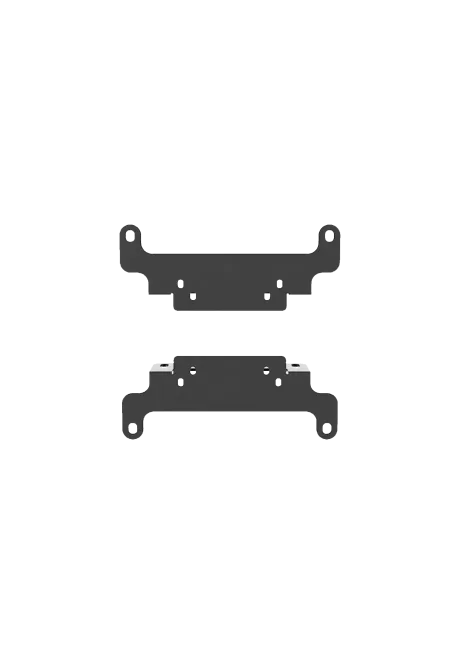
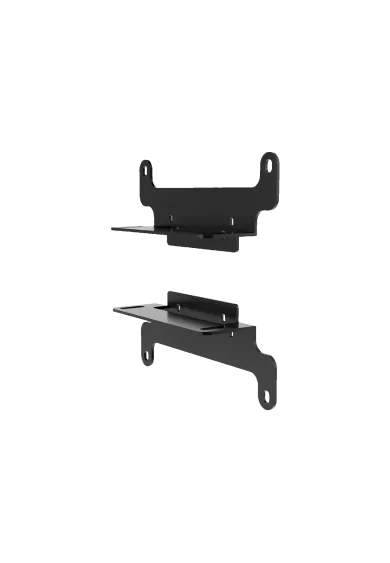
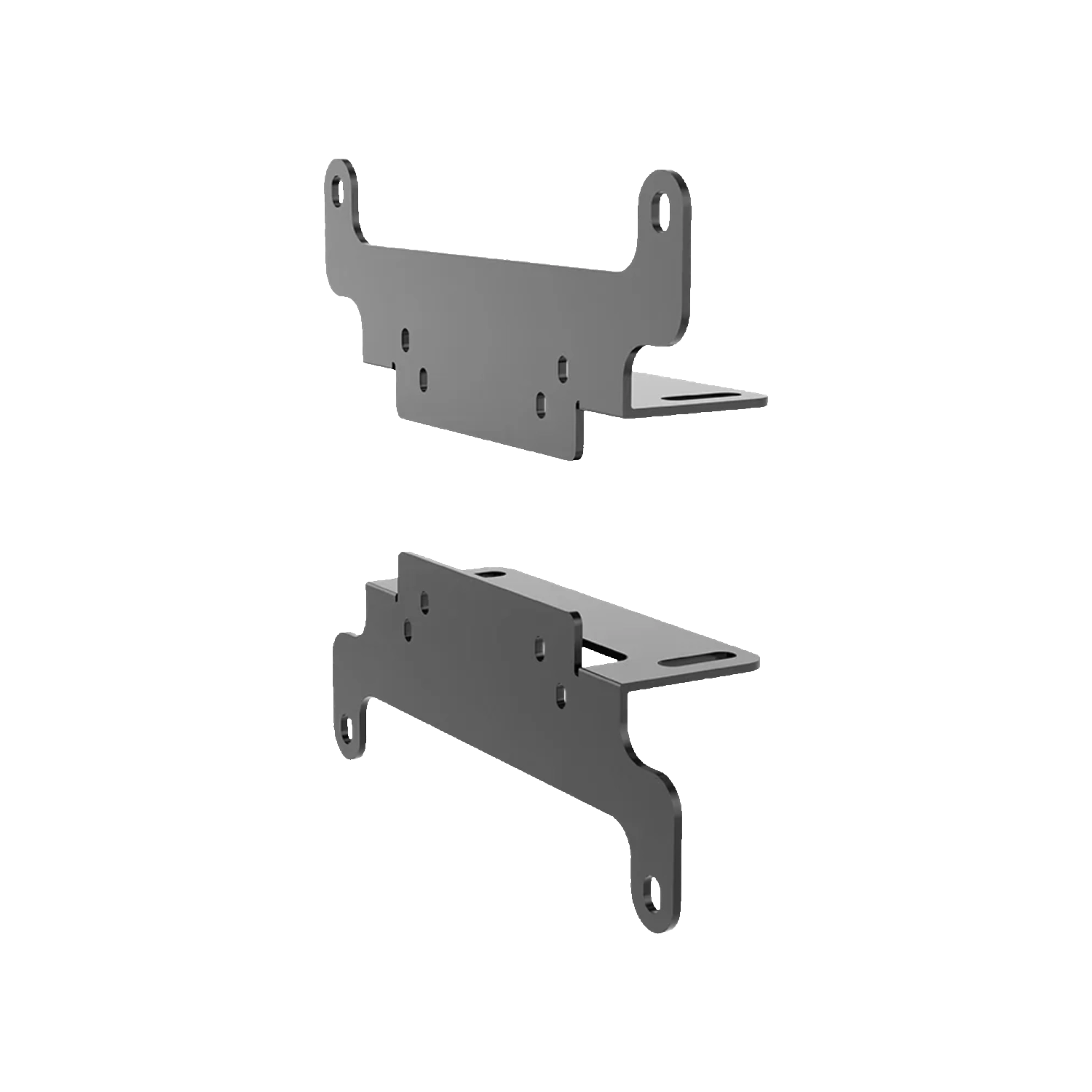
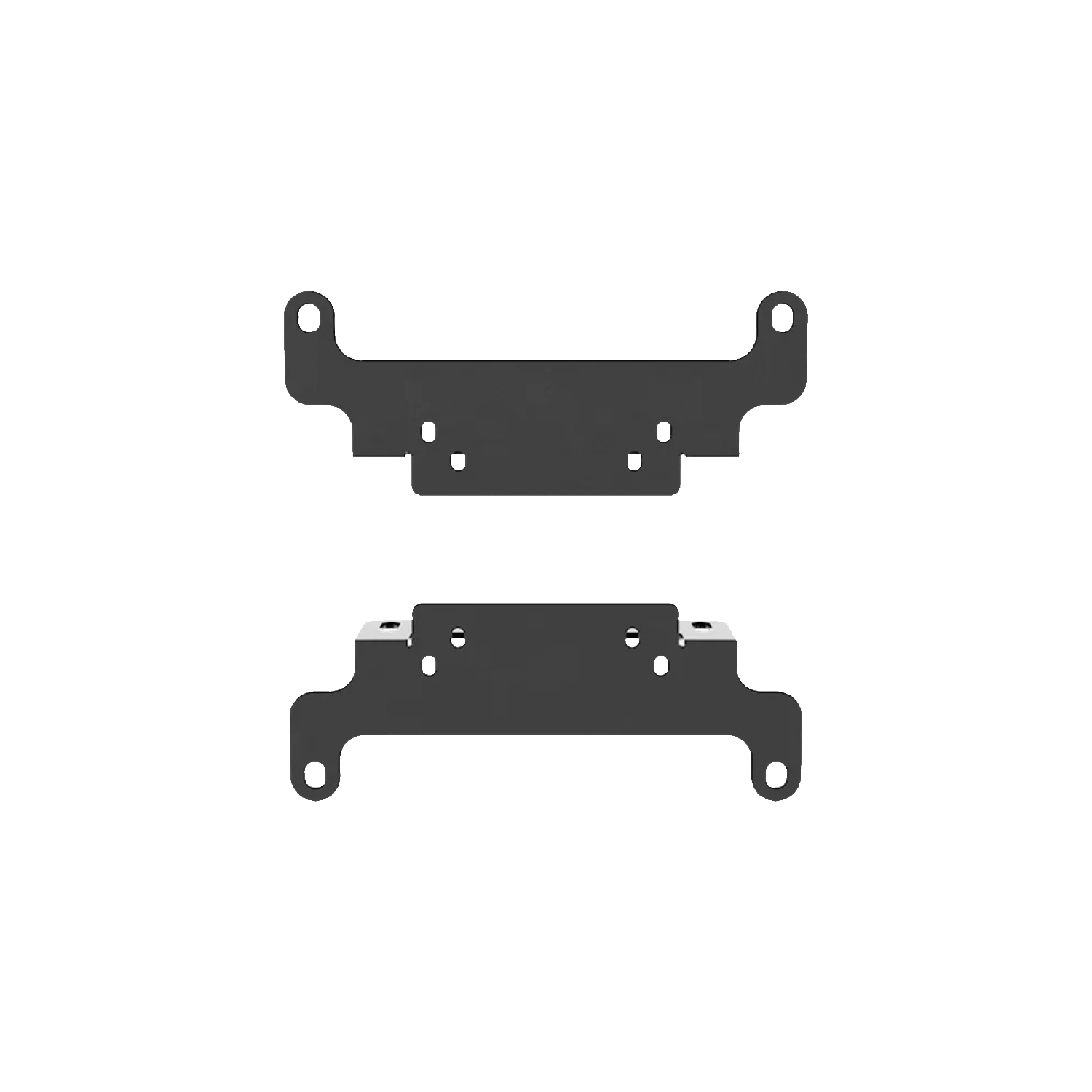
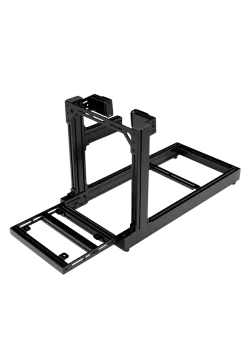
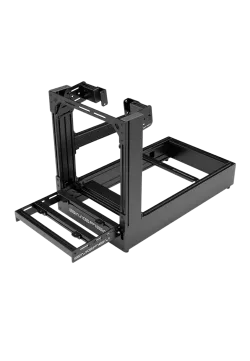
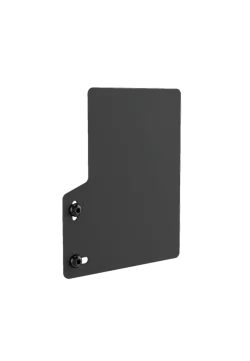
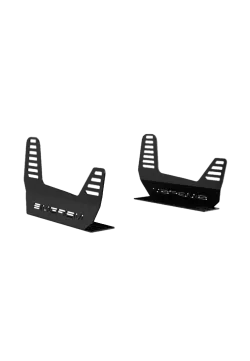
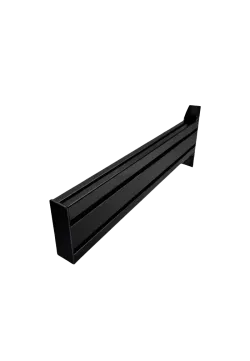
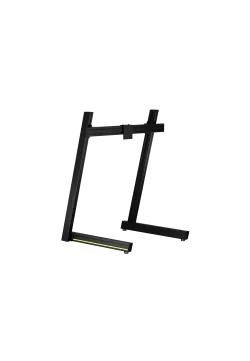
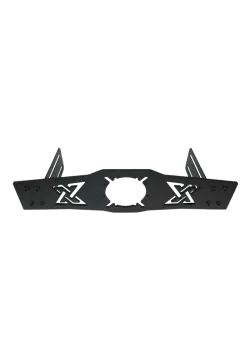
Simgasm Vesa Mounts front view
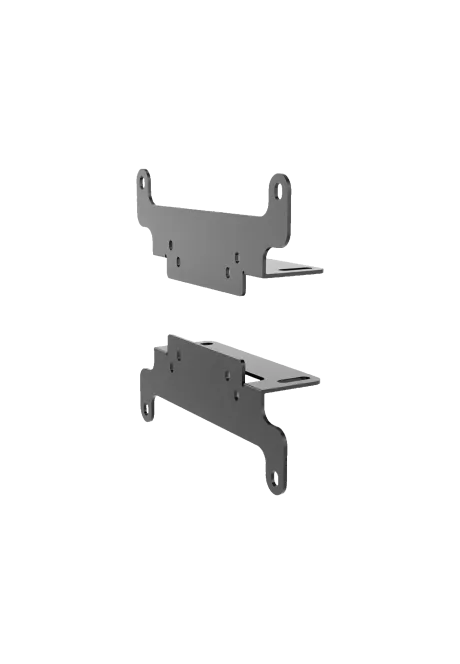
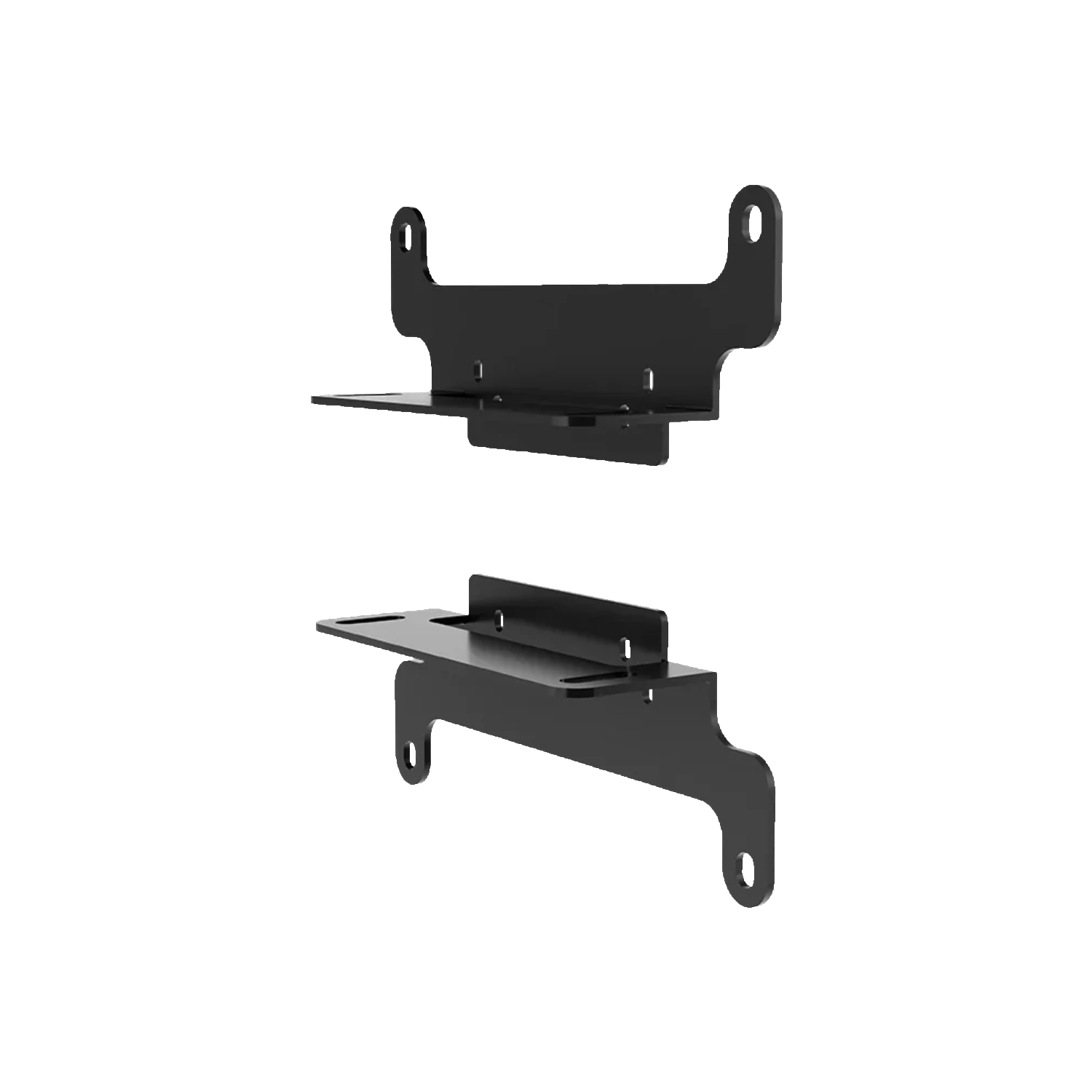
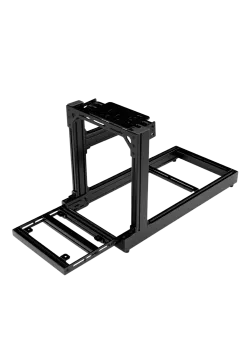
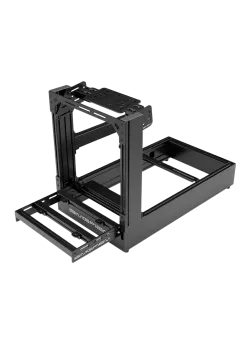
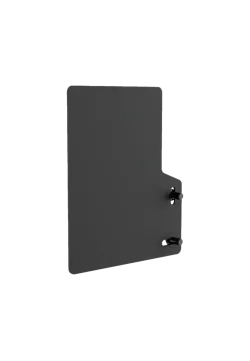
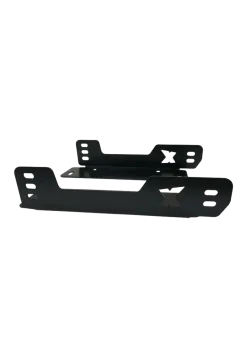
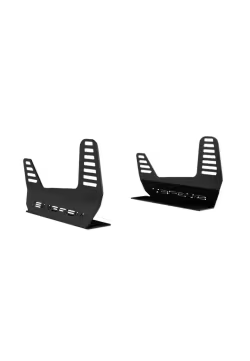
Simgasm Vesa Mounts side view
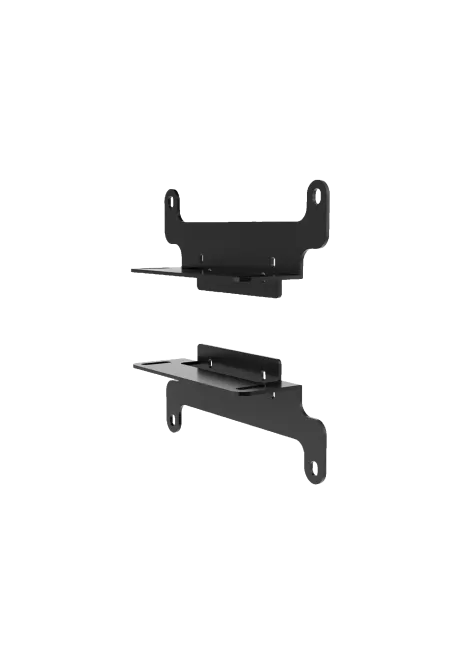
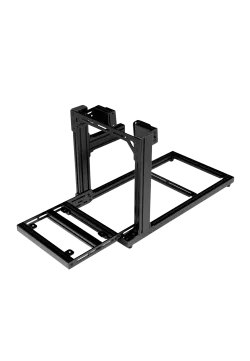
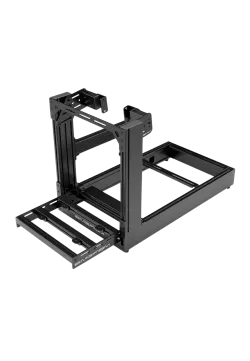
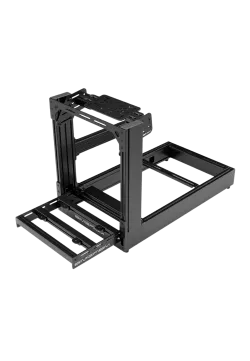
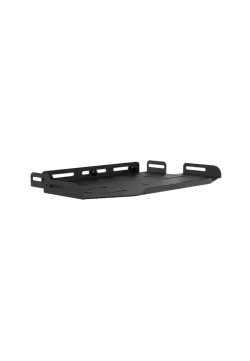
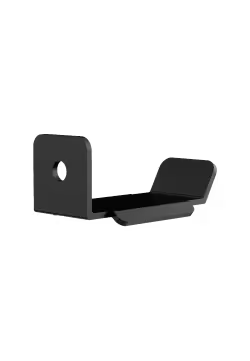
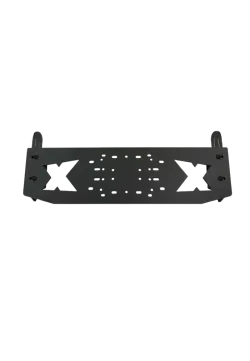
Simgasm Vesa Mounts rear view
  • New
Simgasm Vesa Mounts front view
Simgasm Vesa Mounts side view
Simgasm Vesa Mounts rear view

Simgasm Vesa Mounts

SG-VB200
178.05zł

178.05zł

SIMGASM VESA Mounts expand selected Core monitor-stand configurations to support 75 × 75, 100 × 100 and 200 × 200 mm patterns. The black steel bracket pair lets you use a larger monitor or selected television without replacing the complete structure. Check display weight and the stand's permitted load before installation. Browse more SIMGASM products and TV and monitor stands.


Ask about product
Zapytanie dotyczy produktu: Simgasm Vesa Mounts
* - pola obowiązkowe
You will receive an 1.78zł for each item of this product to use on your next purchase.
Close
Shipping within 24 hours
Secure payments
Return within 30 days
Delivery from PLN 0
 

Expand the VESA range without replacing the stand

SIMGASM VESA Mounts are designed to extend selected Core monitor-stand configurations. Instead of replacing the complete structure when changing the display, the component joining the stand to the monitor housing can be updated. This is useful when a new panel uses a wider mounting pattern than the screen it replaces.

The set supports three standards: VESA 75 × 75, 100 × 100 and 200 × 200 mm. The two smaller patterns are common on computer monitors, while 200 × 200 mm is also found on larger displays and selected televisions. One set therefore provides a practical path to a different screen without improvised conversion plates.

A matching hole pattern alone does not confirm a safe installation. Compare the display's weight and construction with the permitted load of the complete stand, then check connector access and the clearance required for cable routing.

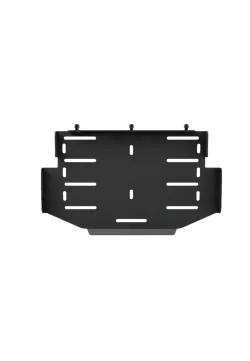
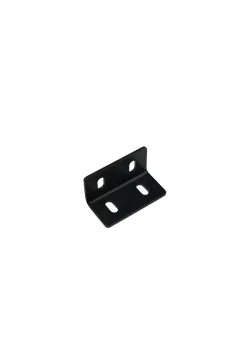
Full front view of the black SIMGASM VESA 75–200 mm bracket pair
Angled view showing both sides of the steel SIMGASM VESA mounts

Three mounting patterns in one bracket pair

The two steel components form one mounting solution for several VESA spacings. This makes changing a monitor within the supported range easier because a separate plate is not required for every standard. The hole layout and elongated openings help connect the display to the appropriate fixing points on the Core structure.

VESA defines the spacing between threaded holes on the back of a display; it does not specify diagonal size or weight. Two 200 × 200 mm screens may differ substantially in mass, casing depth and connector placement. The display documentation should therefore be checked alongside the instructions for the monitor stand.

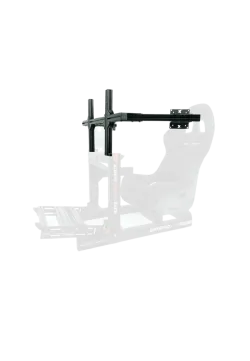
The set can also be used with the upper-monitor extension on selected Core configurations. In a vertical layout, the total structural load and the available clearance between the lower and upper displays become particularly important.

Steel construction with a black finish

The brackets are made from steel and finished with a durable black coating. The material creates a rigid connection between screen and stand, while the neutral finish blends with black profiles, fasteners and the rear casing of most monitors. SIMGASM does not publish the coating process or steel thickness.

The two-piece layout spreads the fixing points across both sides of the display. During installation, align the brackets symmetrically, use screws with the thread and length specified by the screen manufacturer, and tighten them evenly. A screw that is too long may bottom out inside the casing, while one that is too short may not provide sufficient engagement.

After mounting the screen, recheck every connection, route cables without tension and perform a gentle stability check. The bracket set does not increase the monitor stand's load rating, so the larger VESA range must not be treated as automatic approval for a heavier display.

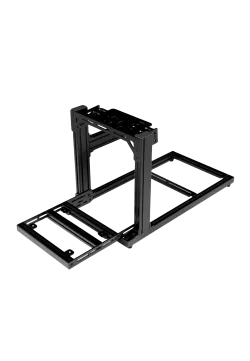
 | SIMGASM VESA mount pair displayed beside the mounting components
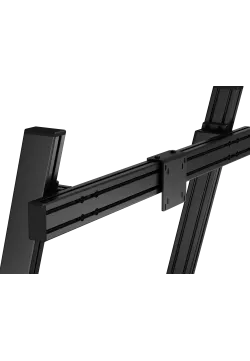
Close-up of the SIMGASM bracket arms and their VESA mounting holes

Expand the VESA range without replacing the stand

SIMGASM VESA Mounts are designed to extend selected Core monitor-stand configurations. Instead of replacing the complete structure when changing the display, the component joining the stand to the monitor housing can be updated. This is useful when a new panel uses a wider mounting pattern than the screen it replaces.

The set supports three standards: VESA 75 × 75, 100 × 100 and 200 × 200 mm. The two smaller patterns are common on computer monitors, while 200 × 200 mm is also found on larger displays and selected televisions. One set therefore provides a practical path to a different screen without improvised conversion plates.

A matching hole pattern alone does not confirm a safe installation. Compare the display's weight and construction with the permitted load of the complete stand, then check connector access and the clearance required for cable routing.

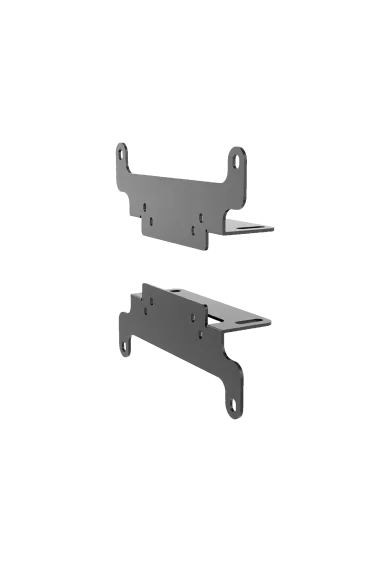
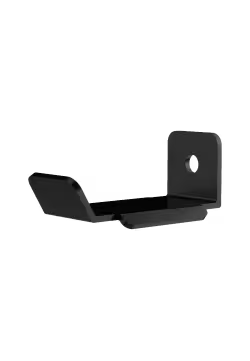
Side detail of the bent edges and elongated holes in the VESA mounts

Three mounting patterns in one bracket pair

The two steel components form one mounting solution for several VESA spacings. This makes changing a monitor within the supported range easier because a separate plate is not required for every standard. The hole layout and elongated openings help connect the display to the appropriate fixing points on the Core structure.

VESA defines the spacing between threaded holes on the back of a display; it does not specify diagonal size or weight. Two 200 × 200 mm screens may differ substantially in mass, casing depth and connector placement. The display documentation should therefore be checked alongside the instructions for the monitor stand.

The set can also be used with the upper-monitor extension on selected Core configurations. In a vertical layout, the total structural load and the available clearance between the lower and upper displays become particularly important.

 | Close-up of the adjustment slots and fasteners shown next to the SIMGASM mounts

Steel construction with a black finish

The brackets are made from steel and finished with a durable black coating. The material creates a rigid connection between screen and stand, while the neutral finish blends with black profiles, fasteners and the rear casing of most monitors. SIMGASM does not publish the coating process or steel thickness.

The two-piece layout spreads the fixing points across both sides of the display. During installation, align the brackets symmetrically, use screws with the thread and length specified by the screen manufacturer, and tighten them evenly. A screw that is too long may bottom out inside the casing, while one that is too short may not provide sufficient engagement.

After mounting the screen, recheck every connection, route cables without tension and perform a gentle stability check. The bracket set does not increase the monitor stand's load rating, so the larger VESA range must not be treated as automatic approval for a heavier display.

Choosing the correct Core configuration for a larger screen

SIMGASM specifies the set for compatible Core monitor-stand configurations but does not publish a closed list covering every model or construction revision. Before ordering, confirm how the brackets connect to the exact stand, which generation is being used and how much load is permitted at that monitor position.

This matters particularly for 200 × 200 mm displays because that pattern is often used on heavier ultrawide monitors and televisions. Consider not only panel weight but also its centre of gravity, casing depth and distance from the profile axis. SIMGASM recommends the Apex monitor-stand range as a more appropriate foundation for heavier displays.

That recommendation does not confirm that this bracket set attaches directly to every Apex structure. Compatibility must be checked before installation when using another Core stand, a third-party product or an unusual television instead of relying on the VESA dimensions alone.

Parameter Details
Product name SIMGASM VESA Mounts
Simline.eu reference SG-VB200
Manufacturer SKU VB200
Product type Two-piece VESA mounting bracket set
Supported VESA patterns 75 × 75, 100 × 100 and 200 × 200 mm
Material Steel
Colour Black
Finish Durable black coating; process not stated
Intended use Selected SIMGASM Core monitor-stand configurations
Display type Monitors and selected televisions with a matching VESA pattern
Maximum load Not published; the complete stand configuration limit applies
Set dimensions and weight Not published by the manufacturer

1. What do SIMGASM VESA Mounts do?

They expand selected SIMGASM Core monitor-stand configurations to accept displays using three common VESA patterns.

2. Which VESA standards are supported?

The confirmed patterns are 75 × 75, 100 × 100 and 200 × 200 mm.

3. What are the product reference and manufacturer SKU?

The Simline.eu product reference is SG-VB200, while the manufacturer SKU is VB200.

4. Can the set be used with a television?

It can support selected TVs with a matching VESA pattern when their weight and geometry remain within the requirements of the complete stand.

5. Does it fit every Core monitor stand?

SIMGASM specifies selected Core configurations but does not publish a complete model list. Confirm compatibility with the exact stand revision.

6. Can it be used for an upper display?

Yes, SIMGASM confirms use with the upper-monitor extension on selected Core configurations. The upper position's load limit must still be respected.

7. What is the maximum permitted load?

A separate bracket-set rating is not published. Display weight must remain within the limit of the complete stand configuration.

8. What are the brackets made from?

They are made from steel with a durable black coating. SIMGASM does not specify the coating process or material thickness.

9. Can the set be attached to an Apex stand?

That fit is not confirmed. SIMGASM recommends Apex stands for heavier displays, but this does not automatically make the adapter compatible with every Apex model.

10. What should be checked before mounting a display?

Verify the VESA pattern, casing weight and depth, port access, stand load limit, and the screw thread and length required by the display manufacturer.

No reviews

You might also like
Products from same category

Product added to wishlist
Product added to compare.