Shopping Cart
There are no more items in your cart
 English
  Polski
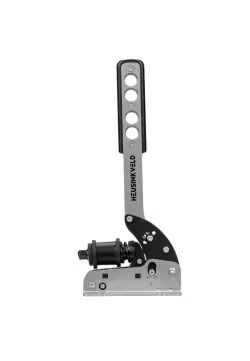
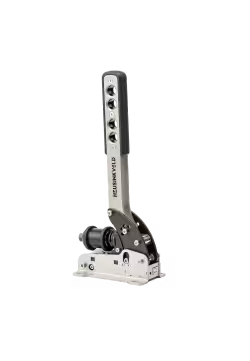
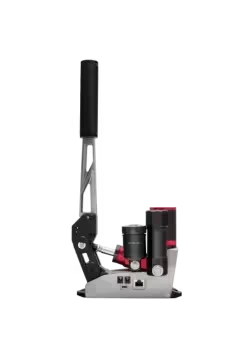
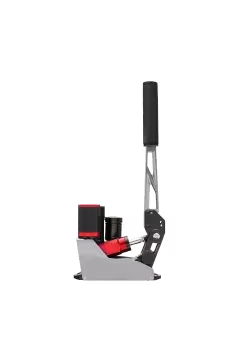
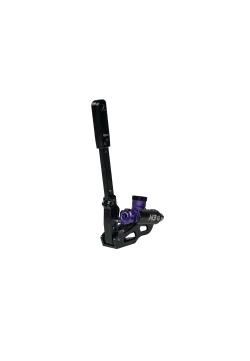
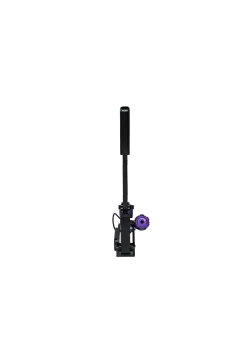
Moza HBP Handbrake
381.30zł

619.51zł
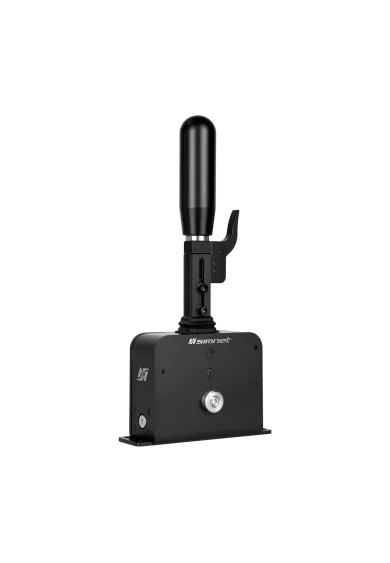
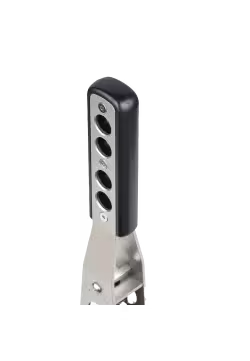
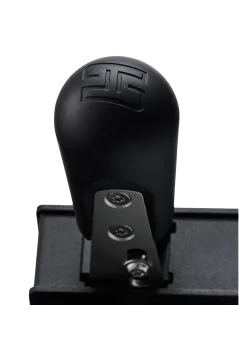
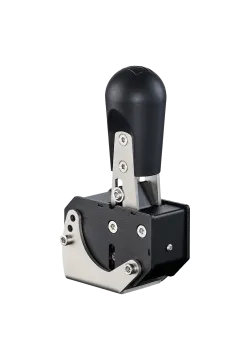
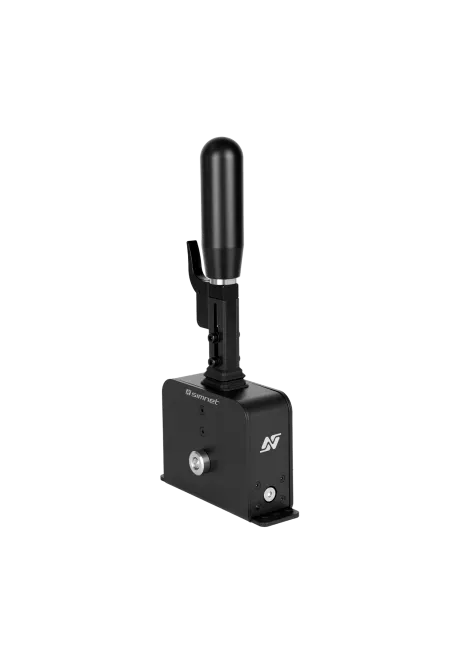
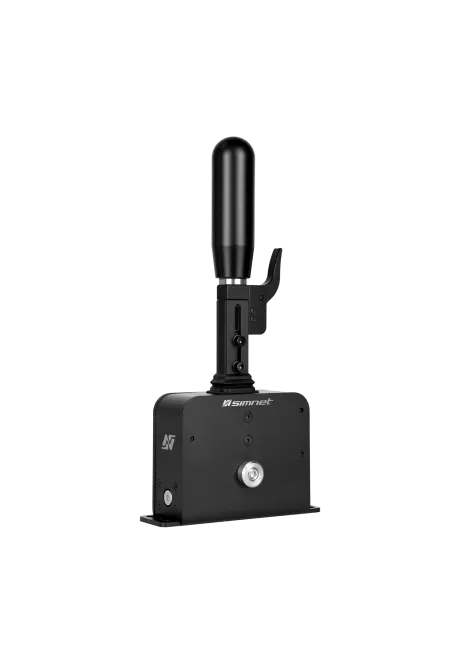
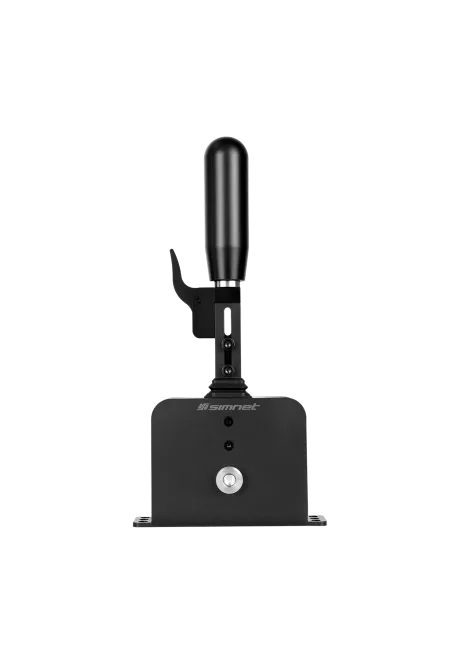
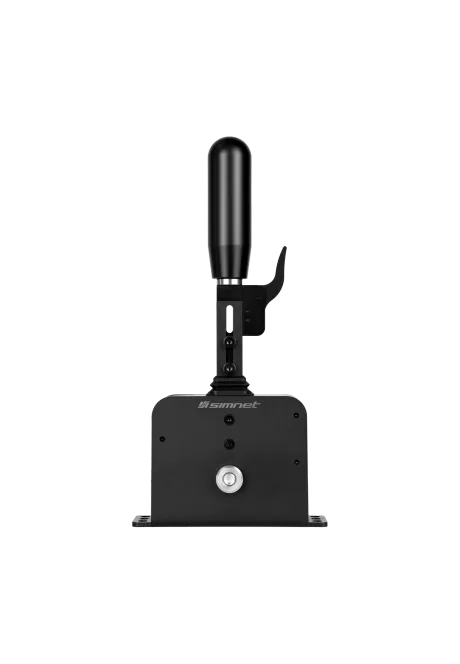
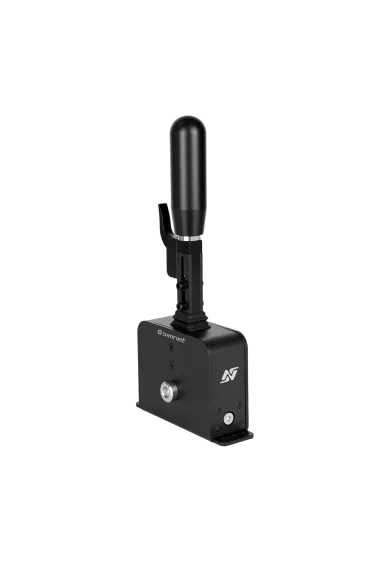
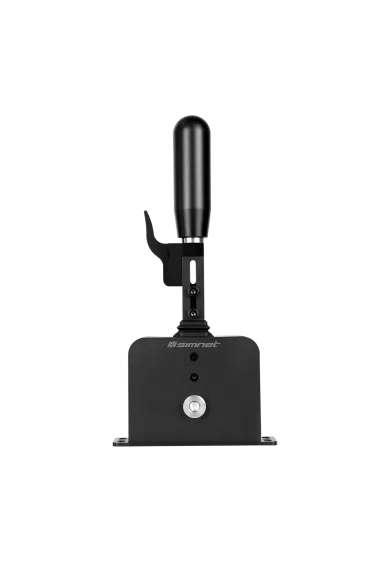
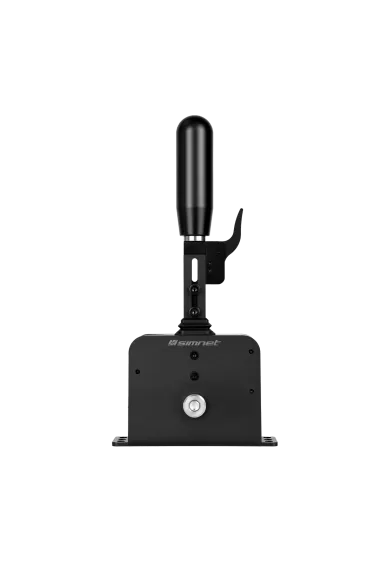
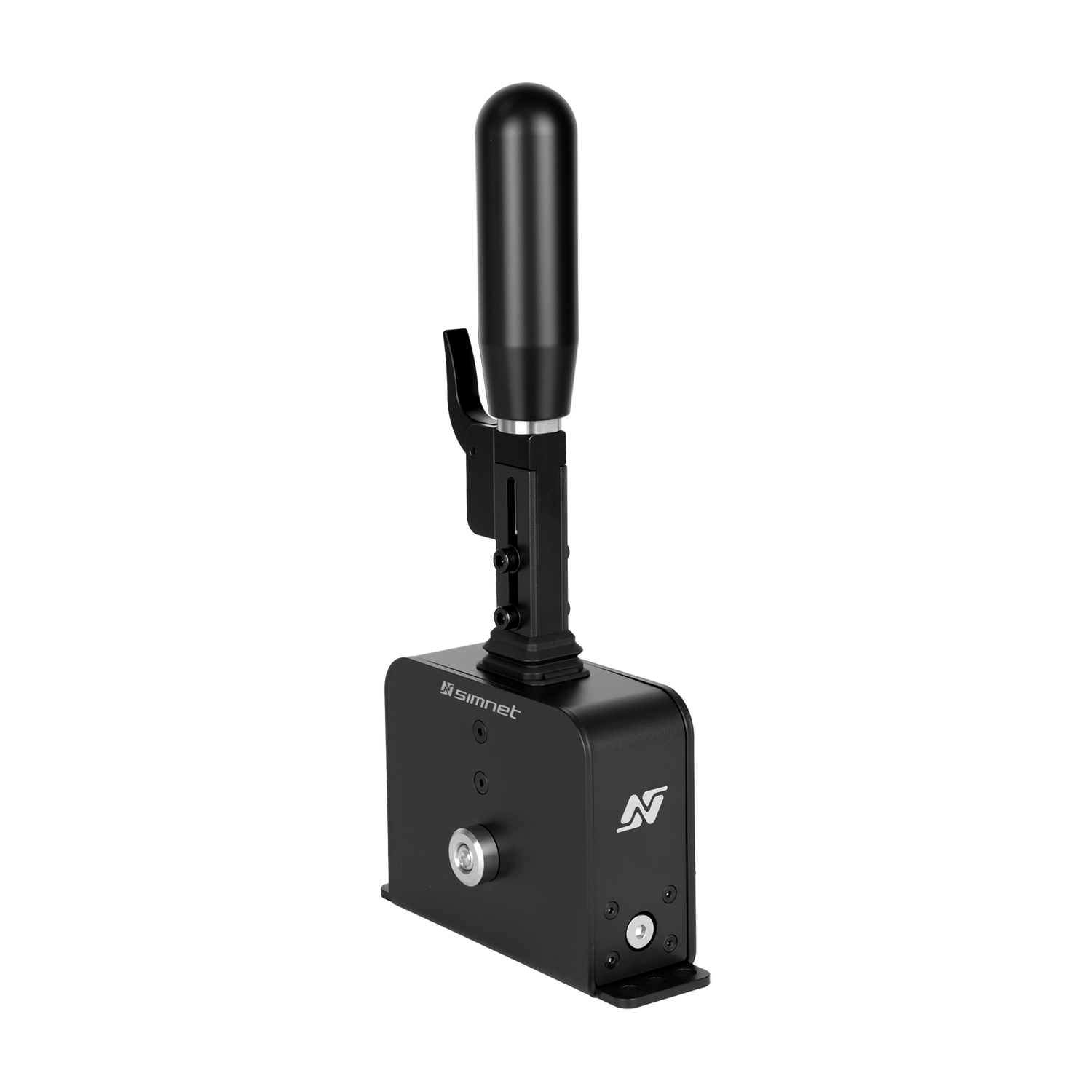
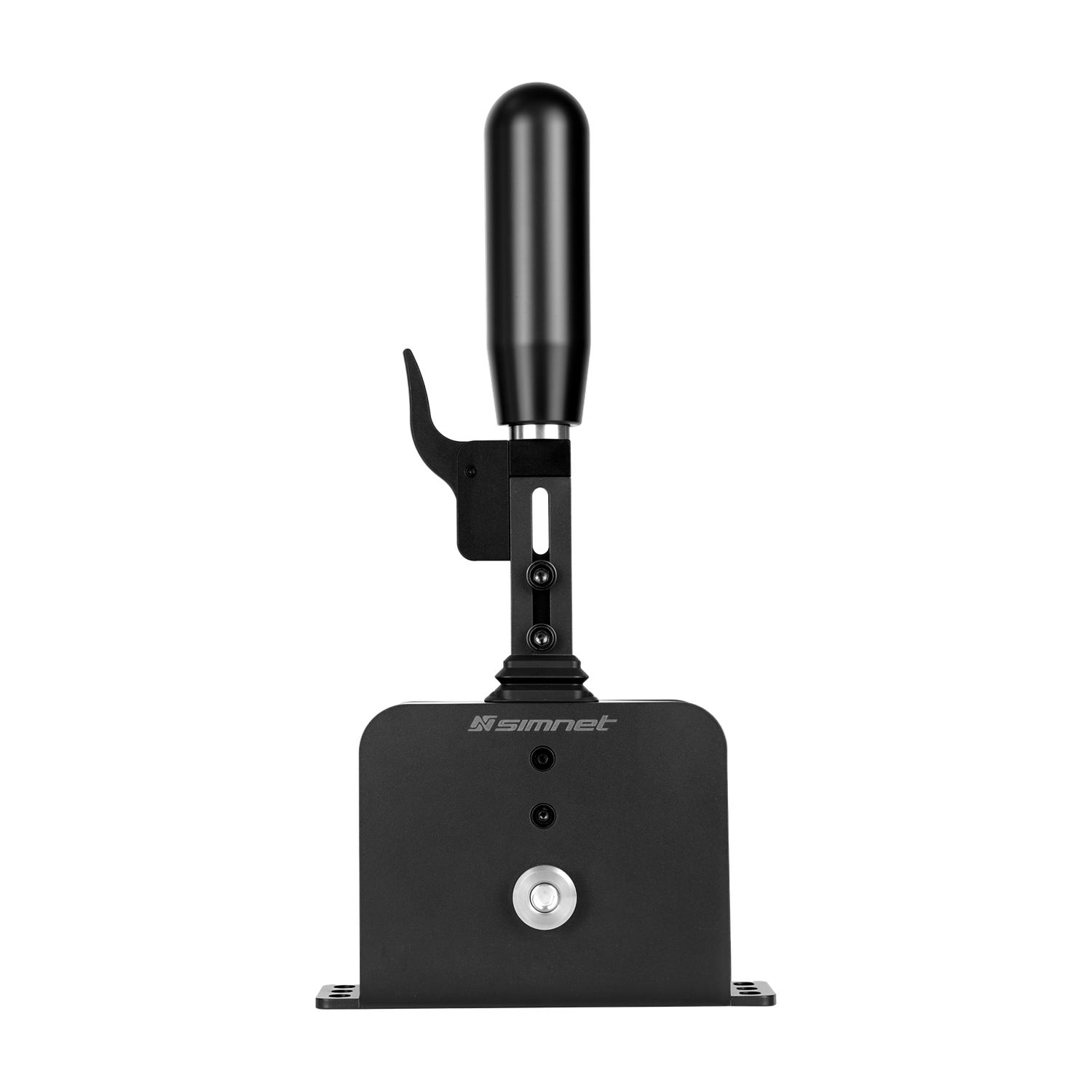
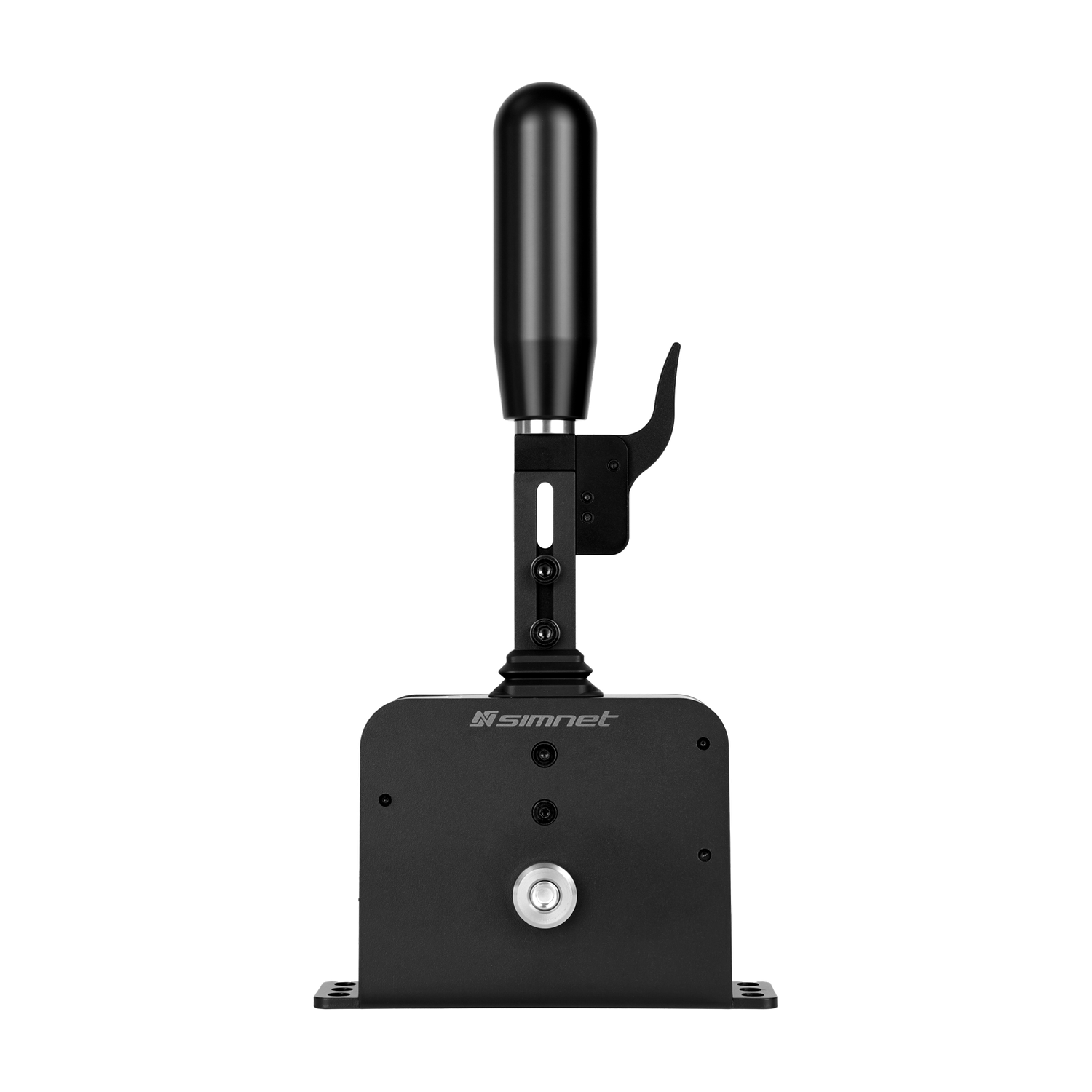
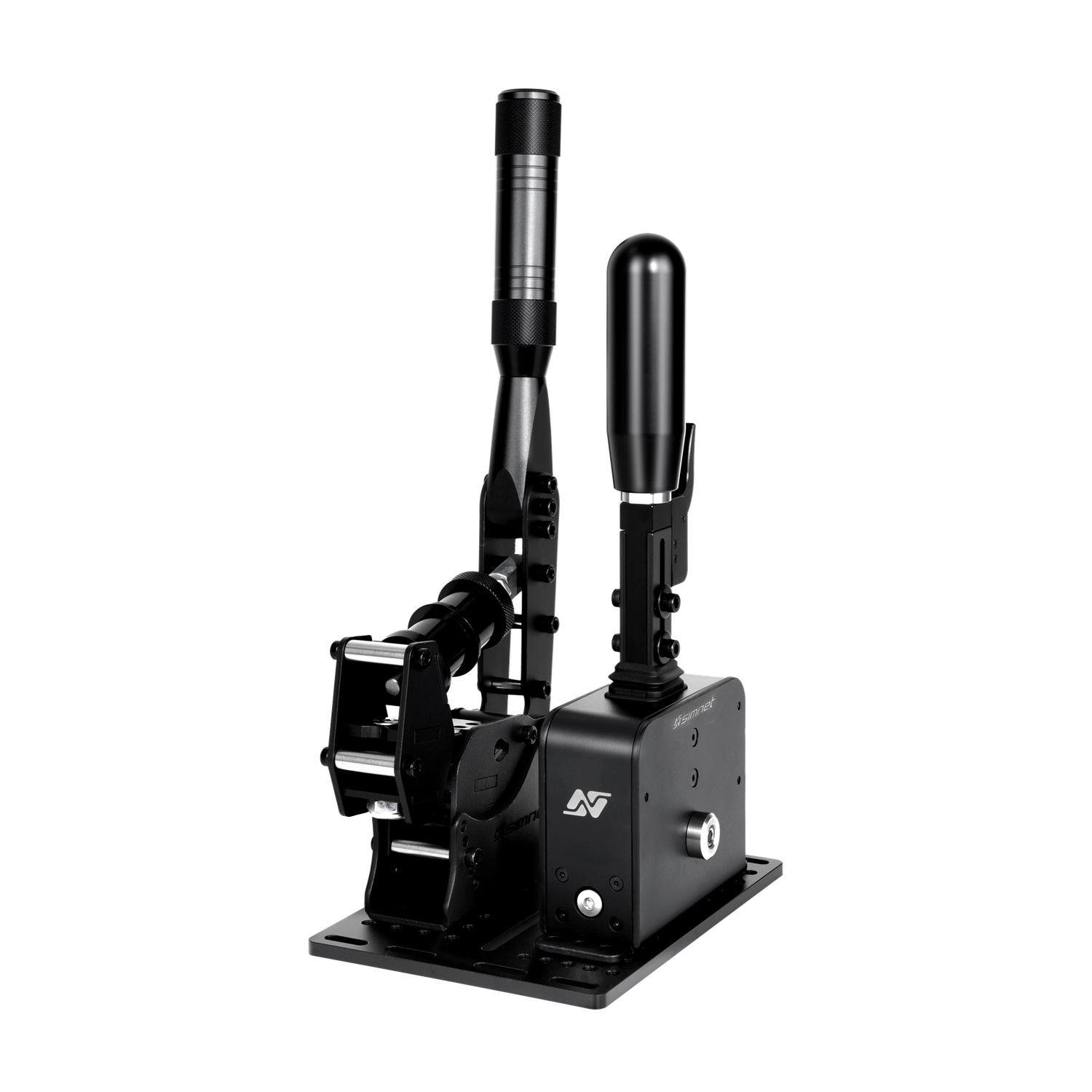
The SimNet SSQ-1 is a USB sequential shifter with adjustable resistance, detent feel and 25 mm of handle height adjustment. Five detent ball types are included. A programmable lever beside the grip provides extra inputs, while software lets you set the shift activation points. Connect it directly to a PC via USB. The handbrake and shared mounting plate are sold separately.
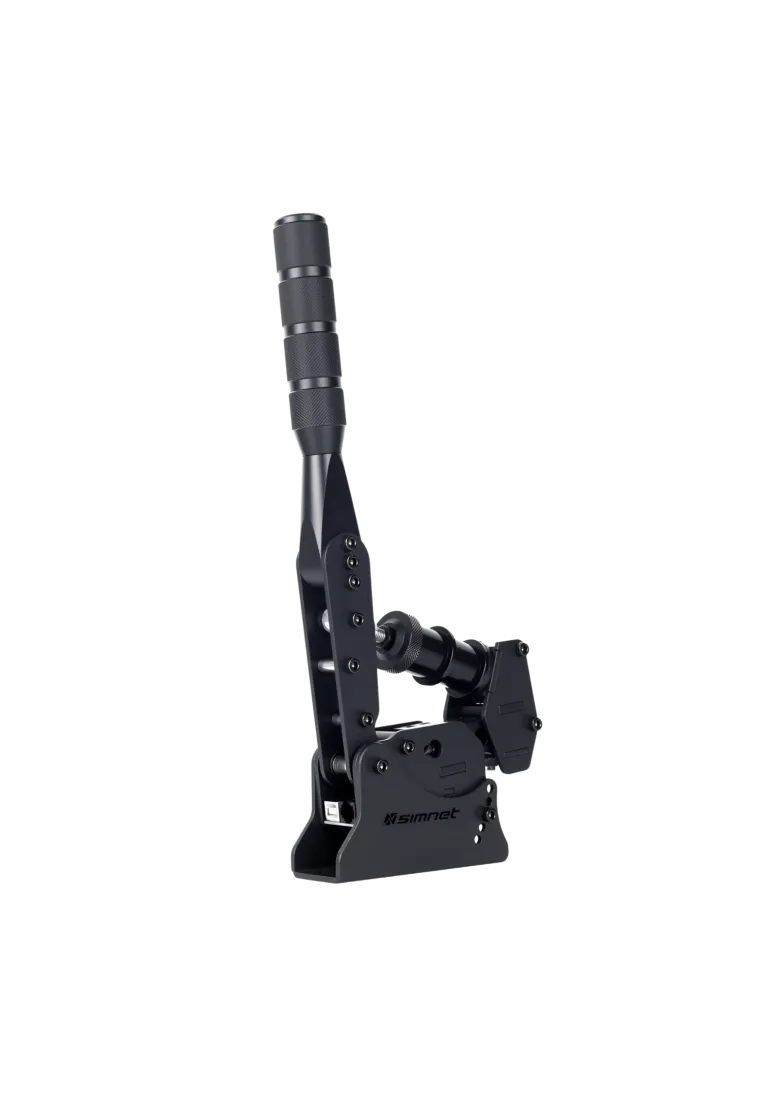
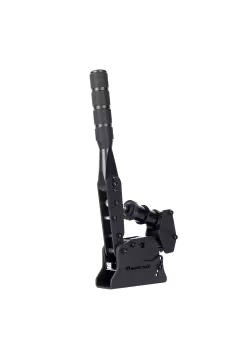
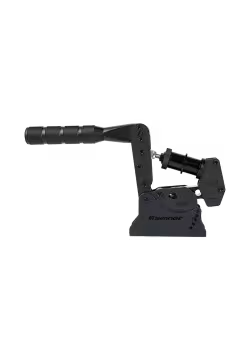
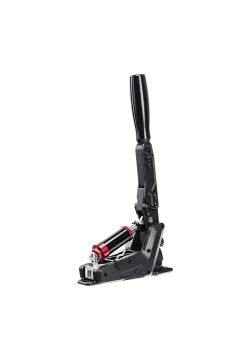
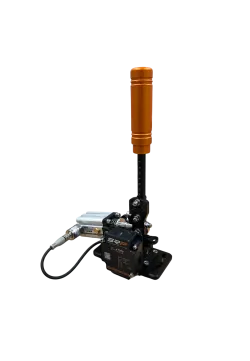
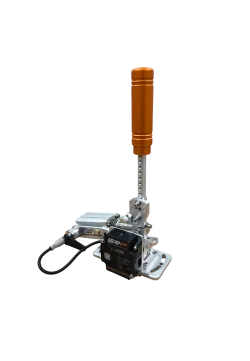
The Simnet SHB-100 is a full-metal loadcell handbrake with a 100 kg sensor and an incredibly customizable feel. You get precision bearings, adjustable lever angle, optional extensions, and a two-stage resistance system with over 10 spring and elastomer combos. With Simnet software you can fine-tune dead zone, response curve, and sensitivity to match your exact driving style.
486.99zł
You might also like
| Parameter | Details |
|---|---|
| Manufacturer | SIMNET |
| Model | SSQ-1 |
| Type | Sequential shifter |
| Main materials | Stainless steel and CNC-machined aluminium |
| Finish | Powder coating |
| Handle height adjustment | Continuous, 25 mm range |
| Resistance and detent adjustment | Mechanical spring preload adjustment and interchangeable detent balls |
| Included detent ball types | Nylon PA66 7.5 mm, POM 8 mm, ZrO2 ceramic 8 mm, steel 7.5 mm and steel 7.92 mm |
| Additional control | Programmable lever beside the grip |
| Software settings | Input monitoring, shift direction inversion and shift activation points |
| Computer connection | USB |
| Additional port | TRANSIT for selected third-party wheel bases; exact model compatibility requires confirmation |
| Dimensions in the manufacturer's drawing, W × D × H | Approximately 145 × 62 × 295 mm; the handle height is adjustable |
| Grip, length × diameter | 115 × 35 mm |
| Net weight | 1.5 kg |
| Mounting | Base holes and slots; optional shared shifter and handbrake mounting plate |
| Hardware or application | Compatibility and conditions |
|---|---|
| PC via USB | Standalone connection to the computer without routing the signal through a wheel base |
| Third-party wheel bases via TRANSIT | SIMNET supports selected bases but does not list models or required cables on this product page. Confirm compatibility before connecting |
| PlayStation and Xbox | Not confirmed on the SSQ-1 product page. The TRANSIT port alone does not establish console support |
| Games with assignable shift commands | Assign the shifter inputs in the game; additional commands depend on the settings available in each title |
| Cockpit mounting plates | Check hole spacing and clearance against the SSQ-1 drawing. Universal fit across all cockpits is not claimed |
| SIMNET SHB-100 | Shared mounting is available with the optional plate. The handbrake and plate are sold separately |
The standard package does not include the SHB-100 handbrake, shared mounting plate, optional extensions or soft grip.
No. It is a sequential shifter operated with forward and backward lever movements. You do not select positions in an H-pattern gate.
Adjust the mechanism's spring preload and choose the detent balls. Ball selection changes both the feel of passing the detent and the sound of the click.
Five types are included: nylon, POM, ceramic and two steel sizes. Use matching ball types and sizes on both sides of the mechanism.
25 mm, with continuous adjustment. Secure the handle with the bolts again after setting the height.
It provides an additional programmable control. Neutral or reverse are possible assignments, depending on the game's command options and your configuration.
You can monitor inputs, reverse the shift directions and set the activation points. Mechanical resistance is adjusted separately on the shifter itself.
Not when connected to a PC by USB. The shifter connects as a separate device, and a USB cable is included.
That is not claimed. SIMNET refers to selected third-party bases without listing models on this page. PlayStation and Xbox compatibility is not confirmed either.
Not with the standard SSQ-1. The SHB-100 and shared mounting plate are separate accessories or components of additional bundles.
The manufacturer's drawing shows approximately 145 mm width, 62 mm depth and 295 mm height. Net weight is 1.5 kg. These are product figures, not shipping package measurements.
SIMNET products purchased from Simline.eu are covered by a 12-month warranty in accordance with SIMNET warranty terms. Simline.eu is an authorised partner of the brand.
Simline.eu acts as an intermediary in the warranty process and handles the case after receiving the documentation. Once the issue has been reviewed, we provide further instructions.
Email support@simline.eu or simnet@simline.eu with a description of the fault, photos or a video showing the issue and proof of purchase. We will provide further instructions after reviewing the claim.
You might also like