Free shipping from PLN 200 for Poland and from EUR 350 for the entire European Union

Everything You need to know about Simagic ZEUS products

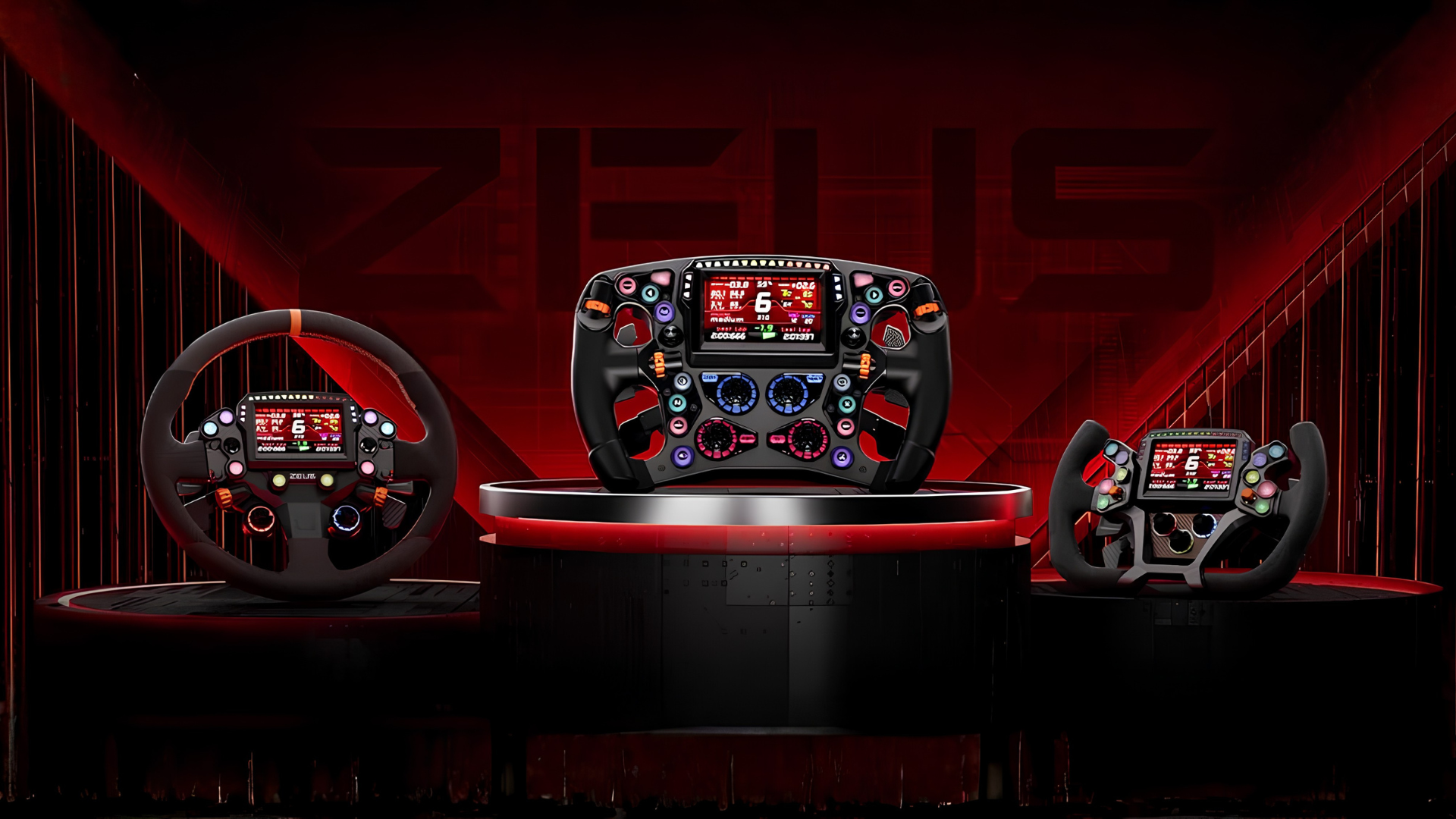
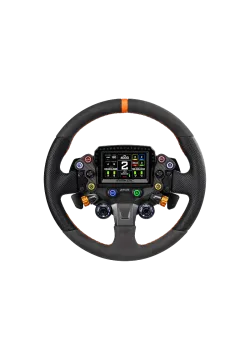
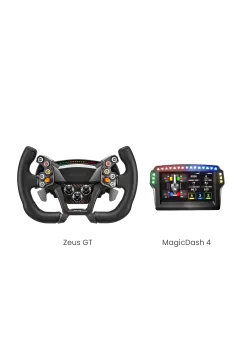
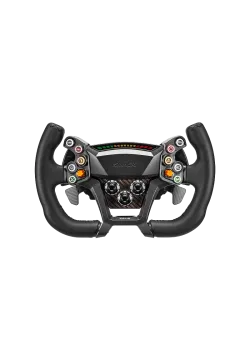
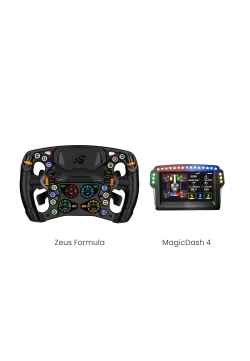
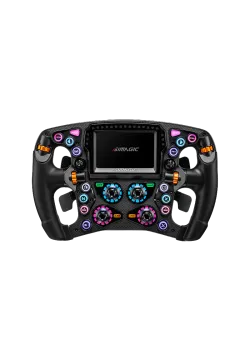
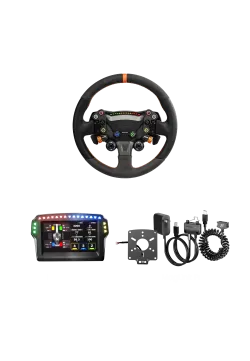
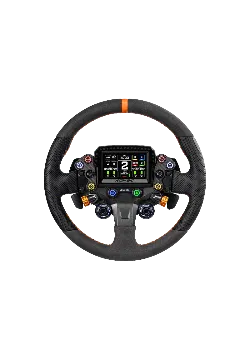
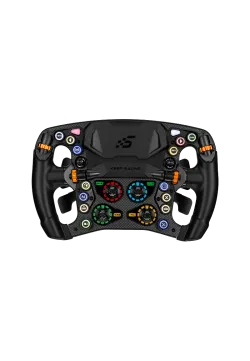
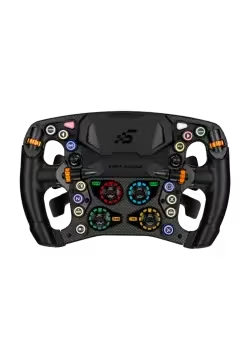
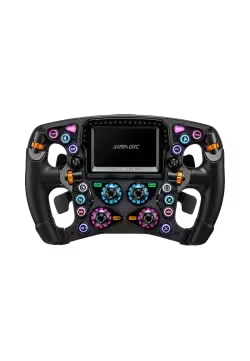
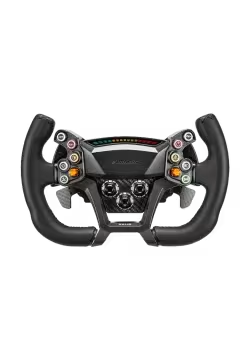
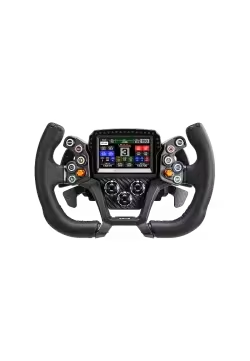
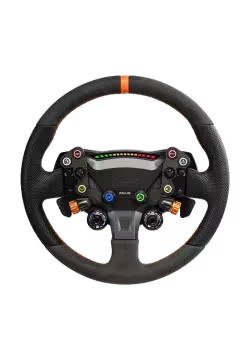
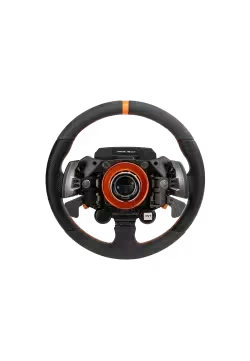
Since the launch of the SIMAGIC Zeus Formula, Zeus GT and Zeus Sport wheels, we have received plenty of questions about MagicDash 4 compatibility. Choosing the wheel itself is usually the easy part. Things become less straightforward when you need to work out which accessories will suit the wheelbase you already own.

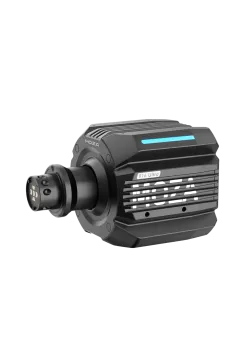
The ZEUS range can be used with SIMAGIC Alpha and Alpha EVO wheelbases, as well as models from other manufacturers. The key is choosing the right accessories for your particular base.

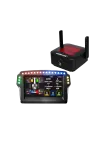
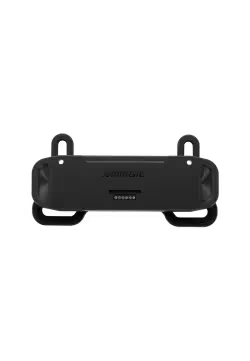
There is one rule worth remembering: every setup that includes the SIMAGIC MagicDash 4 requires a SIMAGIC AirLink. The display receives its video signal and telemetry data exclusively through AirLink.

MagLink Pro and MagLink Pro Xtend do not carry video or telemetry data to the MagicDash 4. They can power the Zeus wheel and a display mounted on it, but AirLink is still required for the screen to work.

What is the SIMAGIC MagicDash 4?

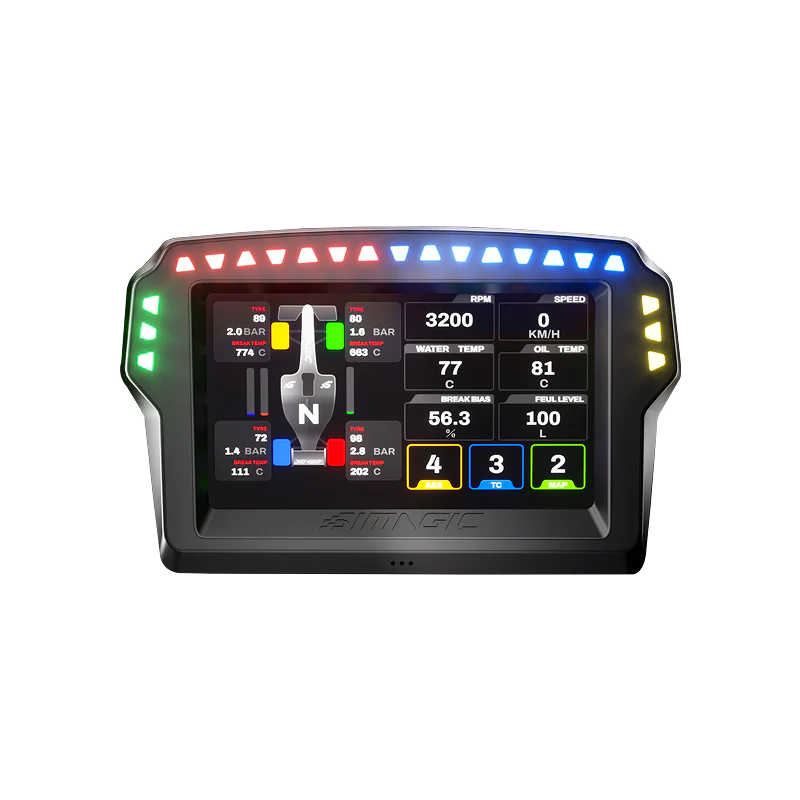
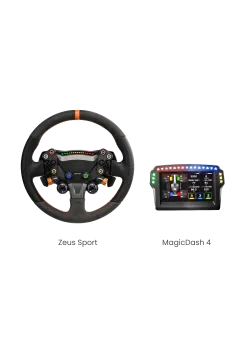
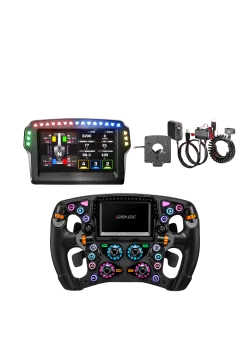
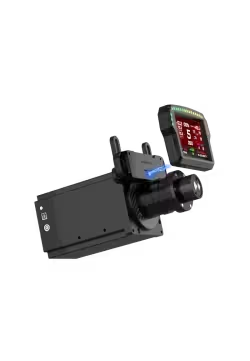
The SIMAGIC MagicDash 4 is a telemetry display that works with SimHub. It can show your current gear, engine speed, lap times, tyre temperatures, fuel level, racing flags and a wide range of other vehicle data.

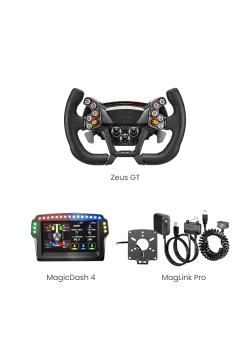
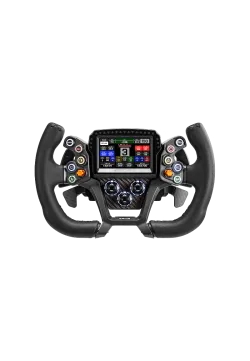
It can be mounted directly to a Zeus Formula, Zeus GT or Zeus Sport wheel. Alternatively, it can be attached to the wheelbase using a MagDock mount.

Physical mounting and power delivery should not be confused with video transmission. No matter which wheelbase or mounting method you use, the MagicDash 4 needs AirLink to receive its video signal and telemetry data. MagLink Pro and MagLink Pro Xtend can power the wheel and an on-wheel display, but neither replaces AirLink or sends a video signal to the MagicDash 4.

How does SIMAGIC MagLink Pro work?

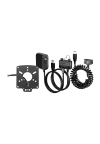
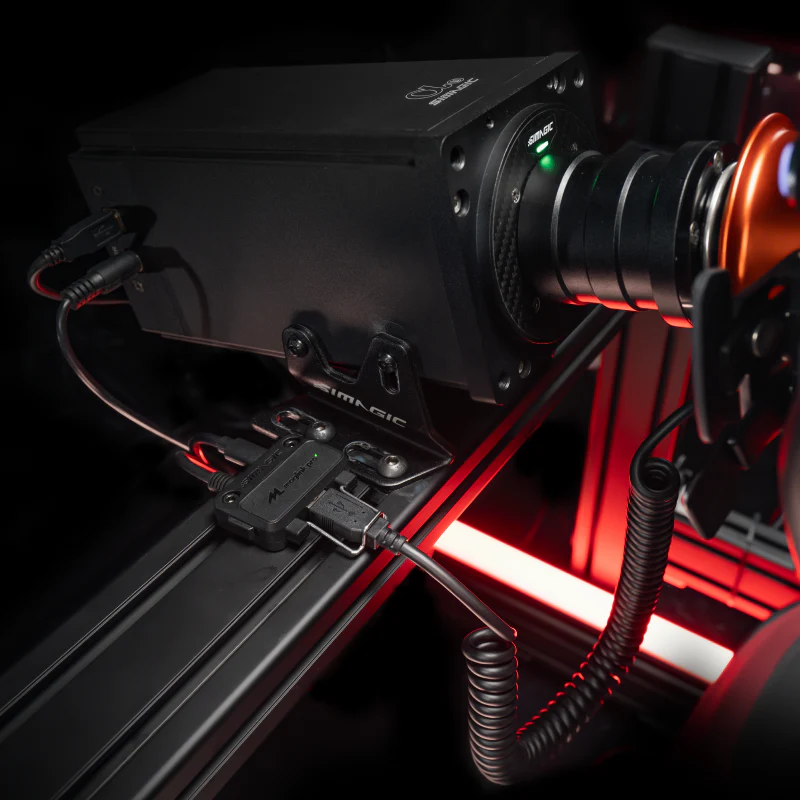
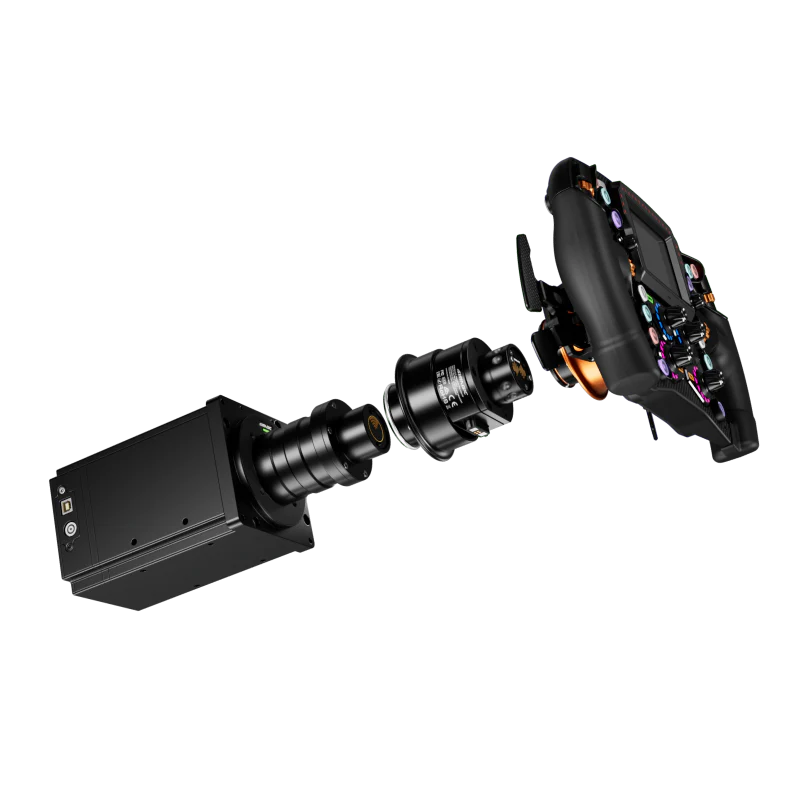
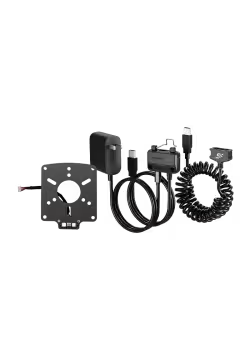
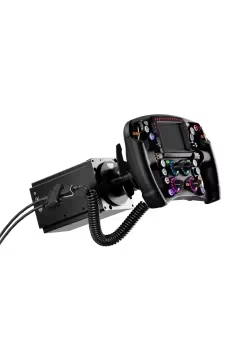
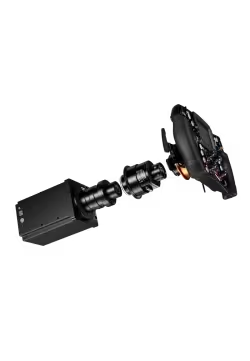
The system uses a quick-release adapter with a MagLink port, a magnetic cable and an active USB hub. Once the wheel is fitted, the MagLink cable connects its electronics and provides the additional power they need.

MagLink Pro can power the MagicDash 4, the LED lighting and the rest of the wheel’s electronics. AirLink is still needed to send video and telemetry data to the MagicDash 4.

How does SIMAGIC MagLink Pro Xtend work?

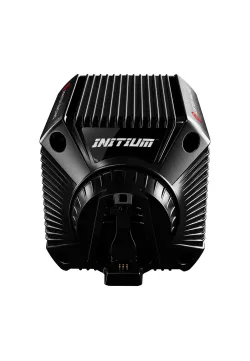
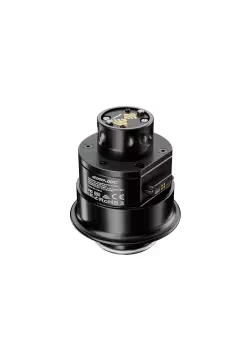
MagLink Pro Xtend was designed for the Alpha Mini, Alpha and Alpha Ultimate wheelbases. Its quick-release adapter fits directly onto the wheelbase shaft, making it the neatest native solution for the original Alpha range.

Xtend connects and powers the Zeus wheel. If the MagicDash 4 is mounted on the wheel, Xtend can power the display as well. It does not, however, carry video or telemetry data to the MagicDash 4.

This means that a MagicDash 4 setup built around an original Alpha-series wheelbase requires both MagLink Pro Xtend—or MagLink Pro—and AirLink.

MagLink Pro or MagLink Pro Xtend: what is the practical difference?

SIMAGIC MagLink Pro

MagLink Pro is a universal wired solution for third-party wheelbases. It can also be used as an alternative with the original Alpha range. It connects and powers the Zeus wheel and can also power a wheel-mounted MagicDash 4, but it does not send video to the display.

SIMAGIC MagLink Pro Xtend

MagLink Pro Xtend is a native quick-release adapter for the Alpha Mini, Alpha and Alpha Ultimate. It connects and powers the Zeus wheel and can supply power to the MagicDash 4, but it does not carry video or telemetry data to the screen.

Want to use a ZEUS wheel with a SIMAGIC Alpha EVO wheelbase?

The Alpha EVO range offers the simplest setup: all you need is a Zeus wheel, a MagicDash 4 and an AirLink.

Power and wheel-control signals are carried through the wheelbase shaft in the usual way. The MagicDash 4 draws power from the wheel, while AirLink handles the display signal. It communicates wirelessly with the display, then connects to the PC by cable so the data can be used by the SIMAGIC software.

Using an Alpha Mini, Alpha or Alpha Ultimate?

You do not need to replace your existing wheelbase with an Alpha EVO. To use a Zeus wheel with the MagicDash 4, you will need:

- Any SIMAGIC Alpha-series wheelbase

- A SIMAGIC Zeus Formula, Zeus GT or Zeus Sport wheel

- A SIMAGIC MagicDash 4

- A SIMAGIC MagLink Pro Xtend as the recommended native option for connecting and powering the wheel, or a SIMAGIC MagLink Pro as a universal wired alternative

- A SIMAGIC AirLink to carry video and telemetry data to the MagicDash 4

MagLink Pro Xtend and MagLink Pro are responsible for connecting and powering the Zeus wheel. Neither sends video to the MagicDash 4.

If you buy a bundle that includes the MagicDash 4, AirLink is supplied with it, so there is no need to purchase another unit separately.

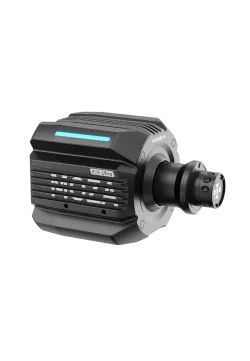
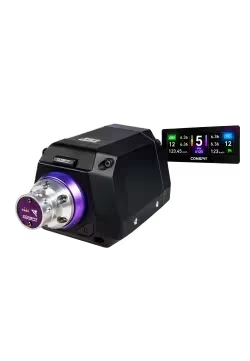
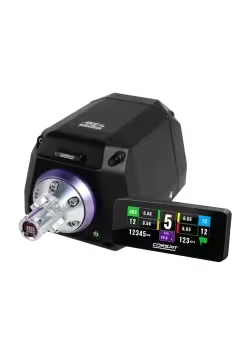
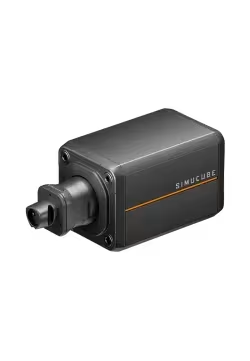
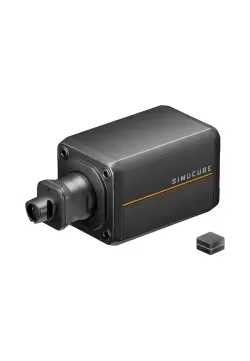
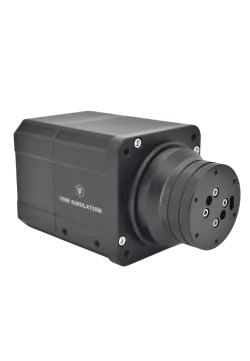
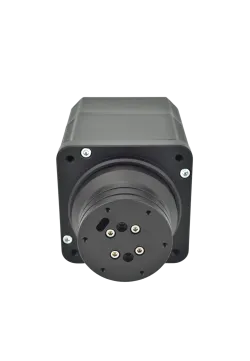
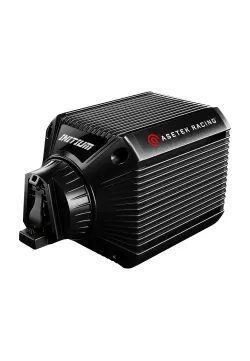
Need a complete setup for a MOZA, Conspit, Simucube, VNM or Asetek wheelbase?

The MagicDash 4 communicates with your PC through AirLink, bypassing the wheelbase altogether. The Zeus wheel itself connects through MagLink Pro, which means you are not limited to a SIMAGIC base. You can use a compatible model from another brand available at Simline.

There is something for every kind of driver in sim racing, and a tighter budget does not mean you have to compromise on enjoyment. Ultimately, the best setup is the one that meets your needs and keeps you looking forward to the next virtual lap. We hope the options and advice above make it easier to choose the right sim-racing setup for you.

Available bundles and compatible wheelbases include:

Configurator

Even though the above breakdown covers most setups, we know that choosing adapters, cables, and base generations can be confusing. Especially when you're building your dream rig and want to make sure you'll find everything you need after unboxing.

That's why we've created an intuitive SIMAGIC Zeus compatibility configurator. Select your base and the wheel you want to buy. The system will indicate which accessories should be included in your cart. No guesswork, no mistakes.

FAQ - Frequently Asked Questions

Does every MagicDash 4 setup require AirLink?

Yes. The MagicDash 4 receives its video signal and telemetry data exclusively through AirLink. This applies to Alpha EVO wheelbases, the original Alpha range and bases made by other manufacturers.

Does the MagicDash 4 work with Simucube?

Yes. Use MagLink Pro to connect and power the Zeus wheel, and AirLink to send video to the MagicDash 4. MagLink Pro on its own is not enough

Does the MagicDash 4 work with MOZA Racing wheelbases?

Yes. MagLink Pro is required to operate the Zeus wheel, while AirLink is needed separately for the MagicDash 4 display.

Do Zeus wheels work with Conspit wheelbases?

Yes. Use MagLink Pro and a compatible quick release for the Zeus wheel. If your setup includes a MagicDash 4, you will also need AirLink.

Does MagLink Pro Xtend work with Alpha EVO?

No. An Alpha EVO does not need Xtend to operate a Zeus wheel. If you are using a MagicDash 4, AirLink is still required to carry the video signal.

Do I need AirLink with an Alpha Mini?

For the Zeus wheel alone, use either MagLink Pro Xtend or MagLink Pro. If your setup also includes the MagicDash 4, AirLink is required as well.

Do I need MagLink Pro with an Alpha Ultimate?

MagLink Pro Xtend is the native option for connecting a Zeus wheel, while MagLink Pro can be used as a universal alternative. If you are using a MagicDash 4, you will need AirLink too.

What is the difference between MagLink Pro and MagLink Pro Xtend?

MagLink Pro is a universal wired solution that connects and powers the wheel. MagLink Pro Xtend is a native adapter for the original Alpha wheelbases. Neither sends a video signal to the MagicDash 4.

Can MagLink Pro be used with an Alpha Mini, Alpha or Alpha Ultimate?

Yes. It can be used as a universal wired alternative, although MagLink Pro Xtend remains the native solution for these wheelbases. In either case, the MagicDash 4 requires a separate AirLink.

Is MagLink Pro Xtend wireless?

No. It is a wired solution for connecting and powering the wheel. AirLink is a separate module responsible for the MagicDash 4 video signal.

Does AirLink work with the original Alpha wheelbases?

Yes, whenever a MagicDash 4 is part of the setup. The original Alpha range still uses either Xtend or MagLink Pro to operate the wheel, while AirLink carries video and telemetry data to the MagicDash 4.

Can I use the MagicDash 4 without SimHub?

Yes, although SimHub gives you access to most of the advanced dashboards, telemetry layouts and visual effects.

Is MagDock required?

Only as a physical mount in certain configurations. MagDock neither powers the display nor carries video. AirLink is still required.

Do all Zeus wheels follow the same compatibility rules?

Yes. The accessories you need depend on your wheelbase and on whether your setup includes a MagicDash 4—not on whether you choose the Zeus Formula, Zeus GT or Zeus Sport.

Related products

Comments (0)

No comments at this moment
Product added to wishlist
Product added to compare.