- Buyer's guides
- 0 likes
- 502 views
- 0 comments
- Simagic Alpha EVO, alpha evo, SIMAGIC ZEUS, ZEUS, ZEUS WHEEL, ZEUS LCD, ZEUS DISPLAY, ZEUS DASH, ZEUS FORMULA, ZEUS SPORT, ZEUS GT, MAGICDASH4, MAGDOCK, MAGLINK, MAGLINK PRO, MAGLINK PRO XTEND, SIMAGIC ALPHA, ZEUS COMPATIBILITY
Buying a SIMAGIC Zeus wheel? Check what you need to use MagicDash 4
Author: Simline.eu team
Technical review: Simline.eu sim racing hardware team
Last updated: June 22, 2026
Report an error or outdated detail: Simline.eu contact form
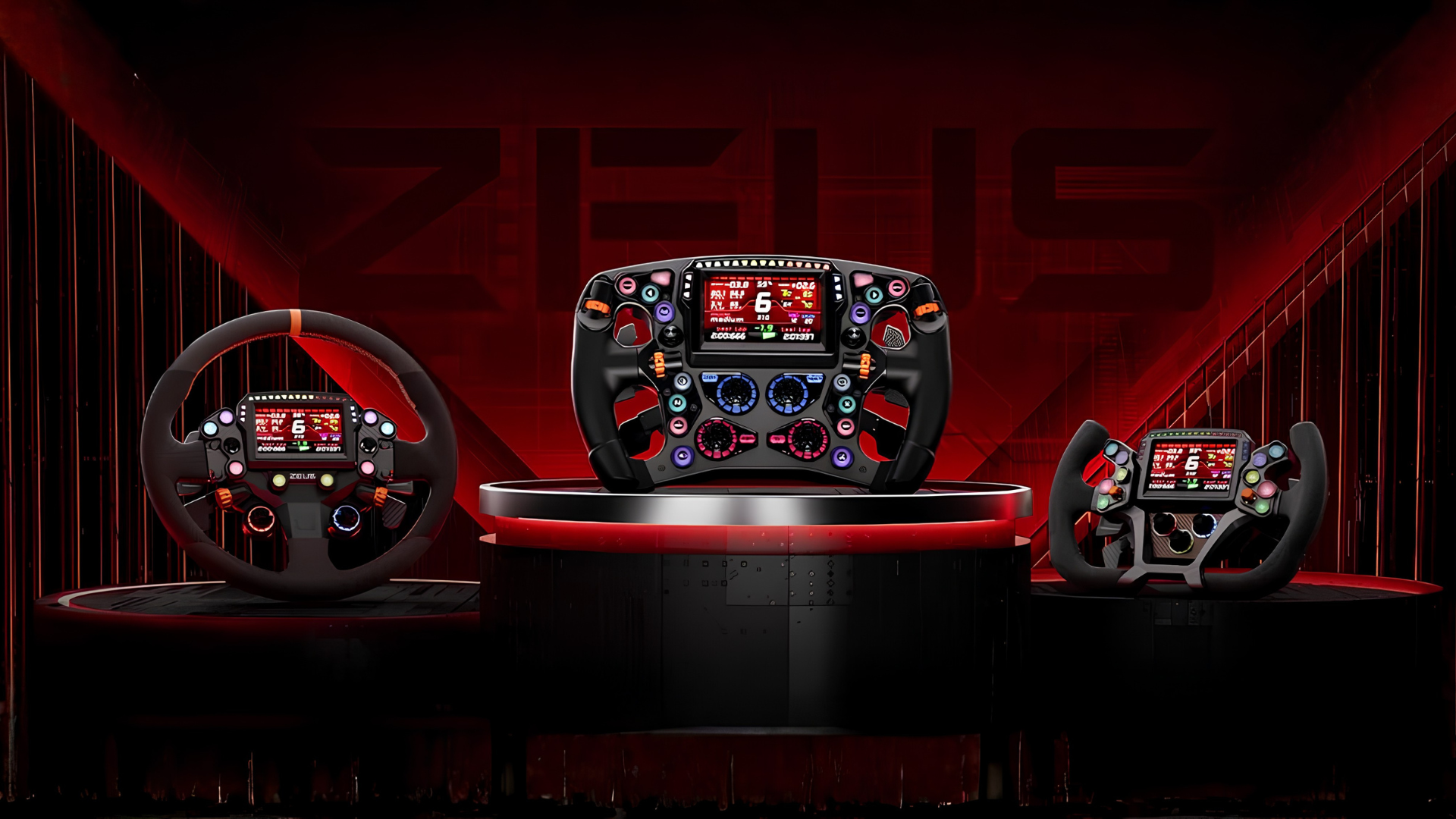
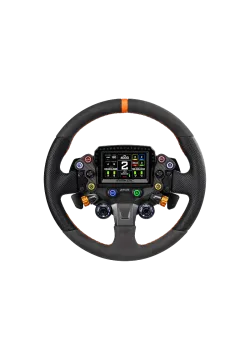
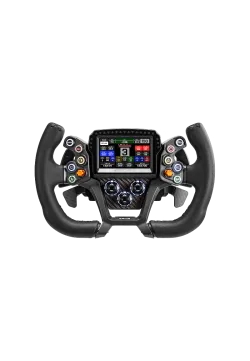
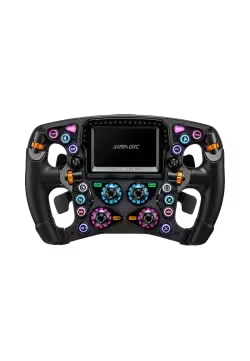
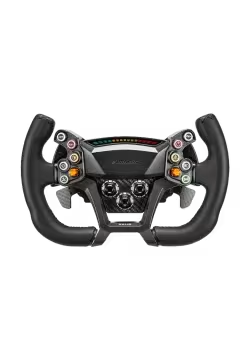
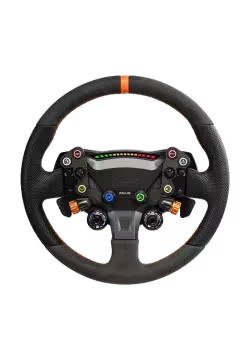
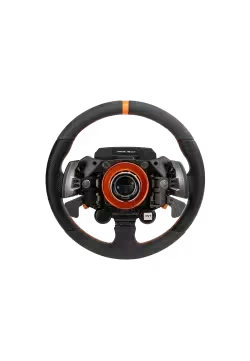
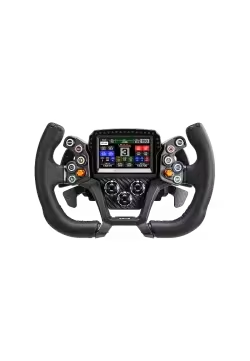
Since the launch of the SIMAGIC Zeus Formula, SIMAGIC Zeus GT and SIMAGIC Zeus Sport steering wheels, we have received many questions about compatibility with the SIMAGIC MagicDash 4. Choosing the wheel itself is usually not the difficult part. The questions usually start when you need to choose the right accessories for the wheelbase you already own.
The most common questions are:
- Do I need AirLink?
- What is the difference between MagLink Pro and MagLink Pro Xtend?
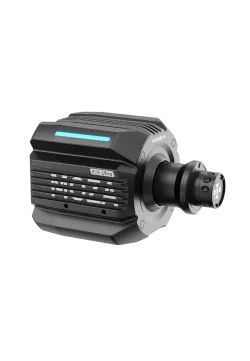
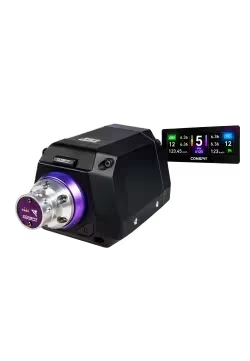
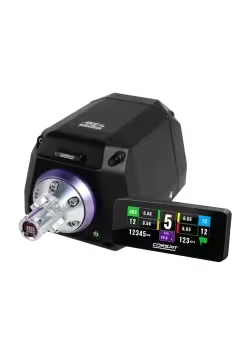
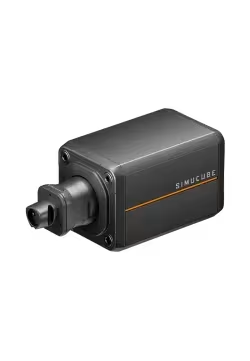
- Will MagicDash 4 work with a Simucube, Moza Racing or Conspit wheelbase?
- What do I need to buy for SIMAGIC Alpha Mini?
Below you will find a clear explanation that will help you choose the correct setup without guessing.
Every configuration that includes SIMAGIC MagicDash 4 must also include SIMAGIC AirLink, regardless of the wheelbase brand or generation. MagicDash 4 receives its image and telemetry signal only through AirLink.
MagLink Pro and MagLink Pro Xtend do not transmit the MagicDash 4 image or telemetry signal. They can power and connect the Zeus wheel, and they can supply power to a MagicDash 4 mounted on the wheel, but the screen will not receive data without AirLink.
How was this guide prepared?
This guide was created from product information, the compatibility rules used in the SIMAGIC Zeus configurator and the practical questions we receive from customers selecting steering wheels, adapters and displays for different Direct Drive wheelbases.
We separate three functions that are easy to confuse: physical mounting, power for the steering wheel and display, and the image and telemetry signal sent to MagicDash 4. Keeping those functions separate is the key to choosing the correct accessories.
This is not a laboratory electronics test. It is a compatibility guide whose purpose is to explain which parts are required in a particular setup and what each component actually does.
Simline.eu sells some of the products described and linked in this article. Links lead to product pages or the configurator in our store. This does not change the central technical rule explained here: every configuration with MagicDash 4 requires AirLink for the image and telemetry signal.
What is SIMAGIC MagicDash 4?
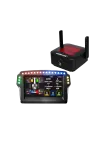
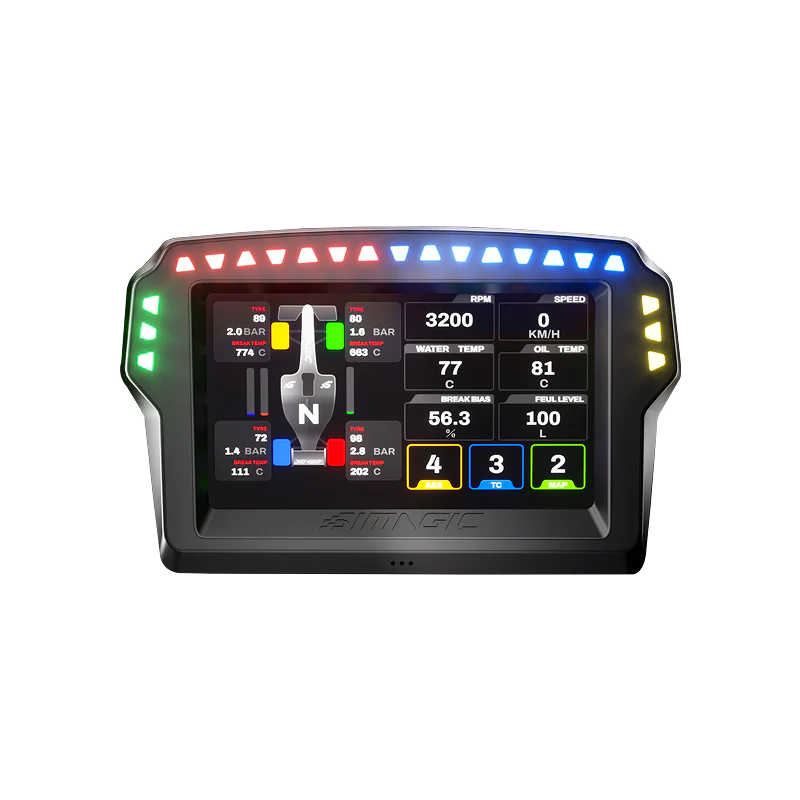
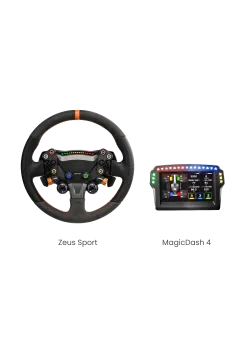
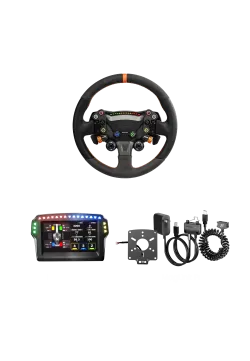
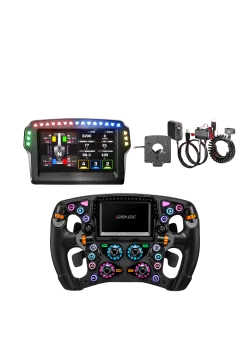
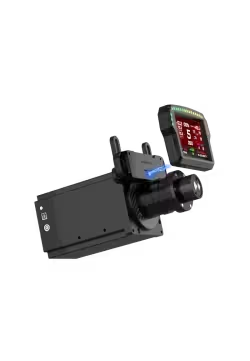
SIMAGIC MagicDash 4 is a telemetry display designed to work with SimHub. It can show key driving data such as gear, RPM, lap times, tyre temperatures, fuel level, race flags and many other car parameters.
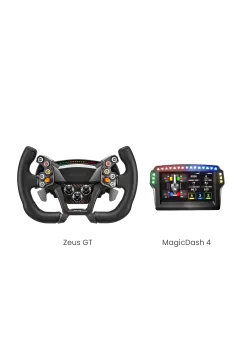
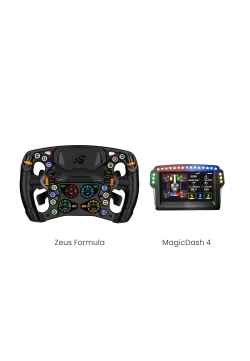
The display can be mounted directly on the Zeus Formula, Zeus GT or Zeus Sport. It can also be mounted on the wheelbase using the MagDock mount.
Where the display is mounted does not change how it receives data. Whether MagicDash 4 is attached to a Zeus wheel or mounted on the wheelbase with MagDock, AirLink is always required for the display and telemetry signal.
MagLink Pro and MagLink Pro Xtend can provide power to the wheel and display, but neither product sends the MagicDash 4 screen signal.
How should you use this guide?
- Identify your wheelbase family: Alpha EVO, an older Alpha model or a third-party wheelbase.
- Check whether you are using only a Zeus wheel or a Zeus wheel with MagicDash 4.
- If MagicDash 4 is included, always add AirLink.
- Then choose MagLink Pro, MagLink Pro Xtend or MagDock for the connection, power or mounting function required by your setup.
Do you have a SIMAGIC Alpha EVO wheelbase? This is the simplest setup
If you use one of the following wheelbases:
you need:
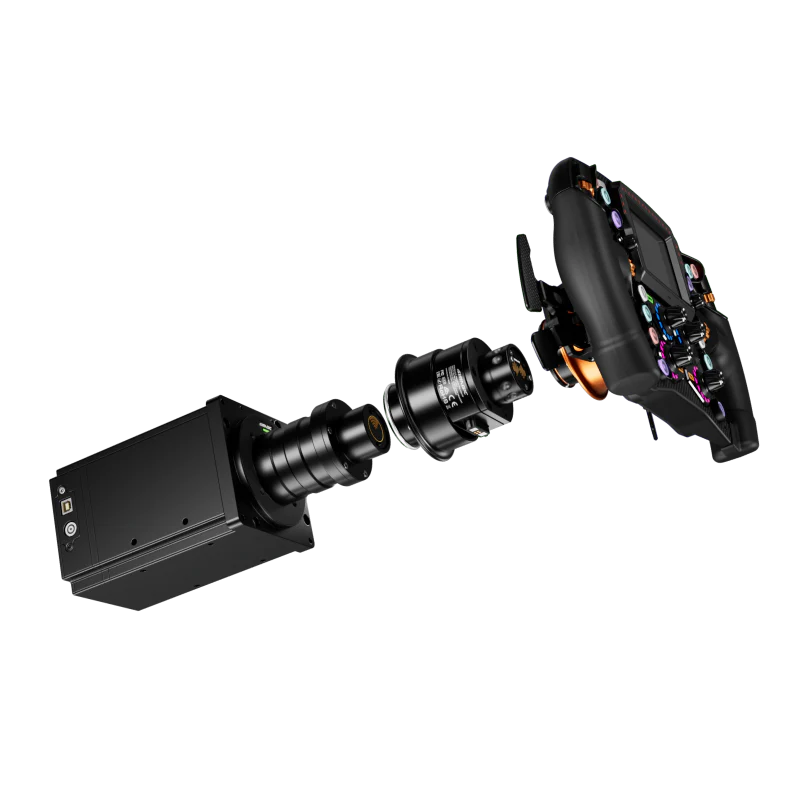
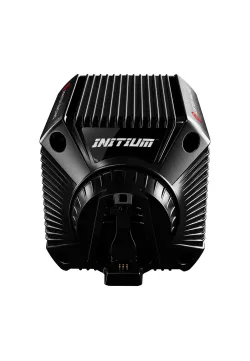
The Alpha EVO wheelbase handles the Zeus wheel natively. However, AirLink is still required whenever MagicDash 4 is used, because AirLink is the only connection that carries the image and telemetry signal to the display.
Do you use an older SIMAGIC Alpha Mini, Alpha or Alpha Ultimate wheelbase?
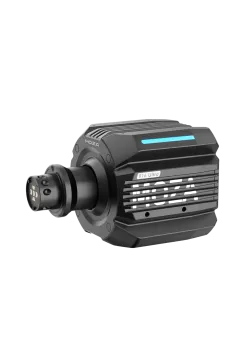
If you have a SIMAGIC Alpha Mini, SIMAGIC Alpha or SIMAGIC Alpha Ultimate, you do not need to replace your wheelbase with the newer Alpha EVO series.
In this case, you need:
- SIMAGIC Zeus Formula, SIMAGIC Zeus GT or SIMAGIC Zeus Sport
- SIMAGIC MagicDash 4
- SIMAGIC MagLink Pro Xtend as the native and recommended solution for powering and connecting the Zeus wheel on older SIMAGIC Alpha wheelbases
- or SIMAGIC MagLink Pro as a universal wired alternative for powering and connecting the Zeus wheel
- SIMAGIC AirLink – mandatory for the MagicDash 4 image and telemetry signal
For Alpha Mini, Alpha and Alpha Ultimate, MagLink Pro Xtend is the native and recommended way to power and connect the Zeus wheel. MagLink Pro can be used as a universal wired alternative. Neither solution sends the MagicDash 4 display signal. If MagicDash 4 is part of the setup, AirLink is required in addition.
How does SIMAGIC MagLink Pro Xtend work?
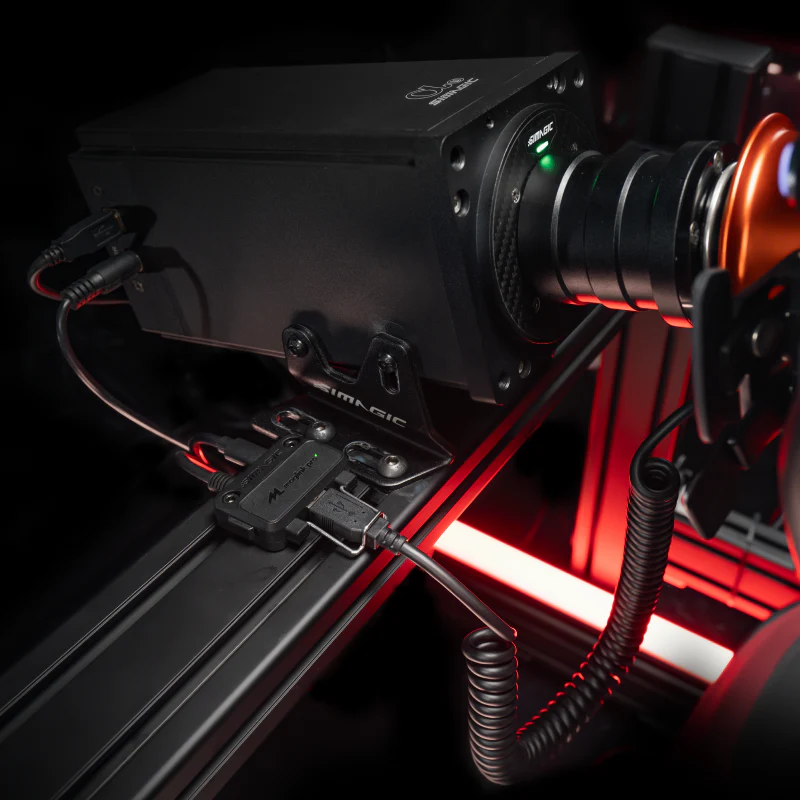
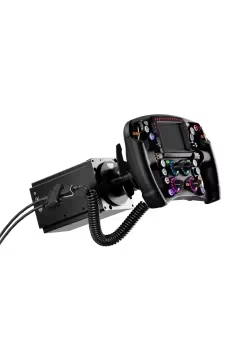
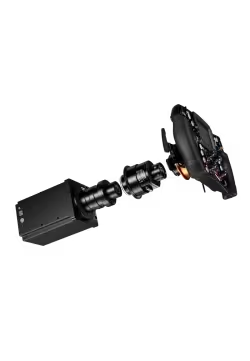
MagLink Pro Xtend was created specifically for users of Alpha Mini, Alpha and Alpha Ultimate wheelbases. The most important part of the kit is the QR adapter mounted directly on the wheelbase shaft. This is why it is the cleanest native choice for older Alpha wheelbases.
This adapter allows older SIMAGIC Alpha wheelbases to power and use the newer Zeus Formula, Zeus GT and Zeus Sport wheels. If MagicDash 4 is mounted on the wheel, MagLink Pro Xtend can supply power to the display, but AirLink is still required for the actual image and telemetry signal.
In practice, the user mounts the Xtend adapter on the Alpha Mini, Alpha or Alpha Ultimate, then attaches the Zeus wheel to the QR. Xtend handles the wheel connection and power path. When MagicDash 4 is fitted, AirLink must be added separately because Xtend does not transmit the display signal.
The key distinction is not simply wireless versus wired. MagLink Pro Xtend supplies and connects the Zeus wheel on older Alpha bases, but it does not send the MagicDash 4 display signal. AirLink is the only path for the MagicDash 4 image and telemetry signal, so it is required whenever MagicDash 4 is used.
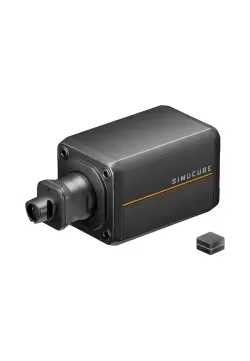
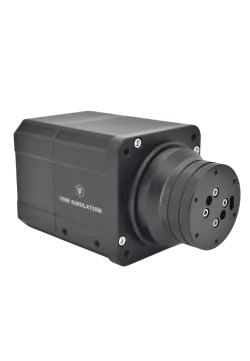
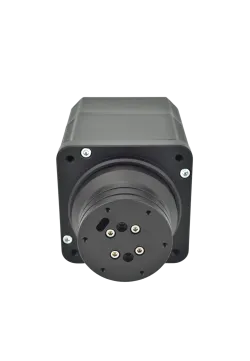
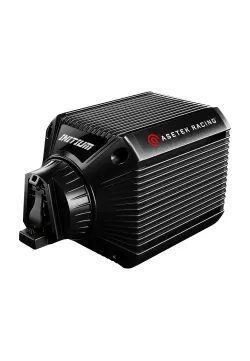
Do you have a Simucube, Moza Racing, Fanatec, Asetek, VRS, Conspit or another wheelbase?
For wheelbases from other manufacturers, you need:
- SIMAGIC Zeus Formula, SIMAGIC Zeus GT or SIMAGIC Zeus Sport
- SIMAGIC MagicDash 4
- SIMAGIC MagLink Pro for Zeus wheel connection and power
- SIMAGIC AirLink for the MagicDash 4 image and telemetry signal
MagLink Pro is mainly used with third-party wheelbases and provides the wired connection and power needed by the Zeus wheel. It can also work with older SIMAGIC Alpha wheelbases. MagLink Pro does not transmit the MagicDash 4 display signal. Every setup that includes MagicDash 4 also requires AirLink.
How does SIMAGIC MagLink Pro work?
MagLink Pro was designed mainly for wheelbases outside the SIMAGIC ecosystem, but it is universal enough to work with almost any compatible wheelbase and steering wheel.
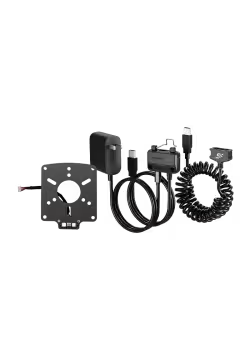
The system consists of:
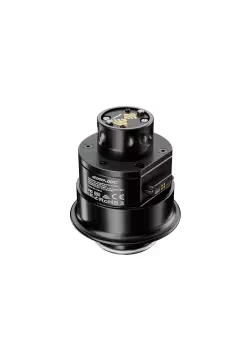
- a QR adapter with a MagLink port, mounted at the back of the wheel,
- a MagLink cable with a magnetic connector,
- an active USB hub with additional power.
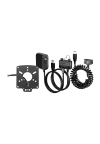
After mounting the wheel on the QR, connect the MagLink cable to the adapter. MagLink Pro supplies the Zeus wheel and can power MagicDash 4, the LEDs and the rest of the wheel electronics. However, it does not provide the image or telemetry signal to MagicDash 4. That signal must come through AirLink.
MagLink Pro or MagLink Pro Xtend? What is the real difference?
MagLink Pro and MagLink Pro Xtend handle wheel connection and power in different ways. Neither product sends the MagicDash 4 screen signal. Whenever MagicDash 4 is used, AirLink must be included as a separate signal link.
SIMAGIC MagLink Pro
MagLink Pro is the universal wired option. It is mainly intended for wheelbases from other manufacturers, but it can also work with older SIMAGIC Alpha wheelbases if you want a universal cable-based setup. It uses a QR adapter with a MagLink port mounted at the back of the wheel, a magnetic cable and an active USB hub.
SIMAGIC MagLink Pro Xtend
MagLink Pro Xtend is a QR adapter mounted directly on the shaft of older SIMAGIC Alpha Mini, SIMAGIC Alpha and SIMAGIC Alpha Ultimate wheelbases. It is the native and recommended solution for these bases. MagLink Pro can also work, but Xtend is the cleaner native choice.
Simple comparison
- AirLink – mandatory in every setup that includes MagicDash 4. It is the only connection that sends the display and telemetry signal to the screen.
- MagLink Pro Xtend – native power and wheel-connection solution for older SIMAGIC Alpha wheelbases. It does not send the MagicDash 4 signal.
- MagLink Pro – universal wired power and wheel-connection solution for third-party wheelbases and an alternative for older Alpha bases. It does not send the MagicDash 4 signal.
When do I need MagDock?
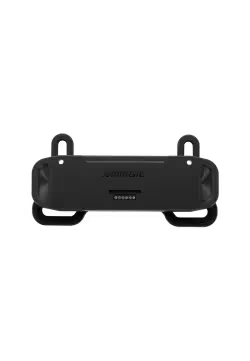
MagDock is a mount for the SIMAGIC MagicDash 4. If the display is mounted directly on a Zeus wheel, MagDock is not required.
For SIMAGIC Alpha EVO series wheelbases, MagDock is also not required when mounting MagicDash 4 on the wheelbase.
For other wheelbases, MagDock is required if you want to mount MagicDash 4 on the wheelbase.
MagDock is only a physical mount. It does not power MagicDash 4 and does not transmit the display signal. AirLink is still required in every MagicDash 4 setup.
Quick compatibility table
| SIMAGIC Zeus and MagicDash 4 compatibility | ||||
|---|---|---|---|---|
| Wheelbase | Zeus wheel only | Zeus wheel + MagicDash 4 | MagDock | Best choice |
| SIMAGIC Alpha EVO Sport / EVO / EVO Pro / EVO Ultra | ✅ Nothing extra required for the Zeus wheel itself | ✅ AirLink for MagicDash 4 display signal | ❌ Not required when MagicDash 4 is mounted on an Alpha EVO base | Alpha EVO + Zeus works natively. MagicDash 4 always requires AirLink for its display signal. |
| SIMAGIC Alpha Mini / Alpha / Alpha Ultimate | ✅ MagLink Pro Xtend is native/recommended ✅ MagLink Pro also works as a universal wired alternative |
✅ MagLink Pro Xtend or MagLink Pro for Zeus wheel power/connection ✅ AirLink is mandatory for the MagicDash 4 display signal |
Only if you mount MagicDash 4 on the wheelbase | Choose MagLink Pro Xtend first. Use MagLink Pro if you need a universal cable-based solution. |
| Simucube / Moza Racing / Fanatec / Asetek / VRS / Conspit / other brands | ✅ MagLink Pro required for the Zeus wheel itself | ✅ MagLink Pro for Zeus wheel power/connection ✅ AirLink is mandatory for the MagicDash 4 display signal |
Only if you mount MagicDash 4 on the wheelbase | MagLink Pro is the correct universal solution for third-party wheelbases. |
Which Zeus wheel should you choose?
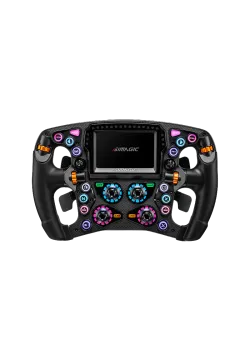
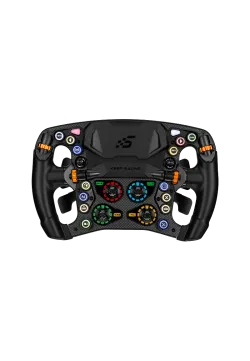
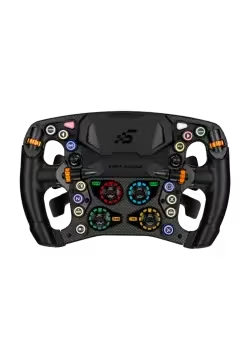
SIMAGIC Zeus Formula
Zeus Formula is aimed mainly at Formula cars, LMP prototypes and modern racing cars.
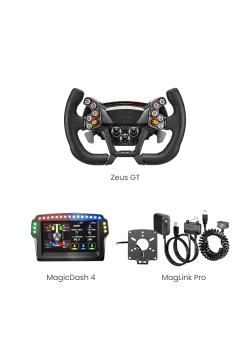
SIMAGIC Zeus GT
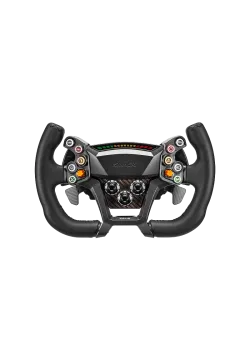
Zeus GT is the most universal wheel in the range for GT3, GT4 and endurance racing.
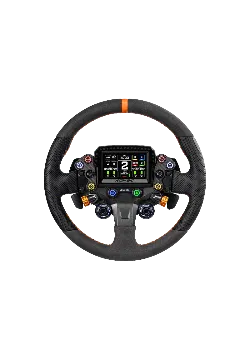
SIMAGIC Zeus Sport
Zeus Sport is a good choice for drivers who switch between different disciplines: GT, rally, drifting and road cars.
FAQ – frequently asked questions
Does every MagicDash 4 setup require AirLink?
Yes. MagicDash 4 receives its image and telemetry signal only through AirLink. This rule applies to Alpha EVO, older Alpha wheelbases and third-party wheelbases. MagLink Pro and MagLink Pro Xtend can provide wheel connection and power, but they cannot send the MagicDash 4 screen signal.
Does MagicDash 4 work with Simucube?
Yes. With a Simucube wheelbase, MagLink Pro is required to connect and power the Zeus wheel, while AirLink is separately required for the MagicDash 4 image and telemetry signal. MagLink Pro alone is not enough to make the screen work.
Does MagicDash 4 work with Moza Racing wheelbases?
Yes. Moza Racing users need MagLink Pro for the Zeus wheel connection and power. If MagicDash 4 is added, AirLink is also mandatory for the image and telemetry signal.
Do Zeus wheels work with Conspit?
Yes. Zeus Formula, Zeus GT and Zeus Sport can be used with Conspit wheelbases when using MagLink Pro and a compatible quick release.
Does MagLink Pro Xtend work with Alpha EVO?
No. MagLink Pro Xtend was created only for older SIMAGIC Alpha Mini, SIMAGIC Alpha and SIMAGIC Alpha Ultimate wheelbases. The Alpha EVO series uses AirLink. MagDock is not required when mounting MagicDash 4 on an Alpha EVO series wheelbase.
Do I need AirLink for Alpha Mini?
For the Zeus wheel alone, Alpha Mini uses MagLink Pro Xtend as the native solution, or MagLink Pro as a universal alternative. If MagicDash 4 is included, then AirLink is required as well. Xtend and MagLink Pro can provide power, but only AirLink carries the display signal.
Do I need MagLink Pro for Alpha Ultimate?
Not as the first choice. For SIMAGIC Alpha Ultimate, the native and recommended solution is MagLink Pro Xtend. MagLink Pro can also work as a universal wired alternative, but it is mainly used when you want one cable-based solution that can work with many different bases and wheels.
What is the difference between MagLink Pro and MagLink Pro Xtend?
MagLink Pro is the universal wired option and can work with many bases and compatible wheels, including older SIMAGIC Alpha bases. MagLink Pro Xtend is the native and recommended QR adapter mounted directly on the shaft of older SIMAGIC Alpha wheelbases.
Can MagLink Pro work with Alpha Mini, Alpha or Alpha Ultimate?
Yes. MagLink Pro can technically work as a universal wired solution with older SIMAGIC Alpha bases. However, for Alpha Mini, Alpha and Alpha Ultimate, MagLink Pro Xtend is the native and recommended solution because it was designed specifically for those bases.
Is MagLink Pro Xtend wireless?
No. MagLink Pro Xtend is a wired solution used to connect and power the Zeus wheel on older Alpha bases. AirLink is separate and is required for the MagicDash 4 display signal in every configuration, not only with Alpha EVO.
Does AirLink work with older Alpha wheelbases?
Yes, when MagicDash 4 is part of the setup. Older Alpha wheelbases still use MagLink Pro Xtend or MagLink Pro for the Zeus wheel connection and power, but AirLink is required separately for the MagicDash 4 display signal.
Can I use MagicDash 4 without SimHub?
Yes, but you get the full potential of the device with SimHub integration. SimHub is responsible for most advanced dashboards, telemetry screens and visual effects.
Is MagDock required?
No. MagDock is only a physical mounting accessory in selected configurations. It never replaces AirLink. Whether MagicDash 4 is fitted to a Zeus wheel or mounted on a wheelbase, its image and telemetry signal still require AirLink.
Do all Zeus wheels work the same way?
Yes. Whether you choose Zeus Formula, Zeus GT or Zeus Sport, the compatibility rules are the same. The required accessories depend on your wheelbase, not on the wheel model.
Sources and data verification
The main compatibility rules were checked against product pages and the configuration logic used for SIMAGIC Zeus setups. During updates, we review whether the role of each accessory has changed.
- SIMAGIC MagicDash 4 product page
- SIMAGIC AirLink product page
- SIMAGIC MagLink Pro product page
- SIMAGIC MagLink Pro Xtend product page
- SIMAGIC Zeus compatibility configurator
Update policy
Hardware compatibility, package contents and accessory availability can change. This article includes a last-updated date. Reported issues are checked again against product pages and the configurator before the article is corrected.
About the author
This article was prepared by the Simline.eu team, which works with sim racing hardware sales, product selection and compatibility checks. More information about the company is available on the About us page.
Summary
If the setup includes MagicDash 4, it must include AirLink. MagicDash 4 receives its image and telemetry signal only through AirLink. MagLink Pro and MagLink Pro Xtend can power and connect the wheel and display, but they do not send the MagicDash 4 screen signal.
With Alpha EVO Sport, Alpha EVO, Alpha EVO Pro or Alpha EVO Ultra, the Zeus wheel works natively. Add AirLink whenever MagicDash 4 is used.
With Alpha Mini, Alpha or Alpha Ultimate, use MagLink Pro Xtend as the native wheel-connection and power solution, or MagLink Pro as a universal alternative. Add AirLink whenever MagicDash 4 is used.
With Simucube, Moza Racing, Fanatec, Asetek, VRS, Conspit or another third-party wheelbase, use MagLink Pro for the Zeus wheel connection and power. Add AirLink whenever MagicDash 4 is used.
MagLink Pro and MagLink Pro Xtend handle wheel connection and power. AirLink handles the MagicDash 4 display signal.
MagDock is only a mount. It does not provide power or signal and never replaces AirLink.
Even though the breakdown above covers most setups, we get it—navigating a ton of different adapters, cables, and wheelbase generations can get overwhelming. Especially when you're piecing together your dream rig and need to be 100% sure that once the boxes arrive, everything fires up on the first try without realizing you forgot some crucial adapter.
That's exactly why we built the intuitive SIMAGIC Zeus Compatibility Configurator. It’s a dead-simple online tool where you just select your current wheelbase and the steering wheel you’re eyeing. The system instantly analyzes your hardware's technical requirements and points out exactly which accessories belong in your cart. Zero guesswork, zero mistakes.
Comments (0)