Shopping Cart
There are no more items in your cart
 English
  Polski
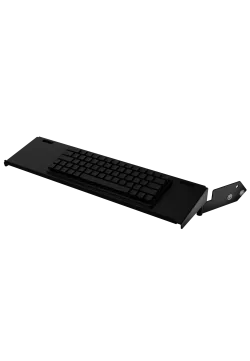
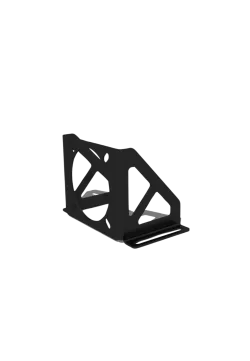
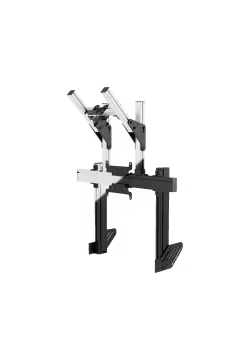
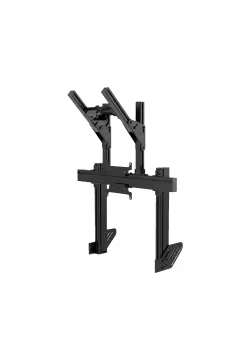
RECART Keyboard holder KM-01
156.10zł

1,473.98zł
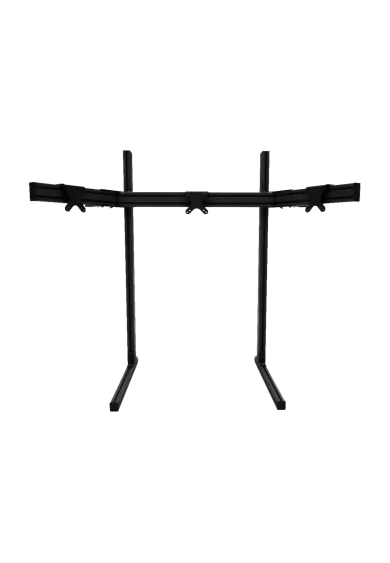
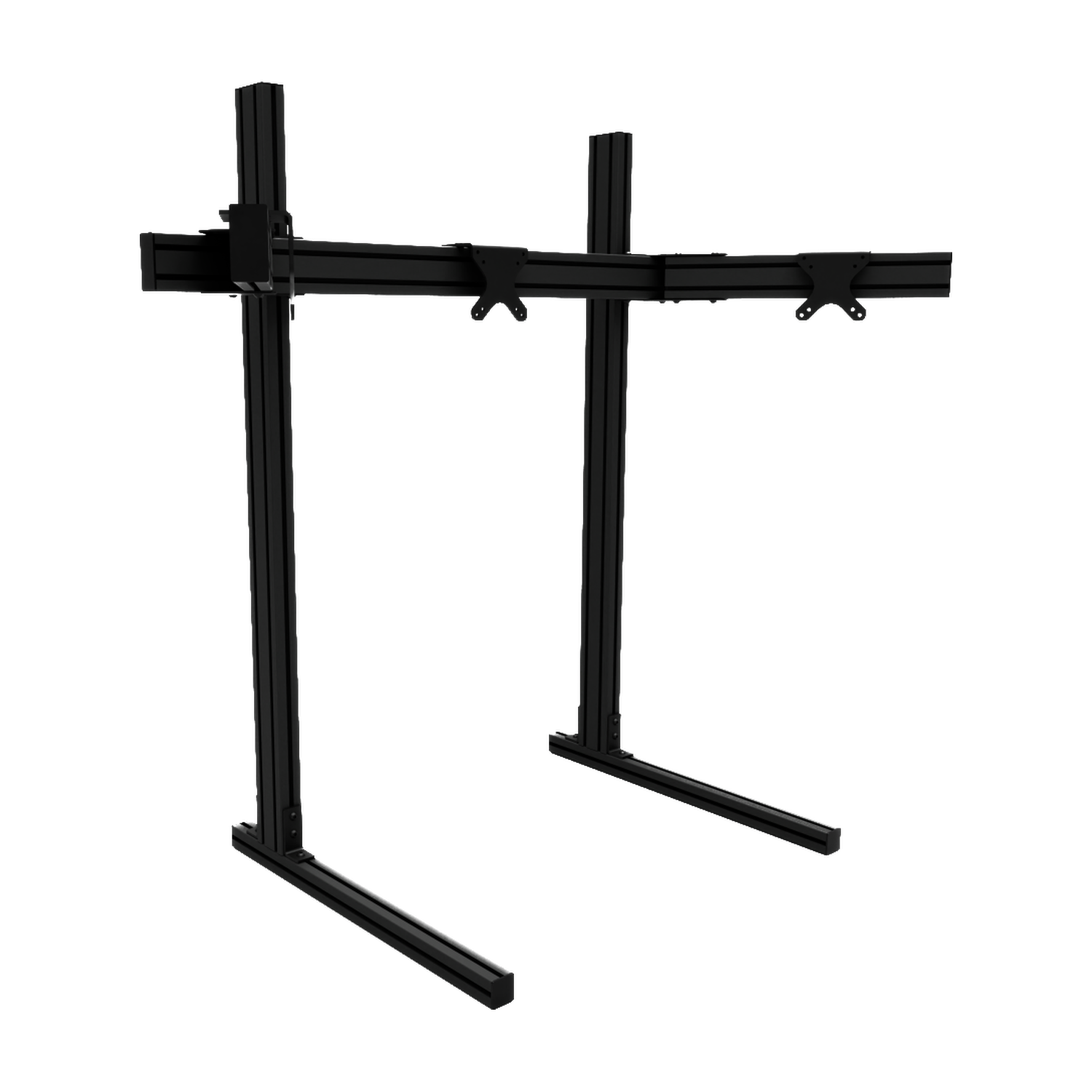
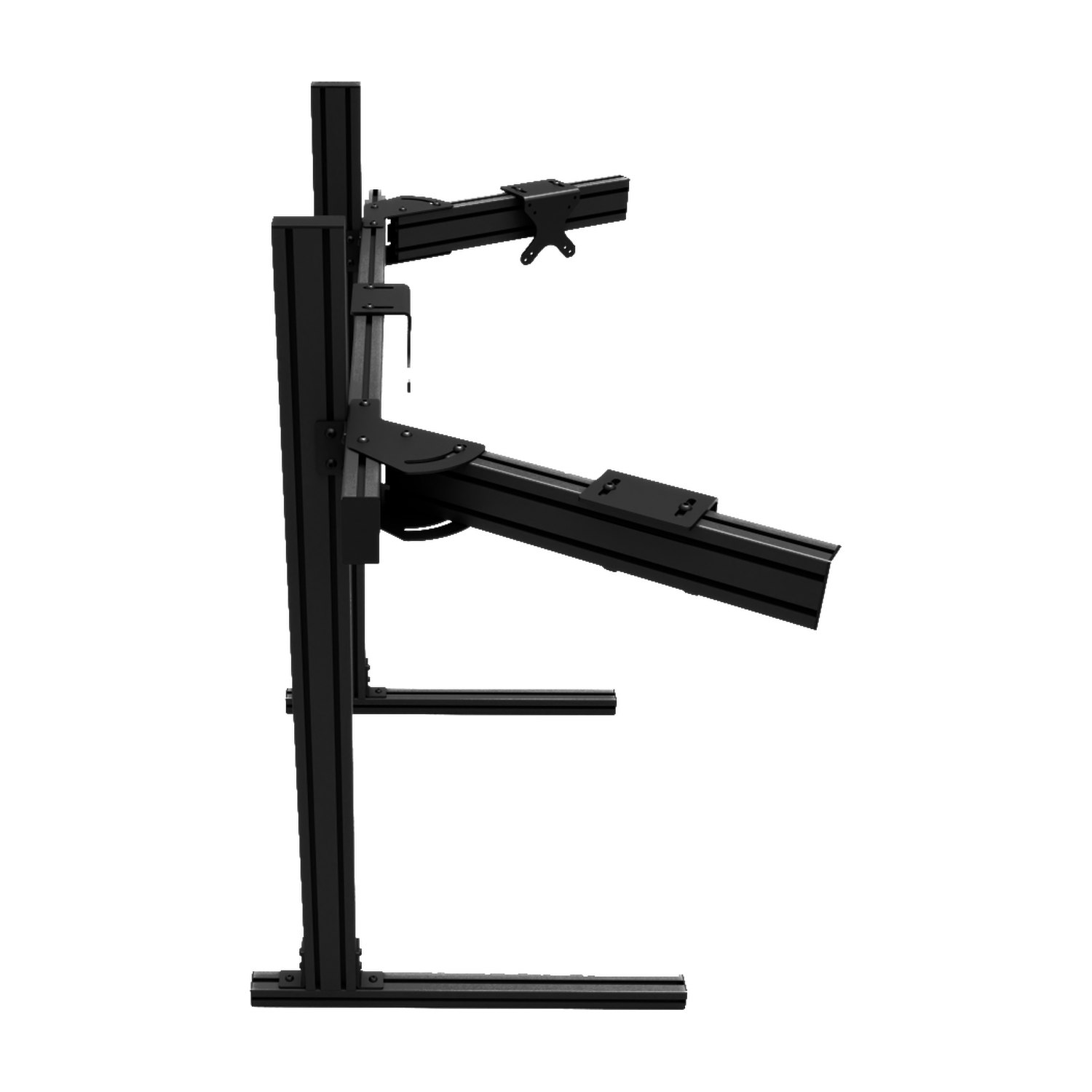
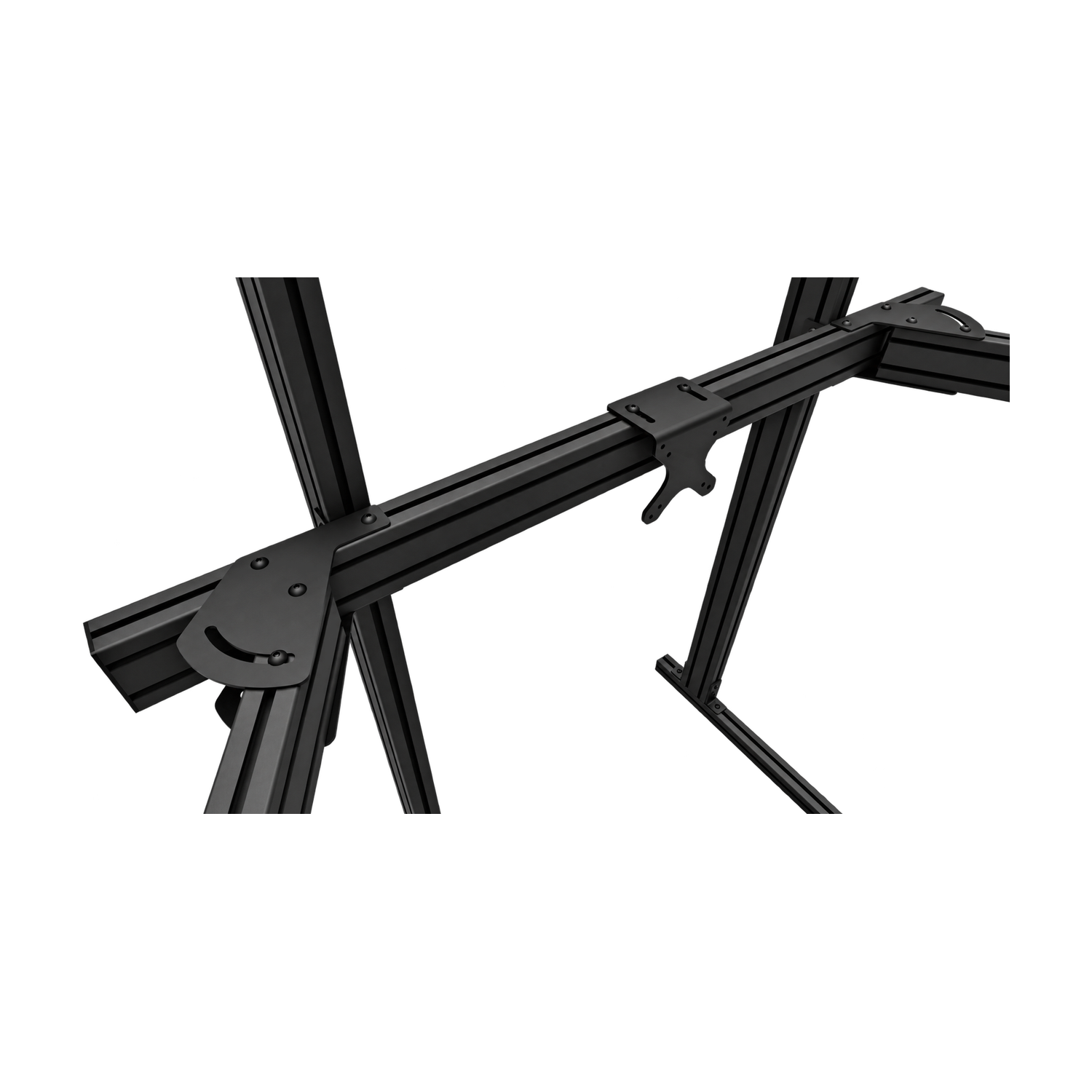
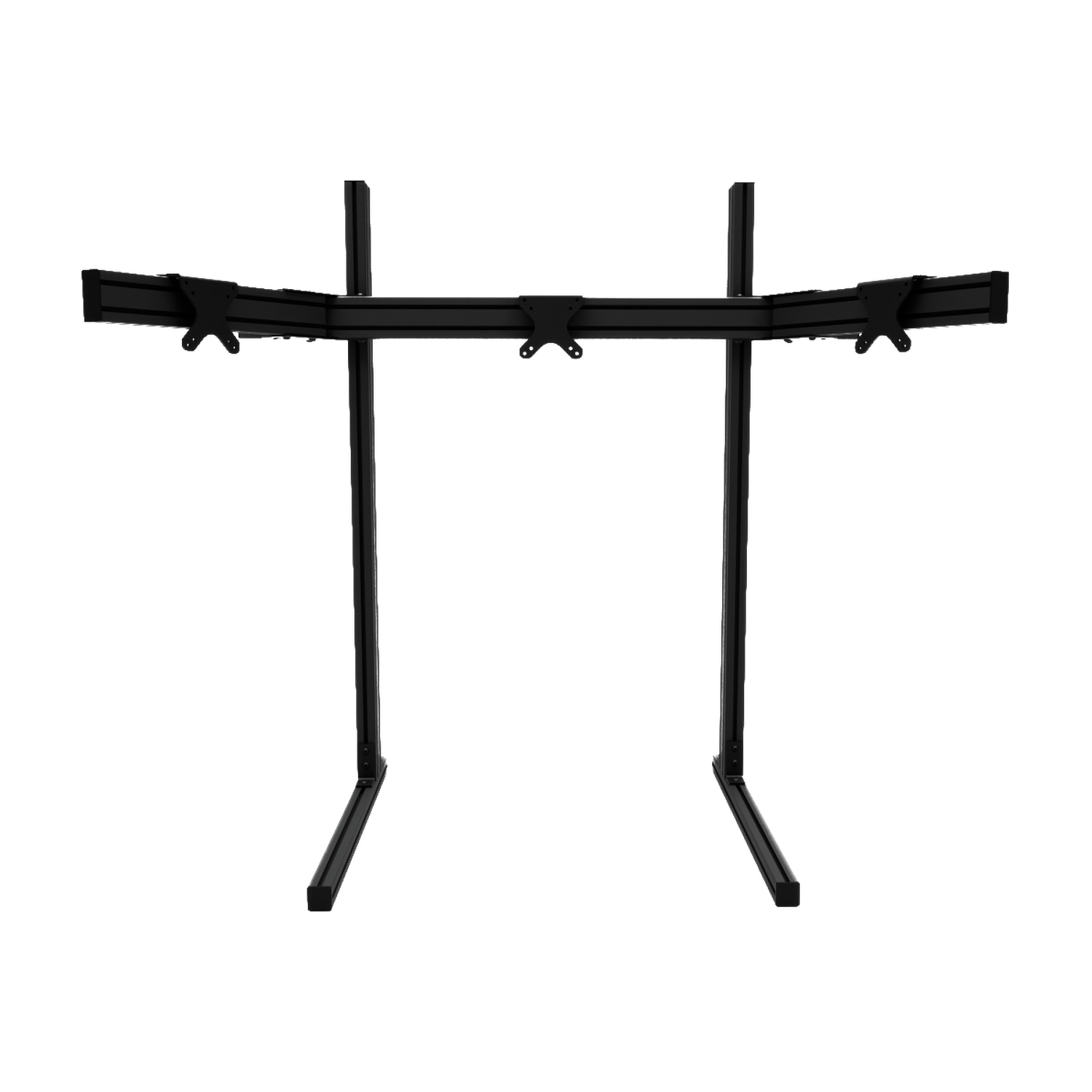
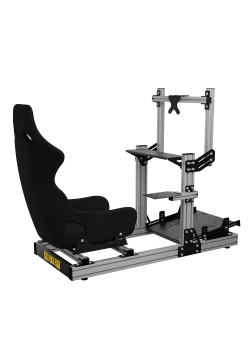
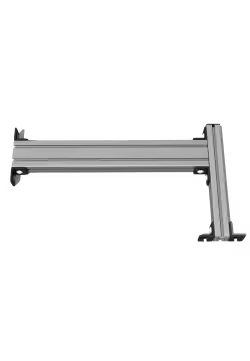
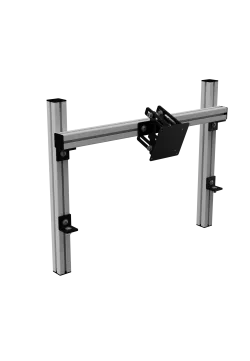
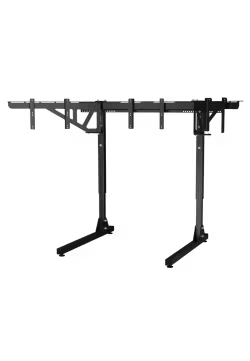
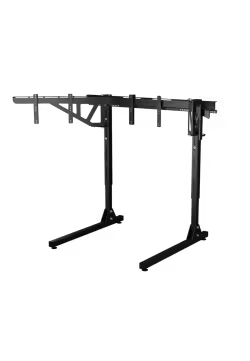
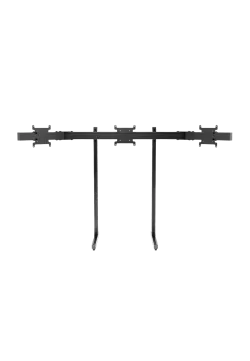
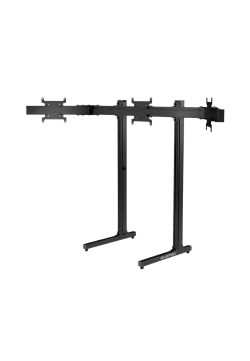
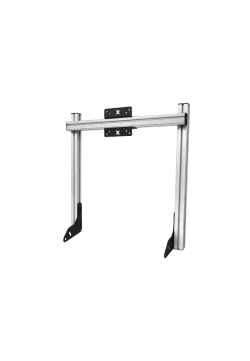
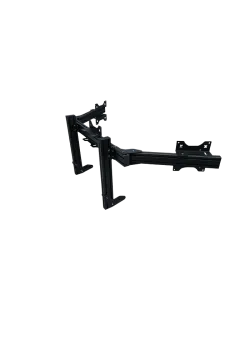
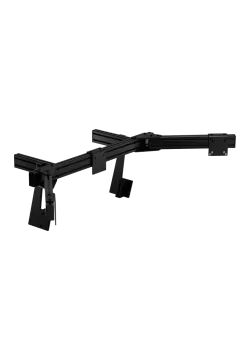
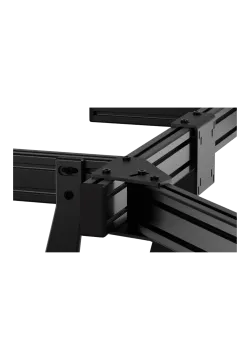
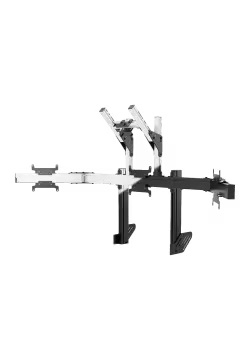
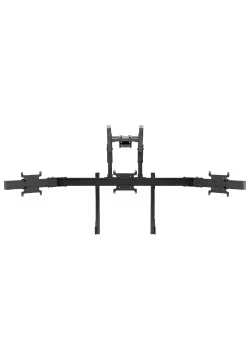
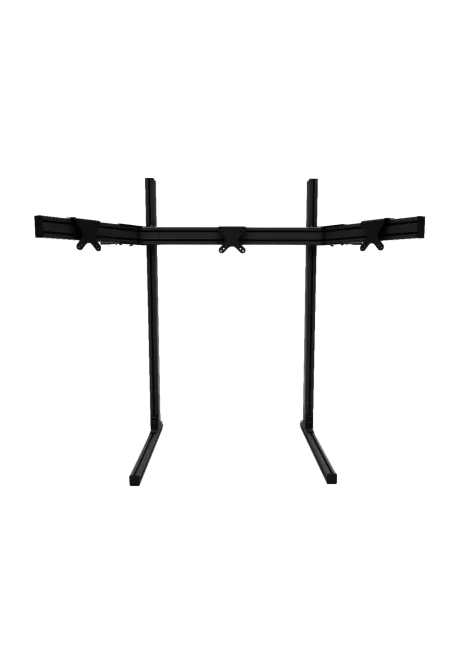
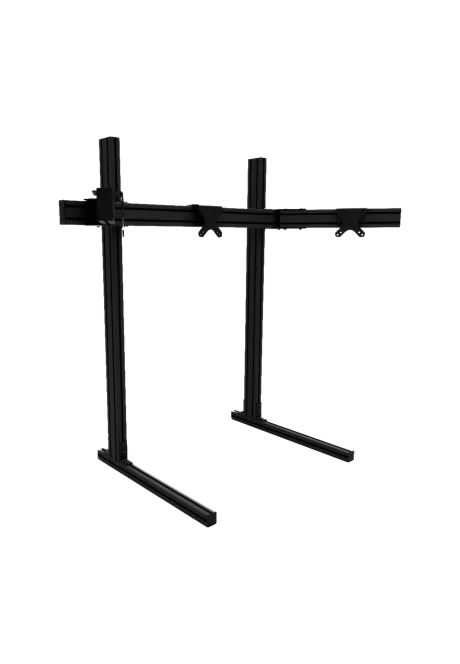
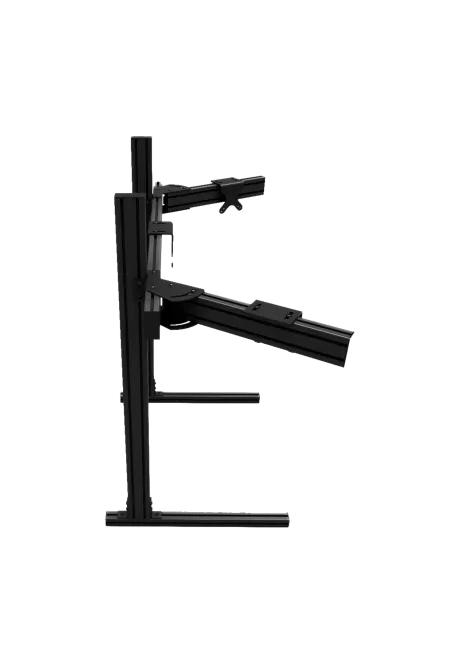
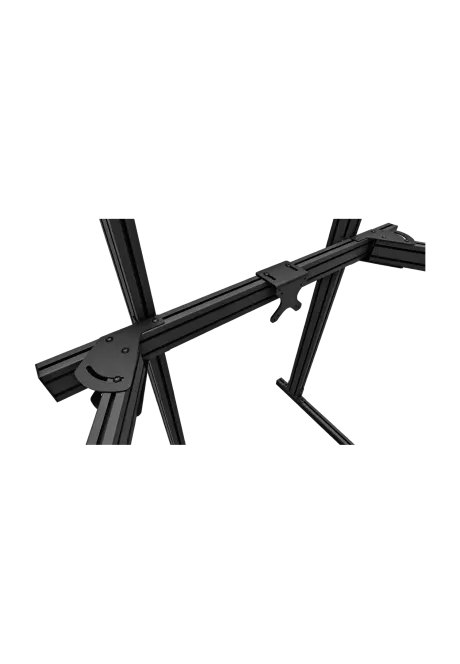
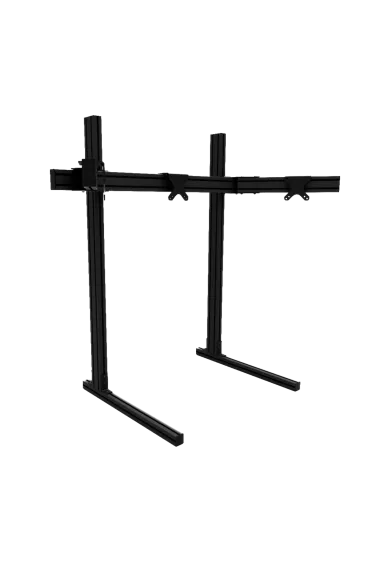
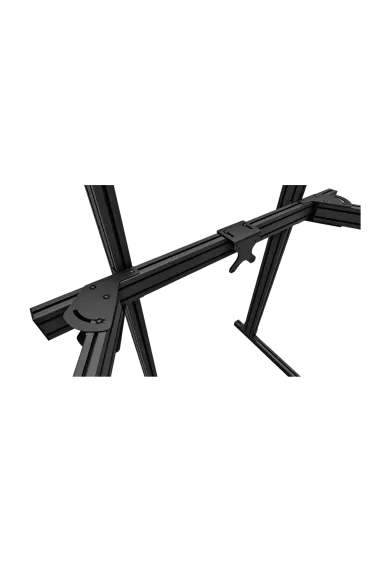
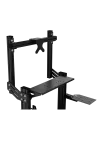
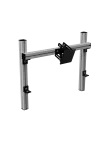
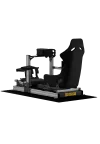
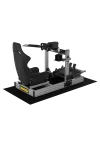
Recart Triple Monitor Stand MTS-A is a freestanding aluminium-profile stand for three monitors from 20 to 43 inches. It supports 75 x 75 and 100 x 100 mm VESA patterns, while the side arms can be positioned from 0° to 60°. Overall dimensions are 120 x 68 x 125 cm. The black frame remains independent from the cockpit. Add the optional RECART VESA Axis MS-A for finer screen alignment.

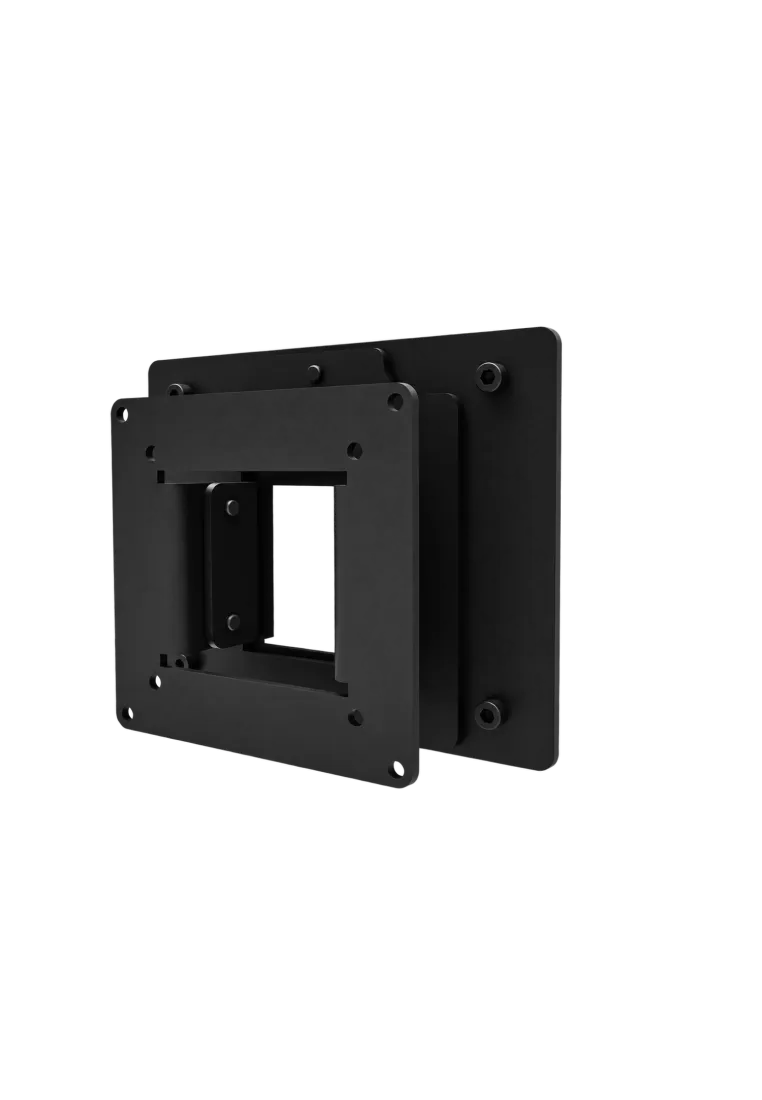
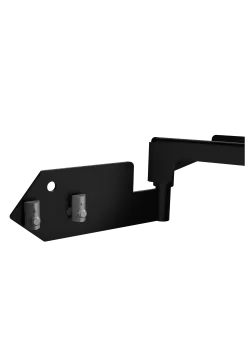
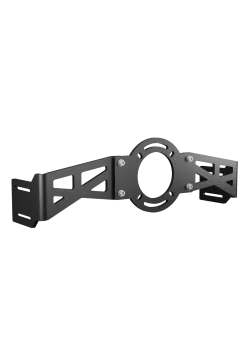
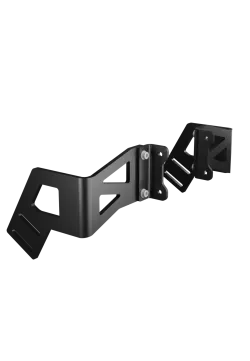
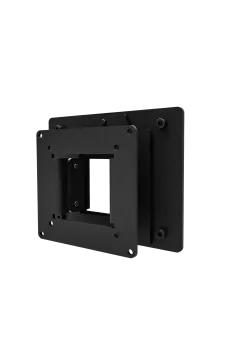
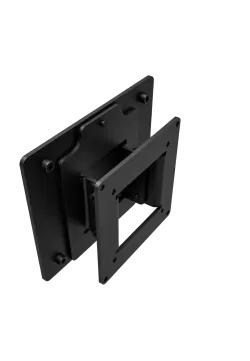
RECART VESA Axis is a set of three adjustable adapters for aligning a triple-screen setup. MTS fits the RECART MTS-01 stand, while MS-A is made for RECART Aluminium MTS-A. Both support 75 x 75 and 100 x 100 mm VESA patterns with two-axis adjustment through 10°. MS-A also adds 26.5 mm of movement on a third axis. Screws and an Allen key for installation and adjustment are included.
251.22zł

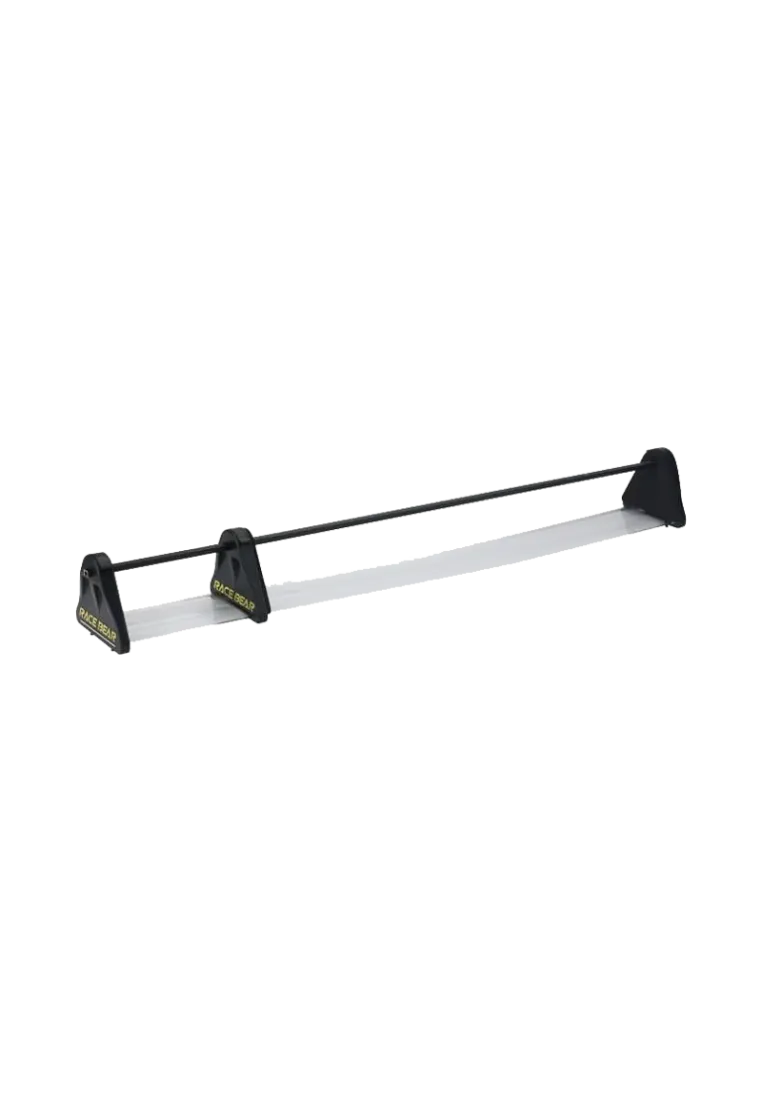
RaceBear Bezel Free Kit – optical strips that hide bezels between triple monitors (21–55″). Delivers a seamless image, full immersion, and proper support for curved displays.
390.24zł
You might also like






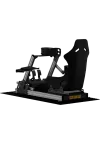


| Parameter | Details |
|---|---|
| Manufacturer | RECART |
| Product name | Recart Triple Monitor Stand MTS-A |
| Type | Freestanding triple-monitor stand |
| Number of monitors | 3 |
| Supported display size | 20 to 43 inches |
| VESA pattern | 75 x 75 mm and 100 x 100 mm |
| Side-arm angle | 0° to 60° |
| Manufacturer-stated dimensions | 120 x 68 x 125 cm |
| Frame material | Aluminium profiles and steel joining components |
| Finish | Black anodised aluminium and black powder-coated steel components |
| Installation | Freestanding structure independent from the cockpit |
| Optional VESA adjustment | RECART VESA Axis MS-A, sold separately |
| Maximum load | Not published by the manufacturer |
| Stand weight | Not published by the manufacturer |
| Item | Compatibility | Notes |
|---|---|---|
| 20 to 43-inch monitors | Yes | Display-size range confirmed by RECART. |
| 75 x 75 mm VESA | Yes | Supported by the standard mounting hardware. |
| 100 x 100 mm VESA | Yes | Supported by the standard mounting hardware. |
| Larger VESA patterns | No direct confirmation | A separate adapter plate matched to the display may be required. |
| RECART VESA Axis MS-A | Yes | Optional three-adapter kit for finer screen alignment. |
| Racing and flight-simulation cockpits | Yes, as an independent stand | No connection to the cockpit frame is required. |
| Item | Information |
|---|---|
| Aluminium profiles forming the stand base and frame | Included |
| Two side-monitor arms | Included |
| Steel structural connectors | Included |
| Mounting points for three 75 x 75 and 100 x 100 mm VESA monitors | Included |
| Hardware required to assemble the stand | Included |
| RECART VESA Axis MS-A | Not included, optional accessory |
| Monitors, cockpit and other accessories | Not included |
The stand is designed for a three-monitor configuration.
RECART specifies a range from 20 to 43 inches for each display.
The standard mounting points support 75 x 75 and 100 x 100 mm VESA patterns.
The side arms can be positioned from 0° to 60°.
The manufacturer states dimensions of 120 x 68 x 125 cm.
No. It is a freestanding structure that remains independent from the sim rig frame.
Yes. The mounting elements can be repositioned along the slots in the aluminium profiles.
RECART does not publish a separate restriction for curved displays. Each monitor must remain within the 20-43 inch range, use a supported VESA pattern and provide access to its mounting points.
Yes. RECART VESA Axis MS-A is the compatible version for this stand. The adapter kit is sold separately.
No. The product contains the stand and its mounting components. Monitors, the cockpit and additional accessories are sold separately.
Simline.eu is the largest authorised RECART partner in Poland and Europe. All RECART products receive full warranty protection for up to 2 years within the European Union, according to the RECART warranty terms.
Simline.eu assists with the RECART warranty process and manages the claim after receiving the required documentation. Once the issue has been reviewed, our support team provides the next instructions for completing the claim.
Email support@simline.eu or recart@simline.eu. Include a description of the fault together with photos or videos showing the issue. Further instructions will be provided after the claim has been reviewed.
You might also like