Shopping Cart
There are no more items in your cart
 English
  Polski
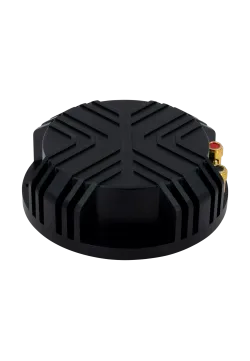
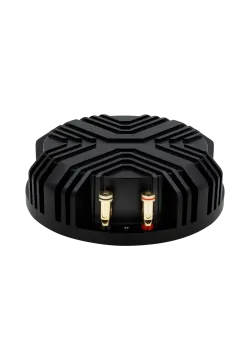
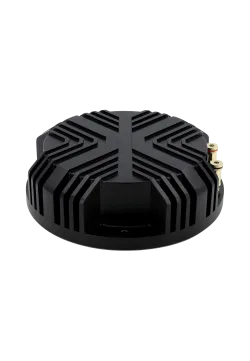
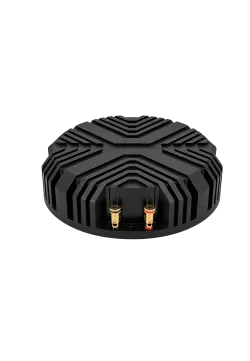
Dayton Audio BST-1
198.37zł

145.53zł
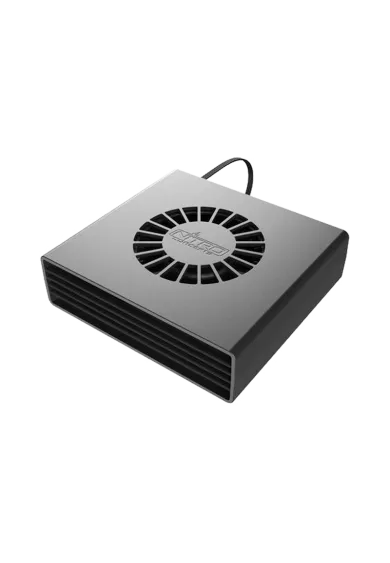
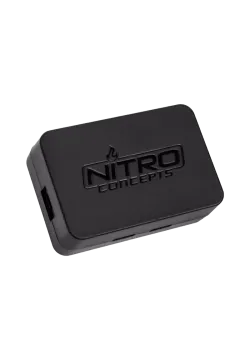
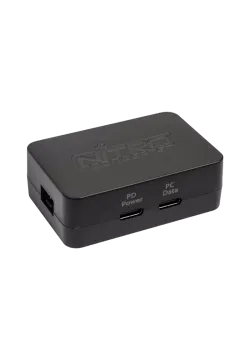
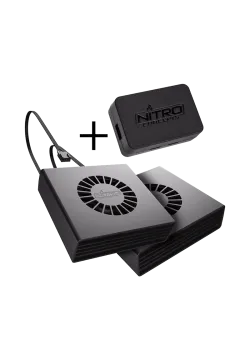
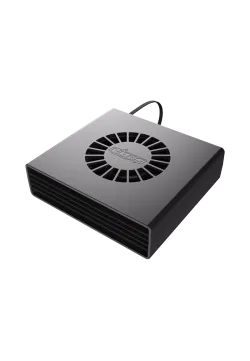
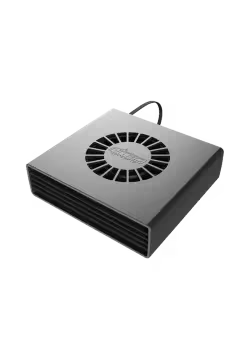
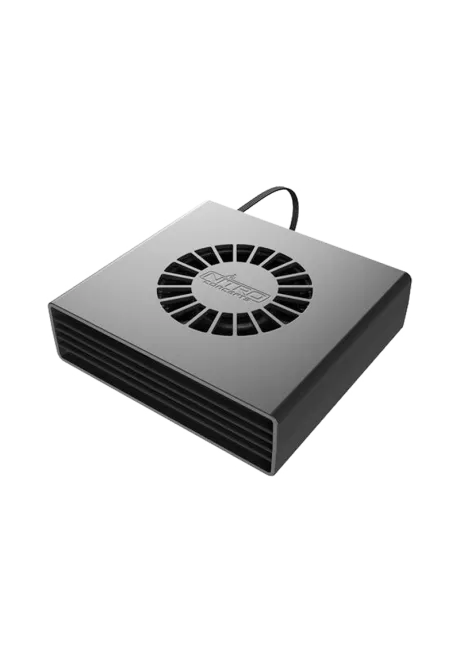
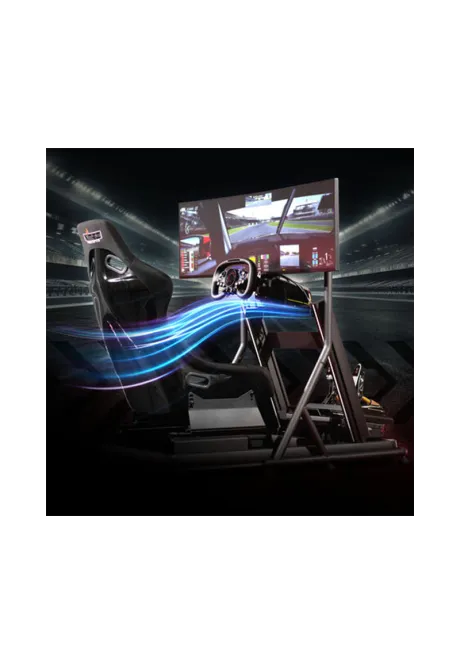
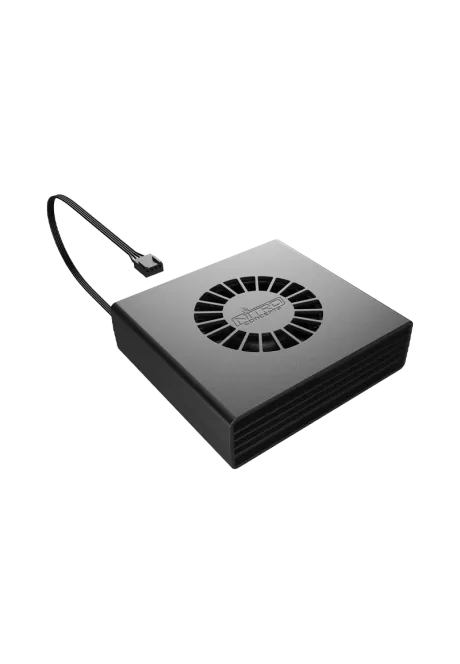
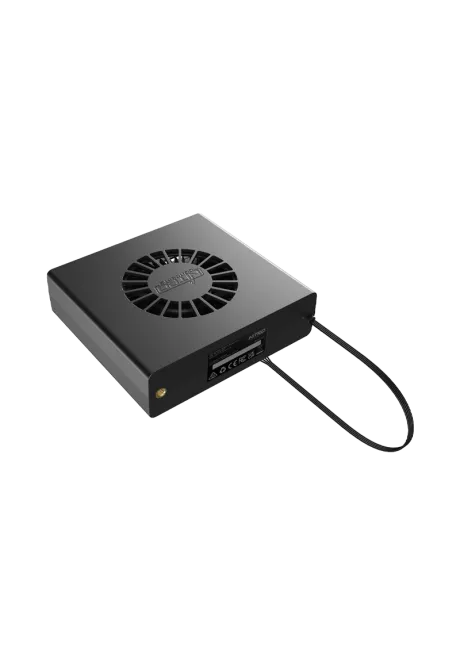
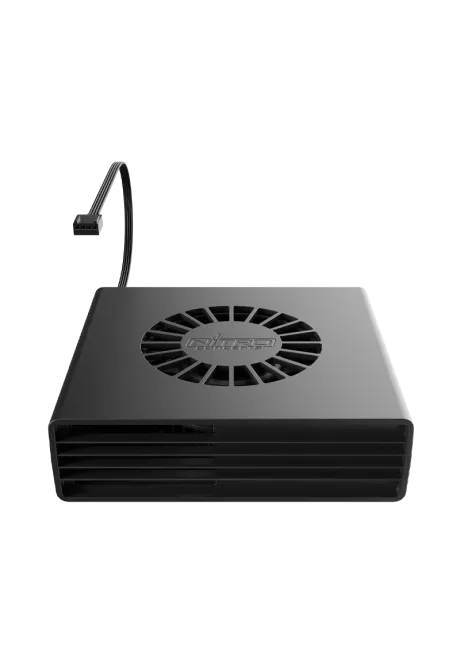
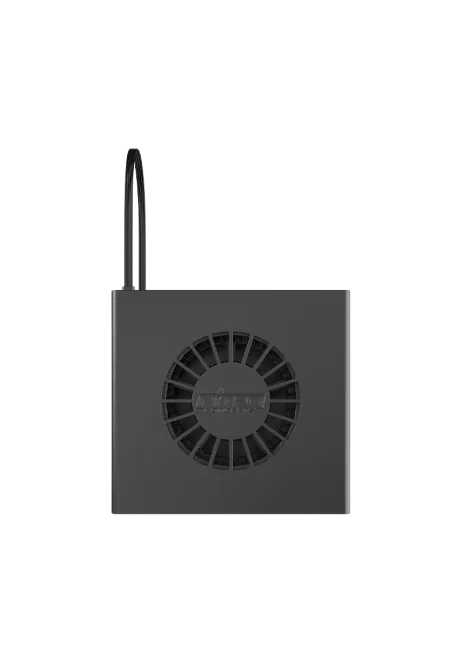
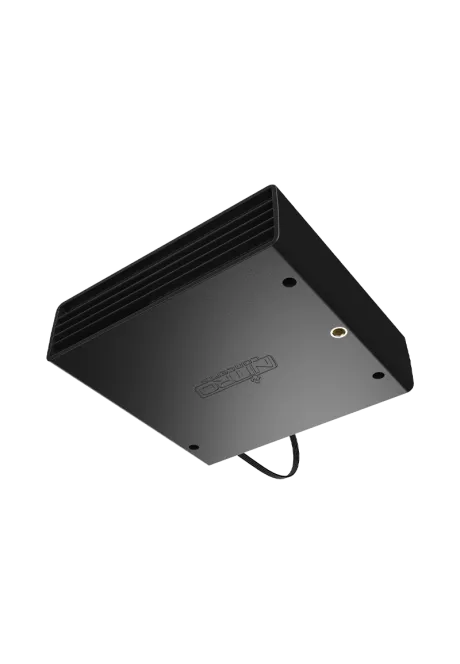
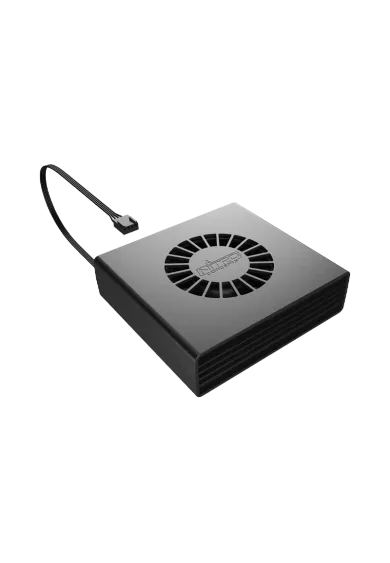
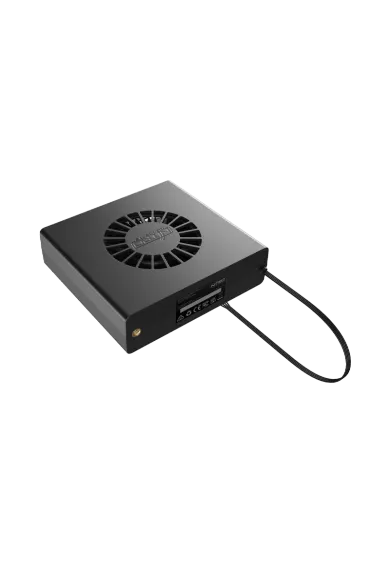
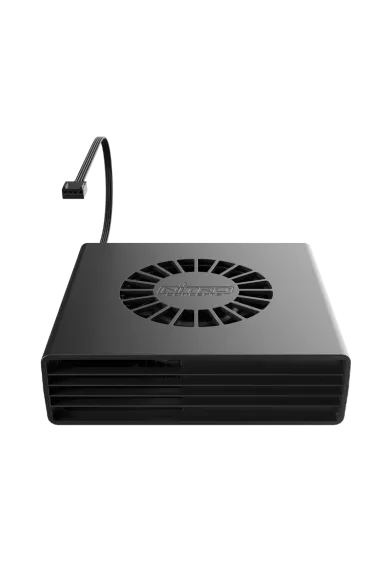
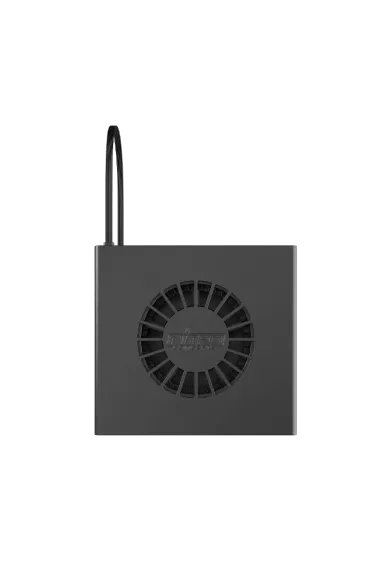
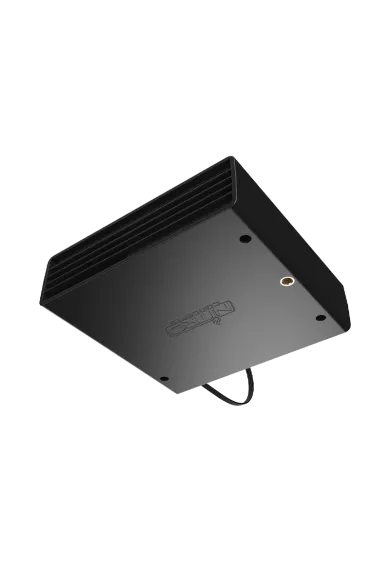
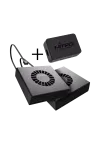
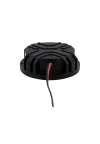
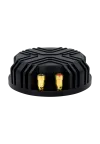
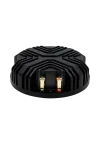
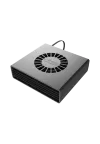
Nitro Concepts Immersion Wind Flow is a single fan for adding airflow effects to a sim racing or flight simulation cockpit. It works with the separately available Nitro Concepts Wind Box controller and SimHub on PC. A 4-pin PWM connection controls fan output, while two M6 threads and the supplied mounting tape provide installation options. The controller and power supply are not included.
You might also like
| Parameter | Details |
|---|---|
| SKU | NC-SR-AC-010 |
| Device type | Centrifugal blower for wind simulation |
| Number of fans | 1 |
| Connection | 4-pin PWM |
| Fan electrical rating | 12 V DC, 0.9 A; up to 10.8 W |
| Effect control | SimHub through a separate Nitro Concepts Immersion Wind Box controller |
| Dimensions on the current manufacturer product page | 129 × 139 × 38 mm (length × width × height) |
| Mounting | Two M6 threads or supplied mounting tape |
| Housing | Black plastic |
| Lighting | None |
| Operating temperature | 0-40°C |
| Component | Requirements and limitations |
|---|---|
| Controller | Nitro Concepts Wind Box, sold separately; supports up to two fans |
| PC and software | PC running SimHub; Wind Box requires the software for fan control |
| Games and simulators | Effects depend on available game data and SimHub support |
| System power | Through Wind Box; the manufacturer recommends a USB PD supply with a 12 V / 3 A (36 W) profile for full system performance |
| Cable extension | Standard 4-pin PWM PC fan extension, sold separately |
| Cockpit | Space for the housing, suitable mounting and unobstructed air intake and outlet |
Wind Box, a power supply, a second fan and a PWM extension cable are sold separately.
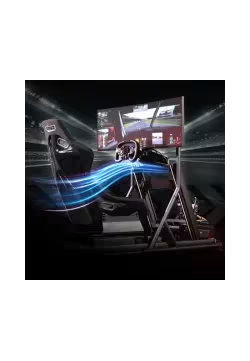
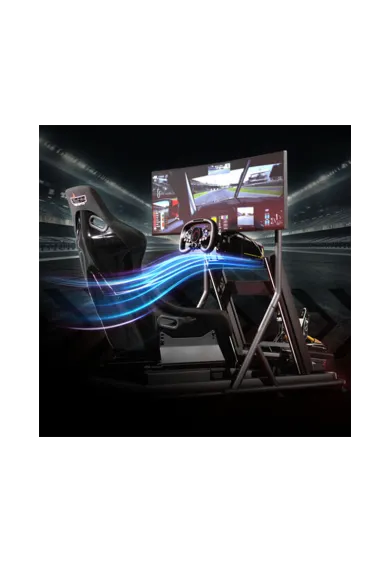
Wind Flow adds airflow to your cockpit. Paired with Wind Box and SimHub, fan output can respond to game telemetry, adding a physical sensation of wind alongside the image and sound.
No. This is one fan without a controller or power supply. A separate Nitro Concepts Wind Box is required. The controller and two fans are also available together as the Nitro Concepts Wind Bundle.
No. Wind Flow uses a 4-pin PWM connection to Wind Box. The controller handles the computer connection and system power; the fan does not have a direct USB connection.
No. Wind Box requires SimHub for fan control and cannot operate as a standalone fan controller. Airflow effects are configured in the software on PC.
One Wind Box has two fan outputs. Adding more than two fans requires another controller. Wind Flow itself is sold as a single unit.
The manufacturer recommends powering Wind Box through USB PD with a 12 V / 3 A (36 W) profile for full system performance. It specifies at least 18 W for two fans. These are system supply requirements, not the rating of a single Wind Flow fan, which is up to 10.8 W.
The housing has two M6 threads, and mounting tape is also supplied. The mounting should hold the required airflow direction without blocking the intake or outlet. Choose screws suitable for the bracket being used.
No. Wind Flow does not come in dedicated left and right versions. Position the housing during installation to direct the airflow where it is needed.
Telemetry effects require suitable game support in SimHub. Installing the fan does not enable effects in every title. Check your simulator through the official SimHub website before buying.
First check the power supplied to the Wind Box PD port and make sure the intakes are clear. Test each fan separately when using two units. The manufacturer identifies insufficient power as a common reason for only one fan operating.
Nitro Concepts products purchased from Simline.eu are covered by full warranty protection for up to 2 years within the European Union, in accordance with Nitro Concepts warranty terms.
Simline.eu acts as an intermediary in the warranty process and handles claims for products purchased from us. Please email support@simline.eu with a description of the fault and photos and videos showing the issue, then pack the equipment.
You might also like