Shopping Cart
There are no more items in your cart
 English
  Polski

SimXPro Headset Holder
23.58zł

169.92zł
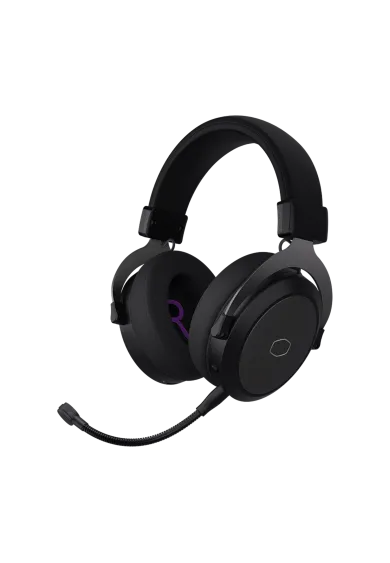
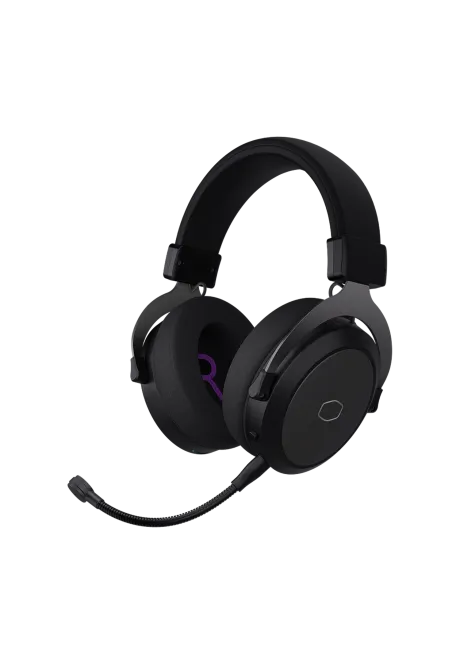
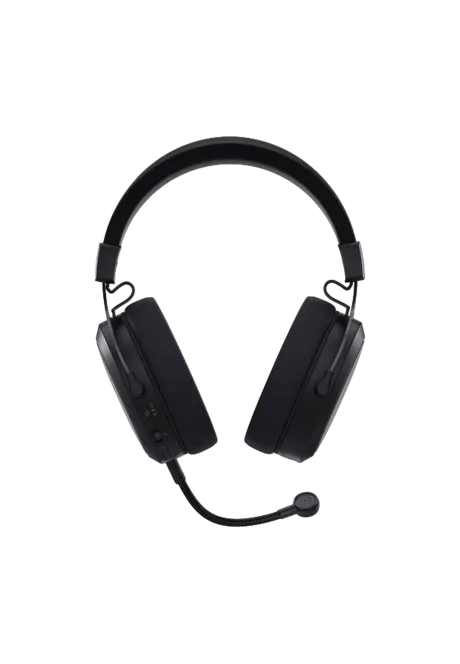
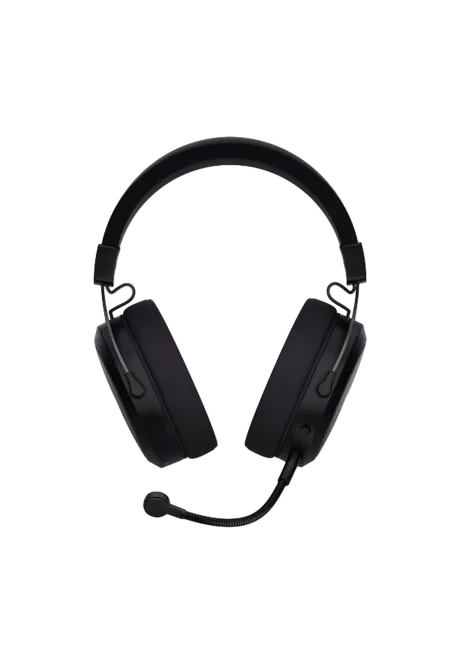
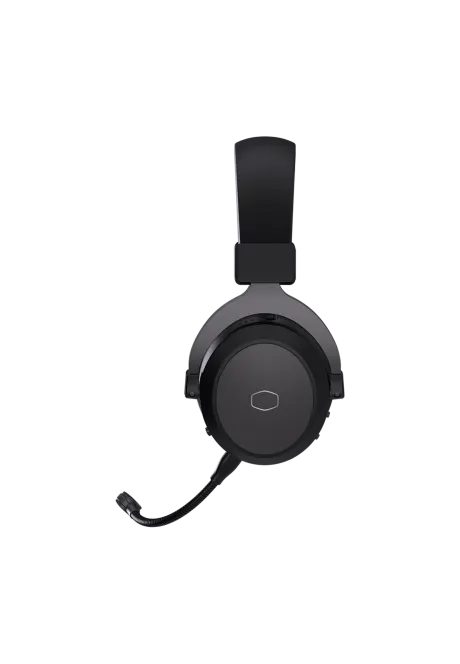
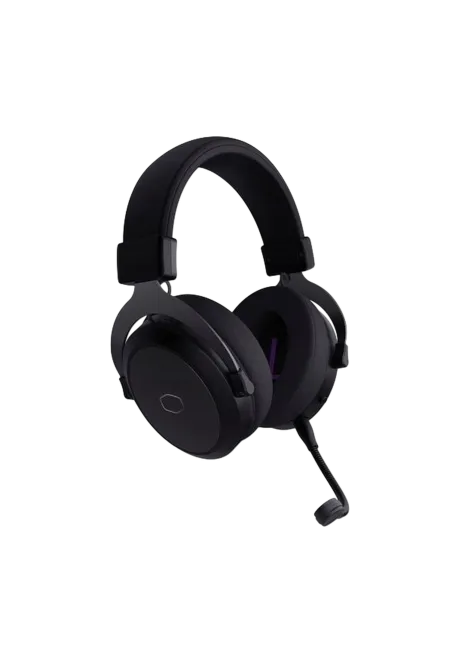
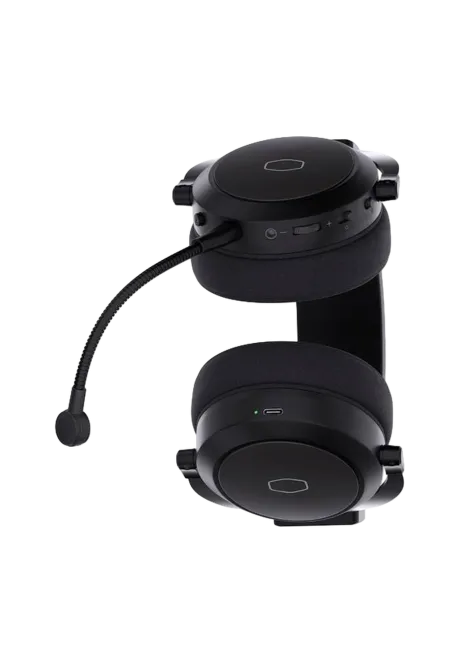
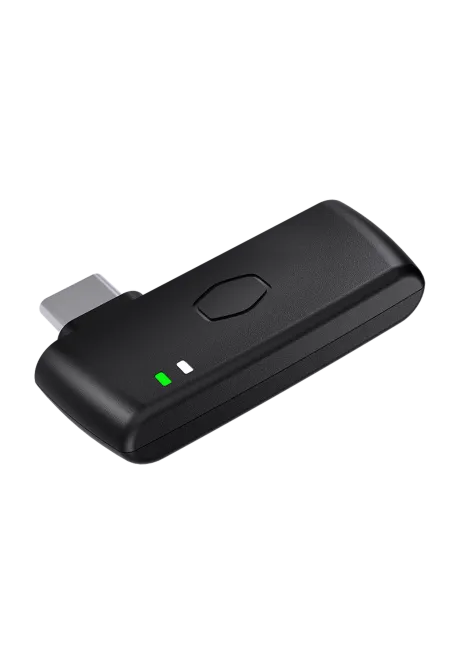
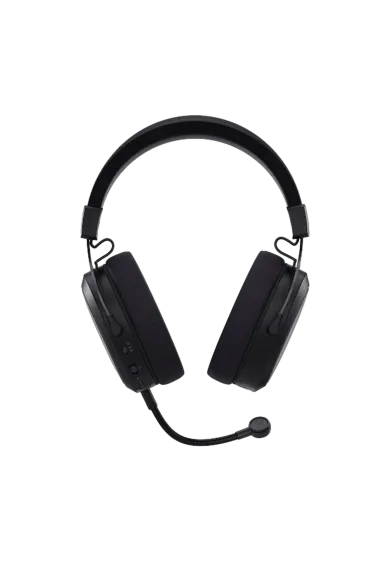
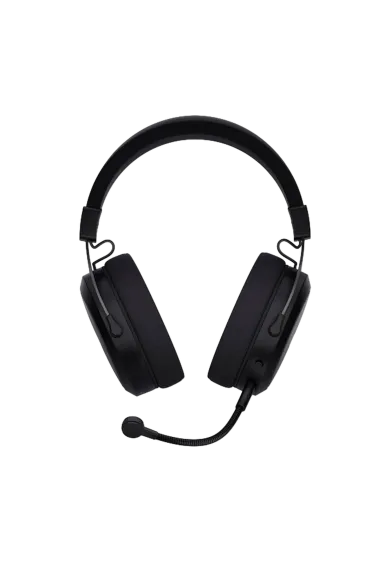
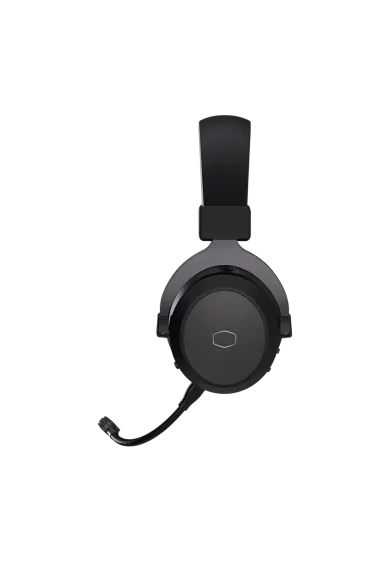
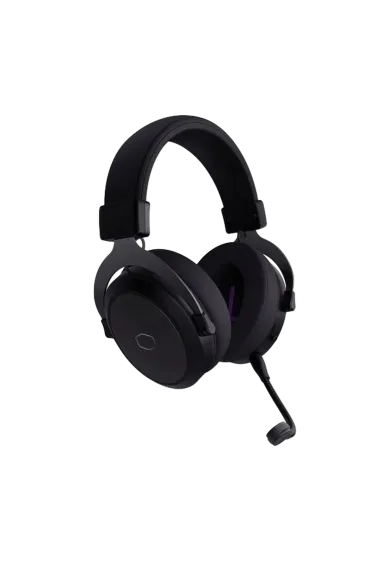
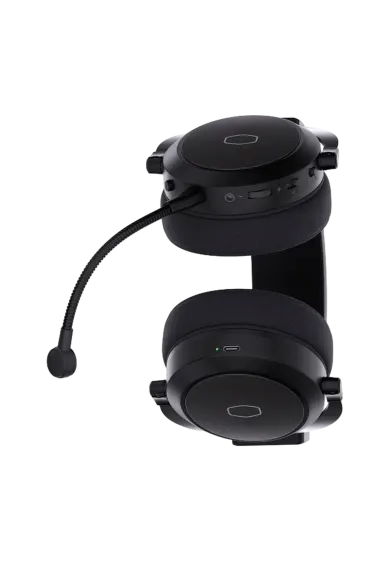
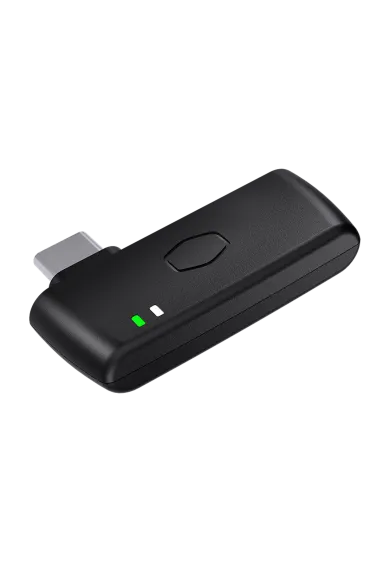
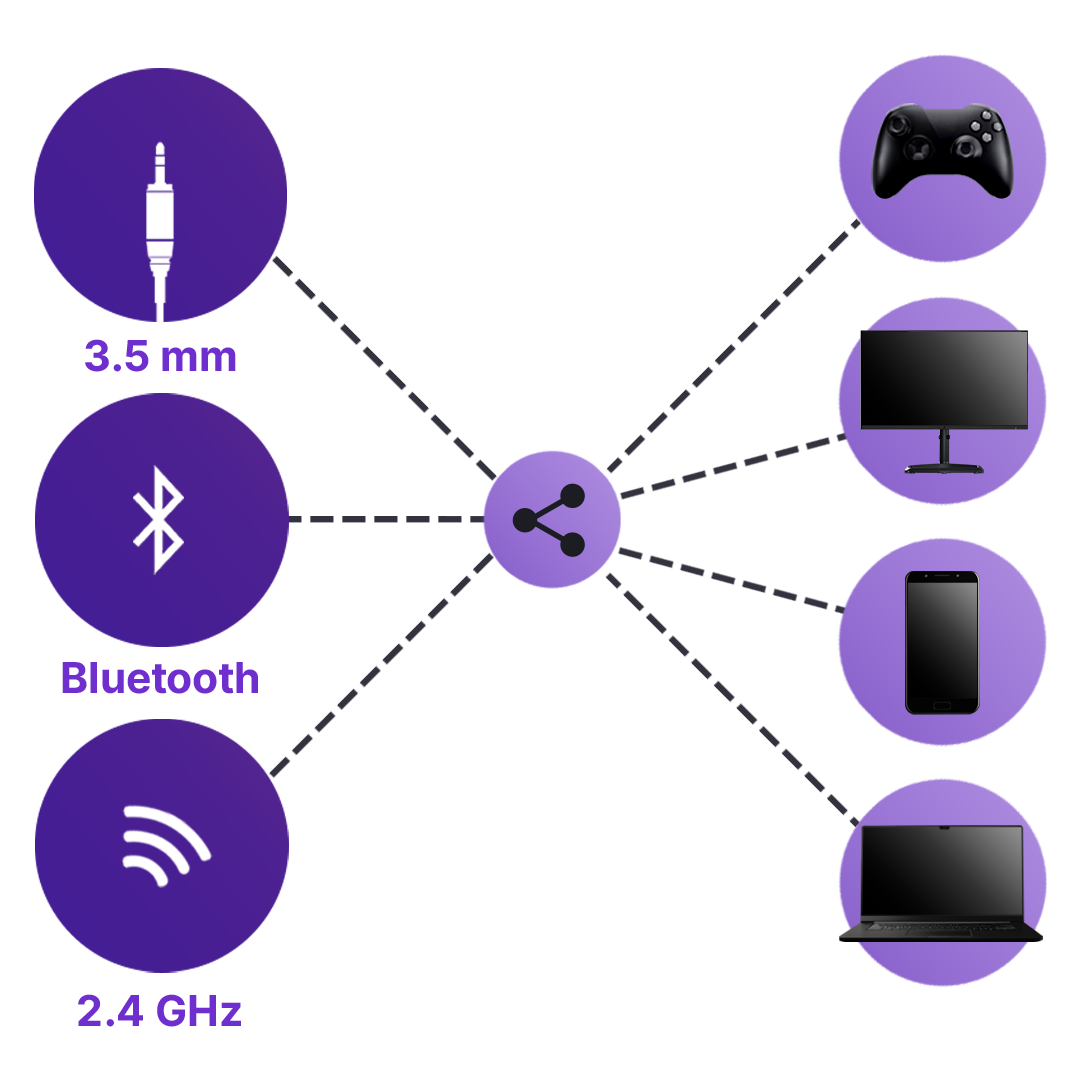
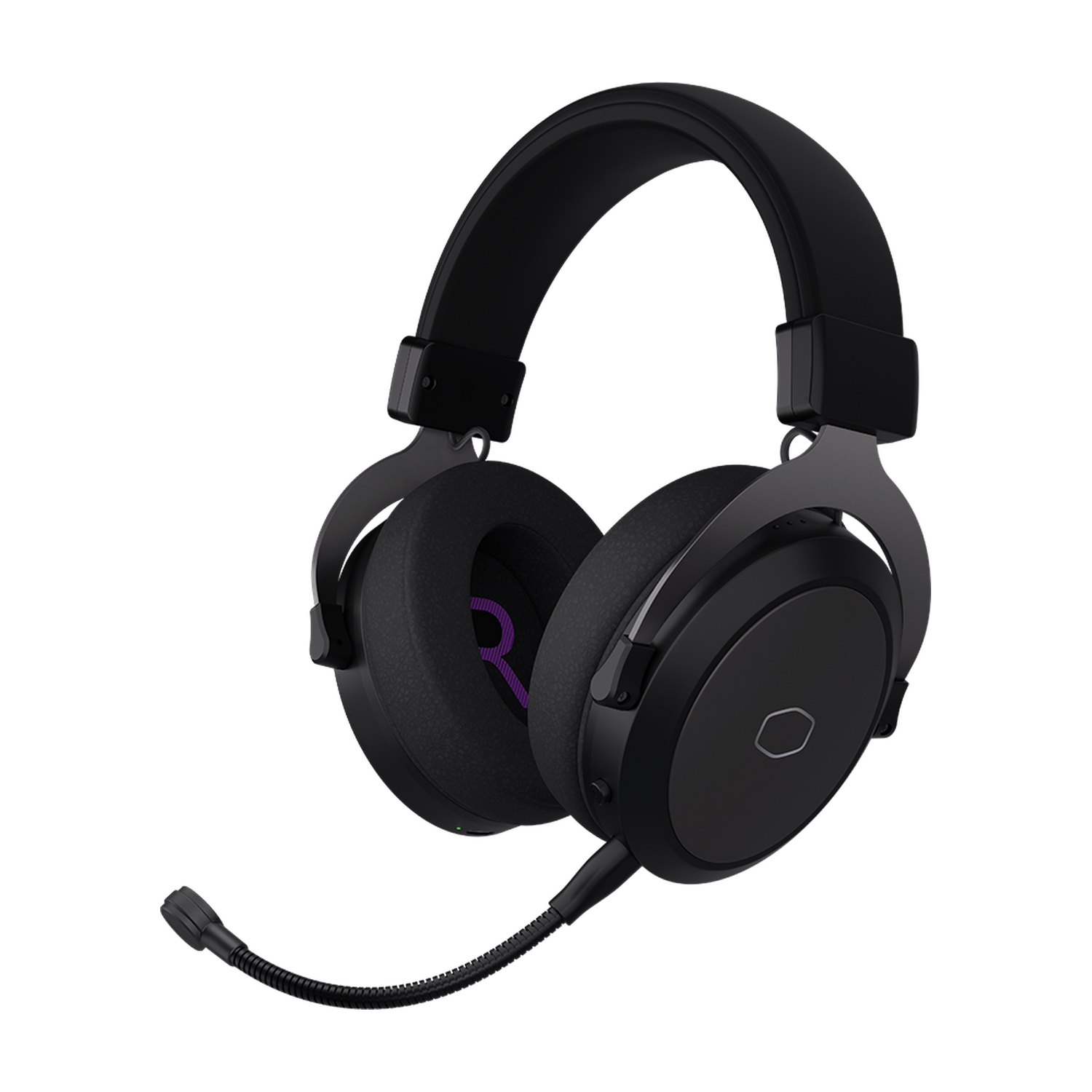
Cooler Master CH351 is a wireless gaming headset with 50 mm drivers, a detachable microphone and built-in 3D Surround. Connect through the 2.4 GHz USB-C receiver, Bluetooth 5.4 or a 3.5 mm cable for wired listening. Sidetone lets you hear your own voice during chats, while battery life reaches up to 30 hours at 50% volume.
You might also like



| Parameter | Details |
|---|---|
| Manufacturer | Cooler Master |
| Model | CH351 |
| Type | Over-ear gaming headset with a detachable microphone |
| Colour | Black |
| Driver diameter | 50 mm |
| Headphone frequency response | 20-20,000 Hz |
| Impedance | 32 Ω |
| Headphone sensitivity at 1 kHz | 100 dB ±3 dB |
| Maximum input power | 30 mW |
| Audio connections | 2.4 GHz wireless, Bluetooth 5.4, analogue 3.5 mm |
| 2.4 GHz receiver connector | USB-C |
| 2.4 GHz latency | Below 20 ms in the manufacturer's laboratory tests |
| 2.4 GHz range | Up to 20 m in the manufacturer's laboratory tests |
| Bluetooth device memory | Up to 3 devices, with button-operated switching |
| Spatial audio | Built-in 3D Surround, available in wireless mode |
| Microphone | Unidirectional, detachable, flexible boom; operates in wireless mode |
| Microphone frequency response | 100-8000 Hz |
| Sidetone | Built-in voice monitoring with an off setting; wireless mode |
| Battery life | Up to 30 hours at 50% volume, tested in 2.4 GHz mode |
| Charging | USB-C; the headset socket does not provide wired USB audio |
| Headband construction | Steel and plastic, with a PU synthetic leather-covered foam cushion |
| Ear cushions | Soft cushions with synthetic leather covering |
| Headset dimensions as listed by the manufacturer | 179.4 × 96.3 × 207 mm, length × width × height |
| Weight without accessories | Approximately 328 g |
| Weight with accessories | Approximately 404 g, excluding packaging |
| Retail package dimensions | 254 × 210 × 114 mm, length × width × height |
| Gross package weight | Approximately 824 g; excludes any extra shipping carton and protective material |
| Manufacturer warranty | 2 years, subject to Cooler Master's limited warranty terms |
| Connection or device | Requirements and functions |
|---|---|
| Computer using the 2.4 GHz receiver | Requires USB audio support and a port suitable for the USB-C receiver. Audio, microphone, 3D Surround and sidetone are available. |
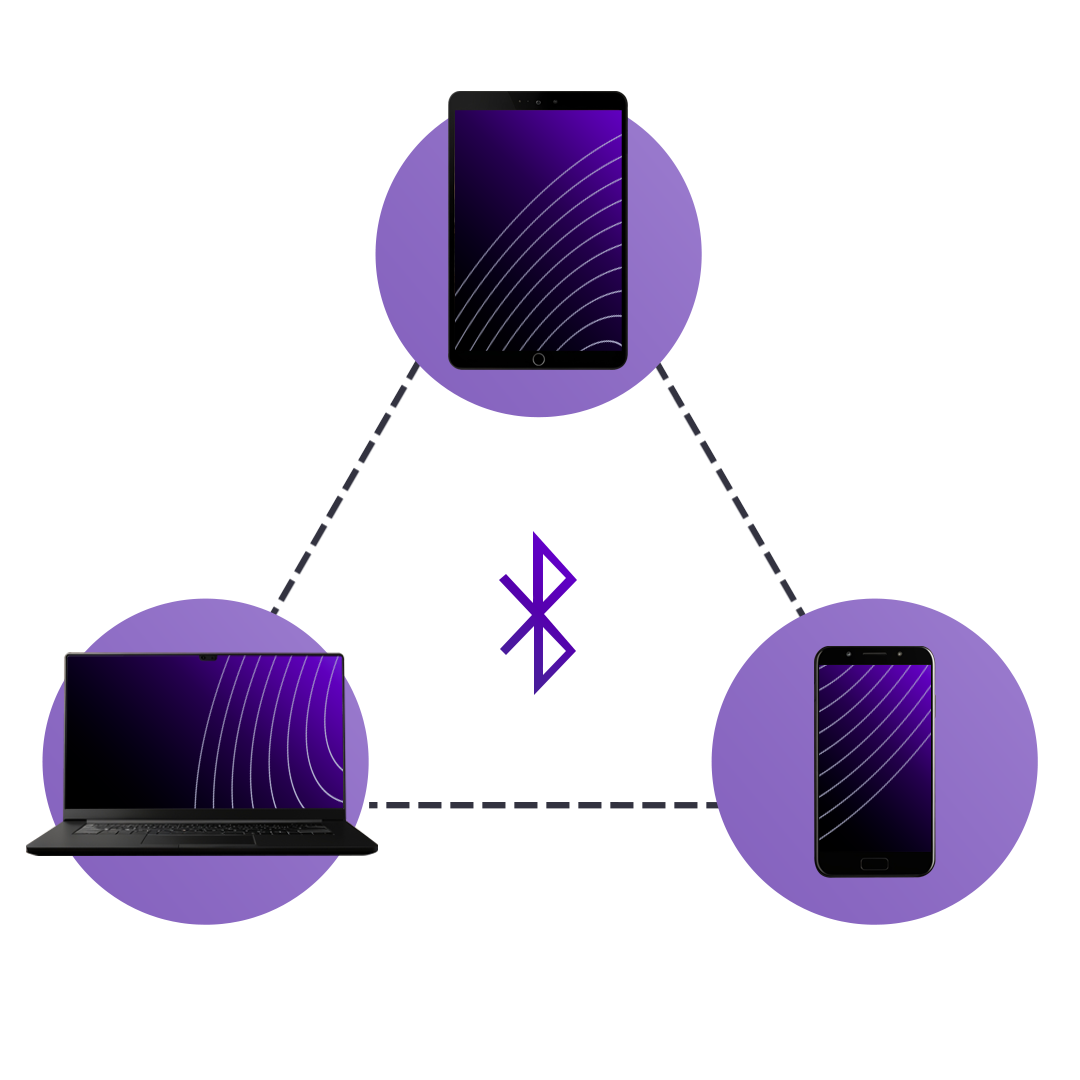
| Phone, tablet or computer over Bluetooth | Requires Bluetooth headphone support. Voice calls also depend on the device and application supporting the appropriate headset mode. |
| 3.5 mm headphone output | Passive listening. The microphone, 3D Surround, sidetone and headset volume control are unavailable. |
| Console controller with a 3.5 mm headphone output | Listening is possible if the controller and console support analogue headphones. The CH351 microphone does not work through this connection. |
| Consoles over USB or Bluetooth | A USB port or Bluetooth alone does not establish compatibility. Cooler Master's CH351 product page does not provide a complete list of supported console models. |
| USB-C cable plugged into the headset | Battery charging. This is not a wired USB audio connection. |
Use the 2.4 GHz wireless receiver with its USB-C connector or Bluetooth 5.4. A 3.5 mm cable is also available for wired listening.
No. The USB-C socket on the headset is for charging. The separate USB-C receiver accepts audio from the computer and sends it wirelessly to the headset over 2.4 GHz.
Cooler Master reports below 20 ms in its laboratory tests. This does not guarantee the same total latency in every computer and game setup.
Yes, up to three. Switch between saved devices with a button. Cooler Master does not describe this as simultaneous audio mixing from three sources.
No. The CH351 microphone operates in wireless mode. The 3.5 mm connection provides passive audio listening.
It lets you hear your own voice through the headset during a conversation. You can turn sidetone off while leaving the microphone on, or select microphone mute with the same control.
Yes, using the dedicated headset button. The built-in 3D Surround effect is unavailable over the wired 3.5 mm connection.
Cooler Master quotes up to 30 hours at 50% volume, based on testing in 2.4 GHz mode. Actual results depend on settings and use. The battery charges through USB-C.
Yes, the microphone can be unplugged. The headset weighs approximately 328 g without accessories. The approximately 404 g figure includes accessories but excludes packaging.
Do not assume wireless support on every console. A controller with a supported 3.5 mm headphone output can provide wired listening, but not the CH351 microphone. USB or Bluetooth compatibility must be checked for the specific console.
Cooler Master lists a 2-year limited warranty for headsets, subject to its warranty terms. Coverage applies to electrical components and excludes normal material wear.
Simline.eu accepts claims for equipment purchased from us and acts as an intermediary in the warranty process. After reviewing the documentation, we provide further instructions for handling the claim.
Email support@simline.eu with a fault description, proof of purchase, and photos or videos showing the issue. You will receive further instructions after the claim has been reviewed.
You might also like