Shopping Cart
There are no more items in your cart
 English
  Polski
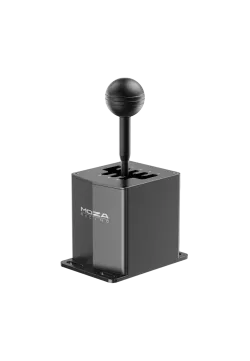
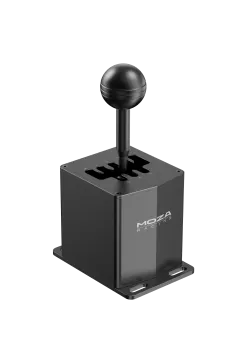
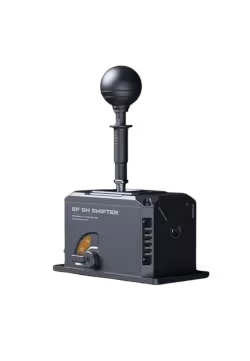
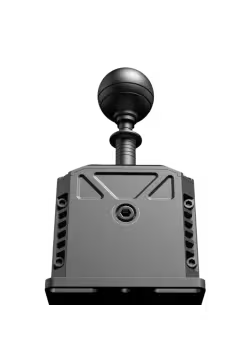
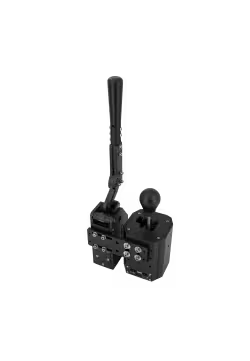
Moza HGP H-Shifter
552.03zł

243.09zł
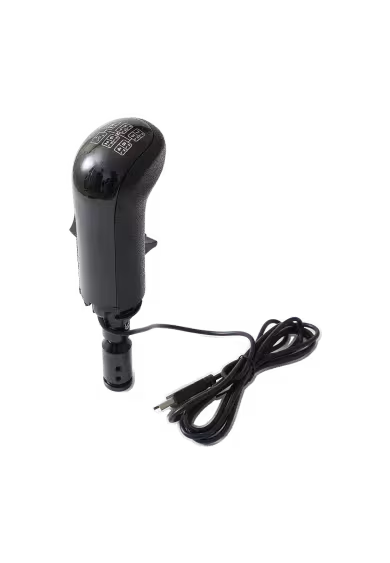
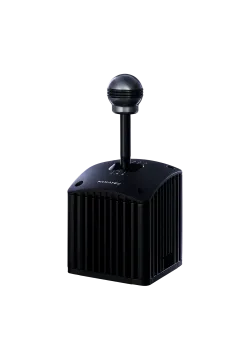
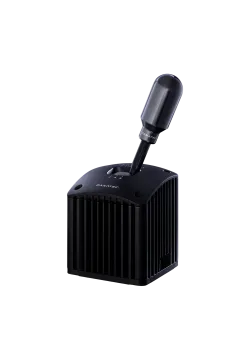
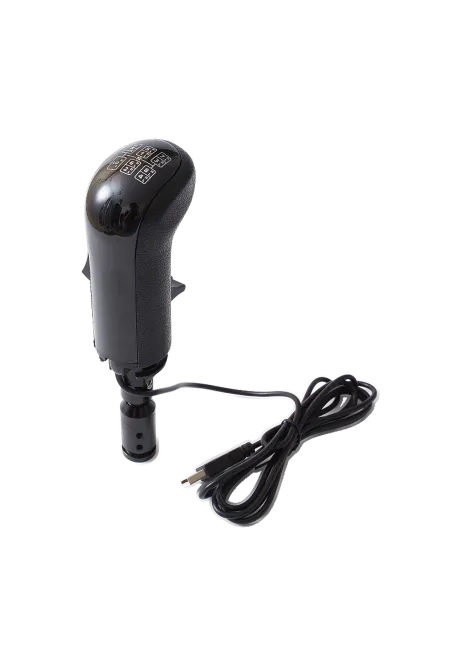
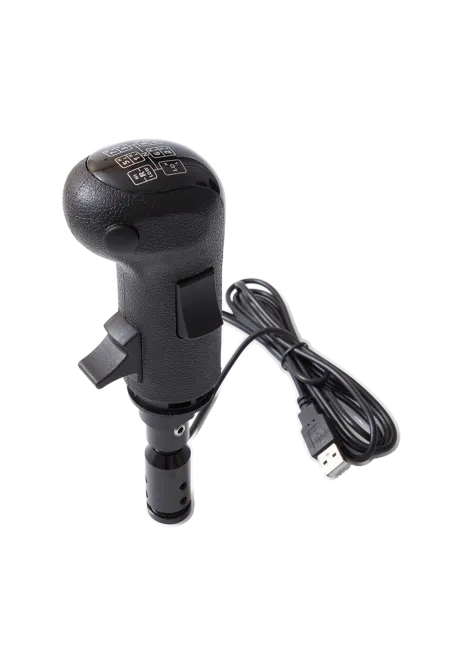
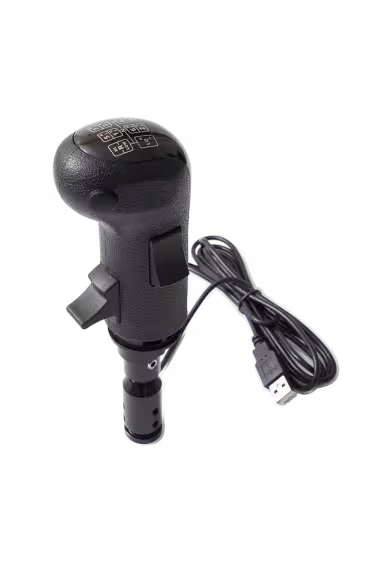
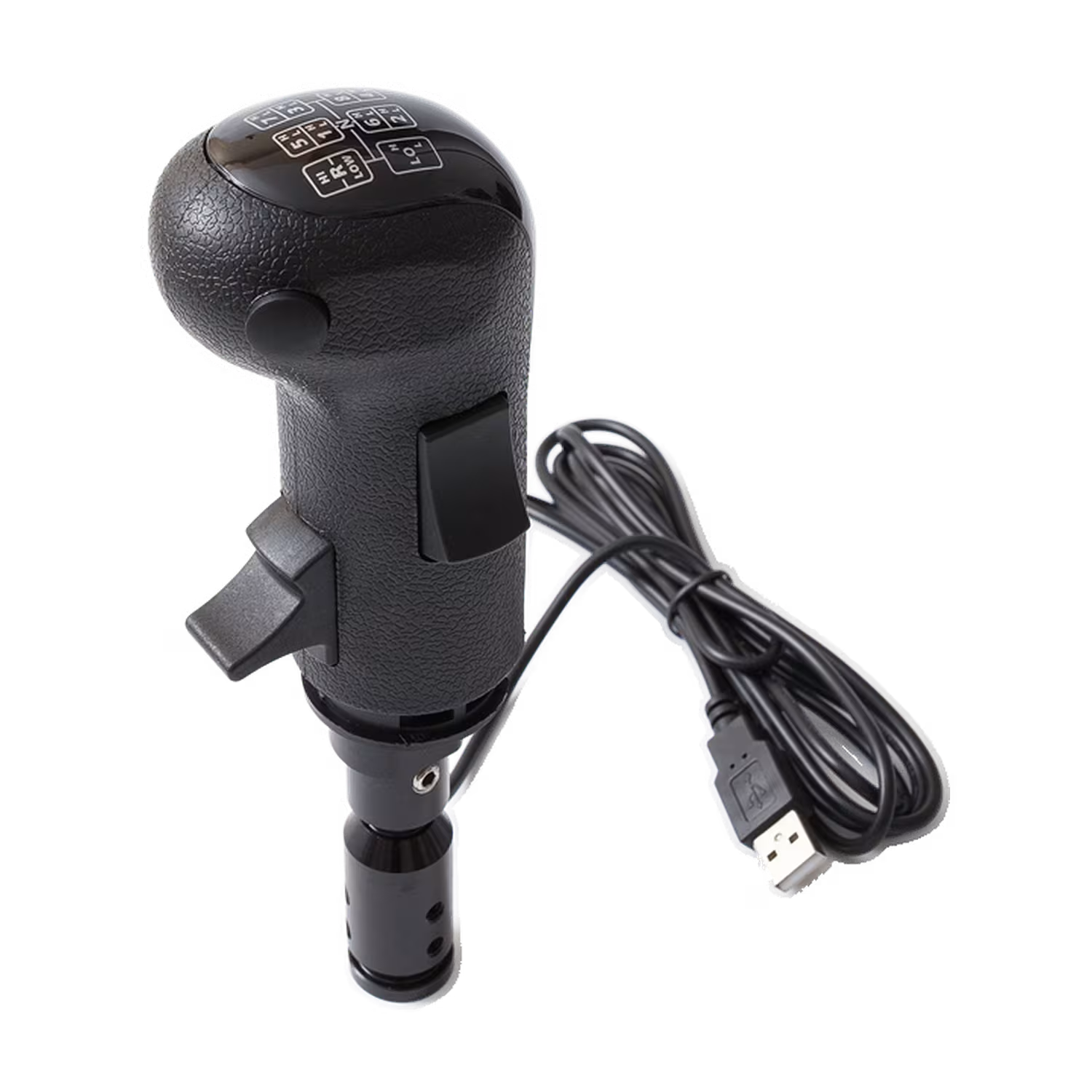
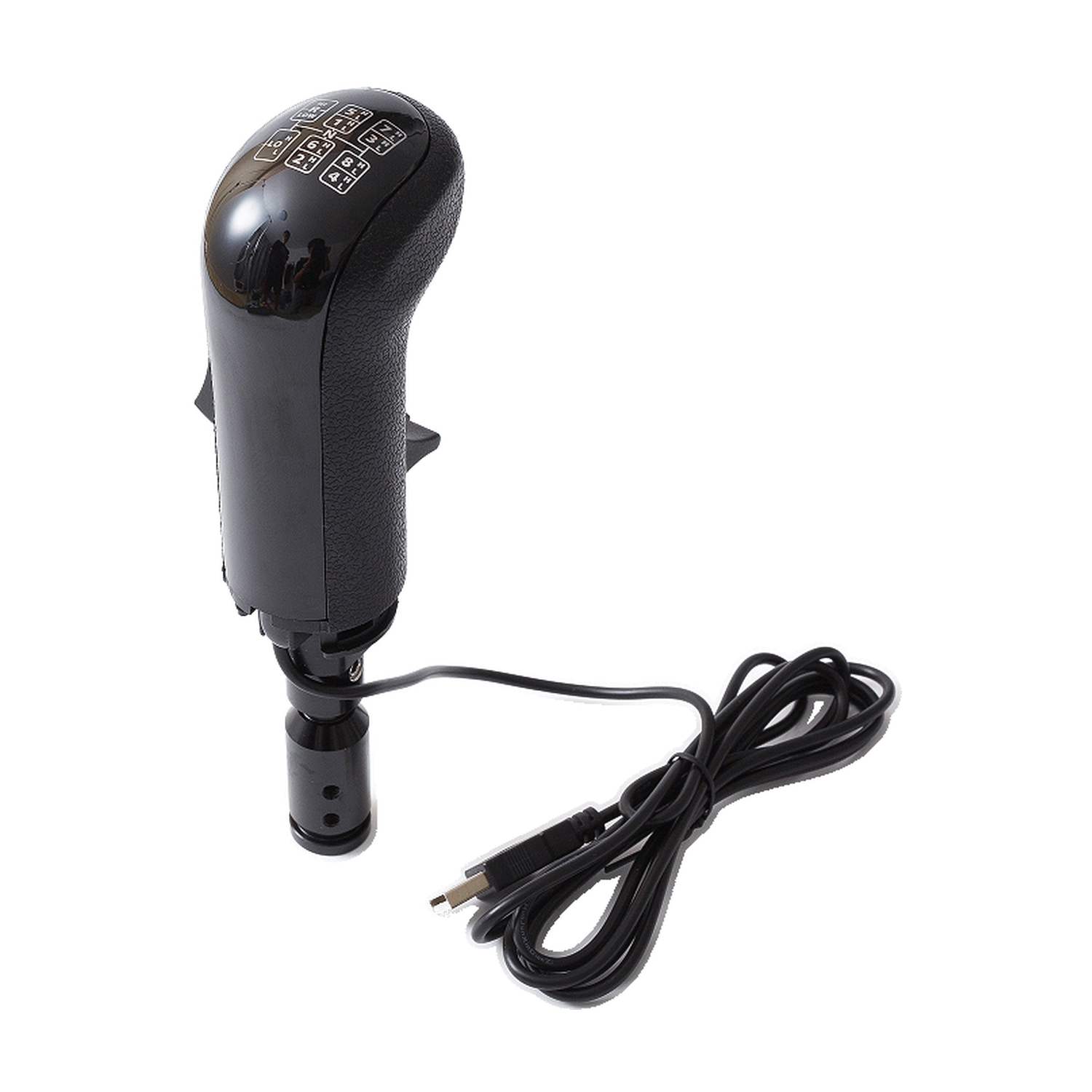
Simline SKRS Truck Shift Knob is a black USB knob for Euro Truck Simulator 2 and American Truck Simulator. It puts High/Low range control on your shifter lever once assigned in the game. Replace the standard knob and connect its USB cable to your PC. Your separate shifter still detects gear positions. The shifter and steering wheel are not included.
You might also like
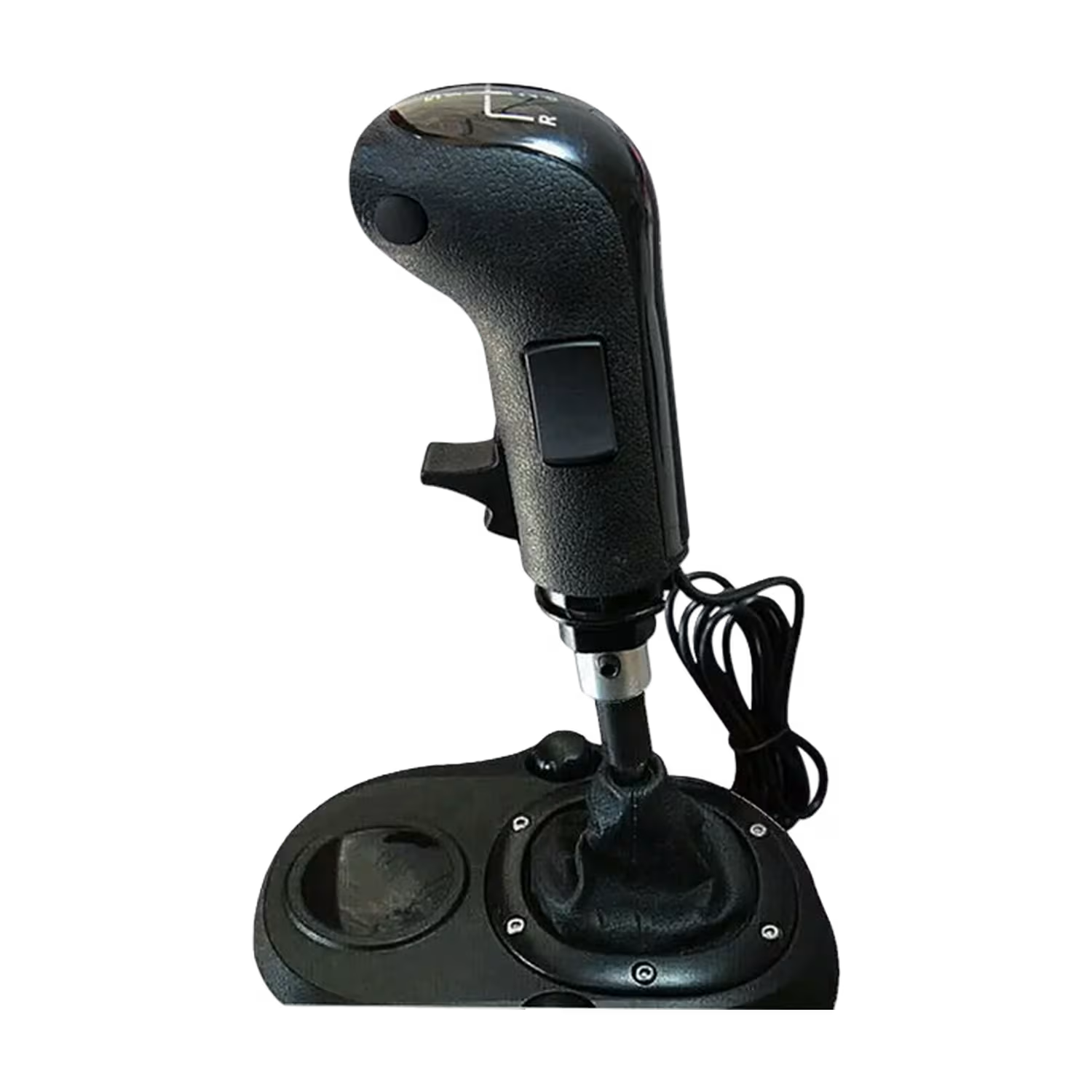
| Parameter | Details |
|---|---|
| Brand | Simline |
| Model | Simline SKRS Truck Shift Knob |
| Type | USB replacement shift knob for a separate shifter |
| Colour | Black |
| Intended games stated in the offer | Euro Truck Simulator 2 and American Truck Simulator |
| Function | High/Low range control after in-game assignment |
| Connection | Wired USB-A to a computer |
| Mounting | On a mechanically compatible shifter lever in place of the standard knob |
| Lever-position detection | Provided by the separate shifter, not the knob itself |
| Additional hardware required | A separate shifter with a compatible mounting interface |
| Configuration | Assign the knob's inputs in the game's controller settings |
| Mounting diameter and dimensions | Not confirmed in the supplied materials |
| Product weight and package specifications | Not confirmed in the supplied materials |
| Game, device or platform | Compatibility evidence |
|---|---|
| Euro Truck Simulator 2 | Listed as an intended game; assign the knob's functions in controller settings |
| American Truck Simulator | Listed as an intended game; map functions for the selected transmission |
| PC | The knob connects by USB; detailed operating-system and driver requirements are not confirmed |
| Logitech G25 / G27 setups | Listed in the offer; check the knob mount on the actual shifter lever |
| Logitech G29 / G923 setups | Listed in the offer; mounting is on a separate shifter, not on the steering wheel |
| PXN V9 / V10 / V99 / A7 | Listed in the offer; mechanical fit depends on the lever and mounting interface |
| Other shifters | Universal fit is not confirmed; the mounting interface must be compared |
| PlayStation / Xbox | Compatibility is not confirmed; the offer concerns a USB knob for PC |
The shifter, steering wheel and computer are not included.
No. It is a replacement knob with USB controls. A separate shifter must provide the lever mechanism and detect its position.
Only the black version of the knob.
The offer lists Euro Truck Simulator 2 and American Truck Simulator.
It switches between low and high transmission ranges. The same physical lever position can then select different gears, depending on the chosen range and gearbox layout.
No. The shifter still detects the lever's position. The knob's inputs provide additional functions assigned in the game.
To the computer. Do not assume the knob will work through a USB port on a wheel base.
Yes. Check that its inputs are detected, choose a gearbox layout and assign range selection in controller settings. Connecting USB does not configure game functions automatically.
The seller lists G25, G27, G29 and G923. Mounting is on the shifter lever, not the wheel itself. Check the knob attachment on your actual shifter before ordering.
The title lists V9, V10, V99 and A7. The actual lever mount must still be compared; the wheel model alone does not define the knob mounting diameter.
PlayStation and Xbox compatibility is not confirmed. The knob is intended for a USB connection to a PC.
The product is covered by a 12-month warranty.
Simline.eu handles the claim. After reviewing the fault description and supporting materials, we provide further instructions for the warranty process.
Email support@simline.eu. Include a description of the problem and photos or videos showing the fault. We will provide further instructions after reviewing your claim.
Manufacturer
Responsible person
You might also like