Shopping Cart
There are no more items in your cart
 English
  Polski
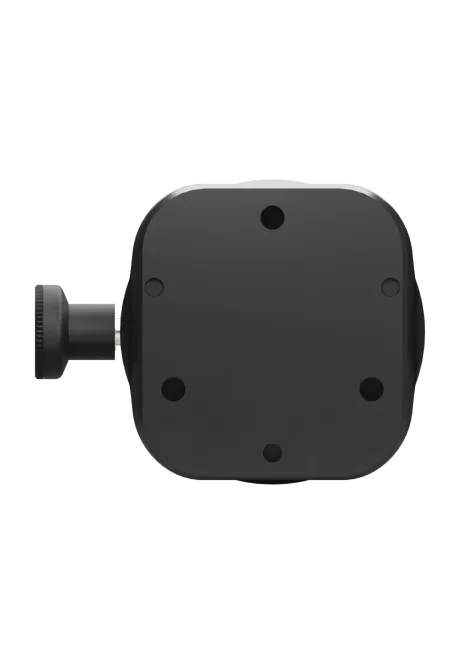
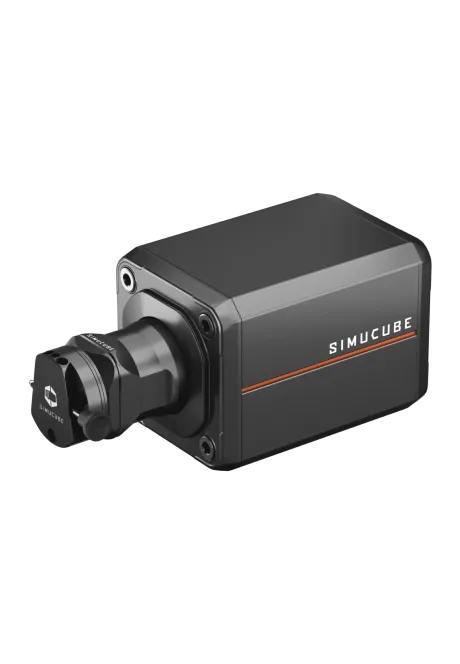
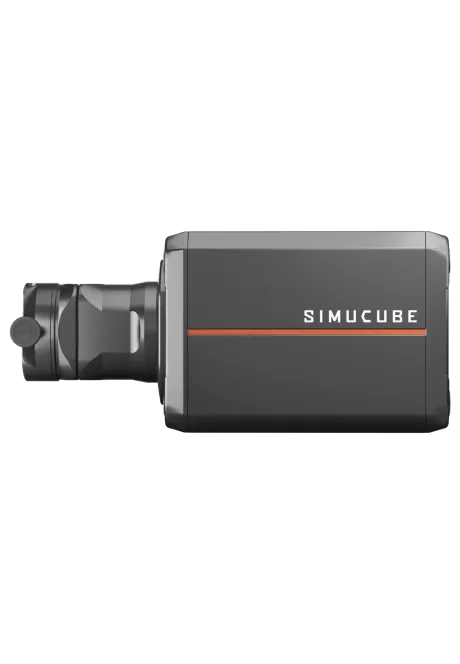

Simucube 2 Sport
4,414.63zł

212.20zł
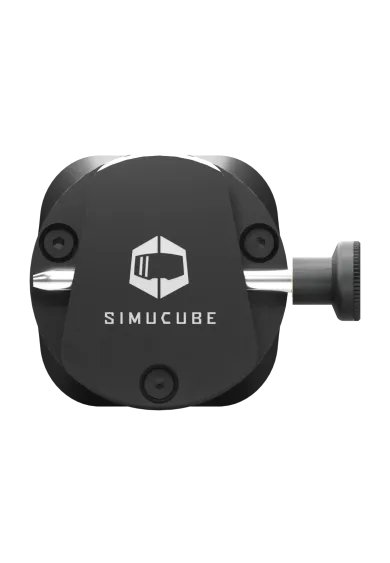
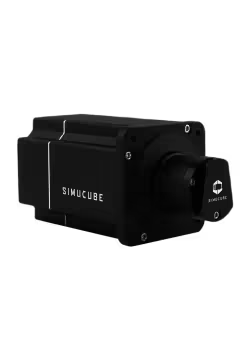
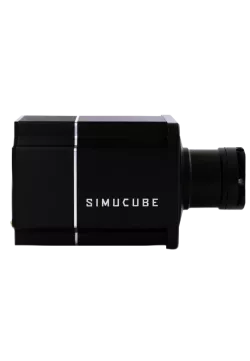
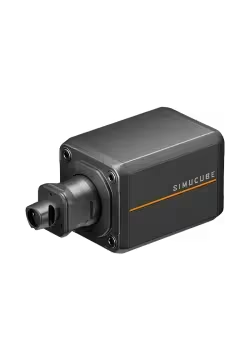
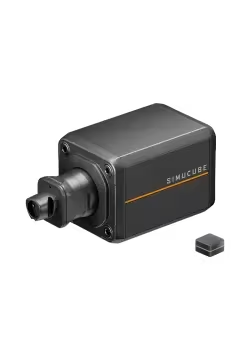
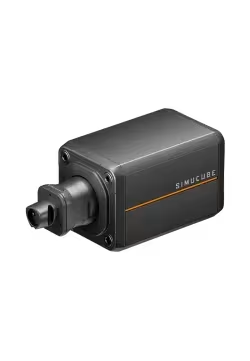
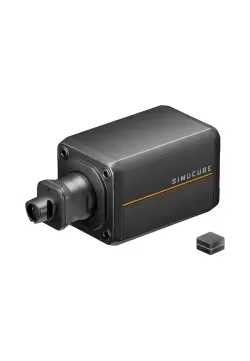
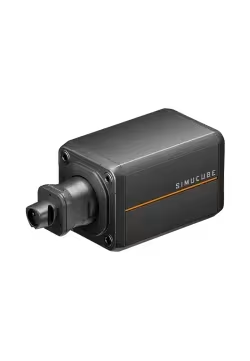
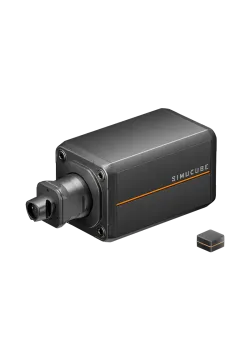
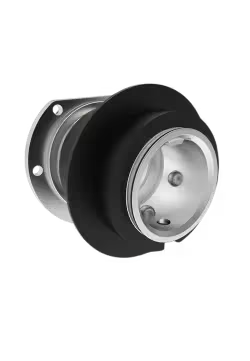
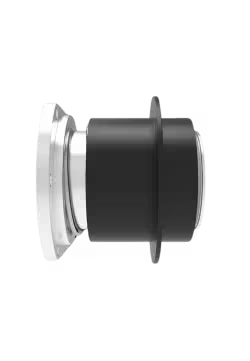
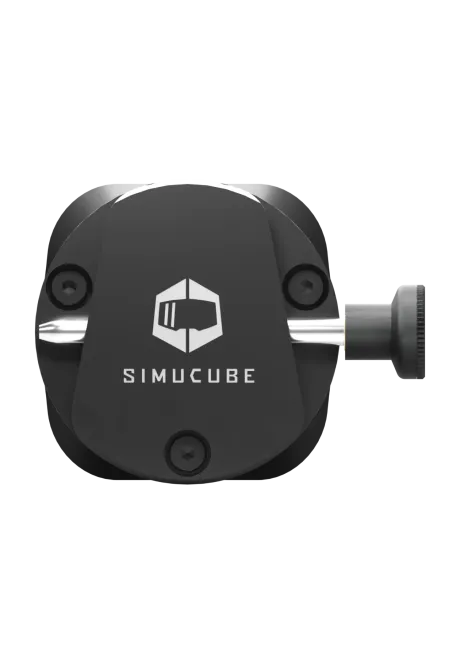
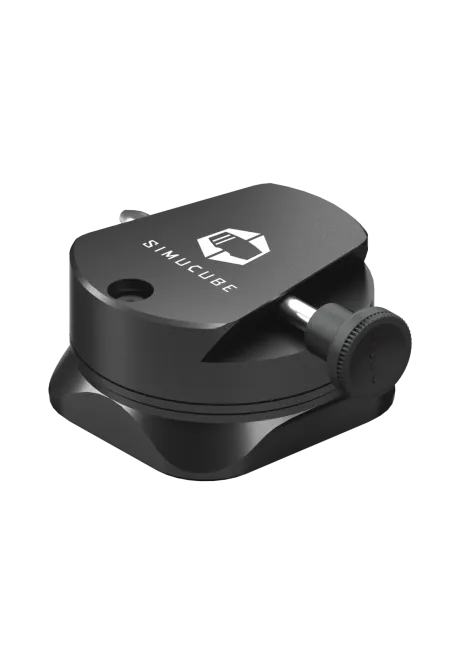
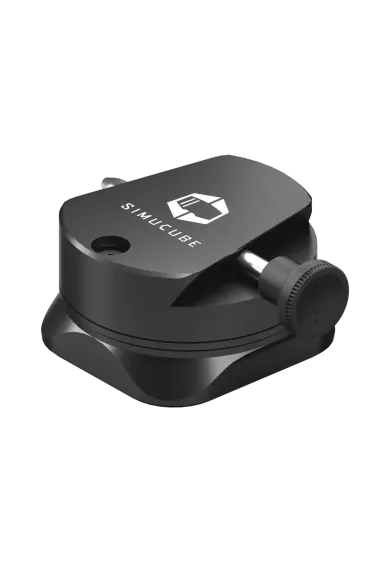
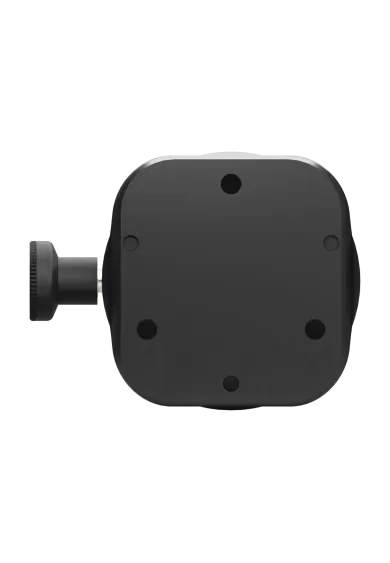
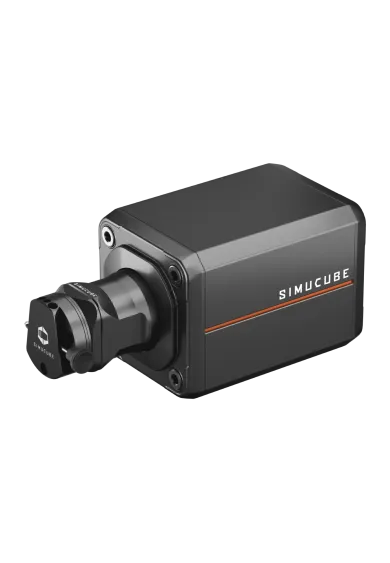
The Simucube 2 Quick Release Adapter for Simucube 3 lets you keep using wheels fitted with the Simucube 2 SQR system after upgrading your wheelbase. It replaces the Link Quick Release interface with a rigid wheelbase-side connection secured by a locking pin. The package includes the adapter plate, quick release, fasteners and installation tools. Bluetooth wheel data remains available, but Lightbridge power and data transfer are not supported.
You might also like
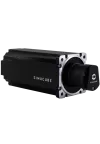
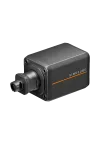
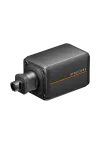
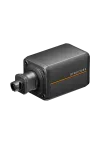
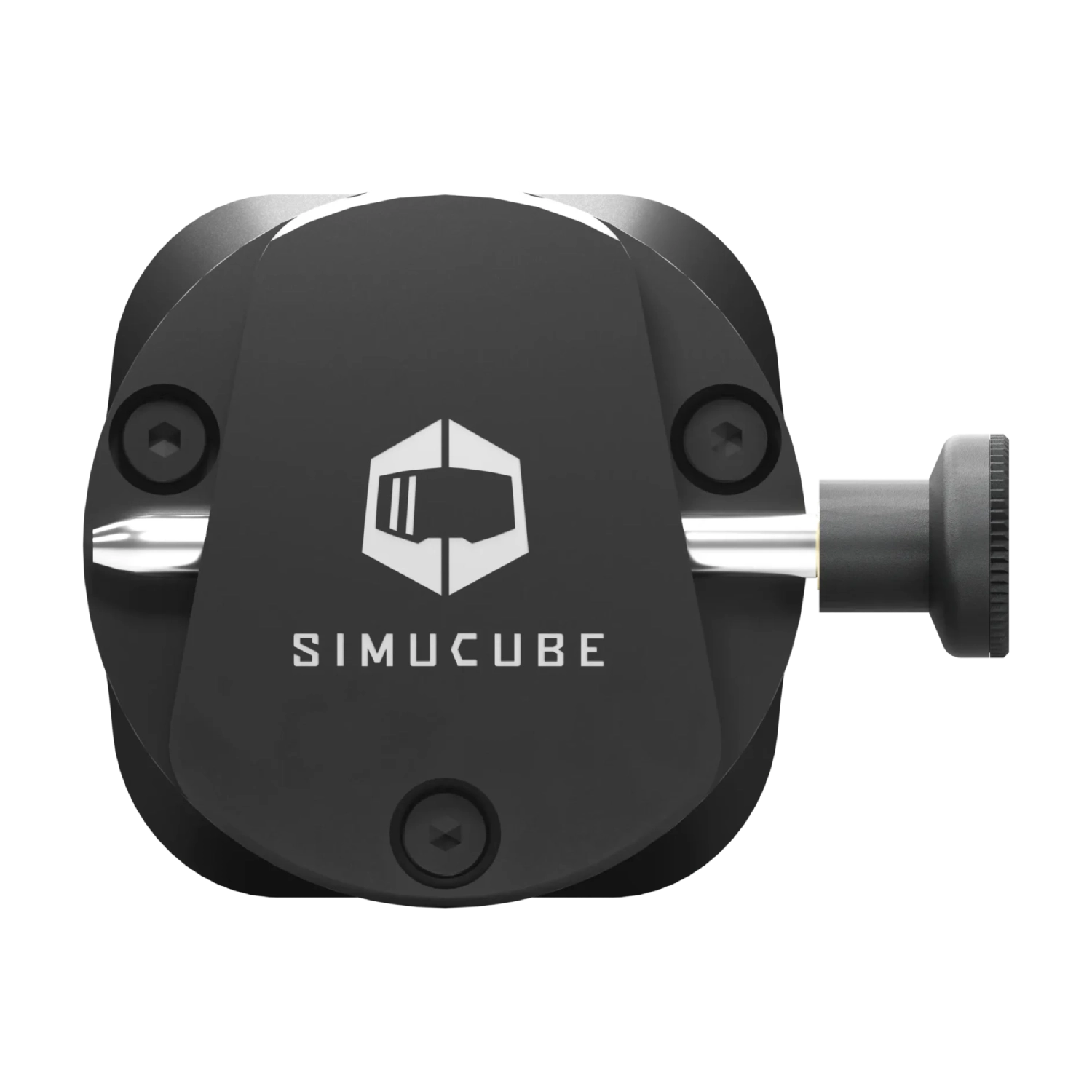
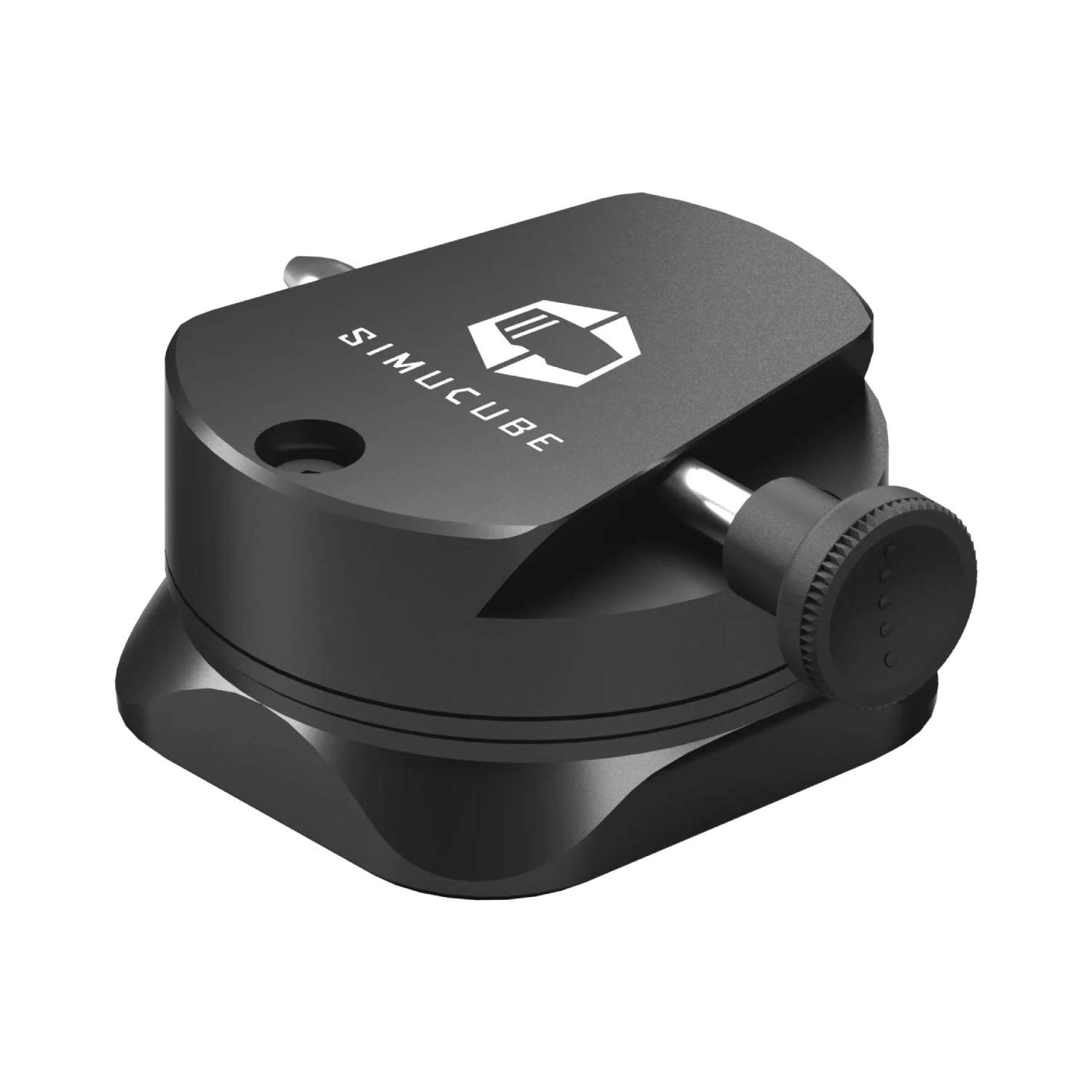
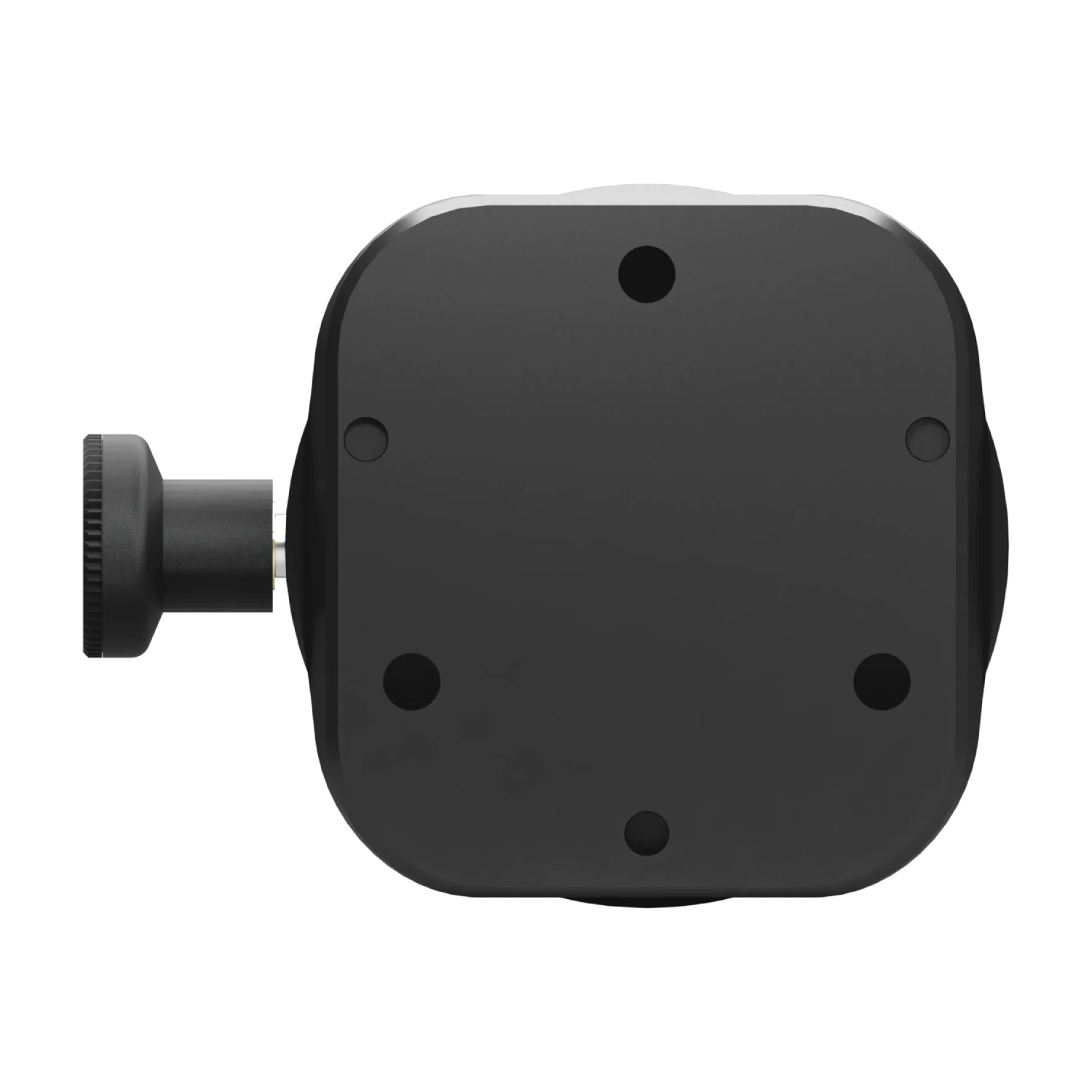
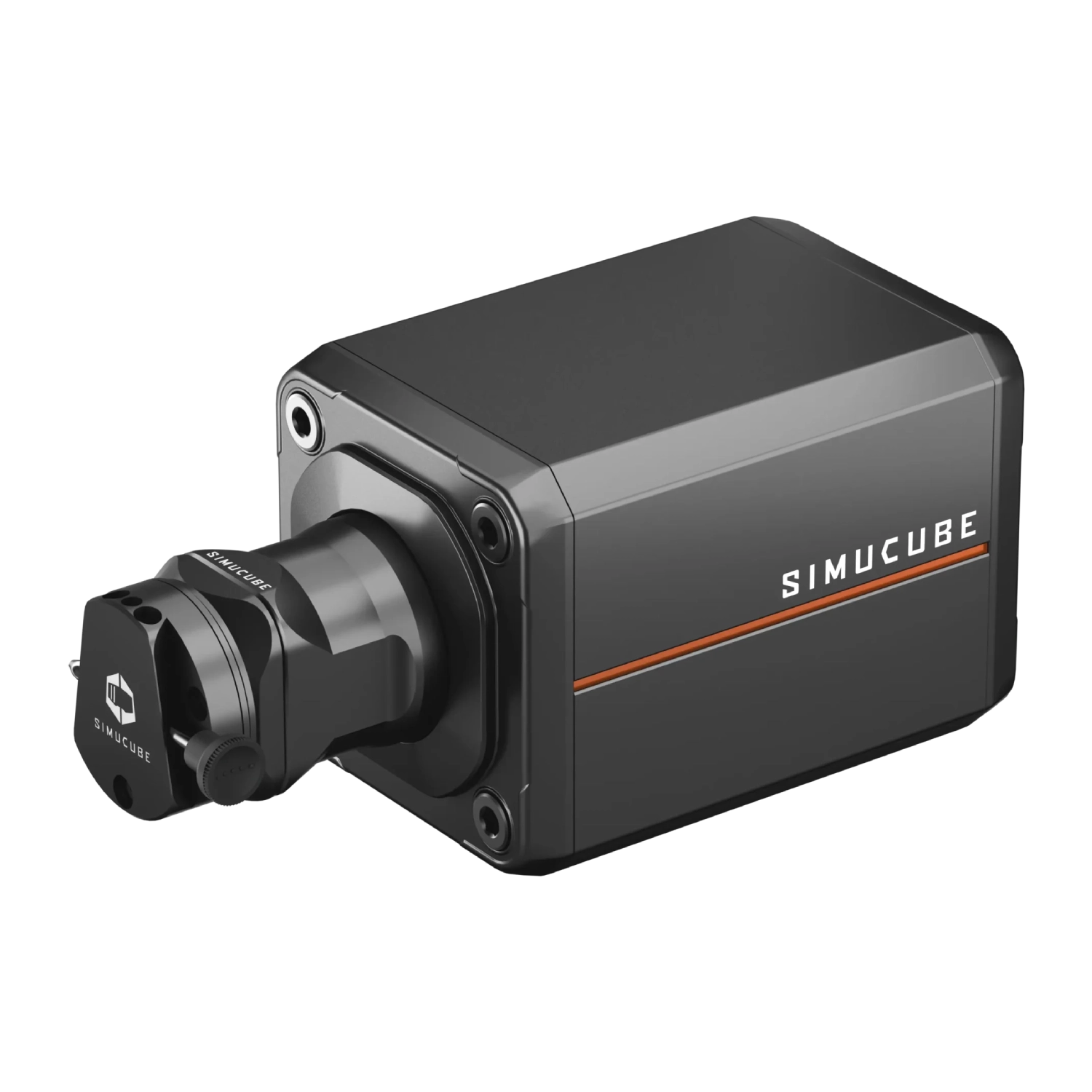
Moving to a Simucube 3 wheelbase does not have to mean replacing steering wheels already equipped with a Simucube 2 Quick Release. The adapter removes the wheelbase-side Link Quick Release interface and restores the mechanical SQR connection used by the previous generation. Your existing wheel collection can therefore remain in service without rebuilding every wheel.
The solution fits all three variants: Simucube 3 Sport, Pro and Ultimate. A cockpit upgrade can be completed in stages while retaining GT, formula or rally wheels prepared for SQR. This is particularly useful when several wheels share the same established mounting system. Compare current models under Simucube Direct Drive wheelbases.
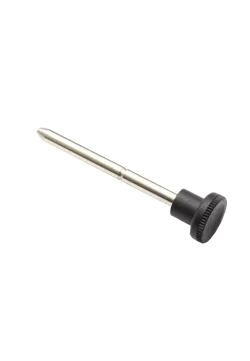
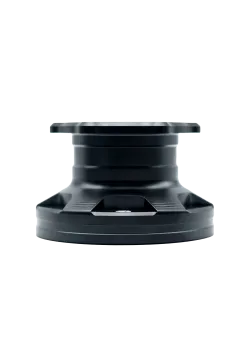
The package includes an original Simucube 2 wheelbase-side Quick Release. The steering wheel engages in the familiar way and is secured by a metal locking pin. Once correctly installed, the mechanical assembly creates a rigid connection suitable for powerful Direct Drive wheelbases and requires no routine adjustment when swapping wheels.
The locking pin must always be inserted fully before wheelbase torque is enabled. Simucube also requires the “Torque off” button on the Control Box to be pressed before fitting or removing a wheel. Following this sequence supports safe handling and repeatable engagement when several steering wheels are used on one rig. Explore related products on the Simucube brand page.
The kit contains the adapter plate, Simucube 2 wheelbase-side Quick Release, locking pin, screws, locking washers and the tools required for installation. The supplied M5x25 countersunk screws attach the plate to the Simucube 3 shaft, while the M5x20 screws and locking washers secure the SQR mechanism. Simucube specifies approximately 6 Nm of tightening torque for both connections.
Installation requires the wheelbase to be switched off, disconnected from power and stripped of its standard Link Quick Release interface. After the small circuit board is disconnected, its cable is placed safely inside the shaft channel. The Torx screws must be removed carefully with the tool held straight and firm downward pressure applied. Follow the official Simucube guide step by step and retain every original part if the conversion may later be reversed.
The adapter completely replaces the Link Quick Release interface on a Simucube 3 wheelbase. Lightbridge wireless power and data transfer are therefore unavailable after conversion. A steering wheel that depends on this feature will not receive power or communication through the adapter, so the connection and power requirements of every wheel should be checked before purchase.
Bluetooth data transfer remains available for compatible steering wheels because it operates independently of the mechanical adapter. Each wheel still needs a Simucube 2 wheel-side Quick Release and its own power source where required. SQR and Link QR cannot be used simultaneously without changing the wheelbase-side hardware again. The adapter is primarily intended for Simucube 3 owners who want to preserve an established collection of Simucube 2 SQR steering wheels.
| Technical specification - Simucube 2 Quick Release Adapter for Simucube 3 | |
|---|---|
| System and compatibility | |
| Product type | Simucube 2 Quick Release adapter for Simucube 3 wheelbases |
| Model / SKU | Simucube 2 Quick Release Adapter for Simucube 3 / SC3SQR1A |
| Compatible wheelbases | Simucube 3 Sport, Simucube 3 Pro and Simucube 3 Ultimate |
| Compatible steering wheels | Wheels equipped with a Simucube 2 wheel-side Quick Release |
| Locking method | Mechanical SQR locking pin |
| Connectivity | |
| Lightbridge | Wireless power and data transfer are not supported after adapter installation |
| Bluetooth | Existing Bluetooth data transfer remains available for compatible wheels |
| Installation and package | |
| Recommended tightening torque | Approximately 6 Nm for the adapter plate and wheelbase-side SQR |
| Package weight | 0.6 kg |
| Package dimensions | 11.5 × 11.5 × 9.5 cm |
| Manufacturer warranty | 3 years |
| Package contents | |
| Main components | Adapter plate, Simucube 2 wheelbase-side Quick Release and locking pin |
| Fasteners | 3 × M5x20, 3 × M5x25 and 3 × M5 locking washer |
| Tools | 3 mm hex key and T10 Torx key |
| Compatibility - Simucube 2 Quick Release Adapter for Simucube 3 | |
|---|---|
| Compatible wheelbases | |
| Simucube 3 Sport | Compatible; the adapter replaces the standard wheelbase-side Link Quick Release interface. |
| Simucube 3 Pro | Compatible; the adapter replaces the standard wheelbase-side Link Quick Release interface. |
| Simucube 3 Ultimate | Compatible; the adapter replaces the standard wheelbase-side Link Quick Release interface. |
| Steering wheels and functions | |
| Wheel with Simucube 2 QR | Compatible when a Simucube 2 wheel-side Quick Release is installed. |
| Bluetooth steering wheel | Bluetooth data remains available; the wheel still needs a compatible SQR and its required power source. |
| Lightbridge | Not compatible; the adapter does not transfer Lightbridge power or data. |
| Simucube Link Quick Release | Cannot be used at the same time because its wheelbase interface is removed during conversion. |
| Wheel with only a 70 mm pattern | Requires a separate Simucube 2 wheel-side Quick Release. |
| Simucube 2 wheelbase | Not required; this product converts a Simucube 3 wheelbase to the SQR system. |
It allows Simucube 2 SQR-equipped steering wheels to be used on a Simucube 3 wheelbase. The adapter replaces the original wheelbase-side Link Quick Release interface.
Yes. Simucube confirms compatibility with Simucube 3 Sport, Simucube 3 Pro and Simucube 3 Ultimate.
Yes, provided each steering wheel has a Simucube 2 wheel-side Quick Release installed. The adapter restores the matching connection on the wheelbase.
Not at the same time. The adapter replaces Link Quick Release. Returning to Link QR requires the original wheelbase-side interface to be reinstalled.
No. Lightbridge wireless power and data transfer are unavailable while the adapter is installed.
Yes. Simucube states that Bluetooth data transfer remains available. The wheel must still have a compatible SQR and its required power source.
The kit contains the adapter plate, Simucube 2 wheelbase-side Quick Release, locking pin, six screws, three locking washers, a 3 mm hex key and a T10 Torx key.
The standard kit includes the parts and basic tools required for wheelbase conversion. Each steering wheel needs its own Simucube 2 wheel-side Quick Release.
Yes. The original Link Quick Release interface can be reinstalled by following Simucube's instructions and retaining every removed component.
Always insert the locking pin completely before enabling torque. Press the “Torque off” button on the Control Box before attaching or removing a steering wheel.
You might also like