Free shipping from PLN 200 for Poland and from EUR 350 for the entire European Union

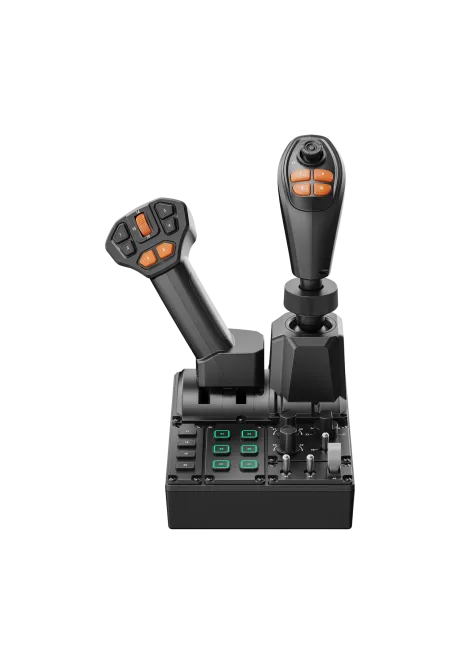
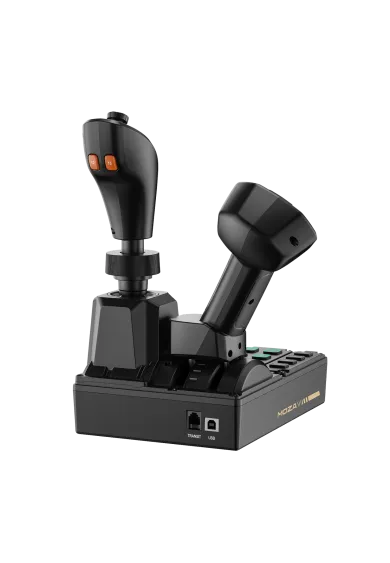
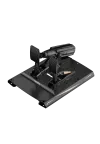
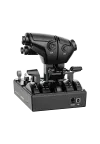
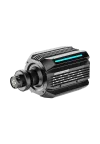
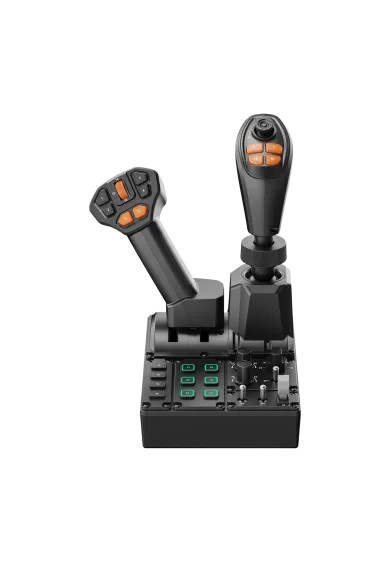
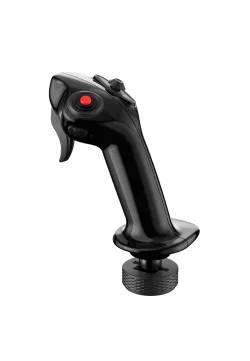
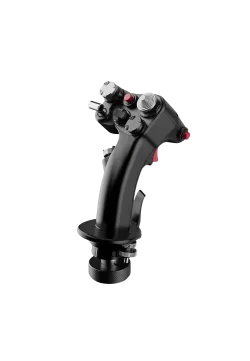
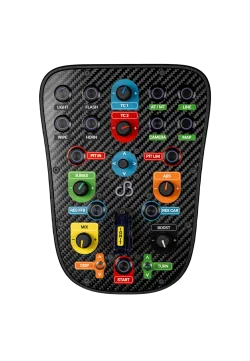
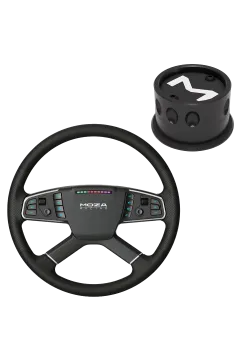
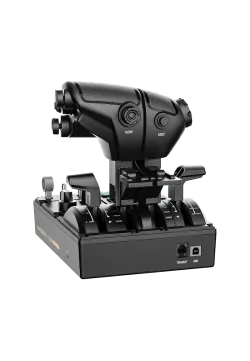
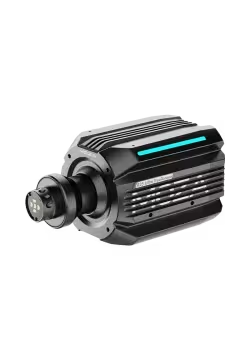
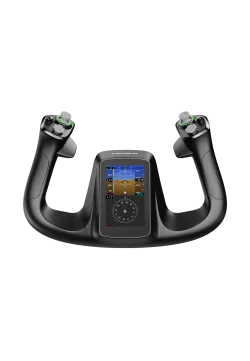
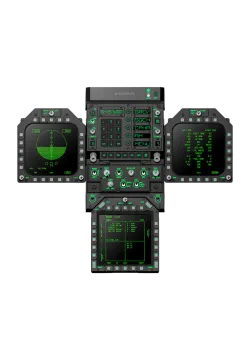
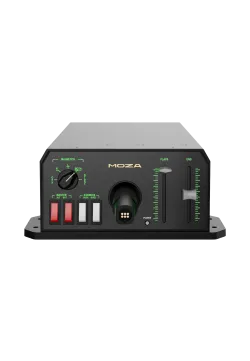
Moza FCS Farming Control System front view
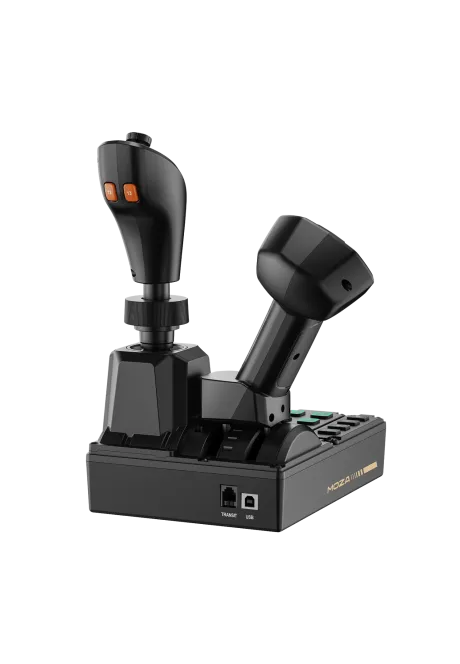
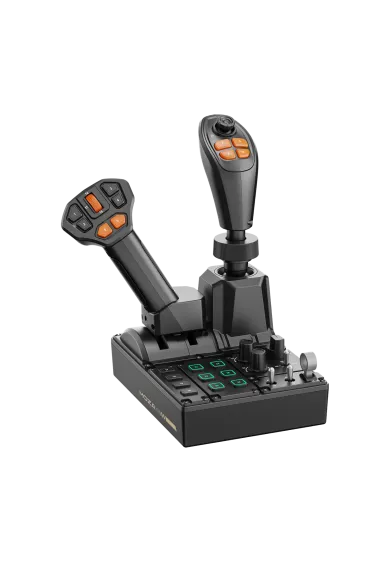
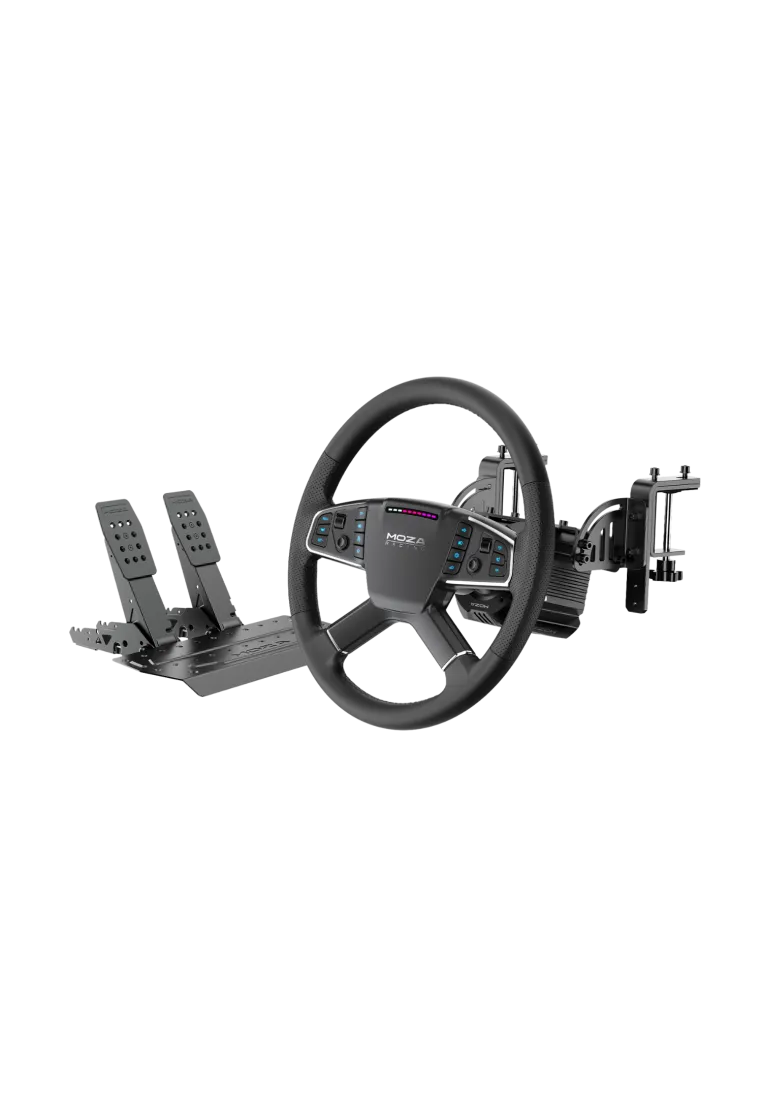
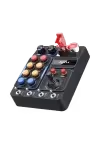
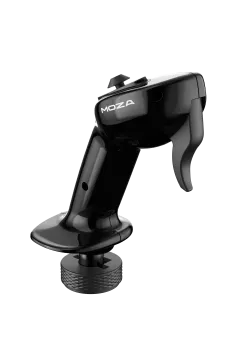
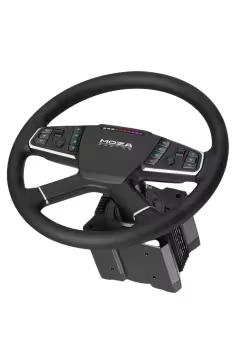
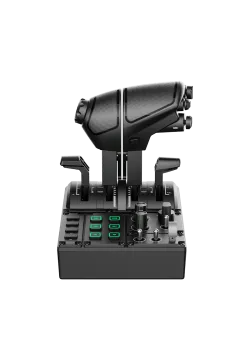
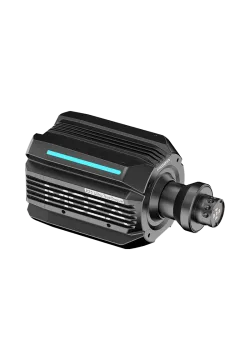
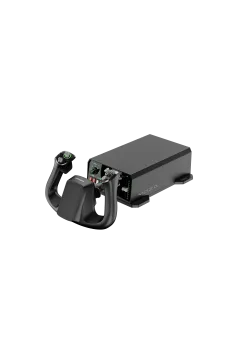
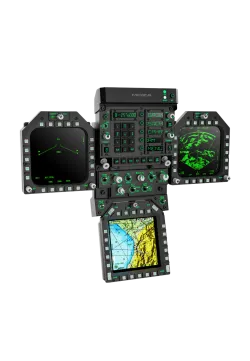
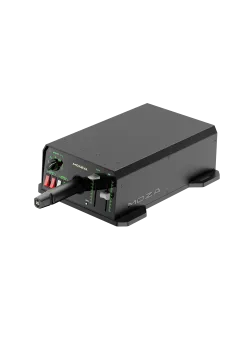
Moza FCS Farming Control System rear view
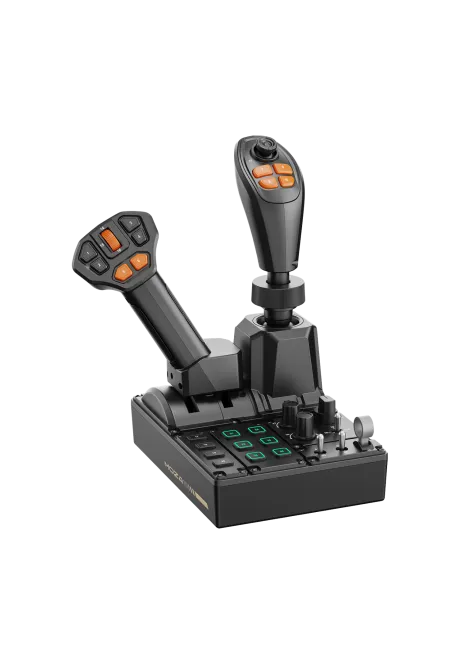
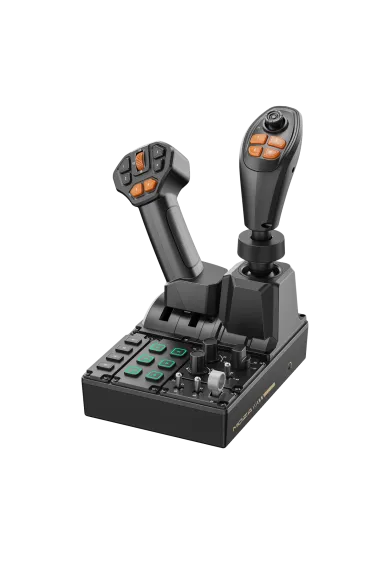
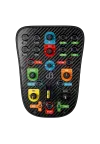
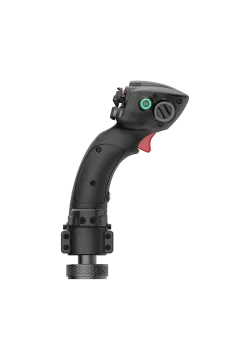
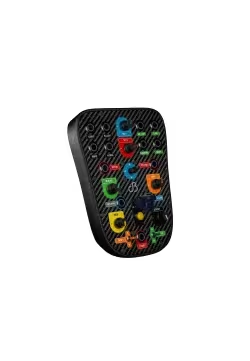
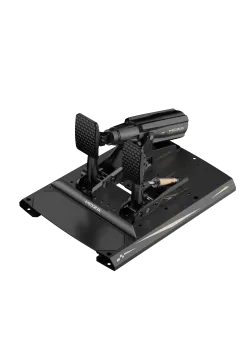
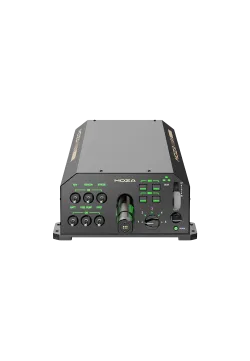
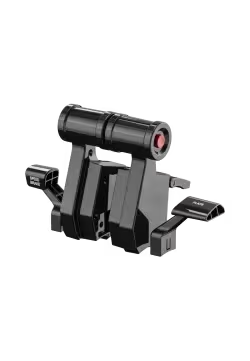
Moza FCS Farming Control System front  view left side
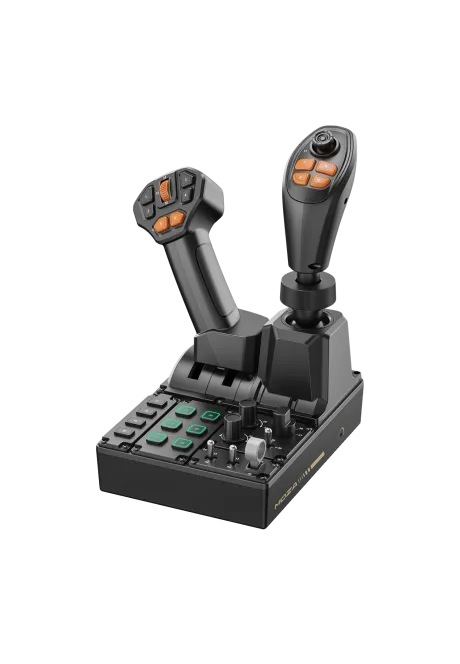
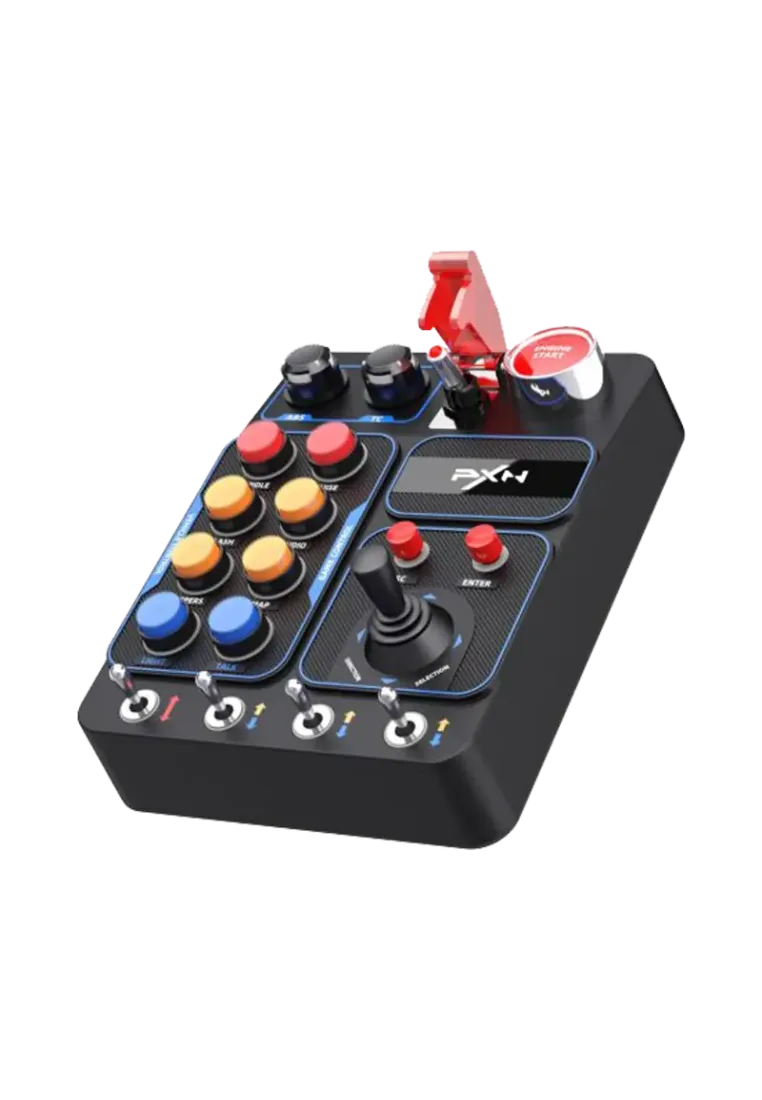
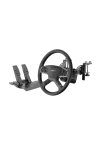
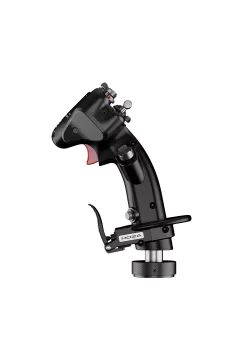
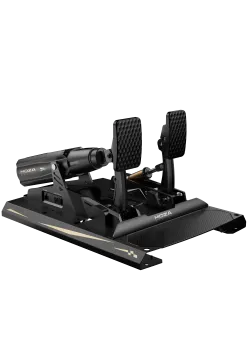
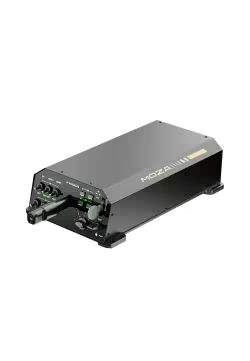
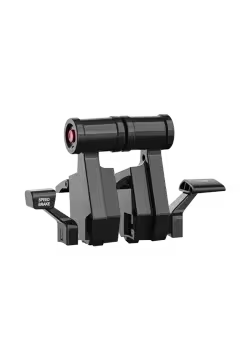
Moza FCS Farming Control System front view right side
  • New
Moza FCS Farming Control System front view
Moza FCS Farming Control System rear view
Moza FCS Farming Control System front  view left side
Moza FCS Farming Control System front view right side

Moza FCS Farming Control System

RS104
730.89zł

730.89zł

PREORDER

Available from: 2026-10-01

MOZA FCS Farming Control System combines a three-axis Hall joystick, throttle and control panel with 46 programmable inputs. Preset mappings simplify setup in Farming Simulator 25 and 22, while Pit House handles remapping and RGB. Complete the cab with the MOZA TSW Truck Wheel and MOZA Multi-function Stalks.
Ask about product
Zapytanie dotyczy produktu: Moza FCS Farming Control System
* - pola obowiązkowe
You will receive an 7.31zł for each item of this product to use on your next purchase.
Close
Shipping within 24 hours
Secure payments
Return within 30 days
Delivery from PLN 0

Available accessories

- Racing Bundles

Moza R5 Truck Bundle

Moza R5 Truck Bundle

1,739.03zł
Moza R5 PRO Truck Bundle

Moza R5 PRO Truck Bundle PREORDER

1,852.85zł
+ Wheel mods

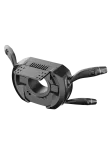
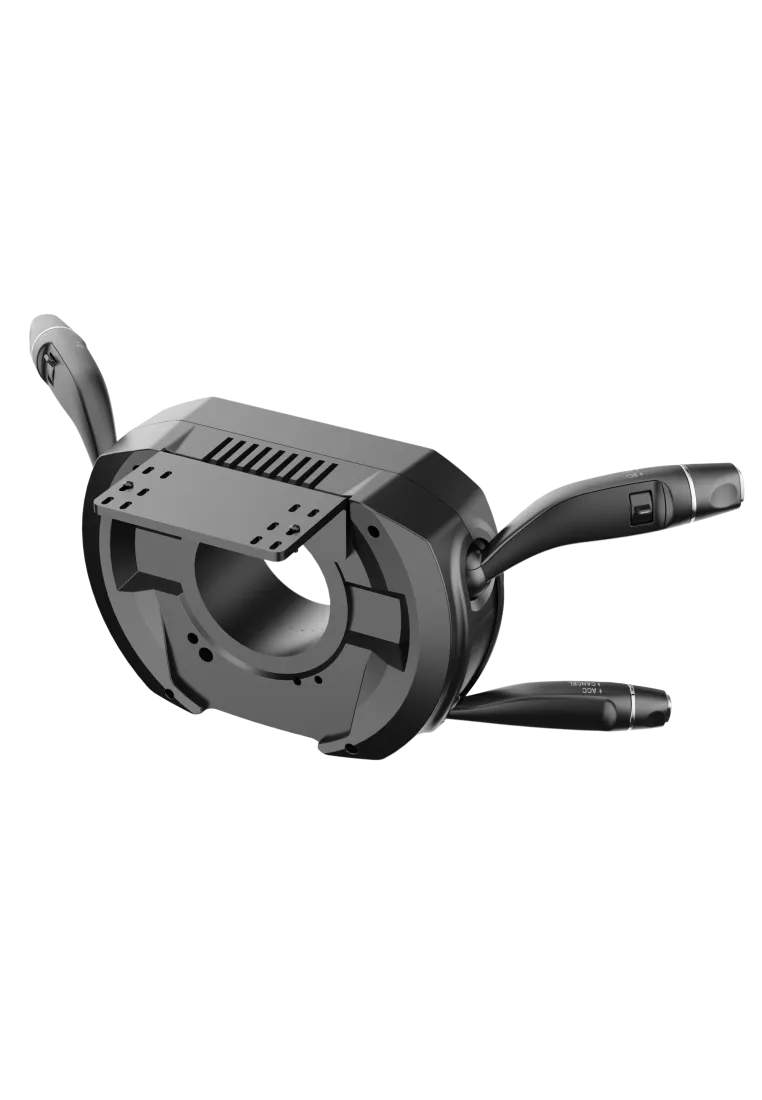
MOZA Multi-function Stalks

MOZA Multi-function Stalks

747.15zł

+ Switchpanels

PXN CB1 Button Box

PXN CB1 Button Box

283.74zł
 
Moza FCS Farming Control System - main banner

Moza FCS Farming Control System

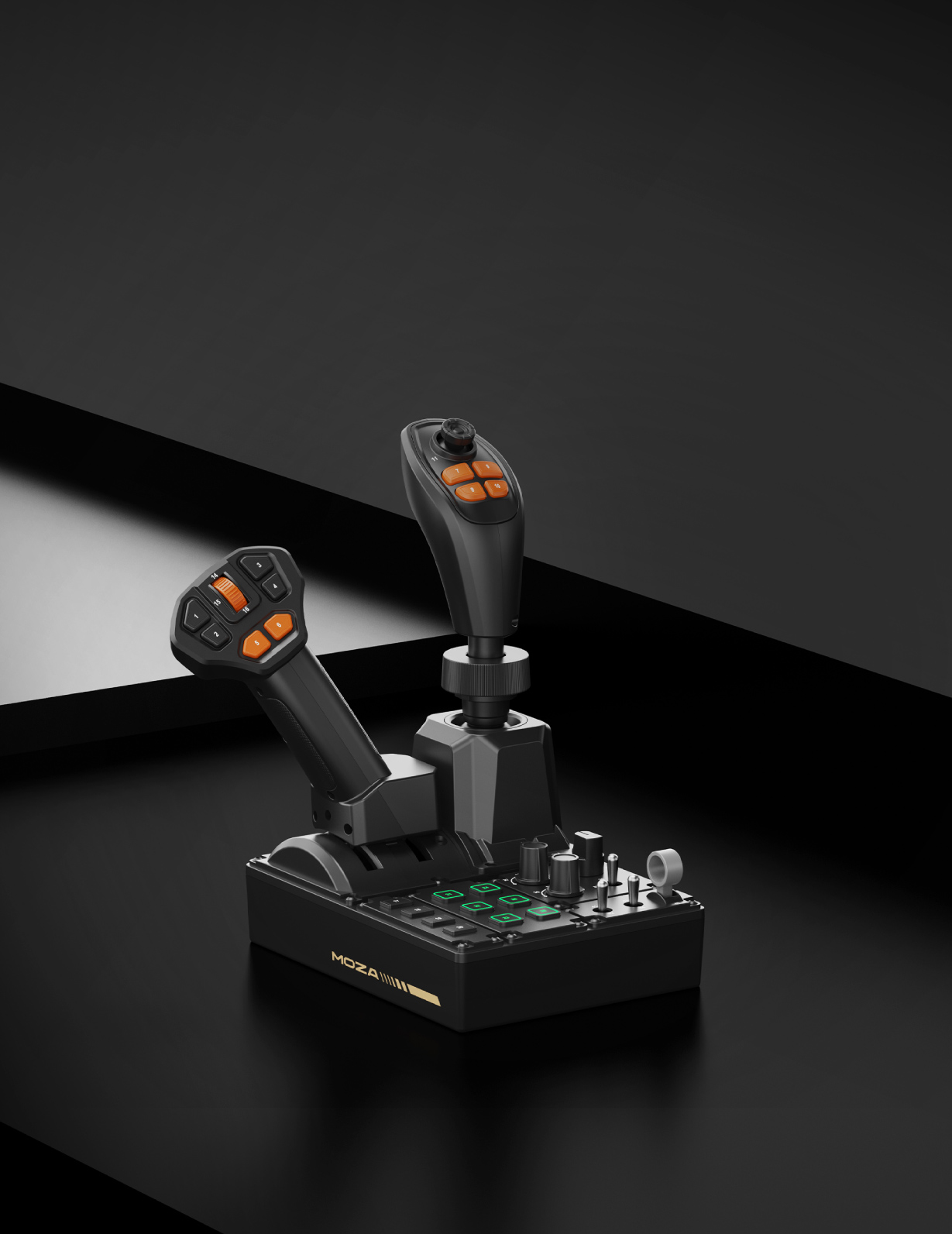
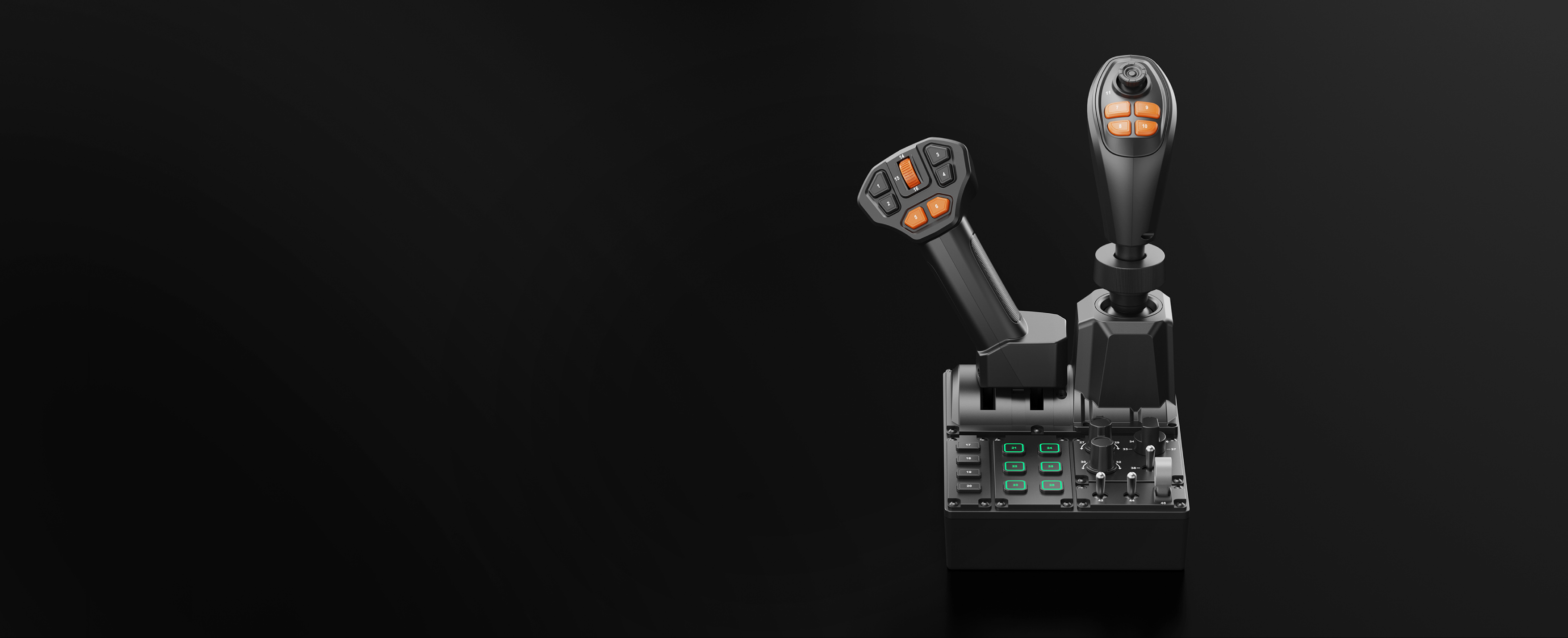
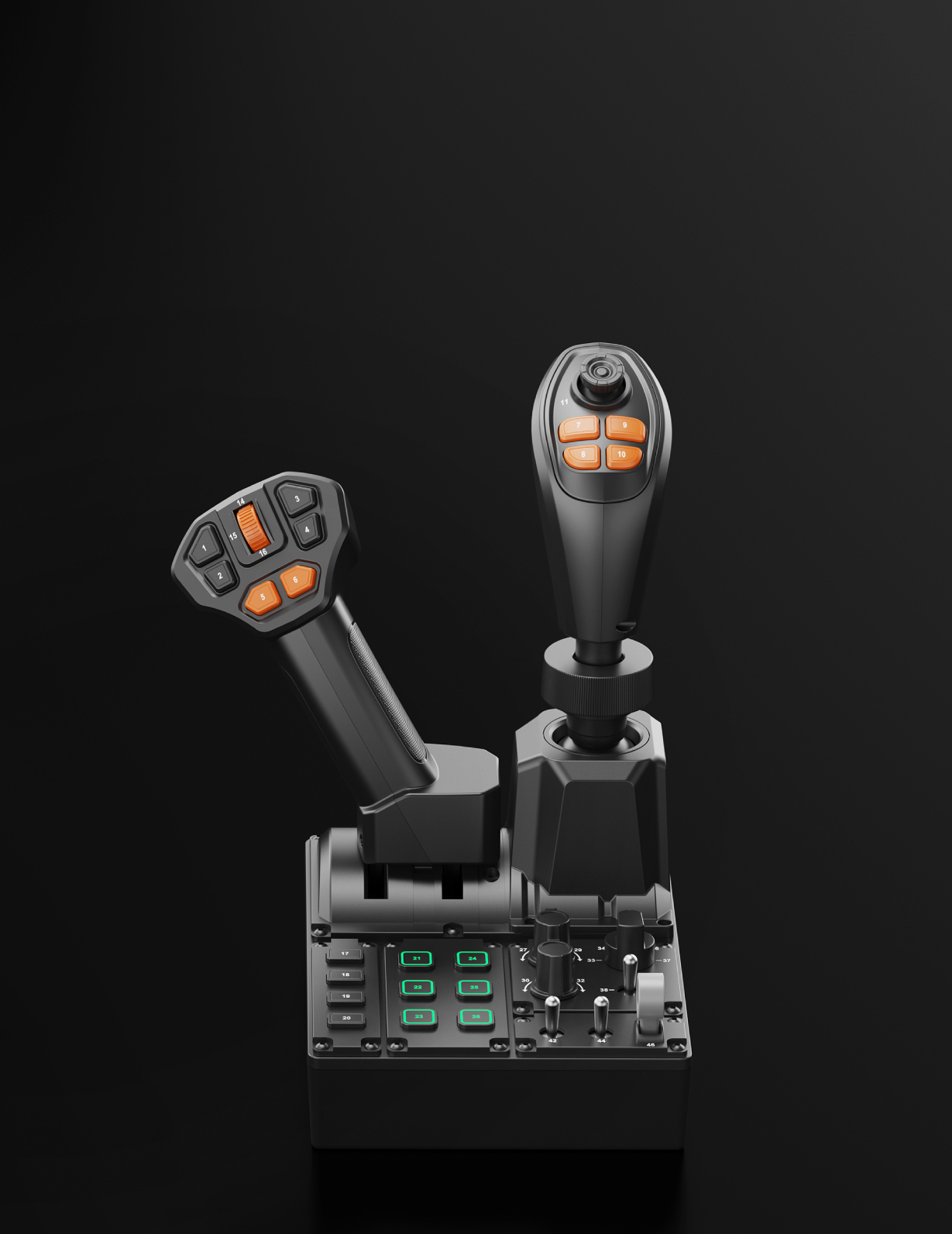
MOZA Farming Control System brings a three-axis joystick, throttle lever and multifunction panel into one unit. It replaces a collection of separate desktop controls and puts everyday commands on the same side of the cab. The layout makes sense for tractors and harvesters, but it is equally useful when a loader, excavator or other heavy machine must be driven while its attachment is operated.

Moza FCS Farming Control System - main photo

Moza FCS Farming Control System

MOZA Farming Control System brings a three-axis joystick, throttle lever and multifunction panel into one unit. It replaces a collection of separate desktop controls and puts everyday commands on the same side of the cab. The layout makes sense for tractors and harvesters, but it is equally useful when a loader, excavator or other heavy machine must be driven while its attachment is operated.

Moza FCS Farming Control System - cockpit with FCS

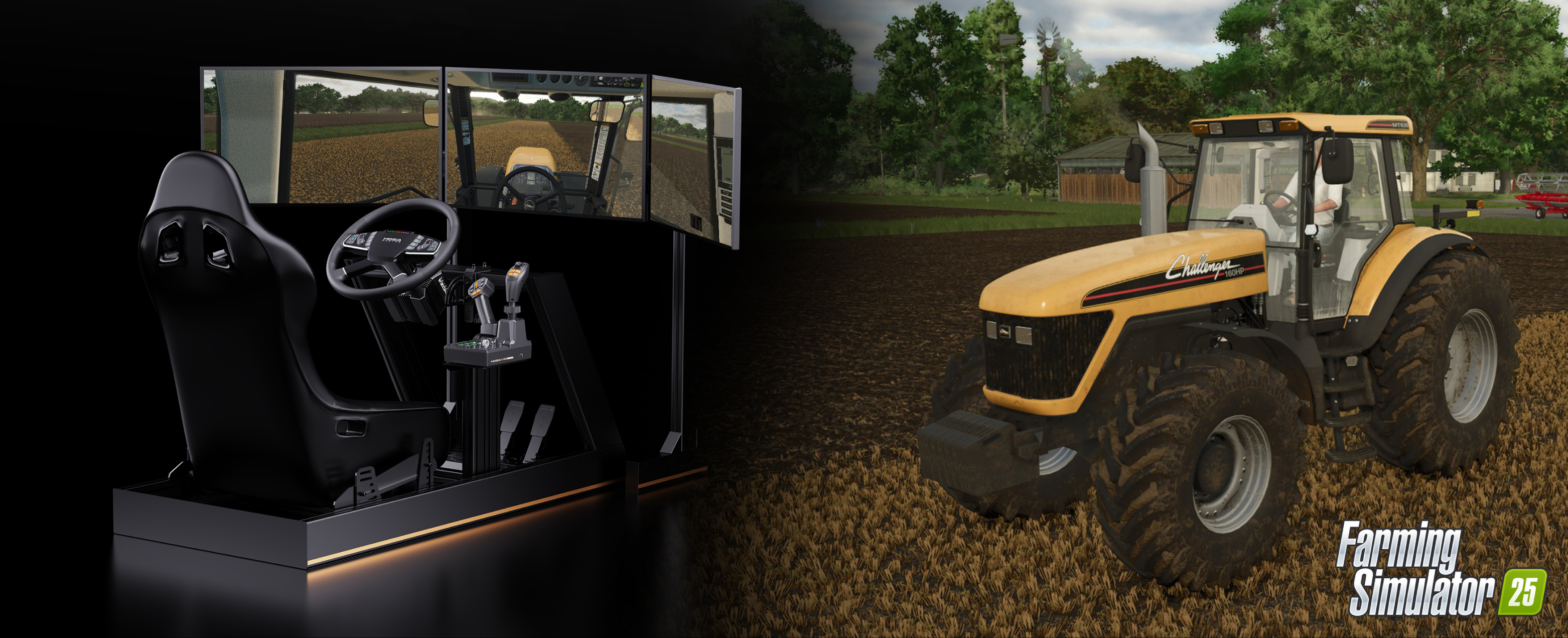
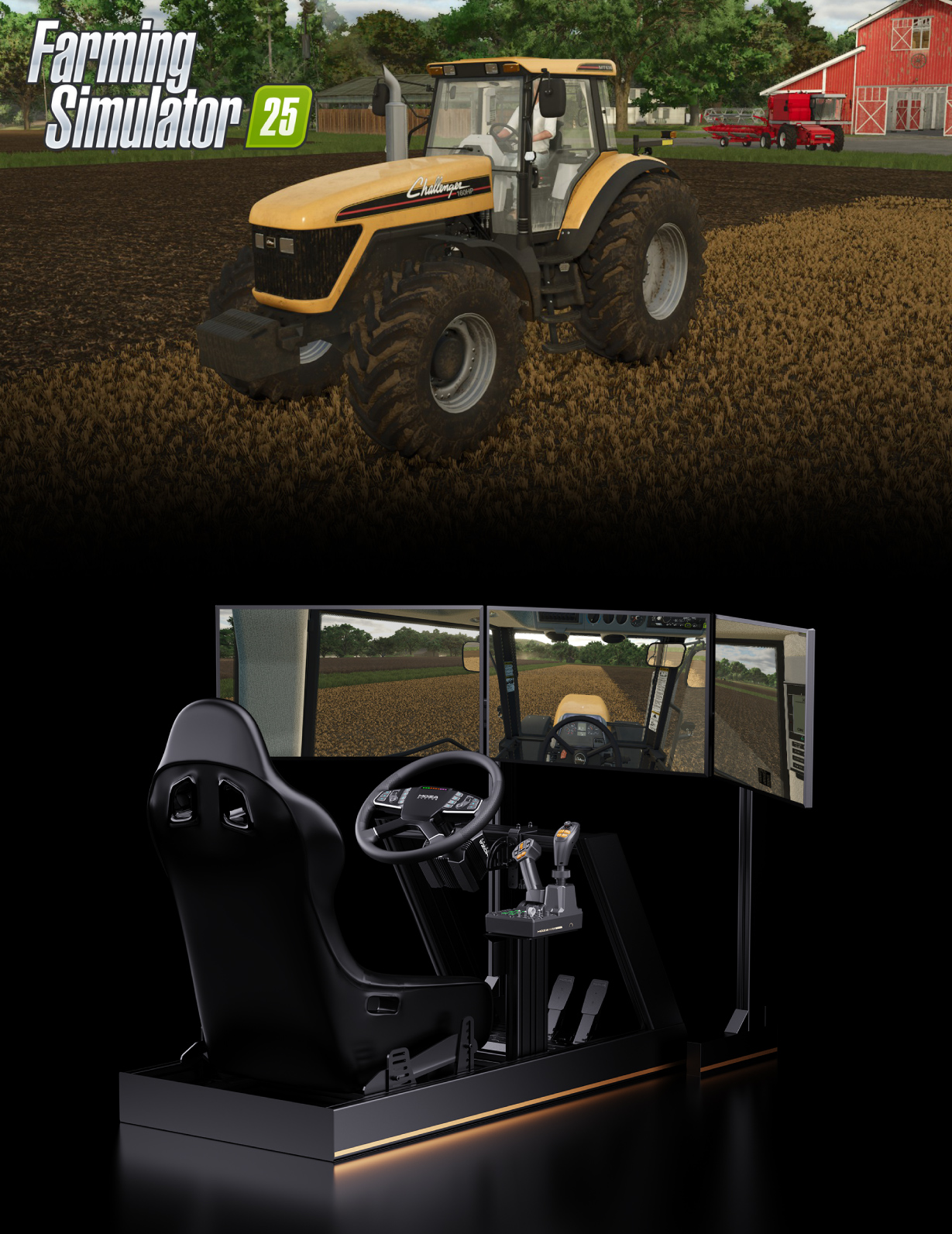
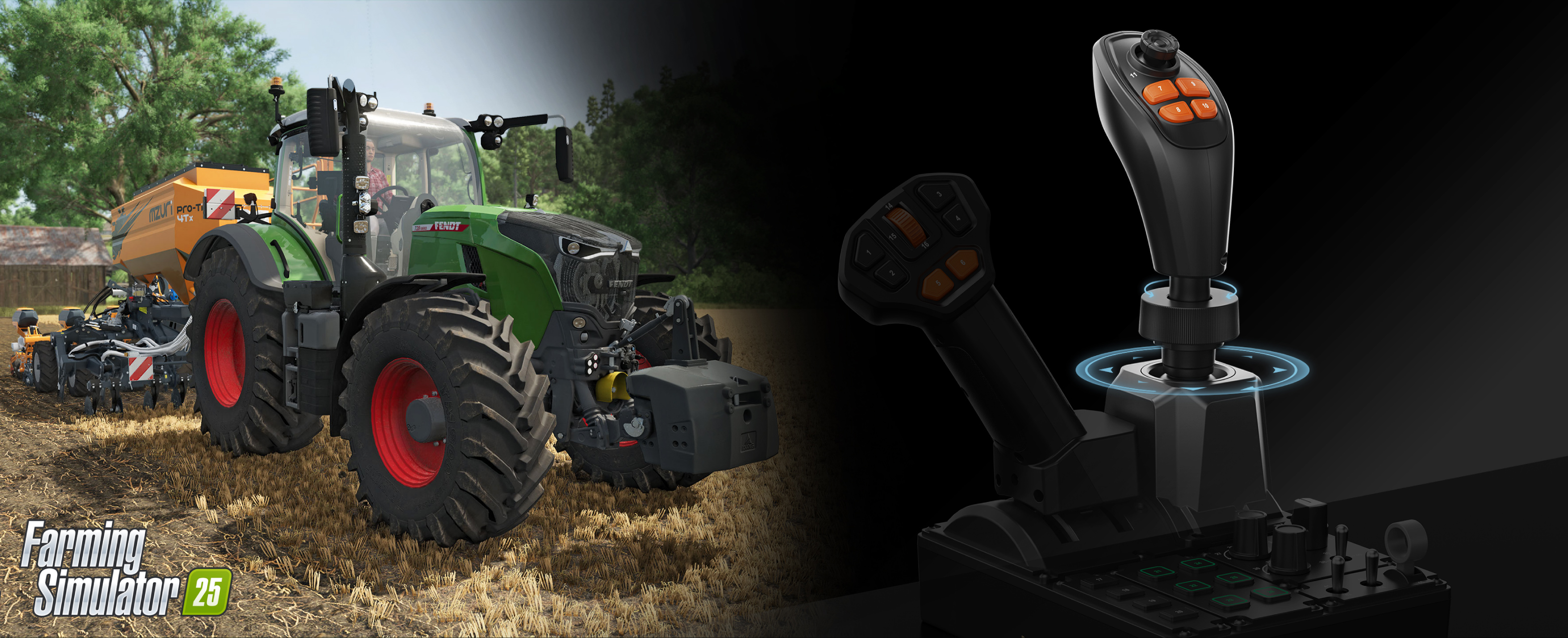
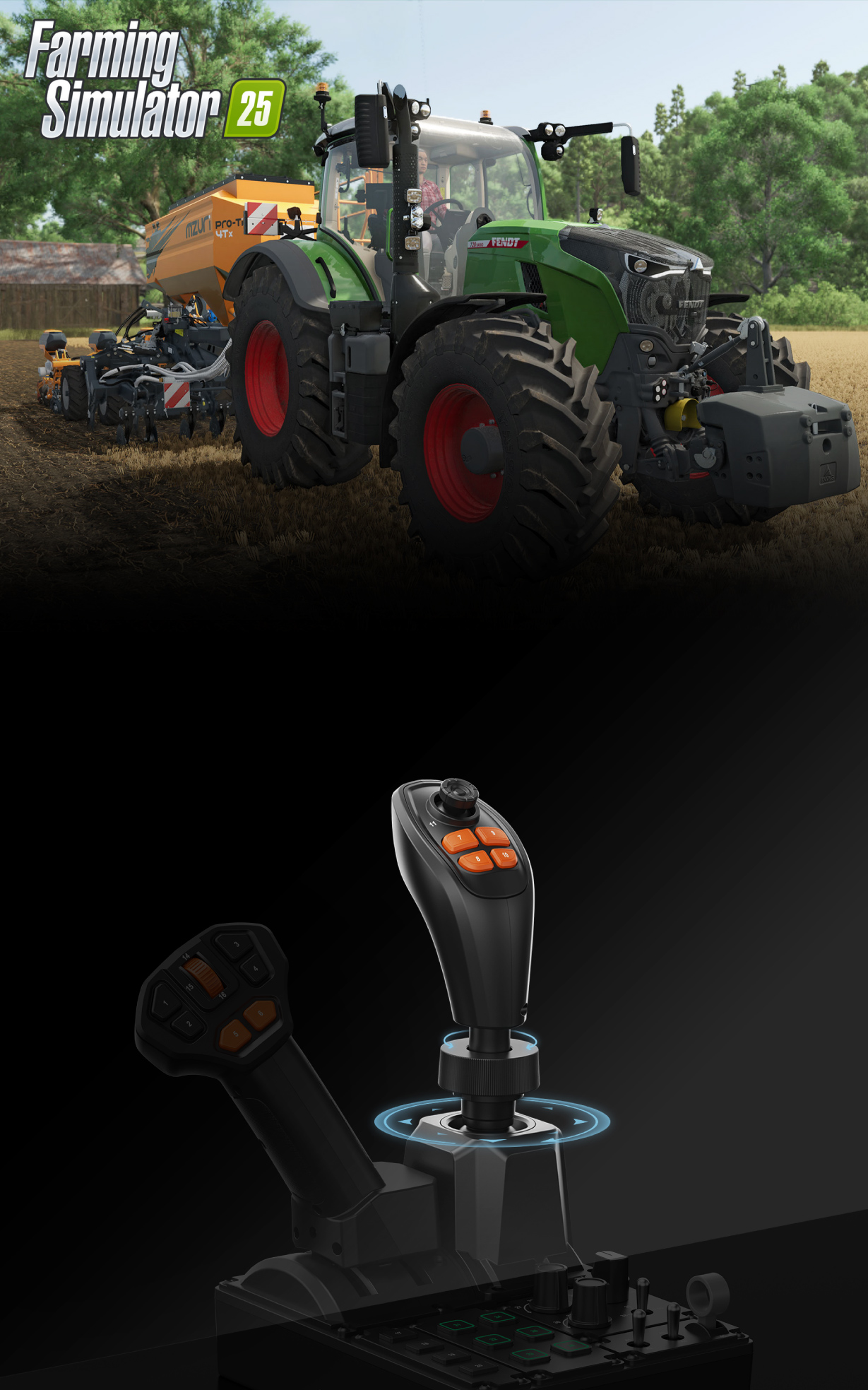
FEEL LIKE IN A REAL FARM TRACTOR

Moza FCS Farming Control System - cockpit with FCS

FEEL LIKE IN A REAL FARM TRACTOR

Moza FCS Farming Control System - compact foundation

A compact foundation for a farming or trucking cab

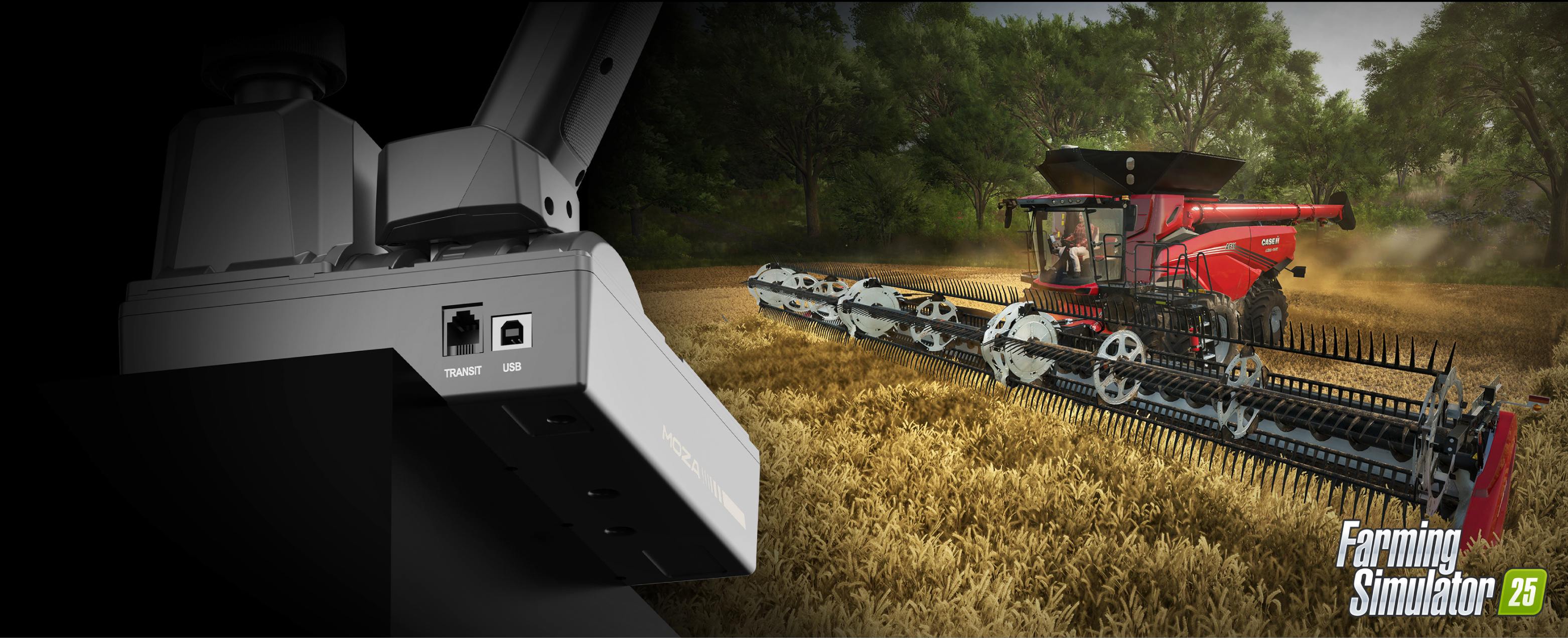
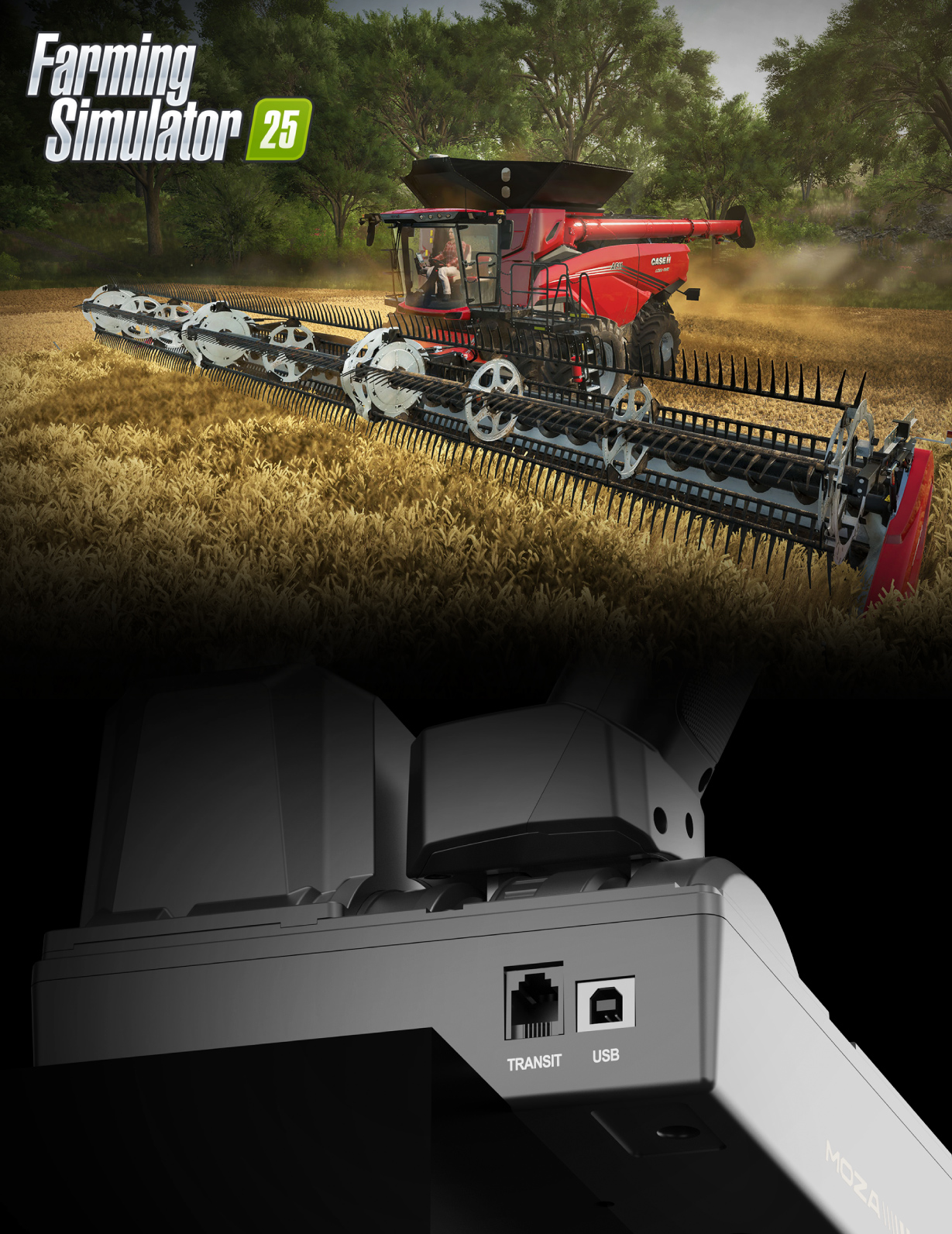
MOZA Farming Control System connects to a PC by USB, measures 205 × 201 × 266 mm and weighs 1.27 kg. It can be used alone or alongside the MOZA TSW Truck Wheel and MOZA Multi-function Stalks. In that arrangement, the joystick handles attachments and hydraulics, the wheel steers the vehicle and the stalks cover familiar road functions.

Moza FCS Farming Control System - trucking or farming

Farming or trucking cab

MOZA Farming Control System connects to a PC by USB, measures 205 × 201 × 266 mm and weighs 1.27 kg. It can be used alone or alongside the MOZA TSW Truck Wheel and MOZA Multi-function Stalks. In that arrangement, the joystick handles attachments and hydraulics, the wheel steers the vehicle and the stalks cover familiar road functions.

Moza FCS Farming Control System - 46 inputs

Forty-six inputs within easy reach

There are 46 programmable inputs across the joystick, throttle and panel. Axes, push buttons, rotary controls and switches can be distributed between hydraulics, tools, cameras, cruise control, lights or menu navigation. The hardware does not force every vehicle into the same profile. A telehandler can have one set of assignments, while a harvester or construction machine uses another layout built around its own workflow.

Moza FCS Farming Control System - 46 inputs from switches and encoders

Forty-six inputs within easy reach

There are 46 programmable inputs across the joystick, throttle and panel. Axes, push buttons, rotary controls and switches can be distributed between hydraulics, tools, cameras, cruise control, lights or menu navigation. The hardware does not force every vehicle into the same profile. A telehandler can have one set of assignments, while a harvester or construction machine uses another layout built around its own workflow.

Moza FCS Farming Control System - hall effect axes

Three Hall-effect axes for booms and attachments

The main joystick uses contactless Hall-effect sensing across its X, Y and Z axes. Travel is rated at ±17° for X and Y and ±15° for Z, giving one hand three proportional controls for lifting, tilting and rotating an attachment. Because shaft position is not measured by a conventional contact potentiometer, movement remains smooth and is less vulnerable to the wear-related drift that can affect heavily used machinery controls.

Moza FCS Farming Control System - hall effect

Three Hall-effect axes for booms and attachments

The main joystick uses contactless Hall-effect sensing across its X, Y and Z axes. Travel is rated at ±17° for X and Y and ±15° for Z, giving one hand three proportional controls for lifting, tilting and rotating an attachment. Because shaft position is not measured by a conventional contact potentiometer, movement remains smooth and is less vulnerable to the wear-related drift that can affect heavily used machinery controls.

Moza FCS Farming Control System - ergonomic handle

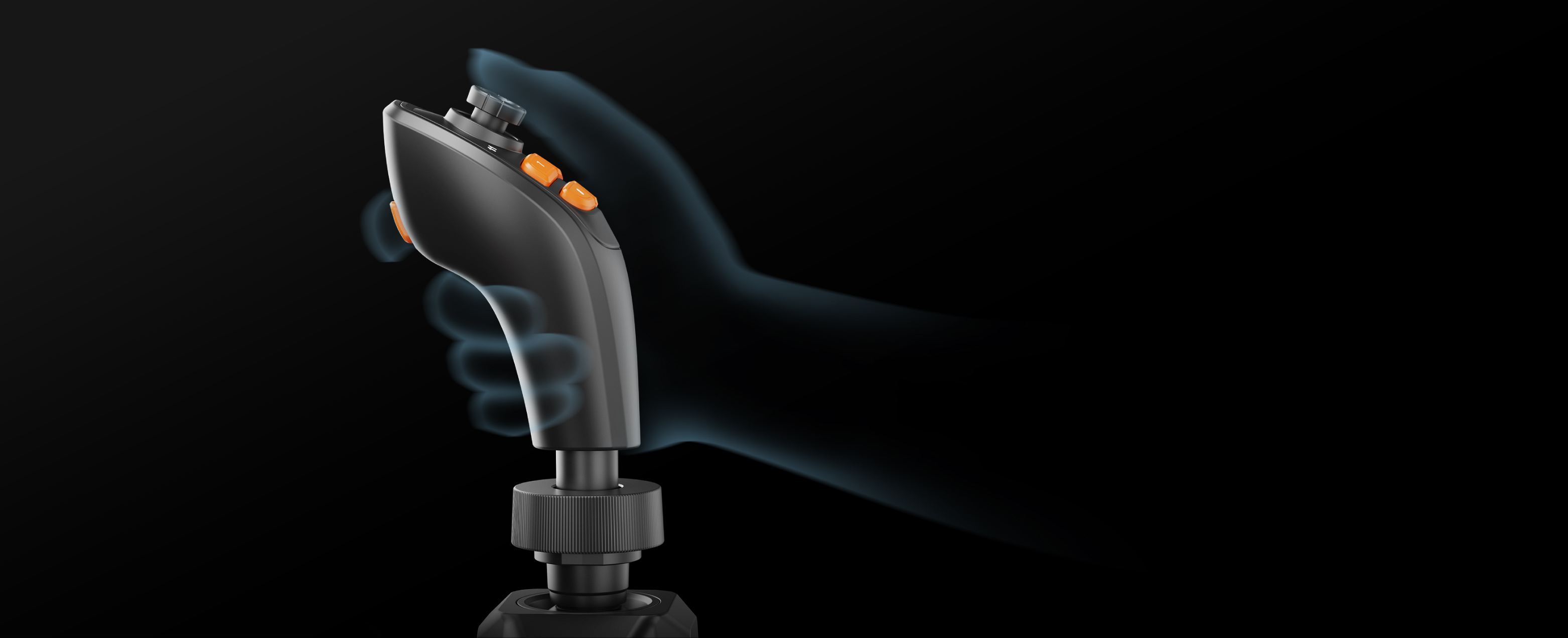
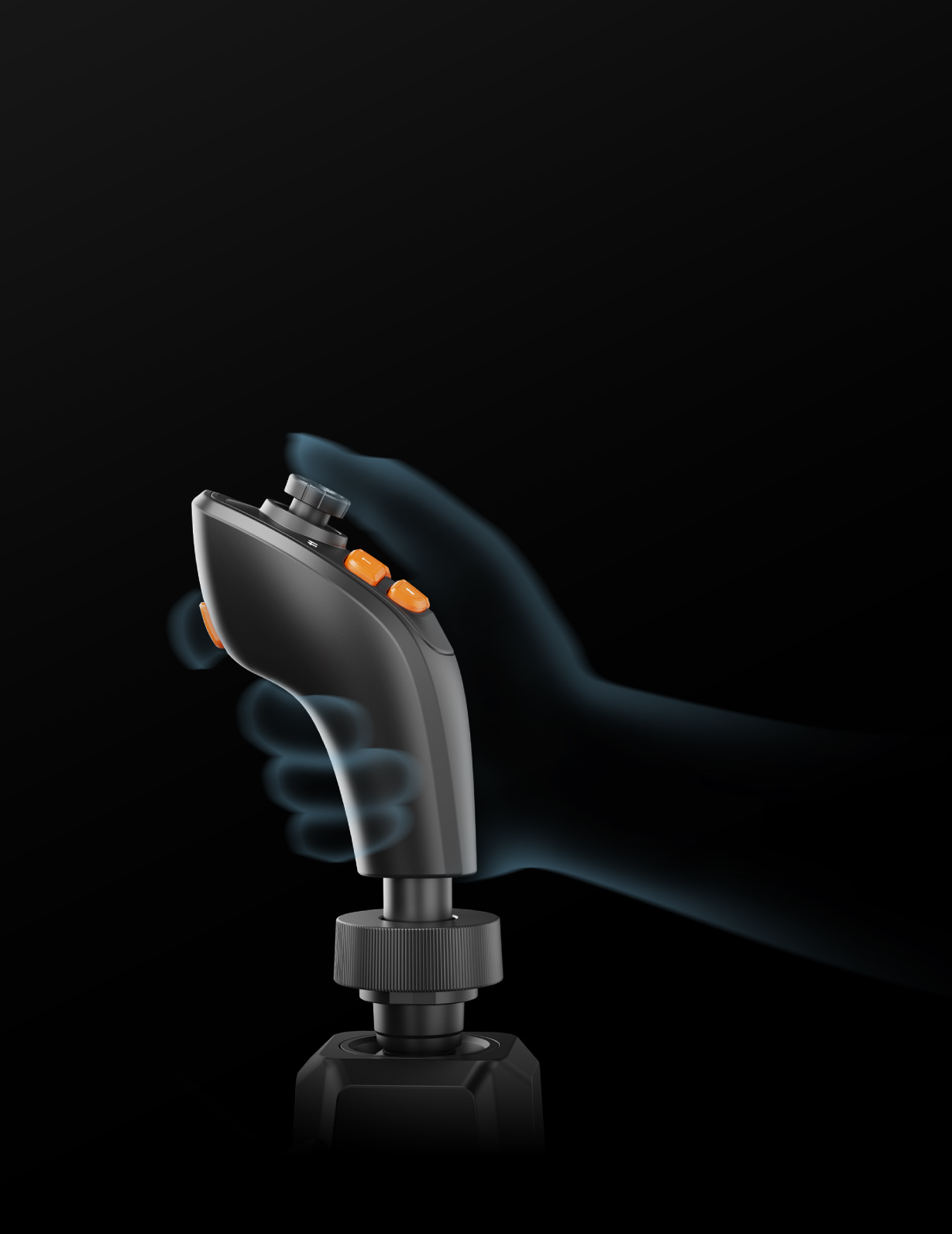
An ergonomic layout for either hand

The controls are arranged for right- or left-handed use, which is useful when a steering wheel, shifter or other hardware already occupies one side of the rig. Essential buttons are split between the base panel and the two grips rather than being packed into a single cluster. Functions can therefore stay under the fingers while the joystick or throttle is moving, making long harvesting and construction sessions less dependent on awkward reaches.

Moza FCS Farming Control System - ergnomic layout

An ergonomic layout for either hand

The controls are arranged for right- or left-handed use, which is useful when a steering wheel, shifter or other hardware already occupies one side of the rig. Essential buttons are split between the base panel and the two grips rather than being packed into a single cluster. Functions can therefore stay under the fingers while the joystick or throttle is moving, making long harvesting and construction sessions less dependent on awkward reaches.

Moza FCS Farming Control System - modular hardware
Possibility to buy MOZA MA3X, MHG, MH16

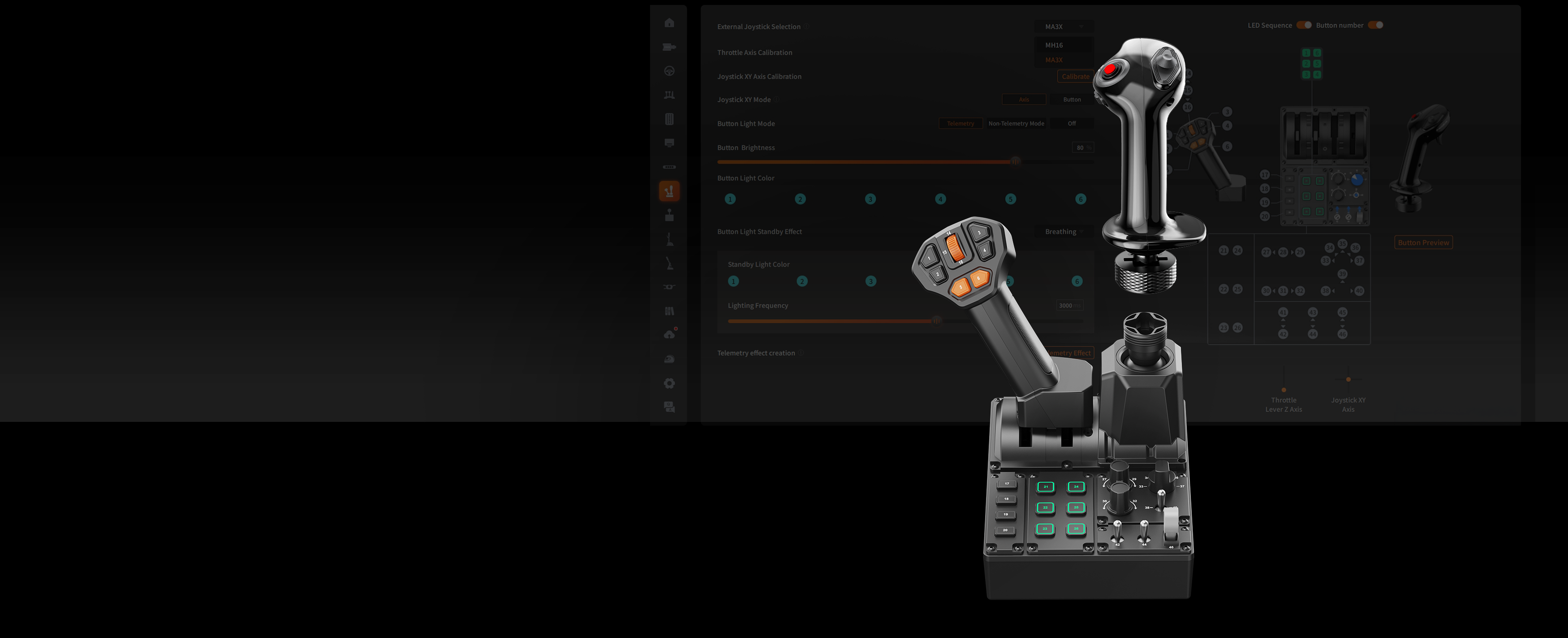
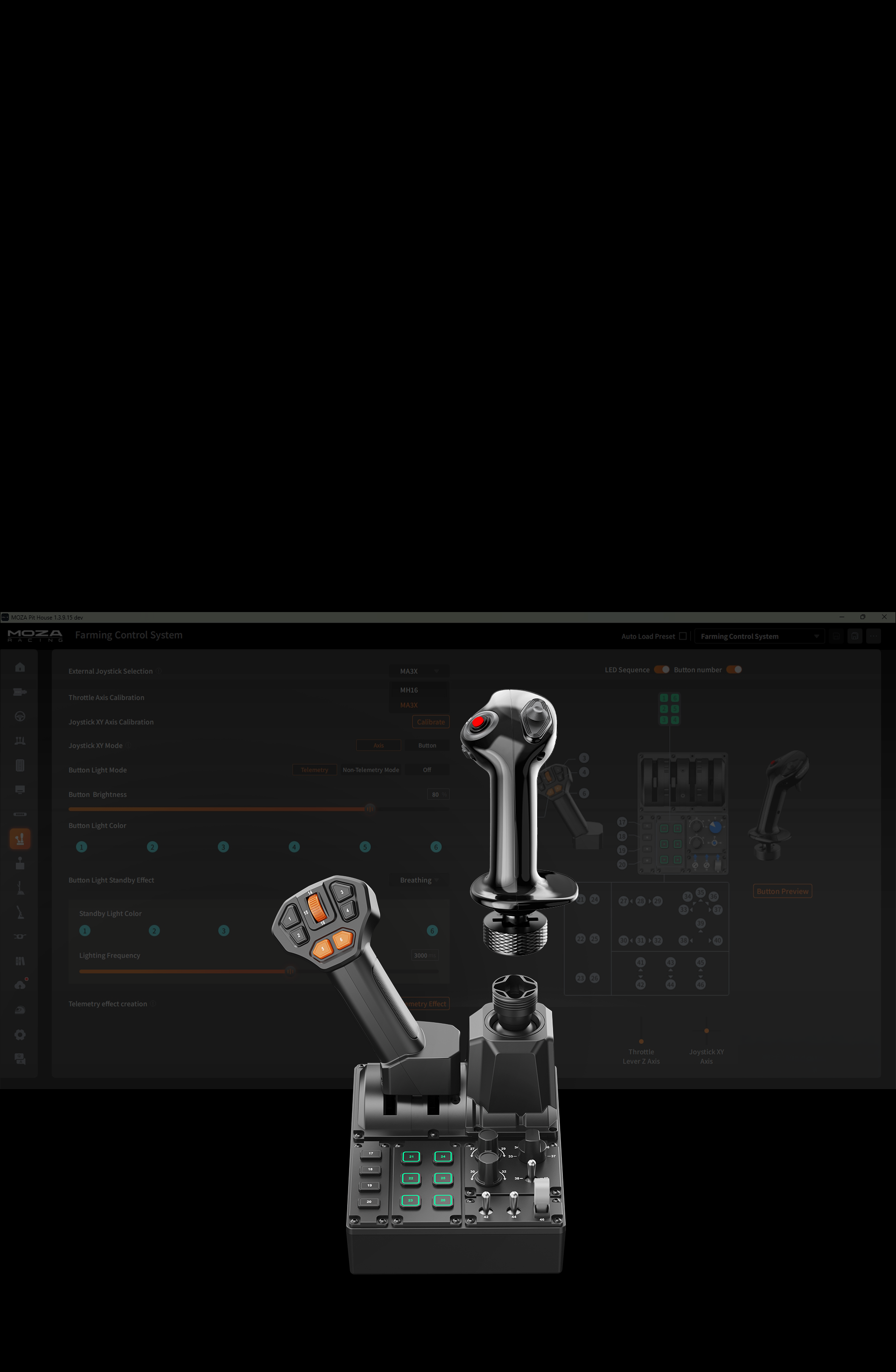
Modular hardware with interchangeable grips

The modular design allows the unit to become part of a wider MOZA cab instead of remaining an isolated desktop panel. Its main joystick grip can be exchanged for a compatible MOZA MA3X, MHG or MH16 grip. The matching model should then be selected in MOZA Pit House. This gives the same controller a more specialised set of inputs when a particular agricultural or construction machine calls for a different handle.

Moza FCS Farming Control System - interchangable grips
Possibility to buy MOZA MA3X, MHG, MH16

Modular hardware with interchangeable grips

The modular design allows the unit to become part of a wider MOZA cab instead of remaining an isolated desktop panel. Its main joystick grip can be exchanged for a compatible MOZA MA3X, MHG or MH16 grip. The matching model should then be selected in MOZA Pit House. This gives the same controller a more specialised set of inputs when a particular agricultural or construction machine calls for a different handle.

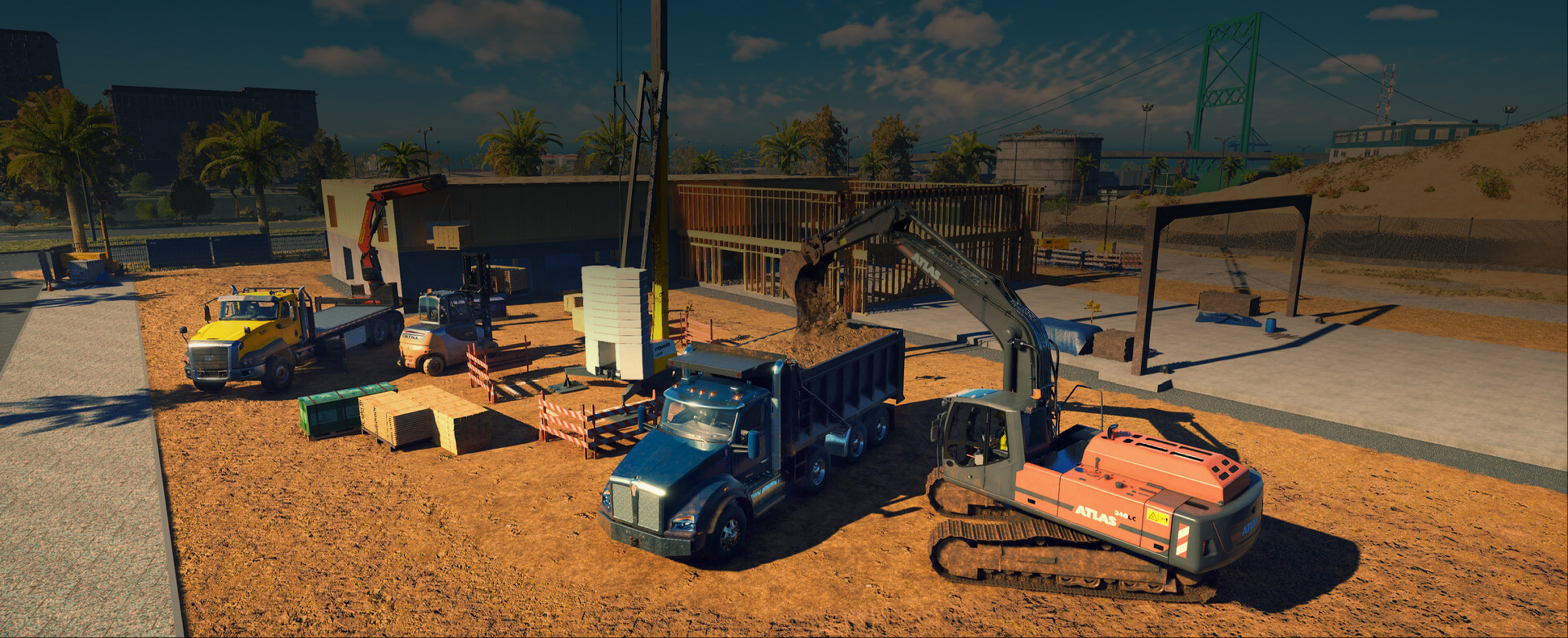
Moza FCS Farming Control System - builder simulation

Compatibility with farming, construction and road simulators

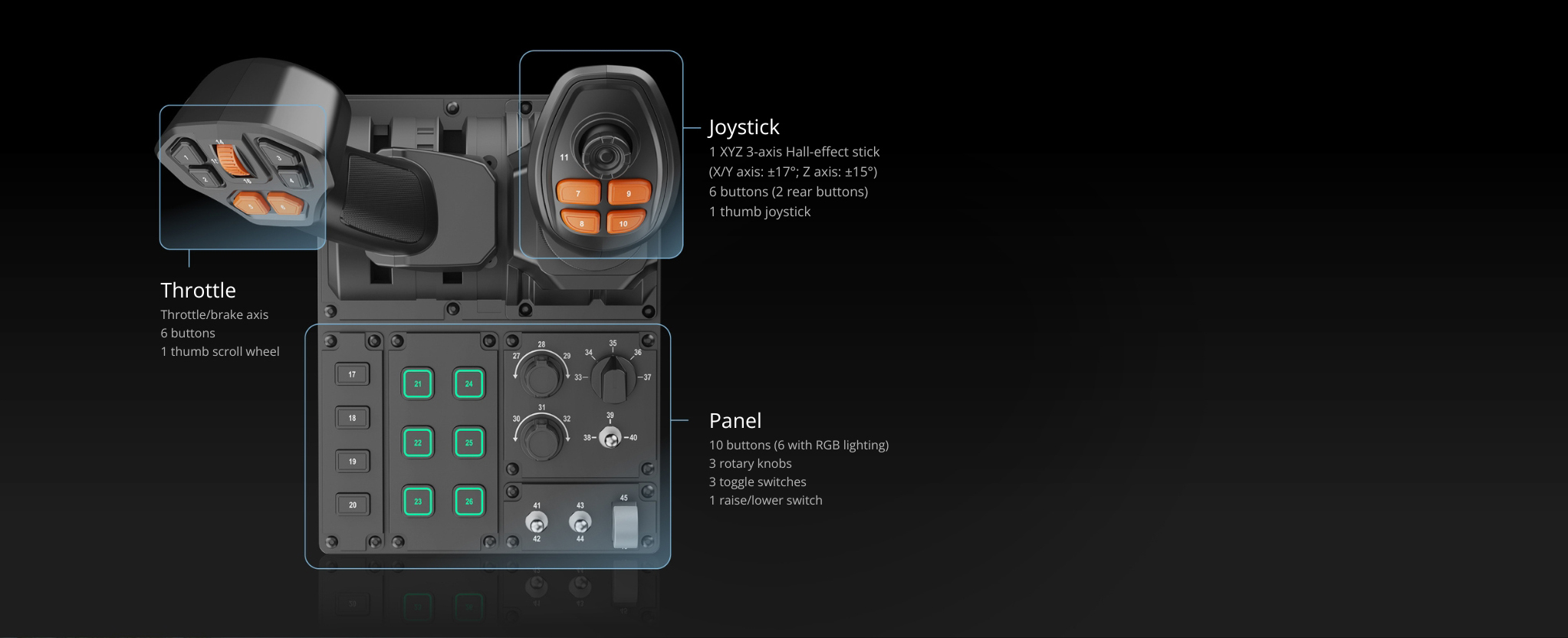
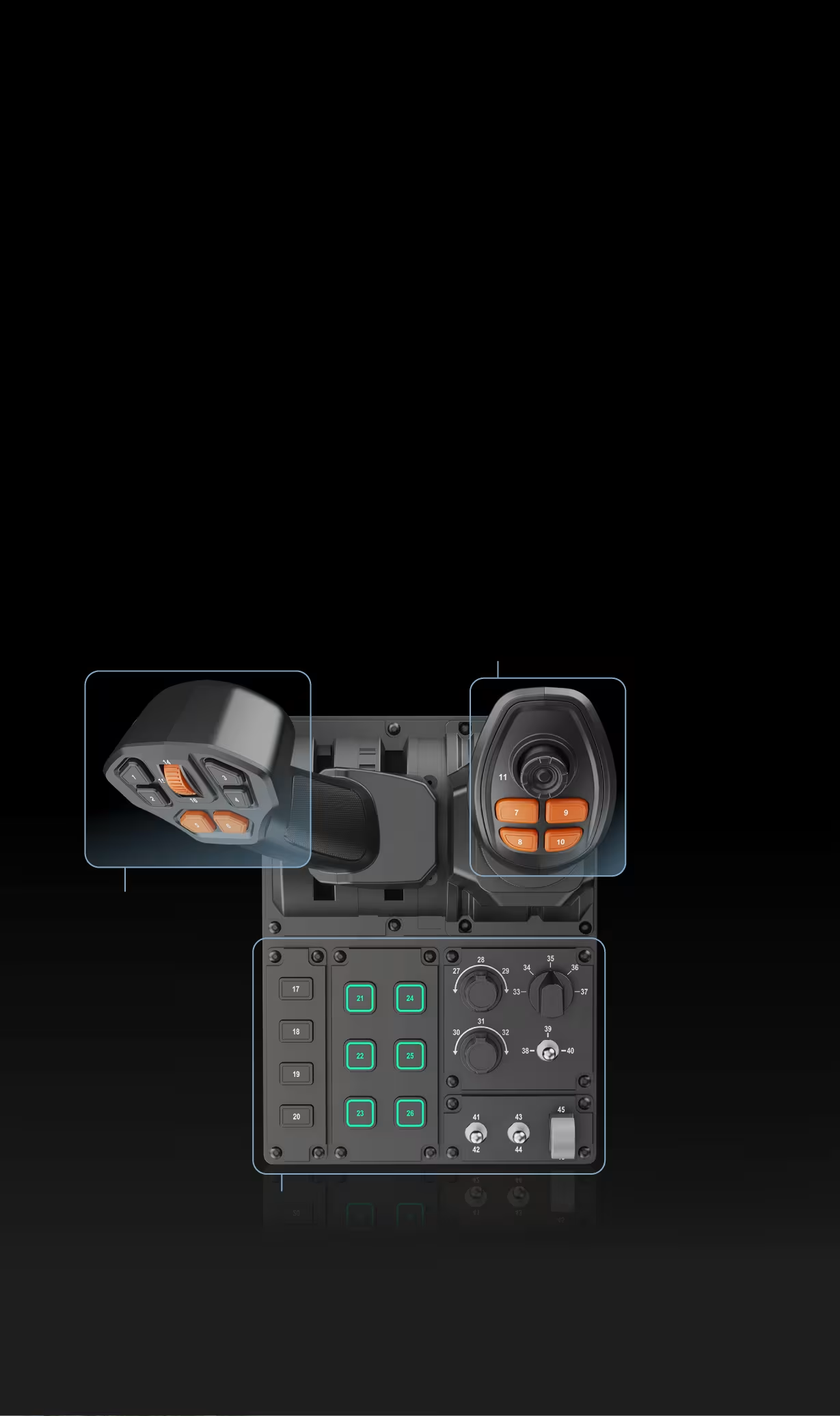
The central panel has ten buttons, three knobs, three toggle switches, and one rocker switch. The different shapes of the elements make it easy to recognize touch controls without taking your eyes off the monitor. The knobs are well-suited for step-by-step functions, while the switches can be used for lights, ignition, or operating modes. Numbers next to the elements make it easy to find the correct ID during manual mapping.

Moza FCS Farming Control System - construction simulators compatibility

Compatibility with farming, construction and road simulators

The central panel has ten buttons, three knobs, three toggle switches, and one rocker switch. The different shapes of the elements make it easy to recognize touch controls without taking your eyes off the monitor. The knobs are well-suited for step-by-step functions, while the switches can be used for lights, ignition, or operating modes. Numbers next to the elements make it easy to find the correct ID during manual mapping.

Moza FCS Farming Control System - moza cockpit

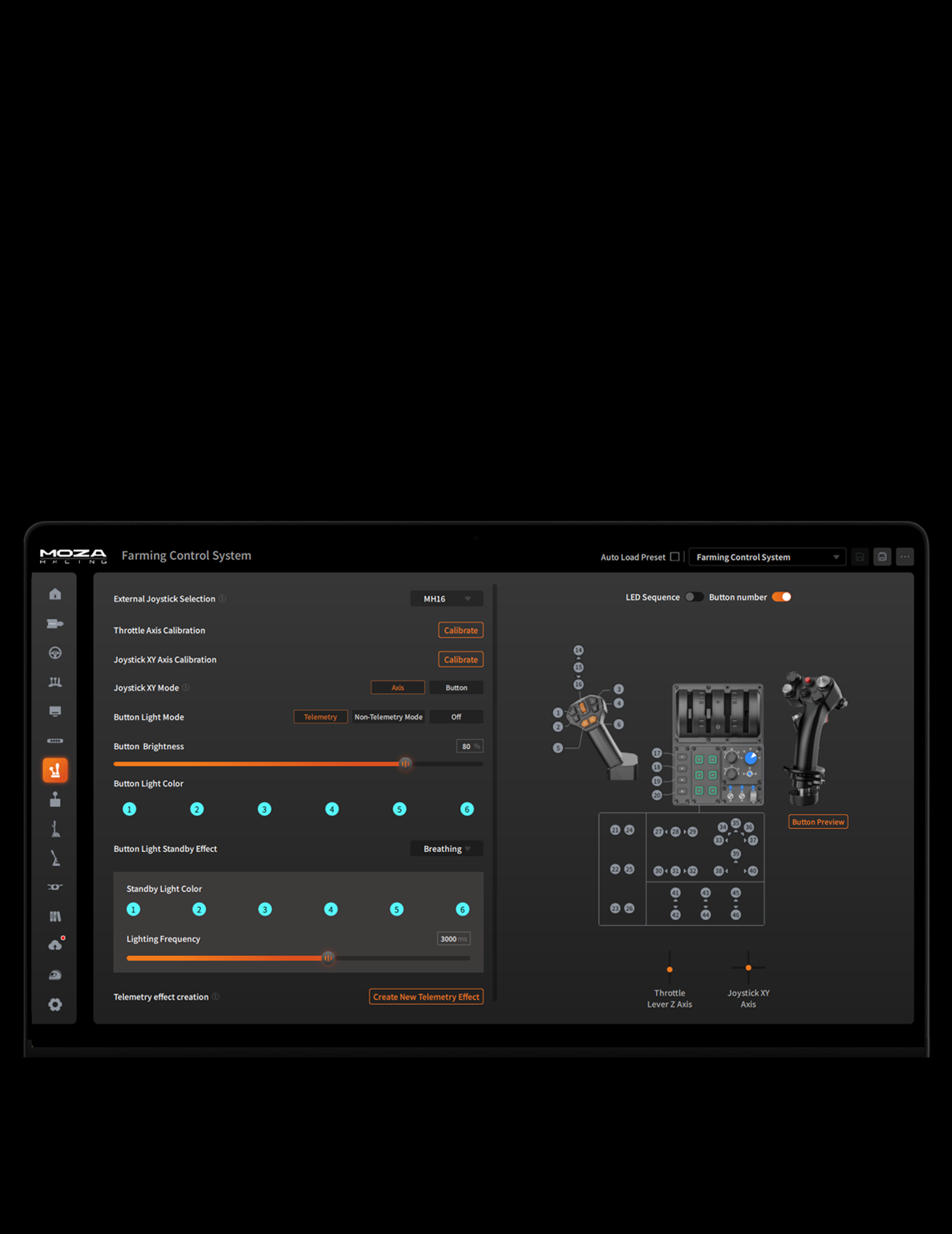
Configuration via MOZA Cockpit

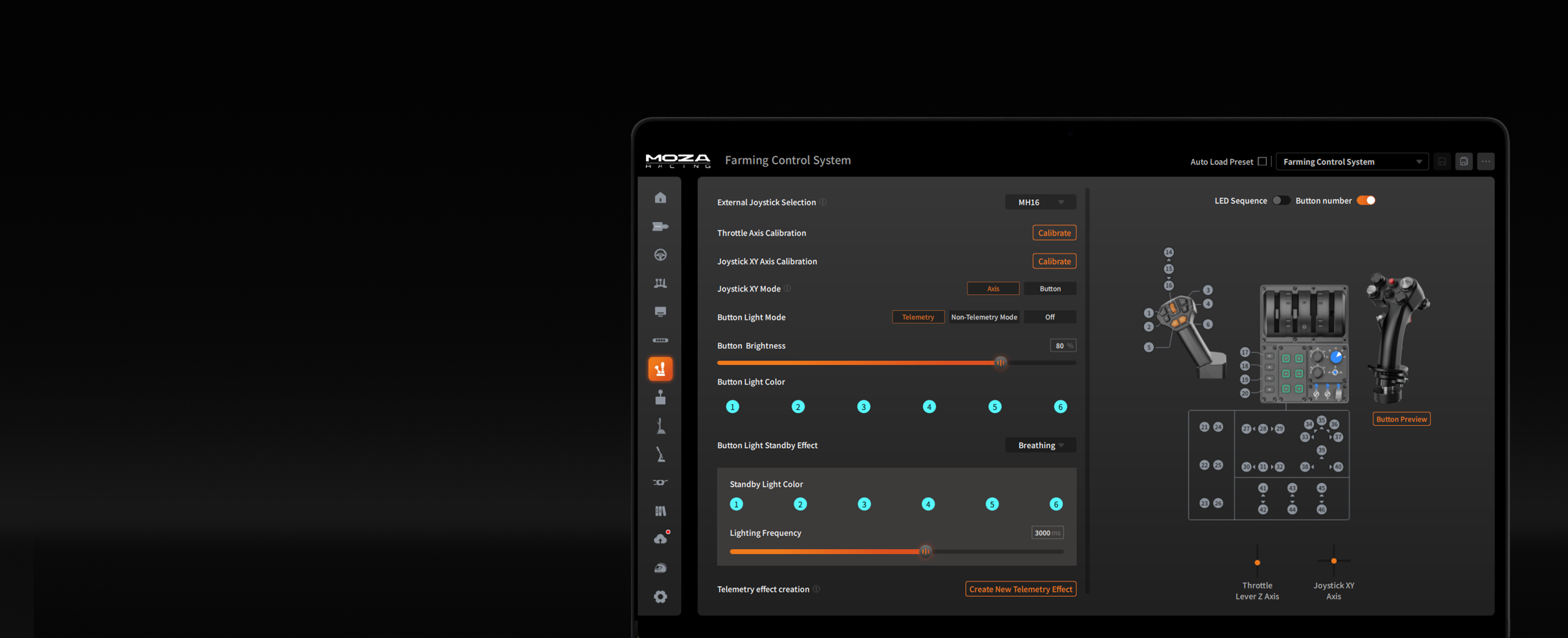
The MOZA Cockpit software allows you to assign functions to buttons and knobs according to your own layout, making it easy to integrate the hardware into your existing cockpit.
Moza FCS Farming Control System - configuration in moza software

Configuration via MOZA Cockpit

The MOZA Cockpit software allows you to assign functions to buttons and knobs according to your own layout, making it easy to integrate the hardware into your existing cockpit.

Compatible Farming, Construction and Road Simulators

Official support Compatible title
Game Status Setup information
Farming Simulator 25 Automatic control mapping over USB. Connect the controller to begin the initial setup.
Farming Simulator 22 The controller is compatible, but its individual functions must be assigned manually.
Construction Simulator Manual mapping is required. Input IDs correspond with the labels printed on the FCS panel.
Euro Truck Simulator 2 Supported buttons and axes need to be assigned in the game's control settings.
American Truck Simulator The joystick, throttle and panel functions require manual configuration.
Fernbus Simulator Manual setup is supported, including separate steering, throttle and brake axis assignments.
The Bus Controller buttons and axes must be assigned manually in the game menu.

Compatibility with Farming, Construction and Road Simulators

Farming Simulator 25 provides automatic control mapping. In other compatible games, the controller functions must be assigned manually.

Official support Compatible game
Game Status Setup
Farming Simulator 25 Official support Automatic control mapping over USB. Once connected, the controller is ready for its initial setup.
Farming Simulator 22 Compatible game Individual axes, buttons and switches must be assigned manually.
Construction Simulator Compatible game Manual mapping is required. Input numbers correspond with the labels printed on the FCS panel.
Euro Truck Simulator 2 Compatible game Buttons and axes need to be assigned in the game's control settings.
American Truck Simulator Compatible game The joystick, throttle and control panel functions require manual configuration.
Fernbus Simulator Compatible game Custom mapping is available for the steering, throttle and brake axes.
The Bus Compatible game Controller buttons and axes must be configured manually in the game menu.

Available functions may vary depending on the game version and the selected control profile.

850083320065
6973137271480
Technical specification – MOZA Farming Control System
Controls
Programmable inputs 46
Main joystick Three X/Y/Z axes, Hall-effect sensors
Thumbstick 1, Hall-effect sensor
Panel 10 buttons, 3 rotary controls, 3 toggles, 1 rocker switch
Throttle Throttle/brake axis, 6 buttons, 1 thumb wheel
Additional joystick buttons 6
Lighting 6 RGB buttons, 16.7 million colours
Construction and connection
Dimensions 205 × 201 × 266 mm
Weight 1,268 g
Material Plastic
Connection USB
Platform PC
Software MOZA Pit House
Operation Ambidextrous layout
Compatibility
Preset mappings Farming Simulator 25 and Farming Simulator 22
Other supported games Construction Simulator, Euro Truck Simulator 2, American Truck Simulator
Interchangeable grips MOZA MA3X, MHG and MH16
Ecosystem Can be used with MOZA R3, R5 and trucking hardware

MOZA Farming Control System – questions and answers

1. What is the MOZA Farming Control System for?

It is an integrated controller for farming, construction and heavy-equipment simulators, combining a joystick, throttle and control panel.

2. How many inputs can be programmed?

The system provides 46 programmable inputs across its axes, buttons, rotary controls, toggles and thumb wheel.

3. Does it work with Farming Simulator 25?

Yes. An official mapping is provided for Farming Simulator 25 and Farming Simulator 22 to reduce manual setup.

4. Which other games are supported?

It is also intended for Construction Simulator, Euro Truck Simulator 2 and American Truck Simulator. Some functions may need custom assignments.

5. Does the joystick use Hall sensors?

Yes. The main X/Y/Z joystick and the additional thumbstick both use contactless Hall-effect sensing.

6. Can a left-handed user operate it?

Yes. The control layout is designed for both right- and left-handed operation.

7. What can be changed in MOZA Pit House?

The software handles input mapping, axis adjustment and supported RGB or telemetry lighting.

8. Can the joystick grip be replaced?

Yes. The universal connector supports MOZA MA3X, MHG and MH16 grips after the correct model is selected in software.

9. Which steering wheel suits a farming cab?

The 400 mm MOZA TSW Truck Wheel is a natural match for commercial vehicles, tractors and truck simulators.

10. Are road-vehicle stalks useful?

The MOZA Multi-function Stalks add physical control of indicators, lights, wipers and cruise control when road driving is part of the simulation.

No reviews

Manufacturer

  • Moza EU
  • Room 1903-1904, Building 3, Nanshan Zhiyuan Chongwen Park, No. 3370 Liuxian Avenue, Nanshan District,
  • 3370 Shenzhen
  • China
  • support@mozaracing.com
  • +49518589638

Responsible person

  • Gudsen Technology EU GmbH
  • Birkenstrasse 23
  • 40233 Düsseldorf
  • Germany
  • support@gudsen.com
  • +48687537215

You might also like
Products from same category
Product added to wishlist
Product added to compare.