Free shipping from PLN 200 for Poland and from EUR 350 for the entire European Union

Triple monitors for sim racing on a budget

Three monitors look like an expensive upgrade until you price up the setup. Three regular 16:9 screens, even curved ones, can cost less than one large 49″ ultrawide. Black Friday is a good time to check online monitor deals and work out what the whole setup will cost with a stand. It can work around a cockpit or a desk, as long as you have the space.

Can three monitors cost less than an ultrawide?

Here’s an example from Polish retailers on 25 November 2026, with prices converted and rounded at that day’s exchange rates. One 32″ Samsung Odyssey G5 G55C was about €189 (US$207), while a 49″ Odyssey OLED G9 G93SD was about €870 (US$952). Three G5s came to roughly €568 (US$622), a saving of about €302 (US$330) on the screens alone. That gives you room in the budget for a stand and any extra cables before you reach the price of that one ultrawide. Check current prices, delivery costs and whether three units are available. A cheaper ultrawide, especially a 34″ model, can change the maths.

Shop around during Black Friday. Some deals look great until you reach the checkout and find the discount only applies to one unit. We don’t sell monitors at Simline yet, but who knows what the future might bring? We already have the triple stand in promo for You.

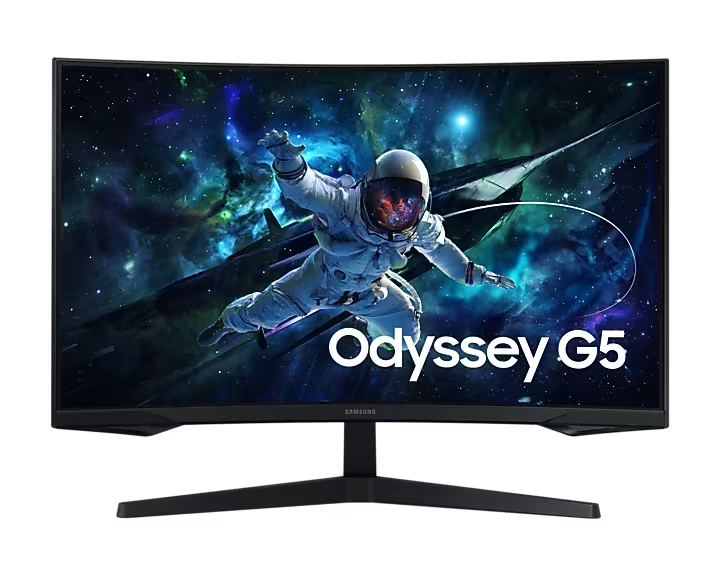
Front view of the curved 32-inch Samsung Odyssey G5 G55C monitor

Why the 32″ Samsung Odyssey G5 QHD works for triples

Look for the 32″ Odyssey G5 G55C (LS32CG552EUXEN). It is a 16:9 2560 × 1440 VA display with a 1000R curve and a refresh rate of up to 165 Hz. It weighs 4.8 kg without its base and uses 75 × 75 mm VESA mounting. It’s a good starting point if you want a wide view with larger screens at a price below premium panels.

Three identical units make it easier to match brightness, colours and screen edges. With the G5’s pronounced curve, plan the position of the side panels before you buy. One monitor is just over 71 cm wide. Allow for the angle of the side screens, the depth of their housings and room to plug in the cables. See Samsung’s specifications for the 32″ Odyssey G5 G55C.

What do triple screens add to sim racing?

A well set up triple gives you a much wider field of view than a single 16:9 monitor. Angle the outer panels towards you and you can see more to the sides than you might on one ultrawide. When you’re racing side by side, a glance at the outer screen can show you where the other car is without a camera switch. It’s easier to spot a tight corner’s exit or use your mirrors when they’re in view. Sims such as iRacing can render each screen separately to make the track look more natural across the sides.

Three screens give you a better sense of speed. Barriers and kerbs move through your peripheral vision, so the pace feels more convincing and the sim draws you in. Extra visual cues can help you judge your braking point, pick out the apex and put together more consistent laps. That can lead to better lap times once you’ve dialled in the field of view and got used to the setup.

You can choose how close the displays sit and how far the sides wrap around you. Allow for bezels between the screens, more space and more work for the GPU. Three QHD monitors add up to 7680 × 1440, or 50% more pixels than a 5120 × 1440 ultrawide. That doesn’t tell you exactly what frame rate you’ll get, but it matters when planning your build.

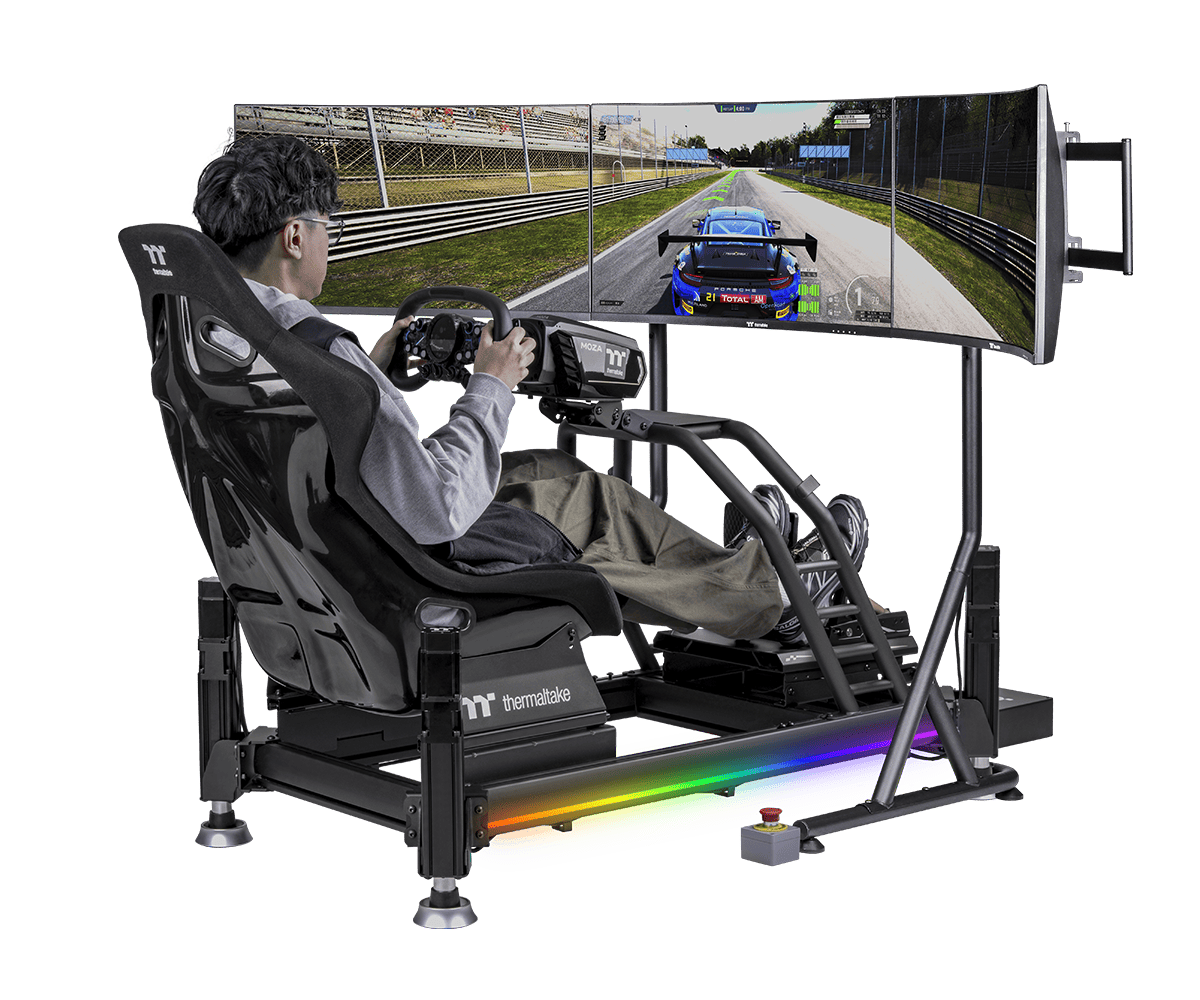
Driver in a Thermaltake cockpit facing a panoramic racing view across three screens
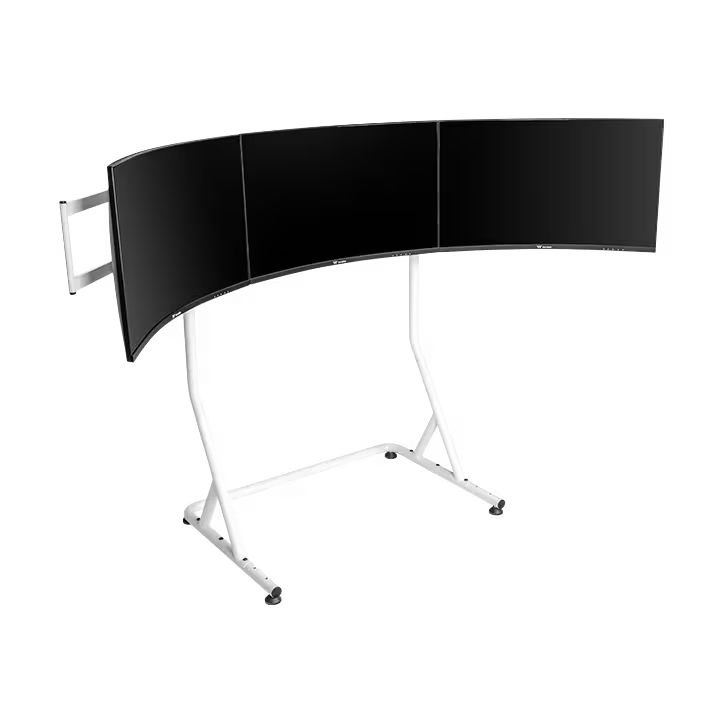
White freestanding Thermaltake Triple Stand Pro with three curved monitors

Why put the monitors on a freestanding stand?

Screens can shake when they share a frame with your Direct Drive wheelbase or sit on the same desk as a clamped wheel. A freestanding stand rests on the floor and has no direct connection to the cockpit or desk. That makes the displays less likely to wobble with strong force feedback, bass shakers or a moving desktop. Some vibration can still travel through the shared floor.

It’s also easier to bring the centre screen closer to the wheel without moving the seat. You can replace the desk or cockpit later without remounting the displays to a new frame, and the desktop stays clear of monitor feet and clamps. For a desk setup, check that the stand’s feet fit around the desk legs and that the crossbar can put the screen at a comfortable driving height. Leave space between the stand and surrounding furniture or cockpit, particularly if you use a motion platform.

Thermaltake Triple Stand Pro for your first triple setup

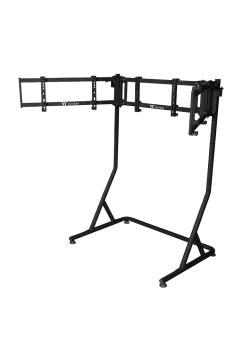
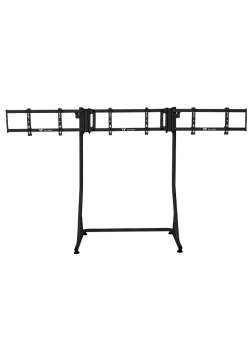
If you’re building your first triple setup on a budget, the Thermaltake Triple Stand Pro is currently on offer at Simline. This steel floor stand has five height positions and up to 60° of angle adjustment. It takes three curved monitors up to 32″ or three flat monitors up to 34″, with a limit of 20 kg per screen. It supports 75 × 75 mm and 100 × 100 mm VESA, among other patterns. The G5 listed above fits the stated size and weight limits and has a supported mounting pattern. Before fitting it, check that the plate clears the monitor housing and cables.

If you already own one compatible monitor, mount it in the middle first and add the other two later. It’s an easy way to spread the cost without buying another stand. The Thermaltake comes in Black and Snow White. The stand and monitors are purchased separately.

Check the Thermaltake Triple Stand Pro offer

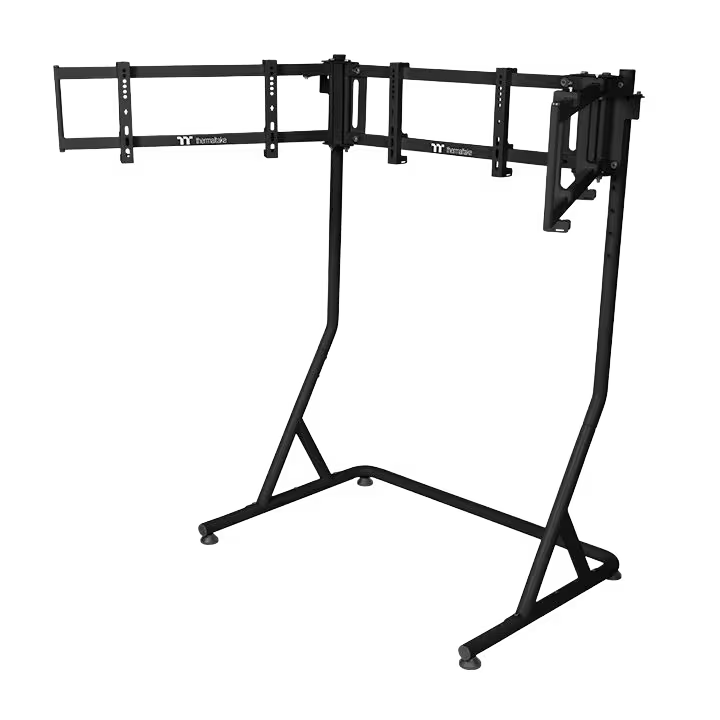
Black Thermaltake Triple Stand Pro with its three monitor mounting brackets
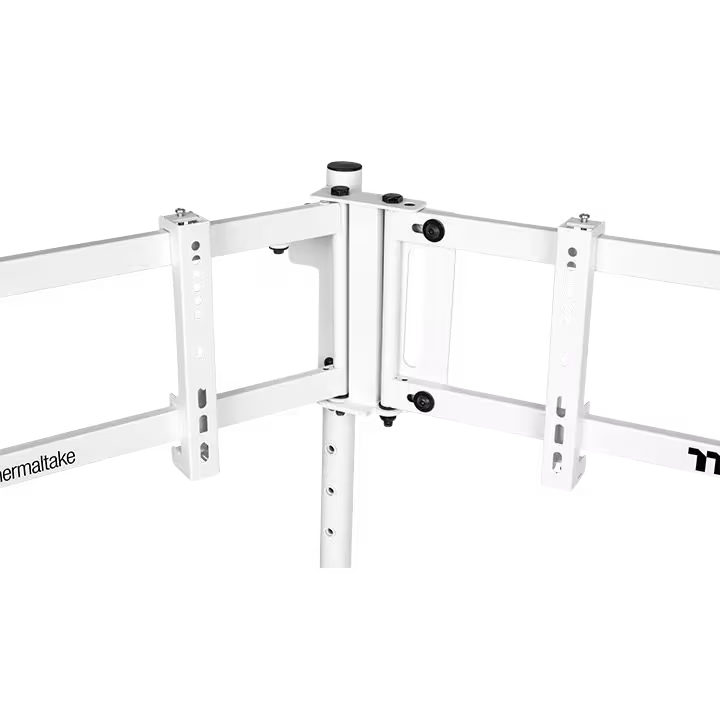
Arm hinge and mounting plates on the white Thermaltake Triple Stand Pro

Three checks before you start assembling

  1. Graphics card outputs. Check that your GPU can run three displays at the resolution and refresh rate you want. Look up how your sim handles triple screens, too.
  2. Screen position. Start with the centre panel in line with the wheel. Set your viewing distance, then position the sides symmetrically and line up the edges. Enter your screen measurements in the sim. If it asks for the curvature radius, use 1000R for this G5.
  3. Clearance behind the monitor. Make sure the VESA plate seats properly, the plugs have enough room and the screws are the correct length.

Make triple monitor bezels less visible with the RaceBear Bezel Free Kit

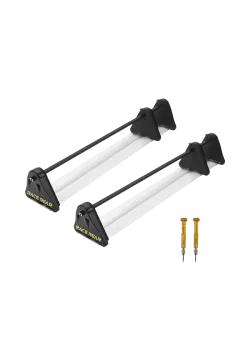
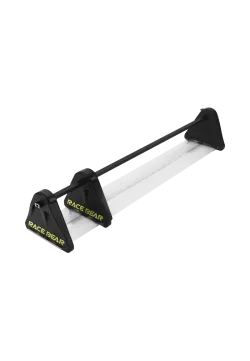
If the two dark lines between your screens keep drawing your eyes away from the track, take a look at the RaceBear Bezel Free Kit. The clear strips sit where the centre monitor meets the side screens. They bend light from the edges of the displays to mask the bezels. From the driver’s seat, the picture looks more continuous. The effect can be less convincing from the side.

For three monitors, choose a pair of strips, one for each seam. The 21 to 35″ version is the starting point for the 32″ Samsung G55C monitors in this article. With their 1000R curve, check how the clips fit the housing and whether the strips line up at the angle between your screens. Align the displays first, then fine-tune the strips from your driving position.

See the RaceBear Bezel Free Kit at Simline

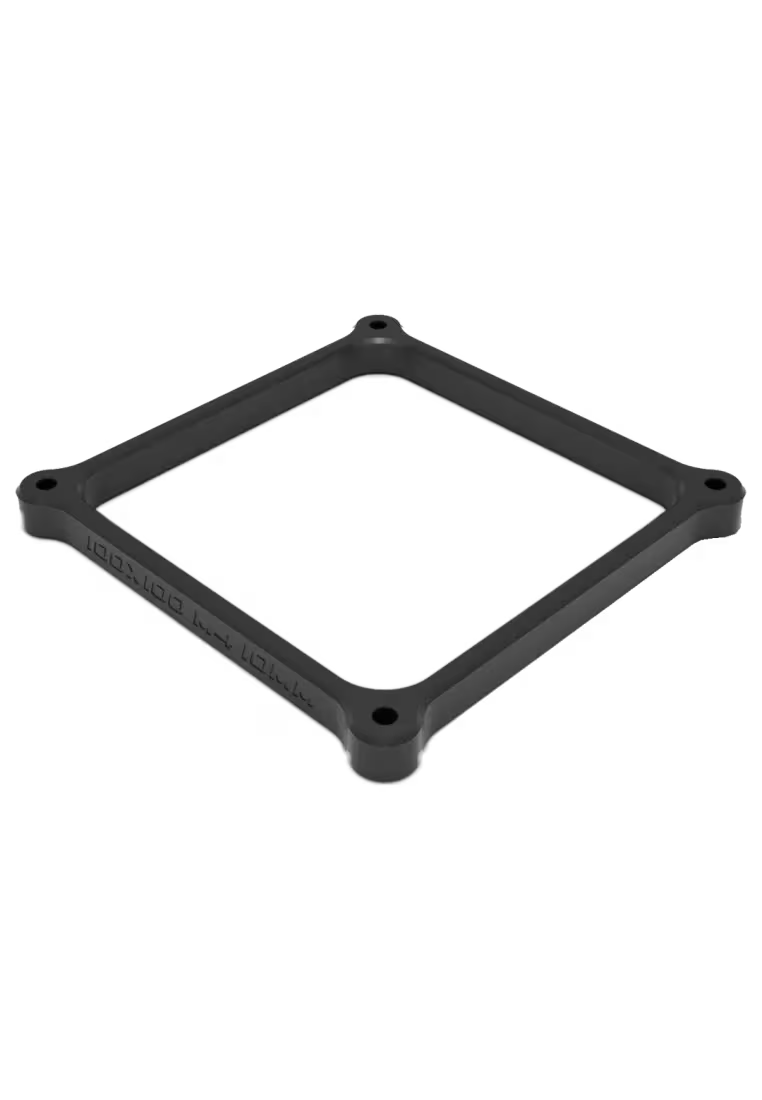
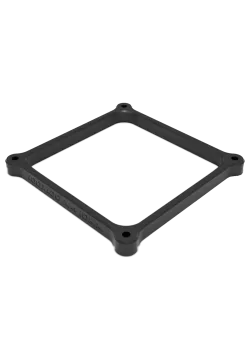
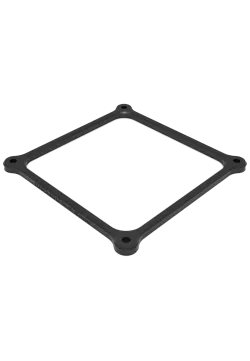
Black Simline spacer frame for a 75 × 75 mm VESA mount

When does a VESA spacer help?

If the VESA recess sits too deep for the stand’s plate to seat properly, a spacer can bridge the gap. Choose one to suit the hole pattern and the clearance you need. This version of the Samsung G55C uses 75 × 75 mm VESA, so start there. You only need a spacer if the plate needs extra room. Follow the monitor manual for screw length, accounting for the spacer thickness. Mounting screws are sold separately.

Triple monitors at a glance

  • Three 16:9 screens give you room to build a wider view around the driving position.
  • Three QHD monitors add up to a 7680 × 1440 picture.
  • The Thermaltake stand lets you start with one compatible screen and add two more later.
  • In a triple setup, the stand holds three curved monitors up to 32″ or three flat monitors up to 34″.

What do you gain on the track and at your setup?

A wider field of view and a stronger sense of speed make the sim feel more immersive. The extra visual cues give you more to work with when you’re trying to improve lap consistency and times. A separate stand keeps the displays off the frame that carries the wheel and its vibrations. If you’re still racing at a desk, it also keeps the desktop clear.

If one screen gets damaged, you can replace that one. If a panel cracks during use, you bump the screen with something, or your cat mistakes it for a scratching post, you can buy a single matching monitor. Damage to a premium ultrawide can mean paying to repair the entire large panel or replacing the monitor. With triples, a single lower-cost screen can get you racing again.

Who is this setup for?

It makes sense if you have space for three displays and a graphics card that can run them. Start by measuring your space, picking the monitors and pricing up the whole setup. See the Thermaltake Triple Stand Pro offer.

Triple monitors for sim racing FAQ

Can I mix three different monitors?

It depends on the sim and how you configure the display output. Three matching screens are the easiest choice because you can line up their edges, match brightness, and set a common resolution and refresh rate more easily.

Can my RTX or Radeon run three QHD monitors?

Check your specific card. You’ll need three compatible video outputs, support for three active displays and enough performance for your sim. Start at native QHD and adjust the graphics settings to reach your target frame rate.

Can I use the freestanding Thermaltake with a desk?

Yes, if the feet fit around the desk and the stand’s height range puts the centre screen in a comfortable position. Allow room to angle the side monitors and reach the cables, too.

Does the Thermaltake Triple Stand Pro fit this Samsung G5?

The 32″ Samsung G55C (LS32CG552EUXEN) meets the stand’s stated limits and uses a supported 75 × 75 mm VESA pattern. Before mounting, check that the plate clears the rear housing and leaves room for the plugs.

Does every monitor need a VESA spacer?

A spacer helps when the plate fouls the housing or won’t seat properly. Match it to the VESA pattern and the clearance you need. The G55C in this article uses 75 × 75 mm VESA. If the plate seats properly on its own, you may not need a spacer.

Comments (0)

No comments at this moment
Product added to wishlist
Product added to compare.