Shopping Cart
There are no more items in your cart
 English
 Polski


Elgato Stream Deck +
730.89zł

218.70zł
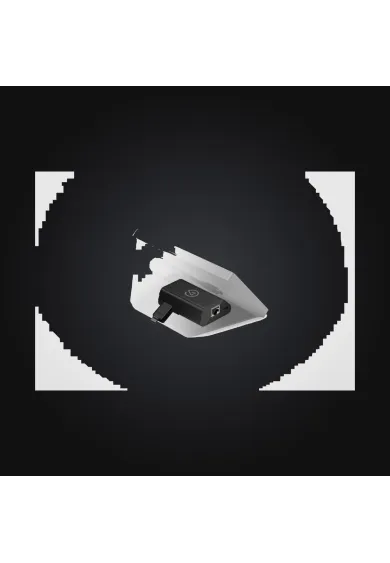
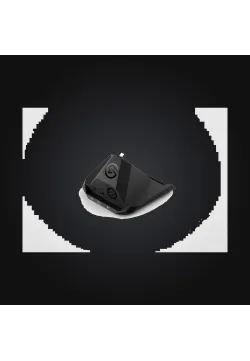
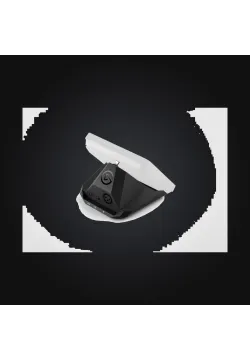
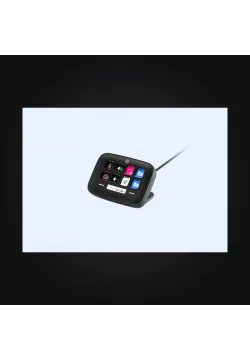
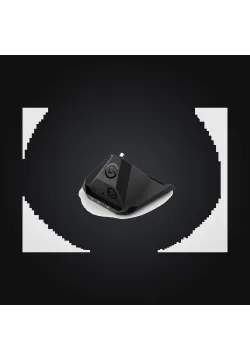
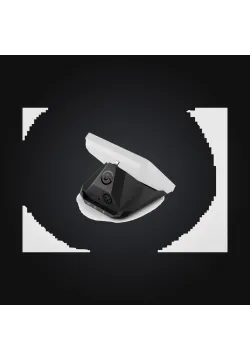
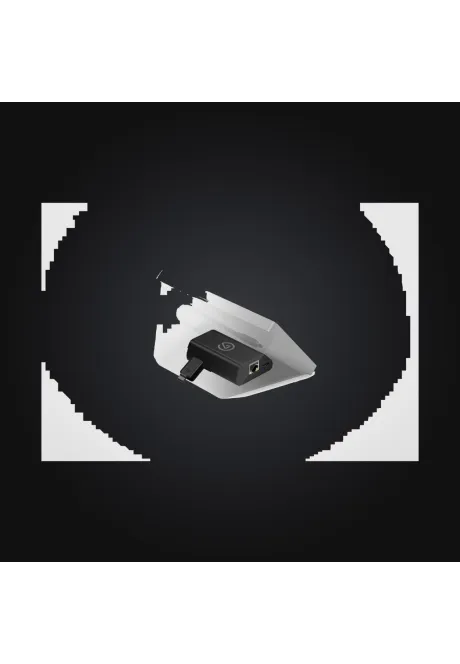
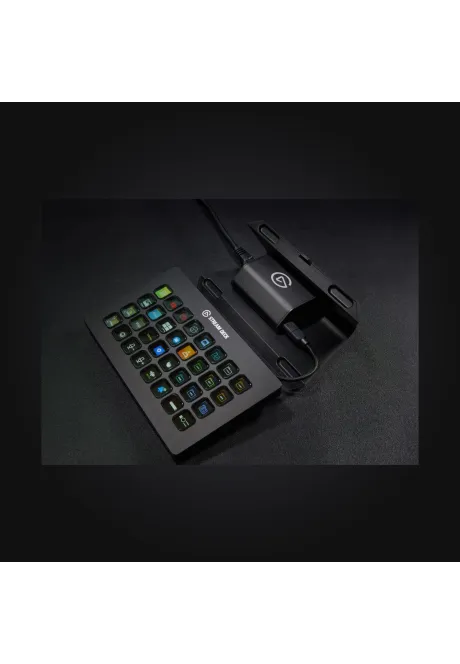
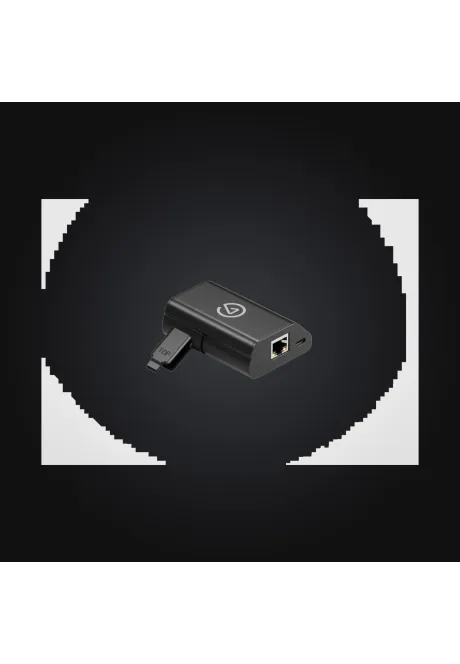
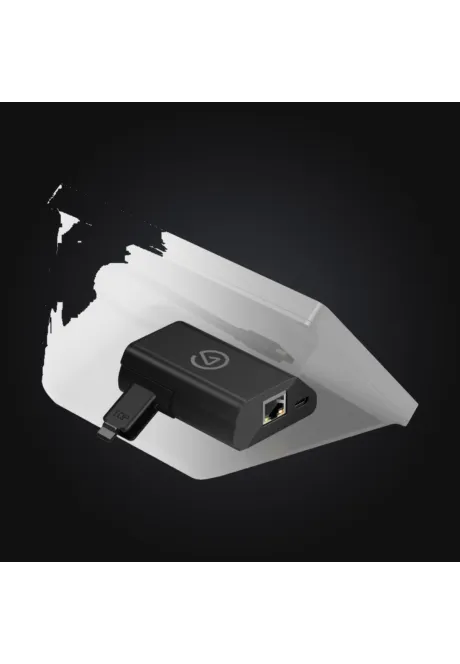
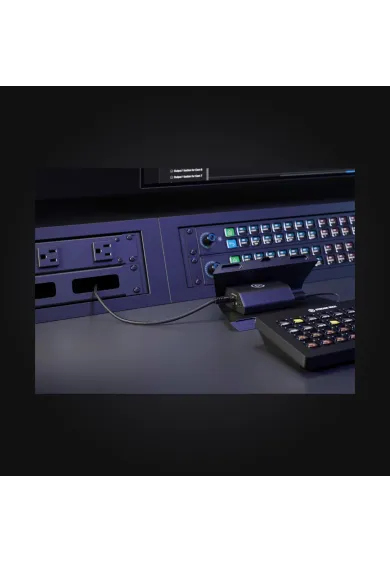
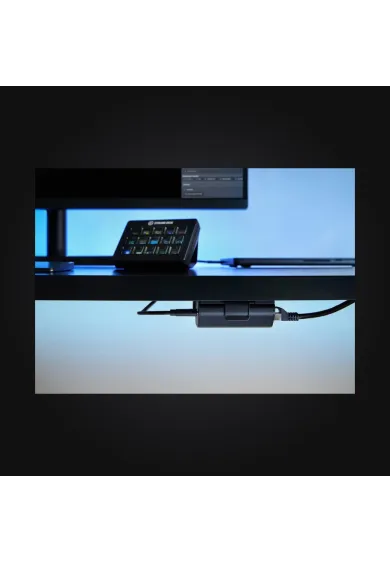
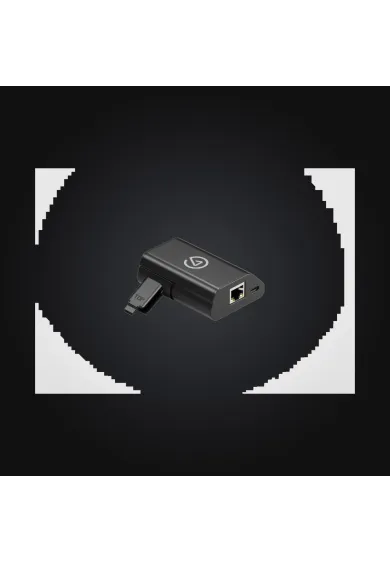
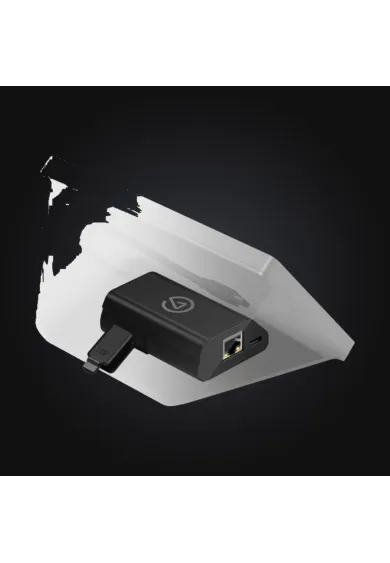
Elgato Stream Deck Network Dock – An adapter that connects a Stream Deck to your computer over Ethernet instead of USB.
You might also like

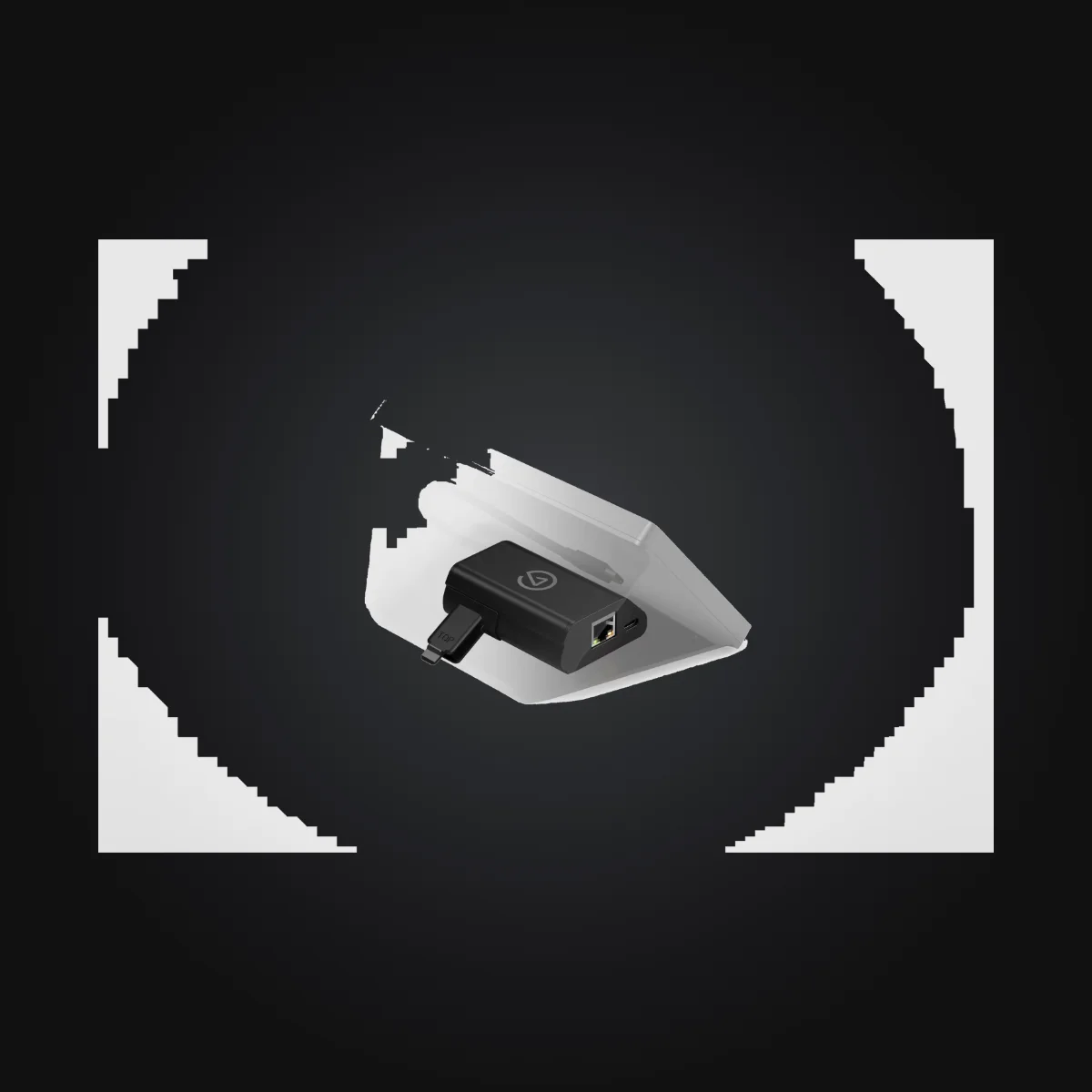
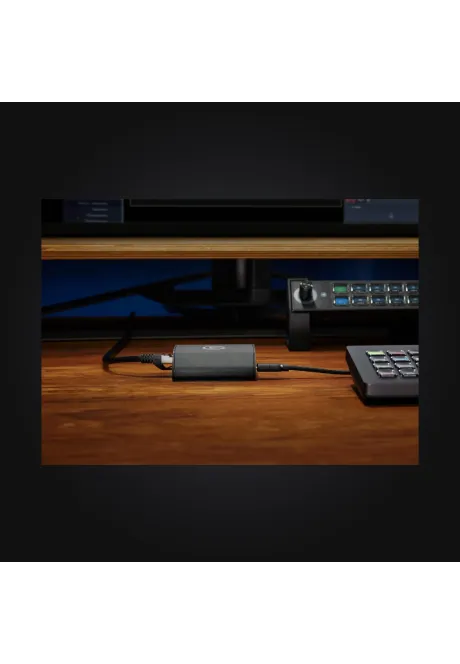
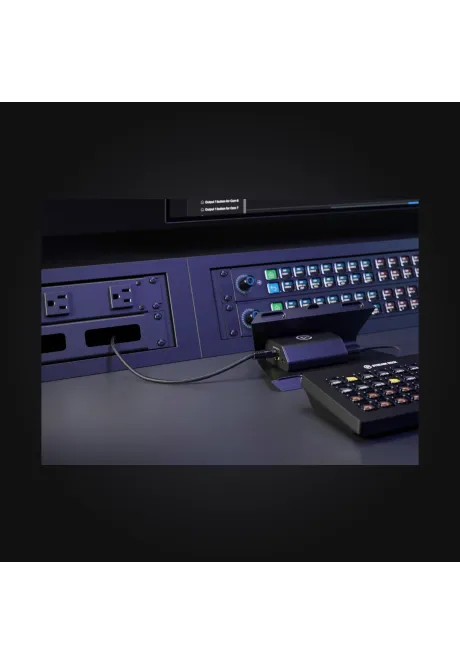
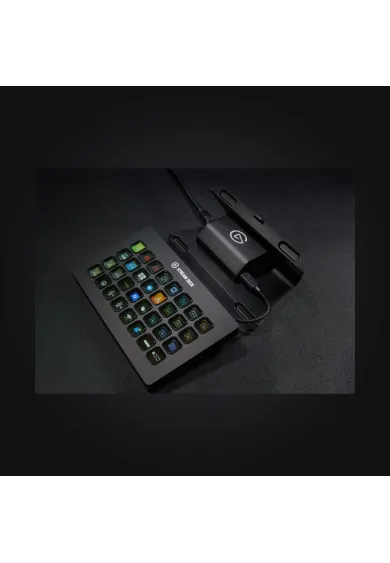
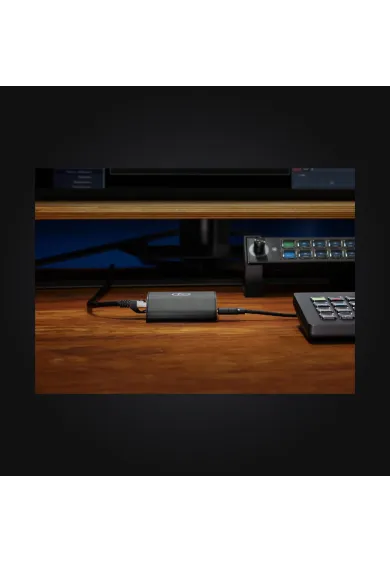
Connect the Stream Deck to the dock with a short USB-C cable, and the dock to the network with an RJ45 cable. The computer can be in another room – it just has to be on the same network.
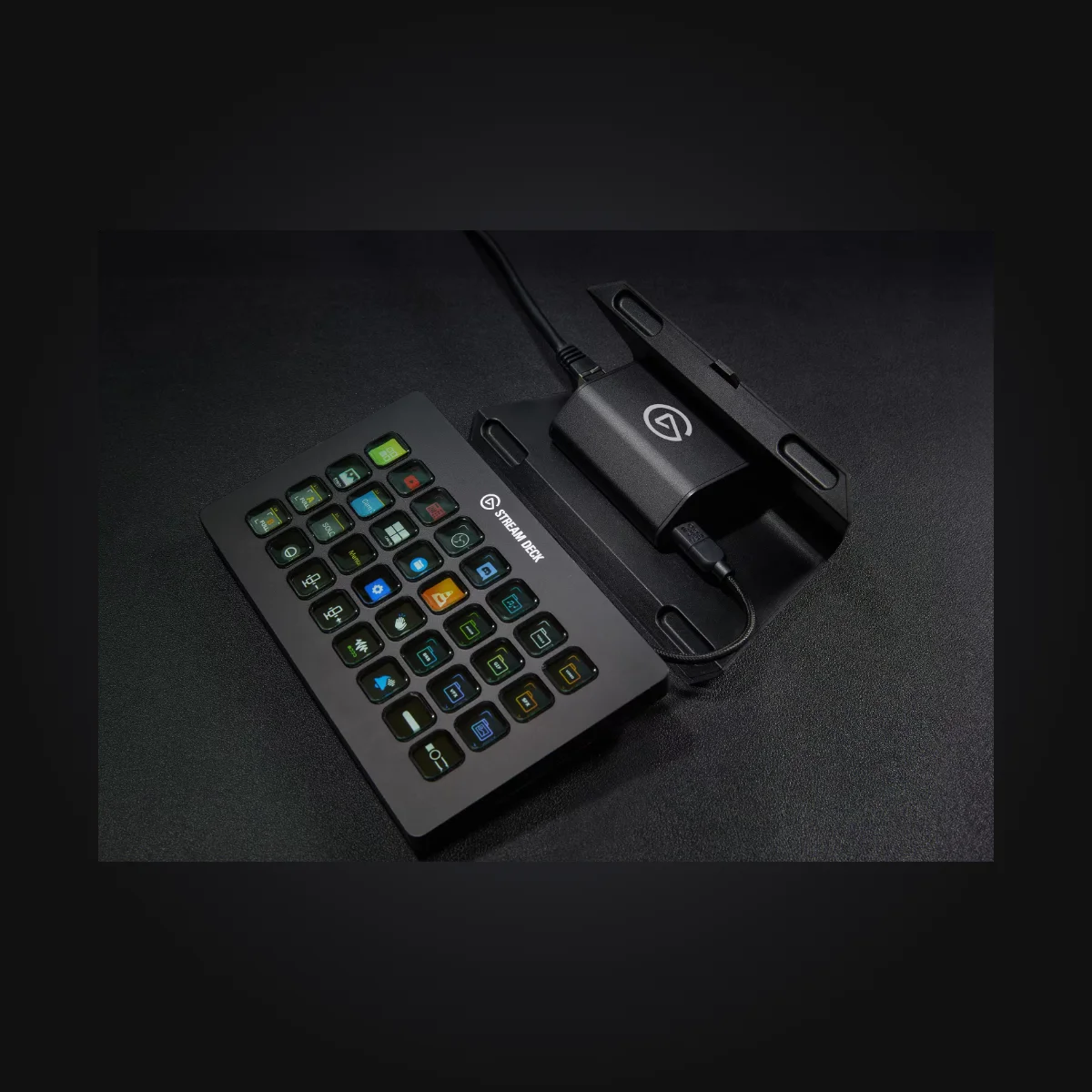
With an 802.3af PoE switch one network cable is enough. On a non-powered network add a USB-C PD 3.0 power supply (min. 5 V, 1.1 A), sold separately.
| Parameter | Value |
|---|---|
| Brand | Elgato |
| Model | Stream Deck Network Dock |
| Connection | RJ45 Ethernet, USB-C to Stream Deck |
| Power | PoE IEEE 802.3af or USB-C PD 3.0 |
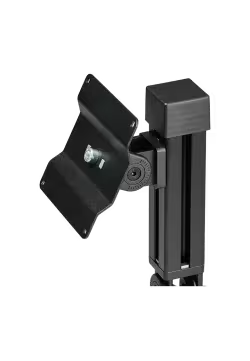
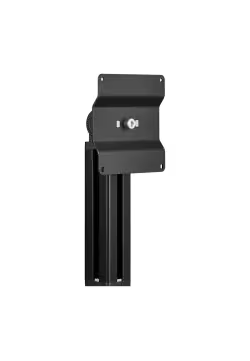
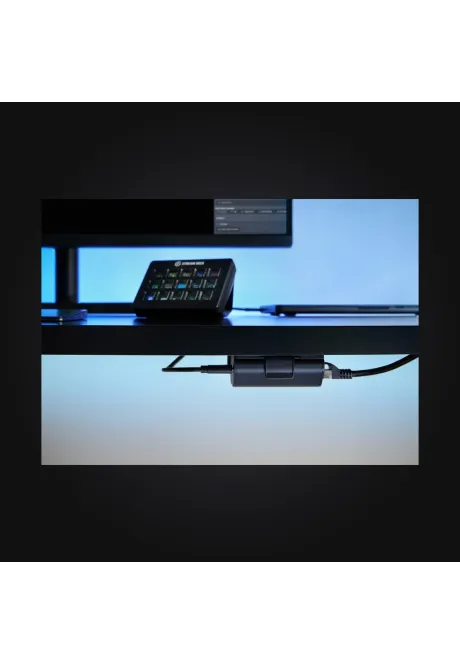
| Mounting | mounting bracket and Stream Deck XL mount |
| Platforms | Windows 11 (64-bit)+, macOS 13+ |
| Compatibility | Stream Deck (except 1st gen and Studio) |
| Software | Stream Deck app (free) |
| Dimensions | 59 x 79 x 27 mm |
| Manufacturer code | 10GBW9901 |
| EAN | – |
With current Stream Deck models. Elgato excludes the first generation (R/N 20GAA9901) and Stream Deck Studio, as well as the USB Hub and XLR Dock for Stream Deck +.
No. With PoE you do not need one; on a non-PoE network you need a USB-C PD 3.0 power supply.
No – the included cable only connects the dock to the Stream Deck; the computer talks to it over Ethernet.
Simline – an authorised dealer. Send claims to support@simline.eu, and ask us anything before you buy.
In the box: Elgato Stream Deck Network Dock
You might also like