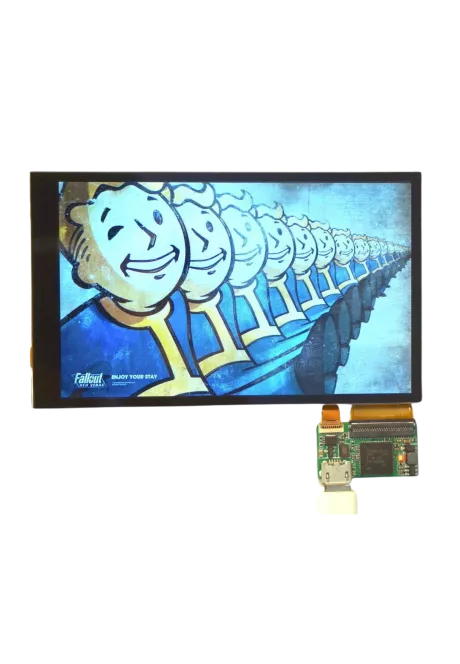
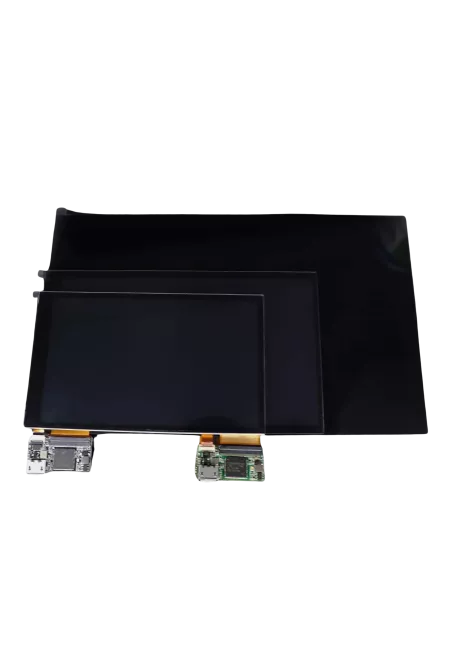
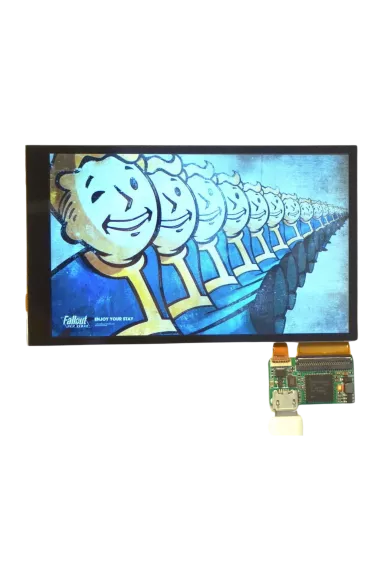
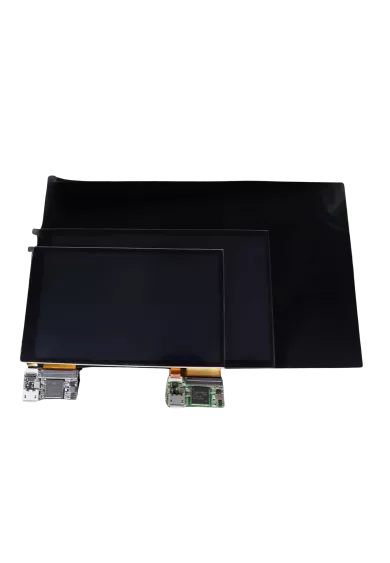
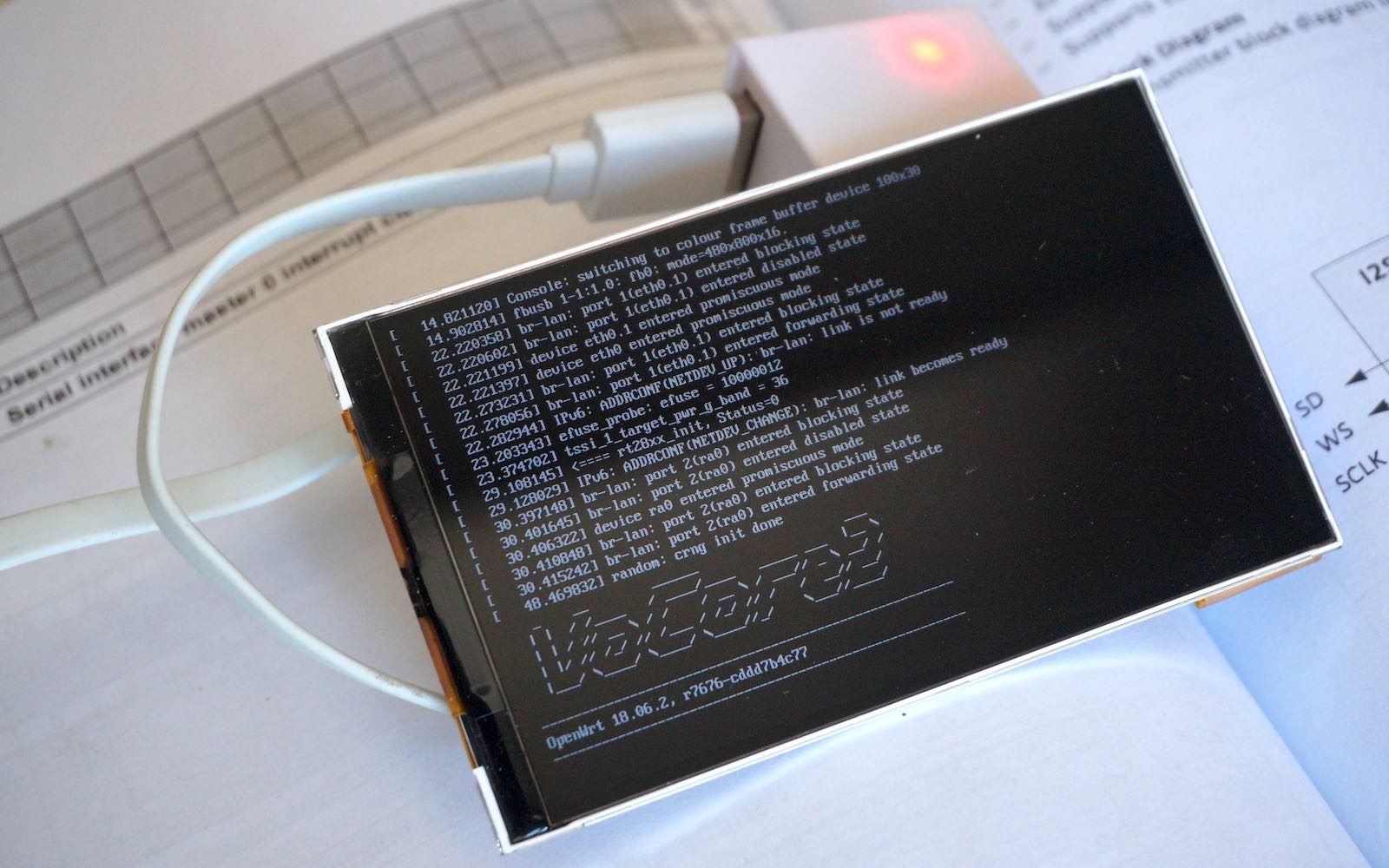
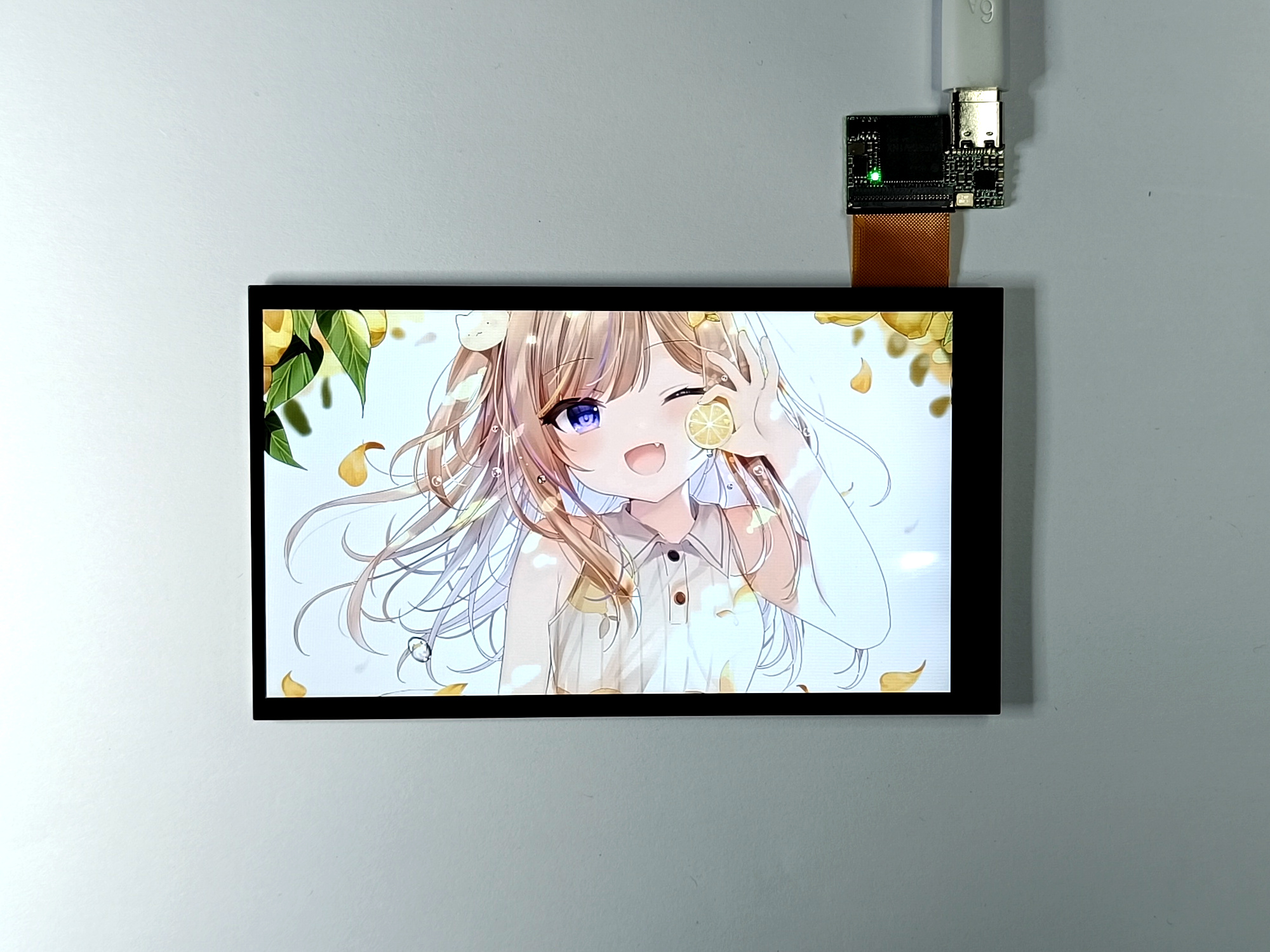
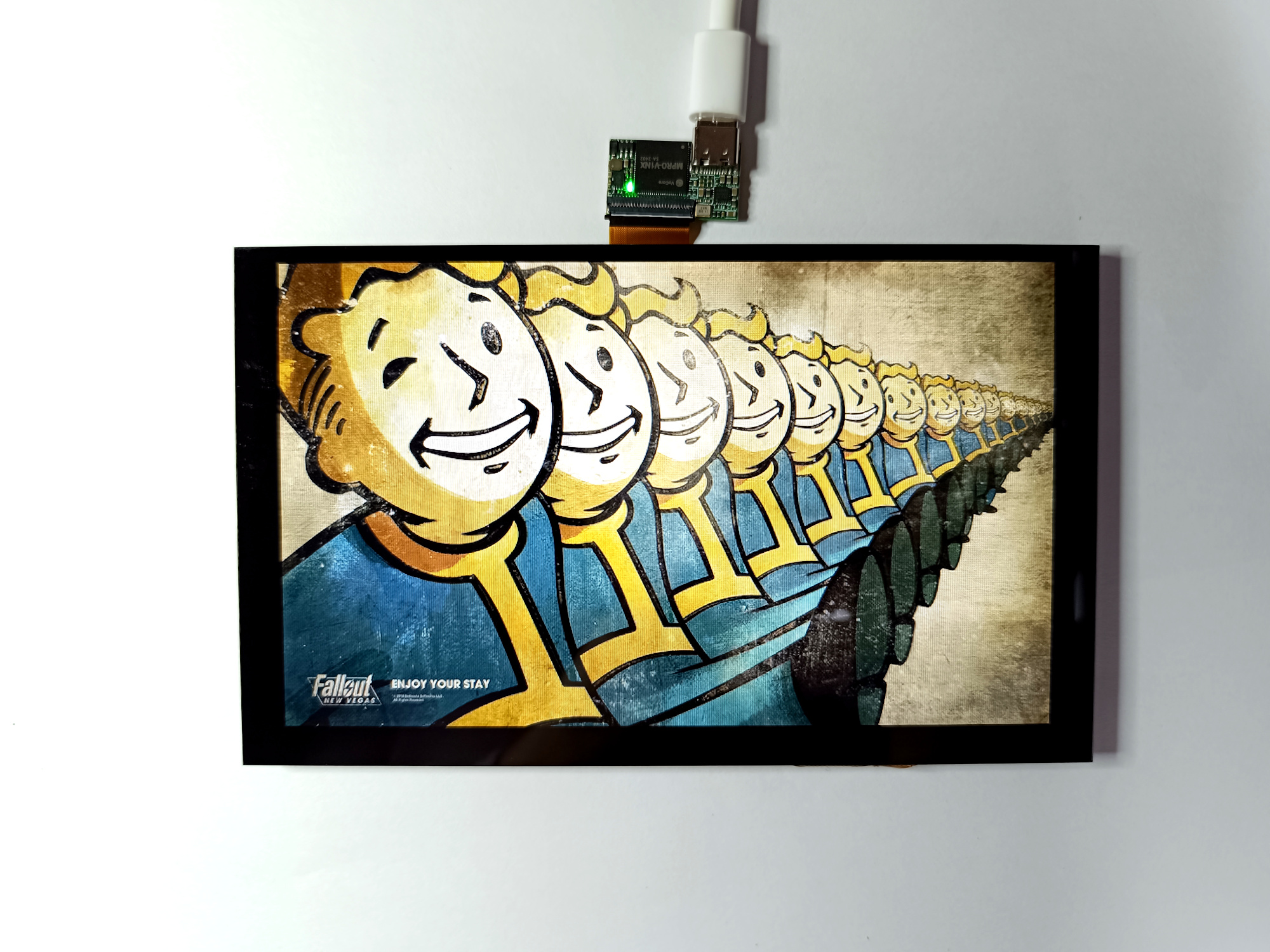
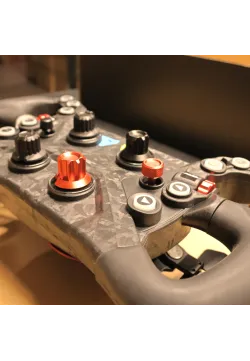
VoCore Screen is a fast screen for high quality display usage for embed devices. It uses USB2.0 port to display real color(24bit) at 25fps, fit for video, embed rich UI interface application. It is designed for the device who does not have MIPI, HDMI or other video interface but only have USB2.0 interface.
DEMO VIDEO: Play Doom on VoCore2
DEMO VIDEO: Use as PC Display
DEMO VIDEO: Use VoCore2 as Control Panel
Parameters(MPRO Driver Board)
|
5inch |
3.4inch round |
| SIZE |
119.3mm x 68.7mm x 3.6mm |
115mm x 3.6mm |
| DISPLAY SIZE |
109.6mm x 61.6mm |
88mm |
| INTERFACE |
USB 2.0 HS |
USB 2.0 HS |
| RESOLUTION |
480 x 854 |
800 x 800 |
| FRAME PER SECOND |
35(full draw)/60(partily draw) |
22(full draw)/60(partily draw) |
| TOUCH PAD |
Capacitive, two points |
Capacitive, two points(April.1) |
| DRIVER |
framebuffer, libusb |
framebuffer, libusb |
| POWER SUPPLY |
USB-TYPEC 5.0V |
USB-TYPEC 5.0V |
| POWER CONSUMPTION |
~1.35W |
~1.55W |
| BACKLIGHT |
350LM |
350LM |
Parameters(V7B Driver Board)
|
4inch |
4.3inch |
5inch |
6.8inch |
| SIZE |
97mm x 58mm x 3.8mm |
104.3mm x 61.3mm x 3.6mm |
119.3mm x 68.7mm x 3.6mm |
165.0mm x 100.0mm x 7.3mm |
| DISPLAY SIZE |
86mm x 53mm |
93.6mm x 56.2mm |
109.6mm x 61.6mm |
148.1mm x 88.9mm |
| INTERFACE |
USB 2.0 HS |
USB 2.0 HS |
USB 2.0 HS |
USB 2.0 HS |
| COLORS |
24bit, 16bit |
24bit, 16bit |
24bit, 16bit |
24bit, 16bit |
| RESOLUTION |
480 x 800 |
480 x 800 |
480 x 854 |
800 x 480 |
| FRAME PER SECOND |
24(24bit), 30(16bit) |
24(24bit), 30(16bit) |
24(24bit), 30(16bit) |
24(24bit), 30(16bit) |
| TOUCH PAD |
Capacitive, two points |
Capacitive, two points |
Capacitive, two points |
Capacitive, two points |
| DRIVER |
framebuffer, libusb |
framebuffer, libusb |
framebuffer, libusb |
framebuffer, libusb |
| POWER SUPPLY |
microUSB 5.0V |
microUSB 5.0V |
microUSB 5.0V |
microUSB 5.0V |
| POWER CONSUMPTION |
~1.2W |
~1.2W |
~1.35W |
~2.4W |
| BACKLIGHT |
350LM |
350LM |
350LM |
400LM |
How It Works
The screen has memory to store the picture, so you can directly send data through USB, data format is R-G-B-R-G-...in SDK the API has packaged all necessary functions, please also check the demo of DOOM to study how it works.
Current version support framebuffer driver for VoCore2 and Raspberry, please download SDK and try fbusb.ko
Sources
KICAD MODULE: Download
DRIVER BOARD 3D MODEL: Download
DRIVER, DEMO(20240220 support MPRO): Download Tutorial
2020.05.22: new VoCore Screen has touch screen now, for old no touch screen version, please click here
Littlevgl DEMO Source Code: Download
Littlevgl DEMO Firmware: Download
note: use sysupgrade or luci directly load uncompressed firmware to VoCore2 then it will work.
Tutorials
Connect to VoCore2
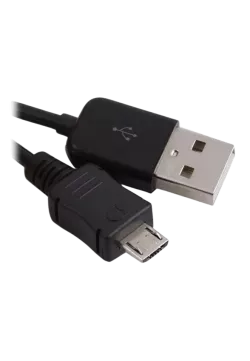
1. prepare a common USB 2.0 cable with microUSB port, make sure the cable has data wires(some USB cables are only for power charge and do not have data wires, it does not work with this screen).
2. compile fbusb driver, its source code is in SDK, or get from github.com/vonger/vocore2, in package/utils/fbusb.
3. power off VoCore2 and connect the screen with USB cable to VoCore2's USB port.
4. connect VoCore2 to 5V power, then around 10~15 seconds, you can find the screen LED is light, after around 0.5s, screen will become white, then we know it works.
note: fbusb will map screen to /dev/fb0.
Connect to Raspberry Pi
1. prepare a common USB 2.0 cable with microUSB port(make sure it has data cable)
2. compile fbusb for raspberry pi
3. call 'sudo insmod fbusb.ko', if success, you can find fbusb log in dmesg.
note: fbusb will map screen to /dev/fb1.
Try framebuffer
fbusb use 16bit color as default.
1. set screen to black: dd if=/dev/zero of=/dev/fb0 bs=1000 count=768
2. set screen to random pixel: dd if=/dev/urandom of=/dev/fb0 bs=1000 count=768
note: on vocore, it is /dev/fb0; on raspi, it is /dev/fb1.
User mode(use libusb instead of fbusb driver)
this mode is for windows and other system can not use fbusb driver but we can use libusb.
please check SDK README.md and source code send_frame.c/send_cmd.c/read_touch.c for usage.
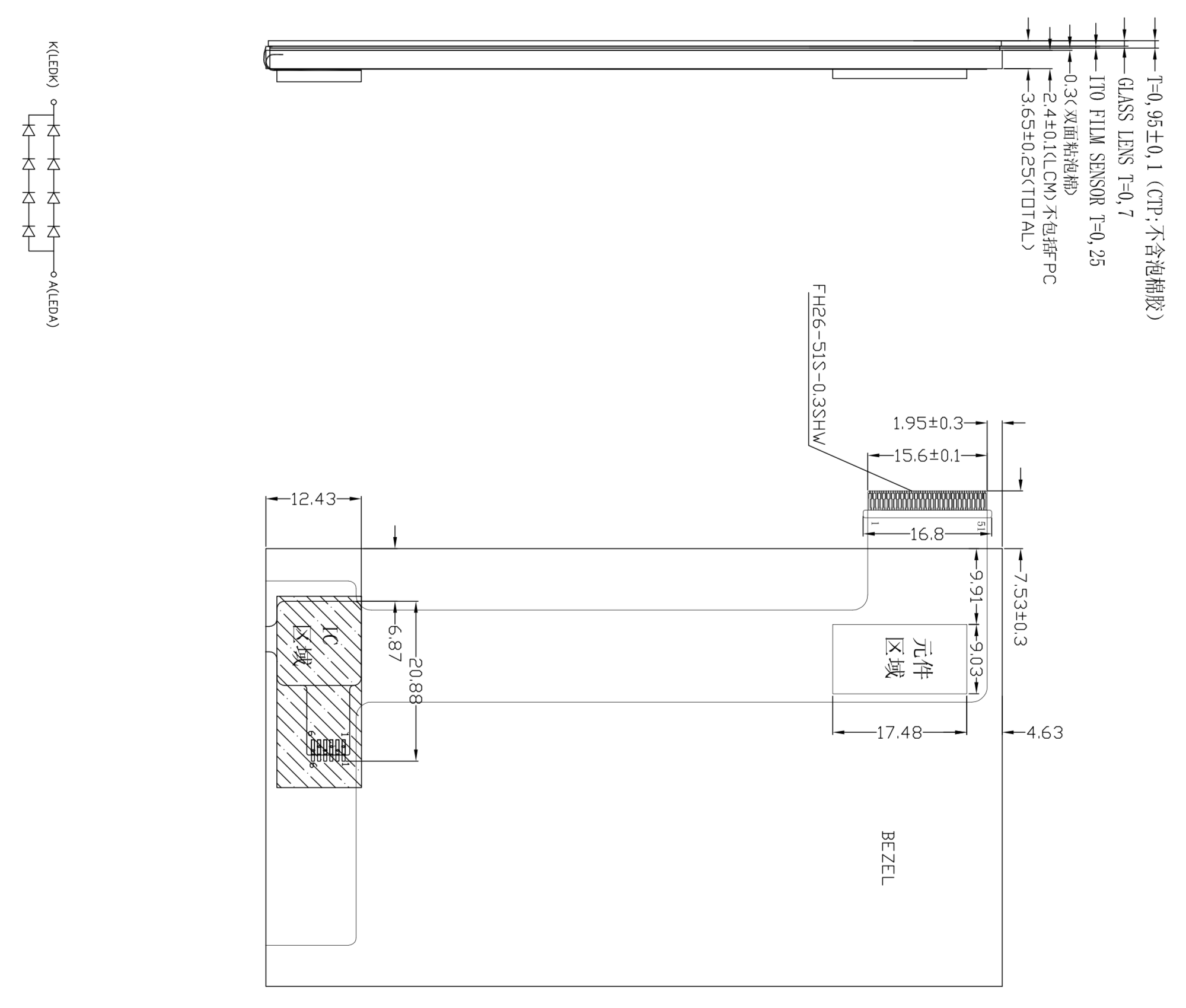
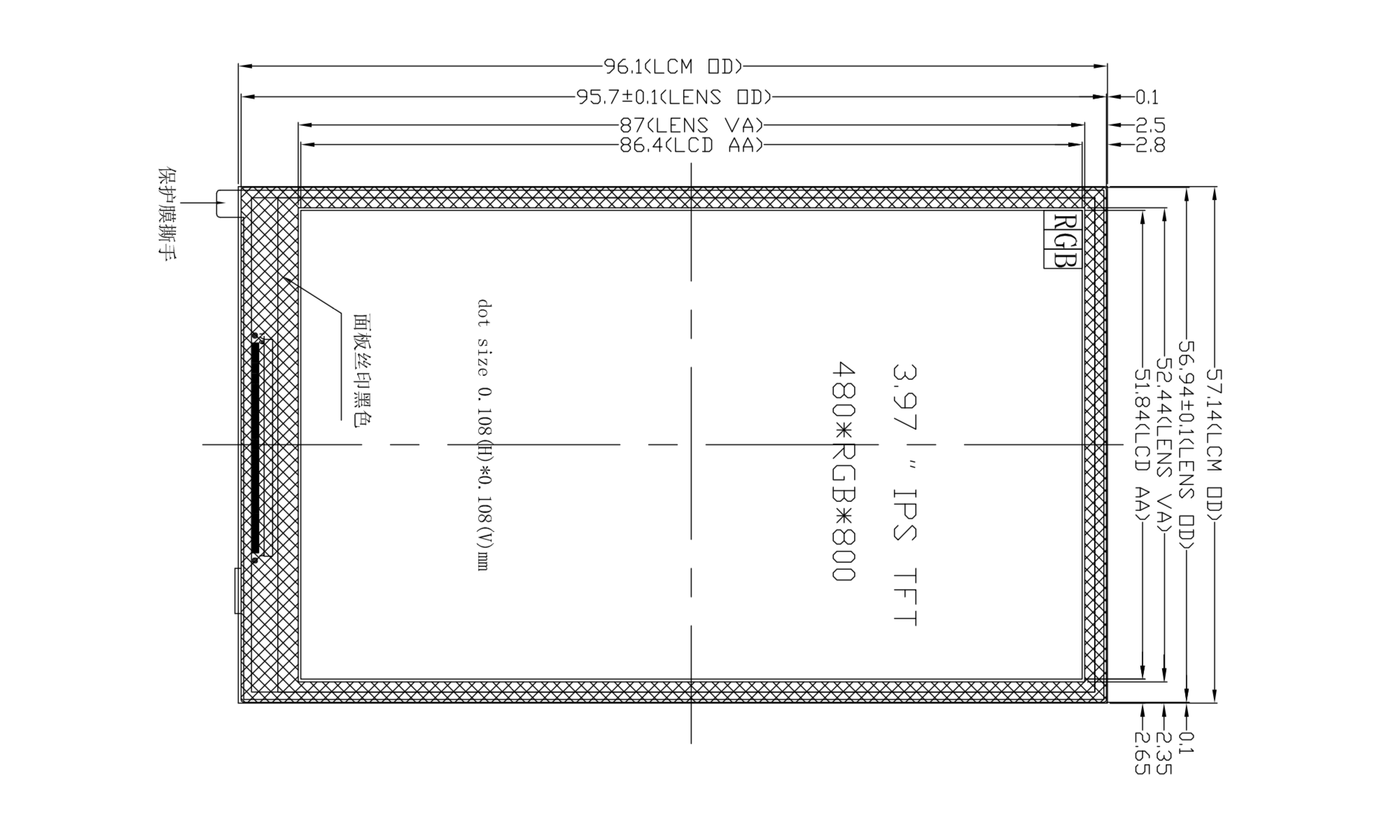
4inch Screen Dimension
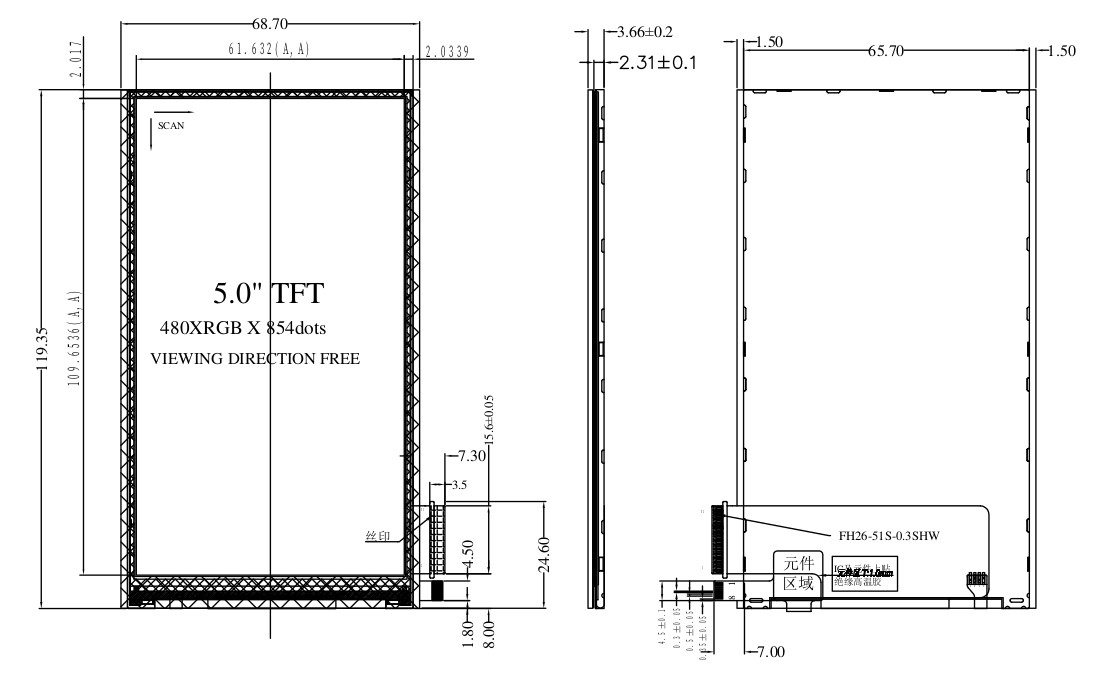
5inch Screen Dimension
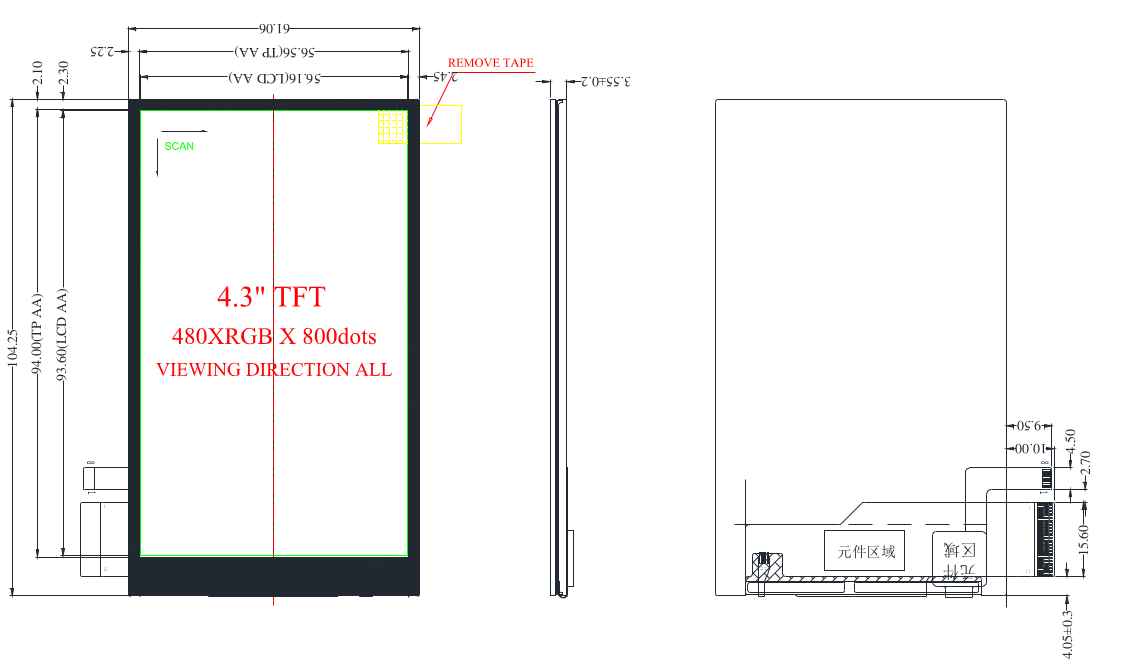
4.3inch Screen Dimension
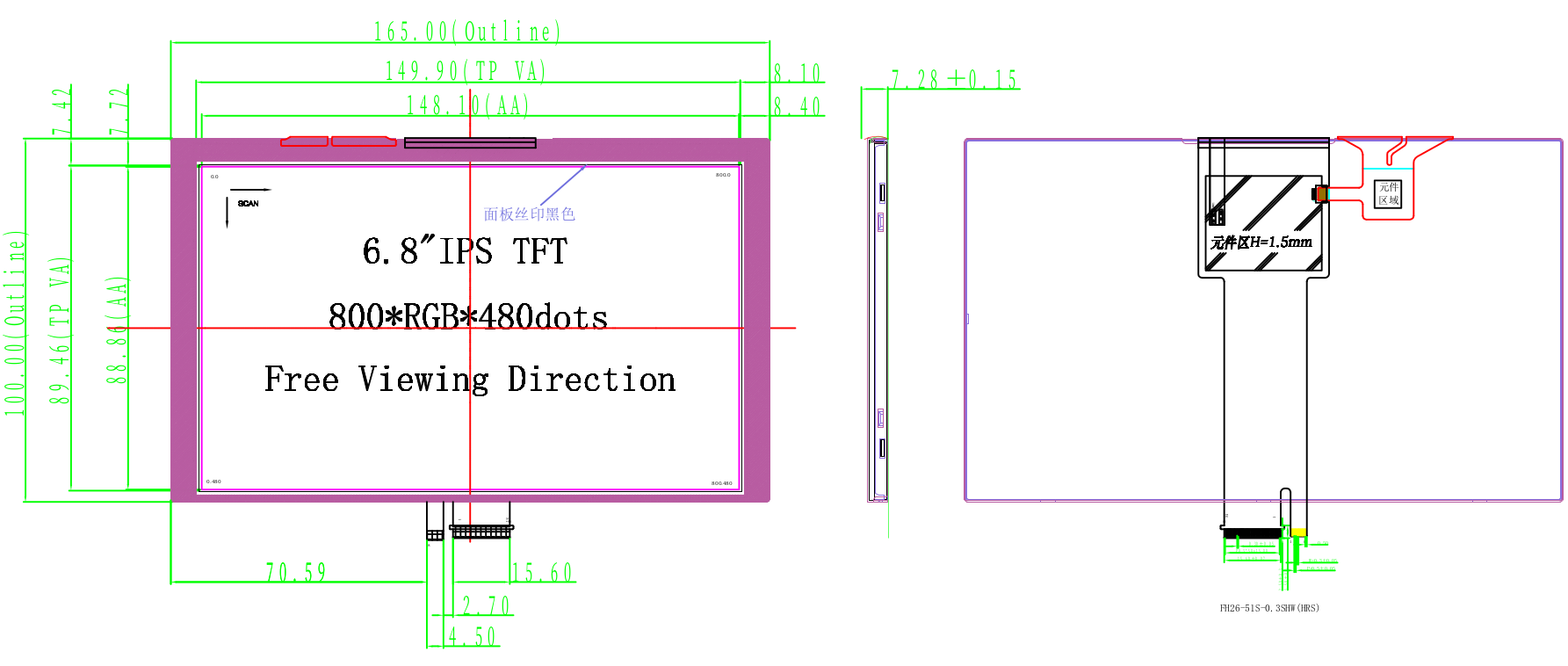
6.8inch Screen Dimension
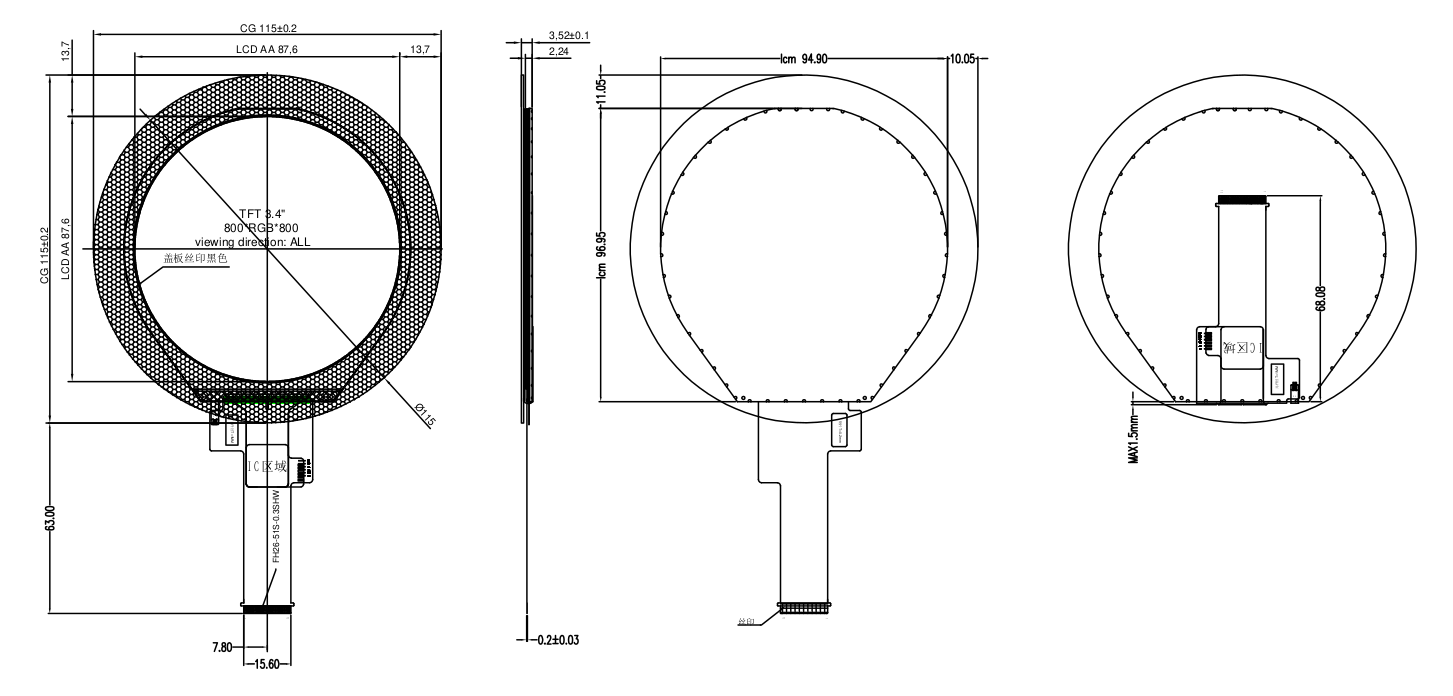
3.4inch Round Screen Dimension
MPro Screen Driver
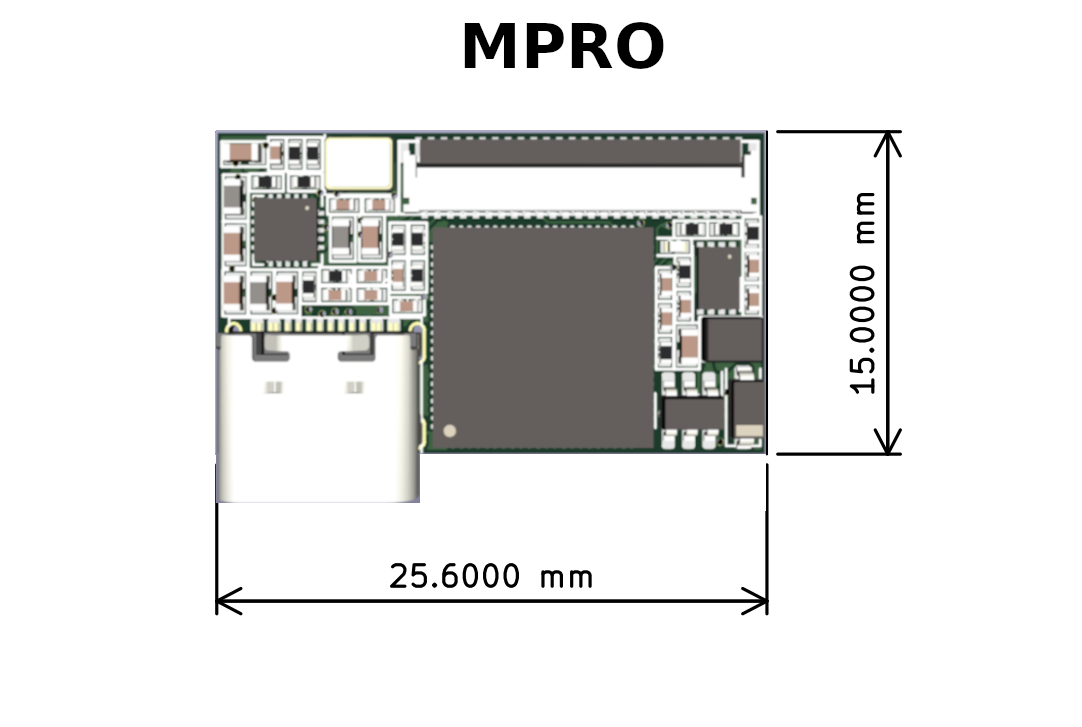

MPRO 3D MODULE: Download
MPRO KICAD FOOTPRINT: Download
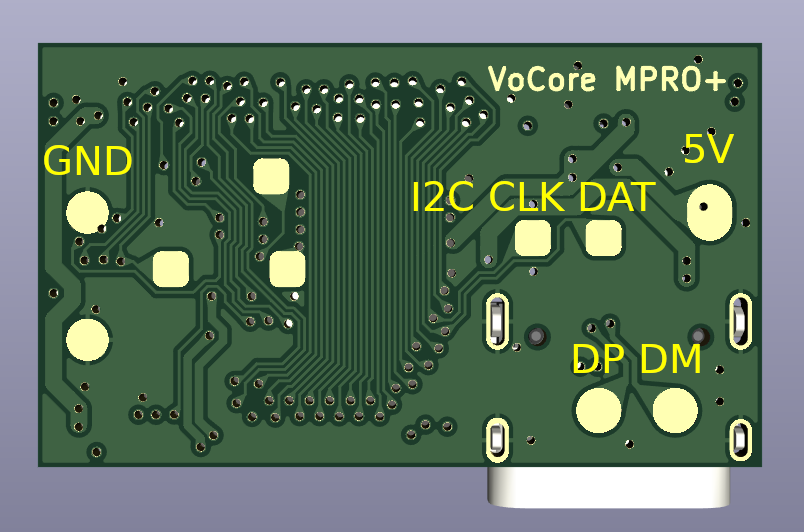
MPRO TEST POINT: POWER = 5V/GND; USB = DM/DP; I2C = DAT/CLK(both have 5kR pull up); OTHER PINS KEEP UNCONNECTED

 Polski
  English